
50 ChatGPT Prompts for Small Business Owners
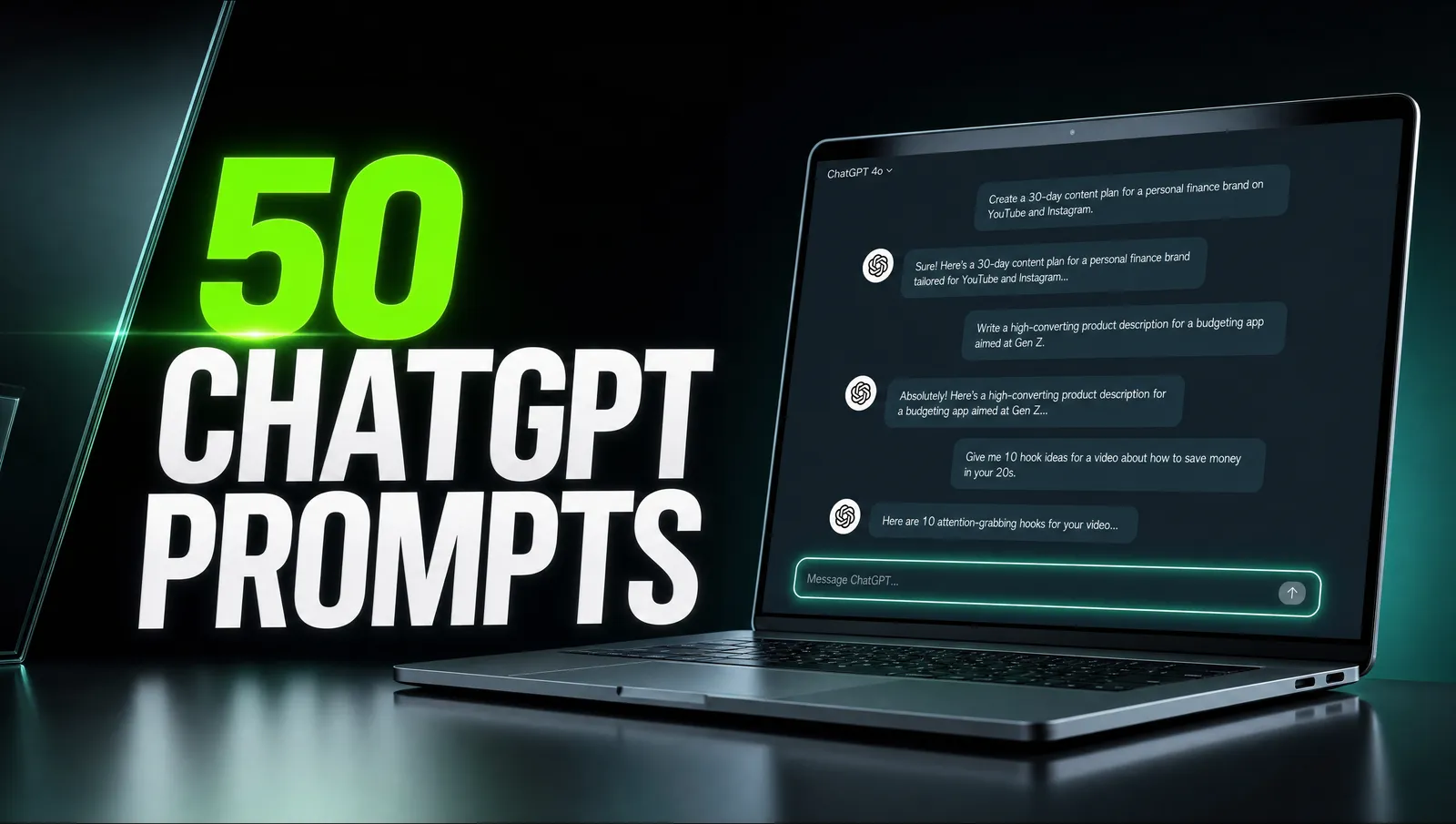
Stop staring at a blank screen. Copy, paste, get work done.
AI is only as good as what you ask it. The owners getting real value from ChatGPT are not smarter, they just have better prompts. Below are the exact ones we hand to clients, grouped by job, each ready to copy. Swap the bits in [square brackets] for your own details and you are done.
How to use these prompts
A prompt is just a clear instruction. The more context you give, the better the answer. Always tell ChatGPT who you are, who you are talking to, and what a good result looks like.
Start every chat by pasting a short business profile: what you sell, who buys it, and your tone of voice. Then run the prompts below. ChatGPT will remember the profile for the rest of that conversation.
- Be specific: 'write 5 subject lines for a 20% off promo ending Sunday' beats 'write me an email'.
- Ask for options: request three to five versions, then pick and refine.
- Tell it the format: bullet points, a table, under 100 words, friendly but professional.
Marketing prompts
These cover marketing work that eats up your time. Each one is written to give you a usable first draft in seconds.
Act as a copywriter. Write 5 Facebook ad headlines for [product] aimed at [audience], each under 40 characters.
Write a 150-word promotional email for [offer] ending [date]. Friendly tone, one clear call to action.
Give me 10 content ideas for [business type] that answer questions my customers ask before buying.
Rewrite this product description to focus on benefits, not features: [paste description].
Suggest 5 lead magnet ideas I could give away to collect emails from [audience].
Customer service prompts
Reply faster without sounding like a robot. Paste the customer message and let ChatGPT draft a warm, on-brand response that you can tweak and send.
Write a polite reply to this unhappy customer that acknowledges the issue and offers a fix: [paste message].
Draft a friendly response asking a happy customer to leave a Google review.
Turn these rough notes into a clear, professional quote email: [paste notes].
Write three FAQ answers about [topic] in a reassuring tone under 60 words each.
Content and social prompts
Keep your channels updated without extra work. Batch a week of content in one sitting using these.
Write 5 Instagram captions about [topic] with a hook, value and a call to action.
Turn this blog post into 4 short LinkedIn posts: [paste post].
Give me a 7-day content calendar for [business] mixing tips, behind-the-scenes and offers.
Write a 30-second video script introducing [service] to a first-time customer.
Planning and admin prompts
The unglamorous work that keeps a business moving. These save the most time per week.
Summarise this long email thread into three bullet points and a recommended next step: [paste].
Build a simple weekly plan to launch [project] in [timeframe], with milestones.
Draft a job description for a [role] at a small [business type].
Create a checklist for onboarding a new client from first contact to kickoff.
Getting better outputs
If an answer is not quite right, do not start over. Reply with what to change: 'shorter', 'more casual', 'add a stat', 'make it sound less salesy'. Treat it like briefing a junior teammate.
When something works well, save the prompt. Over a few weeks you will build your own library that fits your voice exactly. That library is worth more than any pack you can download.
Want this handled for you?
This is the kind of work we do every day. If you would rather skip the DIY, see our ai automation for small business service, or send us a message.
More free resources
Google Ads vs Facebook Ads: Which Should You Spend On?
One catches people already shopping. The other puts you in front of people who do not know you yet. Here is how to pick.
Read the guide →MarketingWhat Is SEO? A Plain-English Guide for Business Owners
SEO is how you show up on Google when someone is looking for what you sell.
Read the guide →