Reason 01
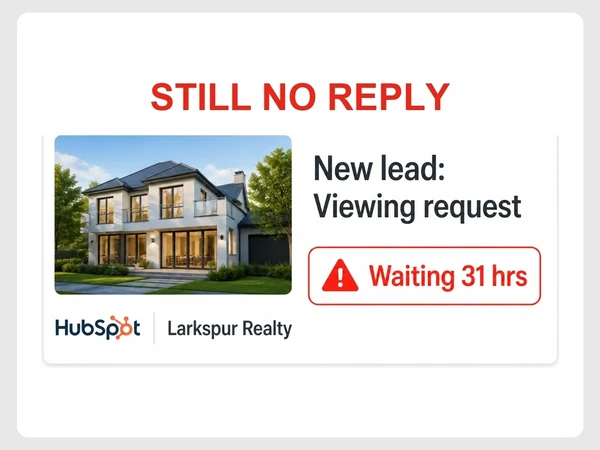
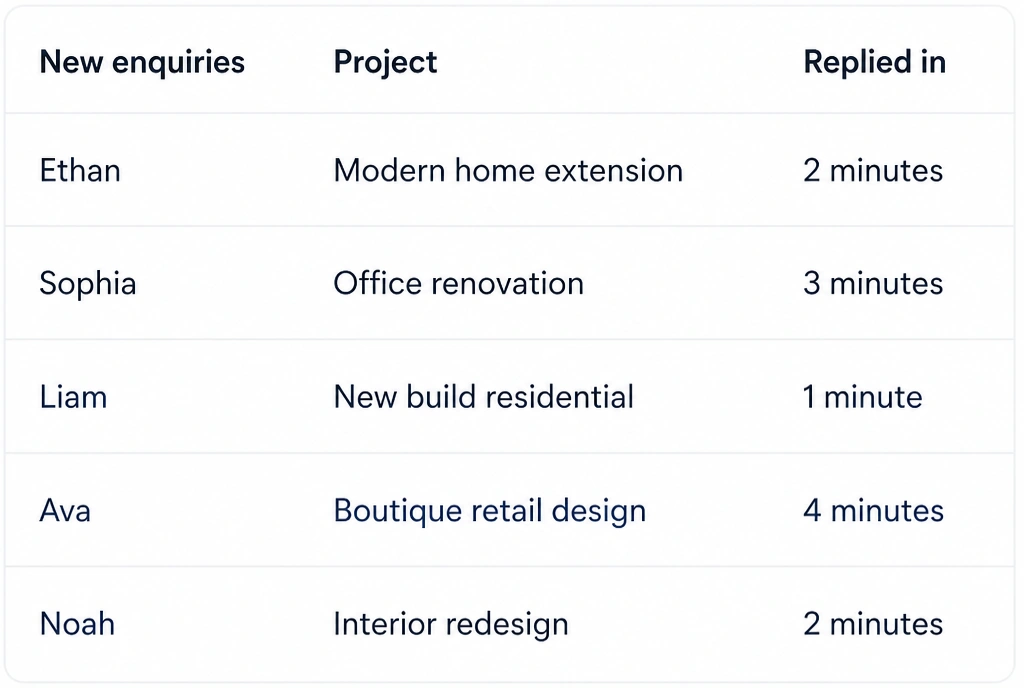
New leads sit unanswered longer than they should.
ai agency
Seed Light provides AI automation for repetitive sales and admin work. We connect lead replies, follow-ups, CRM updates and reporting into workflows your team can review.
The stack
The automation stack
Common problems
These common automation problems make it harder to reply, track work and follow up.
New leads sit unanswered longer than they should.
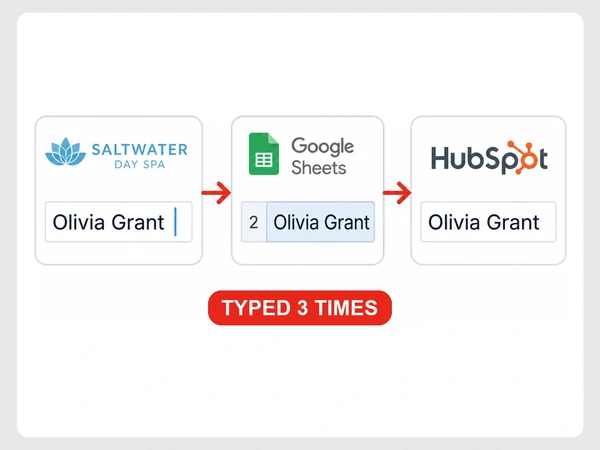
The same information gets copied between several tools.
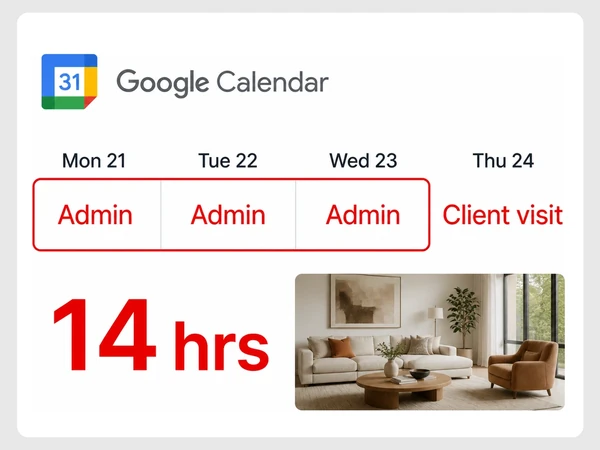
Routine admin eats hours that should go to customers or better work.
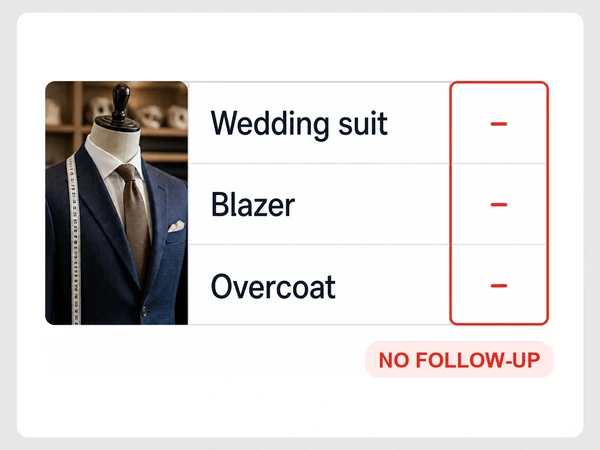
Quotes and enquiries are not followed up consistently.
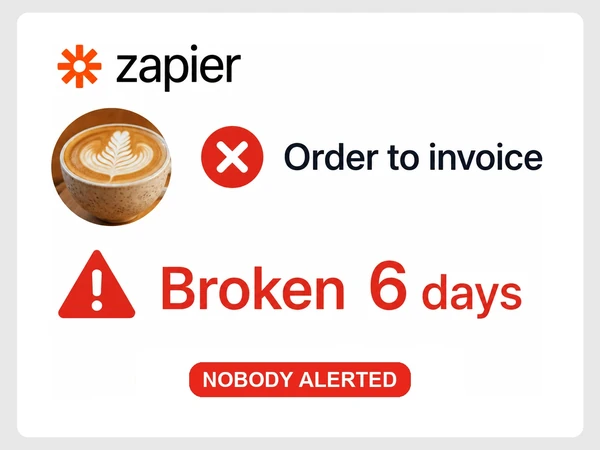
Problems get found only after someone notices something is wrong.
Where we start
Fix the biggest problem first
We prioritise the issues most likely to affect leads, sales or wasted time instead of trying to change everything at once.
What we build
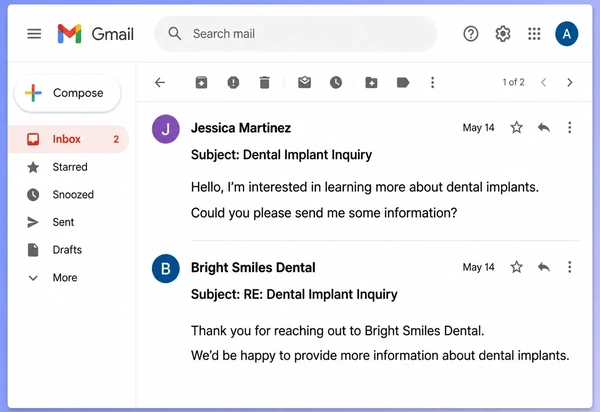
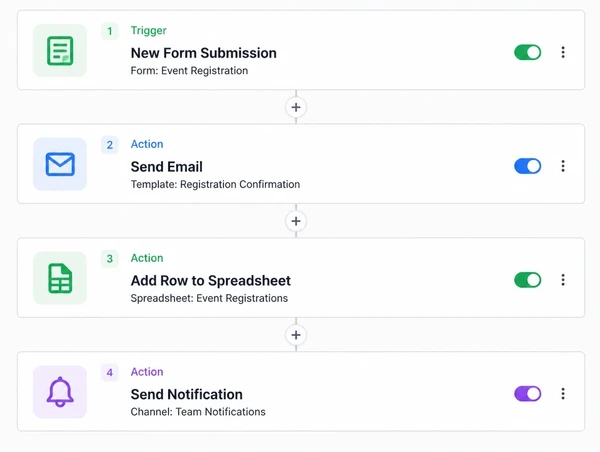
Log enquiries and send instant replies.
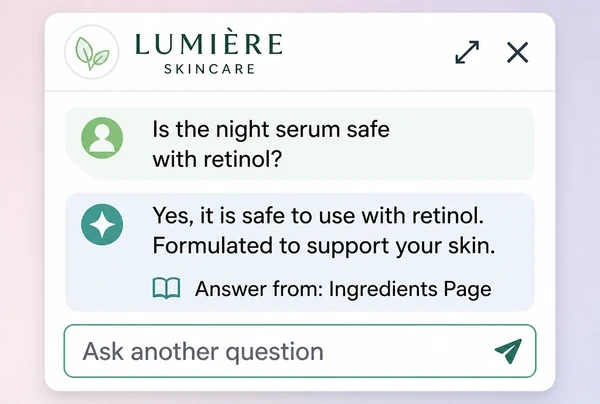
Answer questions using approved content.
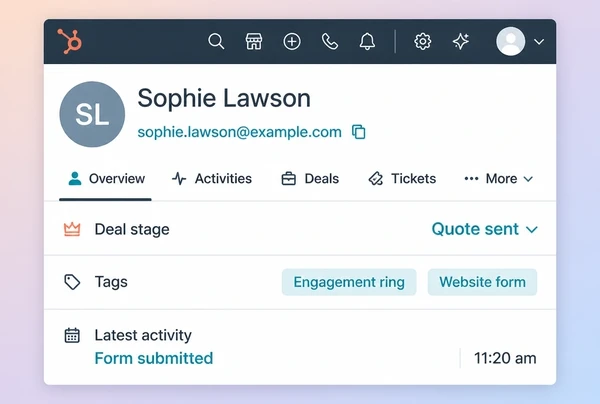
Tag leads and update pipeline stages.
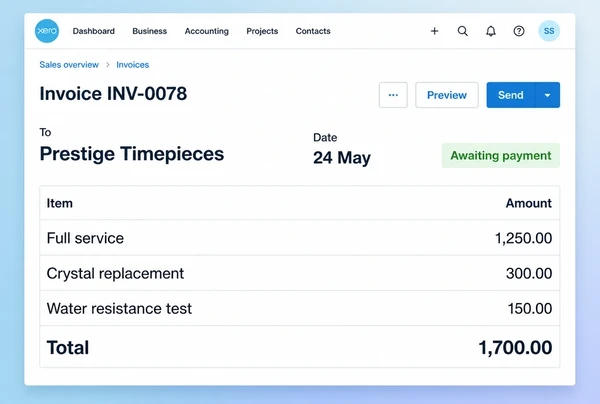
Create quotes and invoices from form data.
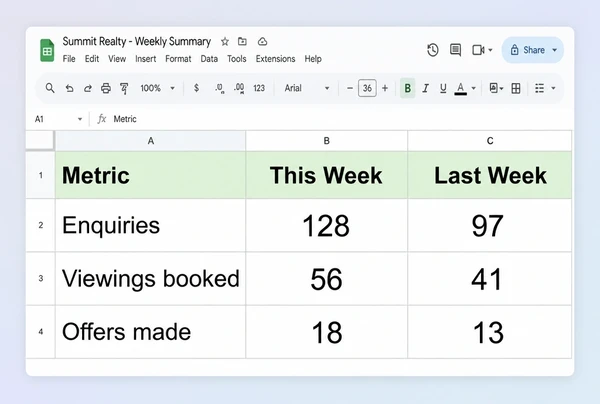
Compile weekly reports and email them.
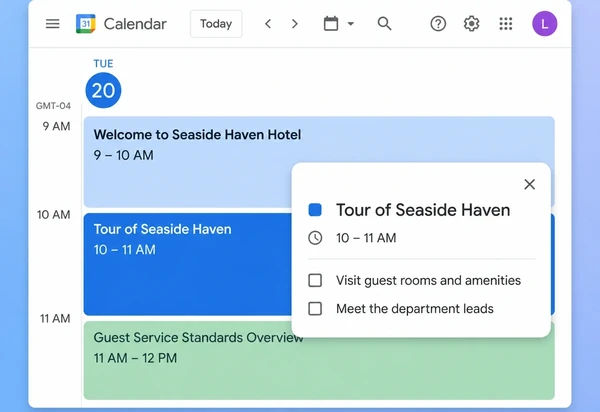
Build onboarding and handover workflows.
What matters
AI automation can send the first reply, collect agreed details and route the enquiry to the right person. The workflow records each step and passes anything outside its rules to staff.
Instant first reply
Reply as soon as the enquiry arrives.
Multi-channel replies
Reply via form, email, chat and WhatsApp.
Lead qualification
Ask the key questions immediately.
Calendar booking
Move strong leads straight into a booking.
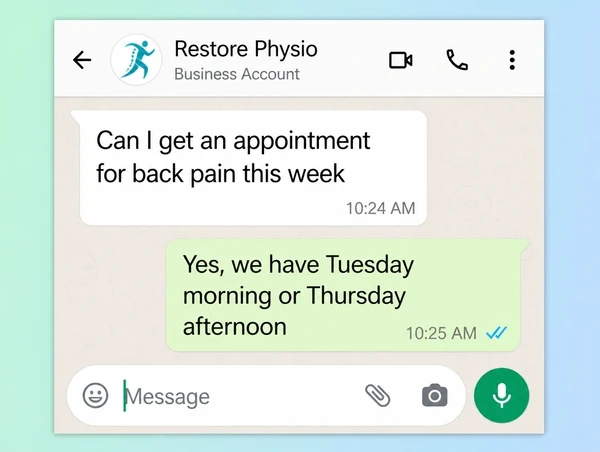
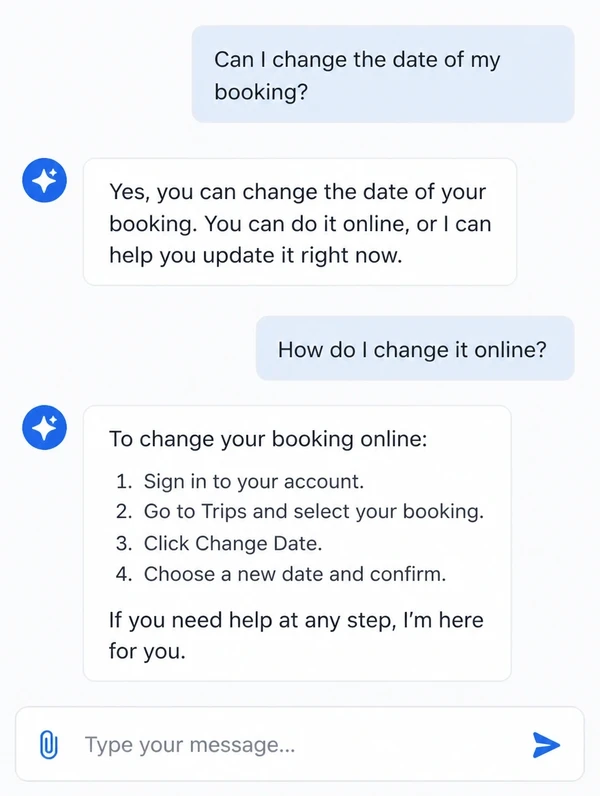
An assistant can use approved information about services, pricing, policies and common questions to handle routine enquiries. Anything outside those boundaries can be passed to a person for review.
Trained on your content
Use approved services, policies and FAQs.
Answers around the clock
Handle routine questions after hours.
Human handover
Pass unusual cases to a person.
Monthly retraining
Refresh answers from real buyer questions.
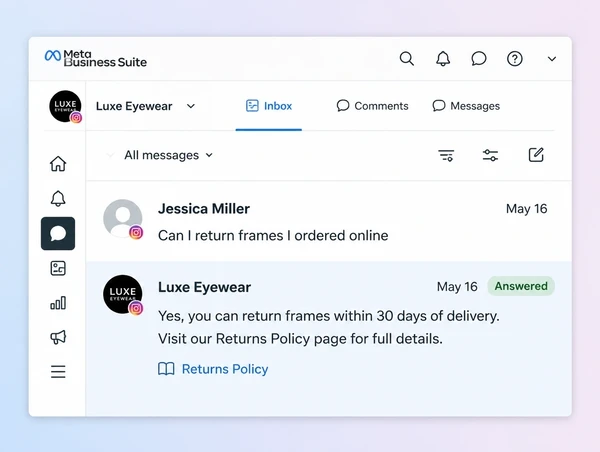
Moving the same details between forms, CRM records, quotes and invoices creates avoidable mistakes. Connected workflows can transfer information automatically so staff are not retyping it at every step.
CRM integration
Move lead details into the CRM on its own.
Automatic invoicing
Create quotes or invoices.
Follow-up reminders
Trigger reminders on unanswered quotes.
Failure alerts
Tell staff when an automated step fails.
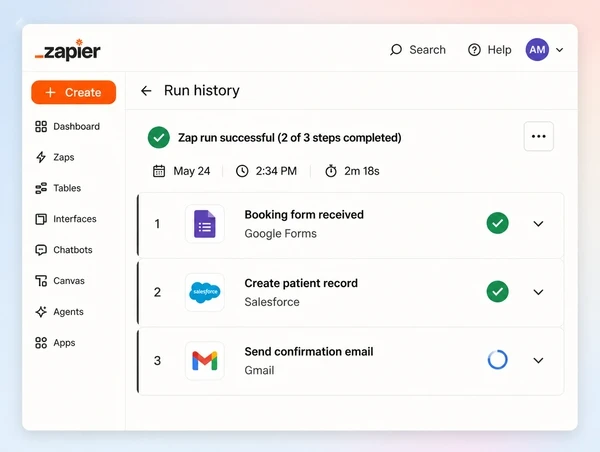
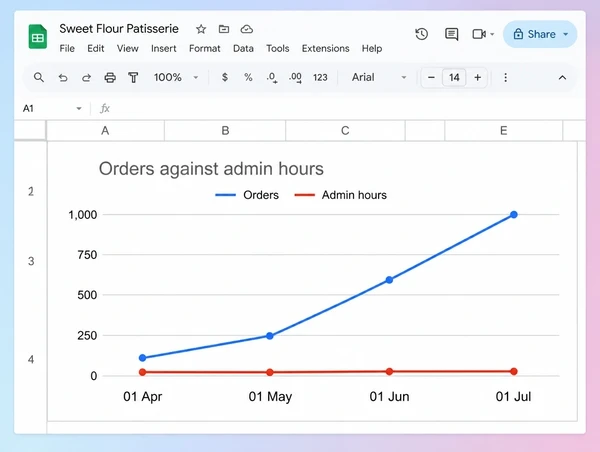
Higher sales or enquiry volume often creates more forms, updates and follow-up tasks. Automating the routine steps lets the same team handle more activity without admin growing at the same pace.
No extra headcount
Handle more routine volume with one team.
Standard process
Run the same approved steps every time.
No manual handovers
Move work forward without manual passing.
Admin stays flat
Scale volume with less admin.
Case studies
Real client projects, each with its own case study page, shown beside demo concepts built to show our approach across different industries.
100+
Brands worked with
28,441+
Leads generated
$4.1M+
Sales generated for clients
Up to13x
Return on Meta ad spend
Tallied from client ad accounts and store reports. See the numbers on our results page.
How it works
We follow one job and mark what a machine can take.
We start with the job that eats the most hours.
We build it, connect your tools and run it alongside.
It runs on live jobs while you watch it work.
You get the map, the recordings and the logins.
What to compare
| What you get | Seed Light | Other competitors |
|---|---|---|
| Built around your existing workflow | Mapped from how your team works today | Templates are common, so ask how far it adapts |
| Connects with tools you already use | We check your tools before we build | Integration coverage varies, so check yours |
| Alerts when something fails | You get an alert when a step fails | Silent failure is a common risk, so ask |
| Fallback steps tested before launch | Fallbacks written and tested up front | Fallback behaviour is often left undefined |
| Logins and data stay yours | Held in your own accounts | Credentials are often held by the provider |
| Support after launch and when things change | We adjust it as your process changes | Support is commonly a separate retainer |
Packages
Start with one workflow, prove it in real day-to-day use, then expand only where automation saves meaningful time or improves the process.
Businesses new to process automation.
What's included
Teams connecting work across several tools.
What's included
Businesses automating work across teams.
What's included
Each build is one-off, and you keep the logins, data and maps. Monitoring and new automations are a monthly add-on.
Swipe the table to compare all three.
| Detail | First automationYour first automation | Connected systemsTeams with repeat admin | Business-wideBusinesses automating across teams |
|---|---|---|---|
| What you get | |||
| Automations built for you | 1 | 5 | 10 |
| Each job mapped with your team first | Included | Included | Included |
| Works with the tools you already use | Included | Included | Included |
| An alert and a backup step if something fails | Included | Included | Included |
| A log of every run | Included | Included | Included |
| Time saved, measured before and after | Included | Included | Included |
| Instant replies to new enquiries | Add-on | Add-on | Add-on |
| An assistant trained on your documents | Add-on | Add-on | Add-on |
| Your automations watched and repaired | Add-on | Add-on | Add-on |
| New automations built each month | Add-on | Add-on | Add-on |
| Handover | |||
| Brief to final files | 1 to 2 weeks | 1 to 2 weeks | 2 to 4 weeks |
| Screen recordings and a team session | Included | Included | Included |
| A written map of every step | Included | Included | Included |
| Fixes and questions after handover | 30 days | 30 days | 30 days |
| Every login and all your data stay yours | Included | Included | Included |
IncludedAdd-onAvailable at extra cost
Straight answers
The questions owners ask before letting software touch their process.
Where to go next
 AI AUTOMATION
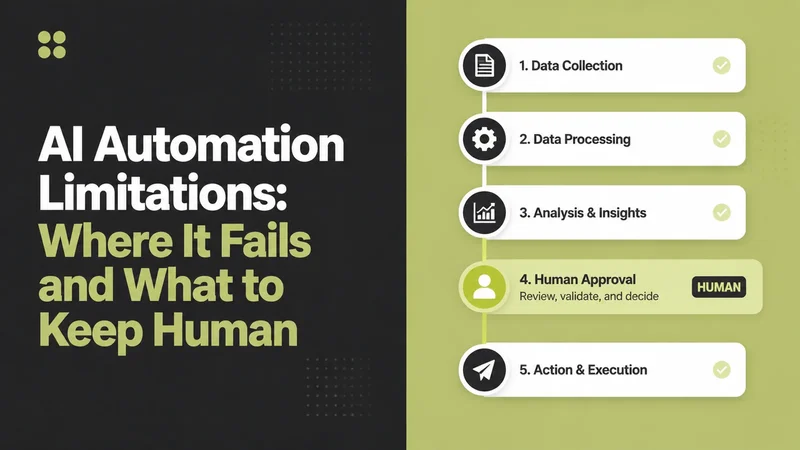
Where AI automation actually breaks in a small business, how to tell which tasks are safe...
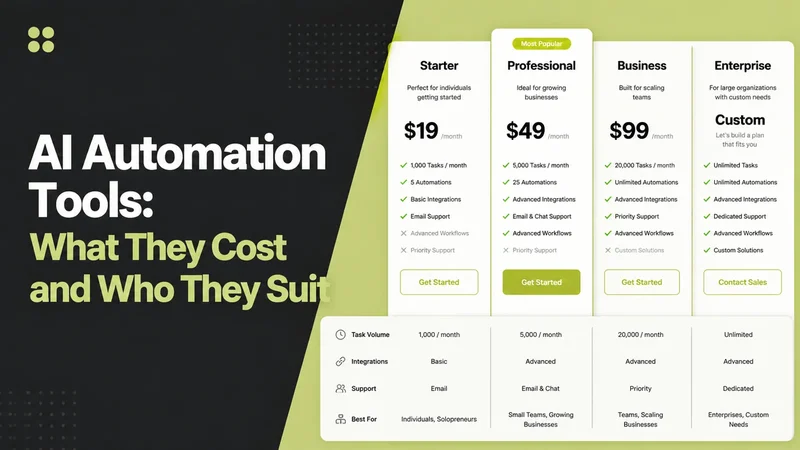 AI AUTOMATION
The confusing part isn't what these tools do.
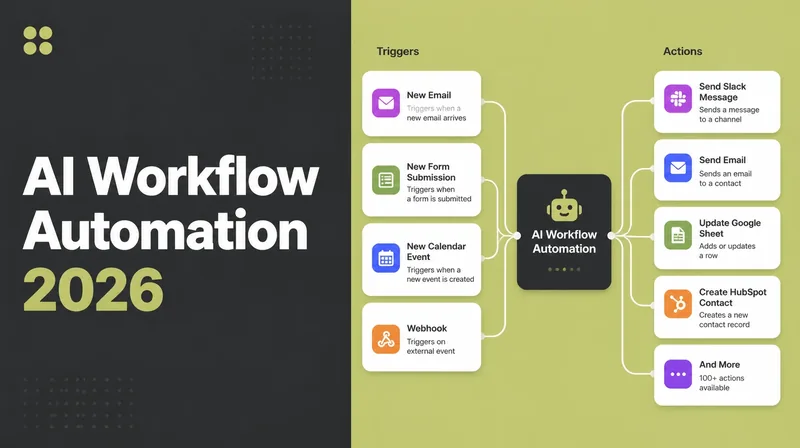 AI AUTOMATION
Connect apps, triggers and AI steps to streamline routine work in 2026.
Who this is for
Anywhere a customer researches before they buy.

Websites with enquiry forms and booking built in for coaches.
Business, life & fitness coaches

Listing pages that turn lookers into booked viewings and buyers.
Agencies & negotiators

Get found on Google Maps and search, and win more local customers.
Salons, services & shops

Websites with menus, table booking and online ordering built in.
Restaurants, cafes & bars


Websites that build trust, explain your services and bring in enquiries.
Law, accounting & consulting
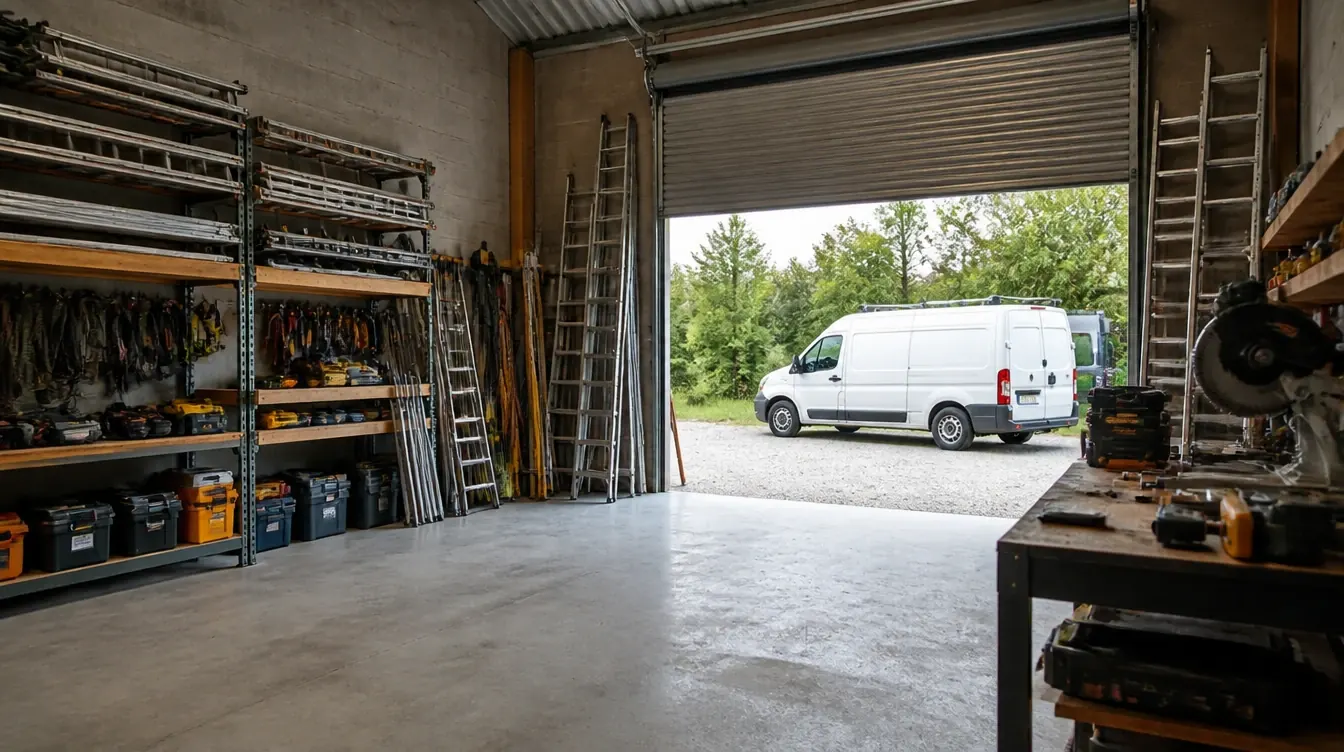
Websites that show your past jobs and bring in more quote enquiries.
Renovation, electrical & aircon
Coverage
We are based in Penang and work with businesses around the country. Pick a place to see what this service looks like there.
Often paired with AI & Automation: web design services, a digital marketing plan, search engine optimisation, a landing page and website maintenance services.
Let’s talk
Tell us what you want to grow or improve. We’ll reply within one working day with honest advice, even if we do not work together.
Prefer email or a call? hello@seed-light.com · +60 16-411 9138
Results so far
Results from real clients100+
Brands worked with
28,441+
Leads generated
$4.1M+
Sales generated for clients
Up to 13x
Return on Meta ad spend
Tallied from client ad accounts and store reports.
Monthly leads