AI Automation Tools: What They Cost and Who They Suit

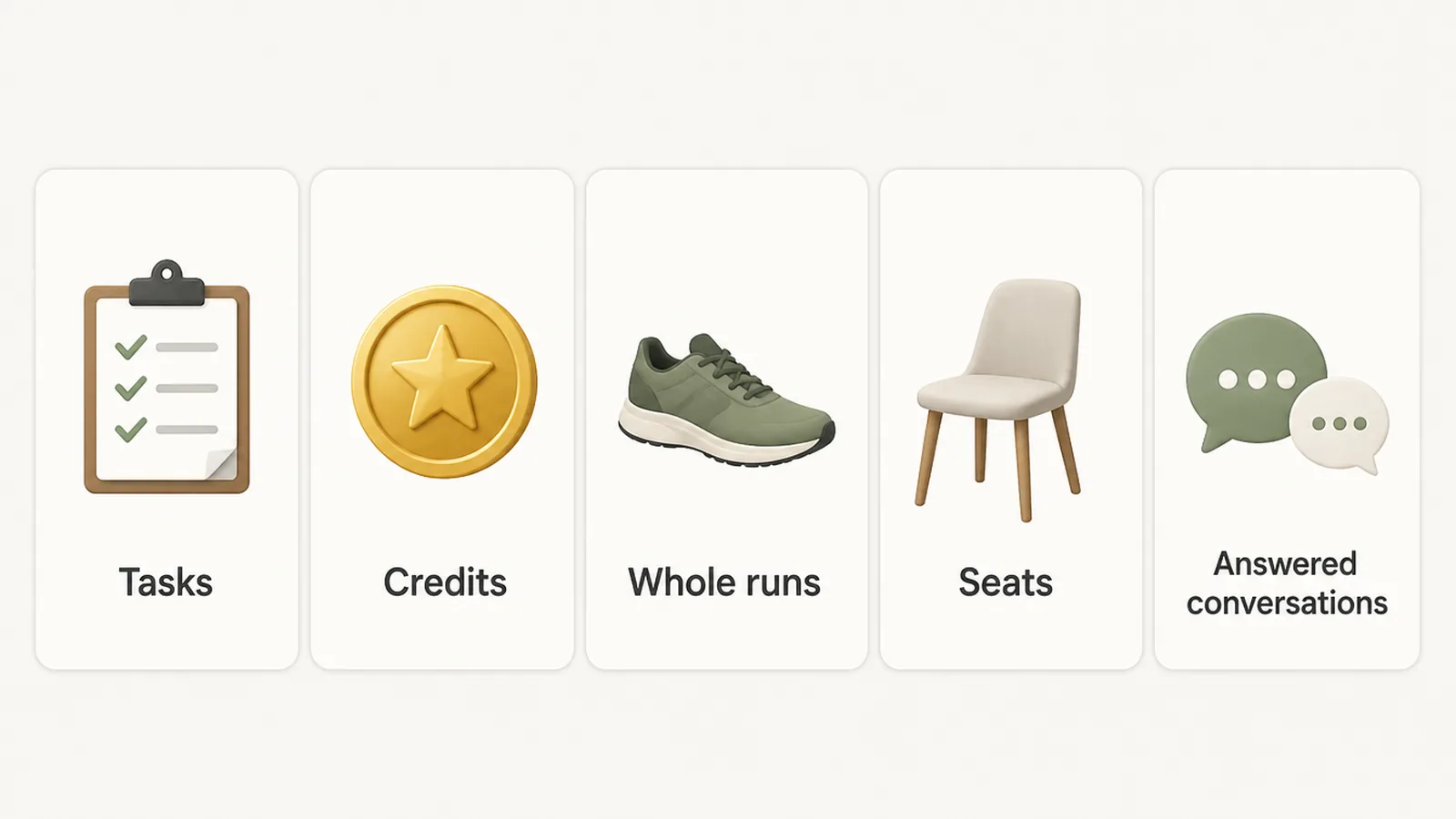
AI automation tools connect your apps and let software handle repeating work such as replies, follow ups and data entry. They bill in different units: per action, per credit, per whole run, per user or per answered conversation. Seed Light picks the unit that matches how the job grows, because that decides the bill more than the headline price does.
You have a short list of jobs that come round every week. Chasing an unpaid invoice. Answering the same question about opening hours. Copying a form entry into a spreadsheet late at night.
Software will do all of that now. The confusing part is not what it does. It is the bill. One tool charges you for every step, one for every person on your team, and one for every question it answers.
So here is what five of the popular AI automation tools charge for, in plain words, with the prices I read on their own pages on 9 September 2026.
Key Takeaways
- What AI automation software counts matters more than the price. A cheap plan that charges per step can cost you more than an expensive plan that charges per whole job.
- Decide what job you want done before you shop for the best AI automation tools. A tool bought to automate things in general gets paid for and forgotten, because nobody can tell whether it is working.
- Free plans are for testing an idea. They are big enough to prove one small job works, and they run out just as it starts being useful.
- The two pricing styles grow differently. Paying per person costs more every time you hire. Paying per action costs more every time you sell more.
- Prices change quickly. Every figure here carries the date I read it. On the day you buy, only the company's own page counts.
What Is AI Automation Software?
An AI automation platform sits between the apps you already use and moves work between them while you are doing something else.
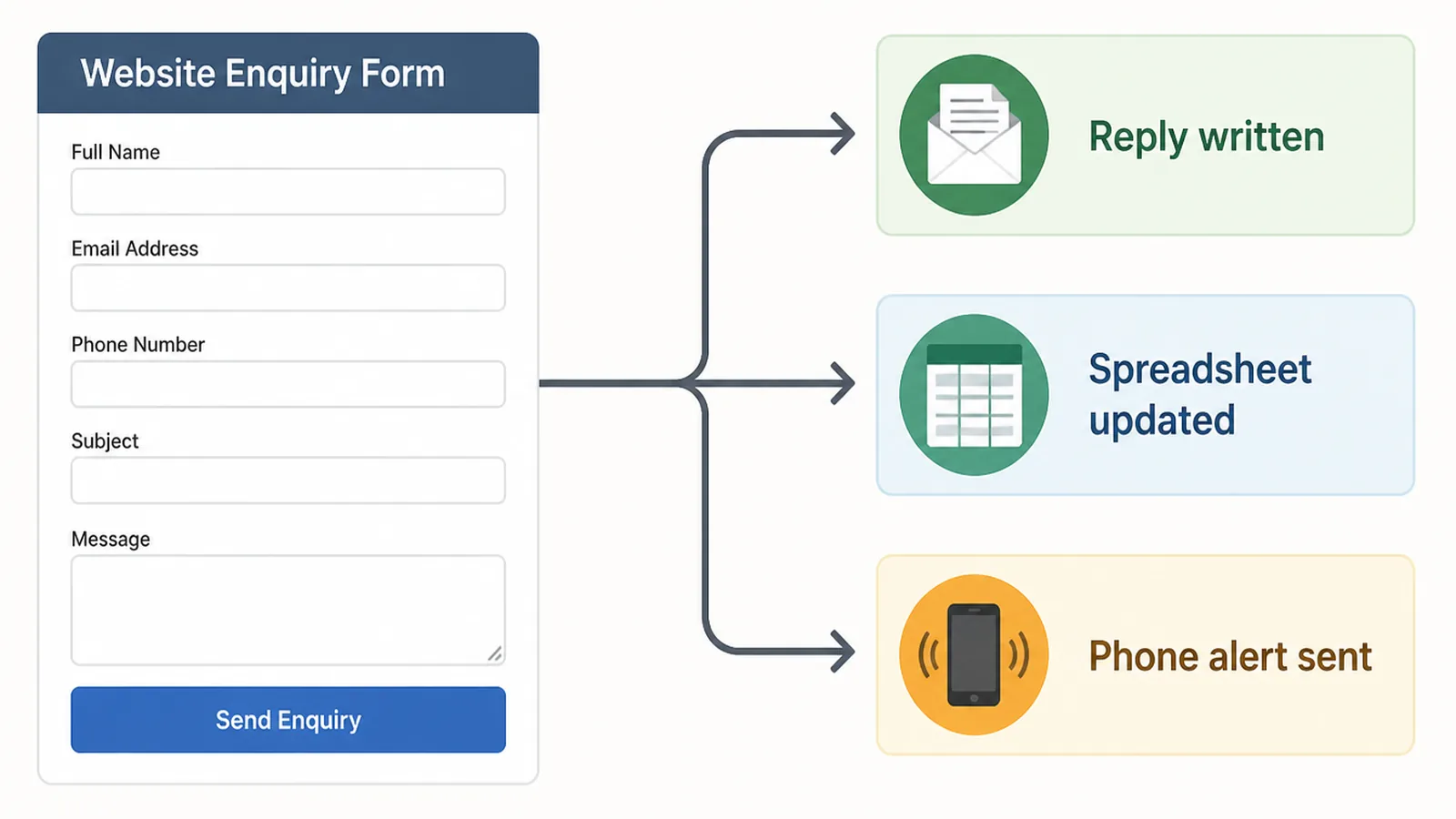
Underneath, almost all AI automation tools work the same way. Something happens, and something else happens because of it. Somebody submits a form, so a row appears in your spreadsheet and a message lands on your phone.
That part of AI automation tools is not new. Businesses have connected apps like this for years, usually starting with one small job somebody was tired of doing by hand.
The AI part was added on top. Instead of only moving information around, the tool can now read it and make a decision. It can sort an email by what it is about, draft a reply in your words, or find the delivery address inside a messy message.
So you get two things at once. Something that moves the work along, and a little judgement applied on the way.
AI Automation Tools: Why the Bill Is the Confusing Part
Every one of these companies sells roughly the same thing, and every one counts your usage differently. That is what catches people out.
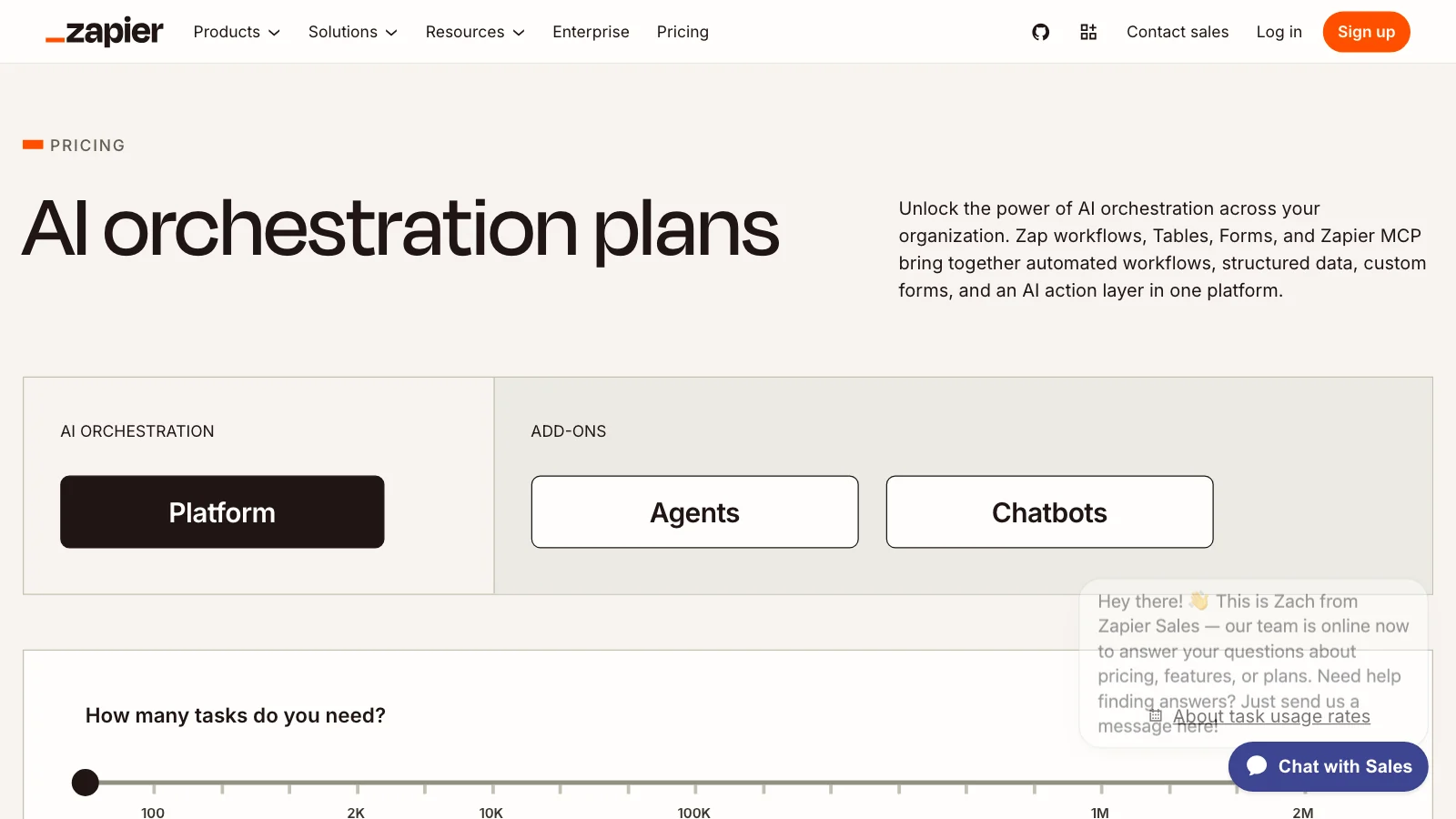
Zapier counts tasks. Its pricing page lists a free plan with 100 tasks a month, then Professional from $19.99 a month billed annually at 750 tasks, and Team from $69 a month billed annually at 2,000 tasks for up to 25 users.
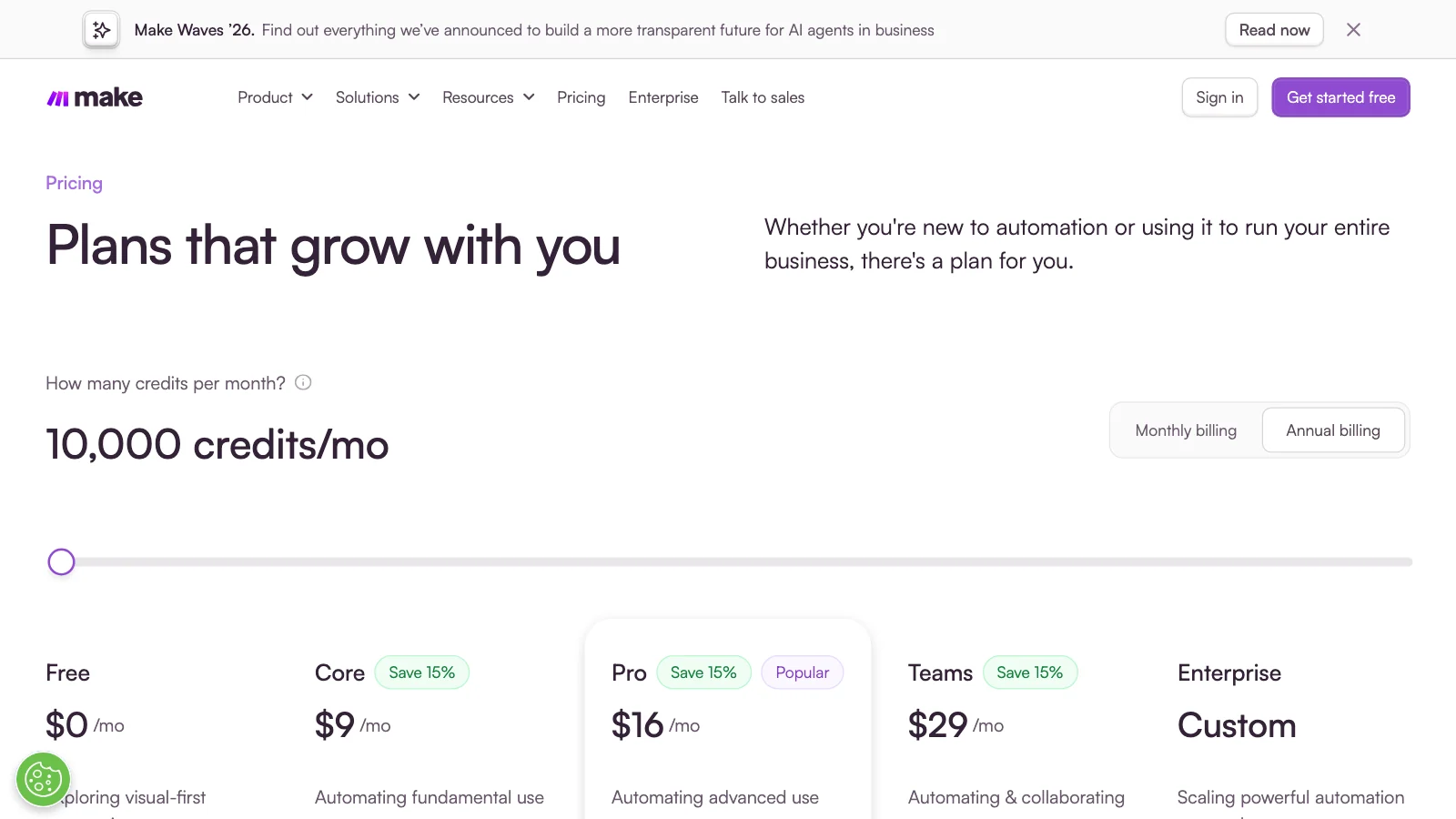
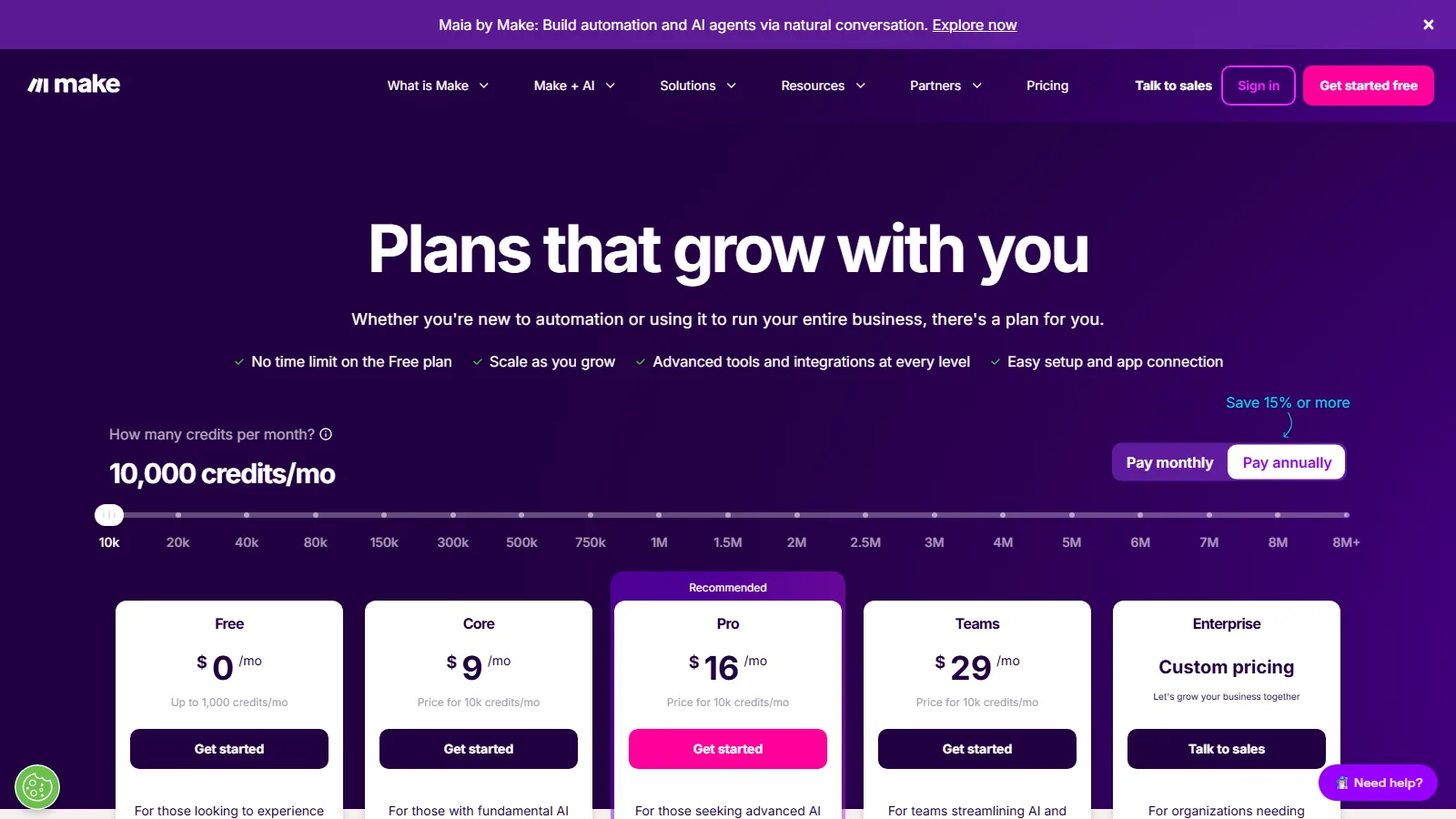
Make counts credits. Its pricing page says plainly that as of 27 August 2026, credits are the billing unit, with 1,000 free a month and a Core plan at $9 a month for 10,000.
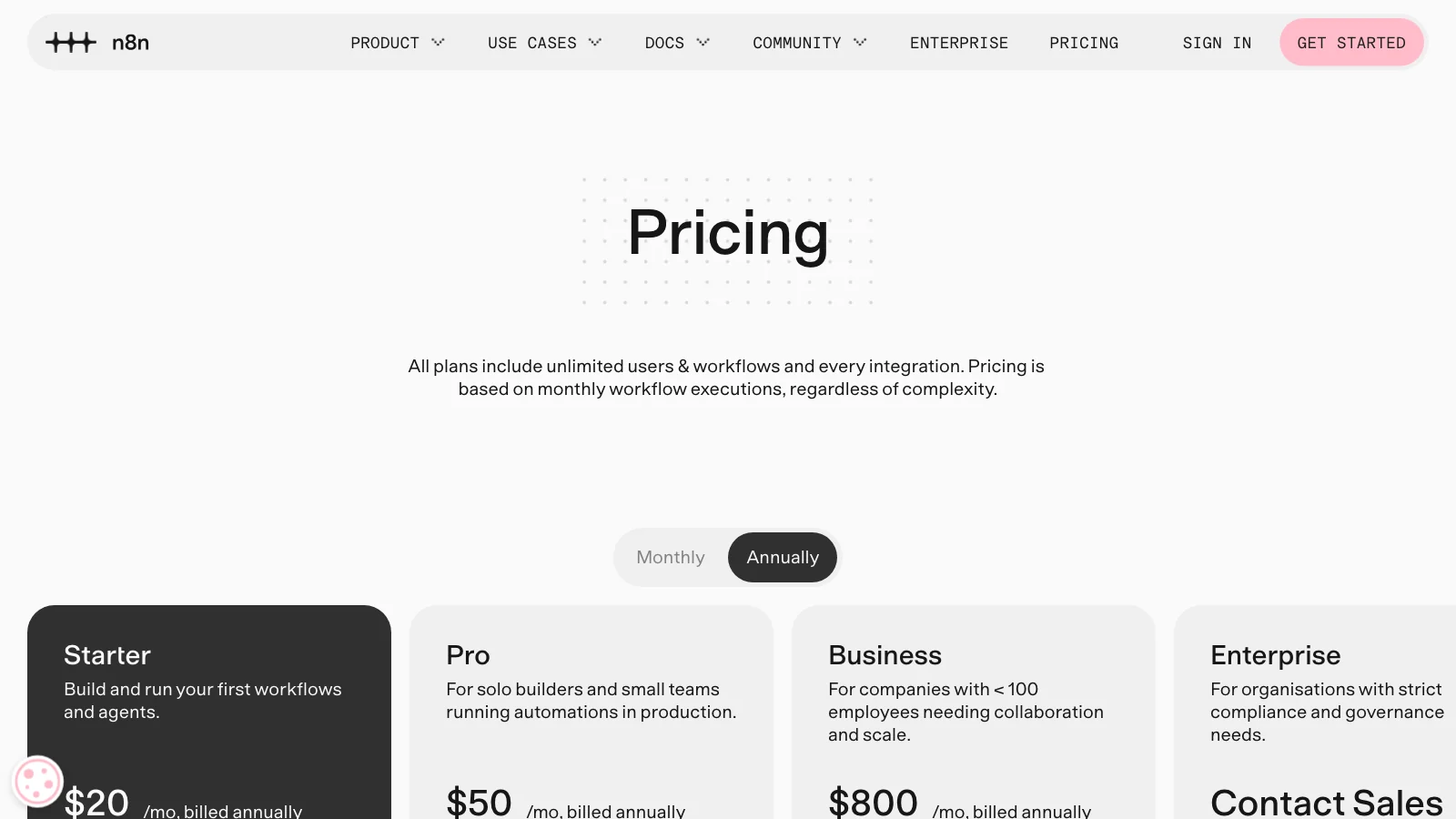
n8n counts whole runs instead. Its pricing page lists Starter at 20 euros a month billed annually for 2,500 executions, and states that you pay for full executions, not for each step.
That last difference between AI automation tools is bigger than it sounds. A job with fifteen steps uses fifteen units on one kind of plan and one unit on the other.
So two businesses can run the same automation, the same number of times a month, and get completely different bills.
Then there's a third way to count. Airtable's pricing page says plans are charged per seat, listing Team at $20 per user a month billed annually and Business at $45.
And a fourth. This one is the most interesting if you sell to the public. Intercom's pricing page lists seats from $29 a month, then charges $0.99 per outcome for its Fin AI agent, once per conversation however many questions it answers.
I could not check the subscriptions from OpenAI or Microsoft, because their pricing pages would not load for me that day, so there is no figure for them here.
None of these is a trick. They suit different businesses, and picking the wrong one only shows up on the second or third invoice.
How to Choose Between AI Automation Tools
1. Count the steps, not the jobs
This is the number the pricing pages are quietly asking for, and almost nobody works it out before they buy.
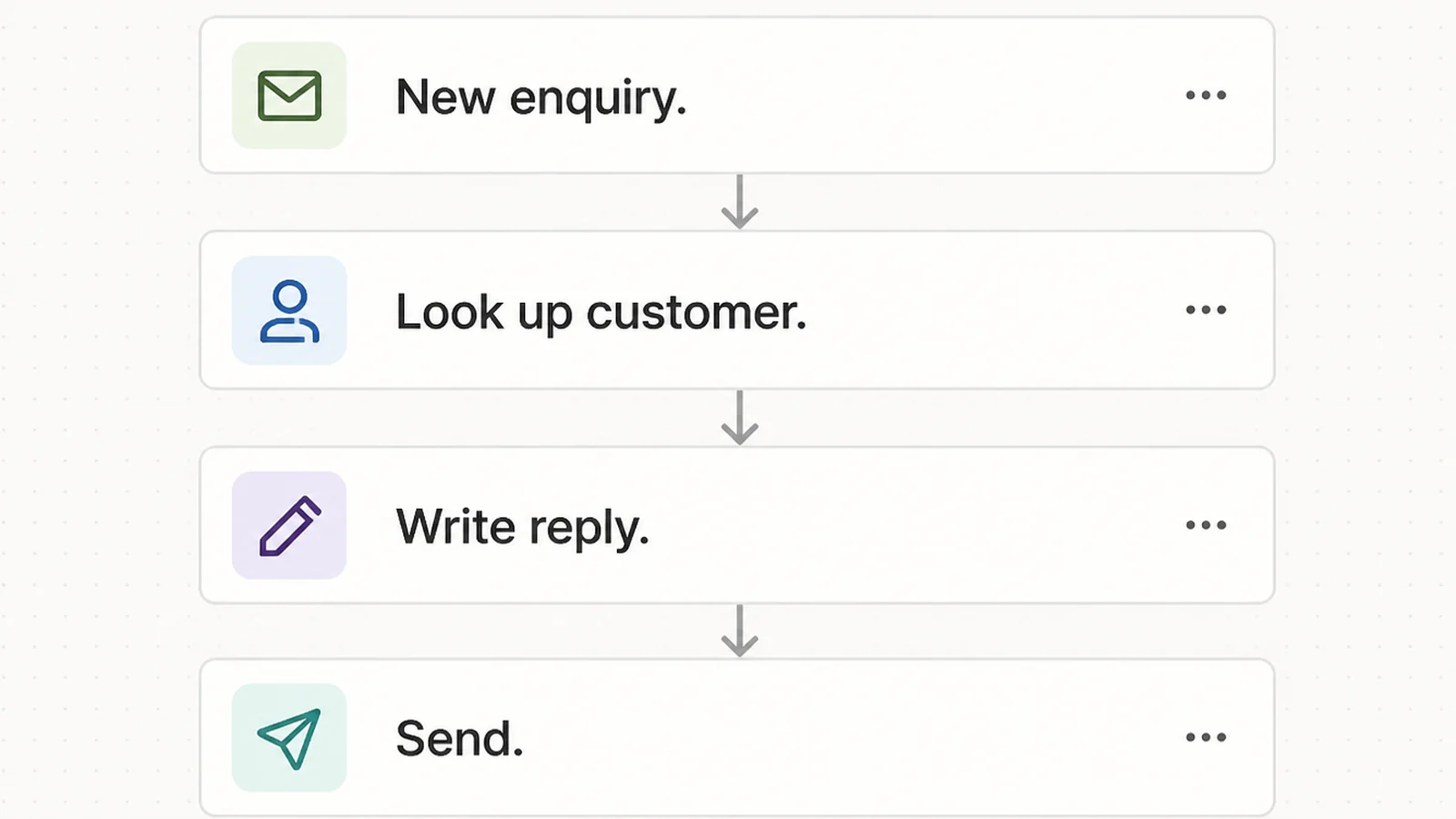
Take one automation you want. An enquiry arrives, you look up the customer, you write a reply, you send it, you add a row to a spreadsheet, you message yourself. That is one job to you and six steps to the software.
Count the steps, then multiply by how often it runs. Forty enquiries a month through that automation is 240 steps, not 40.
Get this number wrong and the free plan looks generous right up until the month it stops working halfway through.
2. Count how often it runs
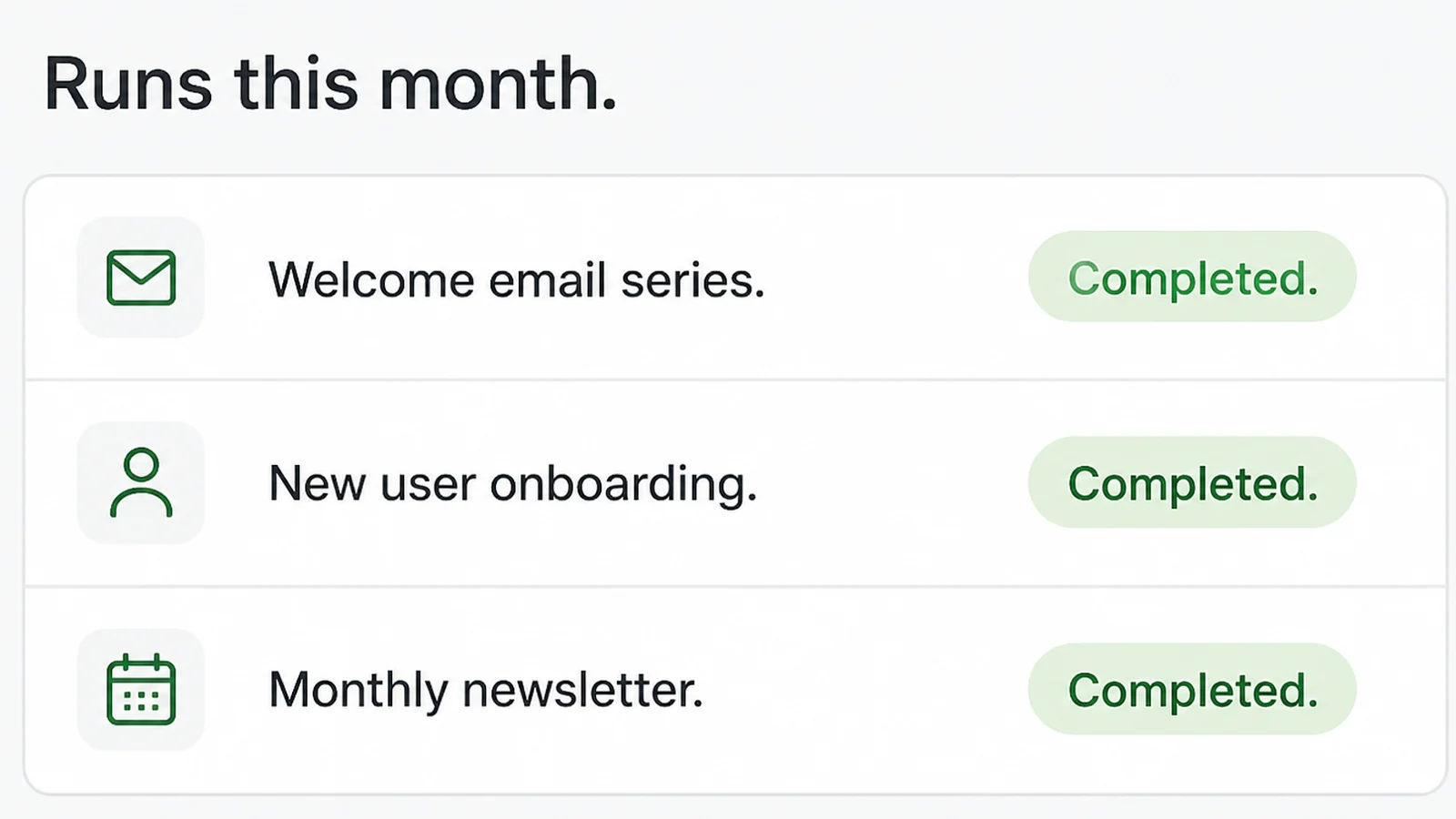
Look back at last month. Forty enquiries, roughly two hundred invoice reminders, whatever the real number is.
That number is what you are buying, and it is the only way to tell whether 750 tasks a month is generous or nowhere near enough.
Then multiply it by the number of steps in the job, because on most plans that is what you actually spend each time it runs.
3. Match the unit to the shape of the job
Short jobs that run constantly suit paying per step. Long jobs with many steps, run a few times a day, suit paying per whole job.
Work a small team does together suits paying per person, because your usage can grow without the price changing.
4. Check what the next plan up costs
You will outgrow the first plan. That is the point of automating something, so look at the step after it before you start.
The jump is rarely gentle. Plans tend to double rather than rise a little, so the month you outgrow one, your bill does not go up by ten percent.
Look at the plan above the one you are about to buy and decide whether you would still say yes at that price. If the answer is no, you have found the point where you will have to move tools, and moving is far more work than choosing.
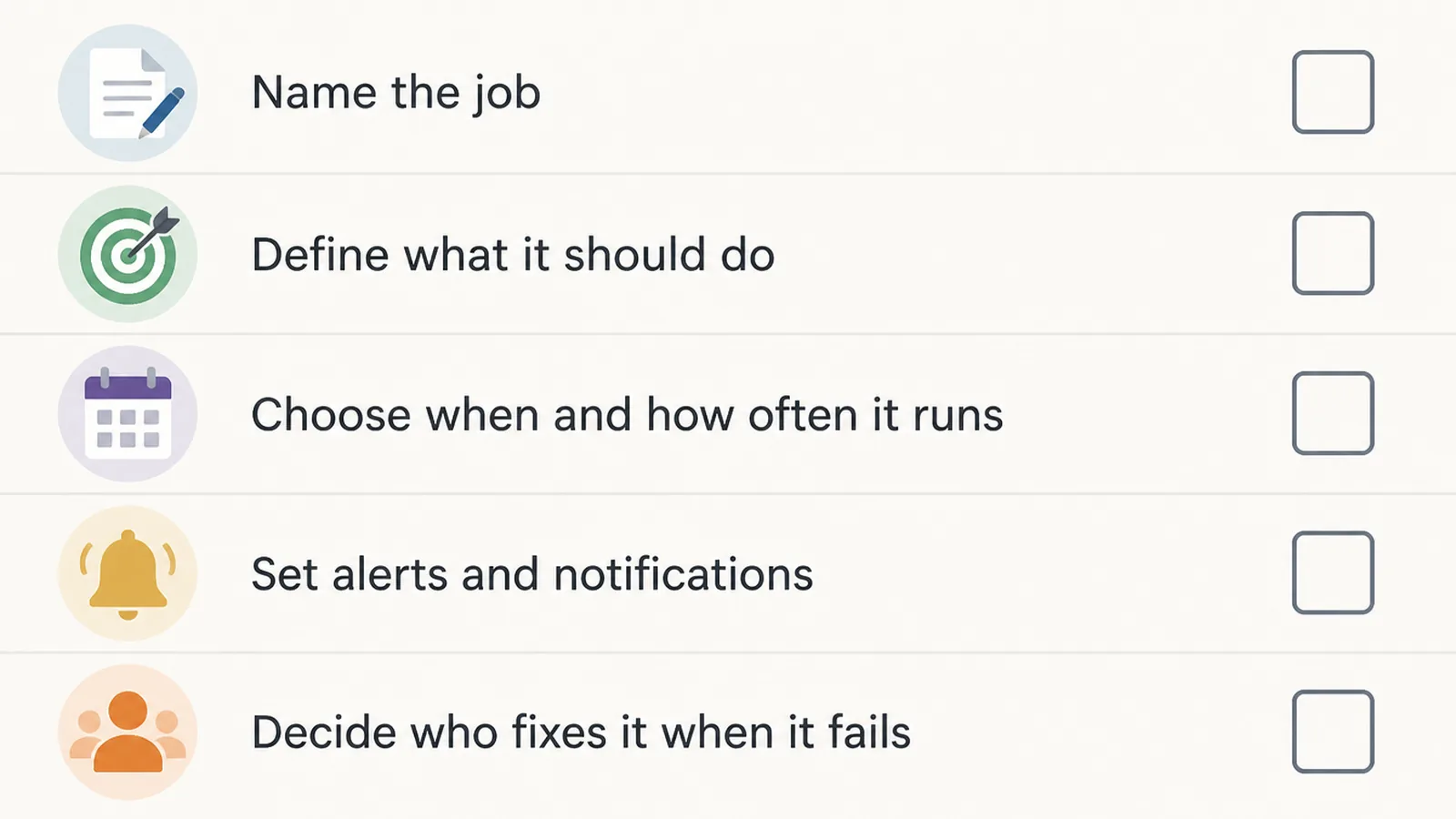
5. Decide who fixes it
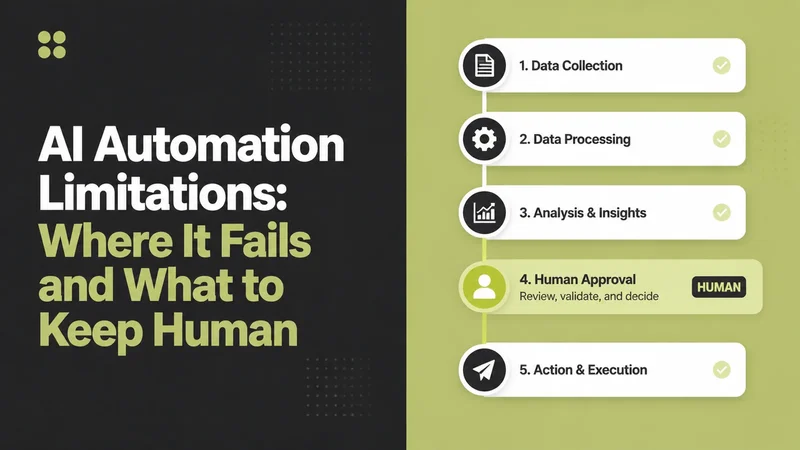
Automations fail without telling anybody. A password changes, an app updates, and it simply stops running.
Before you switch anything on, agree who checks it and how often. In my experience that one decision separates the automations still running next year from the ones that are not.
Automation Ideas That Work Right Now
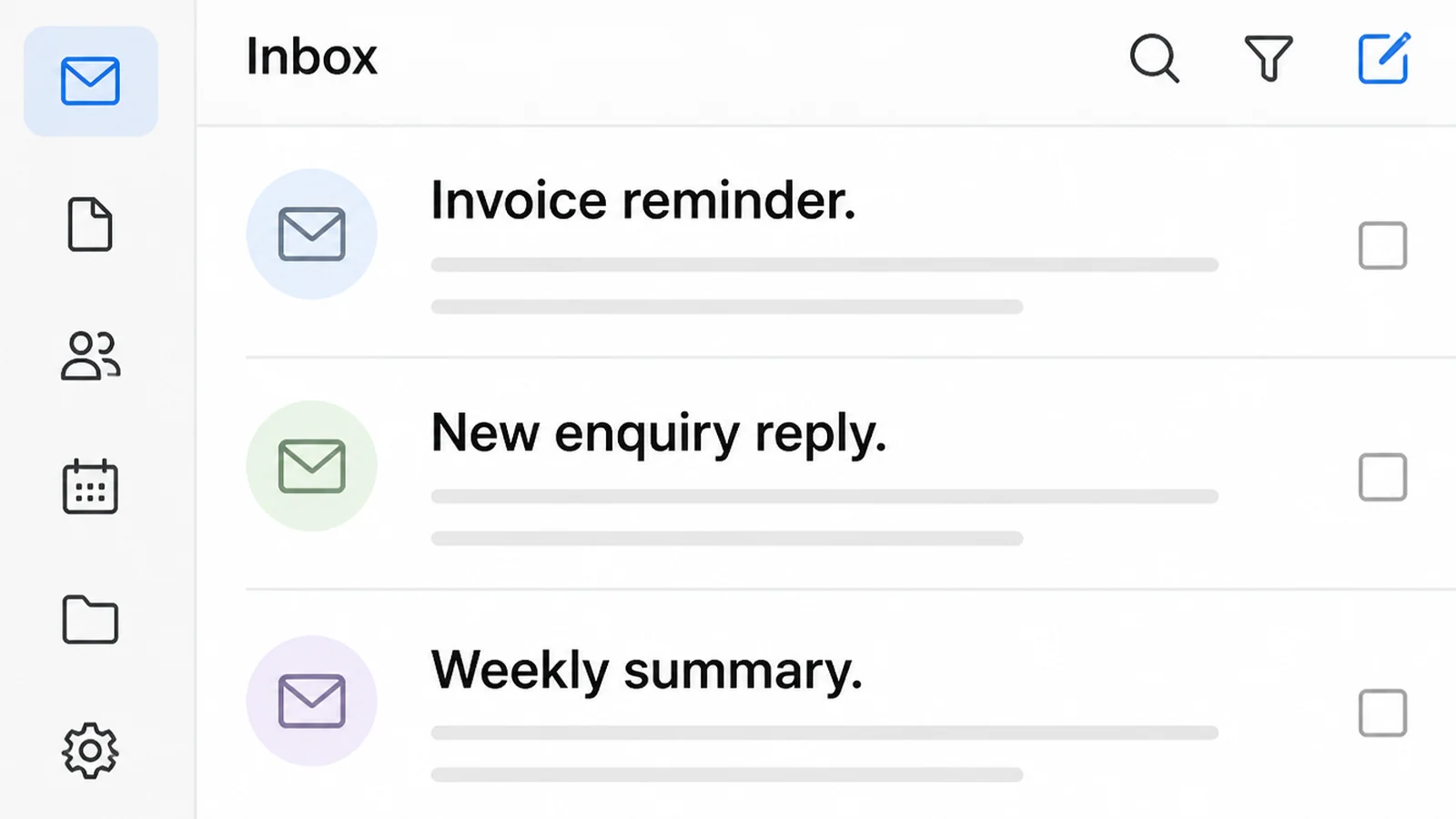
- Instant reply to a new enquiry. The form fires, the person gets a real answer in a minute, and you get a notification with their details already tidied up.
- Chasing invoices. A polite reminder goes out on day seven and day fourteen without you having to decide to send it. Deciding is the hard part of getting paid.
- Answering the same questions. Opening hours, parking, delivery times and returns come up again and again.
- One form, three places, using workflow automation tools. A booking lands in your calendar, your customer list and your accounts at once, so nobody retypes anything.
- A Monday morning summary from your workflow automation tools. Last week's enquiries, jobs won and unpaid invoices, all in one message before you open your laptop.
Start with one of the first two. A fast reply and a paid invoice both put money in the bank. A clever weekly report does not.
The Best AI Automation Tools Compared
All prices below come from each company's own pricing page, read on 9 September 2026, and they change often.
| Tool | What it charges for | Entry price | Best for |
|---|---|---|---|
| Zapier | Tasks, meaning each step that runs | Free for 100 tasks a month, then $19.99 a month billed annually | Your first automation, because almost everything connects to it |
| Make | Credits, spent by each action in a scenario | Free for 1,000 credits a month, then $9 a month for 10,000 | A tight budget and a willingness to sit and build |
| n8n | Whole runs, not the steps inside them | 20 euros a month billed annually for 2,500 runs | Long jobs with lots of steps, where per step pricing hurts |
| Airtable | Seats, meaning people who edit | $20 per user a month billed annually on Team | A small team working from one shared list of jobs or leads |
| Intercom Fin | Outcomes, charged once per conversation | $0.99 per outcome, seats from $29 a month | Customer questions arriving faster than anyone can answer them |
Common AI Automation Mistakes
- Automating something that is already broken. Speeding up a confusing enquiry form just gives you confused enquiries faster. Fix the job first.
- Buying an AI automation platform on the advertised price. The cheapest monthly figure is usually the one counted in the smallest units, so it runs out first.
- Letting it answer anything. Give it the questions you would be happy to see answered in writing, and pass everything else to a person straight away.
- Nobody being responsible for it. An automation with no named owner becomes a mystery six months later, once the person who built it has moved on.
- Not keeping a record you can read. Keep a log of what went out and to whom, so you catch a wrong message yourself rather than hearing about it from a customer.
FAQs
What does an AI automation tool actually cost?
It depends on the unit. Make lists a Core plan at $9 a month with 10,000 credits, Zapier lists Professional from $19.99 a month billed annually with 750 tasks, and n8n lists Starter at 20 euros a month with 2,500 runs. All read on 9 September 2026.
Is a free plan enough to start with?
For testing, yes. Zapier's free plan includes 100 tasks a month and Make's includes 1,000 credits a month. That's enough to prove one small job works end to end. It usually isn't enough to run that job every day once real volume arrives.
What's the difference between a task, a credit and a run?
A task or credit is usually one step inside a job, so a five step job spends five of them. n8n says on its pricing page that you pay for full executions rather than for each step, so one run of that same job counts once, whatever it contains.
Should I pay per user or per action?
Ask which number grows first. Per user pricing gets dearer every time you hire, so it suits small teams doing lots of work. Per action pricing gets dearer as your volume climbs, so it suits a bigger team running a modest number of jobs each week.
Do I need a developer to set these up?
Not for the simple jobs. Most of these tools are built around picking a trigger and picking what happens next, and Make describes its builder as no code. Once a job touches several systems and has to handle errors quietly, that's the point I'd get help.
Conclusion
The tools are close enough that the choice rarely comes down to features. It comes down to how they count your work, and whether that matches how your work actually grows.
So start with one job, use a free plan or trial where one exists, and only then look at the price of the next tier up.
If you want it built for you, see how Seed Light handles AI automation, then reach out to my team. We can scope and build the automation before handing it over.