An AI Blog Writing Workflow Readers Can Trust

An AI blog writer is best used in the middle of the job, not for the whole of it. Choose the topic and supply the real detail yourself, let the tool shape a draft around your notes, then check every fact against its source. Seed Light writes this way.
You are thinking about using an AI blog writer. You have a blog post to write, a pile of client work waiting, and a tool on your screen that will give you 1,200 words in twenty seconds. Of course you are tempted.
The part nobody explains properly is the risk. Google does not ban writing with AI. It acts against pages produced in bulk to chase rankings, whoever or whatever typed them.
So the question is not whether to use an AI blog writer. It is which parts of the job you give it, and which parts you keep. Here is the order I work in.
Key Takeaways
- Google looks at why you made the page. Pages written to help somebody are fine. Pages produced in bulk to catch rankings are the problem, whoever typed them.
- Your own experience is the part AI cannot produce. Your prices, your mistakes, the answer you give on the phone every week. Write those yourself.
- Use AI blog writing at the beginning and the end. Let it shape a rough first draft and spot what you left out. The middle is yours.
- Open the source for every number. A tool will produce a confident figure it never checked, and your name goes on the page.
- One good post beats thirty weak ones. Publishing in bulk is what gets a site into trouble, and it rarely brings the traffic people expect.
What Is an AI Blog Writing Workflow?
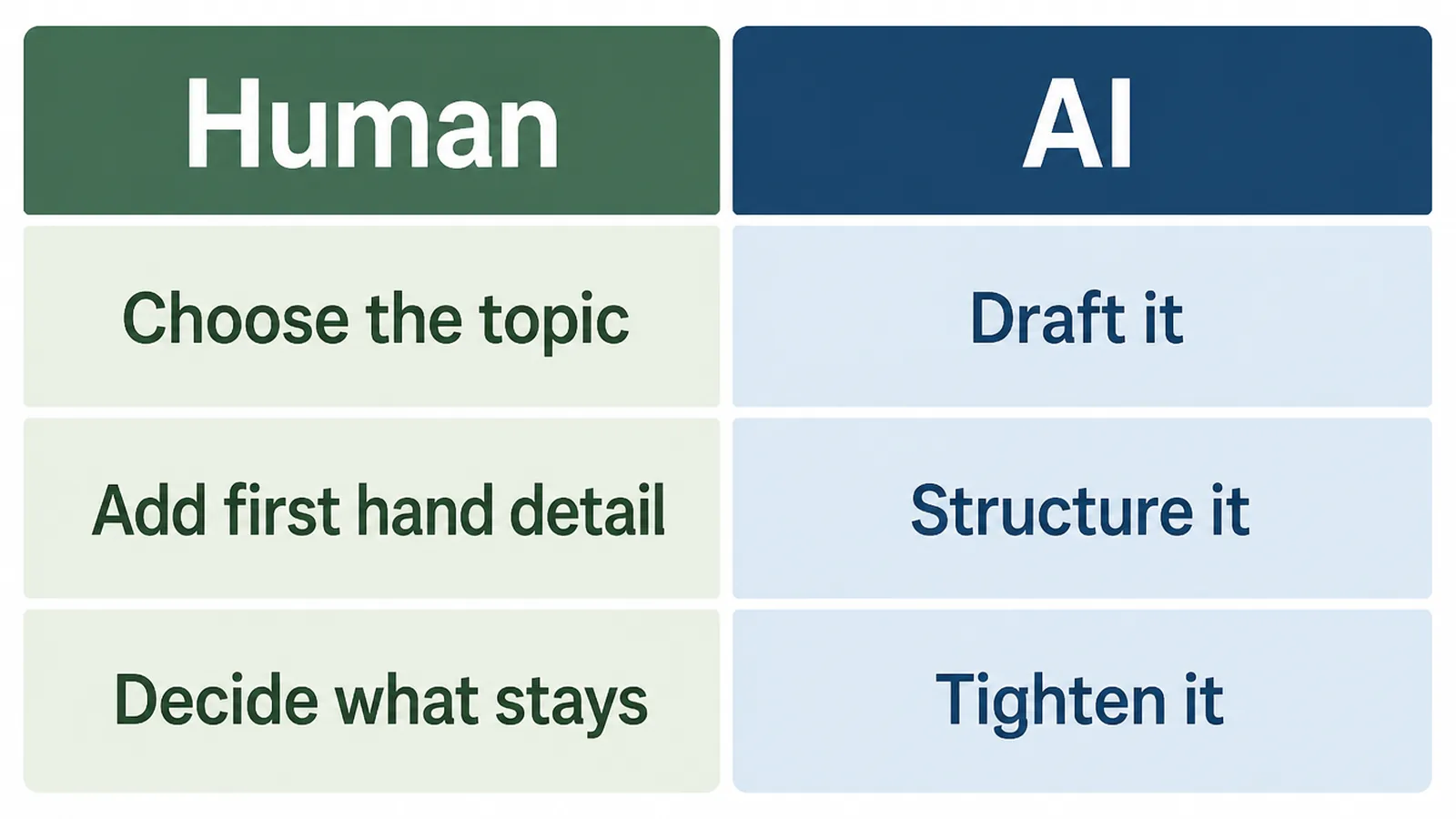
It is simply the order you do things in. Instead of asking a tool for a finished article, you split the job up and hand over only the parts software is good at.
A tool is quick at organising a draft, rewording an awkward sentence, and pointing out the obvious question you forgot to answer. It knows nothing about what happened in your business.
So three jobs stay with you. Choosing the topic, supplying the real detail, and deciding what stays in. Everything else can be shared.
None of this needs new software. It is a habit, and one post is enough to learn it.
Google's own advice points the same way. Its help page asks whether your content shows "first-hand expertise and a depth of knowledge", and whether it offers original information rather than a rewrite of other pages (Creating helpful, reliable, people-first content, read on 9 September 2026).
Why an AI Blog Writer Is Different Now
The web filled up quickly. Ahrefs tested 900,000 newly found pages in April 2025 and reported that 74.2 percent contained some AI-written text, with only 2.5 percent looking entirely machine written (Ahrefs, read 9 September 2026).
A separate sample of 43,000 pages by Graphite put the crossover in November 2024, the month AI-written articles first outnumbered human ones, reaching 51.7 percent by May 2025 (Graphite).
Here is the part that matters to you. When Graphite checked 31,493 keywords in June 2025, 86 percent of the articles ranking in Google were written by people, and only 7 percent of those in first place looked AI generated.
ChatGPT and Perplexity showed the same lean, citing human-written articles 82 percent of the time (Graphite, read 9 September 2026).
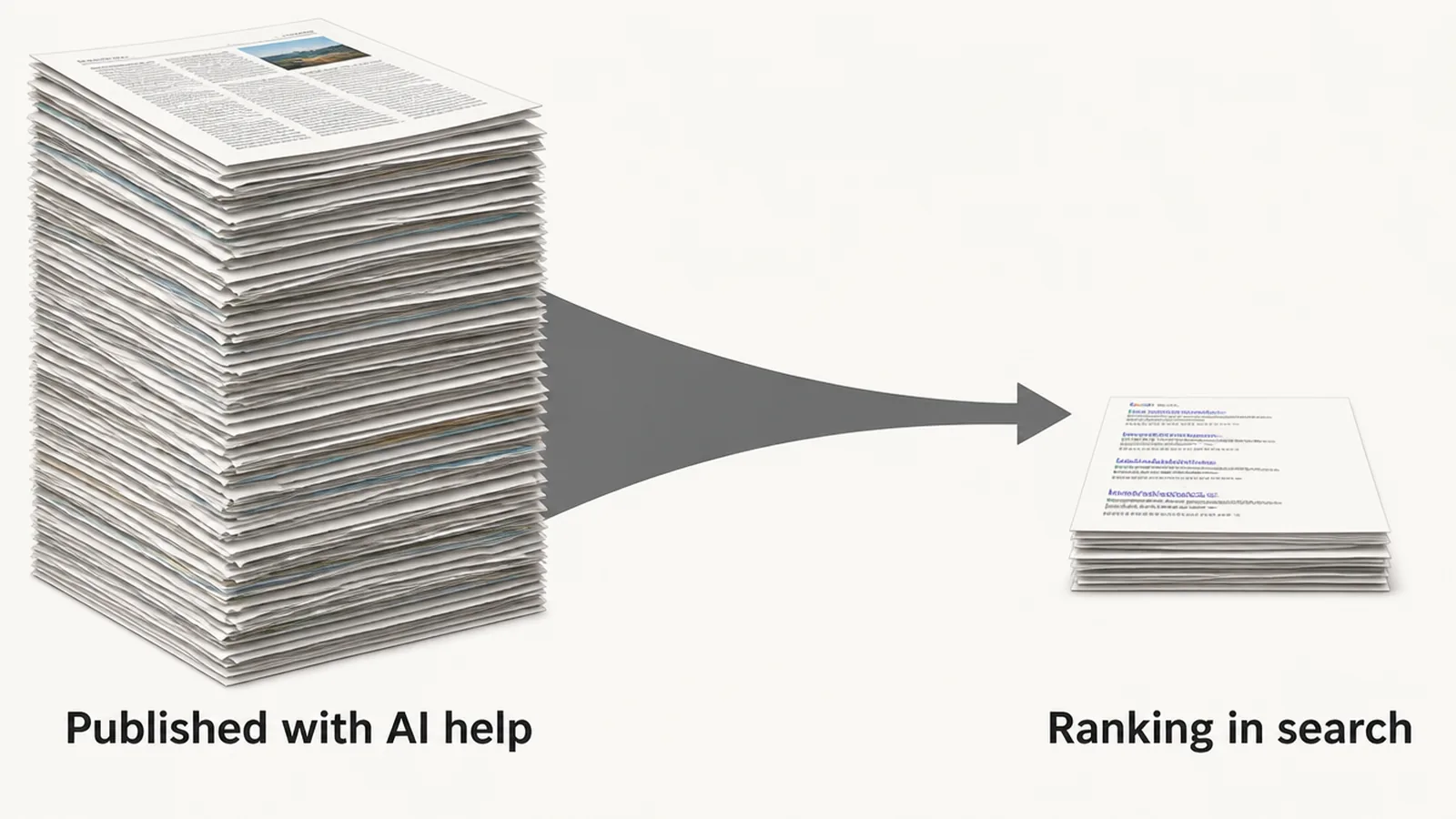
So the amount of AI writing on the web is rising far faster than its share of the top search results.
One honest warning, and it comes from the researchers themselves. They did not test AI drafts that a person had edited heavily. That is exactly what this article describes, so read those numbers as a warning about unedited output rather than proof that AI ruins a post.
How to Write a Blog Post With AI
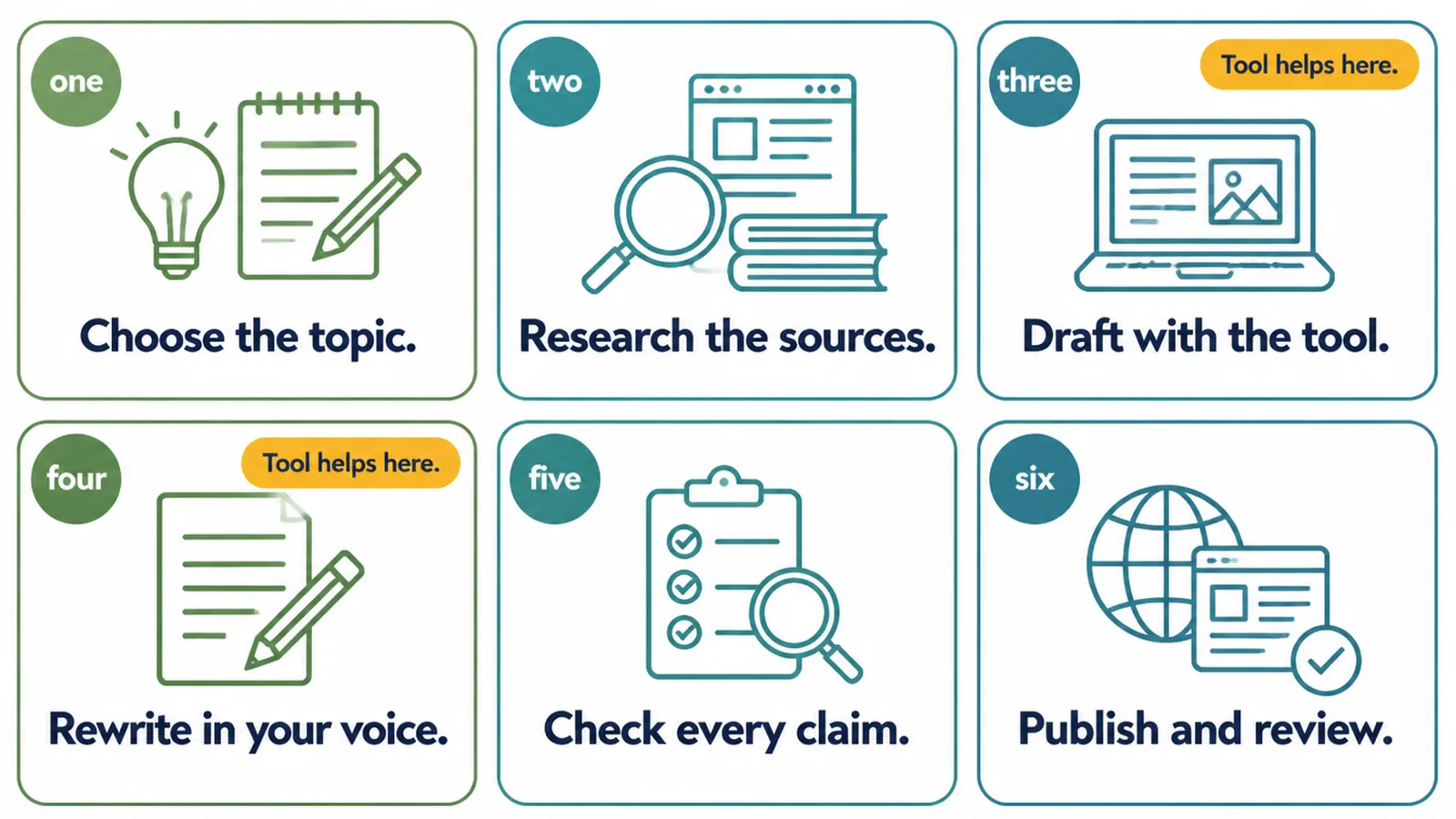
1. Start with a question someone actually asked you
Not a keyword. A question. The one a customer asked on the phone last week, or the thing you keep retyping in emails.
Topics chosen this way come with answers you already have. That is the difference between a post worth reading and a page assembled from other pages.
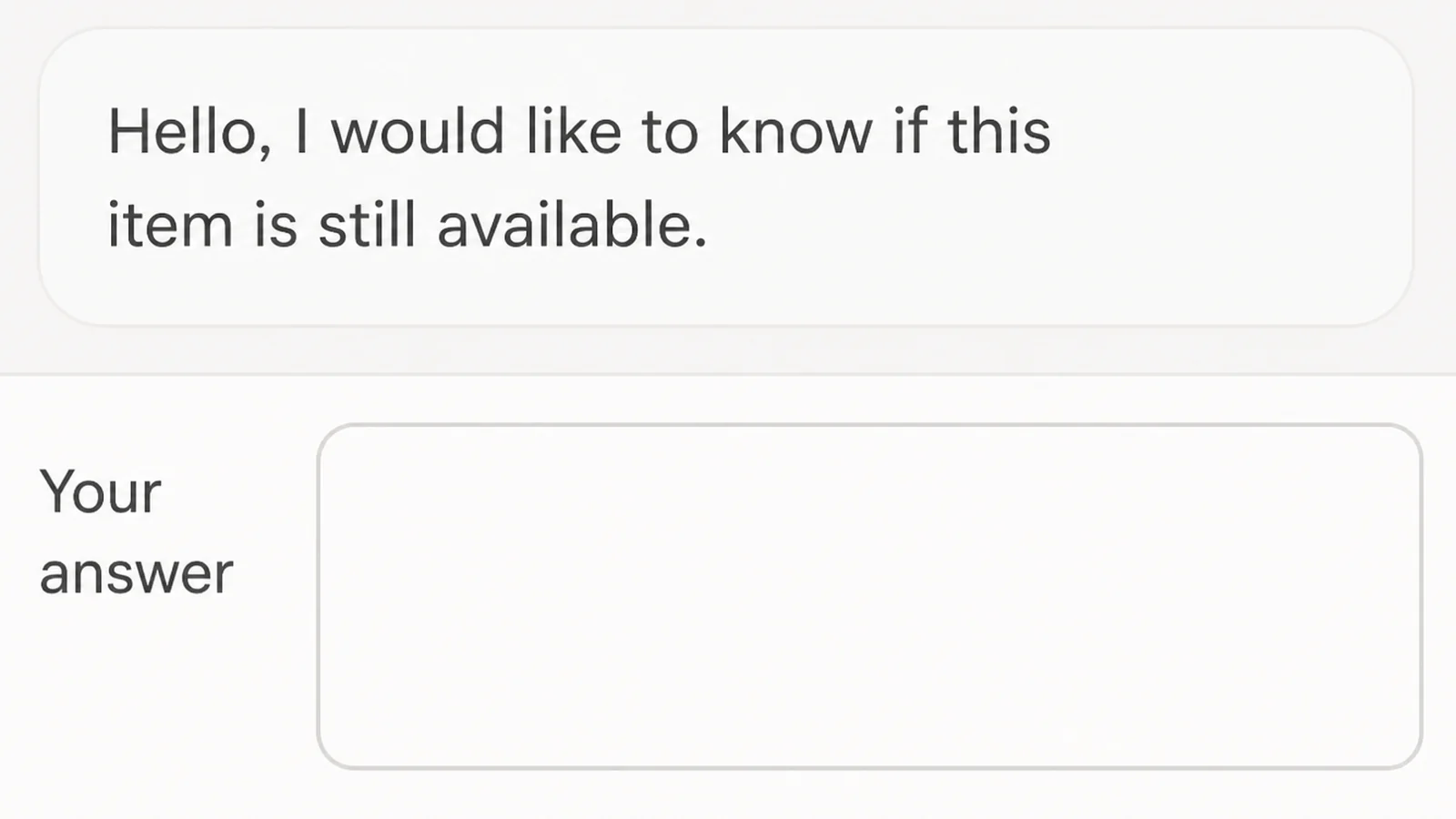
2. Write the human parts before you open the tool
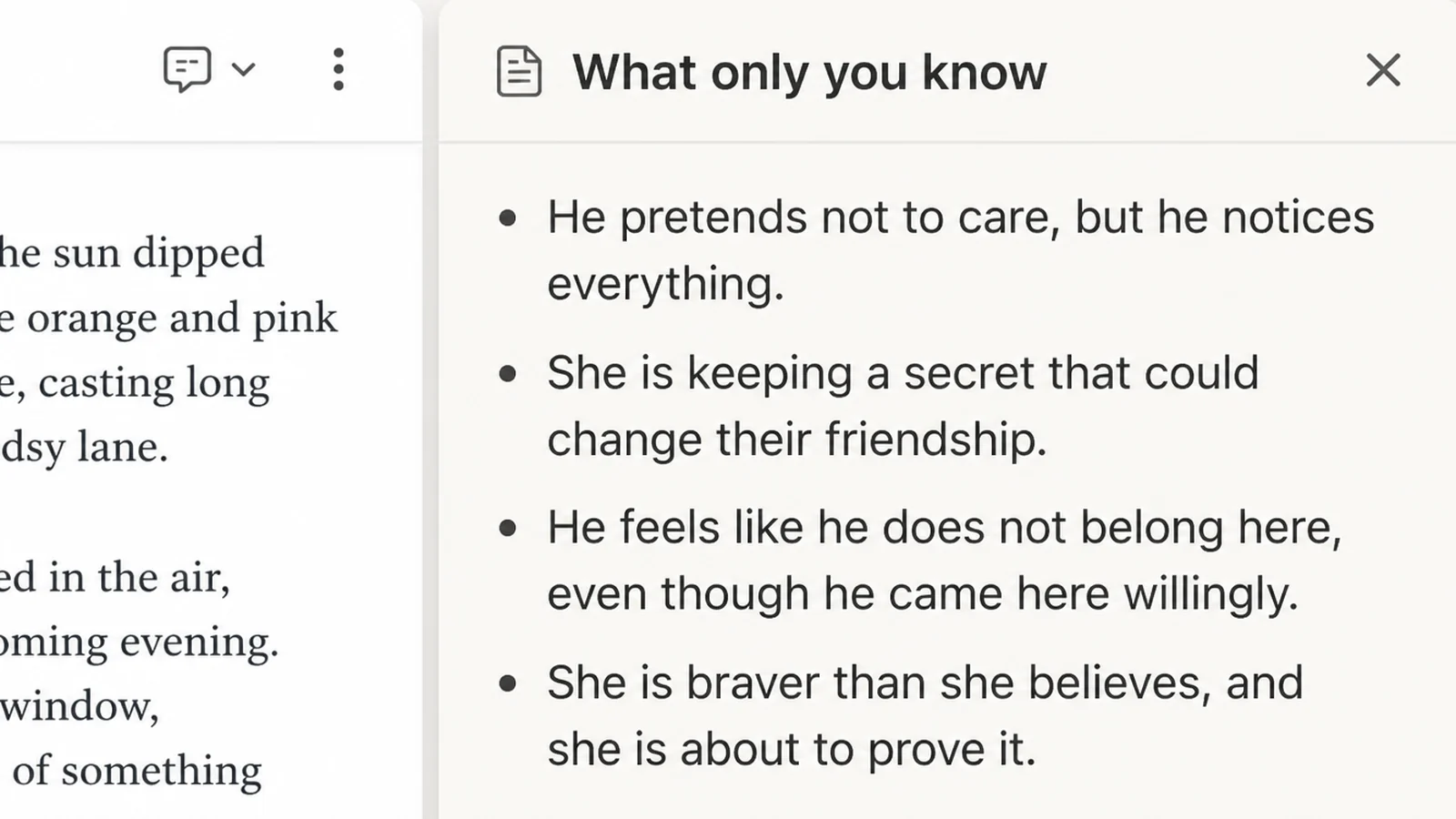
Spend fifteen minutes writing down what only you know. Your prices, the step people get wrong, what you charge extra for and why.
Bullet points are fine. Nobody else sees this. You are collecting the material the tool cannot invent.
3. Let the AI blog writer shape the rough draft around your notes
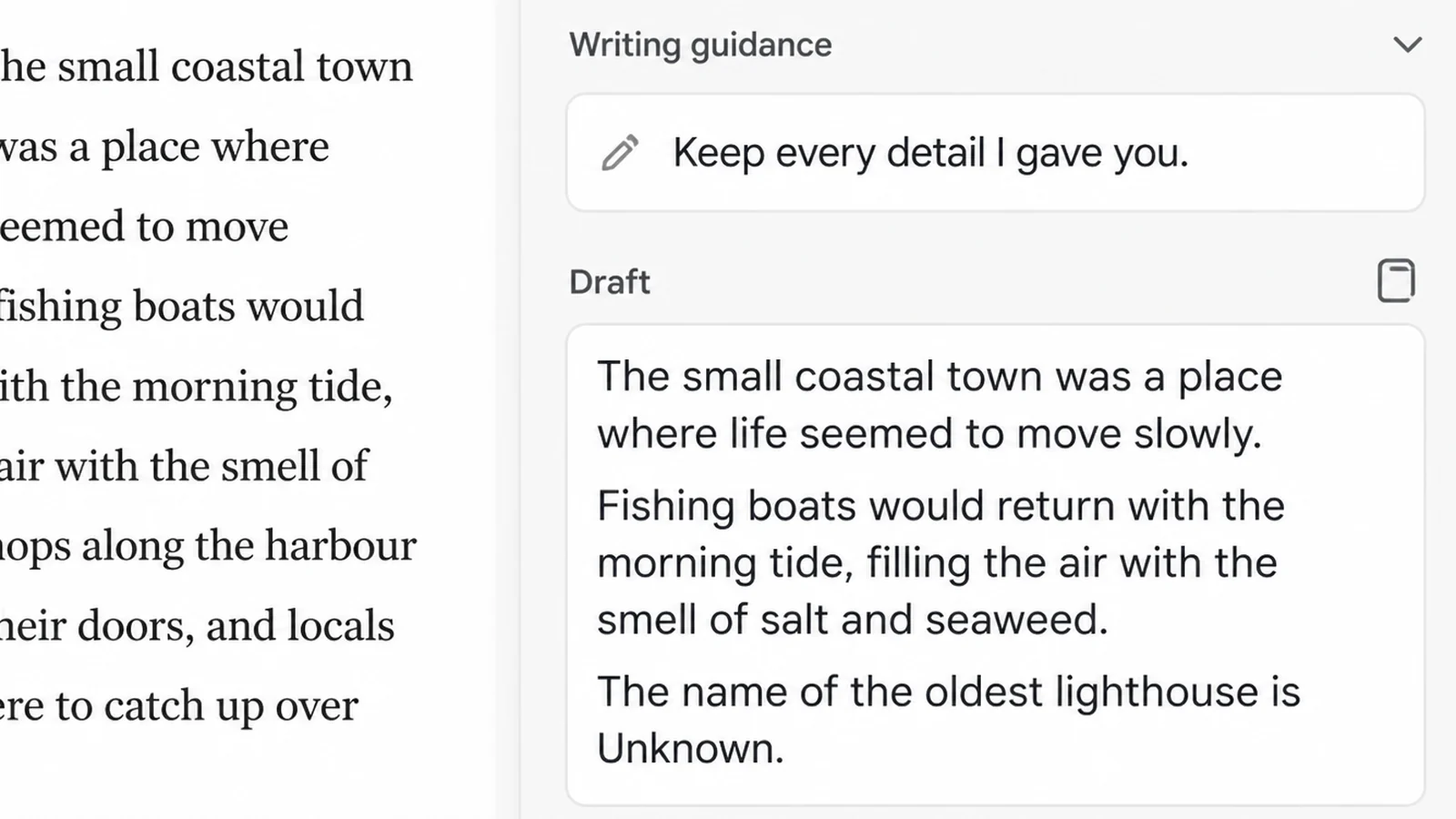
Paste your notes in and ask for a plain first draft that keeps every detail you gave it. Tell it to leave a gap where it does not know something.
Tell it not to add any statistics. That one instruction removes most of the work in the next step.
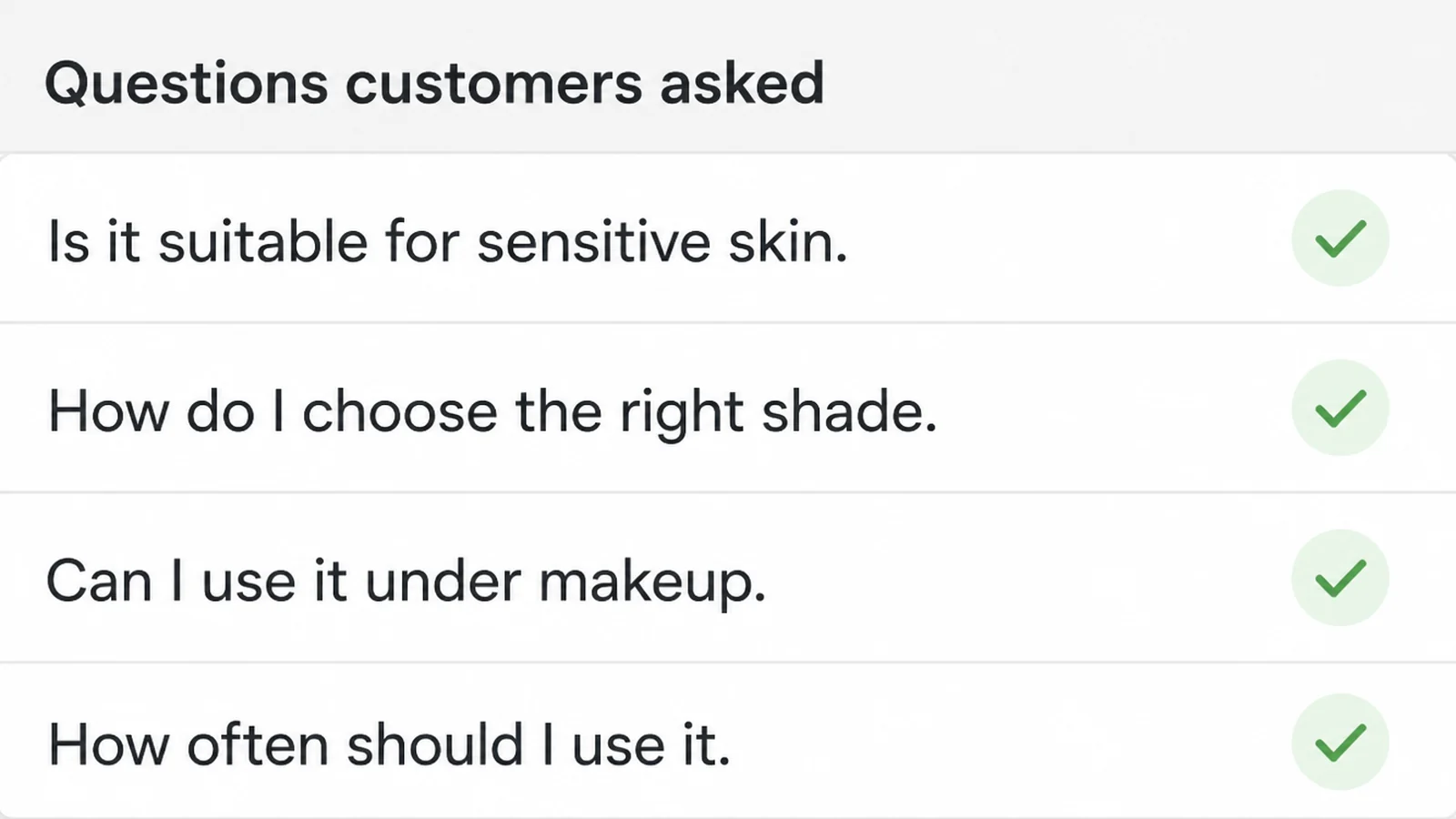
4. Check every fact against the page it came from
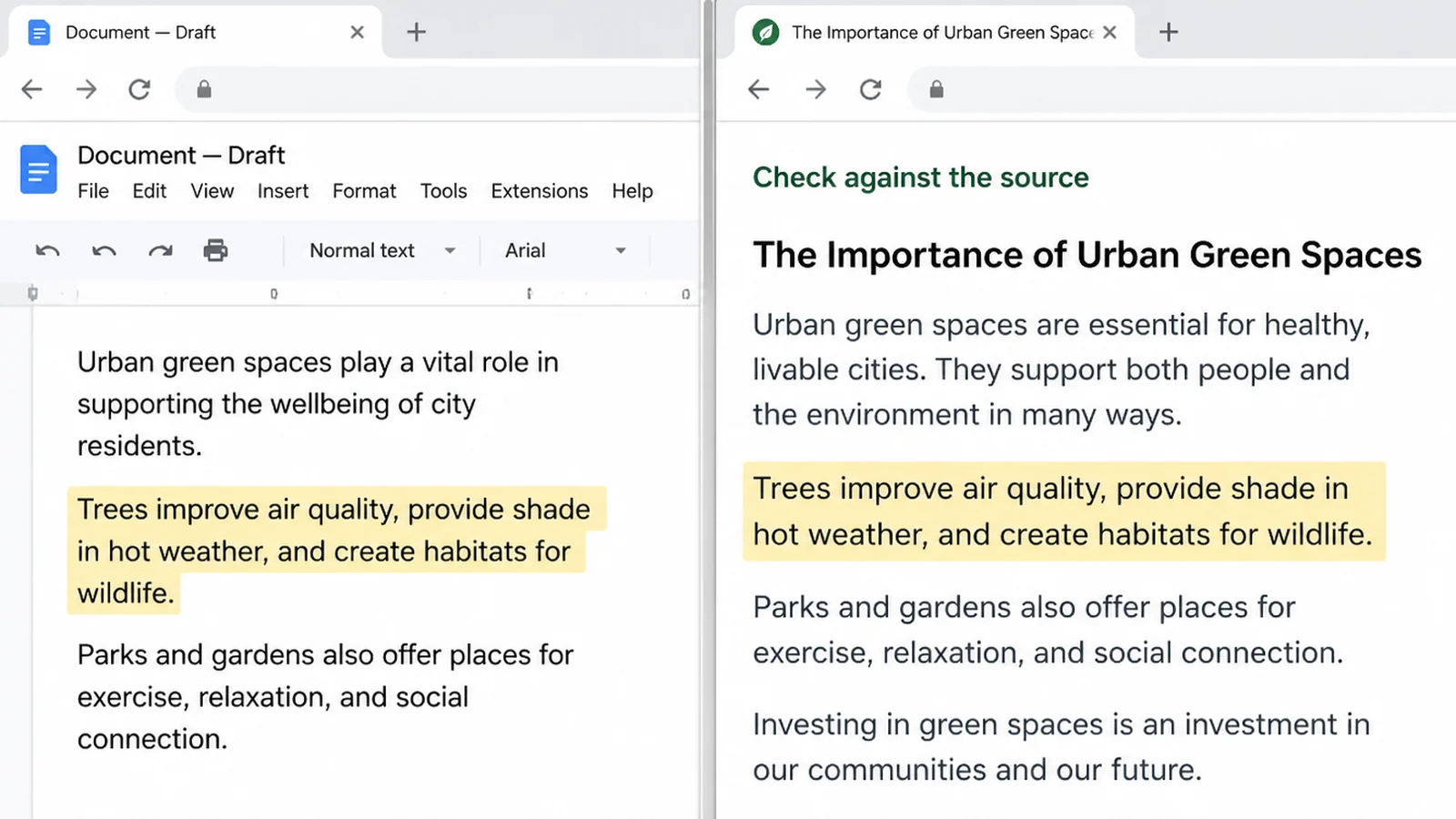
If a figure made it into the draft, open the original source. Not a blog post quoting a study. The study itself, or the company's own pricing page.
Delete anything you cannot confirm. A post with fewer numbers still works. A post with one invented number costs you the reader's trust.
Put the date beside anything that changes, such as a price or a platform rule, so the reader knows how current it is.
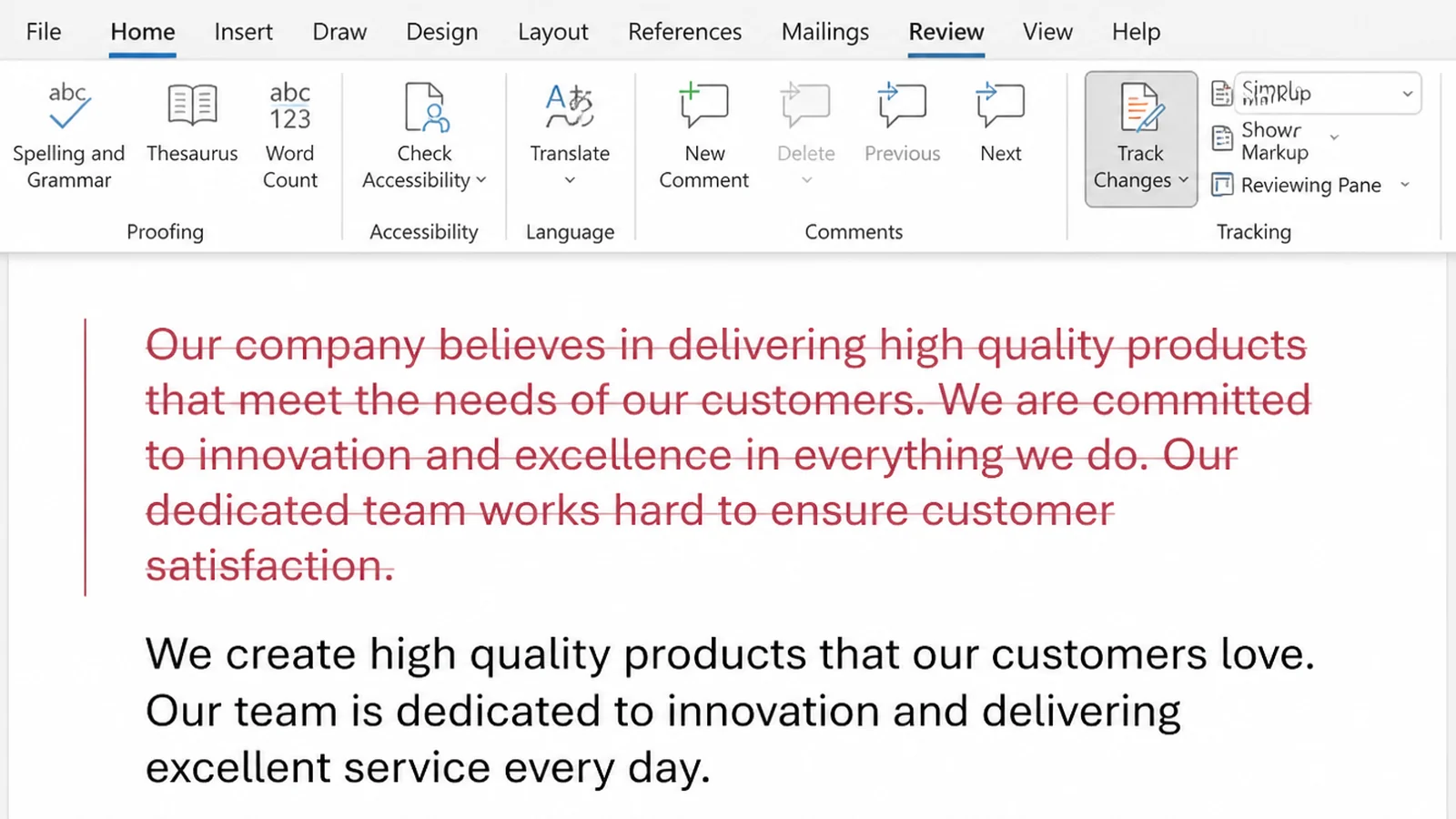
5. Rewrite the opening and cut the padding
These tools pad. They restate the question, promise what is coming, then repeat the answer at the end. Delete all of it.
Then rewrite the first three sentences yourself, the way you would say them to a customer who walked in. That is the part people judge you on.
6. Say who wrote it
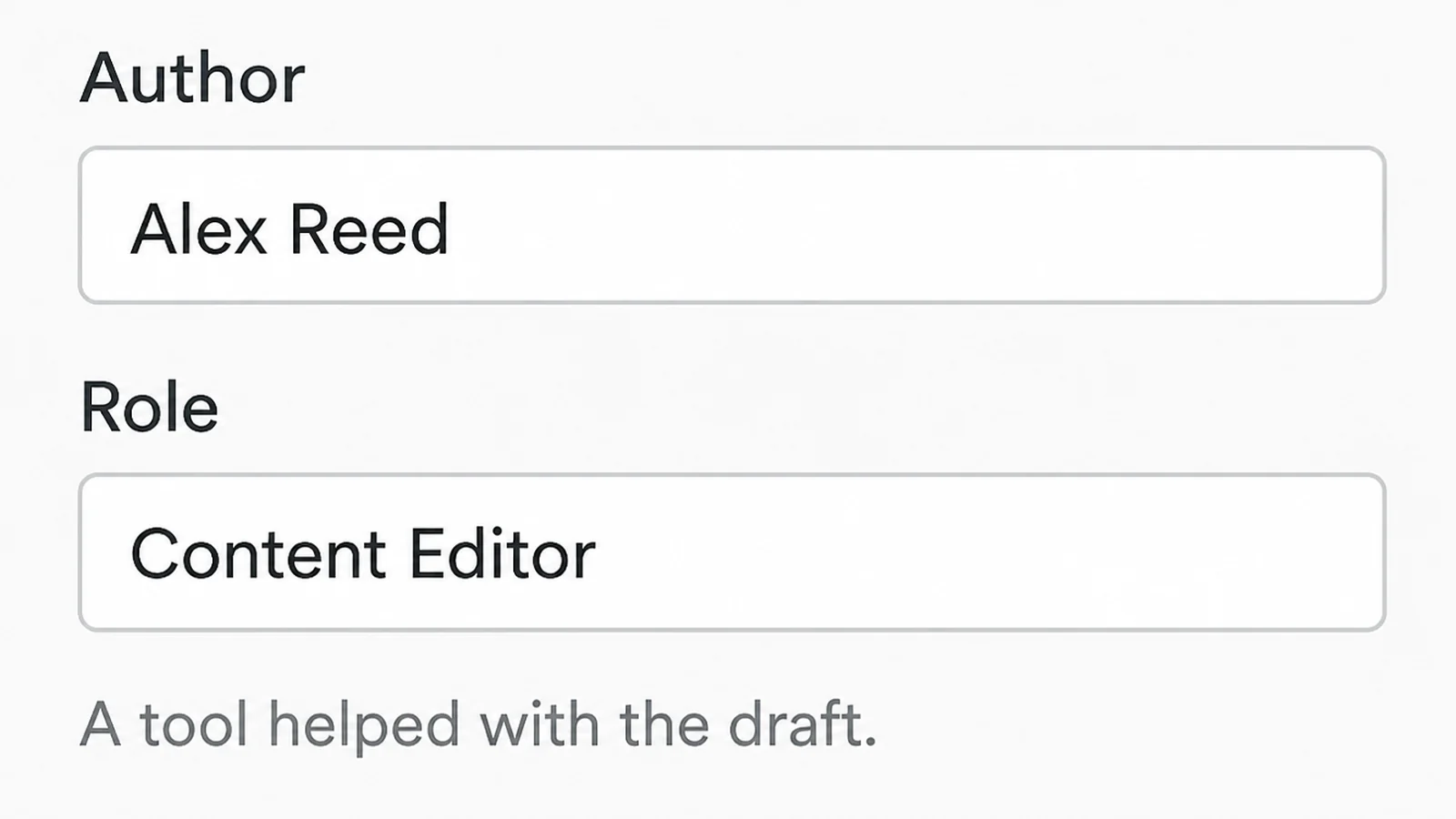
Google says disclosures are "useful for content where someone might think 'How was this created?'", and that giving AI an author byline "is probably not the best way" to be clear with readers (Google Search Central, read 9 September 2026).
Put your name at the top. A short line at the bottom can say that a tool helped with the draft.
AI Content Workflow Ideas That Work Right Now
- Use an AI blog post generator on a long email you already wrote. You already wrote the explanation once. Hand it over and ask for the same points in a better order.
- Write blog posts with AI answering the five questions you get every week. One post each, written the way you would say it out loud rather than the way a brochure would.
- Write up a job you finished. What the customer wanted, what you found, what you did. Real detail beats a general guide.
- Explain your prices. A clear page gives customers useful facts to compare before they contact you.
- Point an AI blog post generator at an old post instead of writing a new one. Ask the tool what a reader would still be confused by, then answer that.
AI Blog Writer Tools
I am not going to list brand names with prices. Those change every month, and a table that is wrong is worse than no table. What does not change is the job each kind of tool does.
| Kind of tool | Best for |
|---|---|
| A general chat assistant | Shaping your notes into a first draft and spotting the question you missed |
| A keyword tool | Checking that real people search for the words you'd naturally use |
| Your own inbox and call notes | Finding topics, because the questions are already sitting there |
| A grammar checker | The last pass, after the meaning is settled and you've cut the padding |
| Google Search Console | Seeing which posts already get shown, so you improve those first |
Before you pay for anything, check the price on the maker's own site on the day you buy. In my experience the free version of a chat assistant covers this whole job for a small business.
Common AI Blog Writer Mistakes
- Publishing in bulk. Google's spam rules name "using generative AI tools or other similar tools to generate many pages without adding value for users" (Google spam policies, read 9 September 2026).
- Keeping the invented facts. A tool will produce a percentage, a study name and a year that don't exist together. Check or cut.
- Leaving the tool's voice in. If a sentence sounds like a press release, your reader hears that too.
- Writing for the search engine. Repeating a phrase eleven times reads badly and stopped working years ago.
- Skipping the first step of the AI content workflow. Asking for a post about accounting gets you a page that could belong to anybody. Write about what your own customers ask you.
All five come from rushing. Each one happens when a post gets published before anybody reads it properly.
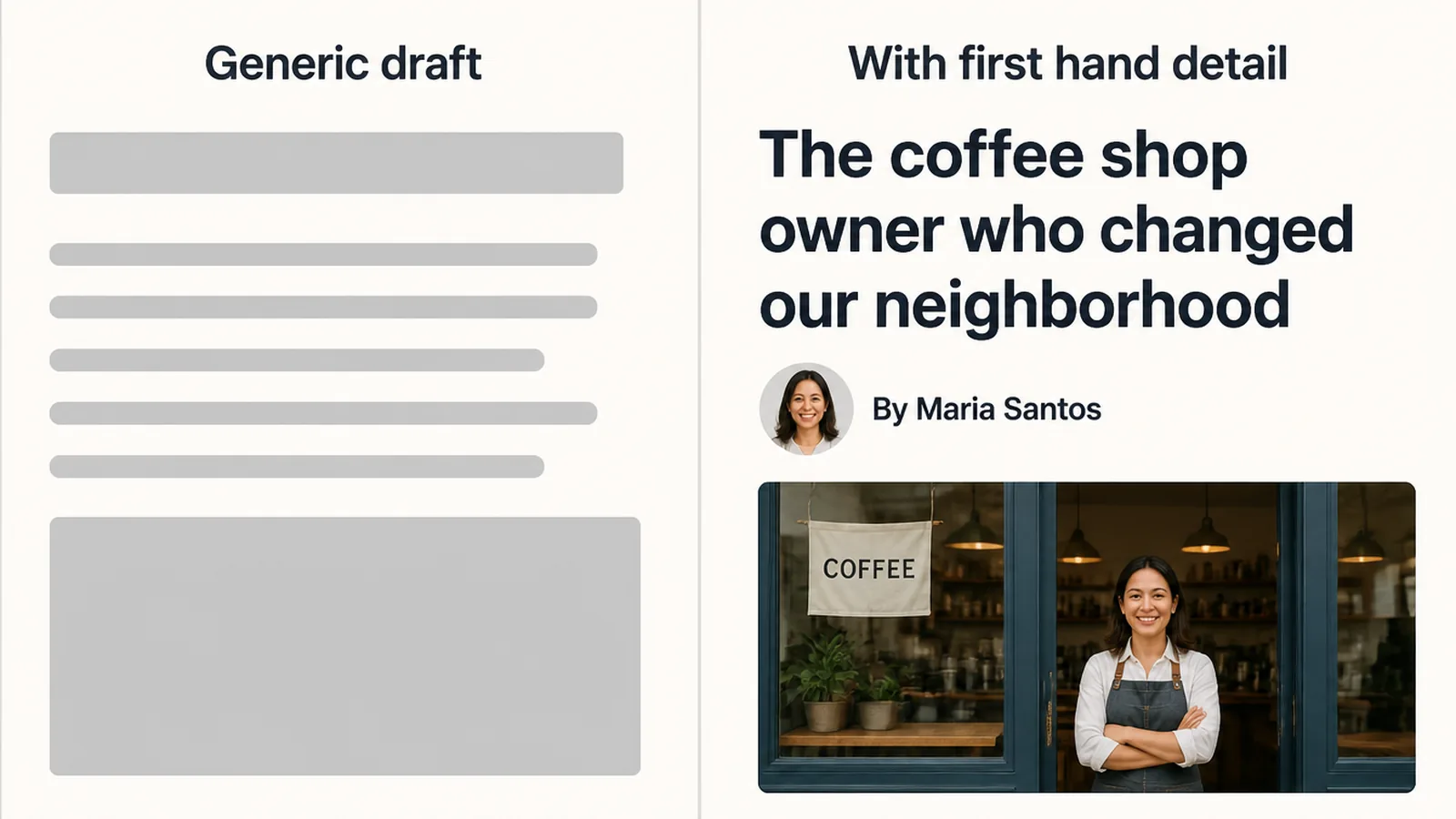
Read yours out loud before it goes live. You will hear the padding, and you will hear the sentences that are not yours.
Google put its position plainly: "Using automation, including AI, to generate content with the primary purpose of manipulating ranking in search results is a violation of our spam policies." In the same post it says appropriate use of AI isn't against the guidelines at all.
FAQs
Does Google penalise blog posts written with AI?
No. Google says appropriate use of AI or automation is not against its guidelines, and that it rewards quality rather than the method used to produce it. What breaks the rules is generating pages mainly to move rankings. Write for a reader and the tool you typed with stops being the issue.
How much of the post should I write myself?
Write the parts nobody else could write: your prices, the questions customers ask, what went wrong on a recent job and what you tell people on the phone. AI can shape a draft around them, and you still edit every line.
Do I have to tell readers I used AI?
Google says disclosures are useful for content where someone might ask how it was created, and to add them when a reader would reasonably expect one. It also says giving AI an author byline is probably not the best approach. A short line at the end of the post is enough.
Will using an AI blog writer hurt my rankings?
Not by itself. In a study of 31,493 keywords in June 2025, Graphite found 86 percent of articles ranking in Google were written by humans. The researchers noted they did not test AI drafts with heavy human editing. That is exactly what this way of working produces.
How long does one post take this way?
In my own work a 1,500 word post takes about two hours, and most of that is checking facts and rewriting the opening. That is my experience rather than a measured average, and your first few will run longer while you build the habit of editing hard.
Conclusion
The tool isn't the risk. Handing over the whole job is. Keep the topic, the detail and the final read for yourself, and a draft written with AI is just a draft.
Pick one question a customer asked you this month and write that post today. If you'd rather have someone run this every week for you, whether that's the writing or the search side of it, reach out to my team at Seed Light.