AI Automation Limitations: What to Hand Over and What to Keep Human

The main AI automation limitations are judgement, local context and accountability. Hand over work that repeats the same way every time, keep a person on anything where a wrong answer costs money or a customer, and give every automation an owner. Seed Light builds them this way.
The AI automation limitations nobody mentions show up fast. You keep hearing that AI can run your admin, answer your customers and write your posts.
So you try it, and half of it works beautifully while the other half quietly causes problems.
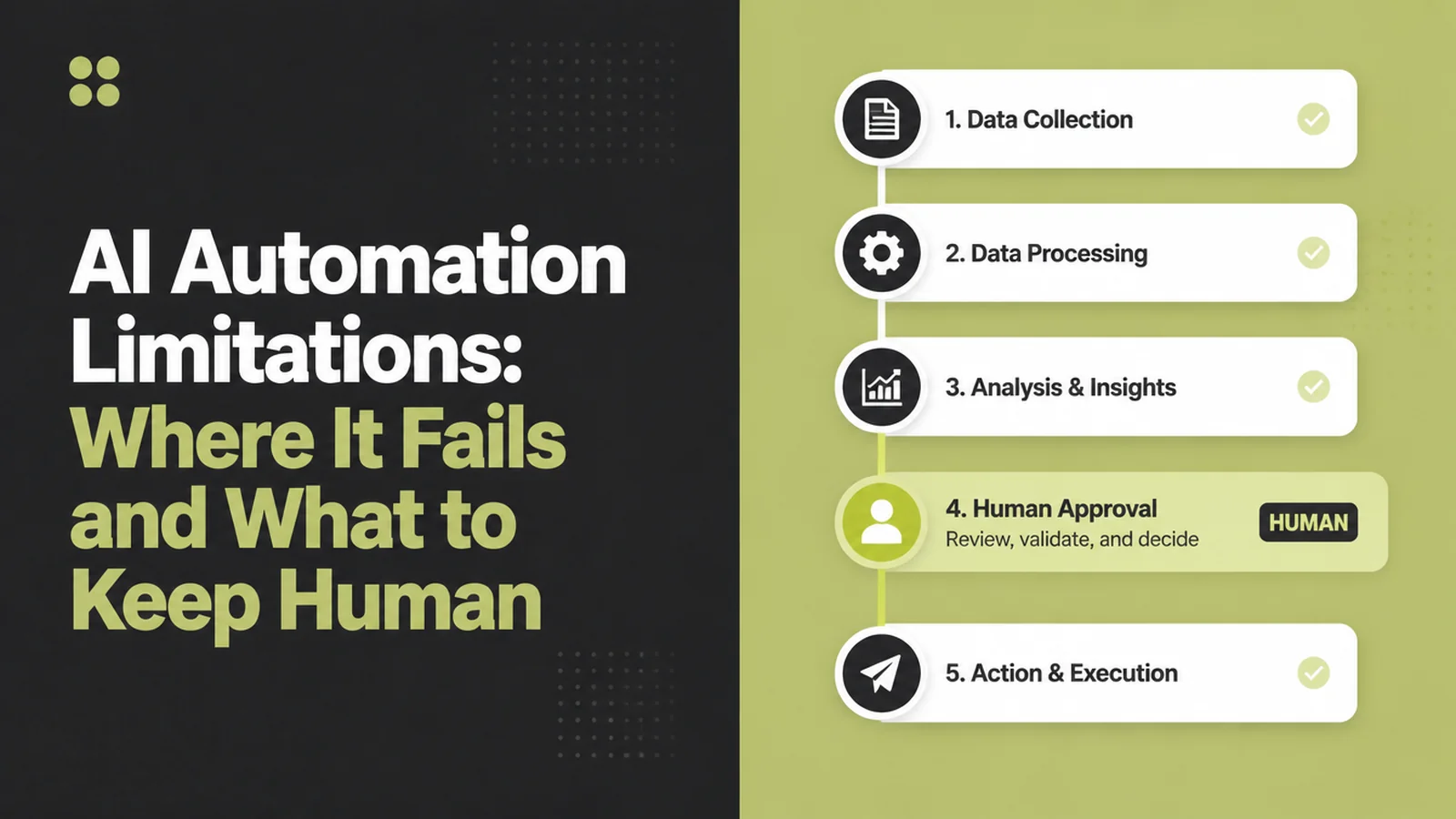
There is a pattern to which half is which. AI is good at work that comes up the same way every time. It is poor at work that needs judgement, local knowledge, or somebody to answer for the result.
Sort your tasks that way and when not to automate becomes obvious. The AI automation limitations are easiest to see task by task.
Here is where it goes wrong in practice, what is safe to hand over, and what you should keep.
Key Takeaways
- Ask whether it repeats, not whether it is hard. If a task looks the same every time, hand it over. If every case is slightly different, keep a person on it.
- Where AI automation fails most is a wrong answer that sounds right. Software states a made up fact in exactly the same calm tone as a true one, so nothing ever looks broken.
- Let it write the draft and you press send. Software writes, a person approves. You get most of the speed and almost none of the risk.
- The messaging apps have their own rules. They decide when you may reply and what it costs, so your setup can work perfectly and still be blocked.
- Decide about customer data before you start. Before personal details go into a new tool, find out what you agreed to and who is responsible if it leaks.
What Is AI Automation?
AI automation is software doing a whole job from start to finish, with the AI handling the part that used to need a person to read something and decide.
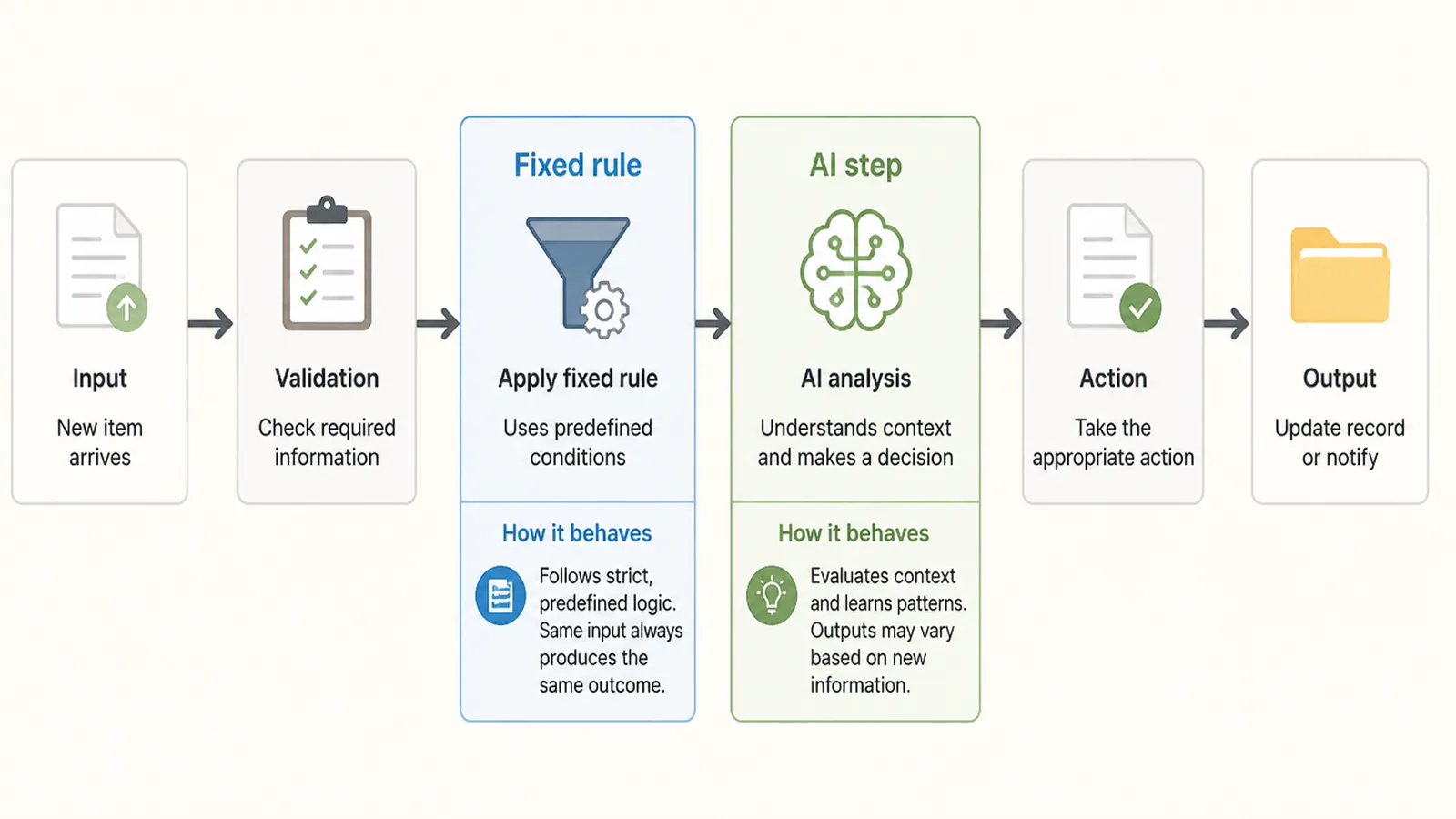
Ordinary automation follows fixed rules. A form comes in, a row gets added, an email goes out. It never guesses, and it stops working obviously the moment something changes.
The AI part behaves differently. It reads messy things, a rambling enquiry, a photo of a receipt, a voice note, and turns them into something the rest of the process can use.
That flexibility is exactly where the AI automation limitations come from. The AI automation limitations split along that line. Fixed rules break in ways you notice within an hour. AI produces something that looks reasonable and carries on.
AI Automation for Small Business: Why It Is Different
The AI automation risks are larger for you than for a big company. A large company can survive a bad automated reply. It has a support team, a complaints process, and enough customers that one strange message goes unnoticed.
You have none of that. Your customers deal with you personally, so a message that sounds wrong sounds like you got it wrong. Trust is part of what you sell.
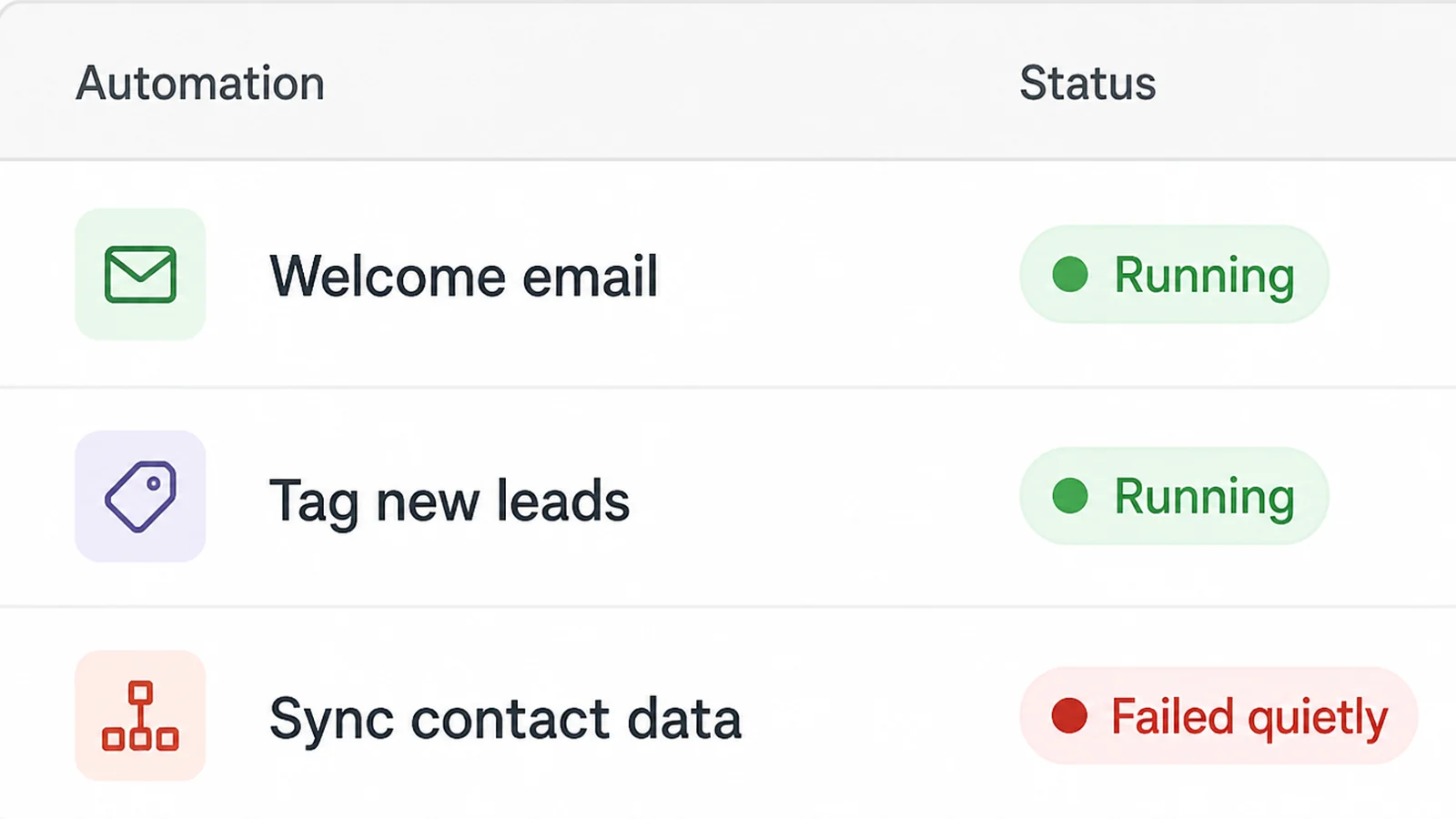
You also have nobody watching it. In my experience the automation that hurts a small business is not the one that fails. It is the one that runs wrongly for six weeks while everybody assumes it is fine.
The tool makers say the same thing about these AI automation limitations. Anthropic's guidance on reducing hallucinations says these techniques "don't eliminate them entirely" and tells developers to "always validate critical information, especially for high-stakes decisions" (read on 9 September 2026).
That one sentence tells you how to work around the AI automation limitations. Use the speed where a mistake is cheap, and put a person where it is not.
AI Automation Limitations: How to Split the Work
1. List the tasks that repeat
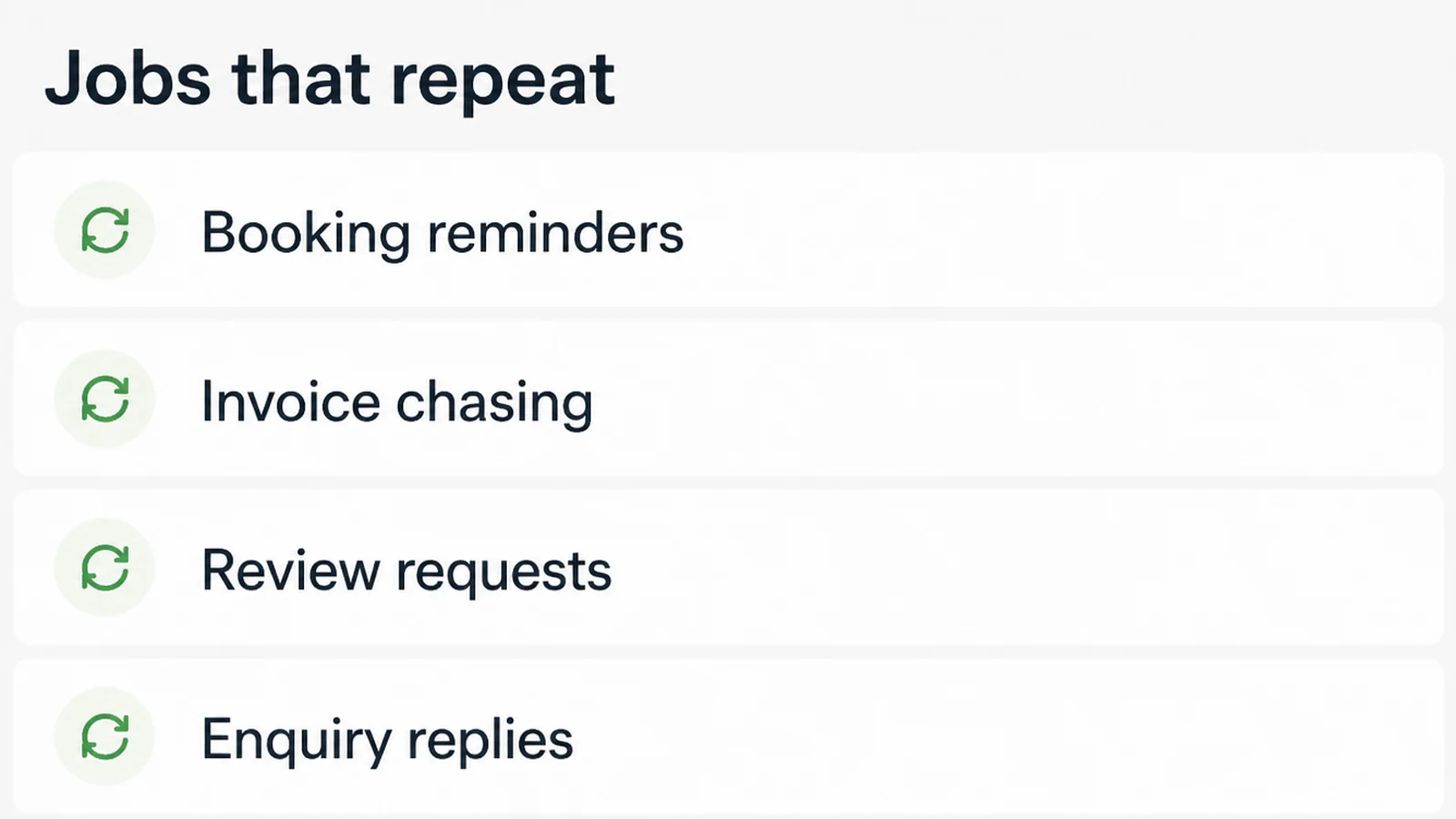
Write down everything you did more than five times last week. Reminders, quotes, the same three questions on Facebook, invoices, chasing reviews. That is your shortlist.
Anything that happened once stays with you. Automating a one off costs more time than just doing it.
2. Ask what a wrong answer costs
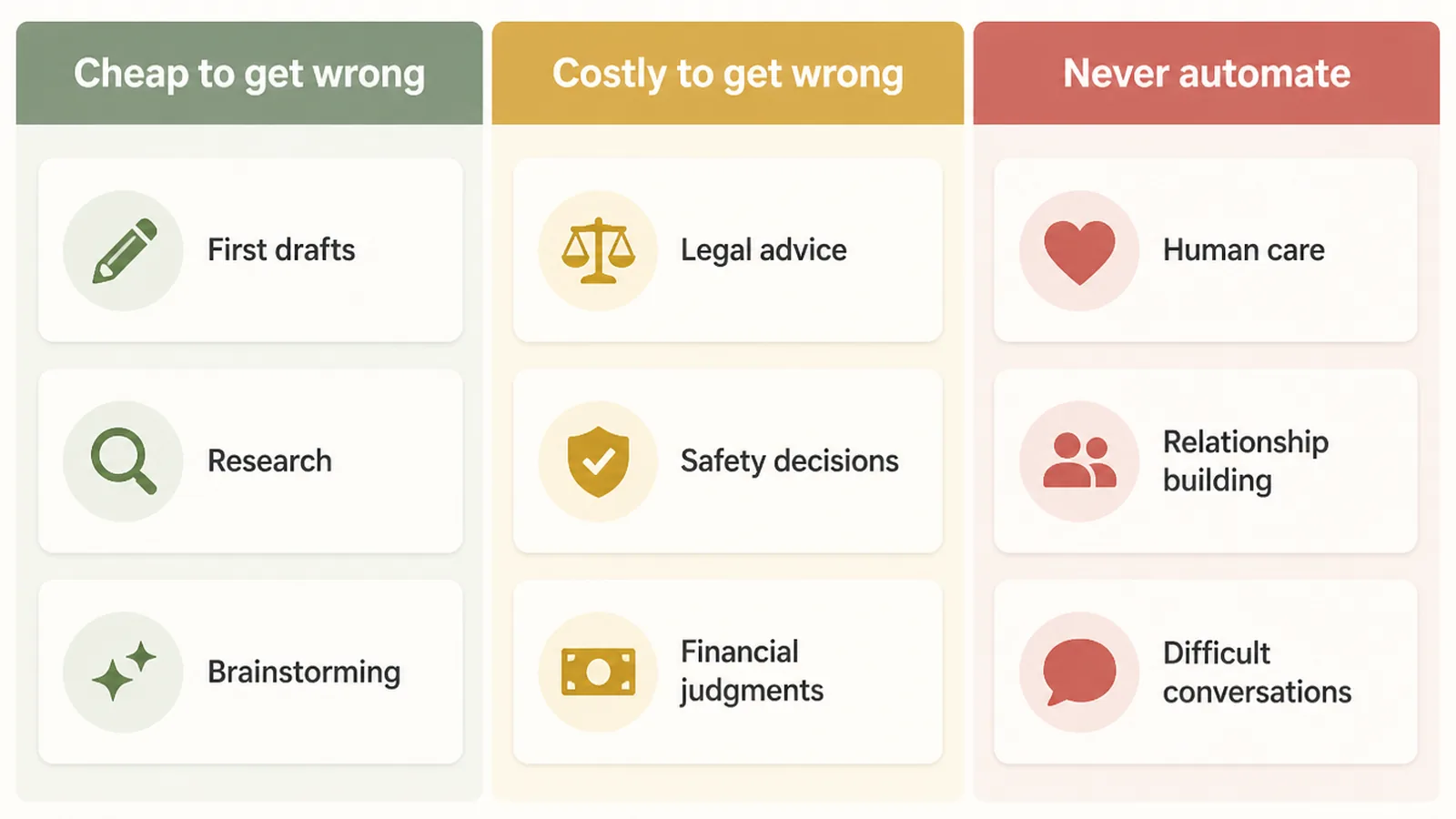
For each task, finish this sentence. If this goes wrong, I lose a minute, or I lose a customer, or I end up in a legal dispute. Only the first group is safe to hand over completely.
A reminder sent an hour late costs you time. A wrong price on a custom job can cost you the customer. A wrong promise about a refund can start a dispute.
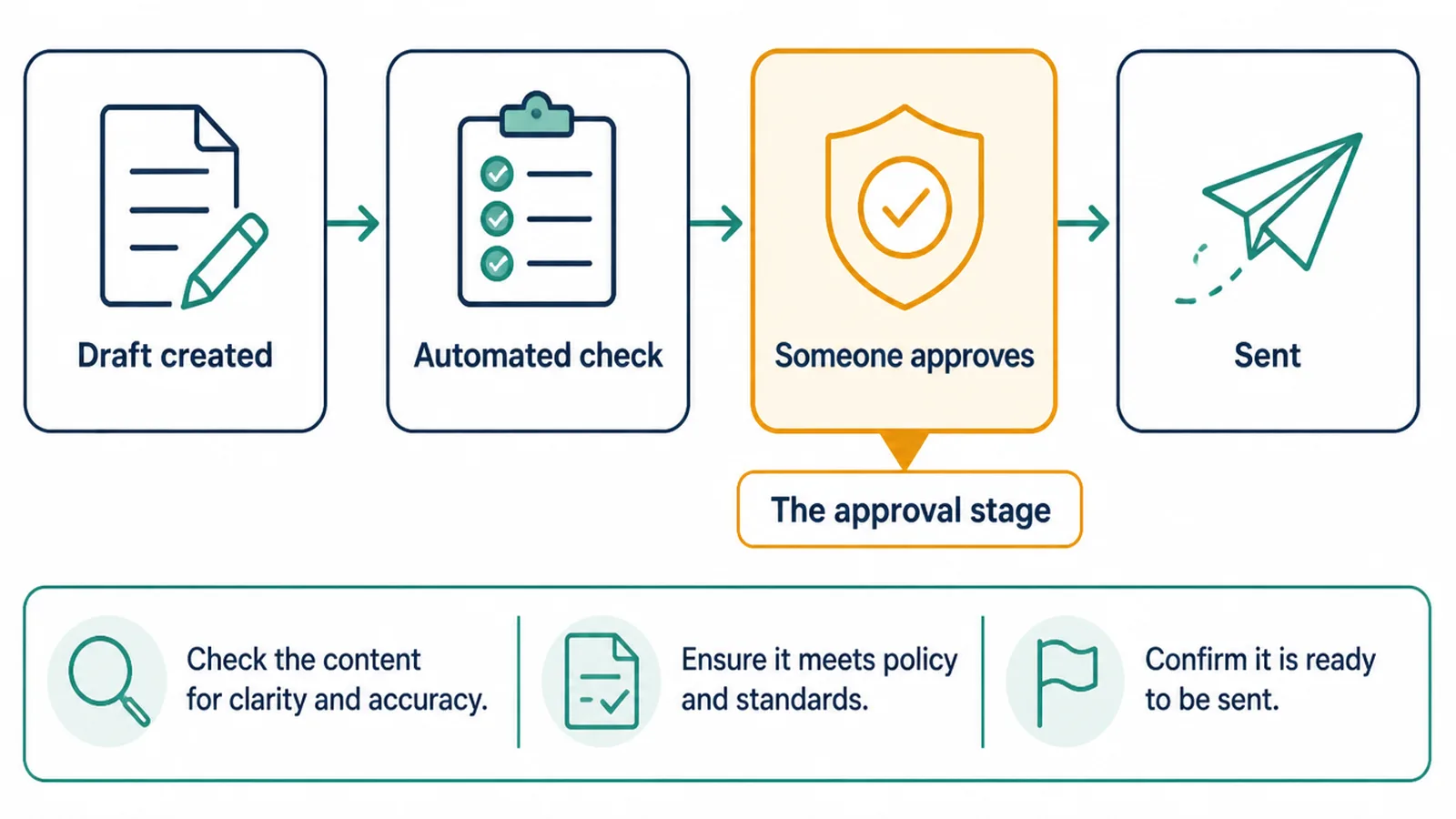
3. Keep a person on the send button
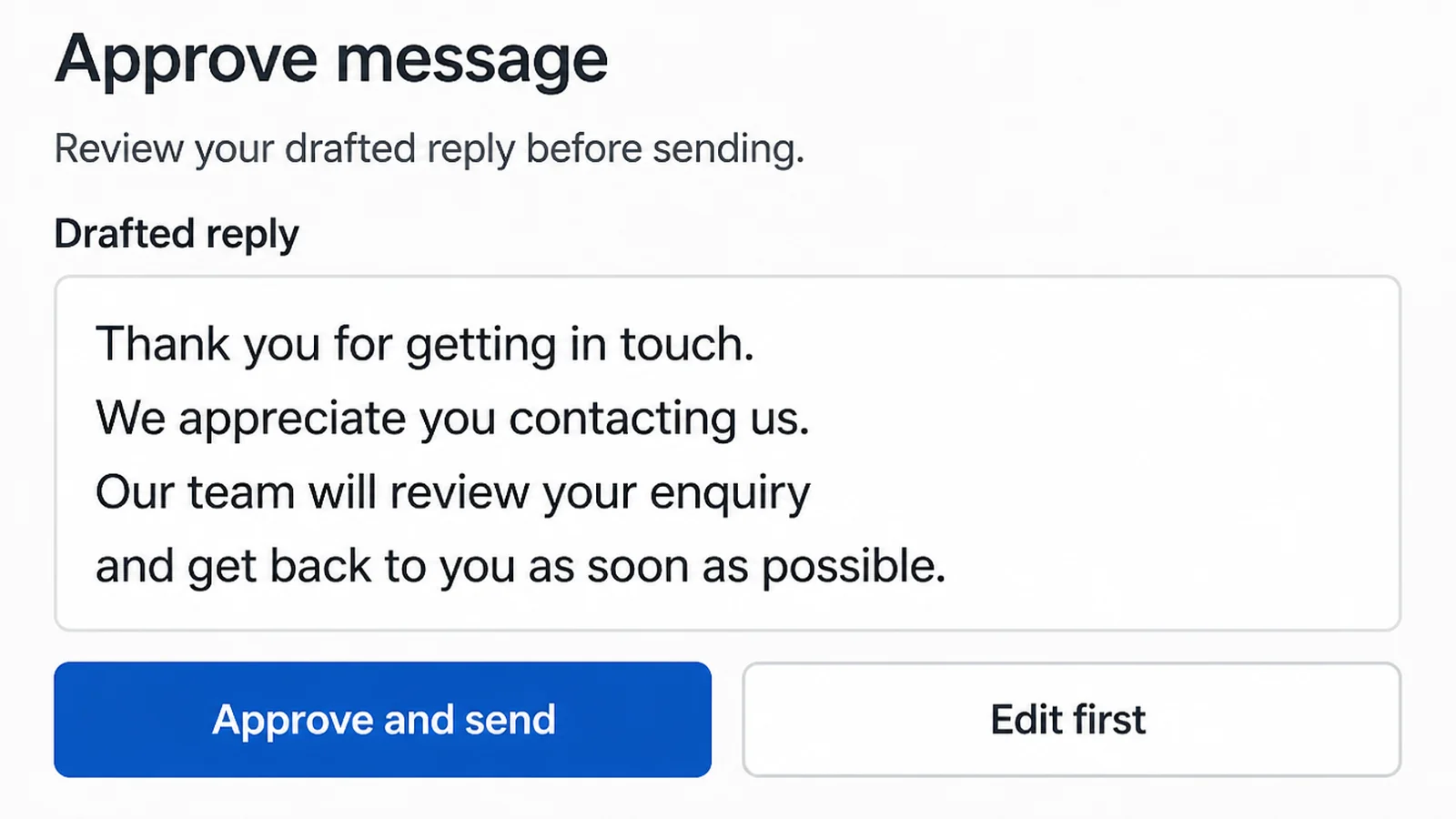
The middle group is where most of your time goes, and you can still speed it up. Let the software write the reply, then read it and send it yourself.
You save the typing and keep the judgement. Once a month of drafts have gone out without you changing them, you can relax it a little.
4. Check the platform rules before you build
Something can work perfectly and still break the rules of the app you are sending through. You find out when you get cut off, so read the policy first.
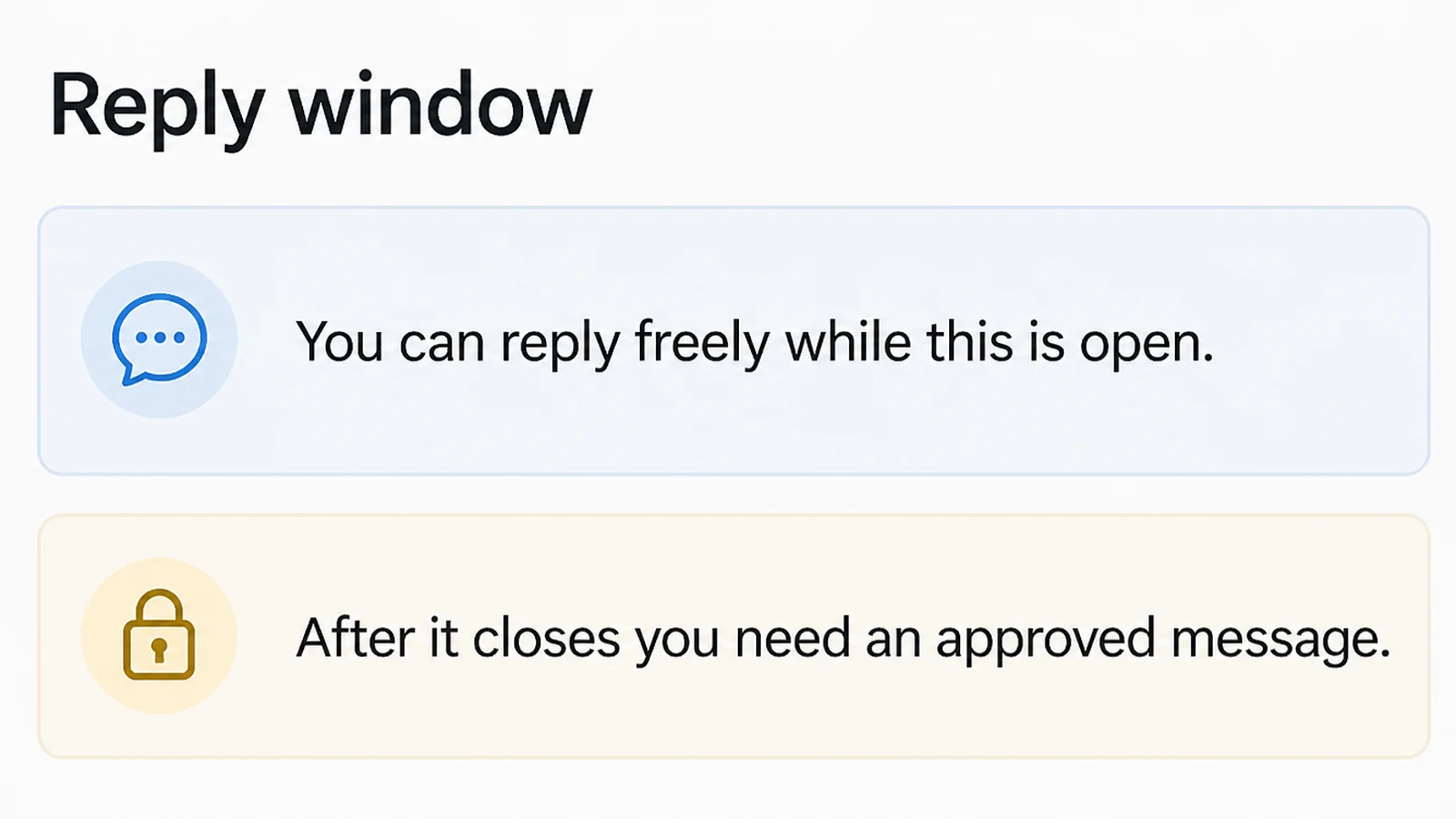
Meta's Messenger platform policy says businesses "have up to 24 hours to respond to a user", and messages after that have to use one of Meta's approved types (read on 9 September 2026).
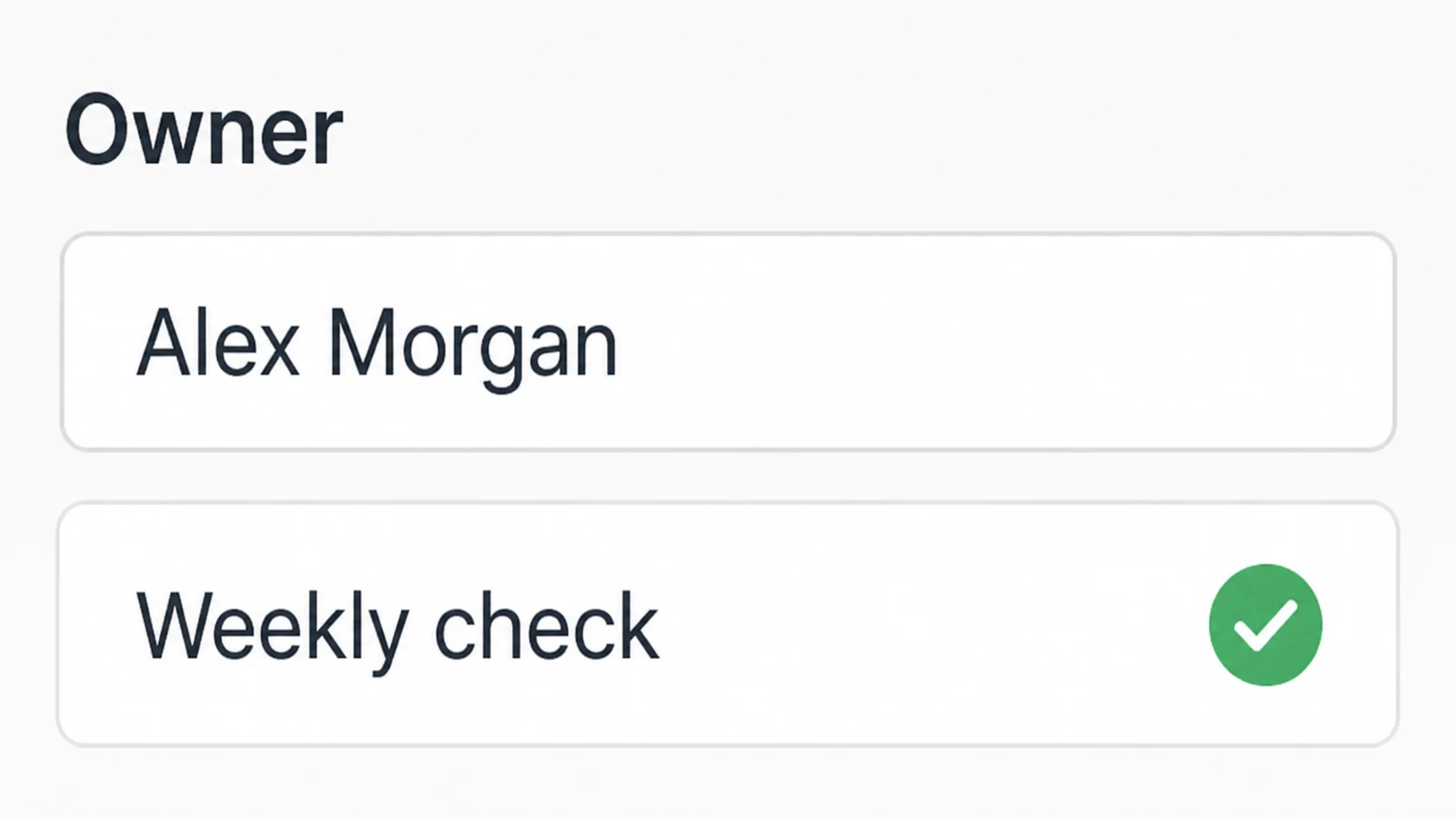
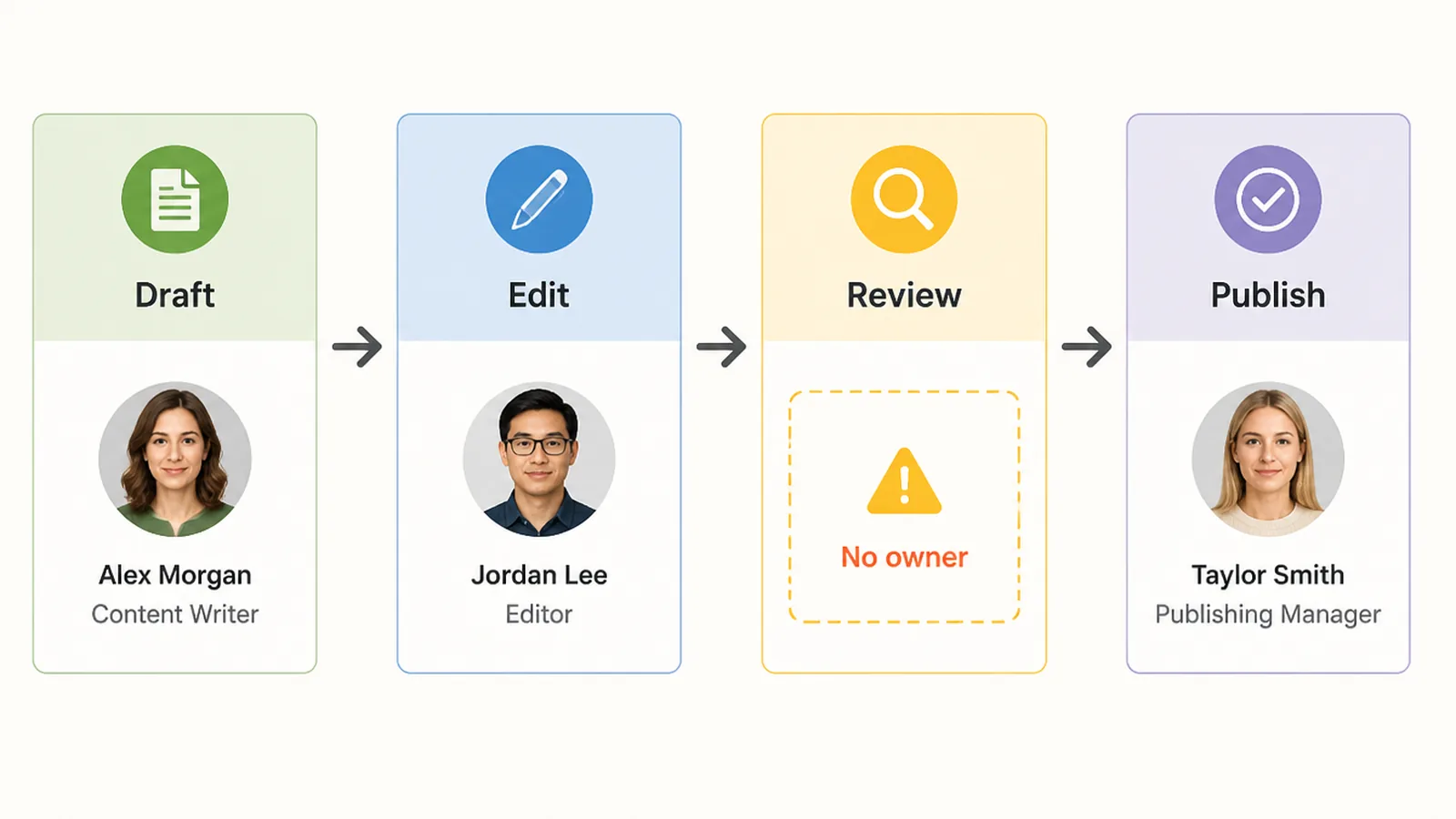
5. Give every automation an owner and a check
Put one name against each automation, and set a time each week when that person checks what it did. Ten minutes reading the last fifty messages is enough.
Without that, you do not have an automation. You have an employee nobody is supervising, who never tells you when something has gone wrong.
Automation Ideas That Work Right Now
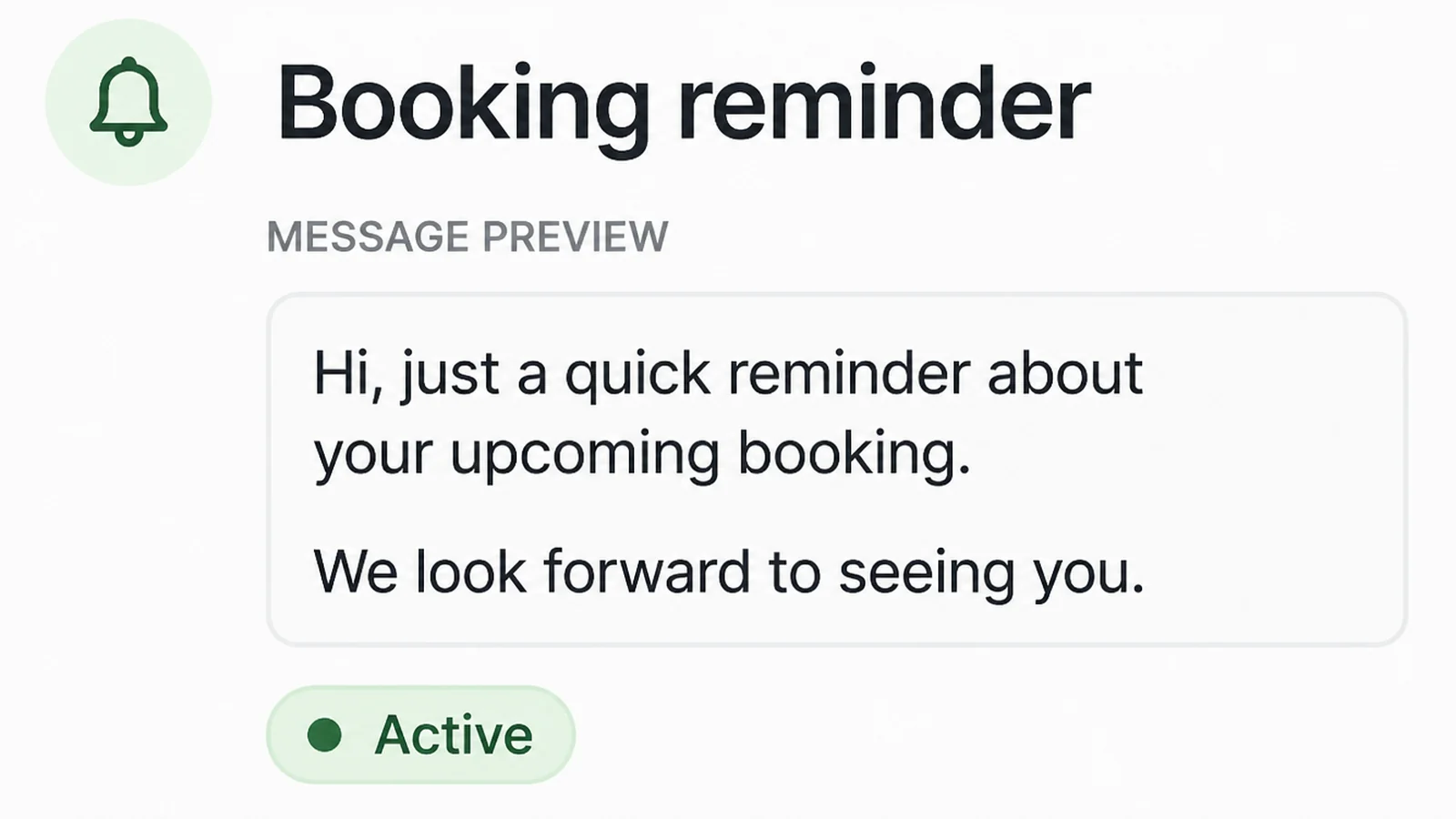
- Booking reminders. Same message, same timing, no judgement needed. This is the safest thing on the list and usually the one that pays for itself first.
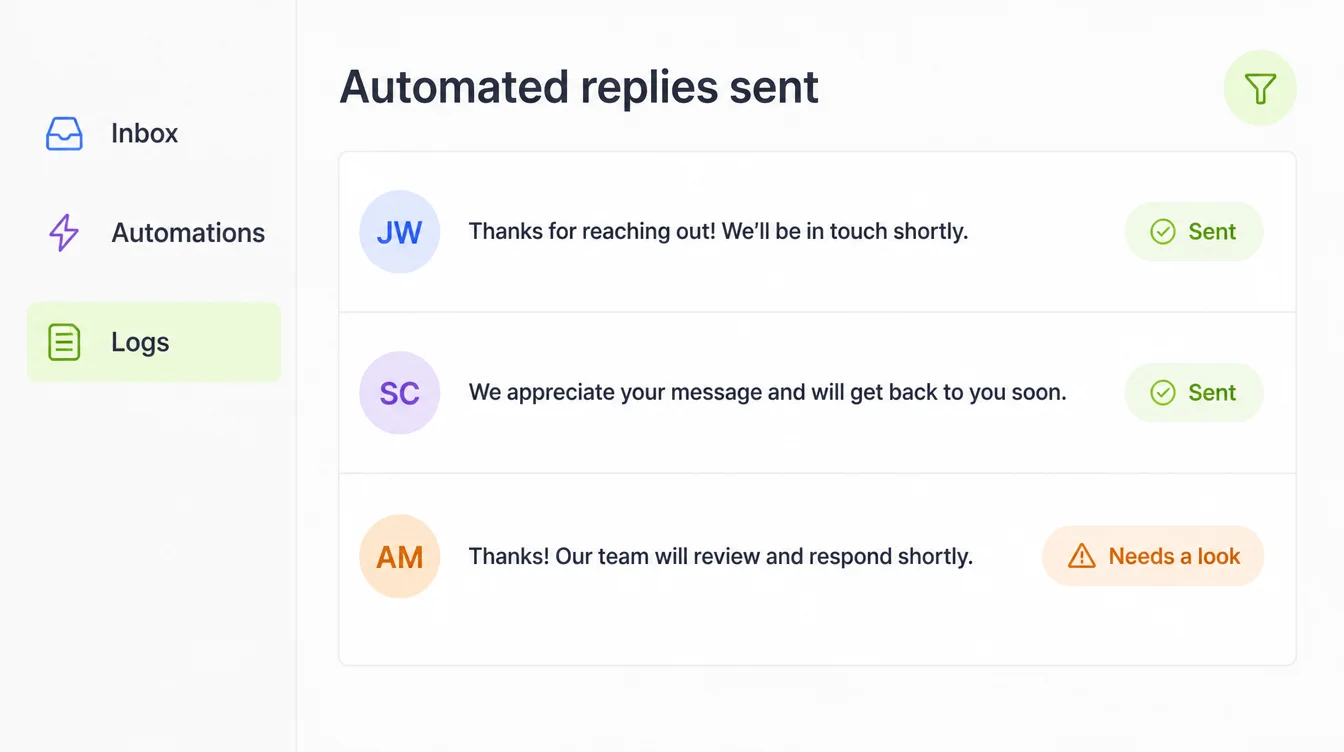
- A first reply while you are still allowed to send one. A short note saying you have seen the message and when a person will answer it properly.
- Turning enquiries into records. Software reads a free text message and fills in name, service and date, so nothing gets retyped and nothing gets lost.
- Review requests after a job. Triggered by the job being marked done, sent once, and never accidentally chased twice.
- Draft replies for your inbox. Written by software, read and sent by you. Speed without handing over your own voice.
- Reusing one piece of writing. A finished article becomes captions and an email. You still edit them, and they still need something worth saying.
Notice what those have in common. Each one either costs little when it goes wrong, or ends with a person reading it before it leaves.
None of them replaces you in a conversation. That is the clearest of the AI automation limitations. I would hold that line for the first year, and only relax it where the weekly checks show it has earned the trust.
Where AI Automation Fails, and the Tools That Help
Choose based on the job in front of you, not on what is popular this month. Features and prices change, so read the company's own page before you commit.
| Type of tool | Best for |
|---|---|
| Website chatbot | Answering the same handful of questions at midnight, with a clear route through to a person |
| Workflow builder | Moving information between apps you already pay for, with one AI step in the middle |
| Messaging tools | Replying fast inside the window each app allows, and keeping the history in one place |
| Writing assistant | First drafts you intend to edit, never finished copy that goes out untouched |
| Call answering | Taking details when you can't pick up, then handing you the notes to act on |
Check the messaging costs before you design anything around them.
Meta's WhatsApp pricing page says charging moved to a per message basis on 1 July 2025, that you are only charged when an approved message is delivered, and that service messages have been free since November 2024 (read on 9 September 2026).
One tool per job is plenty at the start. Connecting five together before any one of them works is the fastest way to build something nobody can fix.
Common AI Automation Mistakes, and Where AI Automation Fails
- Automating a broken process. AI automation in a small business adds speed to a messy process and creates the mess faster. Fix the steps by hand first, then hand them over.
- Making it hard to reach a person. If a customer cannot get to a human within two clicks, the bot has stopped helping and started blocking.
- Publishing volume for its own sake. Google's spam policies name scaled content abuse, pages made mainly to manipulate rankings rather than help users, and say it counts "no matter how it's created" (read on 9 September 2026).
- Skipping the data question, the quietest of the AI automation risks. The Personal Data Protection Department publishes a guideline on data breach notification, so check with a lawyer what applies to you before records move into a new tool.
- Trusting the first good week. The early cases are the easy ones. Problems appear in the unusual cases. That is why the weekly check matters.
- Buying software before you have a problem for it. Start with the one task that annoyed you most this week. Choosing a tool is easy once the job is written down.
FAQs
What should I never hand over completely?
Anything where a wrong answer costs you money, a customer, or a legal problem. Refunds, complaints, pricing on custom work, anything touching health or contracts. Automate the drafting if you like, but a person should read it and press send. That review is the whole safeguard.
Can a chatbot handle all my customer messages?
Not all of them. It handles the repeated questions well, like hours, location and stock. It struggles with anything unusual, and it can state something wrong with total confidence. Give it a clear handover to a human, and check the transcripts every week for a while.
Will automated replies get my Facebook page in trouble?
Automated replies are allowed, but Meta sets a window. Its Messenger policy gives businesses up to 24 hours to respond to someone, and after that you need one of Meta's approved message types. So build around fast replies inside the window, not blasts days later.
Does AI written content hurt my search rankings?
Google doesn't ban it. Its spam policies target scaled content abuse, meaning many pages made mainly to game rankings rather than help anyone, no matter how they were created. So the risk is publishing volume with nothing new in it, not the writing tool itself.
Is it safe to feed customer data into an AI tool?
Treat that as a decision to check, not a technical detail. Malaysia's Personal Data Protection Department publishes a circular and guideline on data breach notification, so there are duties attached to holding customer data. Read those and ask a lawyer before you pipe personal data anywhere new.
Conclusion
The limits here aren't a reason to stay away. They're the map. Reminders, intake and first drafts are genuinely safe, and they take back real hours every week.
What stays with you is smaller than the sales pages suggest, and more important. The decisions, the awkward cases, and the moment anything goes out with your name on it.
Start with one repeated task, give it an owner, and read what it did on Friday. That habit is worth more than any tool you could buy this month.
If you'd rather not build the plumbing yourself, see how we approach AI automation, or reach out to my team at Seed Light.