AI Writing Tools 2026: Best Options by Writing Task

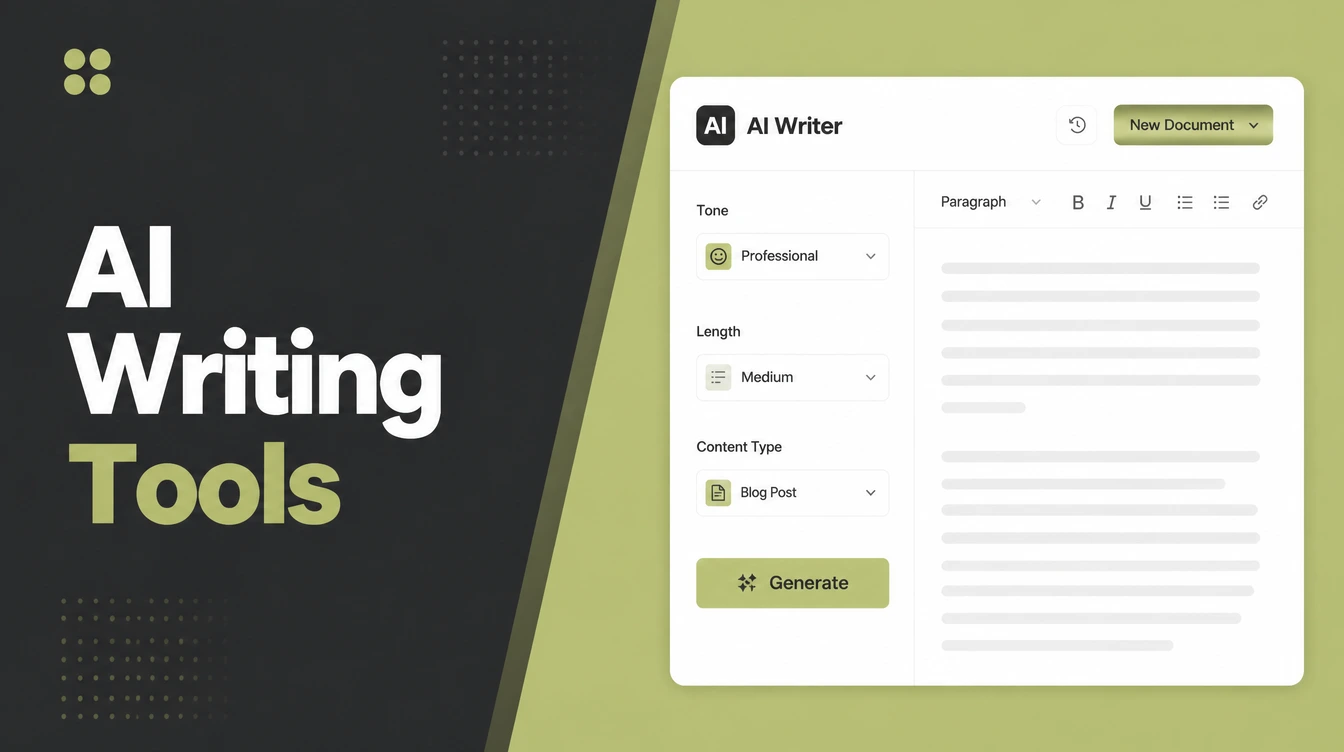
AI writing tools turn a prompt into a draft, and the draft still needs you. Start with a free general assistant like ChatGPT, Claude or Gemini, then add one specialist for whatever you write most. The value comes from your edit: your voice, your facts, your experience. Seed Light drafts and edits exactly this way.
Key takeaways
- Google judges quality, not method. Its spam policy says scaled, low-value content is the problem "no matter how it's created". AI content is fine if it genuinely helps people.
- Most small businesses already use AI. About 88% of small businesses report using AI tools, and 73% say they have mattered to growth.
- Start free. ChatGPT, Claude, and Grammarly all have free plans that cover everyday writing.
- It is a draft, not done. AI invents facts and sounds generic. A human edit and fact-check is non-negotiable.
- Pick by job. Use general assistants for long-form and ideas, a specialist for short ads, and Grammarly for the final polish.
1. What do AI writing tools do?
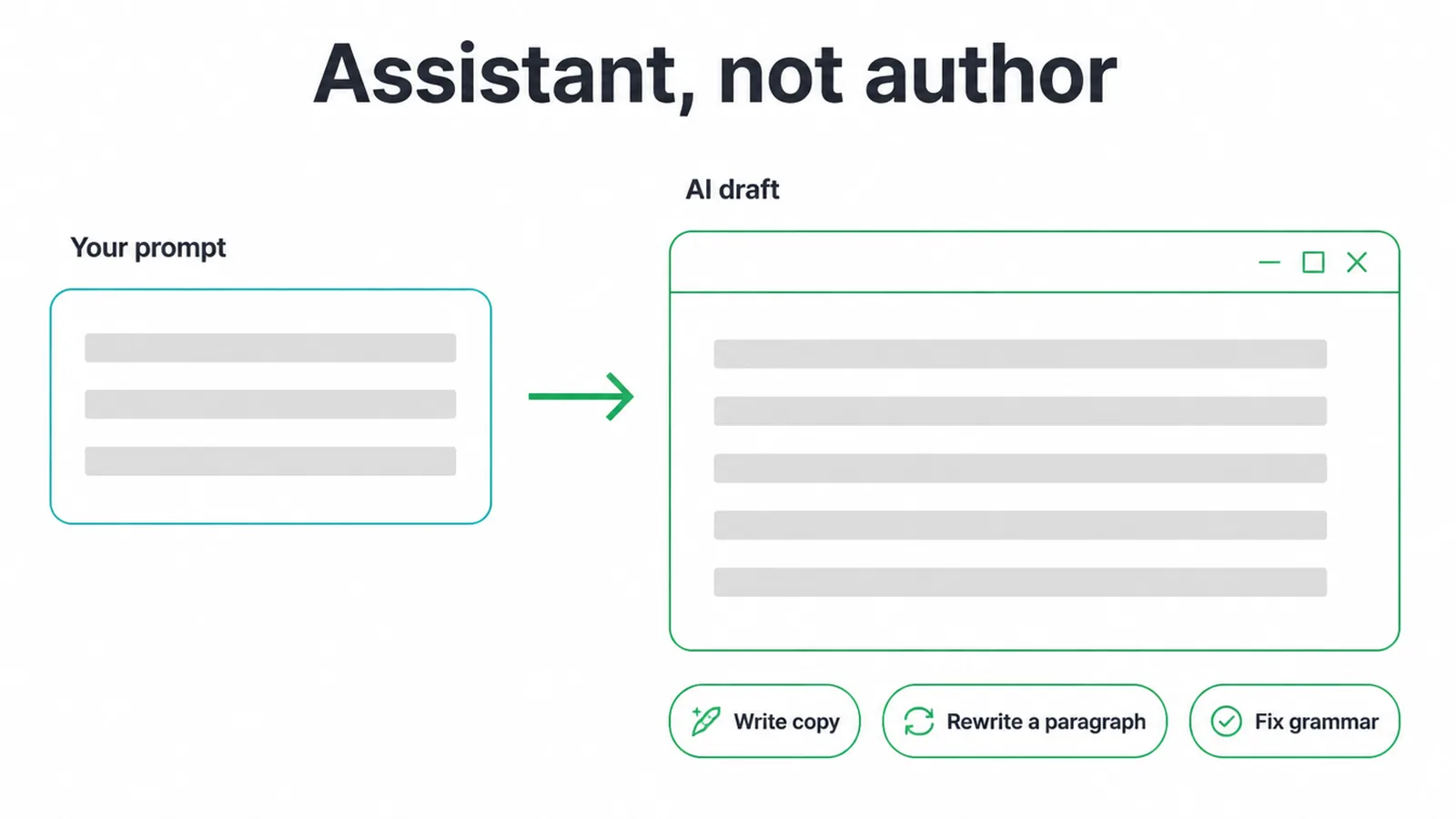
AI writing tools turn a short prompt into a draft. You type what you want, and the tool writes copy, rewrites a clumsy paragraph, or fixes your grammar. That is the core of it.
Some tools draft a whole article from an outline. Others only polish text you already wrote. The useful way to think about them is "assistant, not author". They speed up the writing, but you stay in charge of it.
This is not a niche habit any more. About 88% of small businesses say they use AI tools, and content creation sits among the most common uses, alongside research, images, and email marketing. So the question is no longer whether to use them. It is how to use them well without making rubbish.
If you want the bigger picture of where these tools fit, read our guide on what AI automation actually means for a small business. Writing is just one slice of it.
2. Why AI writing tools give you a draft, not a finished piece
AI writing tools give you a draft, never a finished piece, and there are three solid reasons. First, AI cannot fact-check itself. It makes things up with total confidence, including fake stats, fake quotes, and fake names.
Second, it does not know your real experience, your customers, or the job you did last week. Third, out of the box it sounds like everyone else, because it learned from everyone else.
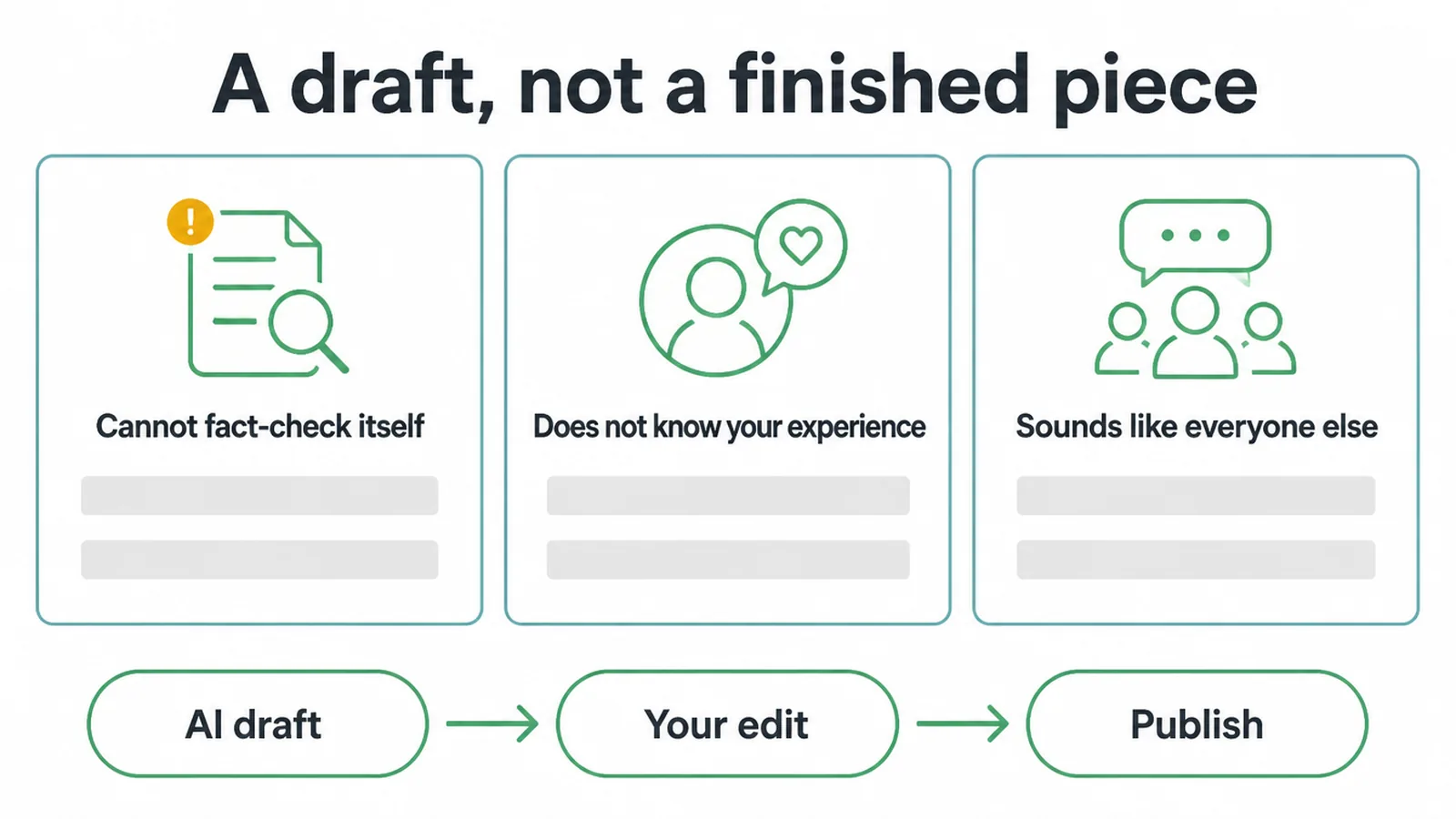
So the rule is simple. Treat every AI draft as a starting point. Read it. Fix it. Add what only you know. Then it is worth publishing.
What Google actually says about AI content
You might worry AI content gets you in trouble with Google. It does not, by default.
Google's spam policy targets "scaled content abuse", which it describes as making large amounts of unoriginal, low-value content to manipulate rankings, "no matter how it's created". The key phrase is "no matter how it's created". Google judges the page, not the tool.
So AI content that genuinely helps a reader is fine. Spinning out hundreds of thin pages to cover keywords is spam. The line is value, not method.
If you want your content to show up in AI-generated answers too, see how to earn a spot in AI Overviews, and our take on writing pages people and search engines both trust in SEO content writing.
3. What are the best AI writing tools by job?
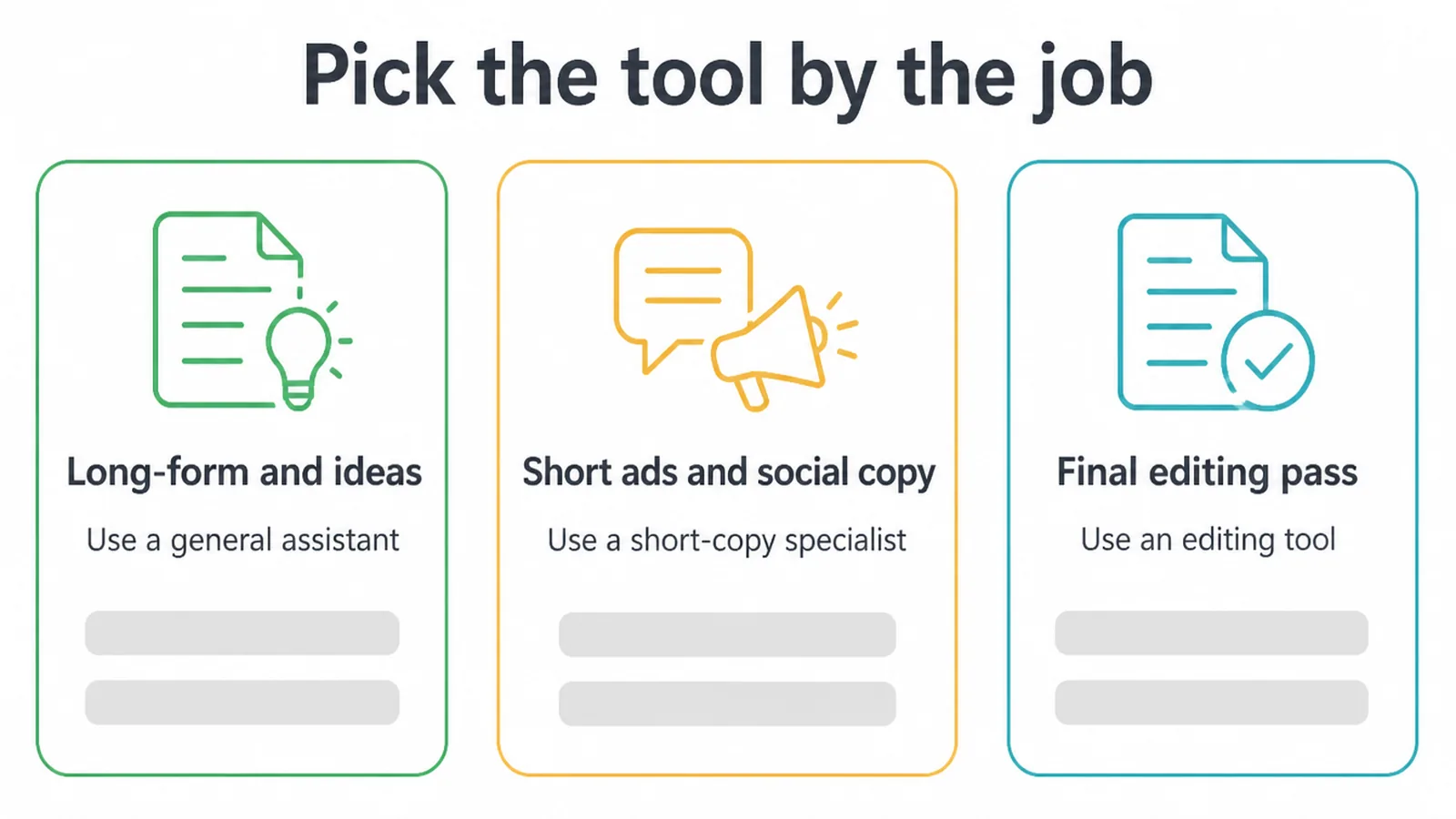
The best AI writing tools depend on the job in front of you. Lead with the free general assistants, then add a specialist only where you need one. ChatGPT and Claude handle long-form drafts, outlines, and rewrites.
Grammarly handles the editing pass. Tools like Copy.ai, Jasper, and Rytr lean into short marketing copy. Here is a plain breakdown so you can match a tool to the writing you actually do.
| Tool | Best job | Free tier? | Notes |
|---|---|---|---|
| ChatGPT | Long-form drafts, outlines, rewrites, ideas | Yes | The most popular all-rounder. Great first stop for blogs and emails. |
| Claude | Long-form and natural-sounding copy | Yes | Strong at longer writing and matching a tone you give it. |
| Google Gemini | Drafting inside Google Workspace | Yes | Handy if you live in Docs and Gmail. |
| Microsoft Copilot | Drafting inside Microsoft 365 | Yes | Built into Word, Outlook, and the rest. |
| Copy.ai | Short ads, product copy, social posts | Limited free | Quick templates for marketing snippets. |
| Jasper | Brand and marketing copy at volume | No (paid) | For teams pumping out lots of campaign copy. |
| Rytr | Budget short-form copy | Yes | Low-cost option for quick, simple writing. |
| Writesonic | Marketing and web copy | Trial / paid | Aimed at ads and landing pages. |
| Grammarly | Editing, grammar, tone checks | Yes | The final pass on anything you write, AI-drafted or not. |
For most owners, two tools cover almost everything: a general assistant for drafting and Grammarly for the polish, the same lean setup behind our content marketing work. Add a short-copy specialist only if you write a lot of ads.
If your writing is really about ranking, our roundup of the best AI SEO tools covers the research and optimisation side, which is a different job from drafting.
4. How do you use AI writing tools well?
You use AI writing tools well by giving them context and treating the output as a rough first draft. The tool is only as good as the brief you hand it.
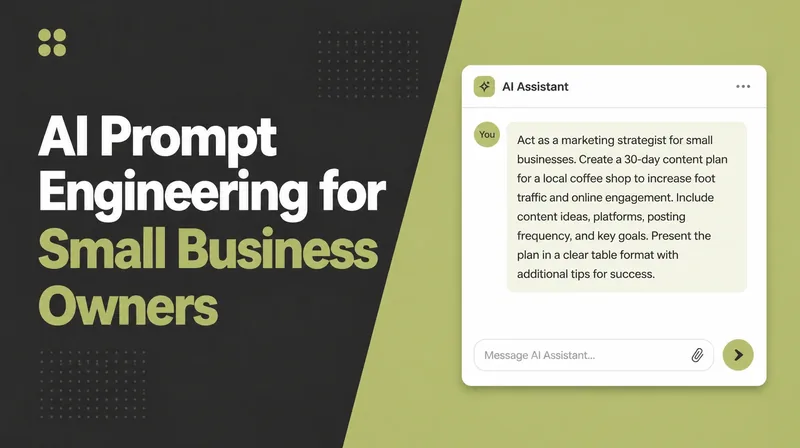
Tell it who the reader is, what tone you want, and what to avoid. Paste an example of your own writing so it can match your style. A lazy prompt gets you lazy, generic copy every time.
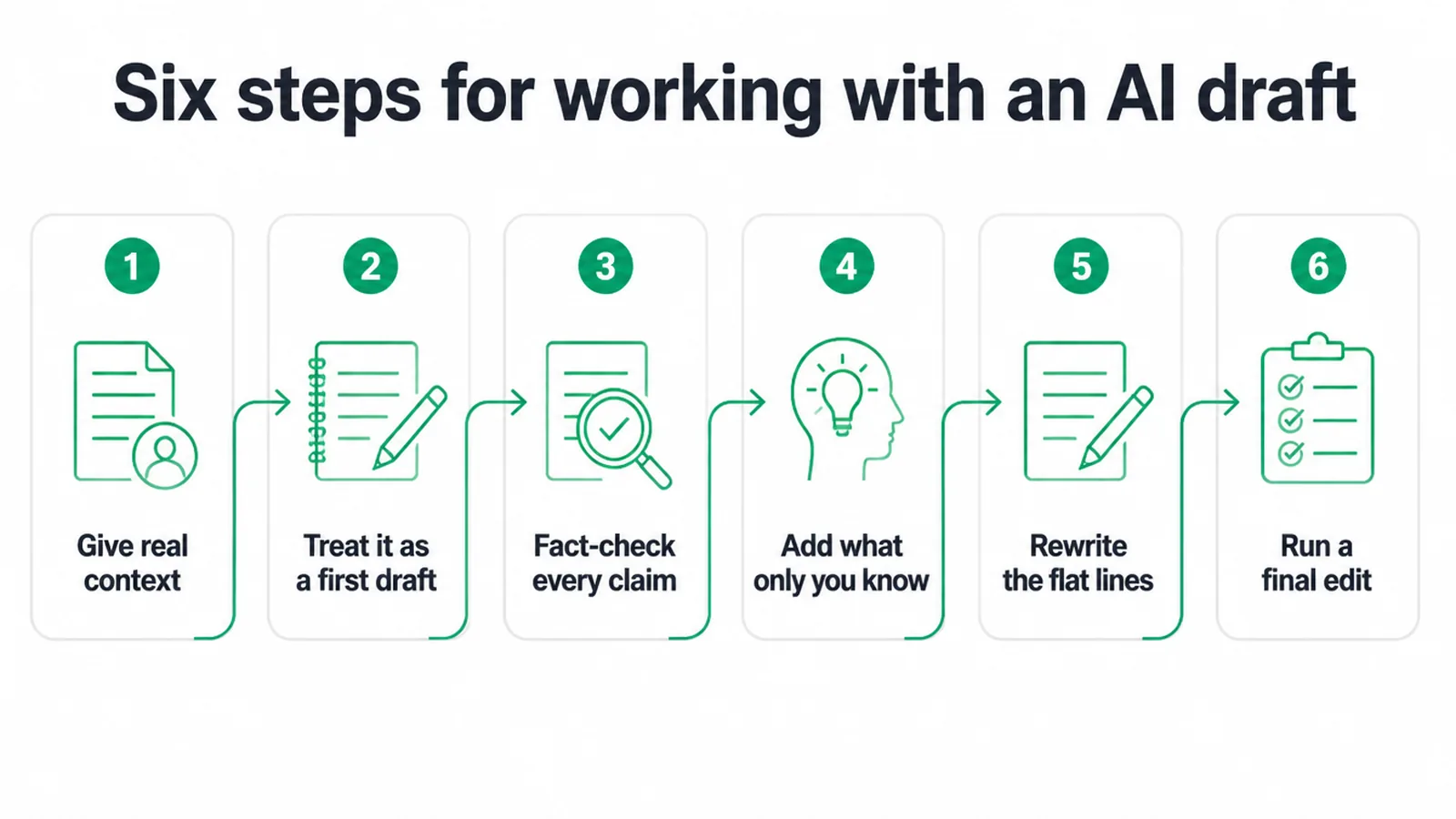
Here is a simple way to work with any AI draft:
- Give real context. Audience, tone, length, and an example of your voice. The more you give, the less generic the draft.
- Treat it as a first draft. Never publish the raw output. It is the start of your work, not the end.
- Fact-check every claim. Check every stat, name, date, and quote. AI invents these, so trust nothing until you confirm it.
- Add what only you know. Your real jobs, your customers, the lessons you learned. This is what makes the page yours and worth reading.
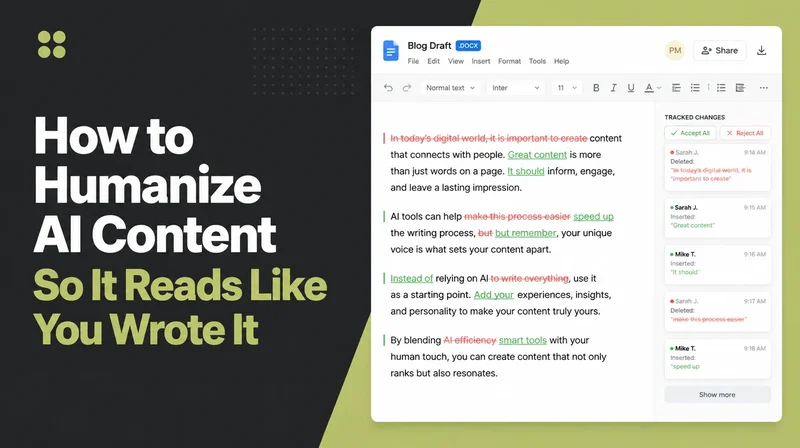
- Rewrite the flat lines. Read it out loud. Any sentence that sounds like a robot, rewrite it in plain words.
- Run a final edit. Use Grammarly or a careful read-through to catch grammar, tone, and clarity before it goes out.
Writing is one place AI helps. It can also handle repetitive follow-ups, replies, and routine tasks. If that sounds useful, see how we set up AI and automation for small businesses so the boring work runs itself and you keep the judgement.
5. What should you avoid with AI writing tools?
Avoid anything that swaps real value for speed. The biggest mistake with AI writing tools is publishing the raw output without a human edit.
The second is spinning out thin pages just to "cover keywords", which is exactly the scaled-content abuse Google warns about. These habits do not help readers, and they put your site at risk.
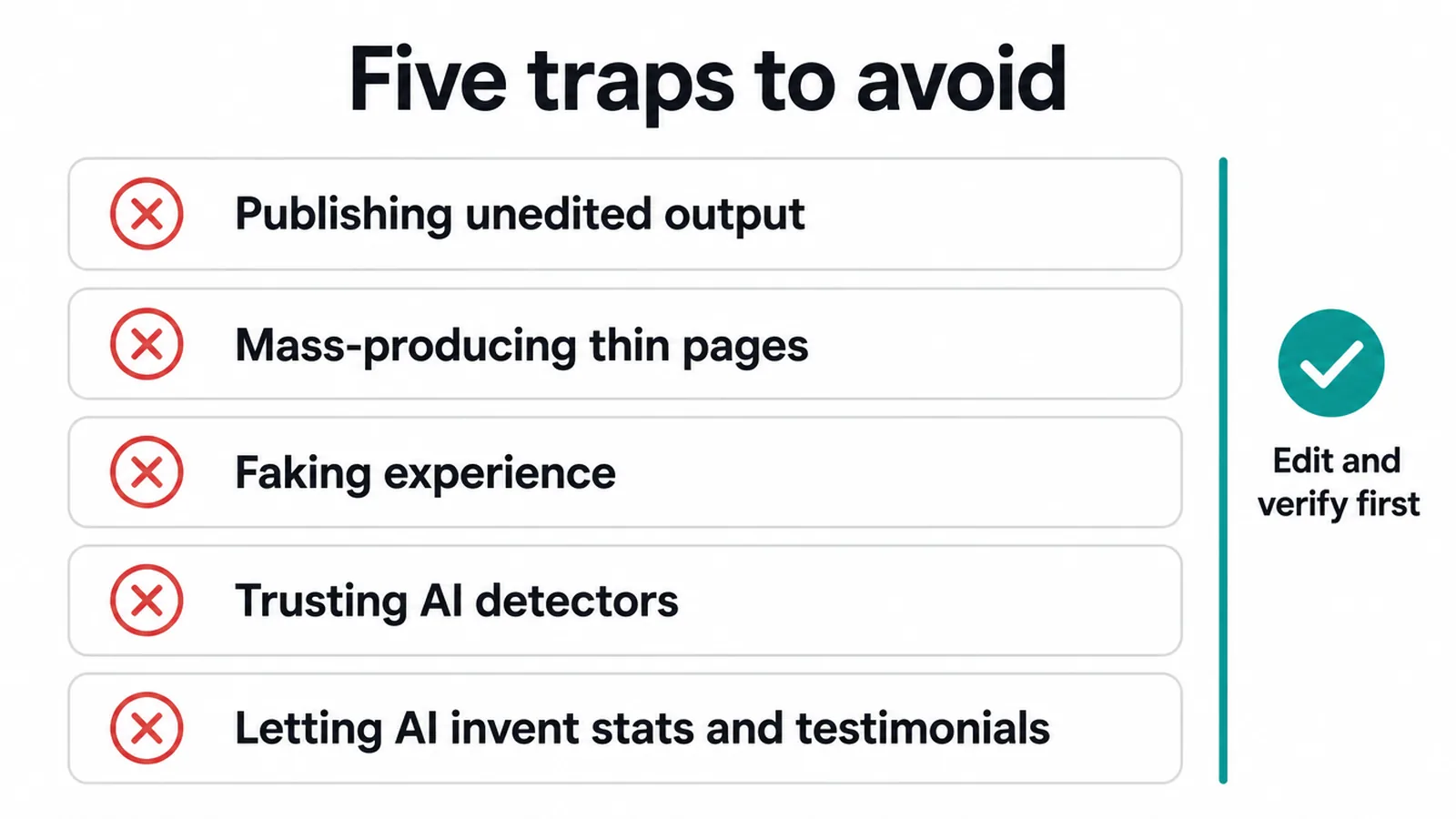
Steer clear of these traps:
- Publishing unedited output. Raw AI copy is generic and often wrong. It is never finished.
- Mass-producing thin pages. Spinning lots of low-value pages to game rankings is spam, full stop.
- Faking experience. Do not let AI invent jobs, results, or stories you never had. That breaks trust.
- Trusting AI detectors. These tools are unreliable and get it wrong both ways. Do not lean on them to judge your work or anyone else's.
- Letting AI invent stats and testimonials. Made-up numbers and fake quotes are the fastest way to lose credibility. Verify or cut.
Frequently asked questions
1. What are the best AI writing tools?
For most small businesses, the best starting point is a free general assistant like ChatGPT or Claude. They draft blogs, emails, and social posts. Then add one specialist for what you write most, like Grammarly for editing or Copy.ai for short ads. There is no single best tool. The best one is the one that fits the writing you do every week.
2. Is AI content bad for SEO?
No, not on its own. Google judges the quality of a page, not the method used to make it. AI content that is genuinely helpful is fine. The problem is making lots of thin pages just to manipulate rankings. That counts as spam. So edit, fact-check, and add real value before you publish anything an AI wrote.
3. Can AI write my blog for me?
AI can write a first draft, but it cannot finish the job alone. It invents facts, sounds generic, and does not know your real experience. Treat the output as a rough draft. You still need to fact-check every claim, add what only you know, and rewrite the flat lines in your own voice before it is ready.
4. Does Google penalise AI content?
Google does not penalise content just for being AI-written. It penalises low-value content made to game search rankings, no matter how it was created. If your page helps the reader and shows real expertise, the tool you used to draft it does not matter. If it is thin filler spun out at scale, that is the risk.
5. Which AI writing tool is best for a small business?
Start with a free general assistant like ChatGPT or Claude for drafting and ideas, plus Grammarly for a final editing pass. That covers most of what a small business writes. Only pay for a specialist like Jasper or Copy.ai if you produce a lot of short marketing copy and the free tools are not keeping up.
6. Are AI writing tools free?
Many have a free plan. ChatGPT, Claude, and Grammarly all offer free tiers that cover everyday writing. Free plans usually have limits on how much you can generate or which features you get. Paid tools like Jasper aim at heavy marketing use. For most owners, the free plans are enough to start.
7. How do I make AI writing sound like me?
Give it context. Paste an example of your own writing and ask it to match that tone. Tell it who you are talking to and what to avoid. Then read the draft out loud and rewrite the lines that do not sound like you. The tool gets you a draft. Your edit gives it your voice.
8. Can readers or Google tell content is AI-written?
Sometimes readers can tell when copy feels generic or repeats itself. AI detector tools are not reliable and often get it wrong, so do not trust them either way. The smarter move is to stop worrying about detection and focus on quality. Edited, accurate, useful content reads well no matter who or what drafted it.