What Is AI Automation? Business Use Cases for 2026

AI automation runs a repetitive task with an AI step that reads messy input, such as an email or form. The pattern is trigger, then AI, then action. Business.com reports that a small business worker saves an average of 5.6 hours a week using AI tools. Seed Light keeps a person checking the output.
Key takeaways
- It does your repetitive work: AI automation is software that runs a routine task for you, with an AI step that reads and understands messy input like an email or a form.
- It can save real time: the average small business worker saves 5.6 hours per week using AI tools (Business.com, 2026).
- The pattern is simple: trigger, then AI, then action. Something happens, the AI reads it, then the next step runs.
- Start with one task: pick the most repetitive job you do each week and automate just that, then measure the time back.
- Keep a human in the loop: AI makes mistakes, so you check its work. It removes busywork, it does not replace your team.
1. What AI automation actually means
AI automation is software that does a repetitive task for you, with an AI step in the middle that can handle messy, real-world input. To get it, split the phrase in two.
Automation means software runs a task without you clicking through it. AI means a step that can read, sort, or draft, instead of just following a fixed rule.
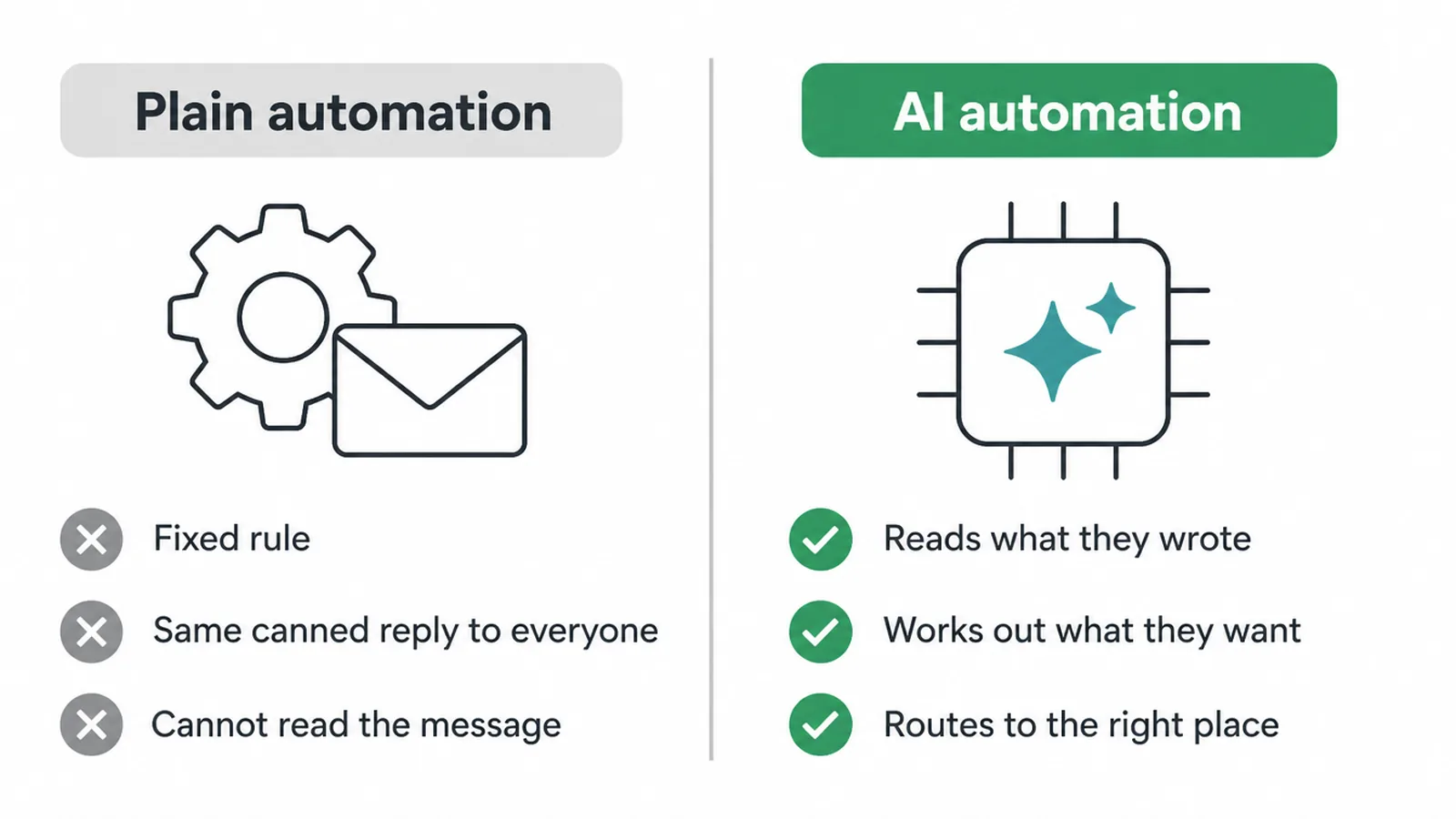
Here is the difference in plain terms. A rule-based auto-reply sends the same canned message to everyone who fills in a form. That is plain automation. An AI step is smarter.
It reads what the person actually wrote, works out whether they want a quote, a booking, or support, and routes the message to the right place. The rule cannot tell those apart. The AI can.
So you can think of AI automation as plain automation with a brain bolted in. The wiring between your apps stays the same. The new part is a step that understands the content flowing through it.
2. Everyday examples of AI automation
AI automation shows up in small, ordinary jobs you already do by hand. The point is not one clever robot. It is a handful of repetitive tasks that now run themselves, with you checking the output. Here are the common ones for a small business.
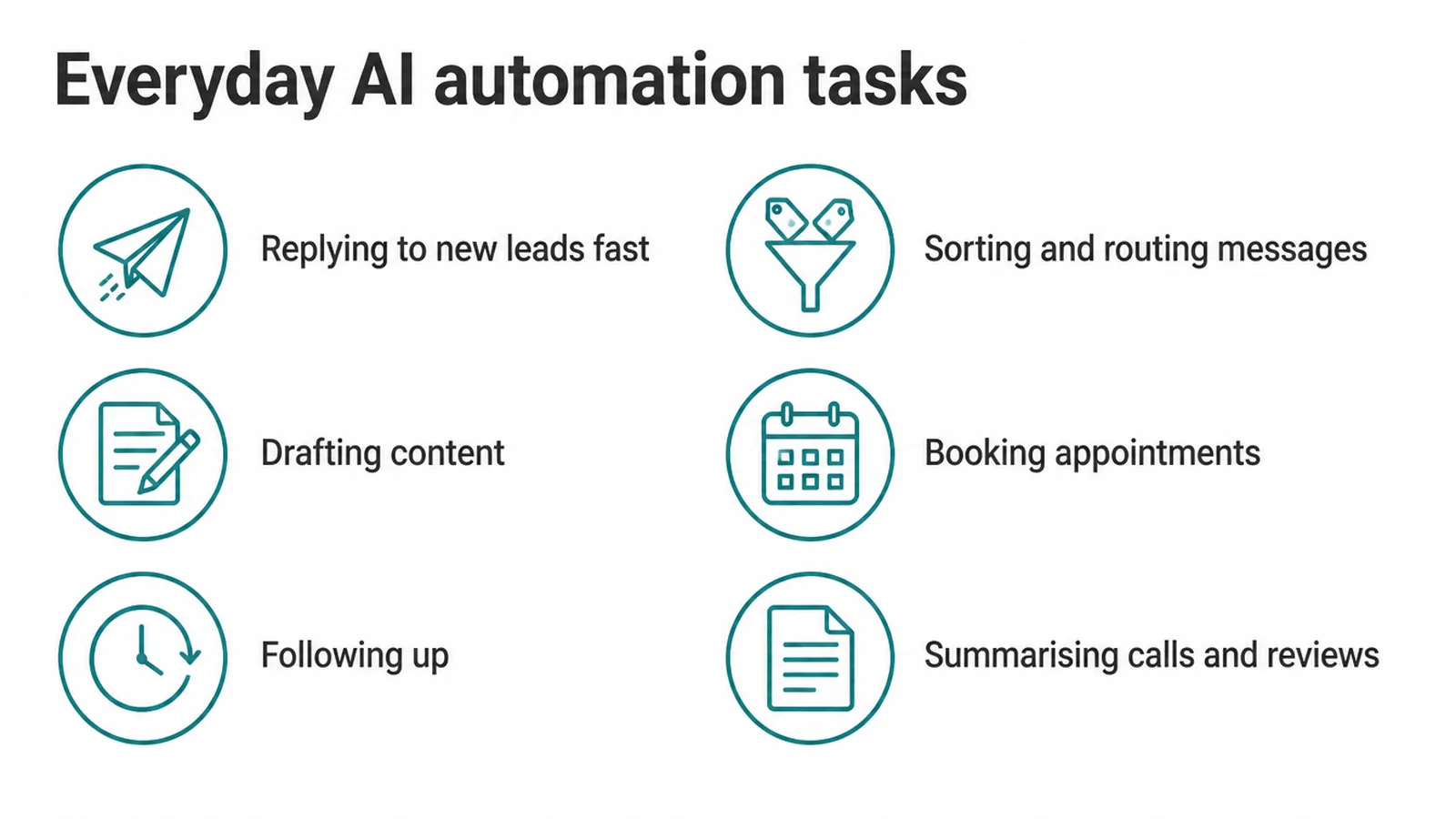
- Replying to new leads fast: a form is filled in, the AI drafts a friendly reply, and a response goes out in seconds instead of hours.
- Sorting and routing messages: the AI reads each incoming message and tags it as a sales question, a support request, or spam, then sends it to the right inbox or person.
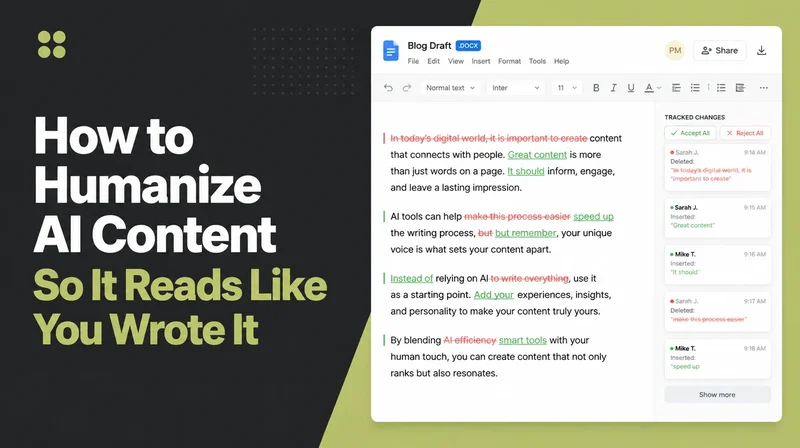
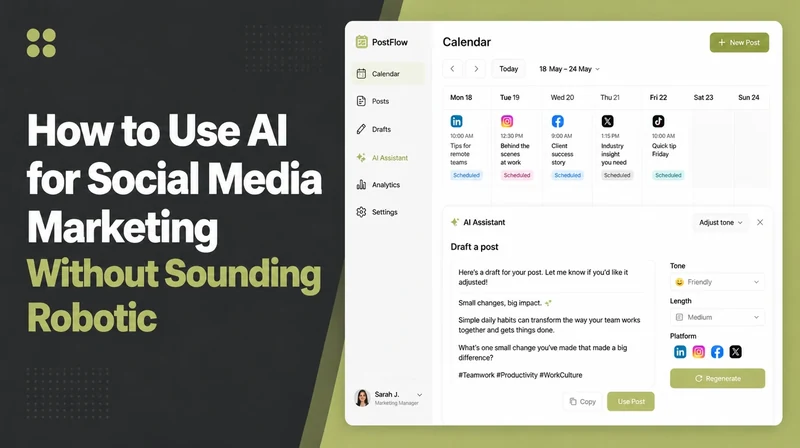
- Drafting content: social posts, email newsletters, and product blurbs get a first draft written for you to edit.
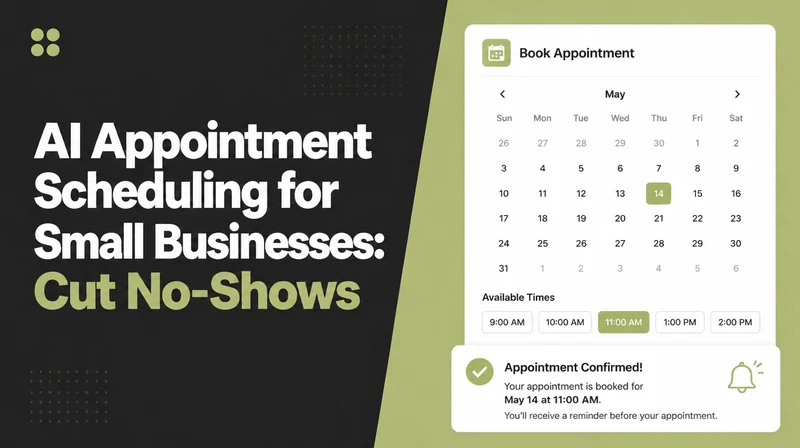
- Booking appointments: a caller or visitor asks for a slot and the system offers times and books one.
- Following up: a lead goes quiet and a polite reminder sequence runs on a schedule.
- Summarising calls and reviews: a long call recording or a pile of reviews gets boiled down to the key points.
Some of these are big enough to deserve their own guide. For phone calls and front-desk booking, see our piece on the AI receptionist. For drafting copy the right way, read about AI writing tools. And for finding and following up with prospects, look at AI lead generation.
3. How AI automation works
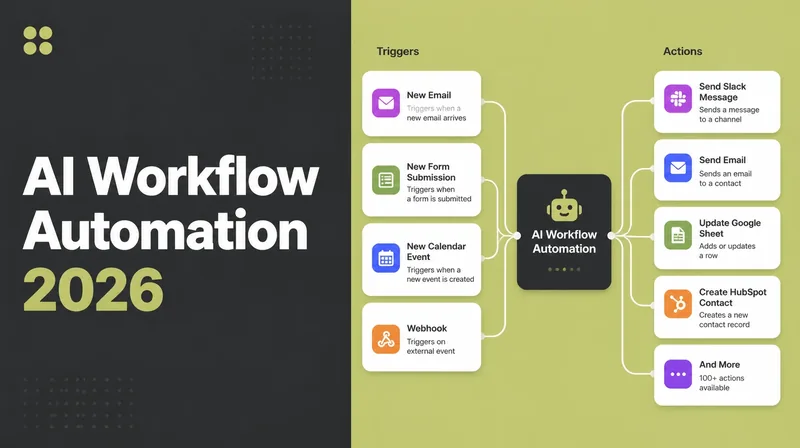
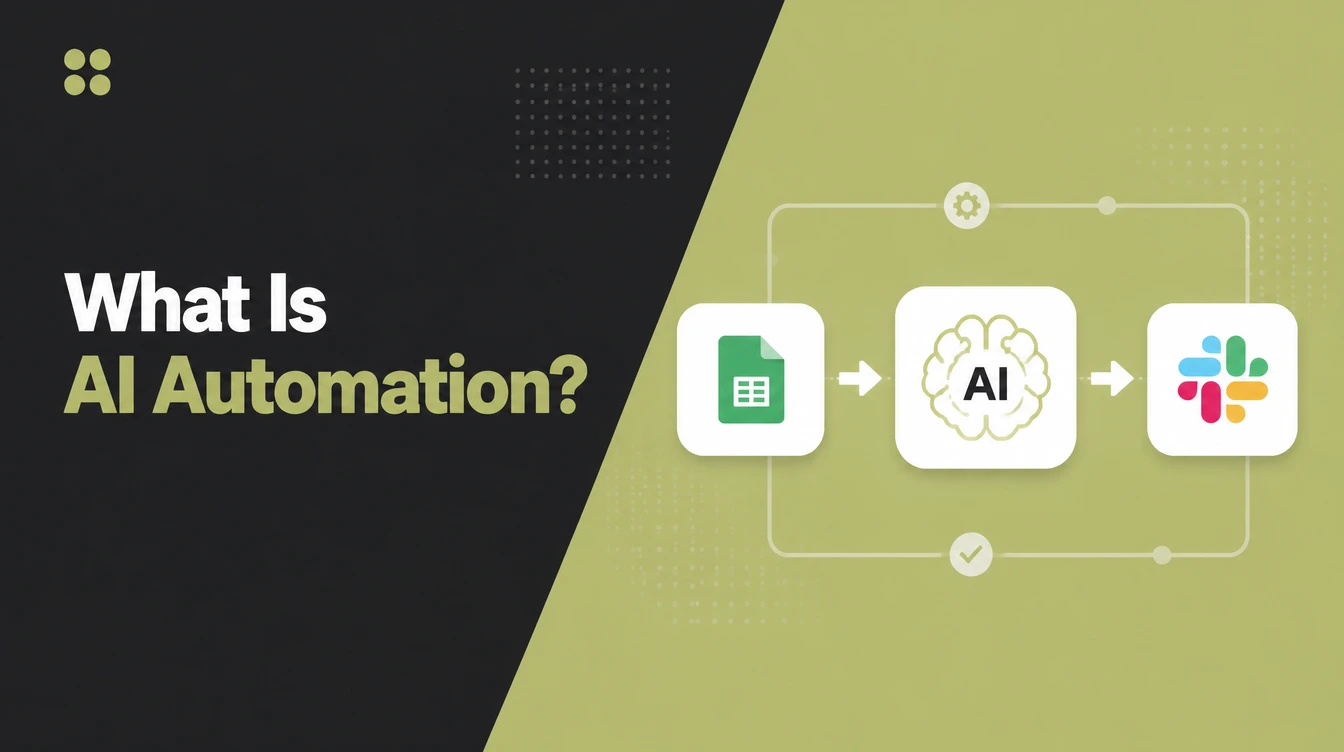
AI automation works on one simple pattern: trigger, then AI, then action. Something happens to start it, an AI step processes what came in, then a final step does something useful with the result. Once you see this shape, every example above looks the same underneath.
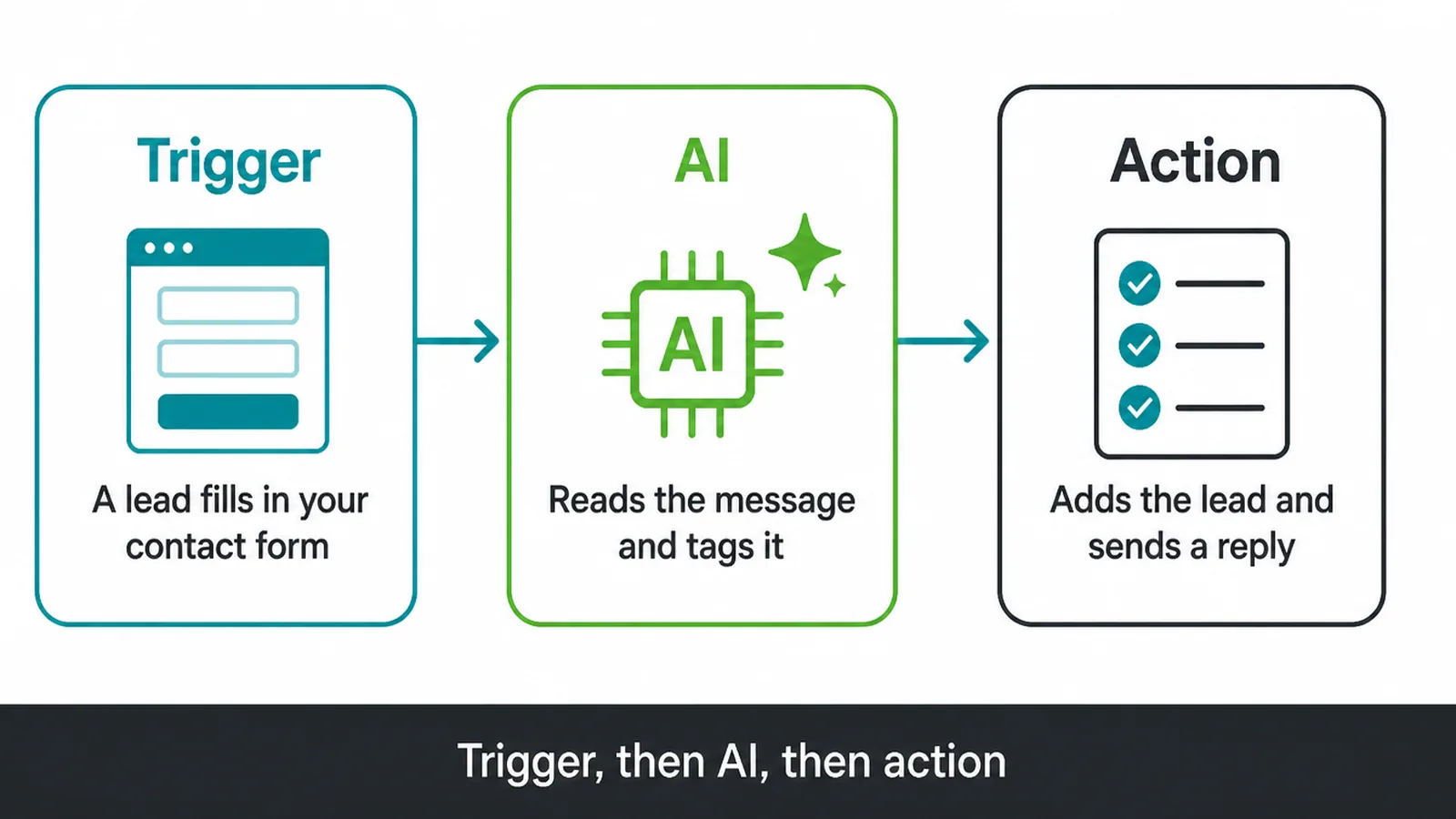
Let us walk through one real example. A new lead fills in the contact form on your website. That is the trigger. The AI step reads the message, works out what the person wants, and tags it.
The action then adds the lead to your customer list with that tag, and sends back a tidy reply. You did nothing. You just see the result.
You do not need to code any of this. No-code tools like Zapier and Make let you pick a trigger from a menu, drop in an AI model as a step, and choose the action.
You connect the apps once and the workflow runs every time the trigger fires. If you want something bigger or more custom, that is where a proper build earns its place.
4. What you can automate with AI
You can automate almost any task that is repetitive and follows a pattern. The table below shows common small business jobs, what the AI step does inside each one, where the result ends up, and a deeper guide if you want the full version.
Use it to spot the task that would give you the most time back.
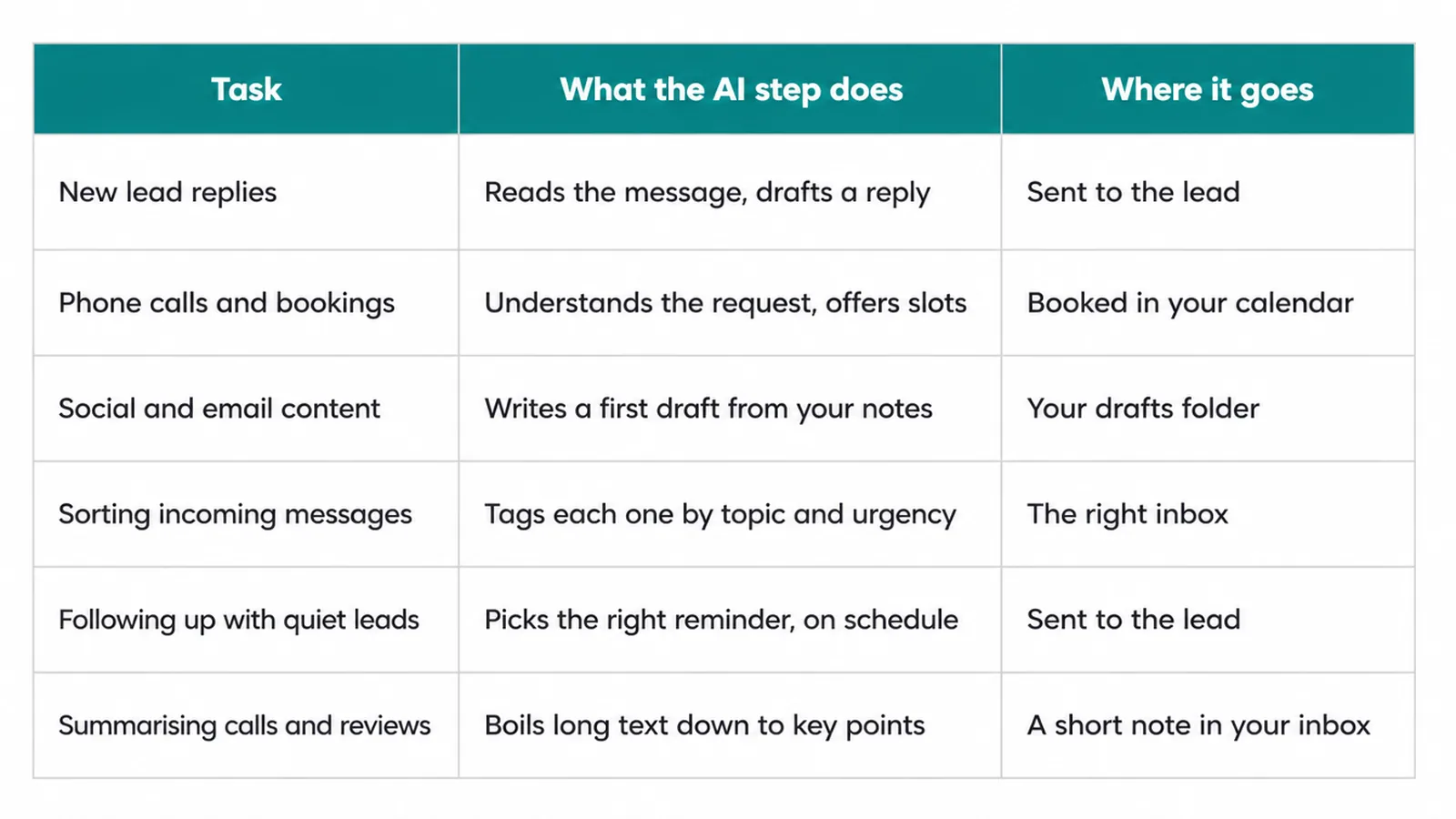
| Task | What the AI step does | Where it goes | Deeper guide |
|---|---|---|---|
| New lead replies | Reads the message, drafts a friendly reply | Sent to the lead, logged in your CRM | AI lead generation |
| Phone calls and bookings | Answers, understands the request, offers slots | Booked in your calendar | AI receptionist |
| Social and email content | Writes a first draft from your notes | Your drafts folder for you to edit | AI writing tools |
| Sorting incoming messages | Tags each one by topic and urgency | The right inbox or team member | AI for small business |
| Following up with quiet leads | Picks the right reminder, on schedule | Sent to the lead automatically | AI lead generation |
| Summarising calls and reviews | Boils long text down to key points | A short note in your notes or inbox | AI for small business |
5. Where to start with AI automation
Start with AI automation by picking the single most repetitive task you do each week, not by trying to automate everything at once. One task, set up well, beats ten half-built workflows you do not trust. Then build out from there once it proves itself.
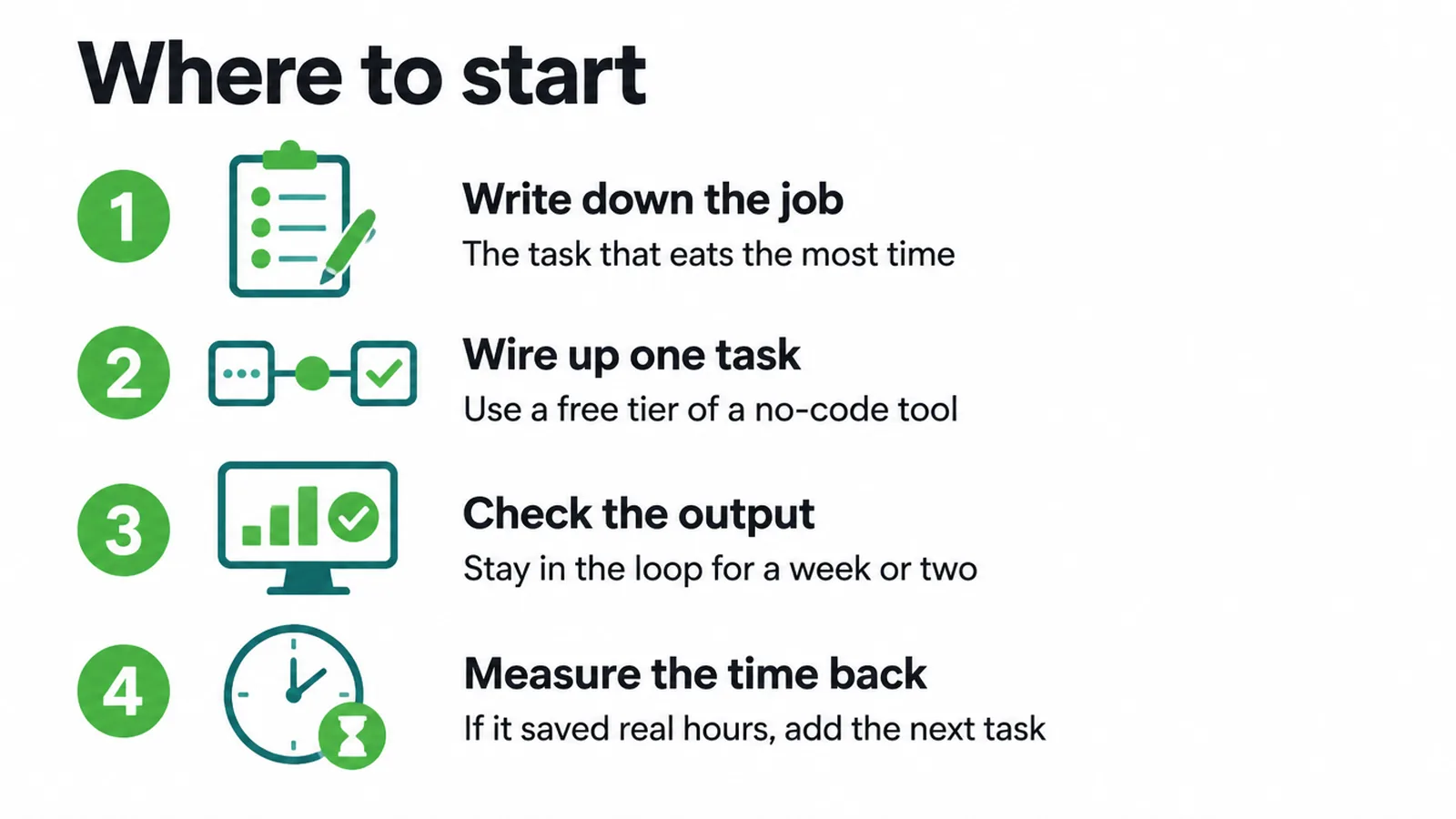
Here is a simple way in. First, write down the job that eats the most of your time and repeats the most often. Second, try a free or low tier of a no-code tool to wire up just that task.
Third, keep yourself in the loop to check the output for a week or two. Fourth, measure the time you got back. If it saved you real hours and the quality held, add the next task. If not, tweak it before you scale.
This is mainstream now, not a gamble. The U.S. Chamber of Commerce reports that 58% of small businesses say they use generative AI, up from 40% the year before. And 96% of small business owners plan to adopt emerging technologies, including AI (U.S. Chamber, 2025). You are not early. You are on time.
6. The honest limits of AI automation
AI automation has real limits, and the honest rule is that AI assists while you check it. It is not magic and it makes mistakes. It can also sound completely confident while being wrong, which is exactly why a human review step matters on anything that reaches a customer or touches a number.
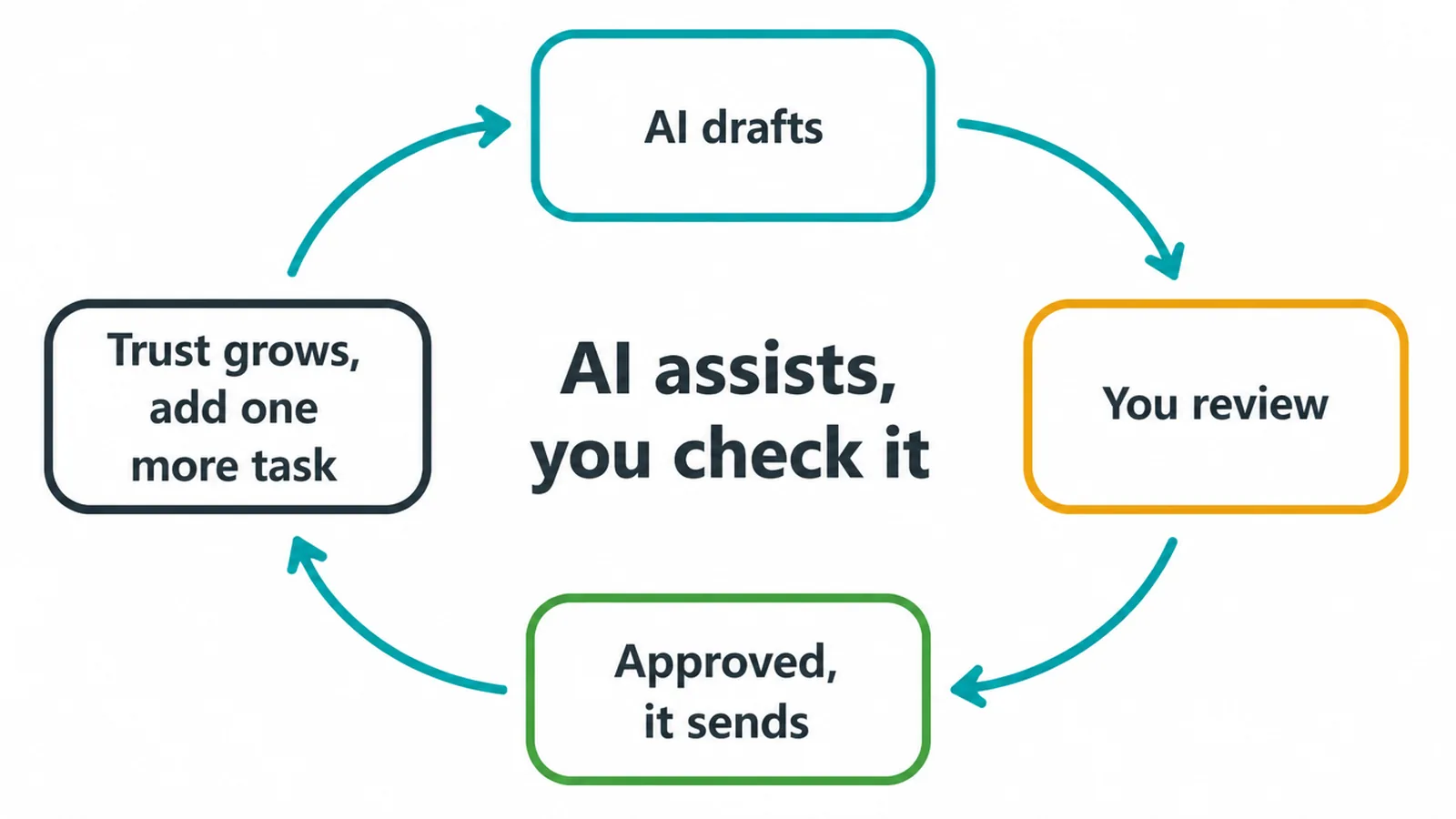
The U.S. Small Business Administration puts it plainly. AI is relatively new, so start small, and have another person review all AI products. That is good advice. Keep a person in the loop, do not let an AI step send something risky on its own, and grow your trust one task at a time.
And here is the part that calms most worries. AI automation removes busywork, it does not replace your team. It clears the repetitive jobs so your people can do work that actually needs a human.
The numbers back this up. The U.S. Chamber found that 82% of small businesses using AI grew their workforce over the past year. Used well, AI tends to go alongside hiring, not cutting.
Frequently asked questions
1. What is AI automation in simple terms?
AI automation is software that does a repetitive task for you, with an AI step in the middle that can read and understand messy input. Plain automation follows fixed rules. Adding AI lets the workflow read a message, sort it, or write a draft, then run the next step on its own.
2. What is the difference between automation and AI automation?
Plain automation moves data between apps using fixed rules, like a form entry that always lands in a spreadsheet. AI automation adds a thinking step. The AI reads the message, decides what it is about, and writes or sorts it before the next action runs. AI handles messy input that fixed rules cannot.
3. Do I need to be technical to use AI automation?
No. Many tools are no-code, so you connect apps and pick steps from menus instead of writing code. You can start with one task and a free or low tier. If you want a bigger workflow built and looked after, an agency can set it up so you just use it.
4. Is AI automation expensive for a small business?
Many tools have a free or low tier that covers a single task, so you can test the idea before you spend much. Cost grows with how many tasks you run and how much volume you push through. Start small, measure the time you get back, and only scale up the workflows that clearly earn their keep.
5. Will AI automation replace my staff?
No. AI automation removes busywork, it does not replace your team. It handles the repetitive tasks so your people spend time on work that needs a human. The U.S. Chamber found that 82% of small businesses using AI grew their workforce over the past year, so adopting AI tends to go with hiring, not cutting.
6. Is AI automation accurate and safe to trust?
AI assists, you check it. It makes mistakes and it can sound confident while being wrong. The U.S. Small Business Administration advises having another person review AI output. Keep a human in the loop on anything that touches a customer or a number, and never let an AI step send something risky on its own.
7. Where should I start with AI automation?
Pick the single most repetitive task you do each week, like replying to new leads or sorting messages. Automate just that one thing, keep yourself in the loop to check it, and measure the time you save. Once it works and you trust it, add the next task.
8. How much time can AI automation actually save?
The time saved by AI automation depends on the task and its volume. Measure a repeated job before and after automation, then compare the minutes spent and errors made. Start with one task such as drafting replies or sorting input.