How Websites Get Hacked: Common Attacks and Prevention Basics

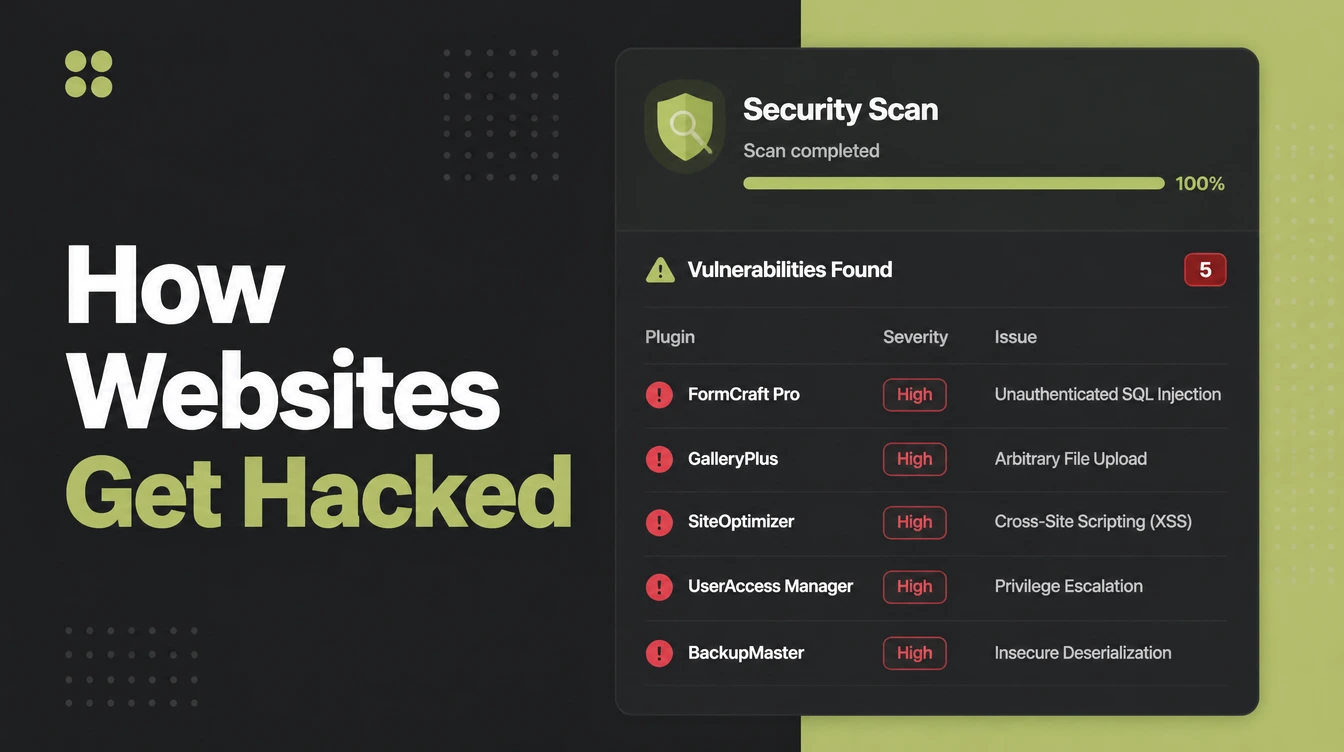
Websites get hacked by automated bots that scan thousands of sites a day for a known hole, usually an out-of-date plugin or a weak login. Sucuri found 39.1% of hacked CMS sites were running outdated software. Seed Light keeps client sites patched, locked down with strong logins, and backed up.
Key takeaways
- Nobody picked you. Bots scan thousands of sites a day for a known hole. If yours has one, they walk in.
- Old software is the way in. 39.1% of hacked CMS sites were running outdated software when they were infected (Sucuri, 2023).
- WordPress takes most of the hits. It runs so much of the web, often with plugins nobody has updated in a year.
- A padlock is not protection. SSL encrypts traffic. It does nothing about weak passwords or a stale plugin.
- Small teams feel it harder. Ransomware turned up in far more small business breaches than large ones, so a tested backup counts double.
1. How do websites get hacked?
Websites get hacked by automated bots, not by people. The bots scan thousands of sites a day looking for a known hole, usually an out of date plugin or a weak login.
If your site has one, the bot walks in. Nobody is sitting in a dark room targeting your bakery. You were never picked. You just had an open door.
WordPress takes the most hits simply because it runs so much of the web. 95.5% of detected website infections were on WordPress sites (Sucuri, 2023). That is not WordPress being weak, it is WordPress being everywhere, often with old plugins.
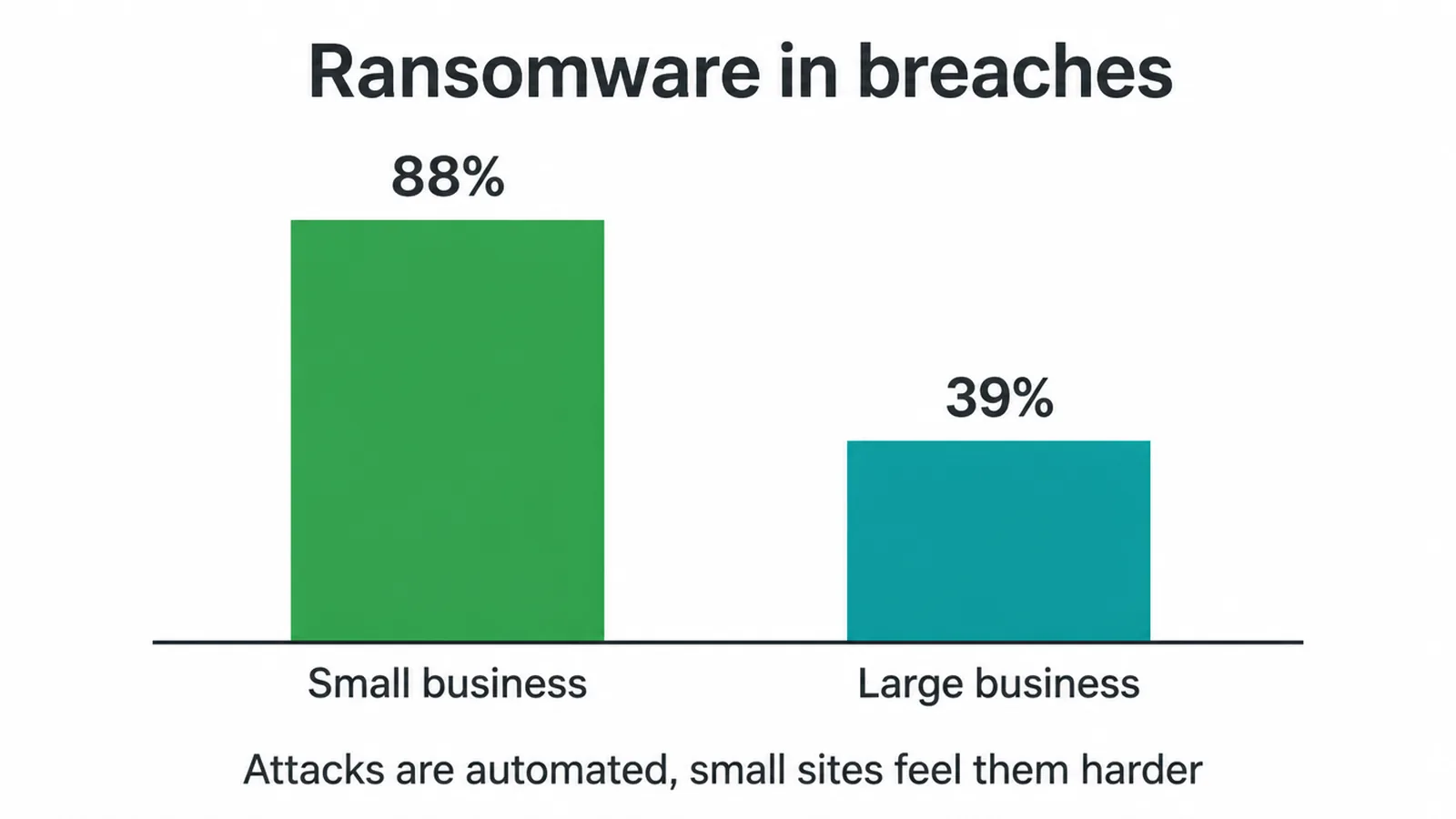
Small businesses also feel a hack harder. In one breach report, ransomware showed up in 88% of small-business breaches, against 39% at large ones (Verizon 2025 DBIR). A smaller team has less cushion, so a clean backup and quick updates count double.
Not sure where your site stands? Tell us about your site and we will take a look at the basics with you.
2. Does an SSL certificate stop hacking?
No. A padlock does not mean your site is safe from being hacked, and this is the bit most security posts skip. SSL encrypts the traffic moving between your visitor and your server.
That is all it does. It does nothing about a weak password, an out of date plugin, or a sneaky bit of code someone slipped in. A scammer can run a perfectly "secure" HTTPS phishing site.
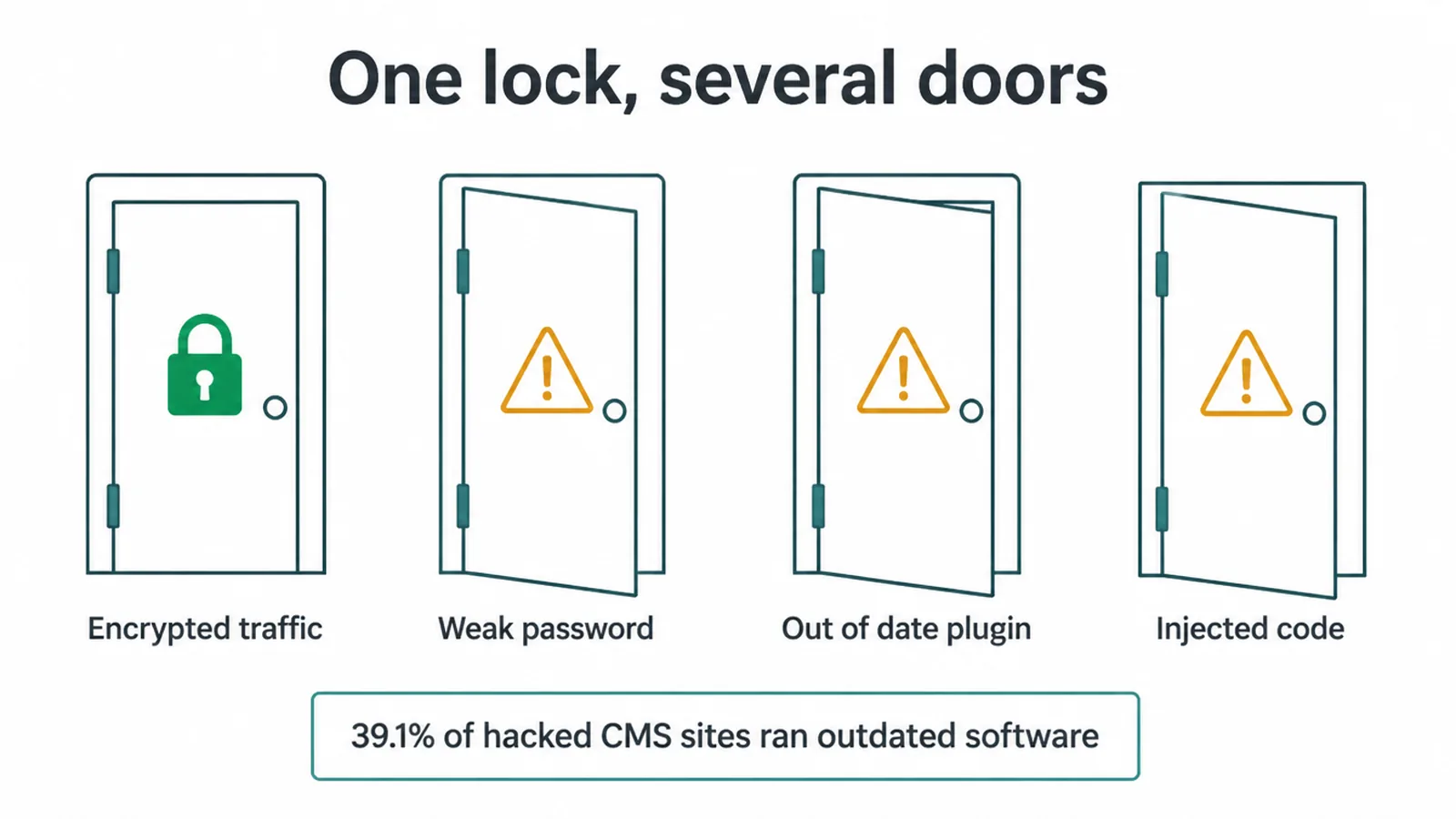
So the padlock is one lock on one door. Real trouble usually walks in through a different door: old software. In one study, 39.1% of hacked CMS sites were running outdated software when they got infected (Sucuri, 2023).
The certificate was likely fine. The neglect was somewhere else. That is why the next section matters more than the padlock.
3. Six habits that stop most hacks
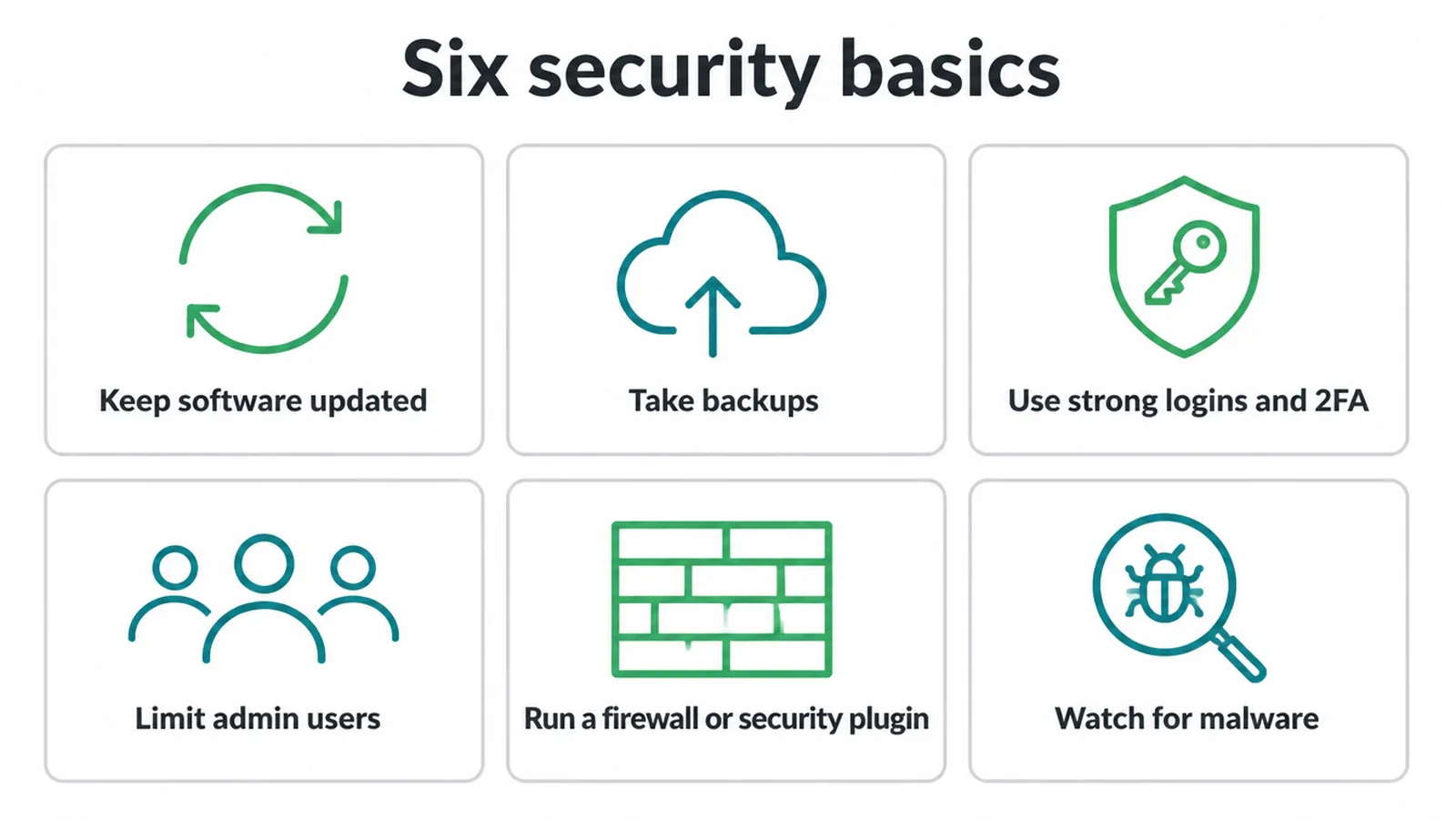
Sites stay safe on a few plain habits, not one tool. None of these are hard, and most are free or built into your platform. Work through the list once and you will be ahead of most small sites.
- Keep software updated. Your CMS, theme, and plugins all get security patches. Apply them fast, or set them to update automatically. Old software is the number one way sites get broken into.
- Take backups. Keep automatic, off-site copies, and test that you can actually restore one. A clean backup turns a hack from a disaster into an afternoon.
- Use strong logins and 2FA. Long unique passwords, and two-factor login so a stolen password alone is not enough. Bin any account still called "admin".
- Limit admin users. Only give full admin access to people who truly need it. Fewer admin accounts means fewer doors a bot can pick.
- Run a firewall or security plugin. A web firewall and a security plugin block bad traffic, cap login attempts, and scan for malware. Treat it as a guard, not a magic shield.
- Watch for malware. Scan regularly and act on warnings. Strange redirects, spammy pages, or a host alert all mean look now, not later.
Keeping all of this current is a chore, which is exactly why people fall behind. If you would rather hand it off, that steady looking-after is what our website maintenance service covers. A clean, well-kept site is also easier to rank, which is part of why good SEO and good upkeep go hand in hand.
4. Where an SSL certificate does help
An SSL certificate will not stop a break-in, but every site still needs one, and the free one your host offers is fine.
SSL (now technically TLS) encrypts the connection so passwords, card details, and form messages travel as scrambled text, not plain readable data. You can tell it is on when your address starts with "https" and shows a little padlock.
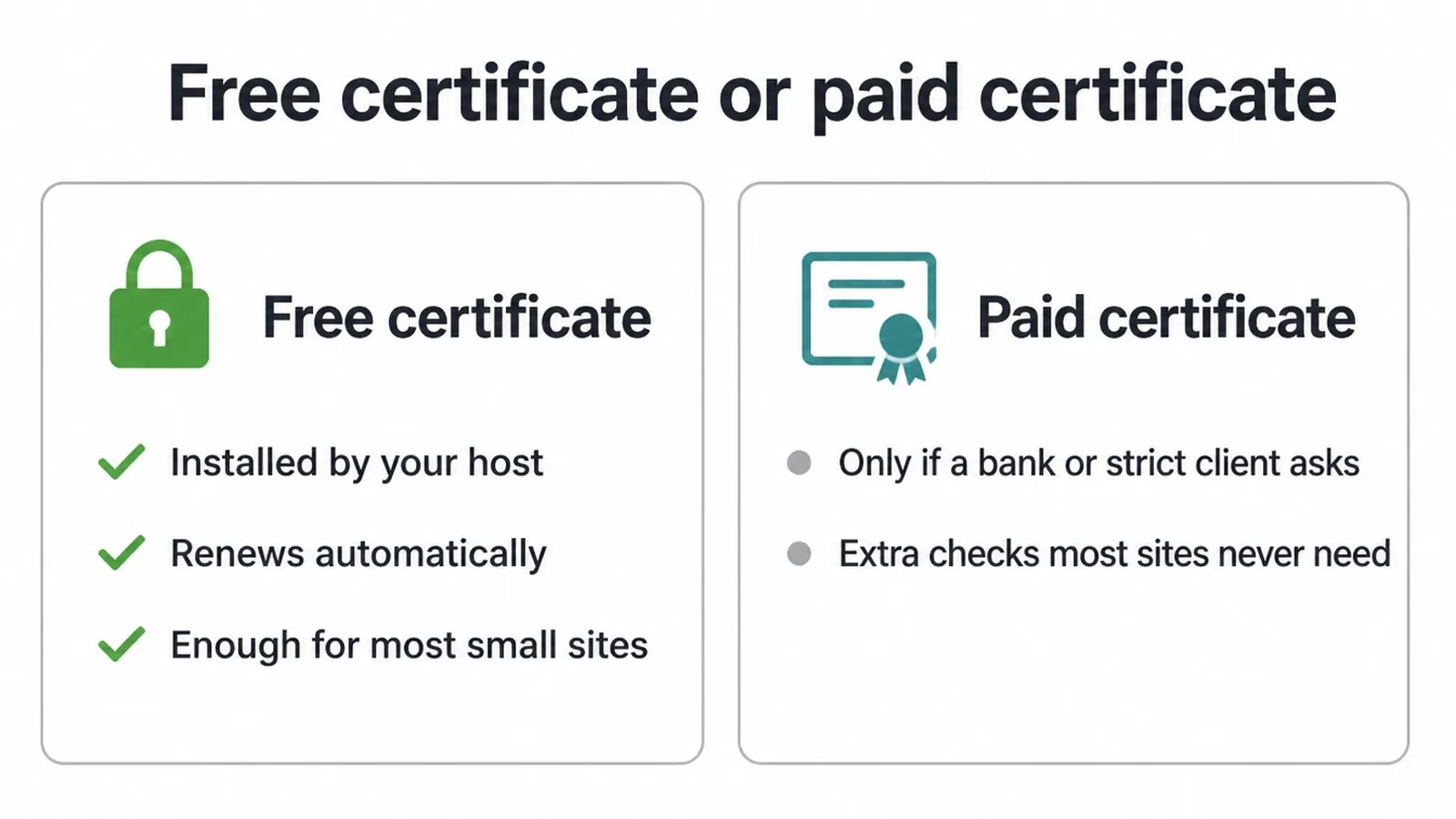
The free option from Let's Encrypt is the standard for small sites. Your host installs it and renews it automatically, so you rarely touch it again. You only pay for a fancier certificate when a bank or a strict client asks for one, which most small businesses never face.
The bar is now so normal that 90.1% of all websites use HTTPS as their default protocol. Being in the missing slice makes you look out of date.
5. Why your site says "Not Secure"
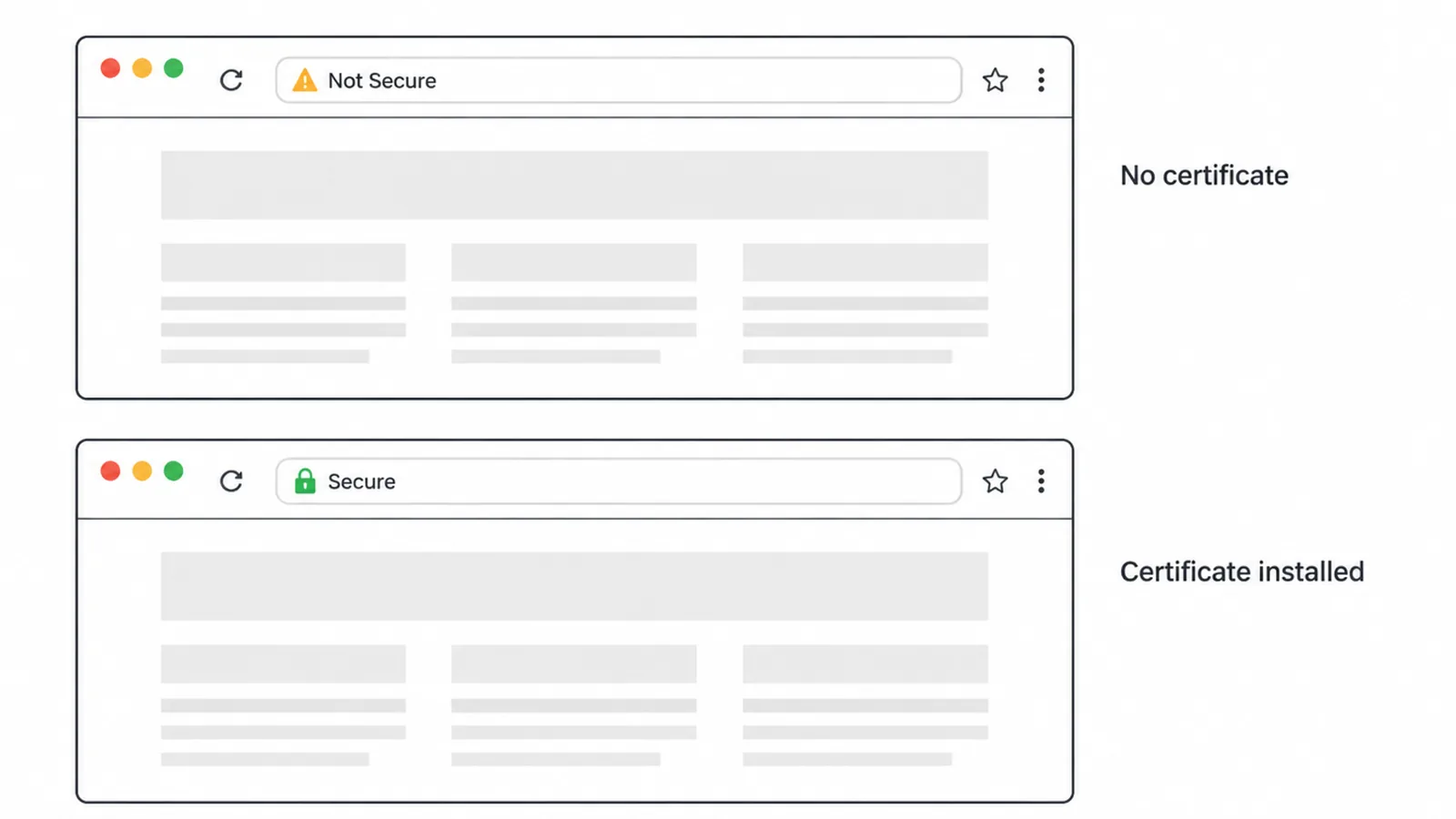
Your site says "Not Secure" because it is loading without an SSL certificate, and that is a quick fix. When there is no certificate, the browser cannot promise the connection is private, so it warns the visitor.
Chrome began marking plain HTTP pages "Not Secure" in 2018, and Google has kept tightening since. From Chrome 154, the browser defaults to "Always Use Secure Connections." Plain HTTP is on its way out.
There is a small search angle too. Google has confirmed HTTPS as a ranking signal, but it called it "a very lightweight signal, affecting fewer than 1% of global queries." So do not switch on HTTPS hoping to jump up the results.
Do it because visitors trust it and browsers demand it. If you want the full ranking story, our guide on HTTPS and SEO goes deeper.
6. Quick wins, ranked by effort
If you only do a few things this week, start at the top. Most cost nothing but a little time.
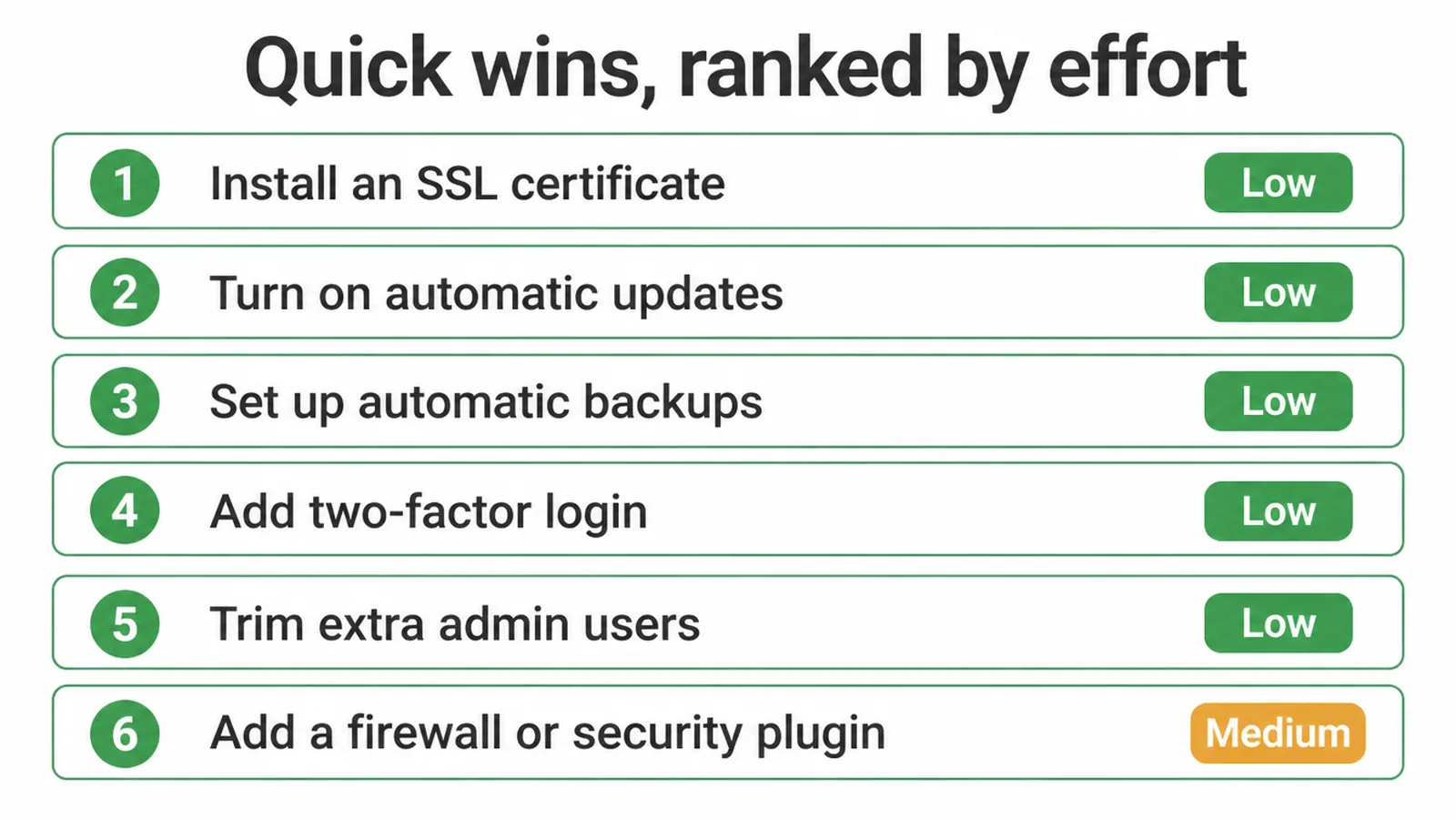
| Security basic | Why it matters | Effort | Free? |
|---|---|---|---|
| Install an SSL certificate | Encrypts traffic, removes the "Not Secure" label | Low | Yes |
| Turn on automatic updates | Closes the most common way sites get hacked | Low | Yes |
| Set up automatic backups | Lets you undo a hack quickly | Low | Often |
| Add two-factor login | A stolen password alone is not enough | Low | Yes |
| Trim extra admin users | Fewer doors for a bot to pick | Low | Yes |
| Add a firewall or security plugin | Blocks bad traffic and scans for malware | Medium | Often |
Security is one slice of a healthy site. For the wider picture, see our overview of technical SEO. If keeping on top of updates and backups is the part that keeps slipping, our website maintenance service handles them at the interval listed for your plan.
FAQ
1. How do small business sites get hacked?
Almost never by a person picking on you. Automated bots scan thousands of sites a day looking for known holes, like an out of date plugin or a weak login. If your site has one, the bot walks in. It is not personal, it is a numbers game.
2. Does an SSL certificate stop my site being hacked?
No. It only scrambles the data moving between your visitor and your server so nobody can snoop on it. It does nothing about weak passwords, out of date software, or a dodgy plugin. A padlock is one lock on one door, not the whole security system.
3. How often should I update my software?
As soon as updates appear, or set them to run automatically. Out of date software is the most common way sites get hacked. Security patches close holes that bots already know about, so a delay leaves a door open.
4. Do I need a security plugin?
A firewall or security plugin helps a lot on a CMS like WordPress. It blocks bad traffic, limits login attempts, and scans for malware. It is not a magic shield though. You still need updates, strong logins, and backups behind it.
5. Do I need an SSL certificate?
Yes. Every site needs one today. It encrypts the link between your visitor and your site, and it stops browsers showing a Not Secure warning next to your address. For most small sites the free certificate from your host is enough.
6. Why does my site say Not Secure?
Your site is loading over plain HTTP with no certificate, or the certificate has expired. Chrome started flagging plain HTTP pages as Not Secure back in 2018. Install or renew a certificate and the warning goes away.
7. Is an SSL certificate free?
Usually, yes. Most hosts hand out a free certificate from Let's Encrypt and renew it for you on autopilot. You normally only pay for a fancier certificate if a bank or a strict client demands one. Most small businesses never need that.
8. Is free SSL as good as paid SSL?
For a normal small business site, yes. A free certificate and a paid one encrypt traffic the same way, and browsers treat both as secure. Paid certificates mostly add extra checks or warranties that most small sites do not need.