XML Sitemap: What It Does and How to Submit One to Google

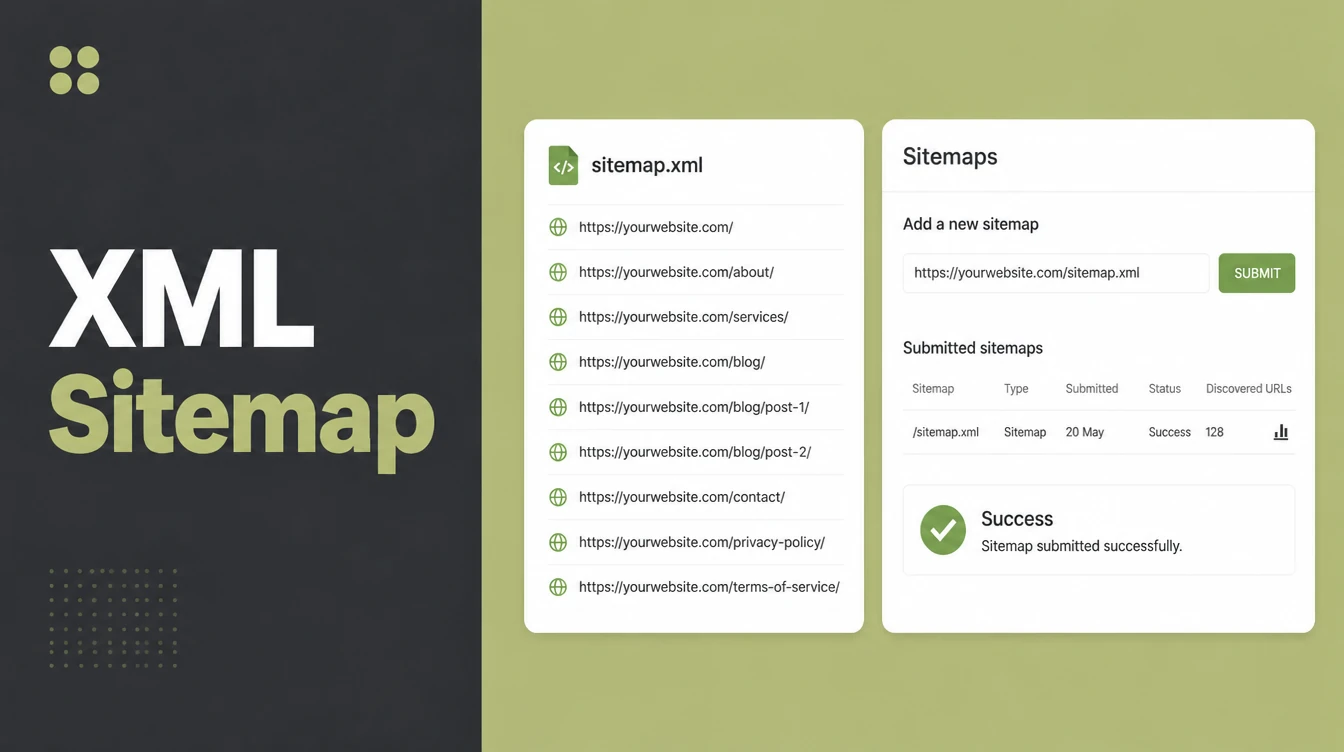
An XML sitemap is a file listing the important pages, videos and other files on your site so search engines can find them. It helps discovery, while rankings come from content, links and speed. One sitemap holds up to 50,000 URLs. Seed Light submits it in Search Console and keeps noindex pages out.
Key takeaways
- Most sites benefit: Google says "in most cases, your site will benefit from having a sitemap". It is free to add and rarely hurts.
- Discovery, not ranking: a sitemap helps Google find your pages. It does not push you up the results on its own.
- No promise of indexing: Google warns that "it is possible that not all URLs in a sitemap will be crawled", depending on your site size, activity, and traffic.
- Your CMS may already have one: WordPress, Wix, and Blogger often make a sitemap for you, so you may not need to lift a finger.
- Submit in Search Console: paste your sitemap URL into the Sitemaps report and click Submit.
1. What is an XML sitemap?
An XML sitemap is a file that lists your important URLs so Google can find them. It is written in a simple format that search engines read, not something your visitors ever see.
Google calls it "a file where you provide information about the pages, videos, and other files on your site". The key idea: a sitemap tells search engines what exists. It is one piece of technical SEO, the behind-the-scenes work that helps your site get found and crawled.
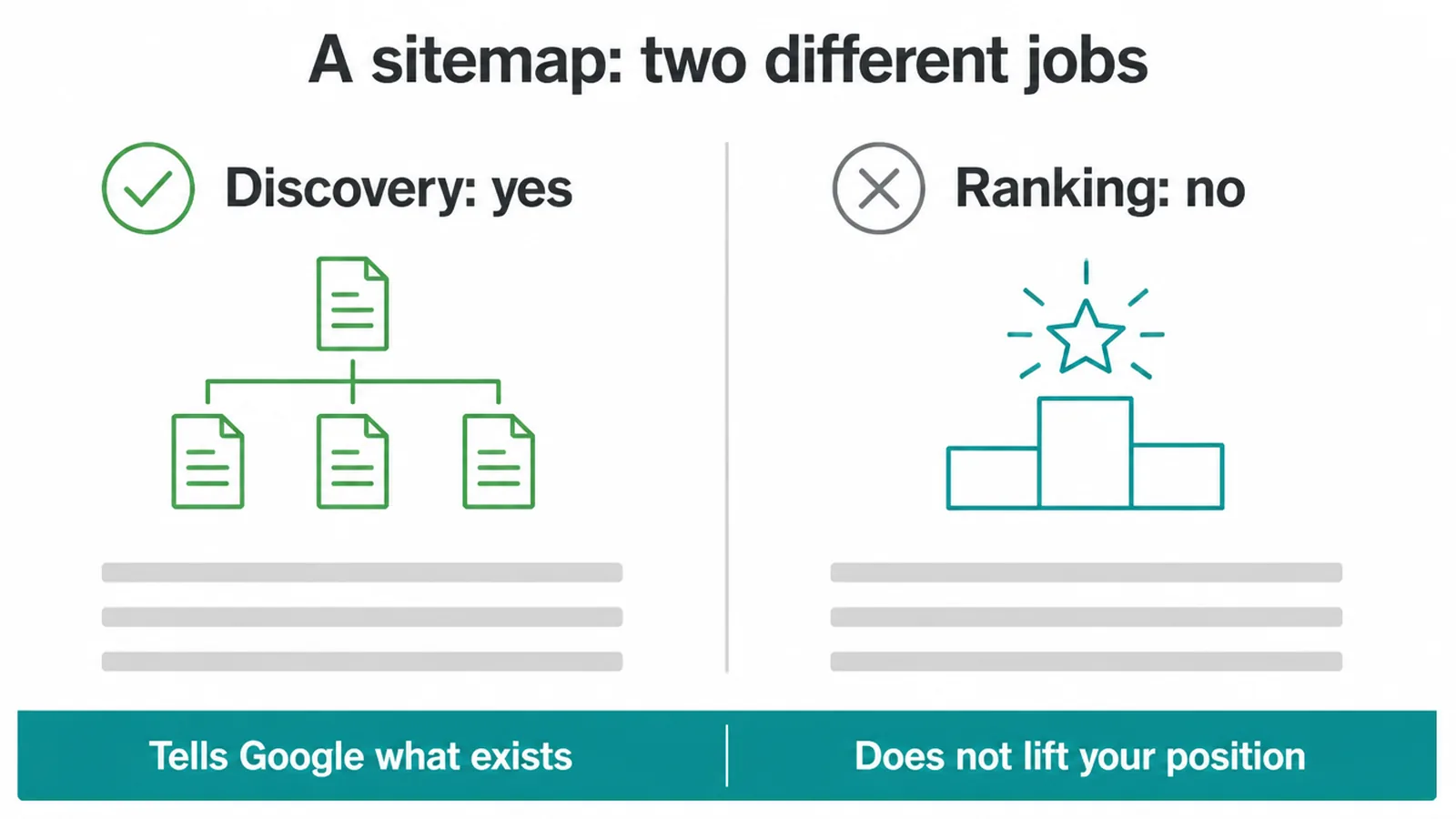
Here is the part people get wrong. A sitemap does not make you rank higher. It helps with discovery, which means helping Google find your pages in the first place.
Finding a page and ranking it are two different jobs. Good content, links, and speed do the ranking. The sitemap just makes sure Google knows the page is there.
2. Do you actually need a sitemap?
Most sites do benefit from an XML sitemap. Google states plainly that "in most cases, your site will benefit from having a sitemap". So the safe answer for nearly everyone is yes.
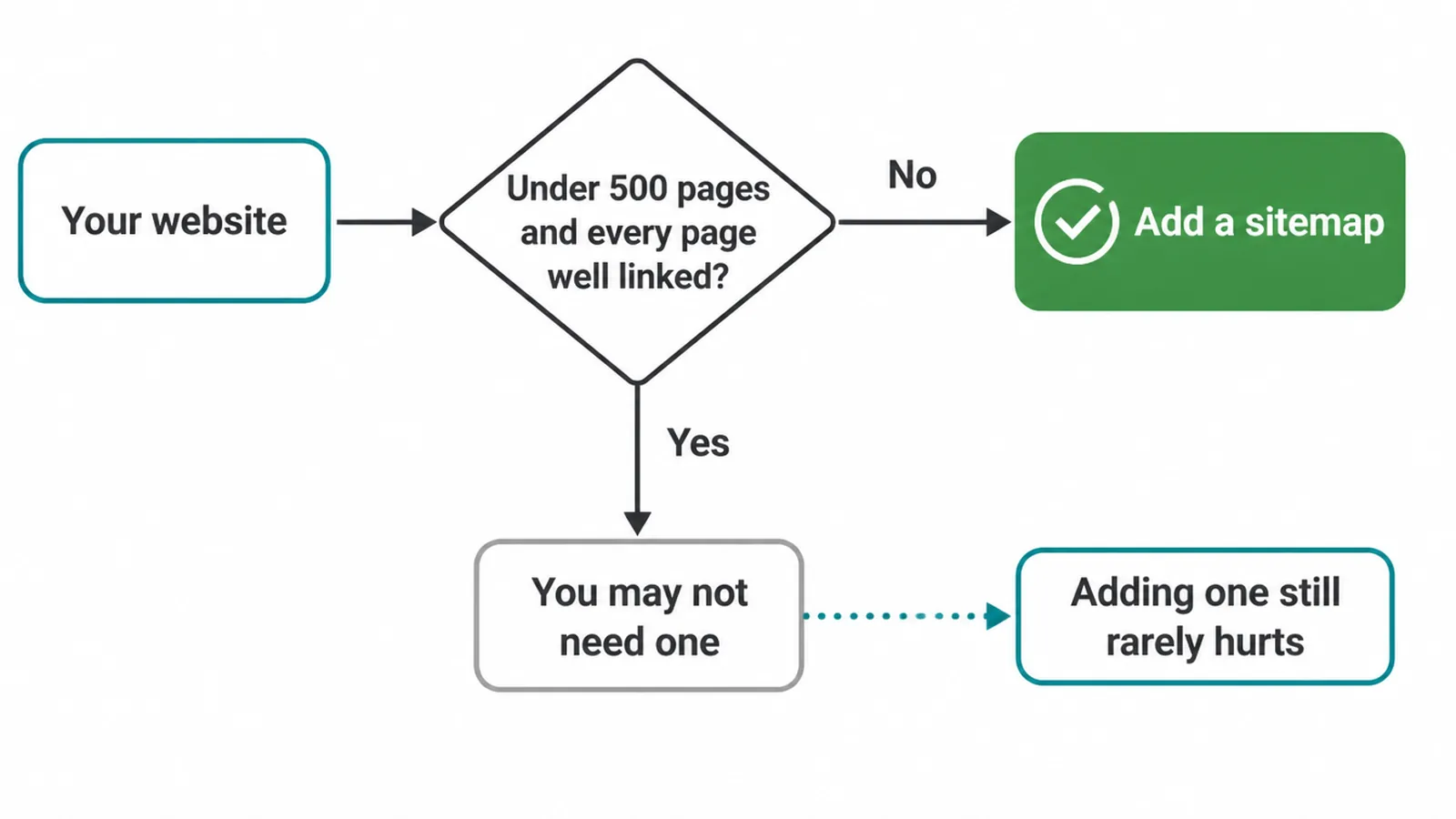
There is one exception. Google says you might not need one if your site is small, around 500 pages or fewer, and every page is comprehensively linked from your menu and other pages.
If a visitor can reach any page in a few clicks, Google's crawler usually can too. That is why a strong internal linking plan matters so much for small sites.
Even if you fall into that exception, here is the simple rule. A sitemap rarely hurts and it costs nothing. So if you are unsure, just have one. There is almost no downside.
3. How to create a sitemap
For most owners, you do not build a sitemap by hand. Google says "if you're using a CMS such as WordPress, Wix, or Blogger, it's likely that your CMS has already made a sitemap available" and you do not have to do anything. So before you start, check if one already exists.
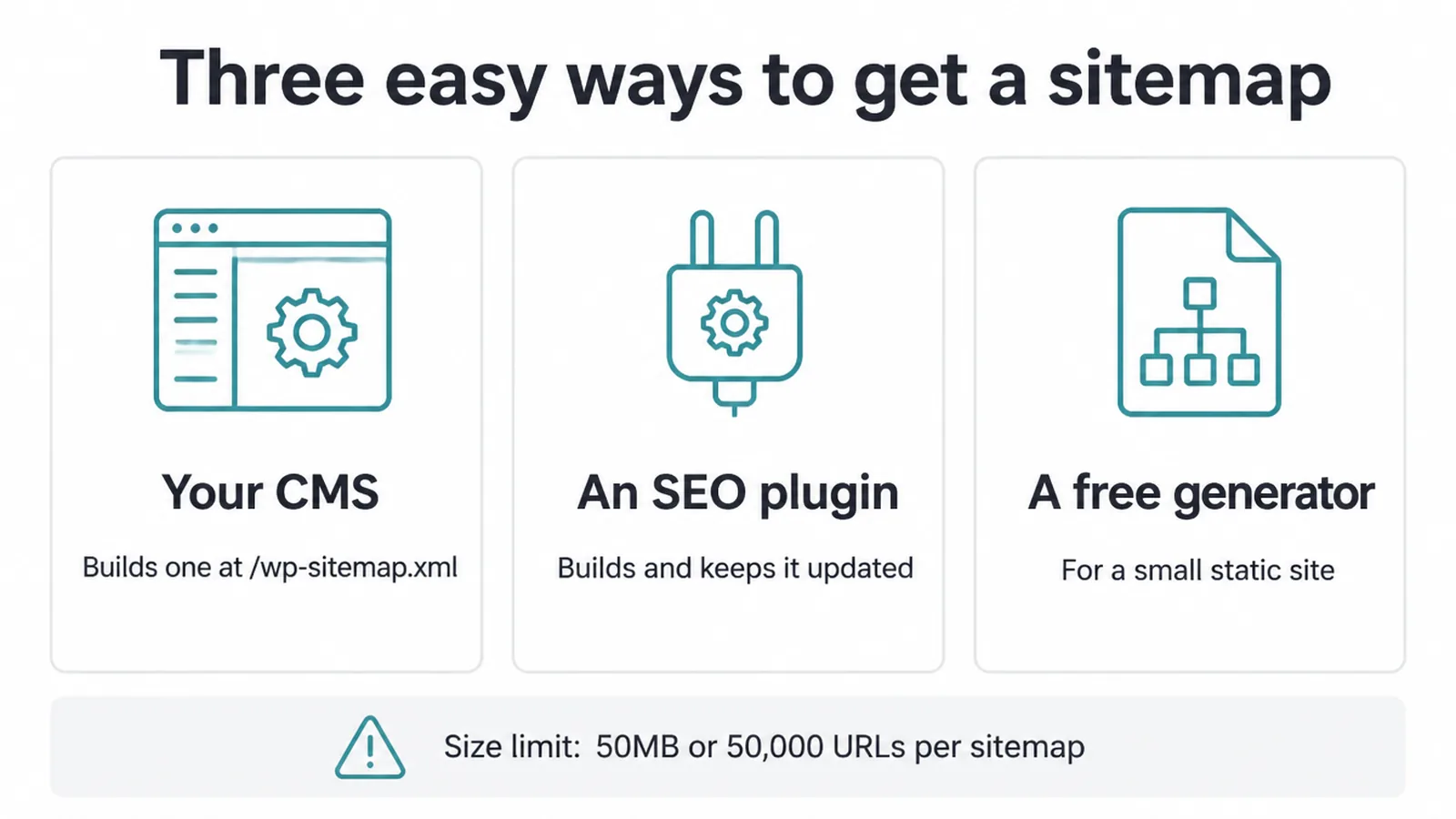
If you need to make or improve one, you have three easy routes.
- Your CMS: plain WordPress builds a sitemap at /wp-sitemap.xml on its own.
- An SEO plugin: Yoast or Rank Math build and update a sitemap for you, usually at /sitemap_index.xml. They keep it current every time you add a page.
- A free generator: for a small static site with no CMS, a free online sitemap generator can create the file for you to upload.
One size limit to know. Google says "all formats limit a single sitemap to 50MB (uncompressed) or 50,000 URLs". If you have more URLs than that, you split them into several sitemaps and list them in one sitemap index file. Plugins handle this split for you, so you rarely have to think about it.
4. What to include and what to leave out
A good XML sitemap lists only the URLs you actually want found and indexed. Include your real, working pages: the ones that return a 200 status, are the canonical version, and are meant for search. Leave out the clutter.
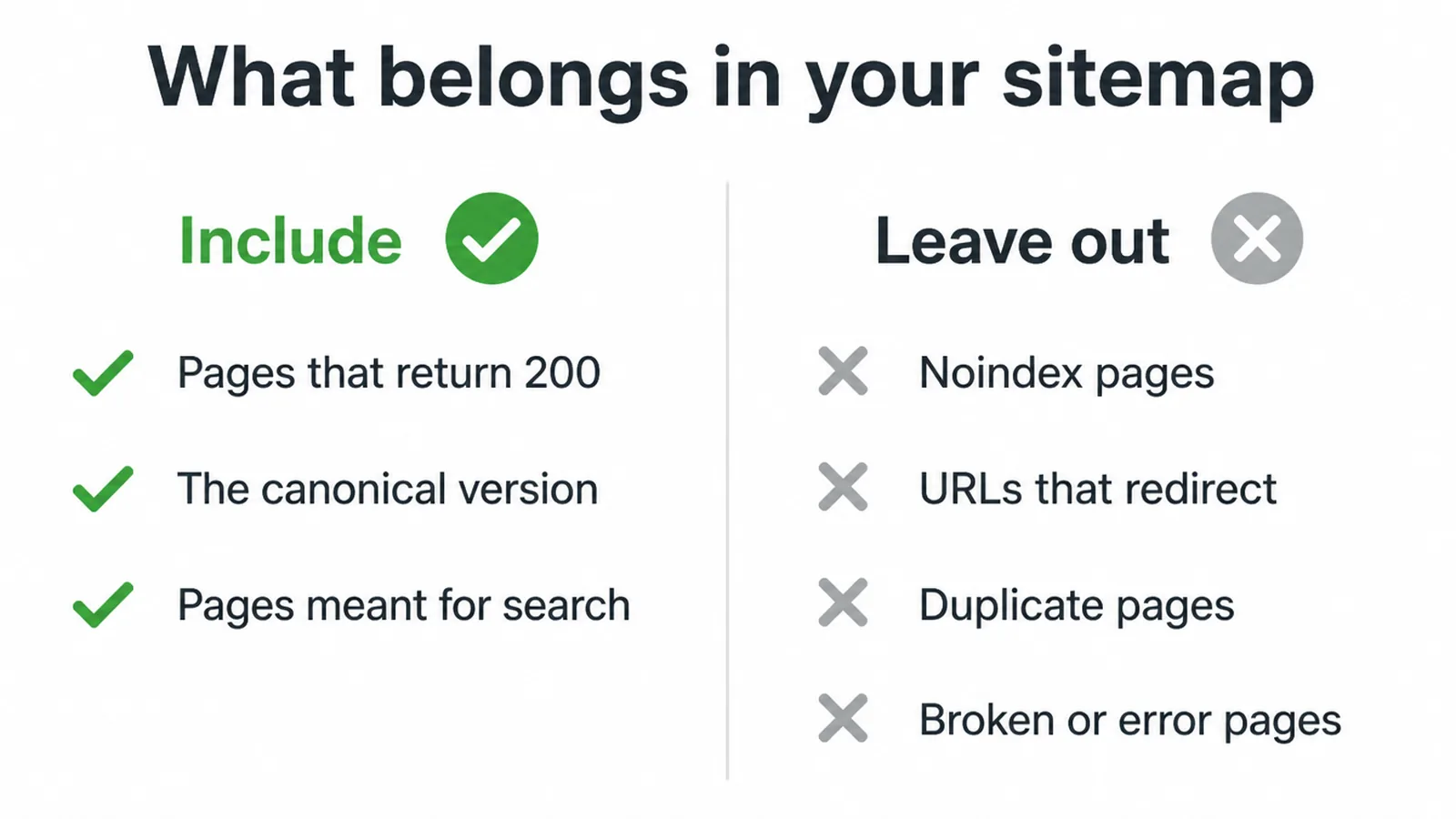
Keep these out of your sitemap:
- Pages you set to noindex, like thank-you pages or login screens.
- URLs that redirect somewhere else.
- Duplicate or near-duplicate pages.
- Broken pages or error pages.
Putting a noindex page in your sitemap sends a mixed message: you are asking Google to find a page you also told it to hide. To control what gets hidden or blocked, see our guide on robots.txt and noindex. Most quality plugins already exclude the right pages, so check your sitemap rather than assuming.
5. Where does your sitemap live?
Your sitemap almost always sits at the root of your site. The common addresses are /sitemap.xml, /sitemap_index.xml, or /wp-sitemap.xml. Google recommends placing it at the site root so it covers your whole site.
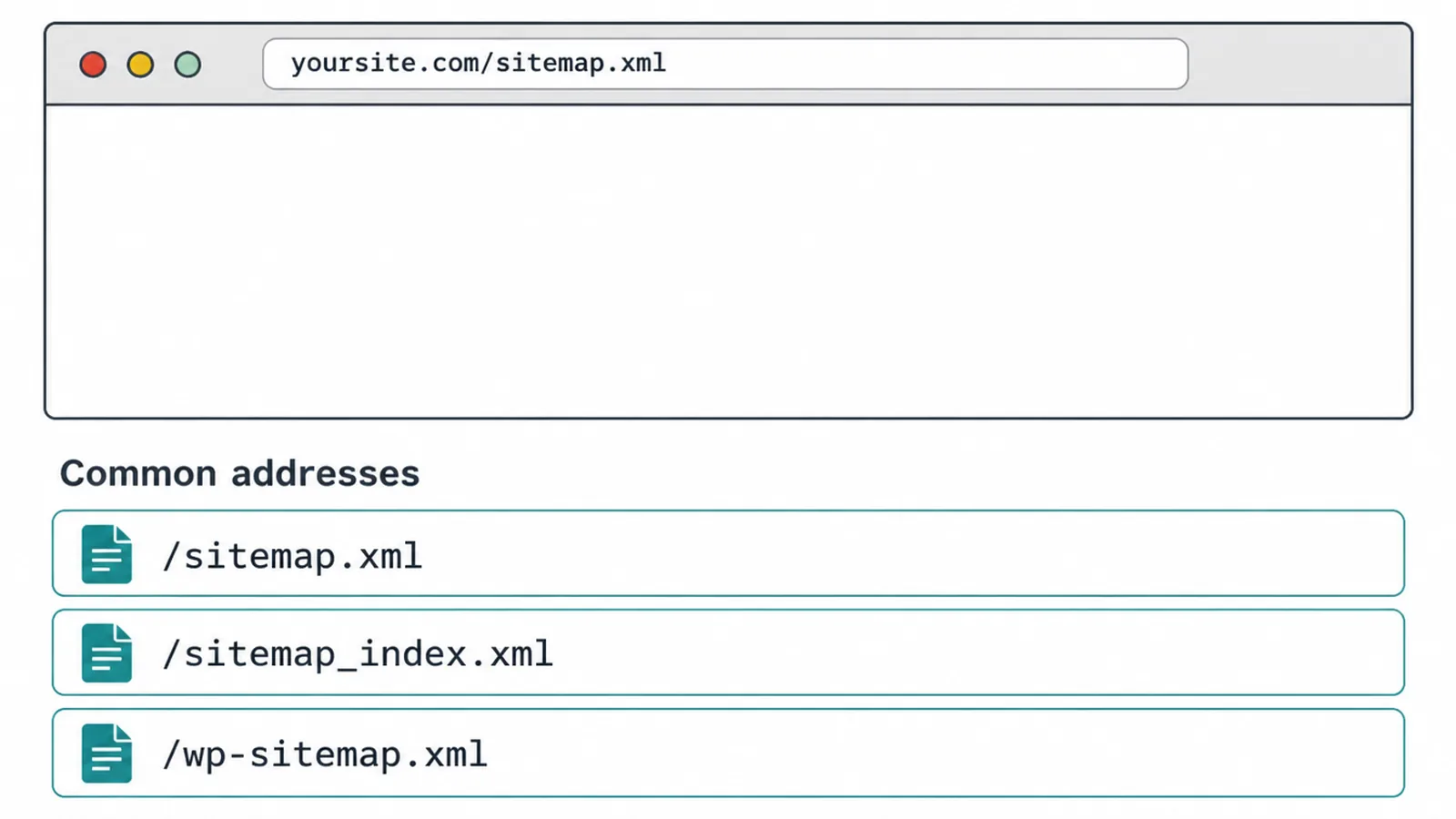
Want to find yours fast? Type your domain into the browser followed by one of those paths, for example yoursite.com/sitemap.xml. If a list of URLs loads, you have found it.
If you get a "not found" page, try the other two paths or check your SEO plugin settings. Once you know the address, you are ready to submit it.
6. How to submit your sitemap to Search Console
You submit an XML sitemap to Google using Search Console, the free tool every site owner should use. New to it? Start with our walkthrough on how to use Google Search Console. Once you are set up, the submit steps are quick.
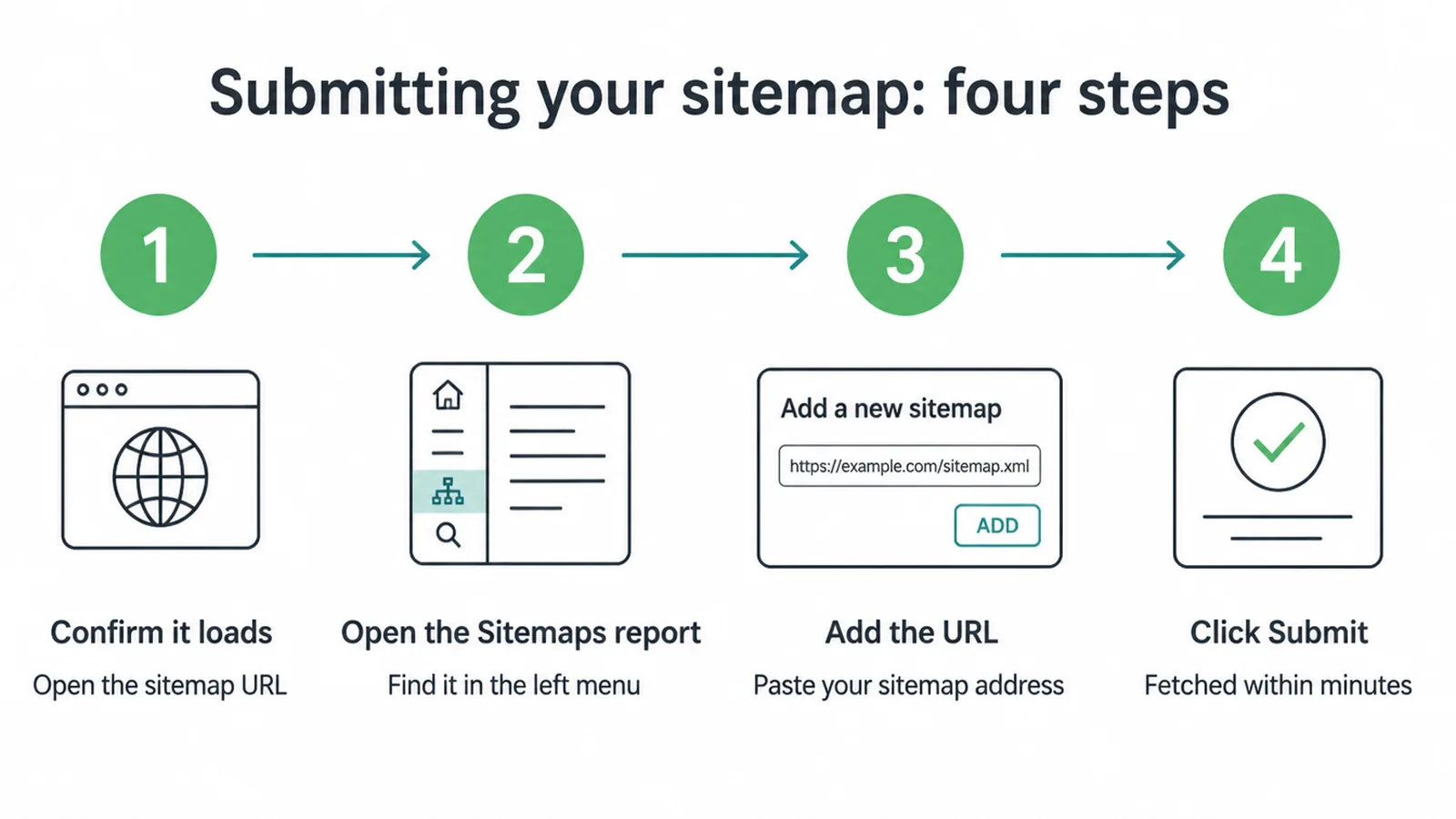
- Confirm it loads. Open your sitemap URL in a browser. Make sure it shows your URLs and is not blocked.
- Open the Sitemaps report. In Search Console, find Sitemaps in the left menu.
- Add the URL. Paste your sitemap address into the "Add a new sitemap" box.
- Click Submit. Google fetches the file, usually within minutes.
You can also point Google to your sitemap by listing it in your robots.txt file. Doing both does no harm.
Now set your expectations. The fetch is fast, but crawling the listed pages takes time. And submitting is not a guarantee. Google says "it is possible that not all URLs in a sitemap will be crawled", depending on your site size, activity, and traffic.
If a page sits in limbo after submitting, our guide on the "crawled, currently not indexed" status explains what that means and what to do.
7. Sitemap vs robots.txt vs noindex
These three tools get mixed up a lot, but each does a different job. A sitemap says "here is what exists." Robots.txt controls "what you can crawl." Noindex controls "what shows in results." Here is the quick comparison.
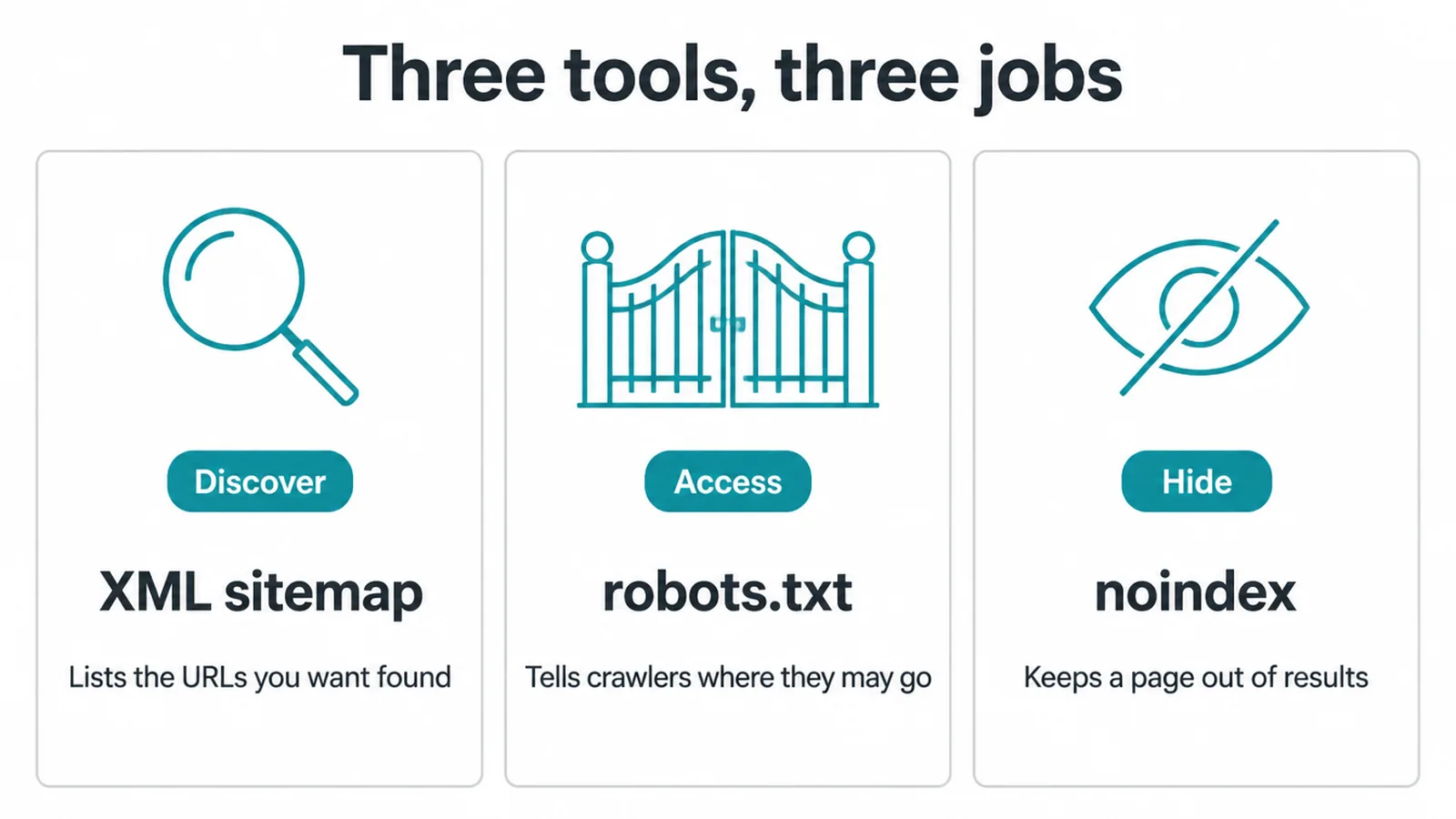
| Job | Tool | What it does | Use it to |
|---|---|---|---|
| Discover | XML sitemap | Lists the URLs you want found and crawled | Tell Google what exists on your site |
| Access | robots.txt | Tells crawlers which paths they may or may not crawl | Keep crawlers out of certain folders |
| Hide | noindex | Tells Google to keep a page out of search results | Stop a real page from showing in results |
One catch worth remembering. A sitemap and noindex pull in opposite directions, so never list a noindex page in your sitemap. And blocking a page in robots.txt is not the same as hiding it from results.
If you want a page out of search, use noindex, and do not block it in robots.txt, or Google may never see the noindex rule.
Our SEO service checks the sitemap against these rules.
Frequently asked questions
1. What is an XML sitemap?
An XML sitemap is a file that lists the important pages, videos, and other files on your site. It helps search engines like Google find your URLs. Think of it as a contents page for your website. It is a discovery aid, not a ranking trick.
2. Do I need a sitemap?
Most sites benefit from having one. You might not need one if your site is small, around 500 pages or fewer, and every page is well linked from your menu and other pages. Even then, having a sitemap rarely hurts and it is free to add.
3. How do I create a sitemap?
Most of the time you do not create it by hand. If you use a CMS like WordPress, Wix, or Blogger, it likely makes a sitemap for you already. An SEO plugin such as Yoast or Rank Math can also build and keep one updated. For a tiny site you can use a free generator.
4. How do I submit my sitemap to Google?
Open Google Search Console for your site. Go to the Sitemaps report, paste your sitemap URL into the Add a new sitemap box, and click Submit. Google fetches it quickly, then crawls the listed pages over time. You can also list the sitemap in your robots.txt file.
5. Where is my sitemap?
A sitemap usually sits at the root of your site. Common addresses are /sitemap.xml, /sitemap_index.xml or /wp-sitemap.xml on WordPress. The fastest check is to type your domain followed by one of those paths into your browser and see if a file loads.
6. Does a sitemap help my SEO?
A sitemap helps discovery rather than ranking. It tells Google which URLs exist so they can be found and crawled, but it does not push you up the results on its own. Good content, links and a fast site are what move rankings.
7. Does submitting a sitemap guarantee my pages get indexed?
No. Google says it is possible that not all URLs in a sitemap will be crawled, depending on your site size, activity, and traffic. A sitemap is a request to look, not a promise to index. Quality and internal links still decide what gets indexed.
8. How big can a sitemap be?
Google limits a single sitemap to 50MB uncompressed or 50,000 URLs. If you have more URLs than that, you split them across several sitemap files and list those files in one sitemap index. Most plugins handle this split for you automatically.