Robots.txt vs Noindex: Which One Should You Use?

Robots.txt controls crawling and noindex controls indexing, so a disallow cannot keep a page out of Google. Google can still list a blocked URL it finds through links. Use a robots noindex meta tag, or an X-Robots-Tag header for files, and leave the page crawlable. Seed Light sorts indexation problems like this.
Key takeaways
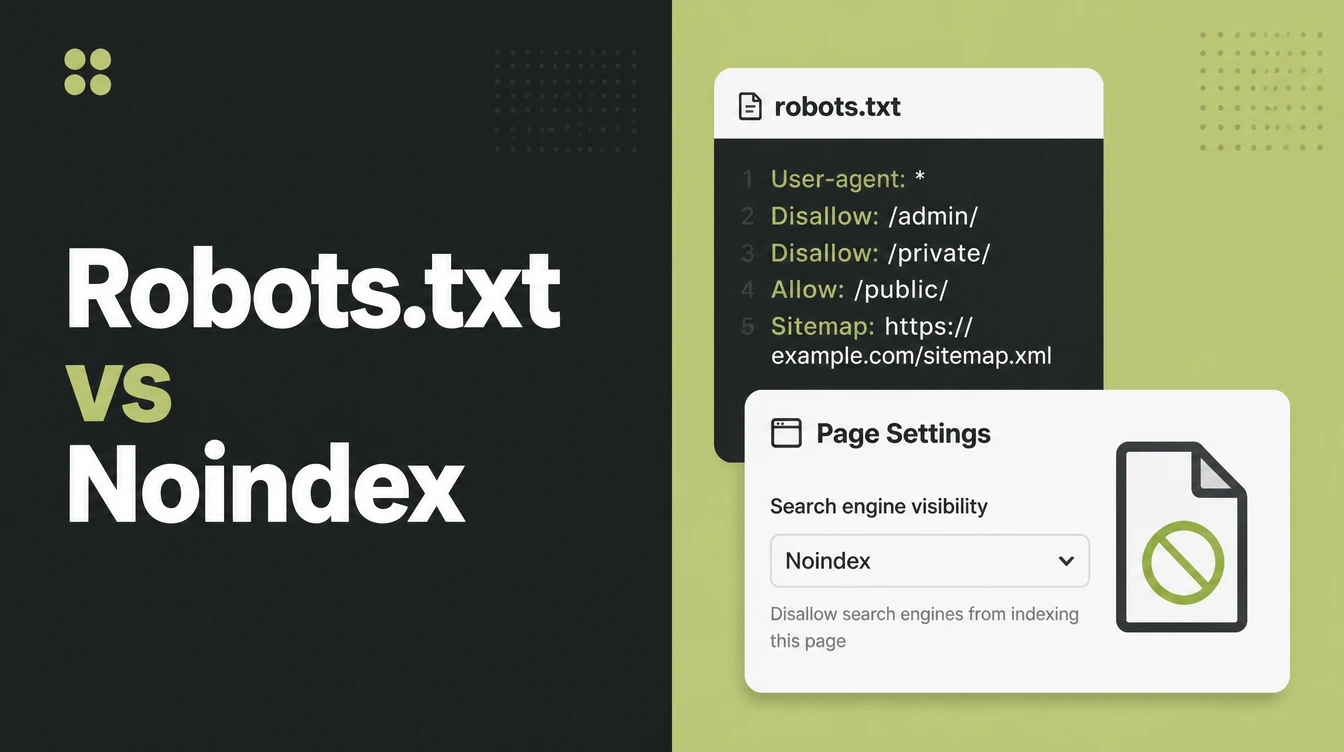
- Robots.txt is not the tool for this. Google states plainly that robots.txt is not a mechanism for keeping a web page out of Google. It manages crawl traffic, not what shows in results.
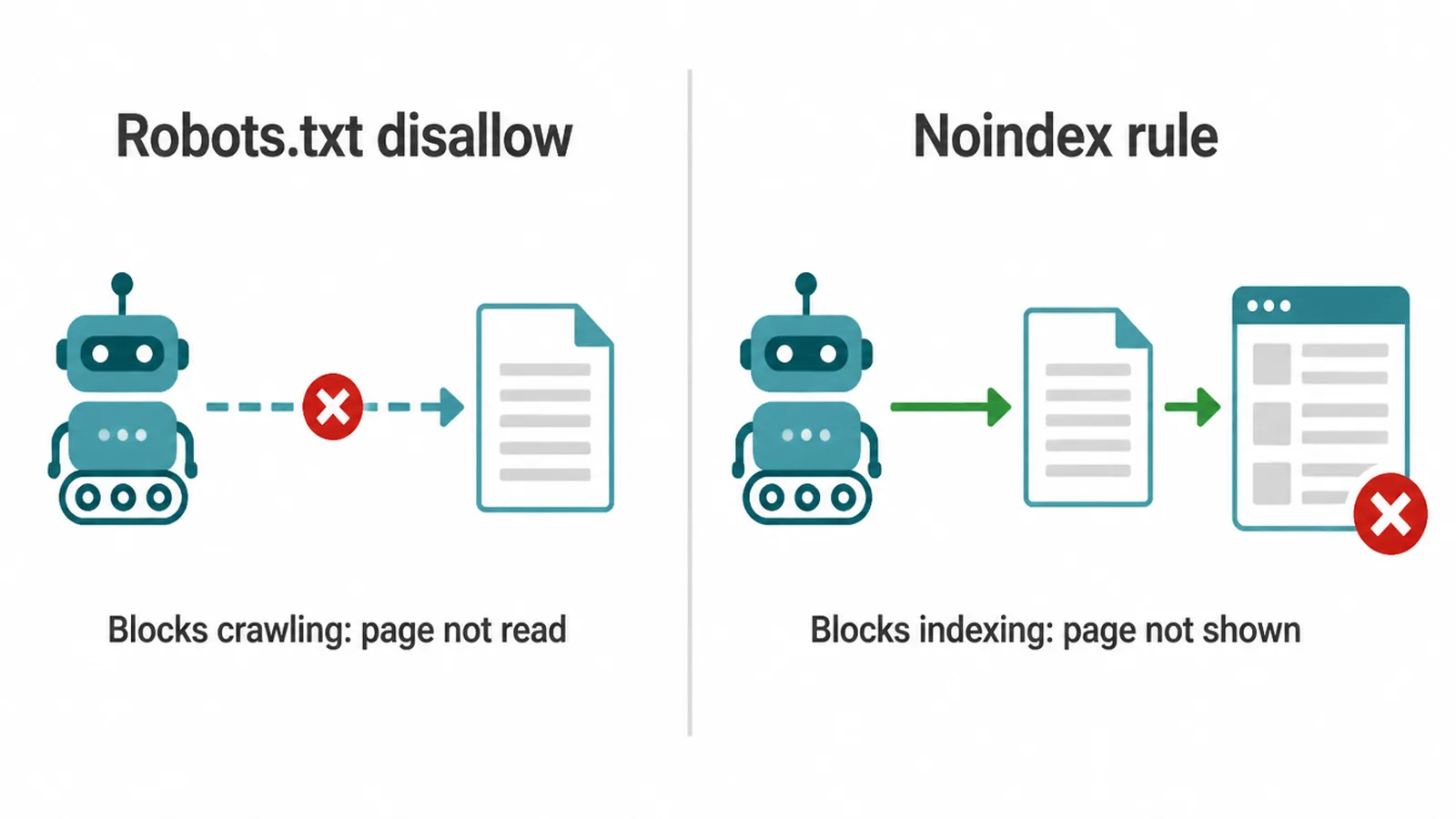
- Crawl and index are different. Disallow means do not read this page. Noindex means do not show this page. You need the second one.
- A blocked page can still be indexed. Google can index a disallowed URL from links elsewhere, often as a bare URL with no description.
- Noindex needs a crawl to work. Google must read the noindex rule before it can drop the page, so the page must not be blocked in robots.txt.
- Use a meta tag or a header. Add a robots noindex meta tag to HTML pages, or an X-Robots-Tag header for PDFs and other files.
1. Noindex vs robots.txt disallow: what is the difference?
The robots txt noindex question comes down to one idea. Robots.txt controls crawling. Noindex controls indexing. A robots.txt disallow tells Google not to read a page at all. A noindex rule tells Google it may read the page, but must not show it in search results.
Think of it like a shop. A robots.txt disallow is a locked door, so nobody walks in. A noindex rule lets people walk in and look, but keeps the shop off the map.
Robots.txt is for managing crawl traffic, so Googlebot does not waste time on parts of your site you do not care about. It was never built to hide pages from search.
2. Why a robots.txt disallow does not deindex a page
Here is the core mistake with robots txt noindex confusion. A disallow does not remove a page from Google, because Google never has to read the page to list it.
Google says it might still find and index a disallowed URL if it is linked from other places on the web, and that URL and its anchor text can still appear in Google Search results.
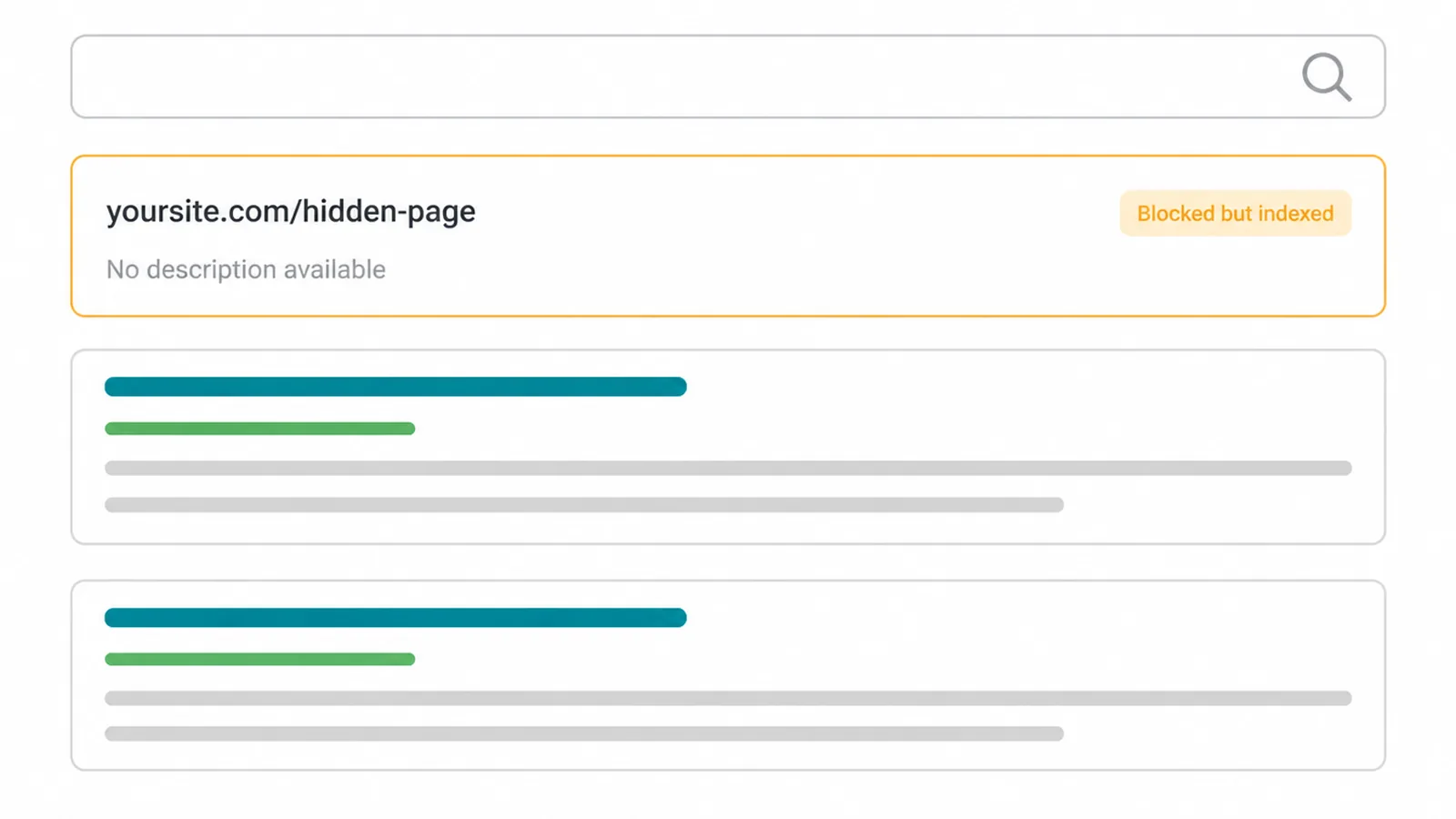
So if another site links to your blocked page, Google can index it without ever reading a single word of it. You usually see this as a bare URL in results with no title or description, because Google was not allowed to crawl and read the content.
In Search Console this shows up as the status "Indexed, though blocked by robots.txt." It means the exact thing it says. The page is in the index, and your robots.txt block is the reason it looks broken in results.
If you are seeing odd index statuses like this, our guide on pages that are crawled but not indexed walks through the related warnings and what each one means.
3. How to add a noindex rule the right way
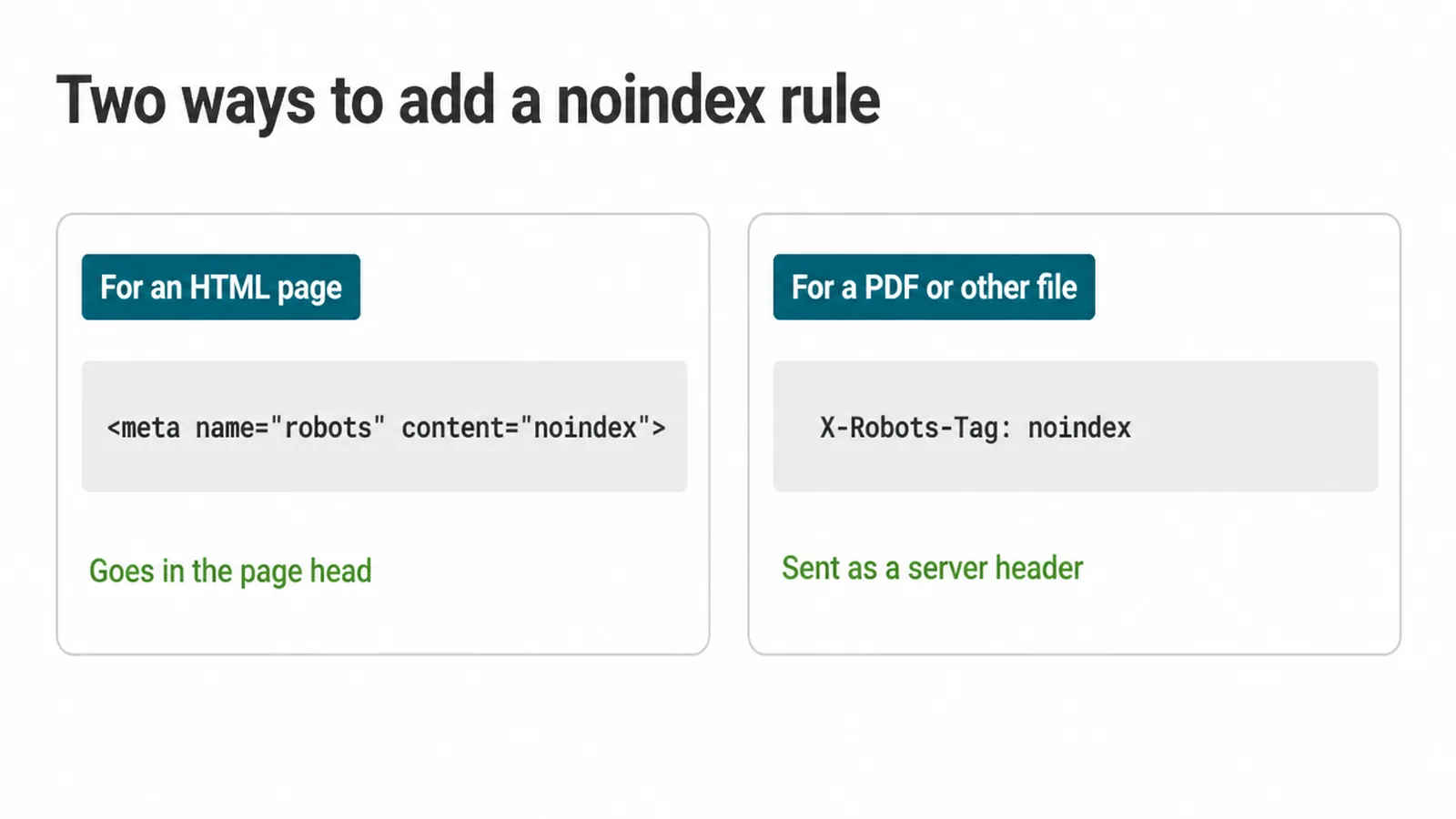
The clean robots txt noindex fix is to drop the robots.txt block and add a real noindex rule instead. There are two ways to do it, depending on the file type.
For an HTML page, add a meta robots tag inside the <head> of the page:
<meta name="robots" content="noindex">
That tells all search engines not to index the page. If you only want to stop Google, you can target its crawler:
<meta name="googlebot" content="noindex">
For a PDF, image, or other non-HTML file, you cannot add a meta tag, so you send a header from your server instead:
X-Robots-Tag: noindex
Both do the same job. Google says that when Googlebot crawls the page and extracts the tag or header, Google will drop that page entirely from search results, regardless of whether other sites link to it.
That last part matters. Unlike a robots.txt block, a noindex rule actually removes the page even when links point to it.
On WordPress you rarely touch code for this. Most SEO plugins like Yoast or Rank Math give you a simple toggle to mark a page as noindex, and the plugin writes the meta tag for you.
If you want the full set of meta robots directives, like nofollow or noarchive, see our guide to the meta robots tag.
4. The trap: never block a page you want noindexed
This is the single biggest robots txt noindex mistake. Do not block a page in robots.txt if you have put a noindex rule on it. If the page is disallowed, Googlebot cannot crawl it, so it never sees your noindex rule, so it cannot drop the page.
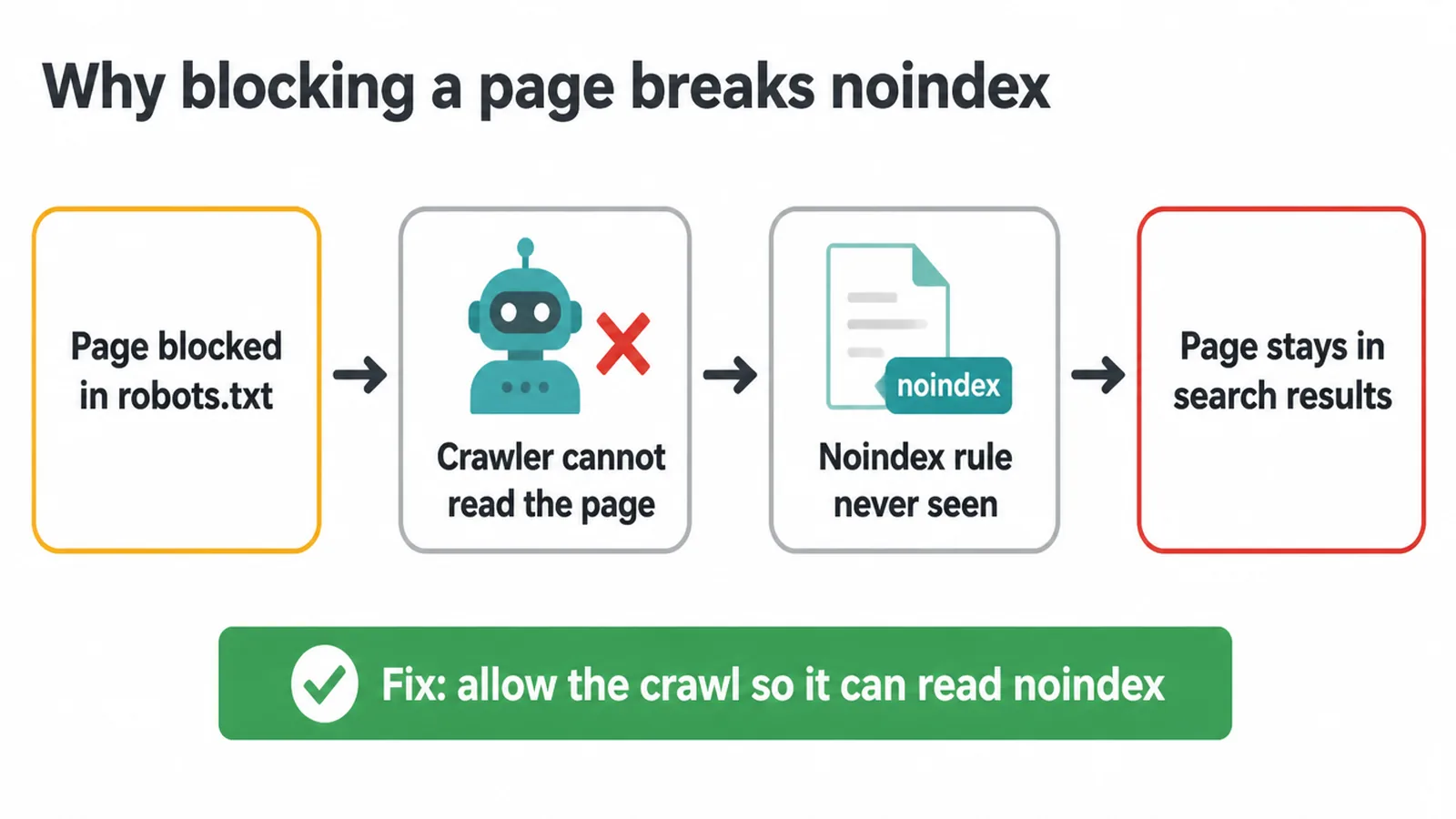
Google is clear on this. For a noindex rule to work, the page must not be blocked by a robots.txt file, and it has to be accessible to the crawler.
And Google confirms that if a page is disallowed from crawling through robots.txt, then any indexing rules on it will not be found and will be ignored.
So the noindex rule and the robots.txt block fight each other. The block wins, and the page stays stuck. The fix is the opposite of what feels natural. Let Google crawl the page, and it will read the noindex and obey. Block the page, and it cannot.
5. What pages should you keep out of Google?
Plenty of pages on a site add nothing for a searcher and just clutter your index. These are good candidates for a noindex rule:
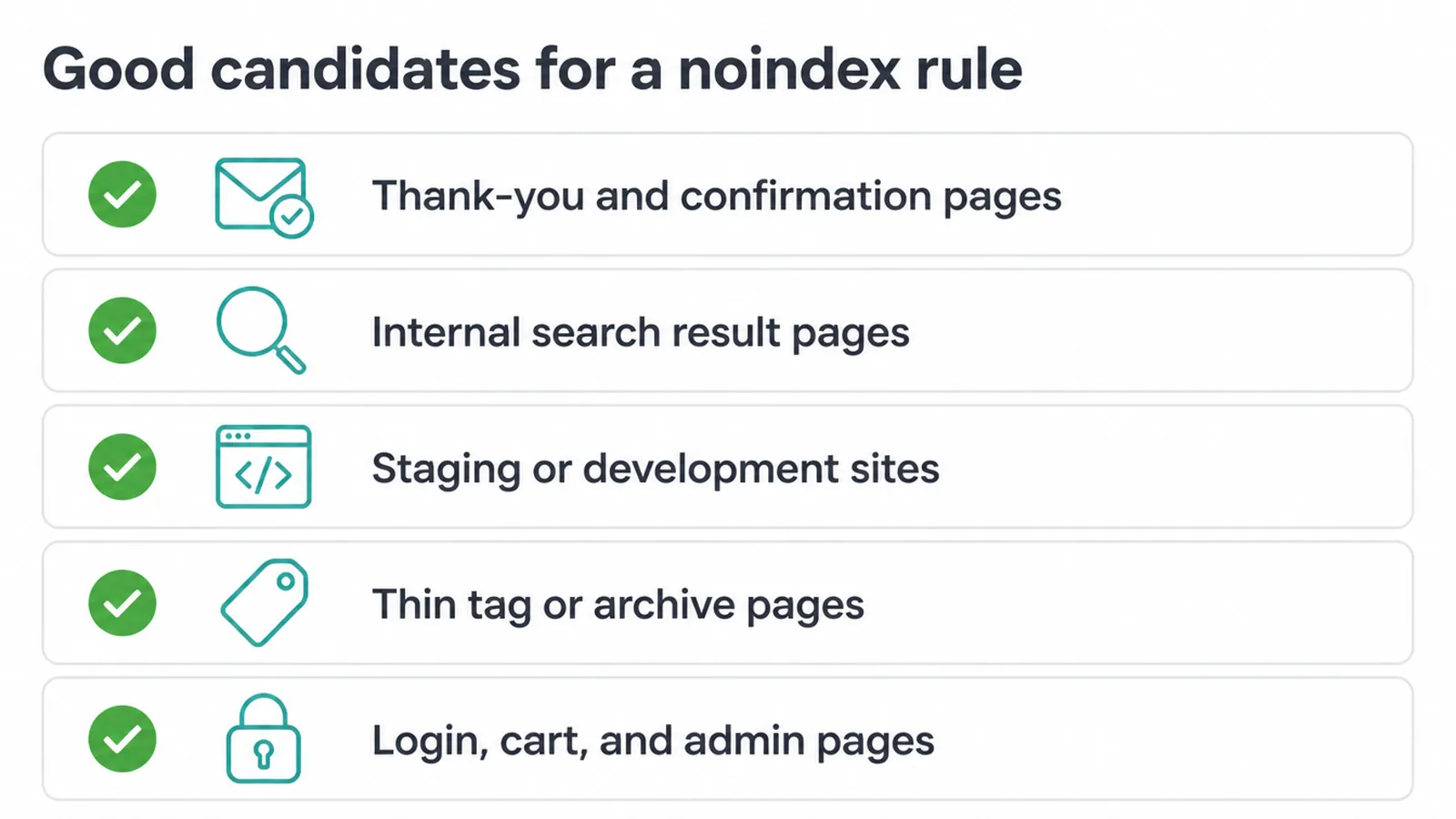
- Thank-you and confirmation pages that only make sense after a form submit.
- Internal search result pages that create endless thin, low-value URLs.
- Staging or development sites you do not want public.
- Thin tag or archive pages that repeat content from elsewhere.
- Login, cart, and admin pages that have no business in search.
Keeping these out helps Google focus on the pages you actually want to rank. If you are not sure which of your pages are working and which are dead weight, a technical SEO review is a good place to start.
6. What to use when: a quick reference
Here is the short version of robots txt noindex decisions, so you pick the right tool for the goal every time.
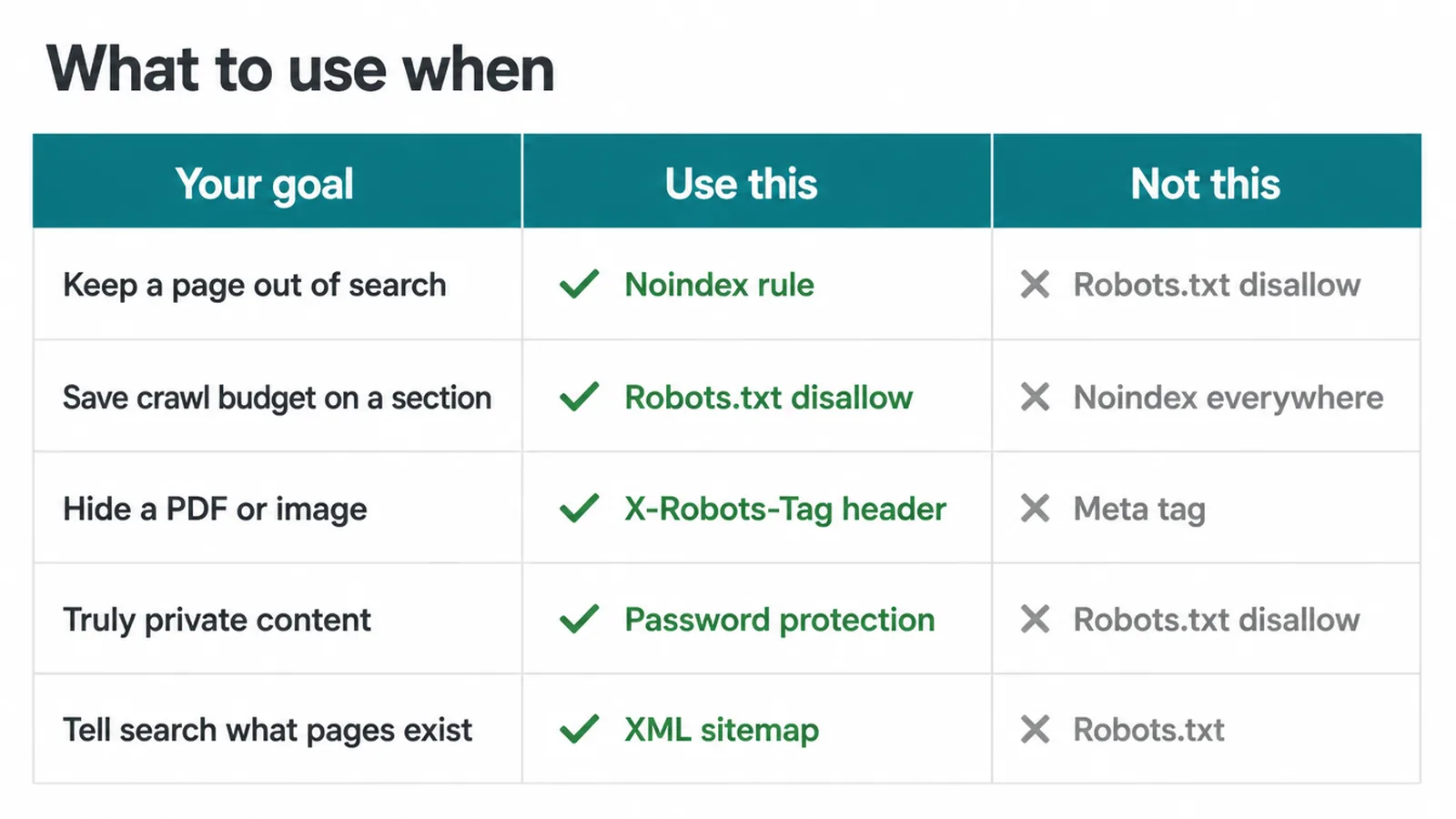
| Your goal | Use this | Not this | Why |
|---|---|---|---|
| Keep a page out of Google search | Noindex rule (meta tag or X-Robots-Tag) | Robots.txt disallow | Google must crawl the page to read noindex, then it drops it |
| Stop Google wasting crawl budget on a section | Robots.txt disallow | Noindex on every page | Robots.txt manages crawl traffic, which is its real job |
| Hide a PDF or image from results | X-Robots-Tag: noindex header | Meta tag | Non-HTML files cannot hold a meta tag |
| Truly private content | Password protection | Robots.txt disallow | Google recommends a password or noindex to keep content out |
| Tell Google what pages exist | An XML sitemap | Robots.txt | A sitemap lists what to find, not what to hide |
Google sums it up neatly. To keep a web page out of Google, block indexing with noindex or password-protect the page.
7. Where this fits in your wider SEO
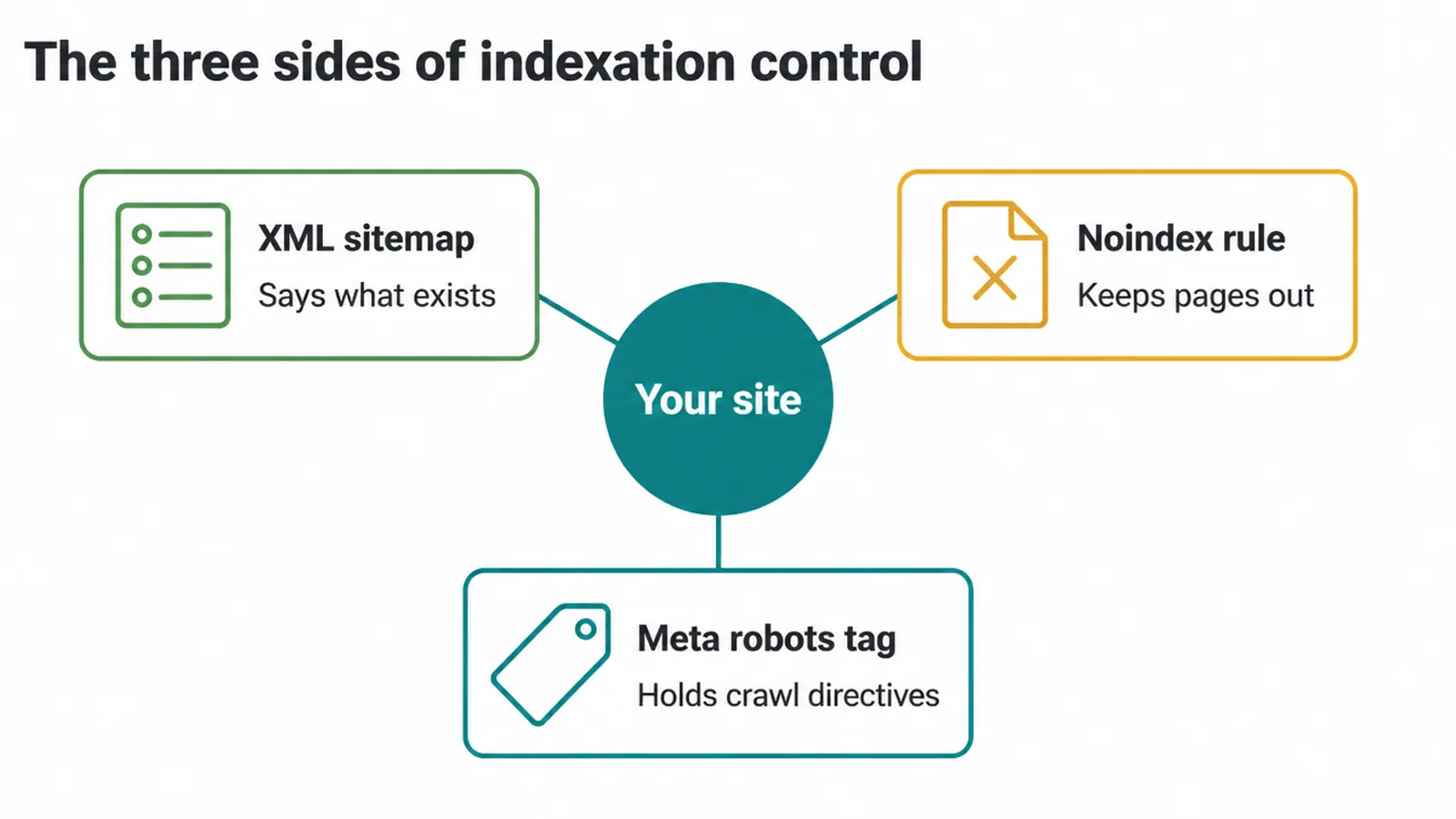
Indexation control has three sides. A sitemap tells Google what exists and should be found, which we cover in our XML sitemap guide. A robots txt noindex setup keeps the wrong pages out.
And the full set of crawl directives lives in the meta robots tag. Get all three lined up and Google spends its time on the pages that earn you customers.
To check what Google has actually indexed and spot any "Indexed, though blocked" warnings, use the index reports in Google Search Console.
If you want a hand sorting out which pages should be in or out, our SEO services cover exactly this kind of cleanup, and you can always get in touch for a plain-English look at your site.
Frequently asked questions
1. What is a noindex tag?
A noindex tag is a rule that tells search engines not to show a page in their results. You add it as a meta tag in the page head, or as an HTTP header for files like PDFs. When Googlebot crawls the page and reads the rule, it drops the page from search. The page can still be crawled and visited, it just will not appear in Google.
2. What is the difference between noindex and disallow?
A robots.txt disallow blocks crawling, so Google does not read the page. A noindex rule blocks indexing, so the page does not show in results. They do two different jobs. Disallow says do not read this. Noindex says do not show this. To keep a page out of Google, you want noindex.
3. Does robots.txt stop a page being indexed?
No. Google says robots.txt is not a mechanism for keeping a web page out of Google. A disallowed page can still be indexed if other pages link to it. Google may show the bare URL with no description. To actually keep a page out, use a noindex rule and let Google crawl the page so it can read that rule.
4. How do I noindex a page?
For an HTML page, add a meta robots tag in the head. For a PDF, image, or other non-HTML file, send an X-Robots-Tag noindex header from your server. On WordPress, most SEO plugins have a toggle that does this for you. Then make sure the page is not blocked in robots.txt, or Google can never read the rule.
5. Why is my blocked page still showing in Google?
Because blocking in robots.txt only stops crawling, not indexing. Google can still find and index a disallowed URL from links on other sites. In Search Console you may see the status Indexed, though blocked by robots.txt. Fix it by removing the robots.txt block and adding a noindex rule instead.
6. Should I use noindex and disallow together?
No, not for the same page. If you disallow a page in robots.txt, Google cannot crawl it, so it never reads your noindex rule and cannot drop the page. Pick one job. To keep a page out of search, use noindex and let Google crawl the page so it can obey.
7. How long does it take for a noindexed page to drop?
The time needed for a noindexed page to disappear depends on how often Google recrawls it. Google must visit the page and read the noindex rule before removing it from results. Requesting the URL in Search Console can prompt another crawl.
8. What pages should I keep out of Google?
Common ones are thank-you and confirmation pages, internal search result pages, staging or development sites, thin tag and archive pages, and login, cart, or admin pages. These add no value to a searcher and can clutter your index. Use a noindex rule on them so they stay out of results.