
Crawled, Currently Not Indexed: Causes and Fixes

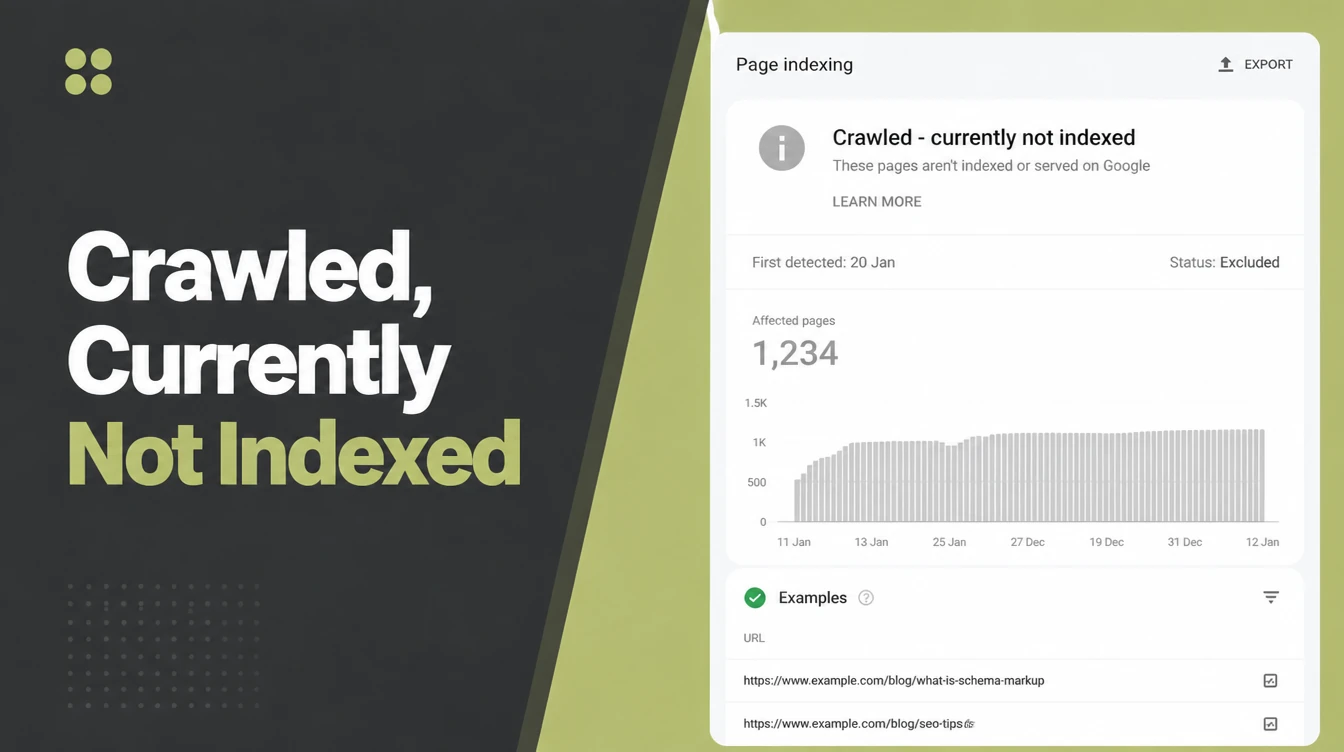
Crawled currently not indexed means Google read your page and decided against indexing it for now. It is a judgement about value, and it is neither an error nor a penalty. Fix it by making the page genuinely better, adding internal links, and clearing out thin pages. Seed Light works through this with clients page by page.
Key takeaways
- It is a value verdict, not a penalty. Googlebot read the page and chose not to index it. No error, no manual action.
- Google does not index everything. Google says plainly that you should not expect every URL on your site to be indexed, and it makes no guarantee that all pages will make it in.
- Most pages get no search traffic anyway. One large study found 96.55% of pages get zero traffic from Google, so a thin page that never indexes is rarely a big loss.
- The fix is usually quality. Make the page genuinely better, remove duplicates, add internal links, then request indexing once.
- Sometimes you just wait. New sites and new pages sit here for weeks. That is normal.
1. What does crawled currently not indexed mean?
Crawled currently not indexed means Googlebot visited your page, read it, and then chose not to add it to the search index.
Google describes it as a page that was crawled but not indexed, which may or may not be indexed in the future, with no need to resubmit. So the page exists, Google has seen it, but it will not show up in search results for now.
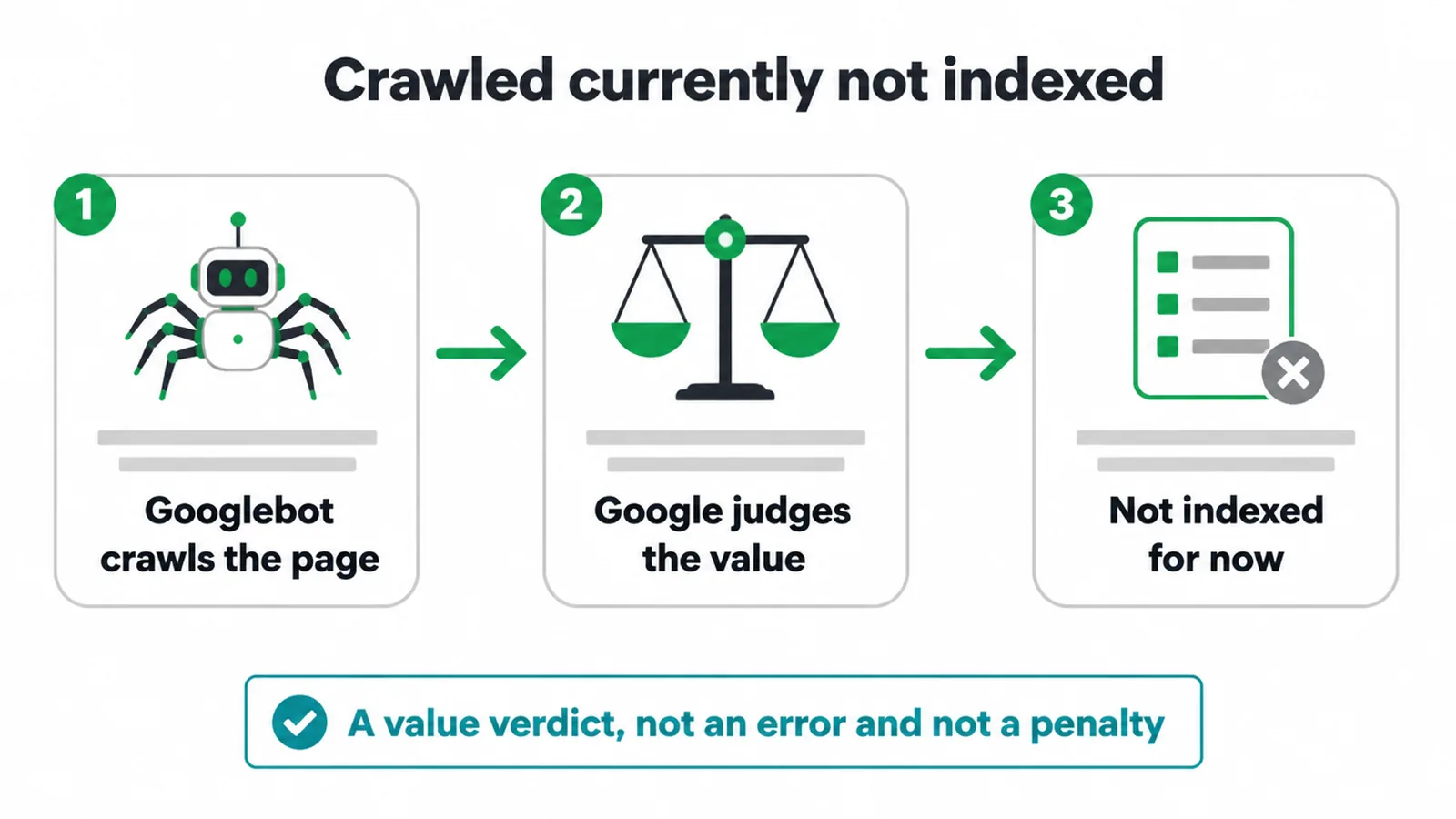
Here is the important part. This is not an error and not a penalty. It is a judgement call. Google looked at your page and decided it was not worth a spot in the index yet.
Think of it like a casting call. You showed up, you were seen, and you did not get the part this time.
And that happens a lot. Google says you should not expect every URL on your site to be indexed, because it does not guarantee that all pages everywhere will make it into the index.
On top of that, 96.55% of pages get zero traffic from Google. So if a thin tag page or a near empty page sits in this status forever, you are usually not losing much.
2. Crawled vs discovered: which one are you seeing?
People mix these two up all the time, so let us be clear. They are different problems with different fixes. Crawled currently not indexed is the one you can usually act on, because Google has already judged the page.
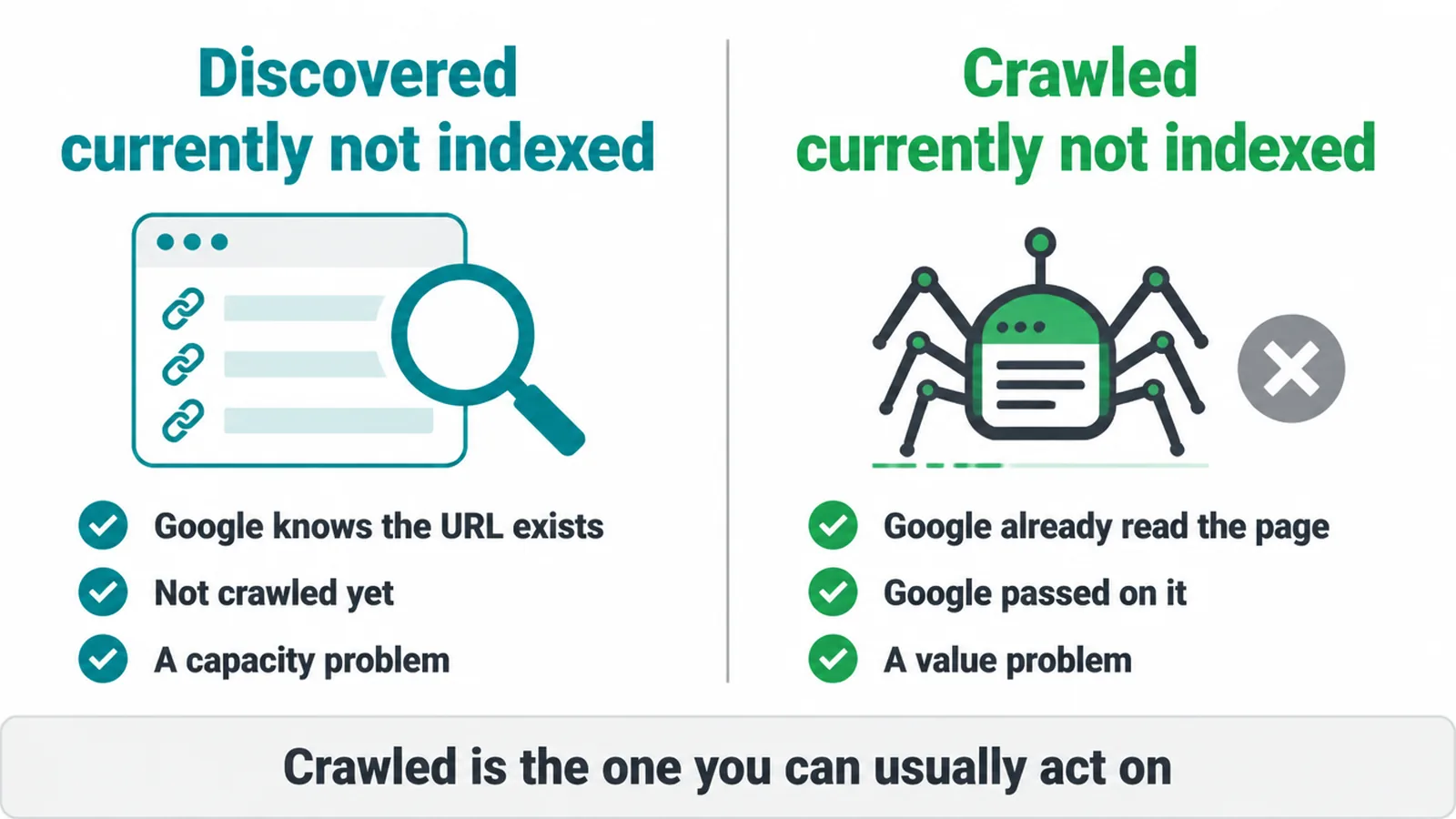
Discovered currently not indexed means Google knows the URL exists but has not crawled it yet. This is more about capacity.
Google has a budget for how much of your site it will crawl, and the page is in the queue. The fix here is usually better internal links, a cleaner site, and a bit of patience.
Crawled currently not indexed means Google already came, read the page, and passed. This is about value, not capacity. Google saw what is on the page and decided it was not worth indexing right now. The fix here is to make the page better or to stop it competing with your own near identical pages.
If you are not sure which status applies, our guide to using Google Search Console walks through the Pages report step by step.
3. Why did Google crawl your page but not index it?
When you see crawled currently not indexed, Google almost always passed for a quality or value reason. Google itself says indexing is not guaranteed, and that low page content quality is a common cause, in its own notes on how Search works. So start by being honest about the page.
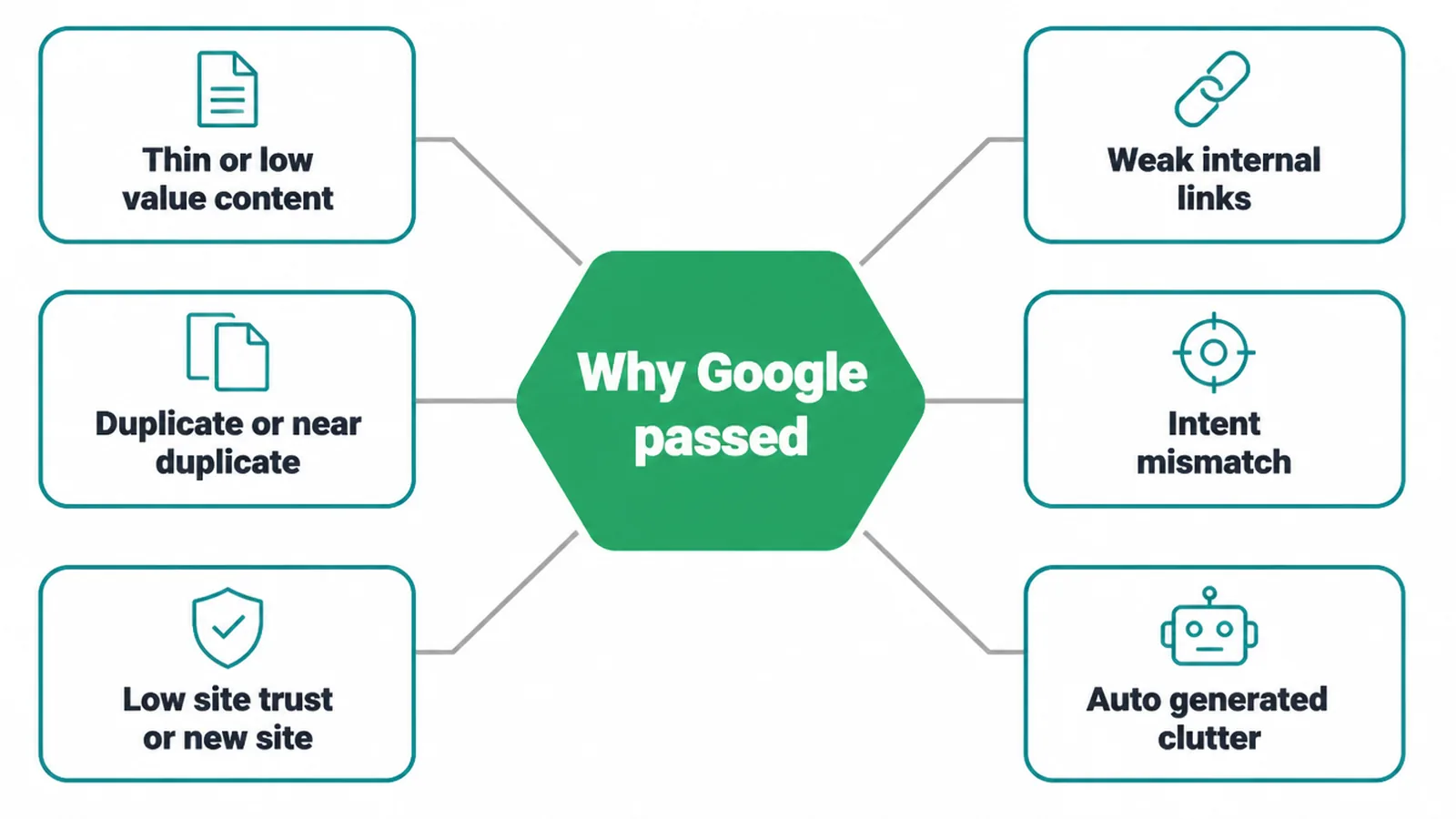
There is also a bigger picture point. Google has said this pattern is often a signal about your whole site. So if loads of your pages sit in this status, Google may be reading your site as low quality overall. That changes the fix from "tweak one page" to "raise the bar across the site."
| Cause | What it looks like | What to do |
|---|---|---|
| Thin or low value content | A short, shallow page that does not answer the question fully | Add real depth, examples, and a clear answer up top |
| Duplicate or near duplicate | Several pages that say almost the same thing | Merge them into one strong page, redirect the rest |
| Low site trust or new site | A fresh domain with few pages and few links | Keep publishing, earn a few links, give it time |
| Weak internal links | The page is an orphan, barely linked from anywhere | Link to it from related pages and your main menu |
| Intent mismatch | The page does not match what searchers actually want | Rewrite to match the real question behind the keyword |
| Auto generated clutter | Tag pages, filter URLs, thin archive pages | Noindex or remove them so they stop diluting the site |
4. How to fix crawled currently not indexed
To fix crawled currently not indexed, make the page worth indexing, then ask Google to look again once. There is no magic button. The status is a value verdict, so you fix it by raising the value. Here is the checklist we run.
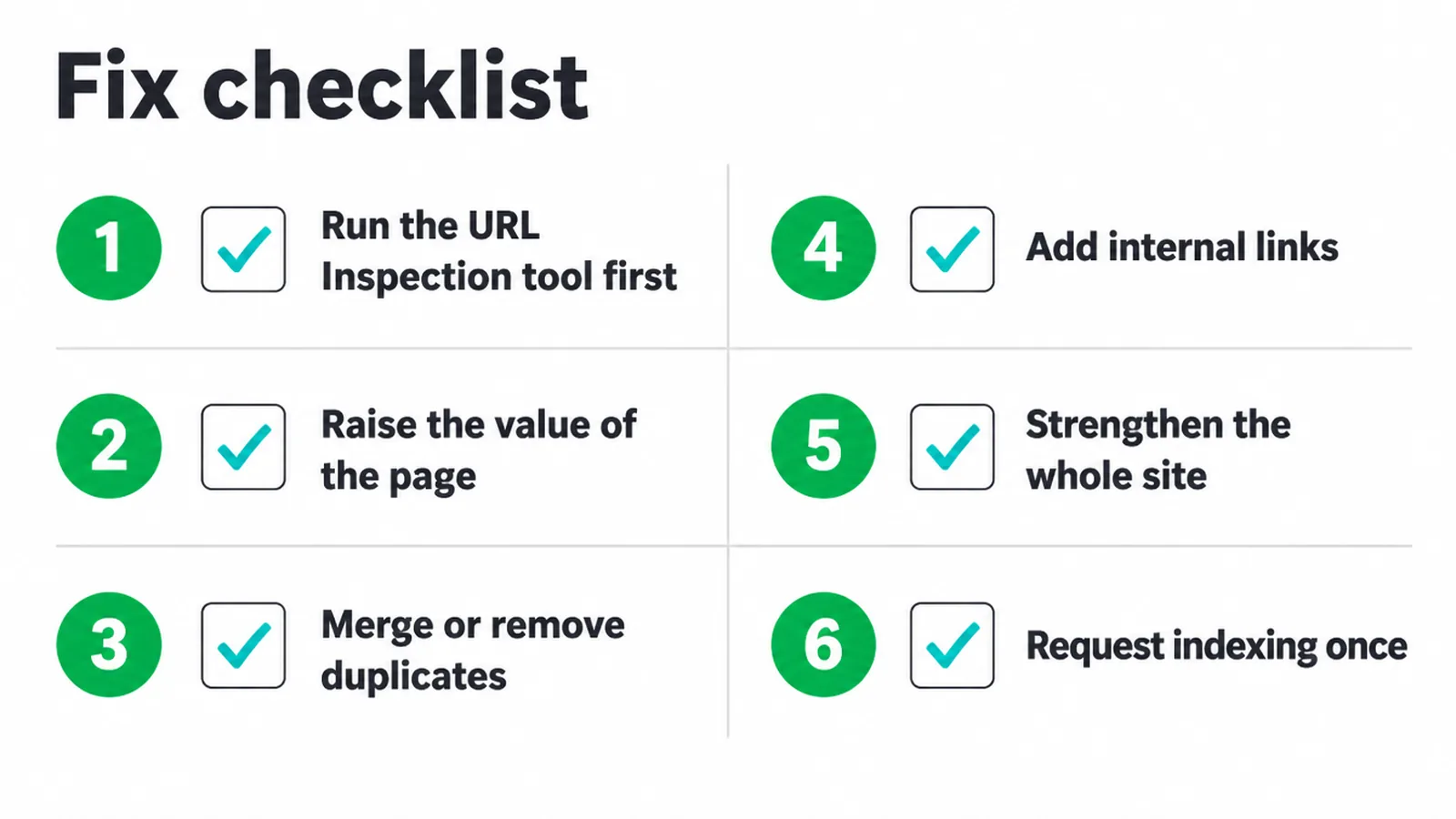
1. Run the URL Inspection tool first. Check the page is not blocked by accident. Look for a stray noindex tag, a robots.txt block, or a canonical pointing somewhere else. If a technical setting is hiding the page, fix that before you touch the content.
2. Raise the value of the page. Answer the question fully and early. Add detail, examples, and structure. If a competing page that ranks is twice as deep as yours, that gap is your clue.
A quick content audit helps you spot which pages are too thin to earn a spot, and our content marketing service turns that list into pages worth indexing.
3. Merge or remove duplicates. If three pages cover the same topic, pick the best one, fold the others into it, and redirect them. One strong page beats three weak ones every time.
4. Add internal links. An orphan page with no links pointing to it tells Google the page does not matter. Link to it from related posts, your menu, and your category pages so it sits inside your site, not off in a corner.
5. Strengthen the whole site. If the pattern is sitewide, trim the clutter. Noindex thin tag and filter pages. Fewer, better pages lift the trust signal for everything. When the structure itself is the problem, a website redesign is often the cleaner fix.
6. Request indexing once. When the page is genuinely better, use URL Inspection to request indexing. Google notes that requesting indexing does not guarantee inclusion, that there is a daily limit, and that it typically takes a day or so but can take much longer. So ask once, then wait.
5. When to just wait it out
Sometimes the right move is to do nothing. If your site is new, or the page is new, crawled currently not indexed is completely normal. Google indexes carefully when it does not trust a site yet. Pages can sit in this status for days or even weeks before they get picked up.
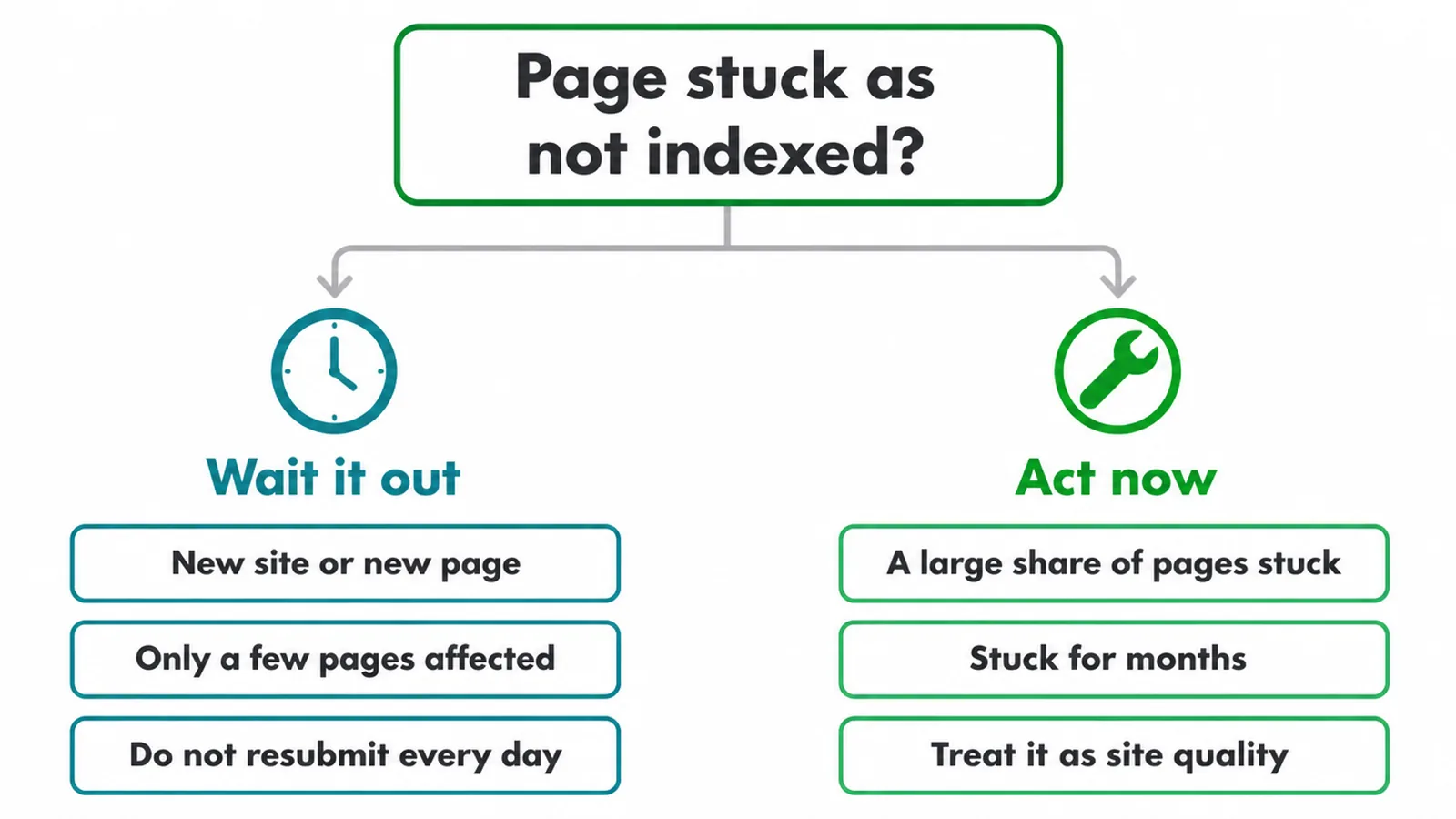
Resubmitting the same page every day will not speed this up. There is a daily limit on indexing requests, and hammering the button does not change Google's mind. If the page is good and the only problem is that your site is young, patience plus a few quality backlinks usually does the job.
When to act instead of wait? When a large share of your pages sit in this status, or when a page that should clearly rank has been stuck for months. That is no longer a single page issue.
It is a site quality project. Our broader guide on why your website is not showing on Google covers the full picture, and if you want a hand turning a stuck site into one that ranks, our SEO service is built for exactly this.
Frequently asked questions
1. What does crawled currently not indexed mean?
Crawled, currently not indexed means Googlebot read the page but Google did not add it to the search index. The page cannot appear in search results while that status remains. Google may index it later after the page or its surrounding signals change.
2. Is crawled currently not indexed a penalty?
No. It is not a penalty and not a manual action. It is just Google saying the page did not earn a spot in the index yet. The most common reason is that the page looks thin, duplicated, or low value compared to what is already ranking.
3. What is the difference between discovered and crawled currently not indexed?
Discovered currently not indexed means Google knows the page exists but has not crawled it yet, often a capacity or budget issue. Crawled currently not indexed means Google already read the page and passed on it, which is more about page value. Crawled is the one you can usually act on.
4. Why did Google crawl my page but not index it?
Usually because the page does not add enough value. Common causes are thin or low quality content, near duplicate pages, a new site with little trust, weak internal links, or content that does not match what searchers want. Google does not promise to index every page it processes.
5. How long does it take to get indexed after requesting indexing?
Indexing after a request often takes a day or so, but it can take much longer and is not guaranteed. Requesting indexing puts the page in a queue. If page quality is the real issue, another request will not change the outcome.
6. Does crawled currently not indexed hurt the rest of my site?
A few pages with this status is normal and harmless. But if a large share of your pages sit here, Google may be reading it as a signal about your whole site. In that case treat it as a site quality project, not a single page fix.
7. Should I keep requesting indexing again and again?
No. Request indexing once. There is a daily limit, and spamming the button does not help. If the page still does not get indexed, the answer is to improve the page or merge it with a stronger one, then request once more.
8. Why are my new website pages not getting indexed?
New sites and new pages often sit in this status for days or weeks. Google has limited trust in a fresh site and indexes carefully. Keep publishing useful pages, add internal links, earn a few links from other sites, and most pages get picked up over time.







