
Website Not Showing on Google? 2026 Checks and Fixes

A website usually stays hidden for one of three reasons: it is not indexed, it is indexed but ranked too low to see, or the search you tried is too broad. Type site:yourdomain.com into Google to tell which. Seed Light reads your Search Console and names the blocker in plain words.
Key takeaways
If you typed "why is my website not showing on Google" and landed here, read these five lines first.
- It is usually one of three problems. Your site is not indexed, it is indexed but ranking too low, or you are searching in a way that hides it.
- Check before you panic. Type
site:yourdomain.cominto Google. Pages back means indexed. Nothing back means Google does not have you yet. - New sites take time. Google says indexing can take from a day or two to a few weeks (Google Search Console Help).
- A stray noindex tag hides everything. Google will drop a noindexed page entirely from search results (Google Search Central).
- Indexed is not the same as found. 96.55% of all pages get zero traffic from Google (Ahrefs, 2023).
1. First, three questions to ask
When your website is not showing up on Google, it feels like one big problem. It is actually three very different ones, and the fix depends on which you have. So before you change a single thing, answer these.
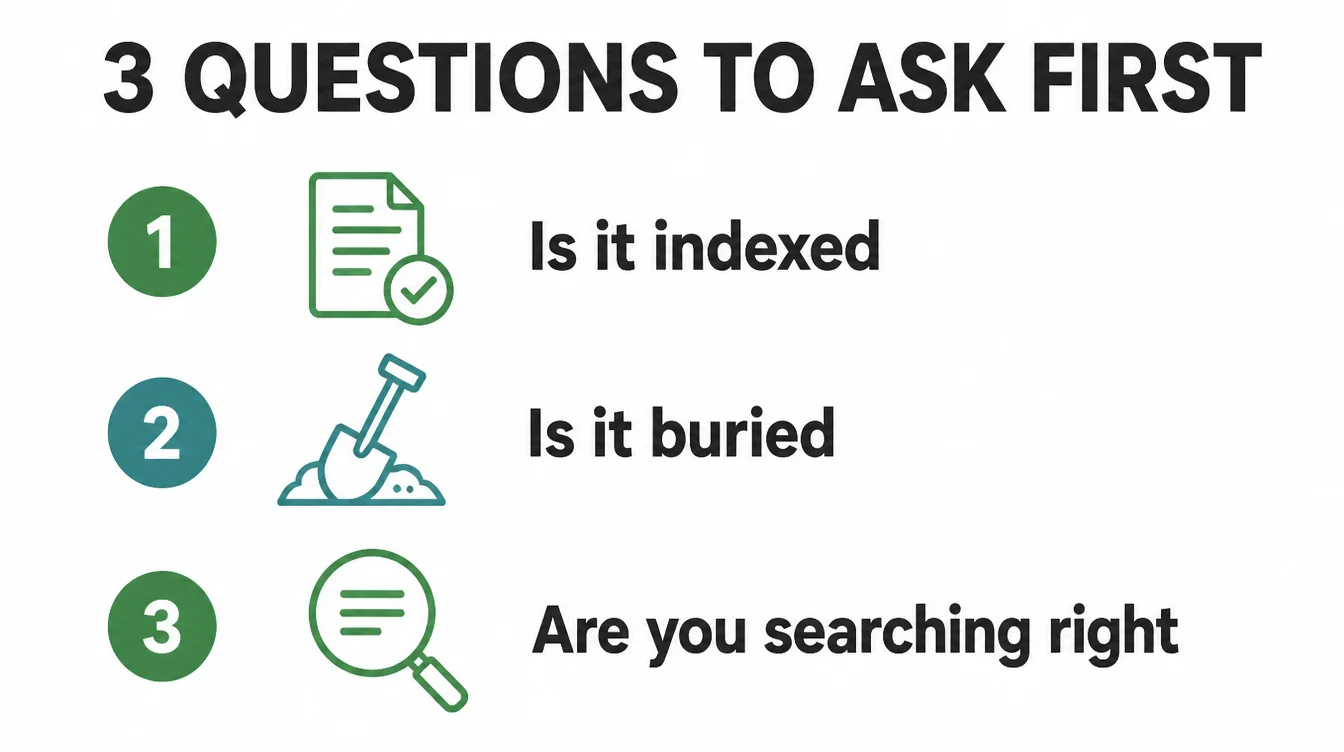
First, is it indexed? Indexed means Google has a copy of your page in its system. If it is not indexed, you cannot rank for anything, because Google does not know you exist. This is the deepest problem and the one to rule out first.
Second, is it indexed but buried? Maybe Google has your page, but it sits on page five for the search you tried. To you it looks invisible. To Google it is just low. This is the most common case by far, and it is the easiest to misread as a missing site.
Third, are you searching in a way Google will not show you? If you search a broad term like "web designer" you are up against millions of pages. Search your exact business name instead. If your name shows your site, you are indexed and the real job is ranking, not appearing.
2. How to check if your site is indexed
You do not have to guess. There are two quick checks, and together they tell you exactly where you stand.
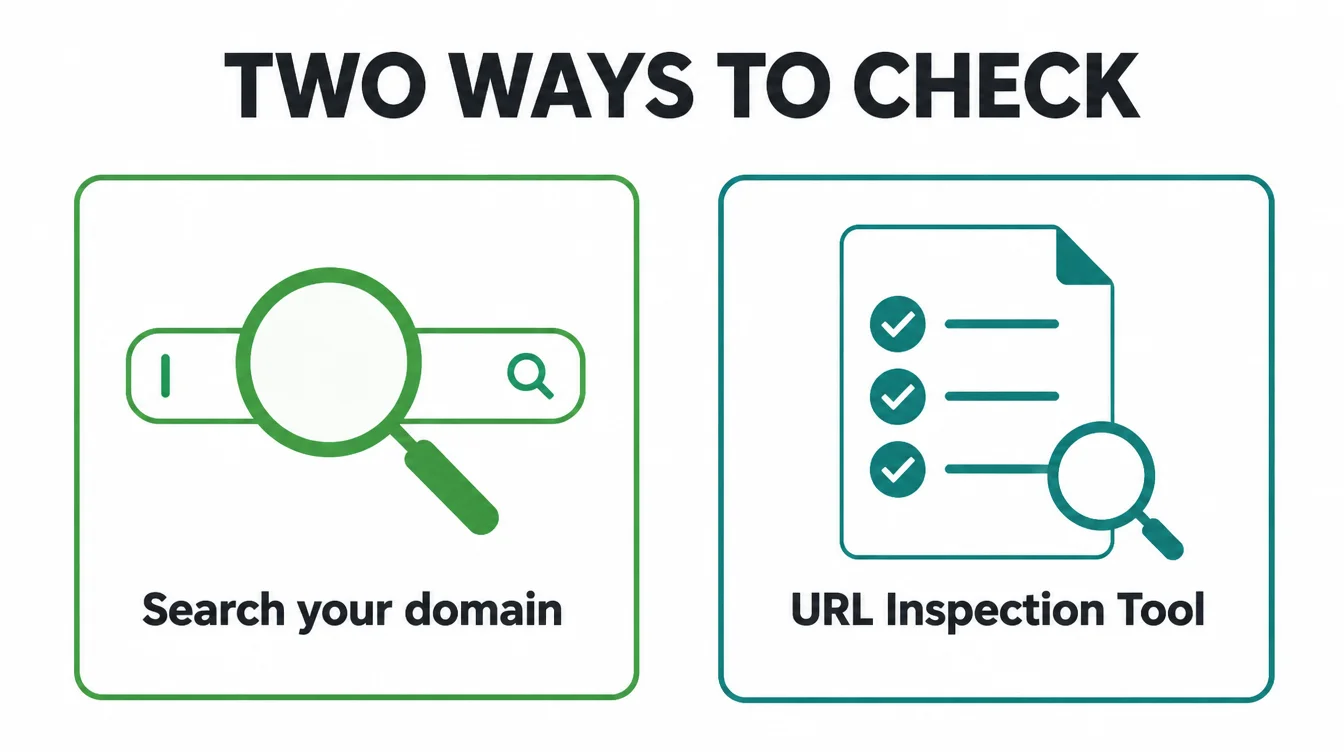
The site: search
Go to Google and type site:yourdomain.com, swapping in your real domain. Google even recommends this check. If a list of your pages comes back, you are indexed and your problem is ranking. If nothing comes back, Google does not have your site yet, and that points to one of the causes below.
The URL Inspection tool
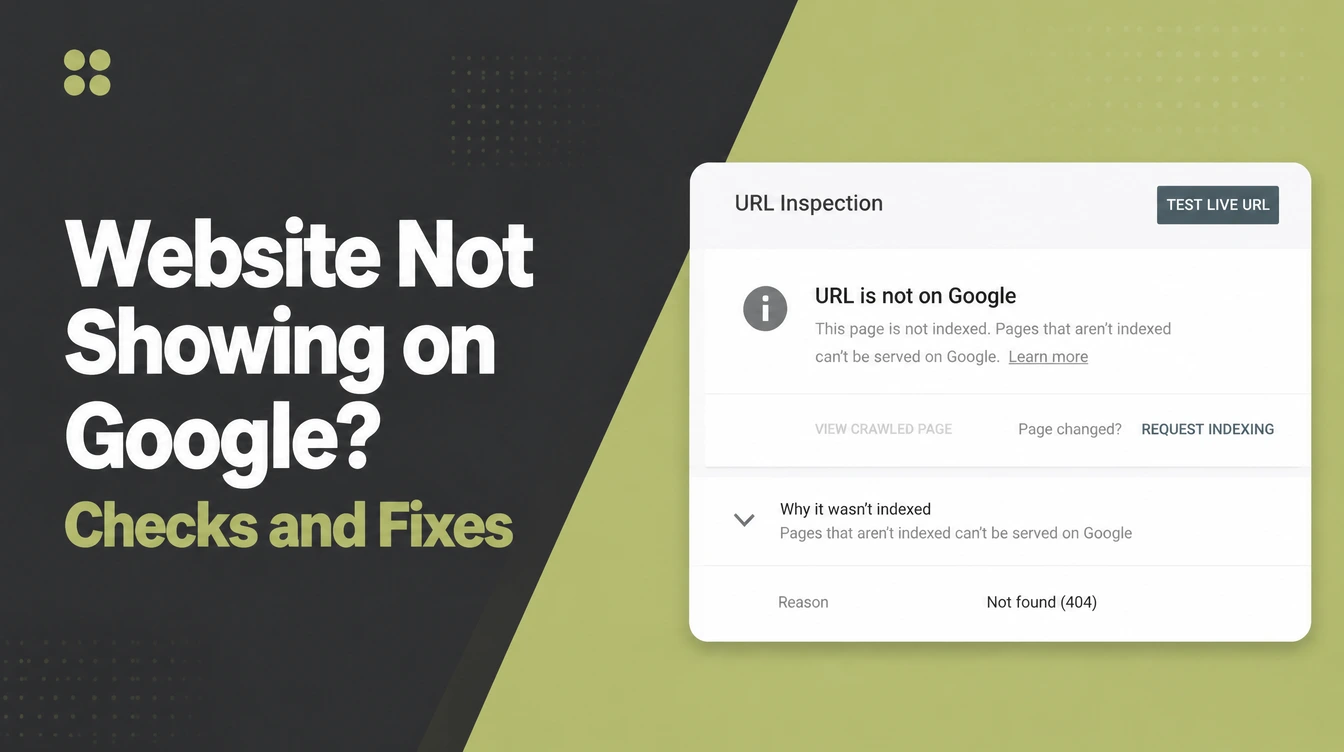
For one specific page, open Google Search Console and use the URL Inspection tool. Paste the page address and it tells you whether that exact URL is on Google, and if not, why. Often it names the blocker for you, such as a noindex tag or a page Google found but has not indexed yet.
3. The 8 common causes and their fixes
Once you know whether the issue is indexing or ranking, you can match it to a cause. Here are the eight we see most, roughly in order from "Google does not have you" to "Google has you but ignores you."
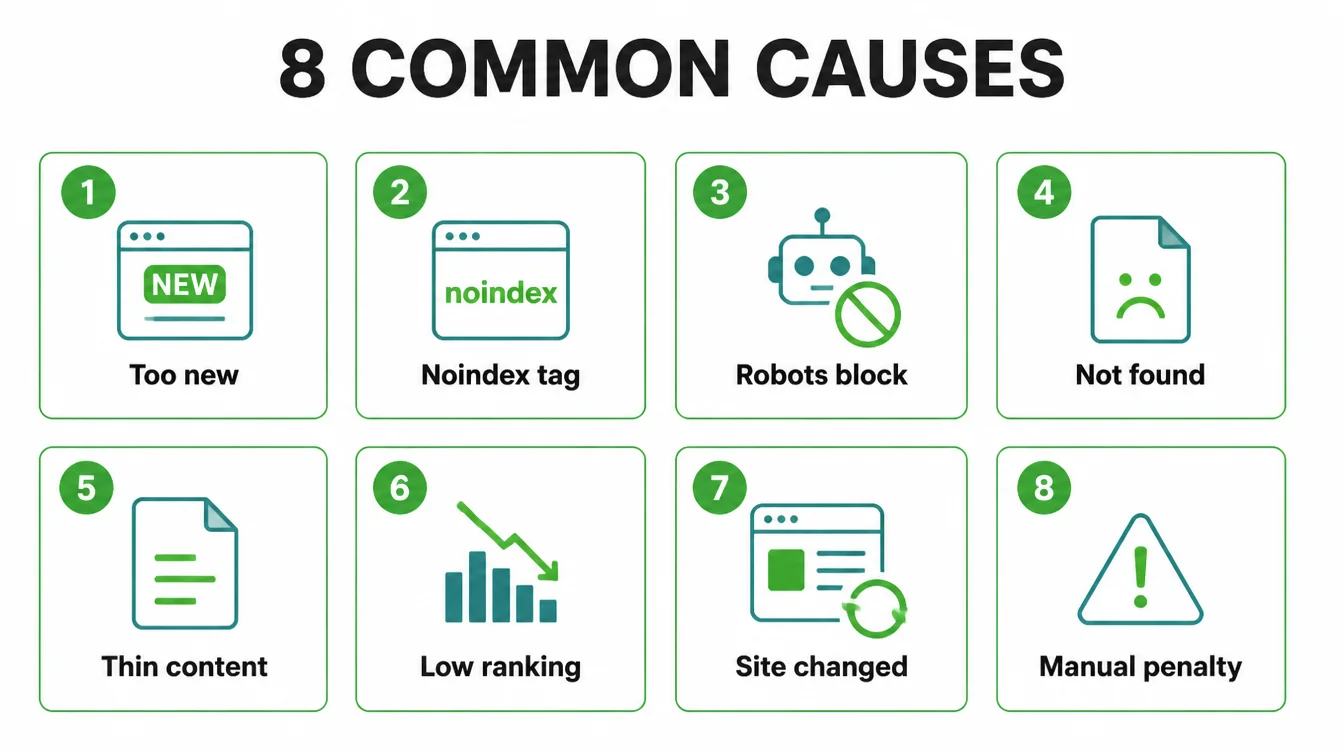
Cause 1: your site is too new
If you launched last week, breathe. New sites are not indexed instantly. Google says indexing can take anywhere from a day or two to a few weeks, and it advises you to allow at least a week before worrying.
So if your site is only a few days old, the fix is patience plus the speed-ups in the last section.
Cause 2: a noindex tag is blocking it
A noindex tag tells Google to keep a page out of search. Google is blunt about it: it will drop that page entirely from results. Many builders switch on a "discourage search engines" setting during the build, then forget to turn it off at launch.
The whole site looks perfect to you and is invisible to everyone else. Check your settings and your page code for a noindex rule, then remove it.
Cause 3: robots.txt is blocking the crawler
Your robots.txt file controls which pages the crawler may visit. Block the wrong thing and Google never reaches your pages.
Here is the trap that catches people: if a page is blocked in robots.txt, the crawler never sees the noindex rule on it, so the page can still appear in search results with no useful description. In short, if you want a page hidden, allow the crawl and use noindex, not a robots.txt block.
Cause 4: Google cannot find your pages
Google finds pages by following links. If a page has no internal links pointing to it and you never submitted a sitemap, Google may simply not know it is there. A sitemap is a file listing your important pages.
It helps search engines discover URLs, though it does not guarantee every page gets crawled and indexed. So submit a sitemap in Search Console and link your pages to each other.
Cause 5: thin or duplicate content
Google may decide a page is not worth keeping. If a page is nearly empty, or it copies text from another page, the crawler can find it and still choose not to index it.
In Search Console you might see "Crawled, currently not indexed." That is the signal. The fix is to make the page genuinely useful: real words, a clear purpose, and something a person would actually want to read.
Cause 6: you are indexed but ranking too low to see
This is the big one. Your page is on Google, but it sits past page one for the search you tried, so you never scroll far enough to spot it.
Google itself notes that many people think their site is not on Google when their page just has very low rankings. The fix is not a switch. It is steady work on better content and relevant pages, which we cover in our on-page SEO checklist.
Cause 7: you recently changed your site
Moved to a new domain, changed your URLs, or rebuilt the site? A migration can knock pages out of Google for a while if old addresses were not redirected to new ones.
If your visibility dropped right after a change, that is your suspect. Our guide on keeping SEO during a website migration walks through the redirects that prevent this.
Cause 8: a manual penalty
Rarely, Google removes a site for breaking its rules. You would see a message in the Manual Actions report inside Search Console. This is uncommon for a normal small business site, but it is worth a glance to rule out, because nothing else you do will work until it is cleared.
| Status message | What it means / what to do |
|---|---|
| URL is not on Google | The page is not indexed at all. Check for a noindex tag or robots block, then request indexing. |
| Crawled, currently not indexed | Google visited the page but chose not to keep it. Usually thin or duplicate content. Make the page more useful. |
| Discovered, currently not indexed | Google knows the page exists but has not crawled it yet. Often a new or low-priority page. Improve internal links and wait. |
| Excluded by noindex tag | A noindex rule is telling Google to skip the page. Remove the tag if you want the page found. |
4. What "indexed but invisible" really means
Here is the hard truth that reframes everything. Being indexed is the floor, not the goal. Most pages on the web get found by almost nobody, even when Google has them.
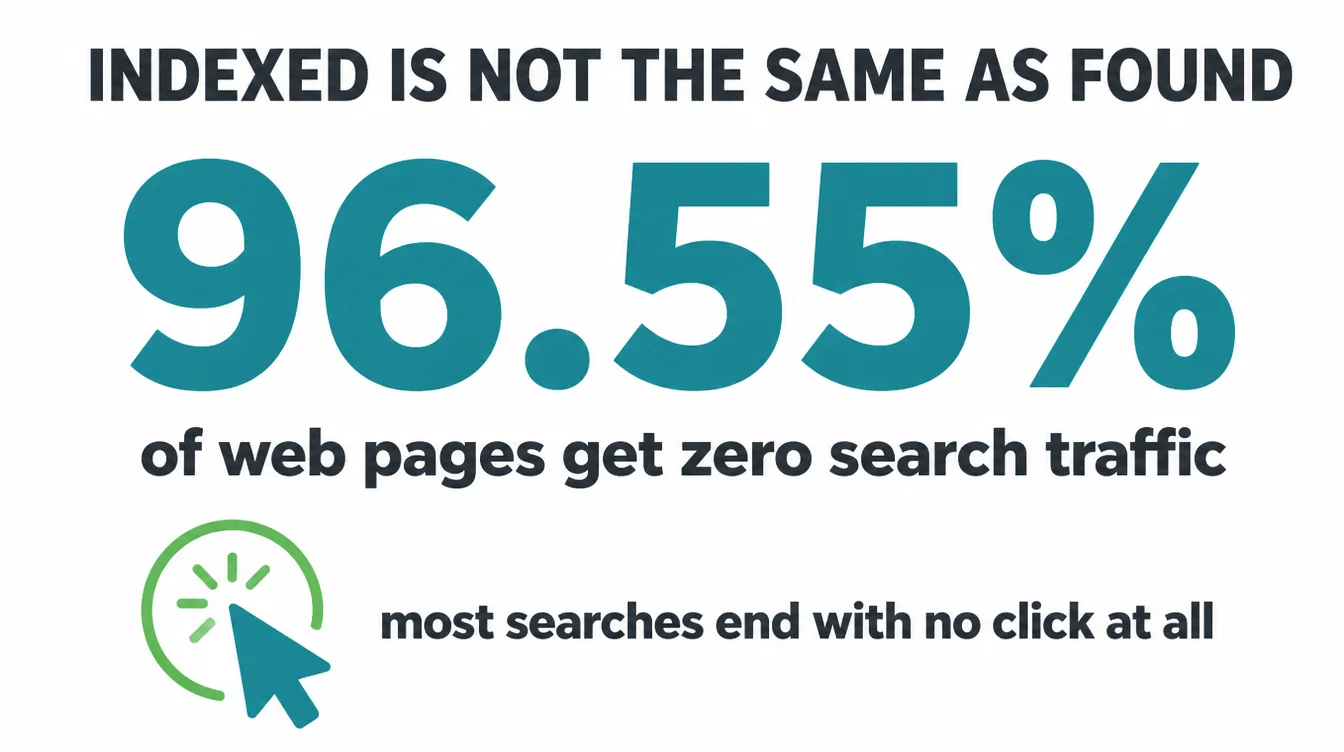
The numbers are stark. A study of billions of pages found that 96.55% of all pages get zero traffic from Google (Ahrefs, 2023). To be clear, those pages are indexed.
Google simply ranks them too low for anyone to click. So "my site is not showing up" is, for most owners, a ranking story rather than an indexing story.
It gets harder. Even the searches that happen often end without a click on anyone's website. One study found that a majority of searches ended without a click to the open web (SparkToro, 2024). Because of that, being merely present is not enough.
You have to be near the top, on searches that still send people to a site, for the queries your customers actually type. That is the real job, and it is what SEO sets out to do.
5. How to get found faster
You cannot force Google, but you can clear the path. Work through these in order and you remove almost every reason a small business site stays hidden.
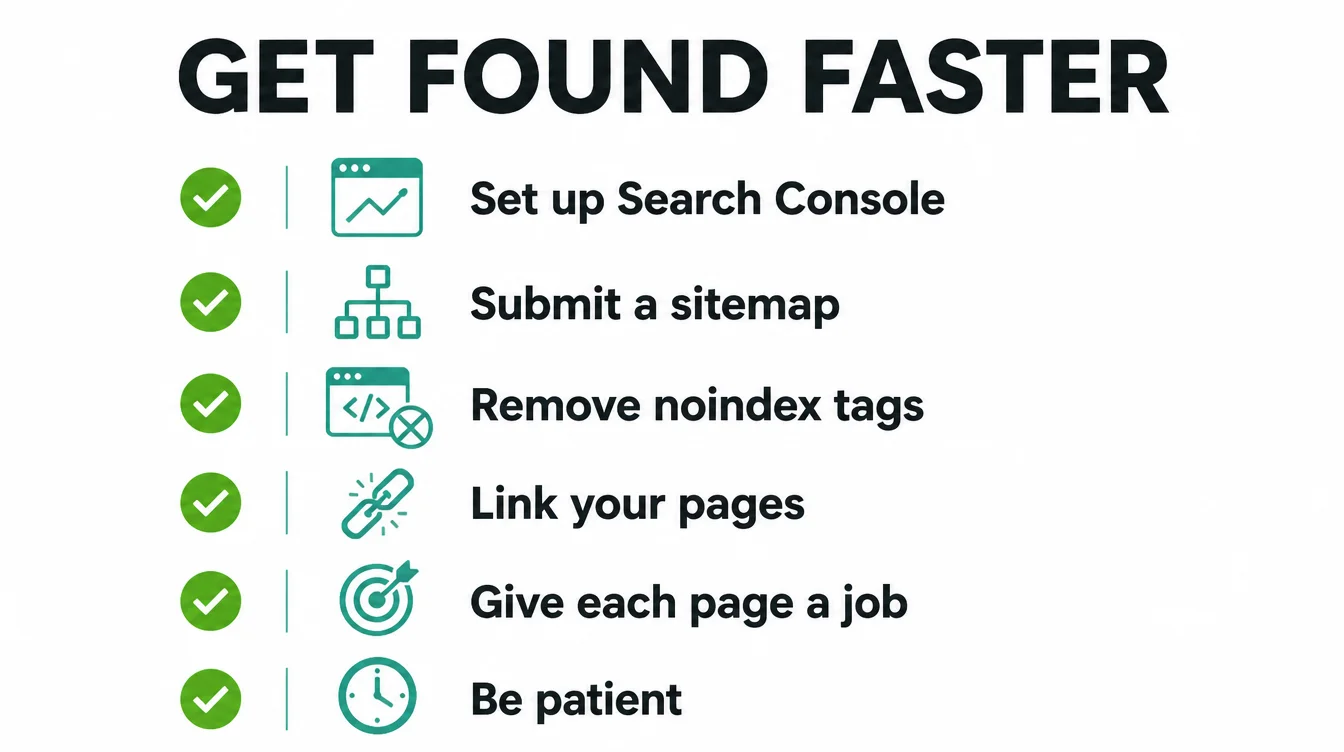
- Set up Google Search Console. It is free, and it is the only place that tells you why a page is missing. Verify your site first.
- Submit a sitemap. List your key pages and hand the file to Search Console so Google can discover them faster.
- Remove any noindex tag or robots block left over from the build. This single fix has rescued many "invisible" sites.
- Link your pages together. Every important page should be reachable in a click or two from your homepage.
- Give each page a clear job. One real topic, useful words, and a reason for a person to stay. Thin pages do not get kept.
- Be patient on a new site. Allow a week or more, then check Search Console rather than refreshing Google.
If your customers are local, there is a second front to fight on, and it is what our local SEO service covers.
Showing up in the map results works differently from normal search, and we cover it in why your business is not showing on Google Maps and our wider local SEO guide. For everything else, browse the Seed Light blog or see our SEO services.
Frequently asked questions
1. Why is my website not showing up on Google?
Usually one of three things is happening. Your site is not indexed, so Google does not have it at all. Or it is indexed but ranking too low to see, which is the most common case. Or you are searching in a way that hides it, such as a broad keyword instead of your exact business name. Start by checking which one it is before you change anything.
2. How do I check if my site is indexed?
Type site:yourdomain.com into Google, using your real domain. If pages come back, you are indexed. If nothing comes back, Google does not have your site yet. For a single page, use the URL Inspection tool in Google Search Console, which tells you whether that exact page is on Google and why or why not.
3. How long until Google indexes a new website?
Google says indexing a new website can take a day or two to a few weeks, and advises allowing at least a week before assuming there is a problem. If your site went live a few days ago, give it time and keep adding useful pages and links.
4. What is a noindex tag?
A noindex tag is a small instruction in a page's code or HTTP header that tells Google not to list that page in search results. Google says it will drop a page with a noindex rule entirely from search. Builders sometimes leave it on by accident after launch, which keeps the whole site invisible even though everything looks fine to you.
5. Why is my site indexed but not ranking?
Being indexed only means Google has your page. Ranking is whether it shows near the top for a search. A new or thin site often sits on page five or beyond, so it feels invisible. Google notes that many people think their site is not on Google when their page just has very low rankings. The fix is better content, more relevant pages, and links over time.
6. Do I need a sitemap?
A sitemap helps. It is a file that lists your important pages so search engines can discover them faster, which matters for new or poorly linked sites. Google says a sitemap helps search engines discover URLs but does not guarantee that every item will be crawled and indexed. So submit one in Search Console, but also link your pages well internally.







