
On-Page SEO Checklist 2026: 10 Checks Before You Publish

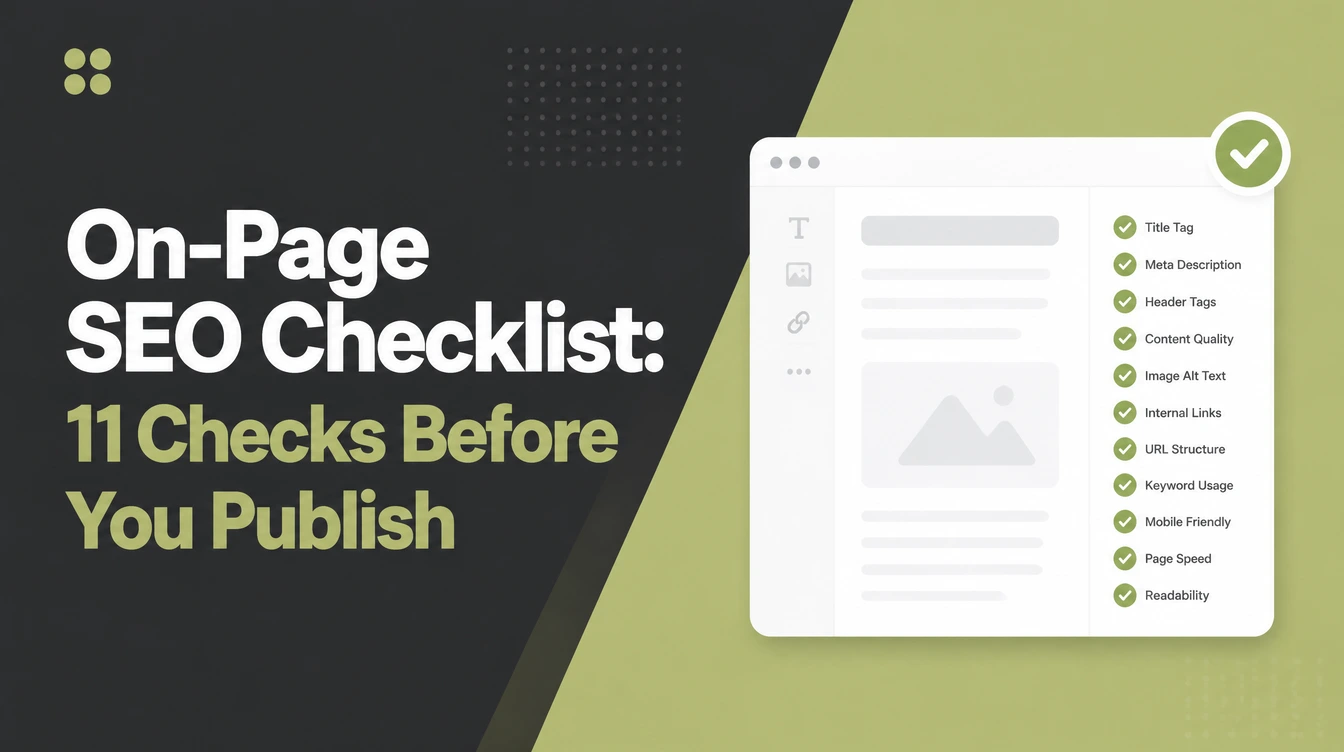
On-page SEO is everything you control on a single page: the title tag, meta description, one H1, headings, the words themselves, image names and alt text, internal links, the URL, and load speed. Run the list before publishing. Seed Light reviews pages and names the two or three fixes that matter most.
Key takeaways
Short on time? Here is the whole on-page SEO checklist in five lines before we break each step down.
- Run it page by page. On-page SEO is a ritual you do on one page before publishing, not a single big project.
- Title tags do real work. Titles between 40 and 60 characters get the highest click-through rate, about 33.3% higher (Backlinko, 2023).
- Speed and mobile matter. Mobile is 49.36% of web traffic, and Google crawls your site as a phone first (StatCounter, August 2026).
- Internal links pull weight. Pages with descriptive, exact-match internal anchor text had at least five times more traffic (Zyppy, 2023).
- Helpful beats clever. Match what the searcher wants, answer it fully, and the rest of the checklist supports that.
1. What on-page SEO is (and is not)
On-page SEO is everything you control on a single page to help it rank and to help people understand it.
So your title, your headings, your words, your images, and how fast the page loads all count. This on-page SEO checklist turns that into a short list you run on one page before you publish it.
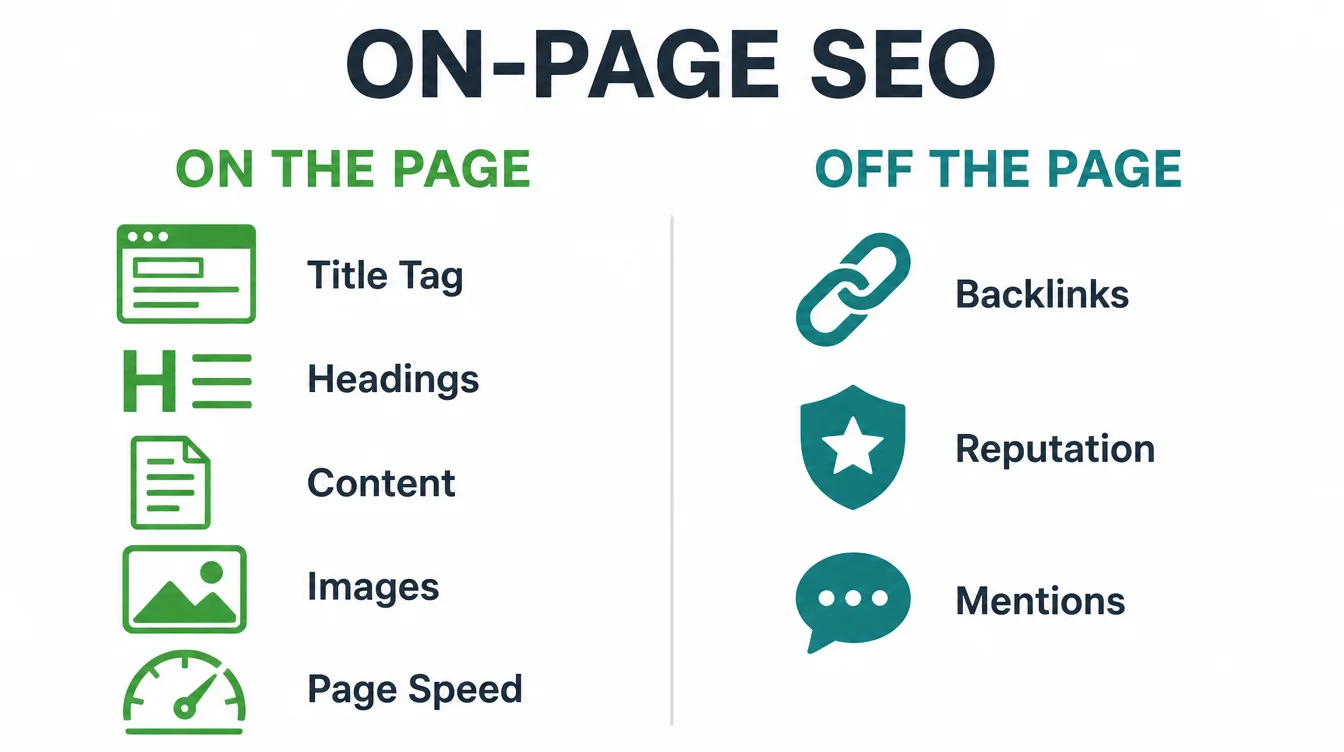
Here is the line that matters. On-page SEO is the work you do on the page. It is not links from other sites, and it is not your overall reputation.
Those are off-page jobs, and we cover them in how to get backlinks. If you want the big picture first, start with what is SEO, then come back here.
One mindset shift makes this easy. Instead of treating SEO as a vague forever-project, treat each page like a small launch. Pick a page, run these eleven steps, fix what is weak, and publish. Next page, same ritual. As a result, your whole site quietly gets stronger, one page at a time.
2. Step 1: match search intent and pick one target keyword
Before you write a word, decide who this page is for and what they want. Search intent is just the reason behind a search. Someone typing "best running shoes" wants to compare, not buy yet.
Someone typing "buy nike pegasus 41" is ready. If your page answers a different intent than the searcher had, nothing else on this list will save it.
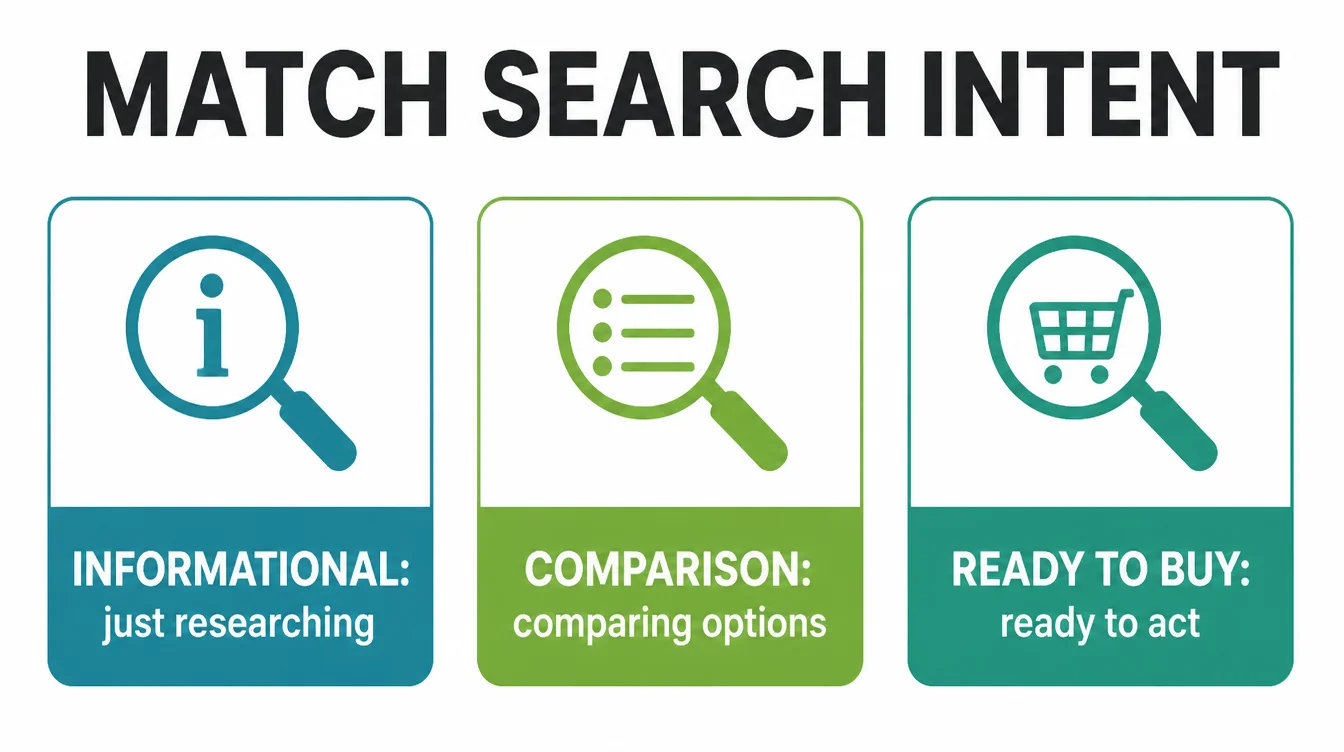
Next, pick one main keyword for the page. One page, one job. Trying to rank a single page for ten different searches usually means it ranks well for none.
Look at the top results already ranking for your keyword. If they are all listicles and yours is a sales page, you have an intent mismatch to fix.
3. Step 2: write a clear title tag (40 to 60 characters)
Your title tag is the blue link people see and click in search results. Google says a good title is unique to the page, clear, and concise (Google, 2024). It is one of the few on-page elements that directly changes how many people click you.
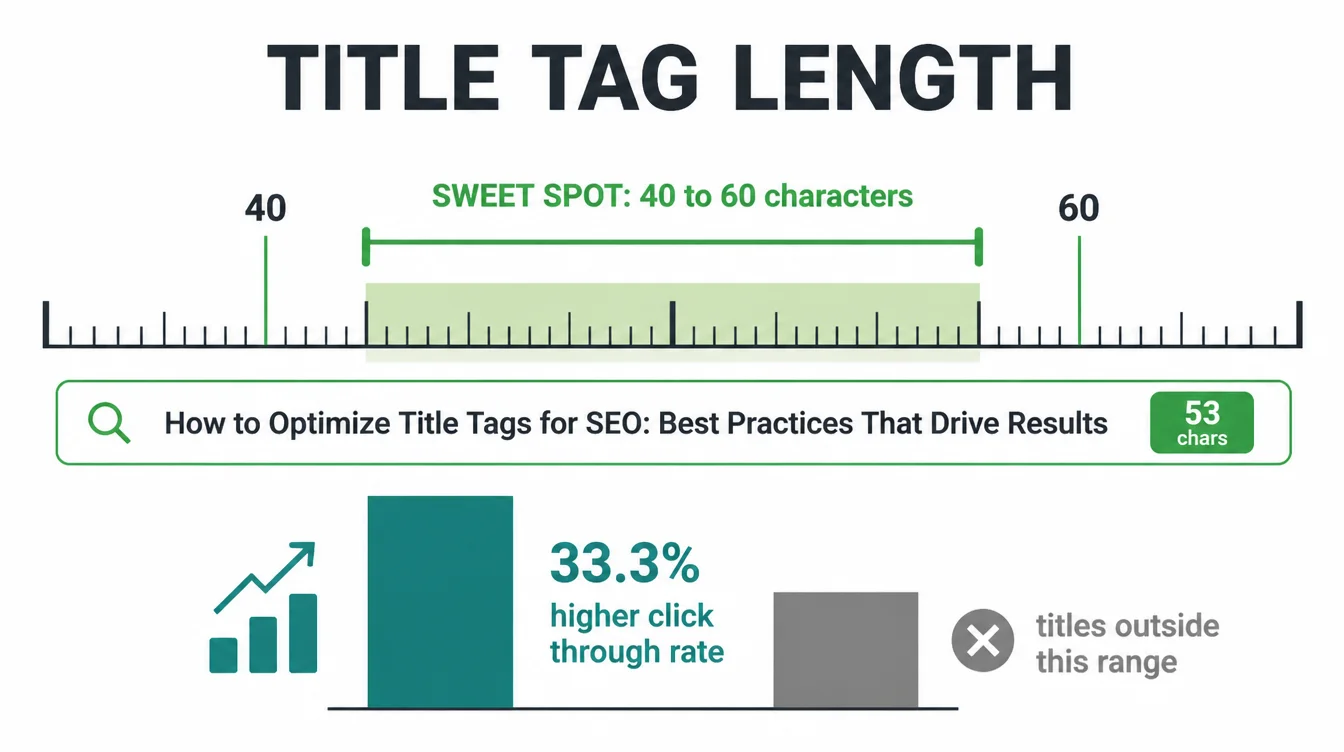
Keep it to roughly 40 to 60 characters, because Backlinko found titles in that range have the highest click-through rate, about 33.3% higher than titles outside it (Backlinko, 2023).
Put your main keyword near the front, then add a reason to click. Write "On-Page SEO Checklist for Non-Technical Owners," not "SEO Page Title Tag Optimization Best Practices Guide."
4. Step 3: write a meta description that earns the click
The meta description is the short grey text under your title in search results. Google's guidance says a good one is short and unique (Google, 2024). Importantly, it is not a ranking factor. Its only job is to convince a person to choose your result over the others on the page.
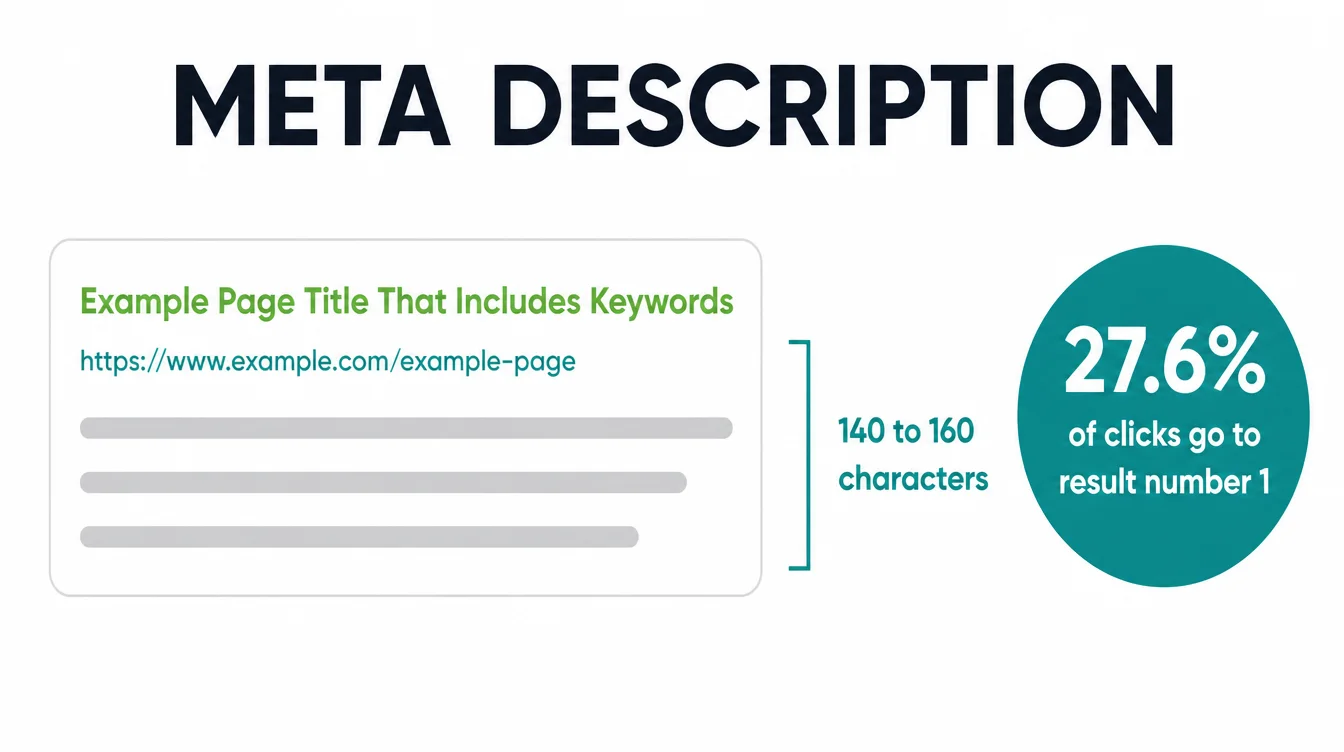
So write it like an ad, not a summary. Say what the reader gets and why it helps them. Aim for around 140 to 160 characters so it does not get cut off.
Google may rewrite it anyway, but a strong one still wins more clicks when it does show. The number-one result already earns about 27.6% of clicks (Backlinko, 2023), so every extra click you can earn lower down counts.
5. Step 4: use one H1 and logical headings
Headings give your page a clear shape. Use one H1 for the page title, then H2s for your main sections and H3s for the points inside them. This helps people scan and helps search engines understand structure. It is the same skeleton this article uses.
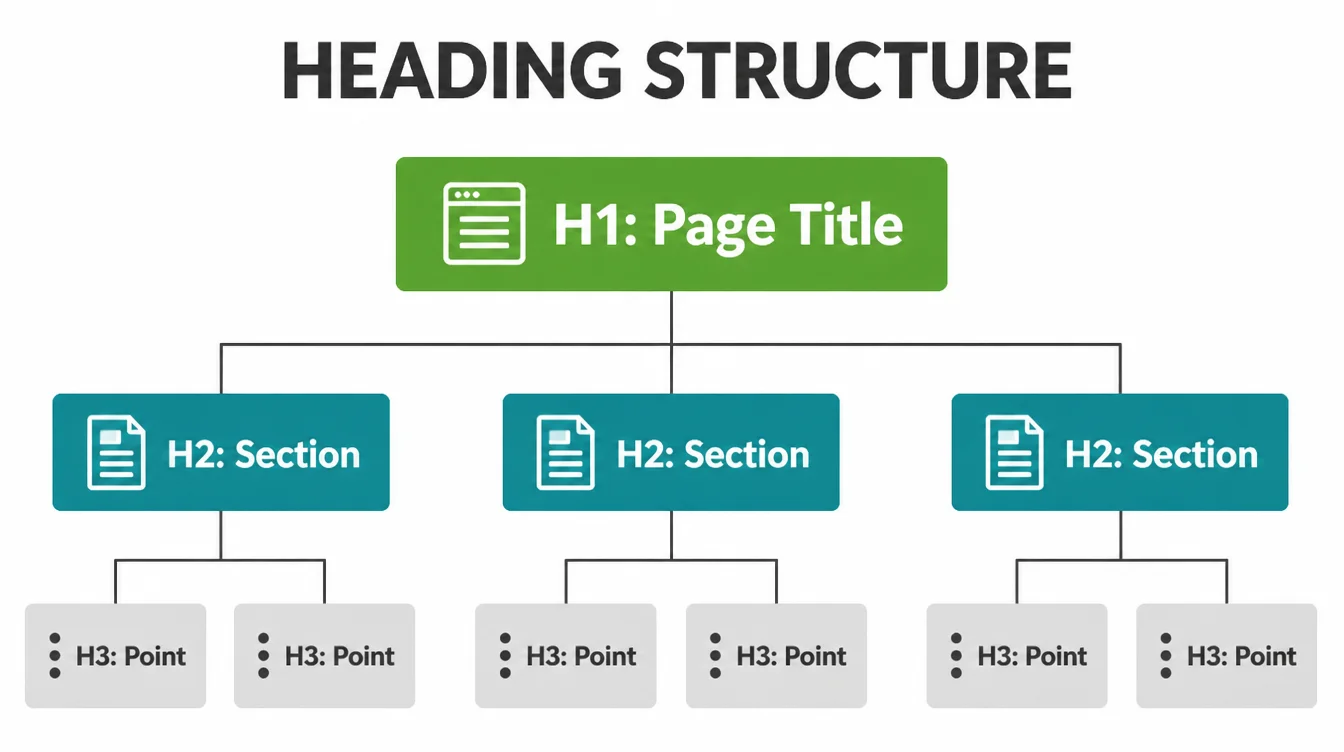
Do not stress about perfection here. Google's own guidance says it does not matter if you use headings out of order, and there is no penalty for the count (Google, 2024).
The goal is clarity for a skimming reader, not a rule to obey. One H1, then a sensible flow of H2s and H3s, and you are done.
6. Step 5: make the content genuinely helpful
This is the step that matters most, and the one people skip. Your page has to actually answer the question better than the pages already ranking. So cover the topic fully, use plain words, break it into scannable chunks, and answer the follow-up questions a real customer would have.
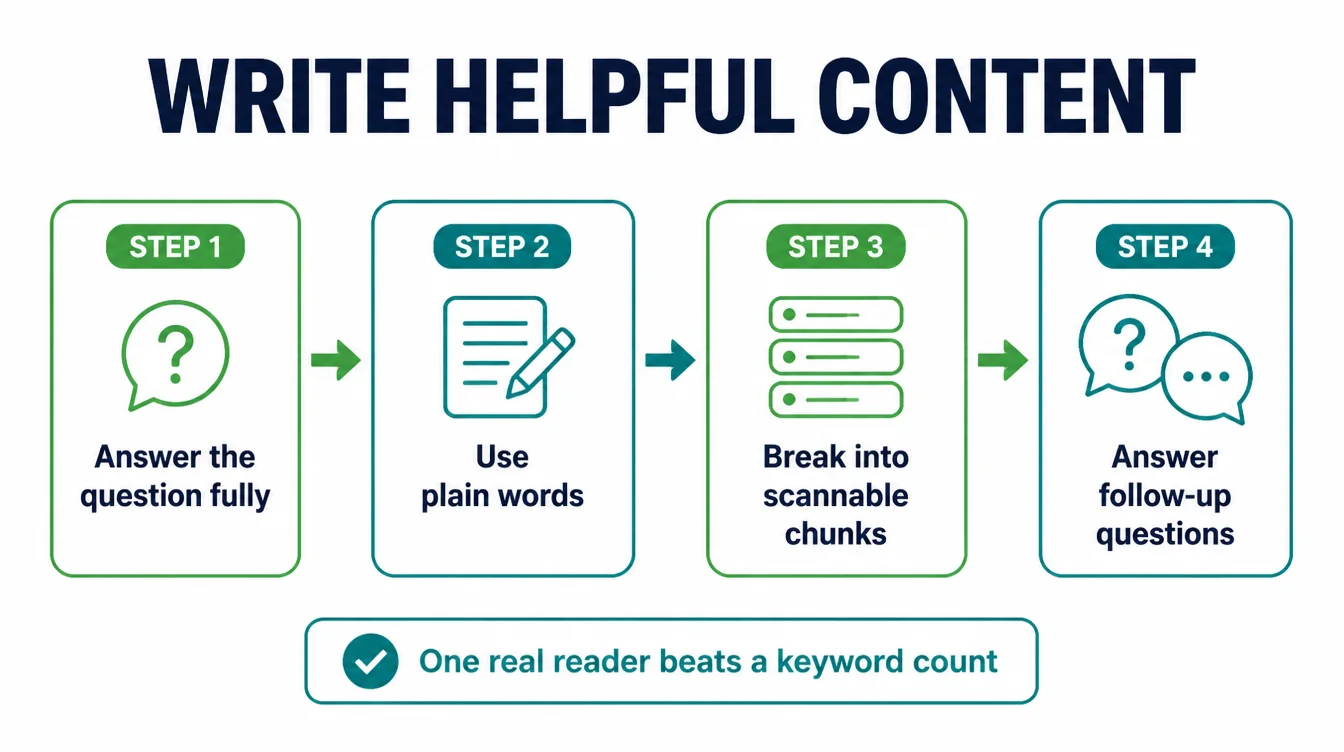
Forget word counts and keyword targets. Write for one real person trying to solve one problem. Naturally, your keyword will appear because you are on topic, so you do not need to force it in. If you want the wider playbook for climbing the results, pair this with how to rank higher on Google.
7. Step 6: use a short, descriptive URL
Your URL is part of the page too, and people read it. A short, readable URL like /on-page-seo-checklist/ beats /post?id=8842&cat=3. It tells both people and search engines what the page is about before they even click.
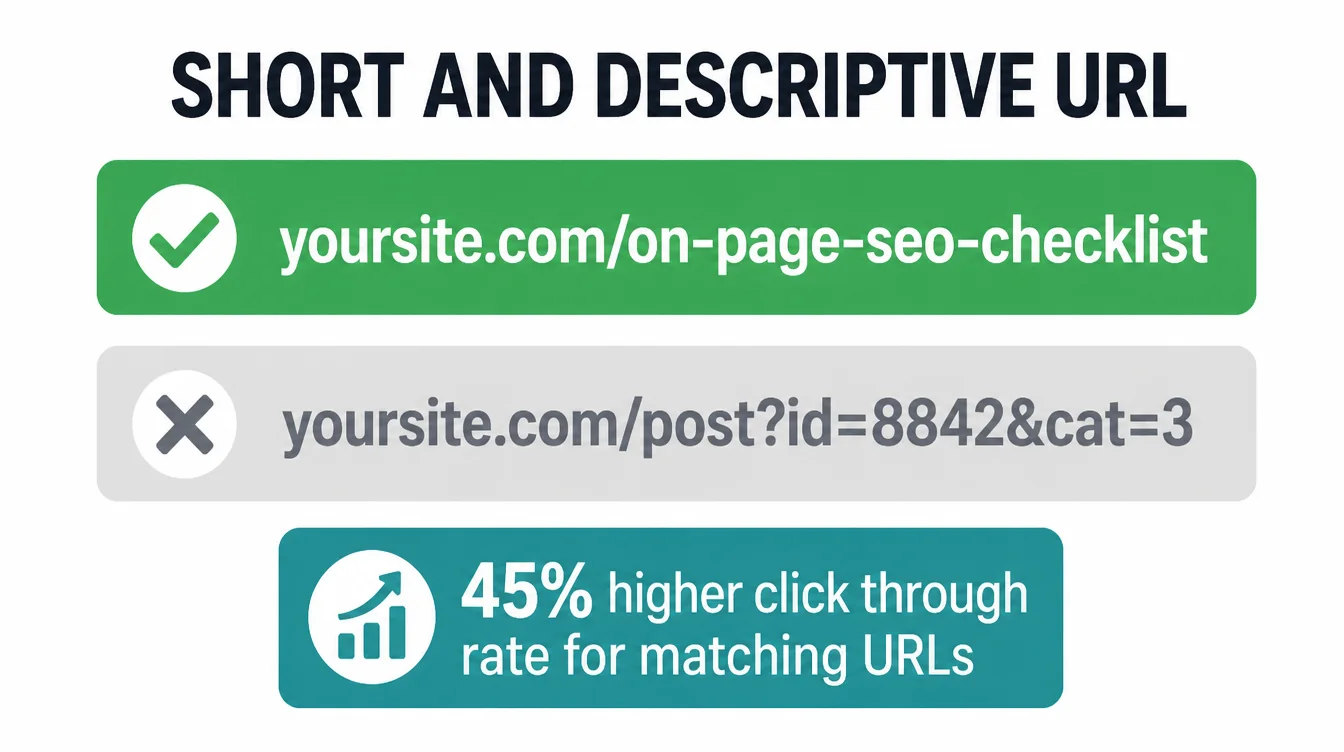
There is a click reason as well. Backlinko found URLs that match the search query had a 45% higher click-through rate (Backlinko, 2023).
So use a few clear words, separate them with hyphens, drop the dates and codes, and set it once. Changing a live URL later breaks links, so get it right before you publish.
8. Step 7: add internal links
Internal links are links from one page on your site to another. They help readers find related pages, and they help search engines understand which of your pages matter. They are one of the most underused on-page wins for small sites.
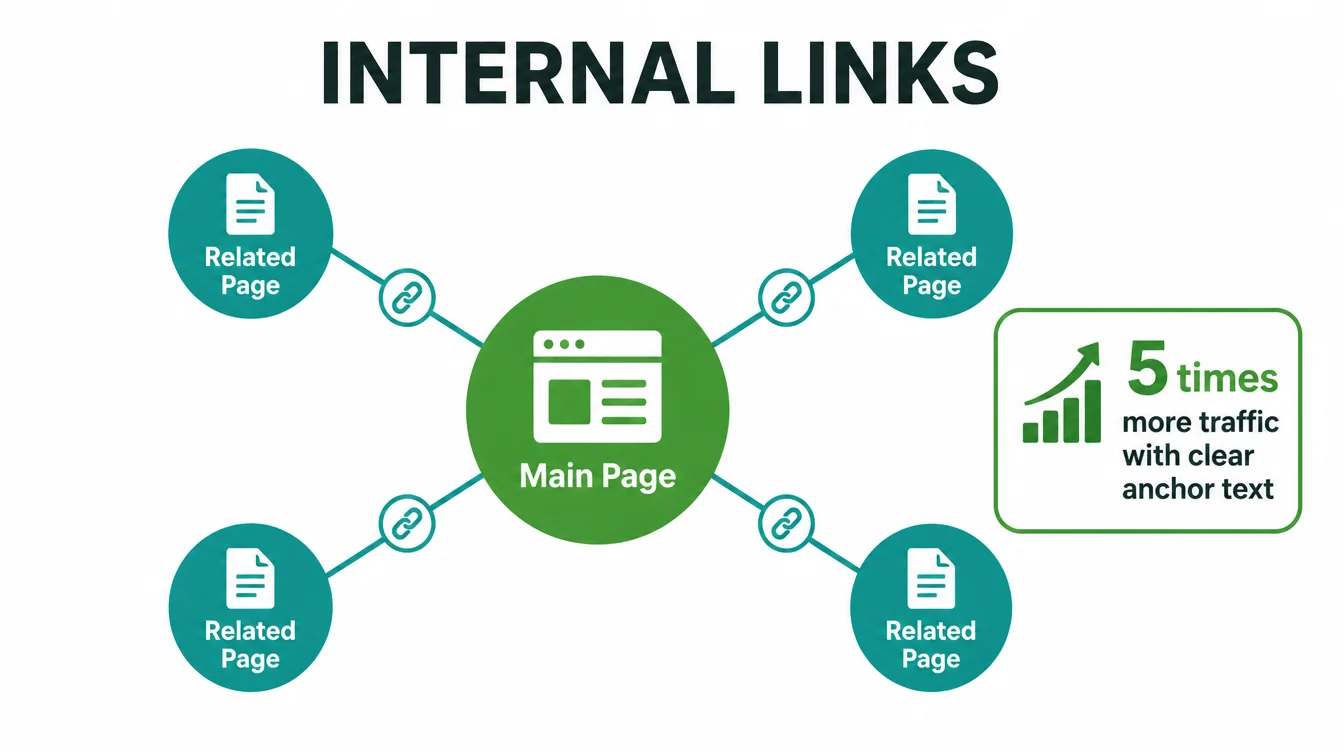
The payoff is real. A Zyppy study of millions of pages found that pages with descriptive, exact-match internal anchor text had at least five times more traffic, and that adding more relevant internal links correlated with far more clicks (Zyppy, 2023).
So link to your related guides and service pages using anchor text that describes the destination. Browse the rest of the Seed Light blog for pages to connect.
9. Step 8: optimise your images (alt text and compression)
Images make a page friendlier, but unoptimised ones slow it down and miss easy SEO points. Two quick jobs fix that. First, write alt text. Google says alt text should explain the relationship between the image and your content (Google, 2024), so describe what the image shows in a plain sentence.
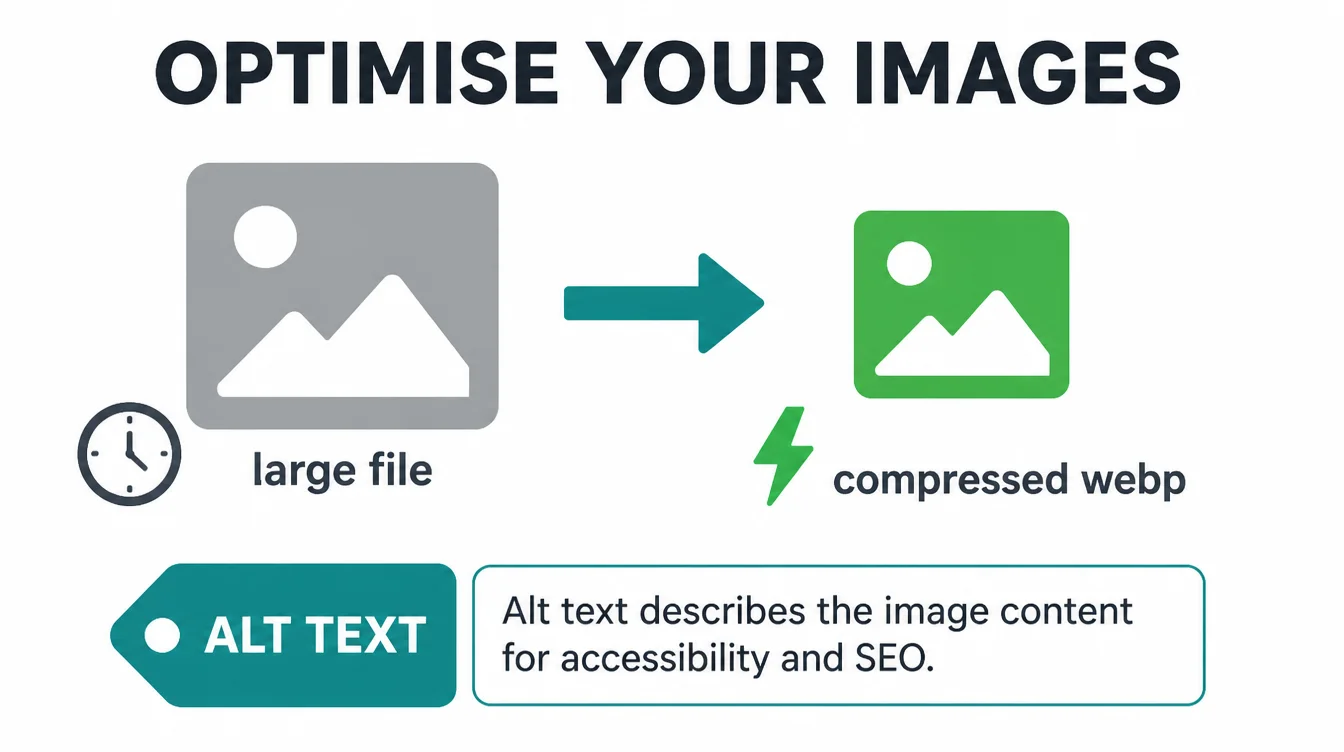
Second, compress every image before you upload it. A 4MB photo is the most common cause of a slow page. Export it at the size it will actually display, use a modern format like WebP, and your page loads faster on every device. We go deep on this in our image SEO guide.
10. Step 9: make it fast and mobile-friendly (Core Web Vitals)
Speed and mobile are not optional anymore. Mobile is 49.36% of web traffic (StatCounter, August 2026), and Google's smartphone crawler is the primary crawler that decides how your pages rank (Google, 2023). In short, if your page is clumsy on a phone, that is the version Google judges.
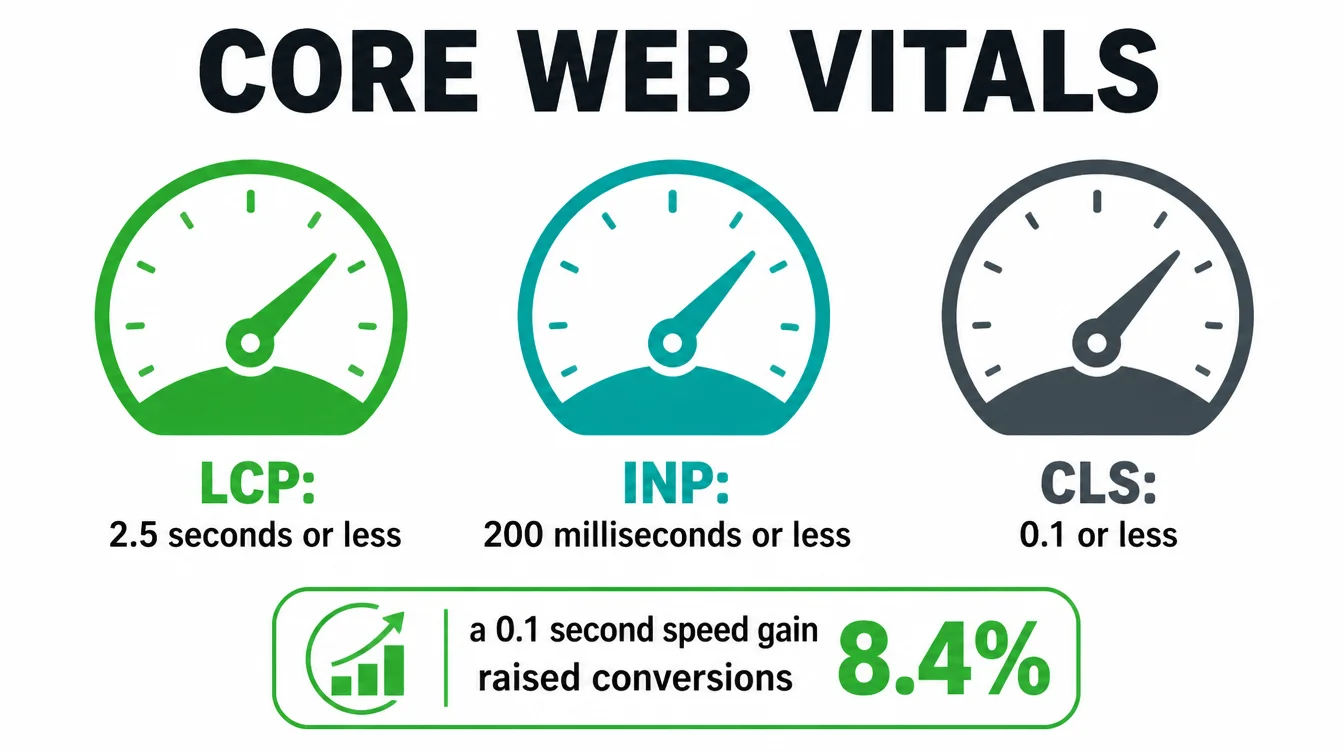
Google measures the experience with three numbers called Core Web Vitals: loading speed (LCP) should be 2.5 seconds or less (web.dev, 2023), responsiveness (INP) 200 milliseconds or less, and visual stability (CLS) 0.1 or less, each measured at the 75th percentile.
The payoff is real money: web.dev found a 0.1 second mobile speed gain raised conversions by 8.4% for retail sites and 10.1% for travel sites (web.dev, 2020).
If your page fails these, that is usually a build issue. See how we approach making a website mobile-friendly and our web design for small businesses.
11. Step 10: add basic schema
Schema is a small bit of structured data that describes your page to search engines in a format they read easily. It does not lift rankings directly. Supported types can make matching content eligible for features such as product or recipe details, while FAQPage now serves as labelling markup and self-served business reviews do not earn review stars.
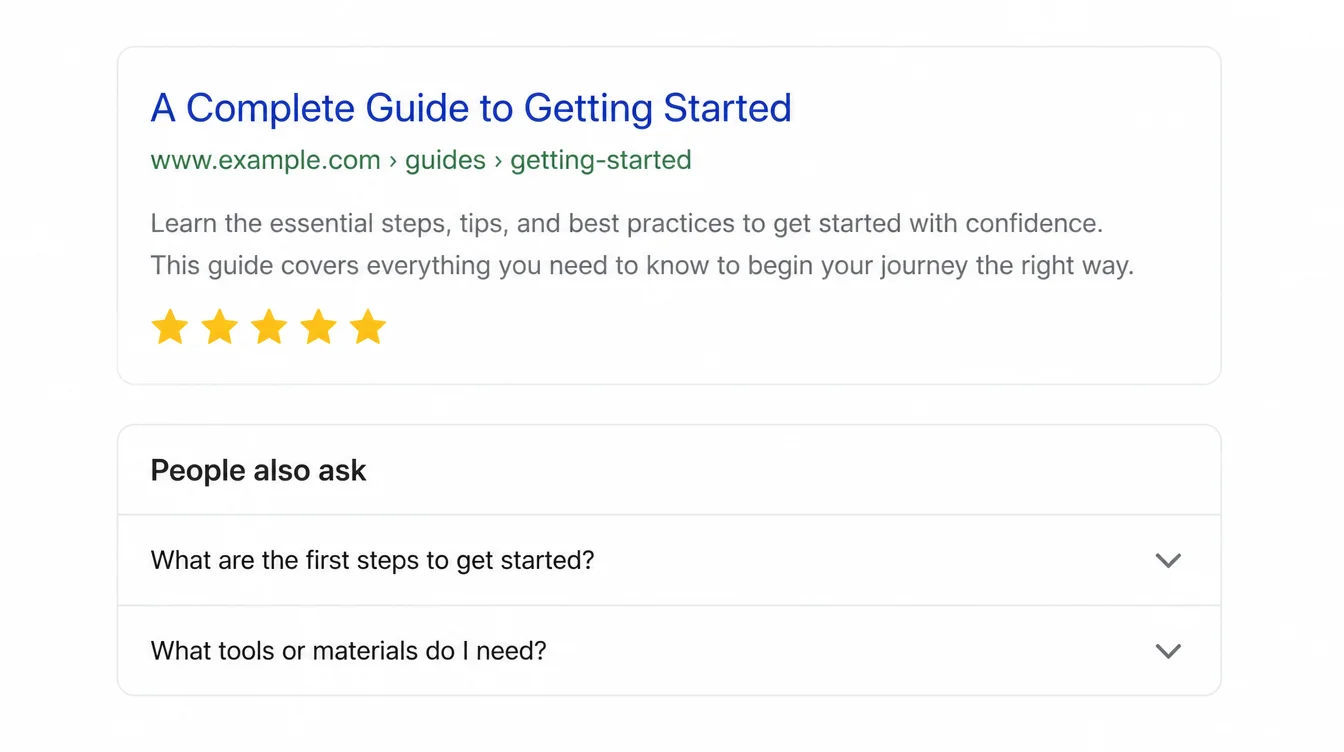
You do not need to write code for this. Most website platforms and SEO plugins add the common types for you.
Pick the type that fits the page: Article for a blog post, FAQPage for a page with questions, LocalBusiness for your contact page. Then test it free with Google's Rich Results Test before you publish.
| Step | Why it matters |
|---|---|
| Match intent, pick one keyword | If the page answers the wrong need, nothing else helps |
| Clear title tag (40 to 60 characters) | The single biggest lever on how many people click you |
| Meta description that earns the click | Wins more clicks even though it is not a ranking factor |
| One H1 and logical headings | Helps people scan and search engines understand structure |
| Genuinely helpful content | The page has to deserve to rank above the others |
| Short, descriptive URL | Readable URLs that match the query earn more clicks |
| Internal links with clear anchors | Linked pages with exact-match anchors saw far more traffic |
| Optimised images (alt text, compression) | Faster pages and accessible, described images |
| Fast and mobile-friendly | Google judges the phone version, and speed lifts sales |
| Basic schema | Can earn richer results that stand out and pull clicks |
12. Myths you can ignore
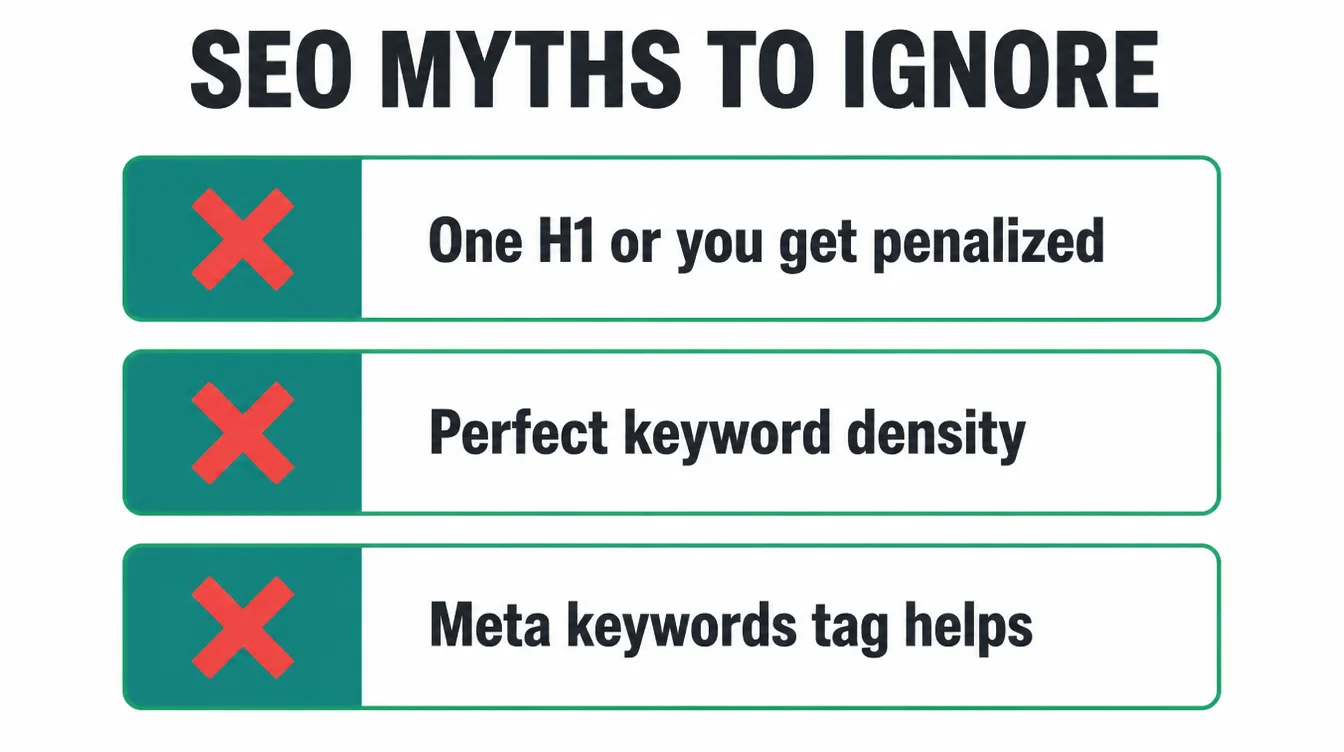
Plenty of old SEO advice still floats around and just wastes your time. Here are three you can safely drop, so you can spend that energy on the steps that actually count.
The "one H1 only or you get a penalty" myth
One H1 is a tidy habit, not a law. Google has said the number of heading tags and their order is not a ranking trigger (Google, 2024). Use one H1 because it keeps your page clear, not because you fear a punishment that does not exist.
The "perfect keyword density" myth
There is no magic percentage of times your keyword should appear. Stuffing the same phrase in over and over reads badly and helps nobody. Write naturally for a real reader, and your keyword shows up the right amount on its own because you are on topic.
The "meta keywords tag" myth
The old meta keywords tag, where you listed your target words in your page code, has been ignored by Google for many years. Filling it in does nothing. Skip it entirely and spend that minute improving your title or your content instead.
Frequently asked questions
1. What is on-page SEO?
On-page SEO is everything you control on a single page to help it rank and to help people understand it. That covers your target keyword and search intent, your title tag, your meta description, your headings, the content itself, the URL, internal links, images, page speed, mobile-friendliness, and basic schema. It is the work you do on the page, as opposed to links and signals from other sites.
2. What is included in an on-page SEO checklist?
A good on-page SEO checklist runs page by page. For each page you match search intent and pick one target keyword, write a clear title tag, write a meta description that earns the click, use one logical heading structure, make the content genuinely helpful, use a short descriptive URL, add internal links, optimise your images, make the page fast and mobile-friendly, and add basic schema. Tick each item before you publish.
3. How long should a title tag be?
Aim for roughly 40 to 60 characters. Backlinko found that title tags between 40 and 60 characters have the highest click-through rate, around 33.3% higher than titles outside that range. Shorter than that wastes the space, and longer titles get cut off in search results. Put your main keyword near the front and write for a real person, not a robot.
4. Should every page have only one H1?
One H1 per page is a clean, sensible habit, but it is not a hard ranking rule. Google's own guidance says it does not matter if you use headings out of order, and the number of heading tags is not a penalty trigger. The real goal is a clear structure that helps people scan. Use one H1 for the page title, then H2s and H3s for sections, and you are fine.
5. Do meta descriptions affect rankings?
Not directly. Google does not use the meta description as a ranking factor, and it will often rewrite it. What the meta description does affect is clicks. A short, unique, useful description can convince more people to choose your result over the others on the page, and more clicks on a result that satisfies people is good for you. So write it for the human, not the algorithm.
6. How many internal links should a page have?
There is no fixed number, but more relevant internal links generally help. A Zyppy study of millions of pages found that pages with more internal links tended to get far more clicks, and that pages with descriptive, exact-match anchor text had at least five times more traffic than pages with generic anchors. So add links where they genuinely help the reader, and describe what they point to.
7. Is on-page SEO enough to rank on its own?
On-page SEO gets you in the game and is the part you fully control, but it is rarely the whole story for competitive terms. You usually also need trust signals from other sites, mainly links and mentions. Think of on-page work as making each page deserve to rank, then off-page work as proving other people agree. Do the on-page basics first, because they are free and within reach.







