
How to Do Keyword Research: Free Tools and Search Intent

Keyword research means finding the exact words customers type when they want what you sell, then picking the few you can realistically win. Ahrefs reports that almost 95% of keywords get under 10 searches a month, so volume alone is a trap. Seed Light does this for clients and turns it into a simple page plan.
Key takeaways
Short on time? Here is how to do keyword research in five lines before we break each step down.
- Start with seed keywords. List the plain words you would use to describe what you sell, then expand them with free tools.
- Use the free stack. Google autocomplete, People Also Ask, Google Trends, Keyword Planner, and Search Console cover everything a small business needs.
- Read the intent. Look at what already ranks for a term, then match your page type to it.
- Chase winnable, not big. Almost 95% of keywords get 10 monthly searches or fewer, so long-tail terms with weak competition are your friend (Ahrefs, 2025).
- Zero volume is not zero demand. Tools round tiny numbers down, and Google says 15 percent of daily searches are brand new (Search Engine Land).
1. What keyword research is, and why it matters
Keyword research is the work of finding the exact words people type into Google when they want what you sell. That is the whole idea. You are not guessing what sounds clever. You are listening to how real customers ask.
Here is why it matters so much for a small business. If you write about "bespoke wellness journeys" but your customers search for "massage near me," you and your buyer never meet.
To learn how search itself works first, read our guide on what SEO is. Keyword research is the part that tells you which words to aim at.
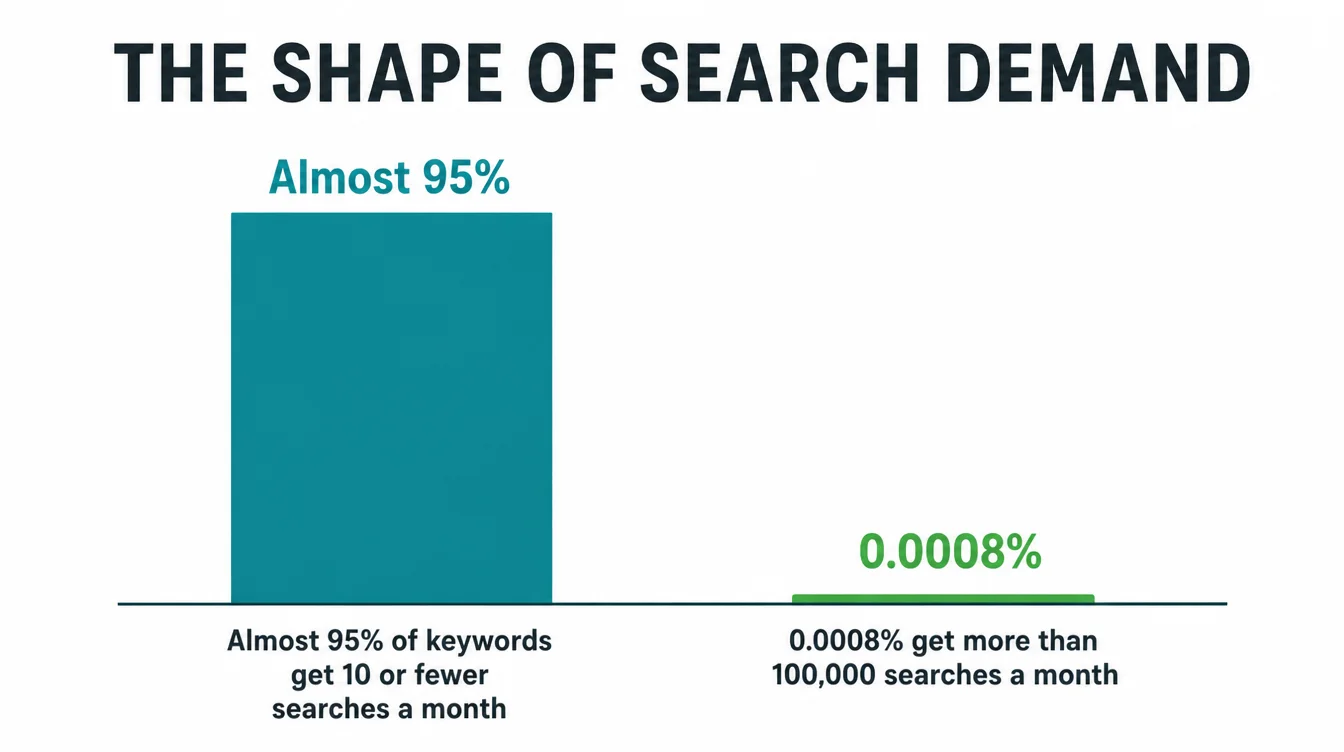
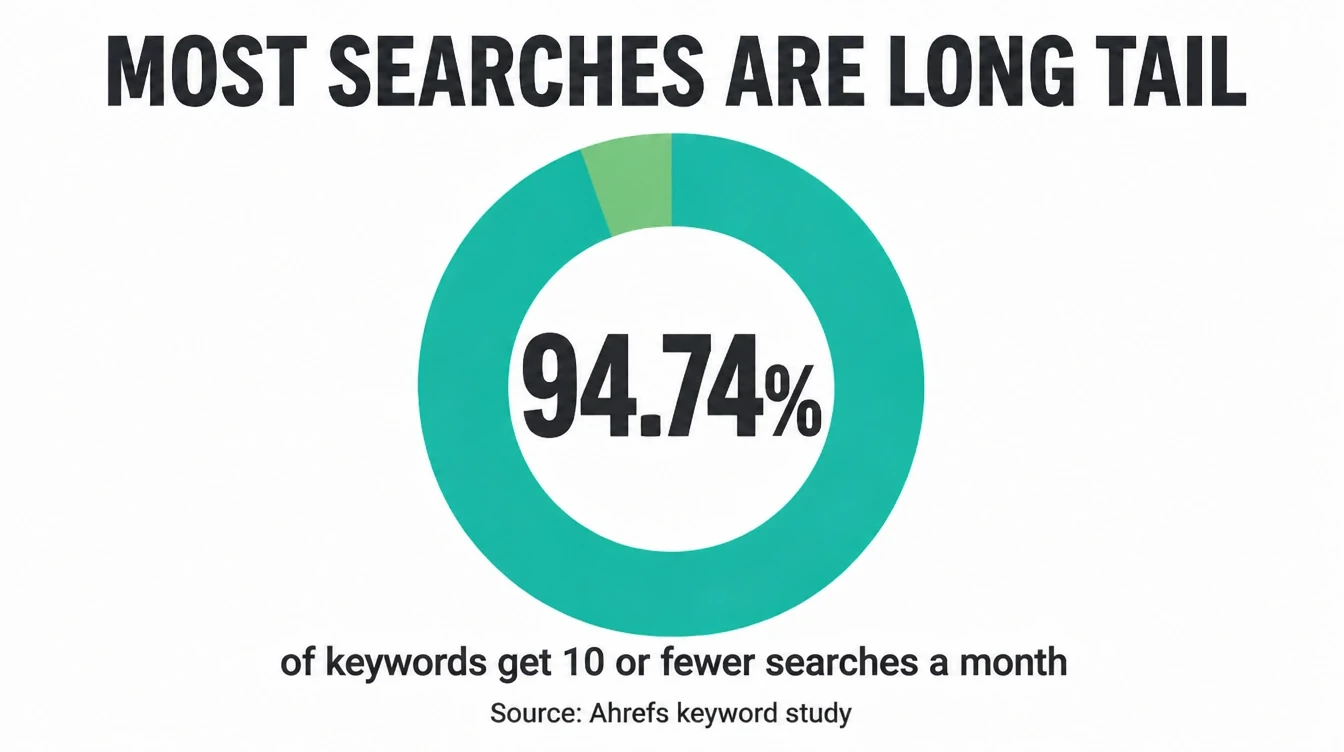
The reason it pays off is the shape of search. Almost all keywords are tiny. In fact, 94.74% of keywords get 10 monthly searches or fewer, while only 0.0008% get more than 100,000 (Ahrefs, 2025).
So the giant terms everyone fights over are rare, and the small, specific ones are where a small business can actually win.
2. Step 1: Brainstorm seed keywords
Every keyword list starts with a few seeds. A seed keyword is a short, plain phrase for what you do: "plumber," "dog grooming," "tax accountant." Do not overthink it. Just write down how you would explain your business to a stranger. A professional services website starts from the same list.
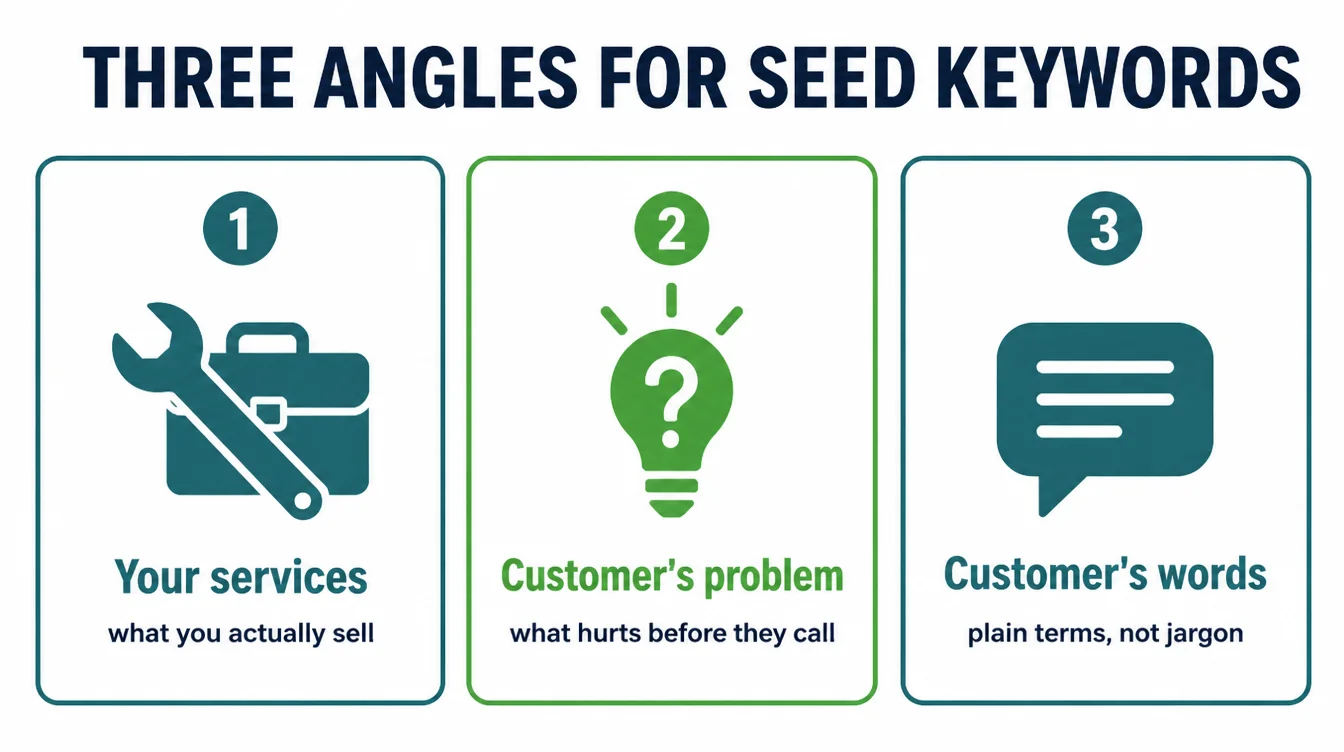
Build your seeds from three angles. First, your services: what you actually sell. Second, your customer's problem: what hurts before they call you. Third, the words your customers use, which are often simpler than yours. A roofer might say "membrane installation," but the customer types "fix leaking roof."
Aim for ten to fifteen seeds. They will feel too broad and too competitive, and that is fine. Their job is not to win. Their job is to feed the free tools in the next step, which turn each seed into dozens of longer, more specific phrases.
3. Step 2: Expand with free tools
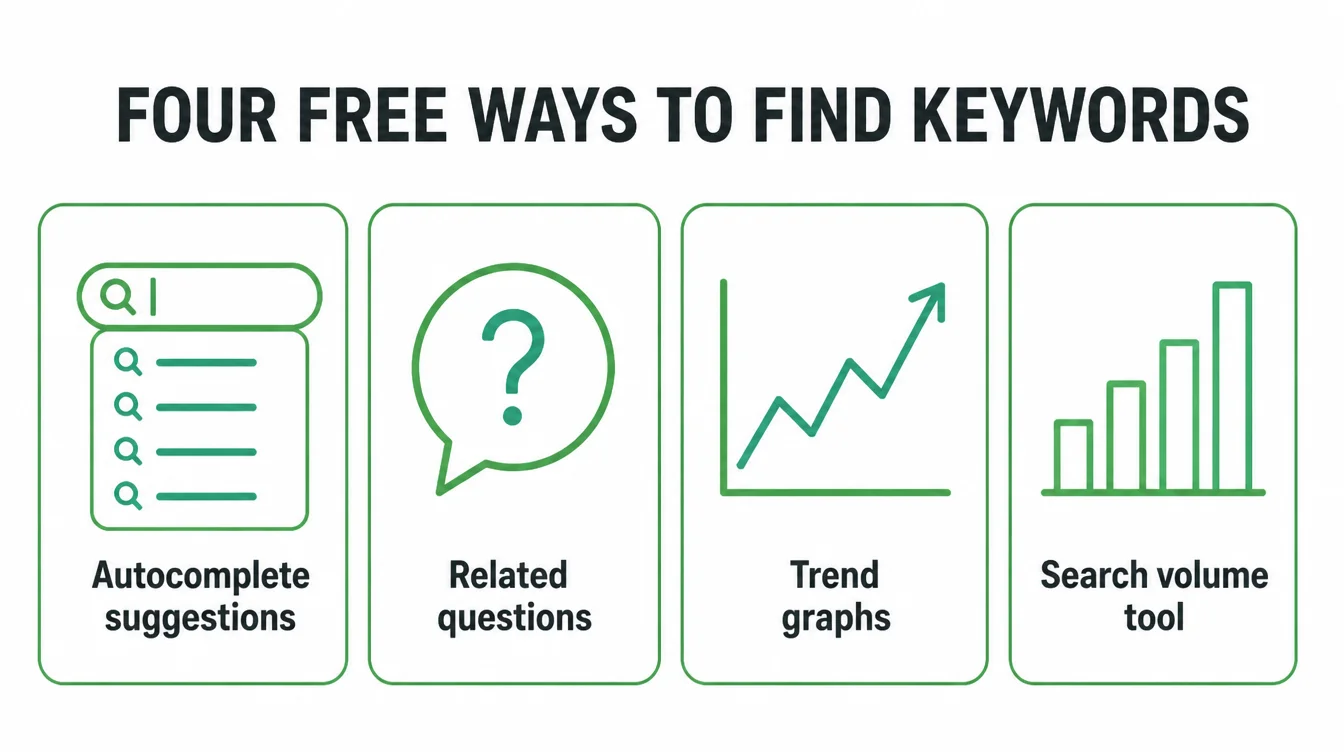
Now you grow each seed into a real list. Four free tools do almost all of this, and you do not need an account for most of them. Work through them one seed at a time and copy anything that sounds like a customer.
Google autocomplete
Type a seed into Google and watch the suggestions drop down. Those are real, popular searches. Try adding a letter, a question word like "how" or "best," or your town name, and the list refreshes. This is the fastest free keyword tool there is.
People Also Ask
Search your seed, then look at the "People Also Ask" box. Every question there is a phrase real people use, and each one can become a heading or a whole page. Click one and it expands into more. Mine a few levels deep.
Google Trends
Google Trends shows whether a term is rising, steady, or fading, and lets you compare two phrases side by side. Use it to spot seasonal demand and to pick between similar words. It will not give exact numbers, but it shows direction.
Google Keyword Planner
Keyword Planner gives rough monthly volume and shows related terms. Treat its numbers as a guide, not gospel, because it overestimates search volumes 54.28% of the time and is roughly accurate 45.22% of the time (Ahrefs, 2025). Still, it is great for discovering phrases you would never have guessed.
4. Step 3: Mine your own Search Console queries
If your site has been live for a while, you already own a goldmine of keyword data. Google Search Console shows the real searches that already show your pages, for free. These are warm terms, because Google has decided you are relevant to them.
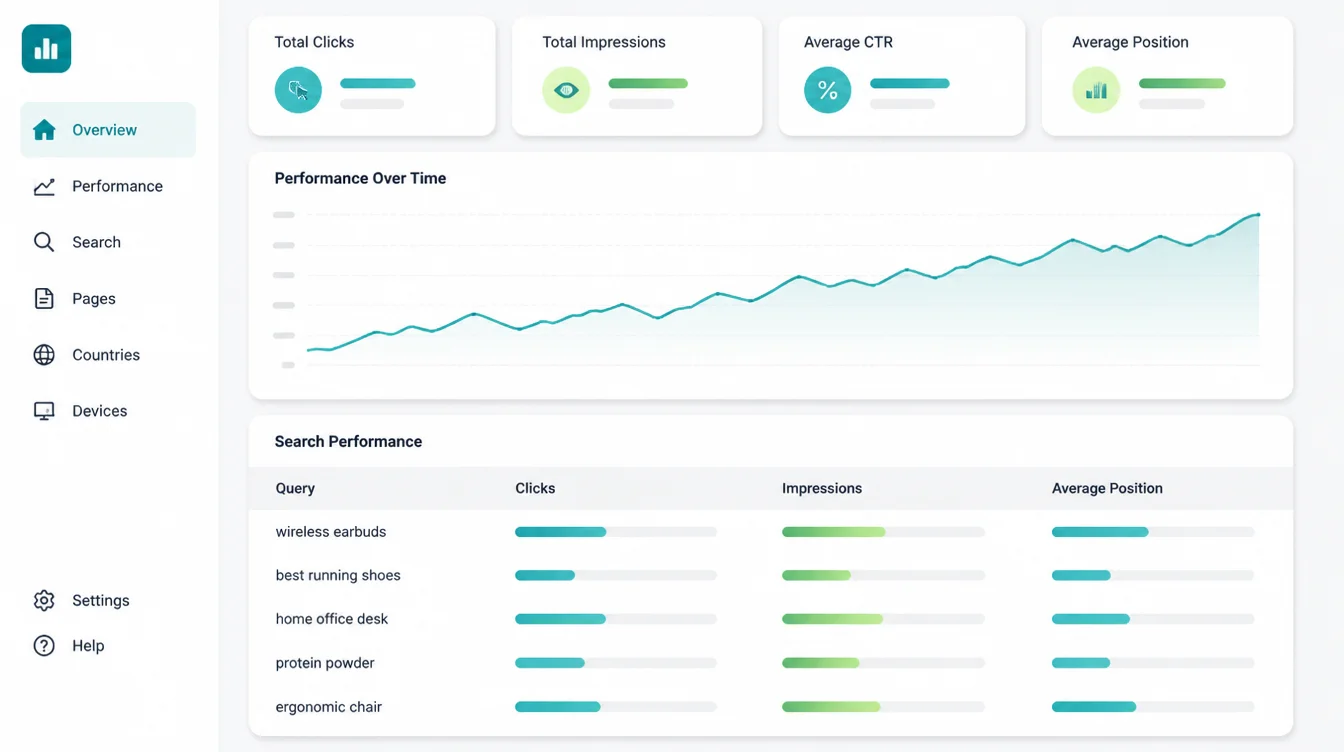
Open the Performance report, then the Queries tab. You will see each search term plus your clicks, impressions, and average position. The new step-by-step setup lives in our guide on how to use Google Search Console. For now, just look for two patterns.
First, terms sitting in position 8 to 15 with steady impressions. A small page tweak can lift those onto page one. Second, terms you never planned for.
Customers describe things in ways you never imagined, and these surprise queries are pure keyword research, handed to you free. Remember that a lot of your traffic hides here, since 46.08% of clicks in Search Console go to hidden terms (Ahrefs, 2025).
5. Step 4: Read search intent
A keyword without intent is half a clue. Intent is the reason behind the search. Is the person learning, comparing, or ready to buy? Match your page to that reason, or you will rank for the wrong thing and convert no one.
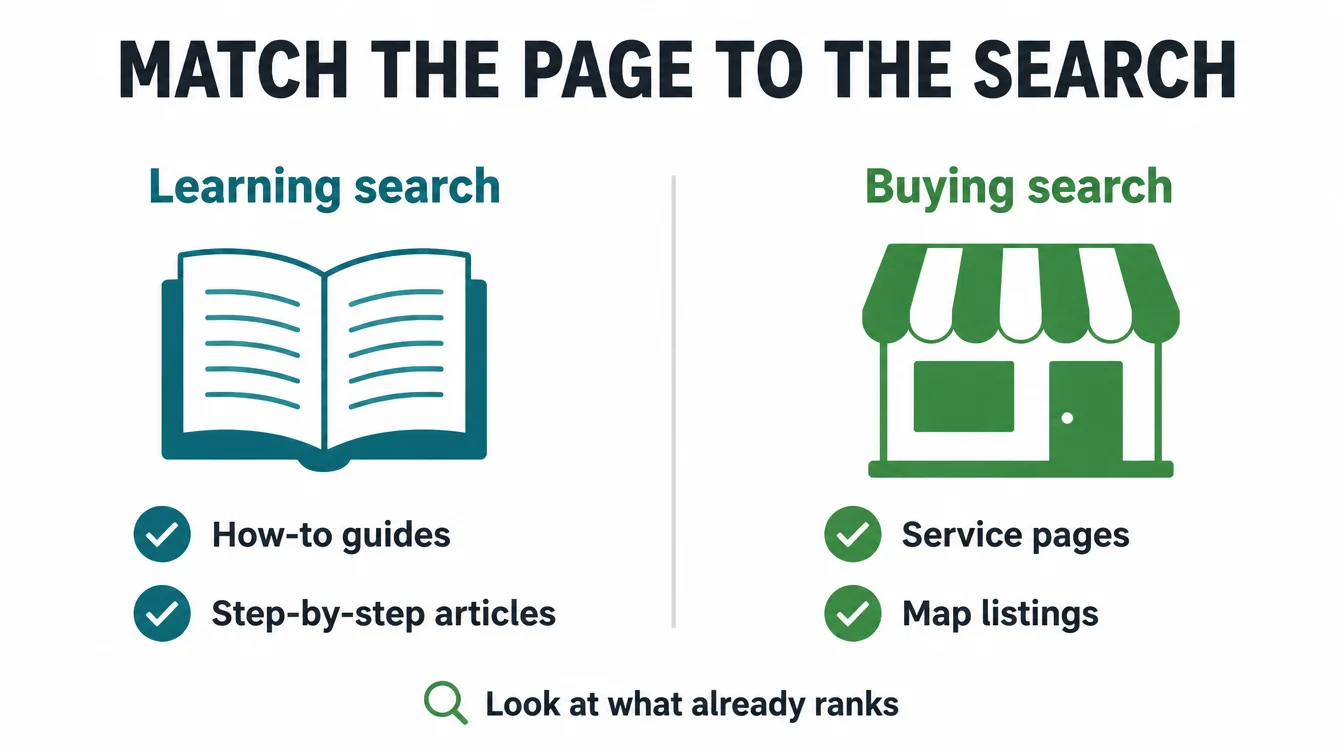
The fastest way to read intent is simple: search the term yourself and look at what already ranks. Google has spent years learning what satisfies each query, so the top results are a free answer key.
If the page-one results are all how-to guides, the searcher wants to learn. If they are all service pages, the searcher wants to buy.
For example, "how to unclog a drain" returns guides, so a how-to article fits. But "emergency plumber" returns service pages and maps, so a sales page fits.
Get this wrong and even a perfect article will lose, because it answers a question nobody asked. To go deeper on page-level signals, see our on-page SEO checklist.
6. Step 5: Pick winnable keywords
You now have a long list. Most of it you should ignore. The goal is not to chase every term. It is to pick the few you can actually rank for and that bring buyers. Two filters do the sorting.
First, prefer long-tail keywords. These are longer, specific phrases like "emergency plumber for burst pipe" instead of "plumber." They have less competition and clearer intent.
They are also where most of search lives, because there are 2.3 billion keywords with fewer than 10 searches per month, almost 93% of one major database (Ahrefs). Backlinko found a similar picture: 92% of all keywords get 10 or fewer searches per month across 1.9 billion queries (Backlinko).
Second, judge the competition. Search the term and scan page one. If it is full of giant national brands, skip it for now.
If you see forums, weak pages, or businesses your size, that is a winnable gap. New sites should start small and build up, which is also why patience pays. See how long SEO takes for realistic timelines.
7. Why "0 search volume" does not mean no demand
This trips up almost every owner. You find a perfect phrase, check the tool, and it says zero searches. So you bin it. That is often a mistake, because volume tools are blunt instruments that round tiny and rare numbers down to nothing.
| What the tool shows | What is often actually true |
|---|---|
| 0 searches a month | A small, uncertain number the tool cannot measure |
| No data for a phrase | New or rare wording the tool has not catalogued yet |
| Low volume, low value | Often high intent, since specific searches mean ready buyers |
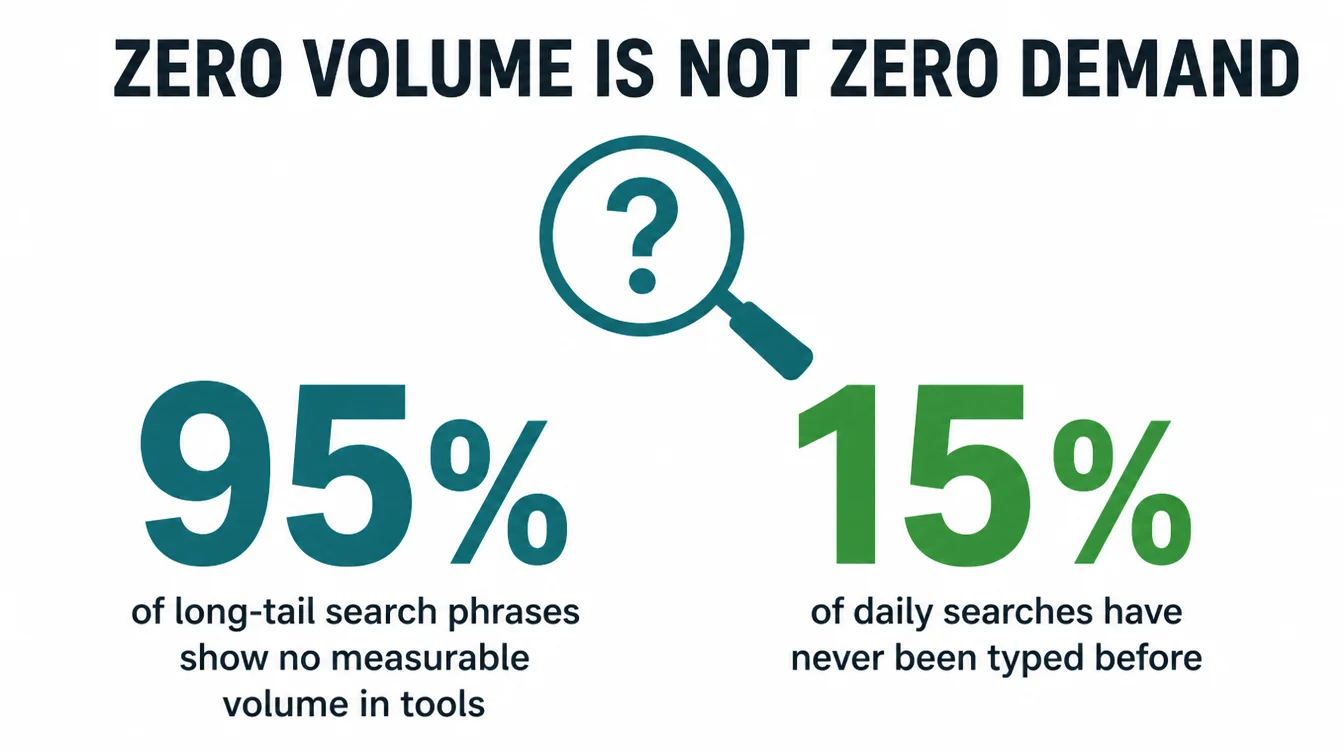
The data backs this up. Ahrefs found that over 95% of conversational long-tail keywords have no measurable search volume, yet people clearly type them every day (Ahrefs).
On top of that, Google has long said that 15 percent of searches it sees each day are brand new, a figure reconfirmed in 2025 (Search Engine Land). No tool can show volume for a search nobody has made before.
So treat a zero as "low and uncertain," not "nobody cares." If the phrase matches a real customer question and the intent is strong, it can still be worth a heading or a page. The biggest brands miss these, which leaves the door open for you.
8. How to turn keywords into pages
A keyword list is useless until it becomes content. The mistake here is making one page per keyword. Do the opposite. Group keywords that mean the same thing, then give each group a single, focused page.
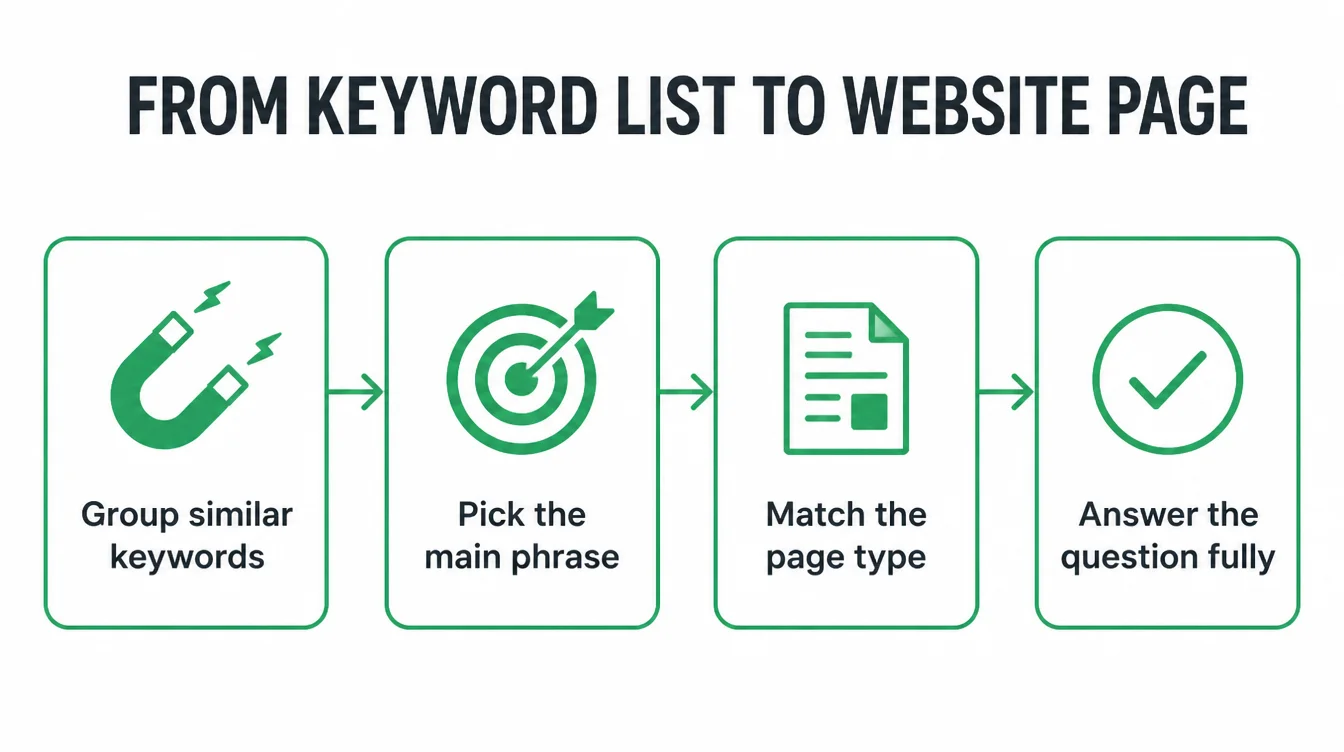
Here is the simple flow. Cluster your terms by meaning, so "fix leaking tap," "tap dripping," and "leaky faucet repair" all sit together. Pick the clearest phrase as the main keyword for that page.
Then match the page type to the intent you read in Step 4: a service page for buying terms, a guide for how-to terms.
When you write, put the main phrase in the title, in the first heading, and naturally through the text. Do not stuff it. Instead, answer the question the searcher asked, fully and plainly, and the related phrases will appear on their own.
For the wider ranking picture, read how to rank higher on Google, or let us build the pages through our SEO services.
9. A free keyword research toolkit
You can do everything above without spending a cent. Here is the whole free stack in one place, so you can bookmark it and start today. Each tool does one job well, and together they cover discovery, intent, and your own data.
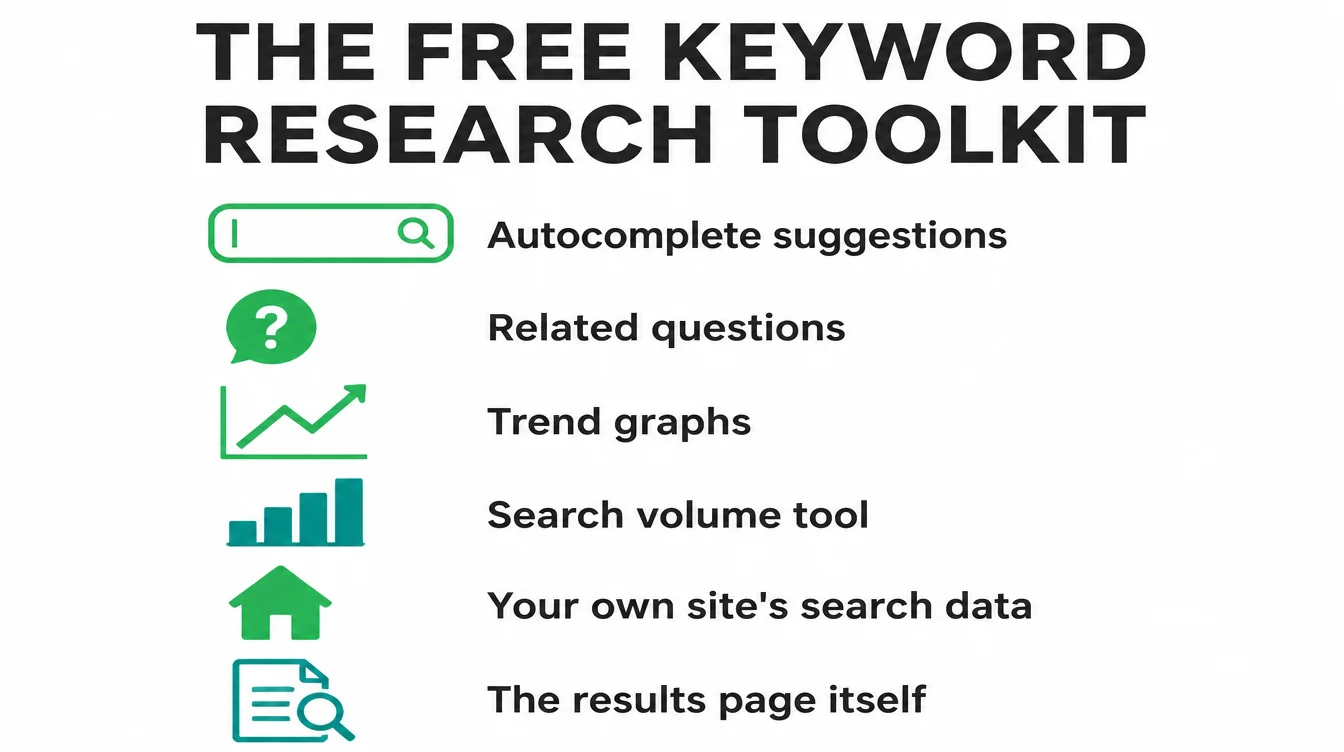
| Free tool | What it is good for |
|---|---|
| Google autocomplete | Fast, real suggestions as you type a seed into the search bar |
| People Also Ask | Real customer questions you can turn into headings and pages |
| Google Trends | Whether a term is rising or fading, and seasonal demand |
| Google Keyword Planner | Rough volume and related-term ideas you would not guess |
| Google Search Console | The real searches your site already shows up for |
| The Google results page itself | Reading intent and sizing up competition for free |
Start with autocomplete and People Also Ask, because they are instant and need no login. Add Search Console once your site has traffic, since it turns your own visitors into research. You can browse more practical guides on the Seed Light blog whenever you get stuck.
Frequently asked questions
1. How do I do keyword research for free?
Start with free tools you already have access to. Brainstorm a short list of seed keywords, then expand them with Google autocomplete, the People Also Ask box, and Google Trends. Use Google Keyword Planner for rough volume, and mine Google Search Console for terms you already show up for. You can build a strong keyword list without paying for anything.
2. What is a seed keyword?
A seed keyword is a short, broad phrase that describes what you do, like plumber, dog grooming, or tax accountant. It is the starting point, not the finish line. You feed seed keywords into free tools to discover the longer, more specific phrases real customers type, which are usually easier to rank for and closer to a sale.
3. How much search volume is enough?
There is no single number. A term with 30 searches a month can be gold if the searcher is ready to buy and the competition is weak. For a small business, intent and winnability matter more than raw volume. A handful of low-volume terms that match what you sell will often beat one big keyword you can never rank for.
4. Does 0 search volume mean no one searches it?
No. Volume tools round tiny numbers down to zero and miss new or rare phrasing. Ahrefs found that over 95% of conversational long-tail keywords have no measurable search volume, yet people still type them. Google itself says 15 percent of daily searches are brand new. So zero in a tool often means low and uncertain, not nobody.
5. How do I find keywords my site already ranks for?
Open Google Search Console and look at the Performance report, then the Queries tab. It lists the real searches that already show your pages, plus your clicks and average position. These are warm keywords. A term sitting in position 8 to 15 with steady clicks is often the easiest win, because a small page improvement can push it onto page one.
6. How do I turn keywords into pages?
Group keywords that mean the same thing into one topic, then give each topic a single page. Match the page type to the intent: a service page for buying terms, a guide for how-to terms. Use the main phrase in the title, heading, and naturally in the text, and answer the question the searcher actually asked.
7. Do I need a paid keyword tool to start?
No. The free stack of Google autocomplete, People Also Ask, Google Trends, Keyword Planner, and Search Console covers everything a small business needs to begin. Paid tools save time and give cleaner data once you scale up, but they are a convenience, not a requirement. Spend on a tool later, after free research proves the demand is real.







