
Schema Markup 2026: What It Does and What Still Matters

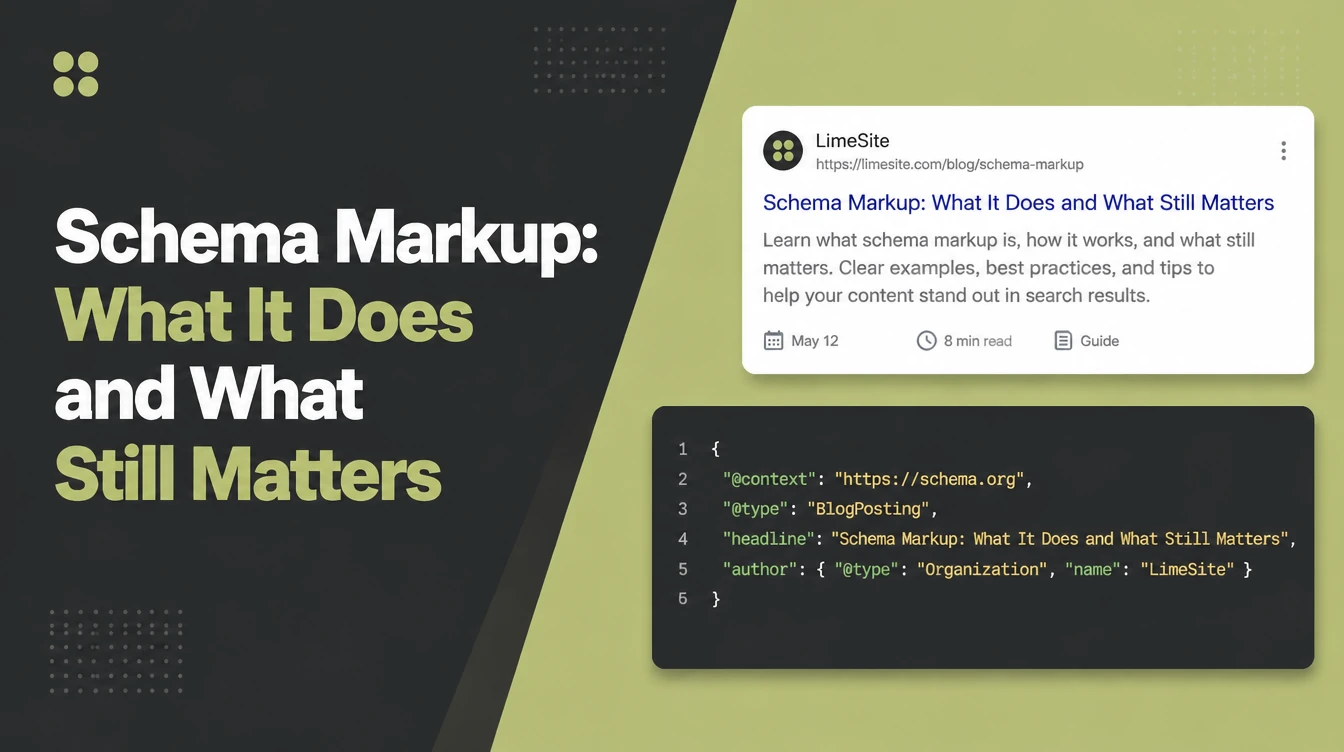
Schema markup is code that labels page content for search engines. LocalBusiness, FAQPage, Product, Review, BreadcrumbList and Article cover the common needs of a small business site, while supported rich results depend on the content and Google's current features. Seed Light adds and tests structured data on small business websites.
Key takeaways
Short on time? Here is the whole guide in five lines before we break each part down.
- Schema markup is labelling code. It tells search engines what your content means, so they can show extra detail in the results.
- It does not boost rankings. John Mueller of Google confirmed structured data will not make a site rank better (Search Engine Journal, 2024).
- It enables rich results. Those enhanced listings can earn more clicks, and one company measured a 25% higher click-through rate with structured data (Google, 2024).
- Most small businesses need about six types. LocalBusiness, FAQPage, Product, Review, BreadcrumbList, and Article cover almost everything.
- You do not need to code it. A plugin or a free generator builds the code for you, and Google's Rich Results Test checks it.
1. What schema markup (structured data) is
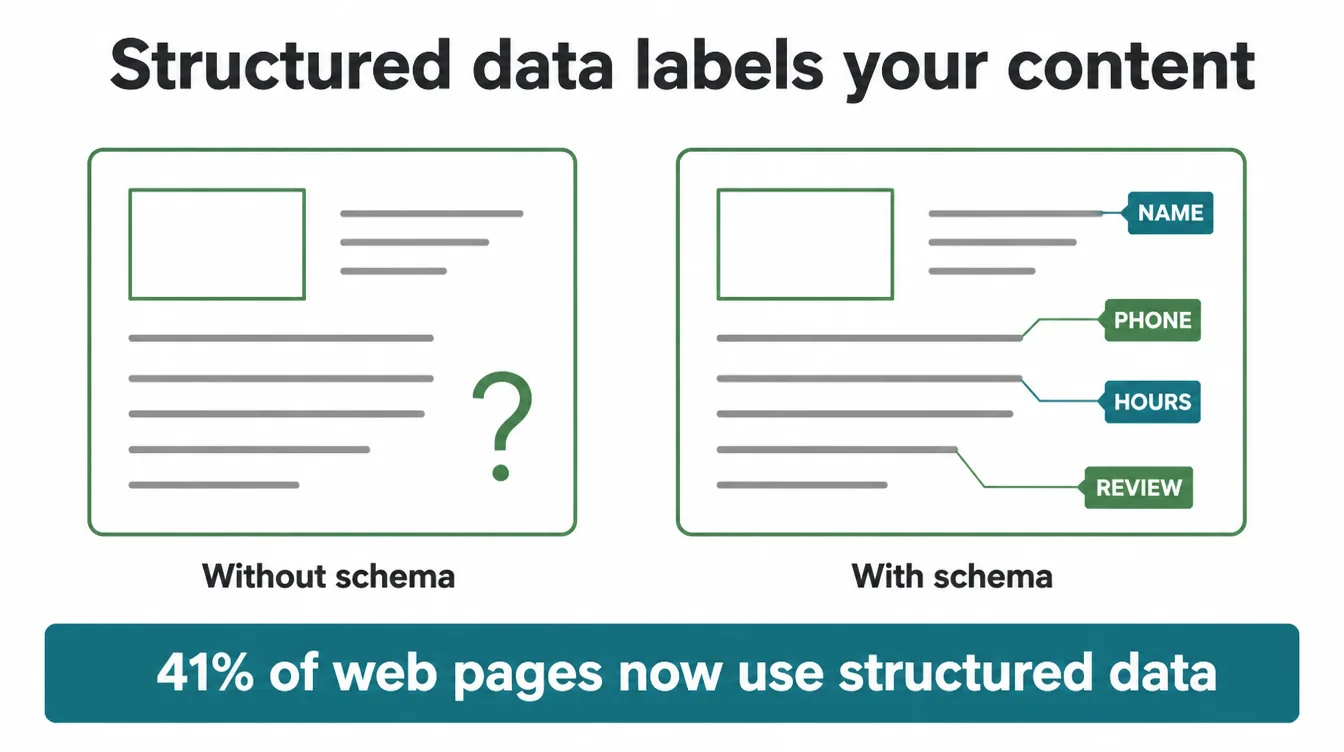
Schema markup is a small piece of code you add to a web page that labels your content for search engines. People never see it.
It sits in the background and tells Google, in plain terms, that this text is your phone number, that one is a price, those are your opening hours, and this block is a customer review.
The other name for it is structured data, and the two terms mean the same thing. Without it, a search engine reads your page as a wall of words and has to guess what each part means.
With it, you remove the guesswork. As a result, search engines can understand your page faster and show that detail in the results.
Think of it like the labels on tins in a shop. The soup is still soup with or without the label. However, the label lets a shopper find it instantly instead of opening every tin. Schema is that label for your website, and it is more common than you might think.
JSON-LD use across the web grew from 34% of pages in 2022 to 41% in 2024 (HTTP Archive Web Almanac, 2024). If you are new to the basics first, start with our guide on what SEO actually is.
2. Does schema markup help your rankings?
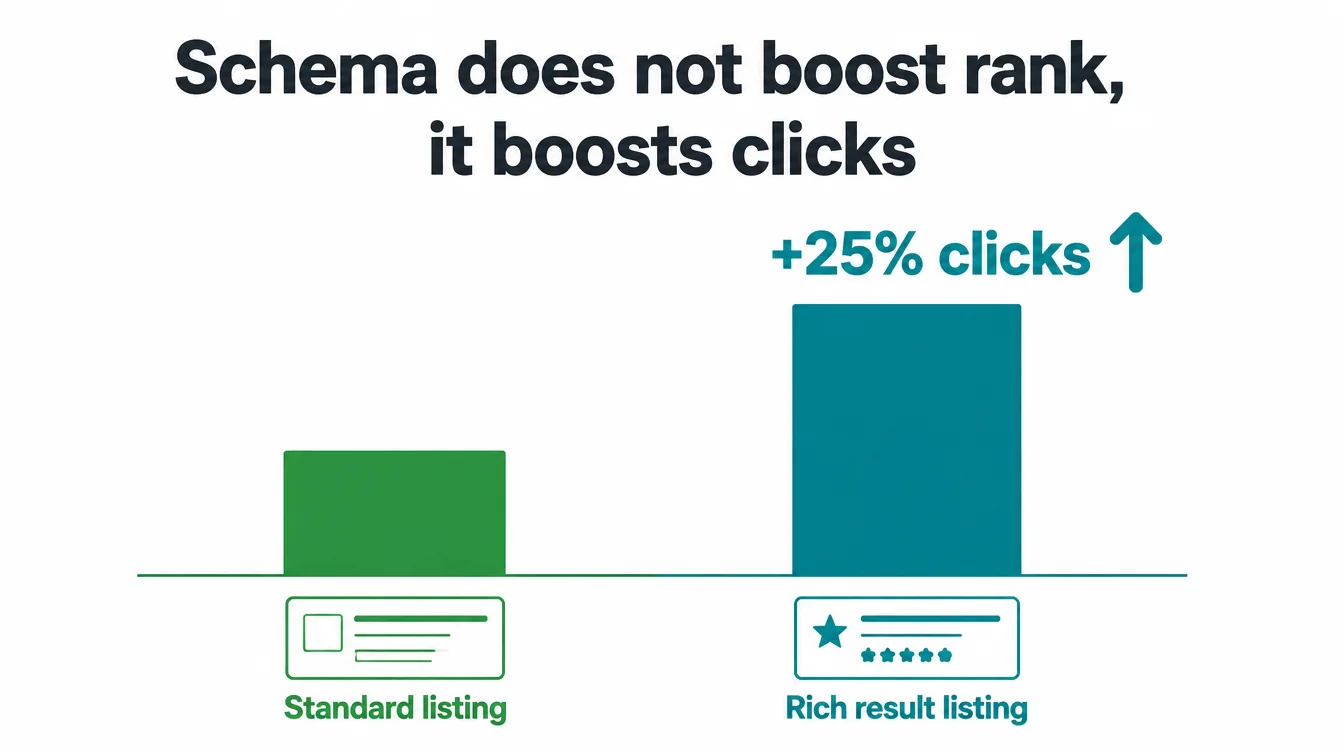
This is the question every owner asks, so let us be honest about it. Schema markup does not directly boost your rankings.
John Mueller of Google put it plainly: "Structured data won't make your site rank better" (Search Engine Journal, 2024). So if someone promises you a ranking jump from schema alone, be careful.
That said, schema still matters a lot, just in an indirect way. Supported schema can make a matching page eligible for rich results, including product prices, recipe details and other current search features.
Those richer listings stand out and can pull in more clicks. In other words, schema does not move you up the page, but it can make your existing spot work harder.
The numbers back this up. Google's own documentation reports that Rotten Tomatoes measured a 25% higher click-through rate for pages enhanced with structured data, and Nestle measured pages shown as rich results getting an 82% higher click-through rate (Google, 2024).
More clicks at the same rank means more customers, which is the real win.
3. What rich results actually look like
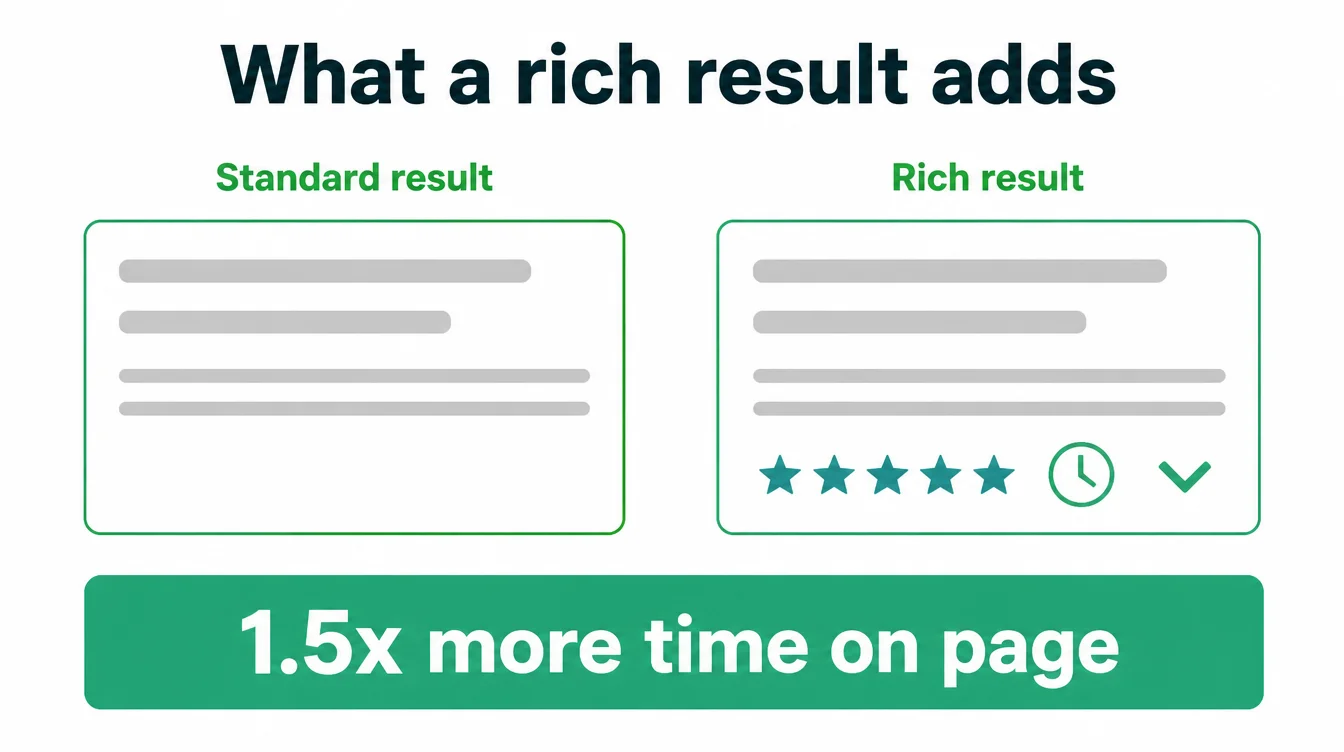
You have seen rich results without knowing the name. They are the search listings that show more than a blue link and a sentence.
Examples include a recipe with a photo and rating or a product with its price and stock status. Supported schema makes a page eligible for those extras, although Google decides whether to display them.
For a local business, schema labels details such as its name, address, phone number and opening hours. FAQPage can label questions shown on the page, but Google stopped displaying FAQ rich results on 7 May 2026. Google also excludes self-served LocalBusiness and Organization reviews from review-star features.
The payoff is real engagement. Google's documentation notes that The Food Network saw a 35% increase in visits after enabling rich results, while Rakuten found that users spend 1.5x more time on pages that implemented structured data (Google, 2024). To get the on-page side right too, work through our on-page SEO checklist.
4. The schema types a small business needs
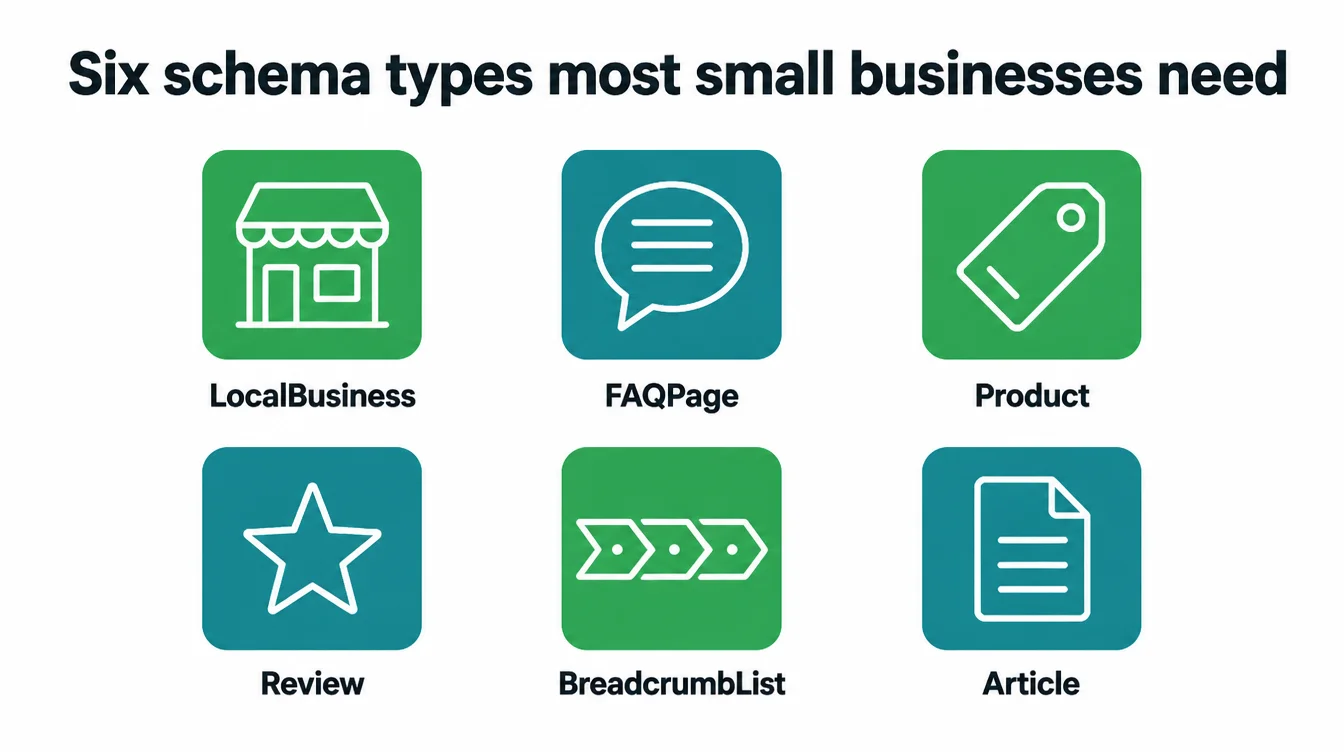
There are hundreds of schema types, but you only need a few. Below are the ones that cover almost every small business. Match each one to what is actually on your pages, because adding schema for content you do not have just creates errors.
LocalBusiness
This is the one to start with. It tells search engines your name, address, phone number, opening hours, and the area you serve. Every local business should have it, and it pairs well with your local SEO setup.
FAQPage
If a page answers common questions, FAQPage schema labels each visible question and answer. Google stopped showing FAQ rich results on 7 May 2026, so use the markup as an accurate label rather than a route to search-result dropdowns.
Product
For shops, Product schema labels each item with its name, image, and availability. This is what powers the price and stock detail you see in product listings.
Review
Review schema labels review content and ratings. Google does not show review stars when a LocalBusiness or Organization marks up reviews about itself, while eligible Product review markup can still support product review features.
BreadcrumbList
This labels the path to a page, like Home then Blog then this article. It helps search engines understand your site structure and shows a clean breadcrumb trail in the result instead of a long, messy address.
Article
For blog posts and guides, Article schema labels the headline, author, and publish date. It helps your content qualify for article and news-style features.
| Business type | Schema types to add |
|---|---|
| Local service business (plumber, salon, clinic) | LocalBusiness, FAQPage, BreadcrumbList |
| Online or physical shop | LocalBusiness, Product, Review, BreadcrumbList |
| Coach, consultant, or freelancer | LocalBusiness, FAQPage, Article, BreadcrumbList |
| Content or blog-led site | Article, FAQPage, BreadcrumbList |
| Restaurant or cafe | LocalBusiness, FAQPage, BreadcrumbList |
5. How schema helps AI search
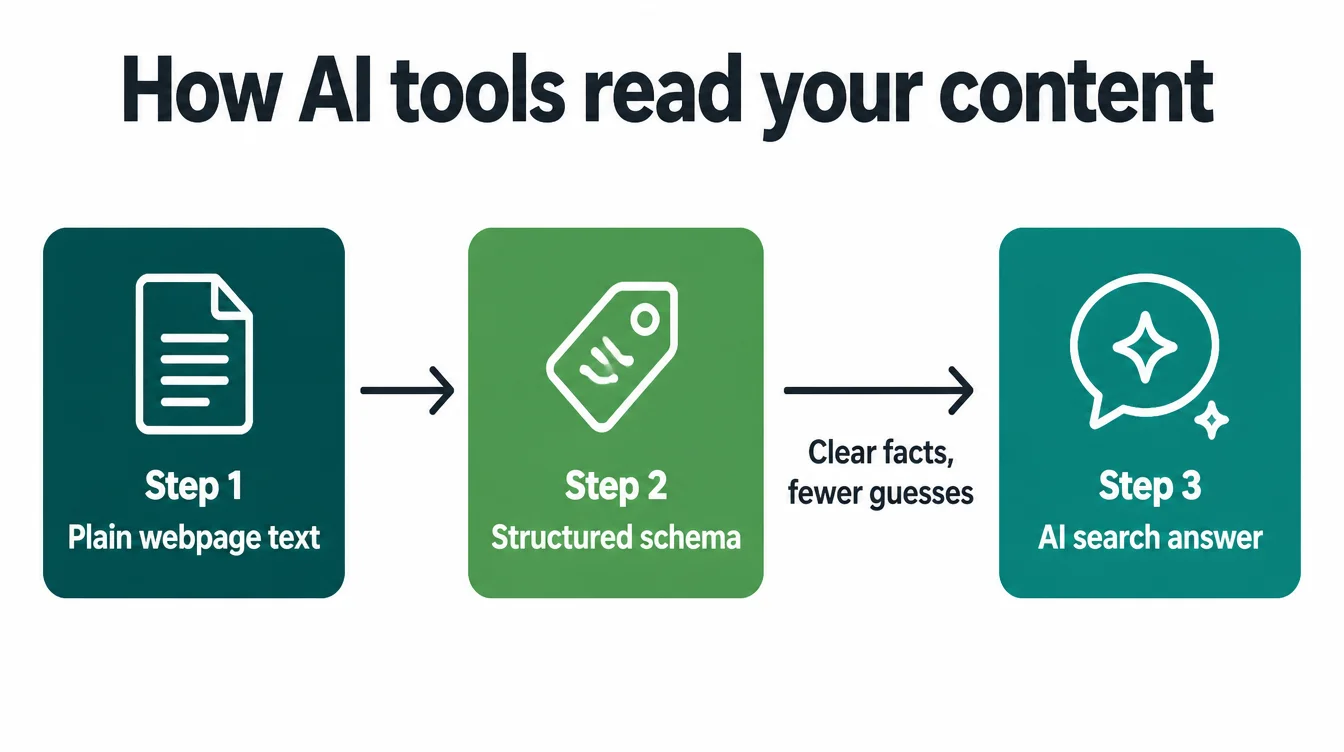
Search is changing fast. More people now ask a question of an AI tool like ChatGPT or read the AI Overview that sits at the top of Google. These tools read the web to build their answers, and clearly labelled content is easier for them to understand and quote correctly.
Schema spells out your facts in a structured way. So when an AI tries to describe your business, it has clean data to pull from instead of guessing at a wall of text.
That makes it less likely to get your hours wrong or skip you because it could not parse the page. In short, schema reduces the friction between your content and the machines now answering questions on your behalf.
To be clear, schema is not a magic ticket into AI answers, and being mentioned is never guaranteed. Still, it removes a common reason to be misread.
If AI search is on your radar, our guide on how to rank in AI Overviews covers the wider picture, and our AI search optimisation service handles it for you.
6. How to add schema without coding
Here is the good news. You almost never need to write schema by hand. There are two easy routes, and most owners use both.
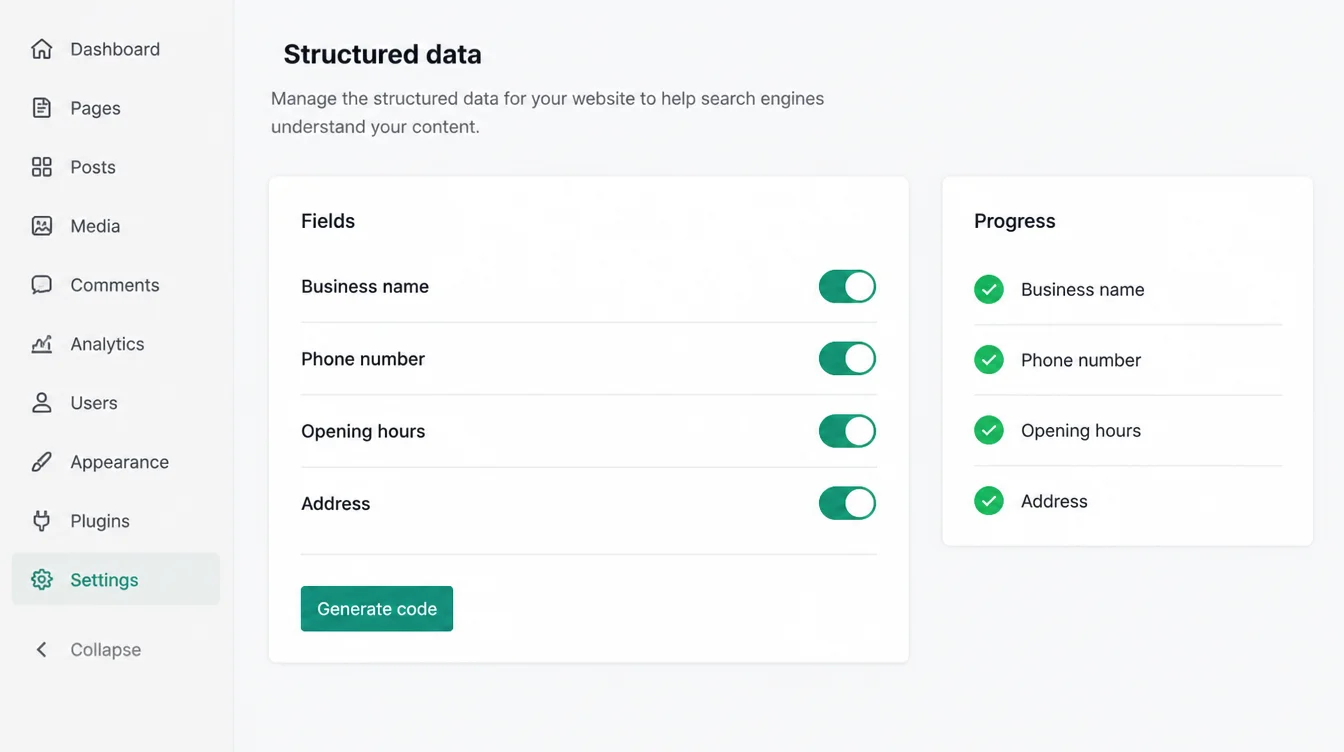
Use an SEO plugin
If your site runs on WordPress, an SEO plugin does the heavy lifting. Yoast SEO and Rank Math both add structured data automatically once you fill in your business name, address, and details in their settings. They handle LocalBusiness, Article, and breadcrumb schema across your site without you touching code.
Use a schema generator
For a one-off block, like a specific FAQ or product, a free schema generator builds the code from a simple form.
You type in your details, it spits out clean code, and you paste that into the page. Google recommends using the JSON-LD format, which is the easy-to-paste version generators produce by default (Google, 2024).
Either way, the workflow is the same. Generate or auto-create the schema, add it to the right page, then test it before you move on. Next, let us look at what that code looks like, so it stops feeling like a black box.
7. A simple LocalBusiness example
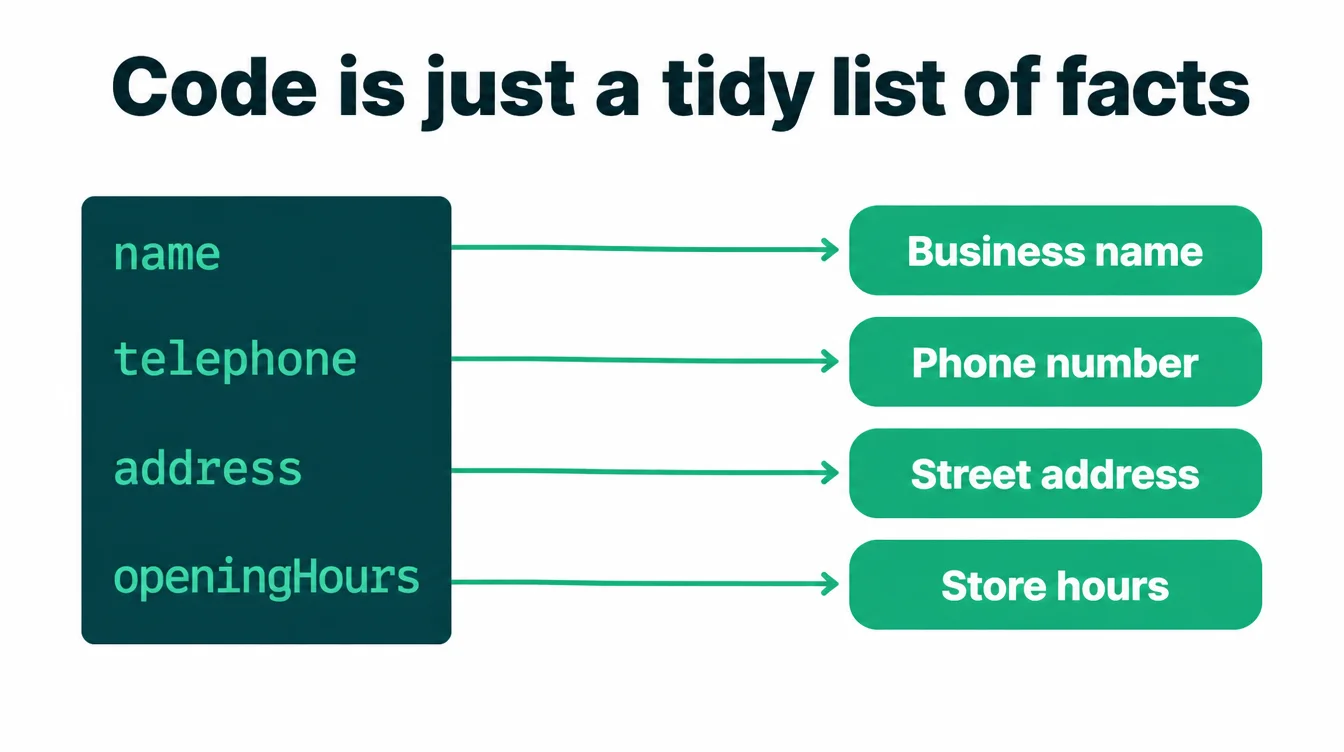
Below is a basic LocalBusiness block in JSON-LD, the format Google recommends. You do not have to memorise this. It is here so you can see that schema is just a tidy list of your facts. A generator or plugin produces something like this for you.
<script type="application/ld+json">
{
  "@context": "https://schema.org",
  "@type": "LocalBusiness",
  "name": "Sunrise Bakery",
  "image": "https://example.com/storefront.jpg",
  "telephone": "+1-555-123-4567",
  "url": "https://example.com/",
  "address": {
    "@type": "PostalAddress",
    "streetAddress": "12 Market Street",
    "addressLocality": "Riverton",
    "postalCode": "00000"
  },
  "openingHours": "Mo-Sa 08:00-17:00",
  "priceRange": "moderate"
}
</script>
Read it line by line and it is plain English wrapped in punctuation.
The name is the business name, telephone is the phone, address is the address, and openingHours is the hours. A search engine reads this and knows exactly what each value means, with zero guessing. Keep the details identical to what shows everywhere else, since matching information is part of looking trustworthy.
8. How to test your schema
Never add schema and walk away. A tiny typo, a missing bracket or a misspelled property, can stop the whole block from working. Testing takes a minute and saves you from silent failures, so make it a habit every time you add or edit markup.
The main tool is Google's Rich Results Test. Paste your page address or the code itself, run the test, and it shows which rich results the page is eligible for and flags any errors or warnings.
For a stricter check of whether your code is technically valid, the Schema Markup Validator at validator.schema.org does the same job for any schema type.
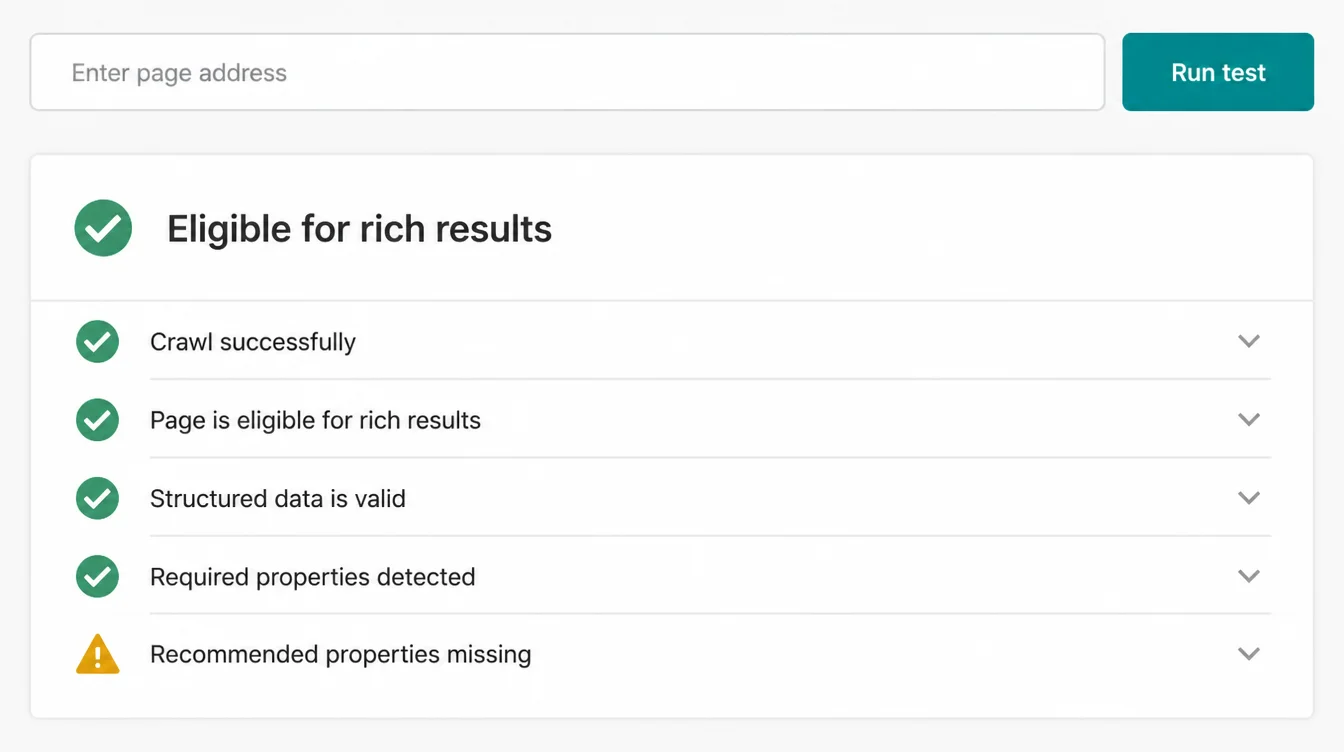
One honest expectation to set: passing the test does not promise a rich result will appear. Google states plainly that it "does not guarantee that features that consume structured data will show up" (Google, 2024).
Valid schema makes you eligible, not entitled. To watch how Google sees your pages over time, pair this with our guide on how to use Google Search Console, then browse the Seed Light blog for more.
Frequently asked questions
1. What is schema markup in simple terms?
Schema markup is a small piece of code that labels website content for search engines. It tells Google plainly that one item is a phone number, another is a price, and another block contains opening hours or a review. People do not see the code. The labels help search engines understand the page, while search features depend on the schema type and Google's current support.
2. Does schema markup help SEO?
Schema markup does not directly improve rankings. Google confirms that structured data alone will not make a site rank higher. Supported types can make matching pages eligible for rich results, such as product or recipe details. Google's documentation reports that Rotten Tomatoes measured a 25% higher click-through rate on pages enhanced with structured data, although eligibility does not ensure that Google will show a feature.
3. What schema types does a small business need?
A small business needs only the schema types that match its visible content. LocalBusiness labels the name, address, phone and hours; FAQPage labels displayed questions; BreadcrumbList describes the page path; and Article fits blog posts. Shops can add Product, with Review markup for eligible product reviews. Choose the relevant types instead of adding markup for content the page does not contain.
4. How do I add schema without coding?
Use a plugin or a generator. If your site runs on WordPress, an SEO plugin like Yoast or Rank Math adds a lot of schema automatically once you fill in your business details. For one-off blocks you can use a free schema generator, which builds the code from a simple form. Then you paste that code into the page. Either way you never have to write the markup by hand.
5. How do I test my schema?
Use Google's Rich Results Test. Paste your page address or the code itself, run the test, and it tells you which rich results the page is eligible for and flags any errors or warnings. The Schema Markup Validator checks that your code is technically valid. Always test after adding or editing schema, because a small typo can stop the whole block from working.
6. Does schema help with AI search?
Schema can support search visibility, but it has no documented citation benefit in ChatGPT or Google's AI Overviews. It must match the content people can see and may make a page eligible for supported Google search features. Google does not require it for AI features. Clear visible content and consistent business facts matter more.
7. Will schema markup show up the moment I add it?
No. Google has to recrawl and process your page first, and even then it does not guarantee that a rich result will appear. Google states clearly that adding structured data does not guarantee the enhanced features will show up. Add valid schema, test it, keep your page useful, and treat rich results as something you become eligible for rather than something you switch on.







