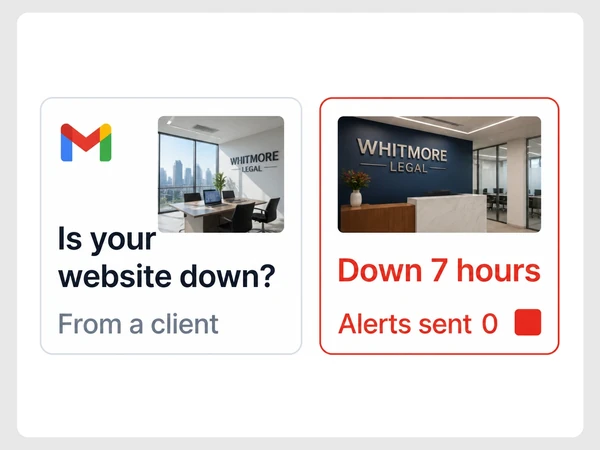
Reason 01
You only discover downtime after a customer reports it.
website maintenance
Seed Light provides website maintenance after launch. We apply tested updates, keep backups, monitor security and uptime, and make agreed content changes on the live site.
The stack
The tools behind ongoing website care
Common problems
These common website problems make it harder to spot faults, fix pages and serve customers.
You only discover downtime after a customer reports it.
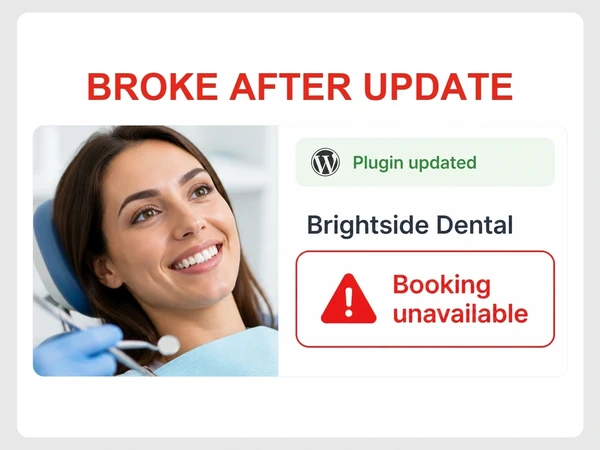
A software update breaks something on the live website.
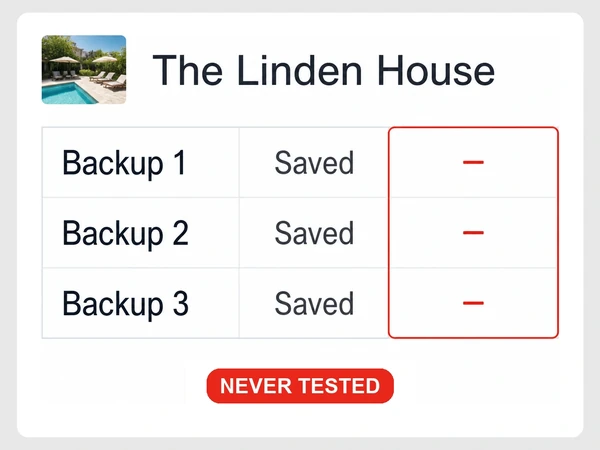
Backups exist, but nobody has checked whether they can actually be restored.

Forms or checkout stop working without anyone noticing.
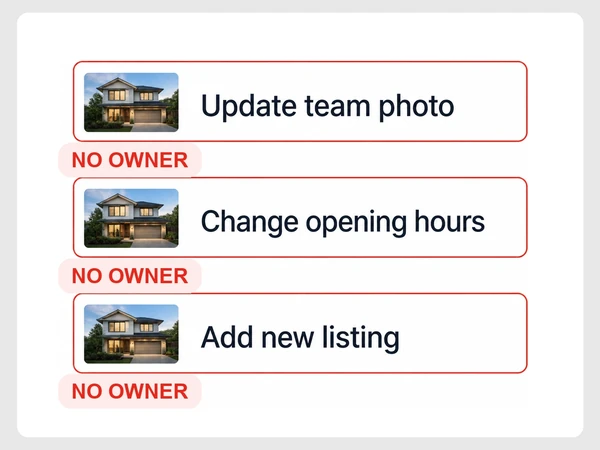
Small website changes pile up because nobody clearly owns them.
Where we start
Fix the biggest problem first
We prioritise the issues most likely to affect leads, sales or wasted time instead of trying to change everything at once.
What is covered
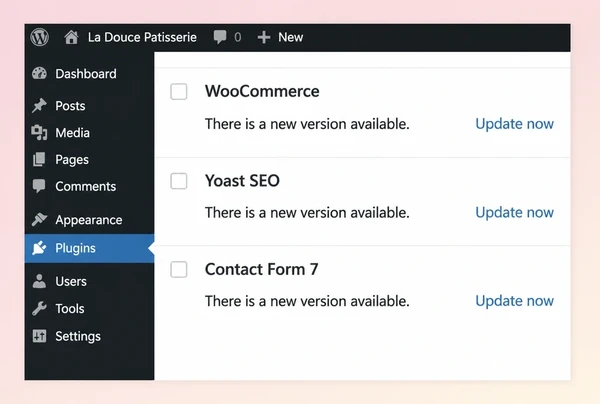
Test software updates before publishing.
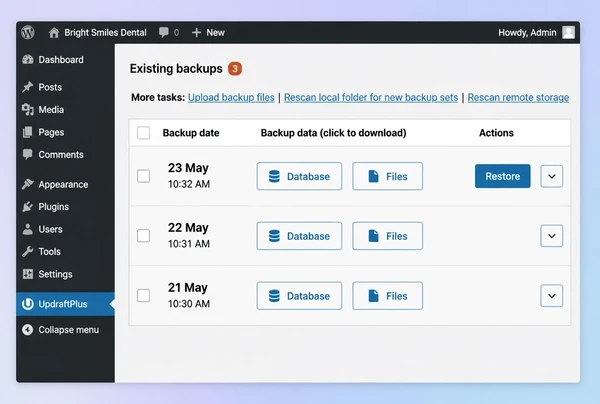
Create backups and test full restores.
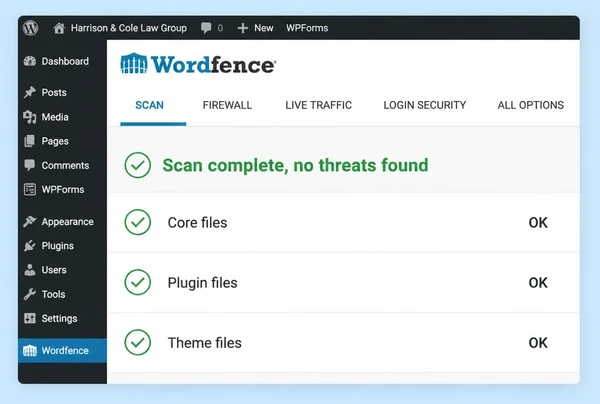
Patch vulnerabilities and secure logins.
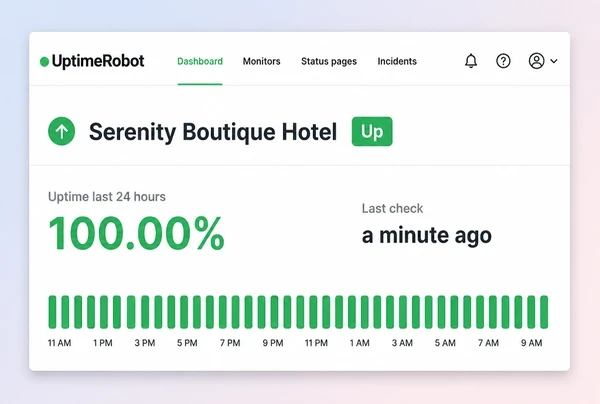
Monitor uptime and flag site outages.
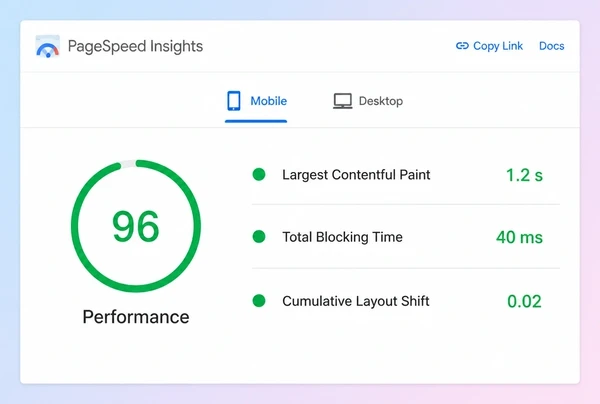
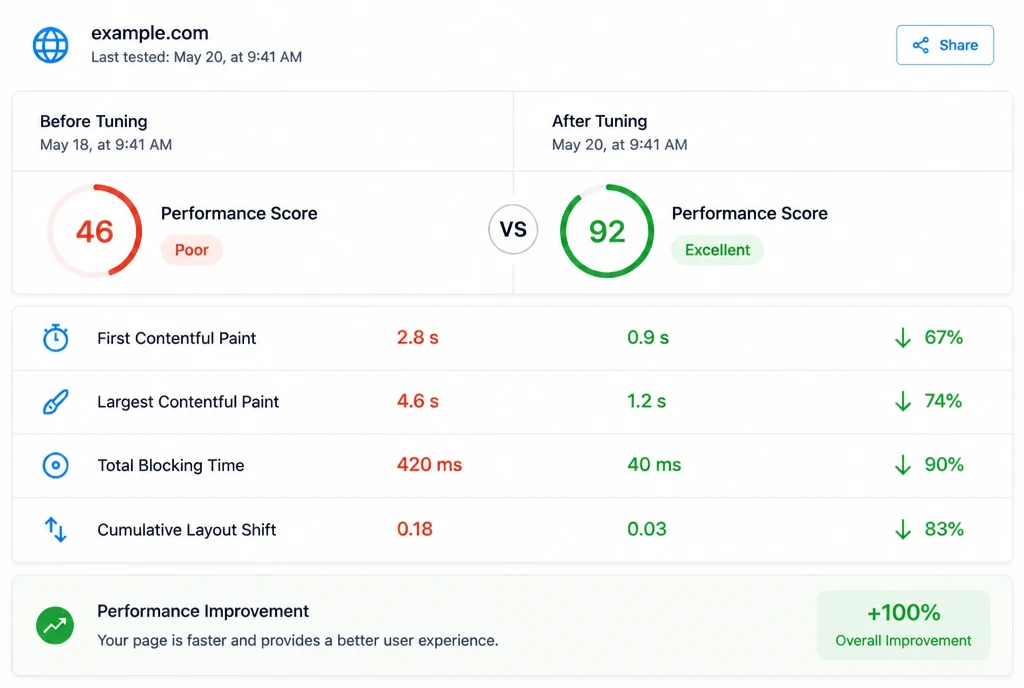
Test page speed and repair broken features.
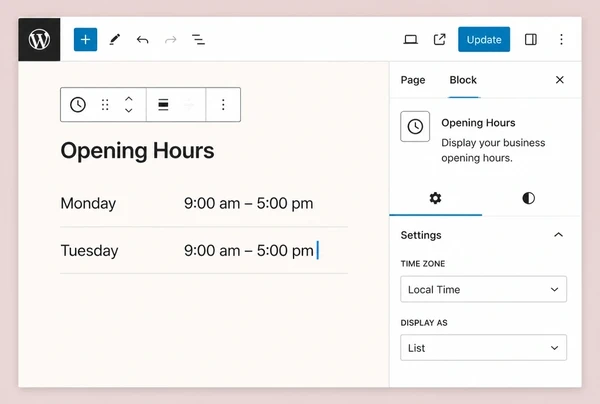
Edit website text and replace images.
What matters
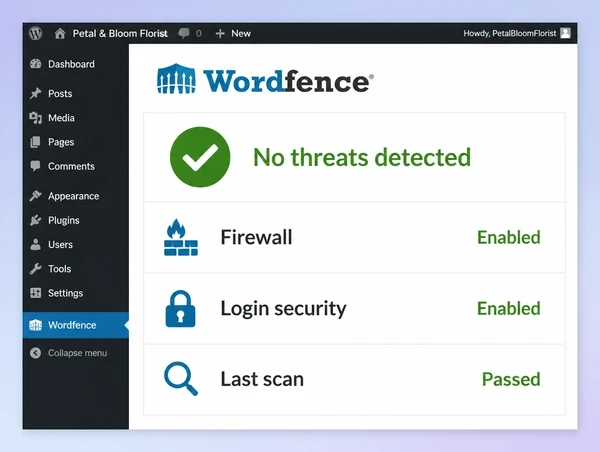
Website security and reliability depend on regular maintenance. We update software in a controlled window, test changes safely and remove unused components that create unnecessary risk.
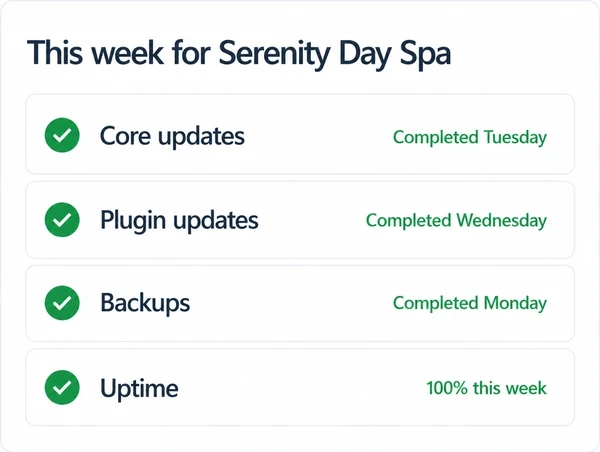
Monthly core updates
Keep core, plugins and themes current.
Test updates on staging
Check changes before they reach live.
Remove risky plugins
Take out unused or unsafe extensions.
Stronger login security
Limit attempts and use two-factor login.
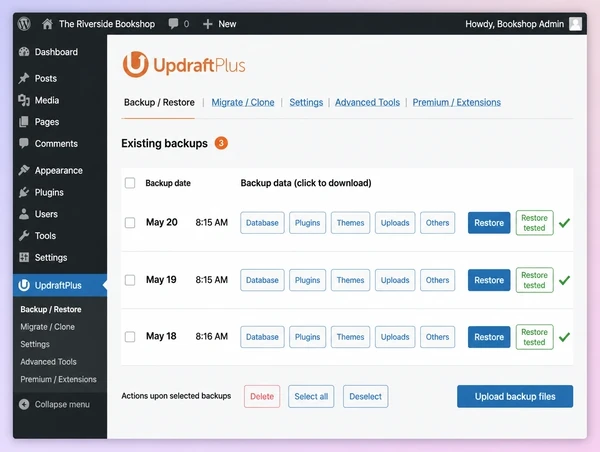
A backup only matters if it can restore the site when needed. We keep regular copies and test restoration so recovery is based on a proven process rather than assumption.
Daily off-site backups
Keep copies away from the live server.
Restore tests
Confirm backups work before an emergency.
Database and files covered
Back up site data and files together.
Fast recovery copy
Keep a recent working version ready.
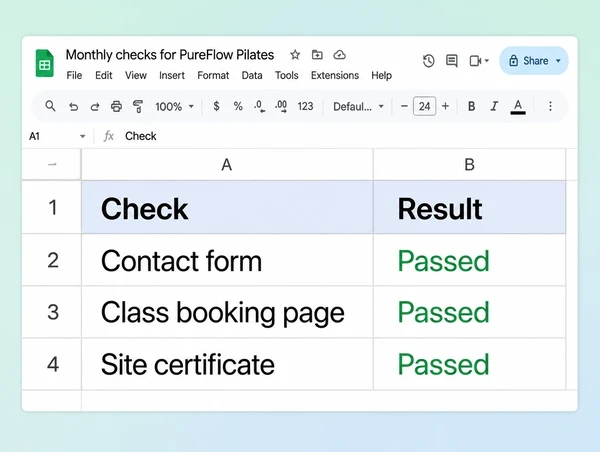
Many website problems are invisible until a customer reports them. We test important functions regularly so broken forms, checkout issues, links and certificates can be fixed earlier.
Test contact forms
Send real test enquiries and confirm them.
Test checkout flow
Place test orders to catch buying issues.
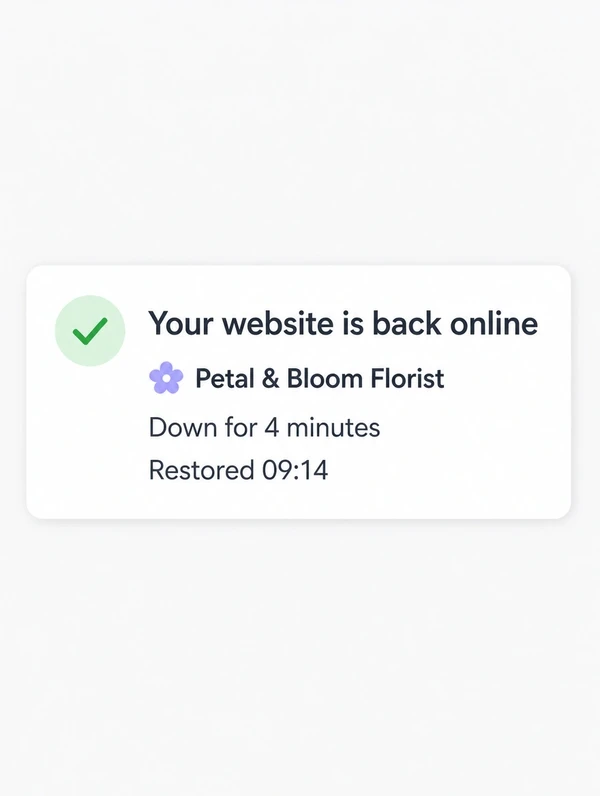
Monitor uptime
Watch site availability continuously.
Track SSL expiry
Renew certificates before warnings appear.
Websites change even when the business does nothing. Software, browsers and content evolve, so regular maintenance keeps the site current and reduces the technical drift that builds up over time.
Keep plugins in sync
Update related plugins together.
Keep content organised
Add pages without breaking structure.
Retest across browsers
Check key pages as browsers change.
Prevent gradual slowdown
Fix small issues before they accumulate.
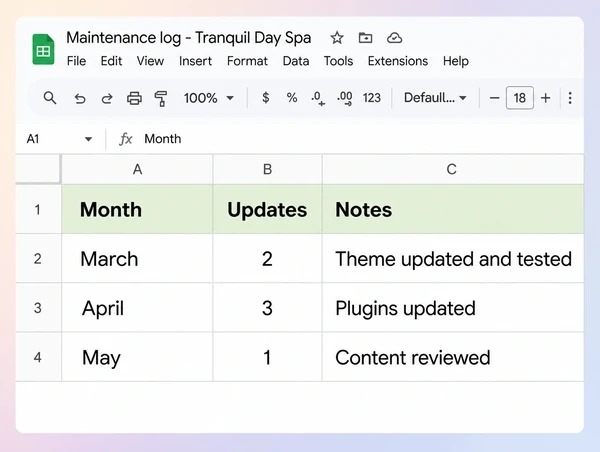
Case studies
Real client projects, each with its own case study page, shown beside demo concepts built to show our approach across different industries.
100+
Brands worked with
28,441+
Leads generated
$4.1M+
Sales generated for clients
Up to13x
Return on Meta ad spend
Tallied from client ad accounts and store reports. See the numbers on our results page.
How it works
What the site runs on, and whether backups restore.
Updates tested on a staging copy, then applied live.
Backups, monitoring and alerts set up to reach us.
Scheduled updates, checks and your edits, on a rhythm.
A short note on your package schedule.
How we compare
| What you get | Seed Light | Other competitors |
|---|---|---|
| Updates tested before going live | Test method agreed before updates begin | Updates are commonly applied to the live site |
| Backup frequency | Daily, offsite | Backup frequency varies, from daily to monthly |
| Recovery plan proven | Restores rehearsed before you need one | Restores are often untested until needed |
| Uptime monitored | Checked every few minutes, alerts reach us | Uptime monitoring is commonly a paid add-on |
| Forms and checkout tested | Test schedule agreed for the site | Forms are often checked only after a fault |
| Security alerts set up | Scans and alerts watched on your behalf | Security monitoring varies, so ask what runs |
| Small content changes included | Text and image edits done in the plan | Small changes are commonly billed by the hour |
| Response time when something breaks | Faults before routine work | Response times vary, so ask what is committed |
Packages
Every plan starts with an audit, so nobody inherits a surprise.
Small websites needing routine care.
What's included
Active websites needing regular changes.
What's included
Busy websites needing priority support.
What's included
Every plan starts with an audit. You keep your hosting, logins and backups. Month to month by default.
Swipe the table to compare all three.
| Detail | EssentialSimple brochure sites | CareSites that change often | ManagedOnline stores and booking sites |
|---|---|---|---|
| What you get | |||
| Small text, image or page changes | 5 | 10 | 20 |
| Plugin, theme and core updates | Semi-annually | Quarterly | Monthly |
| Offsite copies of your site | Included | Included | Included |
| Your site restored if it breaks | Included | Included | Included |
| Scanning and hardening | Included | Included | Included |
| Alerts if your site goes down | Included | Included | Included |
| Speed checked and tuned | Included | Included | Included |
| A private copy for testing | Add-on | Add-on | Add-on |
| Forms and checkout tested | Add-on | Add-on | Add-on |
| Support | |||
| How fast a request is picked up | 2 working days | 1 working day | Same working day |
| Every update, backup and fix listed | Semi-annually | Quarterly | Monthly |
| Cancel with 30 days notice | Month to month | Month to month | Month to month |
| Hosting, logins and backups stay yours | Included | Included | Included |
| Your web address and server, managed | Add-on | Add-on | Add-on |
| Malware removed after a hack | Add-on | Add-on | Add-on |
IncludedAdd-onAvailable at extra cost
Straight answers
What people ask before putting a site on a care plan. No scare stories.
Where to go next
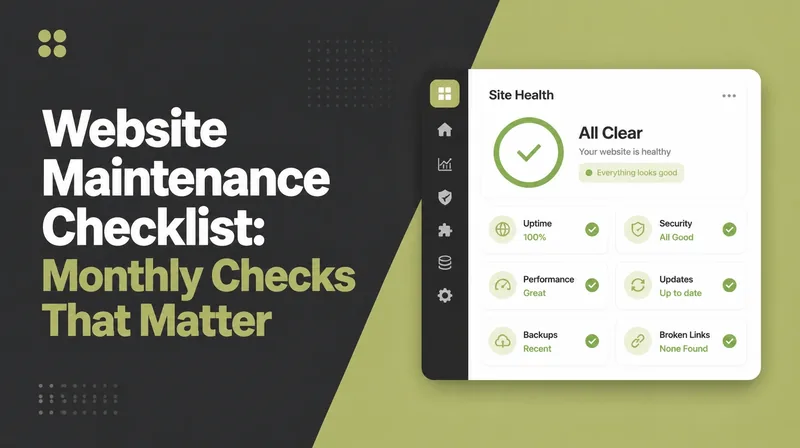 WEB DESIGN
Use a monthly website maintenance checklist for backups, updates, security, speed and...
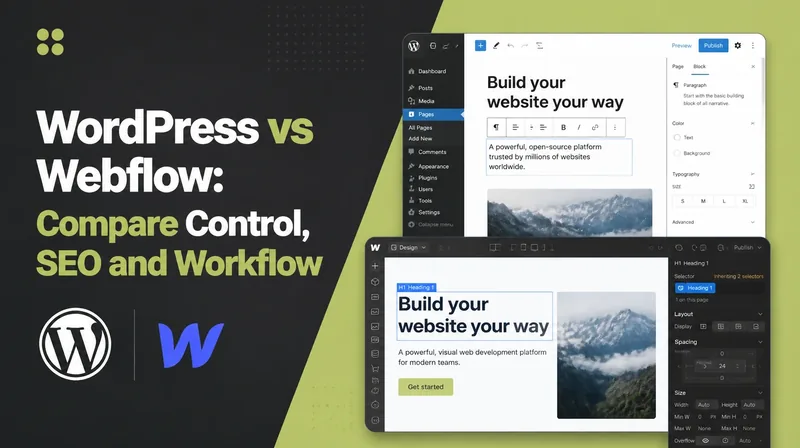 WEB DESIGN
Compare WordPress and Webflow in 2026 on design control, editing, hosting, maintenance...
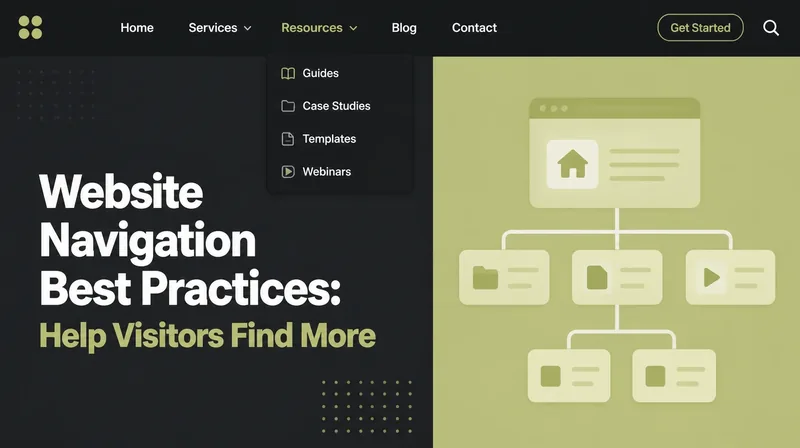 WEB DESIGN
Improve website navigation with clearer structure, labels and mobile menus so visitors...
Who this is for
Anywhere a customer researches before they buy.

Websites with enquiry forms and booking built in for coaches.
Business, life & fitness coaches

Listing pages that turn lookers into booked viewings and buyers.
Agencies & negotiators

Get found on Google Maps and search, and win more local customers.
Salons, services & shops

Websites with menus, table booking and online ordering built in.
Restaurants, cafes & bars

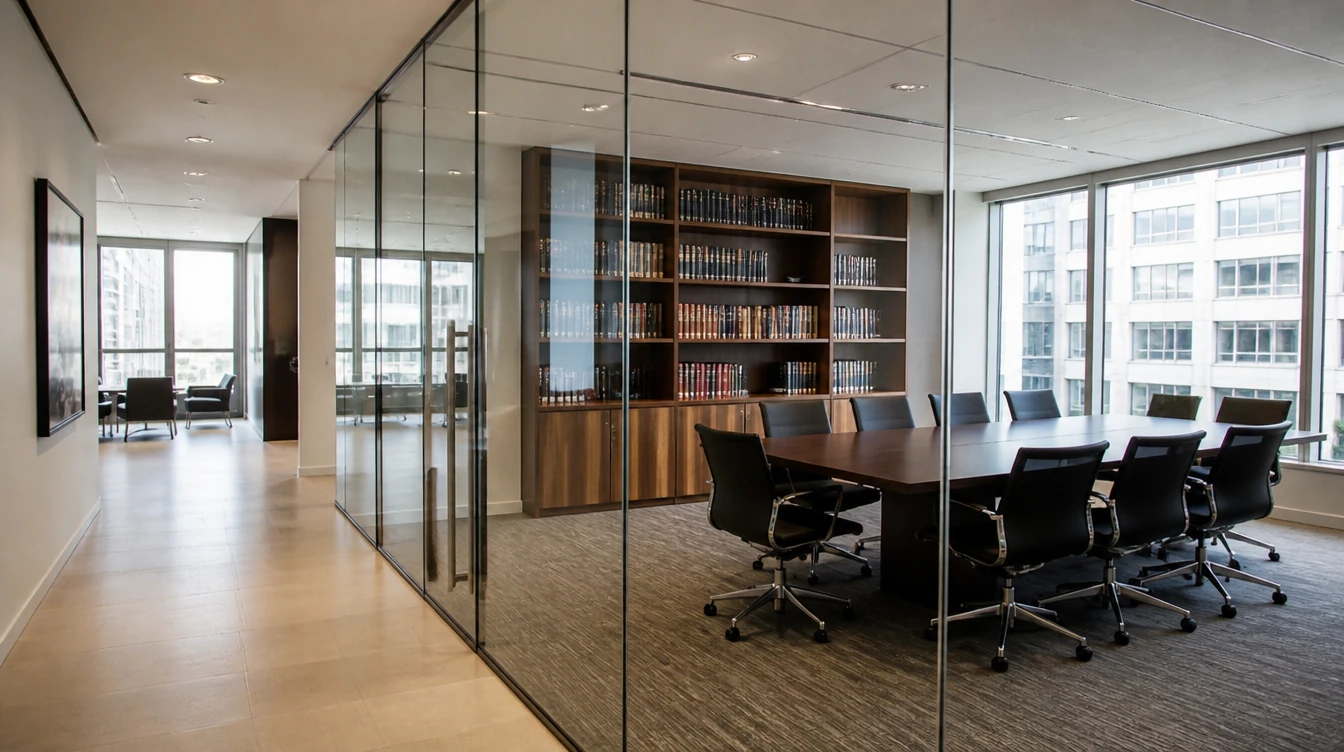
Websites that build trust, explain your services and bring in enquiries.
Law, accounting & consulting
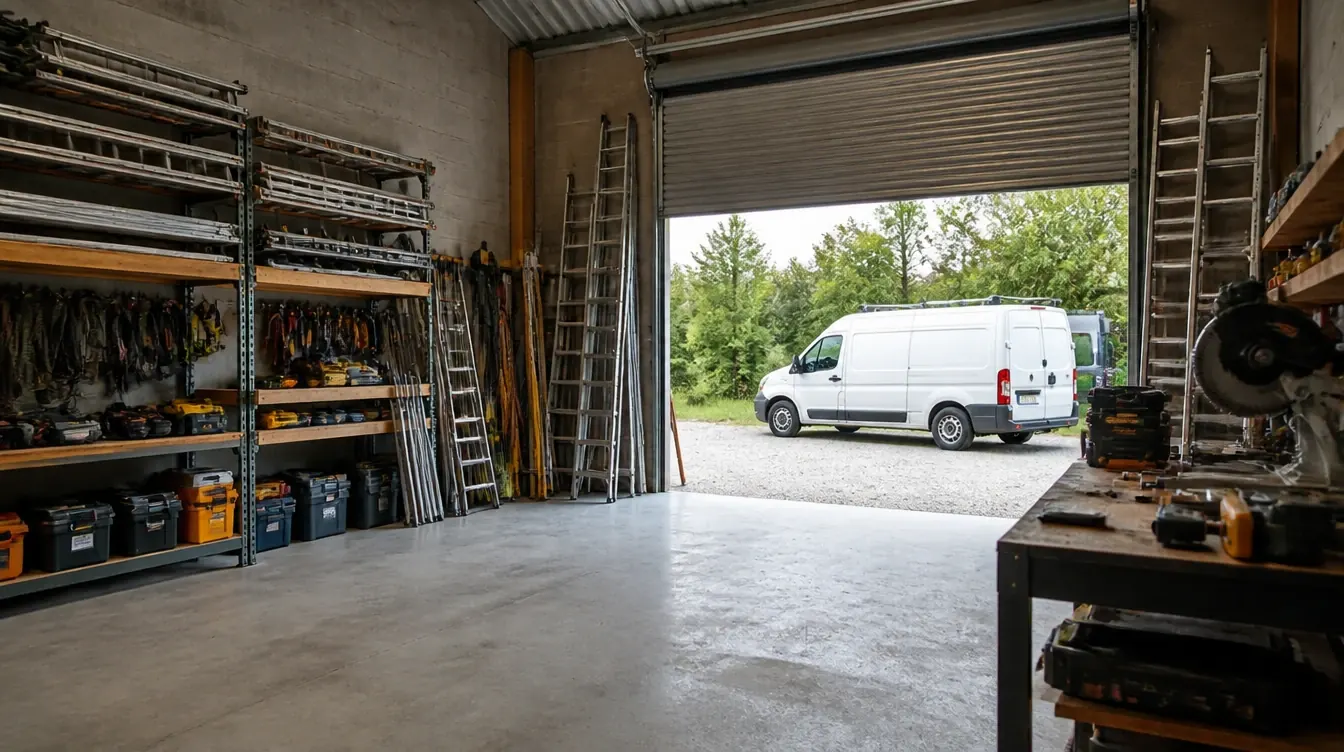
Websites that show your past jobs and bring in more quote enquiries.
Renovation, electrical & aircon
Coverage
We are based in Penang and work with businesses around the country. Pick a place to see what this service looks like there.
Often paired with Website Maintenance: web design and development, a website redesign, AI automation, Google Maps and local search and digital marketing.
Let’s talk
Tell us what you want to grow or improve. We’ll reply within one working day with honest advice, even if we do not work together.
Prefer email or a call? hello@seed-light.com · +60 16-411 9138
Results so far
Results from real clients100+
Brands worked with
28,441+
Leads generated
$4.1M+
Sales generated for clients
Up to 13x
Return on Meta ad spend
Tallied from client ad accounts and store reports.
Monthly leads