WordPress vs Webflow 2026: Compare Control, SEO and Workflow

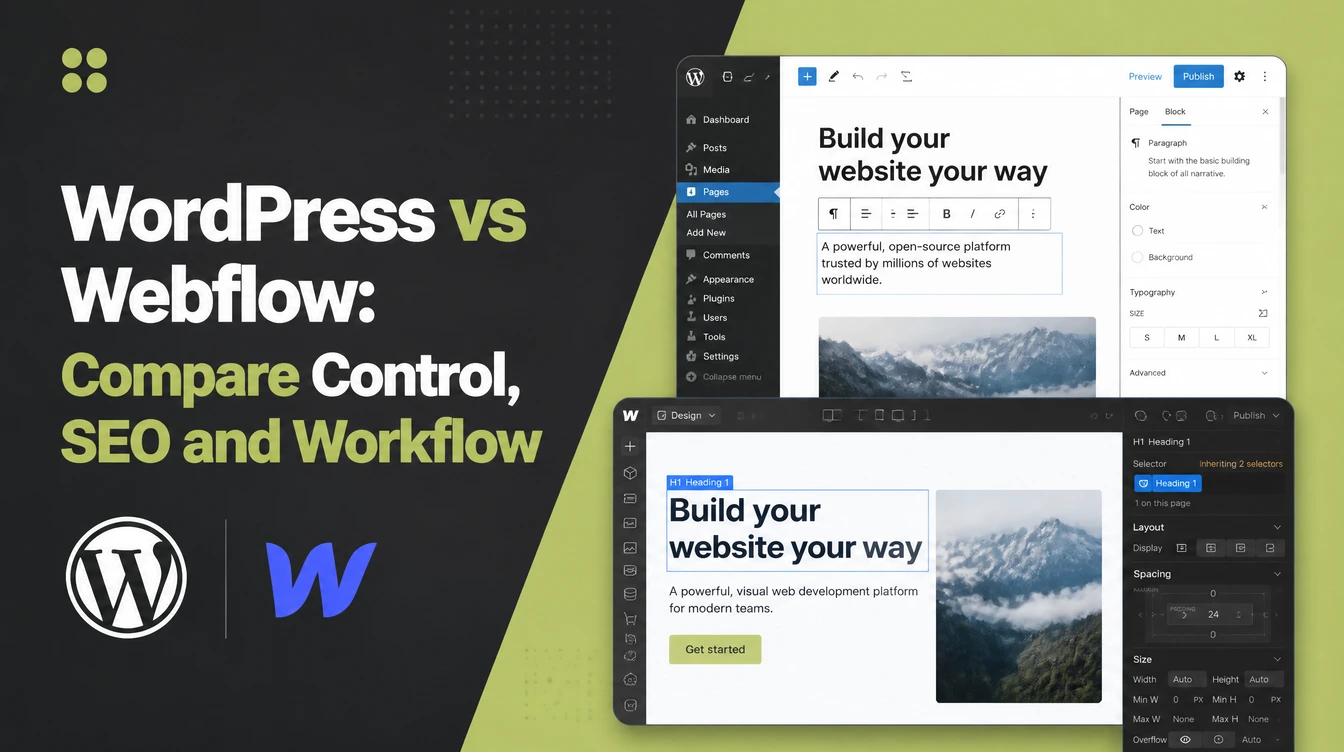
WordPress is open-source software you host yourself, the most-used platform on the web, with over 61,000 free plugins and files you can export anywhere. Webflow is a hosted visual builder with precise design control and hosting handled for you, used by 3.5 million people. Seed Light picks by how much control you want.
Key takeaways
Short on time? Here is the whole WordPress vs Webflow decision in five lines before we break it down.
- Pick WordPress for flexibility and ownership. It is the most-used website platform in the world and has the biggest plugin ecosystem (W3Techs, 2026).
- Pick Webflow for a clean visual builder. It is a hosted platform with 3.5 million users and design control built in (Webflow, 2026).
- SEO is a wash. No credible current study proves one out-ranks the other. Both expose the core SEO controls.
- Ownership is the big split. WordPress files and database export anywhere; leaving Webflow cleanly is limited.
- Cost is structure, not a number. WordPress is free core plus hosting and upkeep; Webflow is one all-in subscription.
1. WordPress vs Webflow: the short answer
WordPress vs Webflow comes down to one question: do you want flexibility and ownership, or a clean visual builder with hosting handled for you?
If you want to add almost any feature later and own every file, pick WordPress. If you want a polished site you can design by eye, with updates and hosting off your plate, pick Webflow.
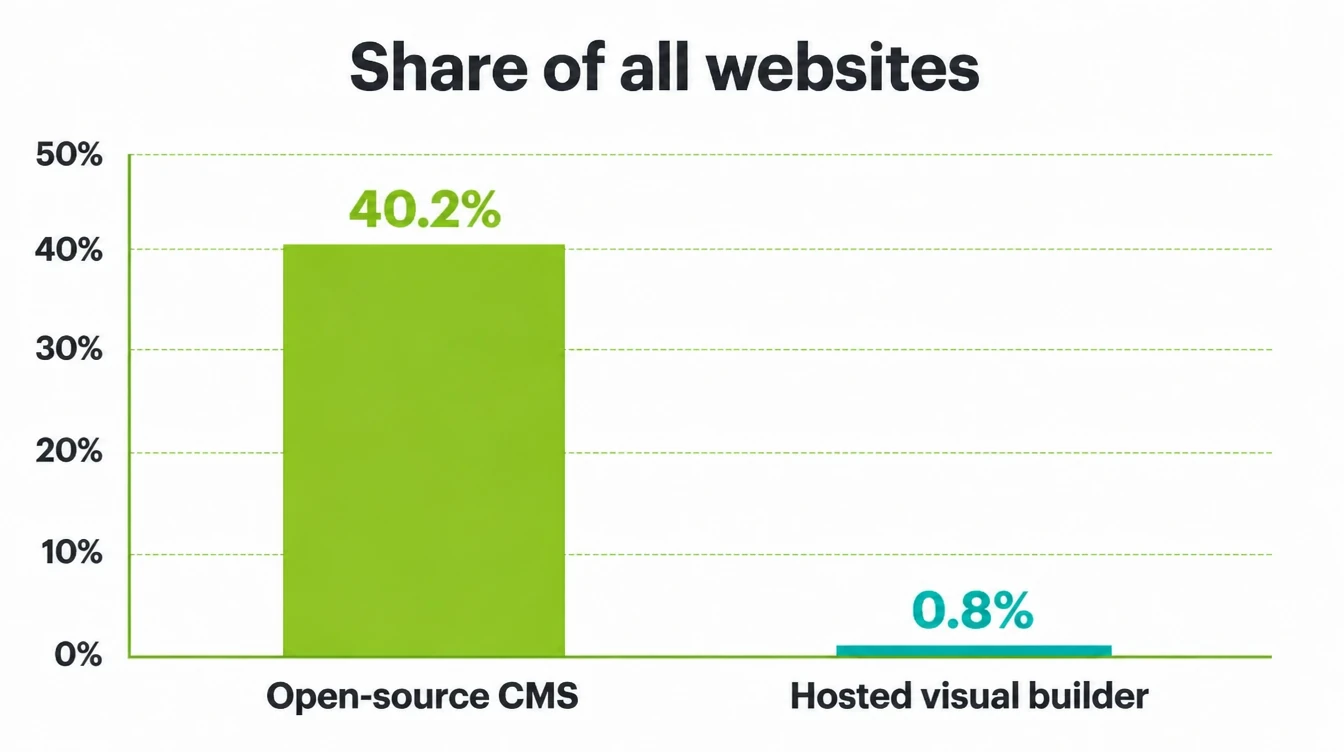
For context, WordPress is the giant. It runs 40.2% of all websites and 58.8% of sites with a known CMS (W3Techs, September 2026).
By contrast, Webflow powers 0.8% of all websites and 1.2% of those whose system is known (W3Techs, 2026). Bigger is not automatically better, though. The rest of this guide shows where each one wins.
2. What WordPress is, and who it suits better than Webflow
WordPress is free, open-source software you install on your own hosting. You own the files and the database, and you bolt on features through themes and plugins. It started as a blog tool and grew into a system that can run almost any kind of site, from a simple brochure to a busy shop.
The plugin ecosystem is the draw
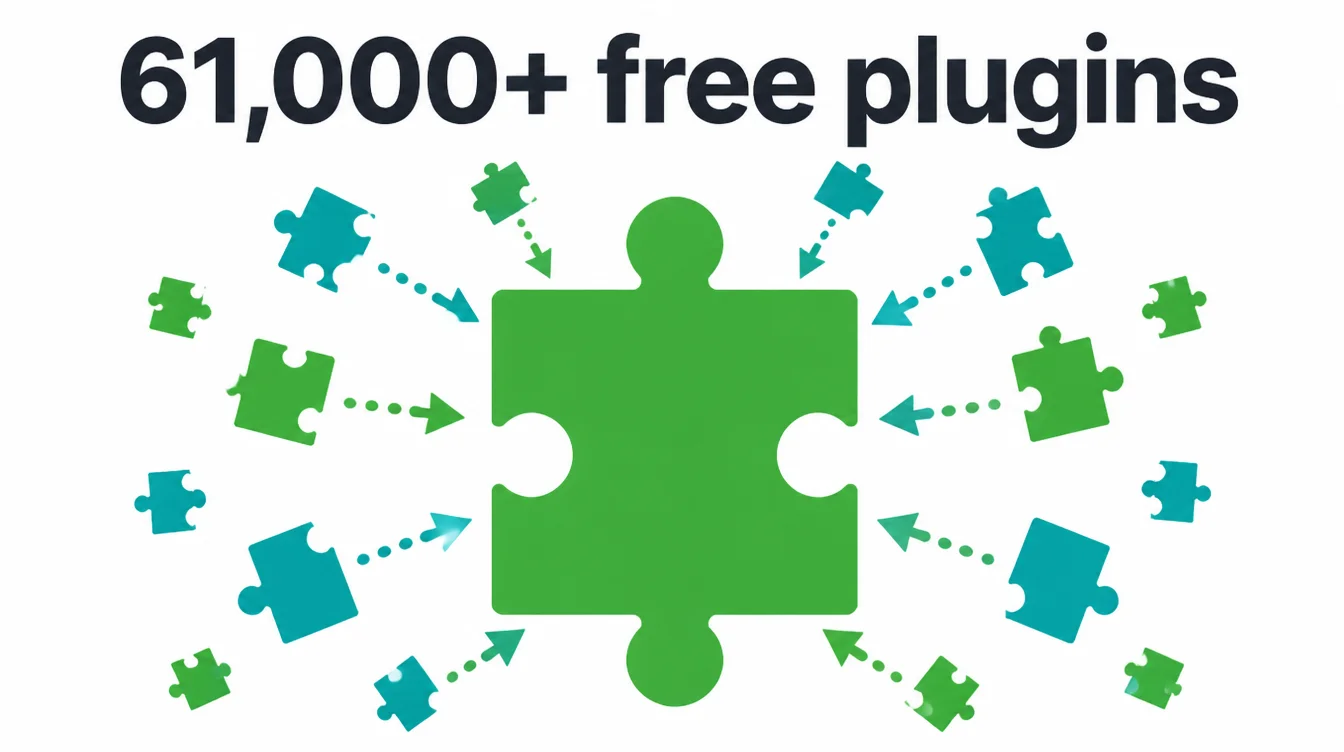
The WordPress.org directory alone holds over 61,000 free plugins, so there is usually an add-on for whatever you need next, from bookings to forms to memberships (WordPress.org, 2026). Furthermore, that scale is why it keeps its lead.
W3Techs reports that WordPress runs 40.2% of all websites and 58.8% of sites with a known CMS (W3Techs, September 2026).
Who it suits
WordPress suits owners who want room to grow, who plan to add features over time, and who care about owning their site outright. It also suits anyone who wants to write a lot, since blogging is in its DNA.
The trade-off is that you, or your agency, look after updates and upkeep. See how we build on it in web design and development.
3. What Webflow is and who it suits
Webflow is a hosted visual builder. You design on a canvas, dragging and styling elements, and Webflow writes the underlying code and runs the hosting for you. There is nothing to install and nothing to update. It rolls design, content, and hosting into one subscription product.
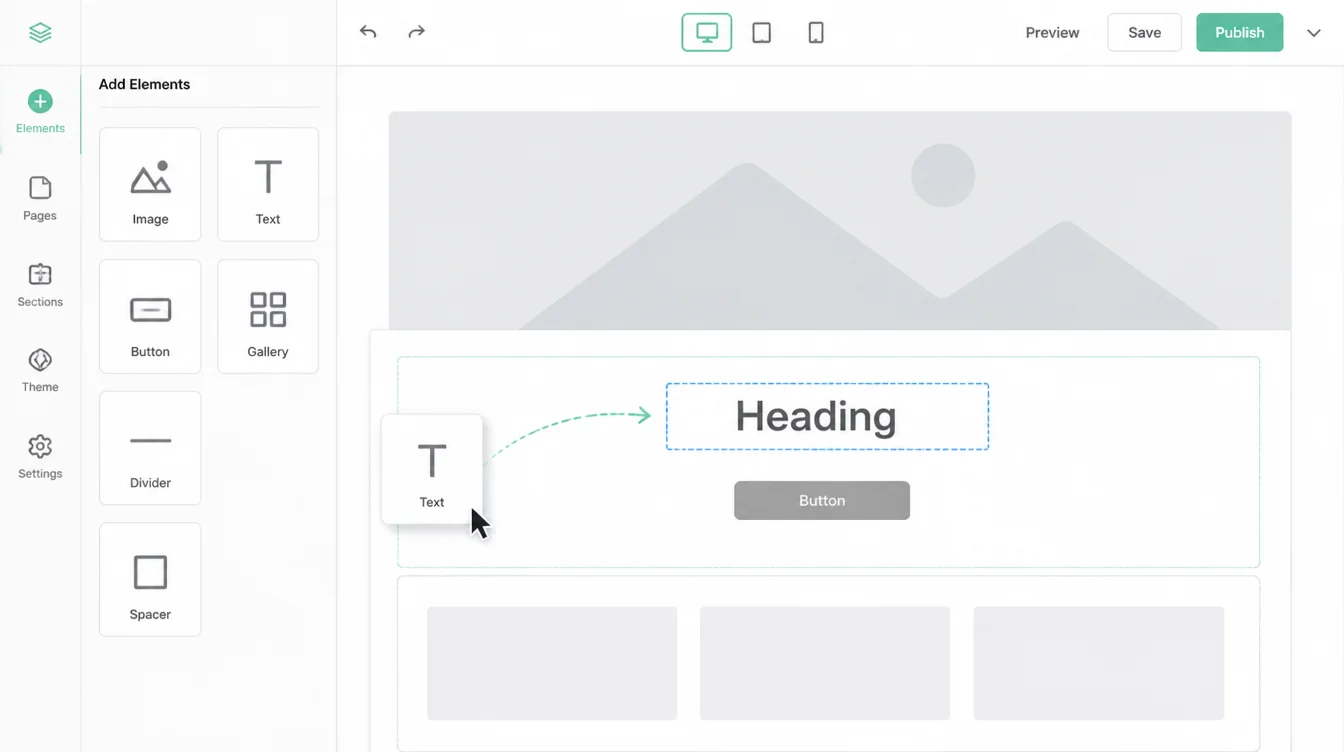
Webflow is widely used by designers and small teams who want a clean, modern result without juggling plugins. The company reports 3.5 million users across its tools (Webflow, 2026).
Meanwhile, it stays a small slice of the whole web, which matters mostly because it means fewer ready-made add-ons and a smaller pool of help when you get stuck.
Who it suits
Webflow suits owners who want a sharp, custom-looking site and would rather not manage hosting or security. It suits portfolios, brochure sites, and brands that care a lot about exact design. The trade-off is less room to add unusual features and a platform you do not fully control.
4. Ease of use and the learning curve
This one surprises people. WordPress is easier to start, while Webflow is easier to design with once you climb the curve. They are easy and hard in different places.
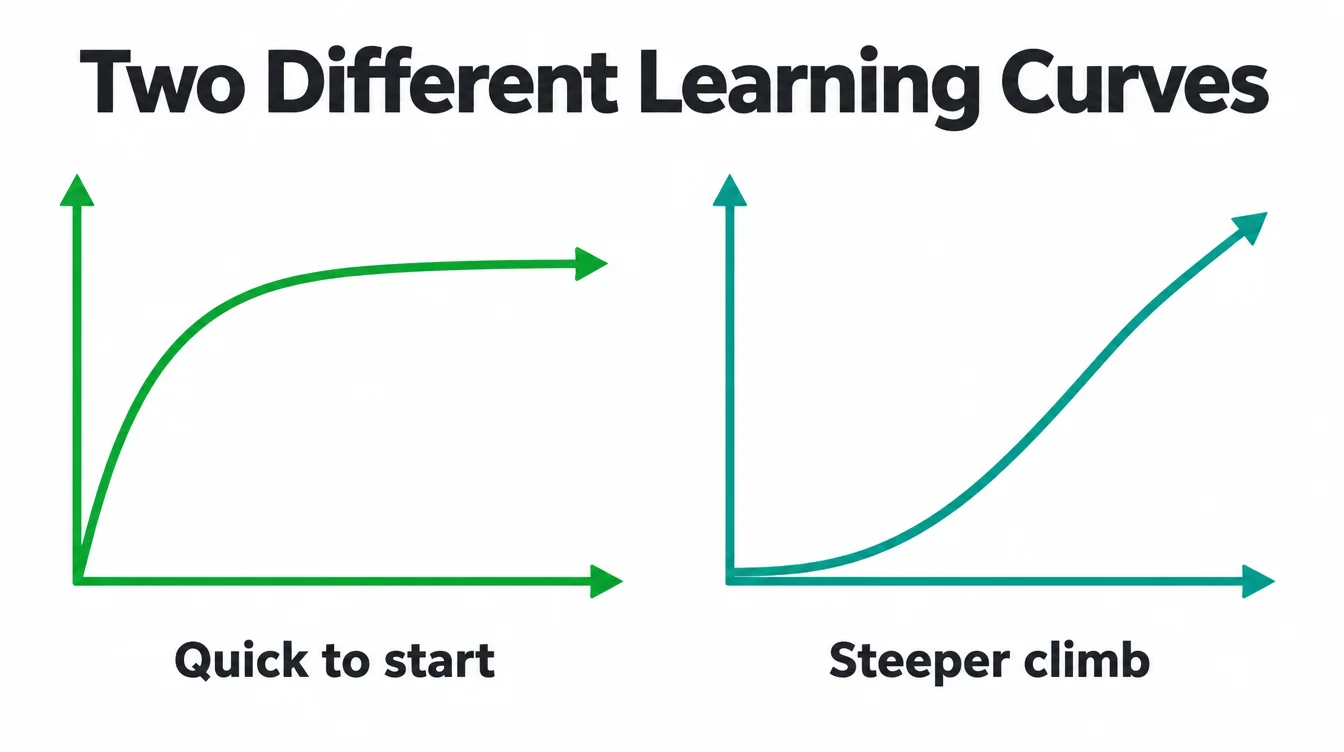
WordPress: quick to start, fiddly later
With WordPress you can install a theme and be live in an afternoon. The editor is friendly for writing. However, the moment you add several plugins, settings pile up and things can clash. The ceiling is high, but the middle gets fiddly without a tidy build.
Webflow: visual, but a steeper curve
Webflow looks easy because you design by eye on a canvas. In practice it exposes real web layout ideas, like the box model and flex, so the learning curve is steeper than a typical drag-and-drop tool. Therefore, the first week feels harder, but once it clicks you get tight control with no plugin mess.
5. Design control and flexibility
Both can produce a beautiful site, but they get there differently, and that shapes how far you can push the look.
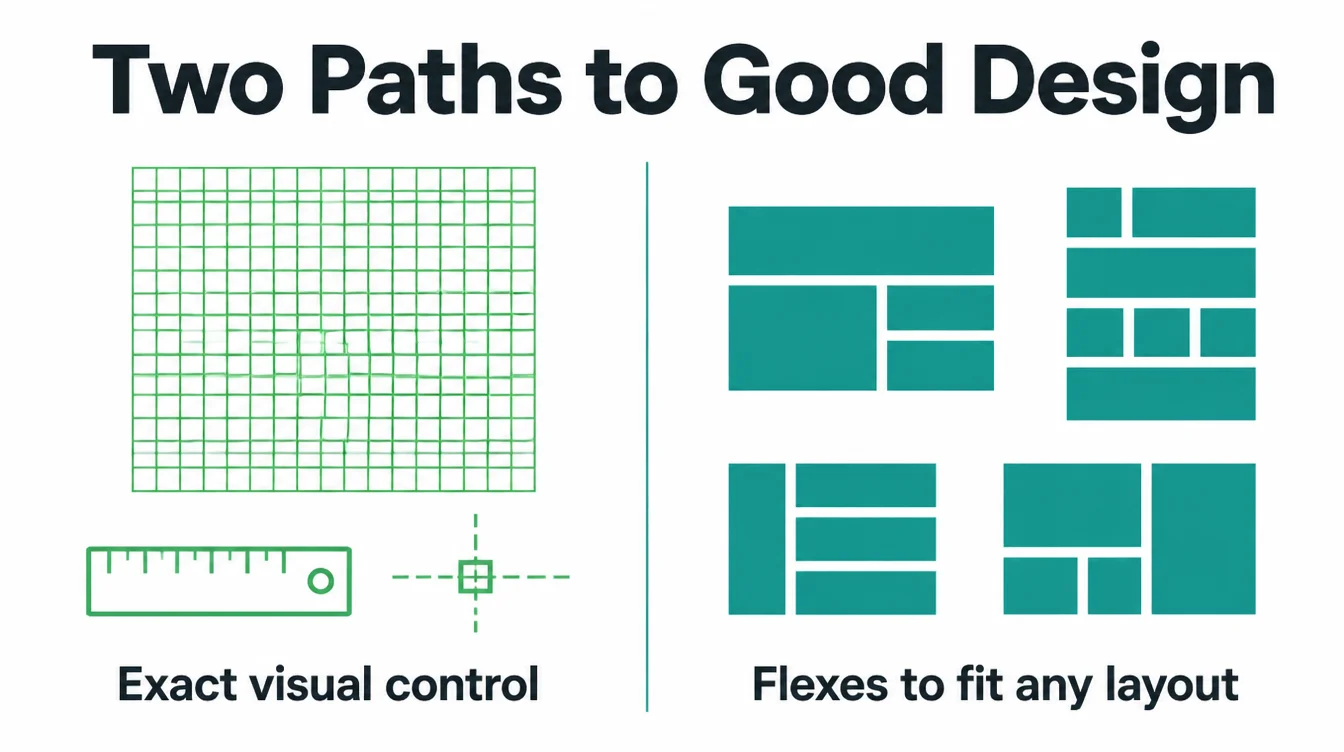
Webflow gives precise visual control
Webflow's strength is exact, pixel-level design straight from the canvas, with clean code underneath. In particular, if your brand lives or dies on a precise look, you can build it without writing code or hunting for a plugin that does what you want.
WordPress flexes furthest with the right build
WordPress design depends on your theme and builder. With a good page builder or a custom theme, it can match almost any layout, and the huge plugin library means there is rarely a feature you cannot add.
As a result, it flexes furthest overall, though a cheap theme can also leave you boxed in. The build quality matters more than the platform here.
6. WordPress and Webflow: cost over time
We do not quote prices here, because they shift and depend on your choices. What matters is the cost shape, and the two platforms bill very differently.
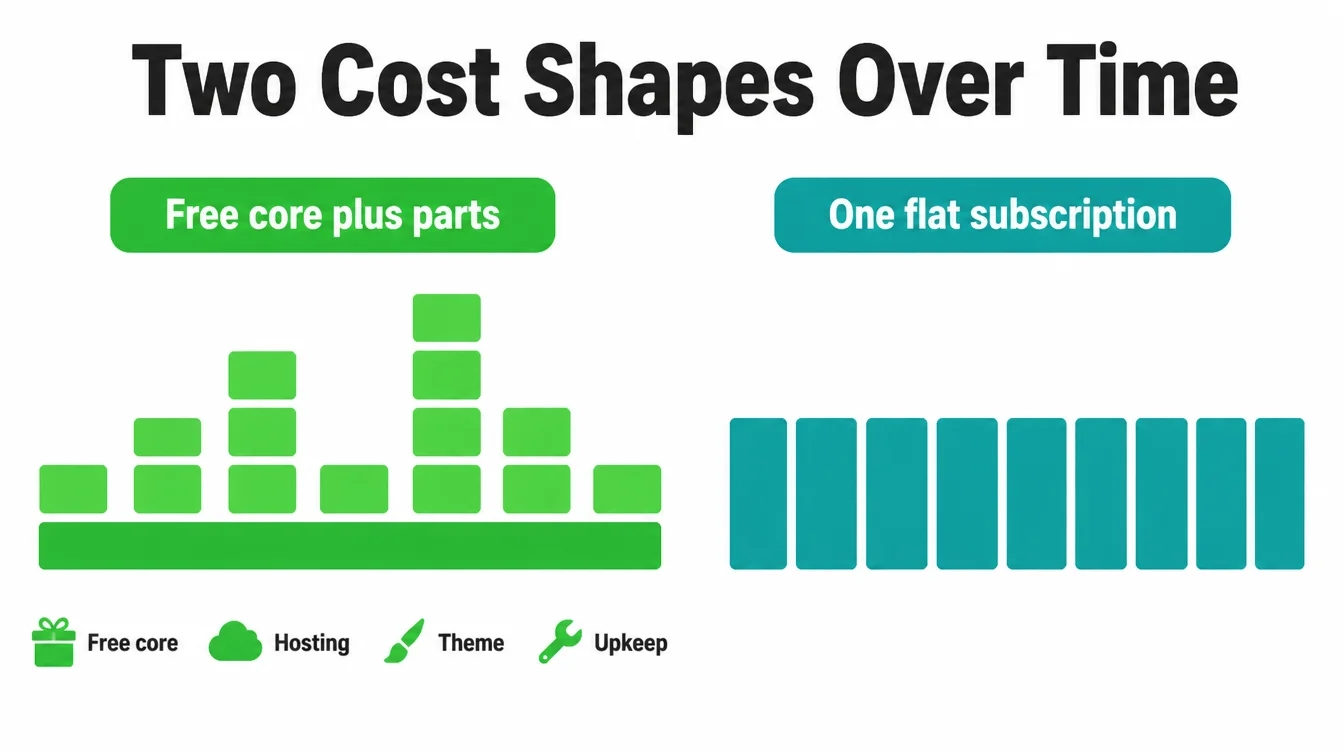
WordPress: free core, separate running costs
WordPress software is free. You then pay separately for hosting, sometimes for a premium theme or a few plugins, and for the time to keep it updated.
Specifically, that upkeep is a real cost even if it is your own hours. Do it yourself and it can run lean. Hand it off and you pay for the help.
Webflow: one all-in subscription
Webflow bundles hosting, updates, and security into a single subscription. You also need a paid plan to connect a custom domain, so a serious business site is a recurring bill rather than free software plus parts.
It is more predictable, with fewer moving pieces to budget for. For a fuller breakdown of what drives website cost, read our guide on how much a website costs.
7. SEO: WordPress or Webflow?
Let us be honest, because plenty of articles are not. There is no credible current study that proves WordPress out-ranks Webflow or the other way round. Anyone who hands you a tidy win rate is guessing. So judge them on the controls they give you, not a made-up score.
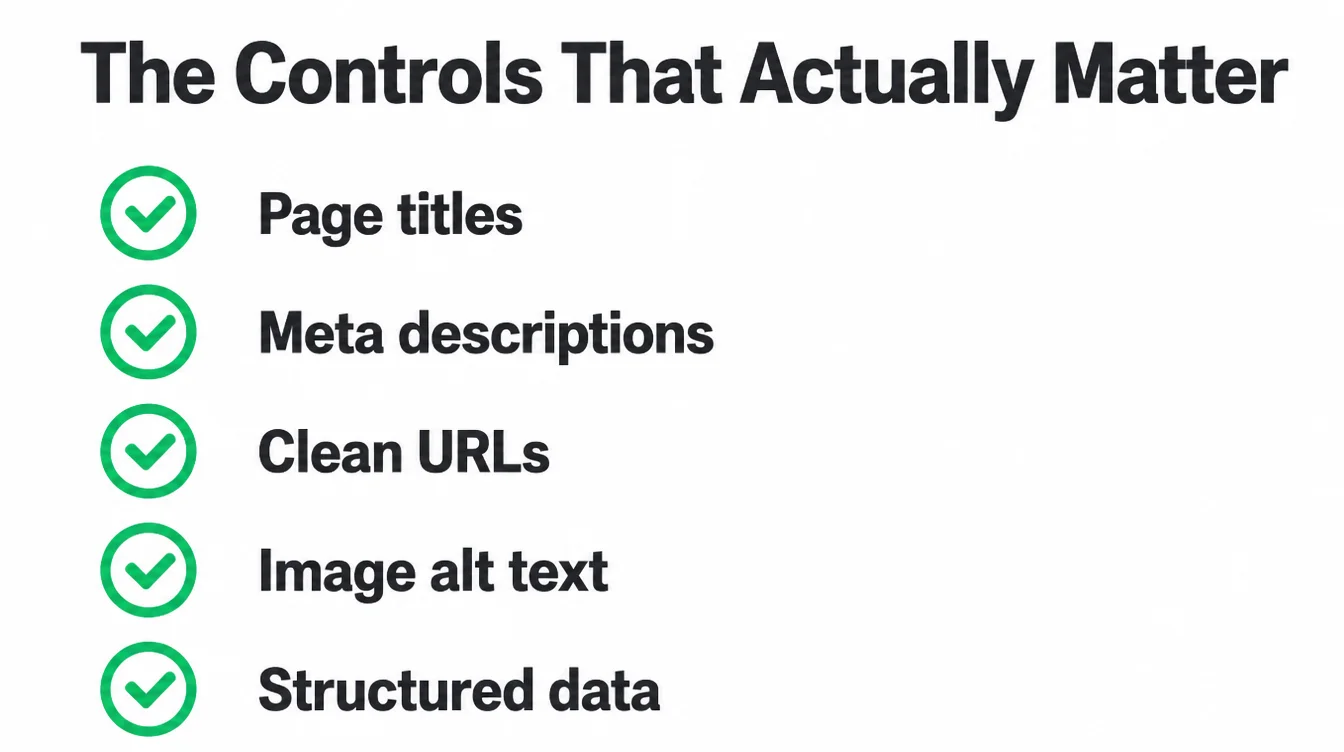
Both expose the controls that actually move rankings: page titles, meta descriptions, clean URLs, image alt text, redirects, and structured data. Webflow ships clean, lightweight code by default, which helps speed.
WordPress can match that with good hosting, a lean theme, and an SEO plugin to guide you. However, the platform name is not the lever. Your content, your page speed, and your links are. For the groundwork, see our guide to building a small business website.
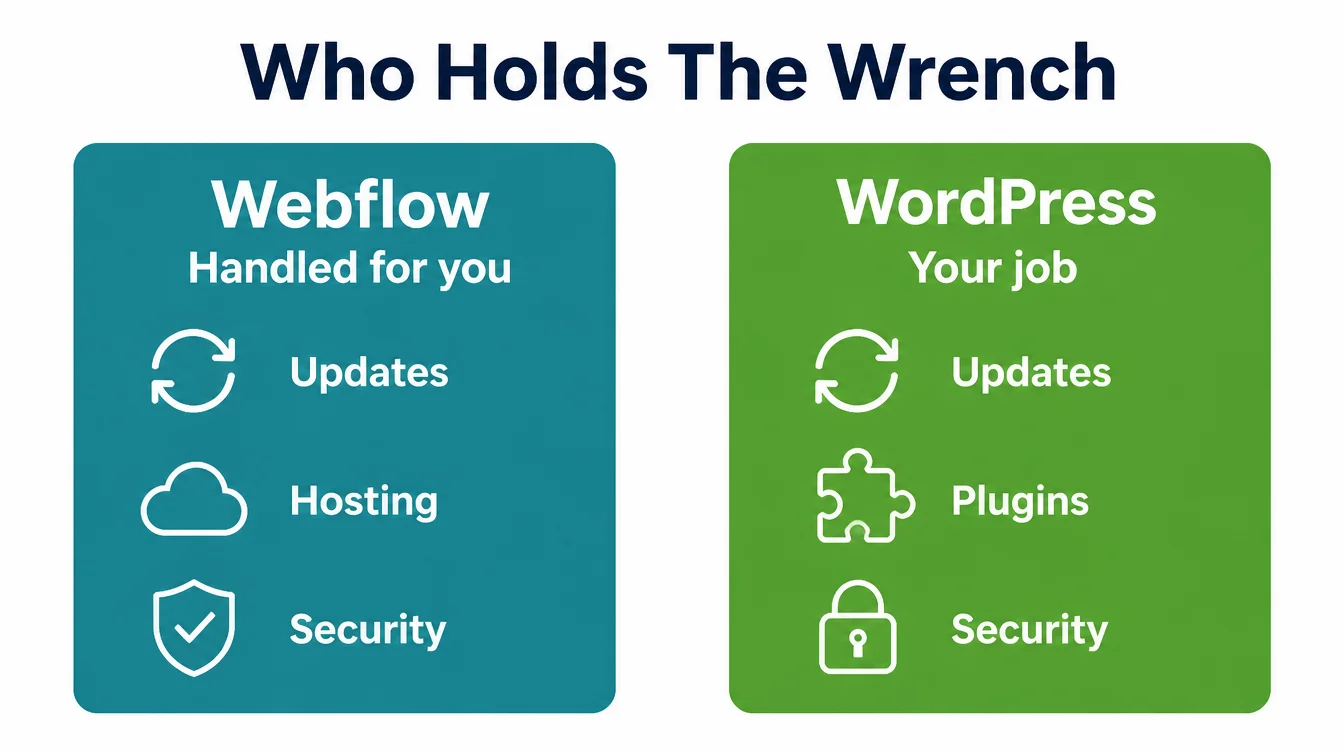
8. Maintenance and security: who holds the wrench
This is where Webflow earns its keep and WordPress asks for yours. The difference is who holds the wrench.
Webflow handles it automatically
On Webflow, updates, hosting, and security are managed for you. There is no software to patch and no plugin to break after an update. For an owner who wants the site to just keep running, that is a genuine load off.
WordPress puts upkeep on you
WordPress hands you the keys, which means the updates and the large plugin attack surface are your job, or your agency's. Each plugin is another door that needs locking. Done well, it is rock solid. Left alone, it drifts and gets risky. Seed Light offers that upkeep through a separate website maintenance care plan.
9. Ownership: what happens the day you leave Webflow
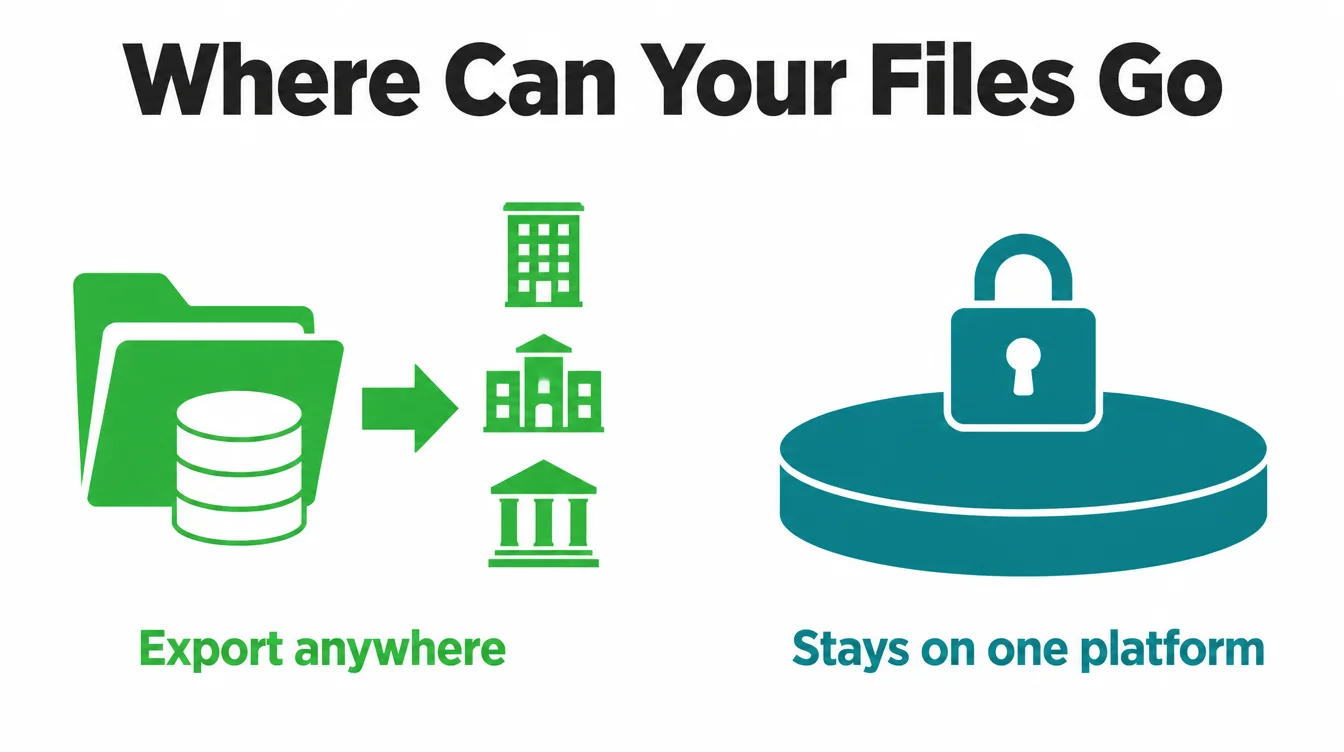
Before you pick anything, run one simple test: what happens the day you want to leave? Your answer to that question separates these two more cleanly than any feature list.
WordPress: yours to take anywhere
With WordPress, the files and the database are fully exportable. You can pack up your whole site and self-host it on any host you like, or hand it to a new agency without drama. You are not tied to one company. That portability is real ownership.
Webflow: leaving cleanly is limited
Webflow is a hosted platform, so your site lives inside its system. You can export your content and static HTML and CSS, but a full clean move is limited, and in practice you usually rebuild elsewhere.
You own your content and brand, not the running site. If switching freedom matters, weigh this hard. The same lock-in question shapes our Wix vs WordPress comparison too.
10. Selling products on WordPress or Webflow
If you plan to sell, both can run a shop, but neither is the obvious first choice for serious e-commerce.
WordPress sells through plugins like WooCommerce, which is flexible and deeply customisable, though it adds more upkeep to manage. Webflow has its own e-commerce, which is clean and simple but more limited on features and payment options.
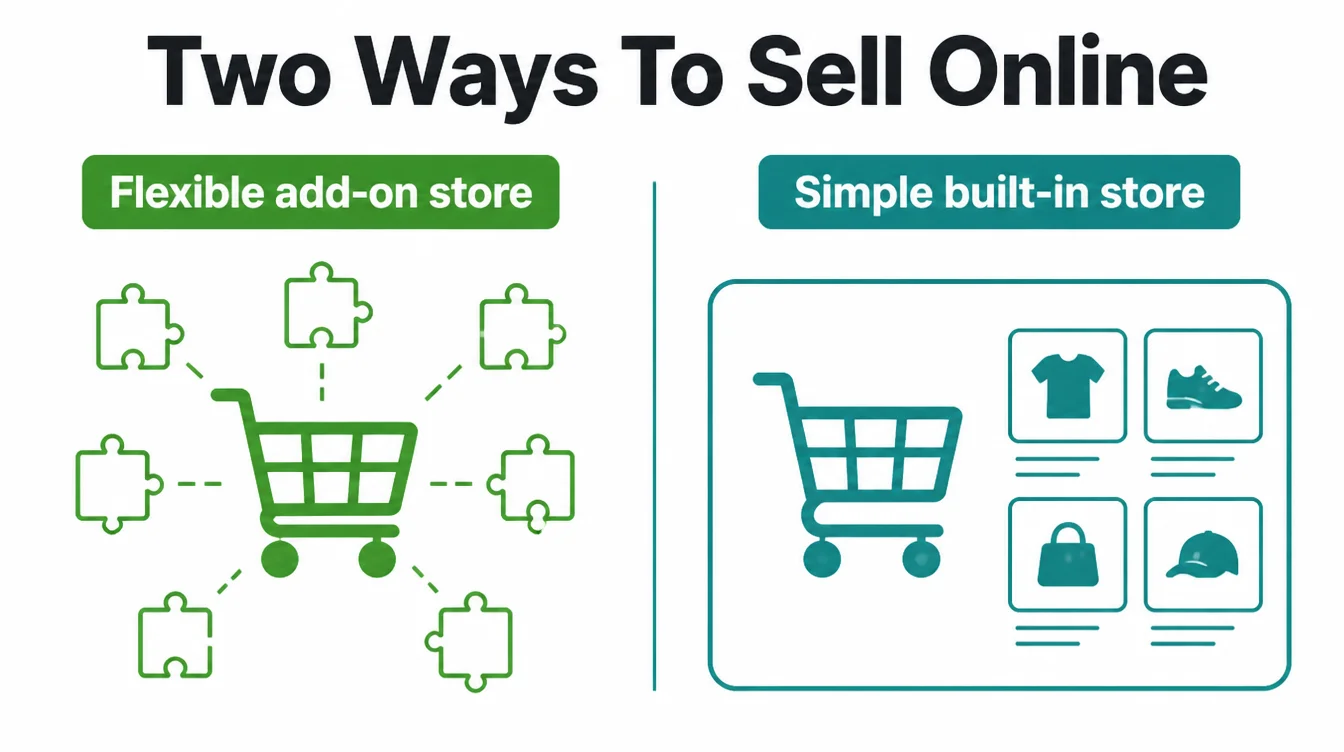
For a small product range or a few items alongside a content site, either works. For a store-first business, a dedicated platform is often the better road, which is the heart of our WordPress vs Shopify comparison. Match the tool to where the sales actually come from.
11. WordPress or Webflow: which should you choose?
Here is the use-case matrix we use with clients. Find the row that sounds like you and follow it.
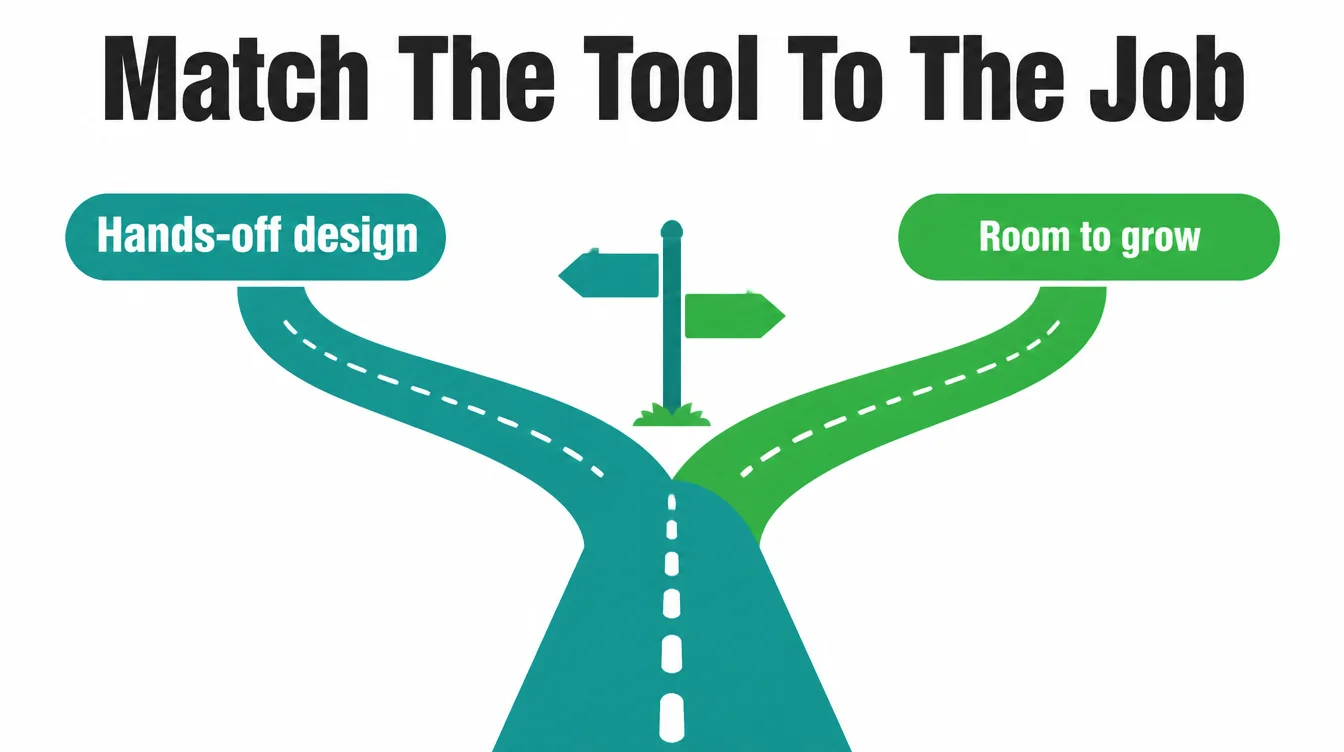
| Your situation | Pick | Why |
|---|---|---|
| Content-heavy site or blog | WordPress | Deepest writing tools, categories, and blog plugins |
| Pixel-perfect design or portfolio | Webflow | Precise visual control and clean code by default |
| Online store | WordPress | More e-commerce features and payment options via plugins |
| Non-technical owner who wants hands-off | Webflow | Hosting, updates, and security all handled for you |
| Needs a big plugin ecosystem | WordPress | Over 61,000 free plugins to add features later |
Still stuck between the two rows? That usually means your goals are mixed, and the build matters more than the badge. For more practical comparisons, browse the Seed Light blog, and when you want a straight recommendation for your business, just ask us.
Frequently asked questions
1. Is Webflow better than WordPress?
Neither is better in every case. Webflow is better if you want a clean visual builder, hands-off hosting, and a polished design without touching code or plugins. WordPress is better if you want flexibility, full ownership, and a huge plugin ecosystem to add almost any feature later. The right pick depends on how much control you want versus how much you want handled for you.
2. Is WordPress or Webflow better for SEO?
There is no credible current study that proves one out-ranks the other. Both let you set titles, meta descriptions, clean URLs, image alt text, and structured data, which are the controls that matter. Webflow ships clean code by default, and WordPress can match it with good hosting and a tidy build. Rankings come from your content, speed, and links, not from the platform name.
3. Is Webflow or WordPress better for blogging?
WordPress started as a blogging tool, so its writing, categories, tags, and comment features are deep and familiar. Webflow handles a blog well too through its CMS collections, with a cleaner editing screen. If you publish often and want the richest writing workflow and plugins, WordPress has the edge. If you post now and then and want a tidy editor, Webflow is fine.
4. Can I move from Webflow to WordPress?
You can export your Webflow content and your static HTML and CSS, but a clean full move is limited because Webflow is a hosted platform and your design relies on its system. In practice a rebuild on WordPress is usually needed. Moving the other way, WordPress lets you export your whole site, files and database, and self-host it anywhere, which makes leaving far simpler.
5. Which is cheaper, WordPress or Webflow?
The cheaper option depends on how you count. WordPress core is free, but you pay for hosting, possible plugins or a theme, and maintenance time. Webflow is an all-in subscription with a paid plan for a custom domain. WordPress can cost less with your own upkeep, while Webflow bundles hosting and updates.
6. Which is easier for beginners, WordPress or Webflow?
WordPress is easier to start because you can install a theme and be live quickly, but it gets fiddly once you add plugins. Webflow is a visual builder, so you design by dragging things on a canvas, yet it has a steeper learning curve because it exposes real web layout concepts. For a quick simple site, WordPress feels easier. For full design control, Webflow rewards the climb.
7. Do I own my website on WordPress and Webflow?
On WordPress you own everything. The files and database are fully exportable, so you can move your site to any host you like. On Webflow you own your content and brand, but the site runs on Webflow's hosted platform, so leaving cleanly is limited. If full portability matters to you, run the simple test: ask what happens the day you want to leave.