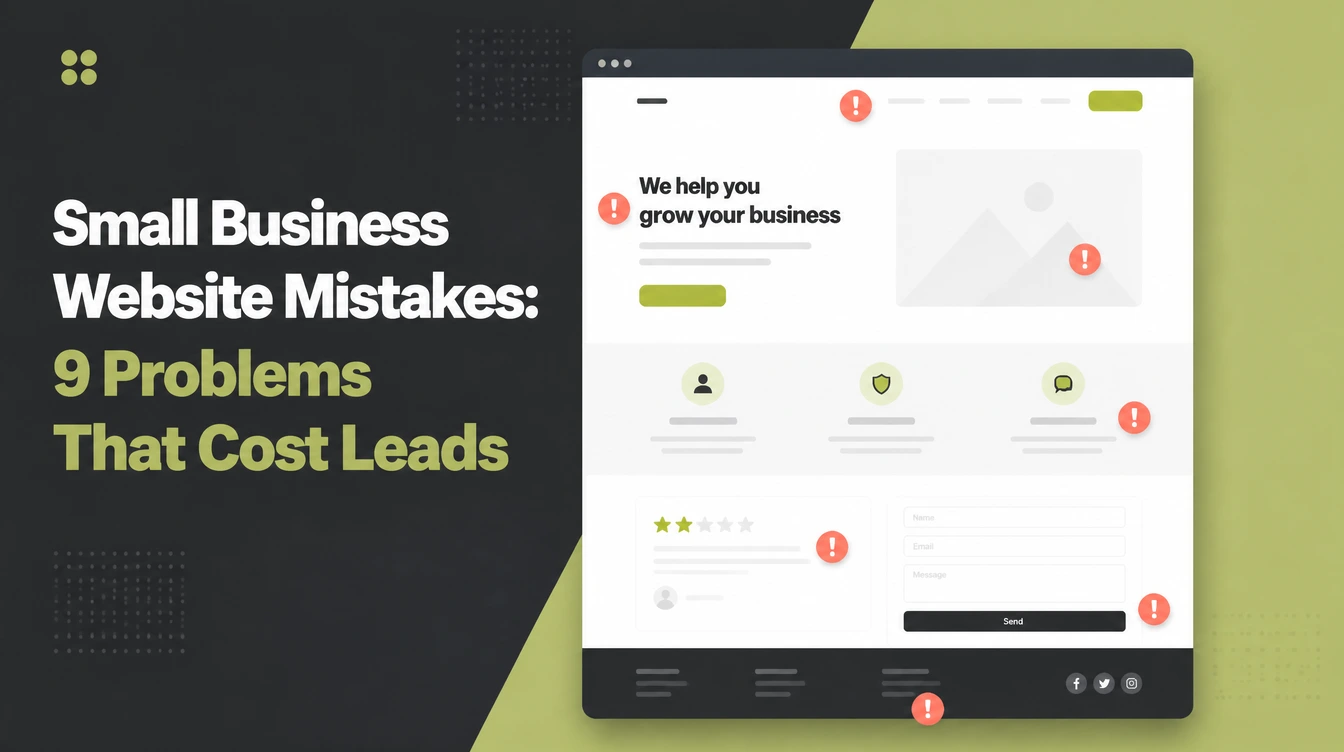
Small Business Website Mistakes: 8 Problems to Check

The costliest website mistakes are a slow load, a layout that fights a phone, no clear next step, a vague headline, a crowded menu, no reviews, and hidden contact details. Google found that 53% of mobile visits were abandoned when a page took longer than three seconds to load. Seed Light checks each issue on a phone.
Key takeaways
Short on time? Here are the small business website mistakes that cost you the most, and the fix for each, in five lines.
- Speed comes first. 53% of mobile visitors leave a page that takes longer than 3 seconds to load (Marketing Dive / Google).
- Phone first, not phone friendly. Mobile is 49.36% of web traffic worldwide, and Google ranks the mobile version of your site (StatCounter, August 2026).
- One clear next step. If a visitor cannot tell what to do, they do nothing and leave.
- Show proof. 97% of consumers read reviews for local businesses, so real reviews and real photos win trust (BrightLocal, 2026).
- Make it easy to reach you. 85% say contact details and hours matter when researching a business (BrightLocal, 2025).
1. Why these small business website mistakes are so costly
Here is the hard part about small business website mistakes. You almost never get the email telling you why someone left. There is no angry message, no bad review, no phone call. The visitor just clicks away, and you carry on thinking the site is fine.
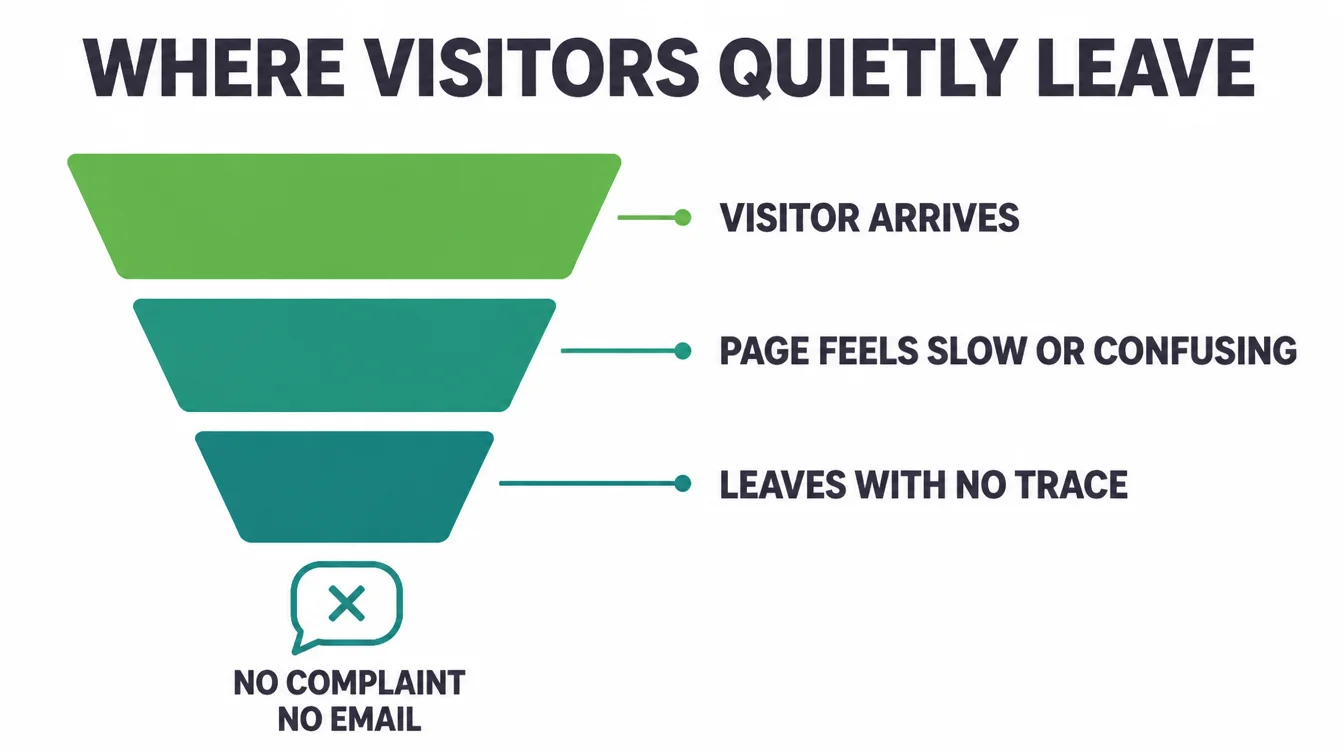
That silence is the danger. A customer who leaves a slow page or a confusing menu does not file a complaint. They go to the next result and forget you ever existed. As a result, the problem hides in plain sight, costing you leads month after month while your traffic numbers look steady.
The good news is that these mistakes are common, and each one has a simple fix. Below are the eight quiet killers we see most often, what each one costs you, and how to fix it. For the bigger picture, see our guide to what a small business website really needs.
2. Mistake 1: It is too slow
Speed is the first thing a visitor judges, and they judge it before they read a single word. A slow site feels broken even when it works. Therefore people leave before your offer ever loads.
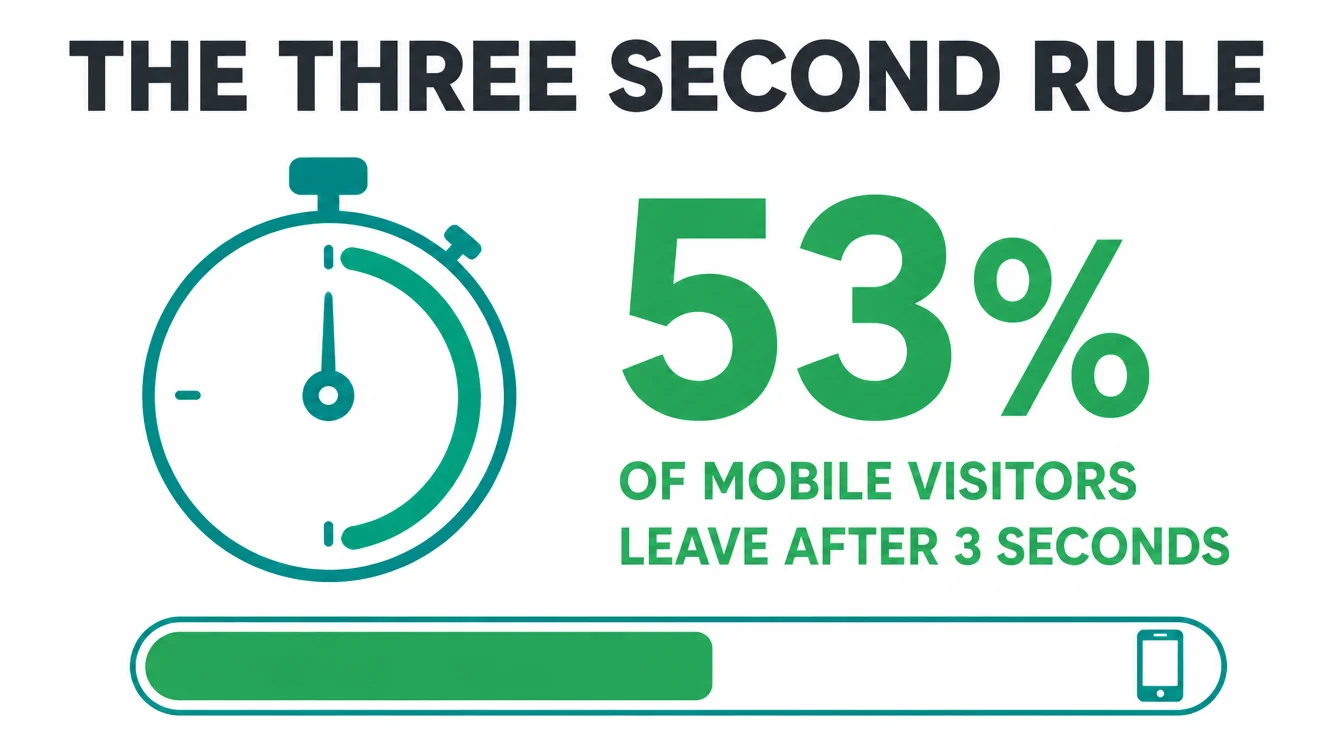
The cost. As a long-standing Google benchmark, 53% of mobile visitors leave a page that takes longer than 3 seconds to load (Marketing Dive / Google). The pain adds up.
For context, the BBC found it lost about 10% of users for every extra second the site took to load (web.dev). Even tiny gains pay off: a 0.1-second speed improvement lifted retail conversions by 8.4% and average spend by 9.2% in one study (web.dev).
The fix. Shrink your images, since oversized photos are the usual culprit. Drop heavy plugins and sliders you do not need. Use decent hosting. If you are unsure, our web design service bakes speed in from the start, rather than bolting it on later.
3. Mistake 2: It does not work on a phone
About half of worldwide web traffic is mobile. If people have to pinch, zoom, and squint to read your prices, they may give up. Specifically, a layout built for a desktop and squeezed onto a phone feels like hard work, and hard work loses customers.
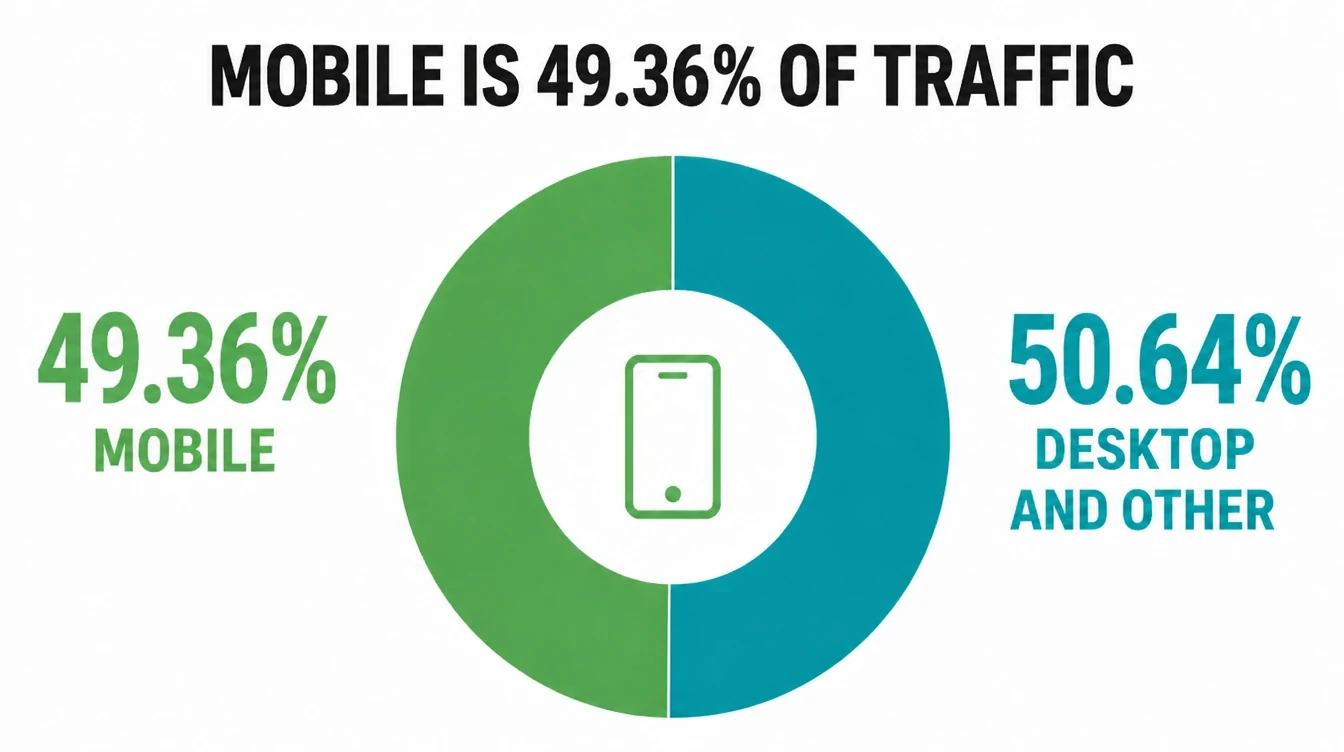
The cost. Mobile was 49.36% of worldwide web traffic in August 2026, about half (StatCounter).
Furthermore, Google uses the mobile version of your site for indexing and ranking (Google Search Central). A clumsy mobile site costs you customers and rankings at the same time.
The fix. Test your site on your own phone today. Can you read the text without zooming? Are the buttons big enough to tap? Is the phone number one tap away? If any answer is no, your layout needs work. Our step-by-step guide on how to make a website mobile friendly walks through it.
4. Mistake 3: There is no clear next step
A visitor likes what they see. Then they hit a wall: what do I actually do now? When the next step is weak or missing, even an interested person drifts off. A site with no clear call to action is like a shop with no door.
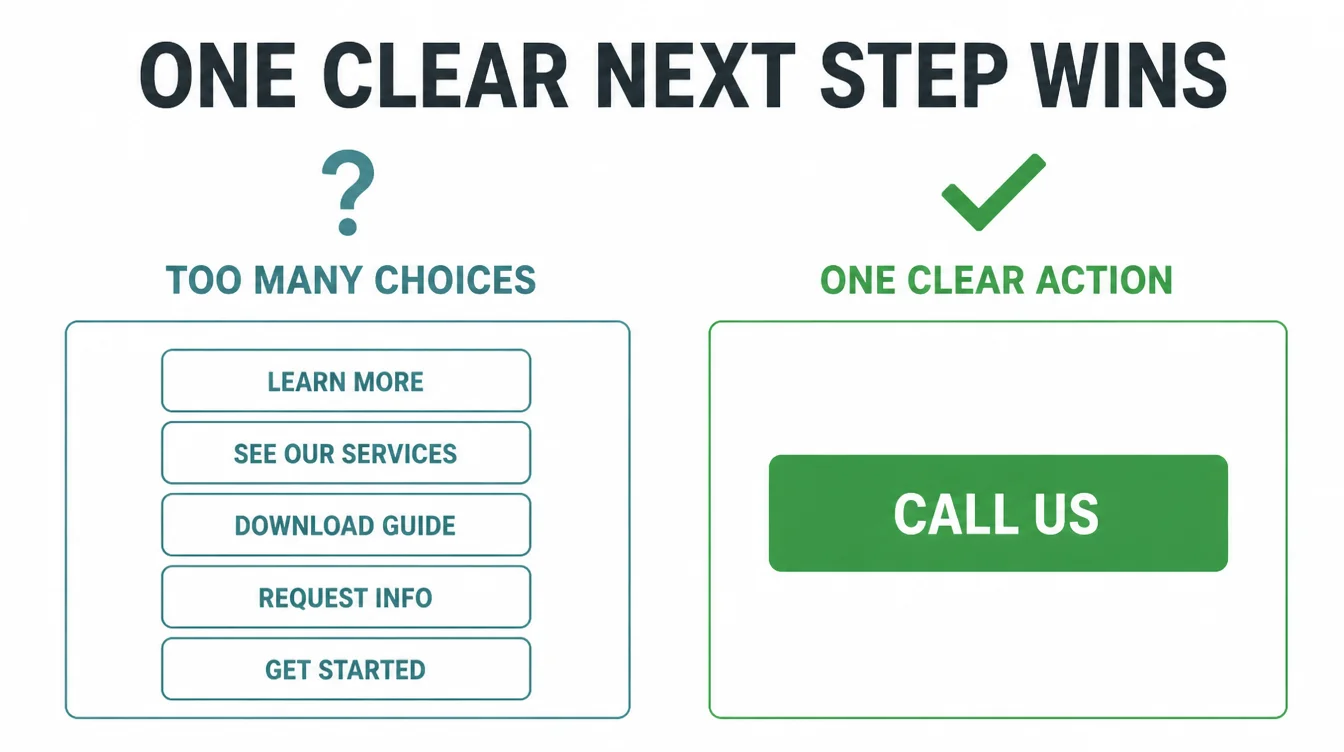
The cost. A confused visitor takes no action, and you never learn they were there. Every page that ends without a clear "do this next" quietly leaks leads you have already paid to attract through ads or search.
The fix. Pick one main action per page and say it plainly: Call us, Get a quote, or Book a free call. Put it near the top and repeat it as people scroll. However, do not stack five competing buttons. One obvious next step beats a wall of choices every time.
5. Mistake 4: Visitors cannot tell what you do
Open your homepage and read the first line. Would a stranger know what you sell and who it is for in five seconds? Many small business sites lead with a vague slogan instead of a plain answer. Meanwhile the visitor is already deciding whether to stay.
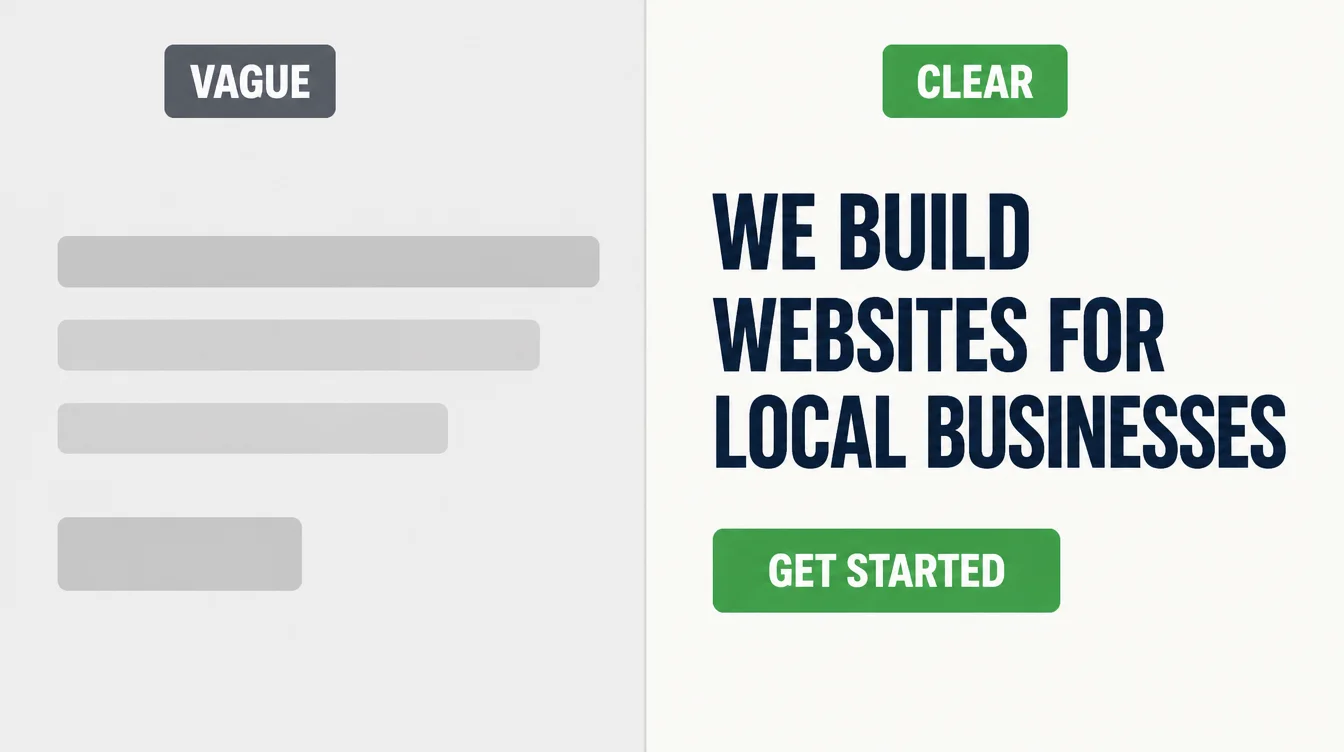
The cost. If people cannot tell what you do, they will not work to figure it out. They leave and try the next result, which states its offer clearly. You lose the customer to a competitor whose message was simply easier to grasp.
The fix. Replace clever taglines with a clear one. Say what you do, who you help, and where, right at the top. "We build websites for trades and local services" beats "Crafting digital experiences." In particular, write it the way you would explain your business to a neighbour.
6. Mistake 5: Confusing navigation
Your menu is a map. When it has too many items, odd labels, or things buried three clicks deep, people get lost. A lost visitor does not ask for directions. They close the tab.
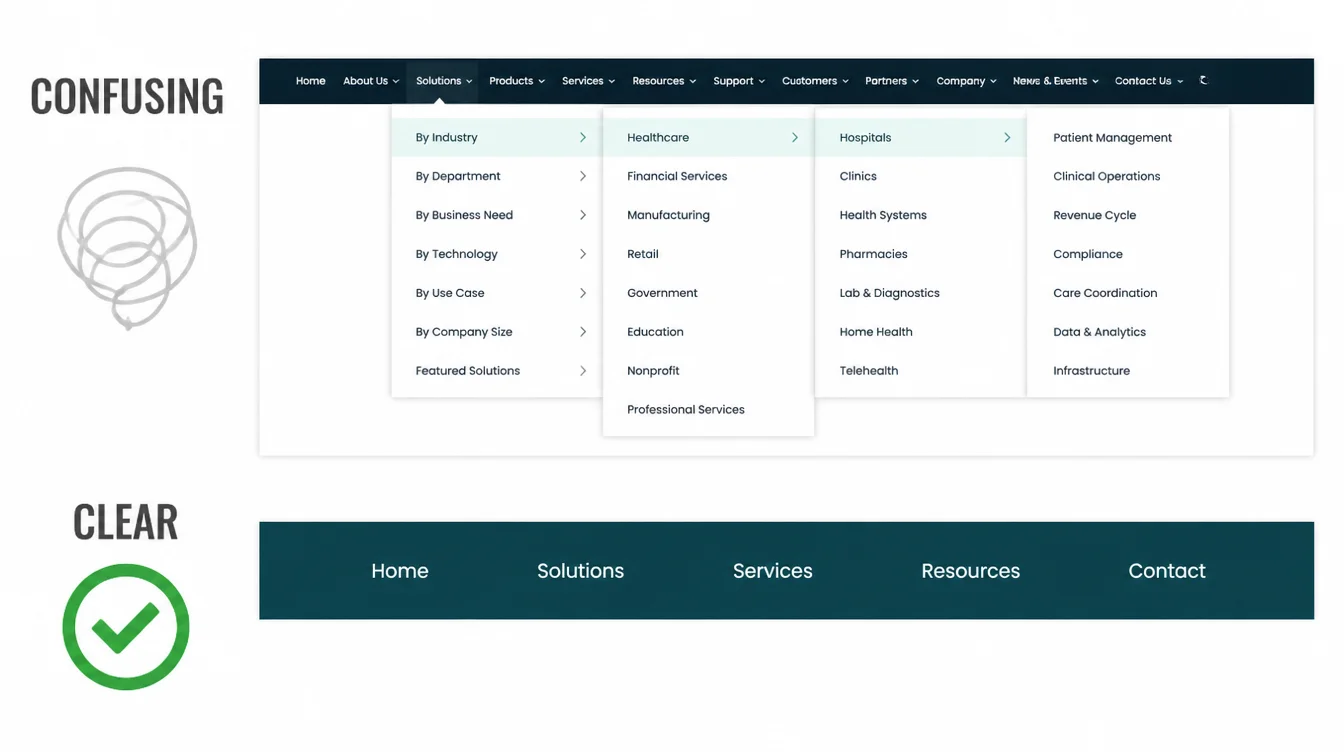
The cost. Every extra click and every unclear label is a chance for someone to give up. The customer who could not find your services page does not email to say so. They just go, and the lost sale never shows up anywhere you can see it.
The fix. Keep your top menu short, around five plain items: Home, Services, About, Reviews, Contact. Use words your customers use, not internal jargon. Make sure the most important pages are one click away. If you are due for a wider cleanup, our guide to a website redesign covers the full process.
7. Mistake 6: Weak trust signals
A stranger lands on your site and quietly asks one question: can I trust these people? If the page has no reviews, no real photos, and no clear sign of who you are, the honest answer is "not sure." And "not sure" loses the sale.
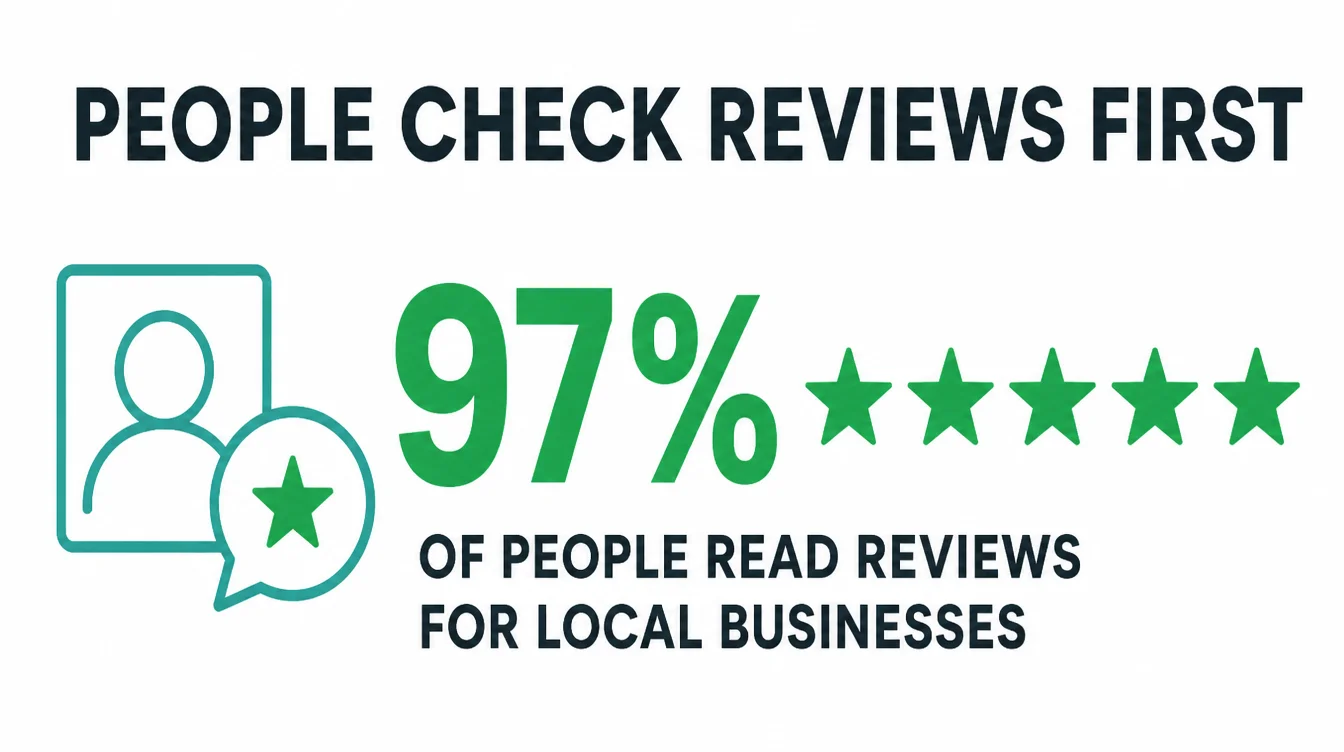
The cost. 97% of consumers read reviews for local businesses (BrightLocal, 2026). When your site shows none, you look the same as every faceless competitor.
People also judge a site by its visual design within moments and form an opinion fast (Stanford Web Credibility), so a thin, anonymous page reads as risky.
The fix. Add real proof. Show a few genuine reviews, real photos of your team and your work, and a short "about us" with a face and a name.
By contrast with stock images and empty promises, real proof gives a doubtful visitor a reason to choose you. Reviews also help you get found, which our guide to local SEO for small businesses explains.
8. Mistake 7: Missing or hard-to-find contact details
Someone is ready to call you. They scan the page for a phone number and cannot find one. That tiny moment of friction is enough to lose them. A buried contact detail quietly turns a hot lead into nothing.
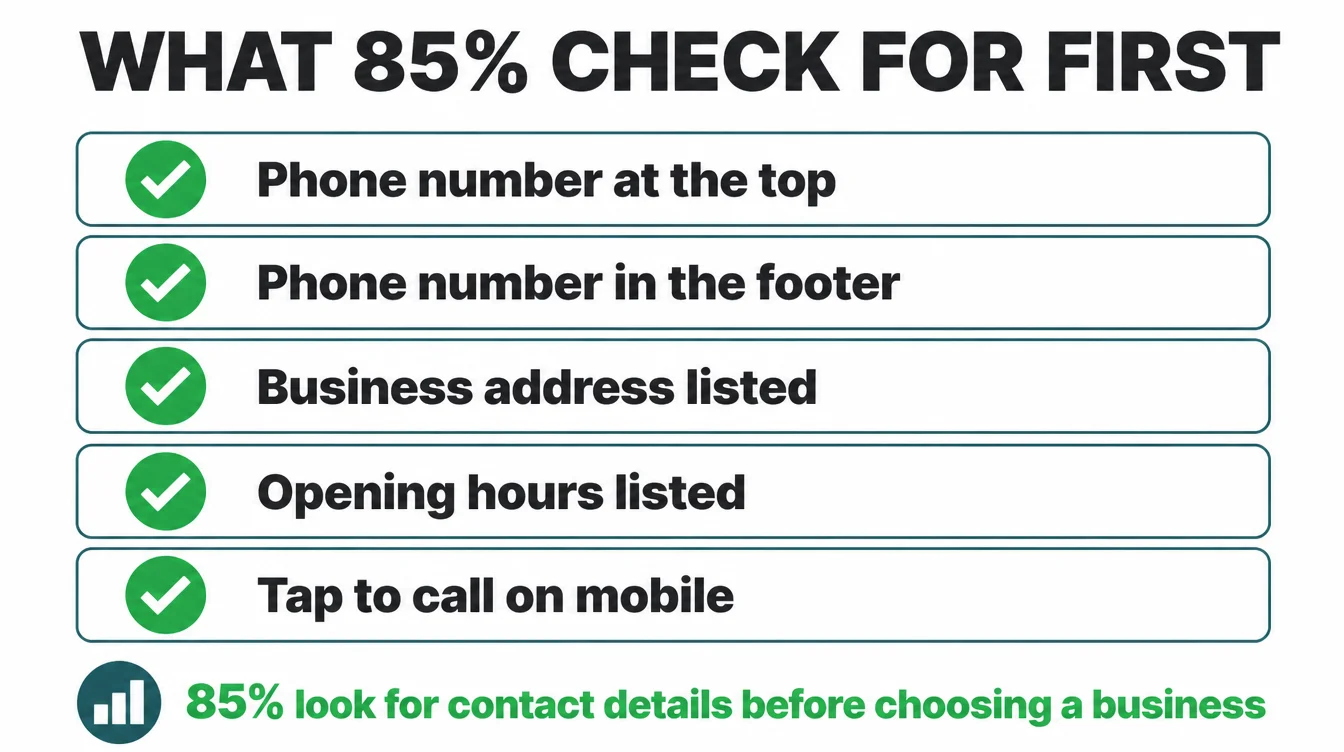
The cost. 85% of consumers consider contact information and opening hours important when researching a local business (BrightLocal, 2025). If yours are missing or hidden, you frustrate the exact people who were ready to buy. They will not hunt. They will simply pick the business that made it easy.
The fix. Put your phone number, address, and hours at the top of the page and in the footer of every page. Make the phone number tappable on mobile. Add a simple contact page. The whole point is to remove every reason for an interested person to give up.
9. Mistake 8: Outdated design
An old-looking site sends a quiet message: maybe this business is not around any more. Tiny text, cramped layouts, and a logo from a decade ago all chip away at confidence before anyone reads a word.
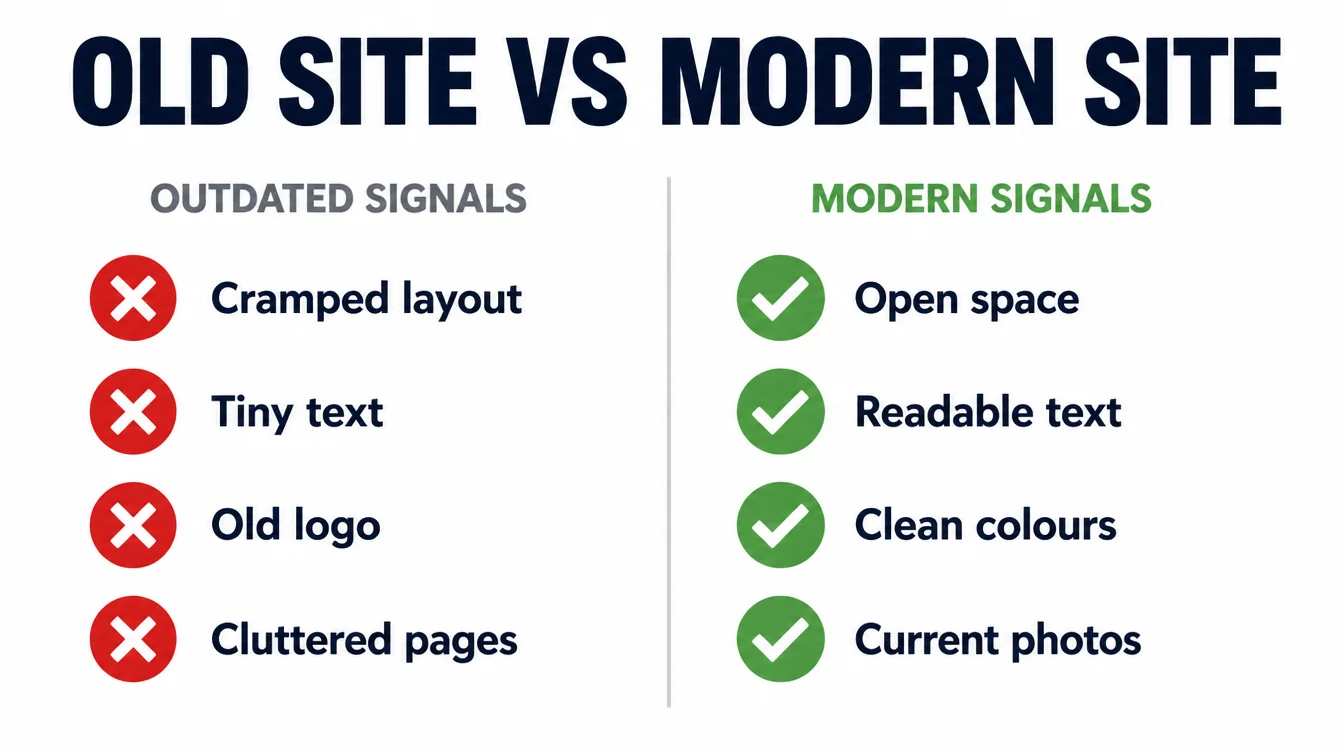
The cost. People judge your credibility by how the site looks, and they do it quickly (Stanford Web Credibility). A dated design makes a great business look shaky. The visitor cannot say why, but they trust you a little less, and trust is what turns into a sale.
The fix. You do not need a flashy makeover. Aim for clean and clear: plenty of space, readable text, a simple colour scheme, and current photos. If your site has not changed in years, a refresh is one of the highest-value jobs you can do. See our website redesign guide to plan it.
10. How to find your own website's mistakes
You do not need a tool or an expert to spot most of these. You need to act like a customer for two minutes. Here is a table of the worst offenders, what each quietly costs you, and the fix.
| Mistake | What it quietly costs you | The fix |
|---|---|---|
| Too slow | More abandoned visits when load time passes three seconds | Shrink images, drop heavy plugins, use good hosting |
| Not phone first | Half your visitors and your search ranking | Build for mobile, test on your own phone |
| No clear next step | Interested visitors drift off and never act | One plain action per page, near the top |
| Unclear value | People leave for a competitor who explains it | Say what you do and who for, in the first line |
| Weak trust signals | Doubtful visitors pick a business that looks safer | Add real reviews, real photos, a real about page |
| Hidden contact details | Ready-to-buy customers give up and move on | Phone, address, and hours at the top and footer |
The two-minute self-check
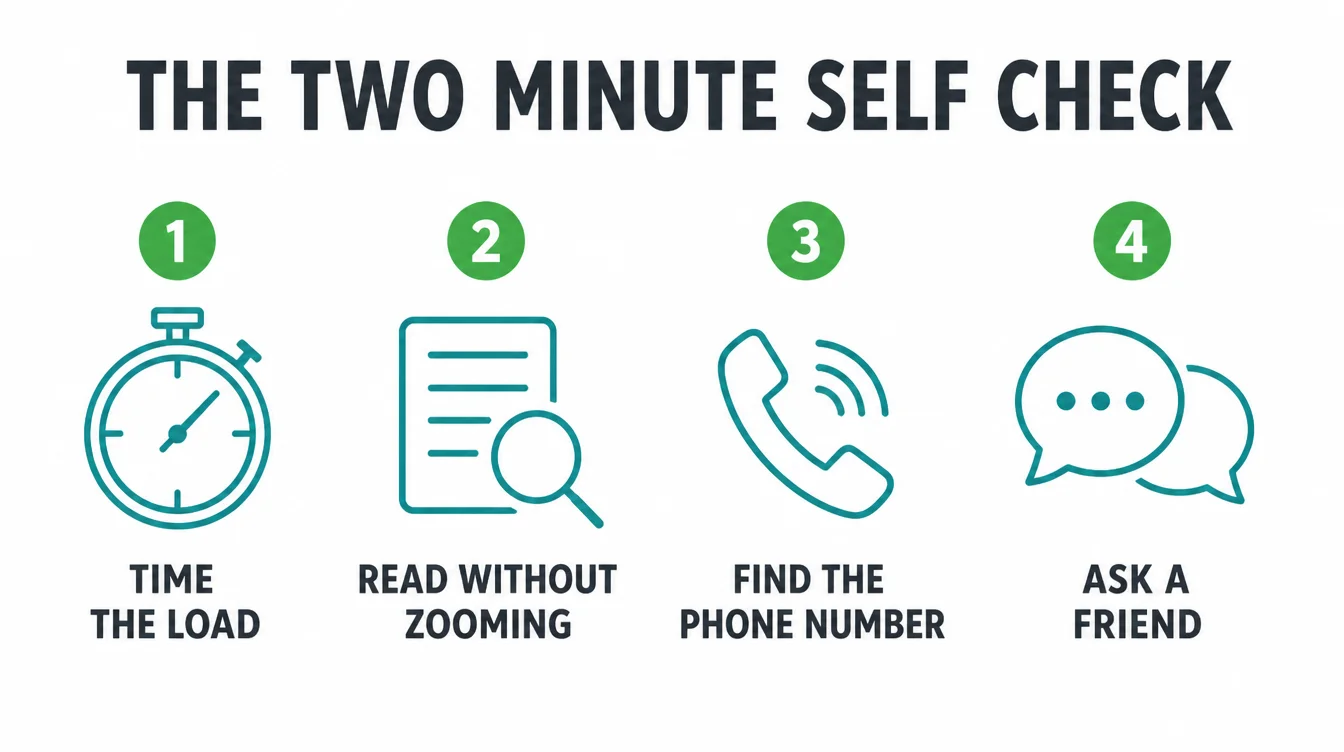
Open your site on your phone as if you had never seen it. Time the load. Try to read the text without zooming. See how fast you can find the phone number and the next step.
Then ask a friend who does not know your business what you do and what to do next. If they hesitate, you have found a mistake worth fixing. For more practical guides, browse the Seed Light blog.
Frequently asked questions
1. What is the most common small business website mistake?
A slow load and a layout that does not work well on a phone are two costly website mistakes. As a long-standing Google benchmark, 53% of mobile visits are abandoned when a page takes longer than 3 seconds to load. Mobile is about half of worldwide web traffic, so the small-screen experience matters.
2. How fast should my website load?
Aim for under three seconds, and faster is better. As a long-standing Google benchmark, 53% of mobile visitors leave a page that takes longer than 3 seconds to load. Even small gains help: a 0.1-second speed improvement lifted retail conversions by 8.4% and average order value by 9.2% in one study, so speed is worth fixing first.
3. Does my small business website really need to work on a phone?
Yes. Mobile was 49.36% of worldwide web traffic in August 2026, about half. Google also uses the mobile version of your site to index and rank it. If your site is hard to read or tap on a small screen, customers and search engines meet the same weak version.
4. Why are reviews and real photos so important on my site?
Reviews and real photos show who did the work and what customers experienced. BrightLocal reports that 97% of consumers read reviews for local businesses. Use recent reviews and photos of your team and work so visitors can check the people, service and results behind the claims.
5. What should a clear call to action say?
A clear call to action should name one obvious next step in plain words, such as Call us, Get a quote or Book a free call. Put it near the top and repeat it down the page. One clear action beats five competing links.
6. Where should I put my phone number and contact details?
Put your phone number, address, and hours where people expect them: the top of the page and the footer of every page. 85% of consumers consider contact information and opening hours important when researching a local business. If a customer has to dig for how to reach you, that small friction is enough to send them to a competitor instead.
7. How do I find the mistakes on my own website?
Open your site on your phone as if you were a customer. Time the load, try to read the text without zooming, and see how fast you can find the phone number and the next step. Ask a friend who does not know your business what you do and what to do next. If they hesitate, you have found a mistake worth fixing.