Website Redesign 2026: 5 Signs Your Site Needs a Rebuild

The signs your website needs a redesign are measurable: it is slow on a phone, it breaks on small screens, people cannot use it, visitors never make contact, or you cannot edit it yourself. Seed Light treats those as the trigger rather than the age of the design, and maps redirects before launch.
Key Takeaways
- Measure before you decide. Age is not a reason. Failing numbers are.
- Five signs, all testable. Slow, broken on phones, unusable, no enquiries, uneditable.
- Plan before anybody designs. Goals, audit, audience, redirect map.
- Redirects protect what you have. Map every URL before launch, not after.
- A refresh is often enough. Most sites need three fixes, not a rebuild.
The Signs Your Website Needs A Redesign
A website needs rebuilding when it can be measured as failing, not when somebody has got bored of it.
That sounds obvious and almost nobody does it. Redesigns are usually triggered by a new marketing manager, a competitor's launch or a quiet quarter, none of which is evidence about your site.
That distinction matters because a rebuild is expensive and a refresh usually is not. Deciding on evidence tells you which of the two you are actually looking at.
It also tells you what to fix first. In practice that is the more useful answer, because almost nobody has the budget to fix everything in one go.
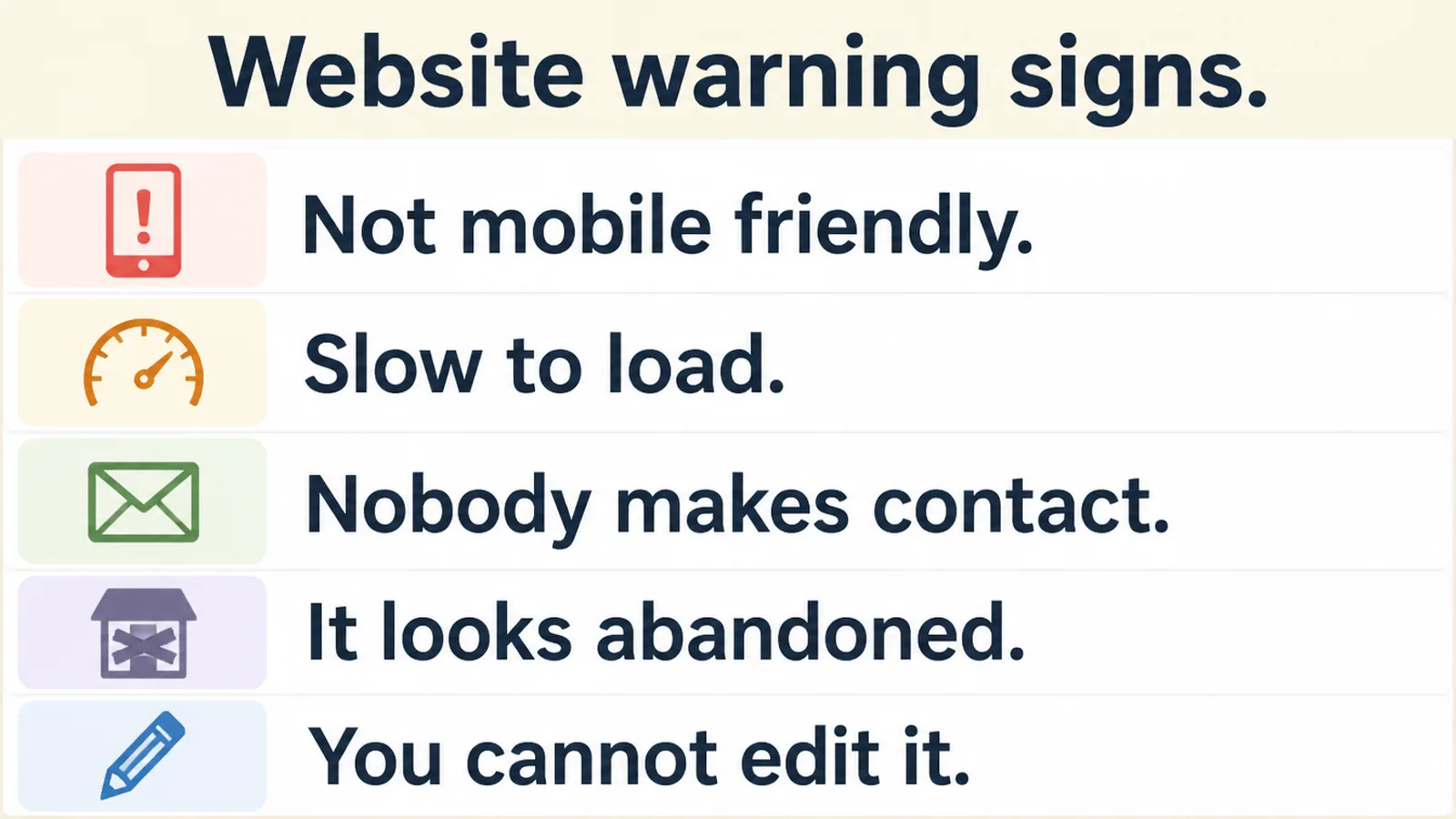
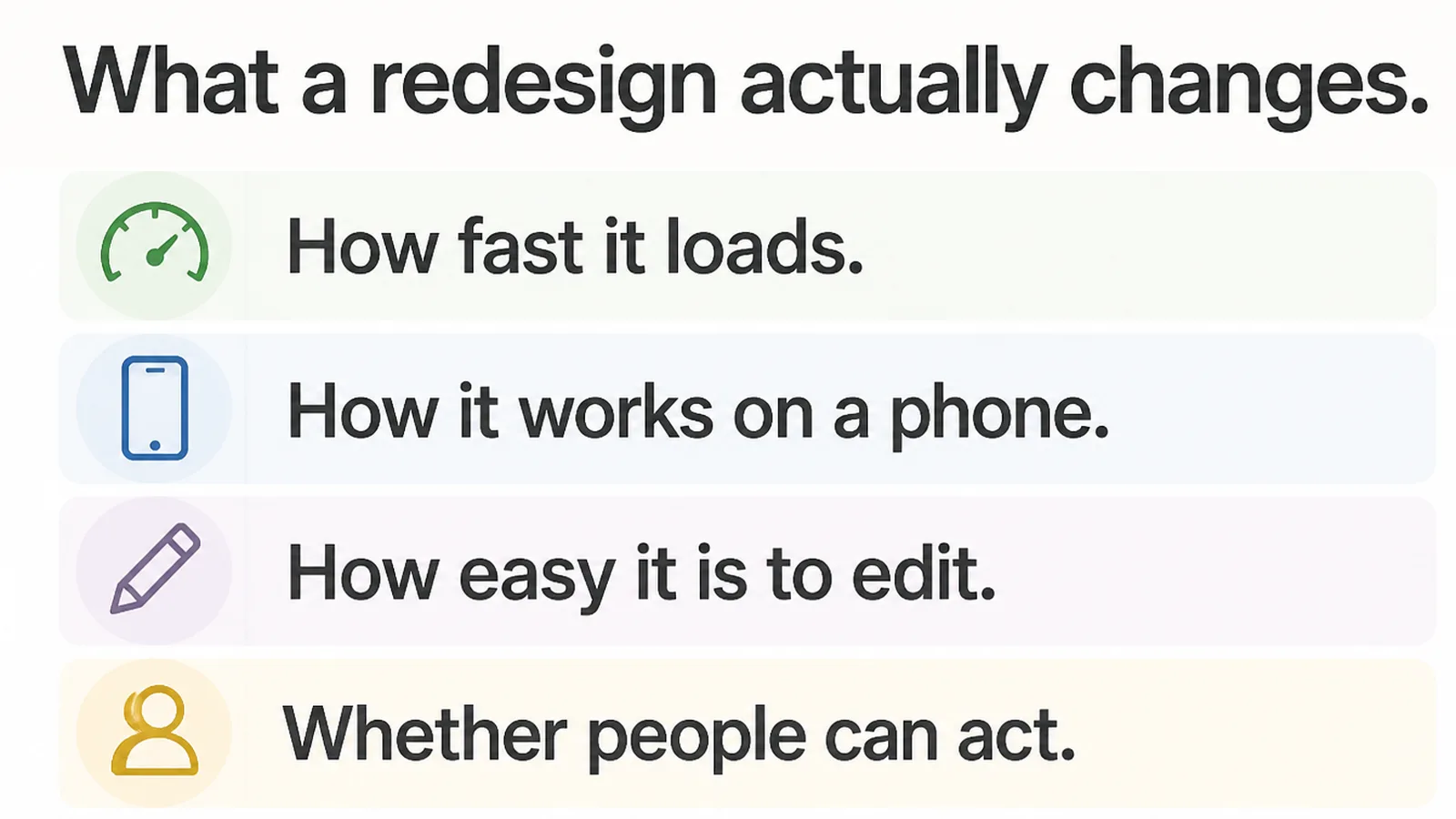
- It is slow. Measurably, on a phone, on mobile data.
- It fights back on a phone. Text overflows, taps collide, content is hidden.
- People cannot use it. They cannot find the thing they came for.
- Visitors arrive and nothing happens. Traffic without enquiries.
- You cannot change it yourself. Every edit needs a developer.
If none of those five is true, you do not need a redesign. You may want one. That is a different conversation, and a reasonable one to have honestly rather than dressed up as necessity.
The Evidence Worth Gathering
Four measurements settle most of the argument, and all four are free to take today without changing anything.
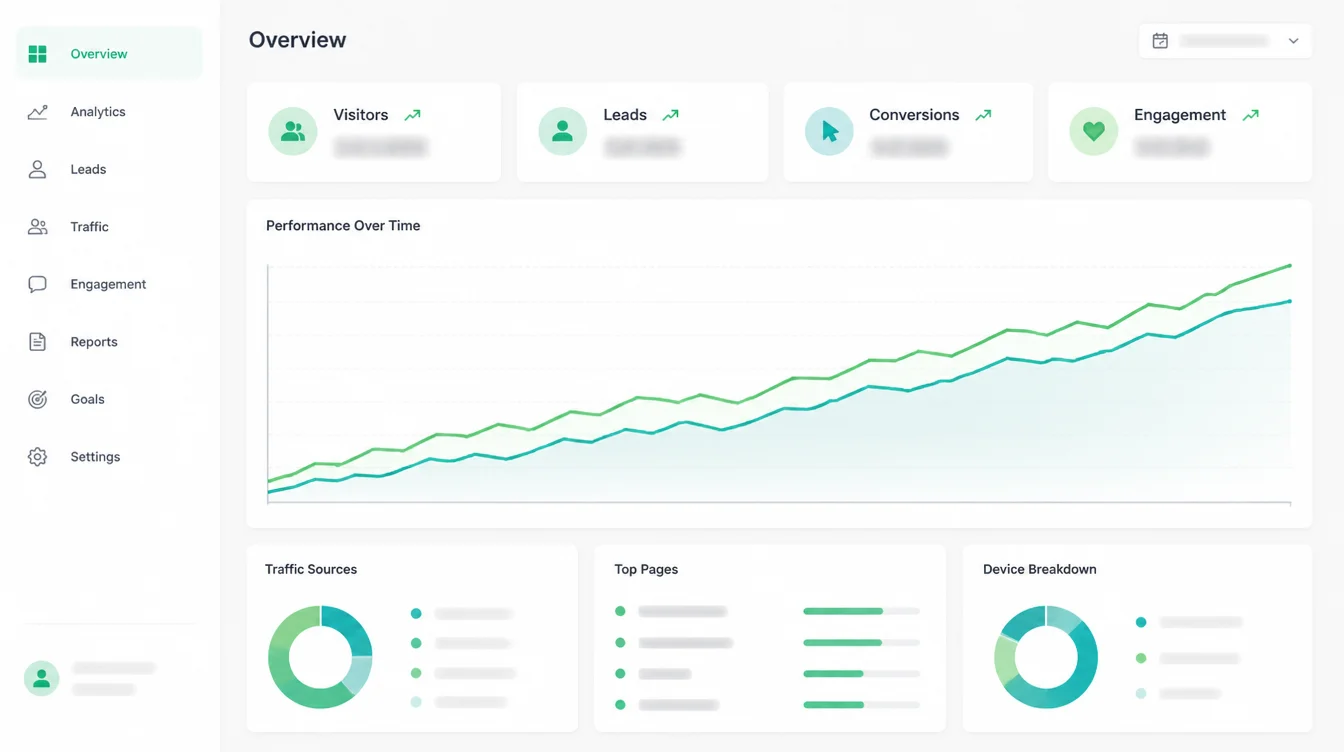
Start with speed, because it is the only one of the four with published targets. Run the page through PageSpeed Insights and compare it against Google's Core Web Vitals thresholds.
Measure the page people actually land on rather than the homepage. For most small businesses that is a service page reached from search, and it is often the heaviest page on the site.
Then the phone, which for most businesses is now the majority case rather than the secondary one.
StatCounter put mobile at 60.04 per cent of worldwide traffic against 39.96 per cent desktop in September 2026, and Google crawls with a smartphone agent, so the phone version is the site as far as search is concerned. That share moves monthly.
Then usability. WebAIM tested one million home pages in February 2026 and found 95.9 per cent had detectable failures against WCAG 2, averaging 56.1 errors per page.
Low contrast text was the most common fault, on 83.9 per cent of pages. Automated detection finds only a subset of real problems, so read that as a floor rather than a total.
Human testing finds more, and the faults it finds tend to be the ones that actually stop somebody completing anything.
The signs your website needs a redesign are far easier to argue about than to measure. Gathering these four first changes the conversation entirely, because it replaces opinions with numbers anybody can check.
Then conversion. For shops, Baymard Institute's review of 50 studies puts documented average cart abandonment at 70.22 per cent. That is the benchmark to judge your own checkout against before anybody touches a homepage.
The Work, In Order
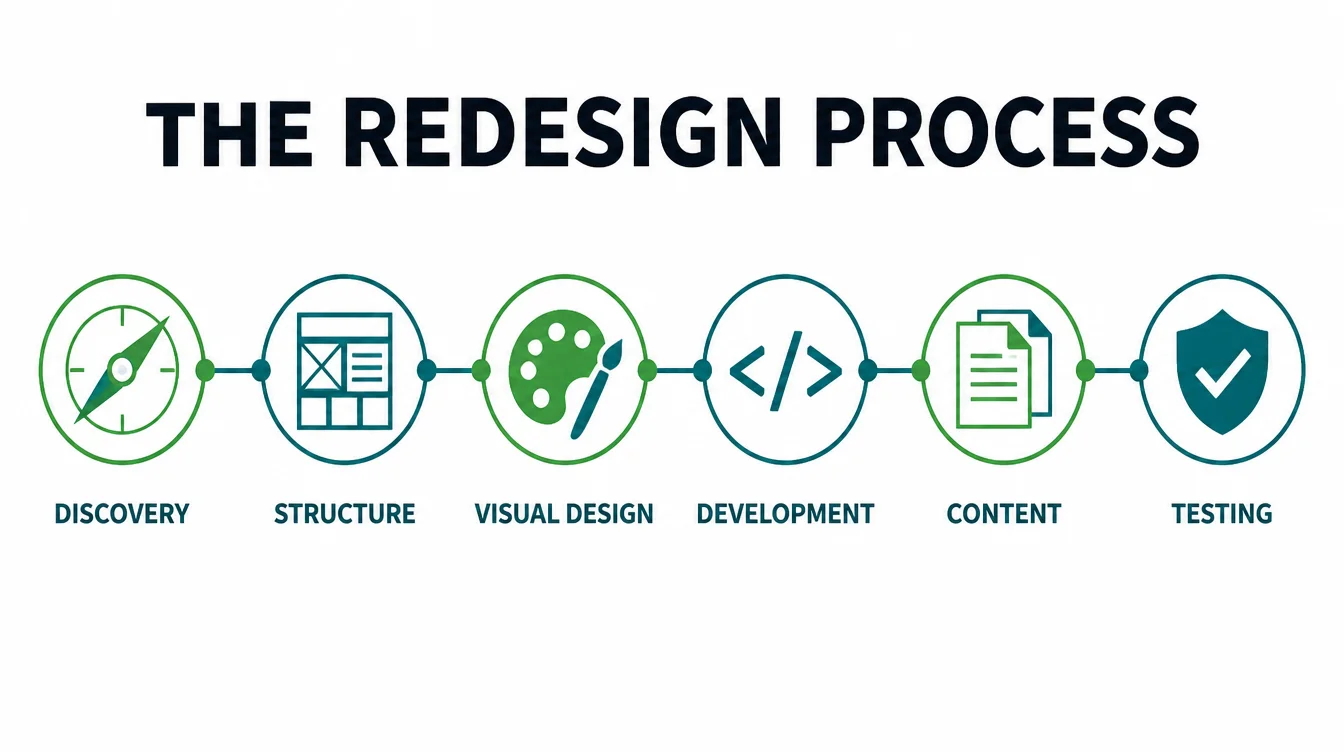
Three stages, and the first is the one most often skipped because it produces nothing anybody can look at.
1. Plan before anybody designs
Design decisions made without a plan are decisions about taste, and taste arguments have no natural end. The loudest person in the room wins, and the site is worse for it.
Define what the site is for in one sentence, and what somebody should do on it.
Then audit what you already have: which pages bring traffic, and which bring enquiries. Those are frequently not the same pages, and a redesign that does not know the difference tends to improve the wrong ones.
Then plan the migration. That means a list of every current URL and where it will live afterwards, written before anybody draws anything.
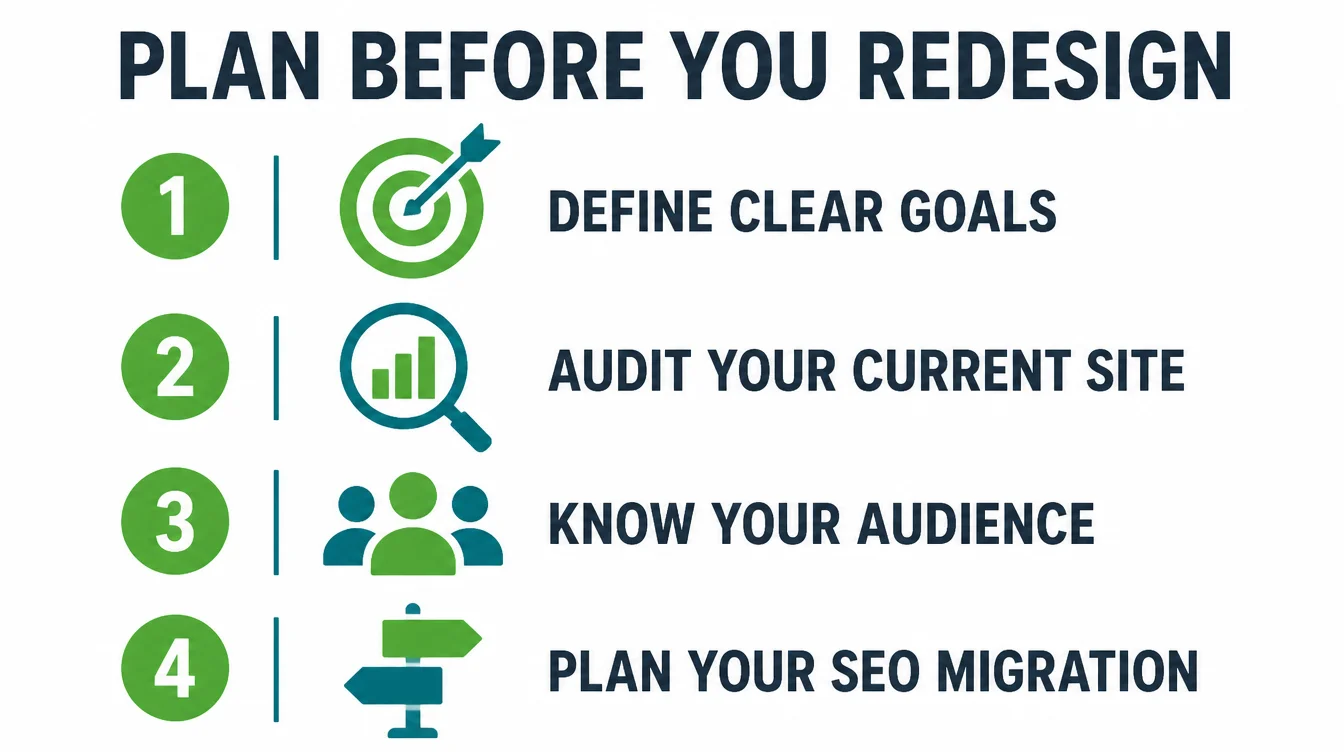
- Goals. One sentence on what the site is for.
- An audit. Which pages bring traffic, which bring enquiries.
- The audience. Who is actually visiting, on what device.
- The redirect map. Every old address, and its new home.
Produce those four and the design phase becomes a series of answerable questions rather than a series of preferences.
2. Keep what the old site earned
This is the stage where redesigns quietly lose money, and it is entirely avoidable with an afternoon of dull work.
Map every old URL to a new one and set a 301 permanent redirect for each.
Every external link to an old address then keeps working, and what those pages had earned over their lifetime carries across to the new ones rather than evaporating on a Tuesday morning.
Without that map, the links other sites built to you over years point at 404 pages on launch morning. You cannot ask them to update, and most of them would not.
Keep the pages that work. A page bringing steady enquiries should survive a redesign with its words intact, however much a new design wants to shorten it.
This is a common and expensive disagreement. A designer sees a long page of text as a problem to solve, and the page is long because that is what persuaded people to call.
Check the redirects after launch rather than assuming. A rule written correctly and deployed incorrectly fails silently, and the only symptom is traffic that quietly never comes back.
3. Decide between a refresh and a rebuild
Most sites need a refresh. Very few genuinely need a rebuild, and the difference between the two is larger than it sounds.
| Situation | What it needs |
|---|---|
| Slow, but structurally sound | A refresh: images, scripts, fonts |
| Dated look, works fine | A refresh: type, colour, spacing |
| Broken on phones throughout | Probably a rebuild |
| You cannot edit anything | A rebuild, on a platform you can use |
A refresh takes weeks and keeps everything you have. A rebuild takes months and risks it.
Choose the smaller intervention unless the evidence genuinely rules it out. A site refresh that fixes three measured faults will usually beat a rebuild that fixes them while introducing new ones.
The exception is the platform. If you cannot edit your own site without paying somebody, that is a structural problem a refresh cannot touch, and it compounds every month you leave it.
Doing It Yourself Or Hiring Help
Both routes are legitimate for a small business, and the deciding factor is rarely the design itself.
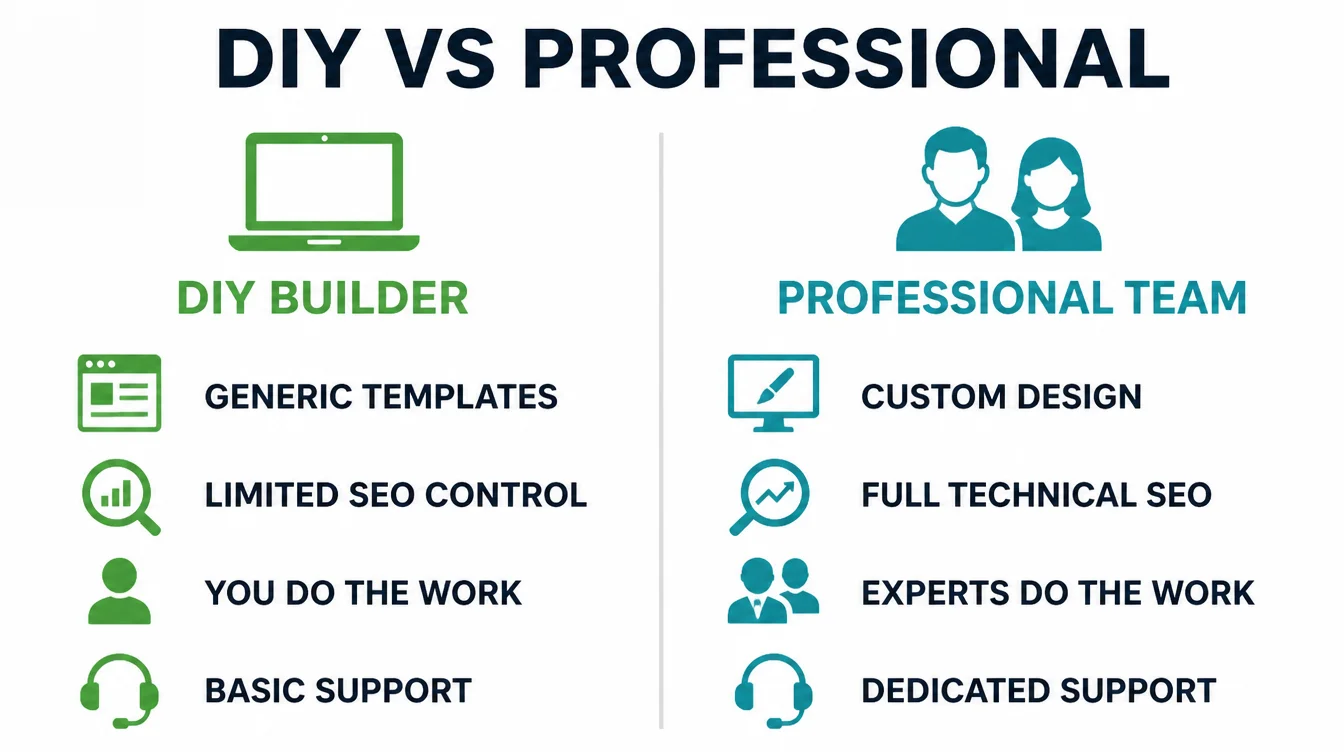
A builder suits a straightforward site where you will be making the edits yourself, and where the main risk is simply never finishing it.
That risk is real. A half-built site that has been nearly ready for eight months is a worse outcome than the dated one it was replacing.
Hire help when the migration is complex, when hundreds of URLs are moving, or when the site brings in enough business that a bad launch would genuinely hurt.
The deciding factor is rarely the design itself. It is whether anybody will notice if something breaks, and whether there is somebody to fix it when they do.
Nobody can promise what a redesign will do to your rankings or your enquiries, and our own terms say so plainly. What a redesign can do is remove specific, measured faults. Anybody offering you a number is guessing with your money.
Common Mistakes
Three, and the second of them is the genuinely expensive one. The other two mostly waste time and goodwill.
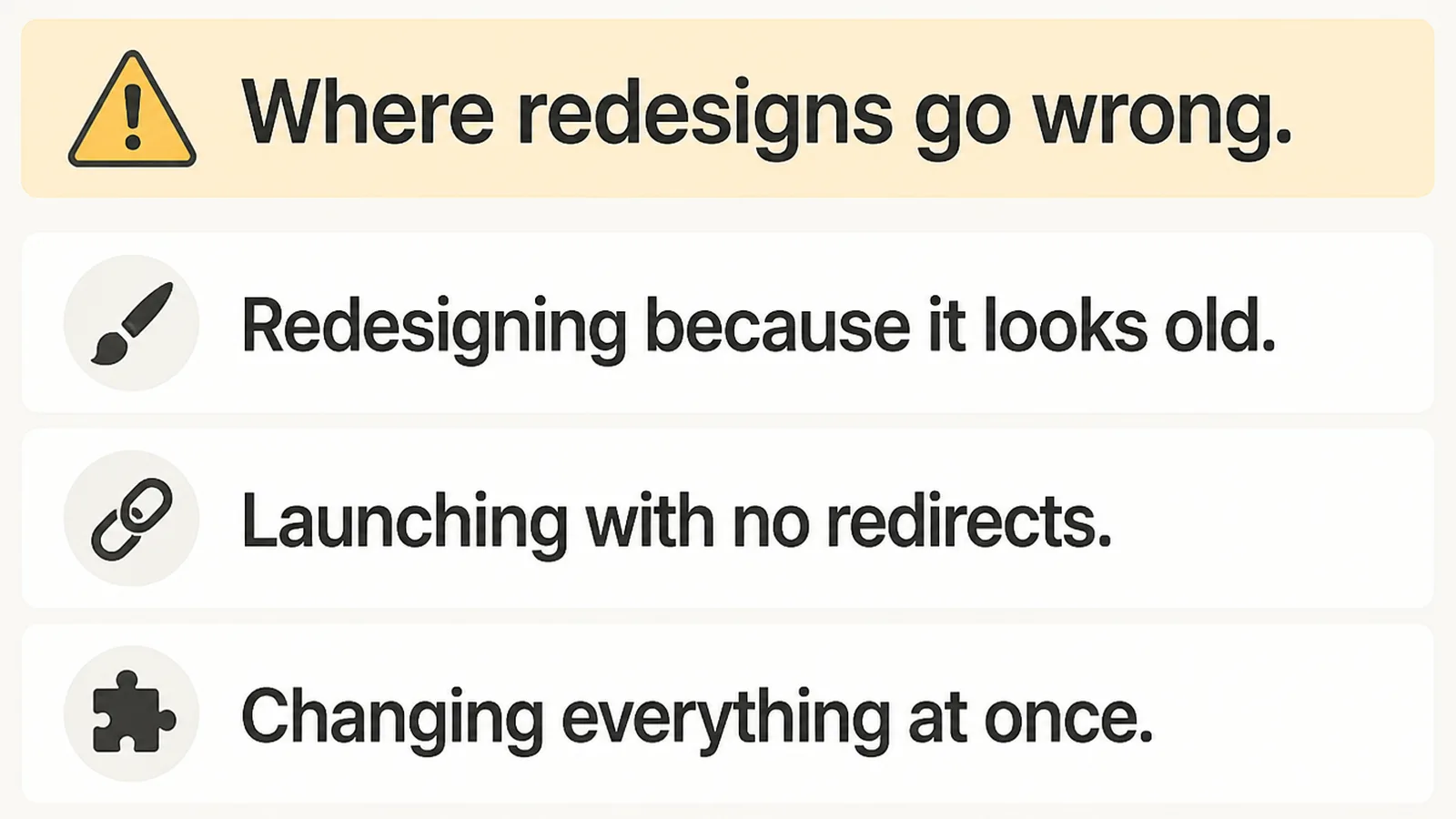
Redesigning because it looks old. A dated look is a refresh job: type, colour, spacing, photographs.
Rebuilding a site that works in order to solve a problem of appearance spends months and a large budget on the cheapest fault on the list.
Launching with no redirects. The single most expensive shortcut available. Everything the old pages earned disappears on launch day, and recovering it means re-earning it.
Changing everything at once. New design, new structure, new copy, new platform, all live on the same morning. When traffic falls, nothing tells you which of the four did it.
Where you can, stage it. Fix the speed, then the phone layout, then the structure, taking a measurement between each one. It is slower, and at the end of it you know which change did what.
Knowing when to redesign a website is really about resisting the urge to do all of it at once because a project has been approved.
FAQs
How often should you redesign a website?
There is no correct interval, and any fixed number is somebody's rule of thumb rather than evidence. Watch the measurements instead: speed against Google's published thresholds, how the site behaves on a phone, and whether visitors are making contact. Redesign when those fail, not on a schedule.
What are the signs your website needs a redesign?
It loads slowly on mobile data, it breaks on a phone, people cannot find what they came for, visitors arrive without making contact, or you cannot change anything without a developer. All five are testable in an afternoon, and if none is true you probably need a refresh.
Will a website redesign hurt my SEO rankings?
It can, and the usual cause is missing redirects rather than the design itself. Map every old URL to its new address with a 301 permanent redirect before launch, keep the pages that bring enquiries, and check the map after going live. Done that way, the risk is small.
How much does a website redesign cost?
It depends on scope more than on anything else: how many pages move, whether the platform changes, and how much content is rewritten. A refresh of an otherwise sound site costs a fraction of a rebuild, so measure first and get the scope settled before asking anybody for a figure.
Should I refresh or rebuild?
Refresh when the site is structurally sound but slow or dated, which covers most cases. Rebuild when the phone experience is broken throughout, or when you cannot edit anything without help. A refresh takes weeks and keeps what you have; a rebuild takes months and risks it.
Conclusion
Measure the five signs before deciding anything. Plan the goals, the audit and the redirect map before anybody opens a design tool.
Then pick the smaller intervention that the evidence allows. Most of what gets sold as a website redesign process is a refresh with a longer invoice attached.
See how we approach web design, or get in touch and we will run the measurements with you.