How to Get More Google Reviews: Set Up the Request

Ask every customer, at the right moment, using a one-tap link. Most people who are asked do leave a review, and Google names reviews as part of the prominence it uses to rank local results. Seed Light sets up the link, the QR code, the scripts and the reminders so requests happen without chasing.
Key takeaways
Short on time? Here is the whole playbook for how to get more Google reviews before we dig in.
- Just ask. 83% of people who are asked leave a review, so the missing reviews are usually a missing ask, not unhappy customers (BrightLocal, 2026).
- Reviews drive real money: 93% of consumers have bought after reading them, and 85% say positive reviews make them more likely to use a business (BrightLocal, 2026).
- Make it one tap. Share your Google review link or a QR code right after a good experience, which Google explicitly allows (Google Business Profile Help).
- Never pay for reviews or ask only happy customers. Google bans incentives and review gating outright (Google Business Profile Help).
- Keep it fresh. 74% of people want reviews from the last three months, so a steady trickle beats a one-time burst (BrightLocal, 2026).
1. Why are Google reviews worth the effort?
Because reviews are how customers decide. About 97% of people read reviews for local businesses, 85% say positive reviews make them more likely to use a business, and 93% have made a purchase after reading them (BrightLocal, 2026). Reviews are your shop window.
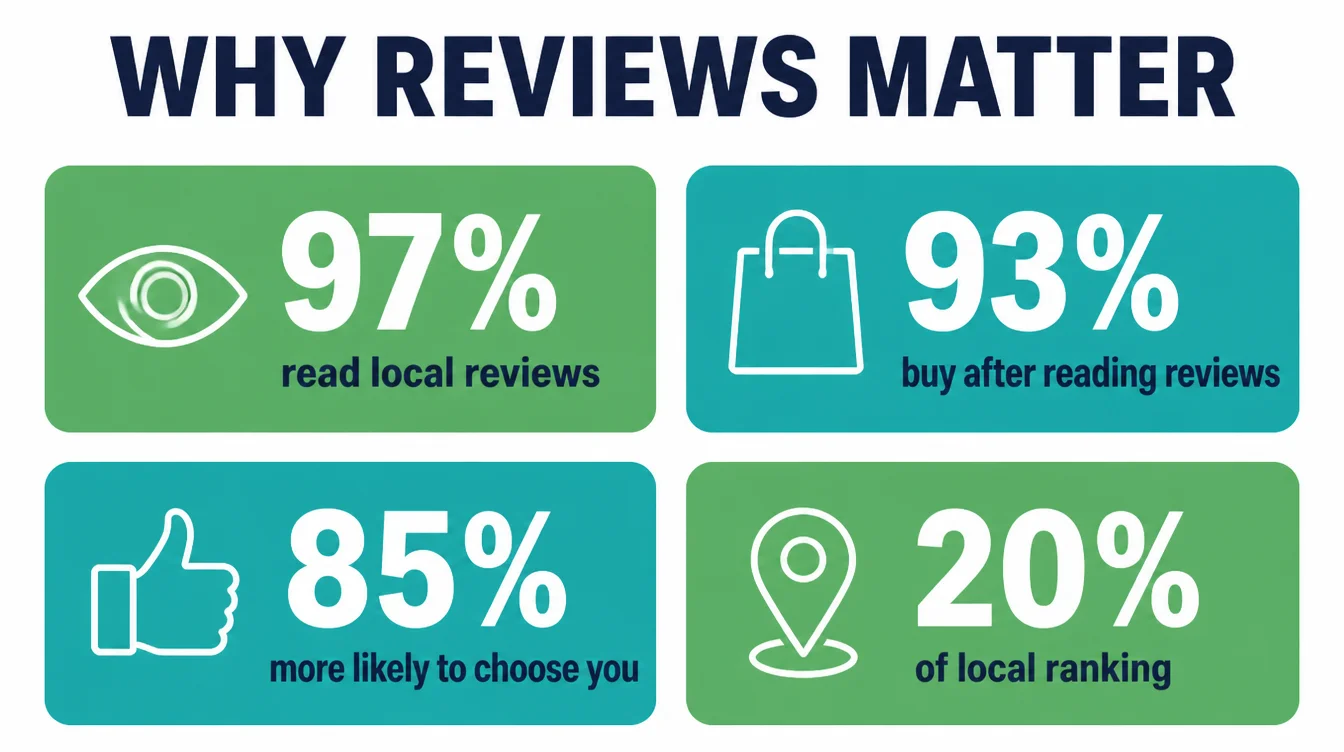
In addition, they rank you. Google names review count and score as part of the prominence behind local ranking (Google Business Profile Help), and in Whitespark's survey of local SEO practitioners respondents scored review signals at roughly 20%, second only to the Business Profile, with review recency in the top five (BrightLocal, 2026).
So reviews do two jobs at once. They help you show up, and they help you get picked.
One more reason: ratings set a floor. In particular, 31% of consumers will only use a business with 4.5 stars or more, up from 17% a year earlier (BrightLocal, 2026).
Want the full local picture? Our complete local SEO guide shows where reviews fit, and the Google Maps ranking guide covers the map side.
2. Will customers actually leave a review if you ask?
Yes, far more than owners expect. In BrightLocal's 2026 survey, 83% of people who were asked to leave a review went on to do it (BrightLocal, 2026). Read that again.
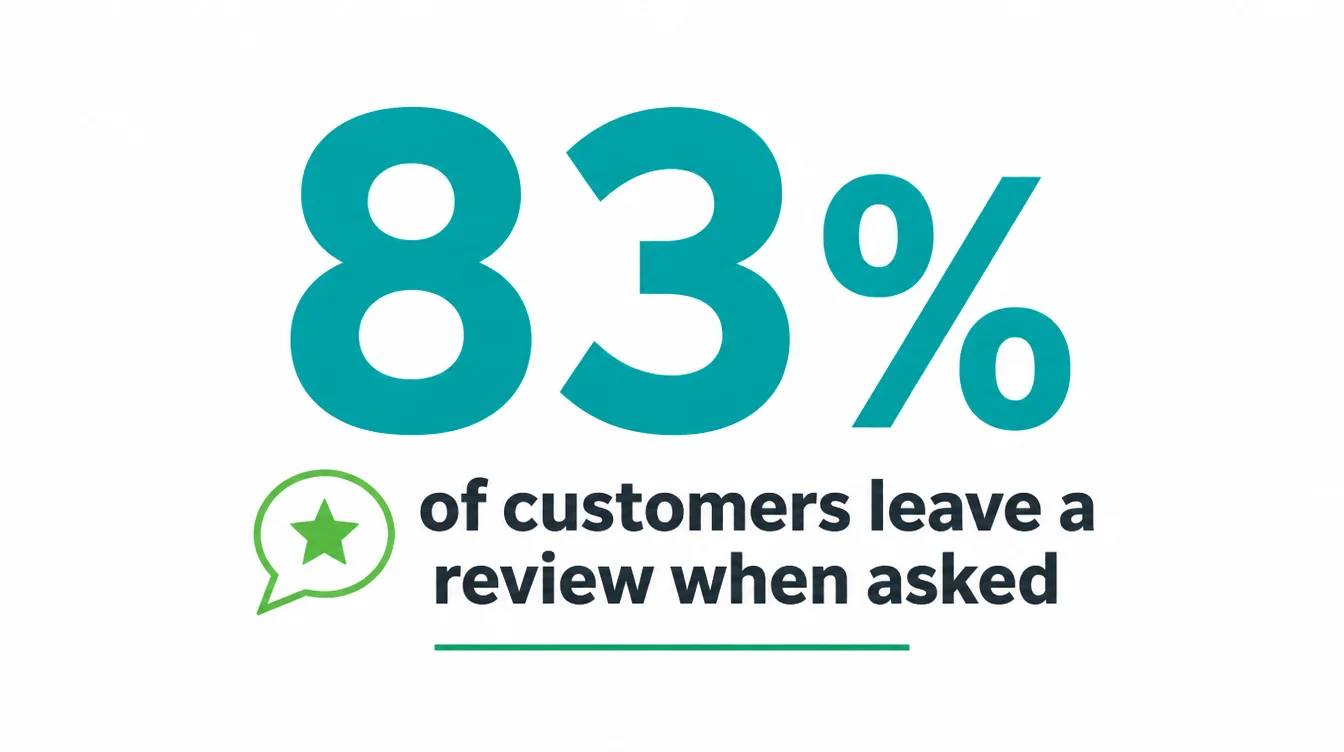
The reason your competitor has more reviews is rarely that they are better. It is that they ask.
Here is the trap most owners fall into. They do great work, then wait and hope. They feel weird about asking, so they do not. The customer walks away happy, busy, and forgetful. No ask, no review. It is that simple.
As a result, the rest of this guide is not about clever tricks. It is about making the ask easy, well timed, and natural, so you can do it every time without feeling pushy. Get that right and the reviews take care of themselves.
3. How do you get your Google review link?
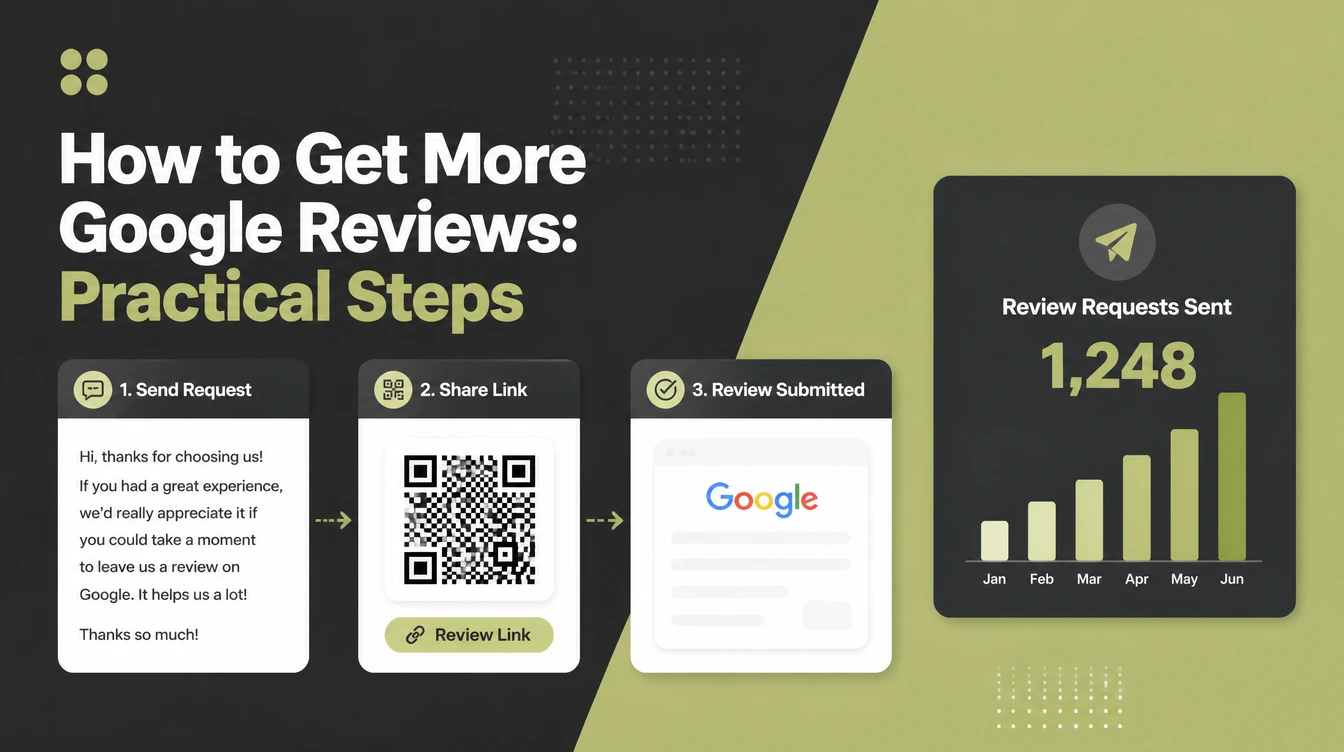
You need a direct link before you ask anyone, because "search for us and scroll down" loses people. Your Google Business Profile gives you one, and here is how to set it up in three steps.
- Copy your review link. Open your Business Profile in Search or the dashboard, find the option to ask for reviews, and Google hands you a short link to share (Google Business Profile Help).
- Shorten it. Run the link through a free shortener so it is clean and easy to paste or say out loud.
- Save it in three places: your phone notes, your email signature, and a QR code for your counter, receipts, and packaging.
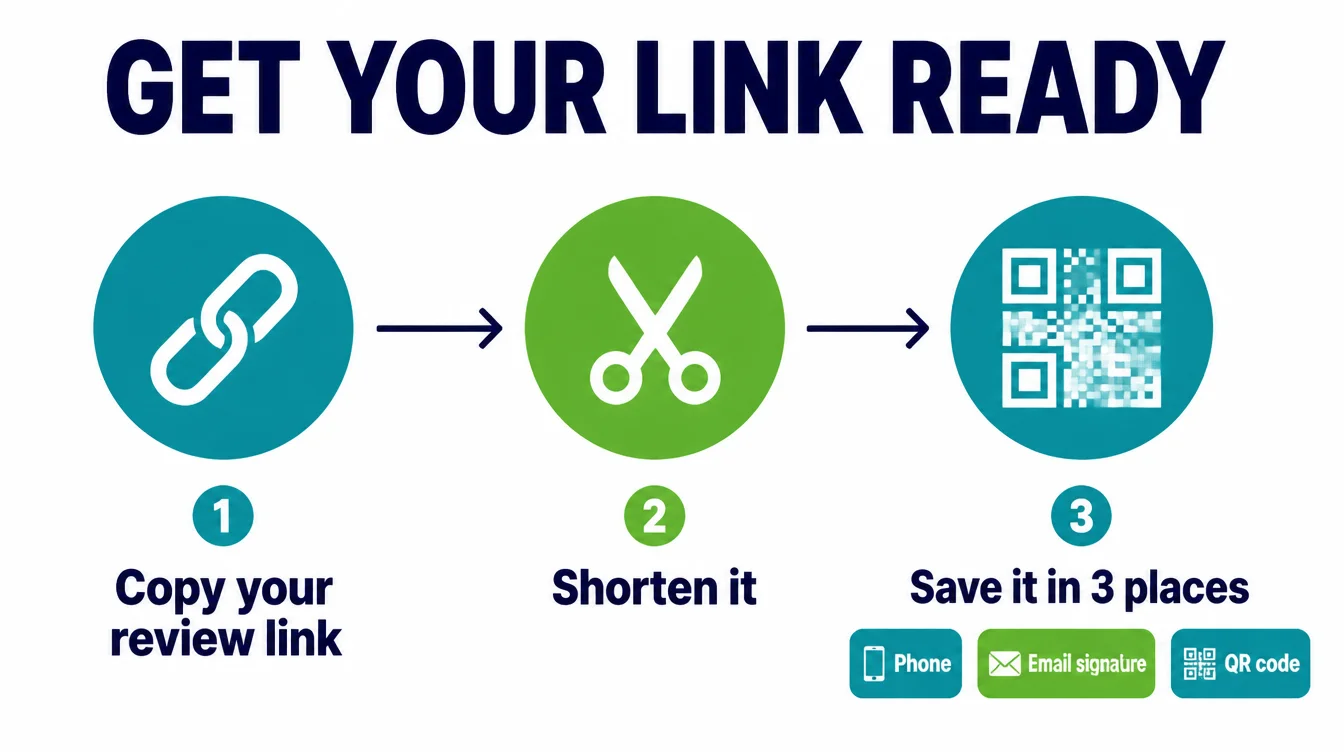
That QR code is gold for a physical shop. A customer scans it, lands straight on your review form, and taps the stars. That is the one tap you are aiming for, and it removes the single biggest reason people meant to review you but never did.
4. When is the best time to ask for a review?
Right after a clear win, while the good feeling is fresh. The best moment is the instant a customer is visibly happy: the project is finished, the meal lands, the problem is solved, the keys are handed over. Wait a week and the warmth fades, and so does your response rate.
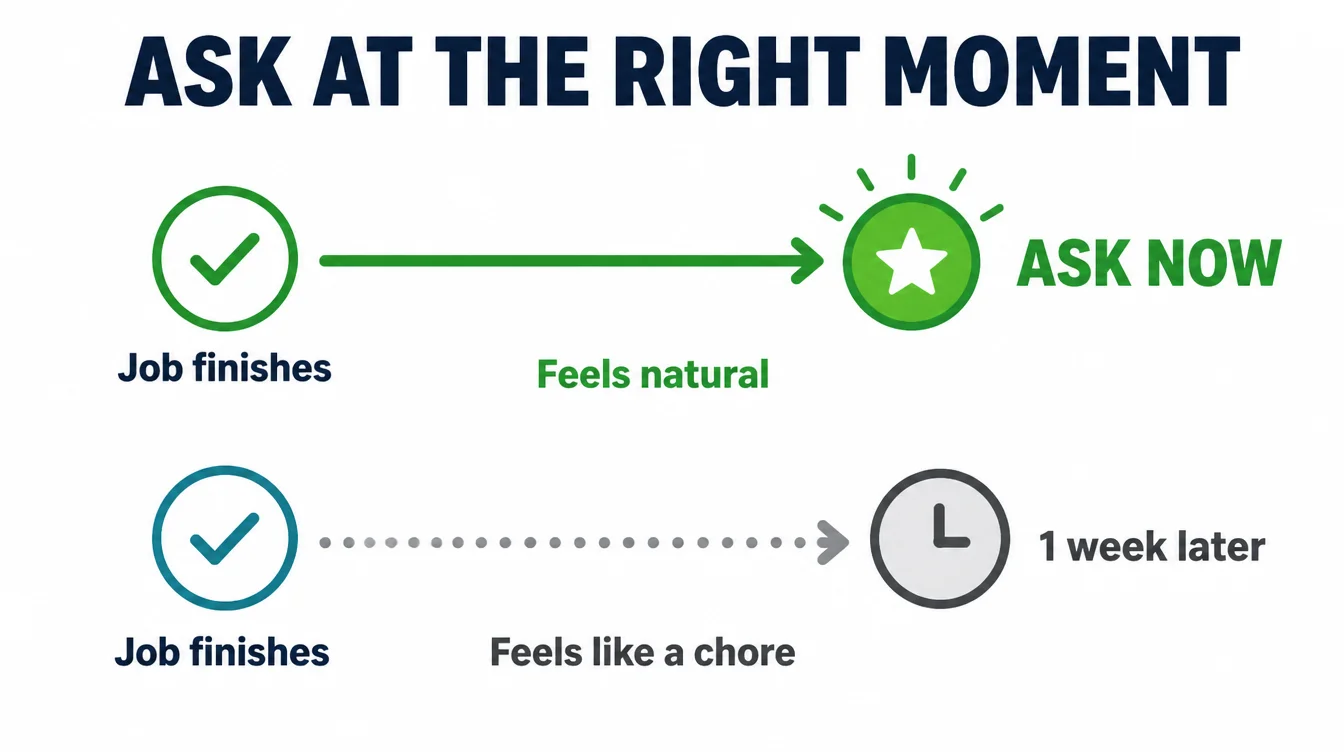
Match the moment to the channel. In person, ask as they are thanking you. For a service you deliver remotely, send the link within a day, while it still feels personal.
The longer the gap between the good experience and the ask, the more your request feels like a chore instead of a favour for someone who helped you.
However, one gentle rule keeps you honest: ask once. A single, well timed ask plus one soft reminder is plenty. If they do not review, let it go. Pestering is what turns a friendly request into an annoying one, and it is the fastest way to sour a happy customer.
5. How do you ask for reviews without being annoying?
By making it about them, not you, and keeping it effortless. The whole point of the title of this guide is that getting reviews and being annoying are not the same thing. You can do the first without the second by following four simple habits.
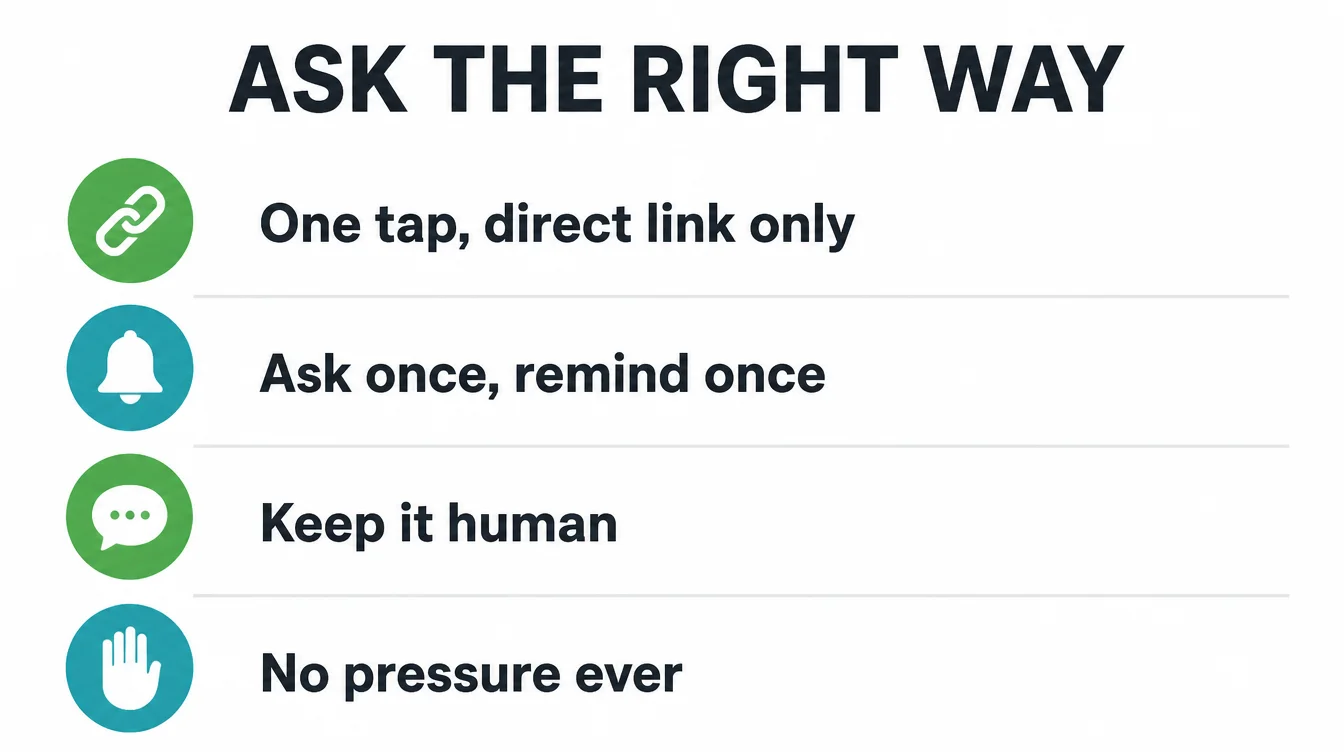
- Make it one tap. Send the direct link or QR code, never "find us on Google." Every extra step loses people.
- Ask once, remind once. One clear ask and at most one soft nudge. Then stop. No third message.
- Keep it human. A short, personal line beats a robotic mass blast. Mention what you helped with.
- No pressure, ever. Make it genuinely fine to say no. "If you have a spare minute" lands far better than "we really need this."
Done this way, asking feels like a natural close to a good interaction, not a sales pitch. Customers who like you are happy to help. You are just removing the friction that was stopping them.
6. What should your review request actually say?
Keep it short, warm, and specific, with the link right there. You do not need clever copy. You need a clear ask that takes ten seconds to read and one tap to act on.
Steal the three scripts below and swap in your own details. They work because they are friendly, brief, and easy to say yes to.
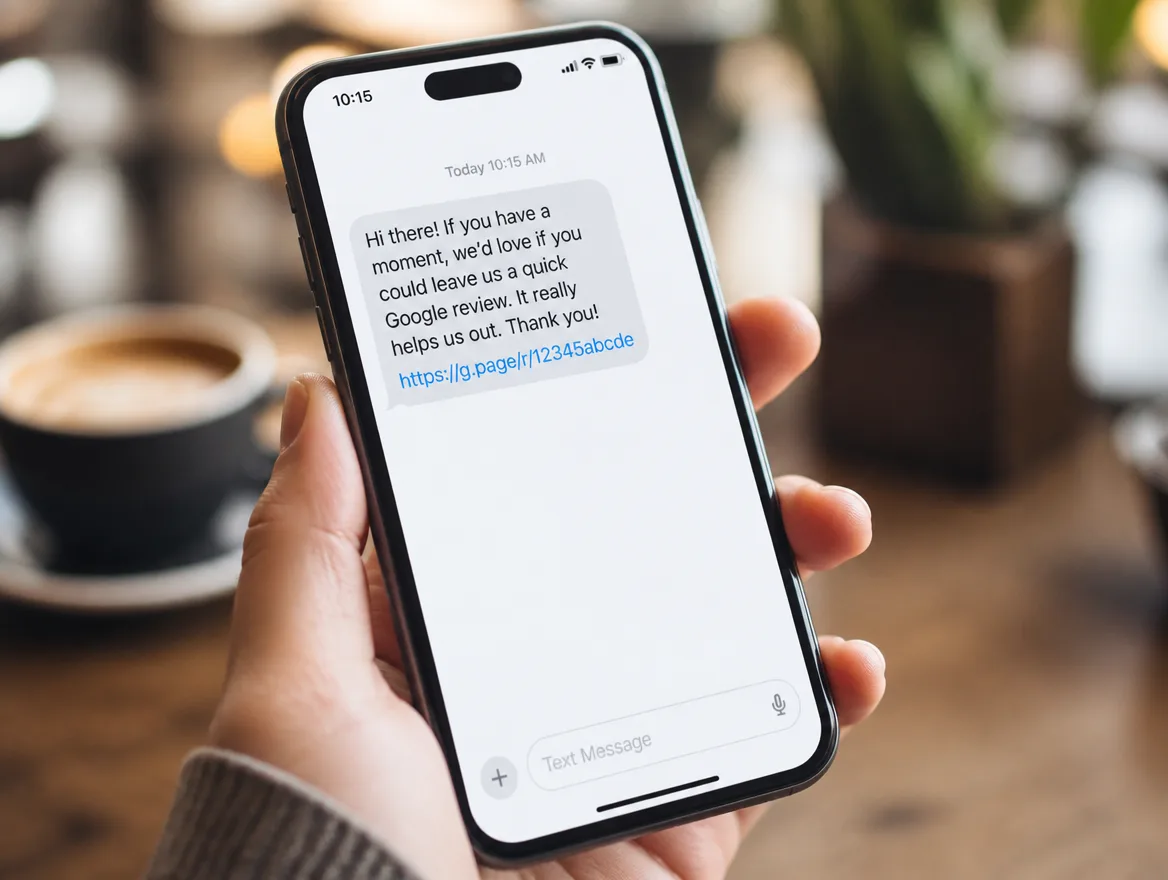
In person (say it out loud): "I'm really glad you're happy with this. If you have a minute, a quick Google review would mean a lot to a small business like ours. I can text you the link right now so it's easy."
Text or WhatsApp: "Hi [name], thanks again for choosing us for [job]. If you have a spare minute, we'd be grateful for a quick Google review. It really helps other locals find us: [your short link]. No worries at all if you're busy."
Email: "Hi [name], it was a pleasure helping you with [job]. Quick favour: would you mind leaving us a short Google review? It takes about a minute and makes a big difference for a small team like ours. Here is the direct link: [your short link]. Thank you so much, [your name]."
Notice what these share. Each one names the job, makes the ask small, drops the link in, and gives an easy out. That is the formula. For more practical templates, browse the Seed Light blog.
7. Should you reply to every review?
Yes, the good ones and the bad ones. Replying is not optional politeness, it is part of getting more reviews.
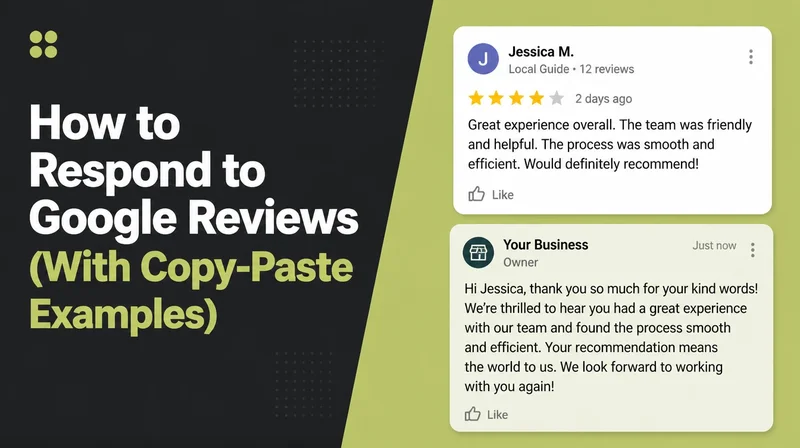
About 89% of consumers expect businesses to respond to reviews, and 80% are more likely to use a business that replies to every one (BrightLocal, 2026). Replies also show future reviewers that you read them.
Specifically, two rules make replies easy. First, be specific, because generic copy-paste responses put off 50% of readers (BrightLocal, 2026). Name what they mentioned. Second, stay calm on the bad ones.
Thank them, own anything that slipped, and offer to fix it. A fair reply to a one-star review tells every reader you handle problems like a grown-up. That sells.
8. What should you never do to get reviews?
Never pay for reviews, never ask only your happy customers, and never post fake ones. Google calls offering rewards for reviews fake and misleading content, and it is strictly prohibited (Google Business Profile Help). Break these rules and Google can wipe your reviews or suspend your profile.
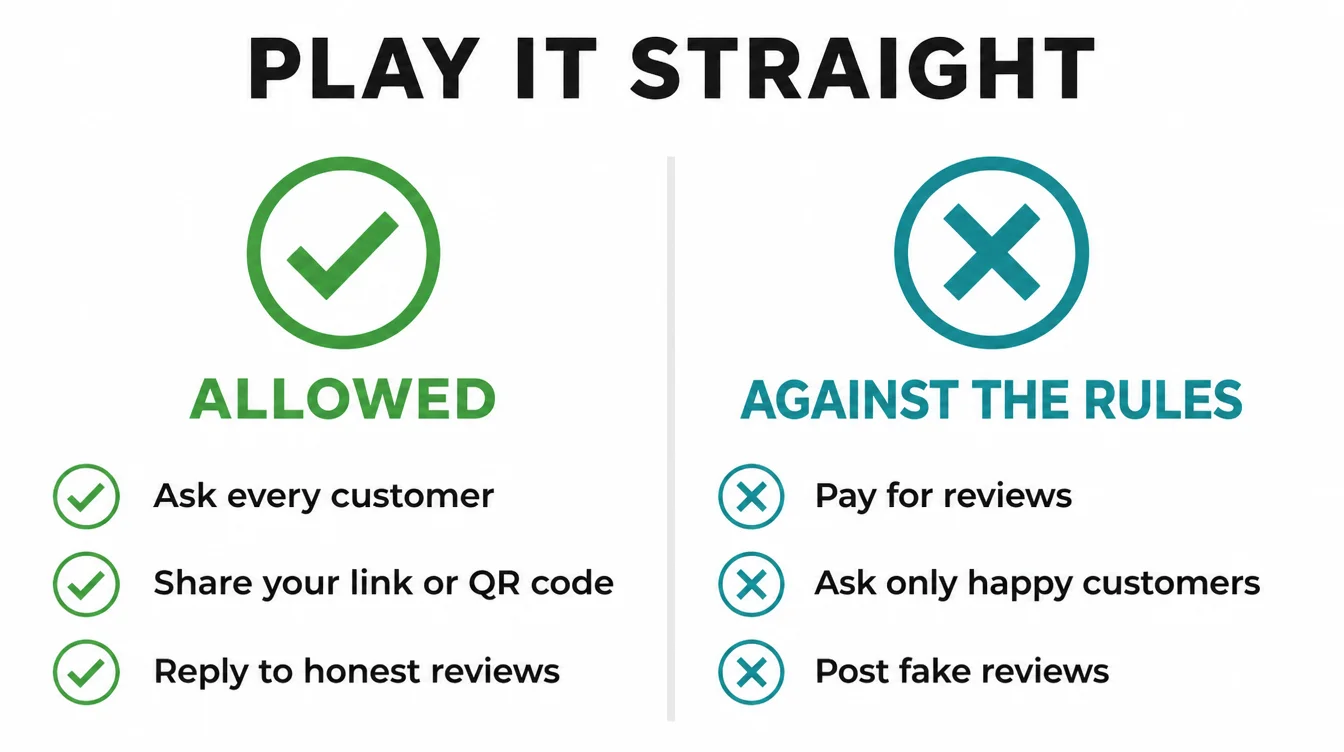
The sneaky one is review gating: only sending the review link to customers you think are happy, or screening their mood first. Google's policy says you must not "discourage or prohibit negative reviews, or selectively solicit positive reviews from customers" (Google Business Profile Help). Ask everyone the same way, every time.
| Allowed by Google | Against the rules |
|---|---|
| Asking every customer to leave a review | Asking only customers you think are happy (gating) |
| Sharing your review link or a QR code | Offering a discount, gift, or prize for a review |
| Replying to honest negative reviews | Writing or buying fake reviews |
| Reminding a customer once | Reviewing your own business or a competitor |
Meanwhile, Google is good at catching fakes. It uses automated systems and human review to spot paid, templated, and conflict-of-interest content under its user-generated content policy. The honest route is also the only one that lasts.
9. How do you keep the reviews coming?
Turn the ask into a habit instead of a one-off push. Reviews go stale, since 74% of consumers want to read ones from the last three months (BrightLocal, 2026). By contrast, a burst of twenty in one week then silence looks worse over time than two or three fresh ones every week.
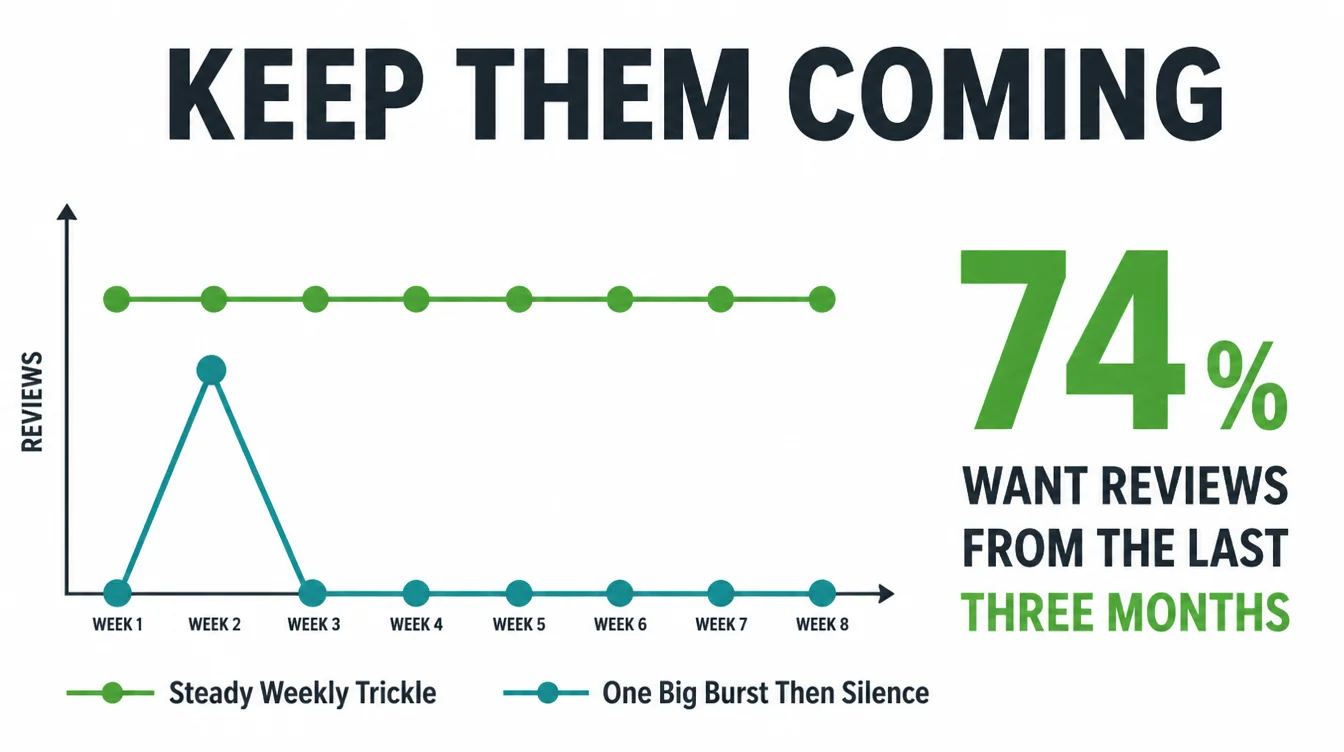
Therefore, bake the ask into how you already work. Add the link to your email signature and invoices. Put a QR code on the counter, the receipt, or the packaging.
Pick one trigger, like "after every completed job," and make asking part of that step. The system does the remembering so you do not have to.
If chasing reviews still slides down your list, that is a process to hand off, not a personal failing. A small setup, a couple of reminders, and you have a steady flow.
See how we approach local SEO for small businesses, or read the Google Maps guide to see how those fresh reviews lift your map ranking.
Frequently asked questions
1. How do I get more Google reviews?
Ask. That is the whole secret, and 83% of people who are asked go on to leave a review. Find your Google review link in your Business Profile, send it to every customer by text or email after their visit, and make it one tap. Ask every customer once, never pay or pressure anyone, and reply to the reviews you get.
2. Will customers leave a review if I just ask?
In BrightLocal's 2026 survey, 83% of people who were asked to leave a review went on to do it. Ask each customer once, share a direct link and keep the request neutral. A clear request removes extra steps while leaving the decision with the customer.
3. Is it against the rules to ask for Google reviews?
No. Google says you can ask customers to leave a review and even share a link or QR code. What is banned is offering a reward for reviews, asking only your happy customers, or posting fake ones. So ask everyone the same way, every time, and you are well inside Google's rules.
4. Can I offer a discount for a Google review?
No. Google treats offering free or discounted goods in exchange for reviews as fake and misleading content, and it is strictly prohibited. The same goes for gift cards or entry into a prize draw. You can thank people for their time, but the review itself must never be paid for, or Google may remove your reviews.
5. How do I get my Google review link?
Open your Google Business Profile, either in Search or the dashboard, and look for the option to ask for reviews. Google gives you a short link you can copy. Paste it into a link shortener so it is tidy, then save it in your phone and email signature. You can also turn it into a QR code for your counter or receipts.
6. How many Google reviews do I need?
There is no magic number, but recency matters more than the total. In BrightLocal's 2026 survey, 47% of consumers would not use a business with fewer than 20 reviews, and 74% want to read reviews from the last three months. So aim for a steady trickle of fresh reviews rather than one big burst that then goes quiet.
7. Should I respond to negative reviews?
Yes. About 89% of consumers expect a business to respond to reviews. A calm, specific reply shows how you handle a complaint. Thank the person, own anything that went wrong, and offer to make it right. Avoid copy-paste replies, since generic responses put off half of readers.