Google Business Profile Checklist 2026: 10 Things to Fix

Google Business Profile optimisation means completing each field, choosing the right primary category, adding photos and weekly posts, and answering reviews. Correcting the primary category can change local visibility within days. Seed Light works through the same checklist for local clients, starting with that category before moving to the supporting details.
Key takeaways
Your free Google listing is one of the main local marketing tools you control. Here is the short version of Google Business Profile optimisation before we work through the full checklist.
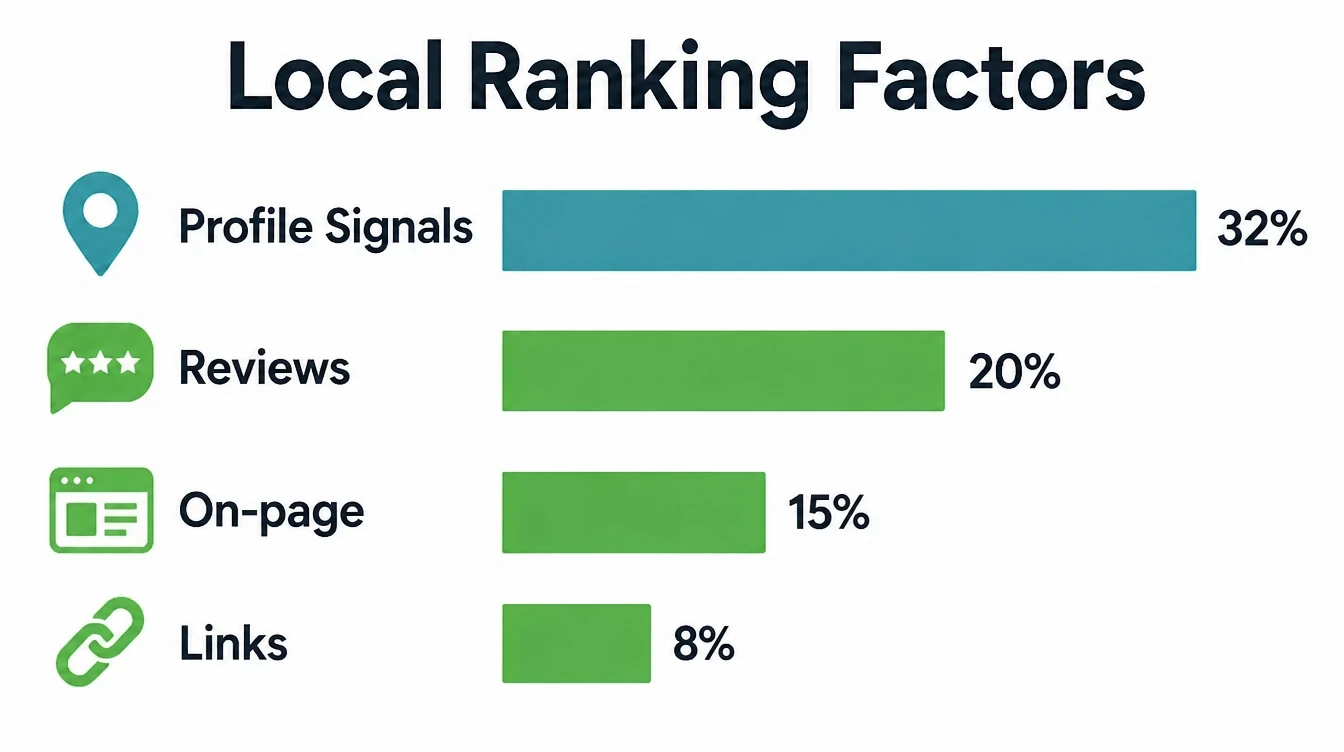
- Your profile is the part of local ranking you control. Google says local results are based on relevance, distance and prominence, and it publishes no weights (Google Business Profile Help). In Whitespark's survey of local SEO practitioners, respondents scored profile signals highest of any group, at about 32% (Whitespark, 2026).
- Most profiles are barely filled in. The average verified profile has fewer than one photo, which makes a complete profile an easy way to stand out (Birdeye, 2026).
- People find you by category, not by name. About 86% of profile views come from discovery searches like "plumber near me", not from people typing your business name (Birdeye, 2026).
- Whitespark rates your primary category the single most important local ranking factor, and the wrong one holds back everything else (Whitespark, 2026).
- It costs nothing but time. A complete profile makes people 2.7 times more likely to see you as reputable and 70% more likely to visit (Google data, via BrightLocal, 2025).
1. The checklist at a glance
Short on time? Here is the whole Google Business Profile optimization checklist in ten quick lines. Tick each one off, then read on for the detail behind the steps that matter most.
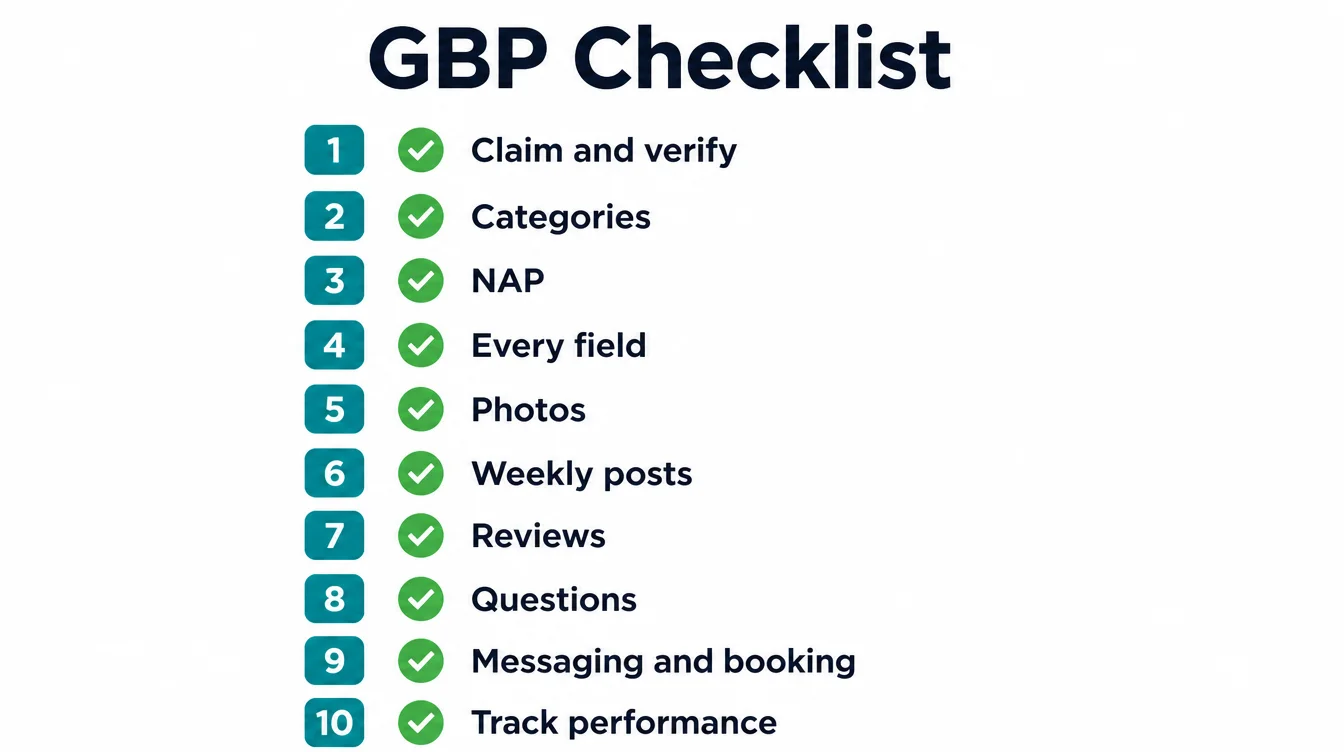
- Claim your Google Business Profile and verify it, so it can show on Maps.
- Set the most specific primary category, then add secondary categories.
- Fill in every field: description, services, products, attributes, and hours.
- Keep your name, address, and phone identical everywhere online.
- Add real, recent photos of your work, your team, and your place.
- Publish a Google Post about once a week.
- Ask every customer for a review, and reply to every review.
- List your services and products with clear descriptions.
- Add a booking link if you take appointments.
- Check the Performance view monthly and track calls, clicks, and directions.
Working on the website and citation side too? Pair this with our wider local SEO checklist.
2. What is Google Business Profile optimization?
Google Business Profile optimization is the work of completing and improving every part of your free Google listing, from categories and photos to services, reviews, and posts, so you show up in the local pack and turn more searchers into customers.
Google says local results are based on relevance, distance and prominence and publishes no weights, and in Whitespark's survey of local SEO practitioners respondents scored profile signals highest of any group, at about 32% (Whitespark, 2026).
Your profile is the box that shows up when someone searches for what you sell. It appears in Google Search and on Google Maps. It is free. And it is where most local customers meet your business for the first time.
One quick note on names. Google renamed "Google My Business" to "Google Business Profile" in November 2021, and moved everything into Search and Maps. So older guides about Google My Business optimization still apply. Only the label changed.
This guide is the Maps and profile side of local search. Want the wider picture, including your website and citations? Start with our complete local SEO guide, then come back to work this checklist.
3. Why complete your profile?
Because a half-finished profile leaks customers. People find local businesses by category, not by name: about 86% of profile views come from discovery searches like "coffee shop near me" rather than branded searches (Birdeye, 2026). If your categories and details are thin, you simply miss that demand.
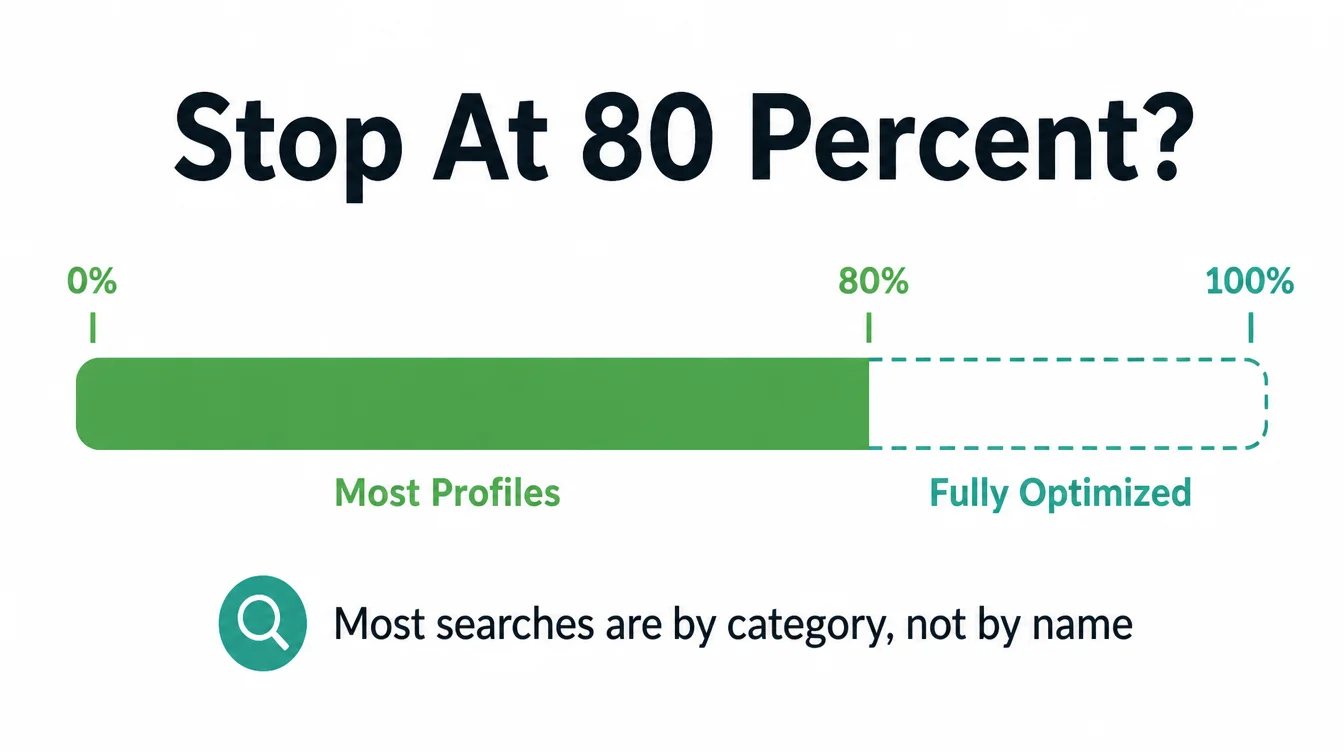
Google says local results depend on relevance, distance and prominence. Complete categories and details help Google match the profile to relevant searches (Google Business Profile Help).
Here is what most people miss. They fill in the name, address, and phone, call it done, then wonder why they do not rank.
A complete profile makes people 2.7 times more likely to see you as reputable and 70% more likely to visit (Google data, via BrightLocal, 2025).
4. The full Google Business Profile optimization checklist
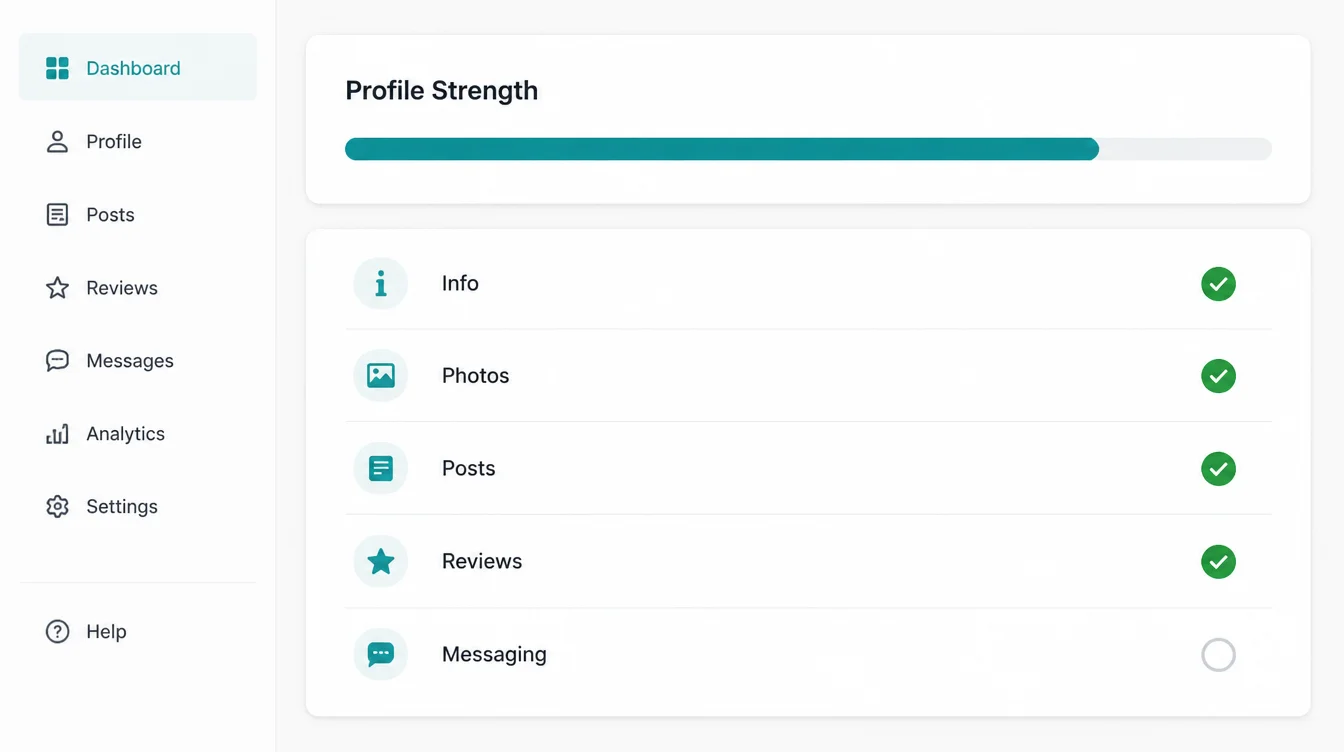
Here is the full checklist in one place. Work it from top to bottom. Each item is free to complete.
| Step | What to do | Why it matters |
|---|---|---|
| 1. Claim and verify | Confirm you own the profile and it is live | Unverified profiles do not show |
| 2. Categories | Set the most specific primary category, add secondaries | Practitioners rate it the top factor |
| 3. NAP | Make name, address, and phone identical everywhere | Mismatches lose trust and rank |
| 4. Every field | Description, services, products, attributes, hours | Relevance and reputability |
| 5. Photos | Add real, recent photos of your work and place | Most profiles have almost none |
| 6. Posts | Share offers, news, and updates weekly | Active profiles get more views |
| 7. Services and products | List what you offer with clear descriptions | Adds useful detail |
| 8. Reviews | Ask every customer, reply to all | About 20% in the same survey |
| 9. Booking and website links | Add working links for each action | Makes the next step clear |
| 10. Insights and safety | Track calls and clicks, keep edits clean | Protects your visibility |
The rest of this guide walks the high-impact steps in detail, so you know what to do and why.
5. Claim and verify your profile first
Claim and verify your profile before optimising the rest. An unverified profile may have limited visibility in Google Search and Maps.
Verification is now the baseline rather than an edge: about 76% of profiles were verified in 2025, up from 71% the year before (Birdeye, 2026). So claiming it just gets you to the starting line.
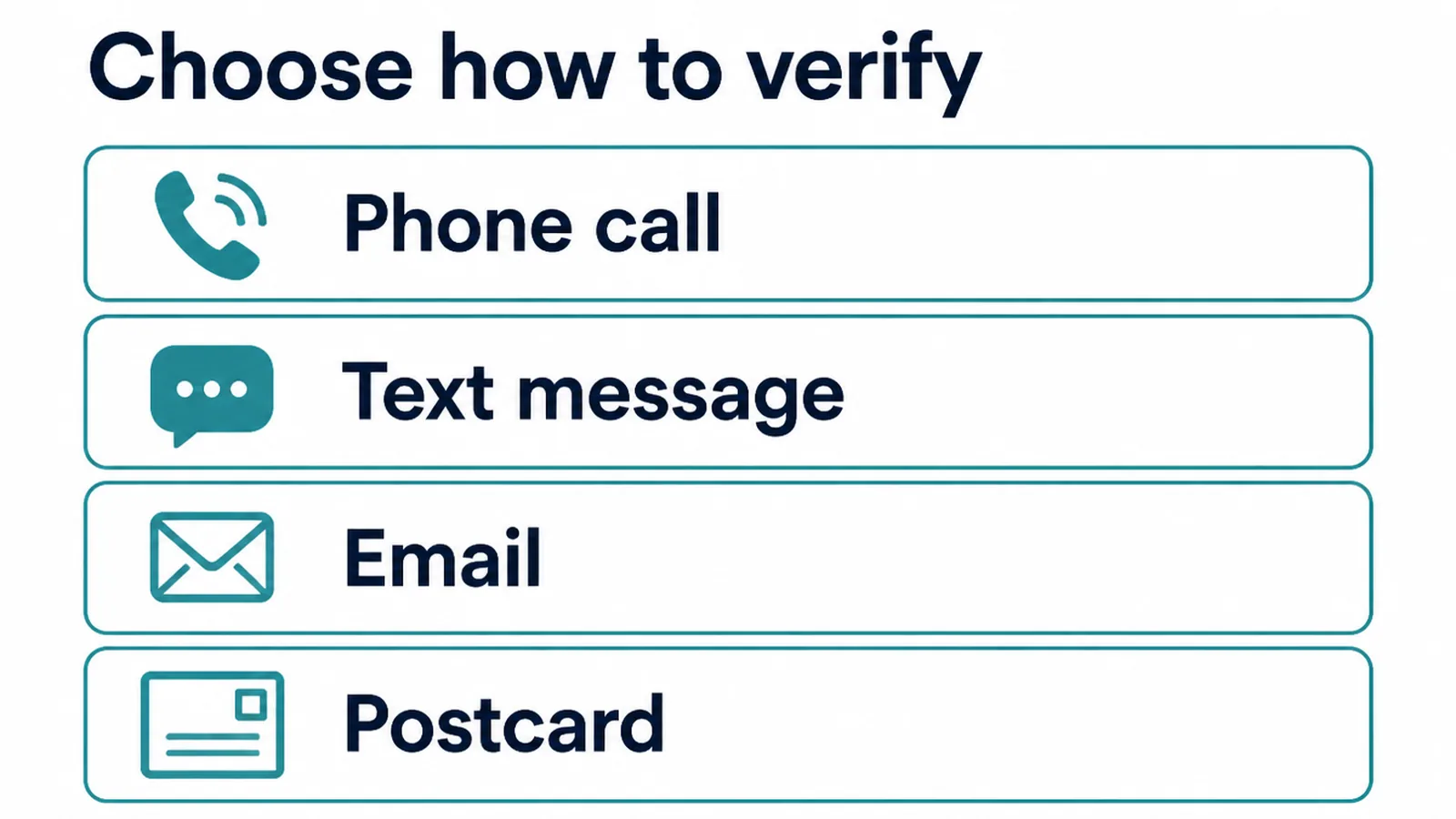
Search your business name on Google. If a profile already exists, click to claim it. If not, create one. Then verify, usually by video, phone, text, email, or postcard, depending on what Google offers your business type.
What if someone else controls your listing? It happens with old agencies and former staff. Use Google's "request access" flow and follow the steps. For Google's own rules on what helps you rank, see their guide to improving your local ranking.
6. Pick the right categories
If you change one thing today, change this. Whitespark rates the primary category the single most important local ranking factor, and says the wrong one holds back every other signal you have (Whitespark, 2026). It tells Google exactly what you are.
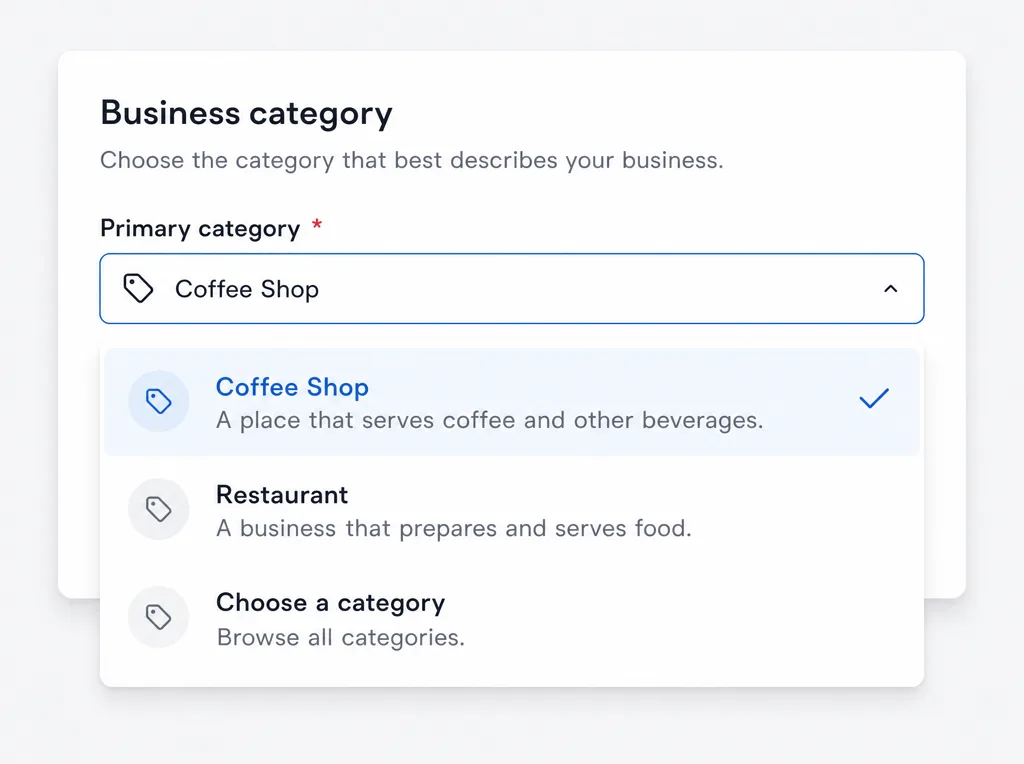
Be specific. "Emergency Plumber" beats "Plumber." "Italian Restaurant" beats "Restaurant." Then add secondary categories for everything else you do. A restaurant website with the menu and booking on it backs the listing up.
Specifics show up in the data too: having your keyword in the business title and a visible address rank among the most influential pack factors (Whitespark, 2025).
One warning. Do not stuff keywords into your actual business name to game this. Use your real name. Keyword stuffing breaks Google's rules and is a fast way to get suspended, which we cover at the end.
7. Complete every field and keep your NAP consistent
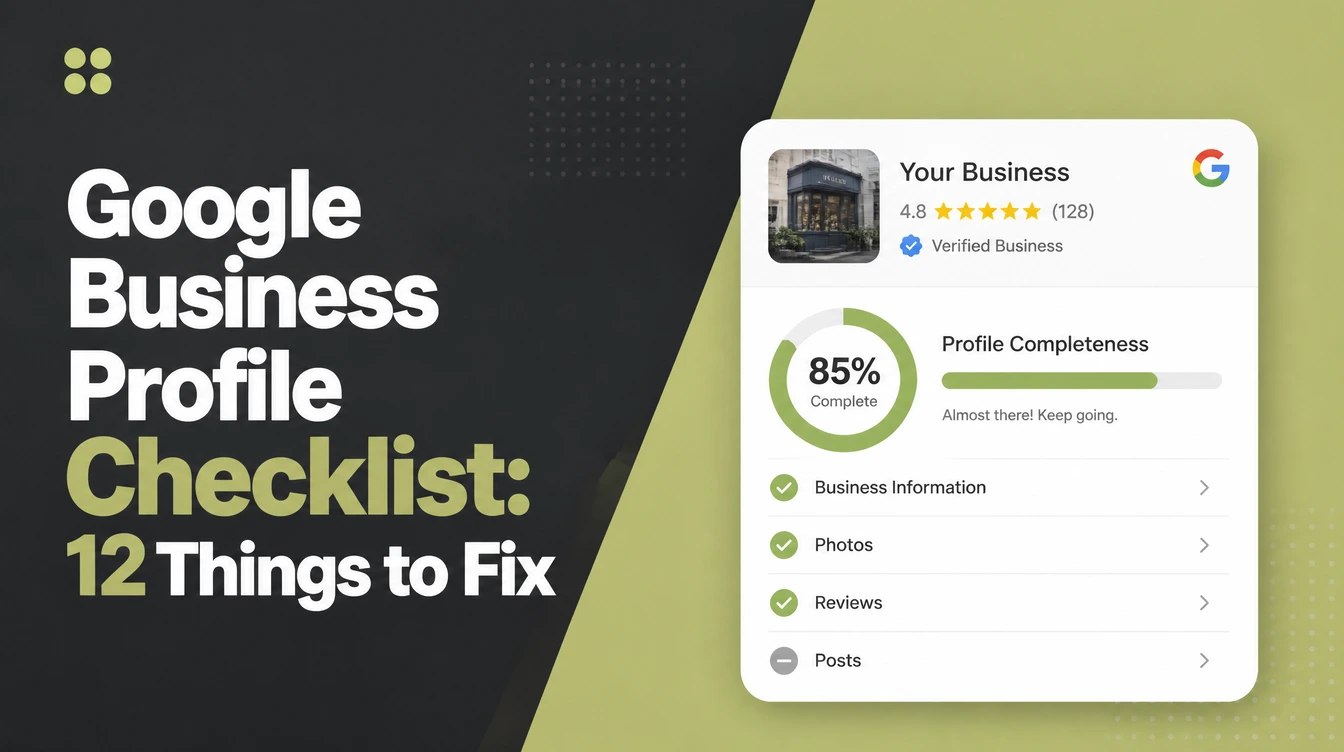
Every empty field is a missed signal and a missed sale. A complete profile makes customers 2.7 times more likely to see you as reputable and 70% more likely to visit (Google data, via BrightLocal, 2025). So fill out everything.
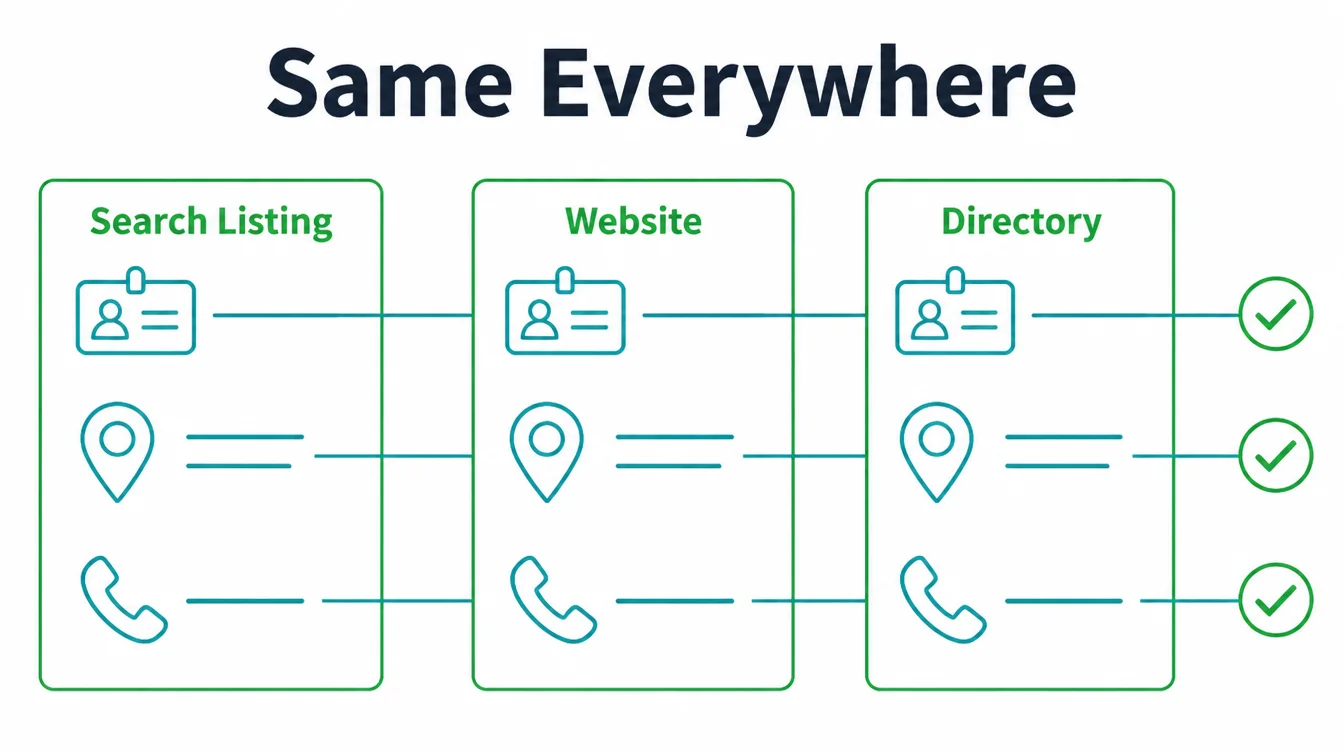
Work through each part of the profile.
- Business description. Write a clear, plain summary of what you do and who you help. Skip the buzzwords.
- Services and products. List them out. They feed Google more relevance and help you show for specific searches.
- Attributes. Tick the ones that fit, like "wheelchair accessible", "women-owned", or "free wifi". They help you match filtered searches.
- Hours. Keep them current, and add special hours for holidays. Whitespark reports that whether you are open at the moment of search influences local ranking (Whitespark, 2025).
In addition, there is your NAP: name, address, and phone. Make them match across Google, your website, Facebook, and directories, character for character. When they clash, you confuse Google and customers. About 62% of people would avoid a business if they found incorrect information online (BrightLocal, 2025).
Show the same NAP in your website footer, and back it up with LocalBusiness structured data so Google reads it cleanly.
If your site is hard to edit, see how we approach web design for small businesses. To see which local signals your own page already carries, run it through our free local SEO checker.
8. Add photos and post updates every week
This is a practical way to stand out. The average verified profile has fewer than one photo (Birdeye, 2026). Add real photos of your work, your team and your place, then keep the profile active with weekly posts.
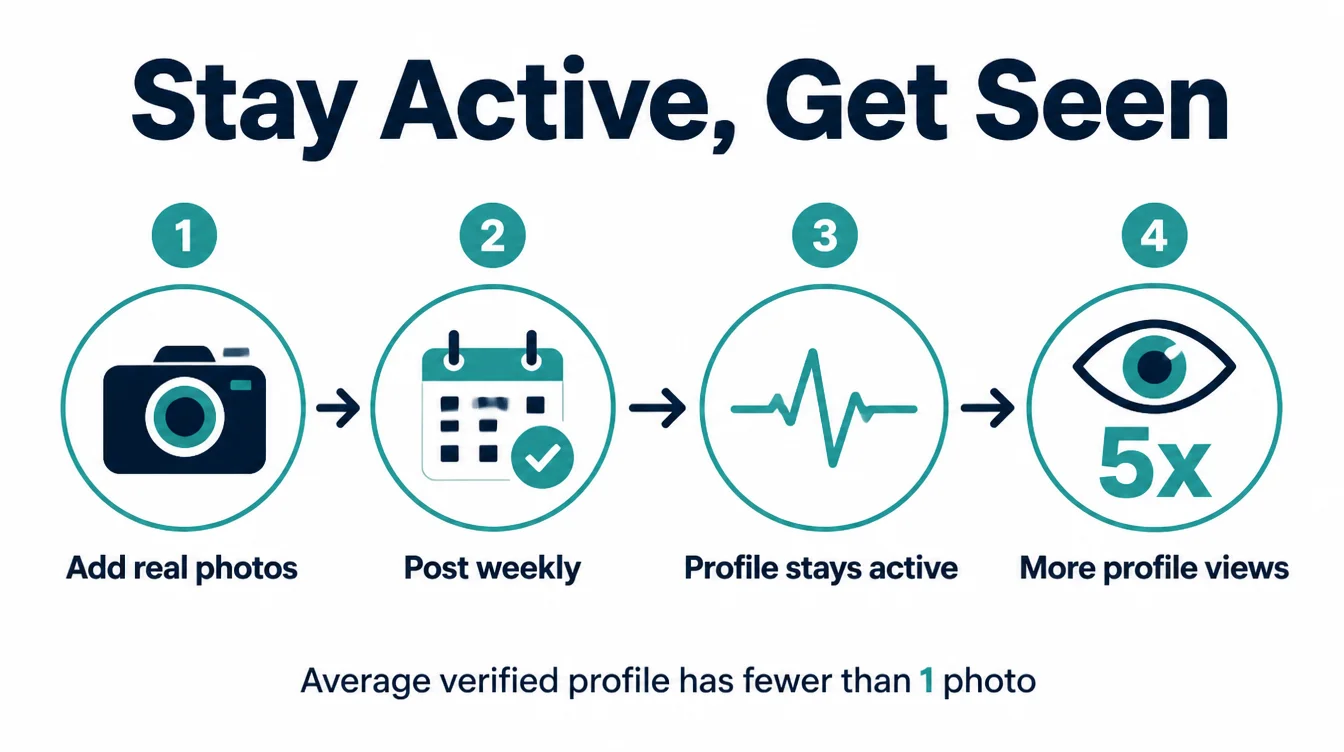
Google recommends adding photos and videos to your profile so customers can see what you offer (Google Business Profile Help). Use clear, recent, real photos. Skip stock images. Add a few each month so the profile never looks frozen.
Google Posts are the other half. Regularly updated profiles get far more views than ones that sit still, with one Google representative citing up to five times more views for active profiles (Google, via Uberall, 2026).
Post about once a week: an offer, an event, a piece of news, or an answer to a common question. It takes minutes.
9. Manage your reviews
Reviews do double duty: they rank you and they close customers. In Whitespark's practitioner survey, respondents scored review signals at roughly 20% and placed review recency in the top five (Whitespark, 2026).
A steady flow beats a one-time pile. People read them closely, too: more than 8 in 10 people use Google to read reviews, and 74% check two or more review sites before they choose (BrightLocal, 2025).
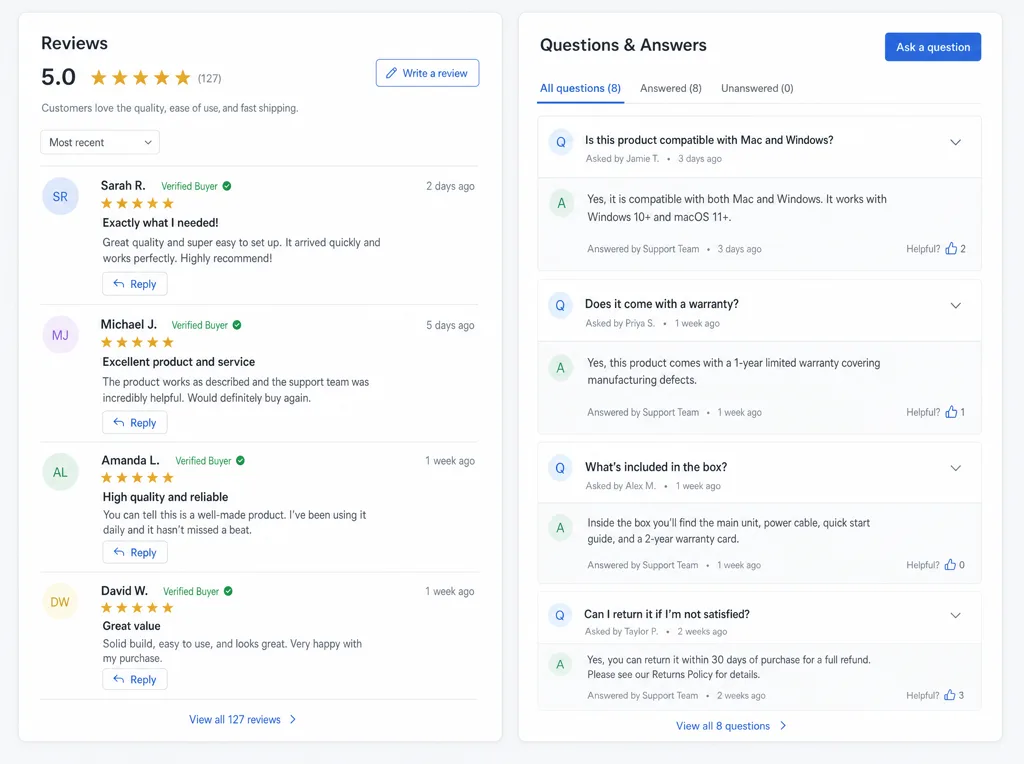
Build a simple habit instead of a one-off push.
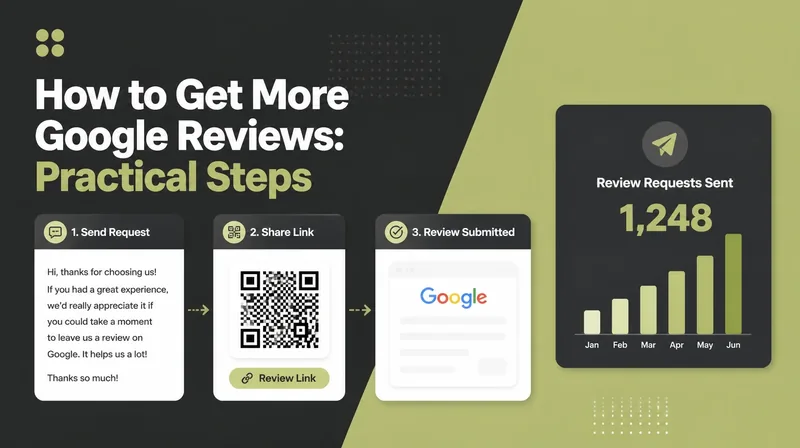
- Ask every customer, right away. The best moment is just after you deliver.
- Make it one tap. Send a direct link to your Google review form by text or email.
- Reply to every review. A calm reply to a bad one often wins more trust than the five-star ones.
Never buy reviews or post fake ones; Google catches it, and the damage outlasts any short bump. For a fuller review routine, see our step-by-step guide on how to get more Google reviews.
10. Add booking links, then track what works
Your profile is a conversion tool. Customer actions on a typical profile split into website visits at 47%, direction requests at 38%, and phone calls at 15% (Birdeye, 2026). So make every one of those actions easy.
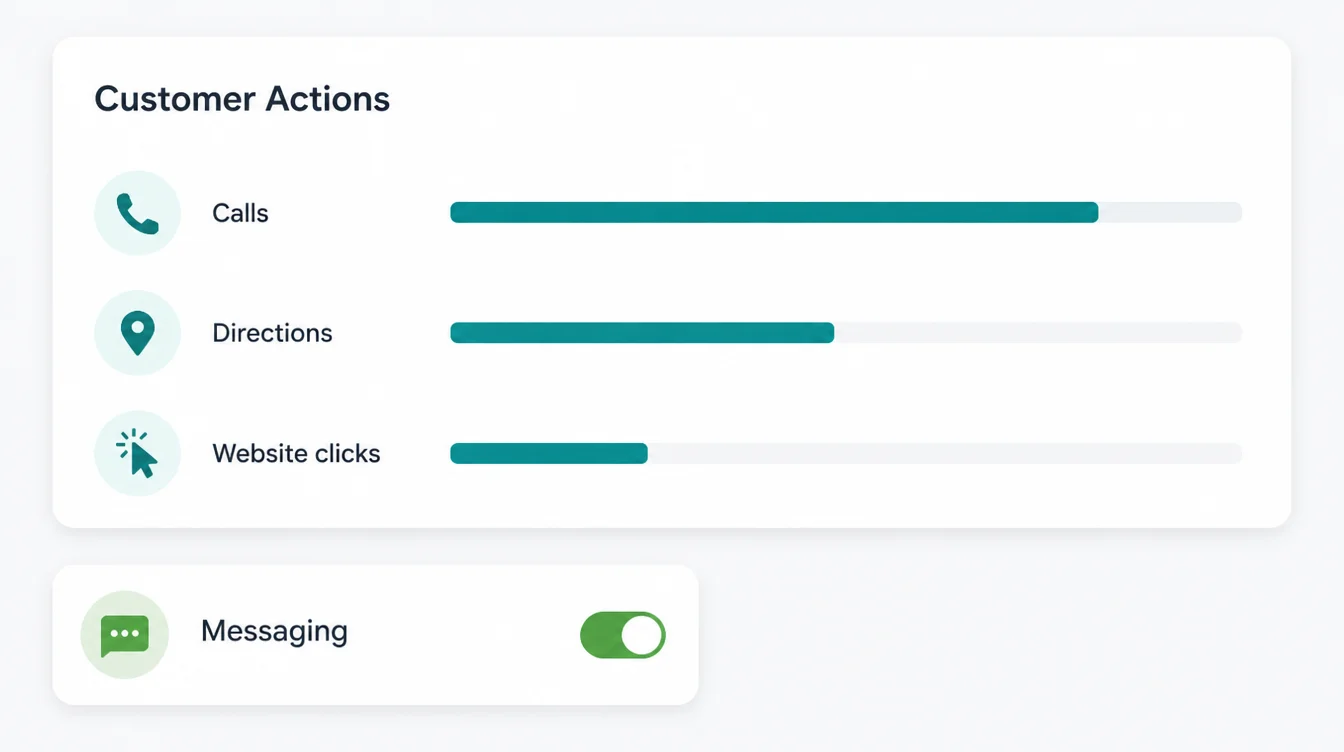
Add a booking or appointment link if you take bookings. Make sure your website link works and points somewhere useful, not a dead homepage.
Beyond this, watch the numbers. Your profile has a built-in Performance view that shows calls, website clicks, direction requests, and the searches that found you. Check it monthly, write down the figures, and compare.
If "near me" searches are low, your categories need work. If clicks are low, your photos or description need work. For more practical guides, browse the Seed Light blog.
11. Protect your profile from suspension
One careless edit can wipe out everything above. Google Business Profile suspensions rose through 2025, and appeal times stretched from about five days to nearly five weeks (Search Engine Journal, 2025). A suspension means you vanish, so play it safe.
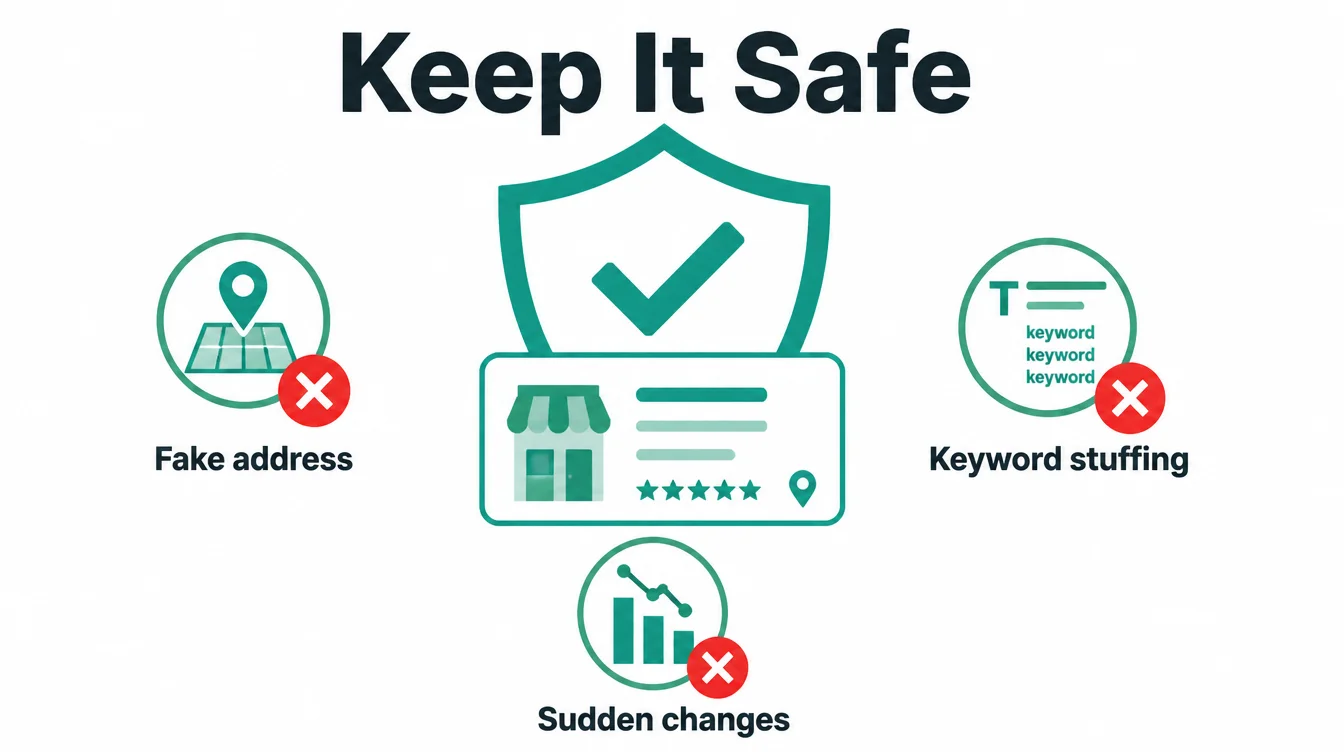
Keep your details honest and steady. Use your real business name with no extra keywords. Do not fake an address for a service-area business; hide the address and set service areas instead. Avoid big, sudden changes to your name, address, or category, since those often trigger a review.
If you do get suspended, do not panic and do not keep editing. Read the reason, fix the cause, then submit one clean appeal. If your business has disappeared from Maps entirely, our guide on why your business is not showing up on Google Maps walks through the most common causes and fixes.
Frequently asked questions
1. How do I optimize my Google Business Profile?
Google Business Profile optimisation starts with claiming and verifying the profile, choosing a precise primary category, completing each field, keeping your name, address and phone consistent, adding real photos, posting updates, managing reviews and adding a booking link. The work is free to do yourself, though you can pay someone to manage it.
2. What is Google Business Profile optimization?
Google Business Profile optimization is the work of completing and improving every part of your free Google listing, including categories, photos, services, reviews, and posts, so you show up in the local pack and turn more searchers into customers. Google says local results are based on relevance, distance and prominence, and the profile is the part of that you control directly.
3. Is Google Business Profile optimization free?
Google Business Profile is free, as are its categories, photos, posts, reviews, services, products and booking link. Your cost is the time spent managing those details or the fee charged by someone you hire to handle them. Google does not charge businesses for a higher position in the local pack.
4. How often should I post on my Google Business Profile?
Aim for about one Google Post a week. Regular activity signals a live, open business, and regularly updated profiles get more views than ones that sit still. Posts also expire, so a steady habit keeps something fresh on your profile. Share offers, events, news, and answers to common questions.
5. How long does it take for Google Business Profile optimization to work?
Google Business Profile fixes such as correcting the primary category or completing verification can change visibility within days. For the wider local SEO work, early movement often shows in three to six months, with fuller results over four to twelve. Reviews and prominence develop over time, so profile corrections and the broader ranking work follow different clocks.
6. What is the difference between Google Business Profile and Google My Business?
Google Business Profile and Google My Business are the same service under different names. Google renamed the service in November 2021 and moved management into Google Search and Maps. Older guides can still be useful because the main change was the name and dashboard.
7. Why is my Google Business Profile not showing up?
Common reasons include an unverified, suspended or duplicate profile, or the wrong primary category. Incomplete or inconsistent details can also make the profile harder to verify and understand. Confirm the profile is verified and live, fix the category, then complete every field.