
Web Design
Web Design Guides
Practical web design guides from Seed Light covering page structure, copy, mobile UX, speed, forms, accessibility and the trust signals that help visitors understand a business and take the next step.
Every article on Web Design
48 articles. Newest first, covering what goes on a website, how it should work and the decisions that make it easier to use.
Popular tags
Want help putting it into action?
Turn the advice into action
Book a free 15-minute call and we'll recommend the next step based on your website, marketing and goals.
Book a free 15-minute call48 results
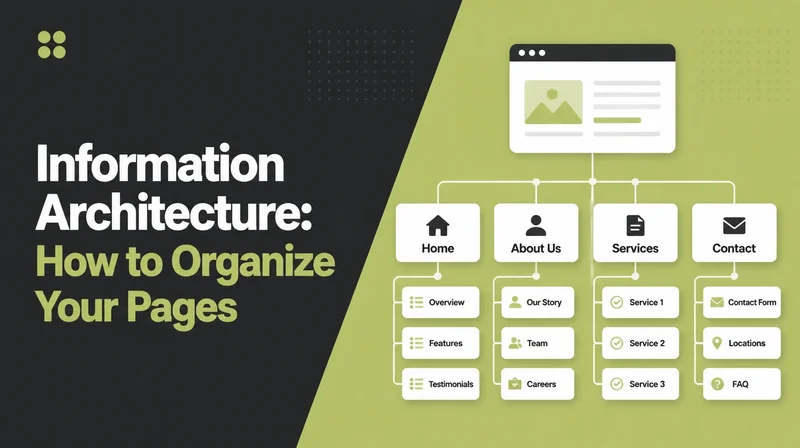
Information Architecture: How to Organize Your Pages
How to decide what pages your site needs and how to group them, with real card sorting numbers and the two navigation myths worth ignoring.
Hamburger Menu: Should You Use One on Desktop?
Should you hide desktop navigation behind a hamburger icon? What Nielsen Norman Group actually measured, where the scary numbers come from, and how to decide.
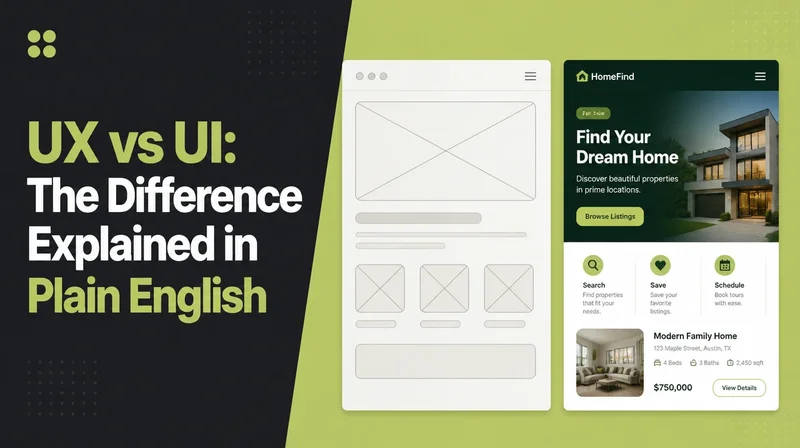
UX vs UI: The Difference Explained in Plain English
UX vs UI explained for the person paying the invoice: what each covers, which of your website problems belongs to which, and what to put in a design brief.

Design Systems: Decide When Your Website Needs One
See what belongs in a design system, how it differs from a style guide and when reusable components and rules are worth the extra setup.

Above the Fold | What Visitors Should See Before Scrolling
Decide what belongs above the fold, what can wait until later and how to give visitors enough clarity to keep scrolling or take action.
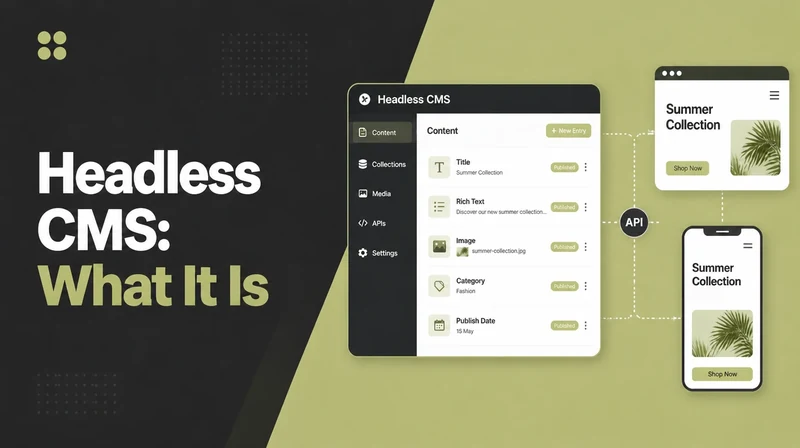
Headless CMS | What It Is, Benefits & When to Use One
Understand how a headless CMS separates content from the front end, the real trade-offs and when that flexibility is worth the added technical complexity.

Call to Action Examples | 21 CTAs and When to Use Them
See 21 call-to-action examples for different goals, plus practical guidance on wording, placement and the small changes that can improve response.

Mobile-First Design: Build Better Small Screens
See why mobile-first design starts with the smallest screen, how it differs from responsive design and what it changes about hierarchy, content and usability.
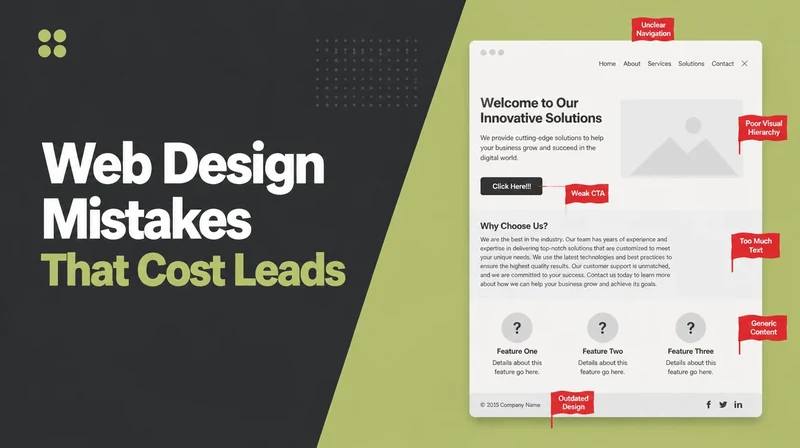
Web Design Mistakes | 9 Problems That Cost Leads & Sales
Improve nine common web design mistakes that weaken trust or cost customers, with practical changes that make your website clearer and easier to use.

Visual Hierarchy | Direct Attention to What Matters Most
Use size, contrast, colour and spacing to control visual hierarchy so visitors notice the right information first and move toward the next action naturally.
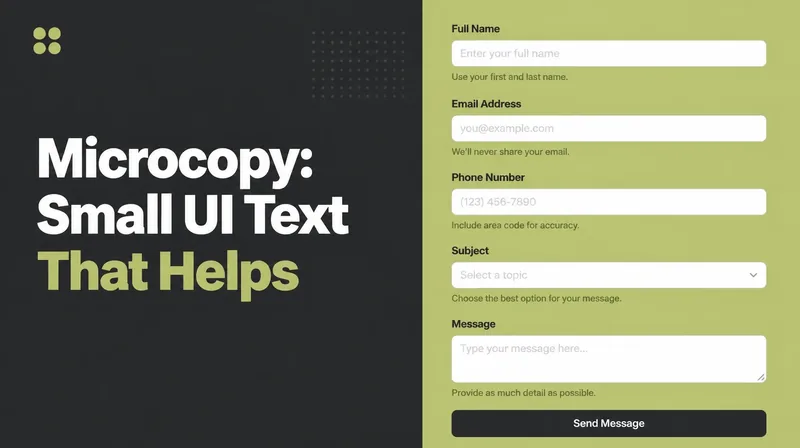
Microcopy | Write Small UI Text That Improves Decisions
Improve microcopy across buttons, labels, forms and errors so interfaces feel clearer, reduce hesitation and help more people complete the next step.
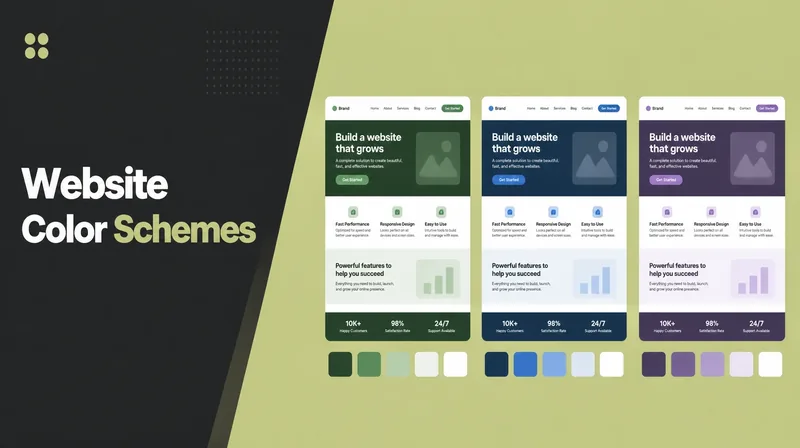
Website Color Schemes | Choose Colours That Fit Your Brand
Choose a website colour scheme with clearer roles, balanced proportions and sensible contrast so the palette supports your brand without hurting readability.
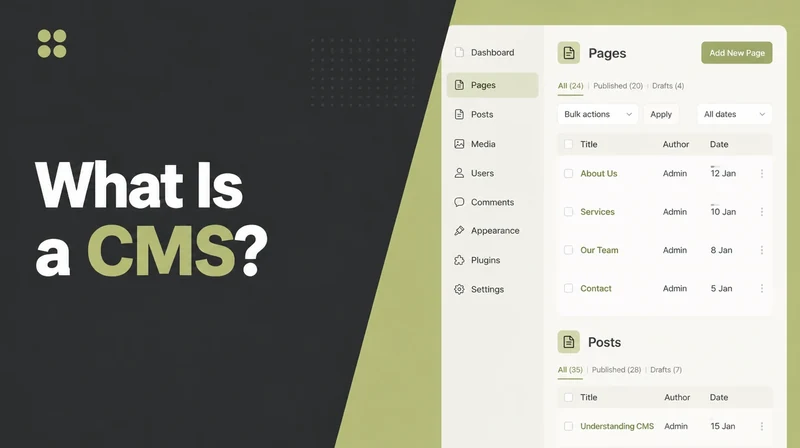
What Is a CMS? How Content Management Systems Work
Understand what a content management system does, how it lets teams edit website content without code and when a CMS is useful for a business site.
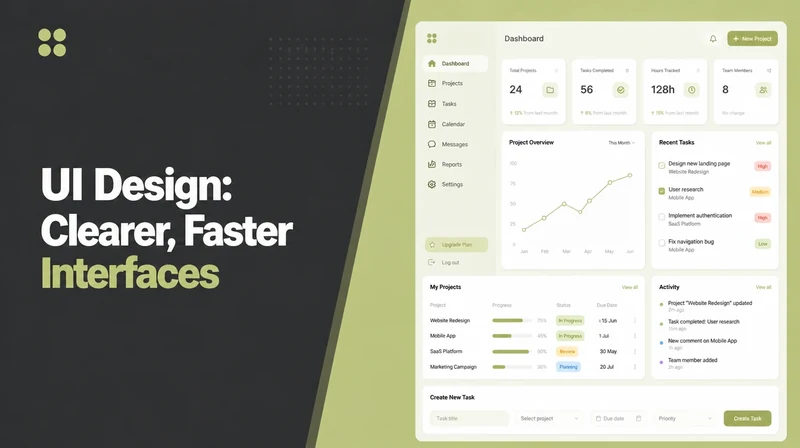
UI Design: Make Interfaces Clearer and Easier
See what UI design covers, how it differs from UX and how choices around type, colour, spacing and controls affect usability, clarity and trust.
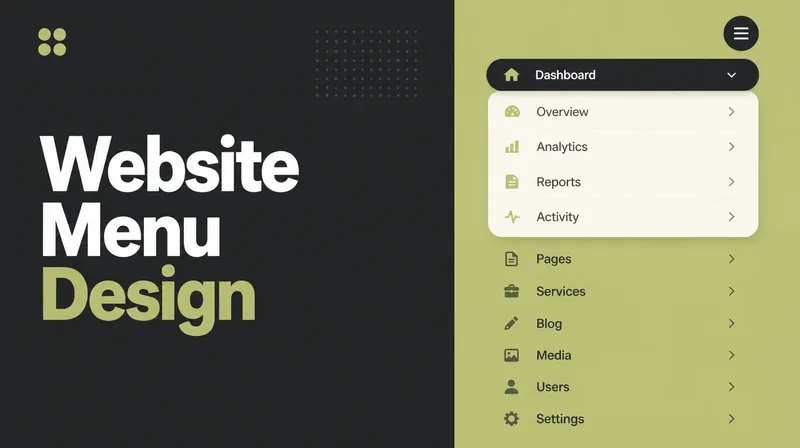
Website Menu Design | Build Navigation Visitors Understand
Build a website menu that helps visitors find what they need, with clearer labels, sensible dropdowns, usable mobile navigation and accessible tap targets.
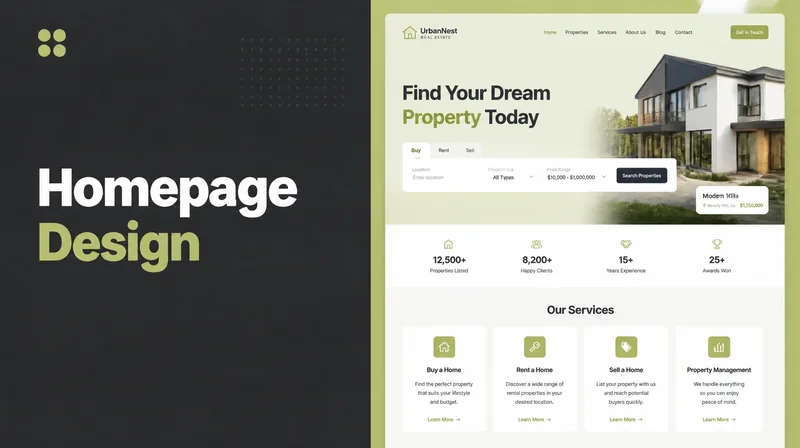
Homepage Design | What to Put Above and Below the Fold
Plan a stronger homepage with the right information above the fold, a useful page flow below it and clear actions that help visitors decide what to do next.
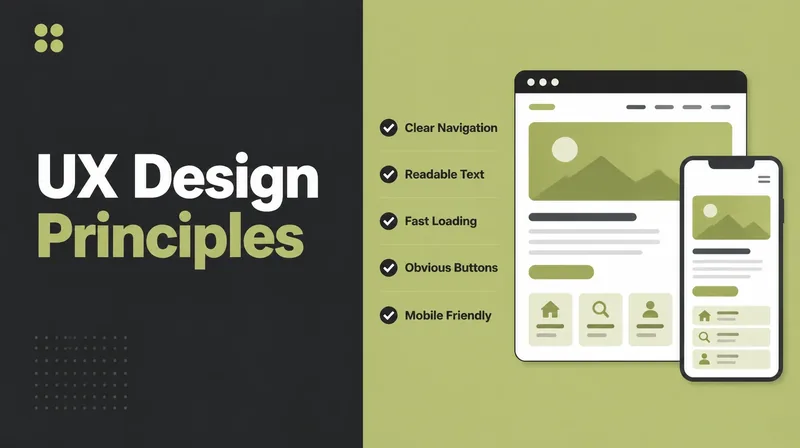
UX Design Principles | 10 Ways to Improve Usability
Apply 10 practical UX principles to make business websites easier to understand and use, with one clear action for each instead of abstract design theory.
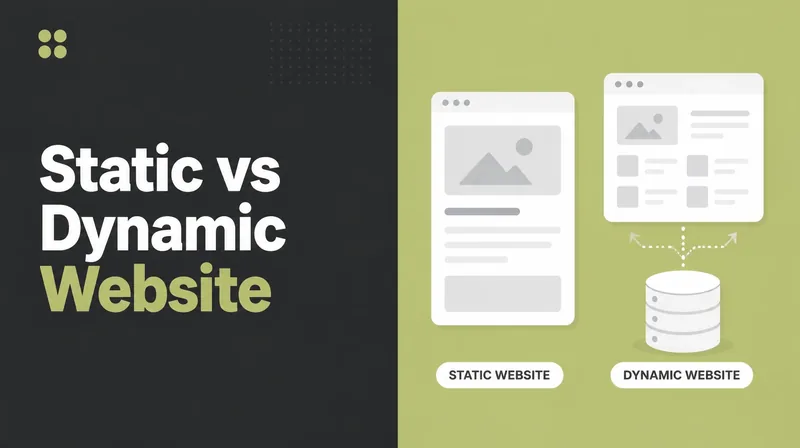
Static vs Dynamic Website | Which Setup Is Right for You?
Compare static and dynamic websites on speed, security, editing and flexibility, then decide which setup fits the way your site needs to be managed.
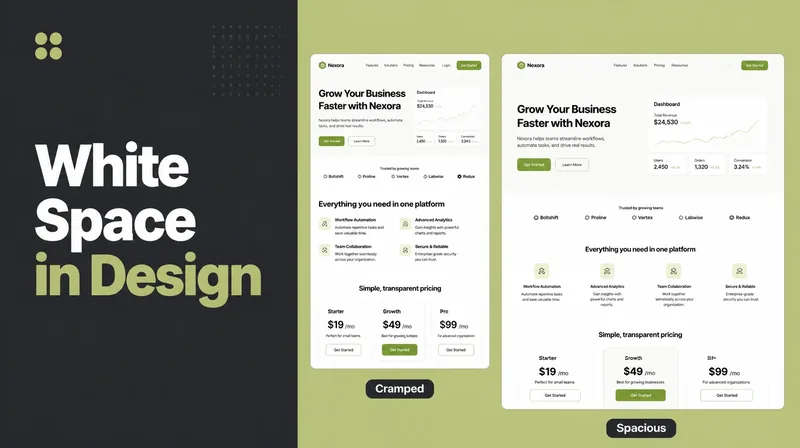
White Space in Design | Use Empty Space to Improve Clarity
Use white space to make website content easier to scan, understand and trust by giving text, images and actions enough room to stand apart clearly.
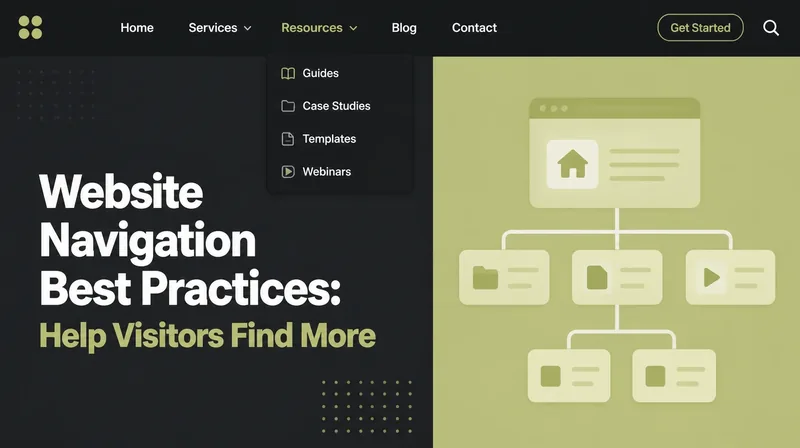
Website Navigation Best Practices: What to Review
Improve website navigation with clearer structure, labels and mobile menus so visitors can reach important pages faster without learning your site structure.
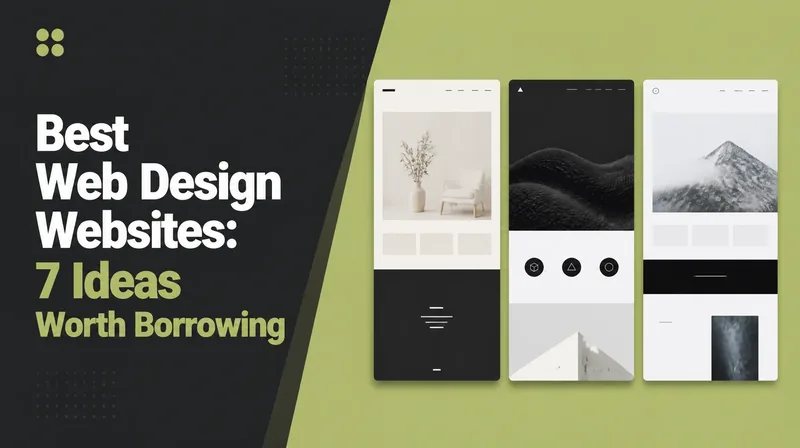
Best Web Design Websites 2026 | 7 Ideas Worth Borrowing
See seven web design patterns worth borrowing in 2026, with examples of how strong sites improve clarity, trust, usability and conversion.
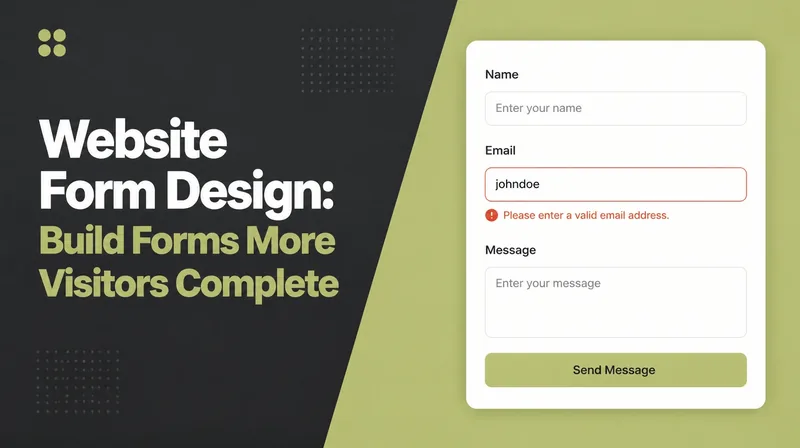
Website Form Design | Build Forms More Visitors Complete
Design forms people are more likely to finish by reducing unnecessary fields, improving labels and keeping signup, booking, checkout and enquiry flows clear.
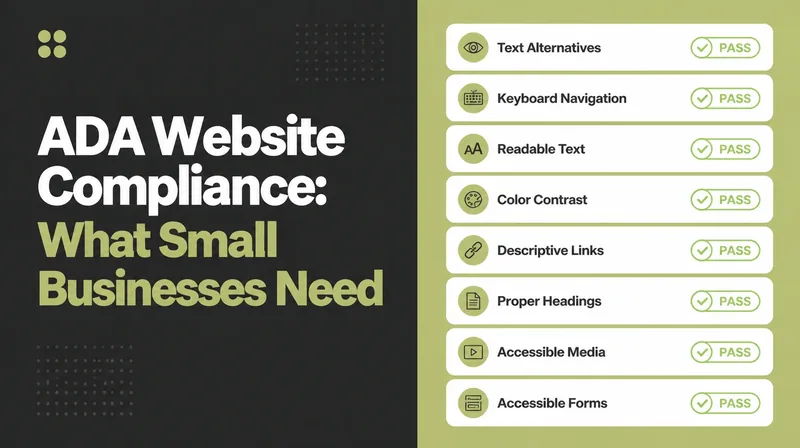
ADA Website Compliance 2026 | What Small Businesses Need
Understand ADA website compliance in 2026, where WCAG fits, which accessibility risks businesses should watch and practical fixes to prioritise.
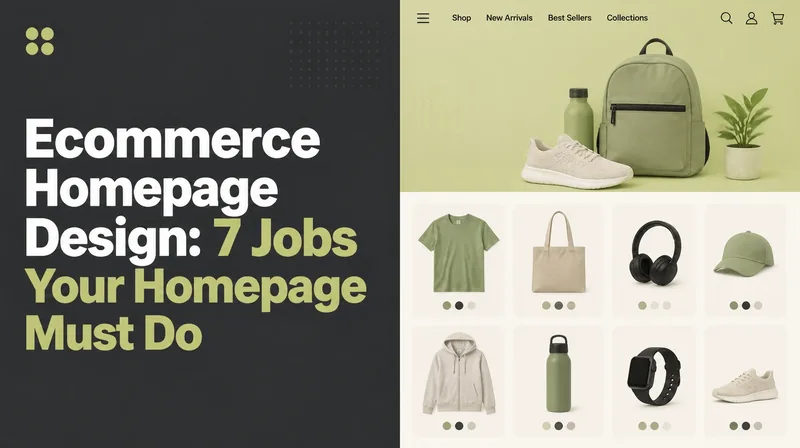
Ecommerce Homepage Design | 7 Jobs Your Homepage Must Do
Design an ecommerce homepage around the jobs shoppers need done, from finding products and offers to resolving doubts and building confidence before checkout.
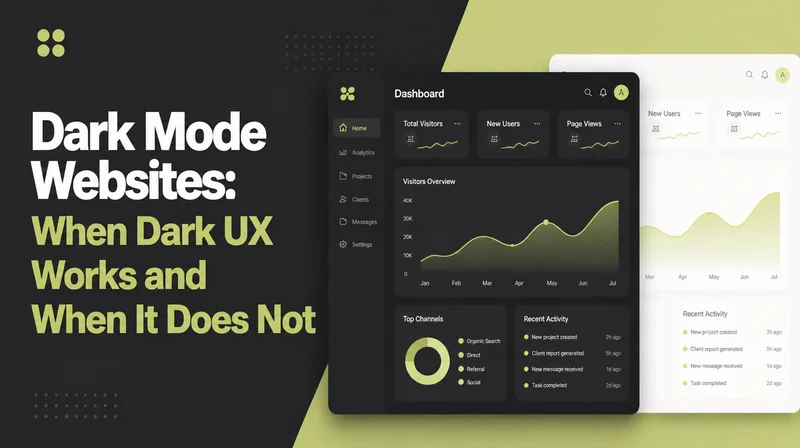
Dark Mode Websites | When Dark UX Works & When It Does Not
Decide whether dark mode improves your website or adds unnecessary complexity, with the UX, accessibility and performance trade-offs explained clearly.
Scroll Animation Websites: When to Use Motion
Use scroll animation without making a site slow or difficult to use, with practical guidance on motion, accessibility, performance and when it adds value.
Font Pairing for Websites: How to Choose a Pair
Choose website font pairings with a simple rule, sensible font limits and practical Google Font combinations that stay readable and consistent across the site.
404 Page Design | Turn Errors Into Useful Next Steps
Turn a broken link into a useful next step. See what a strong 404 page needs, useful layout patterns and the SEO mistake worth avoiding.
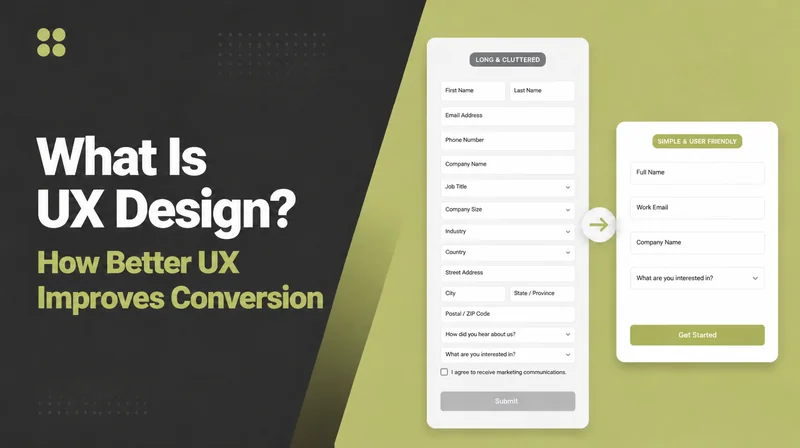
What Is UX Design? How Better UX Improves Conversion
Understand UX design, how it differs from UI and why the way a website feels to use can influence trust, completion rates and whether visitors become customers.
Contact Page Design | Turn More Visits Into Enquiries
Build a contact page that makes reaching you easy, with the right form fields, visible contact details, response expectations and clear next steps.
Button Design | Make Calls to Action Easier to Click
Improve button design with clearer copy, stronger contrast, better sizing and accessible states so important calls to action are easier to notice and use.
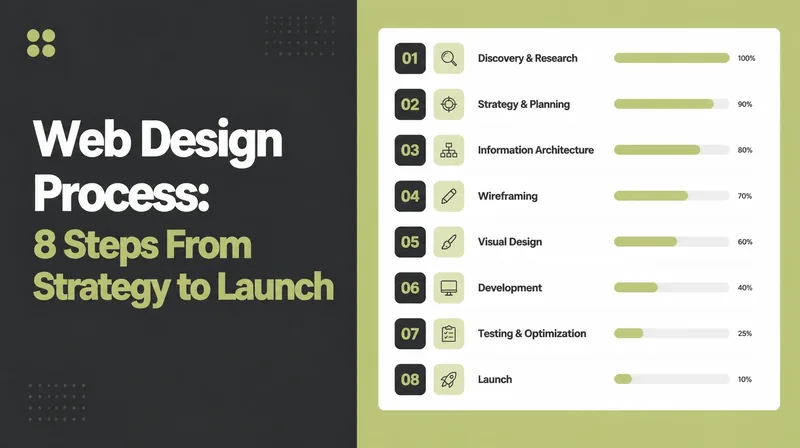
Web Design Process | 8 Steps From Strategy to Launch
See the web design process in eight practical stages, from brief and content through design, development, testing and launch, with your role clear at each step.
Modern Website Design 2026 | What Strong Websites Need Now
See what a strong business website needs in 2026: fast loading, mobile-first layouts, readable content, clear trust signals and an obvious next action.
About Us Page Examples | 5 Patterns Worth Adapting
See five About Us page patterns that build credibility, plus a simple structure you can adapt to tell your story without sounding generic.
Best Web Design Companies in Penang: How to Compare
Compare web design companies in Penang for 2026 using published information, Google ratings and the factors that matter before you appoint an agency.
Website Accessibility: What to Check
Improve website accessibility in 2026 by fixing common barriers, applying WCAG-aligned practices and making important content easier for more people to use.
Website Maintenance Checklist | Monthly Checks That Matter
Use a monthly website maintenance checklist for backups, updates, security, speed and broken links so small issues are found before they become problems.
How to Make a Website Mobile-Friendly | Practical Fixes
Make your website easier to use on phones with practical fixes for text, tap targets, images, layout and speed, without rebuilding everything from scratch.
Small Business Website Mistakes: What to Check and Fix
Find the website mistakes that quietly cost small businesses customers, from slow loading to missing contact details, and see the practical fix for each one.
WordPress vs Webflow: Compare the Fit
Compare WordPress and Webflow in 2026 on design control, editing, hosting, maintenance and scalability to choose the stronger fit for your build and team.
How to Choose a Web Design Company | 10 Questions to Ask
Use 10 practical questions to choose a web design company, spot red flags early and compare agencies on process, ownership, support and business fit.
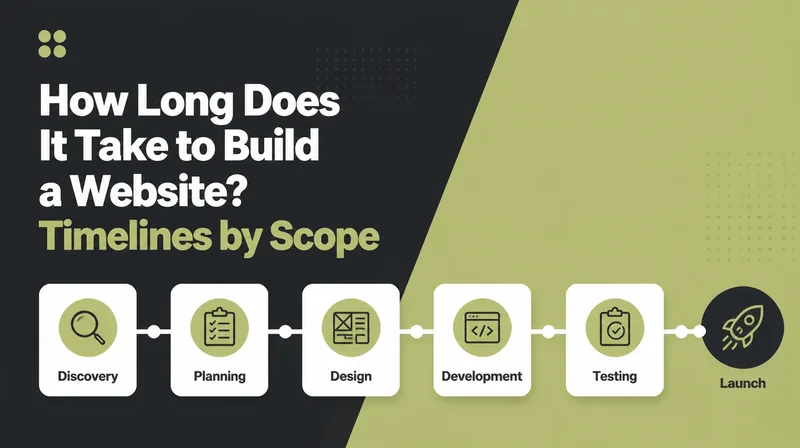
How Long Does It Take to Build a Website?
See what changes a website timeline, from page count and content to approvals, integrations and ecommerce needs, so you can plan the project realistically.
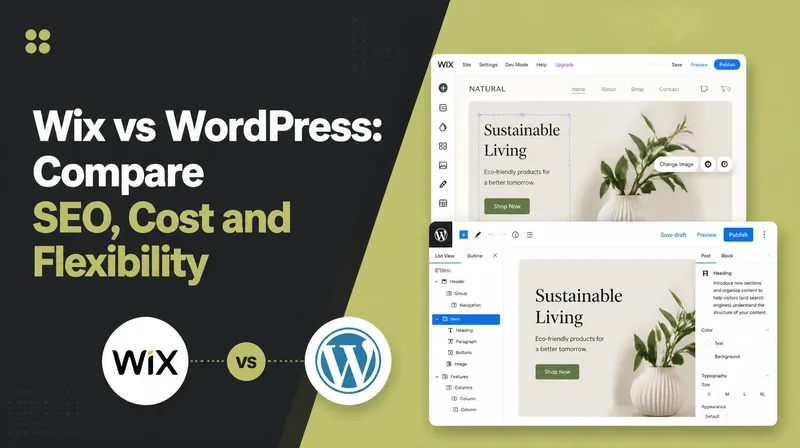
Wix vs WordPress 2026 | Compare SEO, Cost & Flexibility
Compare Wix and WordPress in 2026 on setup, editing, flexibility, SEO, maintenance and ownership to choose the platform that fits how your site needs to work.
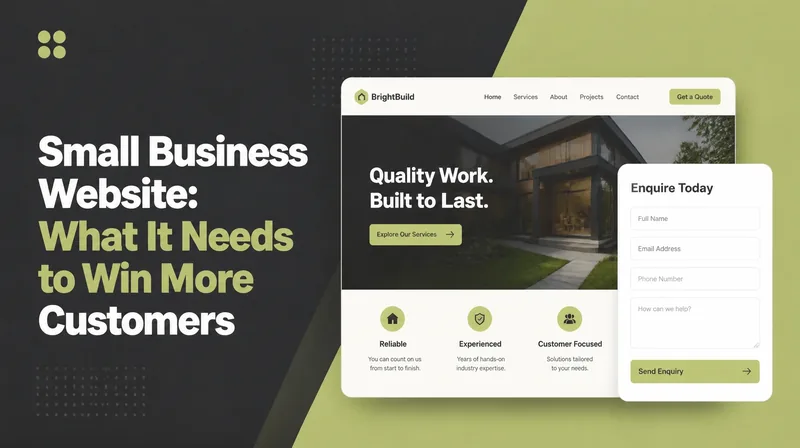
Small Business Website: What It Needs
Build a small-business website around mobile UX, speed, trust, useful content and clear conversion paths that turn more visits into enquiries or sales.
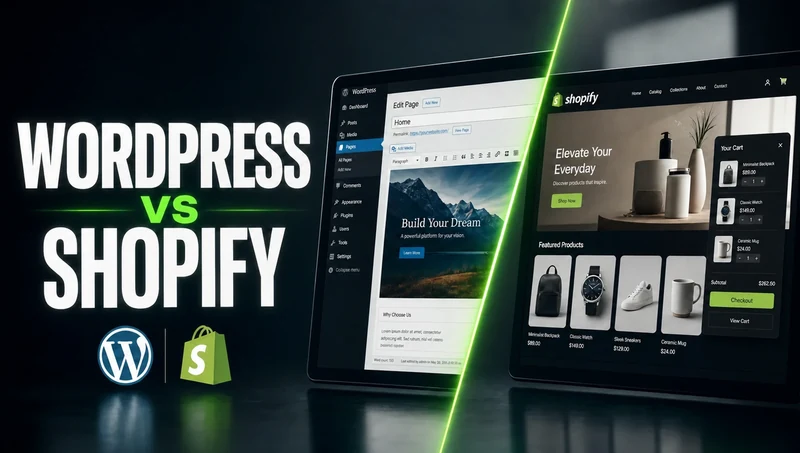
WordPress vs Shopify: Compare the Fit
Compare WordPress and Shopify in 2026 on ecommerce, content, customisation, cost and maintenance to decide which platform better fits your business model.

Website Cost Malaysia 2026 | What Different Websites Cost
See what a website can cost in 2026, what moves the quote up or down, which ongoing costs remain after launch and how to compare proposals fairly.
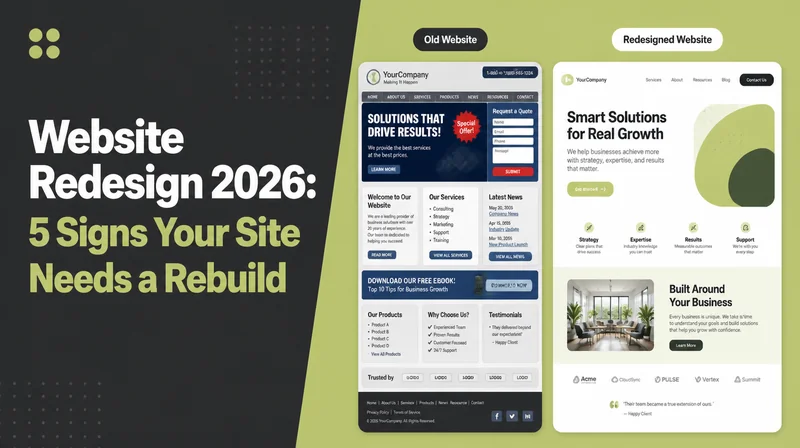
Website Redesign 2026 | 5 Signs Your Site Needs a Rebuild
See the signs a website may need a redesign in 2026, what a rebuild should improve, how to protect SEO and when a smaller refresh is the smarter move.
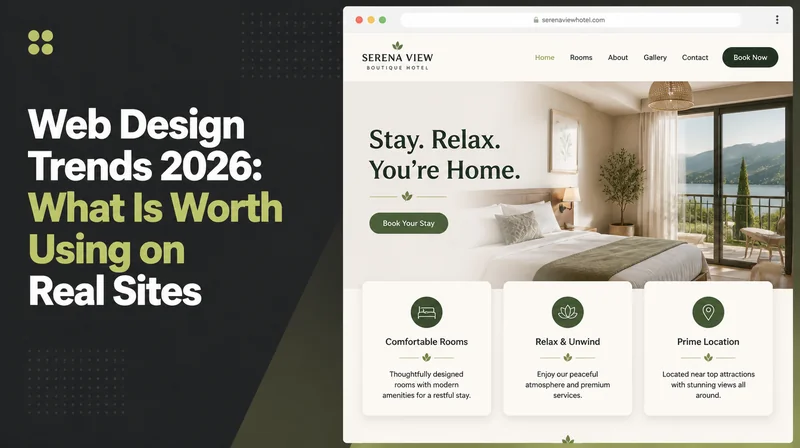
Web Design Trends 2026 | What Is Worth Using on Real Sites
Review web design trends for 2026 with a practical filter for UX, accessibility, speed and conversion, so you can separate useful ideas from visual noise.
Put your plans into practice
These Web Design guides explain the work. The links below show where Seed Light does it.
More reading
Other topics on the blog
Same plain writing, a different part of the job.

Let’s talk
Ready to get more
customers?
Tell us what you want to grow or improve. We’ll reply within one working day with honest advice, even if we do not work together.
Prefer email or a call? hello@seed-light.com · +60 16-411 9138
Results so far
Results from real clients100+
Brands worked with
28,441+
Leads generated
$4.1M+
Sales generated for clients
Up to 13x
Return on Meta ad spend
Tallied from client ad accounts and store reports.
Monthly leads