Web Design Process: 8 Steps From Strategy to Launch

The web design process runs in eight steps: discovery, plan and sitemap, content, wireframe, visual design, build, test and launch. The first four decide what the site says and does, the last four make it real. Seed Light finds two things set the pace: your content and your approval speed.
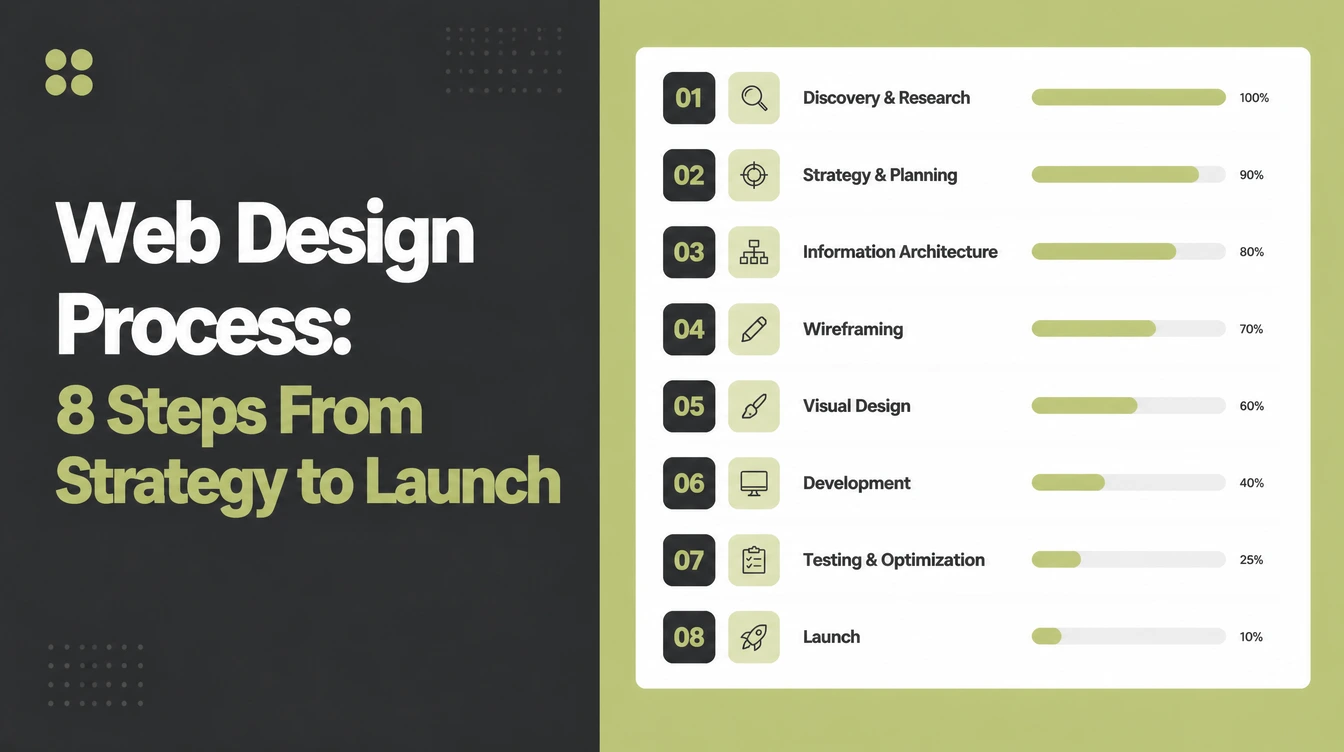
Key takeaways
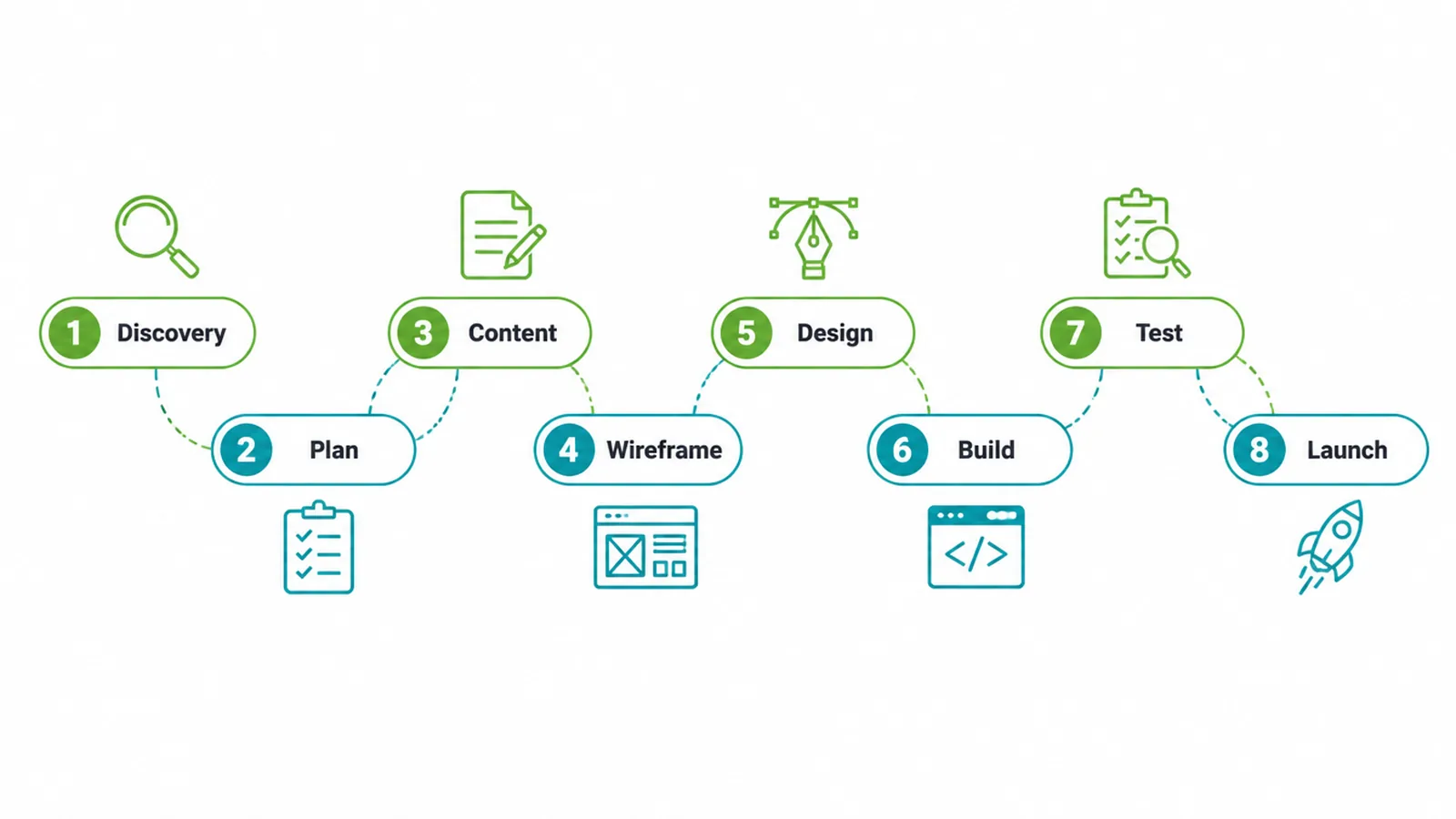
- It is eight steps, not magic. Discovery, plan, content, wireframe, design, build, test, launch. Each one feeds the next.
- Visual appeal is rated fast. In a 2006 study, Lindgaard and colleagues found that people rated a page's visual appeal after 50 milliseconds of viewing.
- You control the timeline. Your content and your approval speed decide how fast a project moves, more than the design work itself.
- Test before you celebrate. Speed, mobile, and accessibility checks catch the problems that quietly cost you leads.
- Launch is the middle, not the end. A good site gets a short check every month after it goes live.
1. What is the web design process?
The web design process is the path a website takes from a rough idea to a live, working site. It runs through eight stages: discovery, plan and sitemap, content, wireframe, visual design, build, test, and launch.
The first half sorts out what the site needs to say and do. The second half turns that plan into something real people can use.
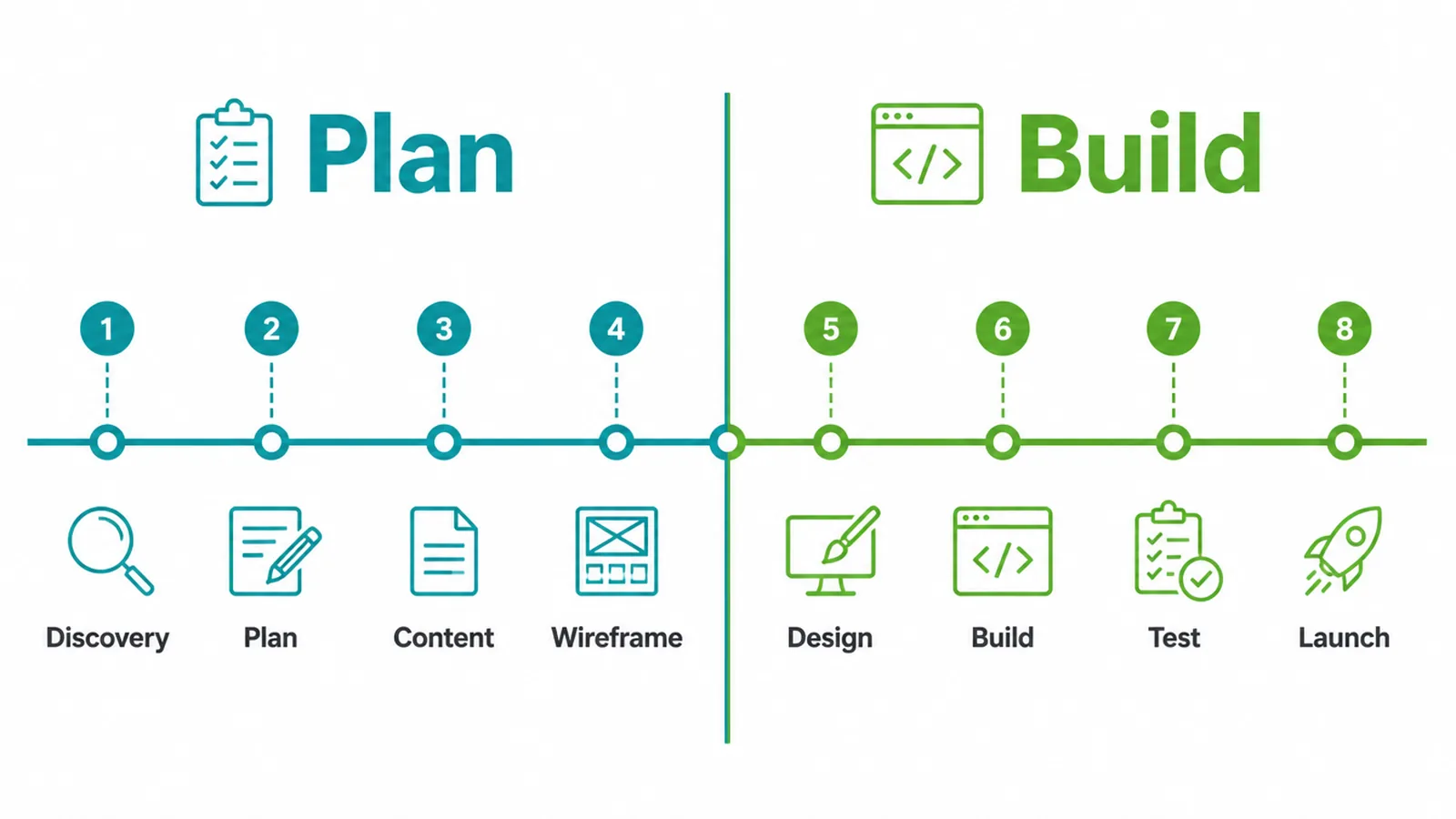
Think of it like building a house. You do not start by picking paint. You agree on what rooms you need, you draw a floor plan, you lay the frame, and only then do you decorate.
A website works the same way. Skip the plan and you end up rebuilding, which is slow and costs more.
Why bother with all eight steps? Each one settles a decision about the message, structure, look or build before the site goes live.
A clear process is how you earn that snap judgment instead of losing it. If you are weighing this against a do-it-yourself builder, our guide to small business websites walks through the bigger picture first.
2. The 8 steps at a glance
Here is the whole process on one screen. Each row shows what happens, what you do, and roughly how long the stage tends to take. Timings are rough on purpose, because your content and your sign-off speed move them more than anything else.
| Step | What happens | Your job | Rough time |
|---|---|---|---|
| 1. Discovery | Agree the goal, audience, and competitors | Share a short brief and example sites | Short |
| 2. Plan and sitemap | List every page and the path to a lead | Confirm the page list | Short |
| 3. Content | Gather words, photos, and logo | Provide or approve copy and images | Often the longest |
| 4. Wireframe | Sketch layout with no color | Check the structure makes sense | Short |
| 5. Visual design | Add color, fonts, and images | Give batched, specific feedback | Medium |
| 6. Build | Turn the design into a working site | Stay reachable for quick answers | Medium |
| 7. Test | Check devices, forms, speed, access | Click through and report issues | Short |
| 8. Launch | Go live, connect analytics, announce | Tell your audience it is live | Short |
3. Step 1: Discovery
What happens
Discovery is where everyone agrees on the point of the site before any design starts. The team digs into three things: your goal, who you are trying to reach, and what your competitors are doing.
The goal is usually one clear action, like getting more calls, bookings, or quote requests. Everything that follows points at that action.
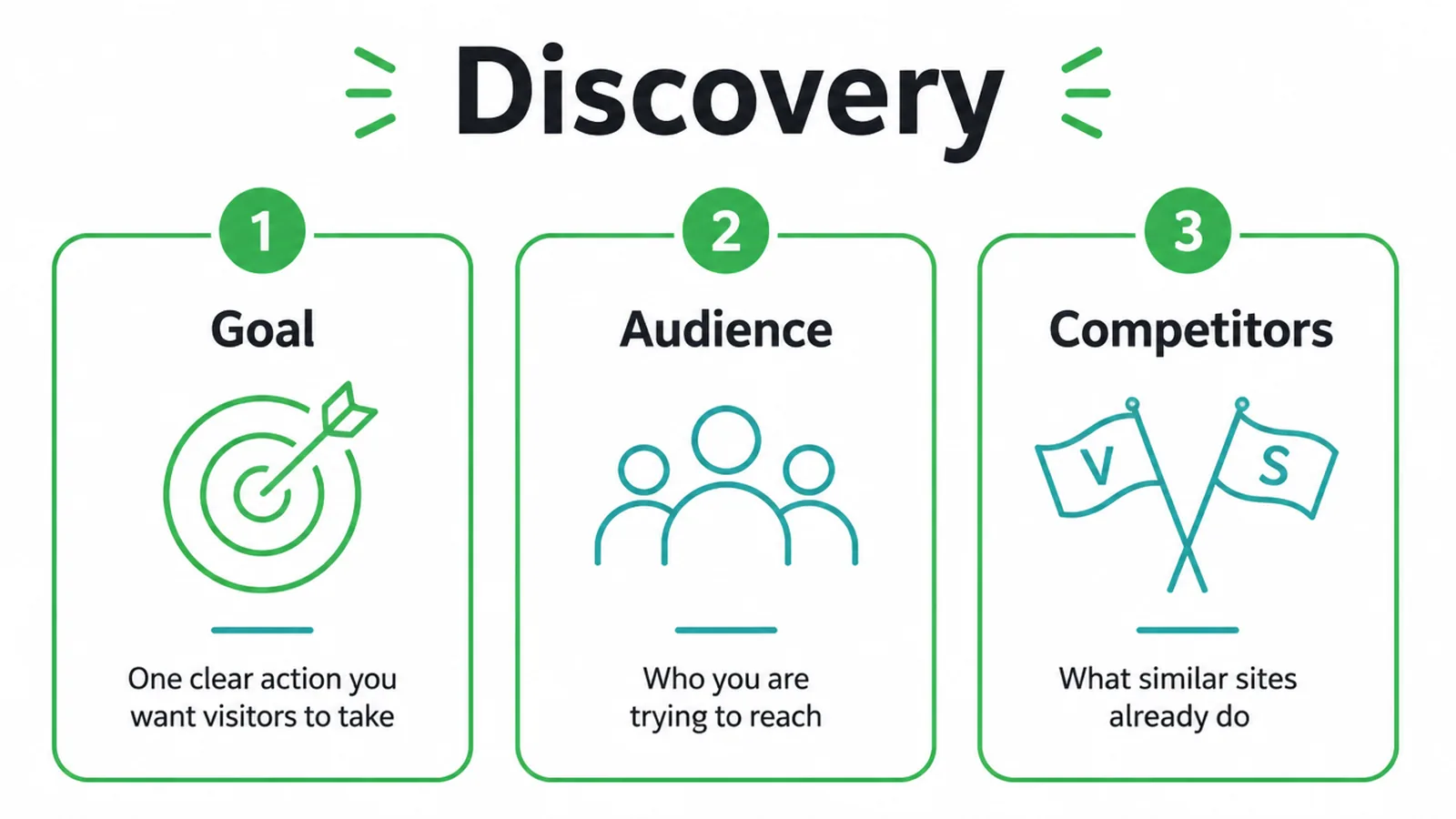
This matters because the site needs to communicate the right thing from the first screen. Discovery defines what that message is before design begins.
Your job
Write a short brief. A page or two is plenty. Say what you sell, who buys it, and what success looks like. Then pull two or three example sites you like and a couple you do not. Showing real examples saves more back-and-forth than any long description ever could.
Discovery is where we settle the hard question. Better B2C is a registered non-profit running a free online business directory, so the brief we agreed was to explain the directory and non-profit mission on the first read, and to make the next step obvious before anyone scrolls away. Every later decision on that project pointed back at those two lines.
4. Step 2: Plan and sitemap
What happens
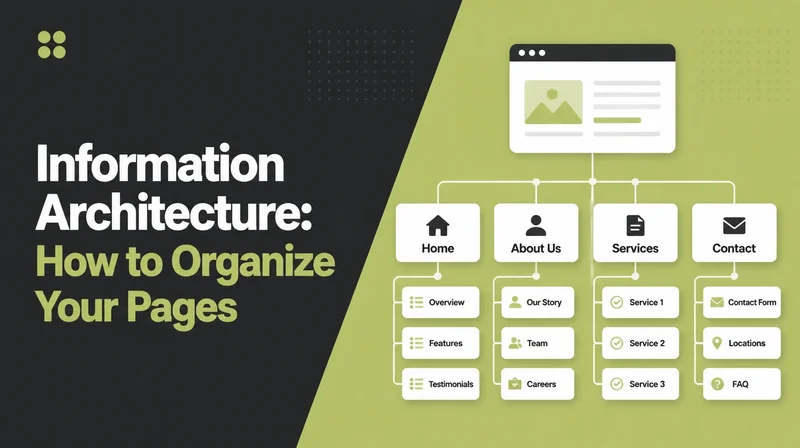
Now the team maps out every page and how they connect. This is the sitemap. A small business site is often just a handful of pages: home, about, services, contact, maybe a few proof pages.
The job here is to draw the clearest path from a stranger landing on your site to that stranger becoming a lead.
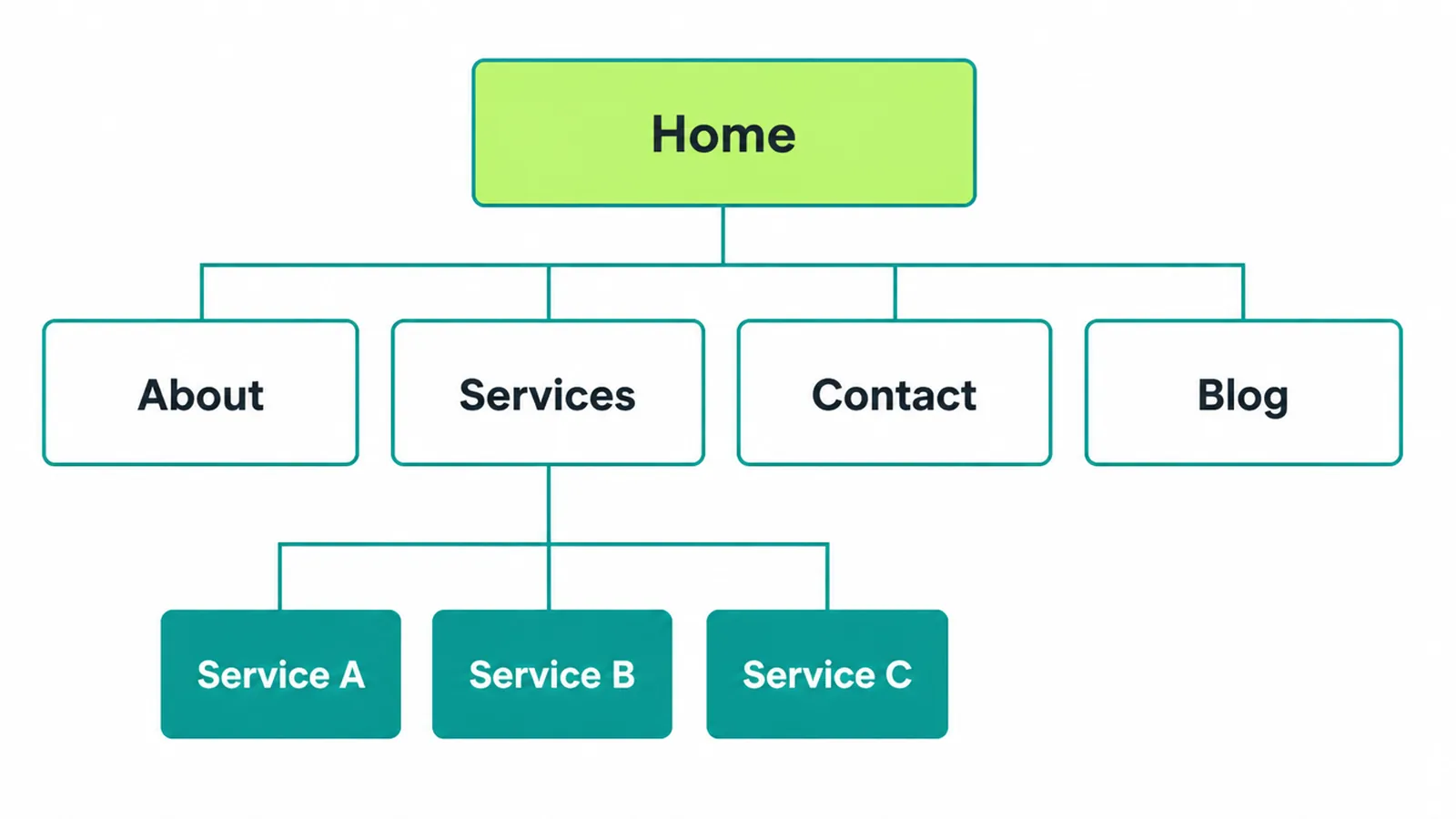
Fewer pages, done well, beat a sprawling site that buries the important stuff. Trying to cram everything onto one screen or scattering it across twenty pages are both common traps. We cover the rest in our roundup of small business website mistakes.
Your job
Look at the page list and ask one question of each page: does a customer actually need this? If a page does not help someone buy or trust you, cut it. Confirming the sitemap early stops surprises later, because every other step is built on top of it.
5. Step 3: Content
What happens
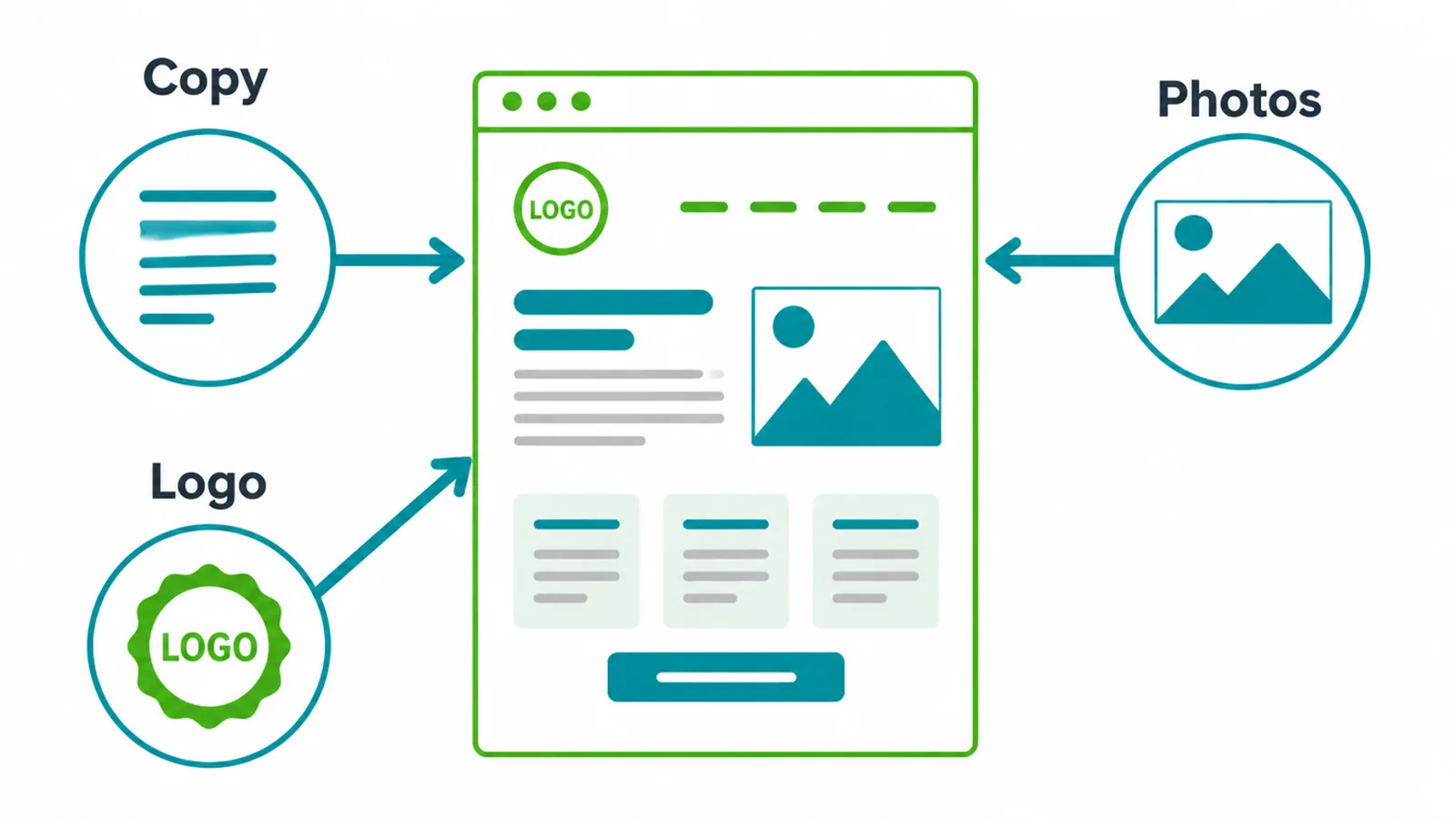
Content is the words, photos, and logo that fill the site. The best teams work content-first, meaning they gather your real content before they design around it. Designing around fake placeholder text is like tailoring a suit for a mannequin and hoping it fits you later. It rarely does.
Here is the honest truth from years of building these sites: late content is the single biggest reason a project stalls. Design can fly. Build can fly. But everything waits on the words and pictures, and those usually sit on the client side.
Your job
Start gathering content the day the project begins, not the week design is due. Pull together your service descriptions, your prices, your real photos, and a clean copy of your logo.
A team can write the copy for you, but they still need your facts and your final sign-off. Get this in early and you remove the most common delay there is.
6. Step 4: Wireframe
What happens
A wireframe is a plain gray sketch of each page that shows where things go, with no color, fonts, or images. It is the skeleton. Putting structure first lets everyone agree on the layout before anyone argues about shades of blue.
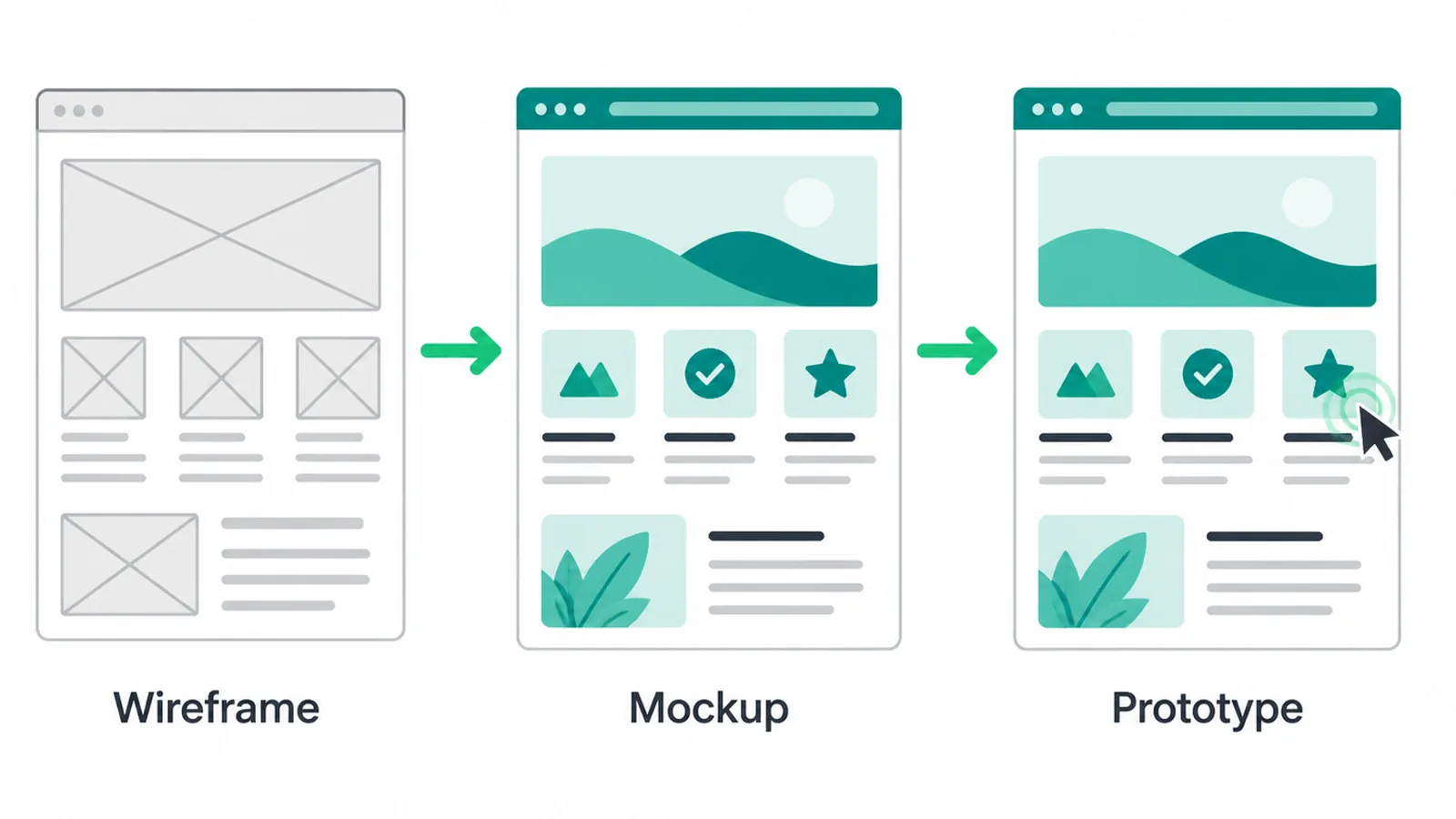
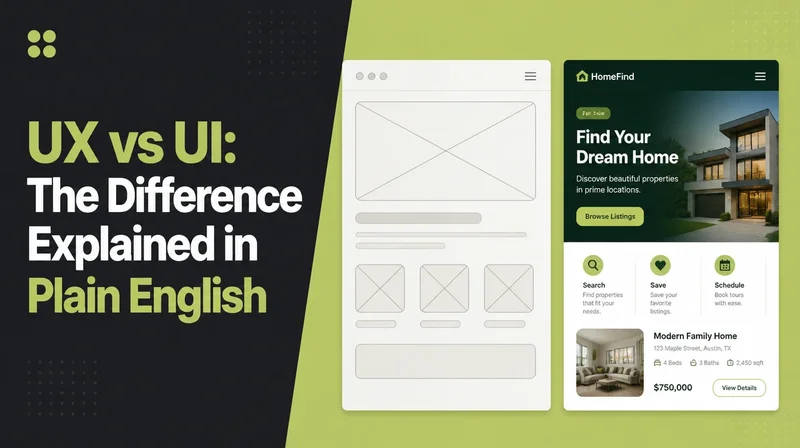
Three words get mixed up here, so here they are in one breath. A wireframe is the gray-box layout. A mockup is that layout with real color and images on top.
A prototype is a clickable version you can tap through to feel how it works. They come in that order, each one adding a layer to the one before.
Your job
Look past the lack of color and check the bones. Is the most important message near the top? Is the path to contacting you obvious? If the structure is right in gray, it will be right in color. If it is wrong, this is the cheapest moment to fix it.
7. Step 5: Visual design
What happens
Visual design lays the look on top of the approved wireframe: your colors, fonts, photos, and brand feel. The wireframe answered "where," and now design answers "how it feels." This is where the site starts to look like you.
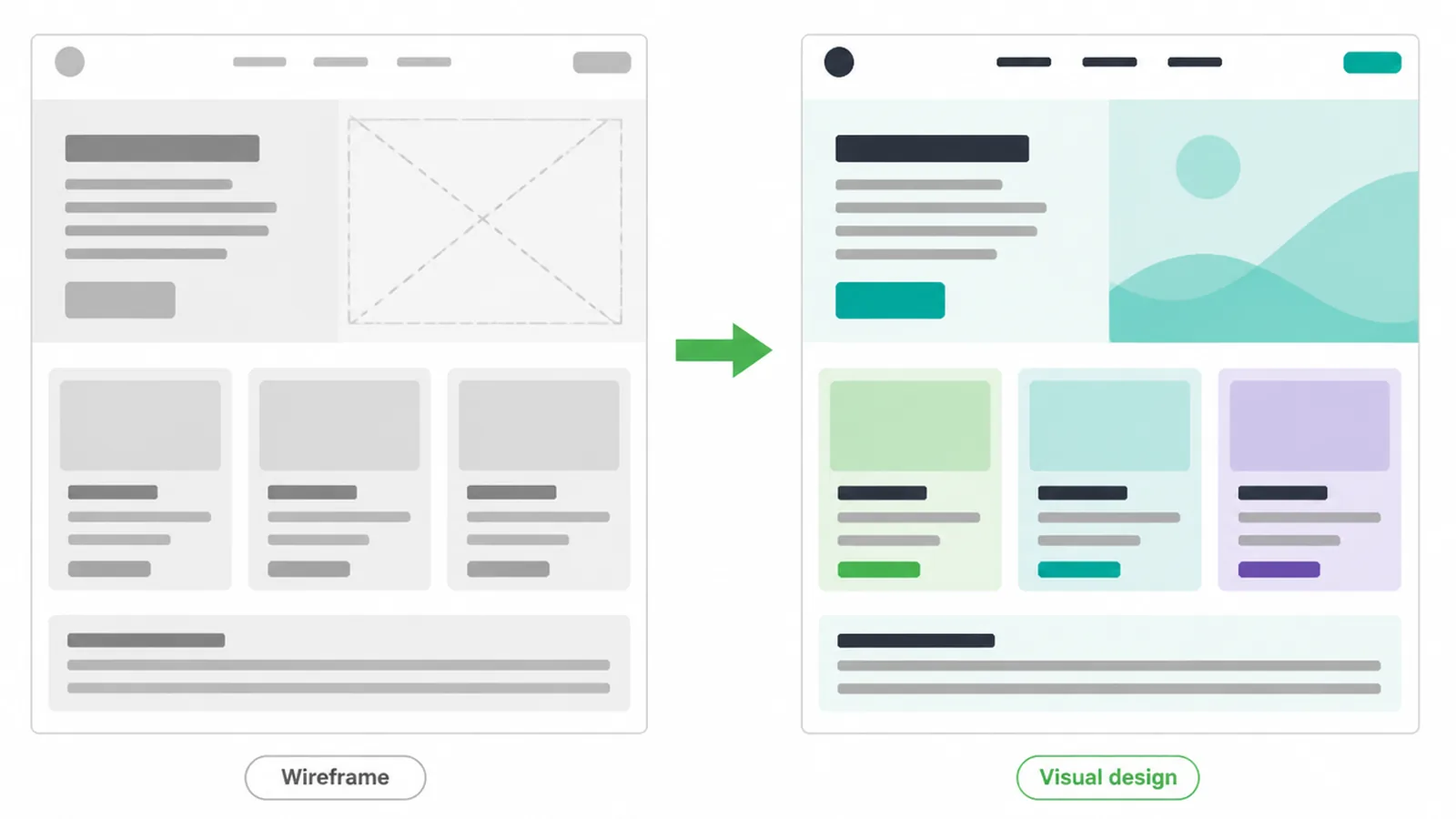
Resist the urge to make it loud. People prefer designs that feel simple and familiar, so a clean layout usually wins over a busy one. If your brand basics are shaky, this is the stage where good branding pays for itself.
Your job
Give feedback in batches, not in a steady drip. Sit with the design, collect all your notes, and send them together.
Be specific: "the headline is hard to read on the photo" beats "make it pop." Most projects settle in two or three rounds when feedback is gathered this way. One comment at a time is how a clean project drags on.
8. Step 6: Build
What happens
Build is where the approved design becomes a real, working website. A developer turns the picture into pages that load in a browser, with forms that send, menus that open, and buttons that actually do something. This usually happens on a private staging site so you can watch it come together before the public can.
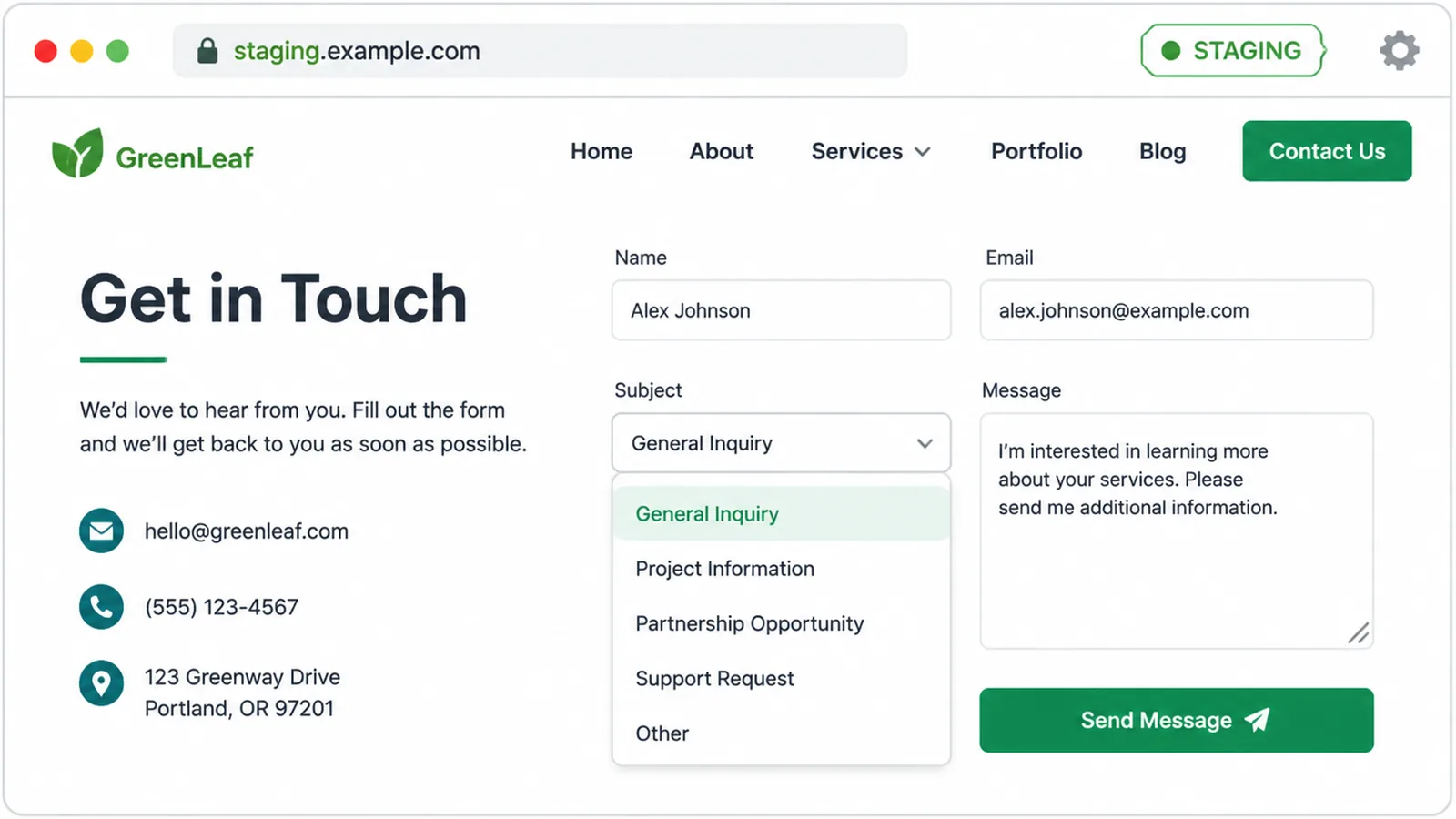
This is the line between design and development. Design decided how it looks. Development makes it work. Both matter, and the handoff between them is smoother when the design was clear and complete. You can read more about the technical side on our web design and development page.
Your job
Stay reachable. Build is fast when questions get quick answers and slow when they sit unread. You do not need to understand the code. You just need to confirm details, like which email gets the form messages, without a long wait.
9. Step 7: Test
What happens
Testing is the quality check before anyone announces the site. The team runs through it on phones, tablets, and computers, fills in every form, and checks the speed and accessibility. This step is boring and absolutely essential, because the problems it catches are the ones that quietly cost you customers.
Speed is a big one. Google found 53% of mobile visits get abandoned when a page takes longer than three seconds to load, and a separate study of 900,000 mobile pages showed the chance of someone bouncing climbs 113% as load time goes from one second to seven.
A slow site leaks visitors before they ever see your offer. Our guide to Core Web Vitals explains what to check.
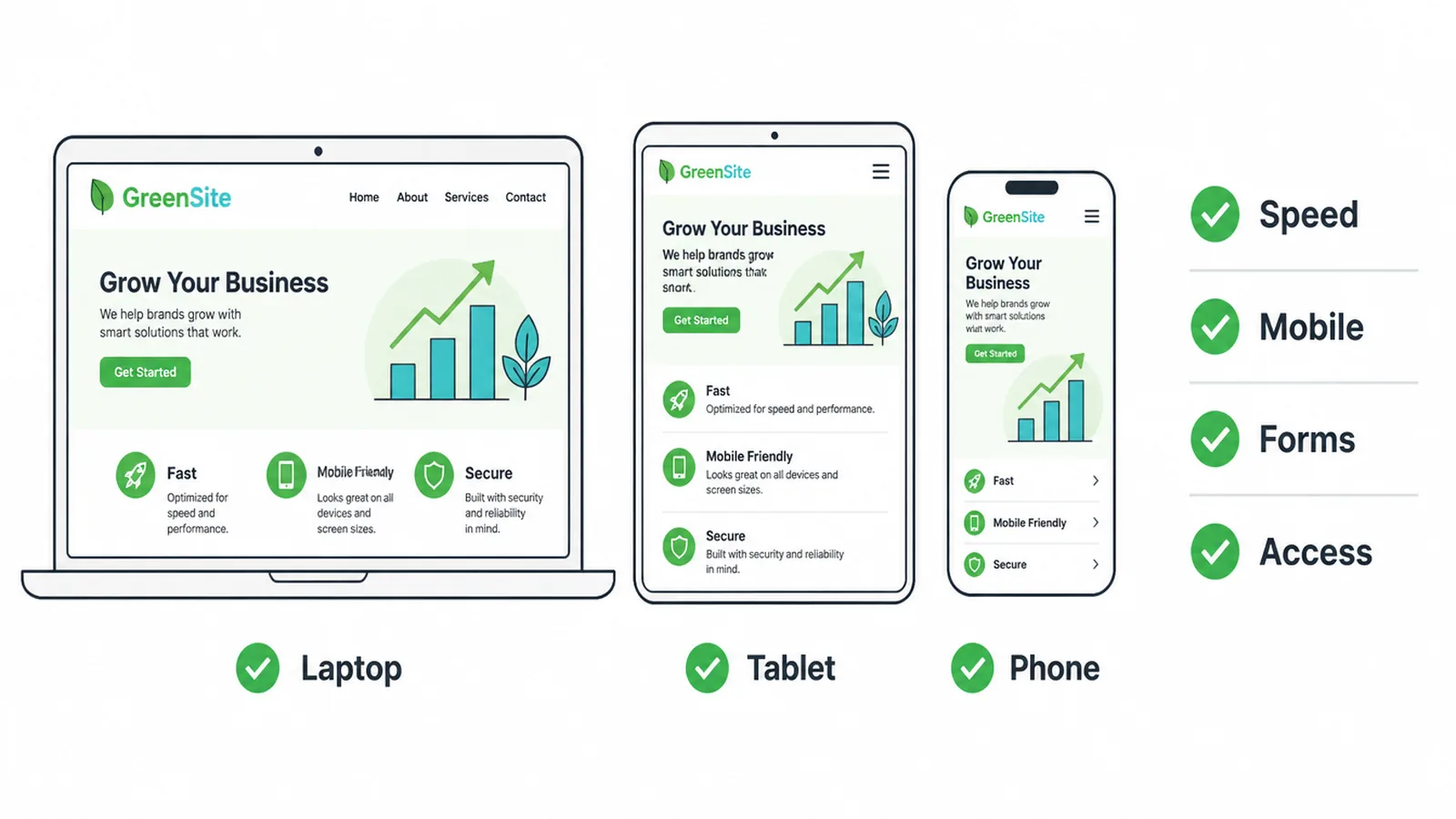
Accessibility matters too, and most sites get it wrong. The WebAIM Million report found 95.9% of the top one million home pages fail basic accessibility checks, with low contrast text the most common fault.
Getting this right widens your audience and is simply good practice. See our notes on website accessibility and on how to make a website mobile friendly.
Your job
Click through the site like a customer would. Open it on your own phone. Submit the contact form and confirm the message lands in the right inbox. Report anything that feels off. You will spot real-world quirks the team might miss because they have been staring at it for weeks.
10. Step 8: Launch
What happens
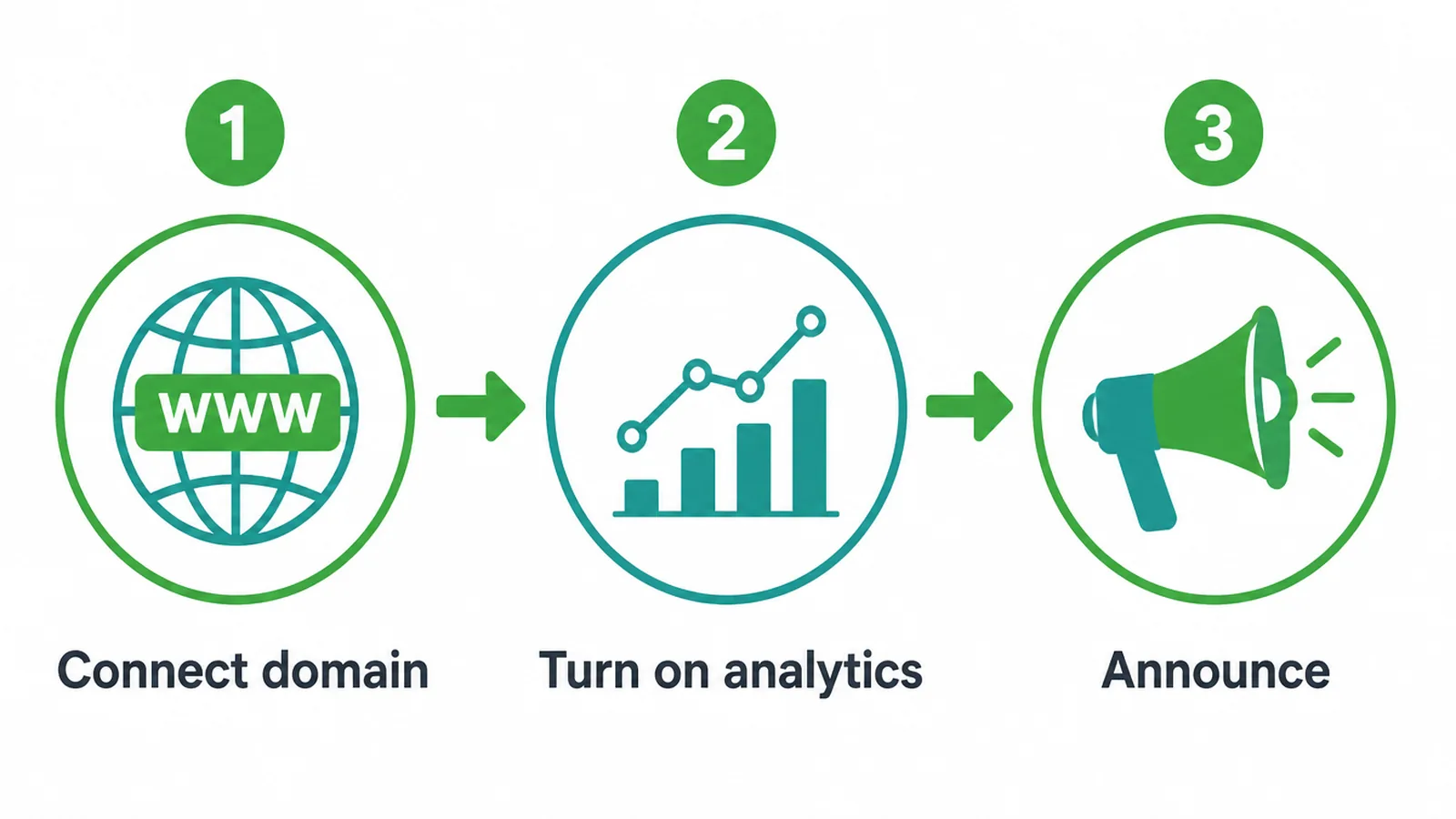
Launch is the moment the site goes public. The team points your domain at the new site, turns on analytics so you can see visitor numbers, and does one final check that everything still works on the live address. It is usually quick, because the hard work was done in testing.
Your job
Tell people. A launch with no announcement is a party with no guests. Email your list, post on your channels, update your social profiles with the new link, and add the address to your business listings. The site cannot bring you leads if nobody knows it exists.
11. After launch: a website is never finished
Going live is not the finish line. A website is a living thing. Software needs updates, links break over time, and security holes appear if nothing is maintained. A site left alone for a year often turns slow, broken, or unsafe without anyone noticing.
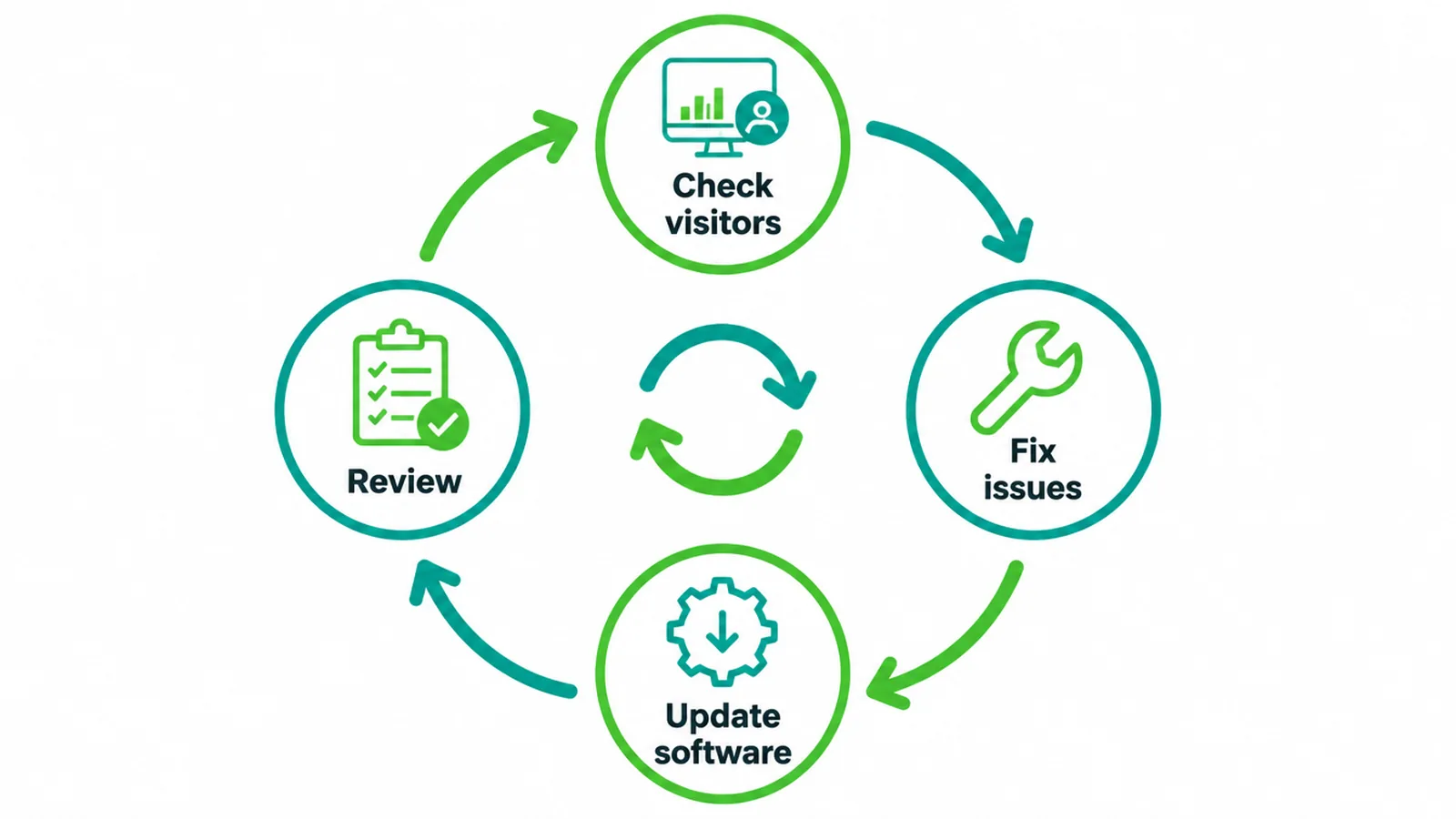
The fix is simple: a short monthly check. Look at your visitor numbers, fix anything broken, install updates, and review what people actually do on the site. Small problems caught early stay small.
The same review also tells you what is working, so you can do more of it. Ongoing care is part of any serious web design engagement, not an extra you bolt on later.
12. How long does the whole process take?
The honest answer is that it depends on you. Two things set the pace, and you control both. The first is content: if your words and photos are ready early, everything moves.
The second is approval speed: a project that waits days for sign-off at every stage takes far longer than one with quick, clear answers.
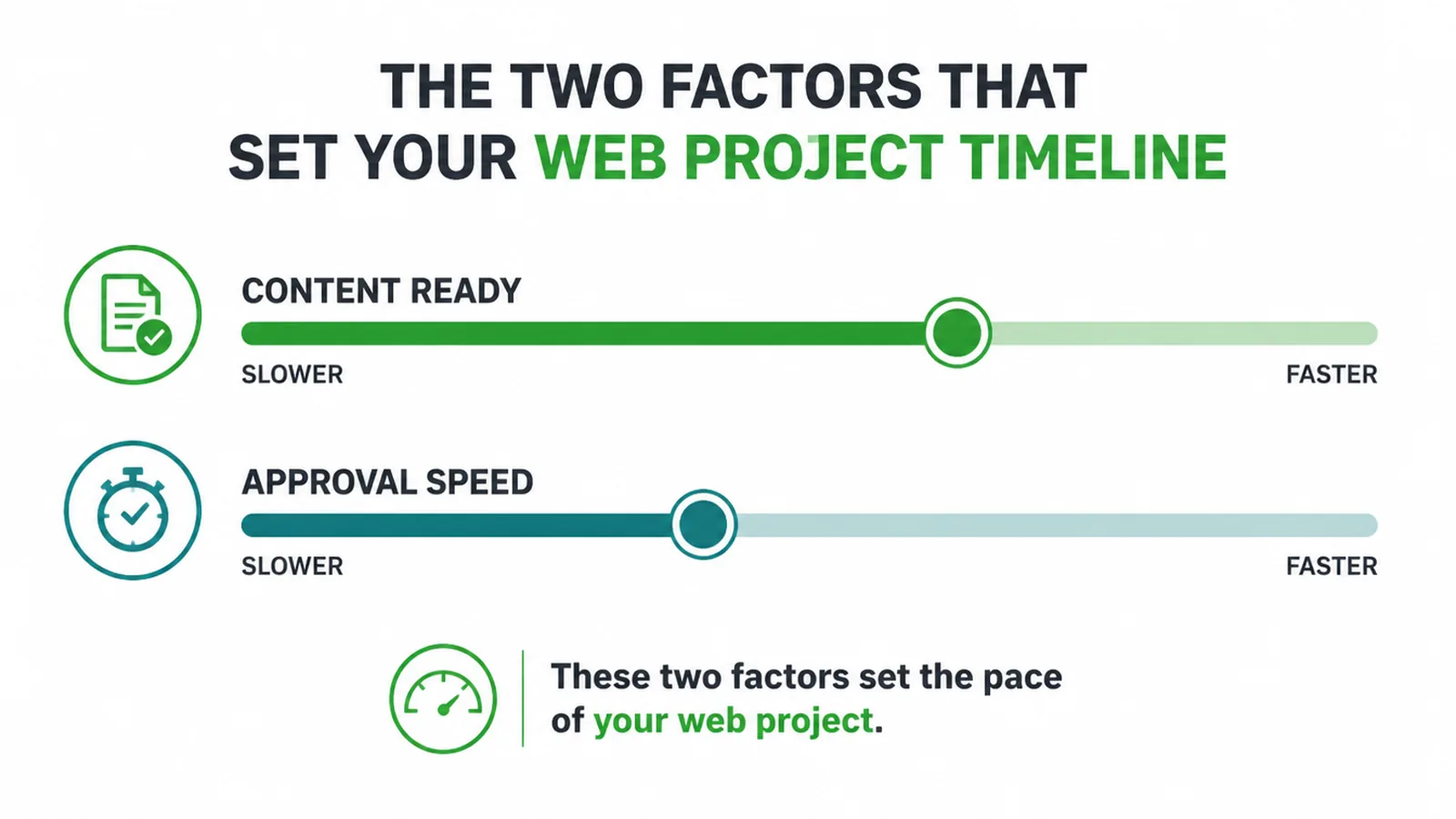
The design and build work runs on a fairly steady rhythm. The waiting is what varies. We break the full timeline down, stage by stage, in our guide to how long it takes to build a website.
If you are still choosing who to work with, our guide on how to choose a web design company covers what to look for.
Frequently asked questions
1. What are the steps in the web design process?
There are eight steps: discovery, plan and sitemap, content, wireframe, visual design, build, test, and launch. The first four sort out what the site needs to say and do. The last four turn that plan into a real, working website that people can use.
2. What is the first step in designing a website?
The first step is discovery. Before anyone touches a design, you and the team agree on your goal, who the site is for, and what you want a visitor to do. Skipping this is the main reason projects get rebuilt later, because the team is guessing instead of building toward a clear goal.
3. Do I have to write my own website content?
You do not have to write it yourself, but you do have to provide it or approve it. Content means your words, photos and logo. A team can write copy for you, but they still need your facts, product details and sign-off. Content that arrives late pushes design and build decisions back, so agree on the deadline and approval process before work begins.
4. What is the difference between a wireframe, a mockup, and a prototype?
A wireframe is a gray-box sketch of where things go, with no color. A mockup is that same layout with real color, fonts, and images on top. A prototype is a clickable version you can tap through to feel how it works before any real code is written.
5. What is the difference between web design and web development?
Web design decides how the site looks and how it is laid out. Web development turns that design into a working website that loads in a browser, with forms that send, buttons that click, and pages that load fast. Design is the plan; development is the build.
6. How many rounds of revisions should I expect?
Most small business projects settle in two or three rounds of feedback per stage. The trick is to gather all your notes in one place and send them together, rather than dripping in one comment at a time. Batched, specific feedback keeps the project moving and keeps the cost predictable.
7. What happens after a website launches?
A website is never truly finished. After launch you keep the software updated, watch for security issues, fix broken links, and review what visitors actually do. Plan a short monthly check so small problems get caught before they cost you leads.
8. Why do website projects get delayed?
Two things control the timeline, and you hold both. The first is content: missing copy and photos stall everything. The second is approval speed: a project that waits a week for sign-off at every stage takes far longer than one with quick, clear answers. Sort those two and you set the pace.