Small Business Website: What It Needs

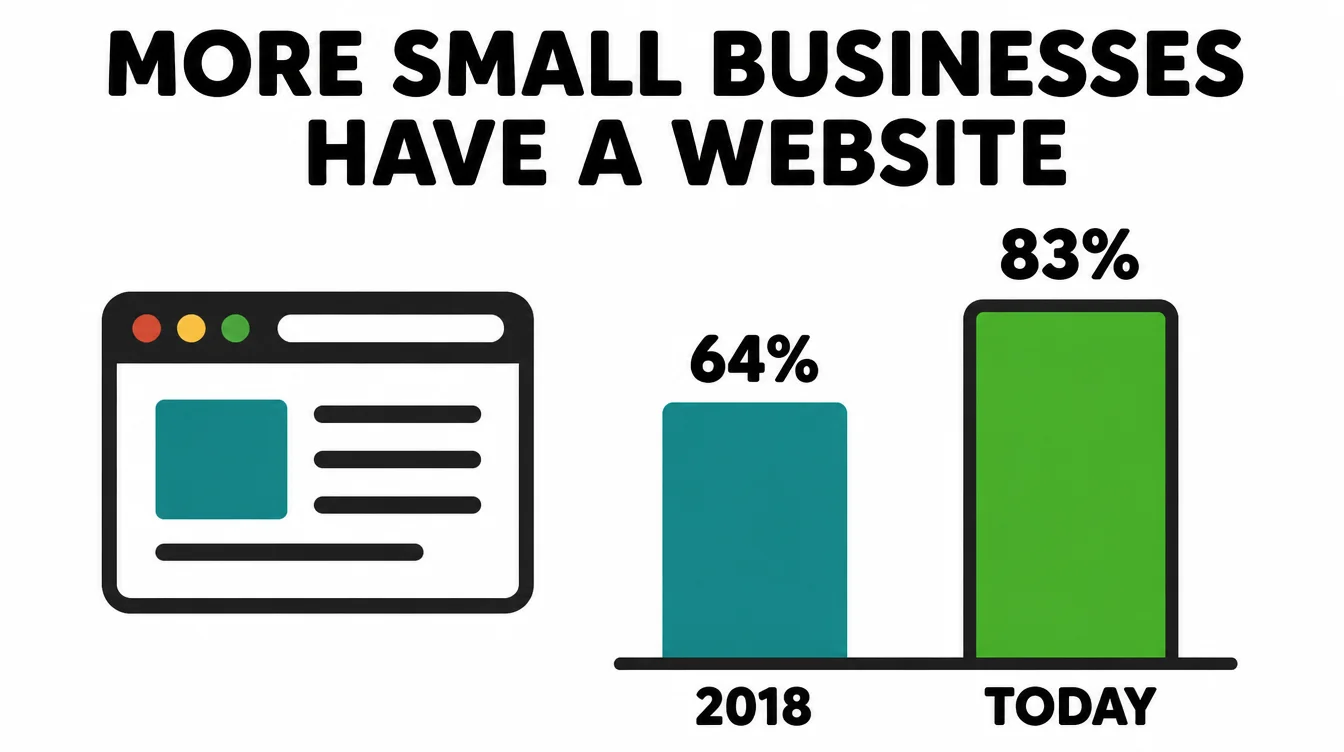
A small business website wins customers when it loads fast, reads well on a phone, gives each page one clear next step, shows real proof, and makes contact easy. Clutch reports that 83% of small businesses now have one, so a site is the baseline. Seed Light builds those five things first.
Key takeaways
Short on time? Here is the whole guide in five lines before we break each part down.
- A small business website is a salesperson you own. 83% of small businesses now have one, up from 64% in 2018, so it is the baseline customers expect (Clutch, 2025).
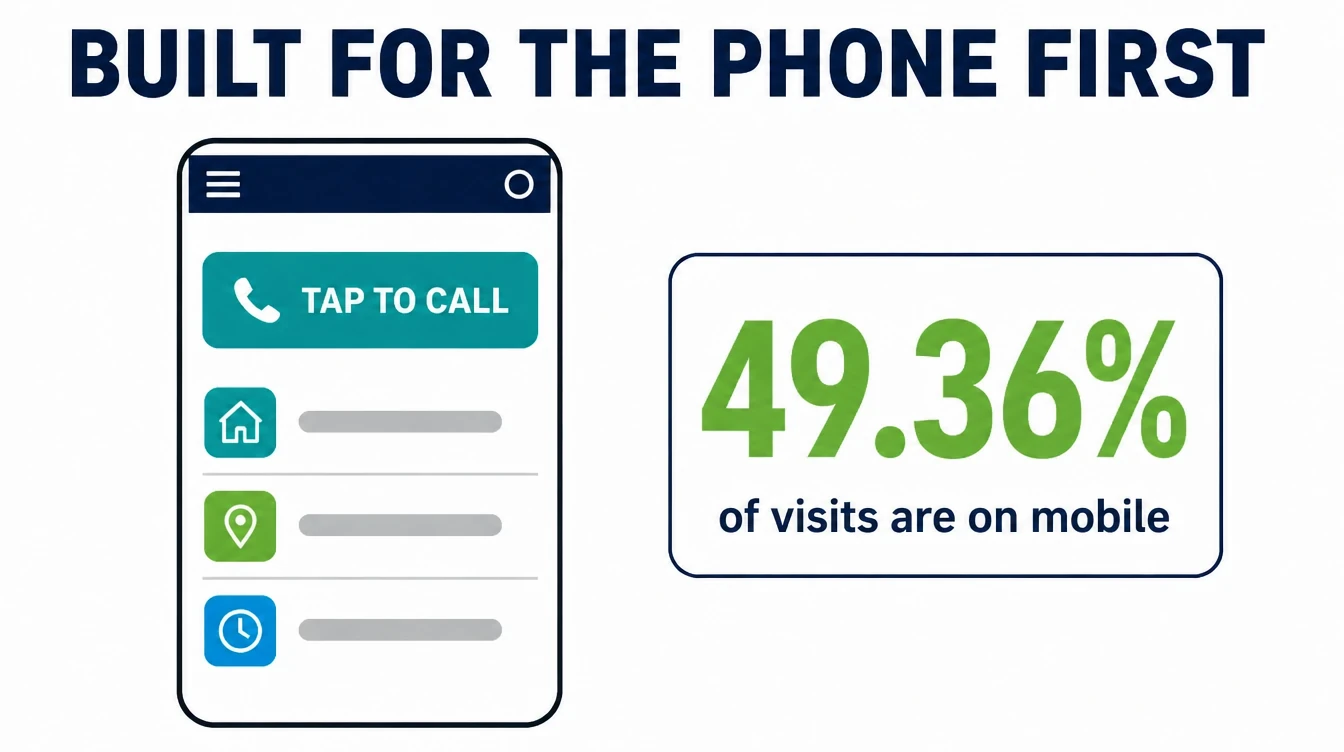
- Start with the phone. Mobile was 49.36% of worldwide web traffic in August 2026, so test the site carefully at phone width (StatCounter, August 2026).
- Speed is money. 53% of mobile visitors leave a page that takes longer than three seconds to load (Google, via Marketing Dive).
- Trust gets the click. 97% of consumers read reviews for local businesses, so put proof on the page (BrightLocal, 2026).
- Connect it to local search. 76% of people who search "near me" visit a business within a day (Backlinko, 2024).
1. Do you even need a website in 2026?
A small business website is your own corner of the internet, working day and night to answer questions and bring in customers. Short answer: yes, you need one.
Today 83% of small businesses have a website, up from 64% in 2018, so a site is now the baseline that customers expect (Clutch, 2025). If you do not have one, you stand out for the wrong reason.
The 17% still offline often stay away because of myths, not money. Many think it is too hard or too costly when it is neither (Clutch, 2025). Meanwhile, their competitors with a tidy site quietly take the customers who were looking for both of them.
"Isn't a Facebook page or Google profile enough?"
This is the question we hear most. Those profiles are useful, and they help people find you. However, they are rented space. You do not own them. The platform sets the rules, changes the layout, and surrounds your business with ads and competitors. One policy change and your reach can drop overnight.
A website you own is different. Nobody can switch it off, bury it, or charge you to reach your own audience. Specifically, on your own site there is nothing pulling a visitor toward a competitor. The smart play is simple.
Use social profiles and your local search presence to get found, then send people to a site you control to learn more and get in touch. If keeping the Facebook page active is the part you never get to, managed Facebook marketing runs the posting and replies while the website does the converting.
2. What a website that wins customers actually does
A pretty website is not the goal. A website that wins customers is. There is a difference. A brochure site just sits there and describes you. A site that wins customers does a job: it turns a curious visitor into a phone call, a booking, or a sale.
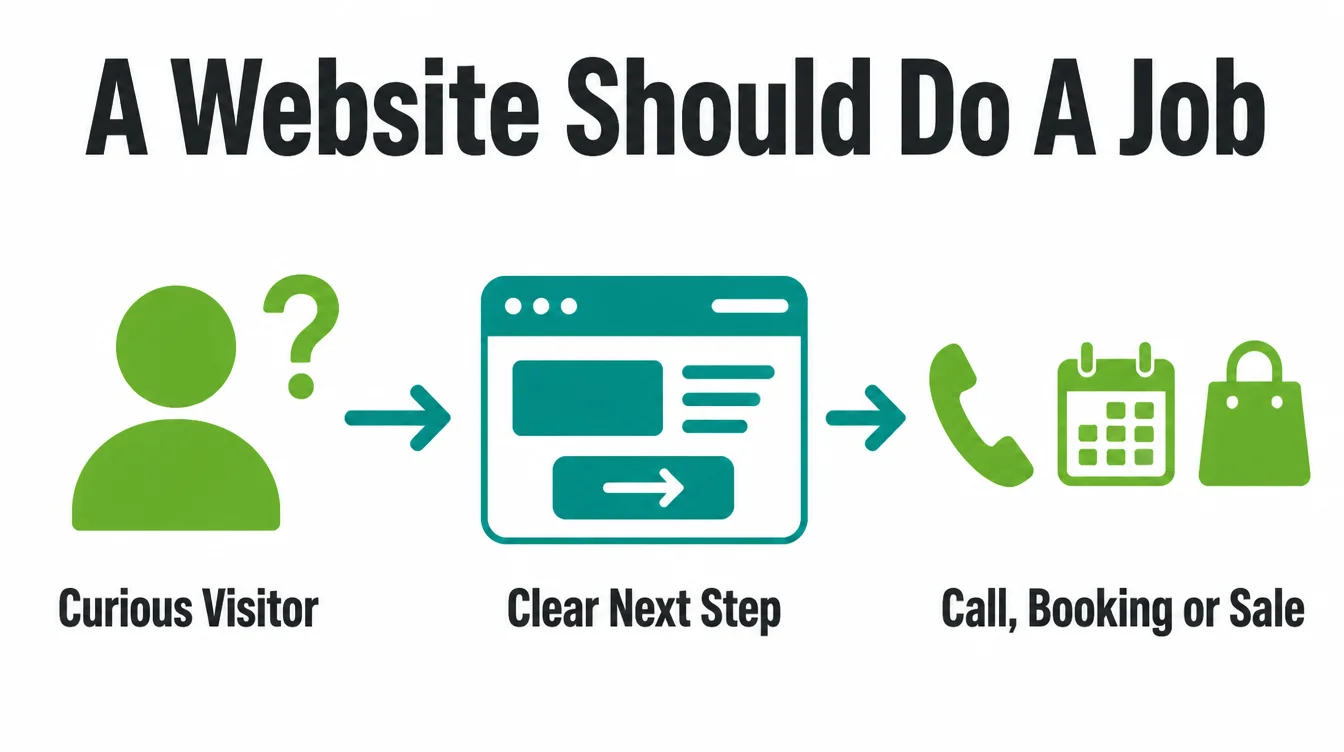
Here is what that looks like in practice. It loads in a blink. It reads well on the small screen in your customer's hand.
It tells them in one line what you do and who you help. Then it makes the next step obvious and easy. Furthermore, it backs up every claim with proof, so a stranger feels safe choosing you.
Most small business sites fail not because they look bad, but because they ask the visitor to think too hard. The visitor cannot find the phone number. The page takes too long.
There is no clear "do this next." Therefore the visitor leaves and calls the business that made it easy. The rest of this guide is about being that easy business.
3. The 5 things that matter most
You could spend a year polishing a website. You do not need to. Five things drive most of the result, and a blog, animations, and clever extras come a distant sixth. Get these five right first, in this order of impact.
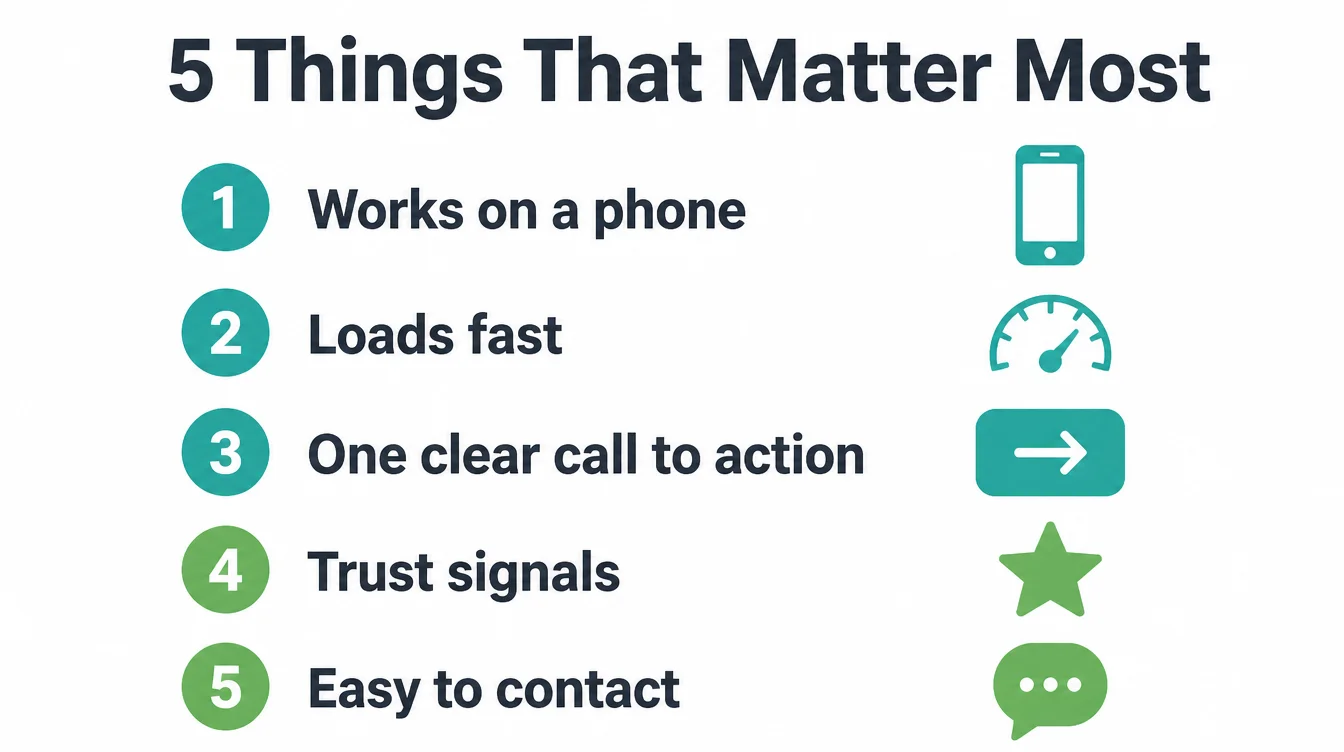
| # | Element | Why it matters |
|---|---|---|
| 1 | Works on a phone | About half of web traffic is mobile. A hard-to-use phone layout creates avoidable friction. |
| 2 | Loads fast | Over half of mobile visitors quit a slow page. Speed decides who even sees your offer. |
| 3 | One clear call to action | Every page needs one obvious next step. Choice and clutter kill action. |
| 4 | Trust signals | Reviews, real photos, and clear contact details make a stranger feel safe choosing you. |
| 5 | Easy to contact | Phone, message, or book in one tap. If reaching you is work, people give up. |
Notice what is not on the list. A blog, a fancy hero animation, and a long "about us" essay are all fine later. By contrast, the five above decide whether you get the customer at all.
We will take each one in turn. For a deeper look at how a full project comes together, see our guide on how long it takes to build a website.
4. Make it work on a phone first
Build for the phone before the desktop. StatCounter measured mobile at 49.36% of worldwide web traffic in August 2026 (StatCounter, August 2026). Check your own analytics to see the device split for your visitors.
What "works on a phone" really means
It is more than shrinking the desktop site. A site that truly works on a phone has text you can read without pinching to zoom. It has buttons big enough for a thumb.
It puts the most important thing, often your phone number, near the top. In particular, the menu should be simple and the forms should be short.
The fastest test costs nothing. Open your site on your own phone. Try to call yourself in two taps. Try to find your prices or services without scrolling forever.
If it annoys you, it is annoying every customer too. If your current site fails this test, it is a sign you may need a website redesign.
5. Make the site fast on mobile
Speed is the quiet killer. A visitor who never sees your page cannot become a customer. Google found that 53% of mobile visitors leave a page that takes longer than three seconds to load (Google, via Marketing Dive). That benchmark applies when load time exceeds three seconds, so speed is worth checking.
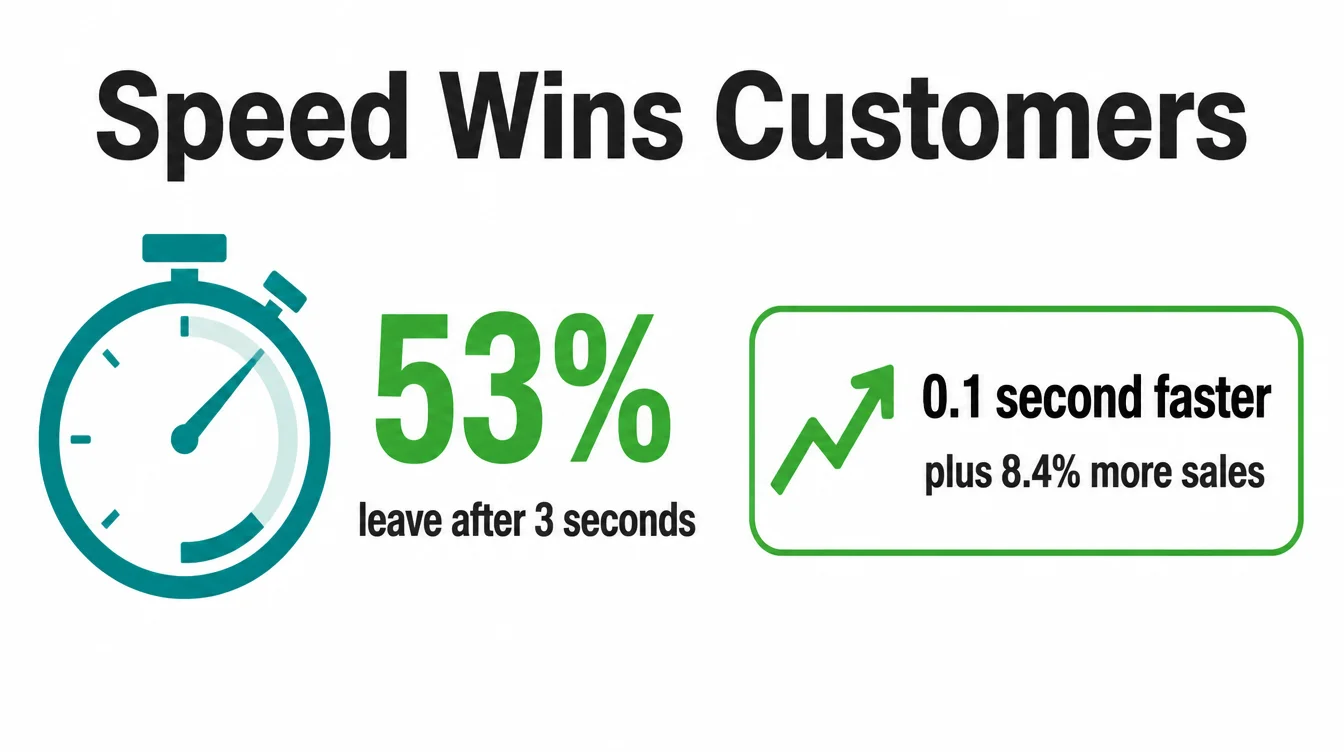
The flip side is just as real. Speed lifts sales. In one well-known study, a 0.1-second improvement in mobile load time raised retail conversions by 8.4% and average order value by 9.2% (web.dev, Milliseconds Make Millions). Therefore every fraction of a second you save is money you keep.
What usually slows a site down
The usual culprits are simple. Huge unoptimised images are the number one cause. After that come bloated page builders, a pile of plugins, and cheap shared hosting that buckles under load. You do not need to fix the code yourself.
You do need to know that a slow site is a build problem, and it is fixable. The platform you build on matters here too, which is why we compare options in Wix vs WordPress.
6. Give every page one clear next step
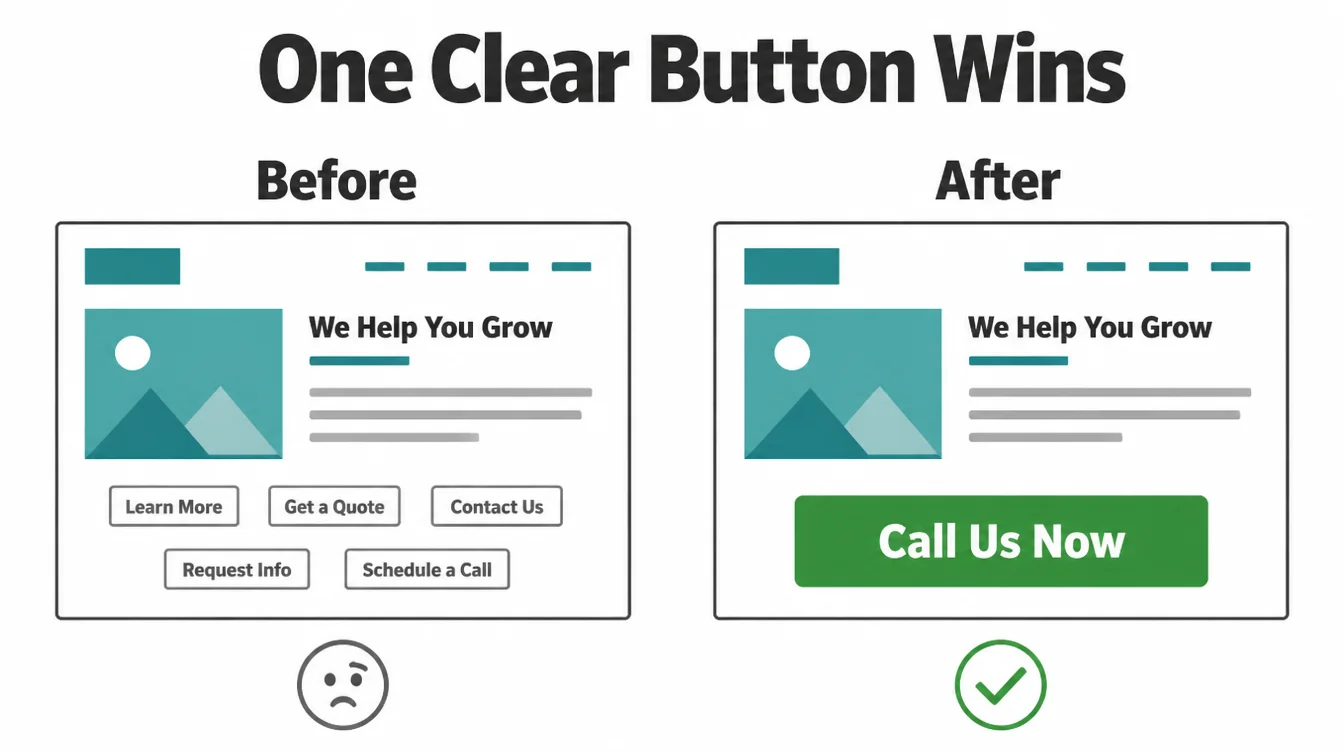
Every page should answer one question for the visitor: what do I do now? That single, obvious next step is your call to action. Most small business pages have none, or worse, five competing ones. Confusion is the enemy of action. A confused visitor does nothing and leaves.
Pick one action per page
Decide the one thing you most want each page to make happen. Usually it is "call us," "book now," "get a quote," or "message us on WhatsApp." Then make that the loudest button on the page.
Repeat it near the top and again at the bottom. Remove the dead ends and the links that lead nowhere useful.
Keep the words plain and direct. "Get a free quote" beats "submit." "Call us now" beats "contact." Speak to the visitor as a person.
As a result, the path from "I am interested" to "I did the thing" becomes a straight line instead of a maze. If you want help mapping those steps, our web design service is built around exactly this.
7. Build trust on the page
A stranger landing on your site has one silent question: can I trust these people? Your job is to answer it before they ask. Trust is what turns a visitor into a customer, and it is built with proof, not promises.
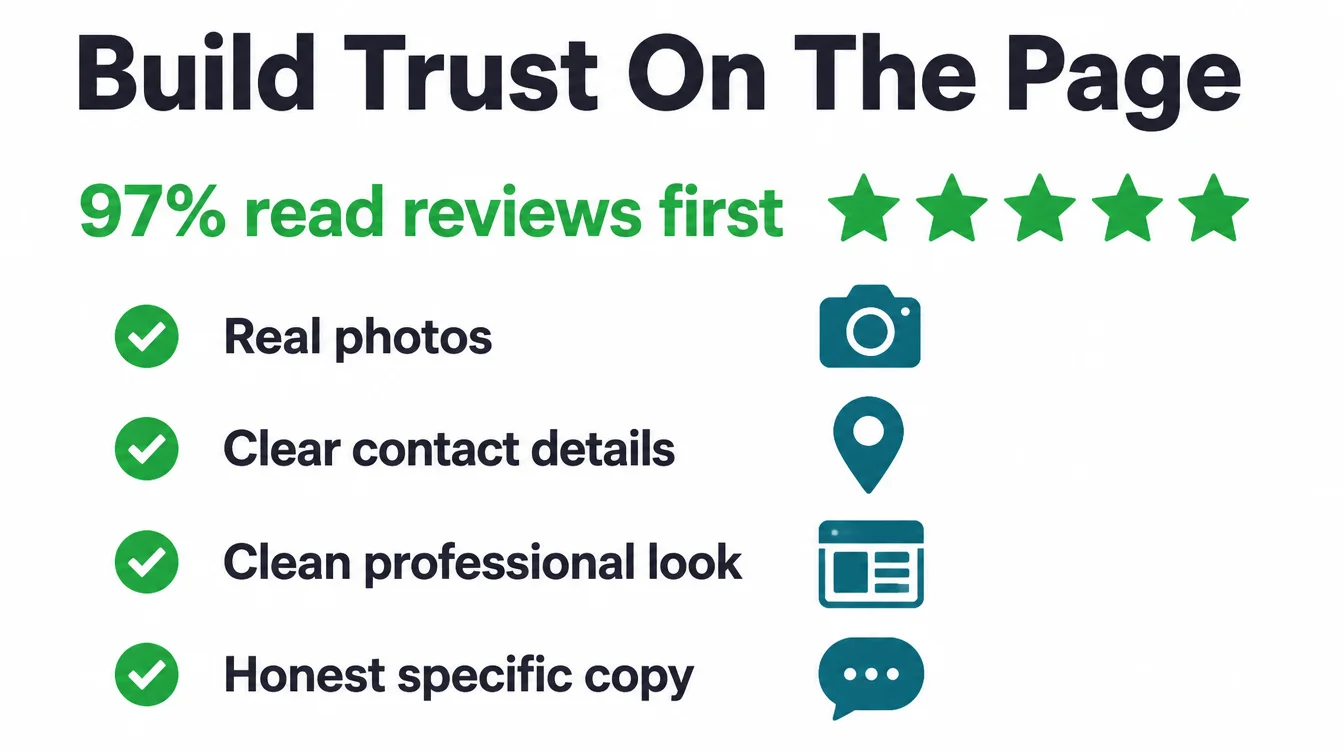
Reviews are the strongest proof you have. A full 97% of consumers read reviews for local businesses, and 41% say they always read them (BrightLocal, 2026). So do not hide your reviews on a profile somewhere. Pull a few of your best onto the page where people are deciding.
The trust signals that earn the click
Beyond reviews, a handful of simple things make you look real and safe:
- Real photos. Your actual shop, team, and work. Stock photos of strangers in suits do the opposite of building trust.
- Clear contact details. A real address and phone number, easy to find on every page.
- A clean, professional look. Stanford's research found that visual design contributed to credibility assessments (Stanford Web Credibility). Keep the layout tidy and the information easy to check.
- Honest, specific copy. Say what you do and who you help in plain words. Vague claims feel like hiding.
None of this is expensive. It is mostly about choosing to show proof instead of just claiming to be good.
8. Connect your site to local search
A great website that nobody finds is a billboard in a desert. For most small businesses, the people you want are searching nearby, right now.
In fact, 76% of people who search "near me" visit a business within a day, and 4 in 5 consumers use search engines to find local business information (Backlinko, 2024). Your site needs to show up in that moment.
The basics that connect your site to local search
You do not need to master SEO to get the basics right. Put your name, address, and phone number in the footer of every page. Make a simple page for each main service and each area you serve. Keep your details identical to your Google Business Profile, character for character, so the two agree.
That last point matters more than people think. When your site and your profile tell the same story, search engines trust you, and so do customers.
For the full playbook, read our local SEO guide for small businesses, then work through the practical local SEO checklist. If you would rather hand it off, see our local SEO services.
9. DIY or hire someone?
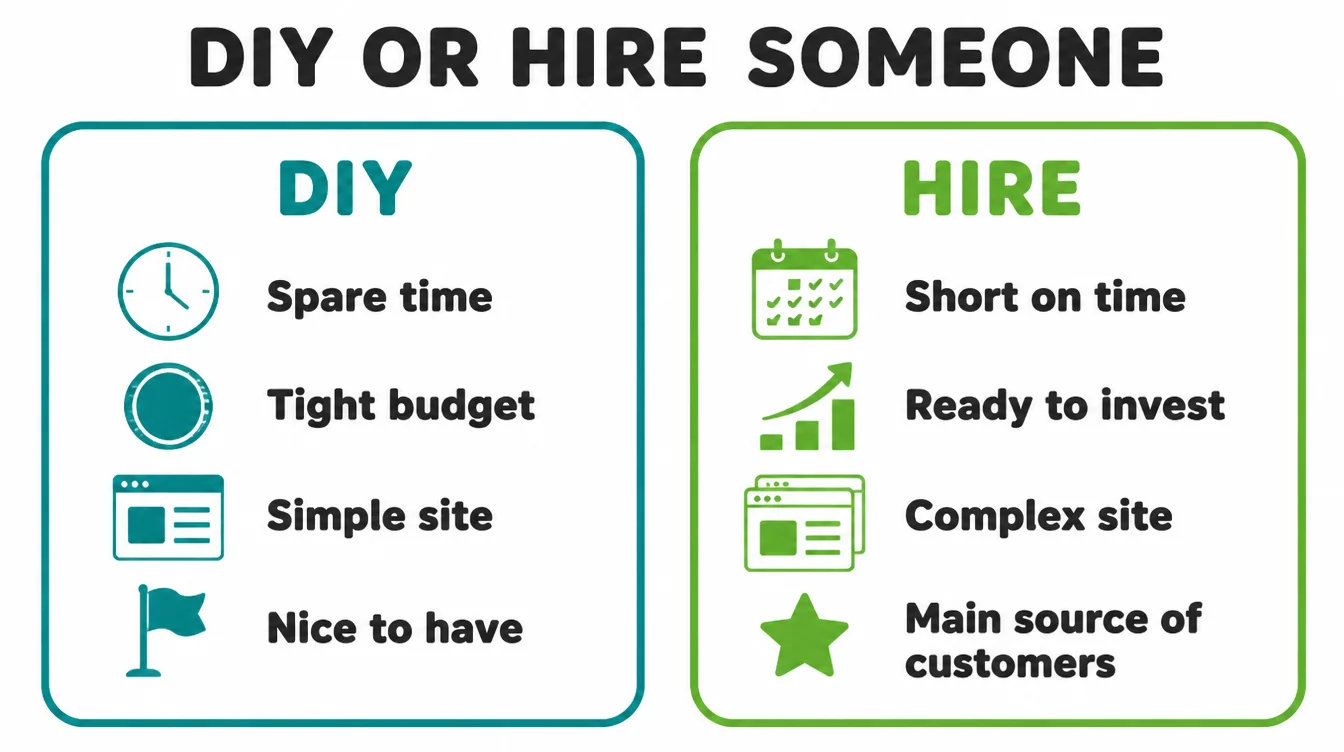
This is the fork in the road for most owners. There is no single right answer. There is only the right answer for your situation. So weigh four honest factors before you decide: your time, your budget, the complexity of the site, and how much the site must earn.
| Factor | Lean DIY | Lean hire |
|---|---|---|
| Your time | You have hours to learn the tools | You are already stretched thin |
| Your budget | Tight, and the site can wait to grow | You can invest to get it right faster |
| Complexity | One simple page, basic info | Bookings, payments, a shop, many pages |
| How much it must earn | A nice-to-have presence | A main source of customers |
Be honest about the hours
DIY website builders are genuinely good now. If your needs are simple and you enjoy tinkering, you can make something decent yourself. However, the cost of DIY is rarely money.
It is time, and the result often looks and performs like a side project. Meanwhile, the hours you sink into it are hours away from running your business.
Hiring someone makes sense when the website is a real engine for customers, when it needs to do complex jobs, or when your time is worth more elsewhere. A good build pays for itself by working harder than a homemade one.
Whether you are after web design in Kuala Lumpur, Penang or a fully remote build, the same standards apply. There is no shame in either path. Just choose with open eyes.
10. What a website really costs
The honest answer to "what does a website cost" is "it depends," and that is not a dodge. Cost is driven by scope.
A simple one-page site and a custom online shop are not the same job, so they do not carry the same cost. The right first question is not "how much," it is "what does this site actually have to do?"
The main cost drivers
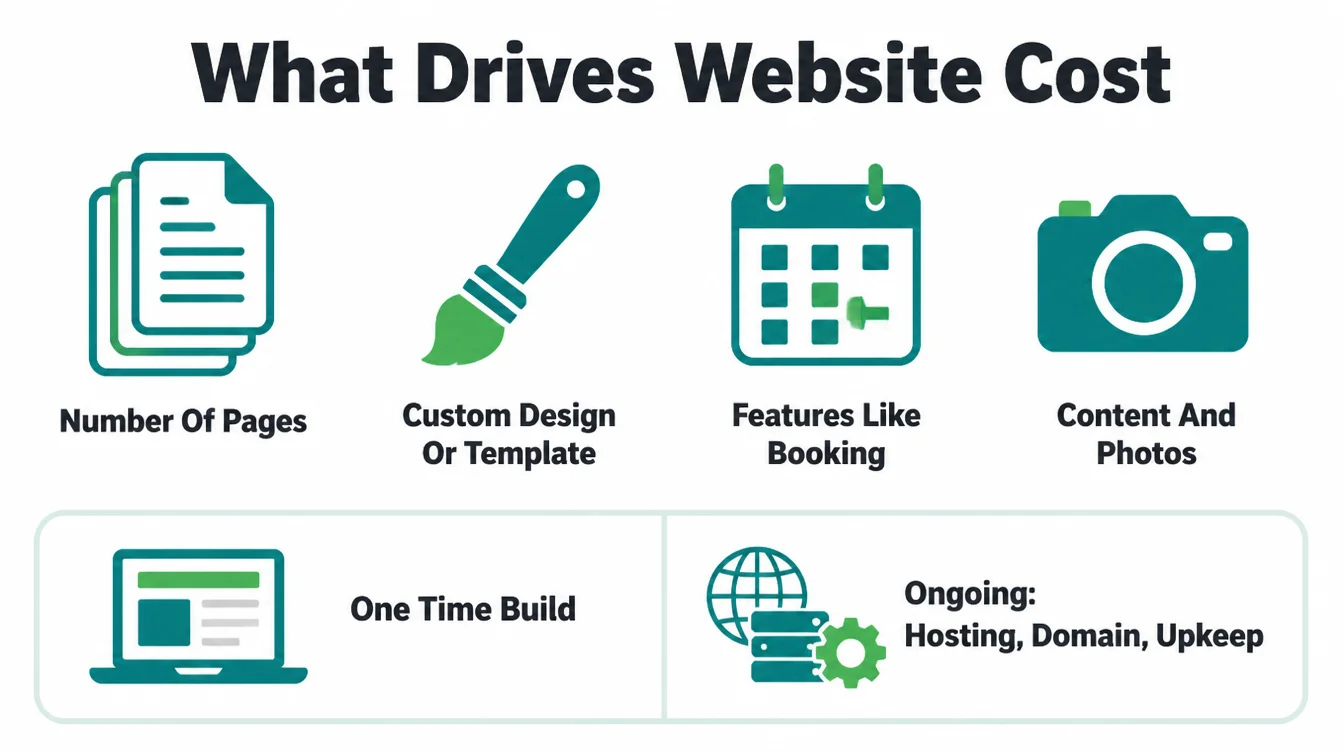
A few factors push the cost up or down:
- Number of pages. A single landing page is far simpler than a thirty-page site with a service page for every area you serve.
- Custom design or template. A polished template costs less than a bespoke design built only for you.
- Features. Online booking, payments, a shop, memberships, or a booking calendar each add real work.
- Content. Whether you supply the words and photos or someone writes and shoots them for you.
One-time costs versus ongoing costs
There are two buckets, and people often forget the second one. The one-time cost is the build itself. The ongoing costs are smaller but never stop: hosting to keep the site online, a domain name each year, and upkeep to keep it fast and secure.
A cheap build that ignores upkeep gets expensive later when it breaks. For a full breakdown with the questions to ask any builder, read how much a website costs.
11. What to do after launch
Launch day feels like the finish line. It is actually the starting line. A website is a living thing, not a printed flyer. The sites that keep winning customers are the ones that get a little attention each month. The ones left to rot quietly stop working and nobody notices until the calls dry up.
The simple after-launch habit
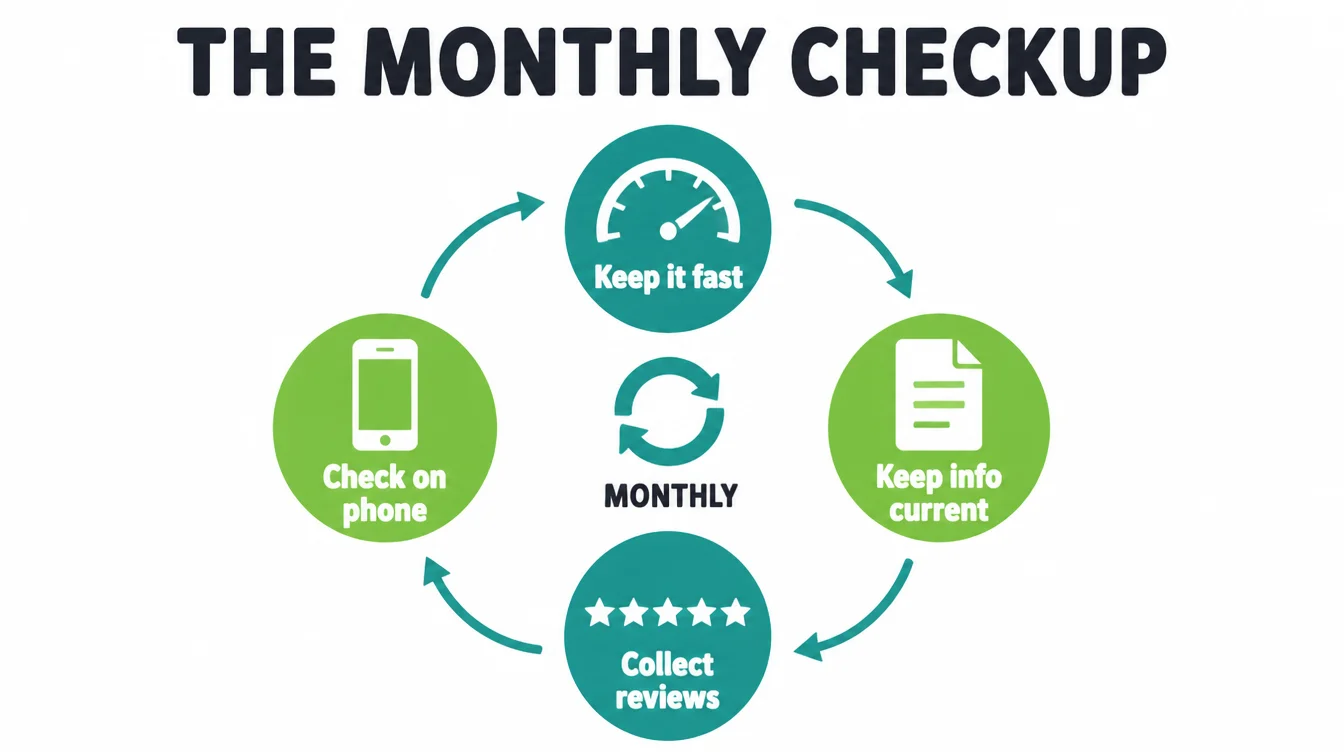
You do not need a complicated plan. A short monthly routine keeps your site earning:
- Keep it fast. Compress new images before you upload them and remove anything you no longer use.
- Keep your info current. Update your hours, prices, services, and anything that has changed. Wrong details cost you trust.
- Collect reviews and show them. Ask every customer, then add fresh reviews to the site as proof.
- Check it on a phone. Open your own site on your own phone every month and use it like a customer would.
That is the whole job. A site that is kept fresh, fast, and true keeps working for you. For more plain-language guides, browse the Seed Light blog, or if you want a hand, get in touch.
Frequently asked questions
1. Does a small business really need a website in 2026?
Yes. A website is the one place online that you own and control, and it works around the clock to answer questions and bring in customers. Today 83% of small businesses have a website, up from 64% in 2018, so a site is now the baseline customers expect. A social profile is rented space where the rules can change overnight. Your own site cannot be switched off by someone else.
2. Isn't a Facebook page or Google profile enough?
A Facebook page or Google profile helps people find you, but it is not enough on its own. You do not own those profiles, they limit what you can say and they place competitors and ads nearby. Use them for discovery, then send people to a website you control.
3. What makes a small business website actually win customers?
Five things do most of the work. It loads fast and reads well on a phone, since 49.36% of web traffic is mobile. Every page has one clear next step. It shows trust signals like reviews and real photos. It makes contacting you easy. And it connects to local search so nearby people find it. Get those right before you worry about a fancy design or a blog.
4. Why does website speed matter so much?
Because slow sites lose customers before the page even loads. Google found that 53% of mobile visitors leave a page that takes longer than three seconds to load. Speed also lifts sales: in one case study, a 0.1-second mobile speed improvement raised retail conversions by 8.4% and average order value by 9.2%. A fast site is not a nice extra. It is the difference between a visitor who stays and one who is gone.
5. Should I build my small business website myself or hire someone?
The right choice depends on your time, budget, site complexity and how much the site must earn. You can build a simple one-page site yourself if you have time to learn. Hiring someone makes sense when the site is a main source of customers or needs bookings, payments or many pages.
6. What makes a small business website cost more or less?
Cost is driven by scope, not by magic. The big drivers are how many pages you need, whether you need custom design or a template, and whether you need features like online booking, payments, or a shop. There are one-time build costs and ongoing costs for hosting, a domain, and upkeep. A simple site costs far less than a custom shop, so the honest first question is what the site actually has to do.
7. What should I do after my website launches?
Launch is the start, not the finish. Keep the site fast, keep your information current, and fix anything that breaks. Collect reviews and add them to the site as proof. Check the whole thing on your own phone every month, and check your analytics to see how customers split across devices. Regular checks catch broken pages and outdated details.