Headless CMS: What It Is, Benefits and When to Use One

A headless cms separates content from the front end and joins them through an API. It suits multi-channel setups with developer support. Most small businesses with one site are better off with a traditional CMS. Seed Light builds both, and this site uses a mix of the two.
Key Takeaways
- It splits the content from the display. The editor stays, the front end is built separately, an API joins them.
- Most small businesses do not need one. One website and no developer means a traditional CMS.
- The real case is multi-channel. The same content going to a site, an app and a screen somewhere.
- Speed is a side effect, not a guarantee. A badly built headless front end is slower than a well-tuned traditional one.
- WordPress can do it. This site does exactly that for part of its content.
What A Headless CMS Is
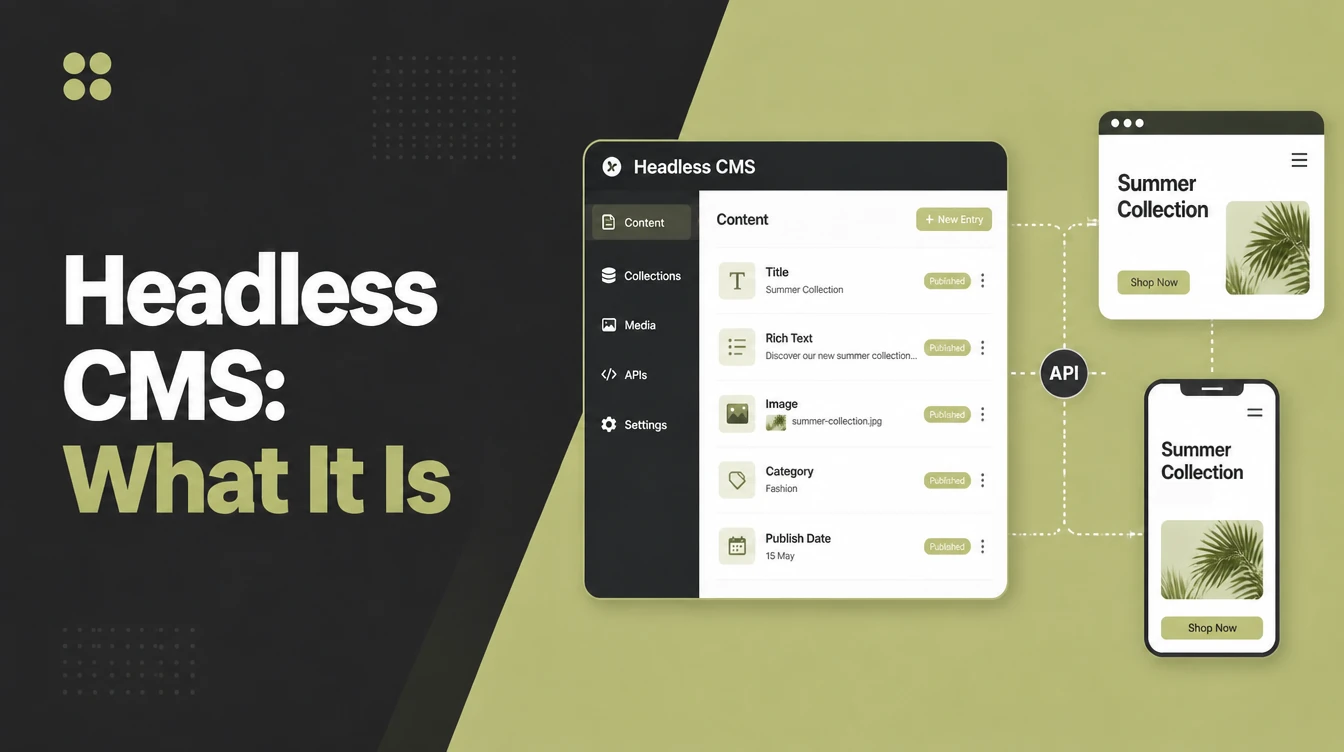
A headless CMS keeps the content and the editing tools, and removes the part that decides how pages look. The front end is built separately and asks for content through an API.
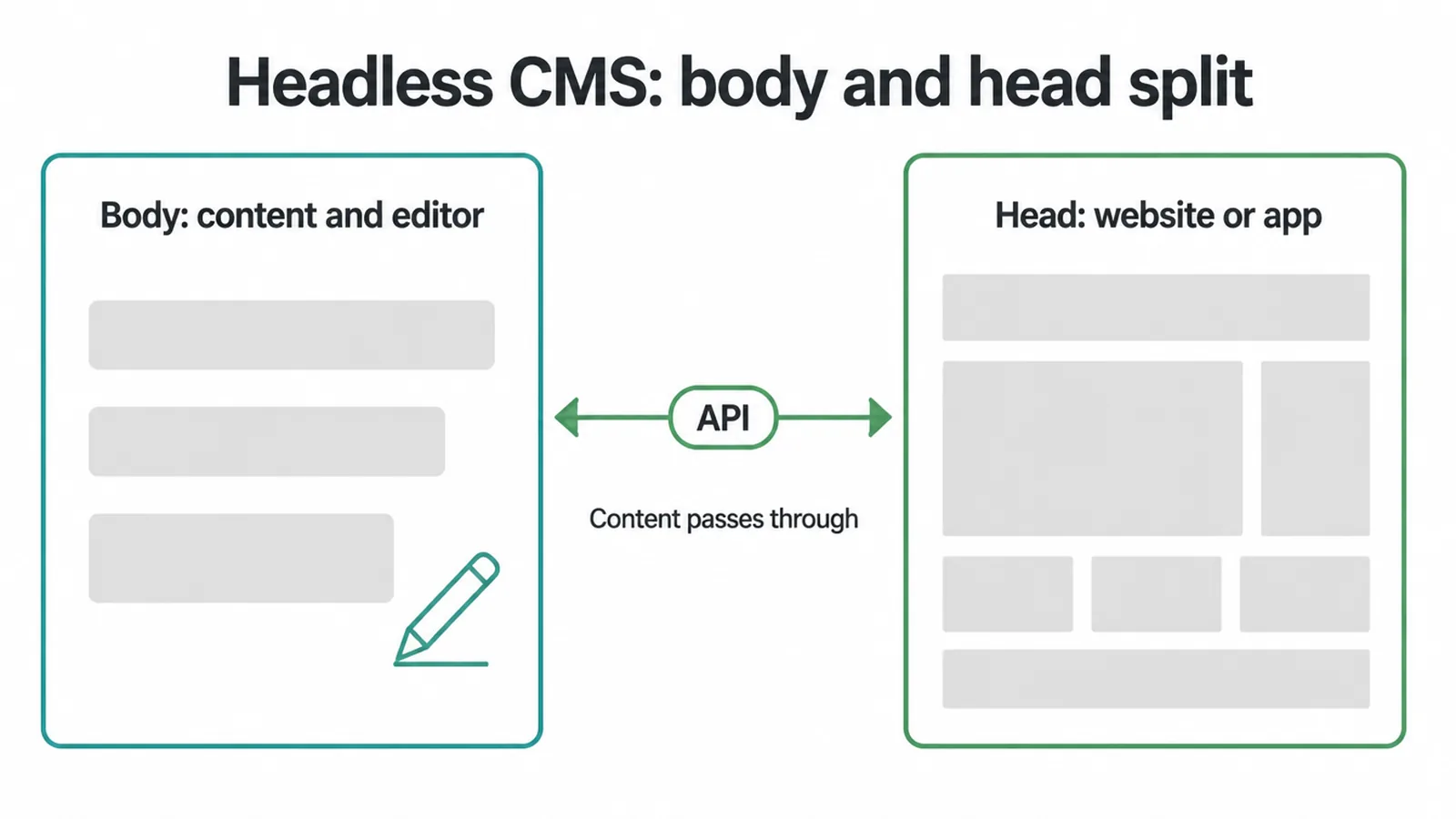
The name comes from that split. The body is the content and the editor, the head is whatever displays it, and the head has been removed.
Headless cms explained that way sounds dramatic. In practice an editor logs in, types, and presses publish exactly as before. What changes is everything behind that button.
The content stops knowing what it will look like. That is the whole trade, and every advantage and disadvantage follows from it.
Most of the web is not built this way. The Web Almanac's 2024 analysis found about 51 percent of desktop sites running on a CMS, and the overwhelming majority of those are the traditional kind.
Headless Or Traditional
The difference that matters is who builds the display layer and what happens when it needs changing.
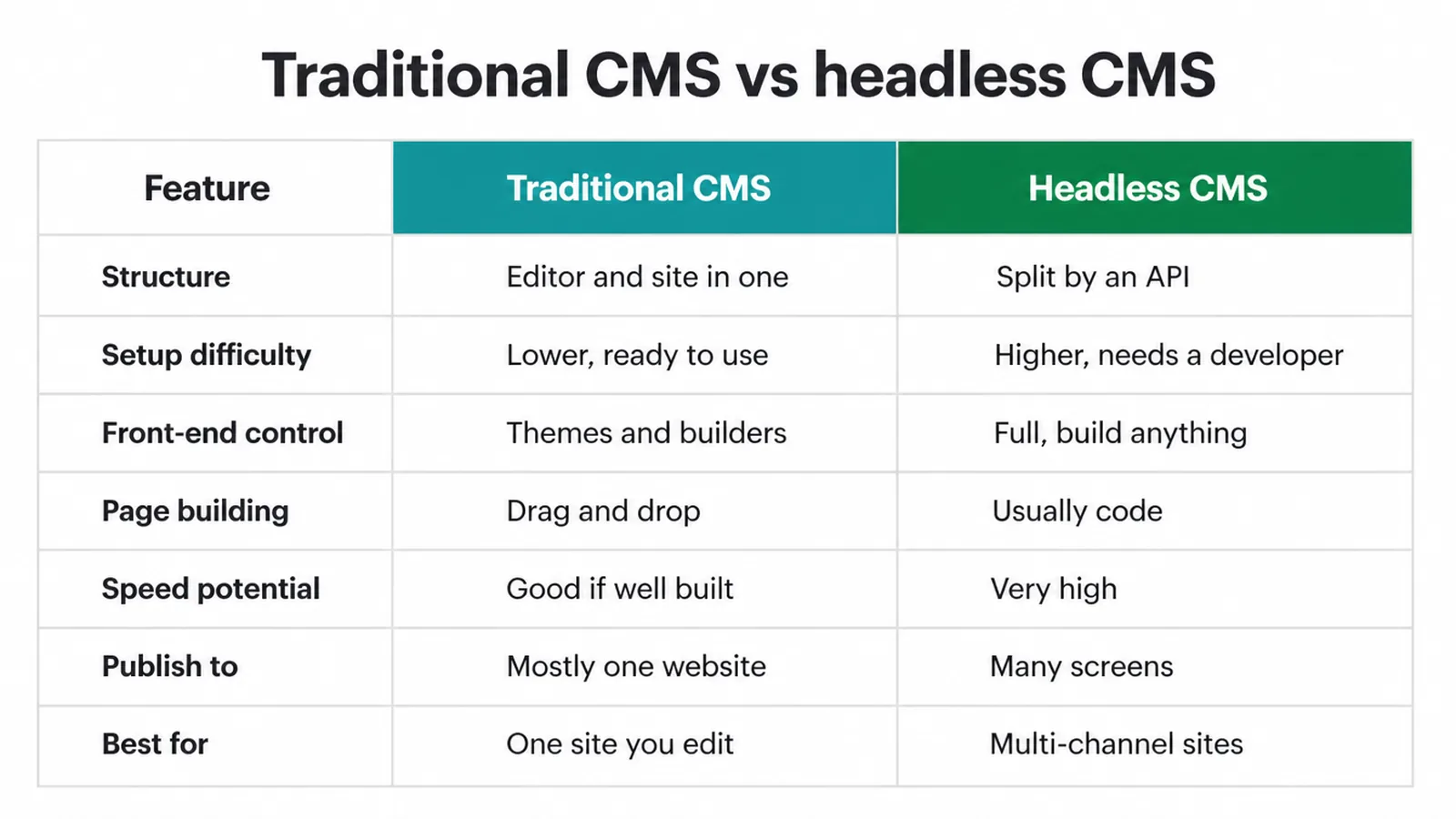
| Aspect | Traditional CMS | Headless CMS |
|---|---|---|
| Structure | Content and display in one | Separated, joined by an API |
| Setup | Install and go | Somebody builds the front end |
| Page building | Visual editor, instant preview | Depends entirely on what was built |
| Front-end control | Within the theme | Total |
| Publishing to several places | Awkward | The thing it is for |
| Best for | One website | Several surfaces, with a developer |
On the headless vs traditional cms question, the honest summary is that one is a product and the other is a building material.
A product works on the day you buy it. A building material becomes something useful once somebody has built with it, and keeps needing that somebody afterwards.
The Upsides
Four upsides, and all of them are real when the conditions are right. The conditions are the part worth checking.
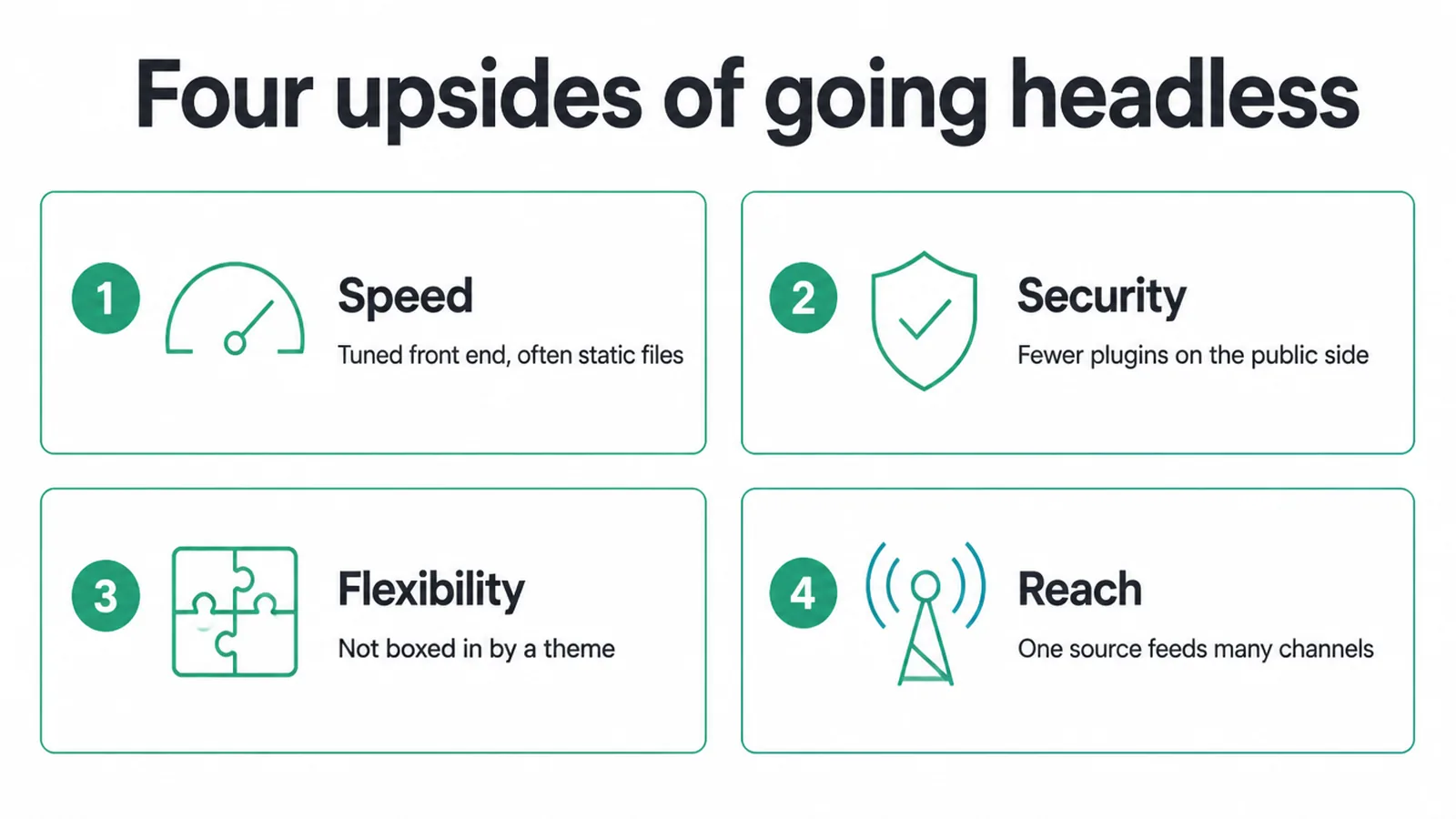
Speed, because the front end can be tuned or served as static files. Google and Deloitte's research found a 0.1 second mobile improvement associated with an 8.4 percent lift in retail conversions and 10.1 percent in travel.
That research measured mobile sites over four weeks in 2020, and it says nothing about headless specifically. It is a reason to care about speed, not evidence that this architecture delivers it.
Security, because fewer things run on the public side. Patchstack's 2026 whitepaper recorded 11,334 new WordPress ecosystem vulnerabilities during 2025, up 42 percent, with 91 percent in plugins and 9 percent in themes.
Only six were in WordPress core. The risk lives in what gets added, and a headless front end usually exposes fewer of those additions to the public internet.
The same report put the median time to mass exploitation of the most heavily attacked vulnerabilities at about five hours. That is the argument for fewer public-facing plugins, stated plainly.
It is also an argument for updating what you do run, which costs nothing and is available on every architecture.
The Downsides
Three downsides, and together they are the reason this remains a minority choice rather than the default.
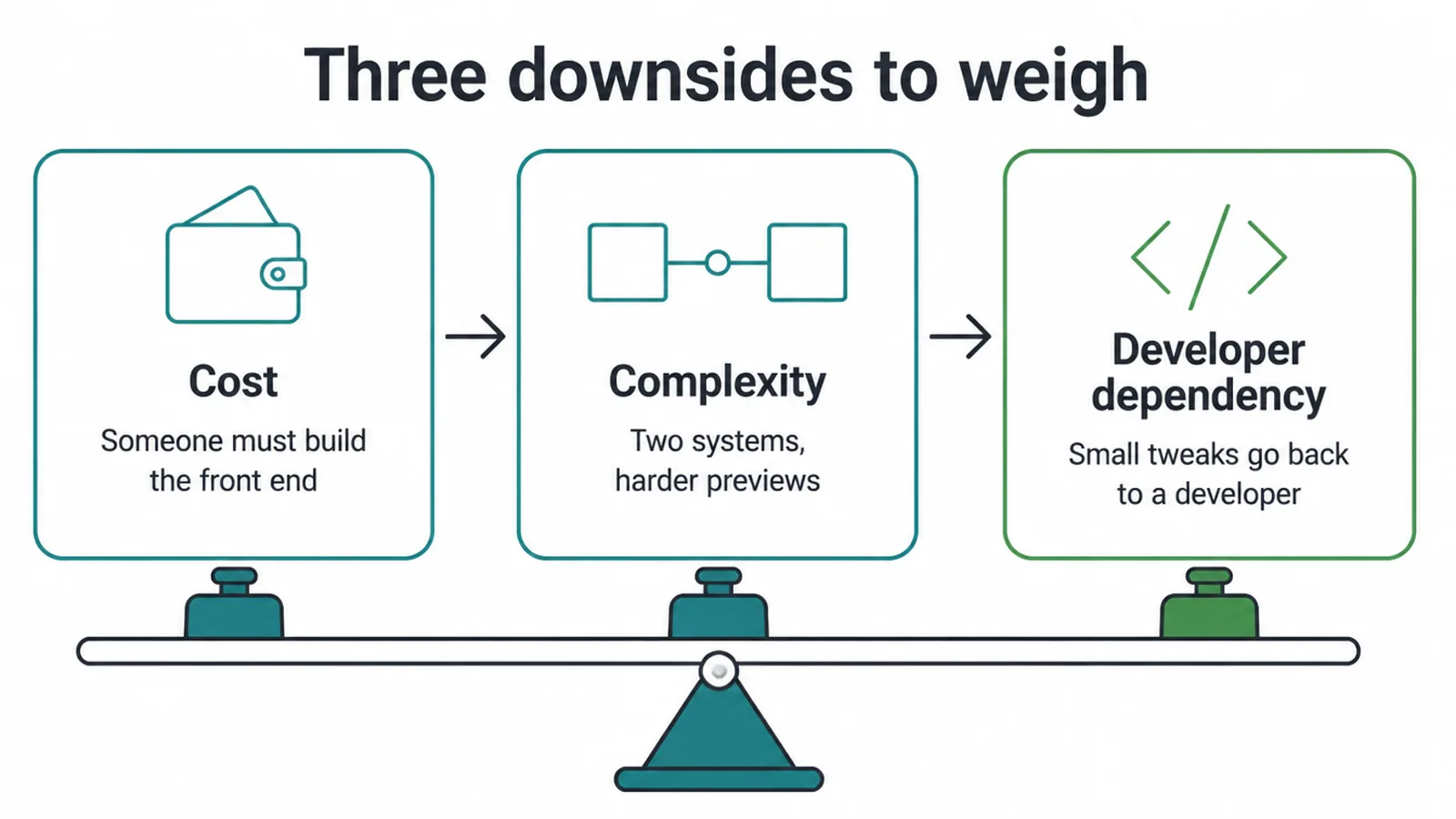
Somebody has to build the front end, and that cost does not disappear after launch. It simply becomes maintenance.
Four things end up on somebody's plate permanently:
- Framework updates. Front-end frameworks move quickly.
- API changes. Both sides have to stay in step.
- Preview and editing tools. Whatever was built for editors.
- Hosting for two things. The content system and the front end.
Two systems are harder to reason about than one, and previews are the usual casualty.
Editors used to seeing their page before publishing often cannot, unless preview was deliberately built and paid for. That omission is the most common complaint after a headless launch.
The dependency is the real cost. A traditional site can be handed to any competent agency. A custom front end can be handed to whoever understands it.
Does It Help SEO
It can help, and it can also do real damage. Which of those happens depends entirely on how the front end renders its pages.
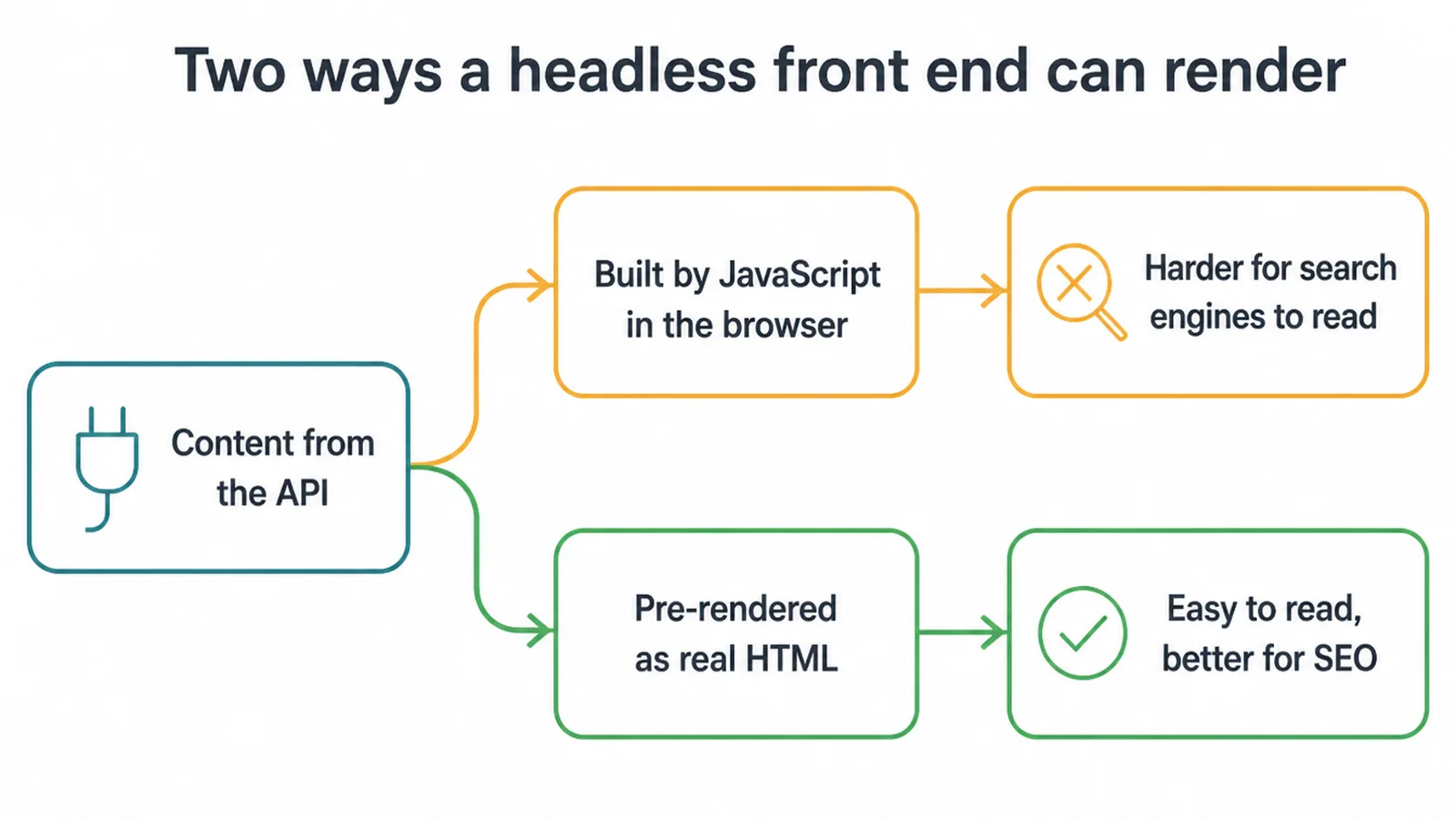
Content assembled by JavaScript in the visitor's browser is harder for crawlers to read reliably. Content pre-rendered on the server or at build time arrives as ordinary HTML and causes no trouble whatsoever.
So this is a build decision rather than an architecture decision. Server rendering or static generation, and the SEO question largely disappears.
Three things are worth confirming before launch:
- View the page source. The content should be in it, not assembled later.
- Check the meta tags render. Titles and descriptions per page, server side.
- Test a page with JavaScript disabled. A blunt check that catches most problems.
Can WordPress Go Headless
Yes, and it is a common middle path to take. WordPress keeps the editor and the API, while a separate front end displays the content.
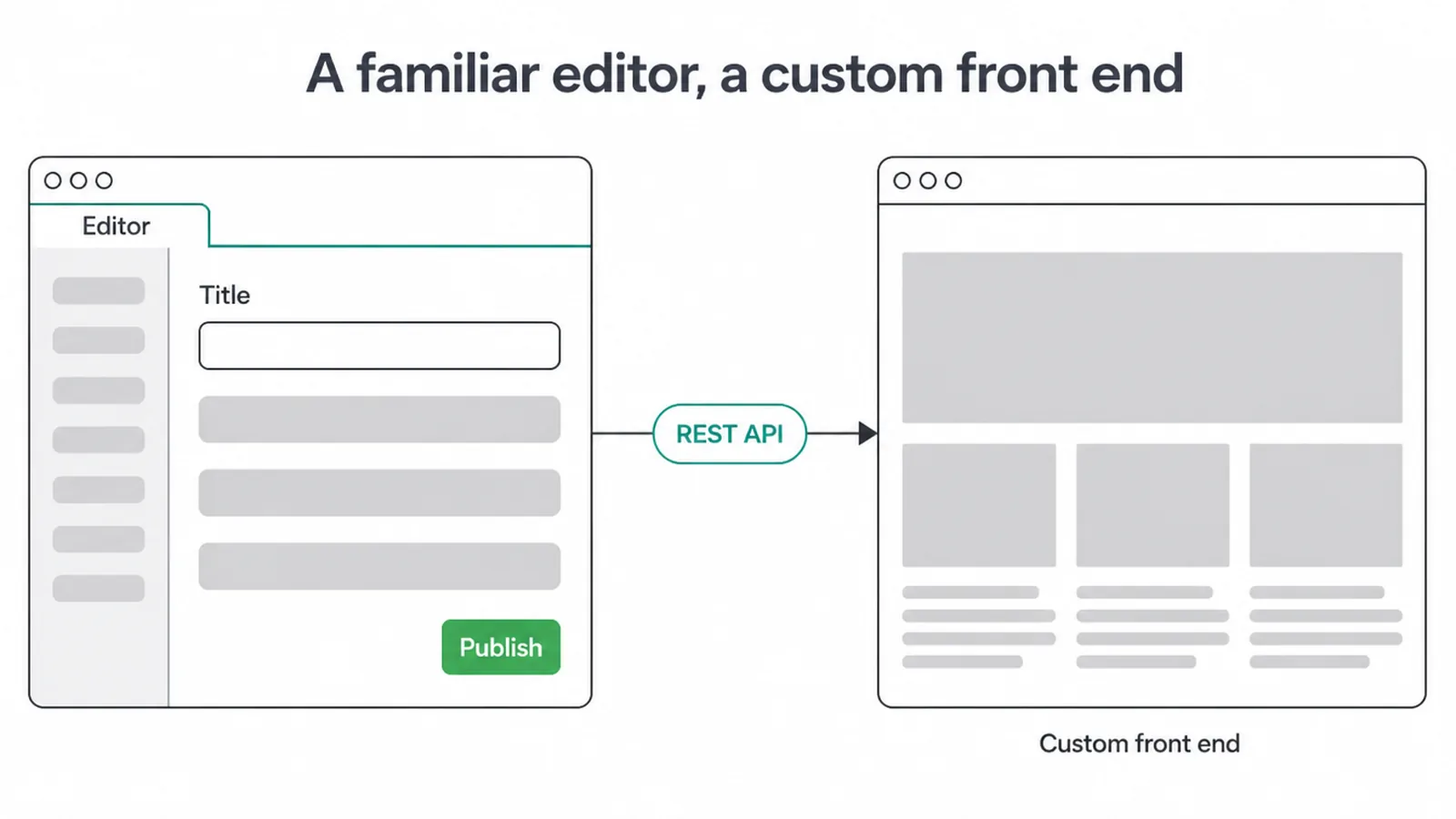
This site does precisely that for part of its content. WordPress supplies testimonials and portfolio entries through its API, while blog posts are markdown files in the repository and never touch a CMS at all.
That split is deliberate. The content that changes often sits where it is easy to edit, and the content that benefits from version control sits in the repository.
It is worth saying that a mixed setup like this is far more common than either pure version. Most real sites end up with content in two or three places for sensible reasons.
WordPress remains the default for good reason. W3Techs recorded it on 39.5 percent of all websites and 58.3 percent of those with a known CMS on 28 October 2026, a figure that moves slowly but does move.
Deciding
Three questions, in this order. If the answer to the first one is a single website, you can stop reading and choose a traditional system.
1. Count your channels
How many separate places does the same piece of content need to appear in? A website, a mobile app, a screen in a shop, a partner feed.
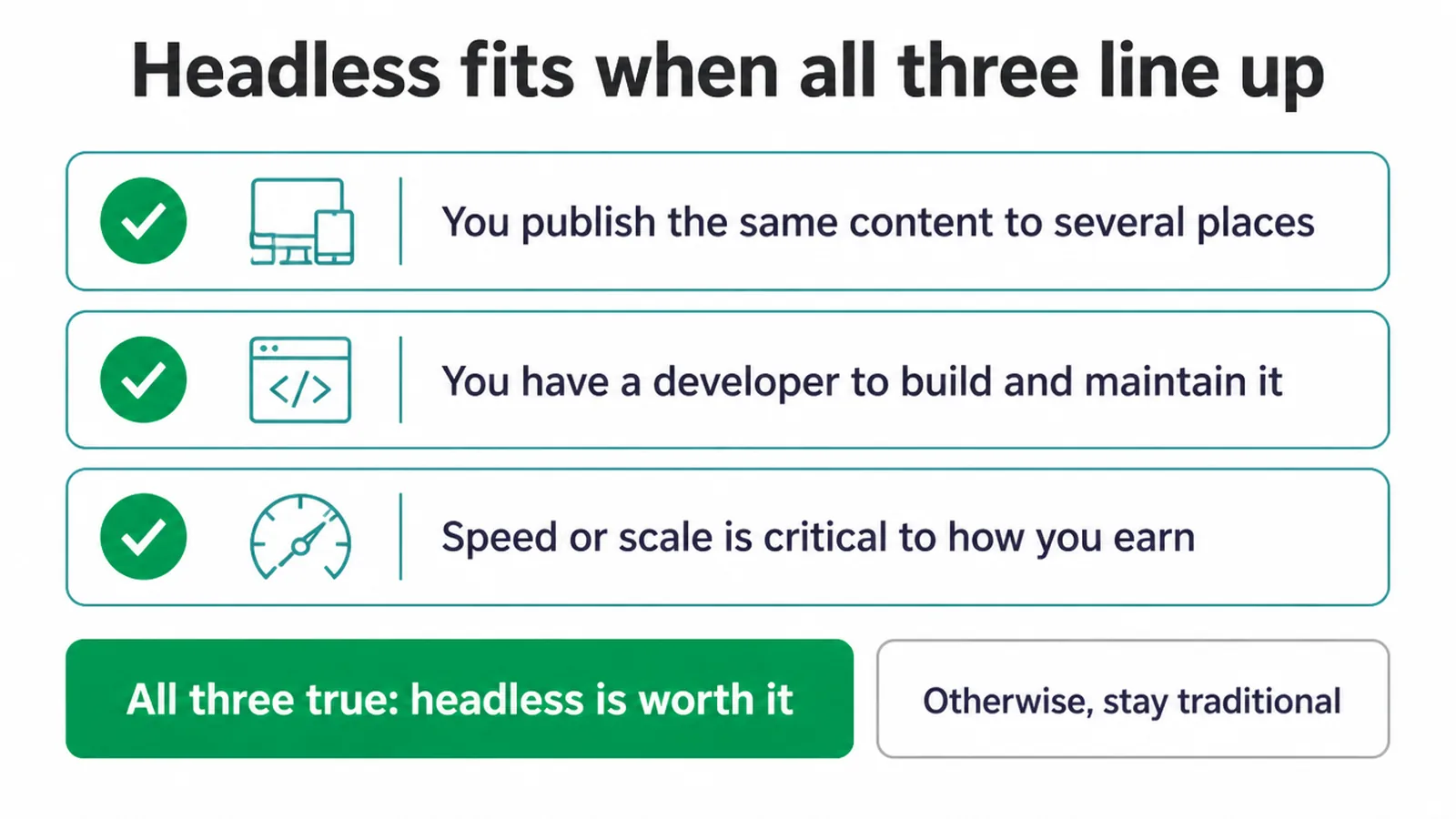
One website is one channel. That answer alone settles it for most small businesses, whatever else is true.
Headless cms for small business is usually a solution looking for a second channel. If the second channel genuinely exists, the rest of this becomes worth reading twice.
2. Ask who maintains the front end
Not who builds it. Who looks after it in two years, when the framework has moved on and the person who wrote it has moved on as well.
Ask it out loud, and write the name down. A project with no answer to this question has a deadline rather than a lifespan.
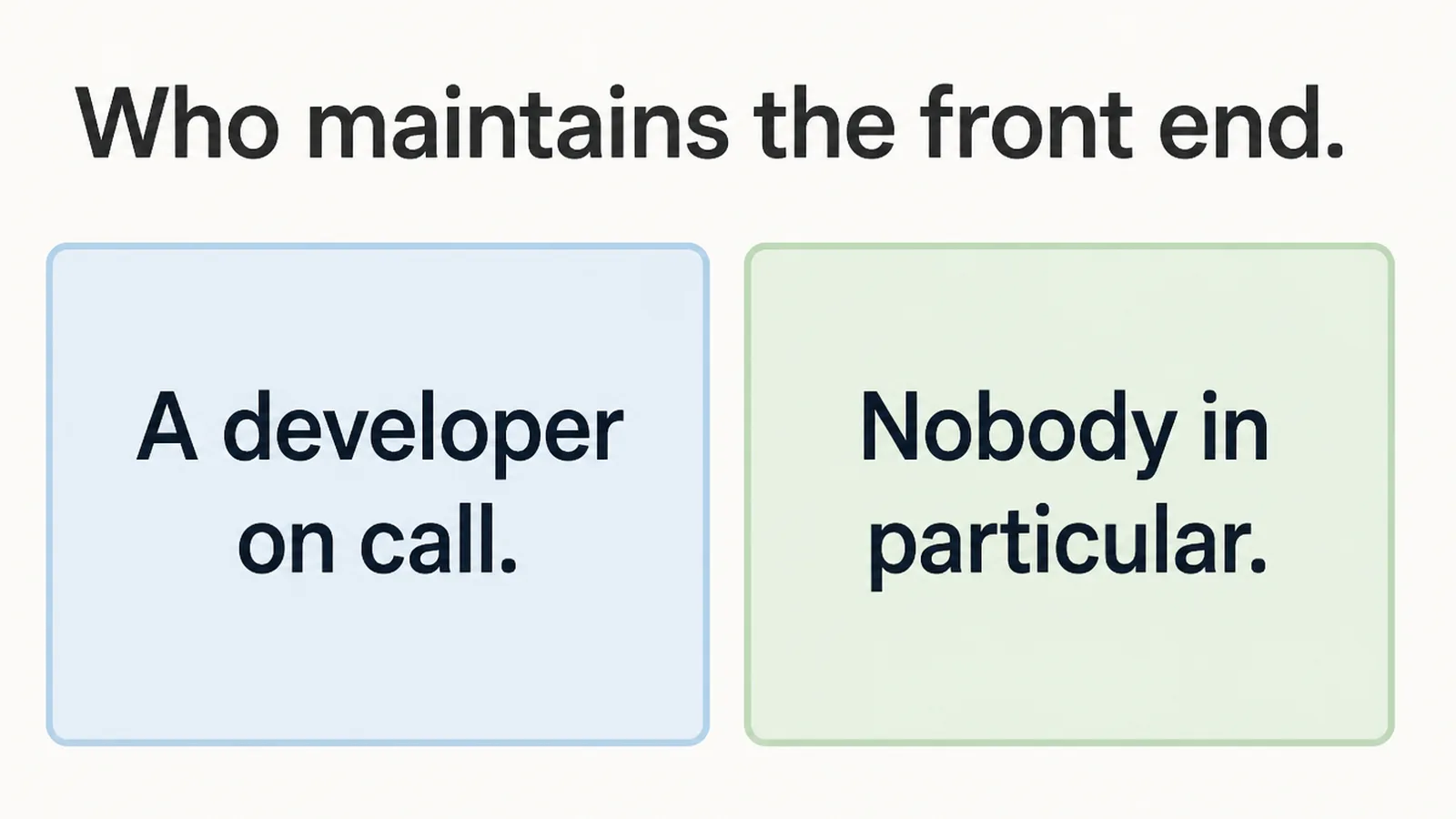
If the answer is nobody in particular, choose the architecture that any agency can pick up.
This is not a technical judgement. It is a question about your business, and it is the one that decides most of these projects correctly.
3. Check what actually needs to be faster
Most slow sites are slow for reasons that an architecture change does not touch at all, which makes this the cheapest question on the list.
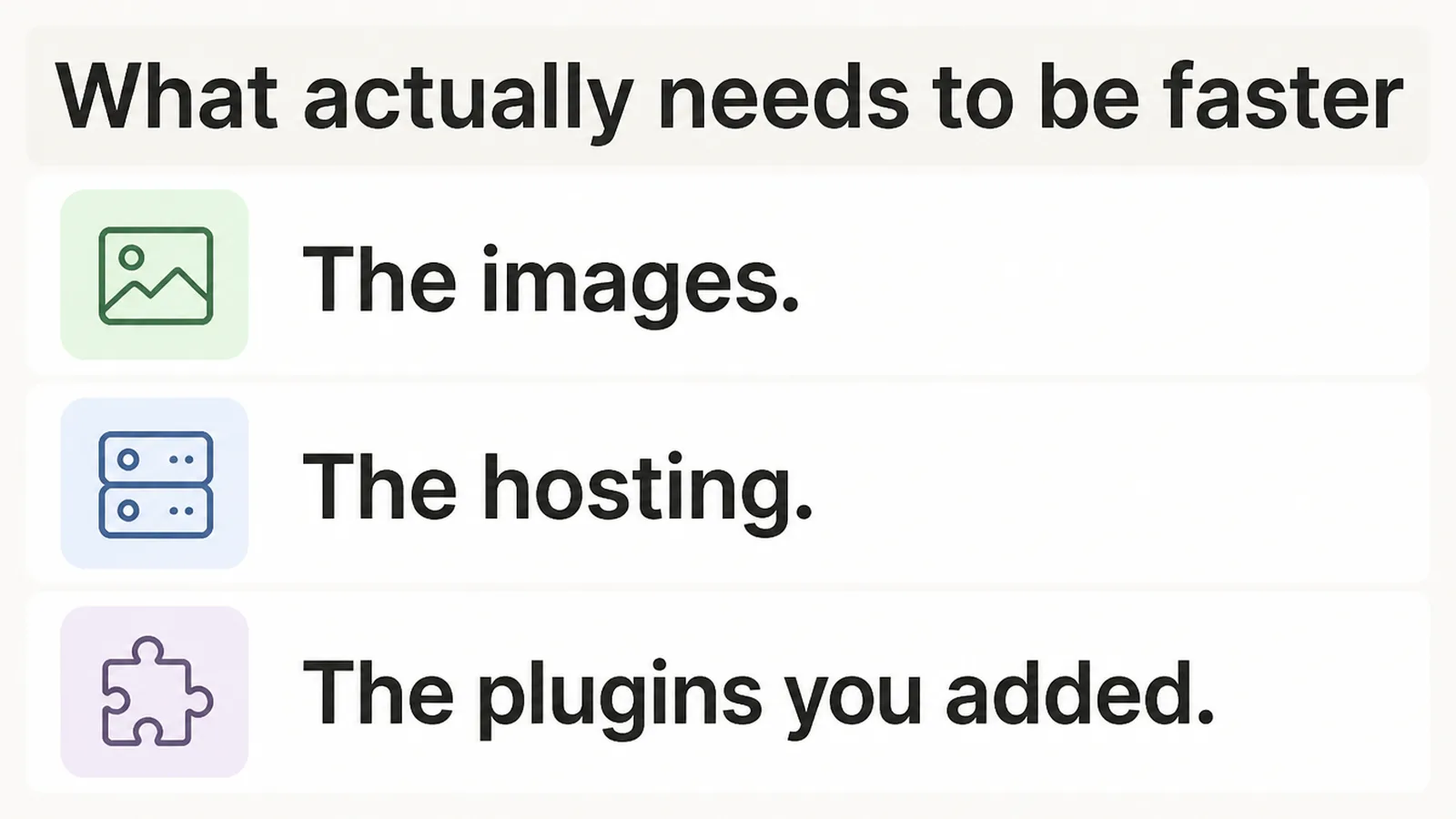
Uncompressed images, cheap hosting and a decade of accumulated plugins account for most of it.
Fix those three first and measure again. The speed argument for rebuilding often evaporates, and the fixes cost a fraction of what the rebuild would have.
If the site is still slow after that, the architecture conversation becomes a reasonable one to have.
Common Mistakes
Three failures turn up again and again, and the first of them is by far the most expensive.
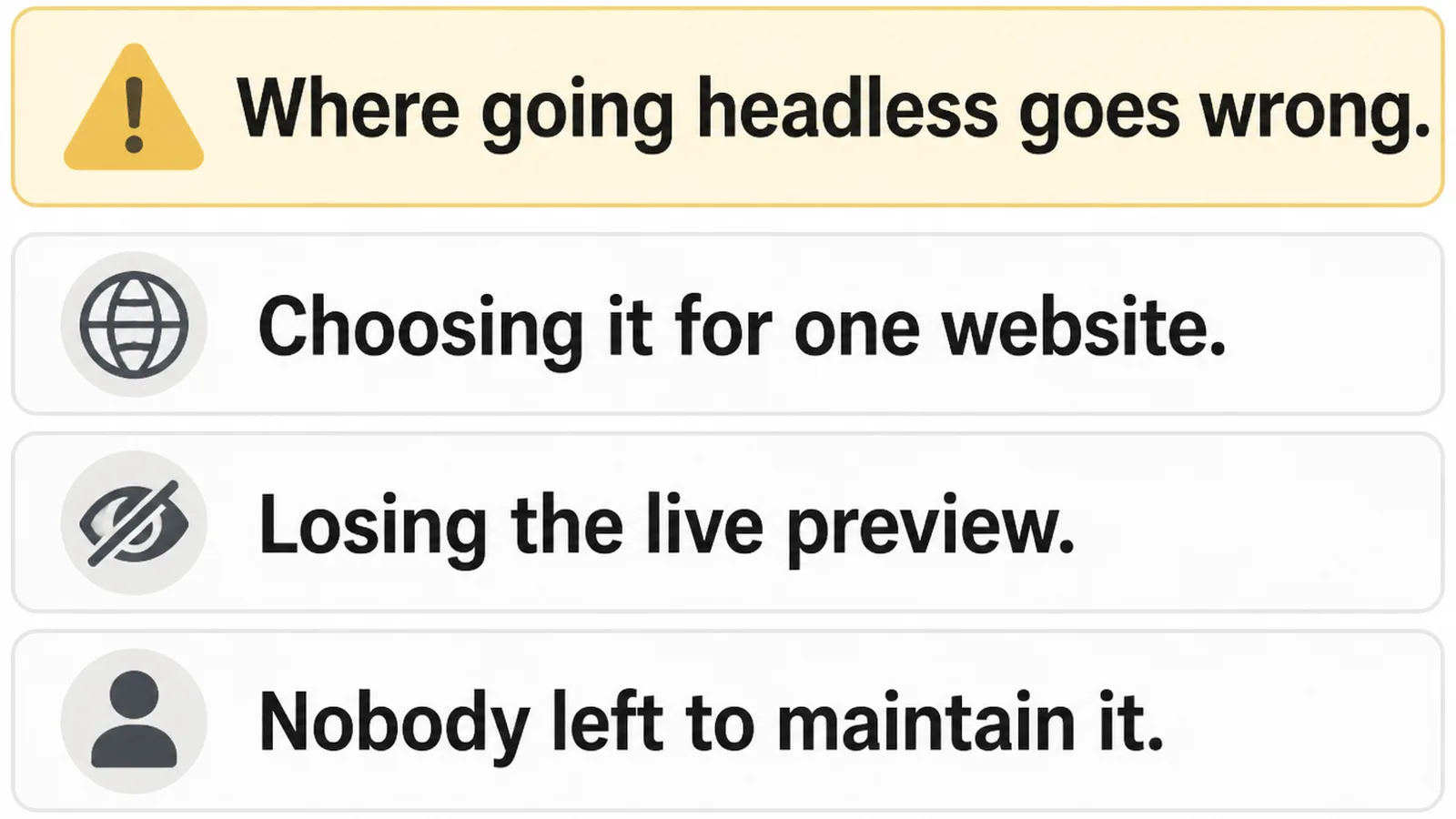
Choosing it for a single website. All of the cost, none of the multi-channel benefit that justifies it.
Losing the preview. Editors who cannot see a page before publishing stop publishing, and the site goes stale.
Nobody left to maintain it. The developer moves on, the framework ages, and a working site quietly becomes a rebuild.
All three are avoidable by asking the maintenance question before the build rather than after it. That conversation is less exciting than the architecture one and considerably more useful.
FAQs
What is a headless CMS in simple terms?
A headless CMS stores and edits your content but does not decide how any page looks. A separately built front end requests that content through an API and displays it, which makes the same content usable across several different surfaces at once.
What is the difference between a headless and a traditional CMS?
A traditional CMS handles content and display together, so installing it gives you a working website straight away. A headless one handles only the content, which means somebody has to build and then permanently maintain the front end that displays it.
Do small businesses need a headless CMS?
Usually not. The architecture earns its cost when the same content goes out to several channels and a developer is available to maintain the front end. A single website with nobody on hand is better served by a traditional system.
Can WordPress be used as a headless CMS?
Yes, and it is a common middle path. WordPress exposes a REST API, so the editor stays familiar while a separate front end displays the content. This site does exactly that for testimonials and portfolio entries, with blog posts kept as files instead.
Is a headless CMS faster than a traditional one?
It can be, because the front end can be tuned or served as static files. It is certainly not automatic. A carelessly built headless front end is slower than a well-maintained traditional site with compressed images and decent hosting behind it.
Conclusion
A headless cms is a good answer to a question most small businesses are not asking.
Count the channels, name the person who will maintain the front end, and check whether images and hosting explain the speed problem first.
See how we approach web development, or get in touch and we will tell you honestly which one your project needs.