Wix vs WordPress 2026: Compare SEO, Cost and Flexibility

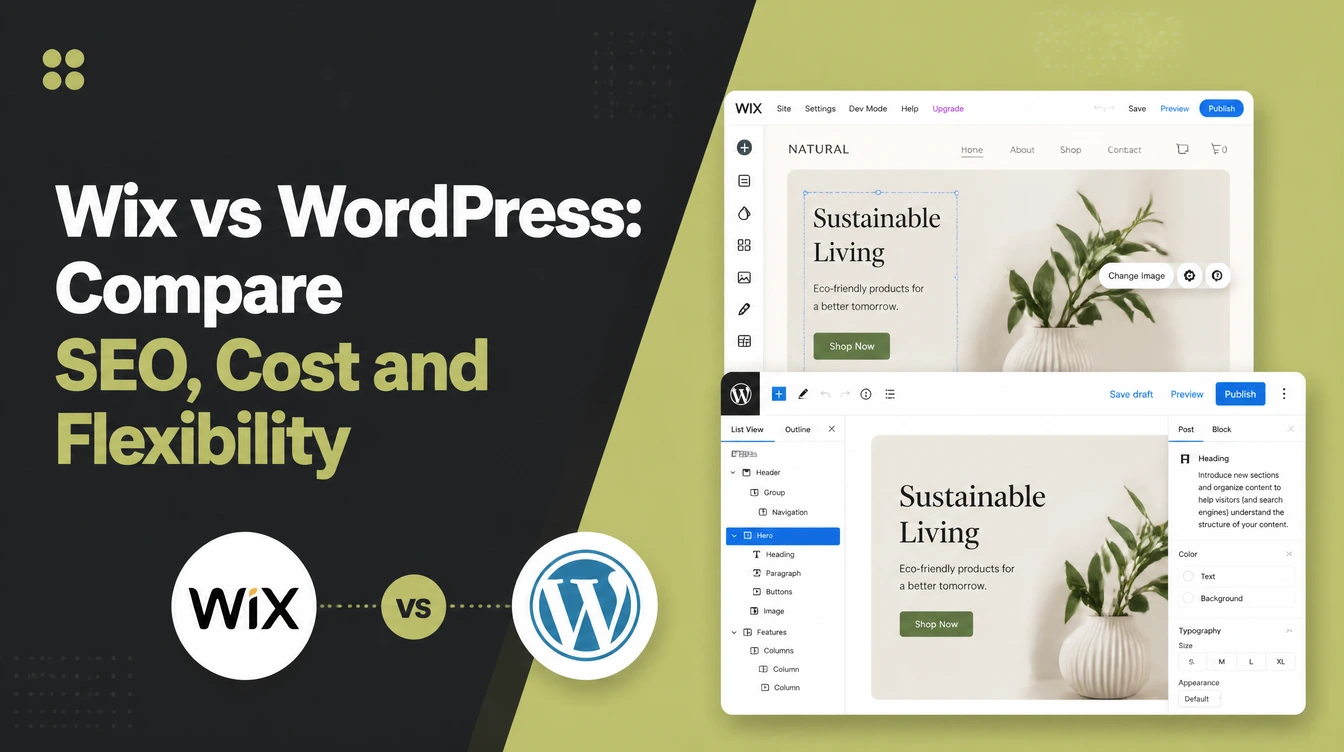
Wix is an all-in-one builder that handles hosting, security and updates for you, so you can be live this week. WordPress is open-source software you host yourself, the most-used platform on the web, with over 61,000 free plugins and full portability. Seed Light picks by ownership: Wix content stays locked in, WordPress moves anywhere.
Key takeaways
Short on time? Here is the whole Wix vs WordPress decision in five lines before we break it down.
- Wix is the easy all-in-one. Drag, drop, and you are live, with hosting, security, and updates handled for you.
- WordPress is control and ownership. It is the most-used website platform in the world (W3Techs, 2026).
- SEO is roughly even. No credible current study proves one out-ranks the other. The old viral claim was retracted, and both expose the same core controls.
- Ownership is the real divide. Wix content is locked to Wix and cannot be fully moved. WordPress is open-source and portable.
- Choose by use-case. Want hands-off and simple? Pick Wix. Want to grow, customise, and keep control? Pick WordPress.
1. Wix vs WordPress: the short answer
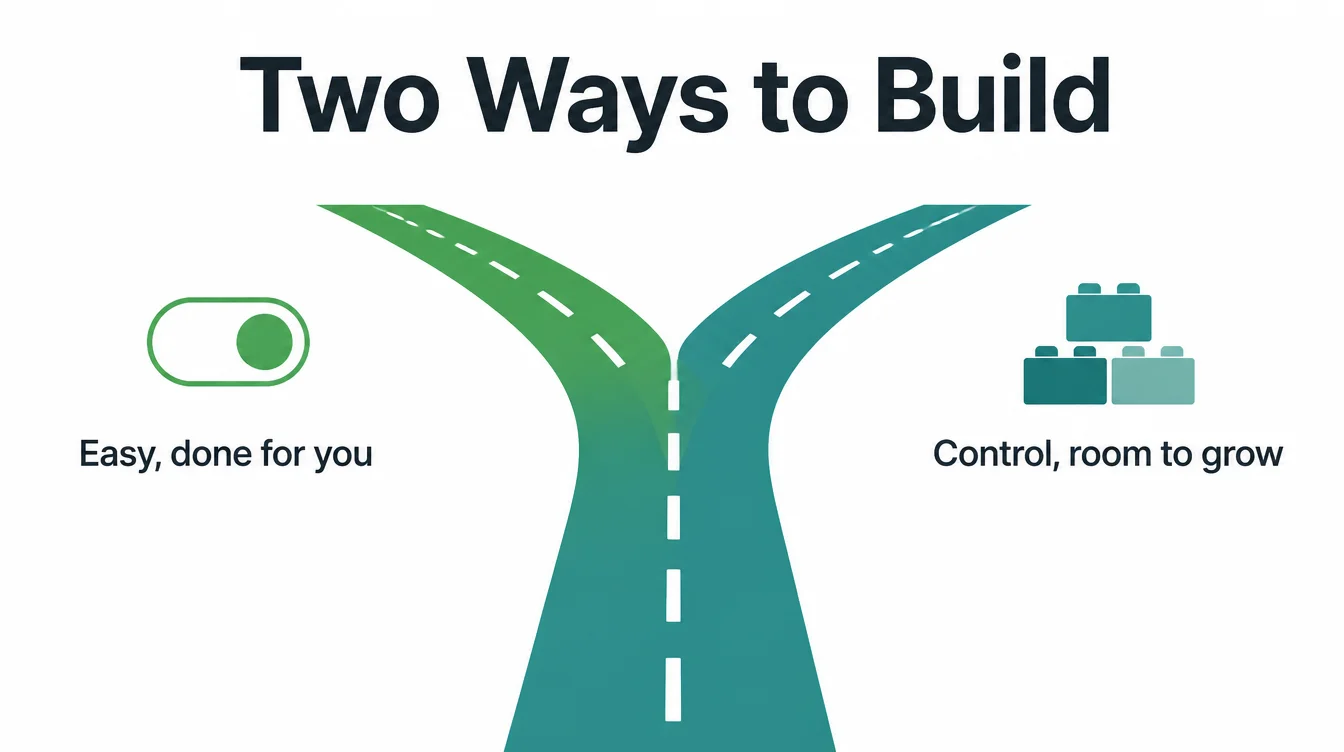
Here is Wix vs WordPress in one breath. Pick Wix if you want easy and done-for-you, with one bill and nothing technical to manage. Pick WordPress if you want control, room to grow, and a site you truly own and can move anywhere.
Both can build a great small business website. Both rank fine on Google. The difference is not which one is "better" in the abstract. It is which one fits how you want to work and where you want to be in three years.
For context, WordPress is the most-used website platform in the world, running 40.2% of all websites and 58.8% of sites with a known CMS (W3Techs, September 2026).
Wix is much smaller but very popular with beginners, with over 304 million registered users (Wix, 2026). Size is not the point. Fit is.
2. What Wix is and who it suits
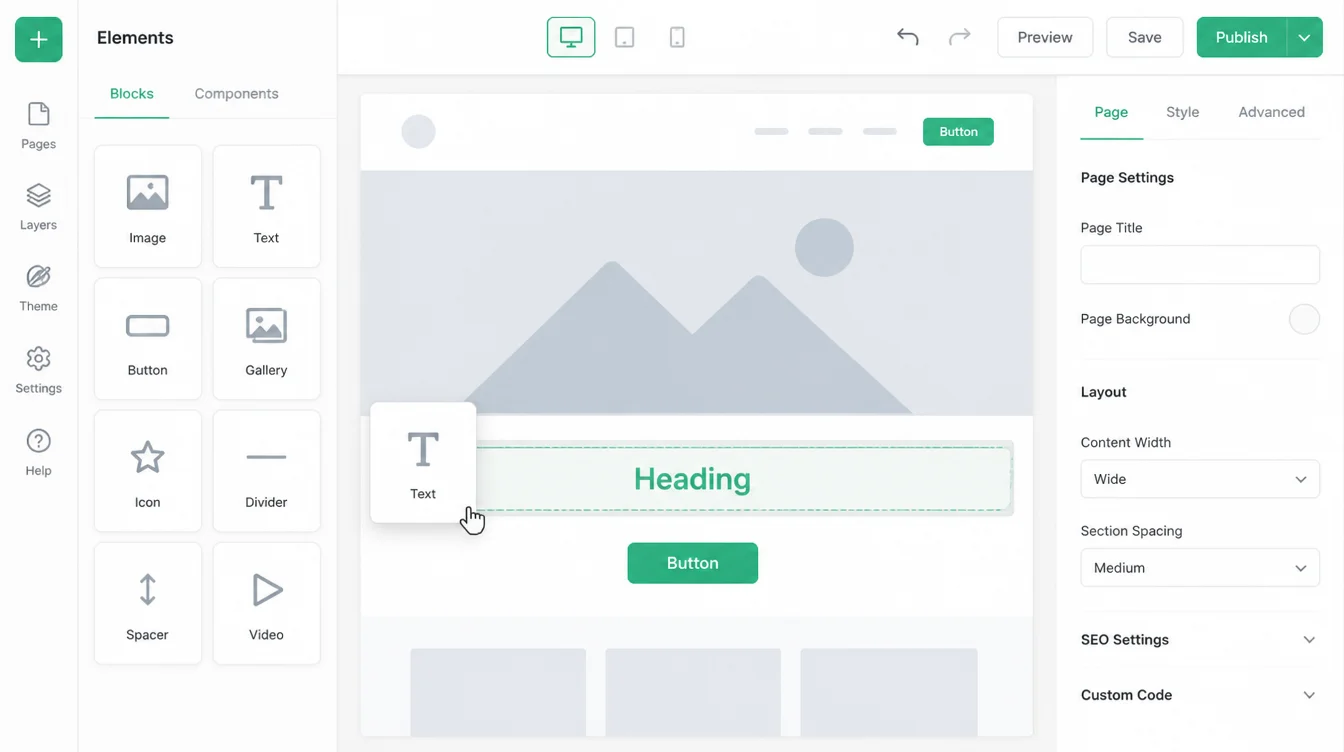
Wix is an all-in-one website builder. You sign up, drag elements onto the page, and publish. Hosting, security, backups, and updates are all bundled in and handled behind the scenes. You never touch a server or a line of code unless you want to.
It suits people who want a site live this week without help. If you run a single-location business, a personal brand, or a simple brochure site, Wix lets you do it yourself and look professional. It is forgiving, visual, and quick.
The trade-off is that you build inside Wix's walls. You get a lot of freedom within those walls, but you cannot reach outside them. For many small businesses that is a fair deal. For others it becomes a ceiling later, which we cover under ownership below.
3. What WordPress is, and who it suits better than Wix
WordPress is open-source software you install on your own hosting. The core is free for anyone to use, and a huge community builds themes and plugins for it. It started as blogging software and grew into the platform behind a huge share of the web.
It suits owners who want control and room to grow. You decide your host, your design, and your features.
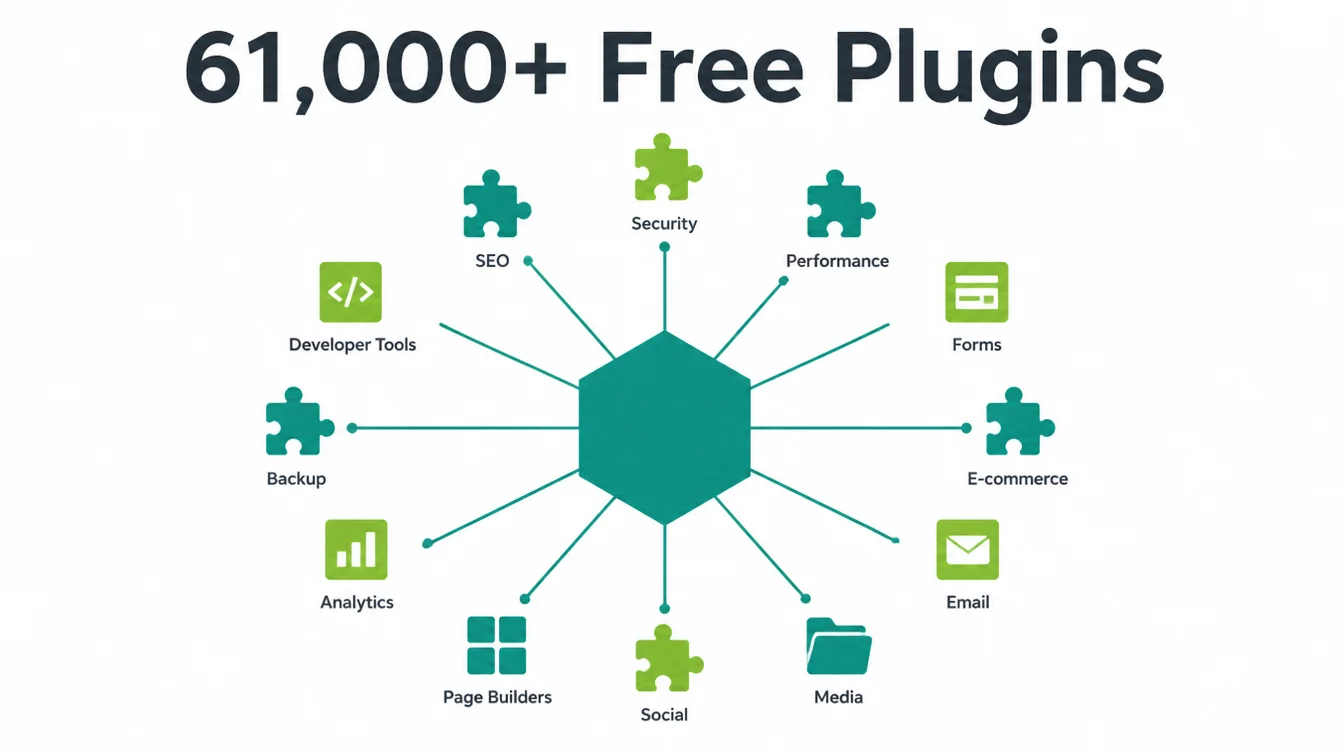
There are over 61,000 free plugins in the official directory alone (WordPress.org, 2026), so almost anything you can imagine has a tool for it. Want a booking system, a membership area, or a custom workflow? It exists.
By contrast with Wix, WordPress asks more of you up front. You choose hosting, set it up, pick a theme, and keep things updated. Many owners hand that part to an agency.
In return you get a site that is genuinely yours and can scale as far as you need. For a deeper look at the build side, see our web design and development services.
4. Ease of use
This is where Wix wins clearly. Everything lives in one dashboard. You drag a button, a photo, or a form onto the page and it stays where you drop it. There is almost nothing technical to learn, and you are unlikely to break anything.
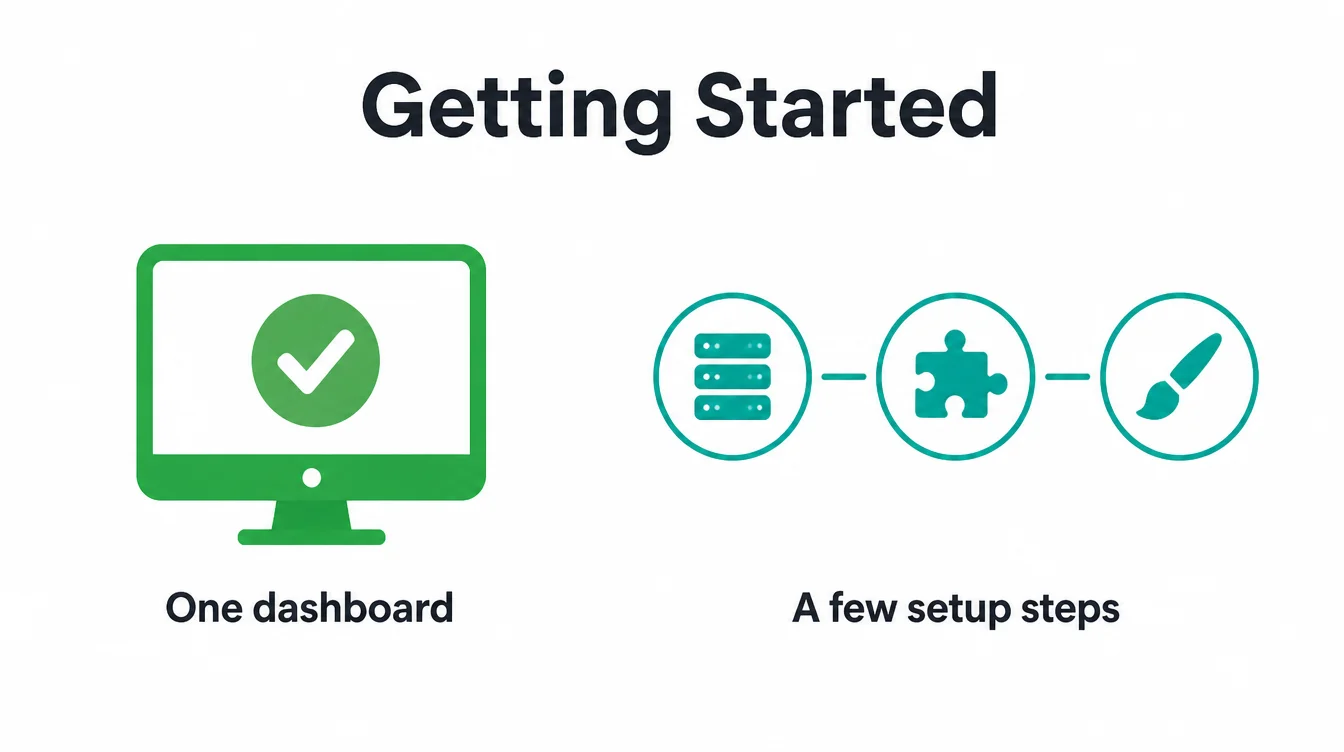
WordPress is more powerful but has a steeper start. You set up hosting, install the software, choose a theme, and learn the editor. Modern WordPress is far friendlier than it used to be, but the first week takes more patience than Wix does.
However, "easy to start" and "easy to live with" are not the same thing. Wix stays simple forever. WordPress is harder at first, then opens up. If you want to be self-sufficient and fast, Wix is the gentler path. If you are happy to learn a little or hand it off, WordPress repays the effort.
5. Design flexibility
Both let you build an attractive site. The difference is how far you can push it.
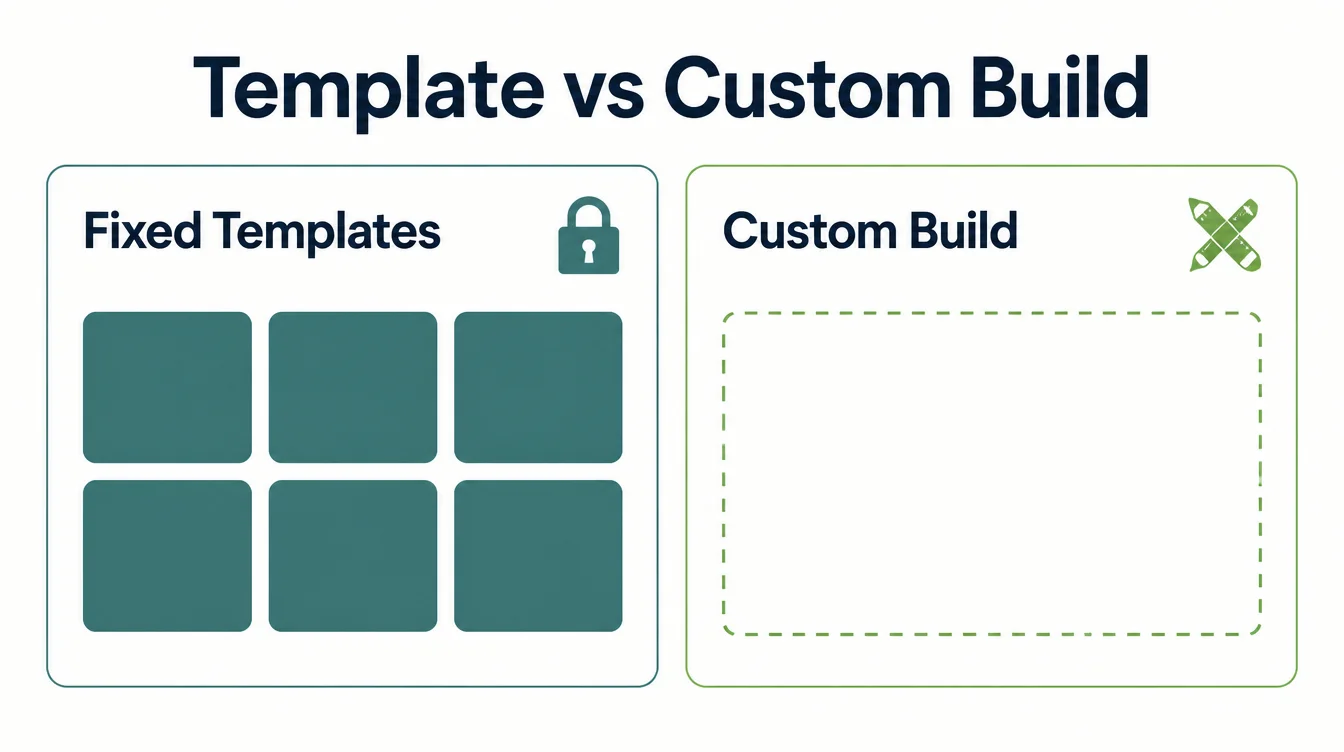
Wix gives you templates and a true drag-and-drop canvas. You can place things almost anywhere, which feels great. The catch is that once you pick a template you usually cannot swap it later without a rebuild, and very custom ideas can hit a limit.
WordPress has no real ceiling on design. With the right theme or a custom build, you can make the site look and behave exactly as you want.
Specifically, anything a designer can draw, a developer can build on WordPress. That freedom is also why it needs more skill or help to get the most from it.
Meanwhile, for most small businesses, both platforms produce a clean, modern site. The flexibility gap only matters once your ideas get ambitious. If that is you, read how we approach web design for small businesses.
6. Wix and WordPress: cost over time
We will not quote figures here, because plans and rates change and depend on your needs. What matters is the shape of the cost, and the two platforms are shaped very differently.
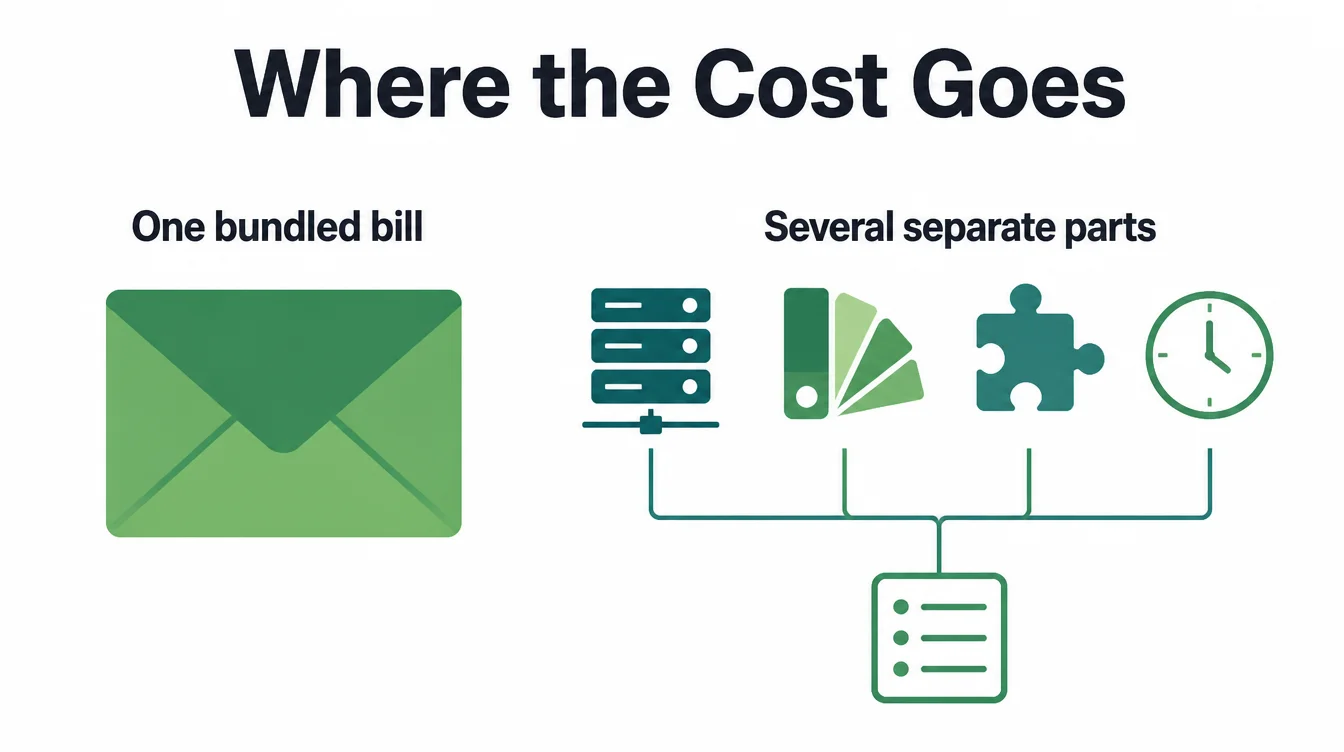
Wix is a single subscription. Hosting, security, updates, and support are bundled into one recurring bill. It is simple to budget and there are rarely surprises. You pay one company for the whole package.
WordPress splits the cost into parts. The core software is free. By contrast, you pay separately for hosting, sometimes for a premium theme or a few plugins, and for the time it takes to keep everything updated and secure.
That time is the hidden cost owners forget. For a full breakdown of what shapes a website budget, read our guide on how much a website costs.
Therefore the honest answer to "which is cheaper" is "it depends." For a simple site you manage yourself, Wix is often easier to budget. For a larger or growing site, especially one an agency already maintains, WordPress can be more cost-effective over time.
7. SEO: Wix or WordPress?
This is the question everyone asks, and the honest answer is uncomfortable: neither one wins by default. There is no credible current study that proves one platform out-ranks the other.
You may have seen a viral claim that WordPress sites get far more search traffic than Wix sites. That figure came from an Ahrefs study that was later retracted, so please ignore it. It does not reflect reality, and repeating it would mislead you.
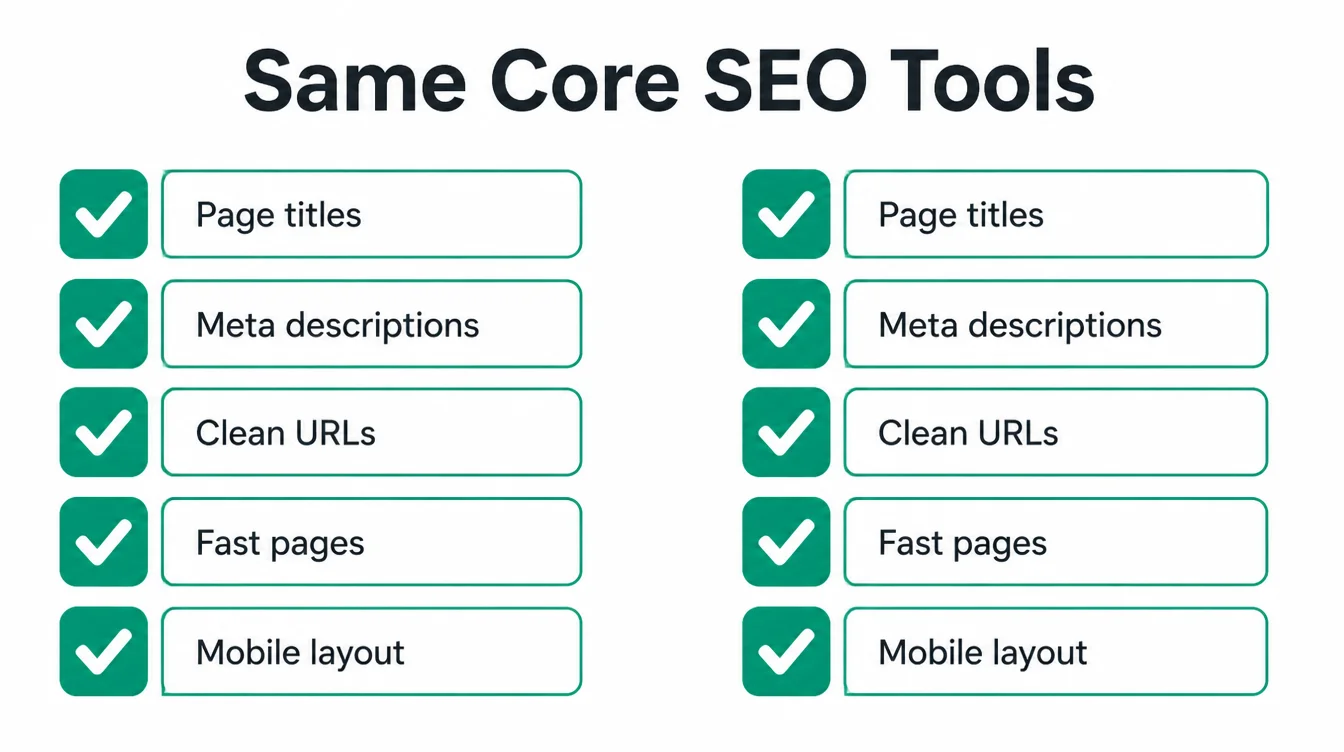
Here is what is actually true. Both platforms expose the core SEO controls you need: custom page titles, meta descriptions, clean URLs, fast loading, mobile layouts, and image alt text.
As a result, the gap that people used to notice tracked who built on each platform and how well they set it up, not an inherent ceiling in the software.
In particular, Wix historically attracted more total beginners building simple sites, which dragged down the average. That is a people difference, not a platform difference. Good content, a clean build, and proper basics rank on either one.
If you want the full picture on web growth, W3Techs, September 2026 reports that WordPress runs 40.2% of all websites and 58.8% of sites with a known CMS. Platform fit still depends on what your site needs.
8. Ownership: what happens if you leave Wix
If you read only one section, read this one. Ownership is the single most consequential difference between Wix and WordPress, and most owners do not think about it until it is too late.
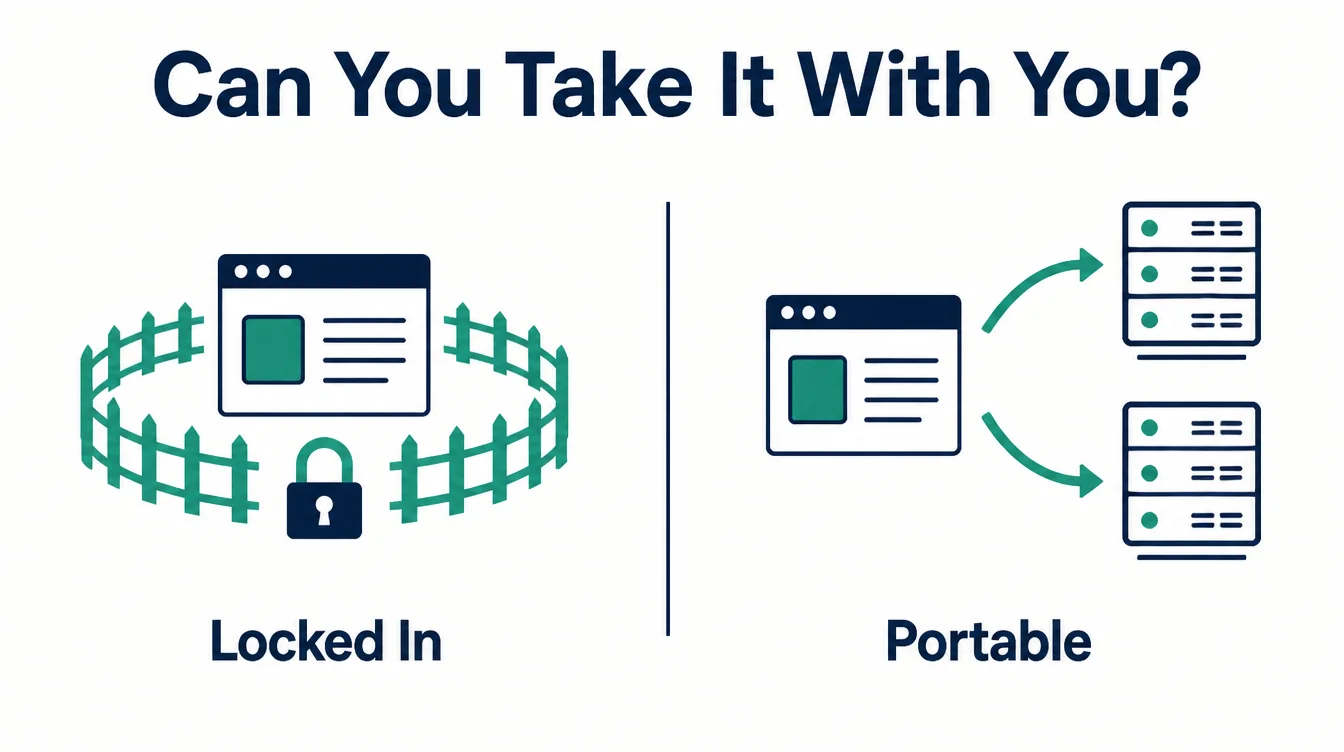
Run that test in your head now. Can you take your site with you? On Wix, the answer is no, not fully. Your site lives inside Wix and cannot be exported and hosted somewhere else. You own your words and your photos, but the actual build stays behind if you ever leave.
On WordPress, the answer is yes. It is open-source, and your site and its files are yours to move between hosts whenever you like. If you outgrow a host, or fall out with an agency, you pack up and go. Nobody can hold your site hostage.
For a small brochure site you never plan to change, lock-in may not bother you. But if your website is a real business asset, ownership is worth thinking hard about before you start, not after. A related lock-in trade-off shows up in our piece on WordPress vs Shopify.
9. Maintenance: who keeps it running
Every website needs upkeep. The question is who does it, and the two platforms answer that very differently.
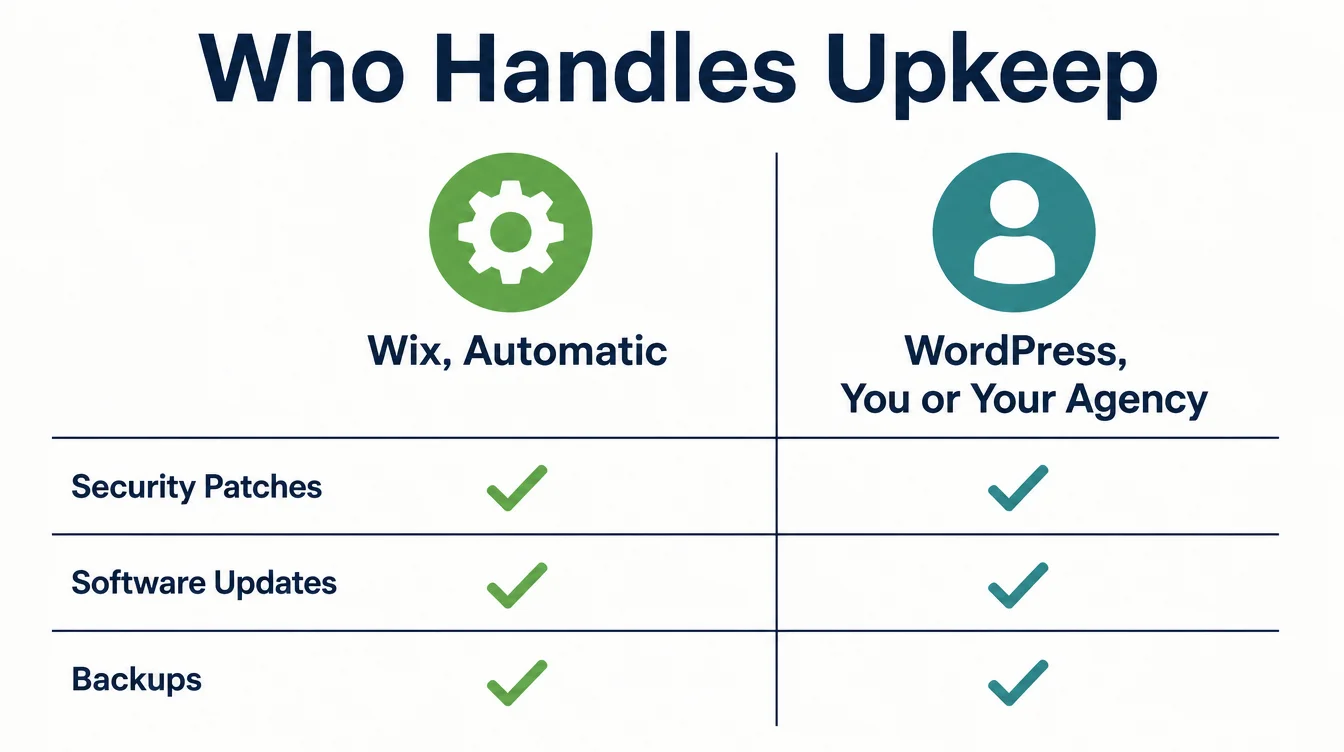
Wix handles maintenance invisibly. Security patches, software updates, and backups happen in the background, which is what a care plan does on a WordPress site. You almost never think about it, which is a genuine relief for a busy owner. The platform takes that whole job off your plate.
WordPress shifts that job onto you or your agency. Plugins and core software need regular updates, and skipping them is how sites get hacked or break.
Furthermore, if something does go wrong, you are the one who has to fix it or call someone who can. Many owners pay for a care plan so they never have to think about it, which is a sensible move.
So weigh your appetite for upkeep honestly. If you want zero maintenance and zero worry, Wix removes the work entirely. If you are happy to handle updates or pay someone to, WordPress gives you the control that comes with that responsibility.
10. Selling products on Wix or WordPress
If you sell products, both platforms can run a shop, but they get there in different ways.
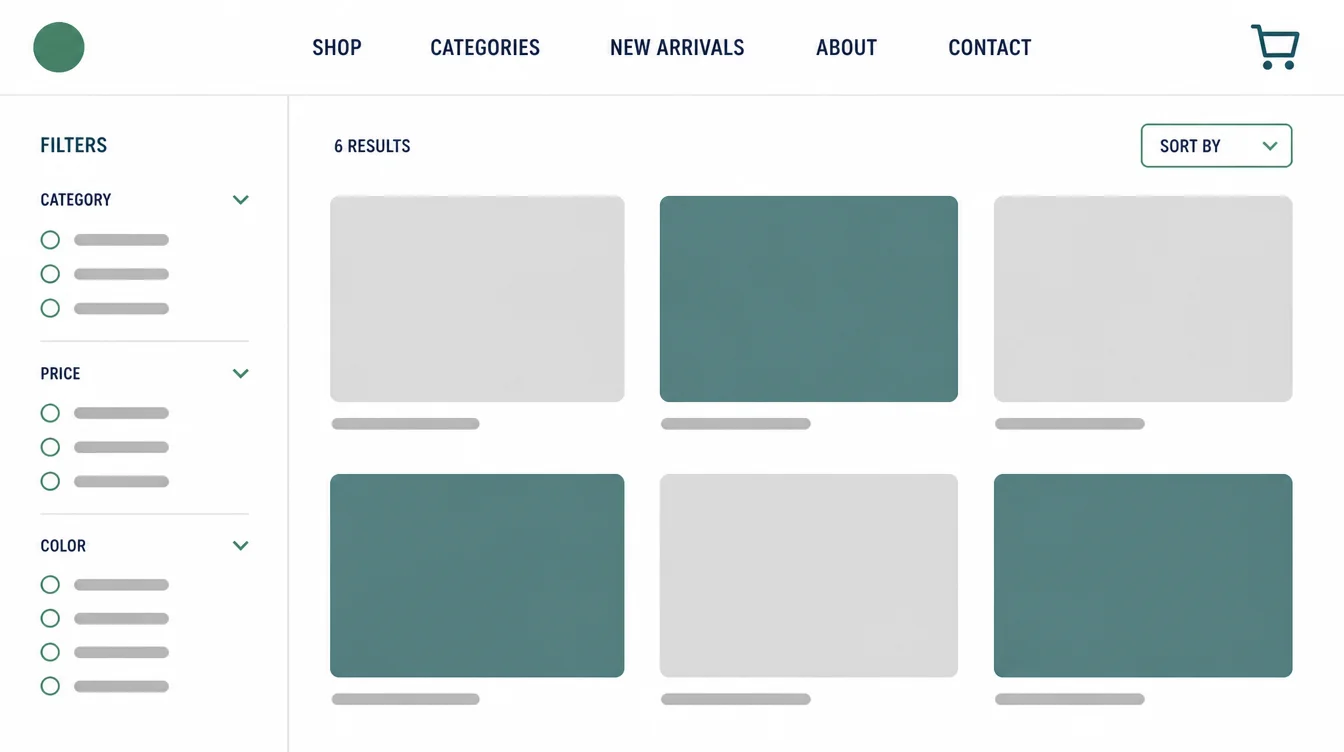
Wix has a built-in store that is quick to set up. Products, payments, and shipping are part of the package, so a small catalogue can be live fast with no extra tools. For a straightforward shop, that simplicity is hard to beat.
WordPress runs stores through add-on software, most often a dedicated e-commerce plugin. It takes a little more setup, but it scales further and bends to unusual needs, like custom checkout flows or large catalogues.
If your shop is central and ambitious, that headroom matters. If you want to compare store-first options, our WordPress vs Shopify guide goes deeper on selling online.
11. Wix or WordPress: which should you choose?
Forget which platform is "best." The right question is which fits your situation. Find your row in the table below.
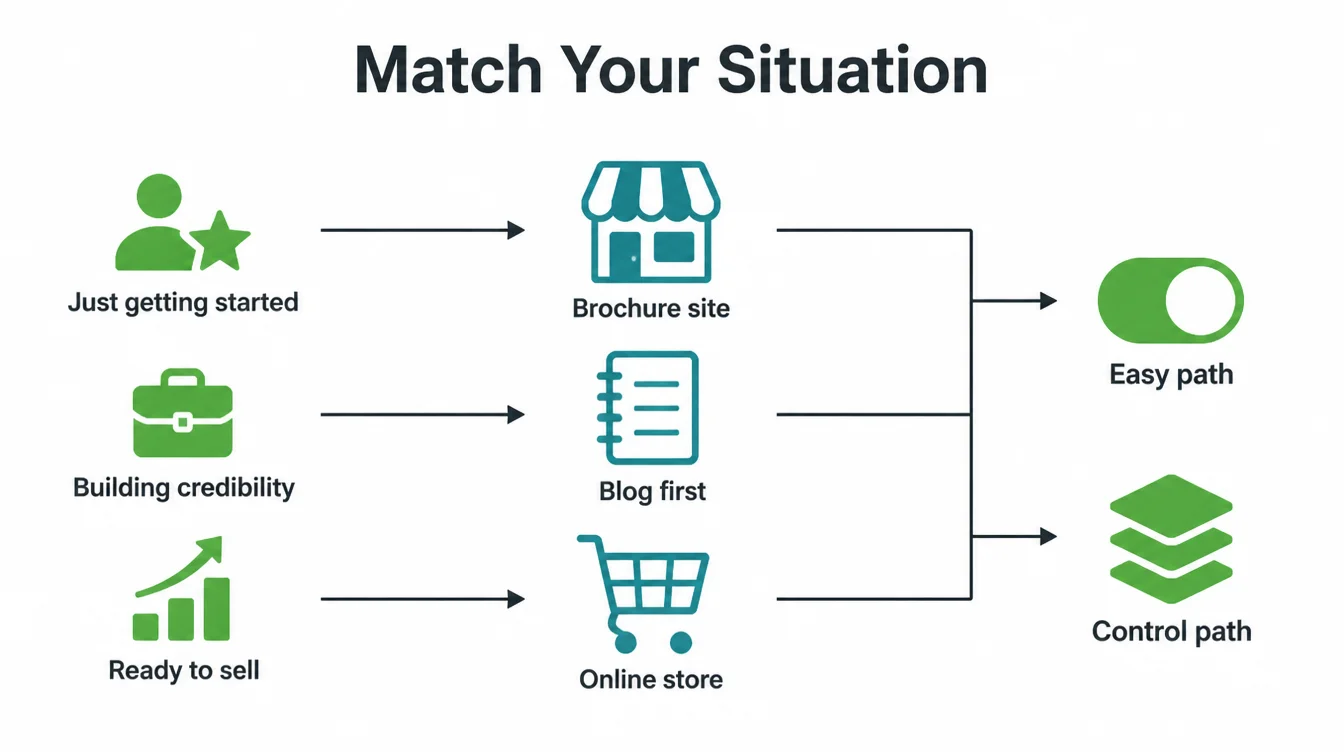
| Your situation | Pick | Why |
|---|---|---|
| Simple brochure site | Wix | Fast to launch, nothing to maintain, looks professional out of the box |
| Blog-first business | WordPress | Built for publishing, handles big archives and categories with ease |
| Online store | Either | Wix for a quick small shop, WordPress for a bigger or custom one |
| Needs custom features | WordPress | No real ceiling, with over 61,000 plugins and full custom builds |
| Non-technical owner who wants hands-off | Wix | Hosting, security, and updates are all handled for you |
| Site you must own and grow | WordPress | Open-source and portable, so you keep full control long term |
One more thing before you decide. Whichever you pick, plan for the long term as well as launch day. A platform that feels easy today can feel like a cage in two years if your business outgrows it.
To set expectations on timing, read how long it takes to build a website, and for the full first-site walk-through see our guide to building a small business website. You can also browse more guides on the Seed Light blog.
Frequently asked questions
1. Is Wix or WordPress better for SEO?
Neither one out-ranks the other by default. Both give you the core SEO controls you need: custom titles, meta descriptions, clean URLs, fast pages, and mobile layouts. An old study that claimed WordPress sites get far more search traffic was later retracted, so do not trust that comparison. In practice the difference tracks who builds the site and how well it is set up, not the platform itself. Good content and a clean build win on either one.
2. Is Wix or WordPress better for blogging?
WordPress started as blogging software, so it has the edge if writing is central to your business. It handles categories, tags, authors, and large archives smoothly, and there are countless tools to extend it. Wix can blog perfectly well for most small businesses and is easier to start with. If you plan to publish a lot and want full control over how posts are organised, WordPress is the safer long-term choice.
3. Can I move from Wix to WordPress?
You can move, but not cleanly. Wix does not let you export your full site and host it elsewhere, so a move usually means rebuilding the pages and copying content over by hand. Blog posts can often be transferred, but your design, structure, and apps do not come with you. This is the single biggest reason to think hard before you start. WordPress, by contrast, is portable and can be moved between hosts freely.
4. Which is cheaper, Wix or WordPress?
The cheaper option depends on how you count. Wix bundles hosting, security and updates into one subscription. WordPress core is free, but hosting, possible plugins or a theme, and maintenance are separate. Wix is simpler to budget for a basic site, while WordPress can be more cost-effective for a larger site.
5. Which is easier for beginners, Wix or WordPress?
Wix is easier for beginners. You drag elements onto the page, everything is in one dashboard, and hosting, security, and updates are handled for you. There is almost nothing technical to learn. WordPress is more flexible but has a steeper start: you choose hosting, install it, pick a theme, and manage updates yourself. If you want to be live this week with no help, Wix is the gentler path.
6. Do I really own my site on Wix?
You own your content and your words, but the site itself lives inside Wix and cannot be fully exported and hosted elsewhere. If you ever leave, you leave the build behind. WordPress is open-source, so the site and its files are yours to move between hosts whenever you like. If long-term control and portability matter to you, that difference is the most important one in this whole comparison.
7. Which platform is more popular?
WordPress is far more widely used. It is the most-used website platform in the world and holds the largest share of the content management system market, while Wix is a much smaller slice of both. Popularity is not the same as the right fit for you, but it does mean WordPress has more developers, themes, and help available when you need it.