Static vs Dynamic Website: Which Setup Is Right for You?

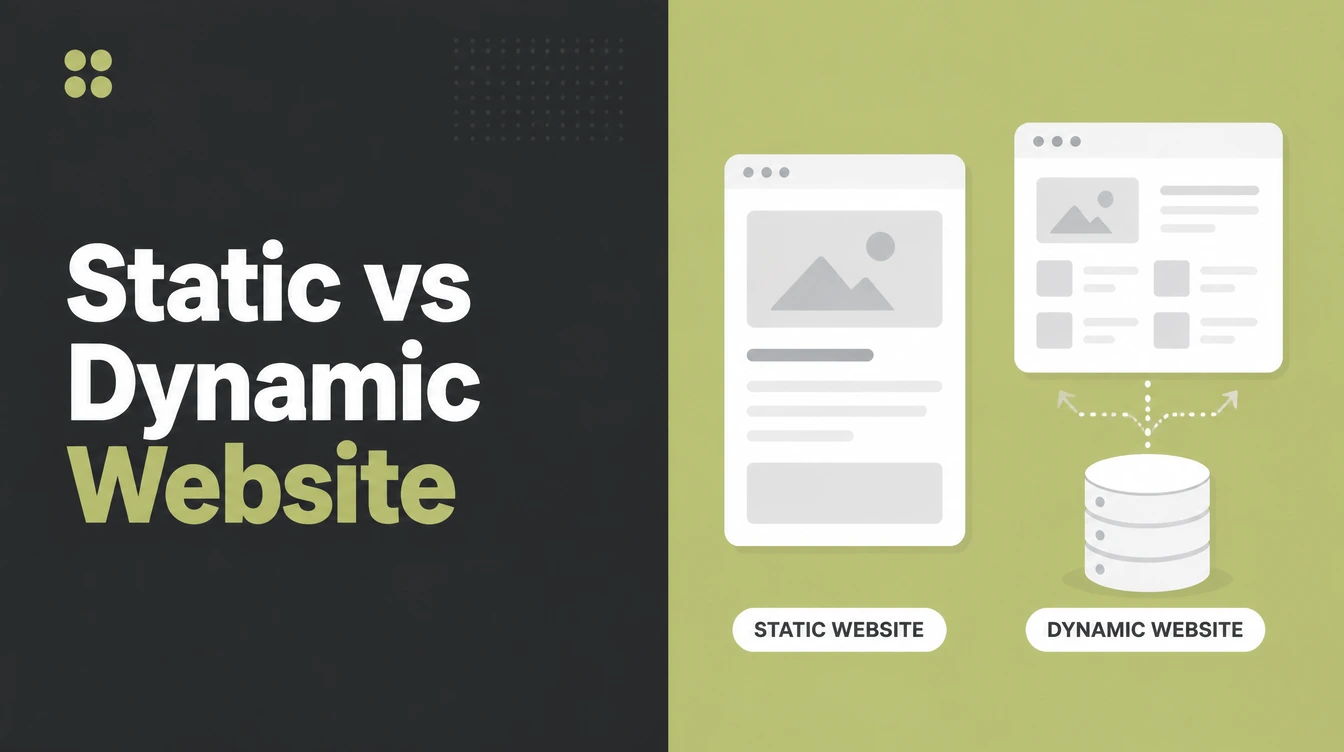
A static website serves pages built ahead of time, so there is no database step and the page loads fast. A dynamic site builds each page on request, which is what carts, logins and daily self-editing need. Pick static for a brochure site. Seed Light builds both and picks by the goal.
Key takeaways
- Static means pre-built. A static website serves ready-made pages, so the server does almost no work per visit. That makes it fast and simple.
- Speed matters. Google reports that the BBC lost 10% of users for every extra second its site took to load (web.dev), and in 2025 only 48% of mobile sites had good Core Web Vitals (HTTP Archive).
- Static is safer. In 2024, 96% of WordPress vulnerabilities were in plugins (Patchstack), a weak spot static sites do not have.
- Dynamic is for stores and logins. If you need a cart, member accounts, search, or daily self-editing, dynamic is the right call.
- Modern static can do more than you think. Yes, a static site can run a blog and contact forms.
1. What is a static website?
A static website is a set of pages that are built ahead of time and stored as ready-made files. When someone visits, the server simply hands over the page that already exists.
There is no database lookup and no page-building work happening for each visitor. The page looks the same for everyone, and it loads very fast.
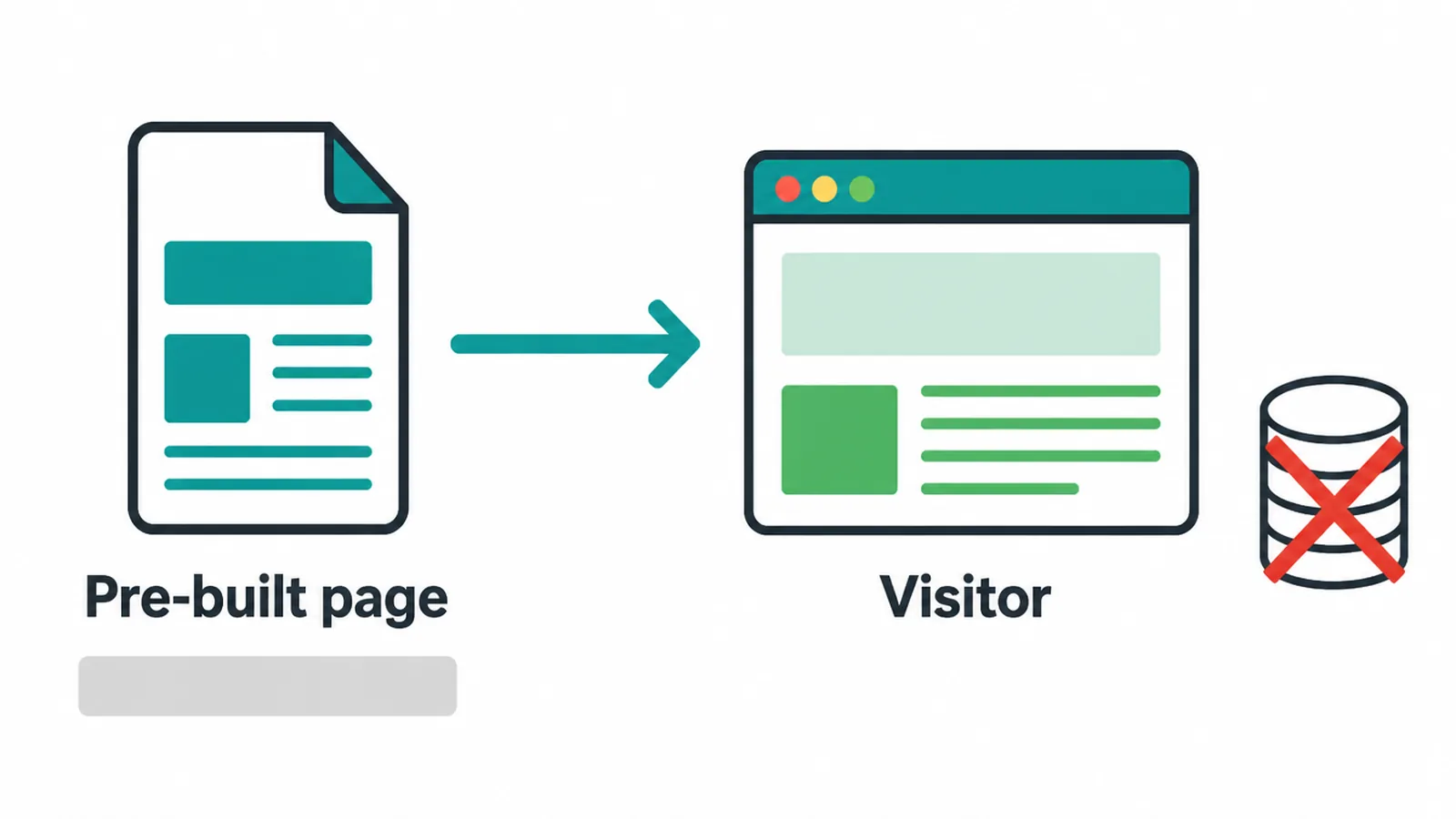
Think of it like a printed menu at a cafe. The menu is made once, and every customer gets the same copy. Nobody waits while the kitchen rewrites it. A brochure site, a portfolio, or a one-page landing page are classic static website examples. The content is fixed until you decide to update it.
2. What is a dynamic website?
A dynamic website builds each page on request. When you visit, the server pulls content from a database, mixes it together, and creates the page right then.
That is how platforms like WordPress, Wix, and Shopify work. Because the page is assembled fresh, it can show different things to different people: your name when you log in, products in your cart, or search results.
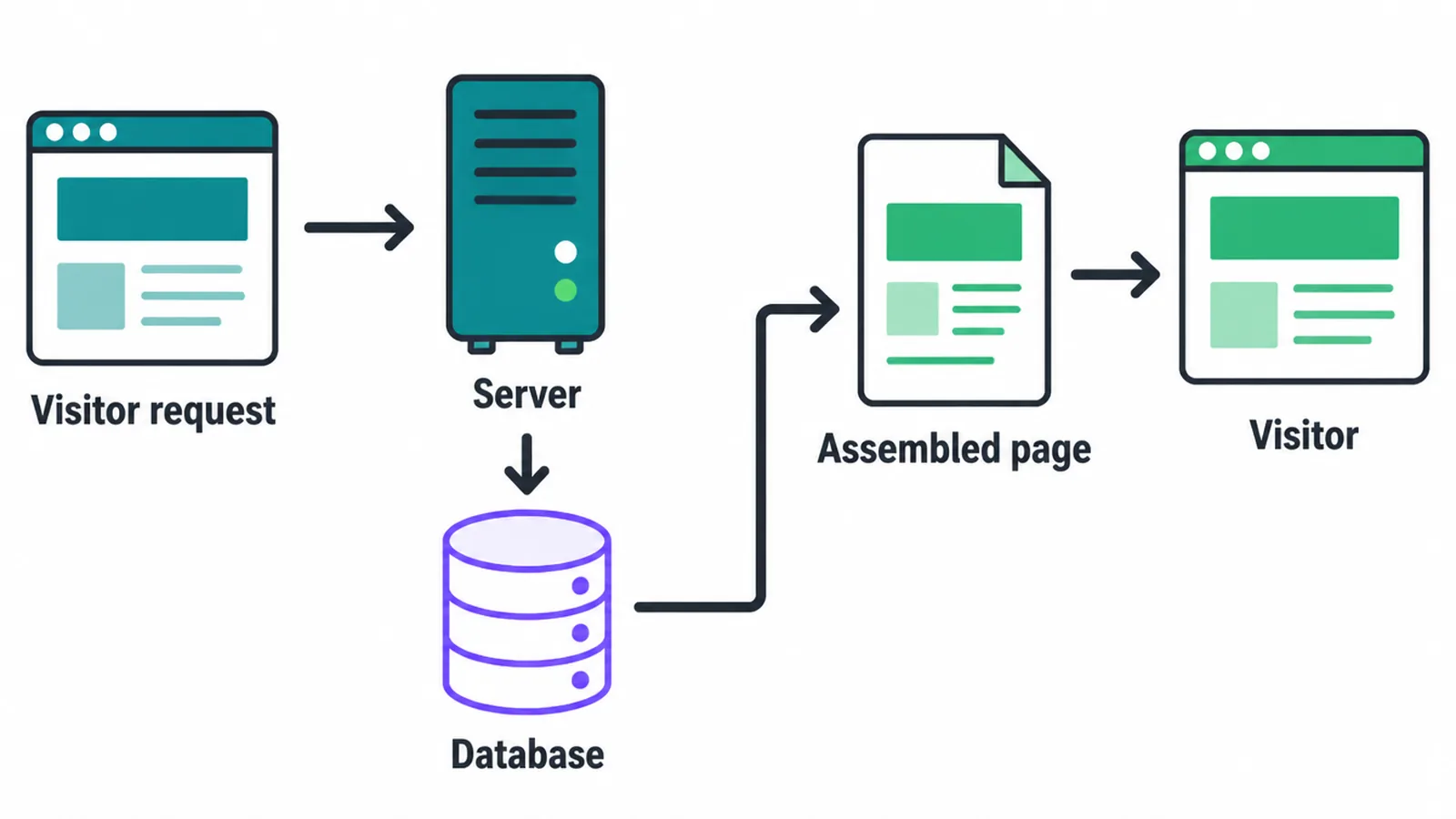
Here is the easy "is my site static or dynamic?" tell. Do you log into a dashboard to edit it? If you sign into an admin panel to add a blog post or a product, your site is dynamic. If your pages only change when a developer pushes an update, it is most likely static.
3. The benefits of a static website
Static sites win on four things: speed, security, cost, and reliability. Speed comes first because a static page is already built, so the server hands it over instantly. That matters more than most owners realize. Google reports that the BBC lost 10% of users for every extra second its site took to load (web.dev).
Slow pages quietly lose you visitors, and speed is still a common pain point: only 48% of mobile and 56% of desktop sites had good Core Web Vitals in 2025 (HTTP Archive).
Static gives you a strong head start there. If speed is your goal, our guide to Core Web Vitals and our notes on making a site mobile friendly go deeper.
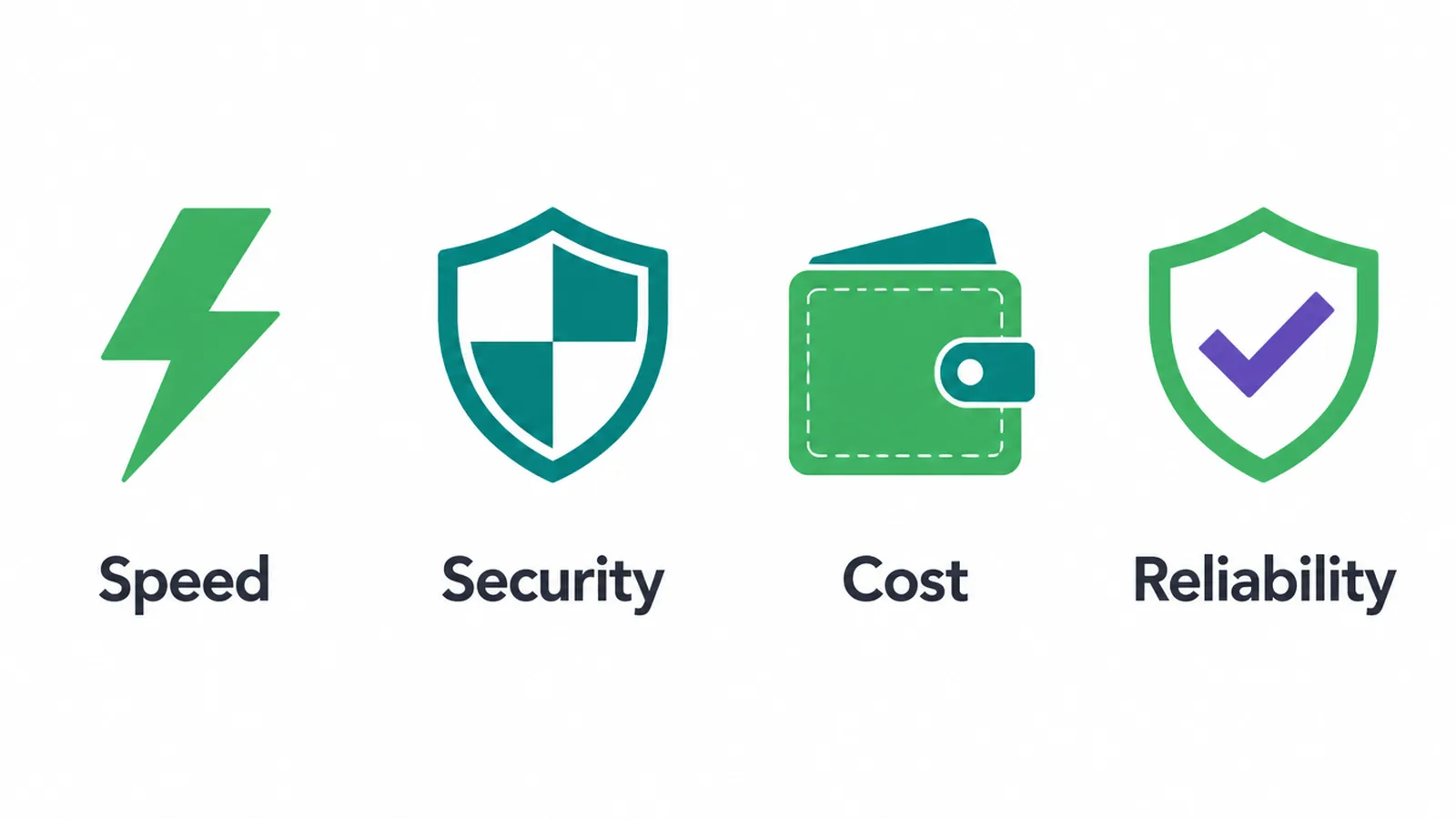
Security is the second win. A static site has no database and no plugins, so there is far less to attack. That is a real edge.
In 2024, 96% of WordPress vulnerabilities lived in plugins and only 4% in themes (Patchstack). That same year saw 7,966 new WordPress vulnerabilities, roughly 22 a day (Patchstack). With static pages, those plugin weak spots simply do not exist.
Cost and reliability round it out. Static files are simple, so they need less server power and less ongoing care than a database-driven site.
There is no database to patch and fewer moving parts to break, which keeps running costs lower over time. And because each page is just a file, static sites stay up well under heavy traffic.
4. Where static sites fall short
Static is not magic, and it is not right for everything. The biggest catch is editing. A plain static site has no built-in dashboard, so updating content can mean asking a developer or learning a publishing tool.
The fix is a headless CMS, which we cover below, but it is still a step beyond logging into one familiar admin panel.
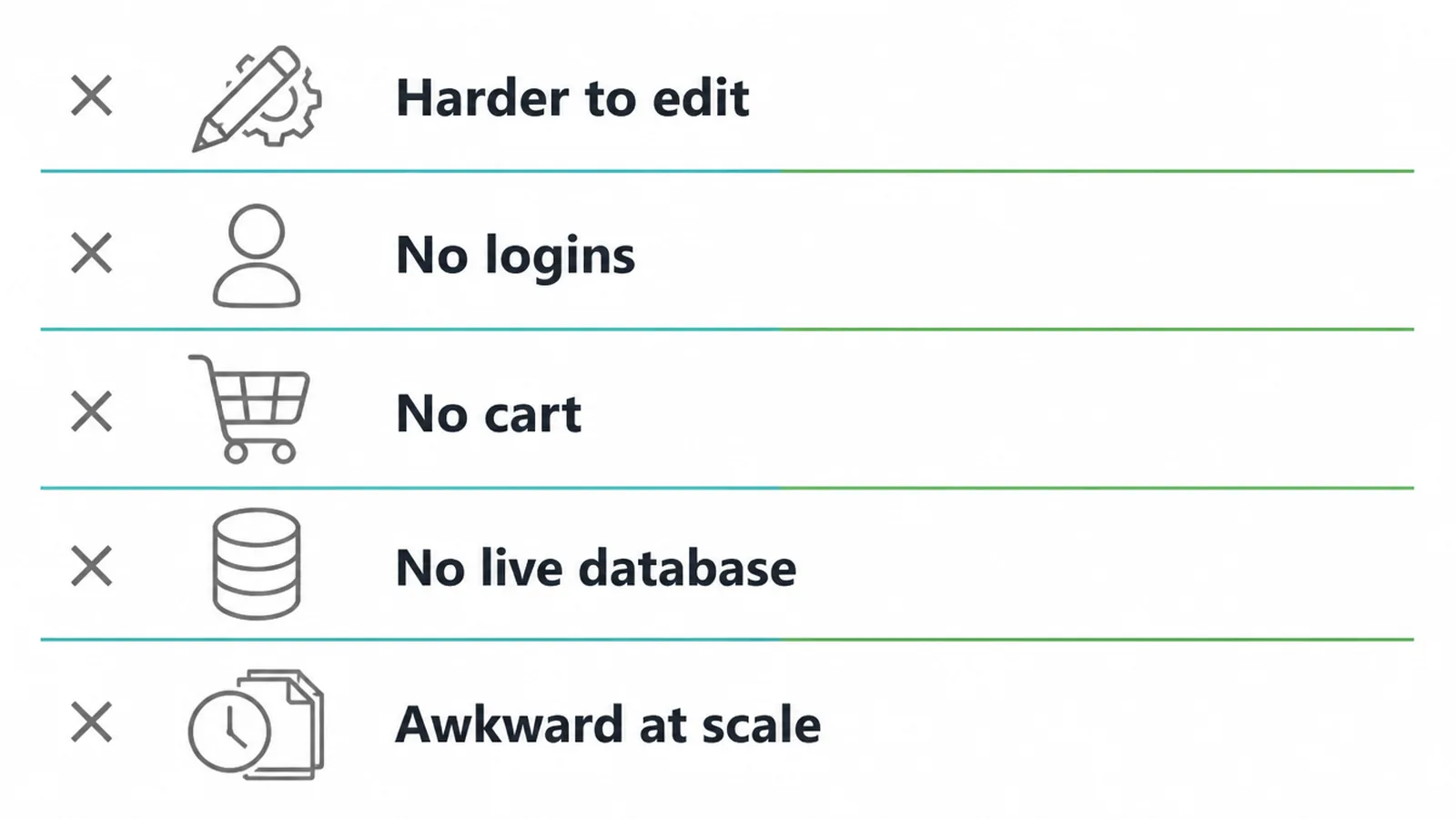
Static also cannot do certain things on its own. It has no native logins, no shopping cart, and no live database. If you want member accounts or a real online store, a plain static setup will not handle it.
And at huge, fast-changing scale, with thousands of pages that update many times a day, the build-and-publish step can get awkward to manage.
5. Dynamic websites: the trade-offs
Dynamic sites earn their keep with built-in tools. You get an editor for content, accounts and logins, a shopping cart, and search out of the box. For a busy store or a membership site, that flexibility is exactly what you need, and it is why so many small businesses start on a dynamic platform.
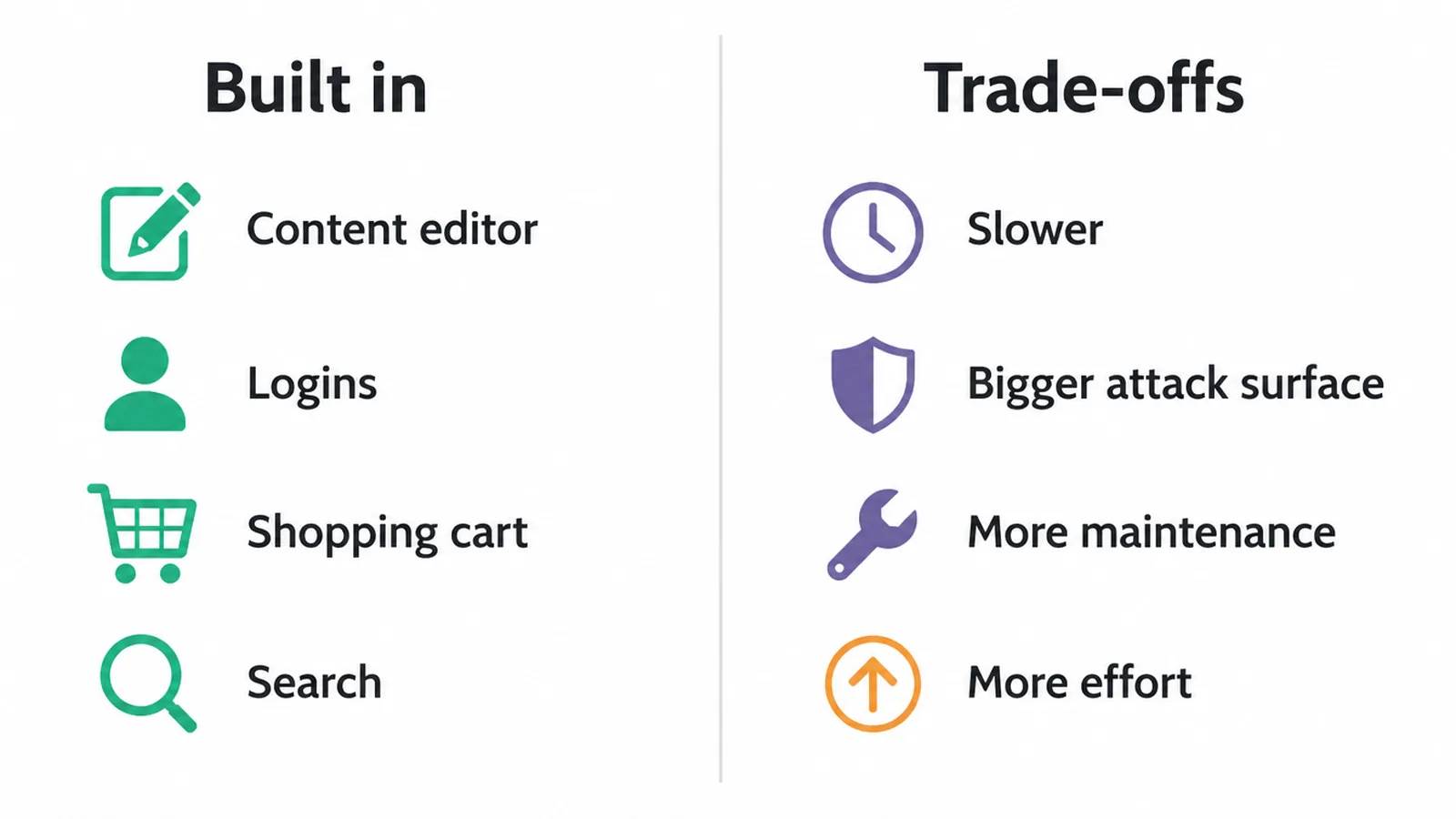
The trade-off is everything that flexibility brings with it. Building a page from a database on every visit is slower than serving a finished file. There are more moving parts, which means a bigger attack surface and more maintenance: updates, backups, and plugin patches.
Over time, that adds cost and effort. None of this is a dealbreaker; it is just the price of doing more. If you are weighing platforms, our Wix vs WordPress and WordPress vs Webflow comparisons help.
6. Static vs dynamic at a glance
Here is the short version. Use this table when you just want the headline differences without the detail.
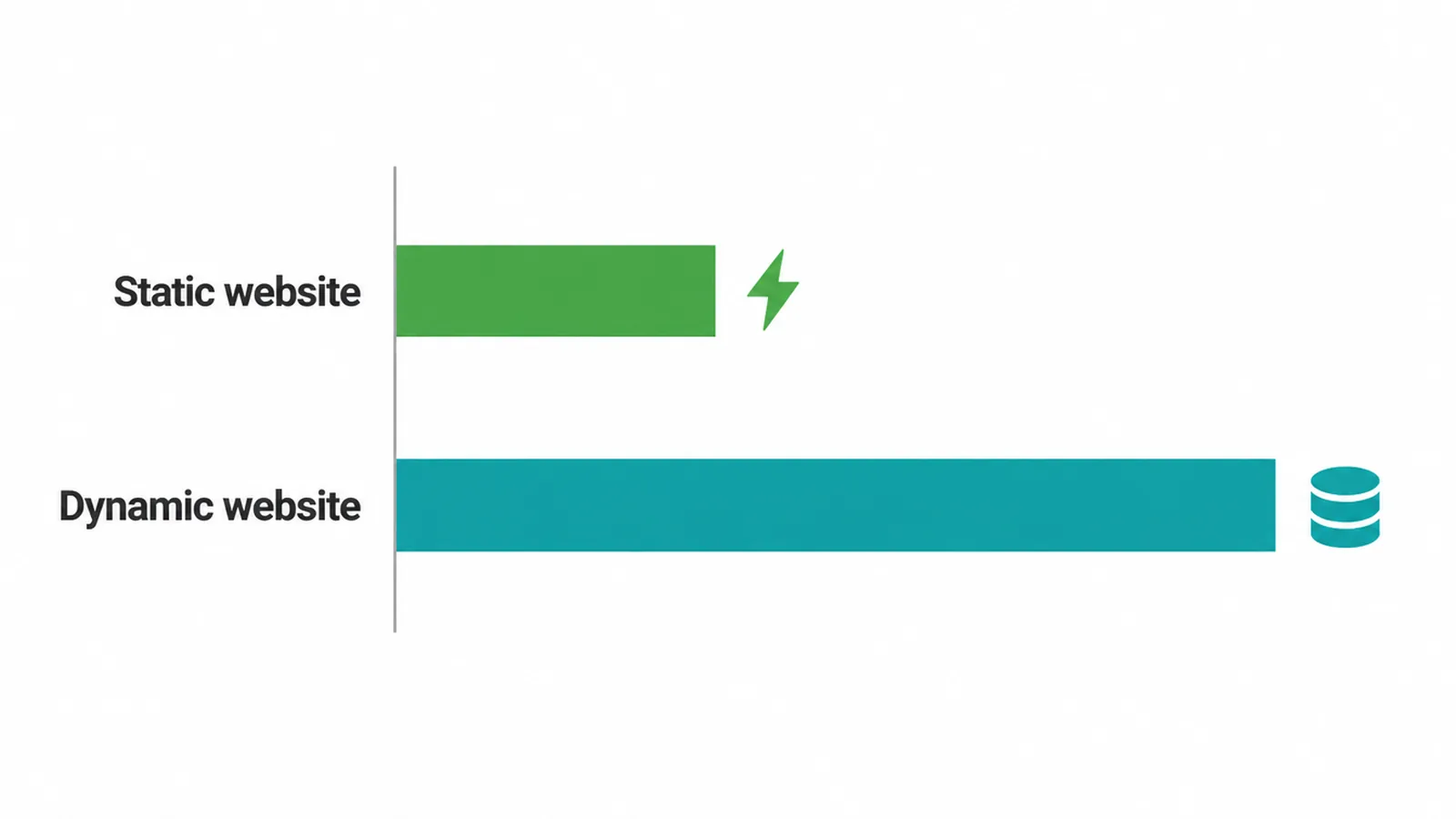
| Feature | Static website | Dynamic website |
|---|---|---|
| Speed | Very fast (pre-built) | Slower (built per visit) |
| Security | Smaller attack surface | More to defend |
| Hosting cost | Lower over time | Higher over time |
| Easy self-editing | Needs a headless CMS | Built-in dashboard |
| Logins and accounts | Not native | Built in |
| Online store | Needs add-on services | Built in |
| Best for | Brochure, portfolio, landing | Stores, logins, big sites |
7. Who should pick which?
Here is the flat rule. Pick static if your site is mostly a brochure: an "about us" page, services, a portfolio, a landing page, or anything you edit rarely.
If you mainly want a fast, clean place that tells people who you are and how to reach you, static is the better fit, and it will load quicker doing it.
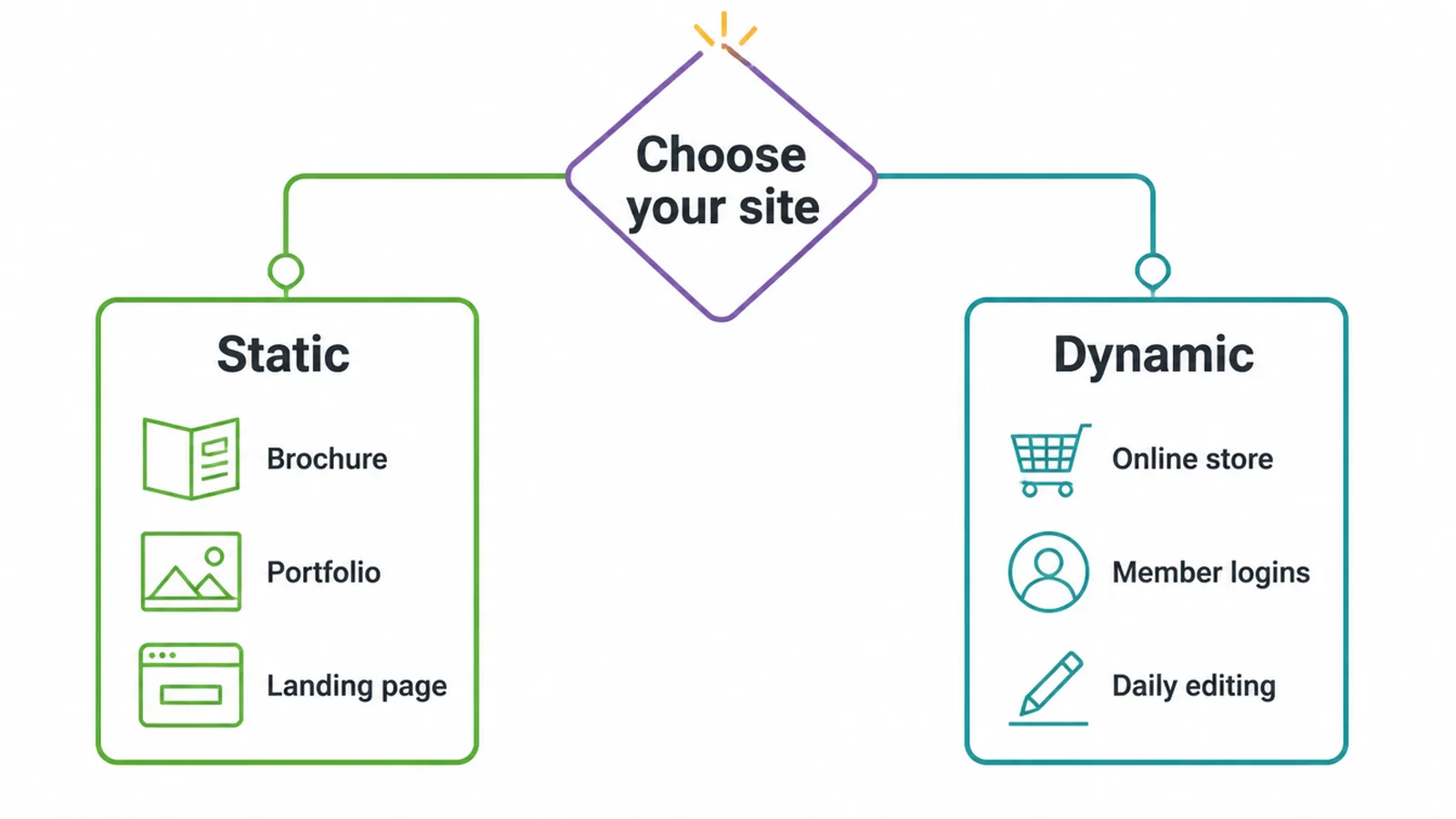
Pick dynamic if you need a real store with a cart and checkout, member logins, search across hundreds of pages, or the ability to edit content yourself every day.
If you are running an online shop, our ecommerce website design service is built for that. Not sure where you land? Our small business website guide walks through it, and our advice on choosing a web design company helps you ask the right questions.
8. Can a static site have a blog and forms? (Yes)
This is the myth worth busting. People assume static means frozen, with no blog and no way to take messages. That used to be true. It is not anymore.
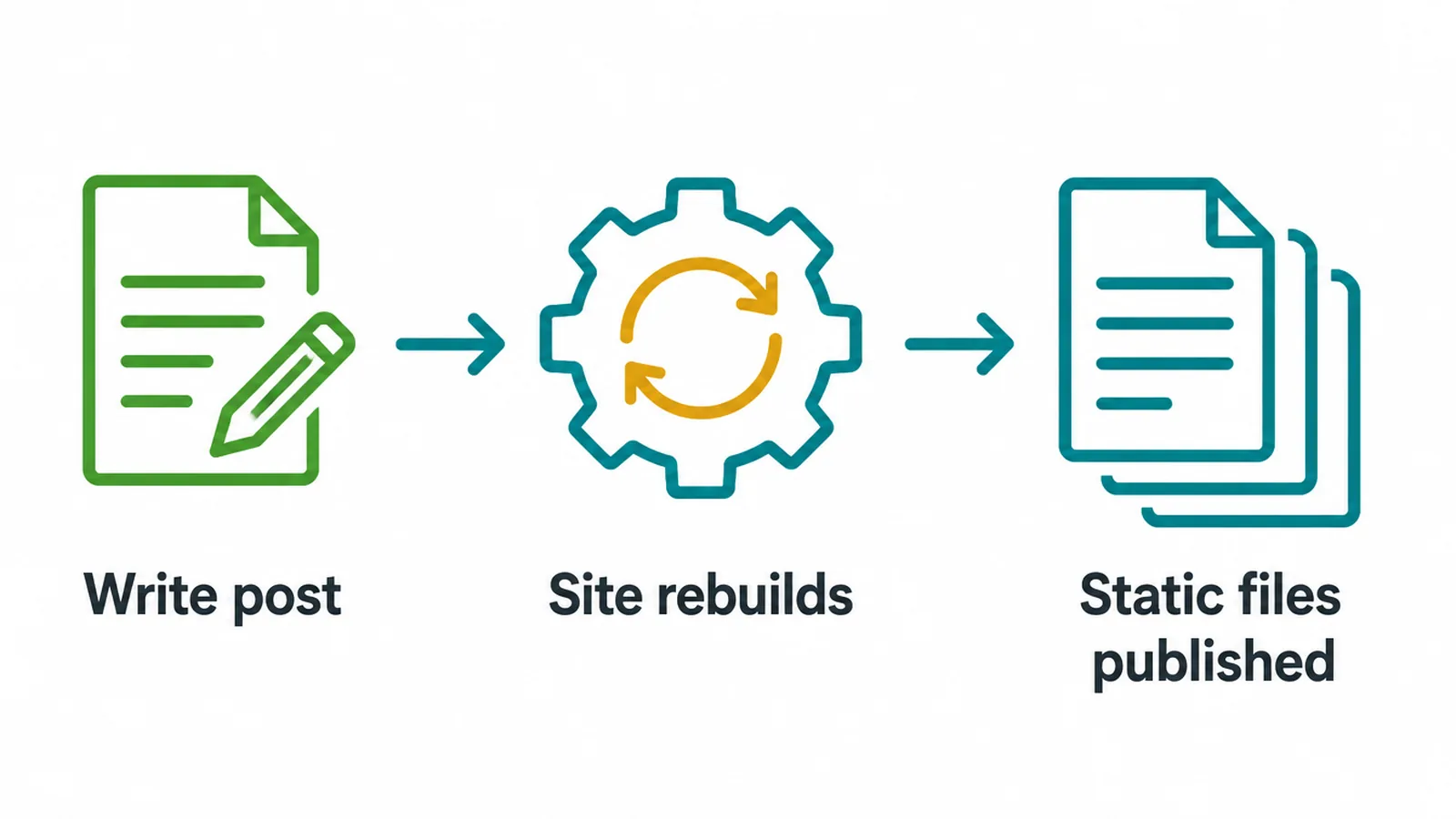
A modern static site can run a full blog using a static site generator (sometimes called Jamstack) paired with a headless CMS.
You write posts in a friendly editor, the system rebuilds your pages into fast static files, and your blog stays just as quick as the rest of the site. You get the easy writing of a dashboard with the speed and security of static.
Forms work the same way. A static page cannot process a form by itself, but a form service can. The form sits on your page, and when someone submits it, the service collects the message and emails it to you. Visitors never notice.
If you want that done right, see our guide to contact page design. When you are ready to build, our web design and web design and development teams handle both the static and dynamic routes, so the tech serves your goal instead of the other way around.
Frequently asked questions
1. What is a static website?
A static website is a set of pages that are built ahead of time and stored as ready-made files. When someone visits, the server just hands over the page that already exists. Nothing is assembled on the spot, so the page looks the same for everyone and loads very fast.
2. What is the difference between a static and dynamic website?
A static website serves pages that were built in advance, so the server does little work per visit. A dynamic website builds each page on request by pulling from a database, so it can show different content to different people and run logins, carts, and search. Static is faster and simpler; dynamic is more flexible.
3. Is my website static or dynamic?
The quickest tell is whether you log into a dashboard to edit it. If you sign into an admin panel like WordPress, Wix, Shopify, or Squarespace to add posts or products, your site is dynamic. If your pages were built once and only change when a developer pushes an update, it is most likely static.
4. Are static websites better for SEO?
Static sites tend to load faster, and speed is one signal search engines reward. But SEO depends on many things: good content, clear structure, mobile friendliness, and links. A well-built dynamic site can rank just as well. Static gives you a head start on speed; it does not guarantee rankings.
5. Can a static website have a blog?
Yes. A modern static site can run a full blog using a static site generator and a headless CMS. You write posts in a friendly editor, and the system rebuilds the pages into fast static files. You get the easy writing of a dashboard with the speed and security of static pages.
6. Can a static website have a contact form?
Yes. A static site cannot process a form by itself, but a form service can. The form sits on your static page, and when someone submits it, the service collects the message and emails it to you. Visitors never notice the difference.
7. Is a static website cheaper to run?
Usually, yes. Static pages are simple files, so they need less server power and less ongoing maintenance than a database-driven site. There is no database to patch and fewer moving parts to break, which keeps running costs lower over time.
8. Is a static website more secure?
Static sites have a smaller attack surface because there is no database or plugin stack to exploit. Most attacks on dynamic platforms target plugins and add-ons. With static pages, those weak points simply do not exist, so there is far less to defend.