ADA Website Compliance 2026: What Small Businesses Need

ADA website compliance means your site works for people with disabilities, the same way a shop has to keep its front door usable. There is no detailed federal rulebook for private business websites, so courts and settlements treat WCAG 2.1 AA as the working standard. Overlay widgets are no shield. Seed Light builds to that standard.
Key takeaways
- ADA website compliance is real for small businesses. The Americans with Disabilities Act is a 1990 civil rights law, and the DOJ says its requirements apply to what you offer on the web.
- There is no small business exemption. In the first half of 2025, 64 percent of digital accessibility cases targeted companies with revenue under 25 million dollars.
- WCAG 2.1 AA is the accepted standard. The DOJ chose it for government sites in its 2024 Title II rule, and it is the de facto bar for business.
- Overlays are not a shield. Companies using accessibility widgets were sued every month in the first half of 2025.
- Accessible sites reach more people. More than 1 in 4 US adults reported a disability in 2022.
1. What ADA website compliance actually means
ADA website compliance means your site does not shut out people with disabilities, the same way a store cannot block its front door. The Americans with Disabilities Act is a civil rights law signed in 1990.
It bars businesses that are open to the public from discriminating against people with disabilities, and the Department of Justice has made clear that this reach includes the web.
Here is the part that confuses people. There is no single, detailed federal regulation that tells a private business exactly how to build its website. The DOJ itself states plainly that it "does not have a regulation setting out detailed standards" for business websites.
But in the same guidance it confirms that ADA requirements "apply to all the goods, services, privileges, or activities offered by public accommodations, including those offered on the web."
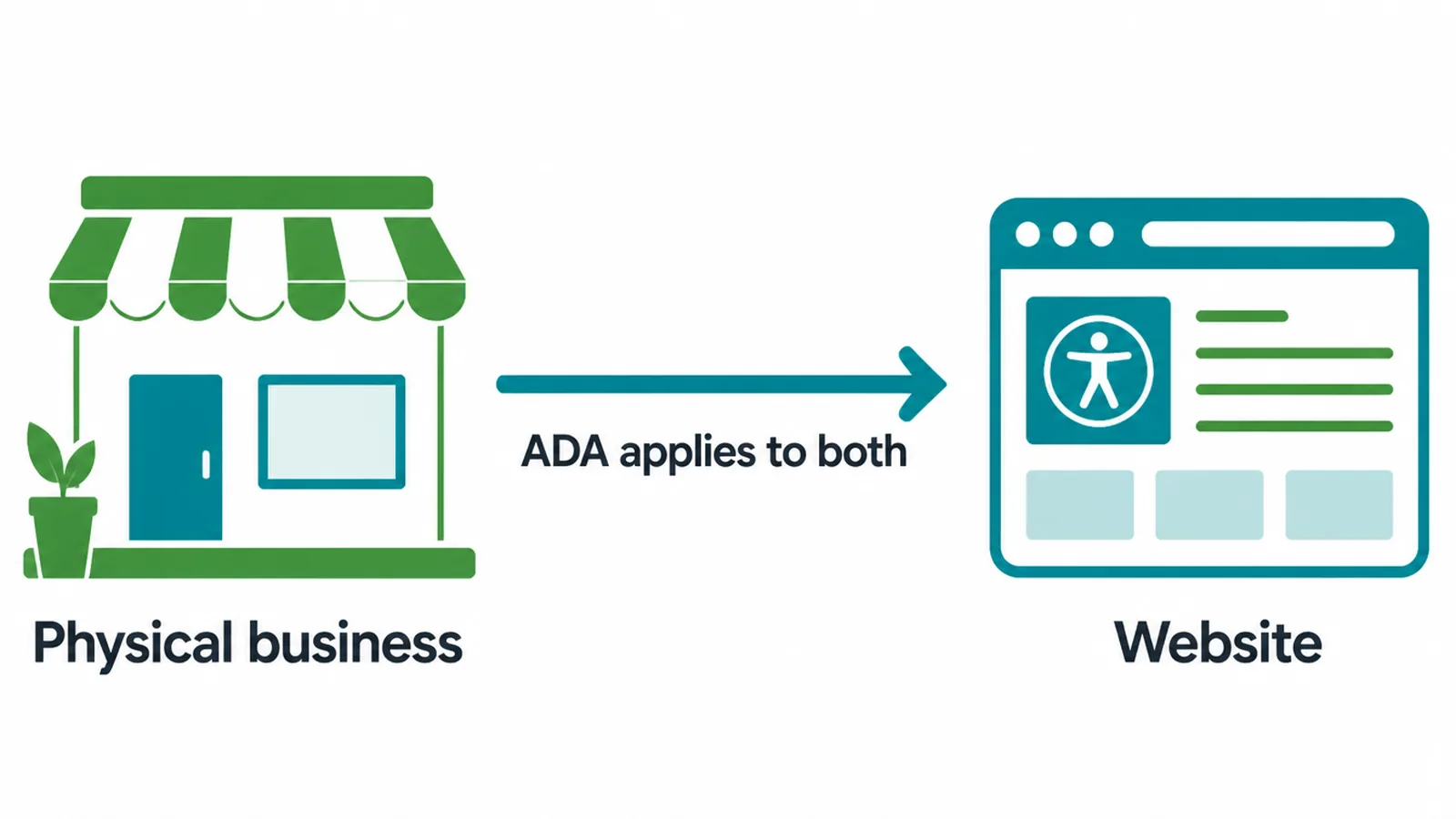
So you can still be held to account even without a numbered rulebook. That gap is exactly where fear-selling thrives. We want to give you the calm version instead.
If you run a small business website, this is one more thing to do well, not a reason to panic. For the bigger picture on building a solid site, see our guide to a small business website.
2. Who has to comply
If your business is a "public accommodation," meaning it is open to the public, you are in scope. That covers Title III of the ADA, which is the part most small businesses fall under.
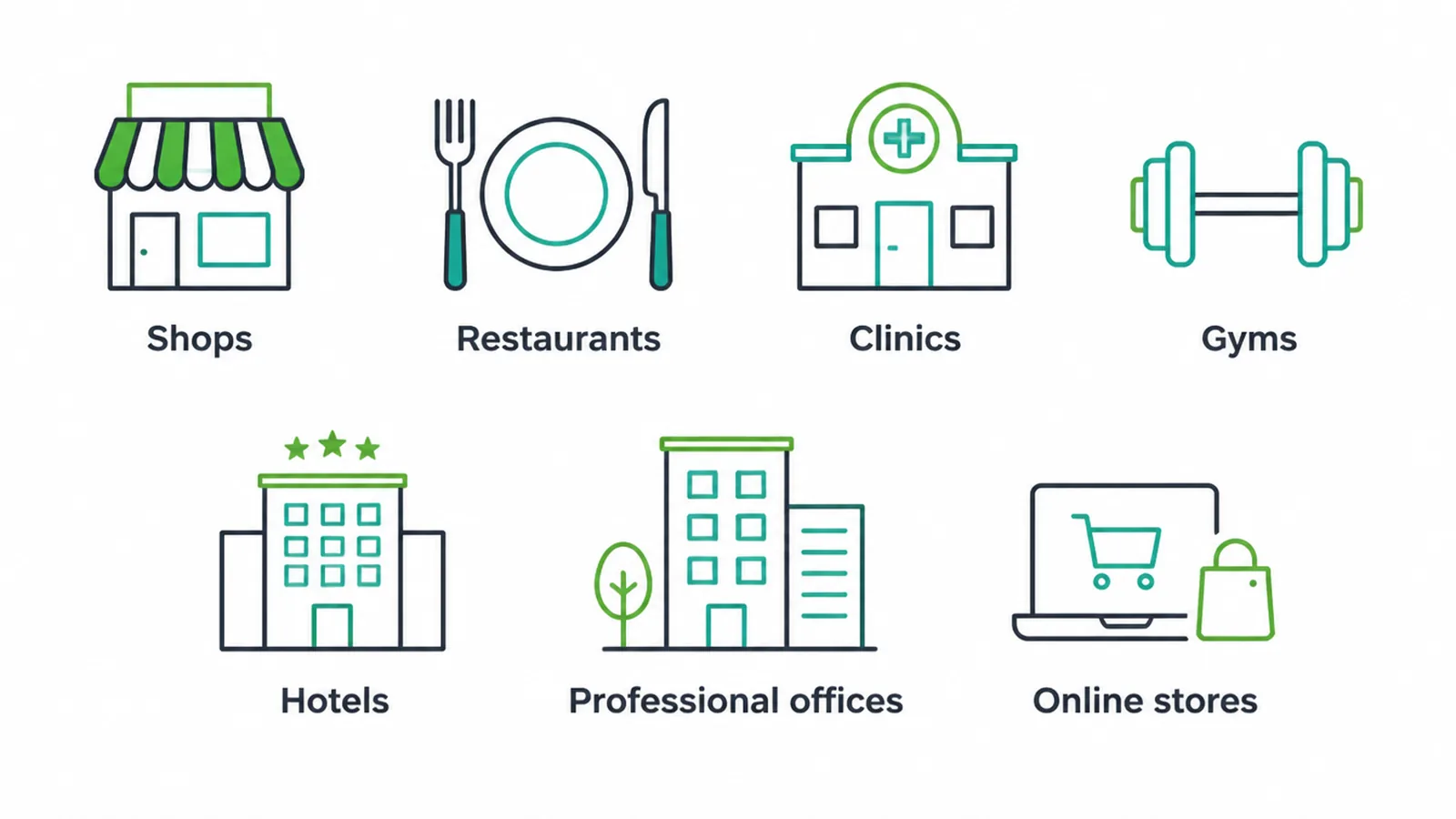
Shops, restaurants, clinics, gyms, hotels, professional offices, and online stores all qualify. Your website is treated as an extension of the service you offer.
The most common myth is that small companies are too small to matter. They are not. In the first half of 2025, 64 percent of digital accessibility cases named companies with revenue under 25 million dollars. Plaintiffs often go after smaller sites precisely because those sites are more likely to have unfixed problems.
It helps to remember who is on the other side of the screen. More than 1 in 4 US adults, over 70 million people, reported a disability in 2022.
These are not edge cases. They are a large share of your potential customers, and many of them will leave a site that does not work for them without ever telling you why.
3. The lawsuit reality, told honestly
Let us be straight about the legal risk, because the scaremongering version helps no one. Plaintiffs filed 2,019 digital accessibility lawsuits in the first half of 2025, and UsableNet projected a 20 percent rise over 2024 by year end. That is a real risk, and small businesses are frequently named.
It is also fair to acknowledge the messy part. A meaningful slice of these claims comes from a small group of repeat plaintiffs and law firms filing in high volume.
Some target many sites with near identical complaints, which feels less like protecting access and more like a numbers game. Pretending that dynamic does not exist would be dishonest.
But here is why we still take it seriously and why you should too. Most of these sites genuinely do exclude people. A blind customer who cannot check out, or a keyboard user who cannot open your menu, is a real barrier, not a technicality.
Fix the barrier, sometimes as part of a wider website redesign, and you remove the legal exposure at the same time. The honest goal is access first, with legal safety as the natural byproduct.
4. The standard: WCAG 2.1 AA
Since there is no detailed federal rule for businesses, everyone needs a shared yardstick. That yardstick is WCAG, the Web Content Accessibility Guidelines. WCAG has three levels: A, AA, and AAA. The widely accepted target is Level AA of version 2.1.
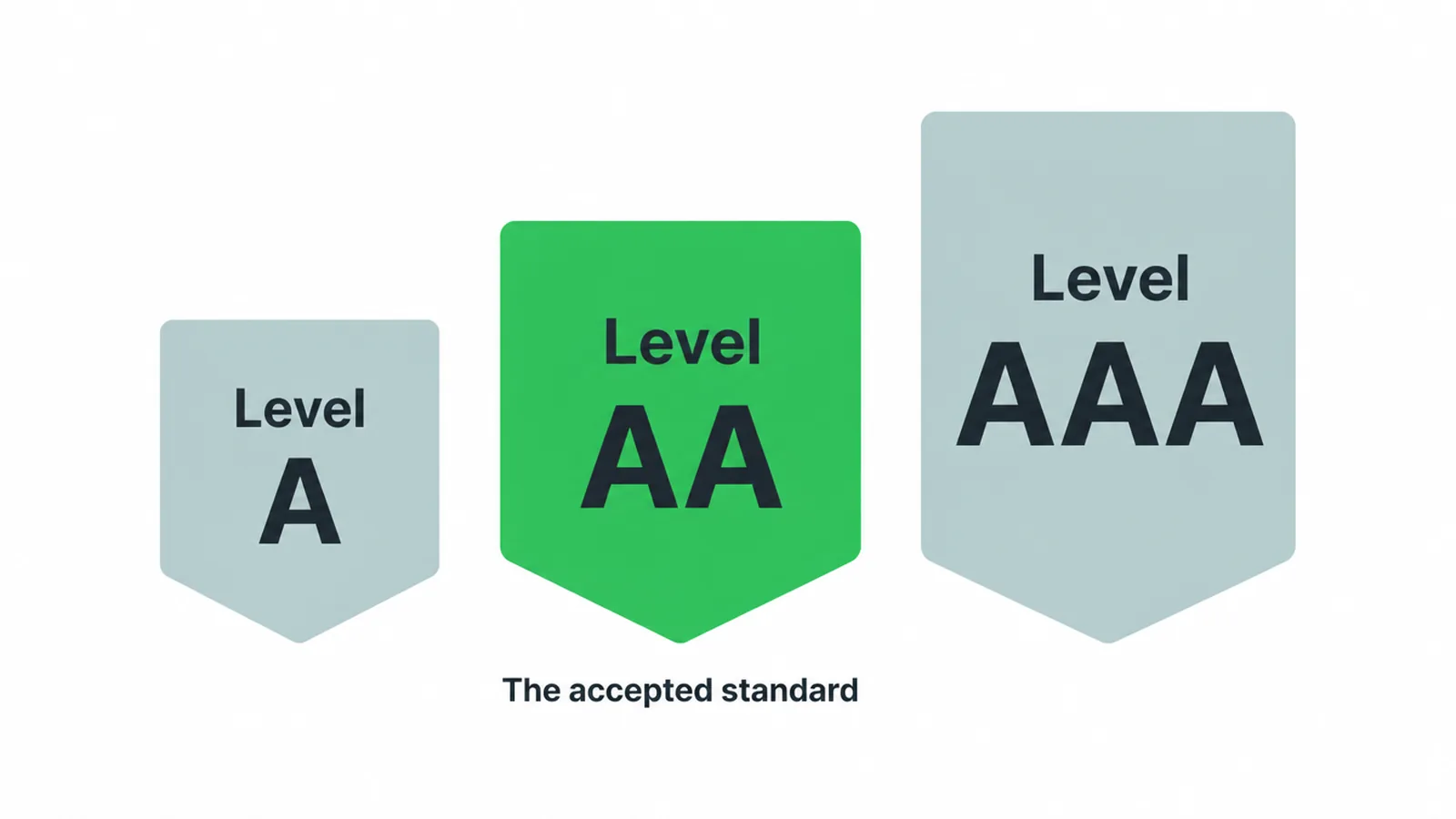
Why that level? In April 2024 the DOJ published a rule that sets WCAG 2.1 AA as the standard for state and local government websites under Title II.
That rule does not directly bind private businesses, but it cements WCAG 2.1 AA as the reference point courts, plaintiffs, and settlements keep pointing to. In its own web guidance, the DOJ also cites WCAG as helpful direction for businesses.
The simplest way to hold the two ideas in your head: the ADA is the law, WCAG is the checklist. The law says do not exclude people. The checklist tells you, item by item, how to build a site that does not. Here is how the pieces line up.
| Item | What it is | Who it covers | Names a web standard? |
|---|---|---|---|
| ADA (1990) | Civil rights law banning disability discrimination | Public accommodations, including private business (Title III) | No specific federal web regulation for business |
| WCAG 2.1 AA | Technical guidelines for accessible digital content | Anyone building for the web (voluntary on its own) | Yes, it is the standard others reference |
| 2024 DOJ Title II rule | A regulation under the ADA | State and local government websites only | Yes, names WCAG 2.1 AA directly |
5. Overlays and widgets are not a shield
You have probably seen the pitch: drop in one line of code, click install, and a floating accessibility button makes your site compliant overnight. We need to be blunt. That is not how it works.
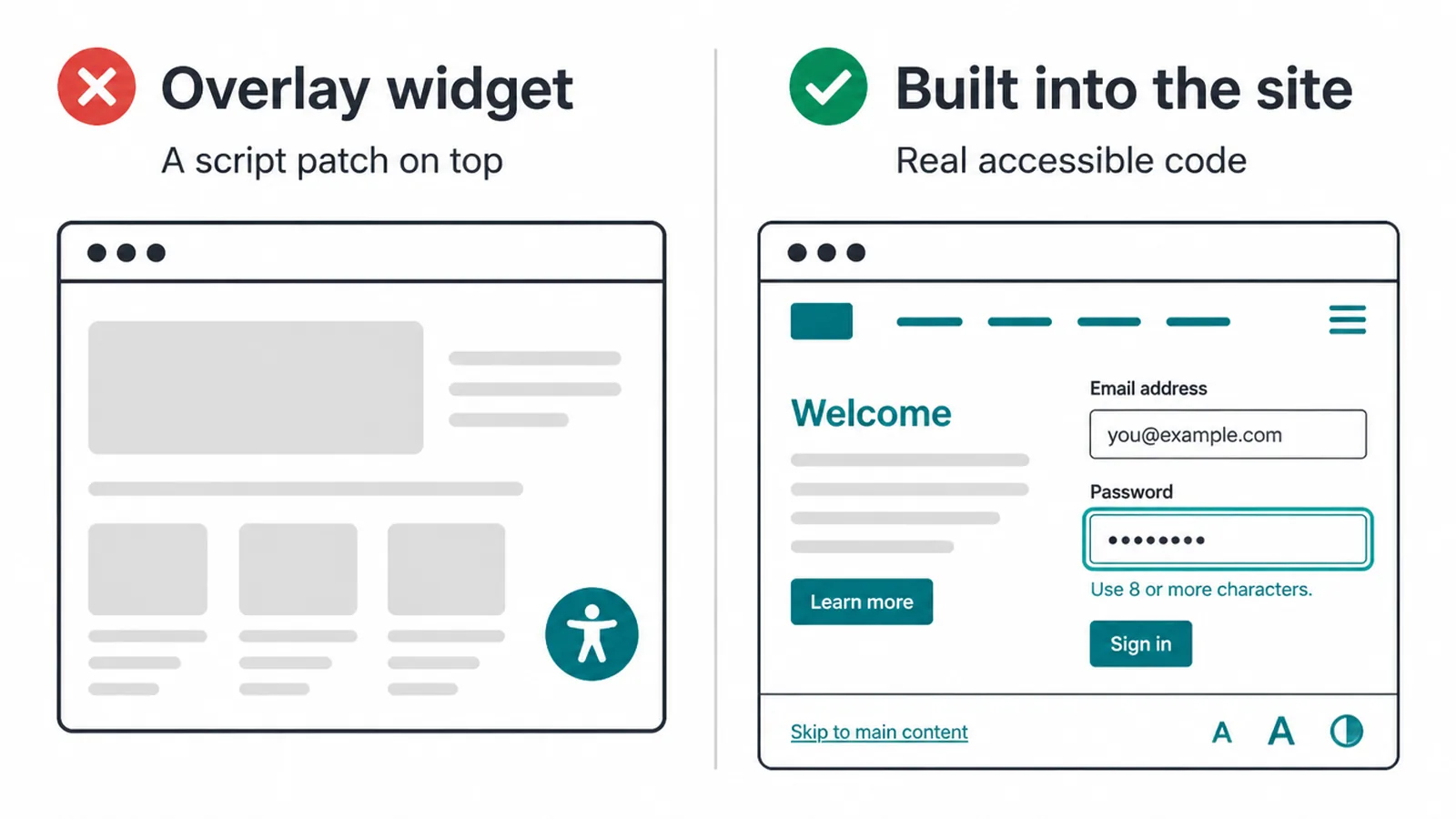
These tools are called overlays or widgets. They sit on top of your existing site and try to patch problems with a script.
They cannot fix the deeper issues in how a site is coded, and screen reader users widely report that they make the experience worse, not better. Worst of all, they create a false sense of safety.
The numbers back this up. Companies using accessibility widgets were sued every single month in the first half of 2025, with 132 cases in February alone. If overlays worked as advertised, that would not happen.
Spending on a widget is not the same as building an accessible site, and a court will look at the actual experience, not the badge in your corner.
6. A practical checklist to lower your risk
You do not need to memorize all of WCAG to make real progress. A handful of fixes covers the issues that show up most. Across the top million home pages, 95.9 percent had detected failures, averaging 56.1 errors per page (WebAIM Million, February 2026), so almost every site has room to improve.
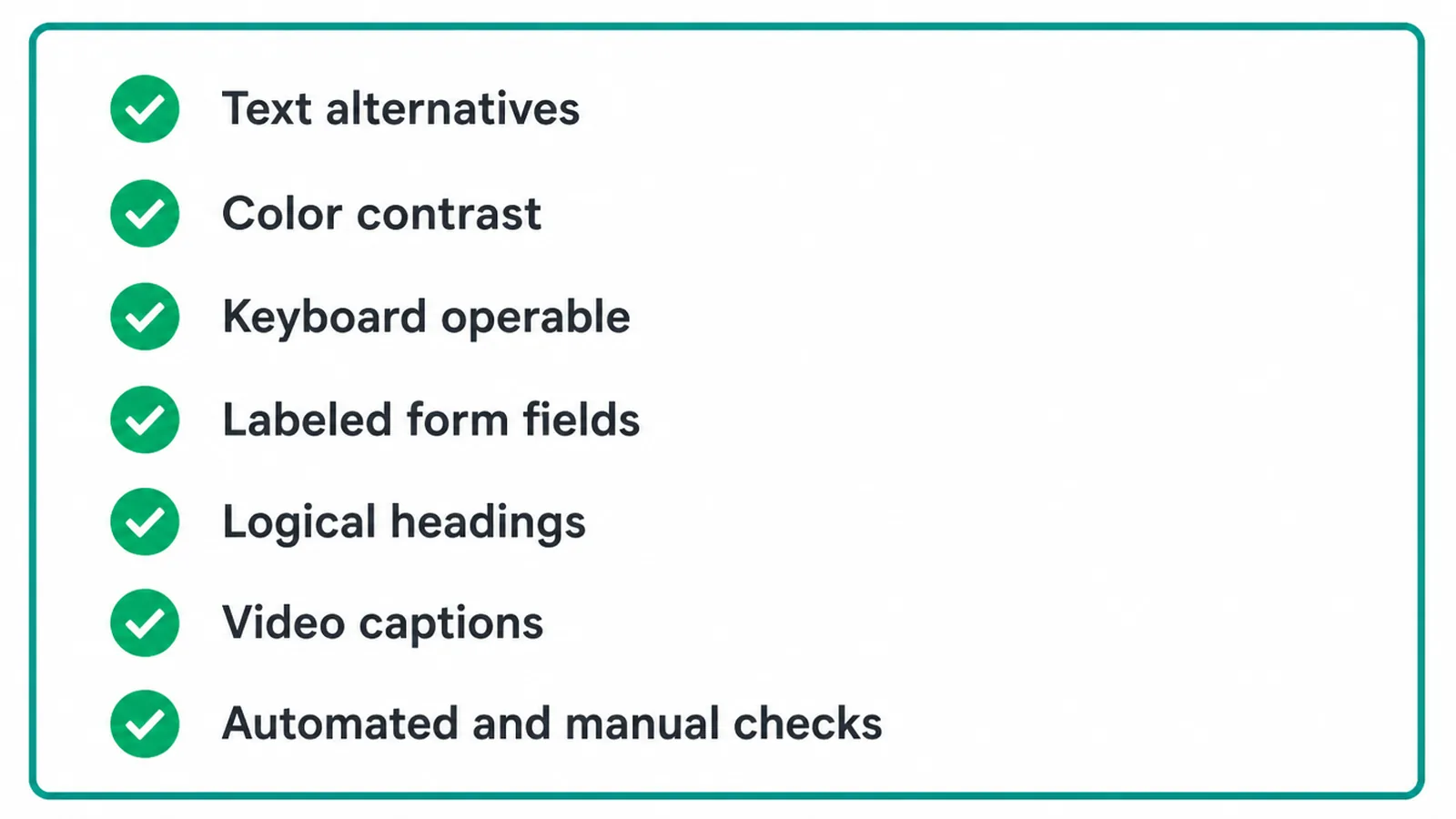
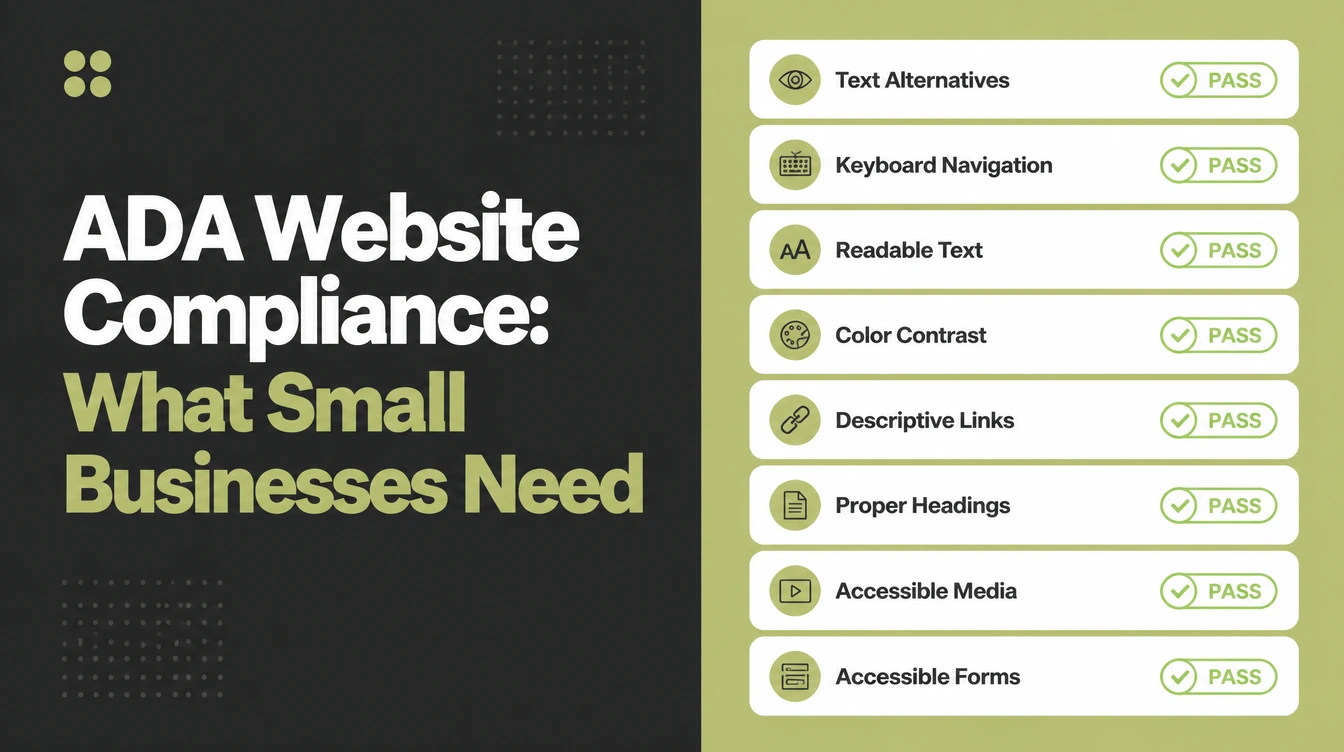
- Add text alternatives. Every meaningful image needs alt text so a screen reader can describe it.
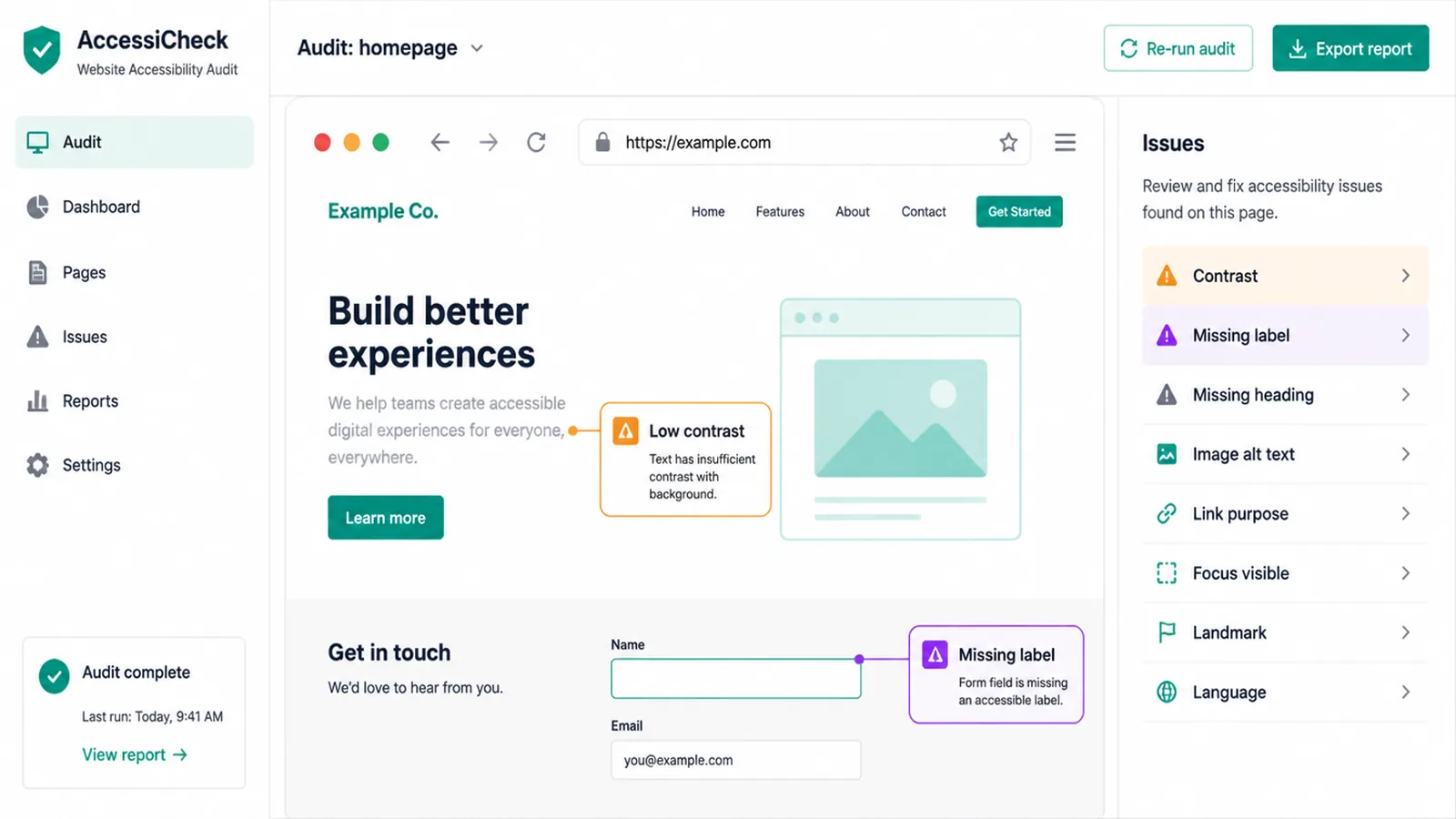
- Fix color contrast. Low contrast is the single most common failure, hitting 83.9 percent of home pages (WebAIM Million, February 2026). Make sure text stands out clearly from its background.
- Make everything keyboard operable. A user should be able to reach every link, button, and field with the Tab key, with a visible focus outline showing where they are.
- Label your form fields. Each input needs a clear, programmatic label of its own, because placeholder text vanishes the moment someone types.
- Use a logical heading structure. One H1, then H2s and H3s in order, so the page can be navigated by its outline.
- Caption your videos. Spoken content needs captions or a transcript.
- Run both automated and manual checks. A scanner catches obvious errors fast, but a human test with a keyboard and a screen reader catches the rest.
This is the legal and risk view. For the full hands-on how-to, with the exact steps and tools, read our companion guide on website accessibility. If you want to understand the experience side of why these choices matter, our explainer on what UX design is is a good next read.
7. The upside most people miss
Accessibility is usually framed as a cost or a threat. We see it the other way. An accessible site is simply a better site, and it pays you back in three ways.
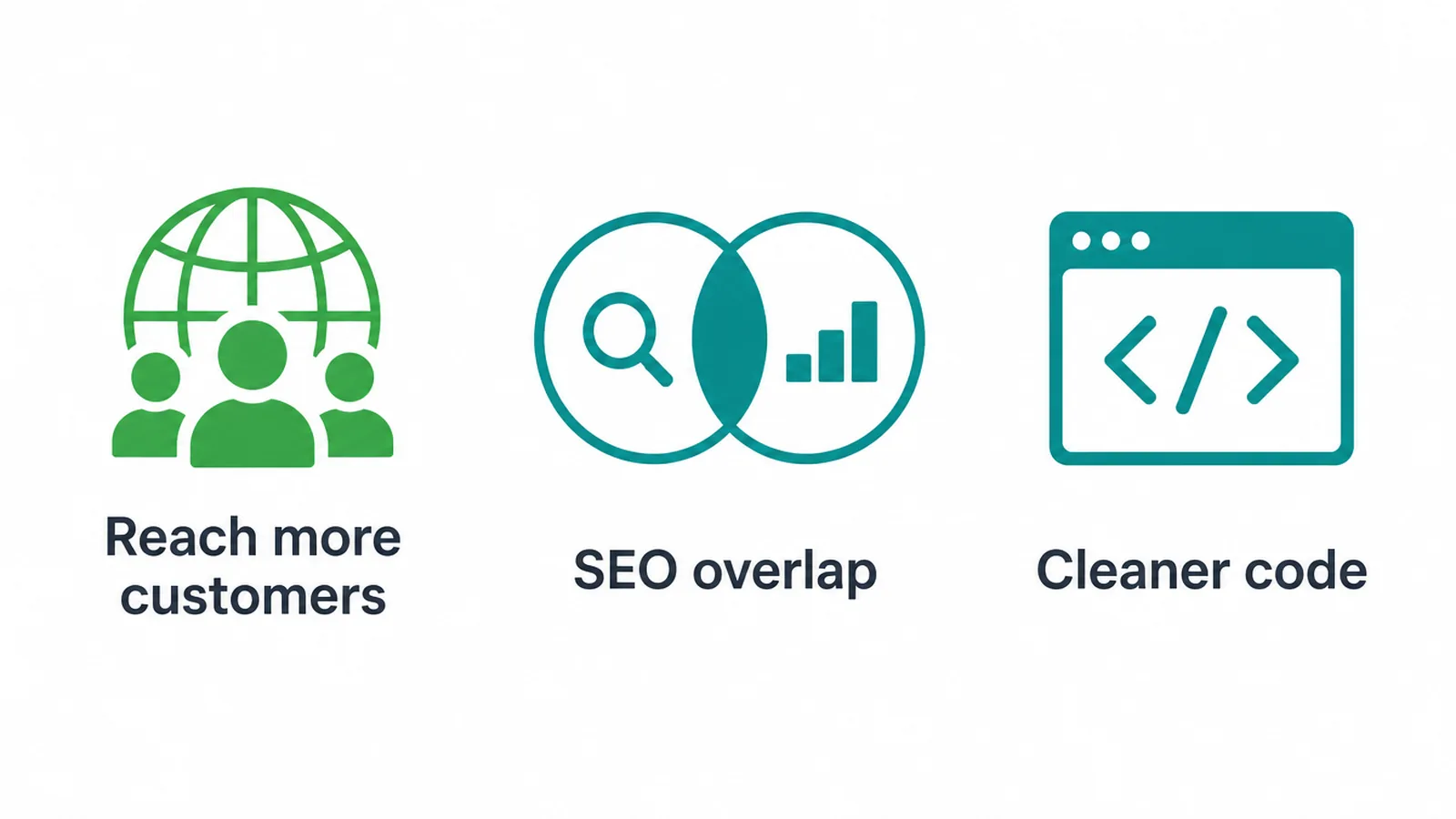
First, you reach more customers. The community of people with disabilities, plus their families and friends, holds spending power in the hundreds of billions of dollars in the United States alone, per research from Disability:IN and the American Institutes for Research.
When your site works for everyone, more of that audience can actually buy from you.
Second, accessibility and SEO overlap heavily. Alt text, clean heading structure, descriptive links, and fast, well coded pages help search engines as much as they help screen readers. Many accessibility wins are also Core Web Vitals wins.
Third, the discipline of building accessibly leads to cleaner, more maintainable code overall. That is part of why we bake it into our web design work from the start rather than patching it later.
8. What to do next
Start with an honest audit. Run an automated scan, then test the most important journeys by keyboard and screen reader: your home page, your menu, your forms, and your checkout. Write down what fails. You will likely fix the biggest issues faster than you expect.
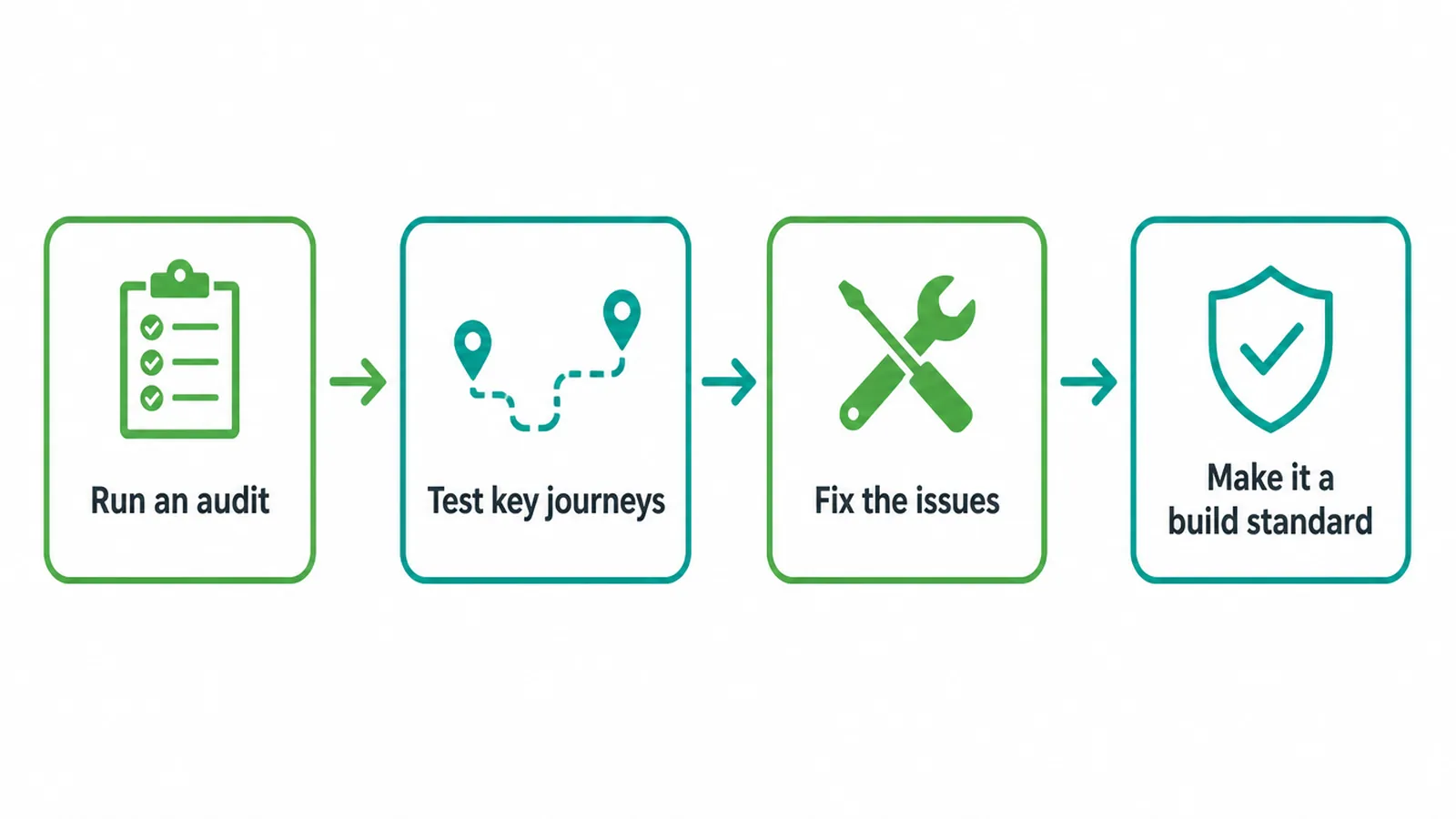
From there, treat accessibility as a build standard, not a one time cleanup. Every new page, image, and form should meet the bar.
Avoid the temptation to slap on an overlay and call it done, because that solves nothing and can make things worse. If you are choosing a partner, our guide on how to choose a web design company covers the questions to ask.
If you would rather have a team handle it and bake accessibility in from day one, we are happy to talk it through. You can reach out to us for a calm, plain conversation about where your site stands and what it would take to get it right.
Frequently asked questions
1. Does the ADA apply to my small business website?
If your business is open to the public, courts and the Department of Justice treat your website as part of that public offering. The DOJ has stated that ADA requirements apply to the goods and services businesses offer on the web. There is no exemption for being small, so a small business website can fall under the same expectations as a large one.
2. Is there a small business exemption from ADA web rules?
No. The ADA does not exempt websites based on company size or revenue. In the first half of 2025, 64 percent of digital accessibility cases targeted companies with revenue under 25 million dollars, which shows small and mid sized businesses are not off the radar. Size does not protect you, though doing the work in good faith genuinely lowers your risk.
3. What WCAG level do I need for ADA compliance?
There is no single federal regulation that names a level for private businesses, but WCAG 2.1 Level AA has become the accepted standard. The DOJ chose WCAG 2.1 AA for state and local government websites in its 2024 Title II rule, and most lawsuits and settlements involving businesses point to the same level. Building to WCAG 2.1 AA is the safest practical target.
4. Can a small business actually be sued over its website?
Yes. Plaintiffs filed 2,019 digital accessibility lawsuits in the first half of 2025, and UsableNet projected a 20 percent rise over 2024 by year end. Some claims come from repeat plaintiffs filing in volume, which is a real and frustrating dynamic. The deeper point still stands: an inaccessible site genuinely shuts people out, and fixing it removes both the barrier and the legal exposure.
5. Do accessibility overlays or widgets make my site compliant?
No. An overlay is a script you drop in that claims to fix accessibility automatically, but it does not. Companies using accessibility widgets were sued every month in the first half of 2025, with 132 cases in February alone. A widget is not a legal shield. Real accessibility comes from how the site is actually built.
6. What does an ADA compliant website actually need?
At a practical level it needs text alternatives for images, strong color contrast, full keyboard operation with visible focus, labeled form fields, a logical heading structure, and captions for video. WCAG 2.1 AA covers the full list. WebAIM found low contrast on 83.9 percent of home pages in February 2026, so contrast is a useful place to start.
7. What is the difference between the ADA and WCAG?
The ADA is the law, a civil rights act signed in 1990 that bars discrimination against people with disabilities. WCAG is the checklist, a set of technical guidelines for making digital content accessible. The ADA says you must not exclude people; WCAG tells you, in detail, how to build a site that does not exclude them.
8. Did the 2024 DOJ rule make WCAG the law for my business?
Not directly. The DOJ rule published in April 2024 sets WCAG 2.1 AA for state and local government websites under Title II. It does not create a detailed web regulation for private businesses under Title III. But it strengthens WCAG 2.1 AA as the reference point courts and plaintiffs use, so it matters for businesses even though it does not bind them word for word.