What Is UX Design? How Better UX Improves Conversion

UX design is the work of making a website easy and pleasant to use. UX is the whole journey a visitor takes; UI is the look of each screen. Google found 53% of mobile visits are abandoned past three seconds, so speed is UX too. Seed Light plans the flow before picking a color.
Key takeaways
- UX means user experience. It is how easy and pleasant your website is to use, from the first click to the final action.
- UX is not the same as UI. UX is the whole flow. UI is the look. UI is one piece of UX.
- Bad UX costs you money. Google found 53% of mobile visits are abandoned if a page takes longer than 3 seconds to load (Google, 2016).
- Trust is fragile. A first visit that confuses people is hard to recover from, so it is worth designing with care.
- You do not always need a UX specialist. For most small sites, a web designer who thinks about UX is enough.
1. What is UX design?
UX design is the work of making something easy and pleasant to use. UX stands for user experience. So when people ask what is UX design, the short answer is this: it is how a visitor feels while using your website, and the planning that goes into making that feeling good.
Think about the last time a website annoyed you. Maybe the menu was confusing. Maybe a button did not work. Maybe you could not find the price or the phone number. That feeling is UX. Good UX makes the same task feel quick and obvious.
The term "user experience" was made popular by Don Norman, a designer who studied how people interact with everyday things. His big idea was simple. Design should serve the person using it first, and look good second. That idea is the heart of UX today.
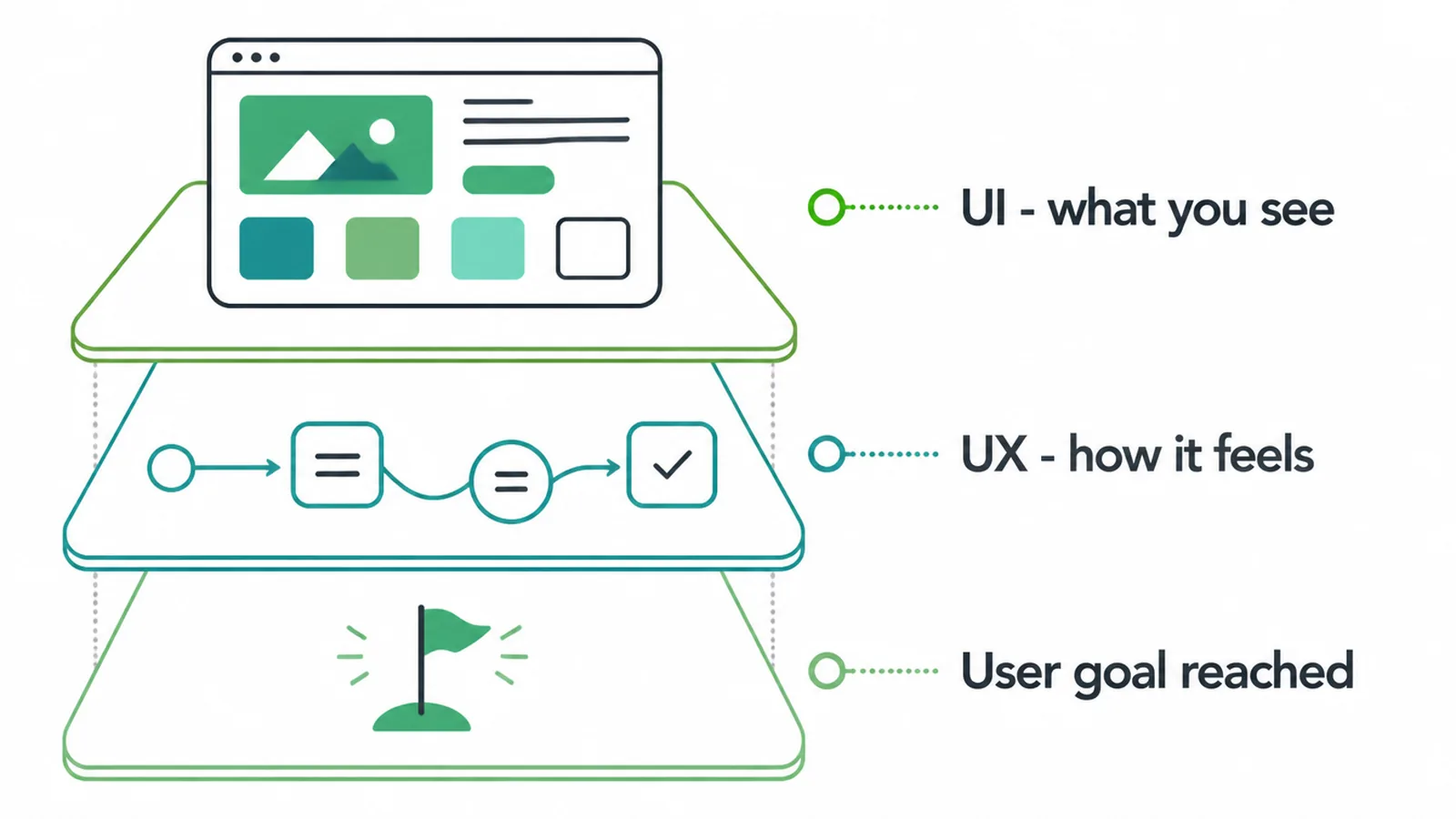
For your business, UX is not abstract. It decides whether a visitor becomes a customer or clicks away. A site can look beautiful and still drive people off if it is hard to use. That is why UX matters more than most owners think.
2. UX vs UI: what is the difference?
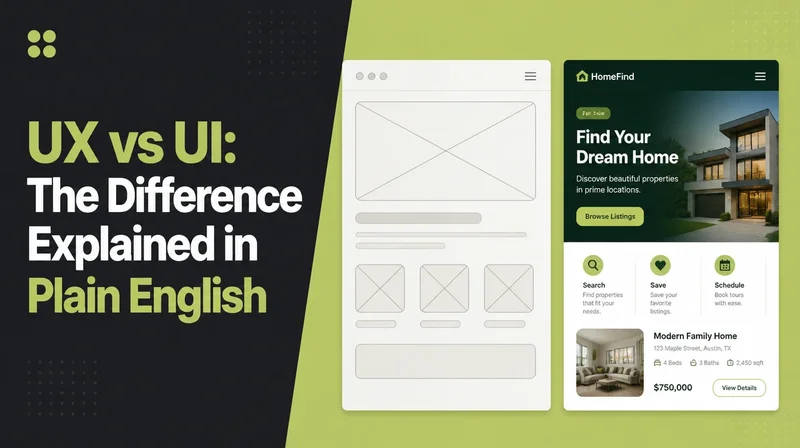
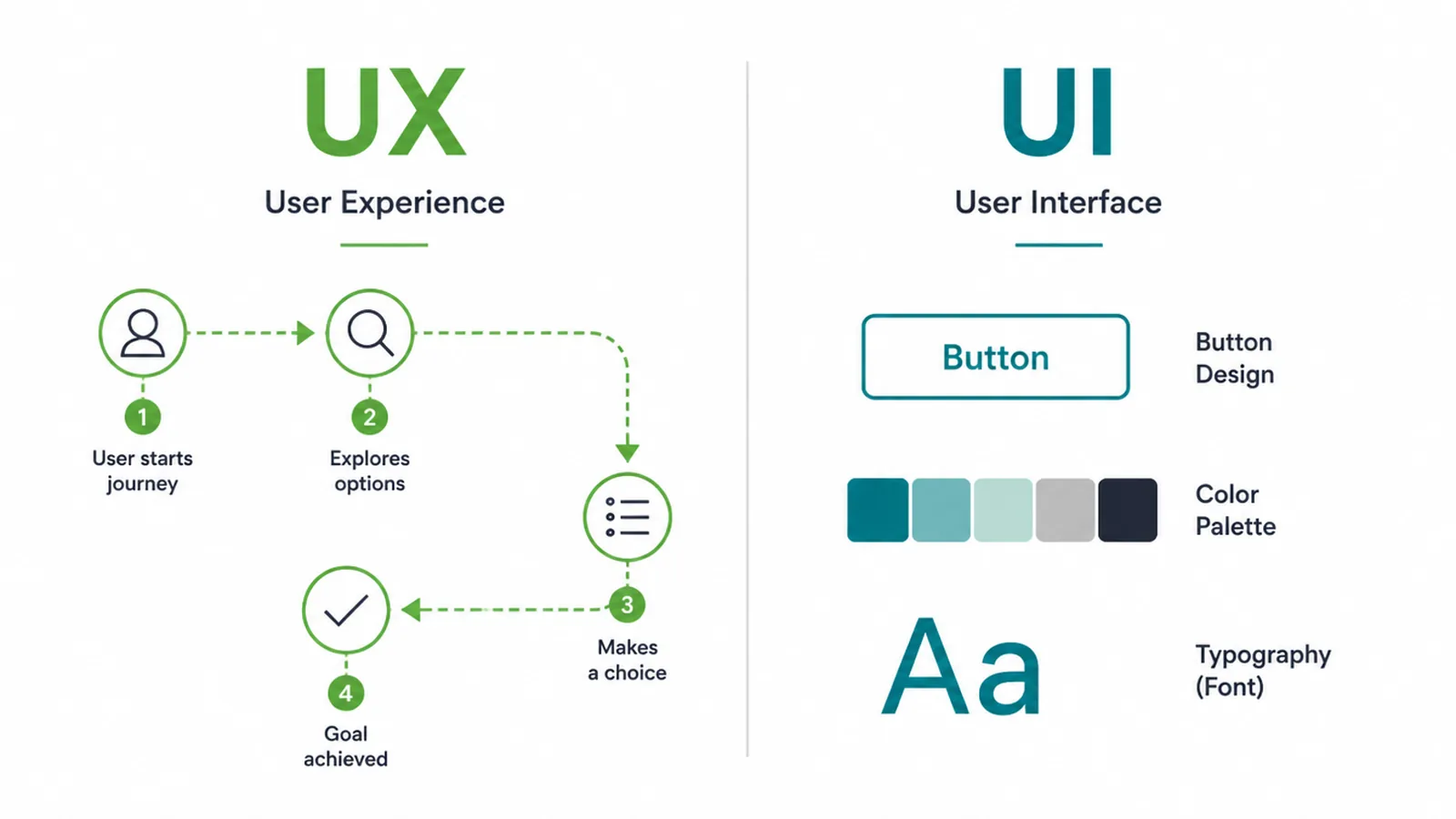
People mix up UX and UI all the time. Here is the clean line. UX is the experience. UI is the look. UI is one part of UX, not a separate thing.
UI stands for user interface. It is everything you see and touch on screen: buttons, colors, fonts, spacing, icons, and layout. UX is bigger. It is the whole journey, the steps, and whether the path feels smooth.
Here is a quick way to remember it. A restaurant can have lovely plates and warm lighting (good UI). But if the menu is confusing, the wait is long, and you cannot find the door, the meal still feels bad (poor UX). You need both working together.
| UX (user experience) | UI (user interface) |
|---|---|
| The whole journey and how it feels | The look of each screen |
| The flow and the steps | Buttons, colors, fonts, layout |
| Can the visitor reach the goal easily? | Does the page look clear and tidy? |
| Planned with wireframes and testing | Built with visual design |
| Answers "is this easy to use?" | Answers "does this look good?" |
3. What good UX is made of
Good UX is not one trick. It is a few simple qualities working together. When a site has all of these, people stay and act. When one is missing, they leave.
- Useful. The site gives people what they came for. The right info, the right service, the right answer.
- Usable. It is easy to do the task. Clear menus, obvious buttons, no guessing.
- Findable. People can locate what they want fast, on the page and in search.
- Accessible. People with poor eyesight, slow connections, or no mouse can still use it.
- Trustworthy. It looks real and safe. Clear contact info, honest copy, no broken links.
- Fast. Pages load quickly so nobody gives up waiting.
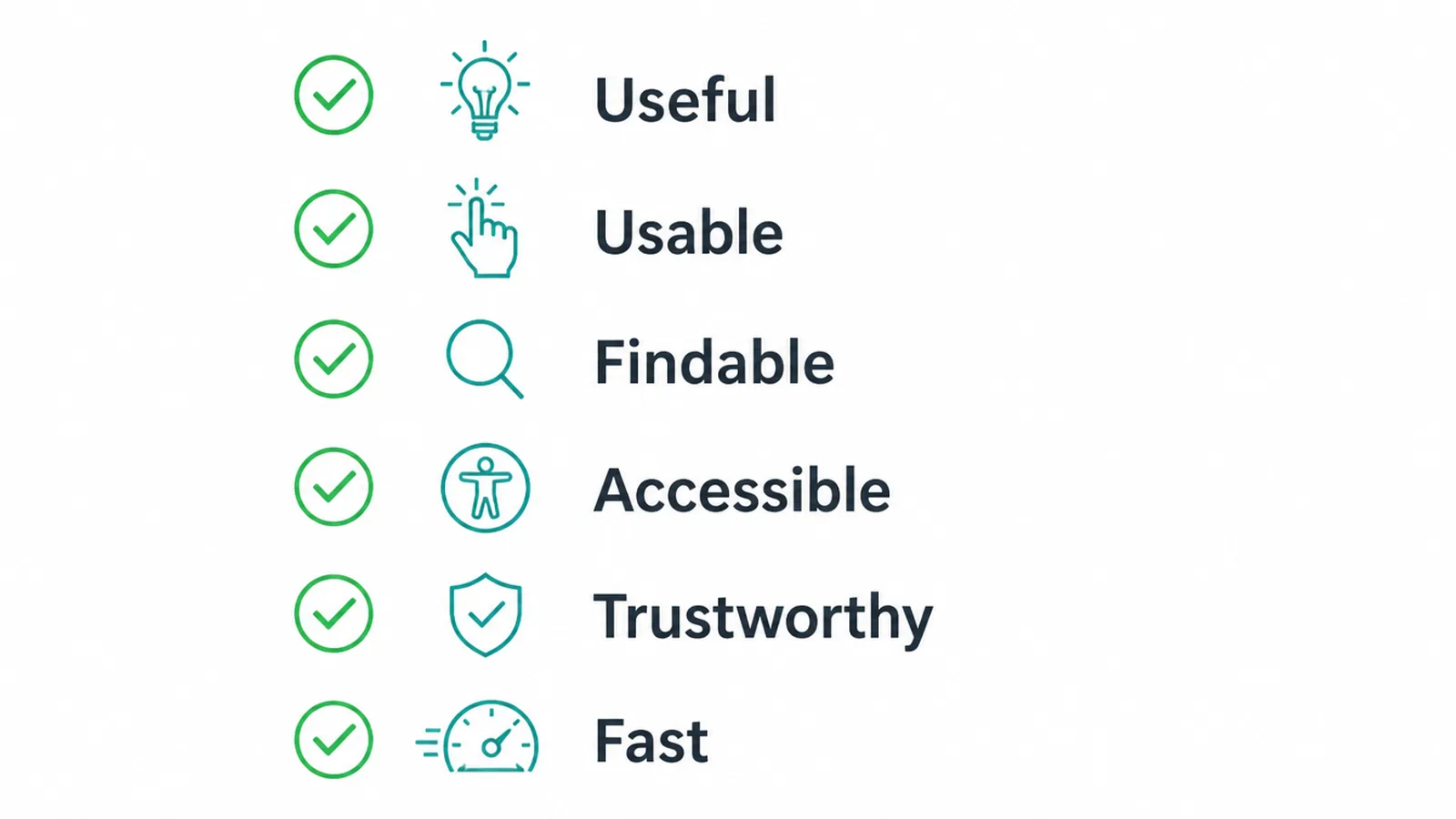
You do not need to score perfect on every one. But weak spots add up. A fast site with a confusing menu still loses people. UX is about all of these feeling right at the same time.
4. Why UX matters for your business
UX is not a design nicety. It is money. Every confusing step, slow page, or dead end pushes a possible customer away. The numbers back this up.
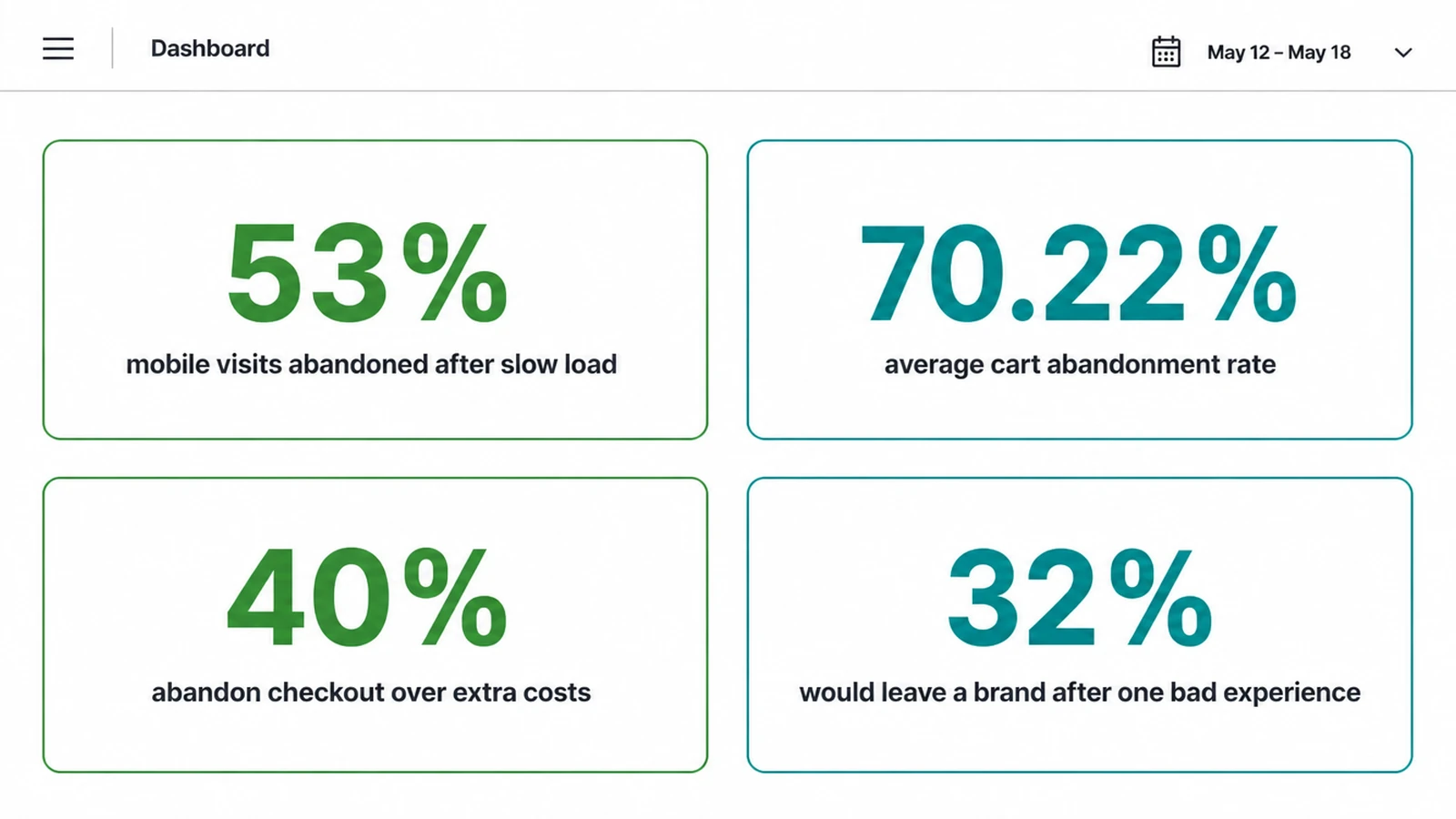
Speed alone is huge. Google found that 53% of mobile visits are abandoned if a page takes longer than 3 seconds to load (Google, 2016). That is half your phone traffic gone before they even see your offer. Speed is UX, and slow UX is lost leads.
Checkout and forms are where UX really shows. The Baymard Institute, after reviewing 50 studies, found an average online cart abandonment rate of 70.22% (Baymard Institute, 2025). Most people who start to buy do not finish. A big reason is friction in the process.
What kind of friction? Baymard also found that 40% of people abandon checkout because the extra costs (like shipping or fees) were too high or shown too late (Baymard Institute). Surprise and confusion at the wrong moment kills the sale. Good UX shows costs early and removes nasty surprises.
Then there is trust. Your website is often the first experience someone has of a business, and a confusing or broken visit gives them a reason to look elsewhere before they have read a word about the work.
This is why UX sits at the center of a site that actually earns. We cover the full picture in our guide to building a small business website, but UX is the thread that ties it all together.
5. Signs of bad UX on a website
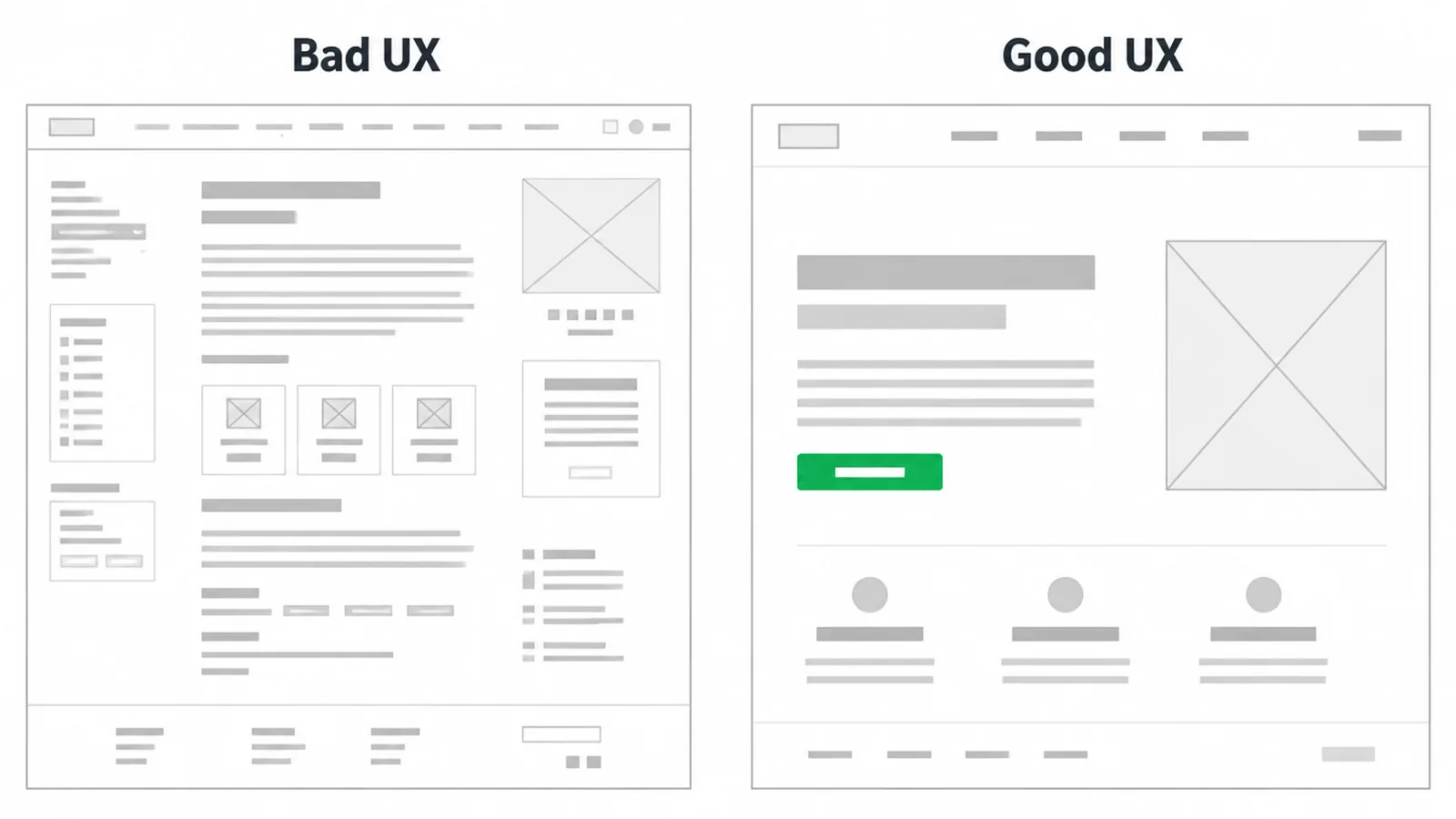
You do not need a degree to spot bad UX. You can feel it. Here are the common warning signs to check on your own site.
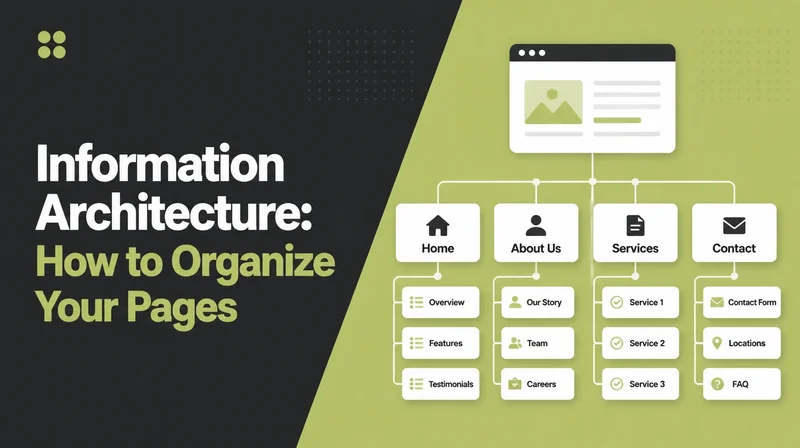
- Confusing navigation. Too many menu items, vague labels, or no clear path to the main thing you sell.
- Slow pages. If a page crawls, people leave. Loading speed is a core UX issue. Our guide to Core Web Vitals shows how to measure and fix it.
- Tiny text. If people have to pinch and zoom to read, that is friction.
- Broken on a phone. Buttons too small to tap, content cut off, layout a mess. See our walkthrough on making a website mobile friendly.
- Too many steps. Long forms, extra clicks, hoops to jump through. Every extra step loses people.
- No clear next action. A visitor lands and does not know what to do next. No obvious button, no clear call to action.
If two or three of these sound like your site, your UX is leaking leads. Many of them show up in our list of common small business website mistakes, and the good news is most are easy to fix.
6. Simple UX wins you can apply today
You do not need a redesign to improve UX. A few simple habits cover most of the value. Here is where to start.
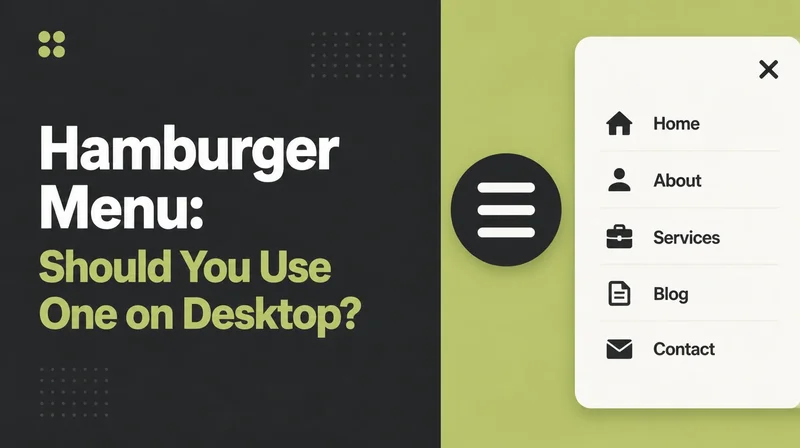
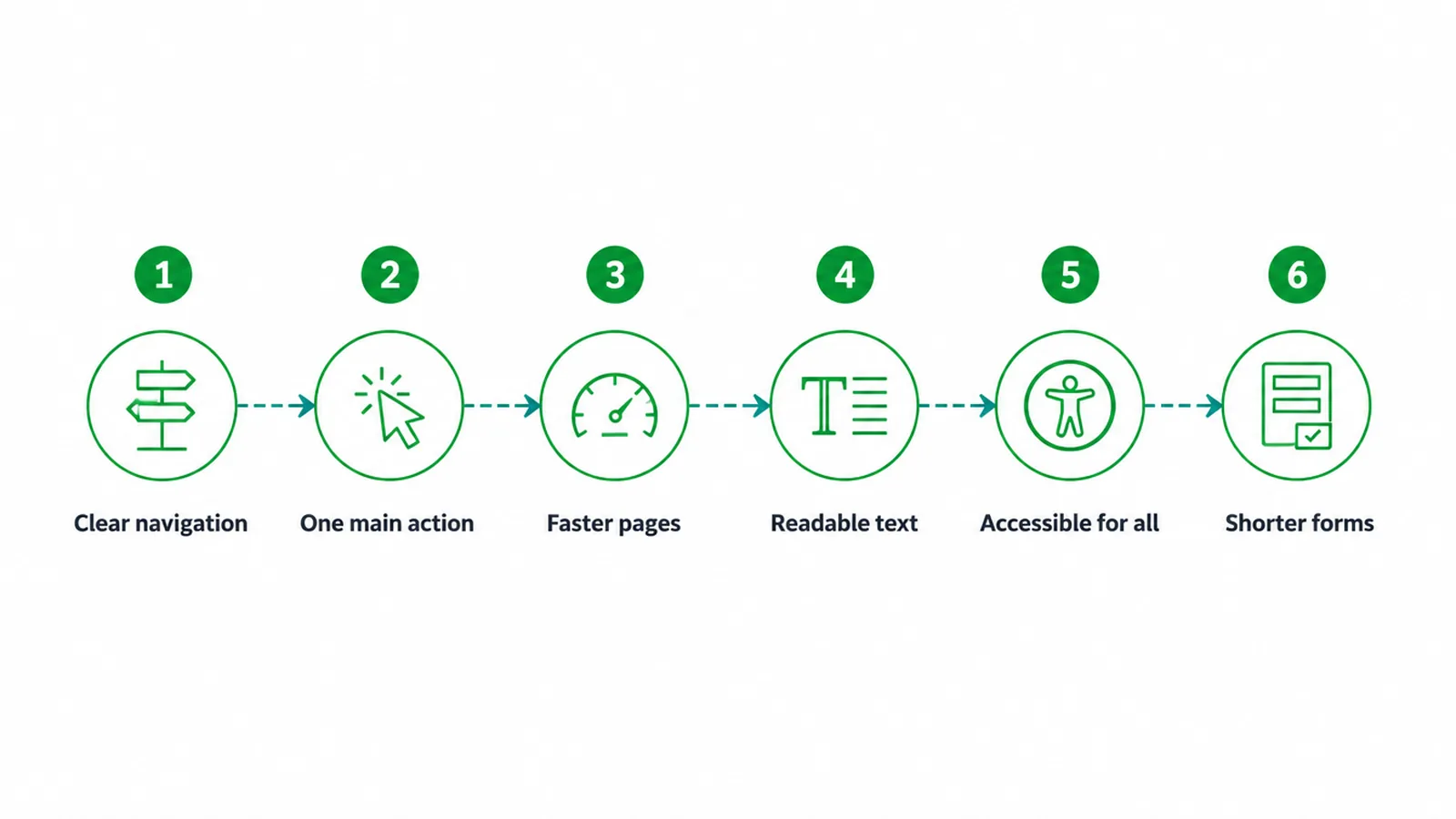
- Make navigation clear. Keep the menu short. Use plain labels people understand at a glance.
- Pick one main action per page. Decide the one thing you want a visitor to do, then make that button obvious.
- Speed things up. Compress images, cut clutter, and host on something fast. Faster pages keep people in.
- Make text easy to read. Bigger fonts, short lines, plenty of space. Reading should feel effortless.
- Build for everyone. Good contrast, clear labels, and keyboard access help more people use your site. Our guide to website accessibility walks through the basics.
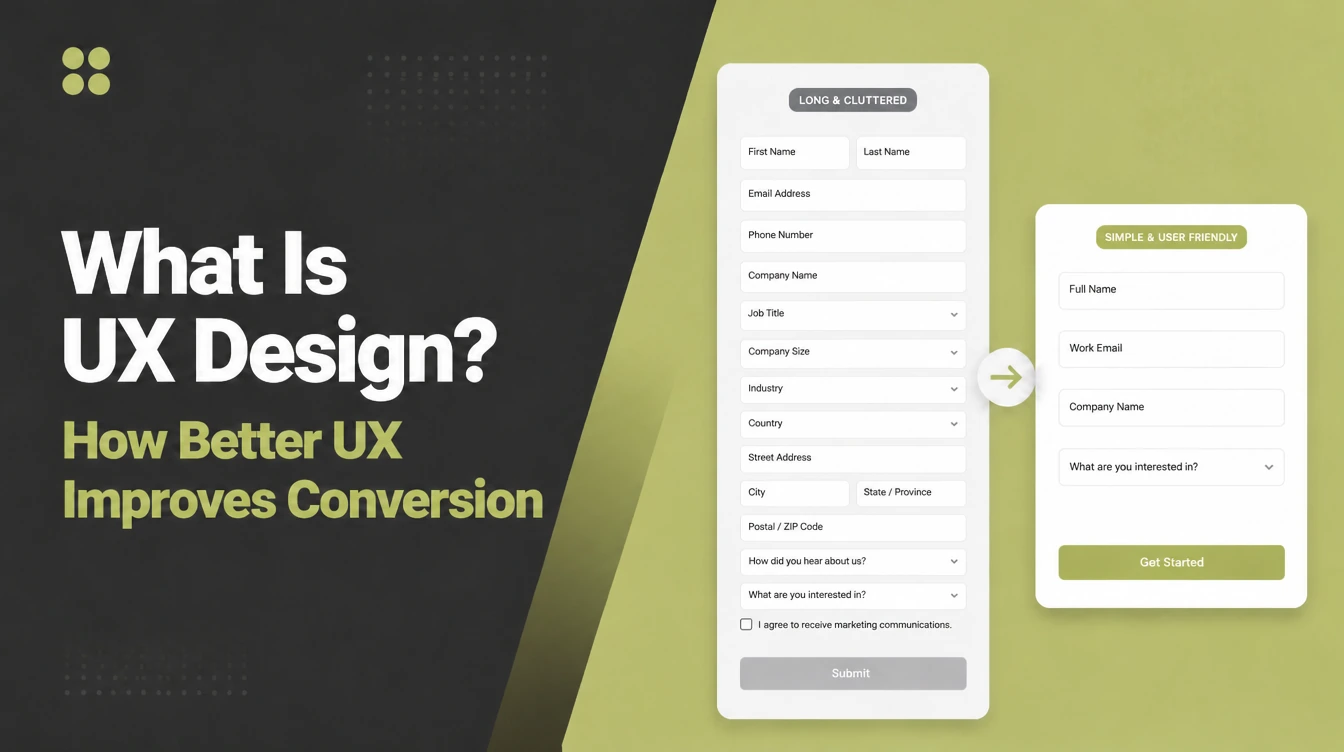
- Shorten your forms. Ask only for what you truly need. Every extra field costs you replies.
None of these need a big budget. They need attention and a willingness to cut what does not help. That is the core of good UX work: remove friction, keep the path clear.
7. Do you need a UX designer?
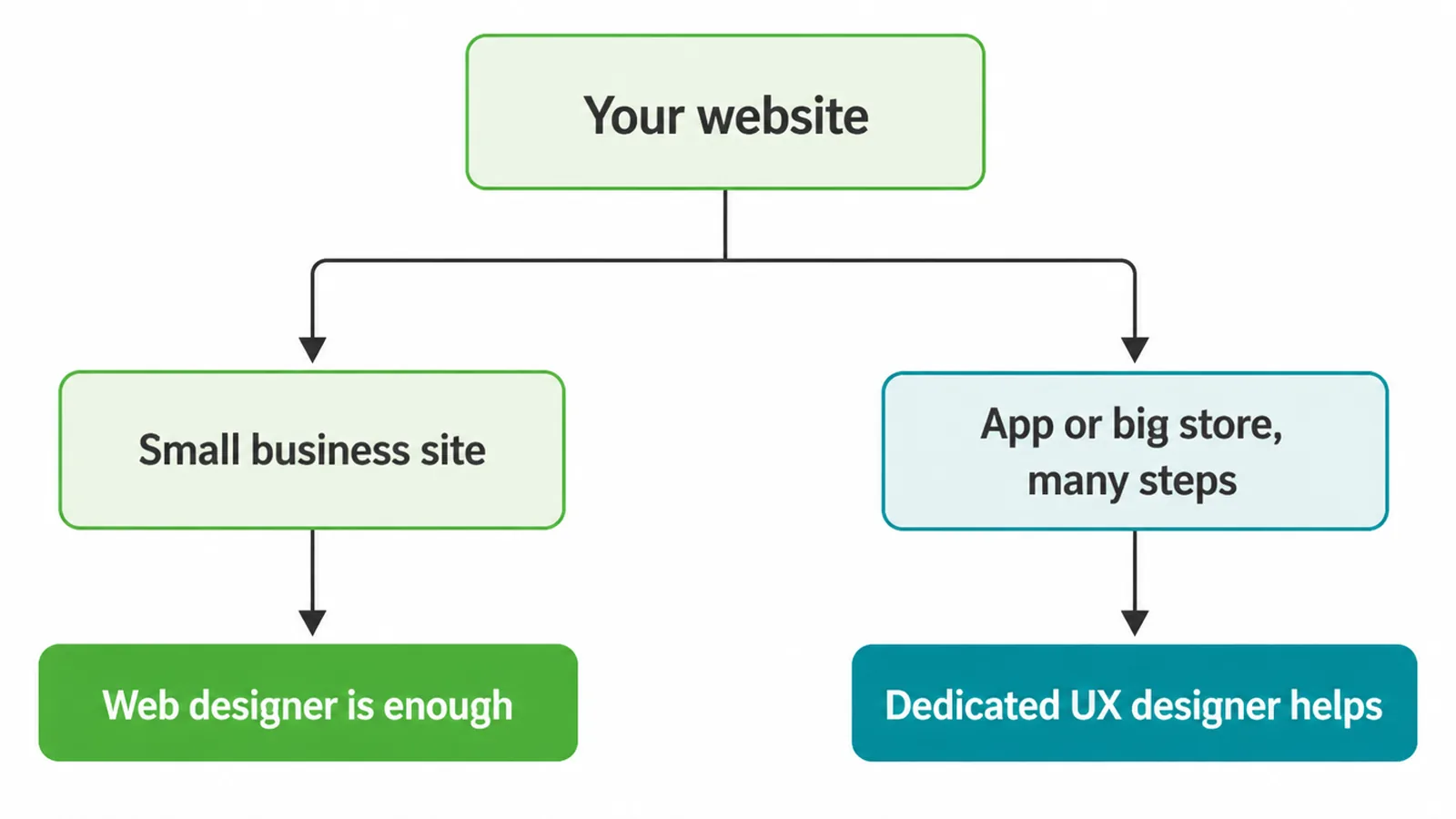
Short answer: probably not a separate one. For most small business websites, a good web designer who thinks about UX from the start is enough. They plan the flow, keep the pages clear, and test that real people can act.
A dedicated UX designer makes more sense for large or complex projects: an app, a booking system with many steps, or a big store with thousands of products. The more steps and screens, the more a UX specialist pays off.
The real test is not the job title. It is whether the person building your site cares about how it feels to use. When you hire help, ask how they plan the flow before they design.
If they jump straight to colors and fonts, that is a red flag. Our guide on how to choose a web design company covers what else to ask.
In our work building web design projects for small businesses, we treat UX as step one, not a finishing touch. We map the journey, cut the clutter, and make the next step obvious on every page. If you want a site that feels easy and turns visitors into customers, tell us about your project.
Frequently asked questions
1. What is UX in simple terms?
UX stands for user experience. In simple terms, it is how easy and pleasant something is to use. For a website, good UX means a visitor can find what they want, understand it, and act on it without stress or confusion.
2. What is the difference between UX and UI?
UX is the whole experience: the flow, the steps, how easy it feels. UI is the look: the buttons, colors, fonts, and layout you see on screen. UI is part of UX. You can have a pretty UI that still feels frustrating, which is poor UX with good UI.
3. Does my small business website need UX design?
Yes. Each website has a user experience, good or bad. Confusing navigation or slow pages add steps between a visitor and the next action. Good UX does not need to be expensive. It starts with clear navigation, fast pages and an obvious next step on each page.
4. What does a UX designer do?
A UX designer plans how a site works before it is built. They map the steps a visitor takes, sketch wireframes, decide what goes where, and test whether real people can complete tasks. The goal is a site that feels obvious to use.
5. Is UX design hard to learn?
The basics are not hard. Anyone can learn to remove clutter, write clear labels, and make one obvious next step. Doing it well at a large scale takes practice, research, and testing. For most small sites, the simple habits cover the majority of the value.
6. What are the signs of bad UX?
Common signs include confusing menus, slow pages, tiny text, a site that breaks on a phone, too many steps to do one thing, and no clear button to act. If visitors have to think hard or hunt around, the UX is hurting you.
7. Should I hire a UX designer or can my web designer do it?
For most small business websites, a good web designer who thinks about UX is enough. A dedicated UX designer makes sense for big sites, apps, or complex tools with many steps. Ask any designer how they plan the flow before they build.
8. Is UX the same as web design?
No, but they overlap. Web design covers how a site looks and is built. UX is one part of that: how the site feels to use. A strong web design project includes UX thinking from the start, not as an afterthought.