WordPress vs Shopify 2026: Compare Cost, Control and Ecommerce

WordPress vs Shopify is a question about what the site is mainly for. Shopify is a shop with pages attached and handles its own upkeep. WordPress is a website that can sell, owned and maintained by you. Decide who maintains it first. Seed Light builds on both.
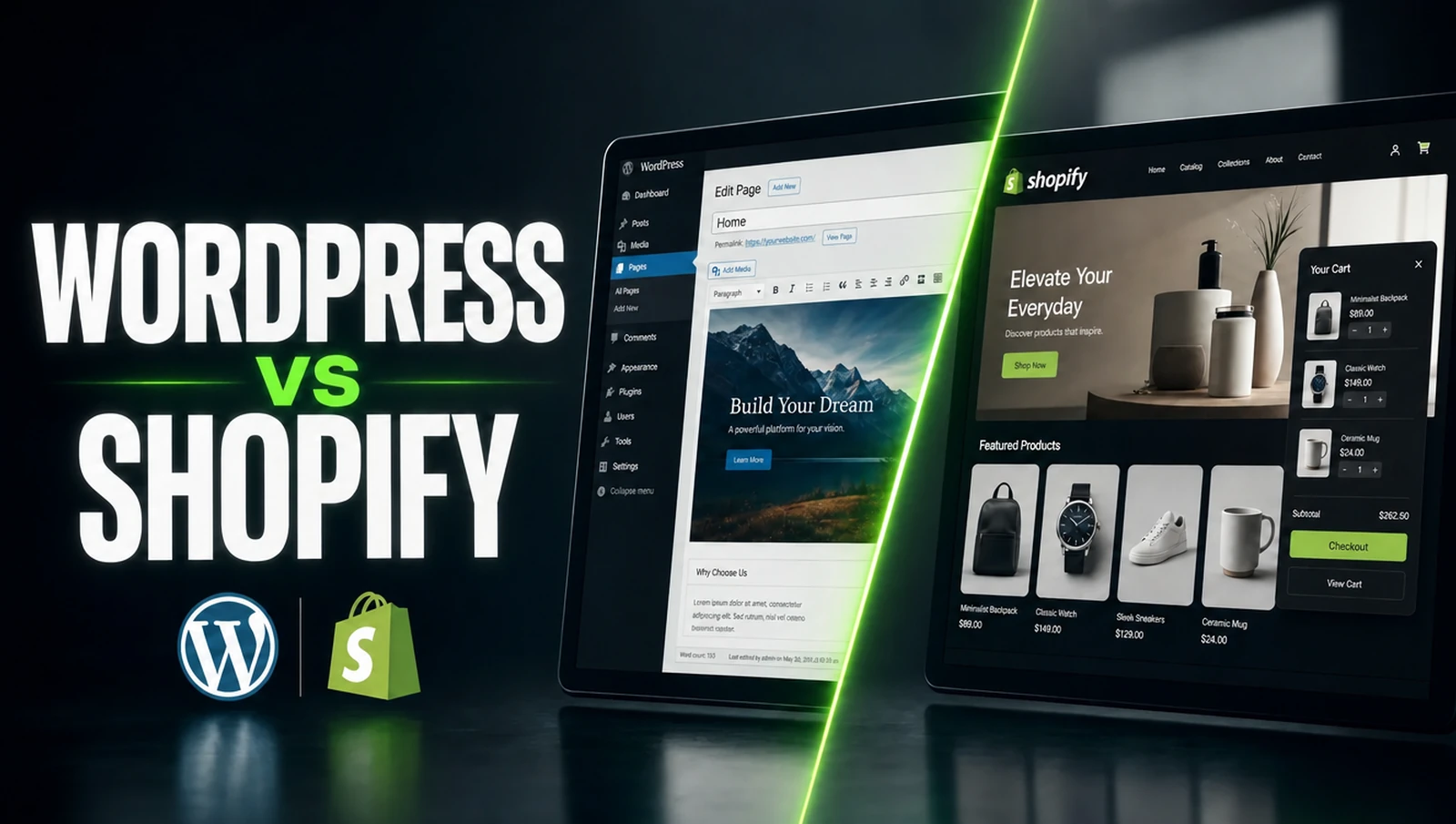
WordPress vs Shopify is usually presented as a contest, and it is closer to a question about what you are building.
One is a shop that happens to have pages. The other is a website that can have a shop added to it. That difference decides almost everything else.
This guide covers how each one handles setup, content, selling, cost and upkeep, and which starting situations point clearly at which.
Key Takeaways
- Shopify is a shop first. WordPress is a website first.
- Selling tools are built in on one. Added on the other.
- Content control favours WordPress. Especially for serious blogging.
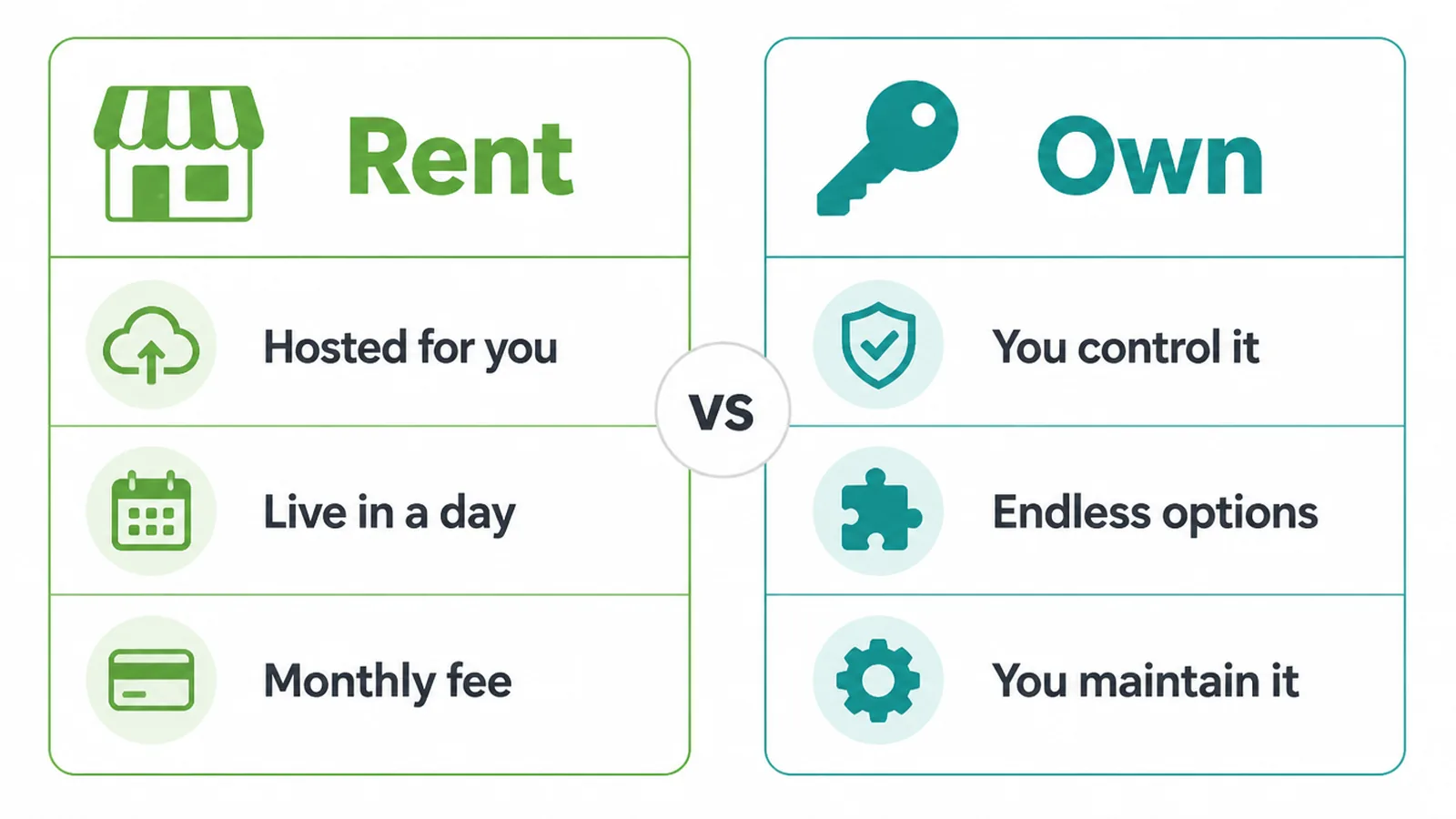
- Rent against own. One is managed, one is yours to maintain.
- Decide the upkeep first. It is the question people skip.
WordPress vs Shopify: the Short Version
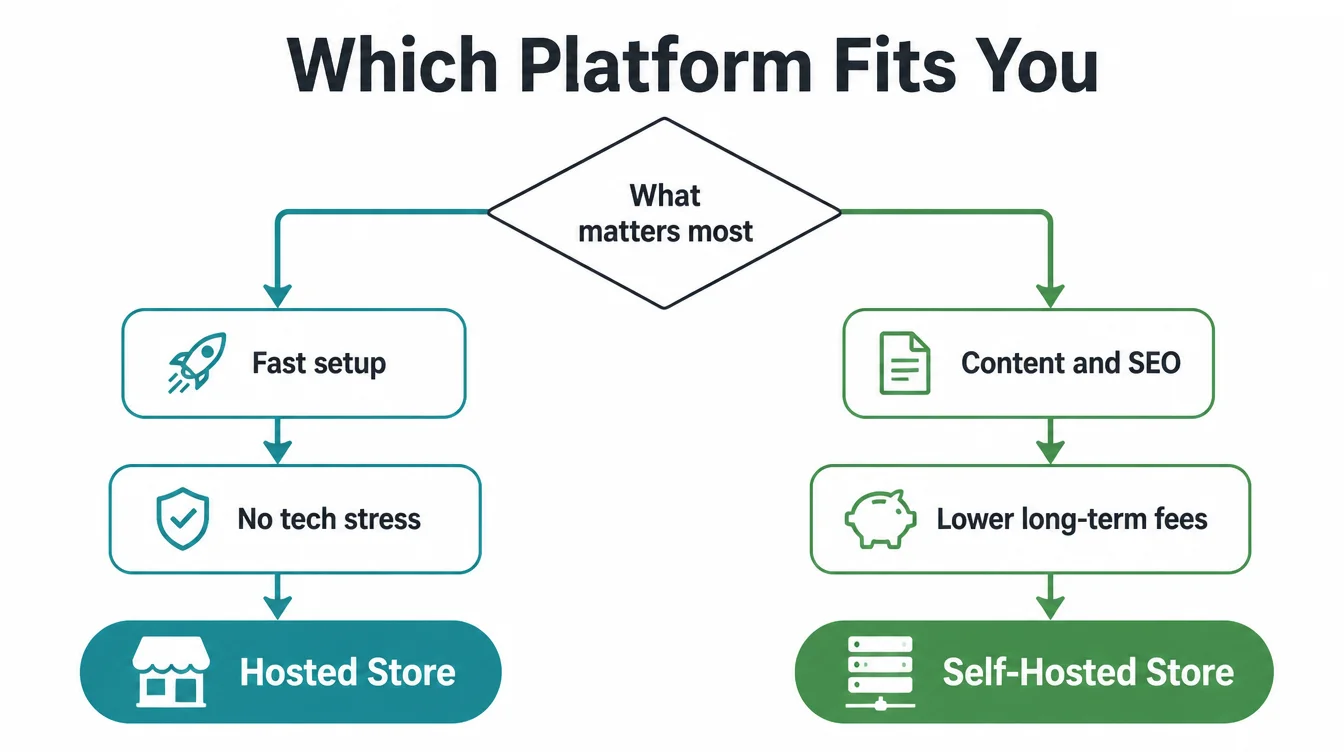
Choosing a website platform for small business starts here. Choose Shopify if selling is the point of the site, you want to be trading quickly, and you would rather not think about hosting, updates or security.
Choose WordPress if the site is mostly content with a shop attached, you want full control over how it works, and you have somebody to maintain it.
Both can run a shop and both can run a blog. Neither does the other one's job as naturally.
The common mistake is picking on features. Both have far more than you will ever use, and the feature lists are not where this decision actually lives.
It lives in two places. What the site is mainly for, and who is going to keep it running in two years.
Both of those are answerable today, which is why this is worth half an hour now rather than a migration later.
And migrations are the expensive part. Moving a shop between these two is real work rather than an export, so the choice is a commitment.
Setup and Getting Started
Shopify is a hosted platform, so starting is a sign up rather than an installation.
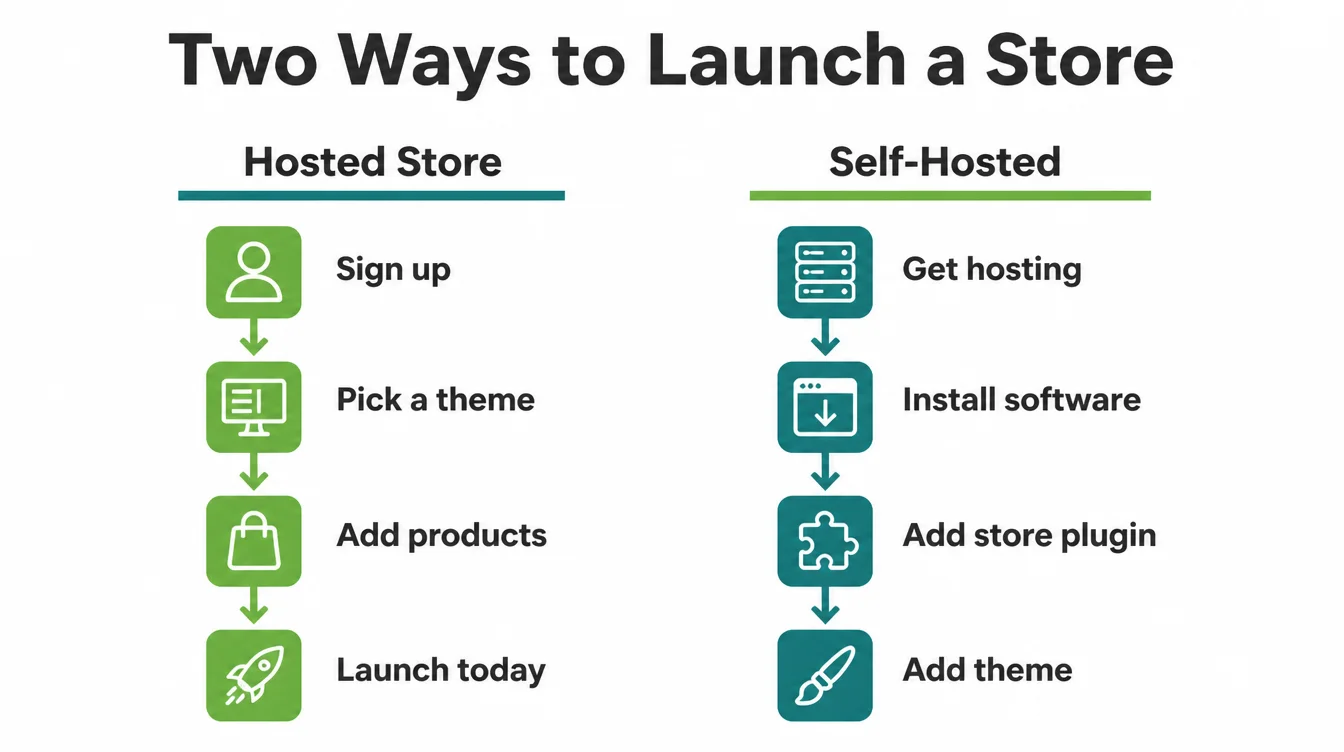
You create an account, pick a theme, add your products and you are trading. Hosting, security certificates and payment handling are all arranged for you.
WordPress is software that you install on hosting you arrange yourself. You choose a host, install the software, add a shop plugin, then choose a theme.
That is a handful of extra steps rather than a difficult process, and plenty of hosts now do most of it for you.
Managed WordPress hosting is worth knowing about here. It handles the installation, the updates and the backups, which narrows the gap considerably.
The difference is not difficulty so much as decisions. Shopify makes them for you, and WordPress hands them over.
Design and Flexibility
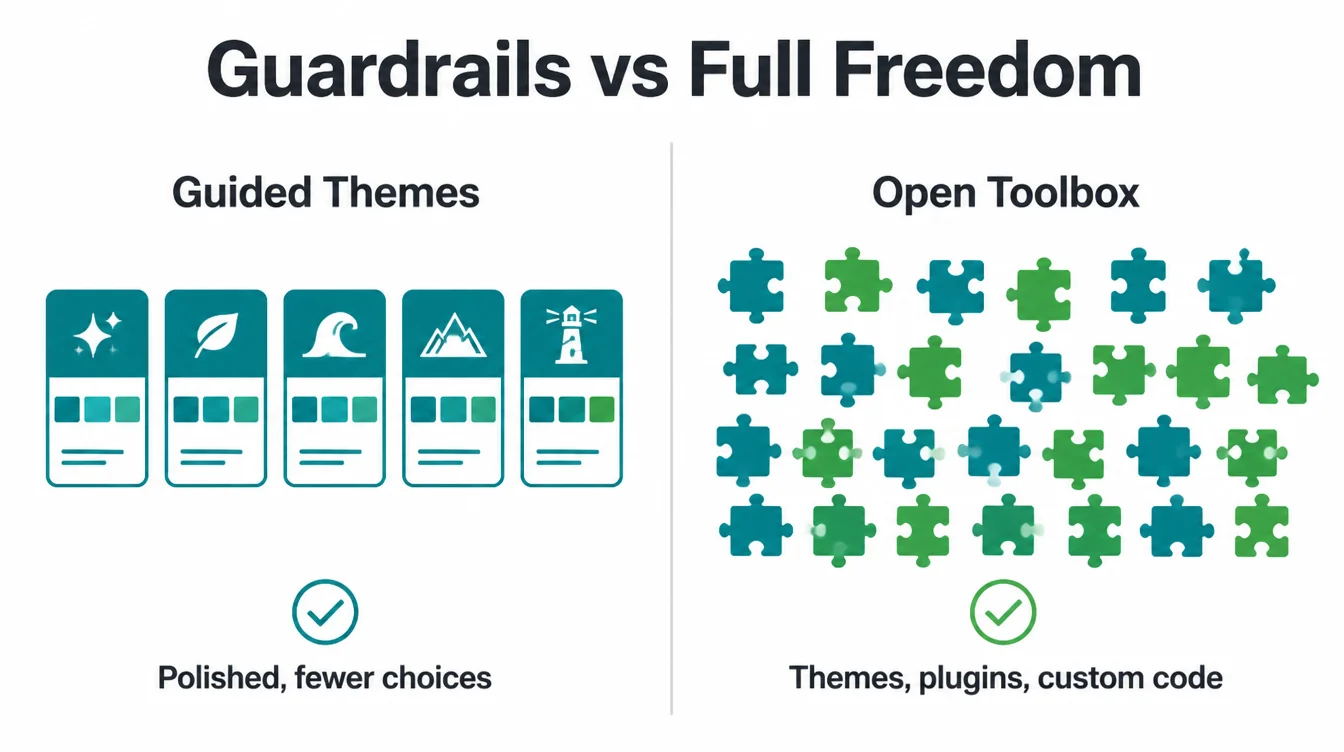
Shopify gives you a curated set of themes which are polished, mobile ready and consistent with each other.
You can customise within what the theme allows, and going beyond it means editing its own templating language or paying somebody who knows it.
WordPress gives you an open toolbox. Thousands of themes, a very large plugin directory, and the option of a design built from nothing.
That freedom is the advantage and the risk in the same breath. Nothing stops you installing twenty plugins that conflict with each other.
If you want a site nobody else has, WordPress is where that is possible. If you want a tidy shop quickly, the guardrails are a feature rather than a limitation.
Be honest about which you actually want. Plenty of businesses ask for unlimited flexibility and then use a theme almost unchanged for five years.
Where Each One Wins
Three sections below, each one where the difference is genuine rather than marginal.
1. Content and search favour WordPress
WordPress began as publishing software, and it still shows in how comfortably it handles a lot of writing.
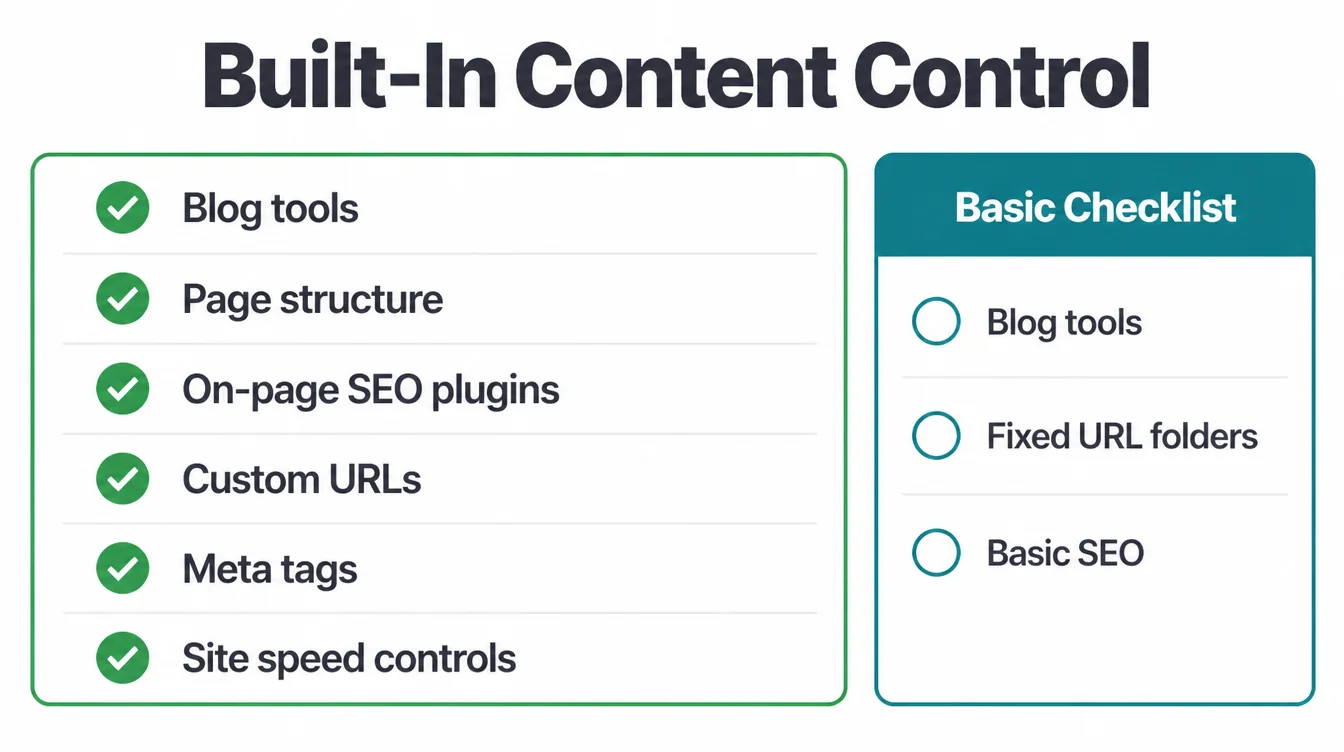
Categories, tags, page structure, custom addresses and full control of the technical details are all native rather than added.
Shopify handles a blog perfectly well for occasional posts. It only becomes constraining when publishing is a real part of how the business markets itself.
The address structure is the clearest example. Shopify imposes fixed folders on blogs, products and collections, and you cannot change them.
That matters to almost nobody until it matters a lot. If content is your main channel, it is worth knowing before you build.
2. Selling features favour Shopify
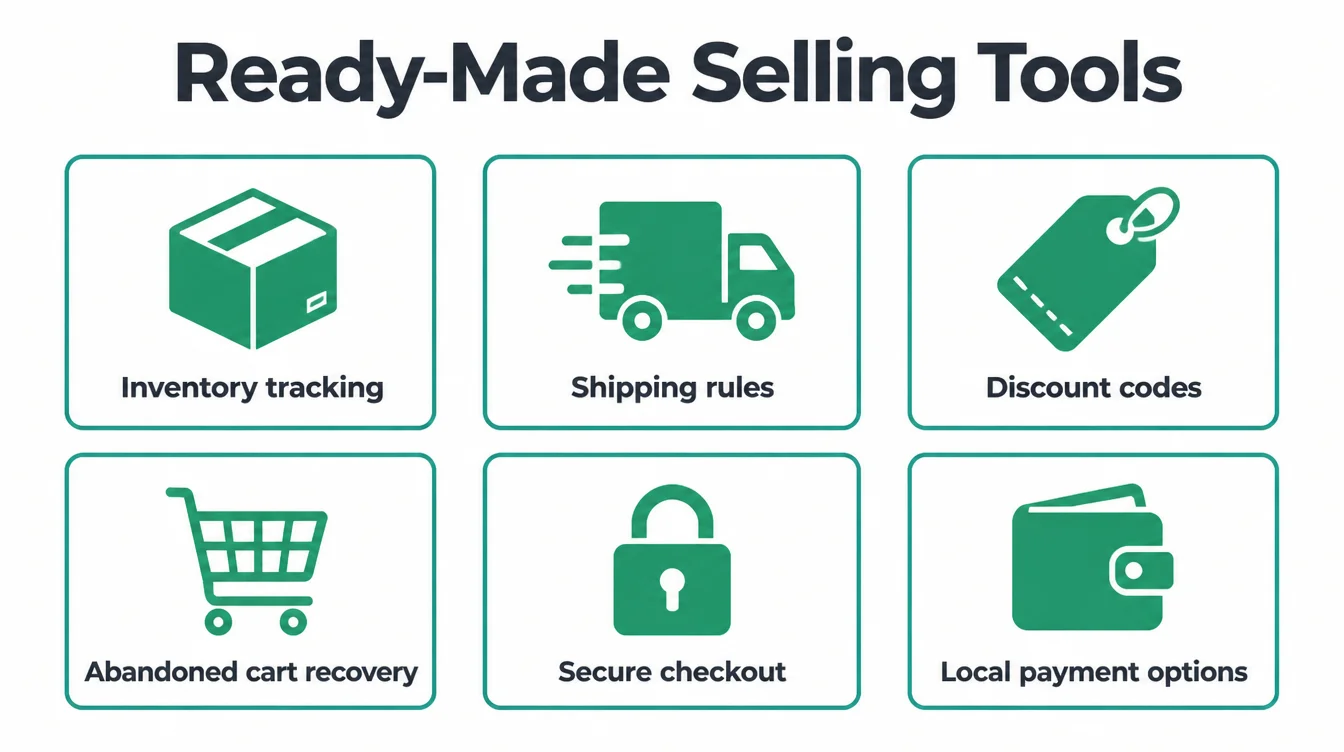
Everything a shop needs is already there, and more usefully, all of it already works together.
Inventory tracking, shipping rules, discount codes, abandoned cart recovery, a secure checkout and payment options people recognise locally.
On WordPress each of those exists, and several arrive as separate plugins from separate authors that you assemble and keep compatible.
The checkout is the part worth taking seriously. Shopify's is heavily tested by a very large number of shops, and matching it yourself is real work.
For a shop with many products, variants and daily orders, that assembled stack becomes something somebody has to own.
Payments are worth checking specifically. Which providers are supported locally, what each charges, and whether using an outside provider changes the platform's own fee.
3. Cost arrives in different shapes
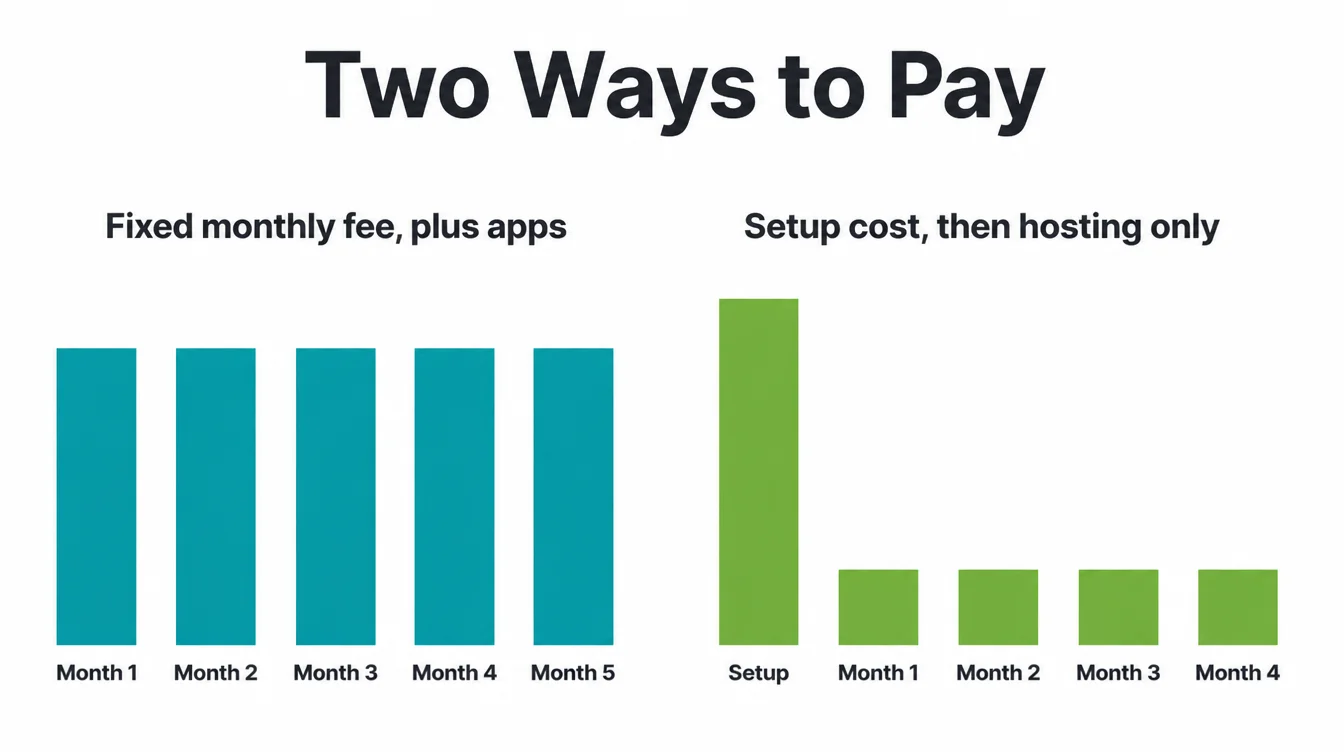
Shopify is a predictable monthly fee, plus whatever apps you add, plus transaction costs depending on how you take payment.
WordPress is a larger cost at the start and a smaller one afterwards. Hosting, a theme, the plugins that are not free, and somebody's time.
Neither is reliably cheaper over several years, and the apps are what people underestimate on one side while underestimating the hours on the other.
Work it out over three years rather than one month, and include the maintenance however you intend to pay for it.
If the answer is your own evenings, price those honestly, because that is the cost that gets forgotten.
Apps are the other forgotten cost. A shop running six paid apps can end up paying more each month than the subscription itself.
Who Keeps It Running
This is the question that decides more unhappy projects than any feature comparison ever has.
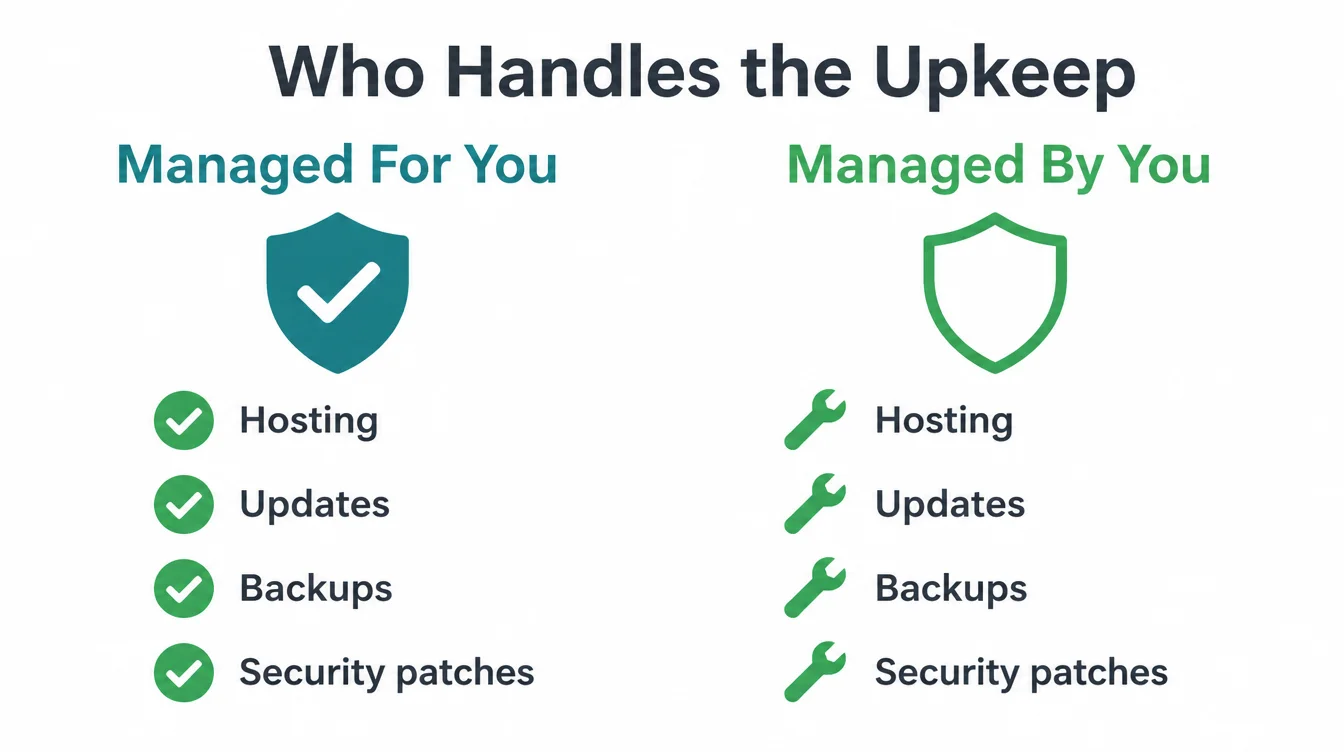
Shopify handles hosting, updates, backups and security patches as part of the subscription. Nothing breaks because a plugin went unmaintained.
On WordPress those four jobs exist and belong to somebody. You, an agency, or a managed host that includes them in the price.
The failure is never dramatic. It is a shop built enthusiastically, maintained by nobody at all, and quietly broken one morning when something updates badly.
On a shop that is worse than on a website, because a broken checkout costs money by the hour.
Answer this before choosing, not after. Name the person or the service and put it in the budget.
Growing Into It
Both platforms scale perfectly well, and they scale differently enough to be worth describing properly.
The difference shows up on your busiest day of the year rather than on an average one.
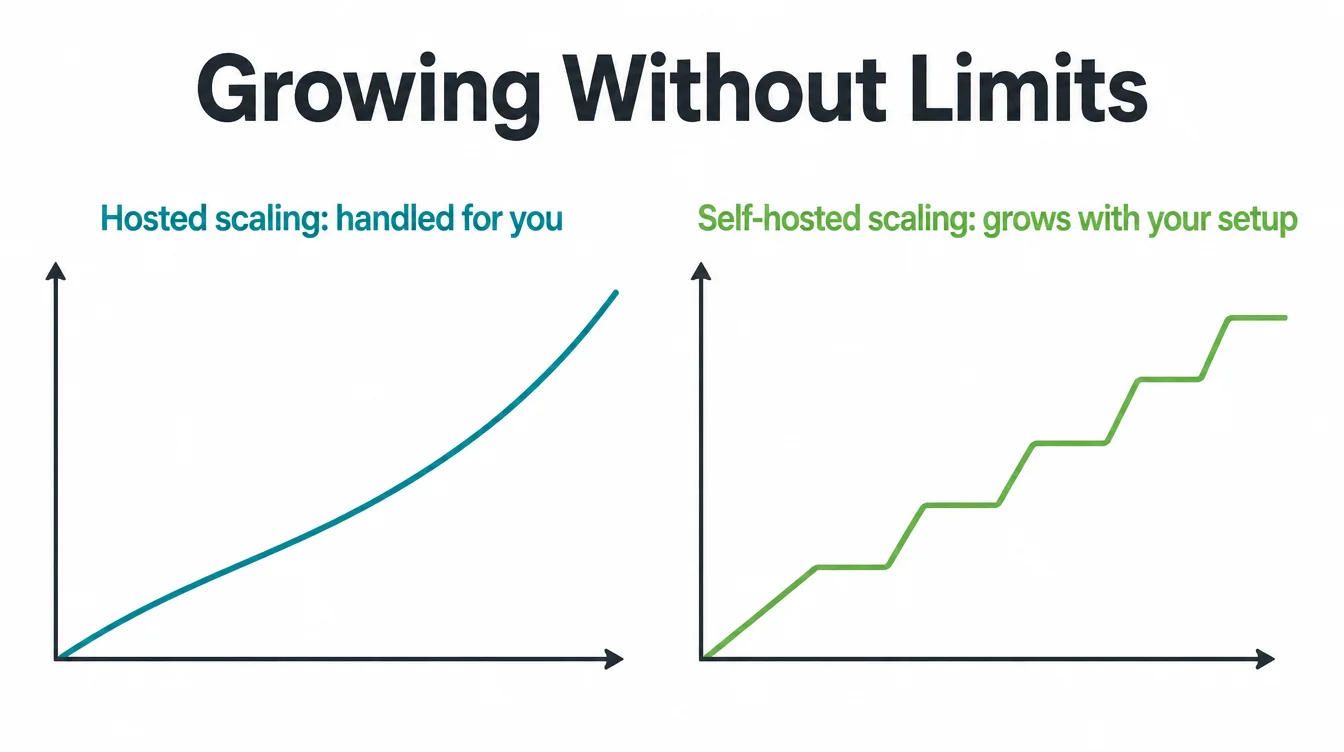
Shopify absorbs growth quietly. A busy day is somebody else's infrastructure problem, and the platform handles the traffic without anybody noticing.
WordPress grows in steps. You outgrow a hosting plan, move up, outgrow it again, and each step is a decision somebody makes deliberately.
Neither pattern is better than the other. One is smooth and rented, and the other is staged and owned outright.
What matters is knowing which pattern you are signing up for, because the staged one needs somebody watching for the step.
Growth also changes which platform fits. A shop that doubles every year eventually wants different things from one selling steadily.
Shopify or WordPress for an Online Store
| Your situation | Points towards |
|---|---|
| Selling is the whole point of the site | Shopify |
| Nobody will maintain a website | Shopify |
| You want to trade this month | Shopify |
| Content is your main marketing channel | WordPress |
| You want to own and move it | WordPress |
| A few products beside a bigger site | WordPress |
| A design nobody else has | WordPress |
Most businesses match several rows in one direction. Where the rows disagree, let the maintenance row settle it.
A shopify vs wordpress decision made on that row alone is right more often than one made on features.
Common Mistakes
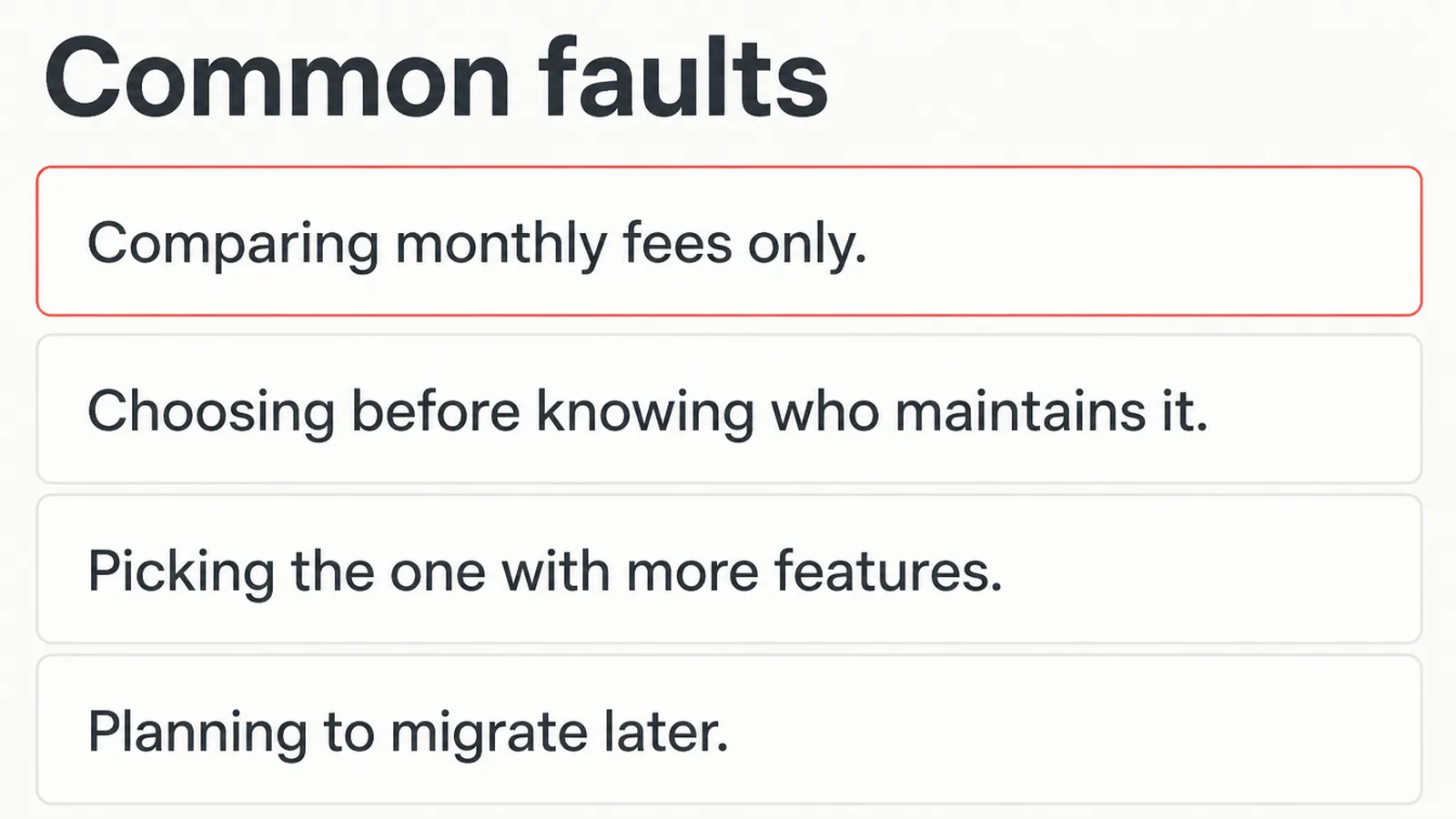
- Comparing monthly fees only. Apps and hours both count.
- Choosing before naming the maintainer. The job exists either way.
- Picking on feature count. You will use a fraction of either.
- Planning to migrate later. Moving a shop is genuinely hard.
- Installing twenty plugins. Each one is something to maintain.
- Ignoring the address structure. One platform fixes it for you.
- Assuming one cannot do SEO. Both do the basics properly.
FAQs
Is WordPress or Shopify better for an online store?
Shopify, if selling is the main point of the whole site. The inventory, shipping rules, discount codes, abandoned cart recovery and the checkout are all built in and already work together. WordPress suits a shop attached to a site that is mostly content.
Is Shopify good for SEO and blogging?
It handles the basics properly and constrains you in one specific way. The address structure for blogs, products and collections is fixed and cannot be changed at all, which matters to almost nobody until content becomes a main marketing channel.
Which is cheaper, WordPress or Shopify?
Neither one reliably, and comparing the monthly fees alone misleads people. Shopify is a predictable subscription plus apps and transaction costs. WordPress is a larger cost up front and a smaller one afterwards, plus somebody's time, which belongs in the comparison.
Can I move from Shopify to WordPress later?
You can, and it is real work rather than a simple export. Products, orders, customers, addresses and redirects all have to be handled deliberately by somebody. Treat the choice as a commitment for several years rather than as something to revisit casually.
Which needs less maintenance?
Shopify, and clearly so. Hosting, updates, backups and security patches are all part of the subscription you already pay. On WordPress those four jobs still exist and belong to you, an agency, or a managed host that includes them in what it charges.
Conclusion
WordPress vs Shopify is a question about what the site is mainly for, not which platform is better.
Shopify is a shop with pages attached, and it suits a business that wants to sell quickly without thinking about the machinery.
WordPress is a website that can sell, and it suits a business built on content, or one that wants to own and shape everything.
Decide who maintains it before anything else, then let the rest of the comparison follow from that.
If you would rather hand it over, see how we approach e-commerce website design.