Image SEO: Improve Image Speed, Accessibility and Rankings

Image SEO means naming files clearly, compressing them, writing honest alt text, setting width and height, and lazy-loading below-fold images so pages stay fast. Web.dev reports that images are the largest element on over 70% of pages. Seed Light names, compresses and labels each image on the sites it builds.
Key takeaways
Short on time? Here is the whole of image SEO in five lines before we break each item down.
- Images are usually the heaviest thing on your page. On more than 70% of pages, the largest element in the first view is an image (web.dev, 2024).
- Most images have no label. 45% of image elements have no alt text, which Google calls the most important attribute for an image (Web Almanac, 2024).
- Modern formats shrink files a lot. WebP lossy images are 25 to 34% smaller than JPEG (Google, 2024).
- Speed pays. A 0.1 second mobile speed gain lifted conversion 8.4% for retail sites (web.dev, 2020).
- Load order matters. Load your hero image eagerly and lazy-load everything below the fold.
1. Why images matter for SEO
Image SEO sounds technical, but the idea is simple. You give your pictures clear names, small file sizes, and honest labels so they load fast and search engines understand them. Most owners skip this. So a little effort goes a long way.
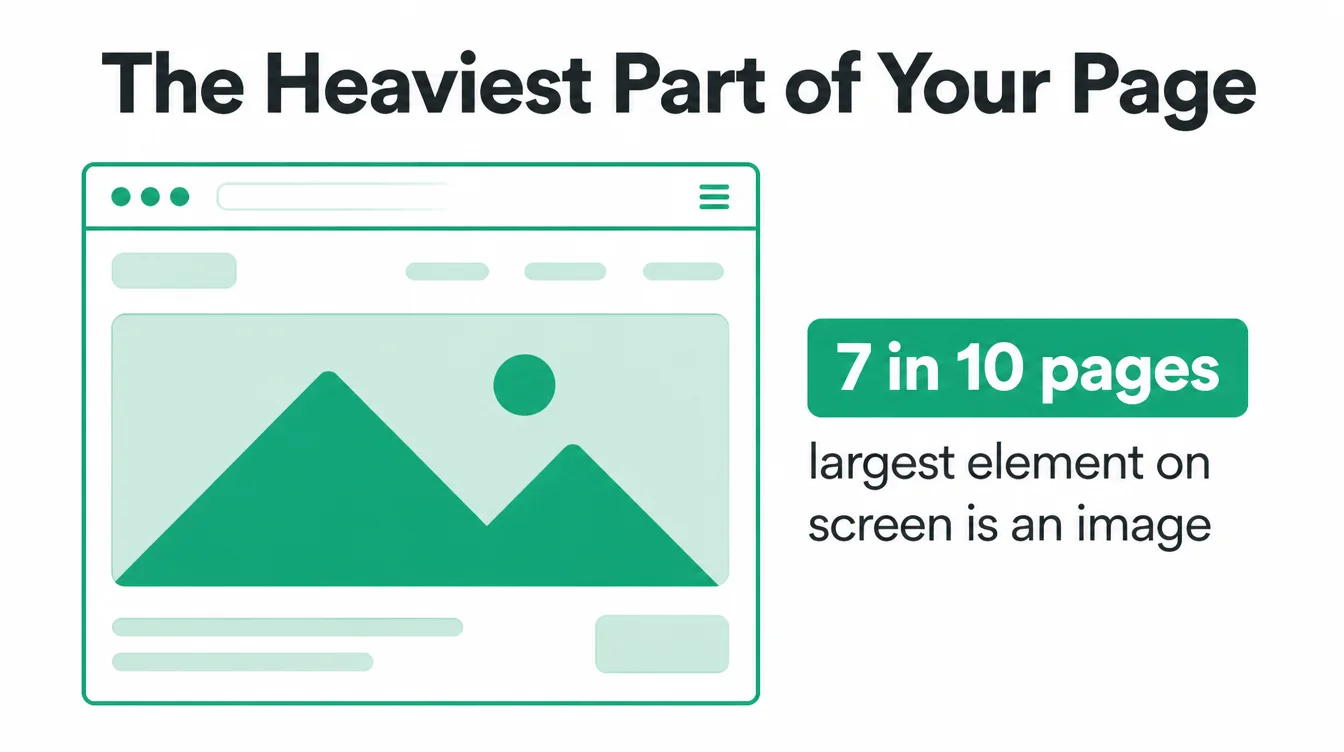
Here is the first reason it matters. Images are usually the biggest thing your page has to load. On more than 70% of webpages, the largest element in the first view of the screen is an image (web.dev, 2024).
When that image is heavy, your page feels slow, and slow pages lose customers. In one well known study, a 0.1 second improvement in mobile load time raised conversion by 8.4% for retail sites and 10.1% for travel sites (web.dev, 2020).
The second reason is visibility. Your pictures can show up in Google Images, which is a whole extra place customers can find you.
To get there, Google needs to understand each image, and it leans on the file name, the alt text, and your sitemap to do it. For the bigger picture on how search works, read what is SEO, then come back here for the image part.
2. Give every image a descriptive file name
Your camera names files like IMG_4821.jpg. That tells Google nothing. So rename the file before you upload it, and describe what is actually in the shot.
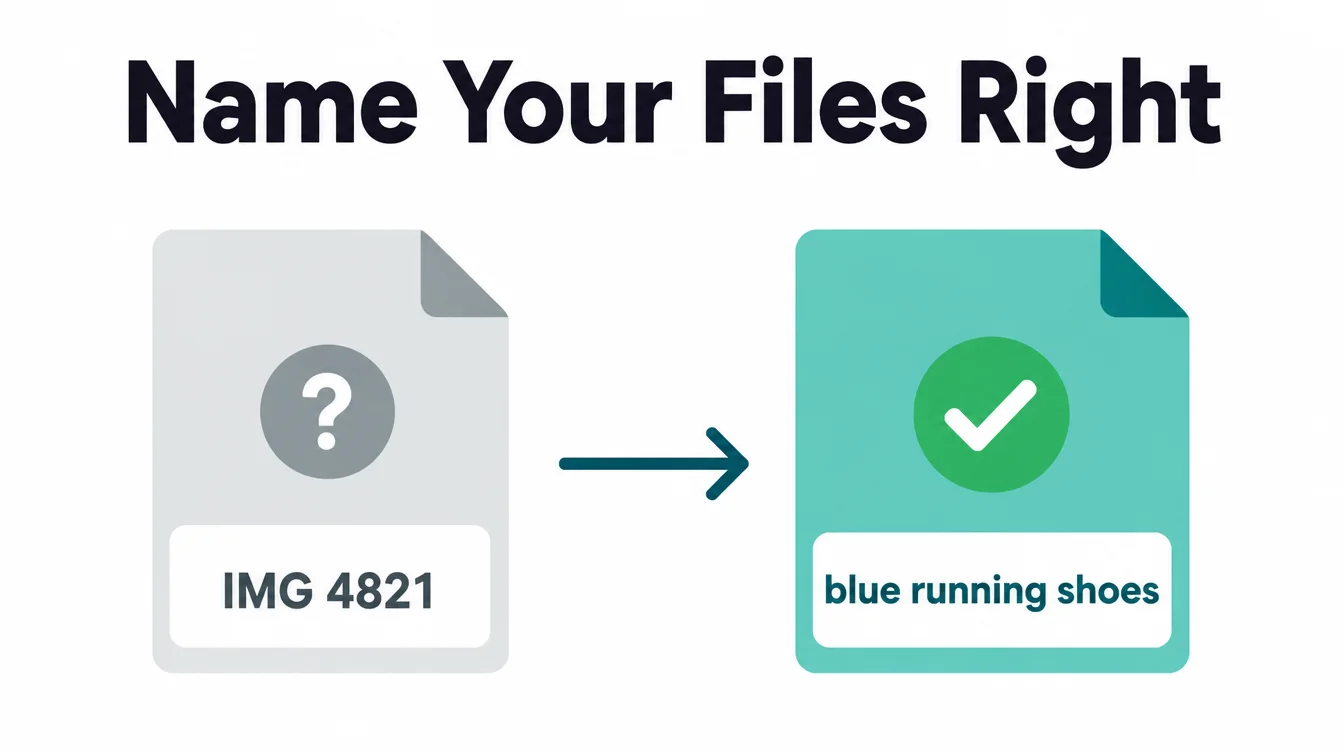
Good file names are short, lowercase, and use hyphens between words. For example, blue-running-shoes.jpg beats IMG_4821.jpg, and georgetown-cafe-interior.webp beats photo2-final-FINAL.png. Google recommends descriptive file names because they help it work out what the image is about (Google, 2024).
A natural keyword usually appears on its own when you describe the picture honestly. So do not force it. Avoid stuffing words that have nothing to do with the image, and do not use spaces or odd characters in the name. One clear, human name per file is all you need.
3. Write helpful alt text
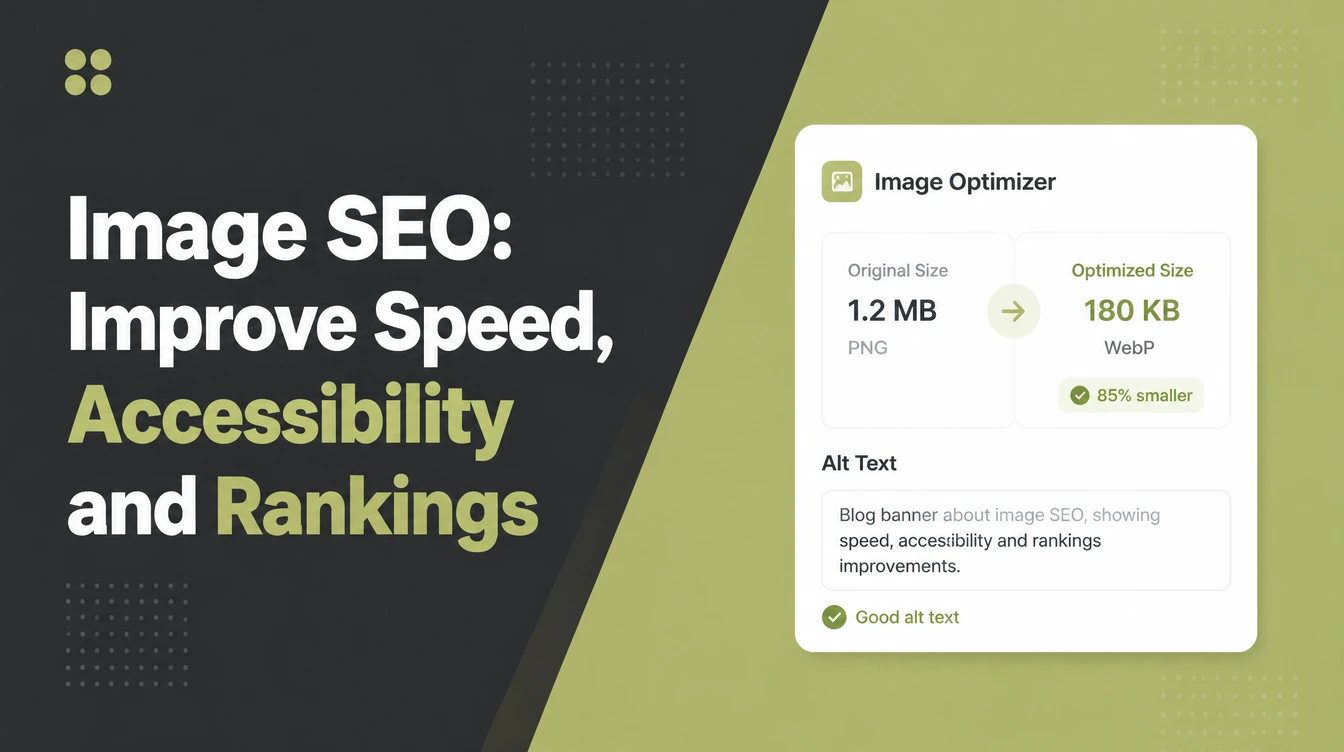
Alt text is the short description attached to an image. The best part is that the same text does two jobs. It helps people who use screen readers, and it helps Google understand the picture. Get it right once and you cover both.
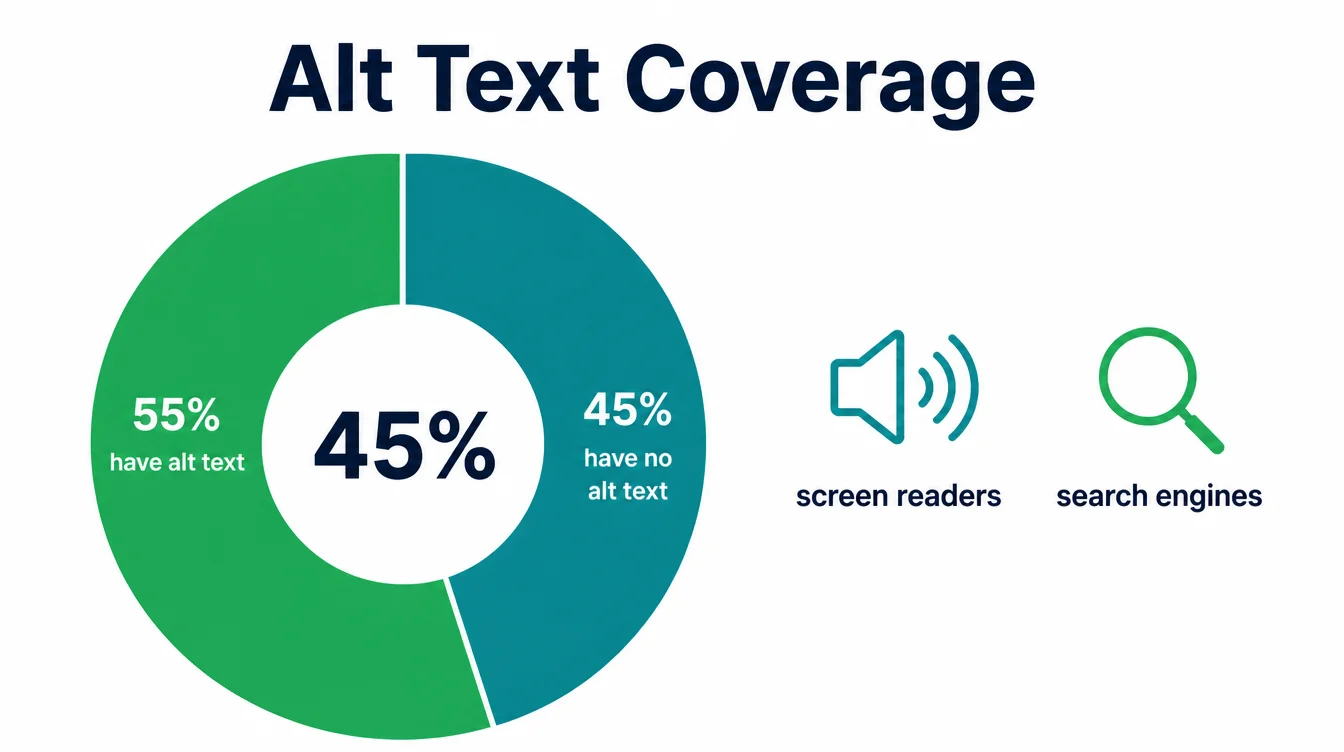
This is a real gap on most sites. Across the web, 45% of image elements have no alt text at all (Web Almanac, 2024). Yet Google calls alt text the most important attribute for an image (Google, 2024). So writing it puts you ahead of nearly half the web for free.
How to write it well
Describe the image in a short, plain sentence, the way you would tell a friend who cannot see it. Aim for roughly 10 to 125 characters. Do not start with "image of," because screen readers already announce that it is an image.
Furthermore, do not jam in keywords. If a picture is purely decorative, leave the alt text empty so screen readers skip it. For more on this kind of accessible build, see how to make a website mobile friendly.
4. Compress and use a modern format
Most slow pages have one thing in common. They serve huge, uncompressed images. So the single biggest speed win for many small business sites is shrinking the pictures.
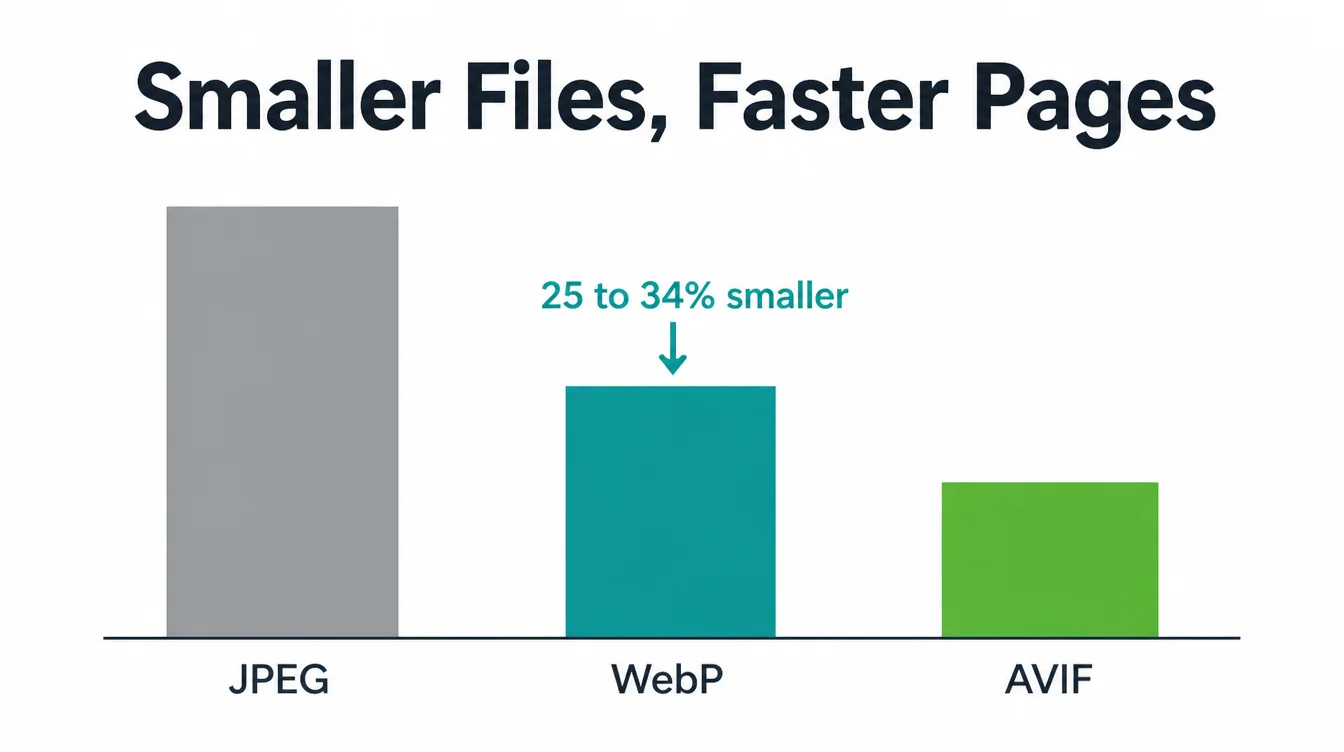
Start with the format. For most sites, WebP is the safe default. Google reports that WebP lossy images are 25 to 34% smaller than comparable JPEG images, and WebP lossless images are 26% smaller than PNGs (Google, 2024).
AVIF can be even smaller and is worth using when your tools support it. Both load faster than the old JPEG and PNG files you probably have now.
Then compress. Run each image through a compression tool, or let your site builder do it on upload. You will often cut the file size by more than half without any visible drop in quality. Do this once for every image and your whole site speeds up.
5. Size images right and use responsive images
A common mistake is uploading a giant photo and letting the browser shrink it on screen. The visitor still downloads the giant file. So resize the image to the largest size it will actually appear before you upload it.
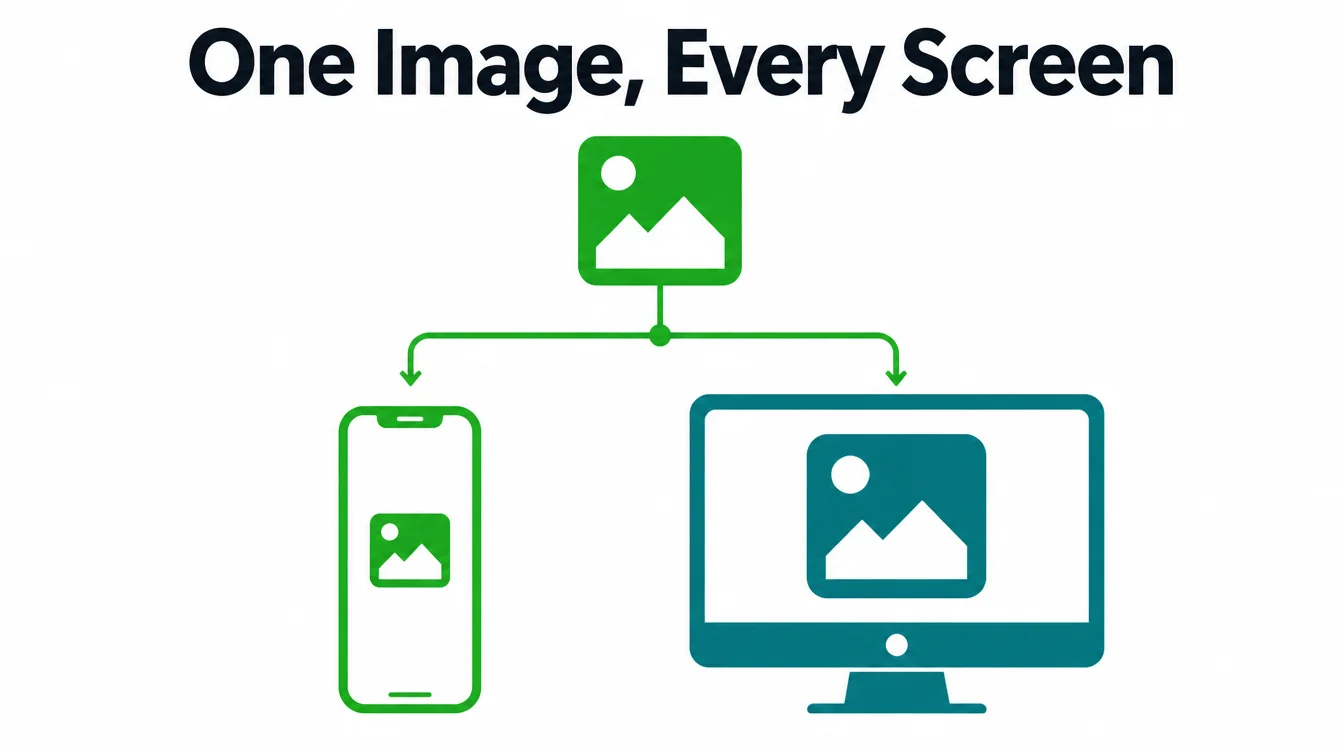
Next, go responsive. A responsive image lets the browser pick a smaller version for a phone and a bigger one for a desktop, so nobody downloads more than they need.
This matters because about half of web traffic is mobile, and the typical mobile page already contains 13 image elements (Web Almanac, 2024). Yet only about 42% of images use the responsive srcset feature, so most sites are still serving one heavy size to everyone.
The good news is you rarely set this up by hand. Modern site builders and image tools add responsive versions for you.
The thing to check is that your images carry a width and height so the layout does not jump as they load. If your site struggles on phones, that is a build issue, and our web design service handles it.
6. Load above-the-fold images eagerly, lazy-load the rest
Lazy loading delays an image until a visitor scrolls near it. As a result, the page opens faster because it only loads the pictures people can actually see. It is a great tool, but only when you point it at the right images.
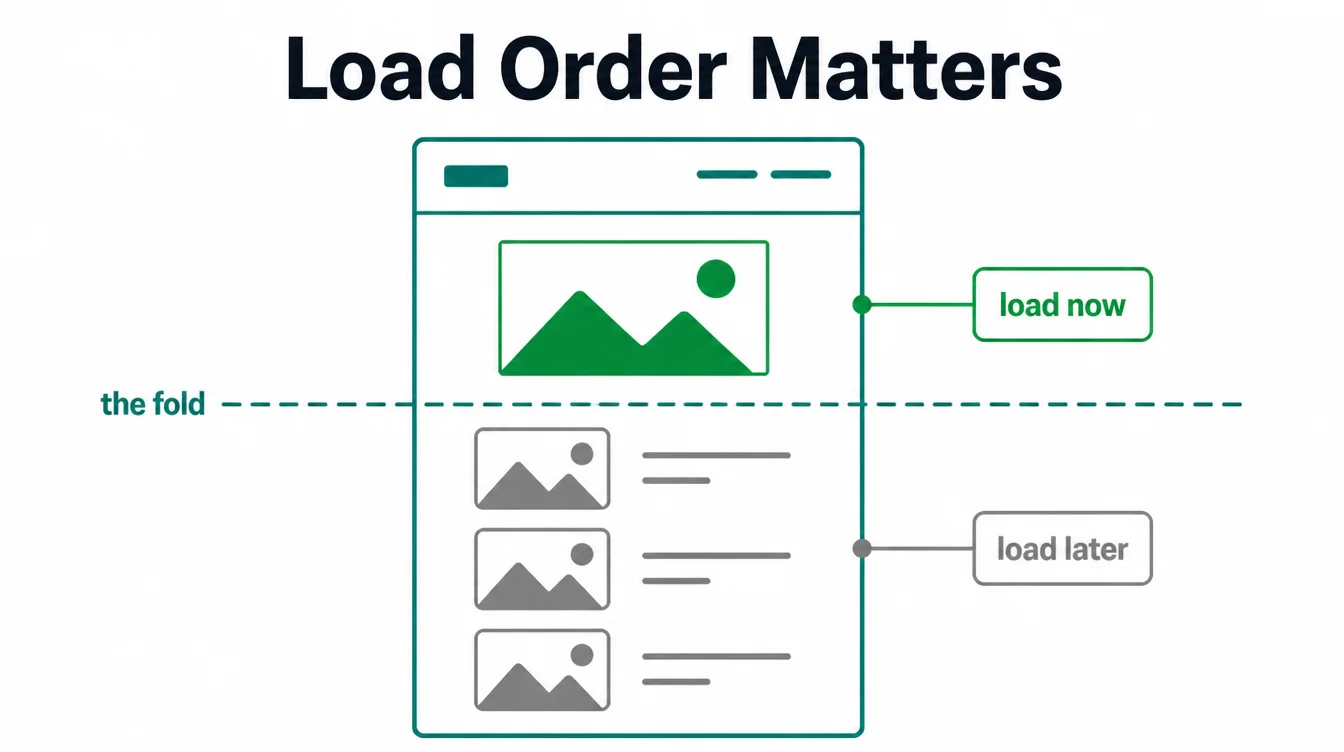
The lazy-load-your-hero mistake
Here is the trap. Plenty of sites lazy-load every image, including the big one at the top of the page. That image is usually your largest visible element, so delaying it makes the page feel slower, not faster.
In fact, only about 9.5% of those top images use native lazy loading, and that is the right call (Web Almanac, 2024).
So the rule is simple. Load the image at the top of the page eagerly, the moment the page starts. Then lazy-load everything below the fold.
Most site tools let you flip this with a single setting per image, and getting it right is one of the easiest speed wins you can make. It also fits the broader work in our on-page SEO checklist.
7. Add images to your sitemap
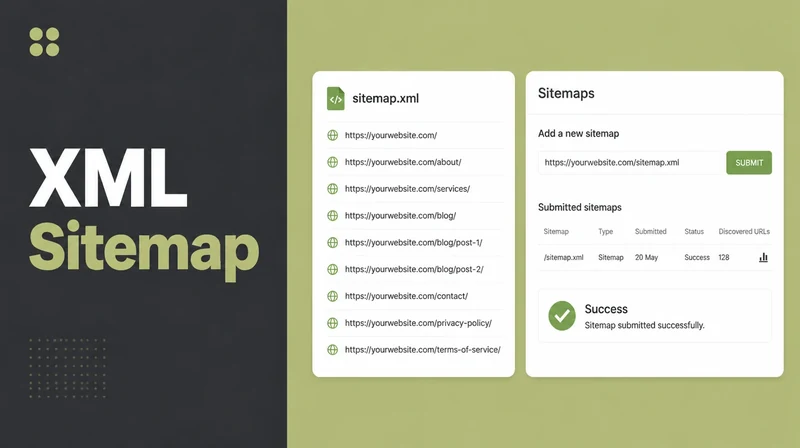
A sitemap is a file that lists your pages so search engines can find them. You can add your images to it too, which helps Google discover pictures it might otherwise miss, such as ones loaded with code.
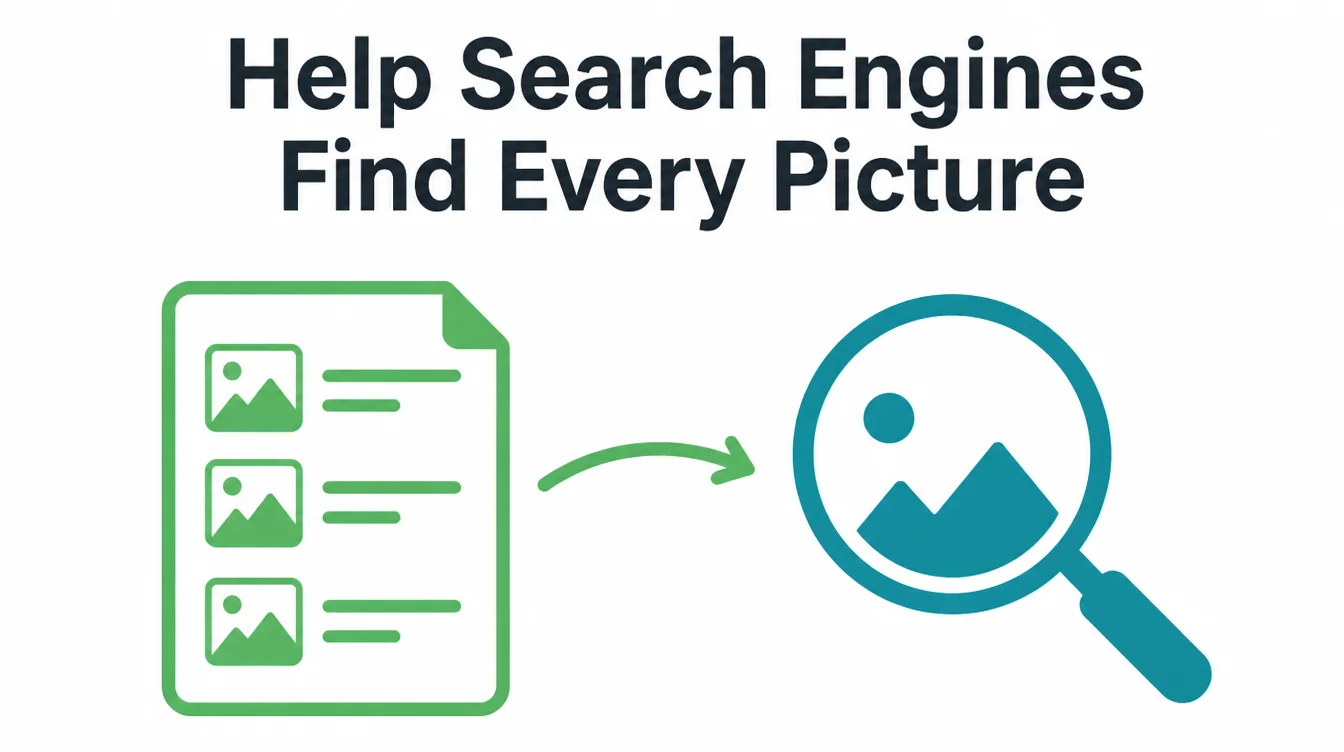
Google supports image entries in your sitemap and recommends them to help your images get found (Google, 2024). The good news is you almost never write this by hand.
Most site builders and SEO plugins generate an image sitemap for you, so the task is usually just turning the feature on and confirming it is there. Keeping it current is part of regular upkeep, which we cover in our website maintenance checklist.
8. A quick image SEO checklist
Here is the whole guide in one table. Run through it for each important image on your site, and you have covered the parts that actually matter.
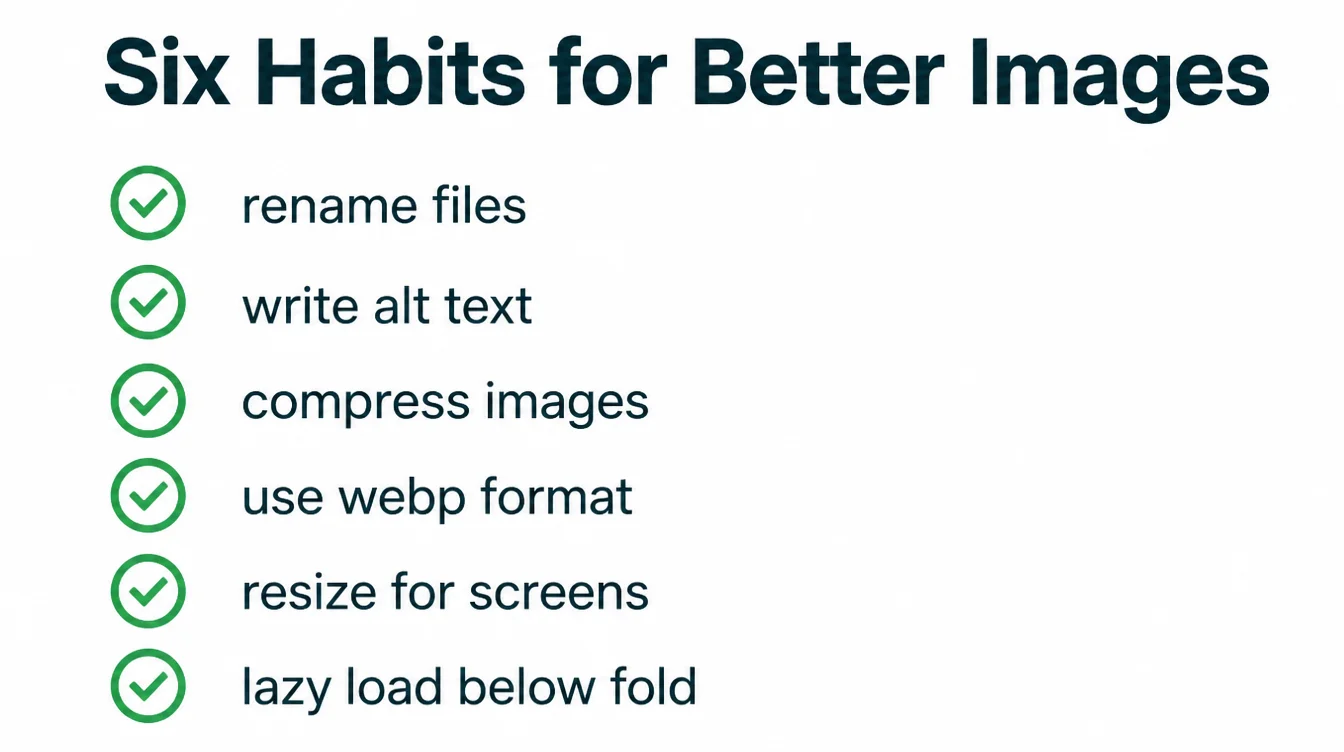
| Do this | Why it matters |
|---|---|
| Rename the file before upload | A descriptive name gives Google a clue about the image before it loads |
| Write short, honest alt text | Helps screen readers and search engines, and 45% of images skip it |
| Compress every image | Cuts file size in half or more with no visible quality drop |
| Use a modern format like WebP or AVIF | WebP is 25 to 34% smaller than JPEG, so pages load faster |
| Resize and serve responsive versions | Phones get a smaller file, so nobody downloads more than they need |
| Lazy-load images below the fold | The first view loads faster while the hero still loads eagerly |
Work through it once for your homepage and top pages, then make it a habit for every new image. For more practical guides, browse the Seed Light blog or see our SEO services.
Frequently asked questions
1. Does alt text help SEO?
Yes. Alt text is the short description you give an image so screen readers can read it out and search engines can understand it. Google calls it the most important attribute for image metadata, and it is one of the main signals it uses for image search. So writing clear, honest alt text helps both accessibility and ranking at the same time, which is rare. Skipping it is a missed win, and 45% of images have no alt text at all.
2. What is the best image format for SEO?
For most small business sites, WebP is the safe default. Google reports that WebP lossy images are 25 to 34% smaller than comparable JPEG images, and WebP lossless images are 26% smaller than PNGs. AVIF can be even smaller and is worth using when your tools support it. Smaller files load faster, and faster pages tend to rank and convert better, so the format you choose has a direct effect on results.
3. How do I write good alt text?
Describe what is in the picture in a short, plain sentence, the way you would tell a friend who cannot see it. Aim for roughly 10 to 125 characters. Do not start with phrases like image of, and do not stuff keywords. If the image is purely decorative, leave the alt text empty so screen readers skip it. Good alt text helps people who use screen readers and gives search engines an honest description to work with.
4. Should image file names include keywords?
Image file names should be descriptive, which often includes a natural keyword. Google recommends descriptive names because they provide a clue about the image. Rename IMG_4821.jpg to blue-running-shoes.jpg, use hyphens, keep it short and describe the actual picture. Avoid unrelated keywords.
5. Does lazy loading help or hurt SEO?
Lazy loading helps SEO when used correctly. It delays off-screen images until a visitor scrolls near them, which speeds up the first view. Do not lazy-load the hero or main image because that slows the largest visible element. Load above-the-fold images eagerly and lazy-load those below.
6. What is an image sitemap?
An image sitemap is extra information you add to your sitemap that lists the images on your pages. It helps search engines find pictures they might otherwise miss, such as ones loaded with code. Google supports image entries in your sitemap and recommends them to help your images get discovered. Most modern site tools and SEO plugins can build this for you, so you rarely have to write it by hand.