
HTTPS and SEO: Why SSL Still Matters for Rankings and Trust

HTTPS is a confirmed Google ranking signal, but a light one, affecting fewer than 1% of queries. Its real value is trust, since browsers flag plain HTTP pages as Not Secure. Switch with a certificate, site-wide 301 redirects and a mixed-content sweep. Seed Light runs HTTPS switches and migrations for small business sites.
Key takeaways
- HTTPS is a confirmed ranking signal, but a light one. Google said it is "a very lightweight signal, affecting fewer than 1% of global queries" (Google Online Security Blog, 2014).
- The real win is trust. A padlock builds credibility. A "Not Secure" label scares people away from your forms.
- Switching is usually free. Most hosts include a free SSL certificate you can turn on in your control panel.
- Do it cleanly or risk traffic. Use 301 redirects, fix mixed content, and resubmit your sitemap.
1. Is HTTPS a ranking factor?
Yes. HTTPS is a confirmed SEO ranking factor, but it is a light one.
Google announced in 2014 that it uses HTTPS as a signal, calling it "a very lightweight signal, affecting fewer than 1% of global queries" (Google Online Security Blog, 2014). So HTTPS will not rocket a weak page to the top.
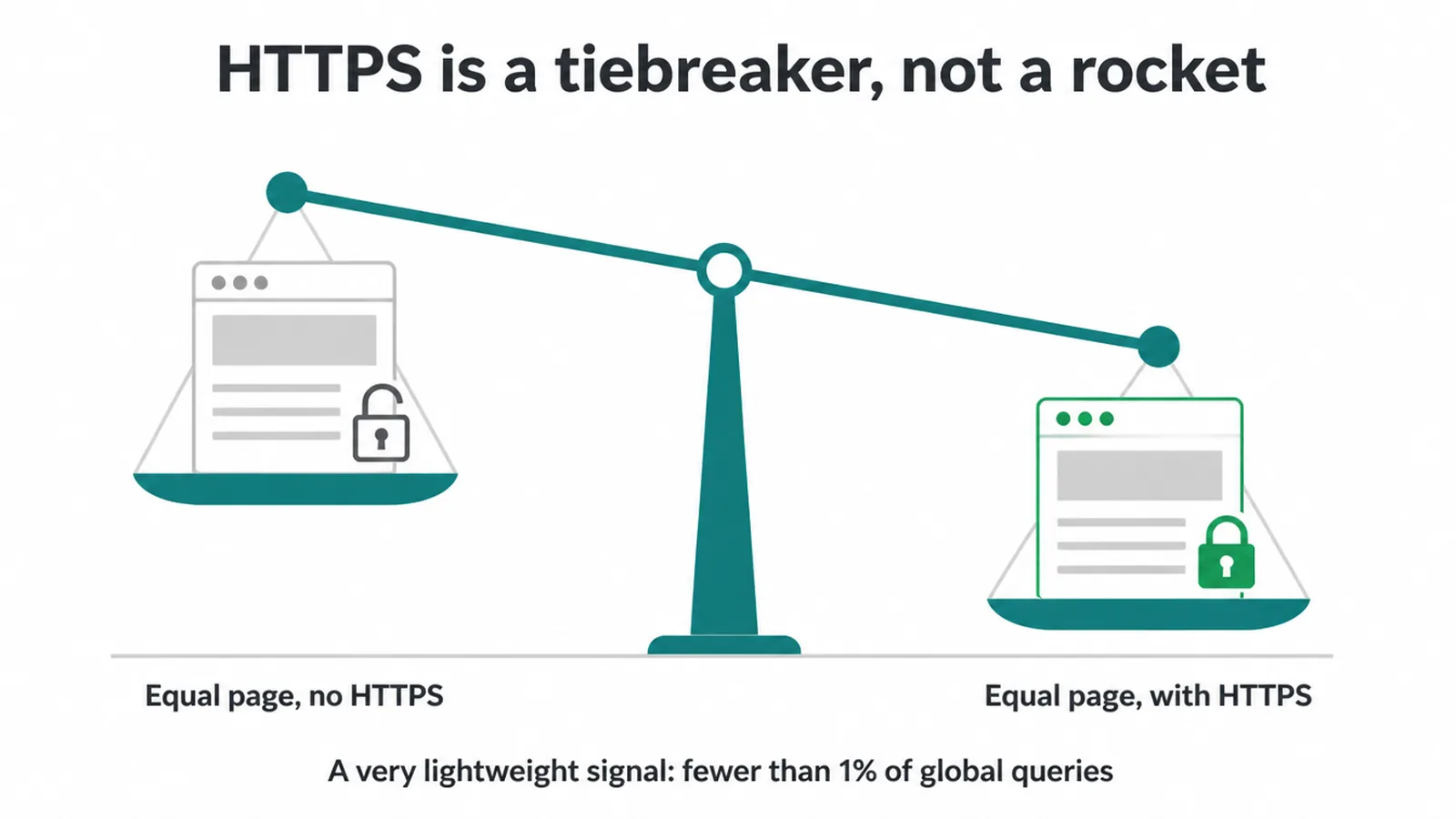
Think of it like a tiebreaker. If two pages are roughly equal, the secure one can edge ahead. That is useful, but it is not the whole game. Plenty of other things matter far more, like your content, your links, and your page speed and Core Web Vitals.
One more thing worth noting. In the same post, Google wrote, "But over time, we may decide to strengthen it." So treating HTTPS as a baseline, not an extra, is the smart bet. Today it is small. Tomorrow it may count for more.
2. Why HTTPS matters for trust
The trust side of HTTPS and SEO is bigger than the ranking side. People judge your site in seconds. A green padlock says "this is safe". A grey "Not Secure" warning says the opposite, and it sits right next to your web address where everyone can see it.
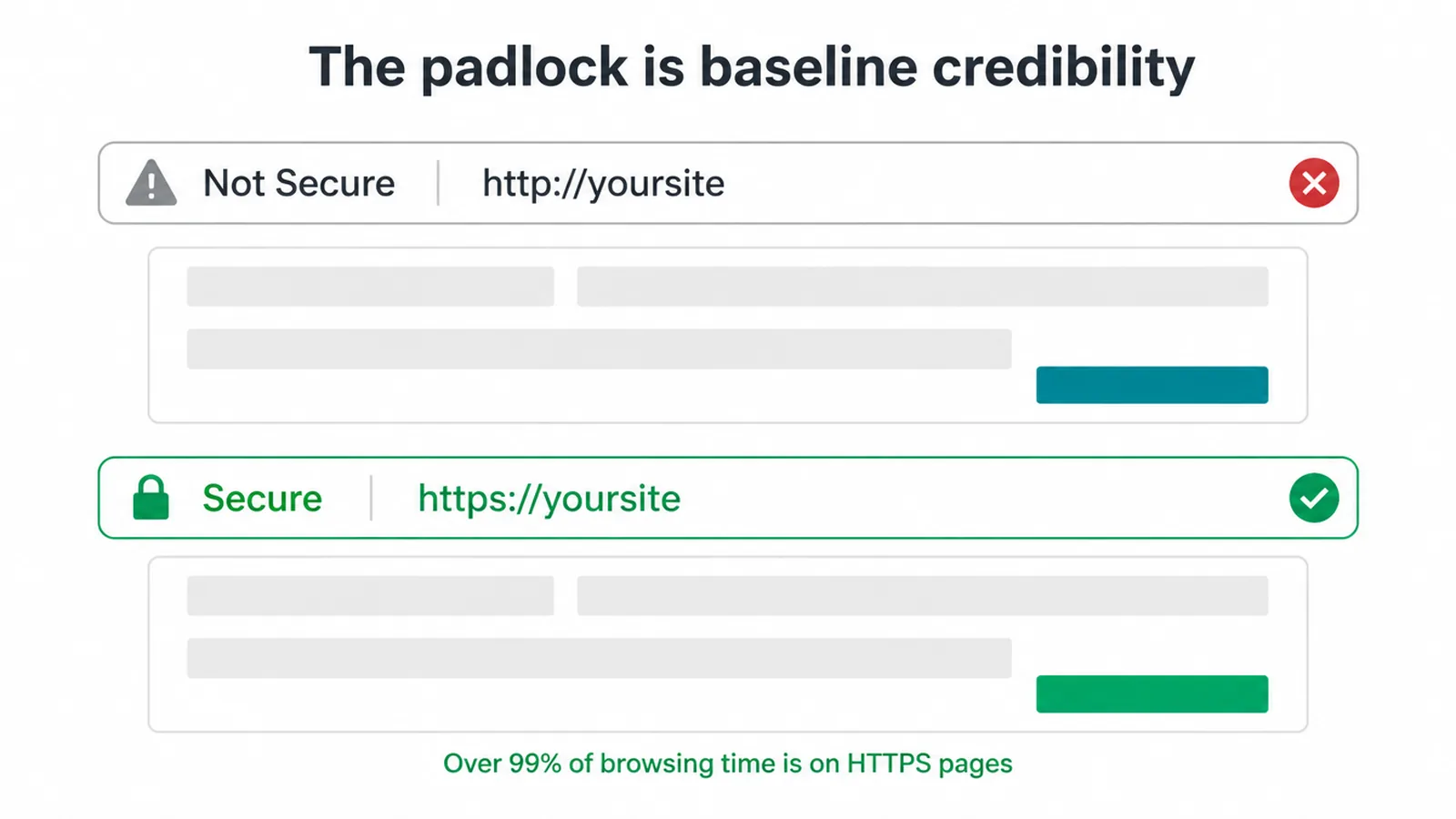
From Chrome 68, browsers began "marking all sites that are not encrypted with HTTPS as 'not secure'" (blog.google, 2018). That warning is now normal across the web.
In 2018, Google reported that "76 percent of Chrome traffic on Android is now protected" (blog.google, 2018). Visitors expect the padlock. When it is missing, they notice.
This hits forms and checkouts hardest. If someone is about to type a phone number, an email, or a card detail and they see a warning, many will stop.
That is lost leads and lost sales. The padlock is not a luxury. It is the baseline credibility your site needs before anyone trusts you with their details.
3. HTTP vs HTTPS in plain words
HTTP and HTTPS both move web pages from your server to a visitor. The difference is the "S", which stands for secure. With plain HTTP, the data travels in the open, like writing on a postcard that anyone along the way could read. With HTTPS, the data is sealed inside an encrypted envelope.
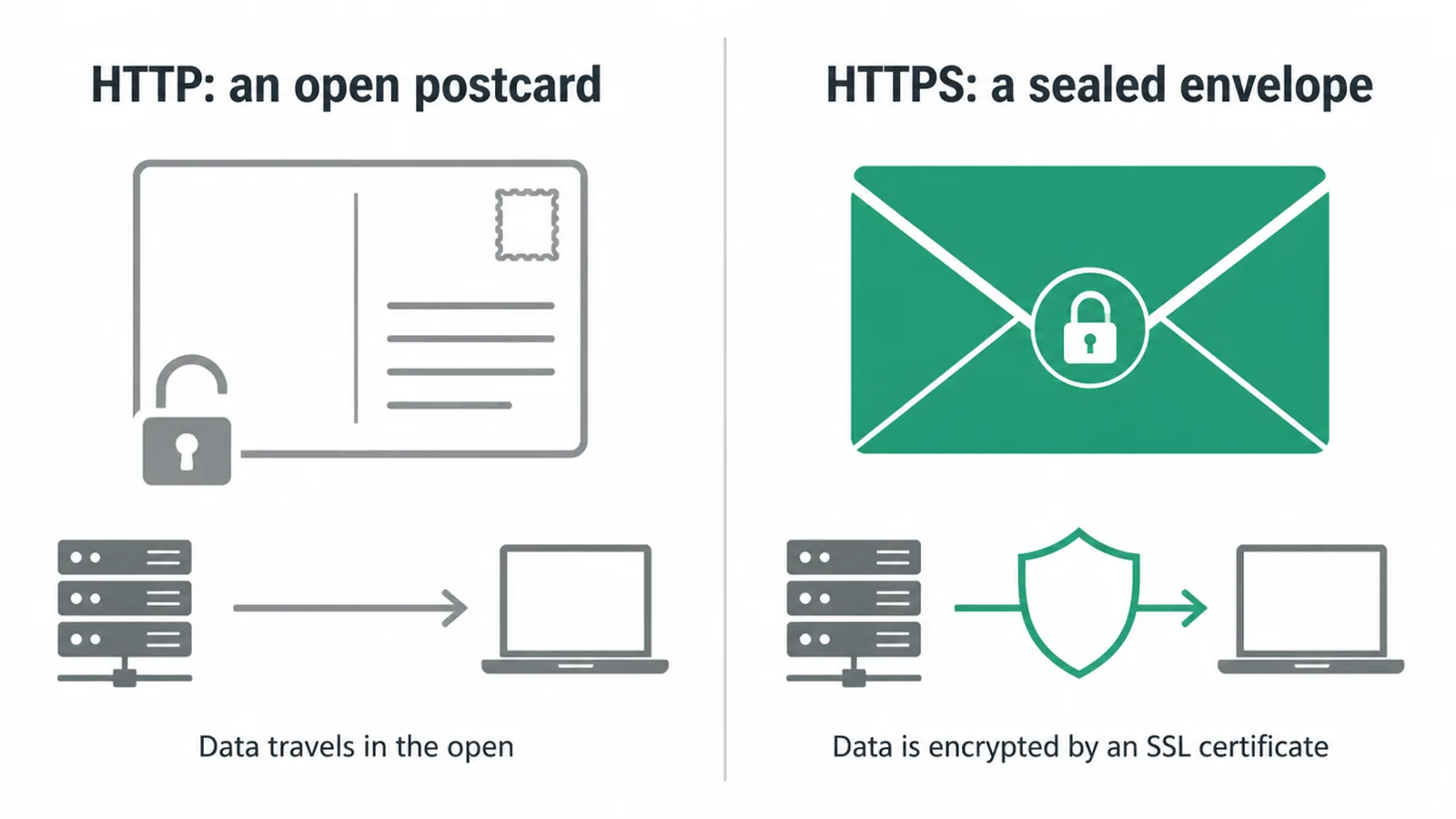
That sealing happens through an SSL or TLS certificate. It is a small file your host installs on the site. Once it is on and working, browsers show the padlock and your addresses start with "https". You do not need to understand the maths behind it. You just need the certificate in place.
4. How to switch from HTTP to HTTPS safely
Switching from HTTP to HTTPS is simple if you follow the steps in order. Rushing it is where sites lose traffic. Here is the safe path.
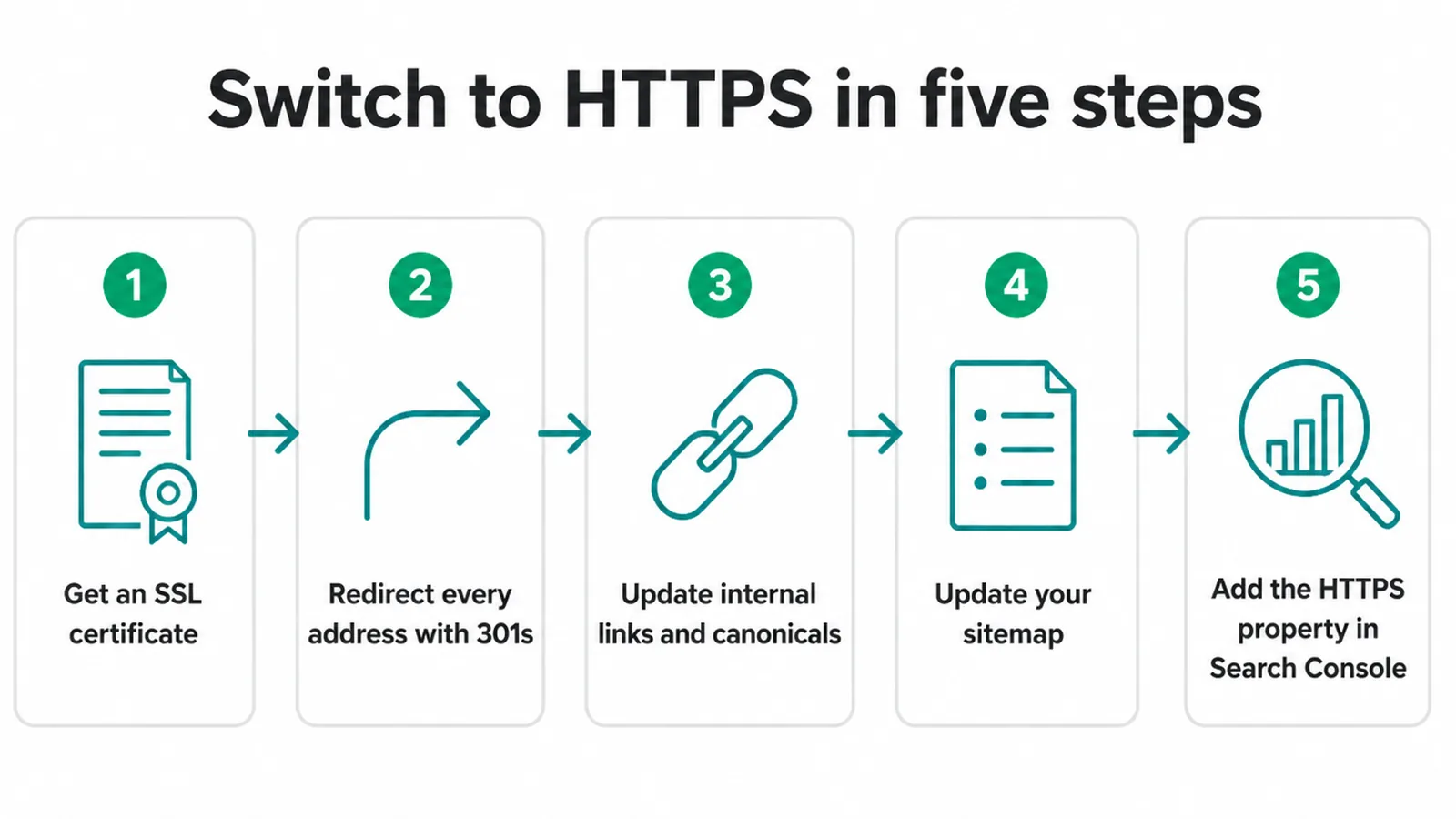
1. Get an SSL certificate. Check your host first. Many include a free certificate from Let's Encrypt that you switch on in the control panel with a click or two.
2. Redirect every HTTP address to HTTPS. Set a permanent 301 redirect from each old address to its secure version. Google confirms that "301 and other permanent redirects don't cause a loss in PageRank" (Google Search Central), so your ranking strength carries across.
3. Update internal links and canonicals. Point your menu links, buttons, and canonical tags at the HTTPS versions. Leaving old HTTP links in place creates needless redirect hops.
4. Update your sitemap. List the HTTPS addresses only, then resubmit it.
5. Add the HTTPS property in Search Console. Add the secure version as a new property and resubmit your sitemap there. Our Search Console walkthrough shows you how. This nudges Google to recrawl faster.
If this feels fiddly, it is the kind of task our website maintenance team handles quietly in the background. A clean switch is worth getting right the first time.
5. Fixing mixed content after the switch
Mixed content is the most common thing that breaks an HTTPS switch. It is when "the initial HTML is loaded over a secure HTTPS connection, but other resources... are loaded over an insecure HTTP connection" (web.dev). In plain terms, the page is secure but one item on it is not.
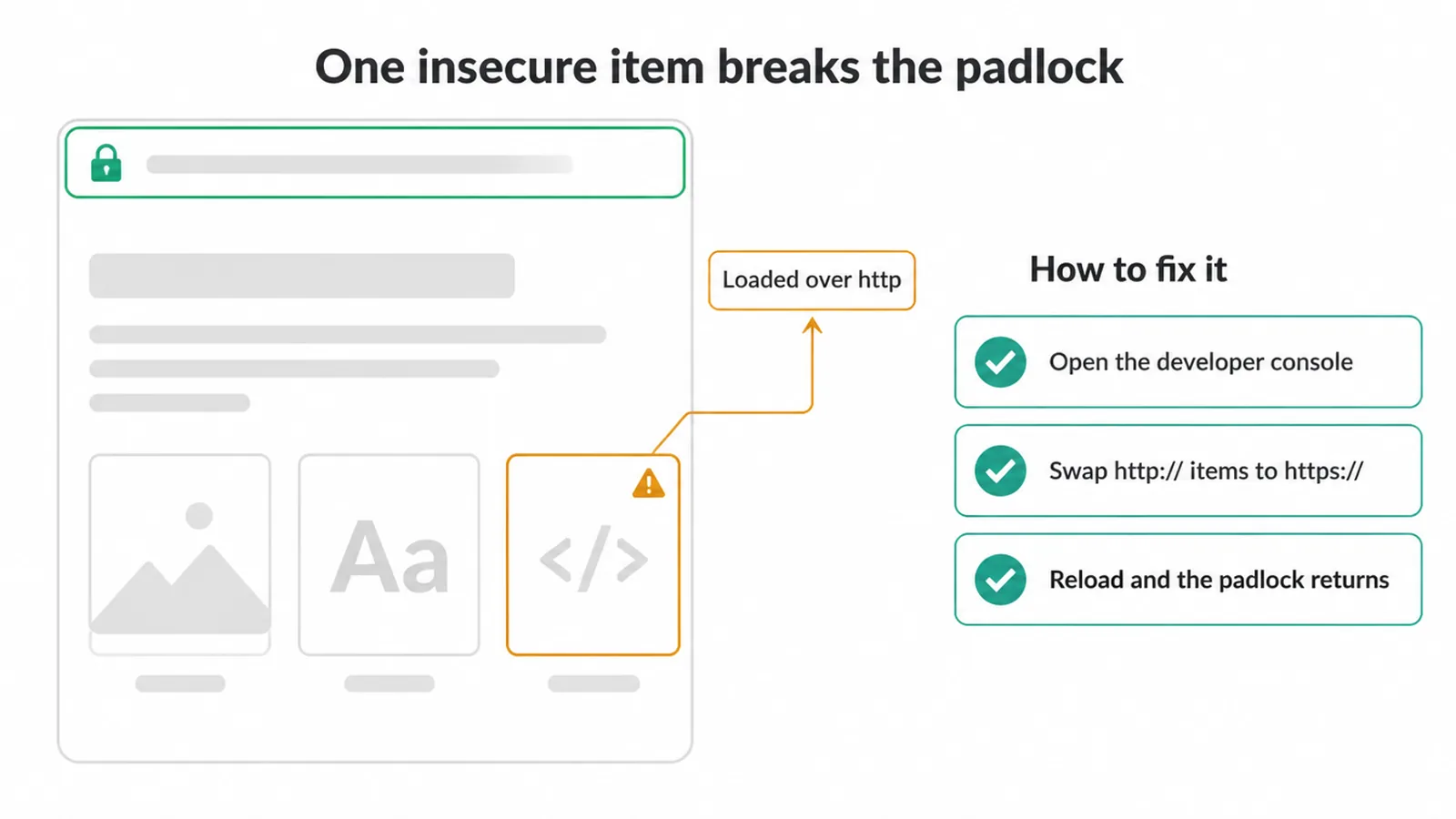
Even one HTTP image, font, or script can knock the padlock off the whole page. The browser sees the insecure item and downgrades its warning. So you can do everything else right and still look unsafe because of a single old link.
To find it, open the page in your browser and look at the developer console. It lists any blocked or insecure items. To fix it, change those "http://" addresses to "https://", or load them from a secure source.
After that, the padlock comes back. If pages keep slipping out of Google after a move, this is one of the first things to check, alongside the other causes in our guide on why a site stops showing up on Google.
6. Your HTTPS migration checklist
Here is the whole HTTPS move on one page. Work down it in order and tick each row off. This is the same kind of care any website migration needs.
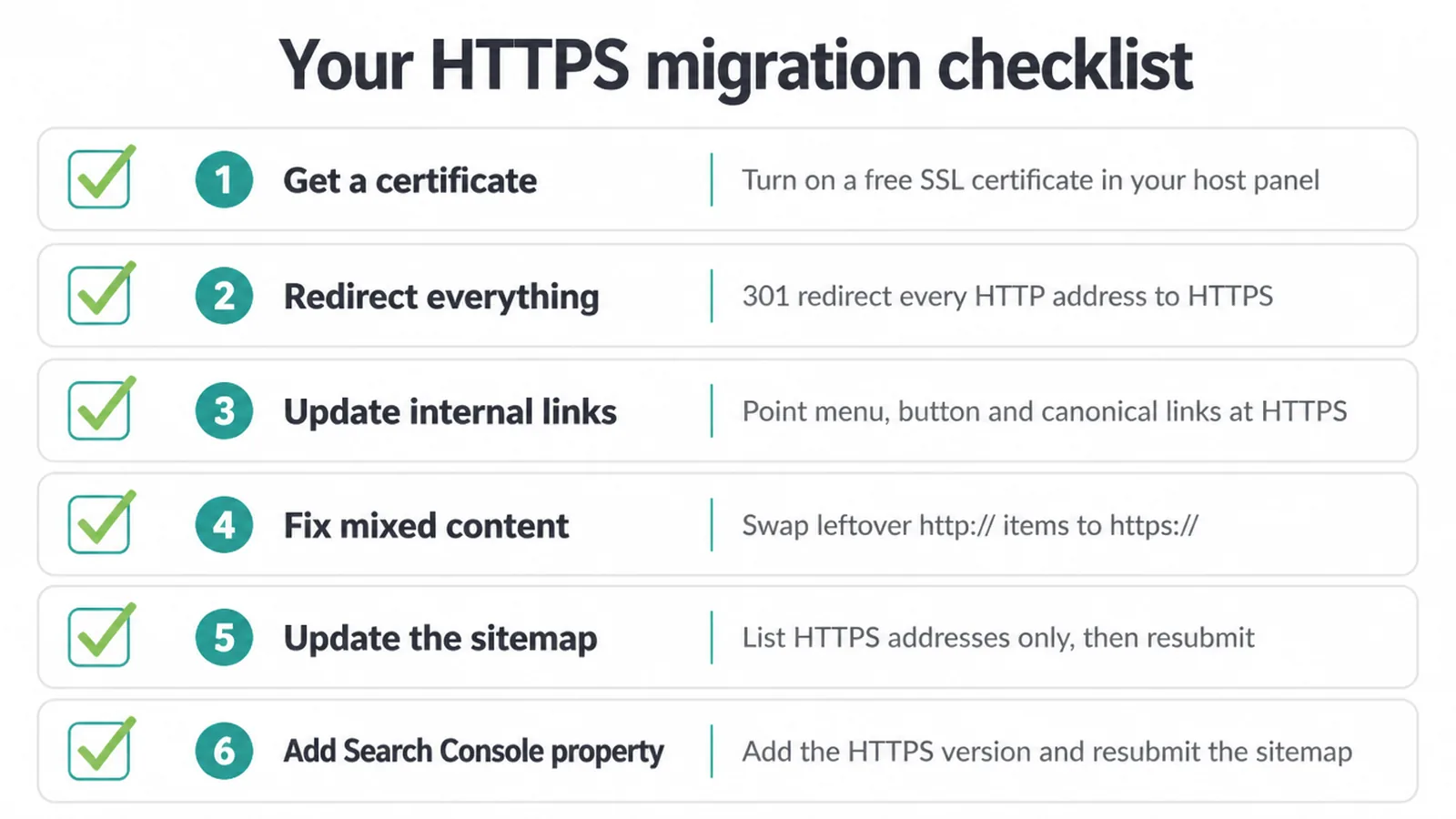
| Step | What to do | Why it matters |
|---|---|---|
| Get a certificate | Turn on a free SSL certificate in your host panel | Without it, the secure version will not load |
| Redirect everything | 301-redirect every HTTP address to its HTTPS version | Keeps ranking strength and sends visitors to the right place |
| Update internal links | Point menu, button, and canonical links at HTTPS | Stops needless redirect hops and confusion |
| Fix mixed content | Swap any leftover http:// items to https:// | Restores the padlock on every page |
| Update the sitemap | List HTTPS addresses only, then resubmit | Tells Google which addresses are the real ones |
| Add Search Console property | Add the HTTPS version and resubmit the sitemap | Speeds up recrawling and shows you any errors |
Work through that list and your switch will be clean. If you would rather hand the whole job over, our SEO team can plan and run the migration for you. For the wider build, see our website redesign service.
You can also just send us a message and we will tell you what your site needs.
Frequently asked questions
1. Is HTTPS a ranking factor?
Yes. Google confirmed in 2014 that it uses HTTPS as a ranking signal. It is a lightweight one, so it will not lift a weak page to the top on its own. Think of it as a small tiebreaker between two otherwise equal pages.
2. Does HTTPS help SEO?
A little, directly, and a lot indirectly. The direct ranking boost is small. The bigger win is trust. A secure site avoids the Not Secure label, keeps visitors from bouncing, and helps your forms and checkout pages feel safe to use.
3. Is an SSL certificate free?
Often, yes. Many hosts include a free certificate from Let's Encrypt that you can switch on in your control panel. Some hosts sell paid certificates too, but for a normal small-business site a free one does the job perfectly.
4. What does Not Secure mean in the browser?
'Not Secure' means the page loaded over plain HTTP instead of HTTPS, so the data sent between the visitor and your site is not encrypted. Chrome shows this warning on HTTP pages, and it can scare people away from your forms.
5. What is mixed content?
Mixed content is when the page itself loads over HTTPS but some items on it, like an image or script, still load over plain HTTP. Even one insecure item can break the padlock and make the page look unsafe.
6. Will switching from HTTP to HTTPS hurt my rankings?
Not if you do it cleanly. Use permanent 301 redirects from every old HTTP address to its HTTPS version, update your internal links, and resubmit your sitemap. Done right, you keep your existing ranking strength.
7. Do I need 301 redirects when moving to HTTPS?
Yes. A 301 is a permanent redirect that tells Google the new address is the real home for that page. It points people and search engines to the secure version and passes your ranking strength across without a loss.
8. How long does Google take to recognise HTTPS?
Google can take days to a few weeks to recognise HTTPS because it must recrawl your pages and follow the redirects. Adding the HTTPS version as a property in Search Console and resubmitting your sitemap can help it happen faster.







