AI for Social Media Marketing: Keep Your Voice

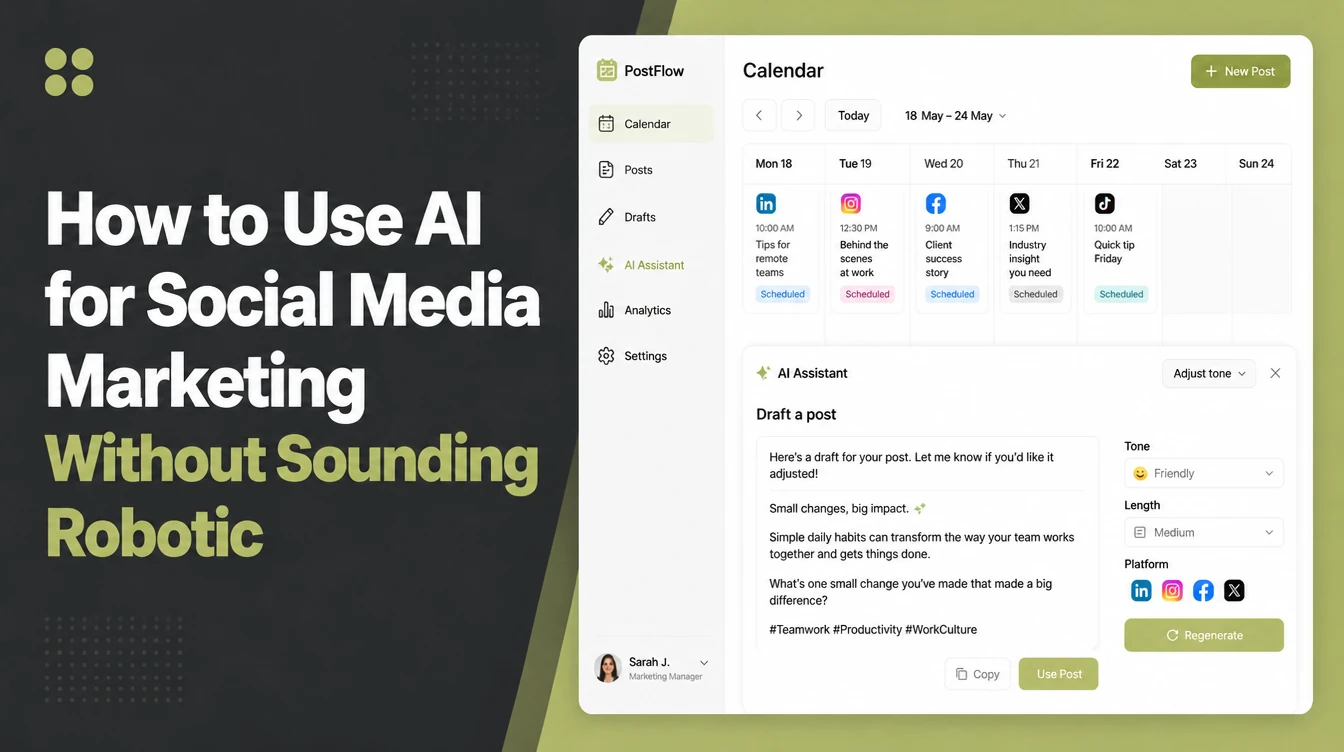
Use AI for the front half of social: idea generation, hooks, captions, repurposing one post into many, calendar planning and first-draft replies. Then edit every output so it sounds like you. Feed it real context about your customers, or you get generic filler. Seed Light runs client social this way.
Key takeaways
- AI is an assistant, not autopilot. It drafts; you direct, edit and approve. In that same survey, 88% of small businesses reported using AI tools (SBE Council, 2025).
- It gives you the average version. Every output needs a human edit to sound like your business and not everyone else's.
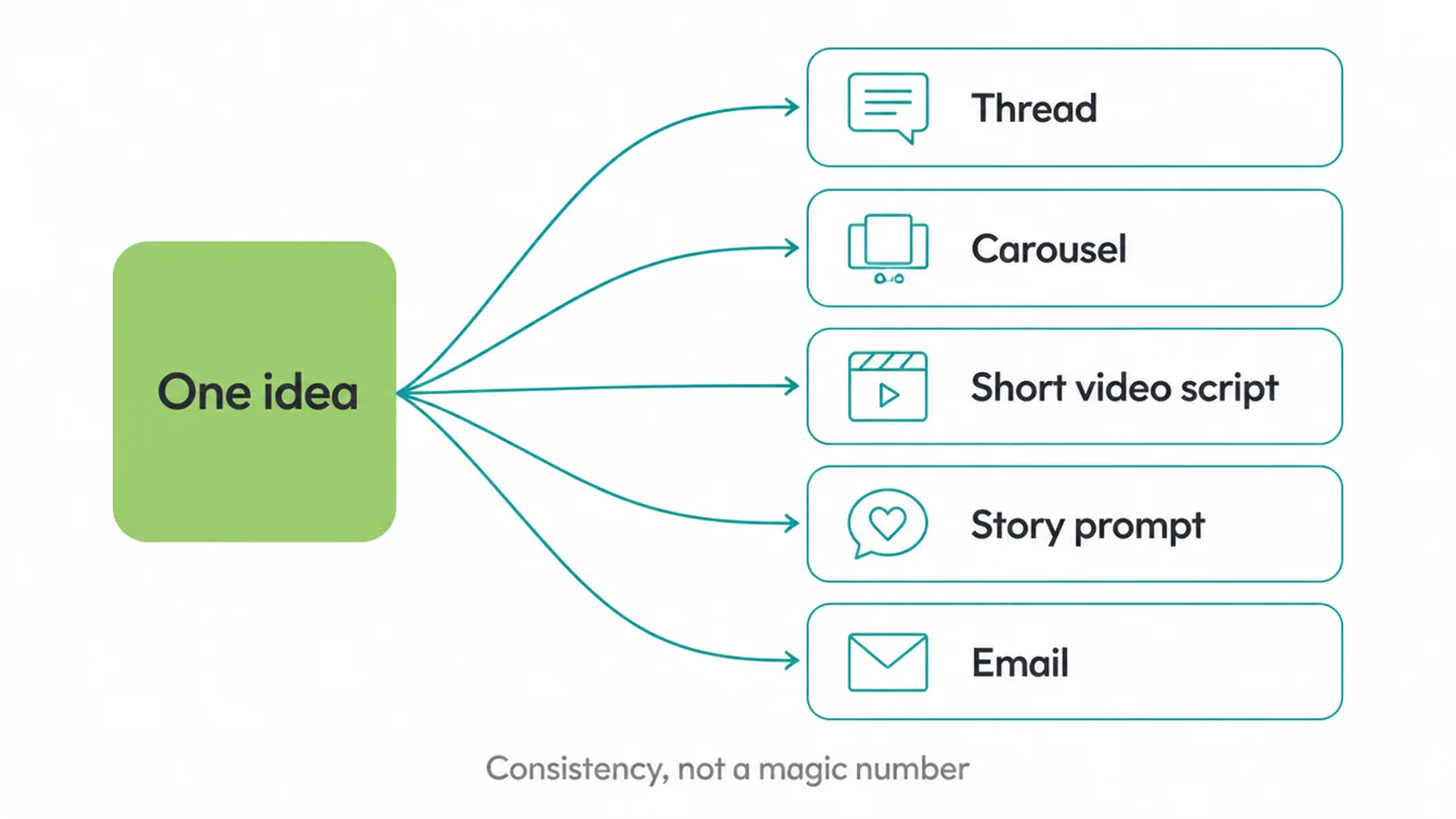
- The biggest real win is repurposing. Turn one idea into a thread, a carousel, a short video script and an email.
- Quality beats production method. Platforms reward useful, original content, not how it was made.
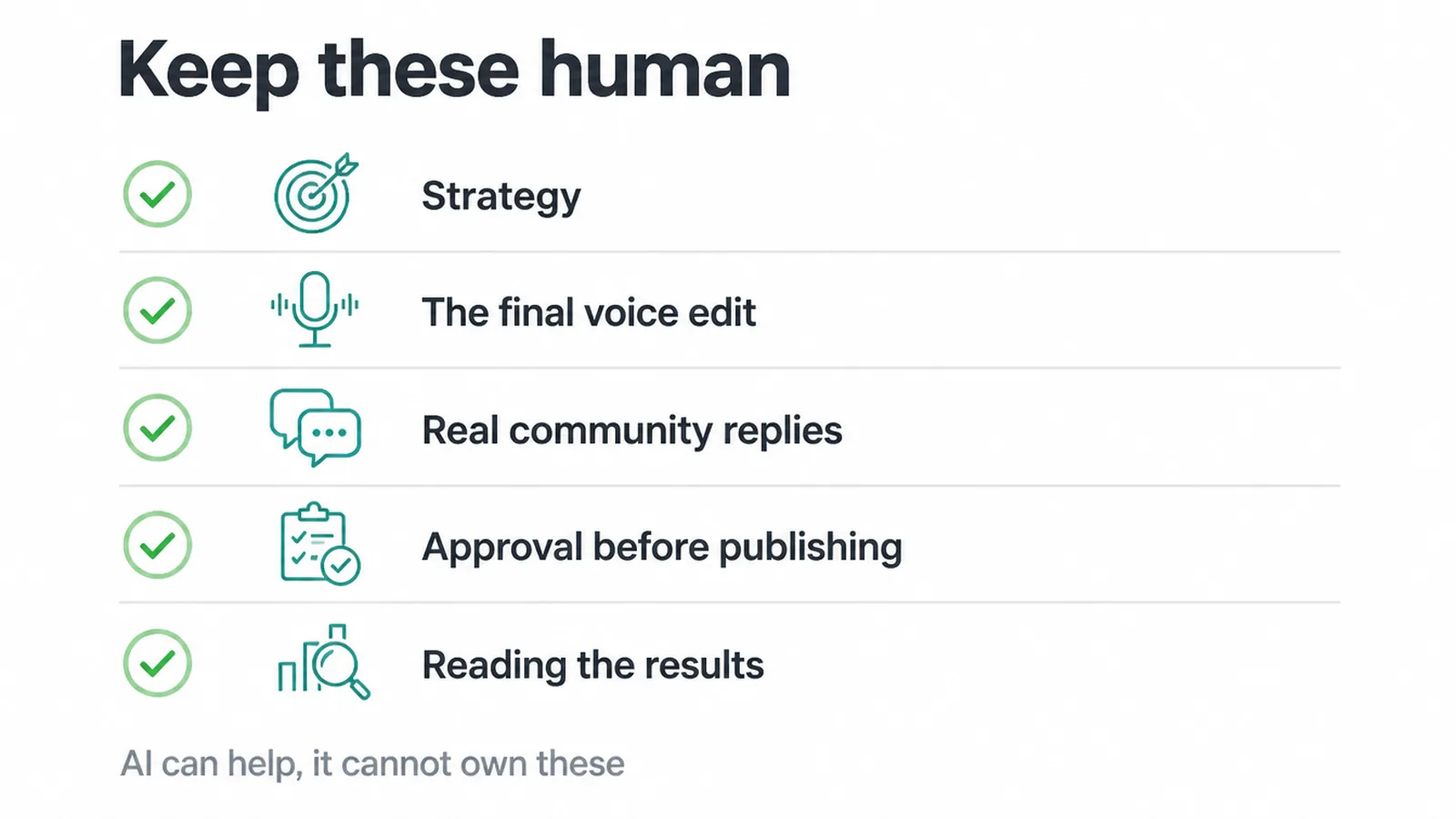
- Keep the human jobs human. Strategy, final edits, community replies and approval stay with you.
1. What AI actually does for social media
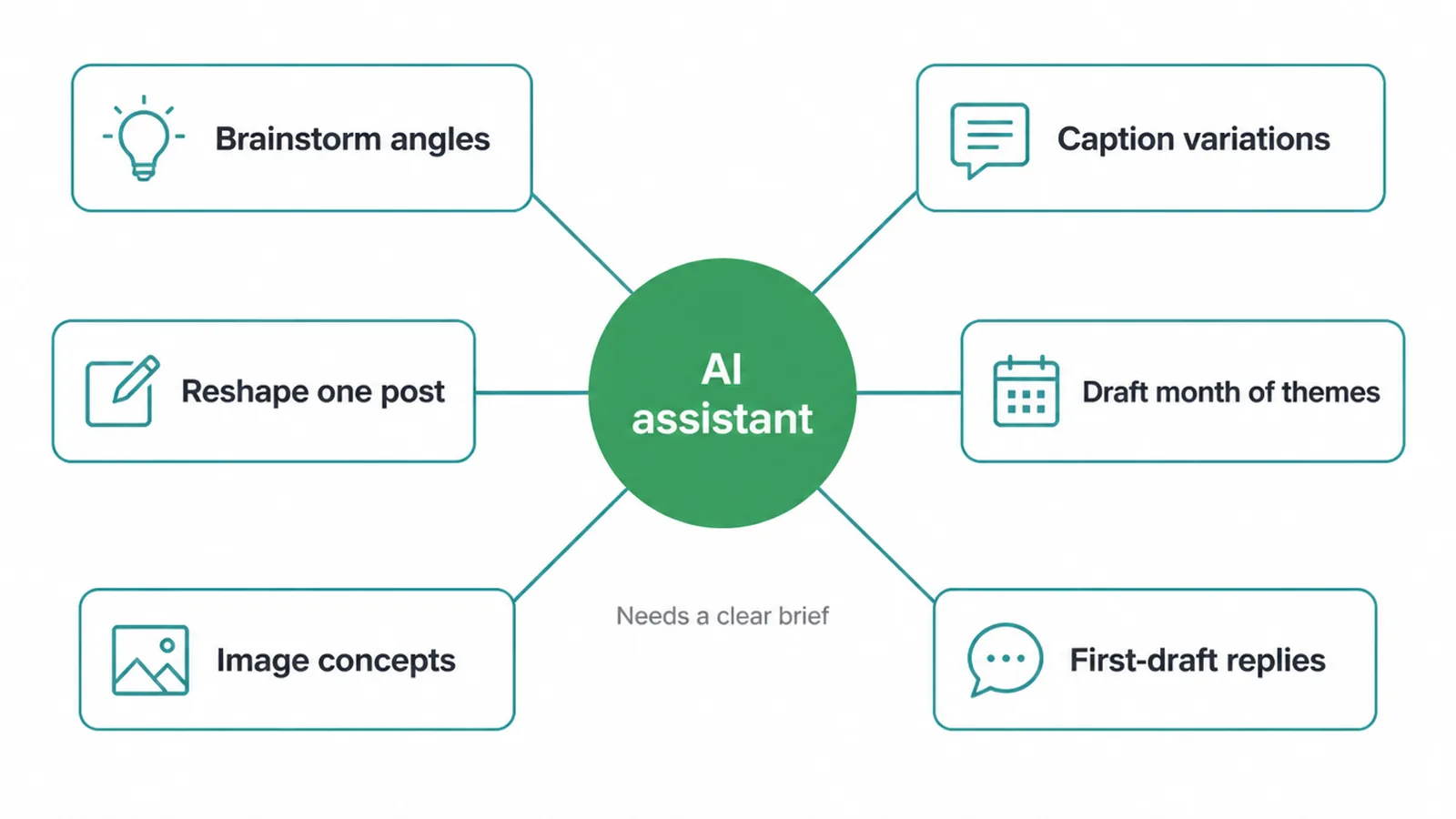
AI is good at the parts of social that slow you down most: starting from a blank page. It can:
- Brainstorm angles
- Write caption and hook variations
- Rewrite one post into another format
- Draft a month of themes
- Suggest image concepts
- Write first-draft replies for you to approve
That is real, useful help. It is not a promise. AI does not guarantee followers, reach or sales, and it cannot decide what your business should stand for. Think of it as a fast junior helper who never tires, but who needs a clear brief and a final check.
If you want a wider look at using AI to make marketing assets, see our guide on using AI for content creation.
2. Social tasks: what AI does vs what you keep human
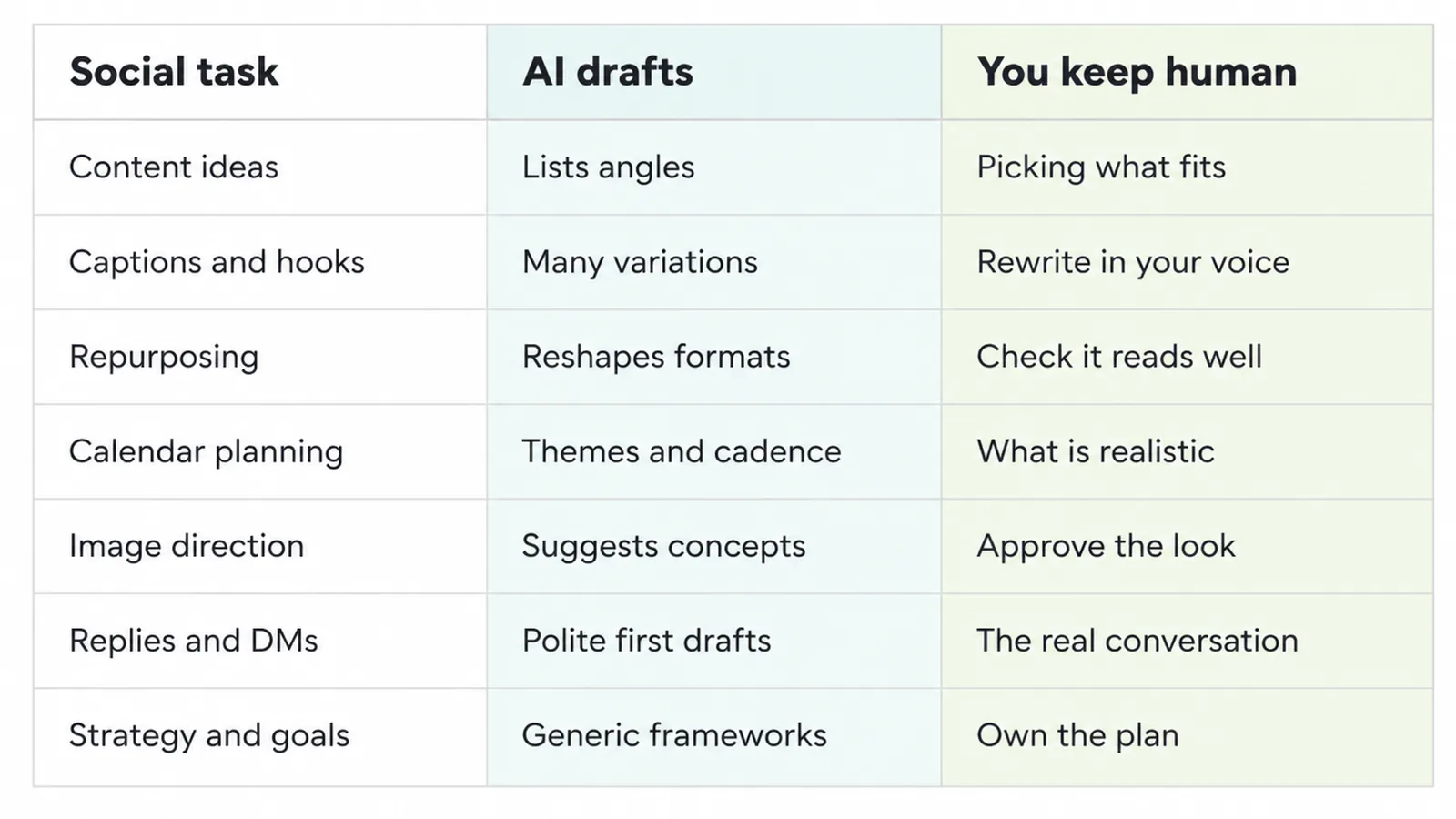
The simplest way to use AI well is to split every task in two. AI gives you a fast first draft. You provide the edit, the judgement and the final say. Here is how that breaks down across the common social media jobs.
| Social task | What AI does (fast draft) | What you keep human (the edit) |
|---|---|---|
| Content ideas | Lists angles tied to your audience's problems | Picking the few that fit your business and timing |
| Captions and hooks | Writes many variations in seconds | Choosing one and rewriting it in your voice |
| Repurposing | Reshapes one post into other formats | Checking each version reads naturally |
| Calendar planning | Drafts themes and a posting cadence | Deciding what is realistic and on-brand |
| Image direction | Suggests visual concepts and prompts | Approving the look and the message |
| Replies and DMs | Drafts polite first replies | The real conversation and tone |
| Strategy and goals | Offers generic frameworks | Owning the plan, the why and the call |
3. Use AI to generate content ideas
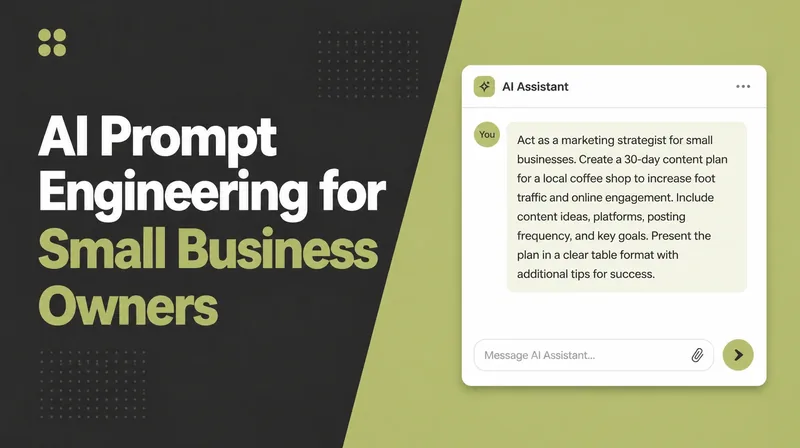
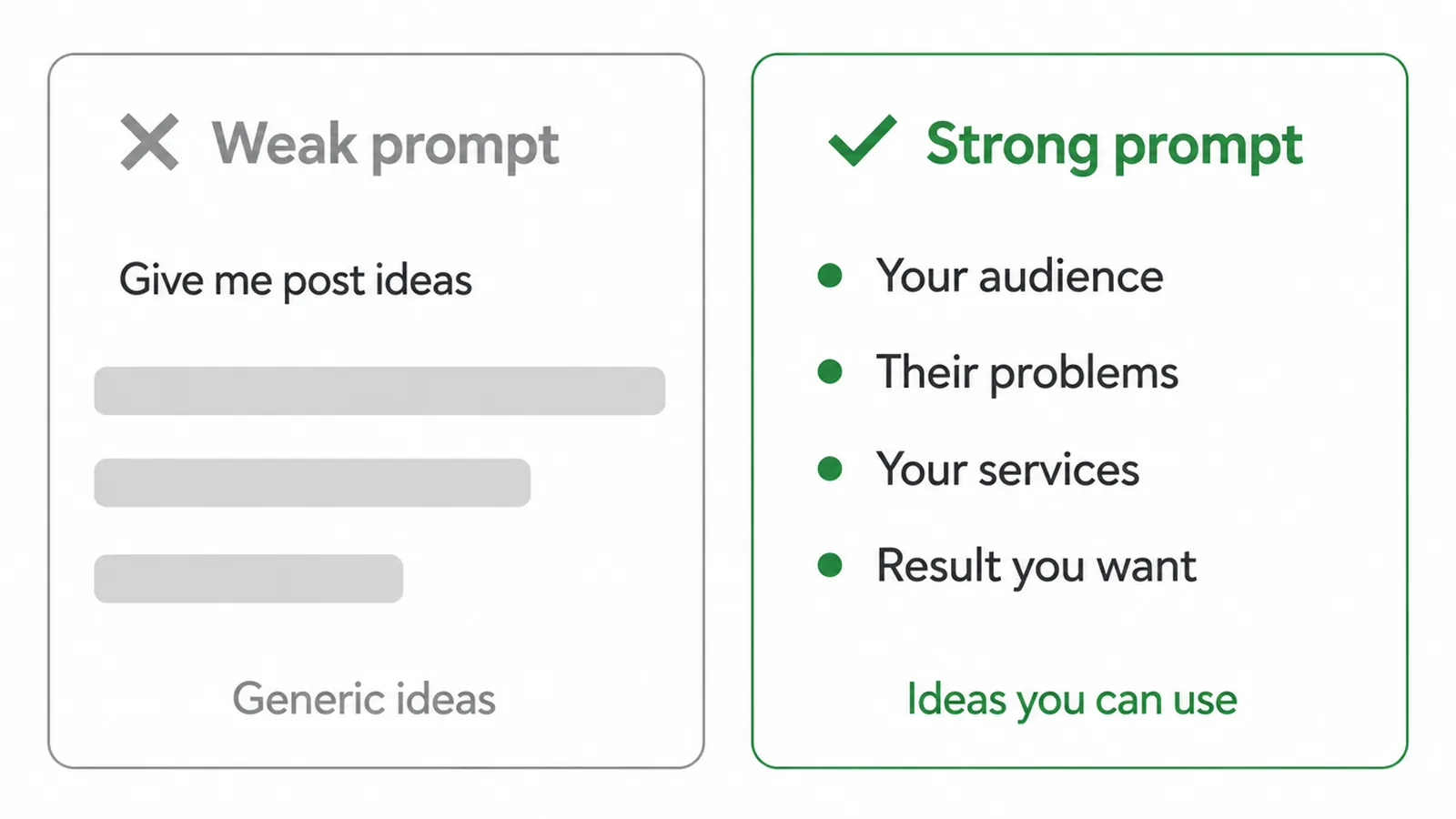
Most owners get stuck at "what do I even post?" AI fixes that fast, but only if you feed it context. A weak prompt like "give me Instagram ideas" gives you weak, generic ideas. A strong prompt names your audience, their problems, your services and the result you want.
For example, you might ask for ten post angles for busy cafe owners who struggle with slow weekday mornings, written for short videos. Now you get ideas you can actually use. The trick is detail. The more you tell the AI about who you serve and what they worry about, the less average the output.
If you want a head start on phrasing your requests, grab some ready-made prompts you can adapt. Then drop the best ideas into a plan so you are not deciding day by day. Our guide on building a content calendar walks through that.
4. Draft captions and hooks, then make them yours
Captions and hooks are where AI saves the most typing and where the "average version" problem bites hardest. Ask for ten hook options for one post and you get them in seconds. The catch is they all sound a bit like every other brand using the same tool.
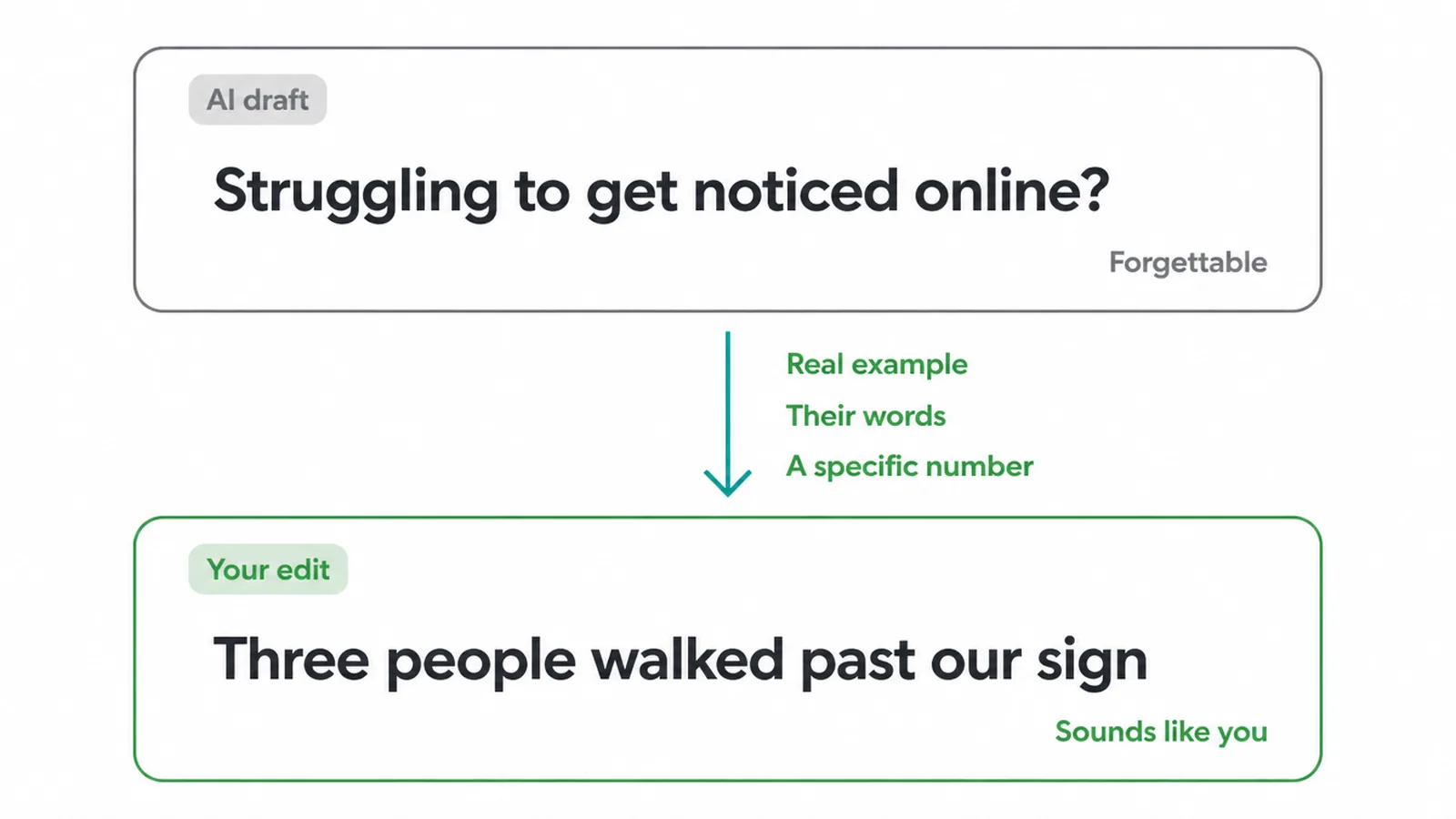
The first line might read like "Struggling to get noticed online? You are not alone." Technically fine. Completely forgettable.
The edit is the whole point
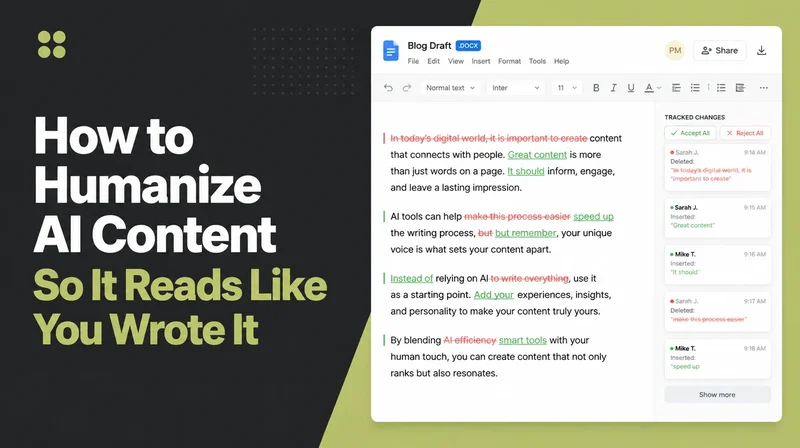
So you edit. Swap in your real example, your customer's actual words, the specific number from last week. A flat opener becomes "Three people walked past our shop yesterday reading the same sign. None came in. Here is what we changed." Same idea, but now it is yours.
The rule is simple. Let AI write the draft, then you make it sound like a human who runs your business. Never post the raw output. The edit is the whole point, and it usually takes a minute.
5. Repurpose one idea into many posts
This is the single biggest real time-saver, and it is where AI earns its keep. You make one solid idea, then ask AI to reshape it for every place you post. One blog post or one good lesson can become:
- A short thread
- An image carousel
- A short-video script
- A story prompt
- An email
You are not creating five things from scratch. You are spreading one thing five ways. That is how small teams stay consistent without burning out.
AI is genuinely fast at this because the thinking is already done; it is just changing the shape. Still edit each version, because a caption that works on one platform reads oddly on another.
And be honest about what this gets you. Repurposing helps you show up more often and stay consistent. It does not promise reach. Consistency is the goal here, not a magic number. If Instagram is your main channel, our Instagram marketing strategy guide covers the formats in more depth.
6. Plan a calendar, then hand off the scheduling
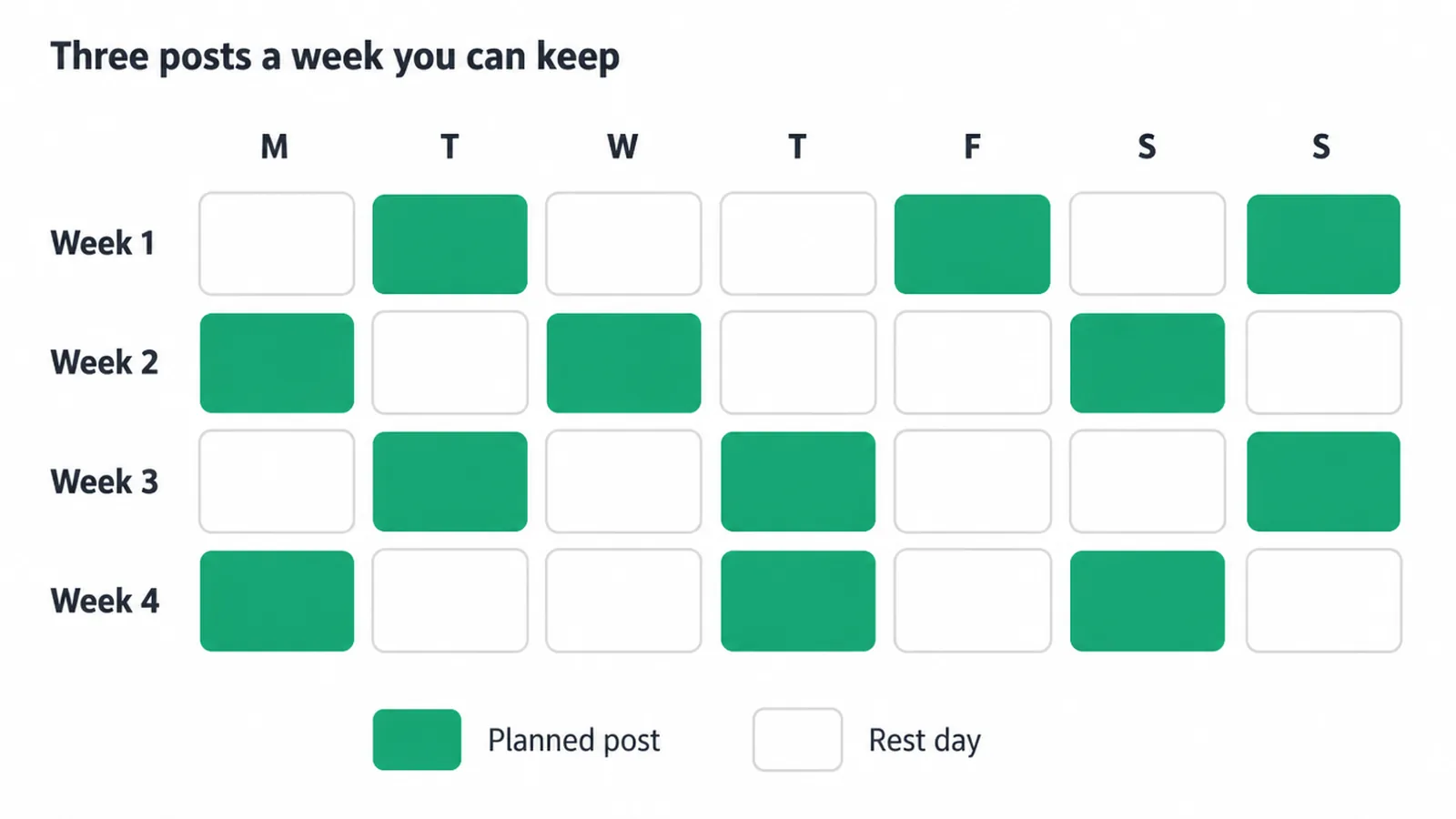
AI can draft a month of themes and a sensible posting cadence in one go. Ask it to spread your content pillars across four weeks and it will give you a starting grid.
You then decide what is realistic. If three posts a week is all you can sustain, plan three, not seven. A calendar you can actually keep beats an ambitious one you abandon. AI plans; you commit.
One thing to be clear on: drafting a calendar and actually publishing posts are two different jobs. This guide stays in the planning and content lane. To schedule them automatically so the right post goes out at the right time without you sitting there, see our guide on how to automate Instagram posts.
7. Keep your brand voice (the average vs yours)
Here is the honest core of all this. AI gives you the average version of whatever you ask for, because it is trained on everyone's writing. Out of the box, your posts will sound like a polite, slightly bland brand that could be anyone.
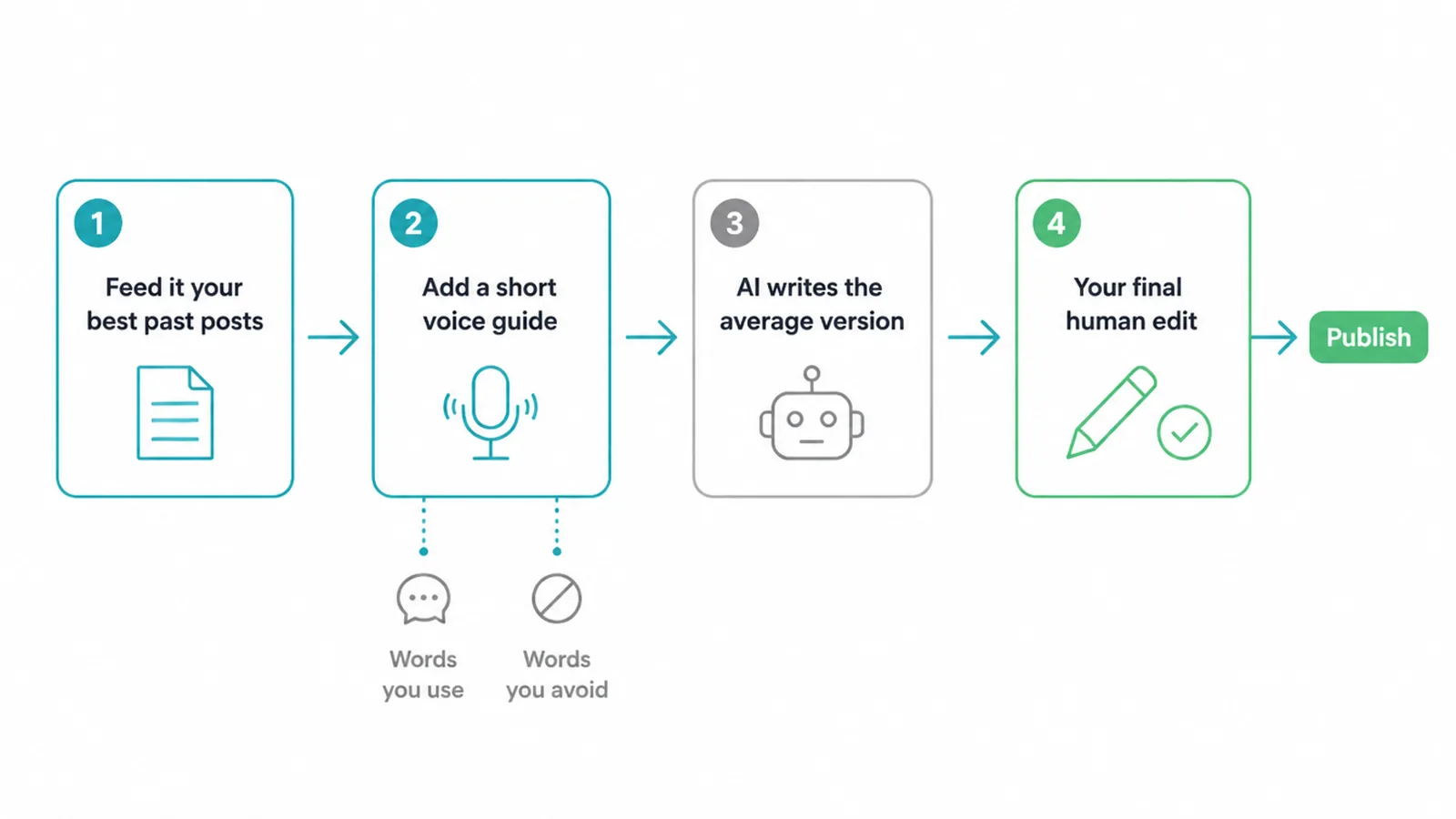
The fix is context and a final edit. Feed the AI three or four of your best past posts and tell it to match that style.
Give it a short voice guide: words you use, words you never use, how formal or casual you are, whether you joke around. Then always do a final human pass before anything goes live. That pass is where your business actually shows up.
Does AI content hurt you with the platforms?
On the worry that AI content hurts you with the platforms or with Google, the guidance is reassuring. Google does not ban AI content; its advice focuses on quality and usefulness, not how content was produced (Google Search Central).
The thing that underperforms is low-effort copy-paste content with no real value. Edited, genuinely helpful content is fine. No tool can promise you reach, so do not chase that. Make useful posts and let the work speak.
8. What to keep human
Some parts of social media should never be handed off.
- Strategy is yours. You decide who you serve, what you offer and what you want from social.
- The final voice edit is yours, every time.
- Real community replies are yours, because people can tell when they are talking to a copy-paste machine, and trust is the whole game.
- Approval is yours; nothing publishes until you have read it.
- Reading the results is yours. Look at what is actually working, then make more of that.
AI can support all of these jobs, but it cannot own them. The fact that 41% of small businesses say AI frees up time for strategic work (SBE Council, 2025) is the point: the tool buys you time to do the human parts better.
9. How to start (one task this week)
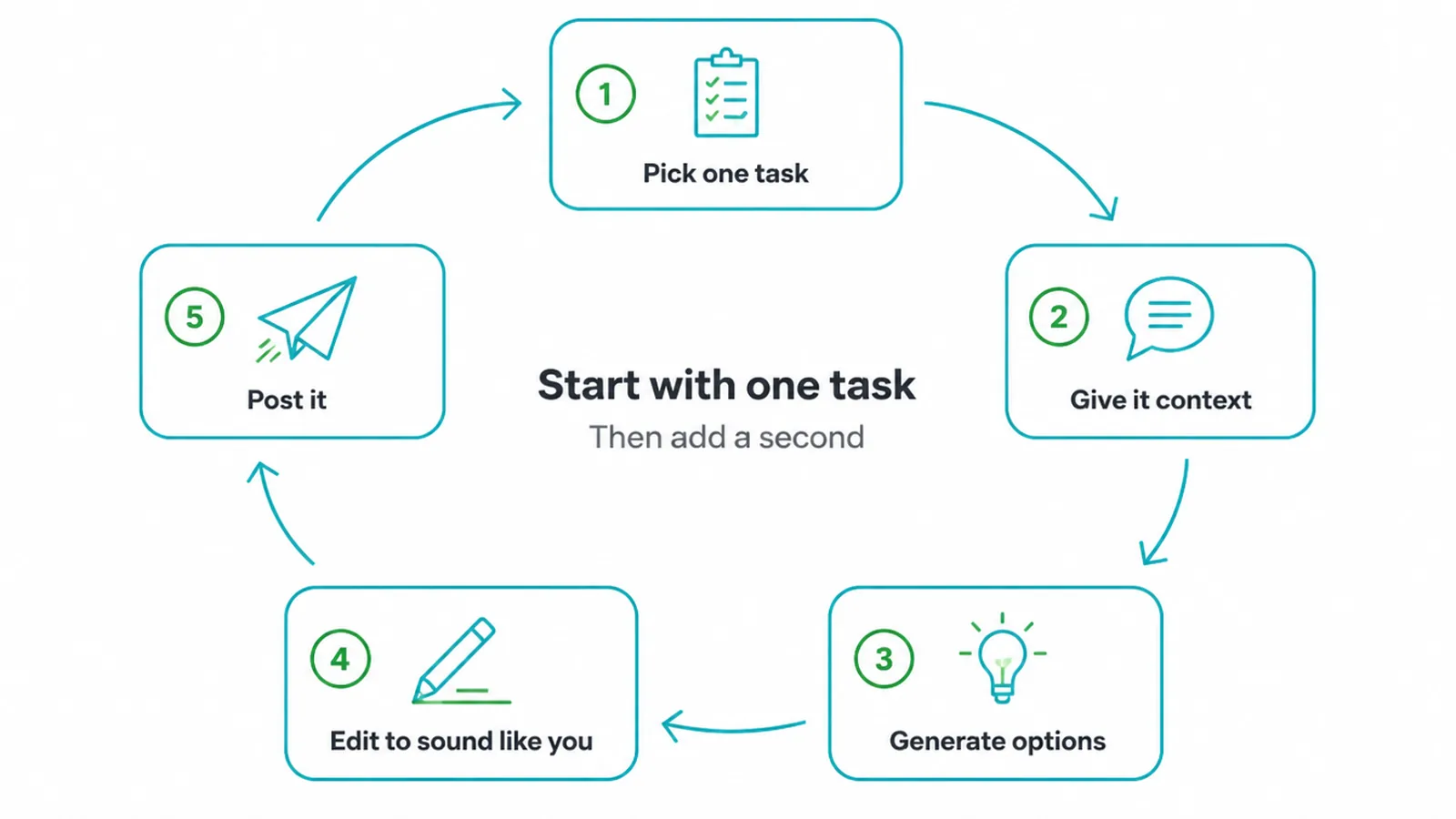
Do not try to use AI for everything at once. Pick one task. Captions or repurposing are the easiest wins.
- Give the AI good context: who you serve, what the post is about, and a couple of your past posts for tone.
- Generate a handful of options.
- Pick one and edit it until it sounds like you.
- Post it.
That is the whole loop. Once it feels natural, add a second task. Build from there. The goal is a steady habit, and that is how we approach social media marketing for clients too.
If you want the bigger picture of how AI fits into the rest of your marketing, our AI and automation service page lays out where it helps most.
Frequently asked questions
1. How do I use AI for social media?
Use it for the front half: idea generation, hooks, captions, repurposing, calendar planning, first-draft replies and image direction. Then edit everything to sound like you.
2. Will AI posts sound generic?
Yes, by default, because AI gives the average version. The fix is editing every output to sound like you, with specific examples, your phrasing and real stories.
3. Can AI replace a social media manager?
AI cannot replace a social media manager. It can speed up research and drafting, but judgement, brand voice, community replies, timing and strategy still need a person who understands the business and its audience.
4. What can AI actually do for social media?
Brainstorm content angles, write caption and hook variations, turn one post into many formats, draft a month's calendar, suggest image concepts, and draft replies for you to approve.
5. Is AI social content bad for reach?
Platforms reward quality and originality, not how content was made. Low-effort copy-paste AI content underperforms, but edited, genuinely useful content does fine.
6. How do I keep my brand voice with AI?
Feed it your past best posts, a short voice guide of words you use and avoid, and always do a final human edit pass.
7. What should I still do myself?
Strategy, final voice edits, real community replies, approving anything published, and reading what is actually working.
8. How do I start?
Pick one task such as captions or repurposing, give the AI good context, generate options, edit one to sound like you, and post it. Build from there.
10. Want a hand with your social and ads?
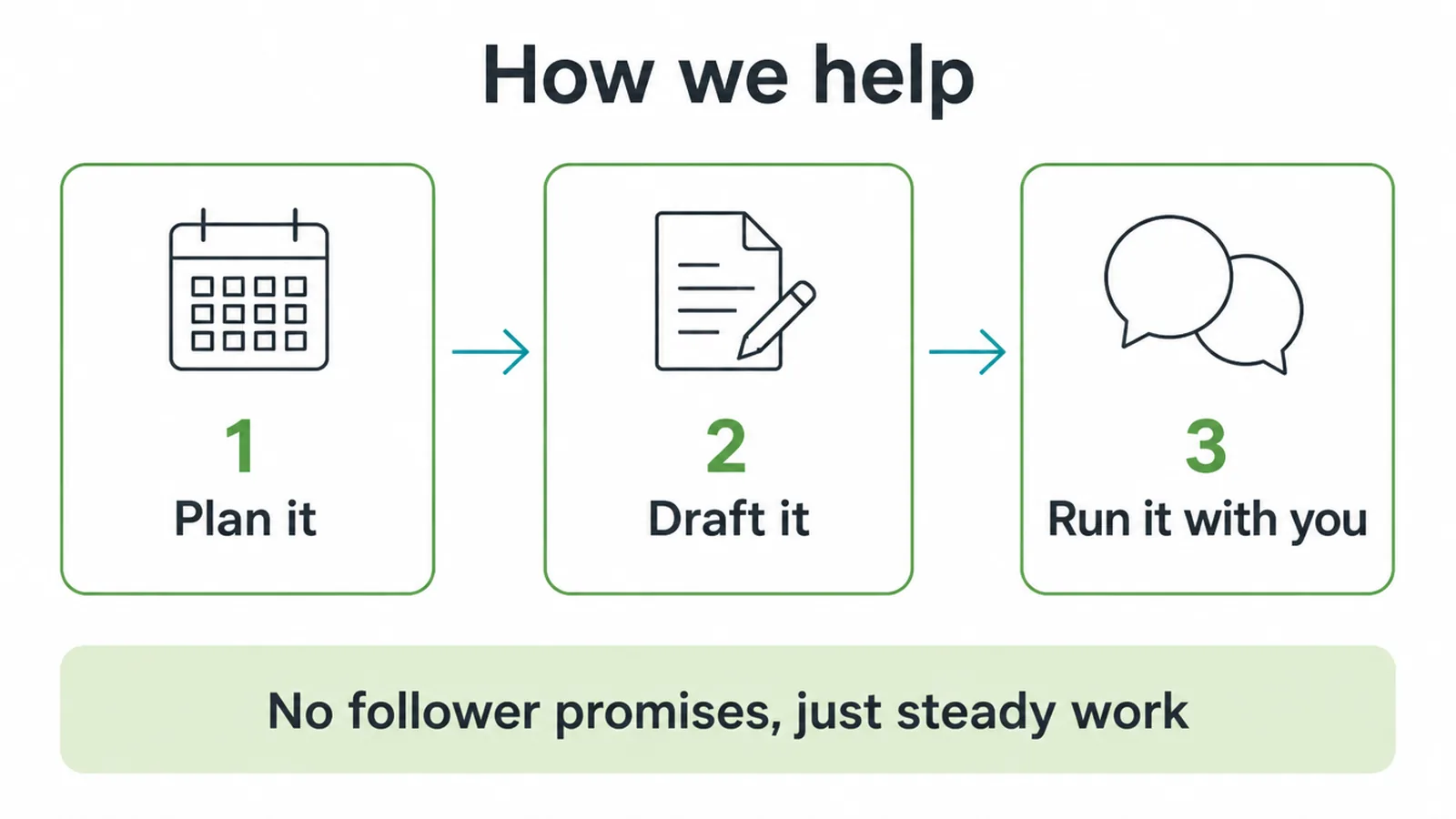
AI can speed up your social media marketing, but the strategy and the edit are what make it land. If you would rather have a team plan it, draft it and run it with you, that is what we do.
We help small businesses with social media marketing that fits a real budget and a real voice. No follower promises, just steady, useful work. Get in touch and tell us what you are trying to grow.