AI Sales Automation 2026: Faster Follow-Up, More Sales

AI sales automation handles the repetitive work on leads you already have: drafting follow-ups, scoring who is worth a call, keeping the CRM tidy, and nudging a human at the right moment. Finding new leads and closing deals stay human jobs. Seed Light builds these follow-up systems for small sales teams.
Key takeaways
- It works leads you already have. AI sales automation chases, scores, and tidies. A human still closes the deal.
- Small firms have barely started. As of year-end 2025, only about 18% of US firms had adopted AI, so moving now is an edge, not a crowd.
- Tiny businesses are the slowest movers. Fewer than 20% of firms with four or fewer staff use AI, versus 37% of firms with 250 or more (US Census Bureau).
- The win is consistency and time back. Not magic revenue. Every lead gets a fast, steady follow-up instead of falling through the cracks.
- Start with one leak. Automate your slowest task first, keep a person in the loop, and expand only once it works.
1. AI sales automation is not lead generation or email blasts
People mix these up, so let us be clear. AI sales automation is not about getting new leads, and it is not about blasting your whole list. It is the 1-to-1 work in the middle.
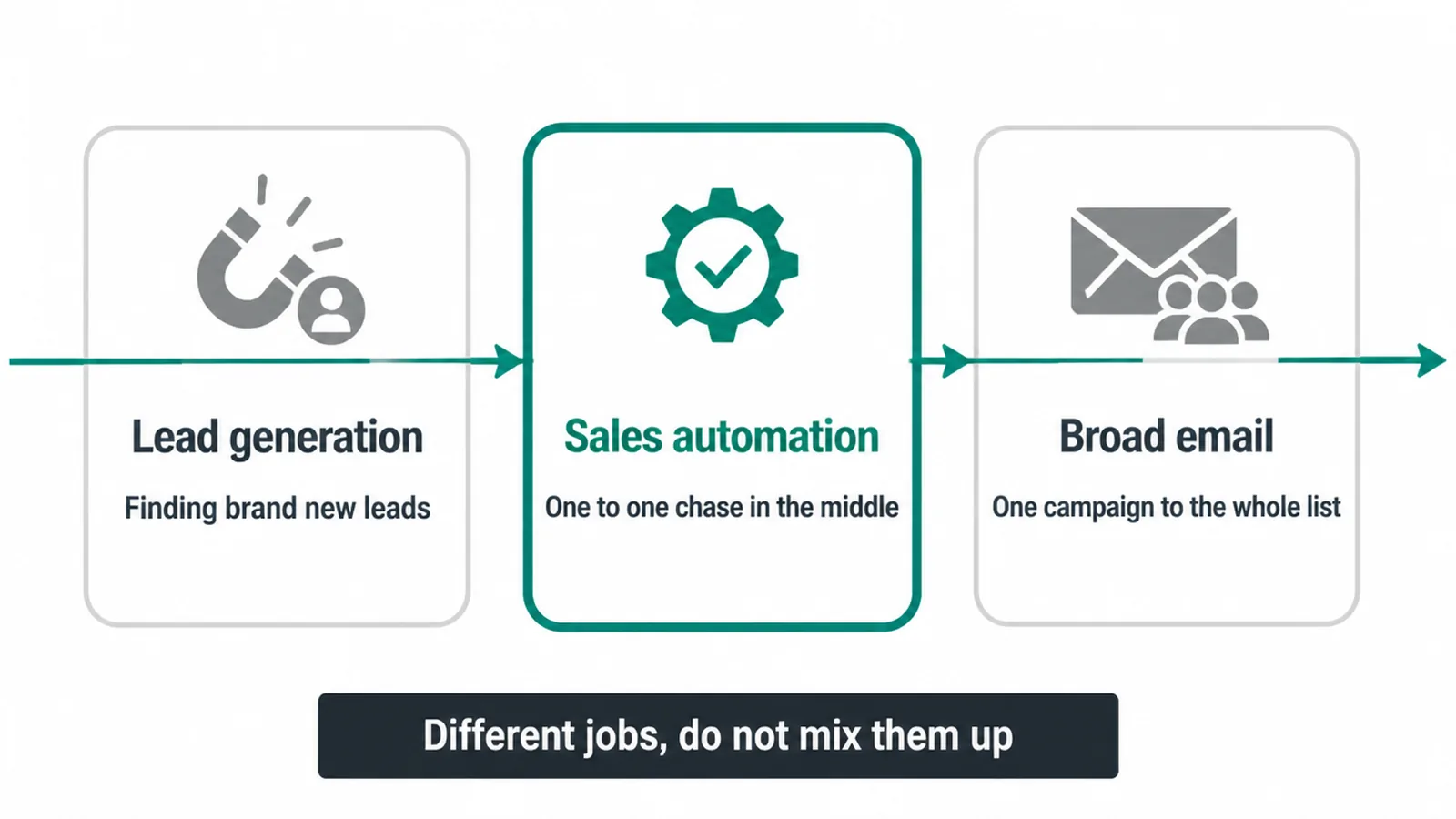
Getting brand new leads is a different job. That is top of the funnel, and it has its own playbook in our guide to AI lead generation. Sending one campaign to your entire list is also different. That is broad email, and you can read how to automate email marketing for that.
Sales automation sits between those two. A lead has already raised their hand. Now you need to reply fast, follow up a few times, work out who is serious, and pass the warm ones to a human.
That lead-by-lead chase is what AI is good at handling. You stop losing people just because you got busy.
2. What AI sales automation actually does
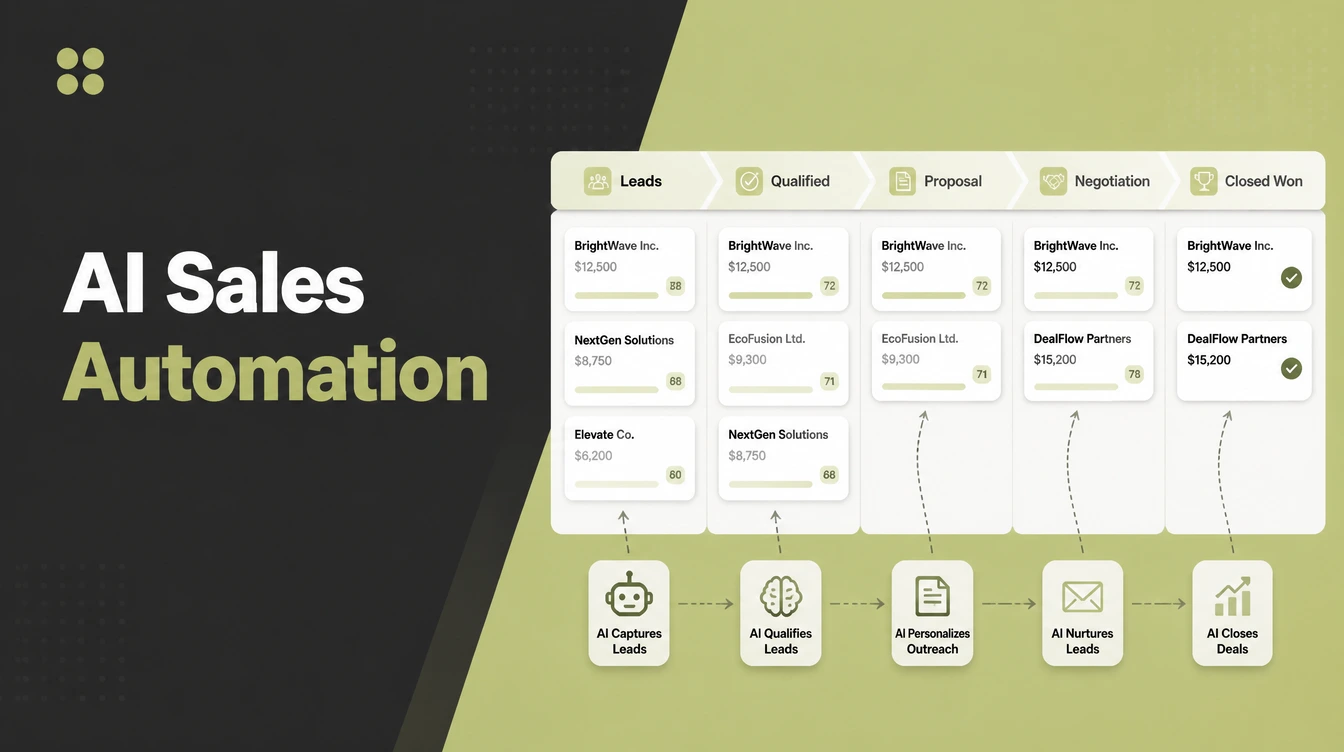
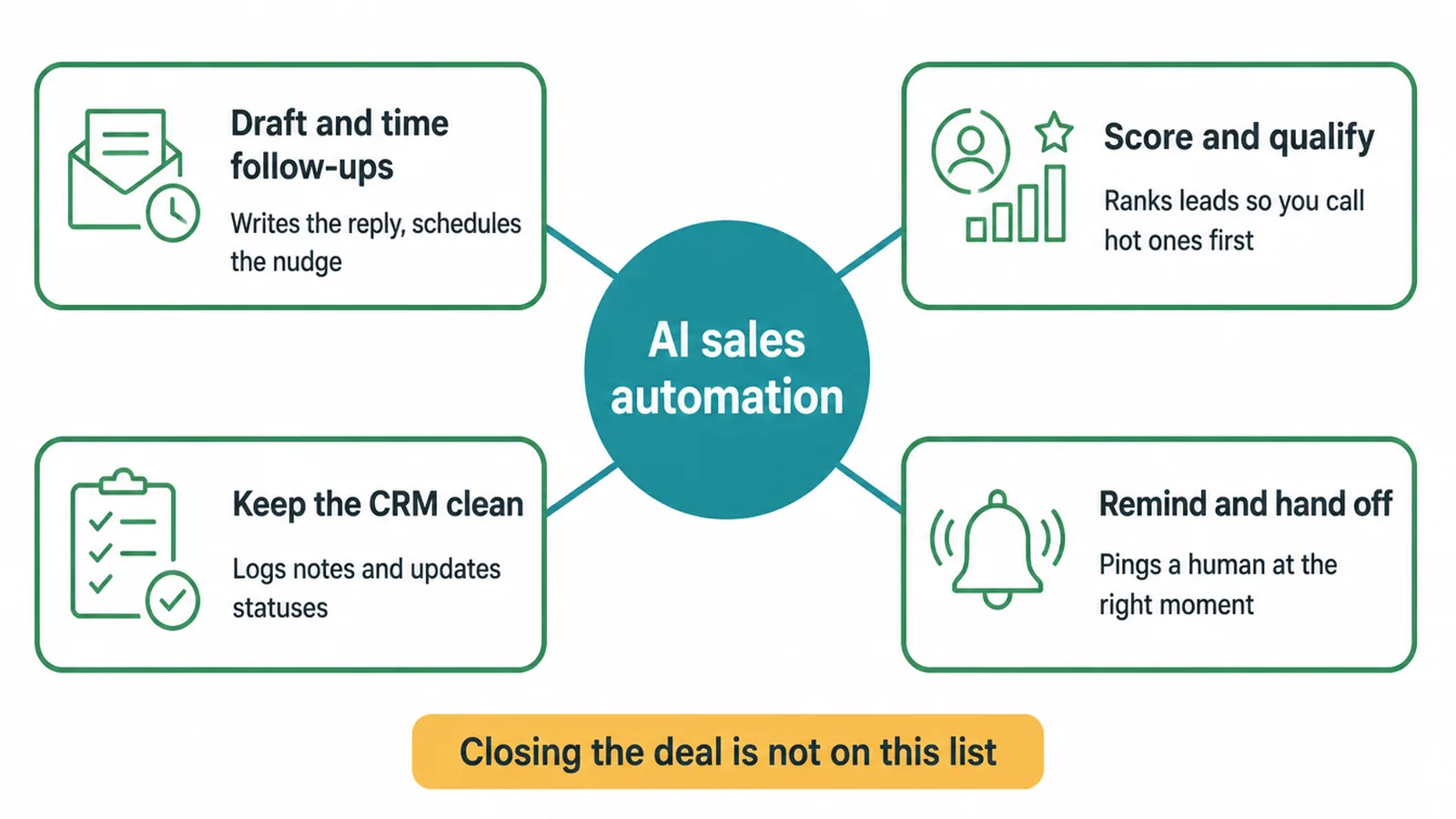
Day to day, AI sales automation does four jobs: it drafts and times your follow-ups, it scores and qualifies your leads, it keeps your CRM clean, and it reminds you or hands a lead off at the right moment.
That is it. No hype, just the boring stuff that wins deals when it is done every single time.
Small firms have barely started
Why does this matter so much for a small business? Because the field is wide open. As of the end of 2025, only about 18% of US firms had adopted AI.
And the smallest businesses are the slowest to move. Fewer than 20% of firms with four or fewer employees use AI, against 37% of firms with 250 or more staff and 32% of firms with 100 to 249, per the US Census Bureau.
Most of your competitors are still doing this by hand, badly, when they get a spare minute.
The four jobs in plain terms
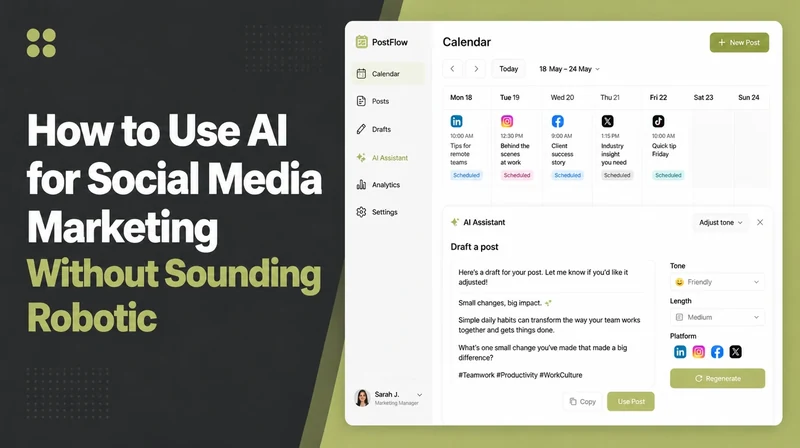
- Draft and time follow-ups. AI writes the first version of a reply and schedules the next nudge so leads do not sit unanswered.
- Score and qualify. It ranks leads by how likely they are to buy, so you call the hot ones first.
- Keep the CRM clean. It logs notes, updates statuses, and saves you from a messy pile of half-filled records.
- Remind and hand off. It pings a human at the right moment, so the warm lead reaches a real person before they cool down.
Where AI helps and where you stay in charge
Notice what is missing from that list. None of it closes a deal. AI gets the lead ready and keeps it warm. The table below shows where AI helps and where you stay in charge.
| Sales task | What AI does | What you still do |
|---|---|---|
| First reply (speed-to-lead) | Sends an instant first response so the lead is not ignored | Set the tone and the rules |
| Follow-up sequence | Drafts and times the next few messages | Approve the wording and step in when it gets personal |
| Lead scoring and qualifying | Ranks leads hot, warm, or cold | Decide who is really worth your time |
| CRM updates and notes | Logs activity and keeps records tidy | Add the context only you know |
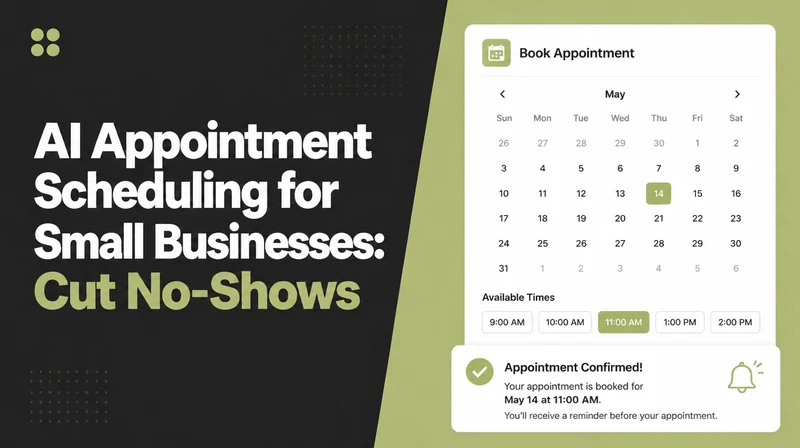
| Booking the call | Offers times and confirms the slot | Show up and lead the conversation |
| Negotiating and closing | Nothing | All of it. This is human work. |
| Building the relationship | Nothing | All of it. People buy from people. |
3. Is AI sales automation worth it for a small team?
For most small teams, yes, if your marketing brings a steady trickle of leads you cannot always answer fast. If you only get one lead a week, you can handle that by hand and the setup is not worth it yet.
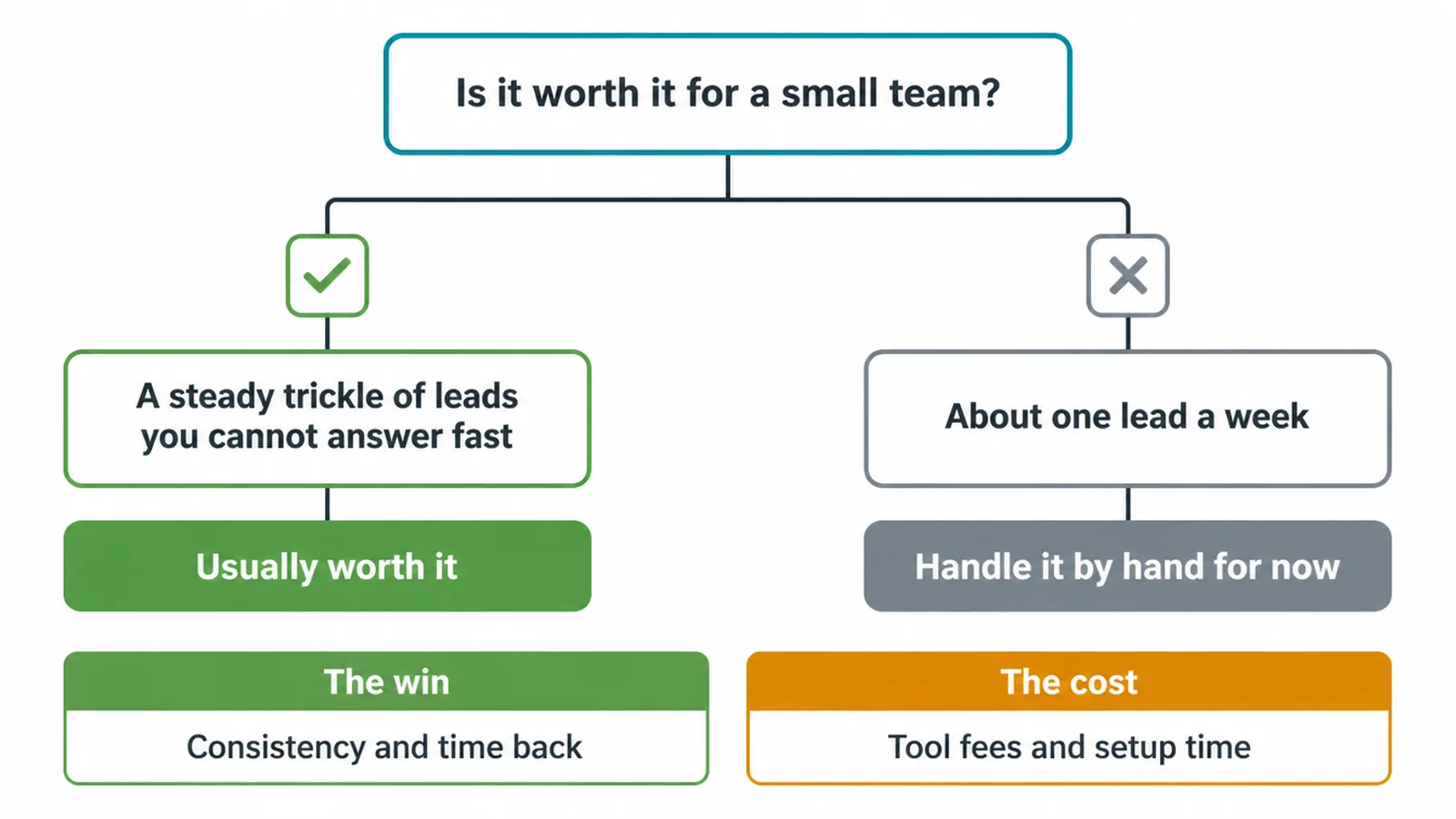
Be honest with yourself about the real win. It is not a magic revenue jump. The win is consistency and time back. Every lead gets a quick, steady follow-up instead of slipping through the cracks on a busy day. You spend less time on admin and more time on the calls that actually matter.
There is a cost, of course. You pay for tools, and you spend a bit of time setting things up and checking the output. Weigh that against the leads you currently lose to slow replies and forgotten follow-ups.
If you are also using AI to answer questions and handle support, our piece on AI for customer service shows how the two fit together.
4. What tools do AI sales automation?
Three kinds of tools cover most of this work: AI-enabled CRMs, follow-up and sequencing tools, and AI writing assistants. You do not need all three on day one.
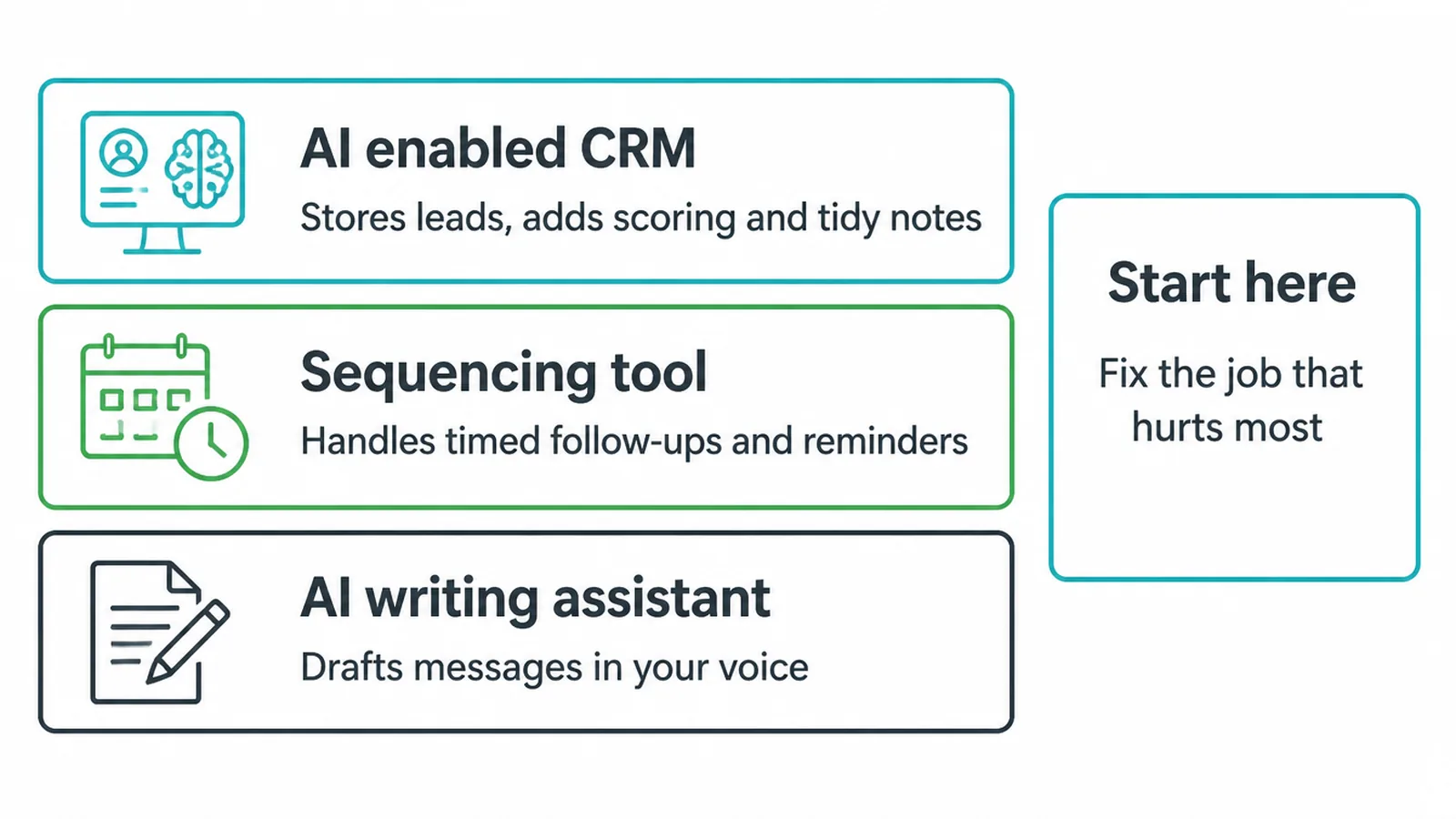
An AI-enabled CRM stores your leads and adds scoring and tidy notes on top. A sequencing tool handles the timed follow-ups and reminders. An AI writing assistant drafts the messages in your voice. Some platforms roll all of this into one. Others do one job really well.
The trick is not to buy the fanciest stack. Pick reputable tools, and start with the single job that hurts the most.
If slow first replies are your biggest leak, fix that one thing first. For a wider shortlist of options to weigh up, see our roundup of the best AI tools for small business.
5. Will the messages sound robotic or fake?
They can, if you let AI run loose with no checks. We have all had that reply that felt like a machine wrote it. That happens when nobody reviews the output before it goes out.
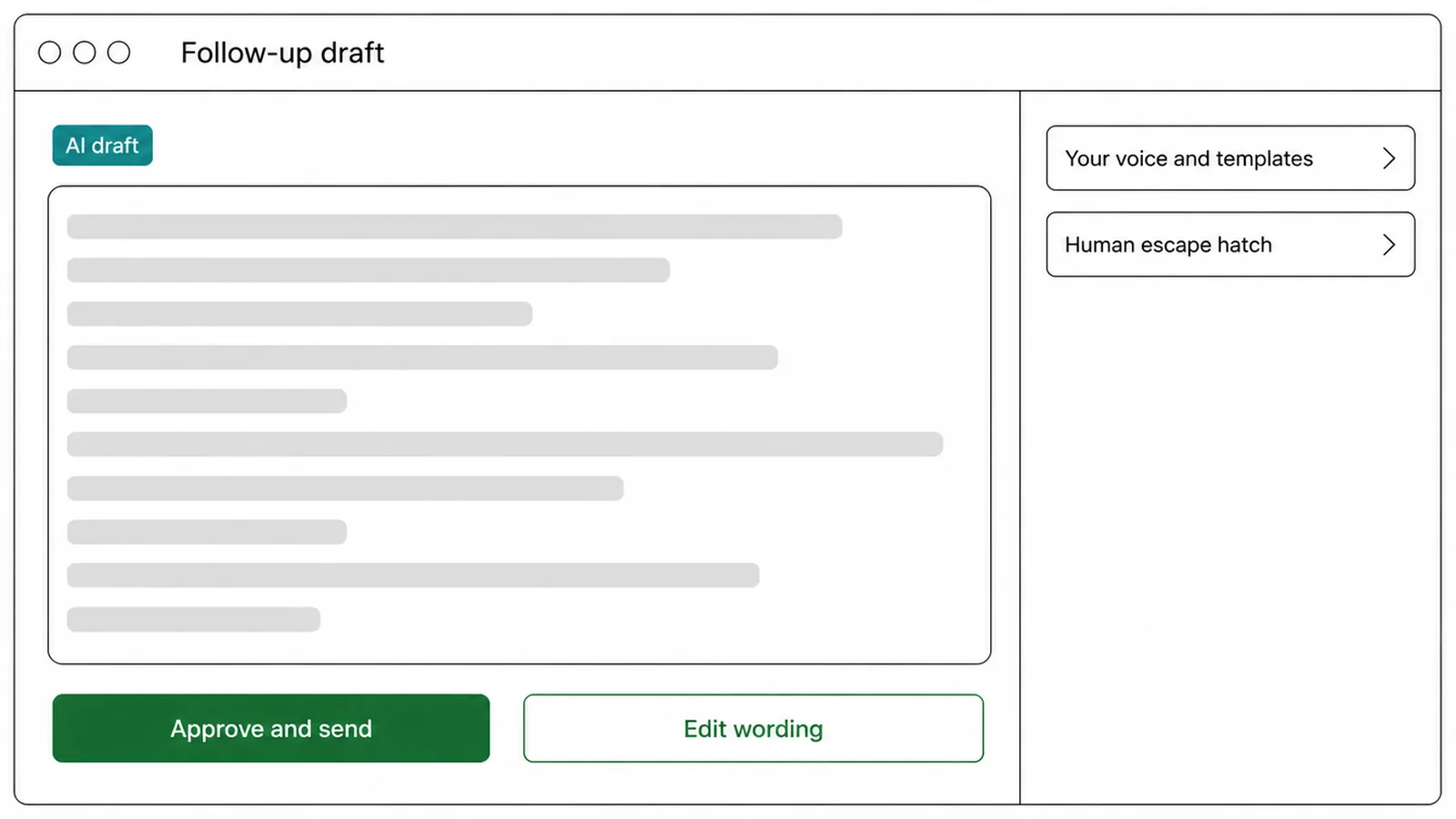
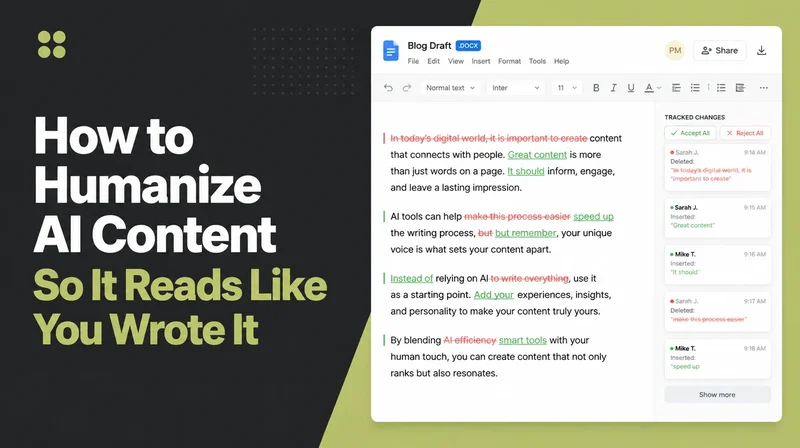
The fix is simple. Have AI draft, and a human approve. Feed it your own voice and your own templates so it sounds like you, not like a generic bot.
And always leave a human escape hatch, a clear way for a lead to reach a real person. AI is the first draft and the timing, not the final word.
6. How to start without breaking what already works
Do not try to automate everything at once. That is how you end up with a mess and angry leads. Start small and keep control.
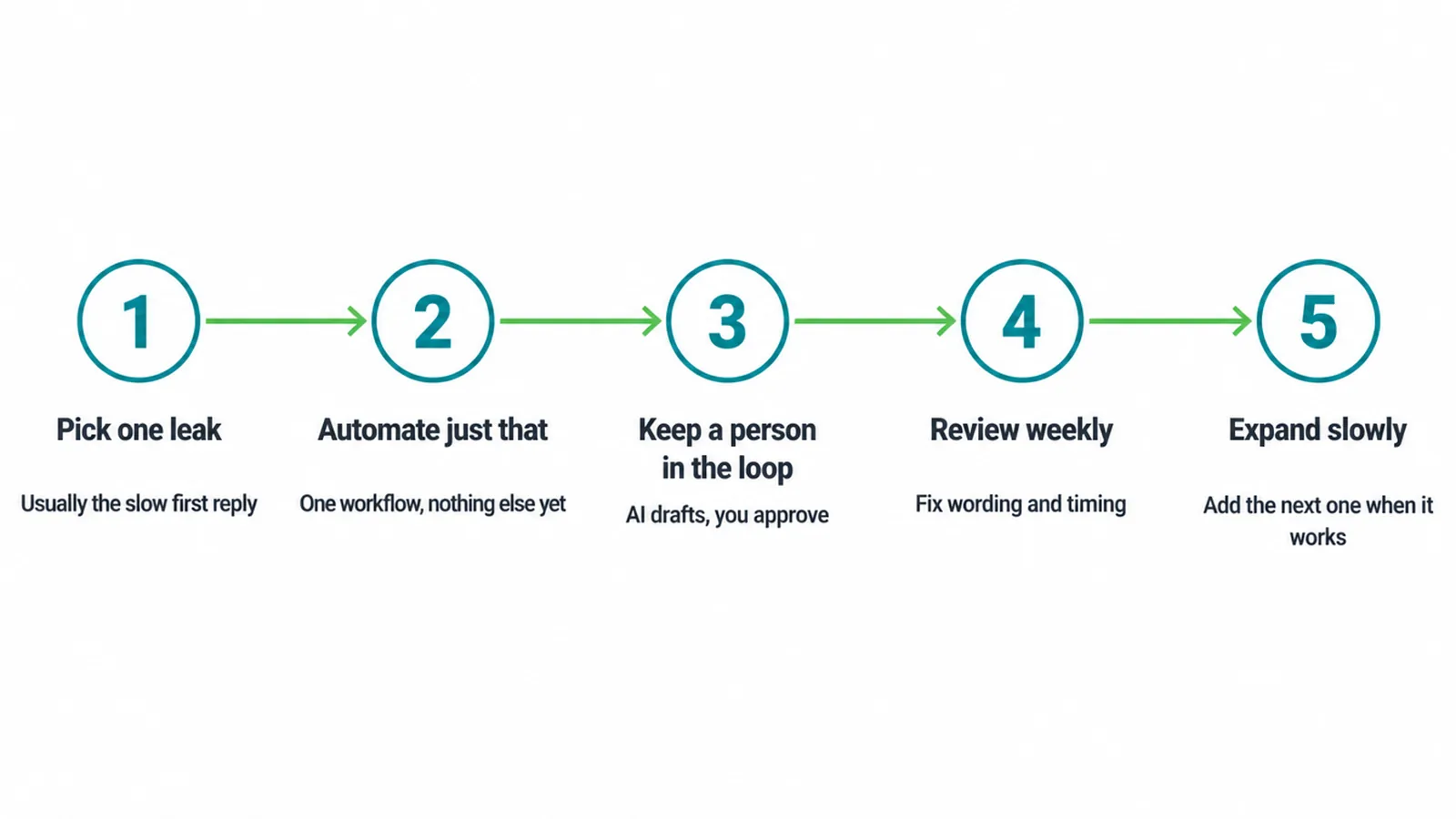
Here is a safe order:
- Pick one leak. The slow first reply is the usual culprit. Choose the single task that loses you the most leads.
- Automate just that. Set up one workflow for that one job. Nothing else yet.
- Keep a person in the loop. AI drafts, you approve. Nothing important goes out unchecked at first.
- Review weekly. Read what went out. Fix the wording. Adjust the timing.
- Expand slowly. Only add the next workflow once the first one is clearly working.
This way you never break what already brings in customers. You bolt the helpful bits on top, one at a time. If you would rather have someone set this up for you and tune it as you go, that is what our AI and automation service is for.
7. Is my customer data safe if AI is involved?
It can be, but you have to be careful. Your leads trust you with their details, so treat that seriously.
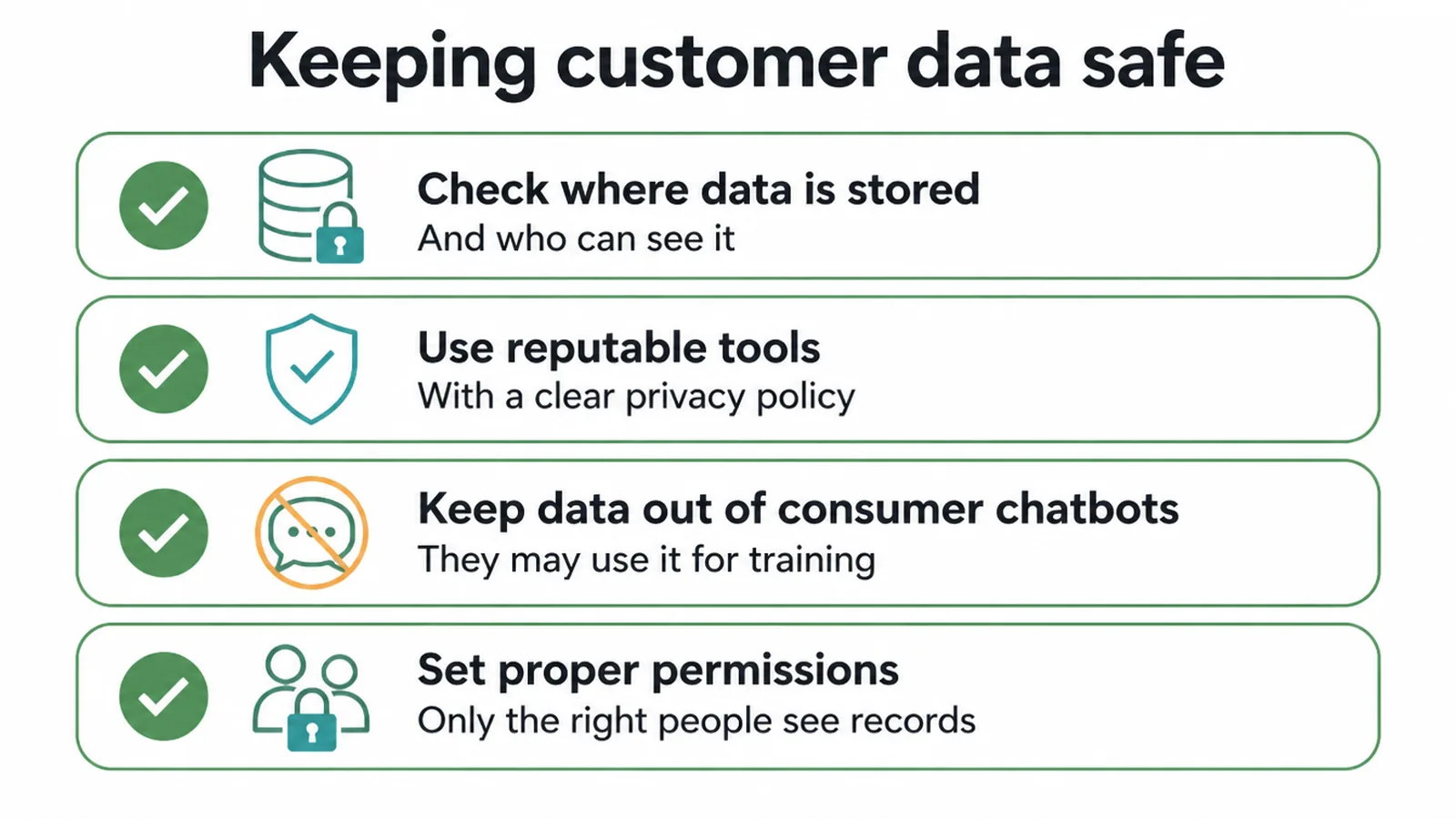
A few basics keep you safe.
- Check where the tool stores your data and who can see it.
- Use reputable tools with a clear privacy policy, not random free apps.
- Do not paste sensitive customer data into consumer chatbots that may use it for training.
- Set proper permissions so only the right people inside your team can access records.
Get those right, and AI in your sales process is no riskier than the software you already use.
Frequently asked questions
1. What is AI sales automation, in plain terms?
Software that handles the repetitive parts of working the leads you already have: drafting follow-ups, scoring who is worth a call, keeping the CRM tidy, and reminding a human when to step in. It does not close deals, you do.
2. Can AI replace my salesperson?
No. It does the chasing and the admin so leads do not go cold, but a human still builds the relationship and closes the deal.
3. What can AI sales automation actually do day to day?
Draft and time follow-up messages, score and qualify leads so you call the hot ones first, keep CRM records updated, and send reminders or hand a lead off to a person at the right moment.
4. Is AI sales automation worth it for a small team or solo owner?
AI sales automation is usually worthwhile when you get a steady trickle of leads you cannot always answer quickly. If you receive one lead a week, the setup may be unnecessary.
5. What tools handle AI sales automation?
AI-enabled CRMs, follow-up and sequencing tools, and AI writing assistants. Pick reputable ones and start with the job that hurts most.
6. Will the messages sound robotic or fake?
AI sales messages can sound robotic when they run unsupervised. Have AI draft and a human approve, use your own voice and templates, and always leave customers a clear path to a person.
7. How do I start without breaking what already works?
Pick one leak, like slow first replies, automate just that, keep a person in the loop, review weekly, and expand only once it is working.
8. Is my customer data safe if AI is involved?
Customer data can stay safe when you check where it is stored, use reputable tools, avoid pasting sensitive information into consumer chatbots and set proper permissions.
8. What AI automates, and what you still close
AI sales automation chases your leads, scores them, and keeps your records clean so nothing slips. A human still closes the deal.
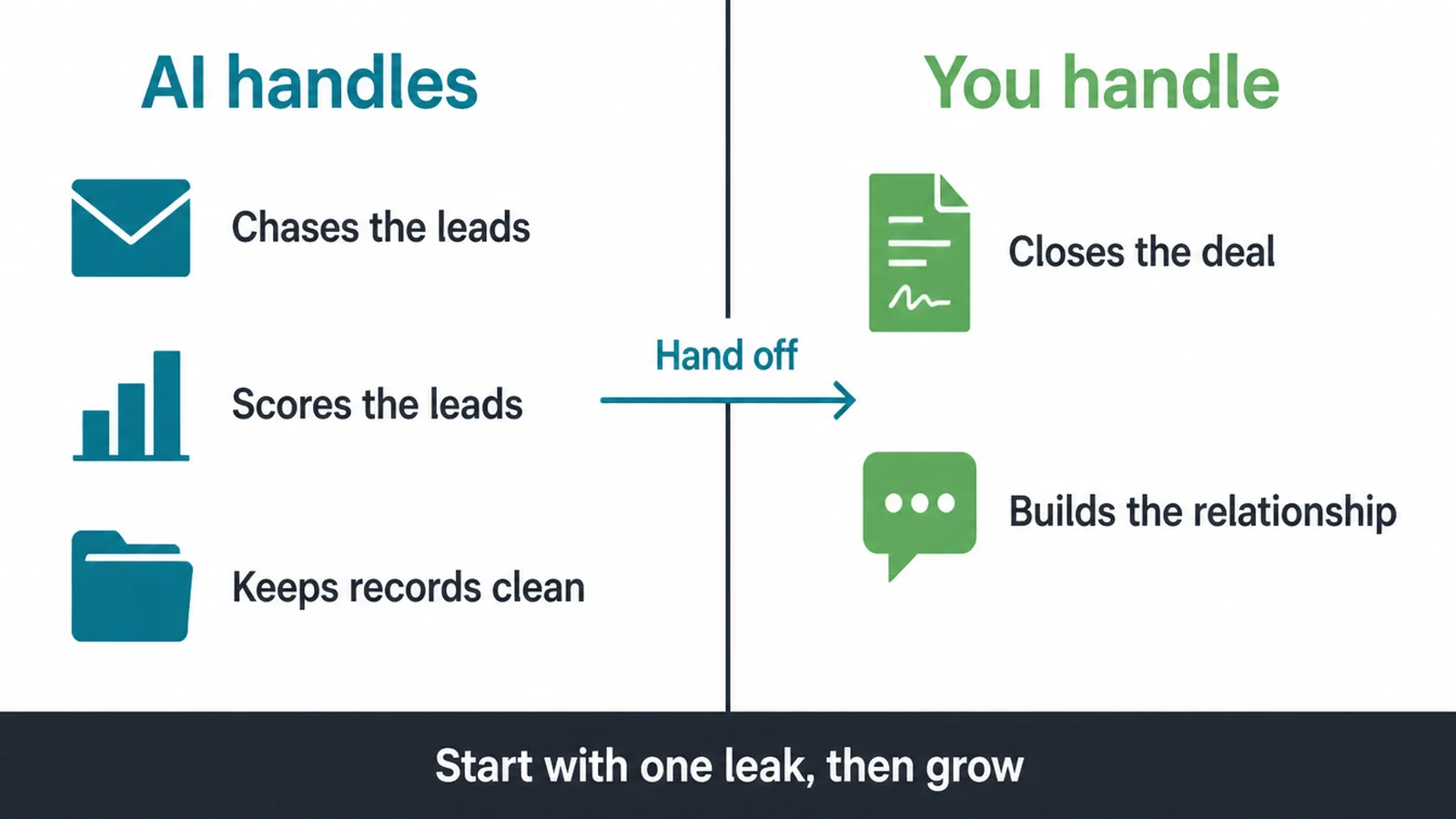
Use AI for the repetitive parts, stay in the loop, and start with one leak before you grow. Want help setting it up the right way? Talk to us and we will walk you through where to start.