Best AI Tools for Small Business 2026: Best Picks by Task

AI tool selection should start with a bottleneck, then one free option for the task taking the time: writing, images, chat, bookkeeping, email or meeting notes. Federal Reserve data puts firm-level AI adoption at around 18%, which gives the headline a useful baseline. Seed Light helps owners choose the few tools worth keeping.
Key takeaways
Short on time? Here is the whole guide to the best AI tools for small business in five lines.
- Start with two free tools, not twelve. A general assistant plus one tool for your biggest bottleneck covers most owners.
- Real adoption is rising, not exploding. The US Census found overall AI usage hovered between 17% and 20% of firms (US Census BTOS, 2026).
- Among workers it is already common. Half of all workers at small businesses already use AI at work (US Chamber Foundation, 2026).
- It saves time, it does not replace people. Just 6% use AI to automate workflows; 64% use it for personal productivity (US Chamber Foundation, 2026).
- Choose from a bottleneck. Pick the task that eats your week, then find a tool for that one job and try the free plan first.
1. First, the honest picture
Before any tool list, here is the truth that cuts through the noise. The headlines make it sound like every business is now run by AI. The hard data says otherwise.
The US Census found that overall AI usage among businesses hovered between 17% and 20%, and that fewer than 20% of firms with four or fewer employees were using it (US Census BTOS, 2026).
The Federal Reserve put it at about 18 percent of firms at the end of 2025 (Federal Reserve, 2026).
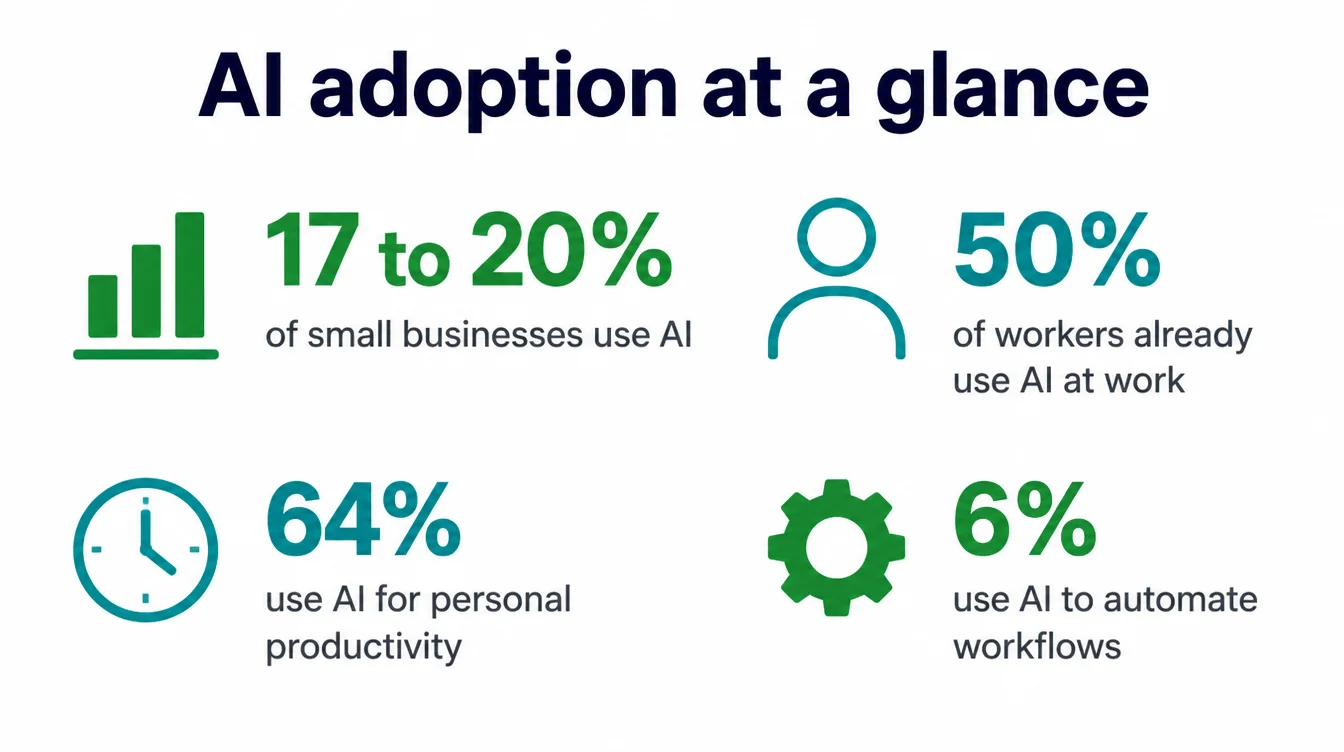
So firm-level adoption is modest. However, the picture flips when you ask workers instead of firms. Half of all workers at small businesses already use AI at work, and most of them reach for it to boost productivity, not to automate jobs (US Chamber Foundation, 2026).
Spending data backs this up: the JPMorganChase Institute found generative AI reached about 12 percent of firms in 2025 (JPMorganChase Institute, 2025).
One self-reported survey runs higher: 58% of small businesses said they use generative AI, up from 40% in 2024 (US Chamber C_TEC, 2025, self-reported). The gap between that and the Census number is the gap between "I have tried it" and "we run on it." Keep that in mind.
AI is a useful helper for small tasks. It is not yet running the shop. For more on what AI realistically does for a small business, see our pillar guide on AI for small business.
2. How to choose: start from a bottleneck, not a tool
Most owners pick a tool because they saw it on a feed. That is backwards. Instead, start from a bottleneck. Ask one question: what task eats my week? Maybe it is writing the same emails over and over. Maybe it is making graphics you hate making. Maybe it is meeting notes you never write up.
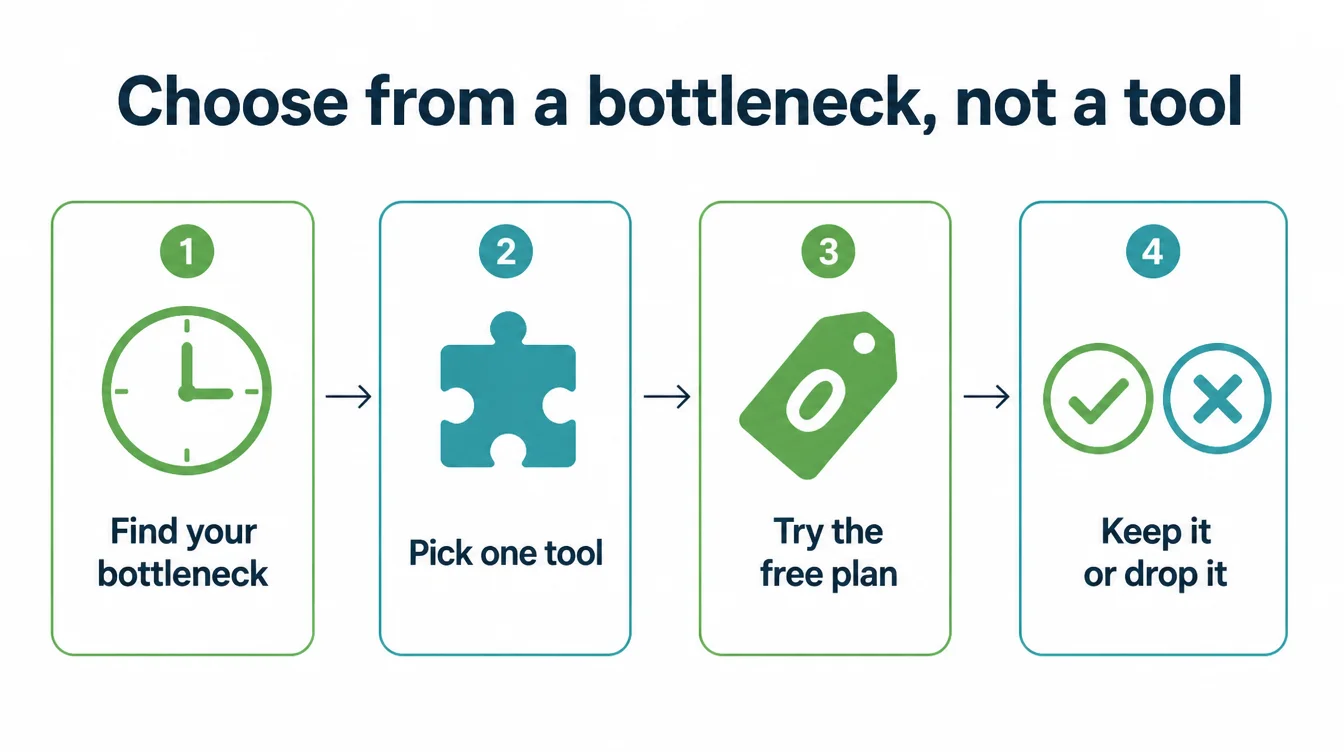
Once you name the task, look for a tool that does that single job well. Then try the free plan first and give it a real job from your business, not a demo.
Judge it on one thing: did it save you time? If it did, keep it. If it did not, drop it without guilt. This matters because the value of AI is time, not magic.
Remember, 64% of small business workers use it for personal productivity, while just 6% use it to automate workflows (US Chamber Foundation, 2026).
So judge every tool by the minutes it gives back. Our free manual work cost calculator puts a figure on what a repeated task is costing you before you swap it for a tool.
3. Writing and content
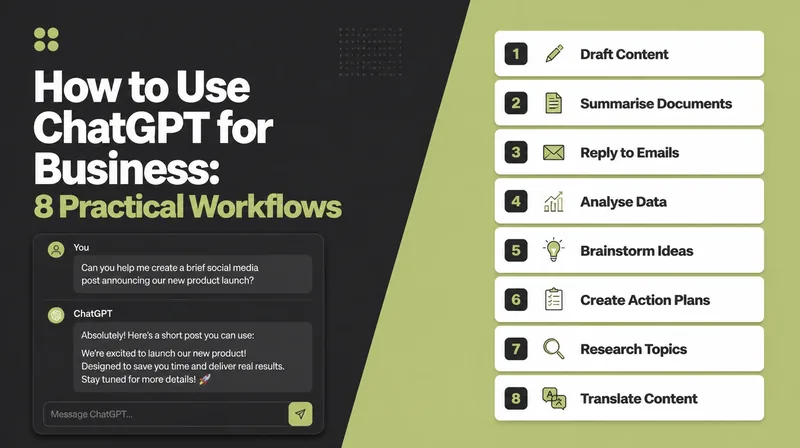
Writing is the job AI does best, and it is where most owners start. A general assistant can draft emails, product descriptions, social captions, and replies in seconds.

Good for: first drafts, rewording, shortening, fixing tone, and beating the blank page. Tools here include ChatGPT, Claude, and Gemini. Each is strong at plain writing, and Claude in particular tends to keep a calm, natural tone.
The catch: the first draft is generic and sometimes wrong. It can make up facts with total confidence. So you always edit, and you never publish anything you have not checked. Treat it as a fast junior writer, not a finished one.
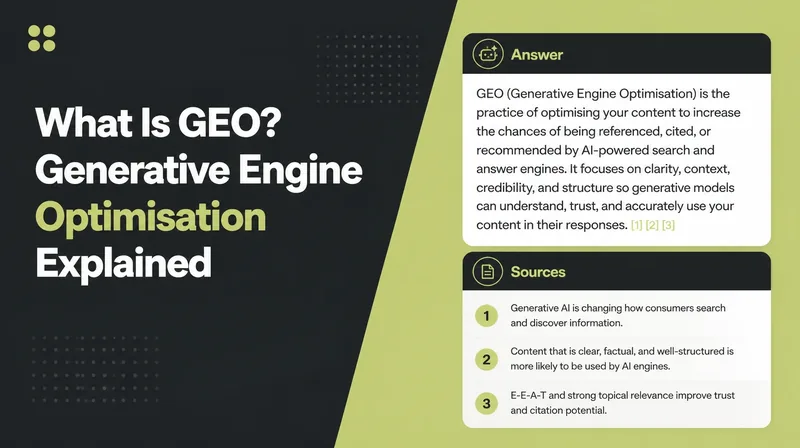
A free option: ChatGPT, Claude, and Gemini all have free plans that handle everyday writing. Start with one. If you also want AI to help your content show up in AI answers, read how to rank in AI overviews.
4. Design and images
Next comes the job that scares non-designers most: making things look decent. AI design tools have closed a lot of that gap.

Good for: social posts, flyers, simple logos, menus, and resizing one design for every platform. Canva is the obvious pick here, with built-in AI that writes text on your design, removes backgrounds, and generates images from a short prompt.
The catch: AI images can look slightly off, and everyone is using the same templates, so your work can blend in. Hands and text inside generated images often come out wrong. So use it as a starting point, then swap in your own real photos where you can.
A free option: Canva has a generous free plan that covers most small business graphics. The general assistants also generate images on their free or paid tiers if you only need the odd one.
5. Customer service and chat
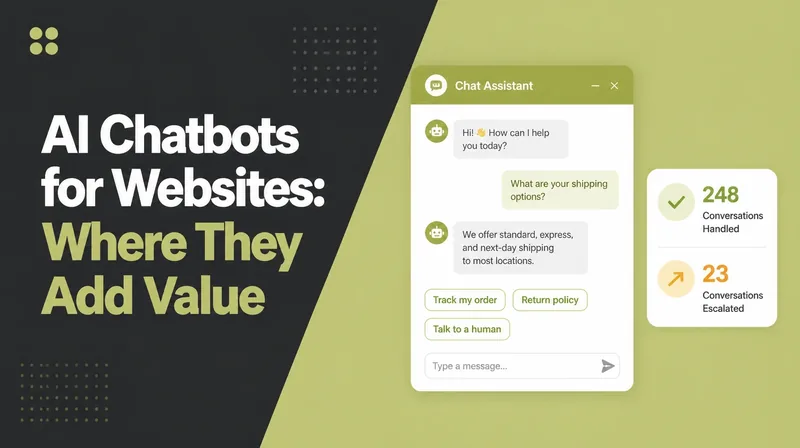
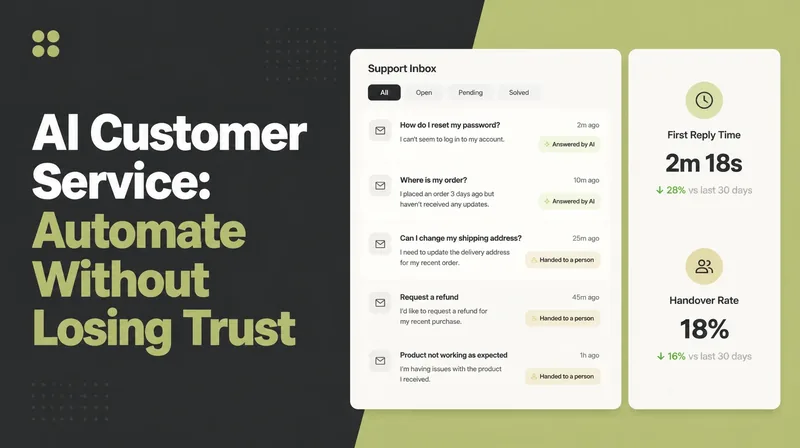
Customer questions repeat. The same five things, all day. That is exactly where AI helps without replacing your human touch.
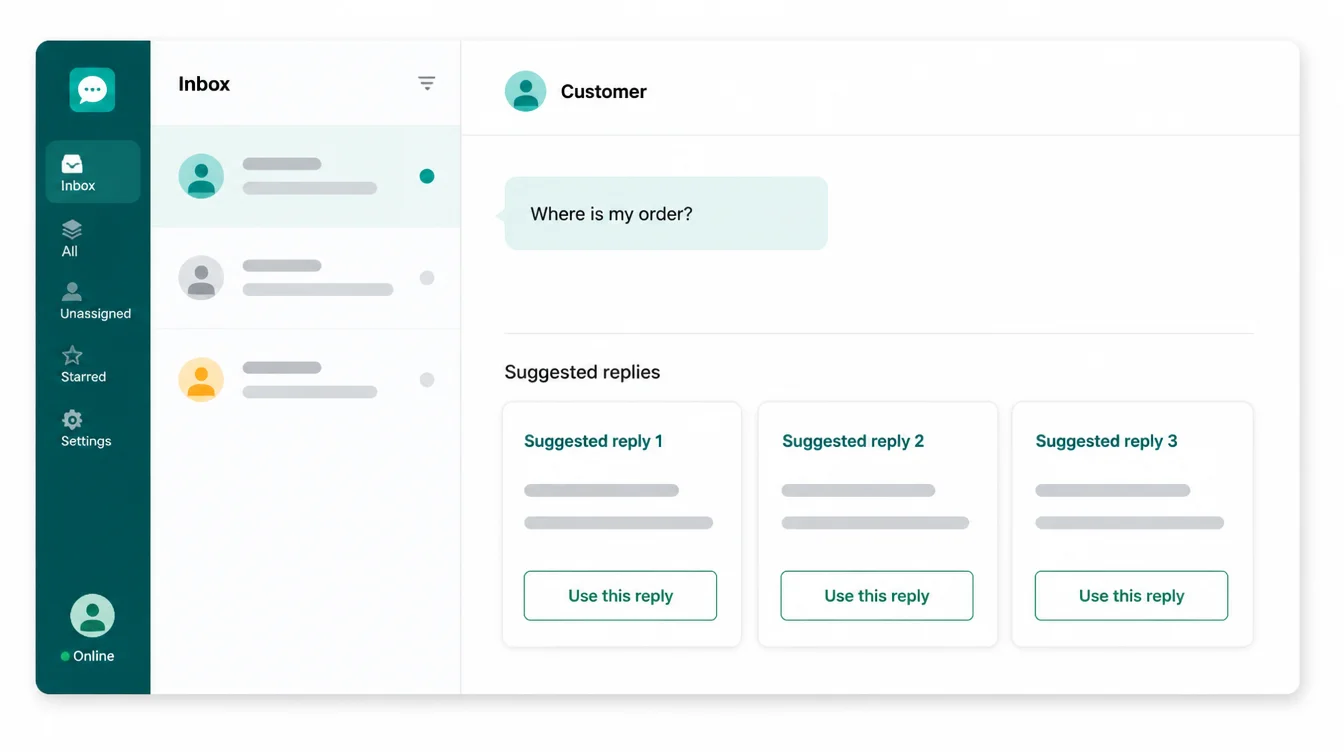
Good for: drafting replies, answering common questions on your site, and writing a friendly first response you then edit. You can paste a tricky customer message into a general assistant and ask for three calm, helpful replies in seconds.
The catch: a bot that answers wrong is worse than no bot. People can tell when they are stuck with a script, and a bad chat experience costs you trust. So keep a clear path to a real person, and never let AI invent policies, prices, or promises.
A free option: a general assistant like ChatGPT or Claude is the cheapest way to draft and polish replies before you send them yourself. That keeps a human in charge while still saving time.
6. Admin and bookkeeping
Admin is the quiet time-sink. Receipts, invoices, and chasing numbers. AI will not file your taxes, but it lifts the busywork around the edges.
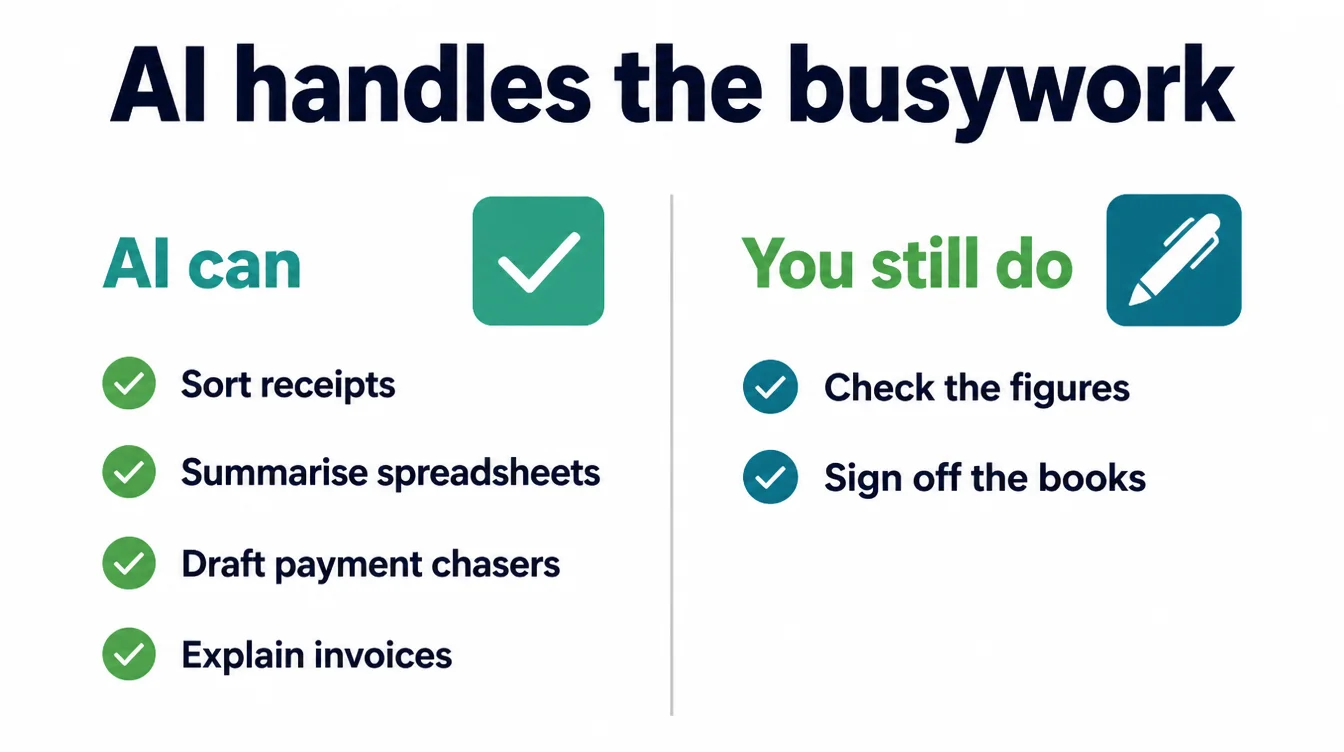
Good for: summarising a messy spreadsheet, explaining a confusing invoice, drafting a polite payment chaser, and turning notes into a tidy list. Accounting tools increasingly bundle AI to categorise transactions, and Wave is a popular free choice for basic bookkeeping.
The catch: never trust AI maths blindly, and keep sensitive financial and customer data out of free public tools. It can misread a number and state it with full confidence. So always check figures against your real records before you act on them.
A free option: Wave offers free accounting features for small businesses, and a general assistant can explain or summarise numbers you paste in, as long as you strip out anything private first.
7. Marketing, email and social
Marketing eats time because it never ends. There is always another post, another email, another caption. AI makes the churn lighter.
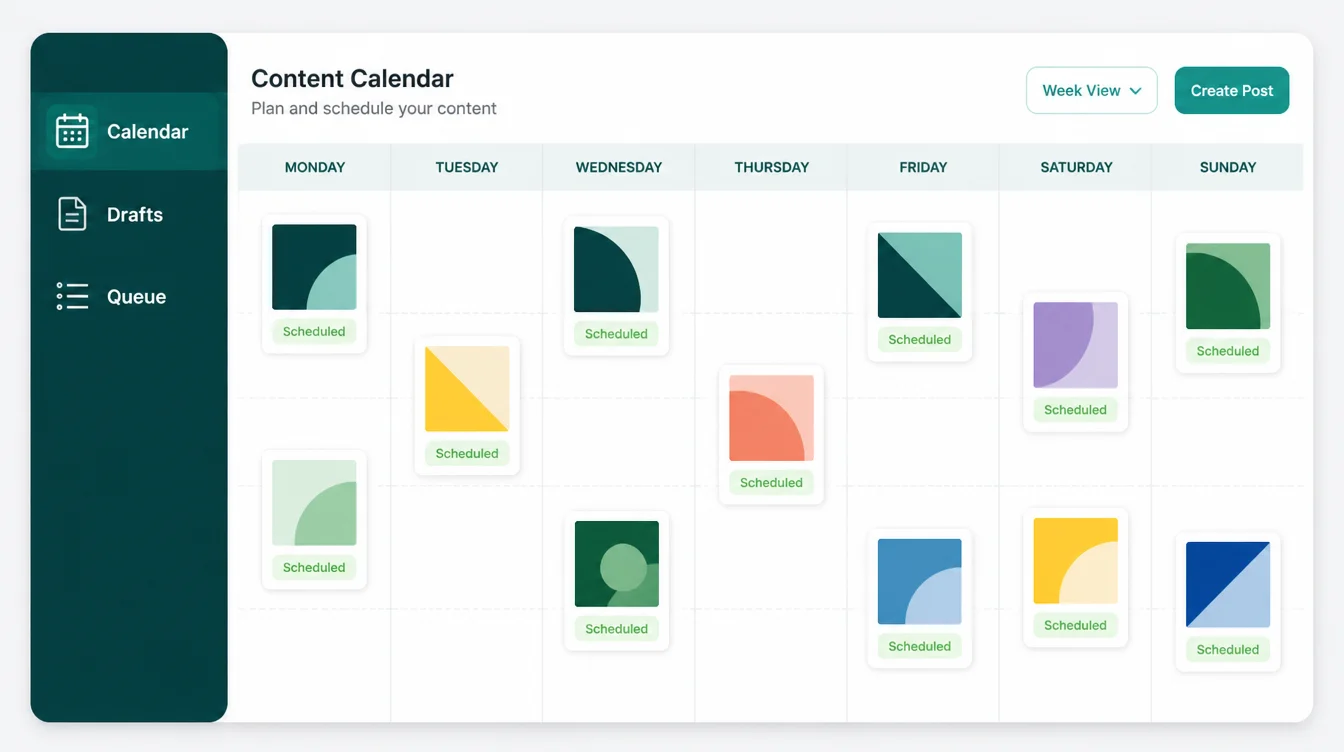
Good for: planning a month of posts, writing email newsletters, drafting captions, and scheduling so you are not posting live every day. Mailchimp adds AI to email writing, while Buffer helps you plan and schedule social posts in one place.
The catch: AI marketing copy reads as bland and samey if you ship it untouched. Customers can smell filler, and it quietly erodes your brand voice. So feed it your real offers and edit hard, or it sounds like everyone else.
A free option: Buffer and Mailchimp both have free tiers for small lists and a handful of channels, and a general assistant drafts the copy. If you want help turning that into real leads, see our digital marketing work.
8. Meetings and notes
Then there is the job nobody likes: writing up what was said. AI notetakers do this automatically, and it is one of the clearest wins for a busy owner.
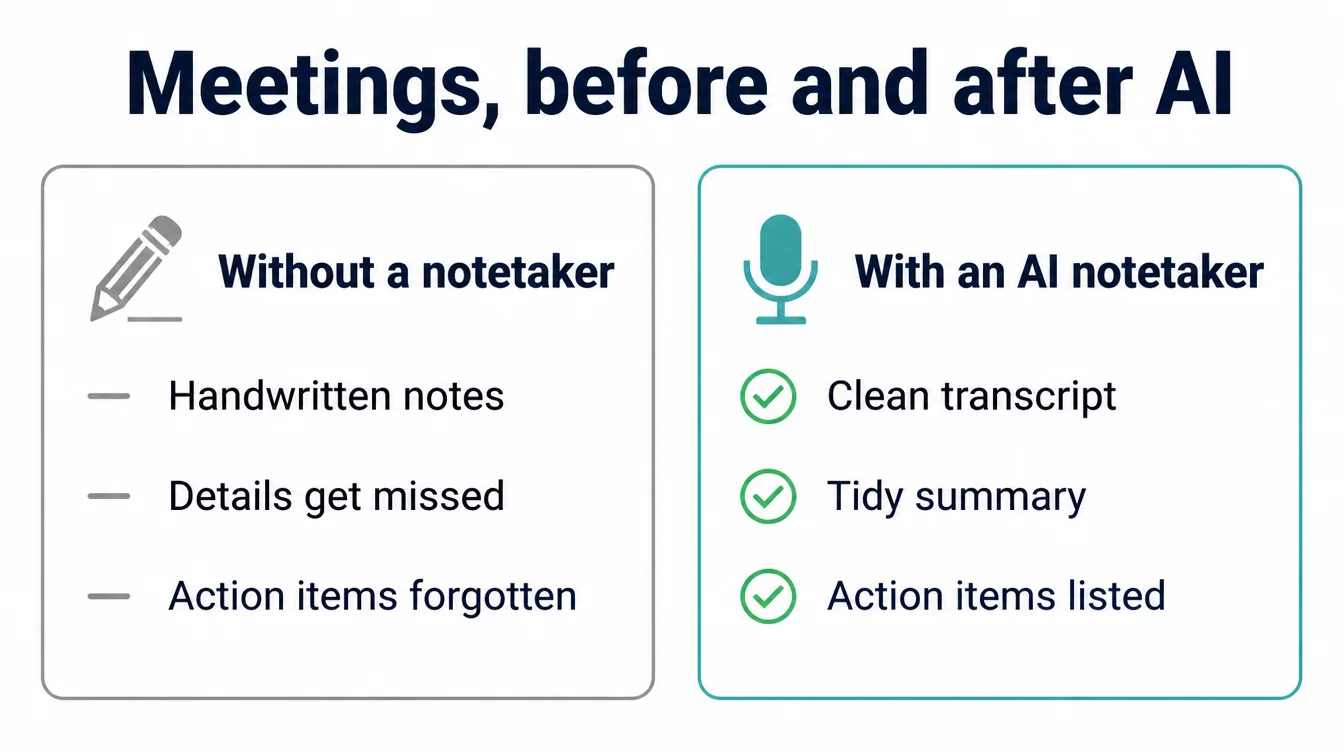
Good for: recording a call, writing a clean summary, and pulling out the action items so nothing slips. Otter and Fathom both transcribe meetings and produce a tidy summary you can share straight after.
The catch: transcripts can mishear names, numbers, and accents, and you should tell people they are being recorded. A wrong figure in a summary can cause real confusion later. So skim the summary before you forward it.
A free option: Otter and Fathom both have free plans that cover a set number of meetings a month, which is plenty for most small teams.
9. Automation, the glue
Finally, the tools that connect everything else. Automation is where AI moves from drafting to actually doing, and it is also where people overreach.
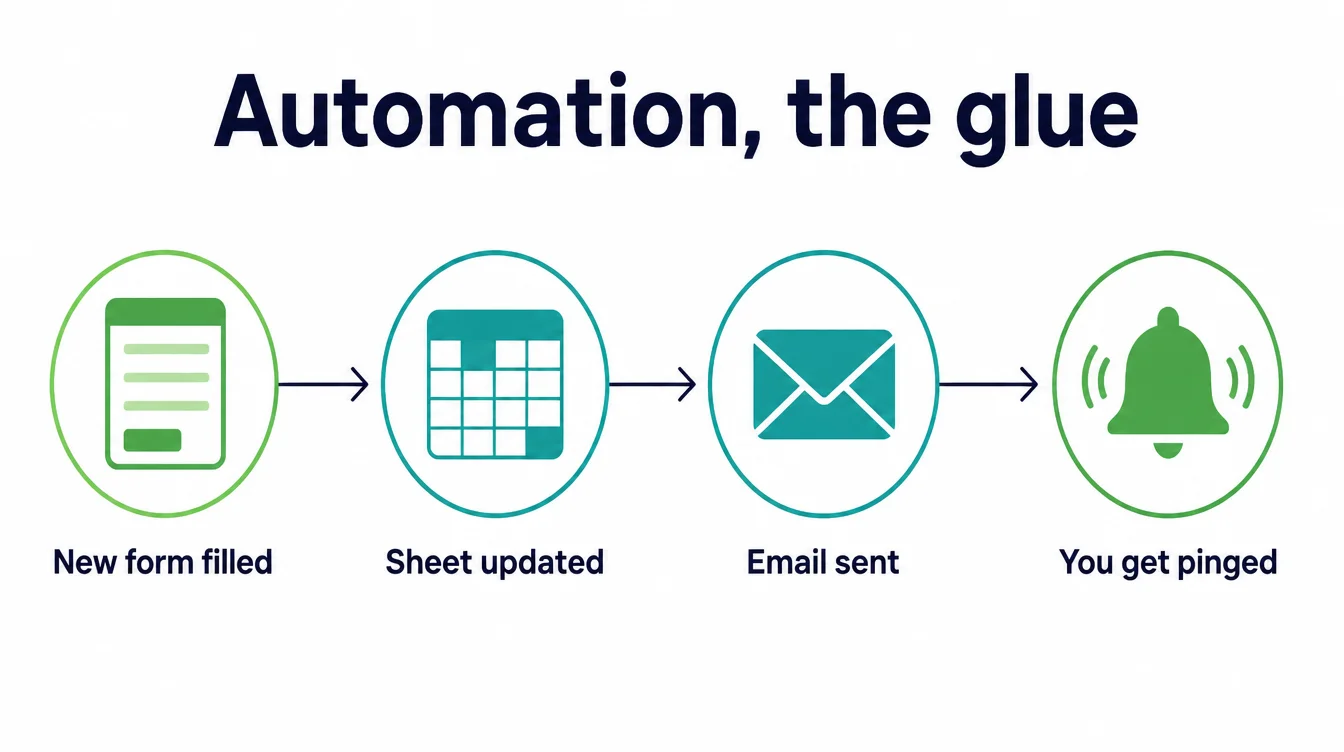
Good for: joining your apps so a new form fills a spreadsheet, sends a welcome email, and pings you, all without you lifting a finger. Zapier and Make are the two best known, and both now layer AI on top to build the steps for you.
The catch: automation breaks quietly and you may not notice until a customer falls through a crack. It also takes real setup time to get right. So start with one simple, low-stakes flow and watch it for a week before you trust it.
Remember, only 6% of small business workers use AI to automate workflows, so this is the advanced end, not the starting point (US Chamber Foundation, 2026).
A free option: Zapier and Make both have free tiers that cover a handful of automated tasks a month. If automation starts to matter, our AI and automation service sets it up properly so it does not break on you.
10. You do not need 12 tools: start with two free ones
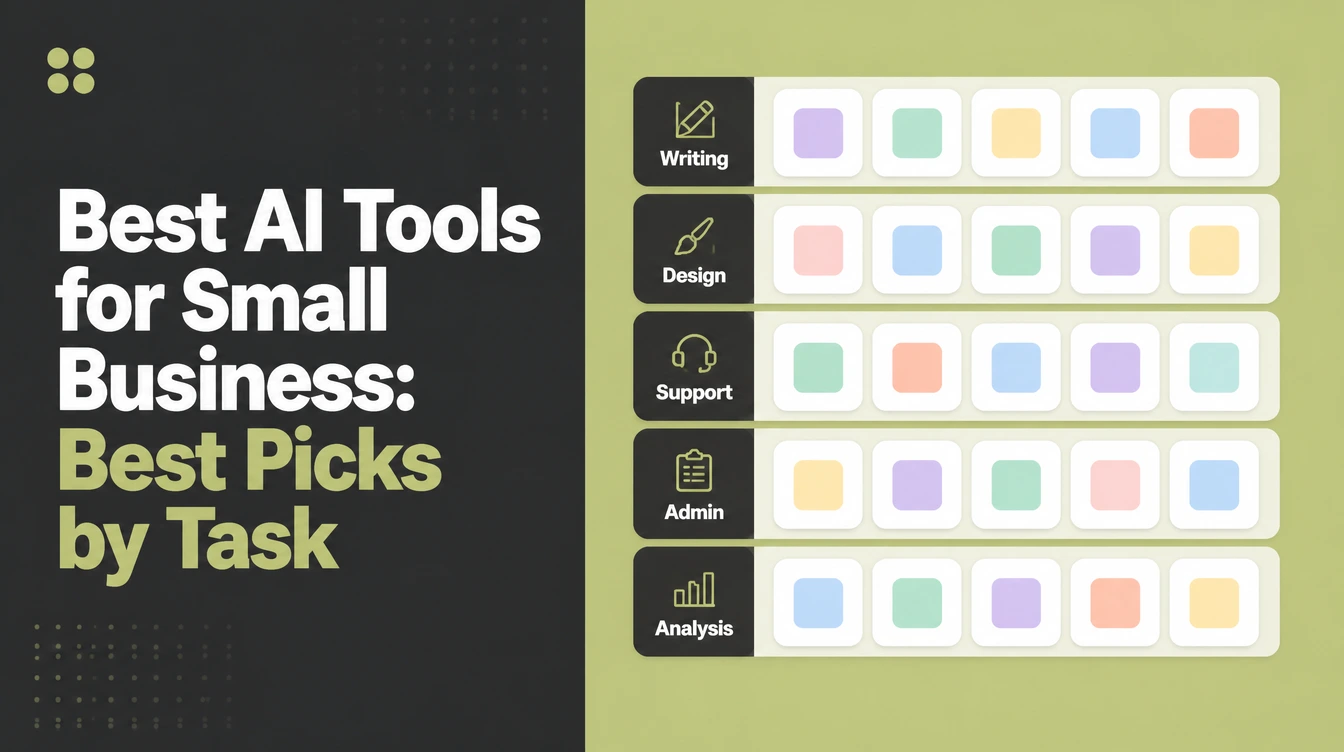
Here is the table version of everything above, so you can see the whole landscape at a glance and pick where to start.
| Job | Good for | The catch | A free option |
|---|---|---|---|
| Writing and content | Drafts, rewording, fixing tone | Generic, can be confidently wrong | ChatGPT, Claude, Gemini free plans |
| Design and images | Posts, flyers, simple graphics | Can look off, hands and text glitch | Canva free plan |
| Customer service | Drafting calm, helpful replies | A wrong bot is worse than none | A general assistant to draft replies |
| Admin and bookkeeping | Summaries, chasers, tidy lists | Never trust the maths blindly | Wave free accounting |
| Marketing and social | Captions, emails, scheduling | Bland if you ship it untouched | Buffer, Mailchimp free tiers |
| Meetings and notes | Transcripts and summaries | Mishears names and numbers | Otter, Fathom free plans |
| Automation | Joining your apps together | Breaks quietly, needs setup | Zapier, Make free tiers |
| General assistant | Almost any small task | Always check the output | ChatGPT, Claude, Gemini, Perplexity |
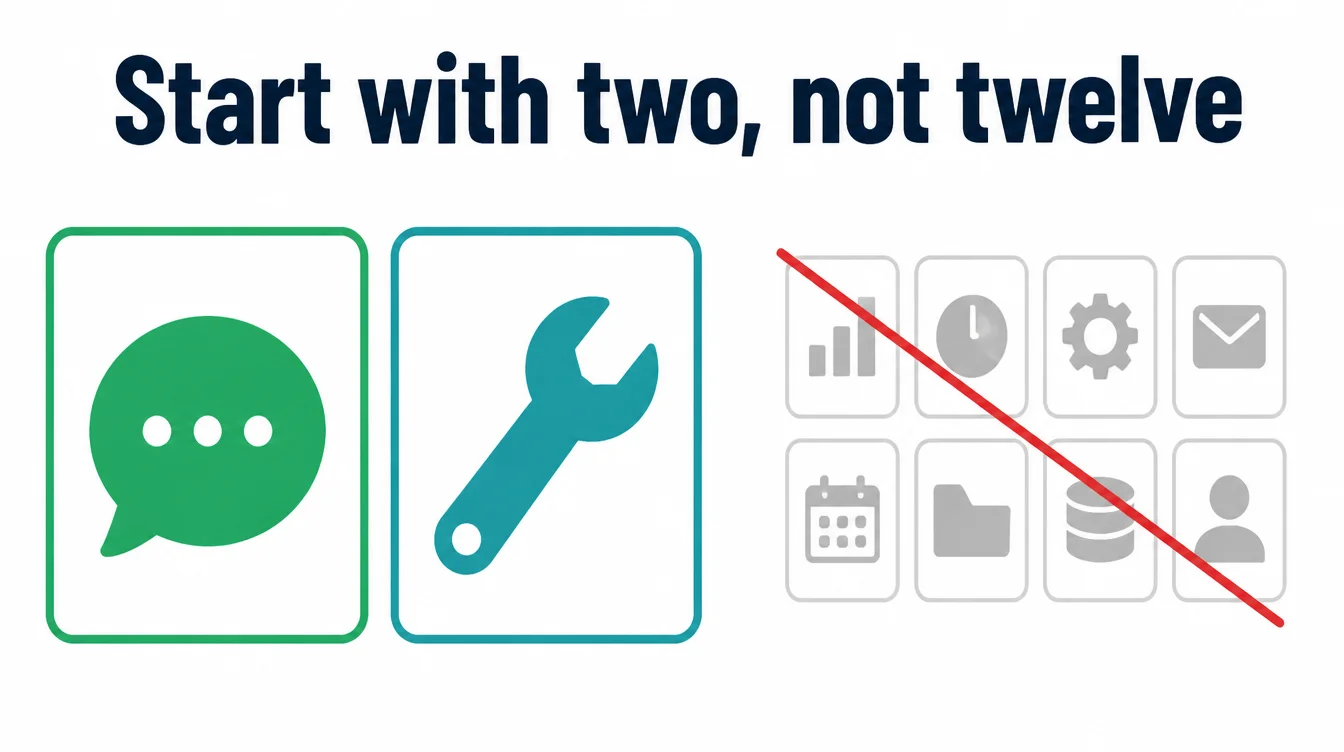
Do not buy a stack. Start with two free tools. Pick a general assistant for writing and answers, then add one tool for your single worst bottleneck. Use them for a month before you spend a cent, then get help with the one workflow worth automating.
When you are ready to think about AI on your actual website, compare your options in AI website builder versus a web designer, and make sure the site itself works on a phone with how to make a website mobile friendly. For more practical guides, browse the Seed Light blog.
Frequently asked questions
1. What is the best free AI tool for a small business?
For most owners, a general AI assistant like ChatGPT, Claude, or Gemini is the best free starting point. Each has a free plan that handles writing, brainstorming, and quick answers, which covers the most common small business jobs. Pick one, use it for a week, and only pay once you hit a limit that actually slows you down.
2. Which AI tool should I set up first?
Set up a general AI assistant first. It is free to try, it covers the widest range of jobs, and it teaches you how to talk to AI in plain language. Once you are comfortable, add one tool for your biggest bottleneck, such as Canva for graphics or a notetaker for meetings. Do not buy a stack of tools before you know which job hurts most.
3. How do I choose an AI tool?
Start from a bottleneck, not a tool. Write down the one task that eats your week, then look for an AI tool that does that single job well. Try the free plan first, give it a real task from your business, and judge it on whether it saved you time. If it did not, drop it. The right tool is the one that removes a real problem, not the one with the most features.
4. Are AI tools for small business worth it?
For most owners, yes, when used to save time rather than replace people. Half of all workers at small businesses already use AI at work, and 64% use it for personal productivity rather than automating jobs. So the value is real, but it comes from speeding up small tasks like drafting, summarising, and tidying up, not from grand automation.
5. Can AI replace my staff?
Not in any meaningful way today. The data is clear on this: just 6% of small business workers who use AI use it to automate workflows. Most use it as an assistant that drafts, summarises, and speeds up small jobs while a person stays in charge. Treat AI as a helper that gives your team time back, not as a replacement for the people doing the work.
6. Is it safe to put my business data into AI tools?
Use care. Avoid pasting customer personal details, passwords, or anything confidential into a free public AI tool, since that text may be stored or used to train models. Read the privacy settings, turn off training on your data where you can, and keep sensitive records out of the chat. For most everyday tasks like drafting copy, you are fine without sharing private data at all.
7. How many AI tools does a small business actually need?
Far fewer than the hype suggests. Most owners do well with two free tools to start: a general AI assistant for writing and answers, plus one tool for their single biggest bottleneck. Add a third only when a real task keeps slowing you down. A small, well-used set beats a dozen subscriptions you forget you are paying for.