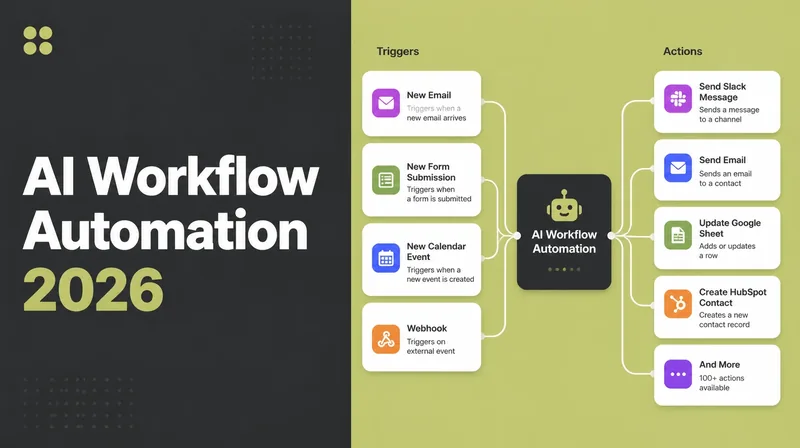
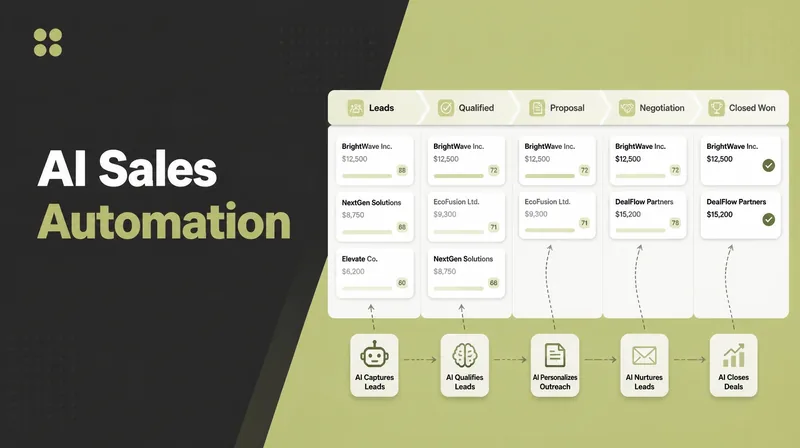
AI Email Marketing Automation: Triggers to Set Up

Email automation means building an email once and letting a trigger send it. Set up five core flows: welcome, abandoned cart, post-purchase, re-engagement and lead nurture. Triggered emails earn far higher opens and clicks than a broadcast, so this is where the money sits. Seed Light sets up the tool and the flows.
Key takeaways
- Automated emails punch above their weight. They drove 30% of email revenue from just 2% of sends, per the Omnisend 2026 Ecommerce Report.
- Triggered beats broadcast. Automations saw 24% higher open rates, 6x more clicks, and 19x higher conversion than scheduled campaigns (Omnisend).
- Email pays off. Email is reported at roughly $36 to $50 per $1 spent (Litmus, 2025), more than almost any channel you own.
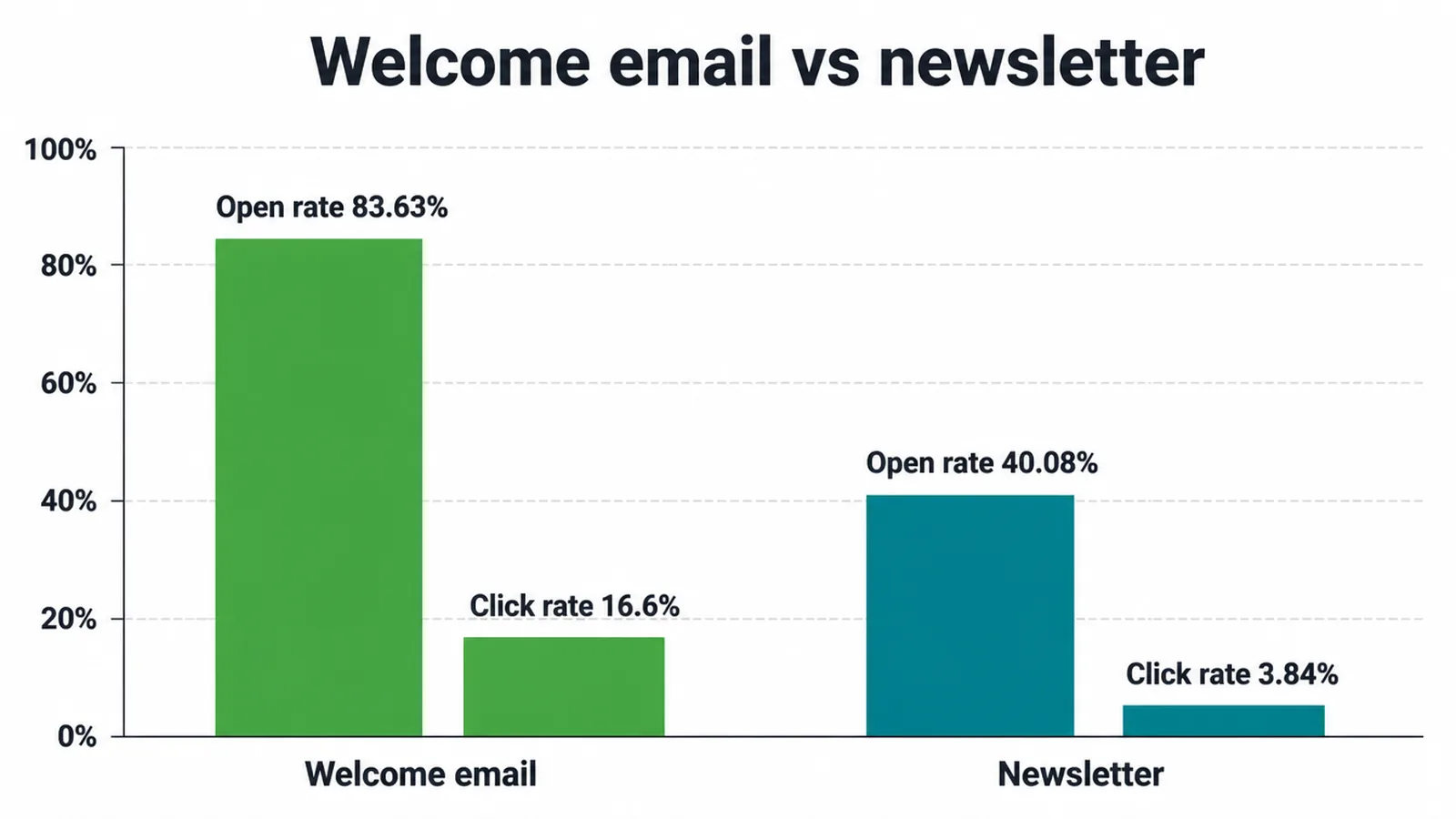
- Start with one flow. A welcome series is the easiest win. Welcome emails open at 83.63% versus 40.08% for newsletters (GetResponse, 2024).
- AI drafts, you edit. A clean, opted-in list matters more than clever copy. Automation makes a good list better and a bad list worse.
1. What is email marketing automation?
To automate email marketing, you build emails once and let them send on their own when a trigger happens. A trigger is just an action a person takes. That is the whole idea.
Instead of writing a fresh email every time, you set up a sequence that fires by itself. Welcome emails open at 83.63% with a 16.6% click rate, while a normal newsletter sits at 40.08% open and 3.84% clicks, per GetResponse, 2024.
Here is the split. A broadcast is one email you blast to everyone at once, like a Tuesday newsletter. A triggered email goes to one person because of what they just did. They joined, they bought, they wandered off.
The triggered kind reaches people at the right moment, so it gets opened and clicked more. Email is also a use-case under the bigger idea of AI automation: a process that runs without you babysitting it.
2. Which email flows should you automate?
To automate email marketing well, set up five core flows: welcome, abandoned cart, post-purchase, re-engagement, and lead nurture. Each one has a trigger, a job, and a moment it runs.
These are where the money is. Remember, automated emails drove 30% of email revenue from only 2% of sends, with 19x higher conversion than scheduled blasts, per Omnisend.
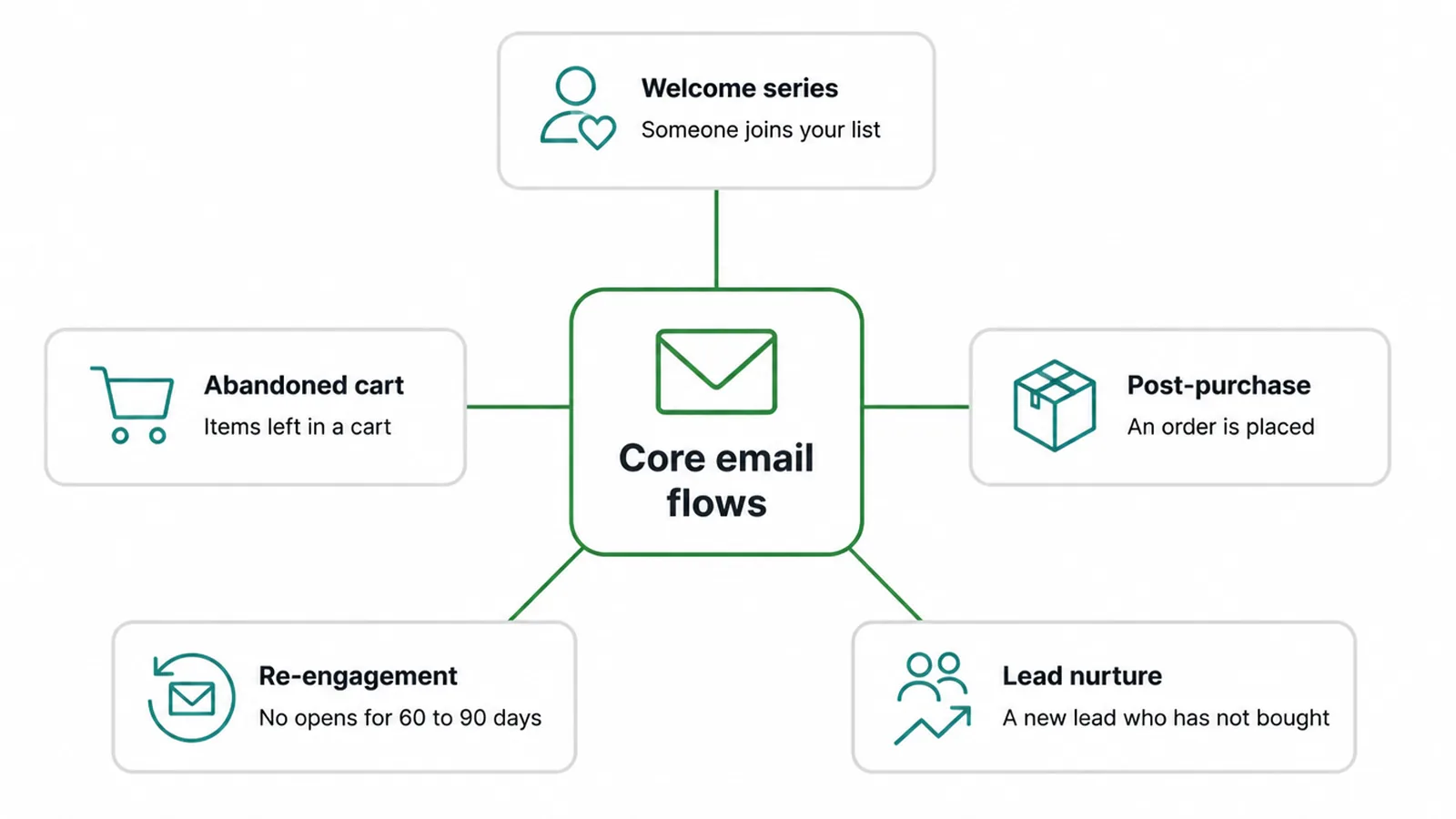
| Flow | What triggers it | What it does | When it runs |
|---|---|---|---|
| Welcome series | Someone joins your list | Says hello, sets expectations, gives a first reason to buy | Right after they sign up |
| Abandoned cart | Items left in a cart, no checkout | Reminds them and nudges them to finish | A few hours later, then a day later |
| Post-purchase | An order is placed | Confirms, thanks, asks for a review, suggests a next item | After the order, then days later |
| Re-engagement | No opens or clicks for 60 to 90 days | Wins back quiet people or clears them out | Once a person goes quiet |
| Lead nurture | A new lead who has not bought yet | Builds trust over a few emails, answers worries | Spread over days or weeks |
You do not need all five on day one. Pick the one that fits where you lose people. If folks add to cart and vanish on your online store, build abandoned cart.
If new sign-ups go cold, build the welcome series. Want help mapping these to your buyer journey? Our digital marketing team does exactly this.
3. Where does AI actually help with email automation?
When you automate email marketing, AI helps with four jobs: drafting copy fast, writing subject line options, picking send times, and sorting people into groups. It speeds up the boring parts.
Teams that needed two weeks or more to make one email dropped from 62% in 2024 to 6% in 2025, per Litmus State of Email 2025. That is a big time saving.
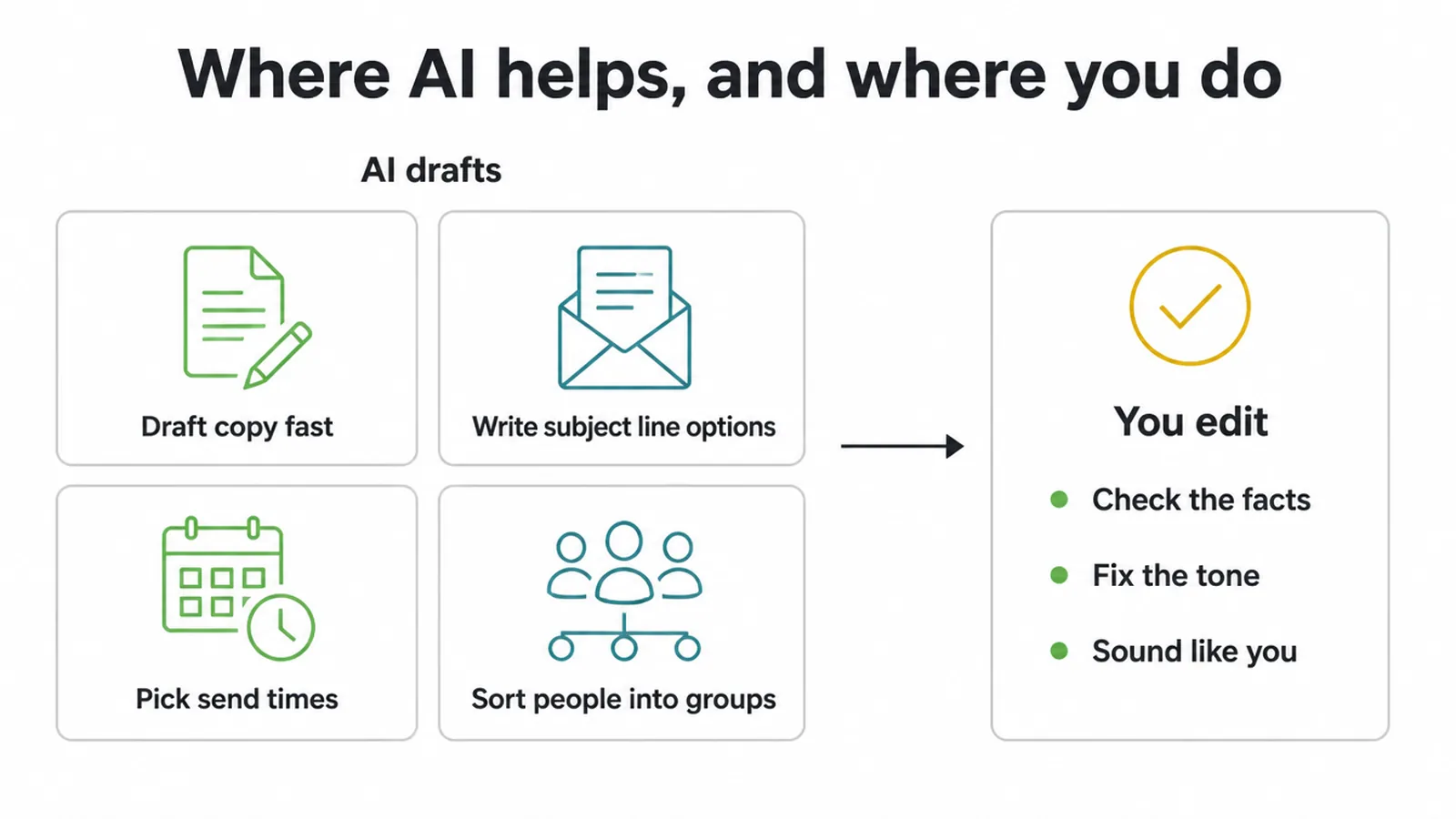
But AI assists, you edit. It gives you a fast first draft, not a finished email. Check the facts, fix the tone, and make it sound like a real person from your business. AI is great at first drafts and ten subject line ideas in seconds.
It is bad at knowing your customers like you do. If you want a deeper look at the writing side, see our guide to AI writing tools. For full done-for-you flows, our AI and automation service can set them up.
4. Which email automation tools should you use?
To automate email marketing, you need one email tool that builds triggered flows. Most small business tools, like Mailchimp, Brevo, MailerLite, Klaviyo, ActiveCampaign, and Omnisend, all do welcome, cart, and post-purchase flows out of the box. Pick by what you sell and how big your list is, not by the longest feature list.
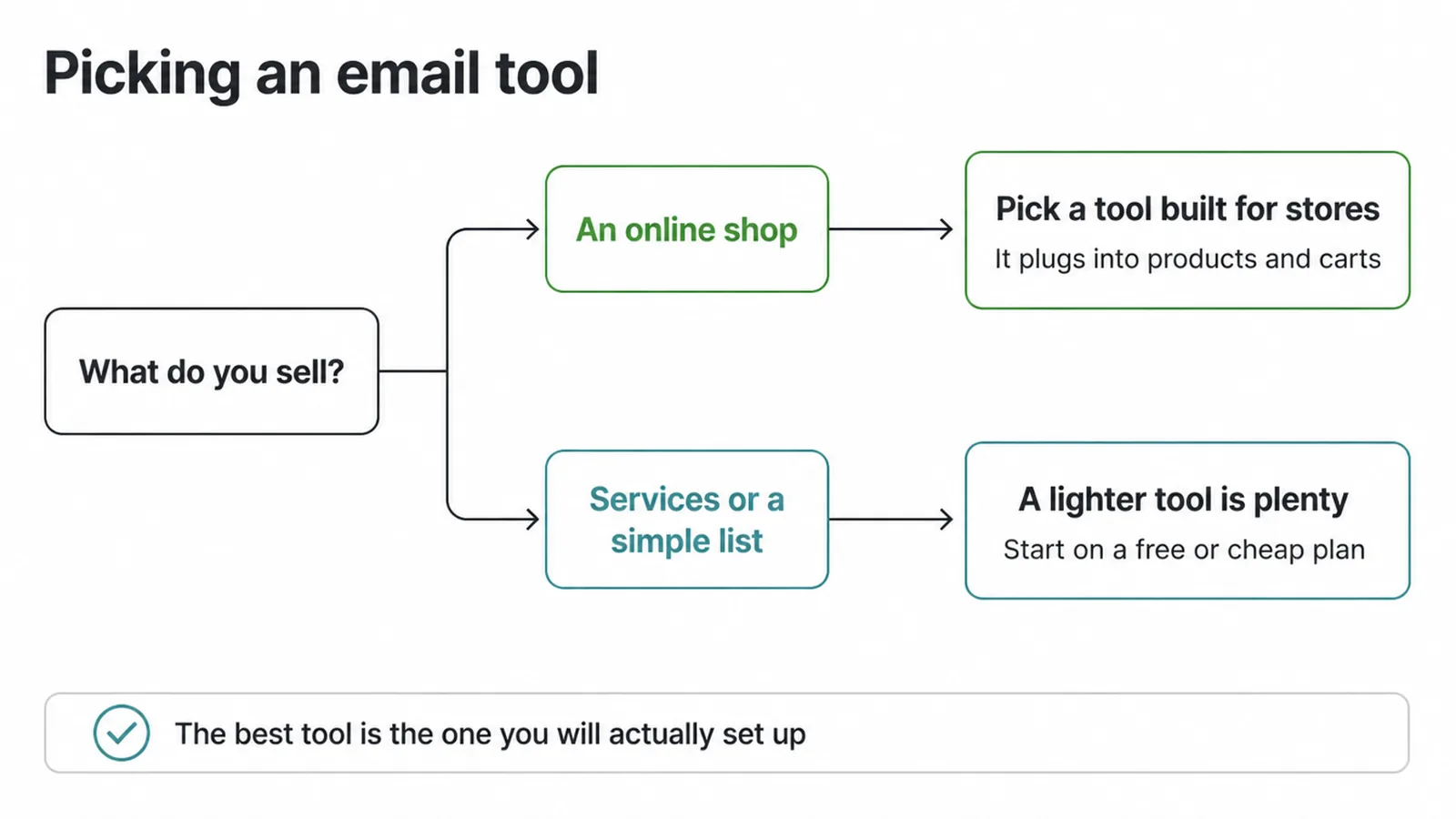
A quick way to choose. If you run an online shop, look at tools built for stores, since they plug into your products and carts. If you sell services or run a simple list, a lighter tool is plenty.
Most have a free or cheap starting plan, so you can test before you commit. The best tool is the one you will actually set up and use. For a wider view, see our roundup of AI lead generation tactics, since email and lead capture work hand in hand.
5. How do you set up your first automated sequence?
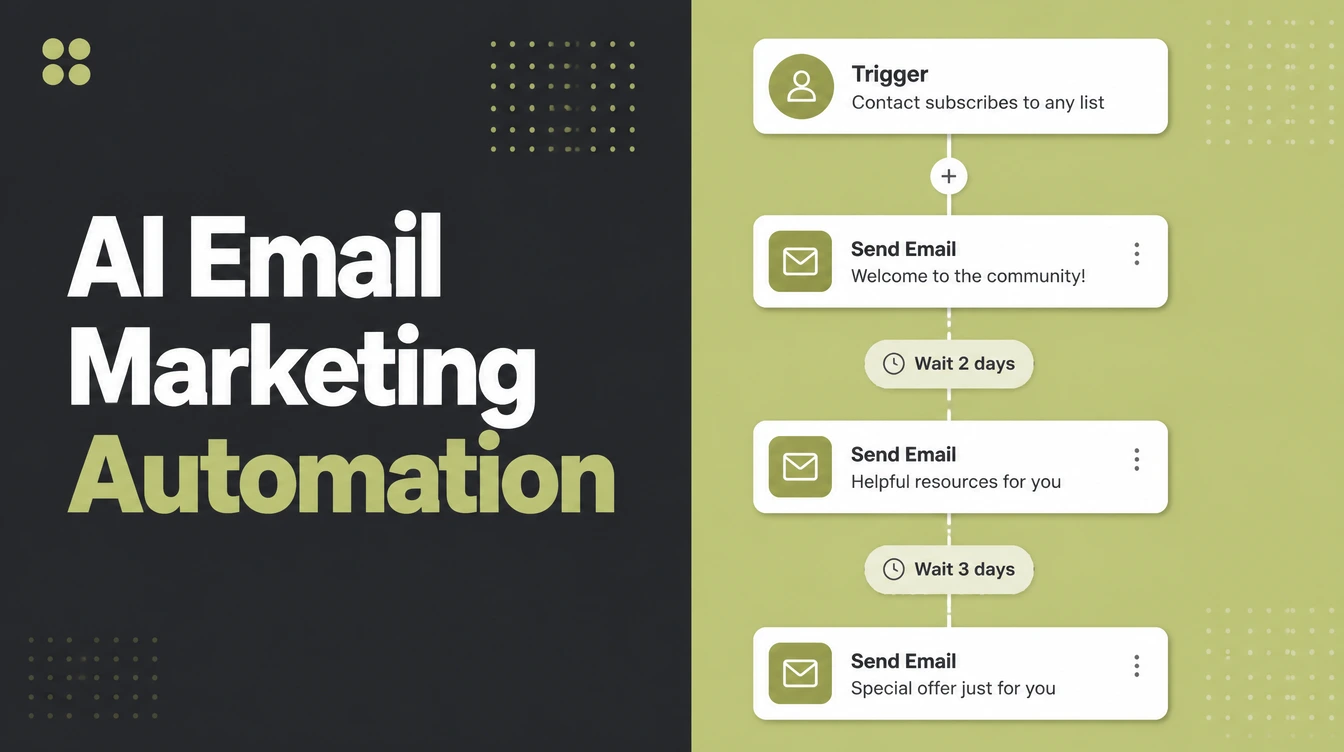
To automate email marketing this week, set up one welcome flow of three emails. Start small. One working flow beats five half-built ones. Here is the order that works.
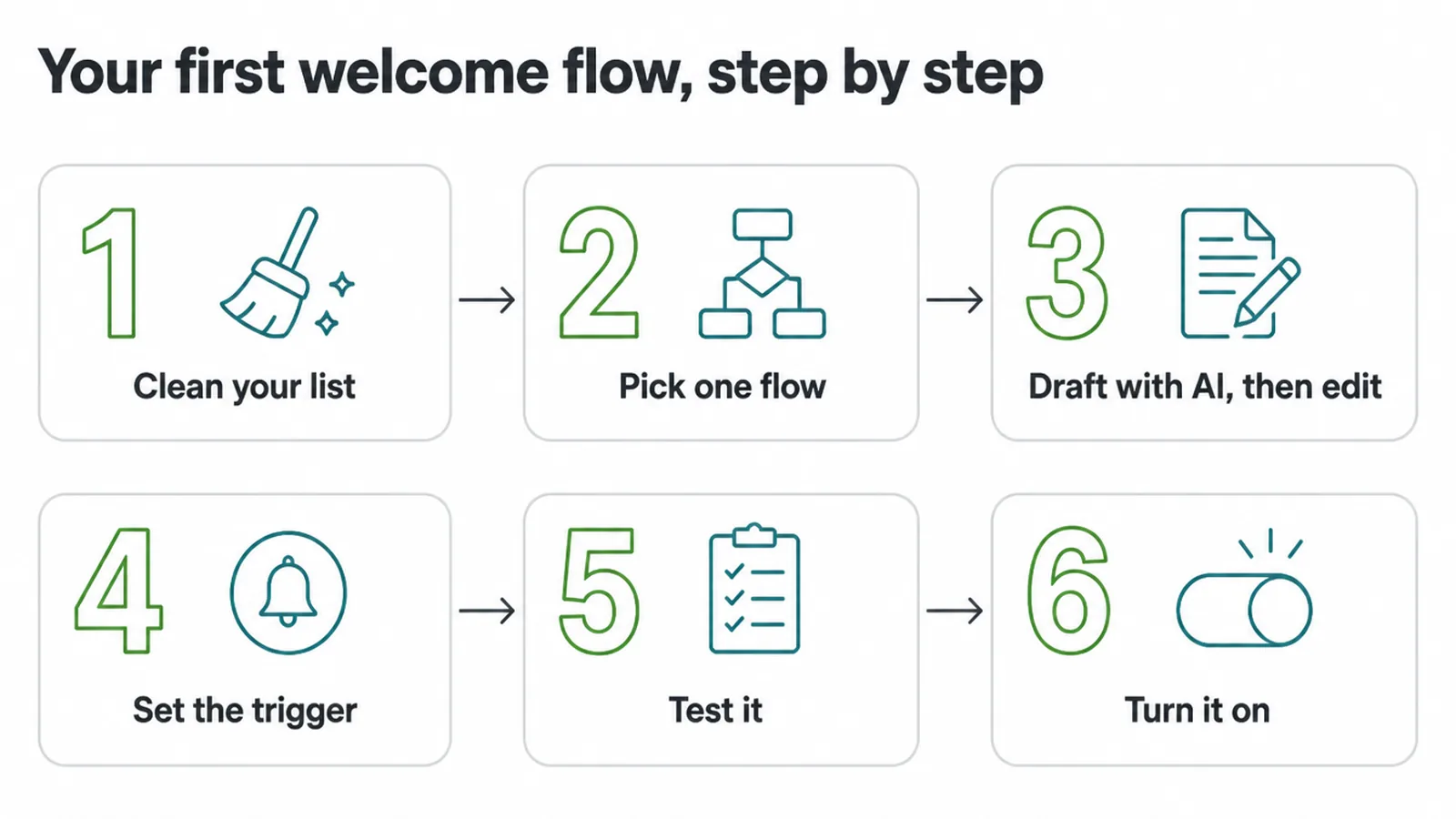
- Clean your list. Use only people who chose to hear from you. No bought lists, no scraped contacts. A clean, opted-in list is the whole game.
- Pick one flow. Go with welcome, three emails: a hello, a useful tip or your story, and a soft offer.
- Draft with AI, then edit. Ask AI for a first draft and a few subject lines. Then rewrite it in your voice so it sounds human.
- Set the trigger. Link the flow to "someone joins the list." Space the emails a day or two apart.
- Test it. Sign up with your own email. Read every message. Check the links and the timing.
- Turn it on. Switch it live and watch the opens and clicks for a couple of weeks.
Once the welcome flow runs clean, add the next one. The same steps work for any channel you automate. The same logic also applies if you automate Instagram posts, plan the content once and let the schedule do the work.
6. What are the honest limits of email automation?
When you automate email marketing, the list and the offer matter more than clever copy. Automation is not magic. It makes a good setup work harder and a bad setup fail faster. Here is the honest part most guides skip.
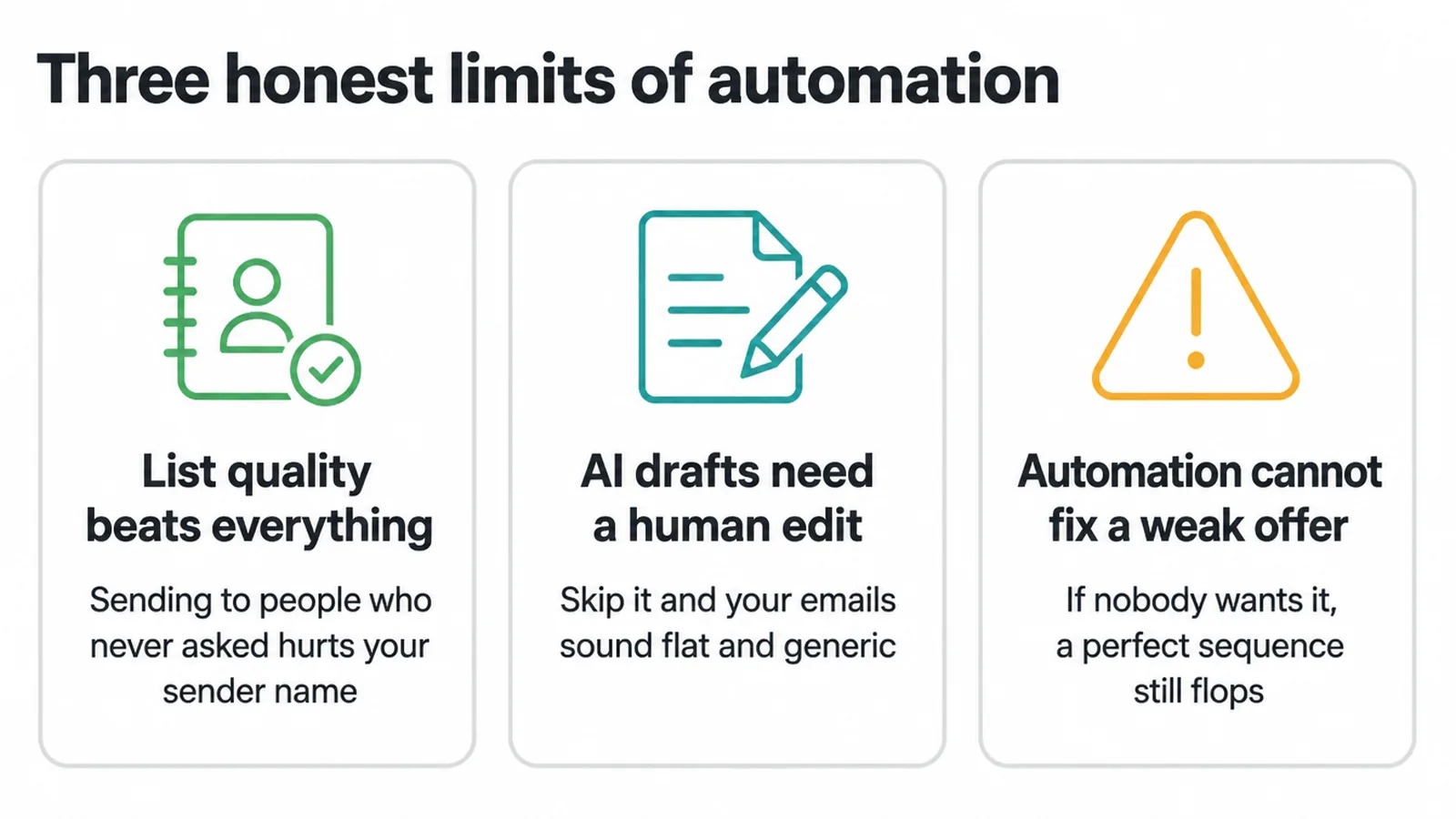
Three things to know. First, list quality and consent beat everything. Sending to people who never asked hurts your sender name and gets you marked as spam. Second, AI drafts need a human edit every time, or your emails sound flat and generic.
Third, automation cannot fix a weak offer. If nobody wants the thing, a perfect sequence still flops. Get the offer and the list right, then let automation carry the load. If you want a hand setting this up properly, get in touch and we will map it out with you.
Frequently asked questions
1. What is email marketing automation?
Email marketing automation means emails send themselves when someone does something. You build the email once and set a trigger. When a person joins your list, buys, or goes quiet, the right email goes out on its own. You do not press send each time.
2. How do I automate my email marketing?
Start with a clean list of people who chose to hear from you. Pick one flow, like a welcome series. Draft the emails with AI, then edit them in your own voice. Set the trigger, send yourself a test, and turn it on. Add more flows later.
3. What emails should I automate first?
Start with a welcome series. It goes to people right after they join, when they care most. Welcome emails get opened far more often than a normal newsletter, so it is the easiest win. Add abandoned cart and post-purchase flows next.
4. Does AI write marketing emails?
AI drafts emails, subject lines, and variations fast. It is a strong first draft, not a finished email. You still need to check the facts, fix the tone, and make it sound like you. Treat AI as a helper, not a replacement for your judgement.
5. What is a trigger?
A trigger is the action that starts an email. Joining your list is a trigger. Leaving items in a cart is a trigger. Not opening anything for 60 days is a trigger. When the action happens, your tool sends the email you linked to it.
6. Automated email versus a broadcast: what is the difference?
A broadcast is one email you send to everyone at the same time, like a newsletter. An automated email sends to one person based on what they did. Automated emails reach people at the right moment, so they tend to get opened and clicked more.
7. Is email marketing still worth it?
Yes. You own the contact list and can use email without depending on a social platform's reach. Whether it pays off depends on the list, offer and messages. Automation can reduce repeat sending work because each email goes out from an agreed trigger once the flow is set up.
8. Can AI choose the send time?
Many tools can pick a send time based on when each person tends to open email. It helps a little, but it will not save a weak offer or a bad list. Get the list and the message right first. Send-time tuning is a small extra gain on top.