Best AI Chatbots for Business 2026: Compare Use Cases

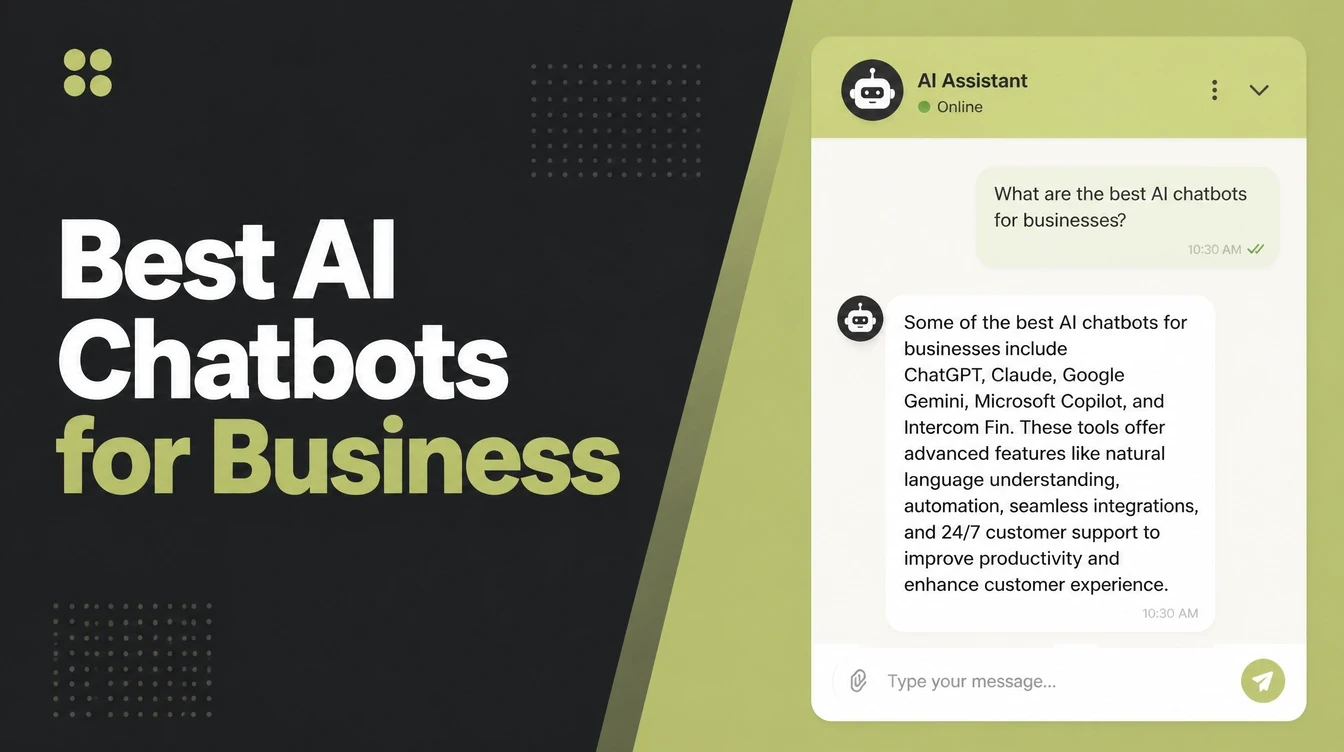
The best AI chatbot for your business is the one matched to your goal: deflecting support questions, capturing leads, or booking appointments. Look for a bot that answers from your own content, qualifies and routes people, and hands over to a human cleanly. The bot can send the first reply and record the enquiry. Seed Light scopes and builds them.
Key takeaways
- Speed is the whole point. 90% of people say an immediate response is important or very important for support questions, and "immediate" now means 10 minutes or less (HubSpot Research). A chatbot answers in seconds.
- There are three main types. A website widget, a social DM bot, and a support or helpdesk bot. Pick by where your customers already message you.
- Choose by goal, not by hype. Decide what job you most need done, then match the type to it.
- It must train on your content and hand off to a human. Those two settings matter more than any feature list.
- Text is one lane. A chatbot is for typing. Voice and phone calls are different tools, covered below.
1. What does an AI chatbot for business actually do?
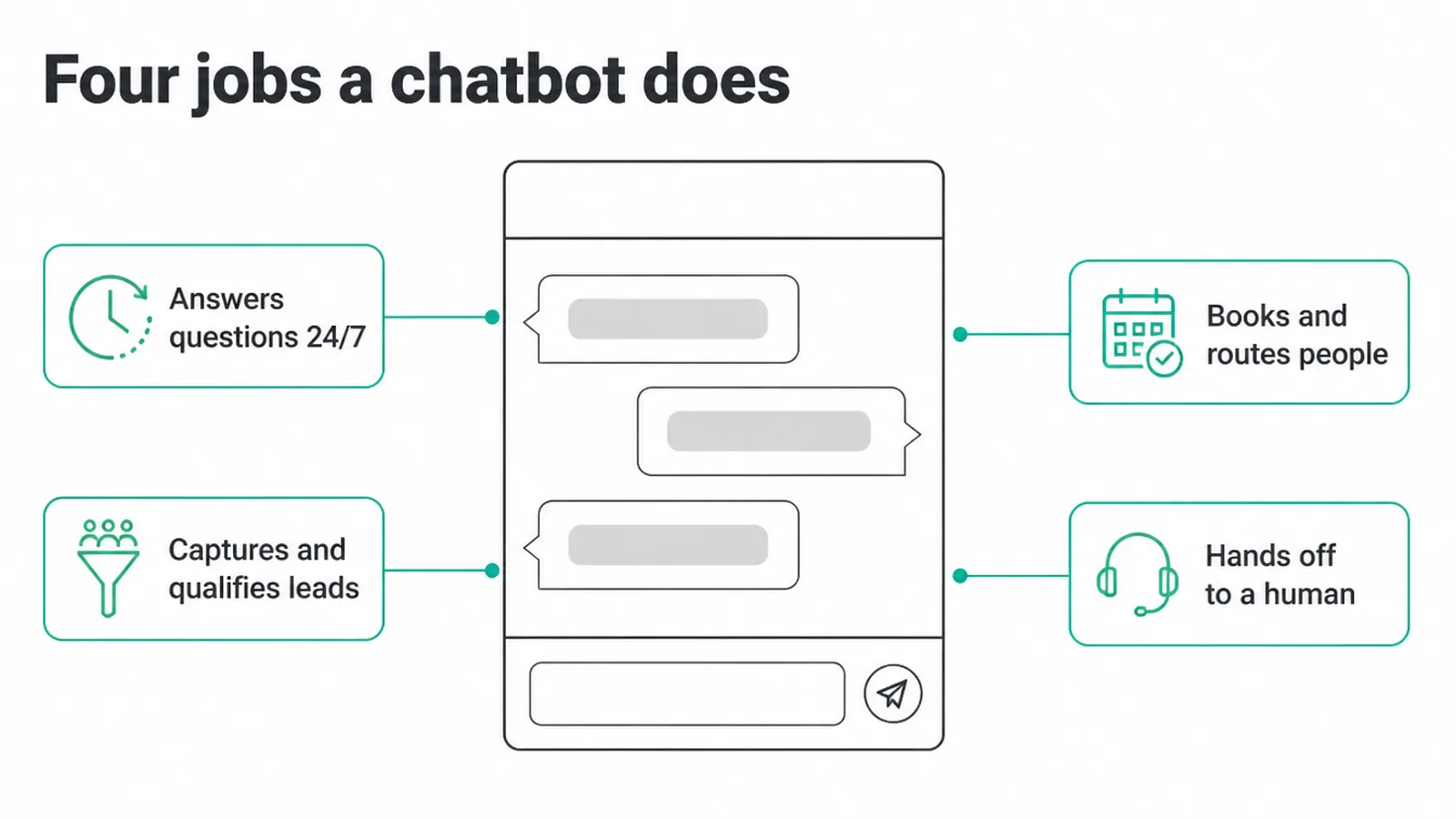
The best AI chatbot for business does four jobs. It answers your common questions around the clock, it captures and qualifies leads, it books or routes people to the right place, and it hands off to a human when a question is too tricky.
That is it. A chatbot is not magic. It is a fast front desk for the people who land on your site.
Here is a useful definition. A modern AI chatbot uses natural language processing, or NLP, to understand what someone types and answer more complex questions. A rule-based bot only gives predetermined menu or button responses (AWS). Most good tools today blend both: clear buttons for simple paths, and AI for the open questions.
Why does the speed matter so much? Because waiting kills interest. 90% of people rate an immediate response as important or very important for support, and 82% say the same for sales questions (HubSpot Research).
A person sitting at their phone at 11pm will not wait for your office to open. A chatbot replies right then. If you want the bigger picture of how these tools fit your operations, see our guide to what AI automation is.
2. What are the three main types of business chatbot?
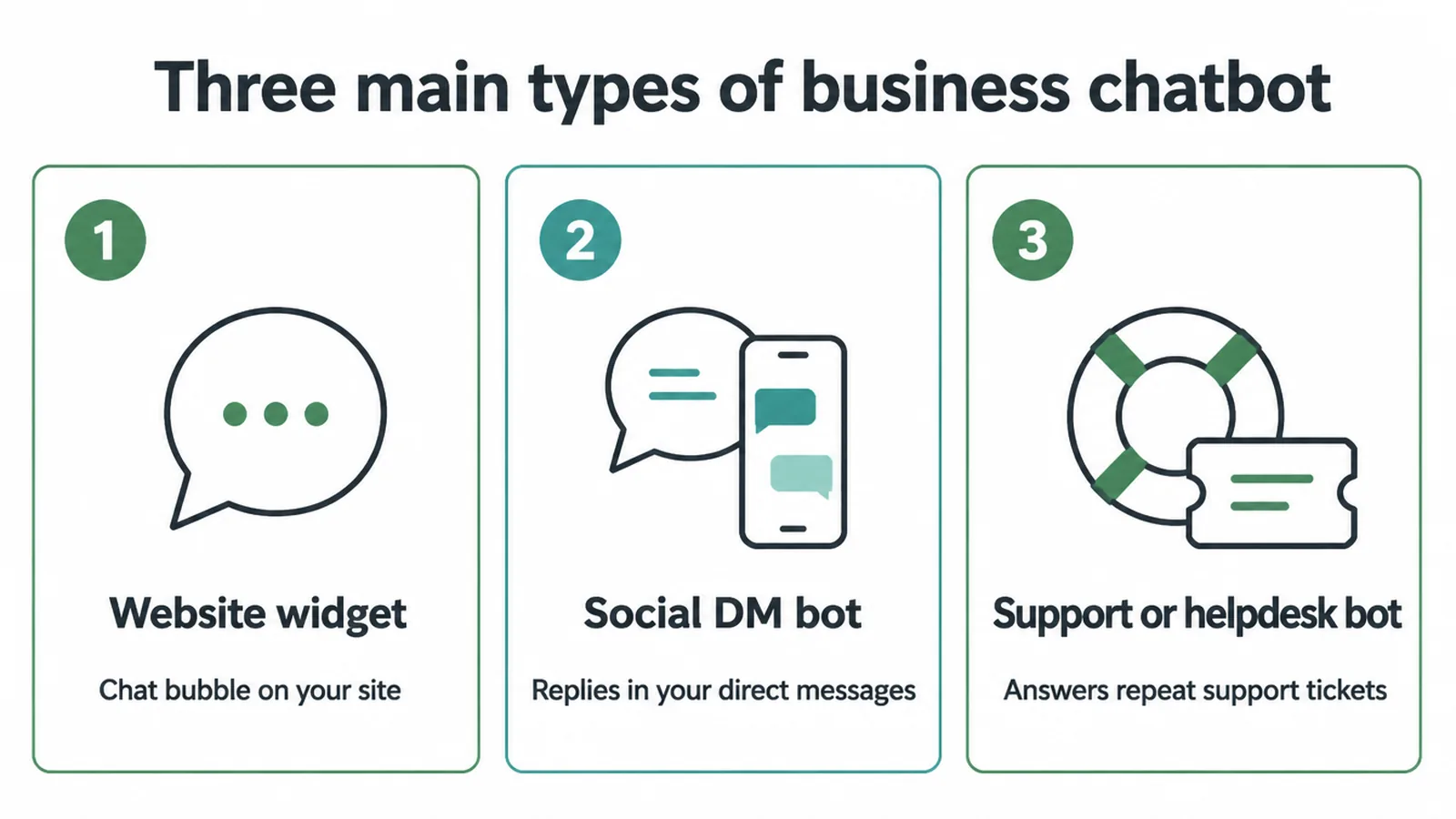
There are three main types of AI chatbot for business, and the easiest way to choose is by where your customers already reach you.
The three are a website widget, a social DM bot, and a support or helpdesk bot. You can run more than one, but start with the one that matches your busiest channel.
1. The website widget
This is the little chat bubble in the bottom corner of a site. It greets visitors, answers questions about your services, and grabs a lead before the person clicks away.
If most of your buyers find you through Google or ads and land on your site, this is your starting point. It pairs well with AI lead generation work.
2. The social DM bot
This one lives in your direct messages on social apps and on WhatsApp. If people mostly message your business through Instagram or WhatsApp, a DM bot replies fast, sorts the easy questions, and flags real buyers for you.
3. The support or helpdesk bot
This sits inside a help centre or support inbox. It answers "where is my order", "how do I reset this", and other repeat tickets, so your team only touches the hard ones. Good for shops with lots of after-sale questions.
One thing to be clear about: a chatbot is text. If you want a tool that talks, that is a different lane. A voice agent handles spoken conversations, and an AI receptionist is the phone front-desk product that answers calls and books appointments. Pick a chatbot when most of your customers reach you by typing.
3. How do you choose the best AI chatbot for your business?
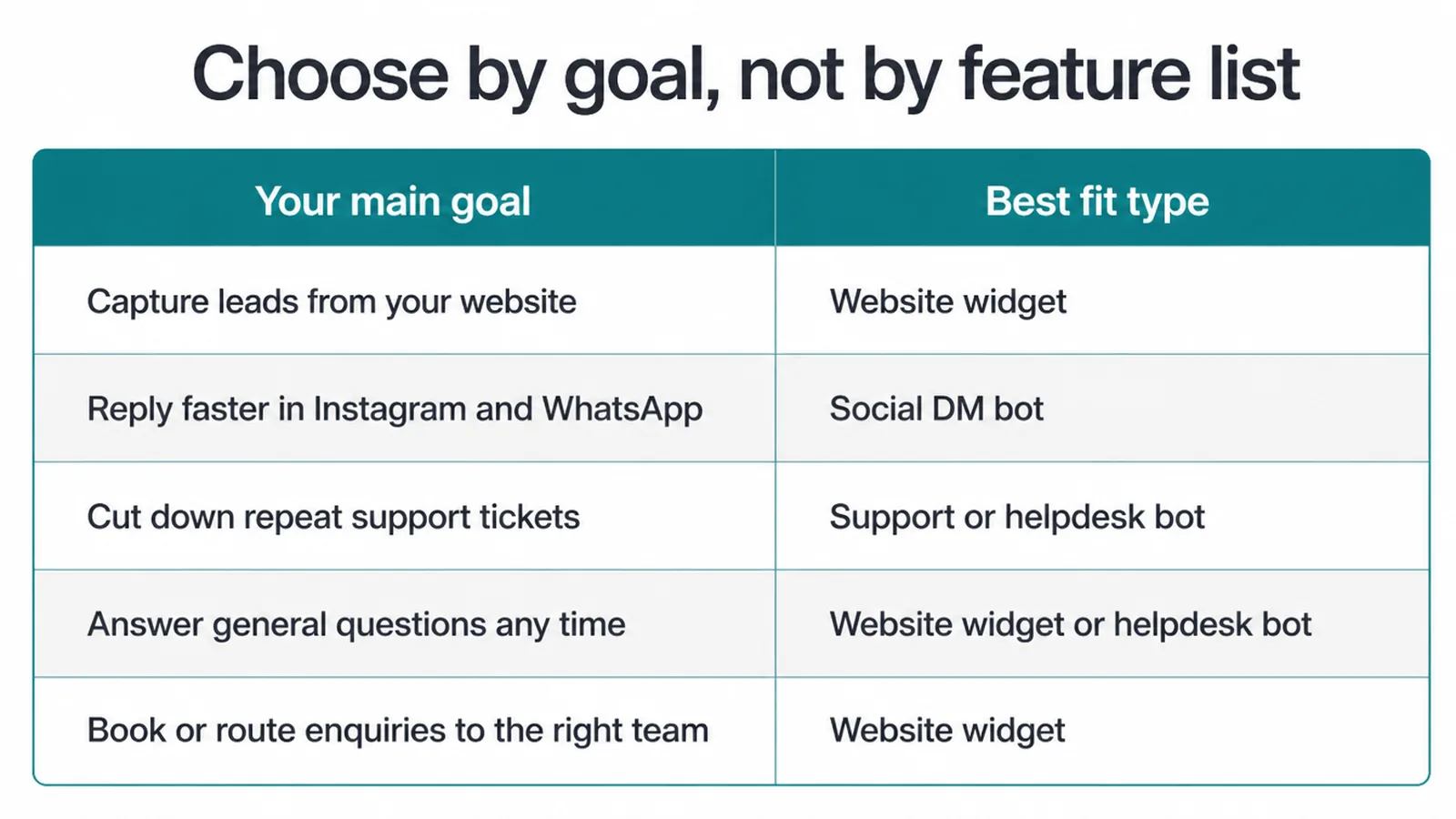
Choose the best AI chatbot for business by goal, not by feature list. Decide the one job you most need done, then match the type to it. The table below does that matching for you.
After you pick a type, check four things every time: does it train on your content, does it hand off to a human, does it connect to the tools you already use, and is the cost right for your volume.
| Your main goal | Best-fit type | What to check before you buy |
|---|---|---|
| Capture leads from your website | Website widget | Lead capture fields, easy human handoff, training on your site content |
| Reply faster in Instagram and WhatsApp | Social DM bot | Connects to your social and WhatsApp accounts, flags hot leads |
| Cut down repeat support tickets | Support or helpdesk bot | Reads your help docs, sits in your support inbox, clean handoff to agents |
| Answer general questions any time | Website widget or helpdesk bot | Trains on a question-and-answer list, says when it is unsure |
| Book or route leads to the right team | Website widget | Booking or routing rules, connects to your calendar or CRM |
On cost, keep it simple. Match the spend to your chat volume. A tiny shop with a handful of chats a week does not need the same tool as a busy store.
Many website widgets start cheap or free for small use and rise as you grow. Do not pay for scale you do not have yet.
4. What real chatbot options are out there?
The best AI chatbot for business depends on your goal, so it helps to know the rough categories of tools you will see while shopping. These are examples to show the lanes, not endorsements or rankings. Try a couple in each lane that fits your goal and judge them on your own questions.
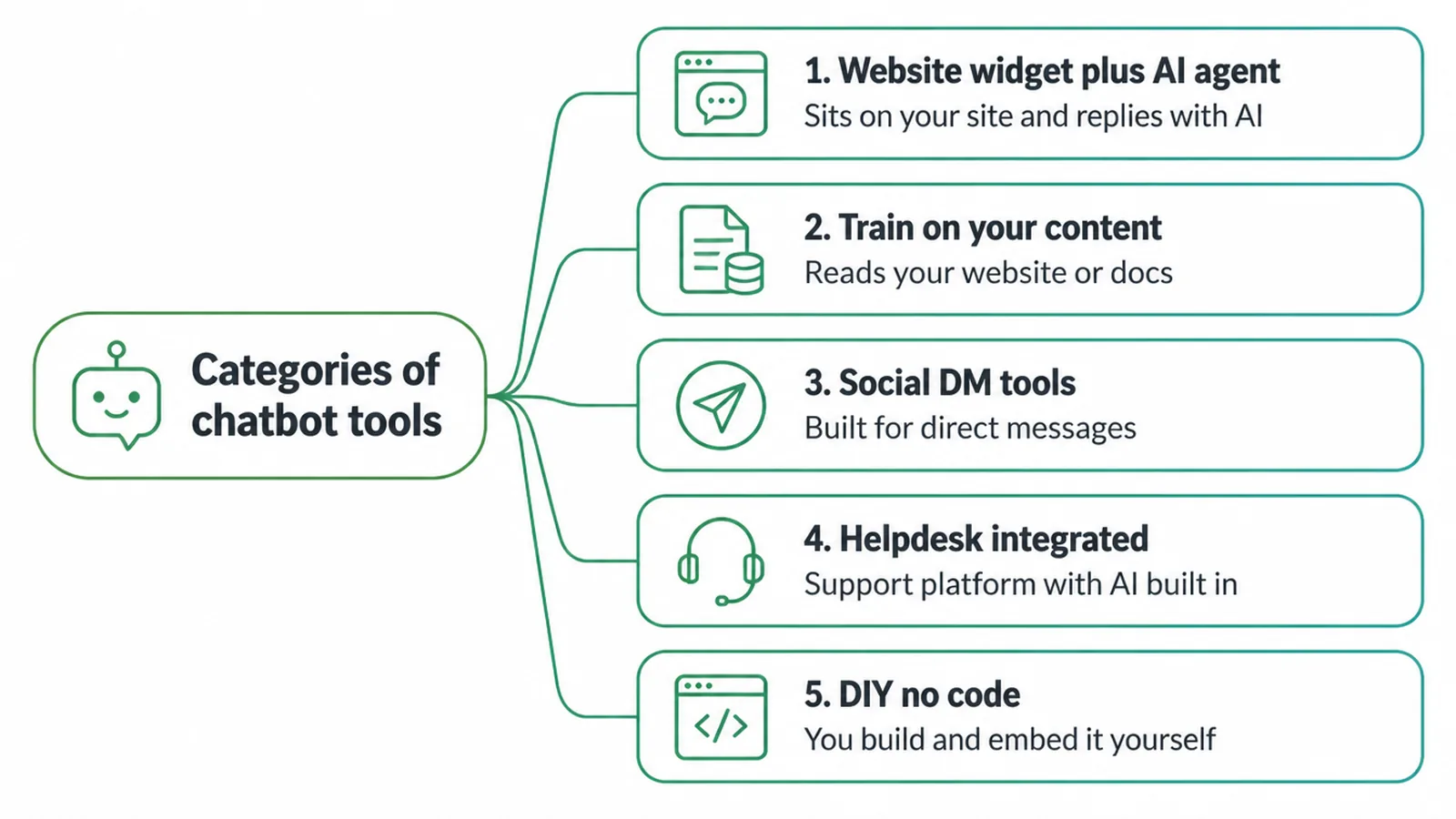
- Website widget plus AI agent. All-in-one chat tools that sit on your site and reply with AI. You will see names like Tidio with Lyro, Intercom with Fin, Crisp, Zoho SalesIQ, and Drift in this group.
- Train-on-your-content or custom GPT. Tools that read your website or docs and build a bot from them. Examples you will come across include Chatbase, CustomGPT, SiteGPT, and Typebot.
- Social DM tools. Tools built for direct messages on social and WhatsApp, like ManyChat and similar Instagram and WhatsApp tools.
- Helpdesk-integrated. Support platforms with AI built in, such as Intercom and Zendesk AI, for shops that already run a help centre.
- DIY no-code. A custom GPT you build and embed on your site with a simple widget. Cheapest to start, but you do more of the setup yourself.
Whatever you pick, the make-or-break feature is the same: can it train on your own content and pass a chat to a human cleanly? A pretty widget with weak answers helps nobody.
5. What are the honest limits of an AI chatbot?
An AI chatbot for business is great at FAQs and lead capture, but it has clear limits, and pretending otherwise will burn trust. The big one: escalate complex or sensitive issues to a person.
A bot should not be the last word on a refund dispute, a complaint, or anything that needs care and judgement. Set that handoff rule first, before anything else.
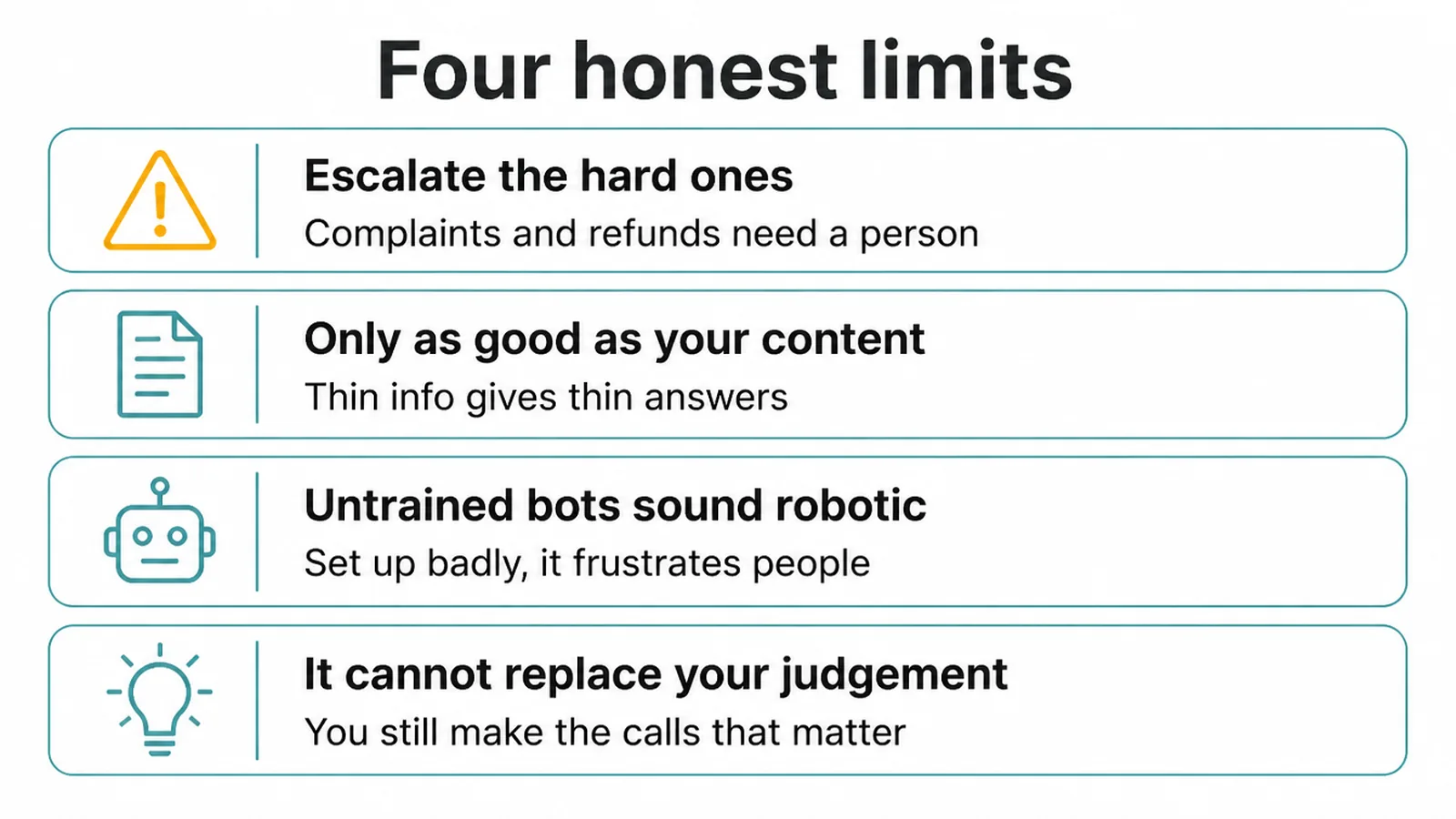
Three more honest limits. First, a bot is only as good as its source content. Feed it thin or messy info and it gives thin, messy answers. Second, an untrained bot can sound robotic and frustrate people. Third, it cannot replace your judgement on the calls that matter.
The good news is that customers are often happy to chat with a bot when it means a fast answer. 51% of consumers prefer interacting with bots over humans when they want immediate service (Zendesk CX Trends).
At the same time, 62% of customer experience leaders admit they are behind on providing the instant experiences customers expect (Zendesk). A well-set-up chatbot helps close that gap, as long as the human is one tap away.
6. How do you get started with a business chatbot?
Getting started with the best AI chatbot for business takes four plain steps, and you can do the first three today. The aim is a bot that answers your real questions and knows when to step aside. Do not over-build it. Start small, watch the chats, and improve from there.
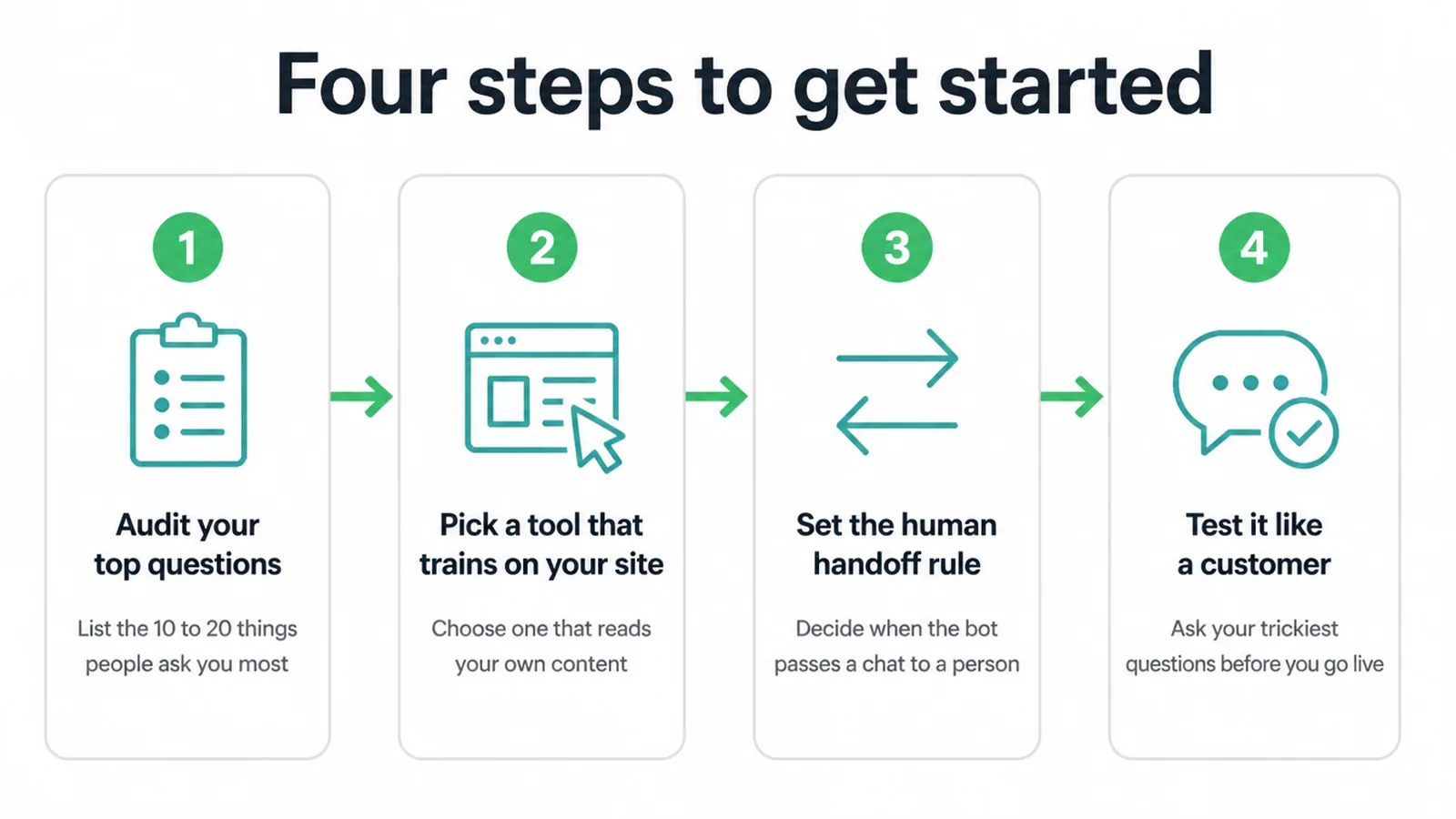
- Audit your top questions. Write down the 10 to 20 things people ask you most. That list becomes the bot's brain.
- Pick a tool that trains on your site. Choose one from the lane that matches your goal, and make sure it reads your own content.
- Set the human-handoff rule. Decide exactly when the bot passes a chat to a person. This is the setting that protects your reputation.
- Test it like a customer. Ask it your trickiest questions before you go live. Fix the weak answers, then launch.
If you would rather have someone set it up, train it on your content, and wire it into your lead flow, that is what our AI automation service does. Want a second opinion on which type fits your shop? Get in touch and we will point you the right way, no pressure.
Frequently asked questions
1. What is an AI chatbot for business?
An AI chatbot for business is a text assistant that sits on your website or in your messaging apps. It chats with visitors, answers common questions any time of day, captures and qualifies leads, and routes people to the right place. When a question is too hard, it hands the chat to a human.
2. What is the difference between a rule-based bot and an AI chatbot?
A rule-based bot gives predetermined menu or button responses, so it only handles paths you set up in advance. An AI chatbot uses natural language processing to understand what someone types and answer more complex questions in its own words. Many tools blend both.
3. Can a chatbot capture leads?
Yes. A good chatbot asks for a name, contact detail, and what the person needs, then saves that to your inbox or your customer list. It can also qualify the lead by asking a few simple questions first, so your team only follows up with people who are a real fit.
4. Can I train a chatbot on my own information?
Yes. Most modern tools let you point the bot at your website, help docs, or a list of questions and answers. The bot reads that content and uses it to reply. The better and clearer your source content, the better the answers. Thin or messy content gives weak replies.
5. Will customers know they are talking to a bot?
Usually yes, and that is fine. Be honest about it. A clear greeting that says a virtual assistant is helping, plus an easy way to reach a human, builds trust. People mind less about the bot and more about getting a fast, useful answer.
6. How much does a business chatbot cost?
Cost varies a lot by tool and by how much chat volume you have. Many website widgets start cheap or free for small use, then rise as you add features, seats, and conversations. Train-on-your-content tools and helpdesk-grade tools tend to cost more. Match the spend to your volume.
7. Is a chatbot the same as a voice agent?
No. A chatbot handles text on your website or messaging apps. A voice agent handles spoken conversations. An AI receptionist is a specific phone product that answers calls and books appointments. Pick a chatbot when most of your customers reach you by typing.
8. Can a chatbot hand off to a human?
Yes, and it should. Set a clear rule for when the bot passes the chat to a person, like a complaint, a refund, or any question it cannot answer well. The handoff should be smooth so the customer does not have to repeat themselves. This is the most important setting to get right.