AI Appointment Scheduling for Small Businesses: Cut No-Shows

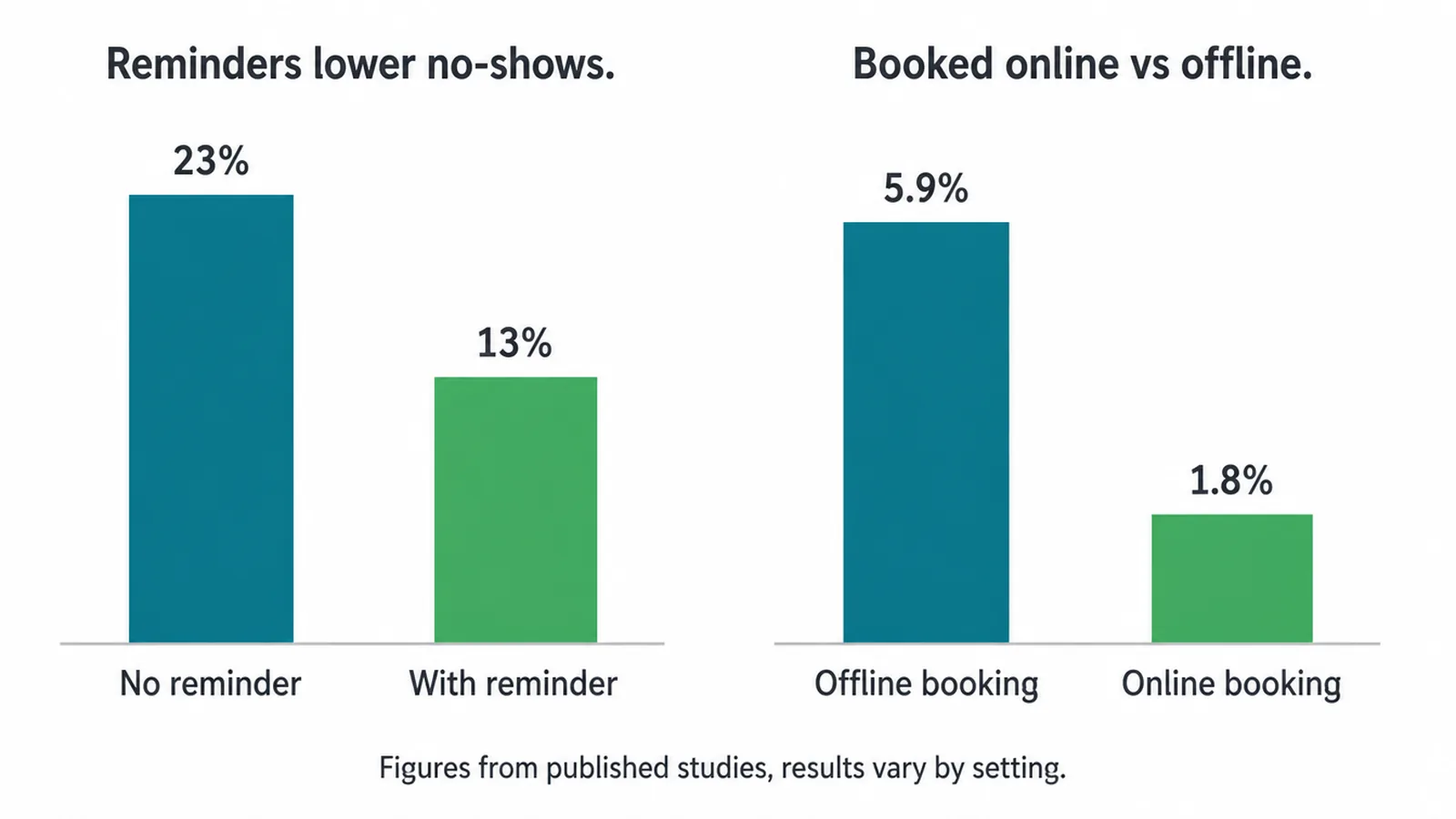
AI appointment scheduling lets customers book themselves from your live calendar, then handles confirmations, reminders and reschedules on their own. A Journal of Telemedicine and Telecare review of 29 studies put median non-attendance down from 23% to 13%. Seed Light sets these booking flows up and connects them to the systems behind them.
Key takeaways
- It kills the back-and-forth. Clients book themselves from your real calendar, so you stop trading messages to find a time.
- Reminders cut no-shows, but only so far. A peer-reviewed review of 29 studies found reminders reduced non-attendance by about a third on average (a 2011 systematic review in the Journal of Telemedicine and Telecare). They help, but they are not a guarantee.
- Self-booking beats phone-booking for show-up rates, in the right setup. One 2025 study found online-booked appointments had a far lower no-show rate than offline ones, when the customer booked a real, confirmed slot.
- It does not replace human judgement. Complex, custom or sensitive bookings still need a person.
- It pairs with an AI receptionist. The scheduler is the self-serve half; the receptionist answers the phone. Together they cover both routes.
1. What AI appointment scheduling actually is
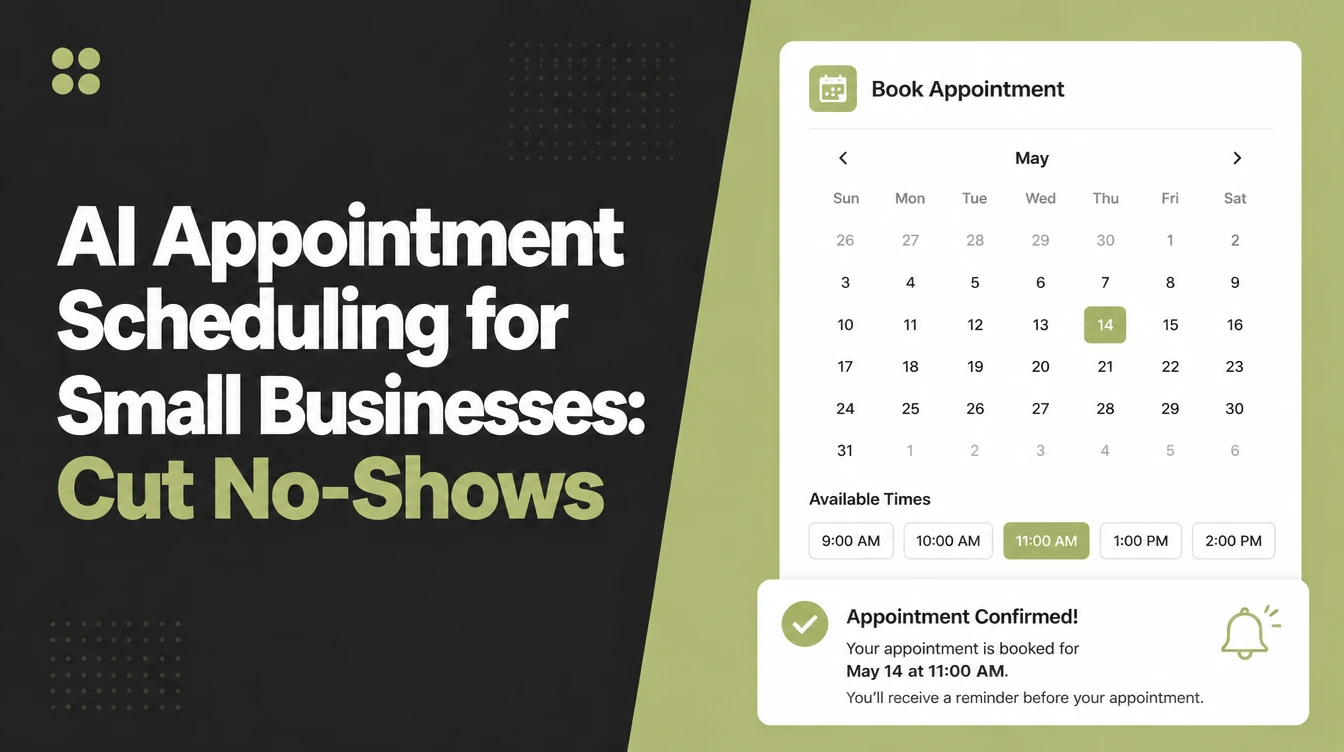
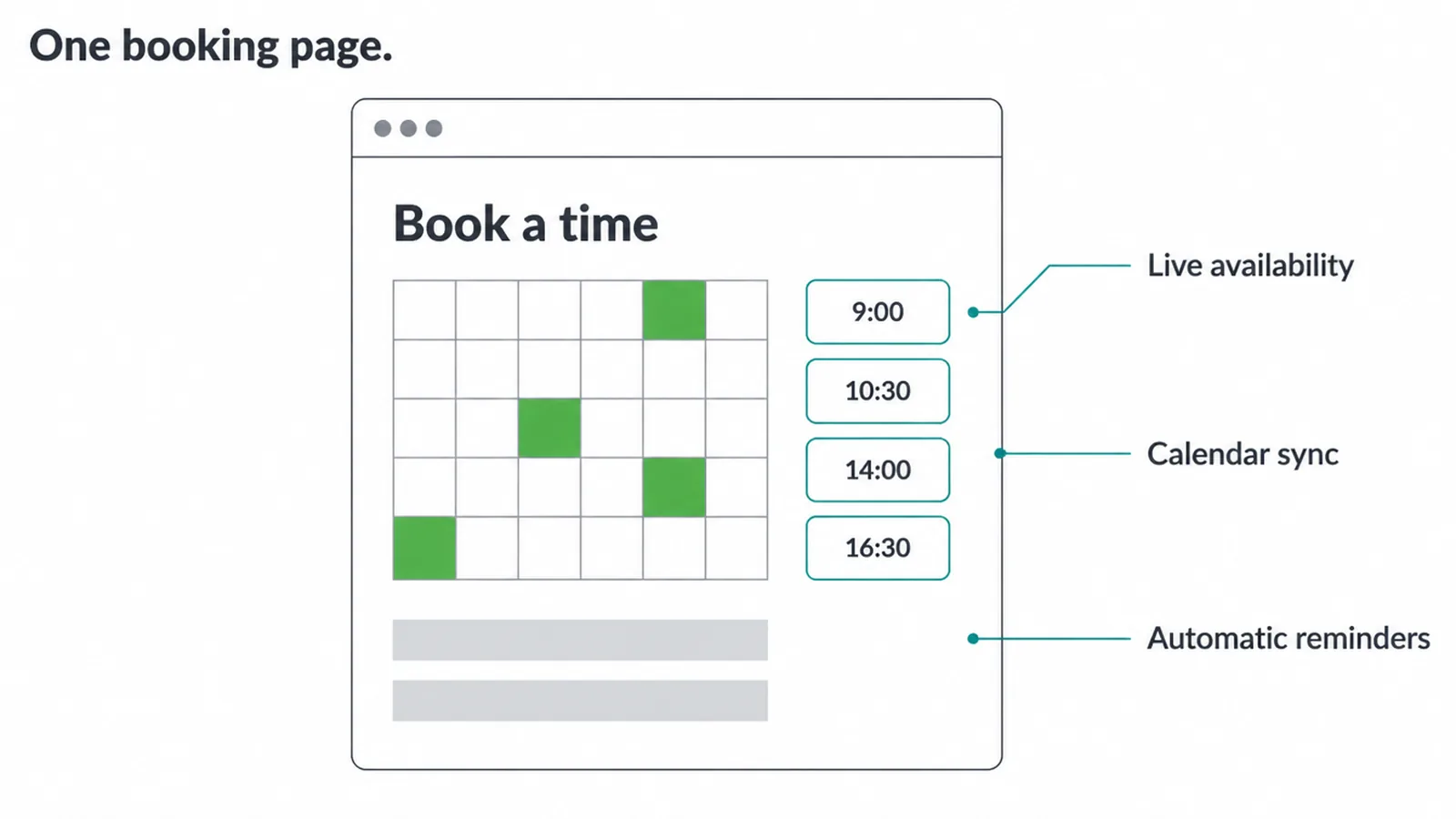
It is a booking engine your customers drive. You give them a link or a booking page on your website that shows your live availability. They pick a slot, the system confirms it, and the booking writes itself into your calendar.
Around that core, the AI handles the fiddly parts: answering common booking questions, offering nearby times when their first choice is taken, and processing a reschedule without a phone call. Think of it as the page, the calendar sync, and the reminders, all working as one.
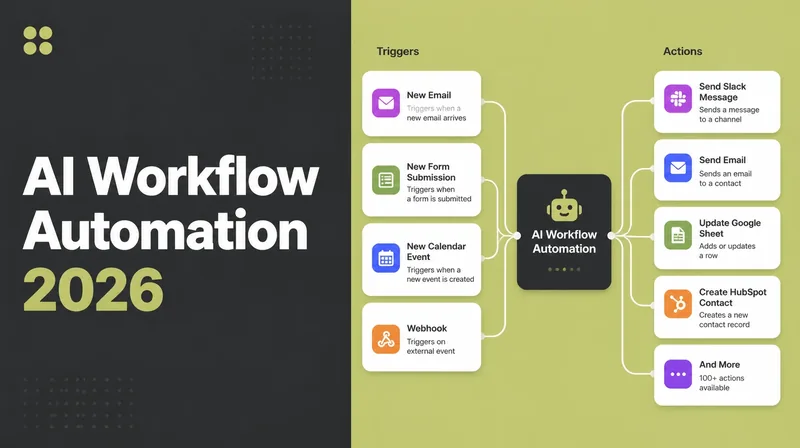
This is different from an AI tool that just generates text. Scheduling is a workflow with triggers and actions, the same family of tech we cover in what is AI automation.
The booking is the trigger. The confirmation, the reminder, the calendar update and the follow-up are the actions. You set the rules once, and it runs every time.
2. How it cuts no-shows, honestly
The honest version: reminders help on average, but they are not magic. A 2011 systematic review of 29 studies found appointment reminders cut non-attendance by about a third of the baseline rate, with the median no-show falling from 23% to 13%.
It is an older review, but it is genuine peer-reviewed work, so we cite it straight.
Newer work backs the same careful framing. A 2023 review and meta-analysis of 61 studies found SMS reminders had an overall positive effect on attendance, though results were mixed across different settings. So: reminders help in most places, not every place.
Self-booking itself can matter too. A 2025 study found that for one private medical practice, the no-show rate for appointments booked online was 1.8% versus 5.9% for offline-booked ones.
The honest caveat: in the same study's hospital setting, online bookings had a higher no-show rate, because that site used a request-and-triage model rather than letting people book a real confirmed slot.
The lesson is that direct self-booking helps most when the customer locks in an actual time, not a request. Ignore any vendor "we save you $X" figures, those are not verifiable.
3. The booking jobs it handles (and what still needs you)
A scheduler is good at the repeatable, rules-based parts of booking. It is not good at the parts that need a real conversation. Here is the split, job by job, so you know where the line sits.
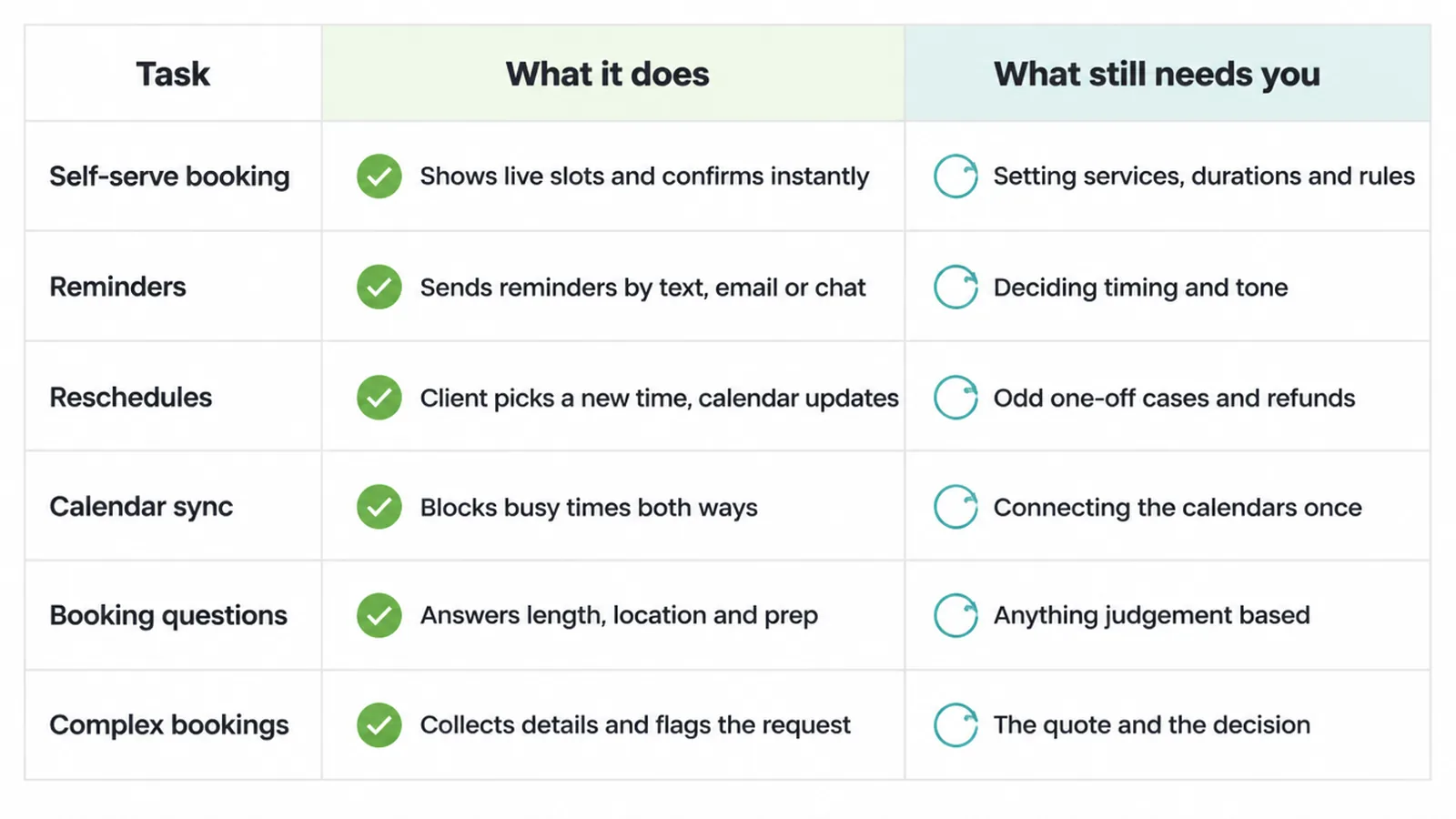
| Task | What it does | What still needs you |
|---|---|---|
| Self-serve booking | Shows live slots, takes the booking, confirms instantly | Setting your services, durations and rules |
| Reminders | Sends automatic reminders by SMS, email or chat | Deciding the timing and tone of the message |
| Reschedules and cancellations | Lets the client pick a new time and updates your calendar | Handling odd one-off cases or refunds |
| Calendar sync | Blocks busy times two ways so you never double-book | Connecting the right calendars once |
| Booking questions | Answers common questions like length, location and prep | Anything unusual or judgement-based |
| Complex or custom bookings | Can collect details and flag the request | The quote, the conversation, the decision |
The pattern is clear. It removes the busywork around booking. The thinking still sits with you.
4. Do customers actually like booking themselves?
Most do. A booking page is open all day and night, it skips phone tag, and people can sort their own appointment at 11pm if that is when they remember. For a lot of customers, self-booking is faster and less awkward than calling.
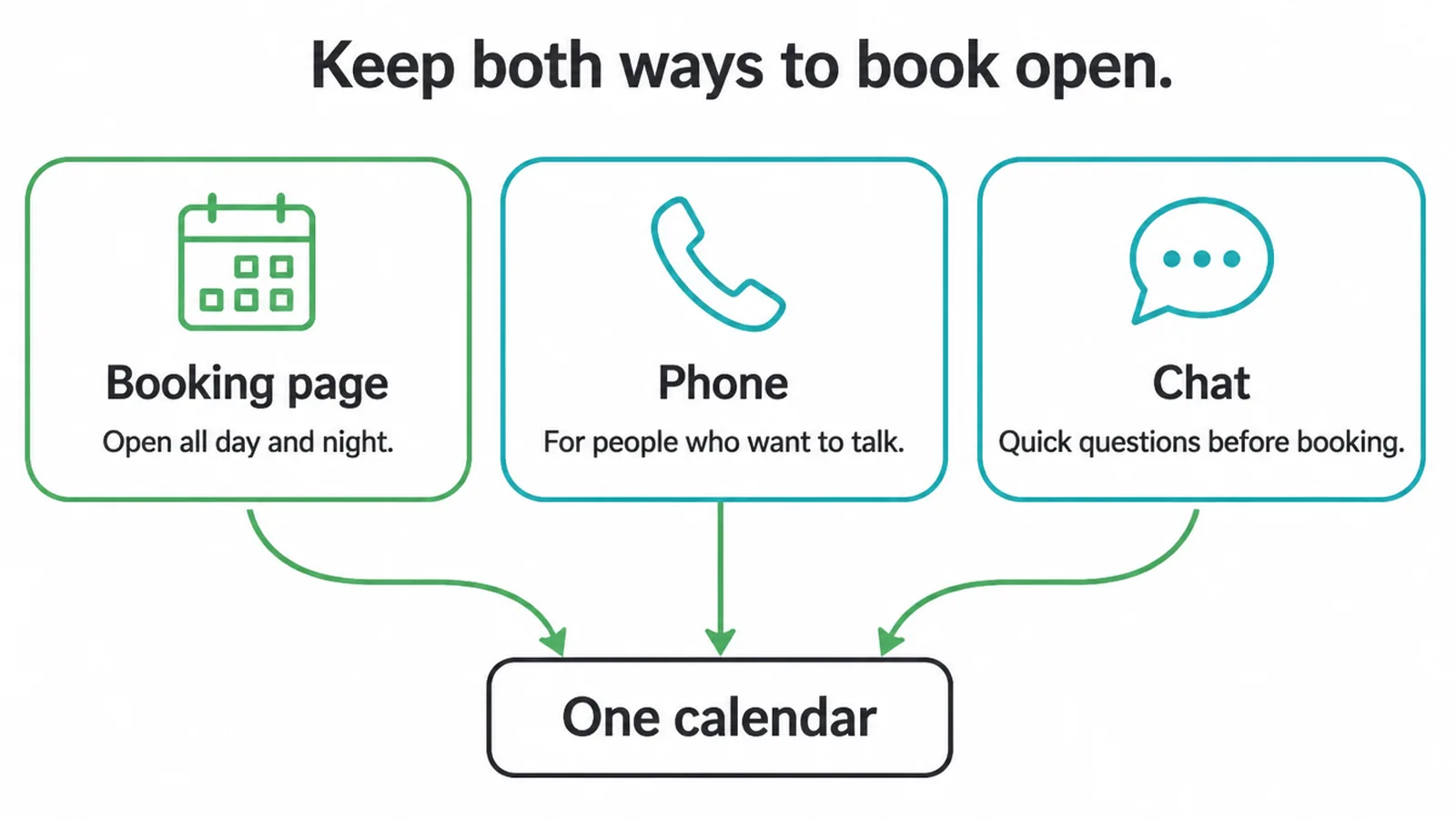
But not everyone wants a form. Some people prefer to talk to a human, especially for a first visit or a sensitive job. So do not force everyone down one path. Keep a phone number and a WhatsApp option visible too.
The goal is to make booking easy, not to hide from your customers. If you want help on the human side of replies, see our take on AI for customer service.
5. Scheduler versus AI receptionist: which half do you need?
These two get mixed up, so here is the clean line. An AI scheduler is the booking engine, a page or link the customer drives, plus the reminders and calendar sync behind it.
It removes the need for a call at all. An AI receptionist is the phone front desk, it picks up calls, talks to the caller, and can book on their behalf.
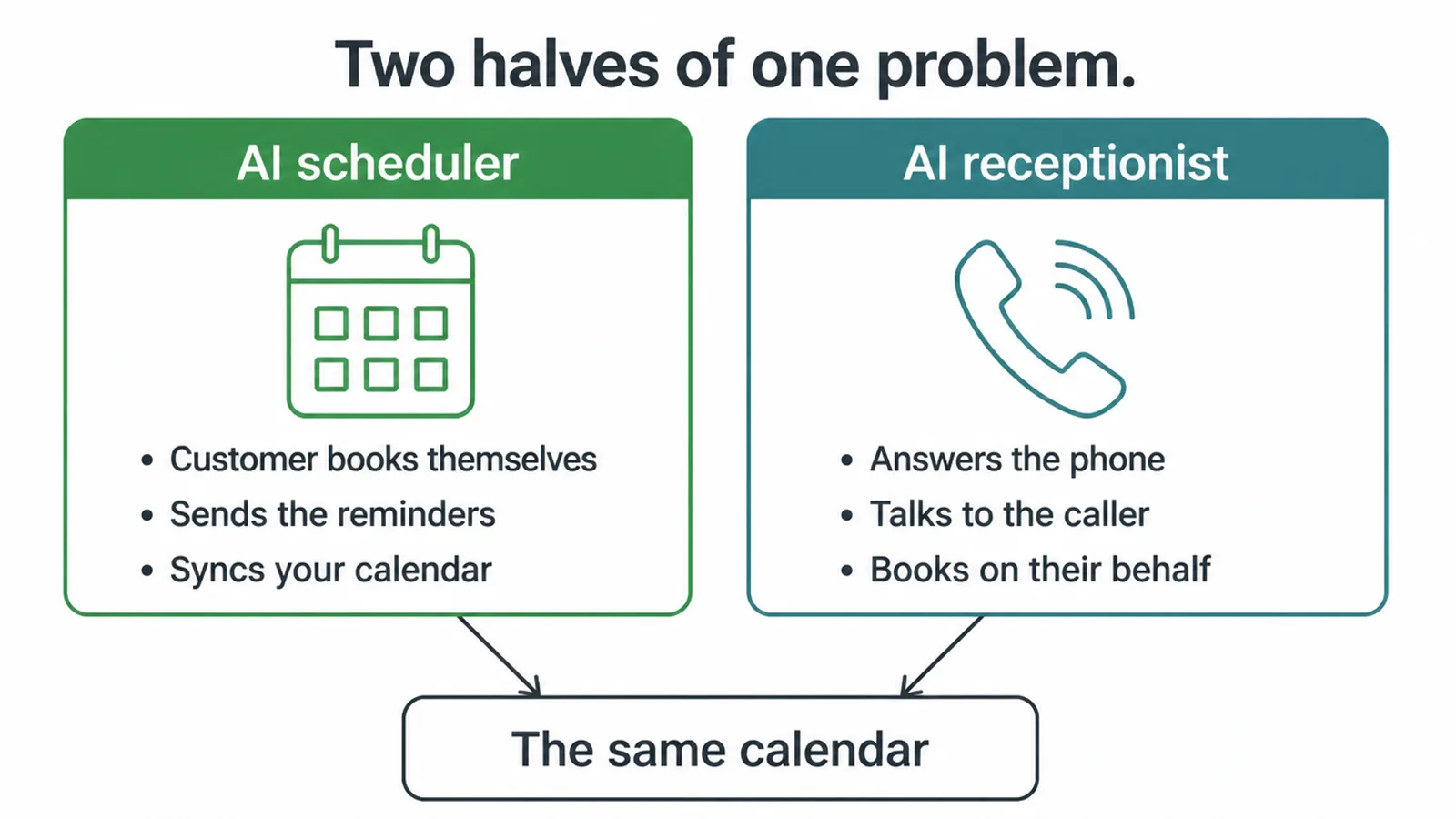
They solve different halves of the same problem. One lets people book without talking to anyone. The other answers the people who would rather talk. They overlap nicely, because the receptionist often writes into the same calendar the scheduler uses.
Many businesses run both: the scheduler catches the self-serve crowd, and the receptionist catches the callers. You do not have to pick one forever. Start with the half that fixes your biggest pain right now.
6. Is it worth it for a small business?
It depends on two things: how much time you spend coordinating bookings, and how much no-shows cost you.
If you trade a stack of messages every week just to find a time, or you regularly stare at an empty slot someone booked and skipped, a scheduler usually pays for itself in saved hours and recovered slots. The cost is modest compared with the staff time it frees.
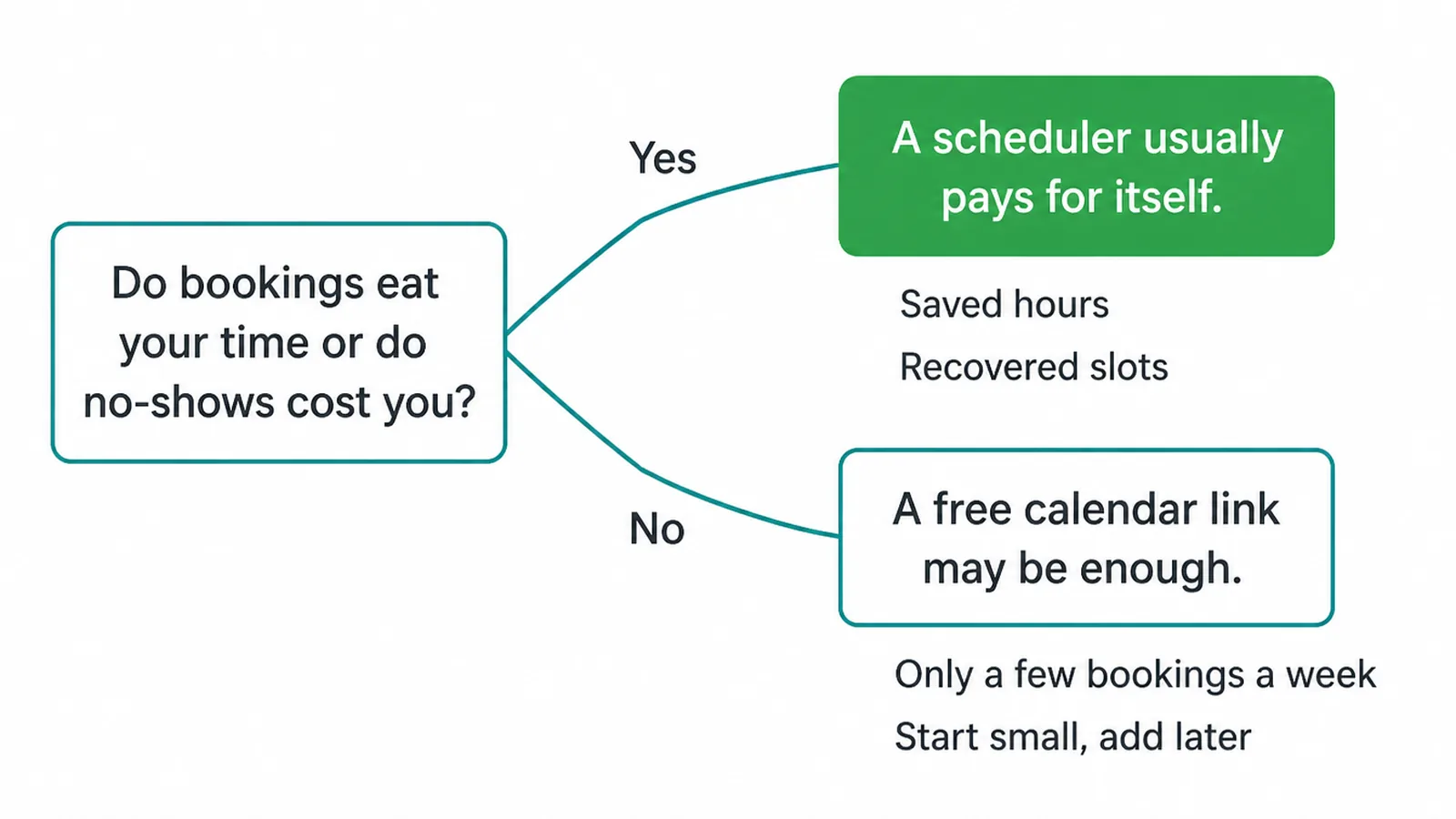
If you only take a handful of bookings a week, you may not need much. A free shared calendar link can carry you for a while. Be honest with yourself about the volume.
The point of automating is to remove a real, repeated chore, not to add a tool you barely use. We would rather you start small than buy something fancy you do not need.
7. How to set it up
The setup is more straightforward than people expect. Work through it in this order:
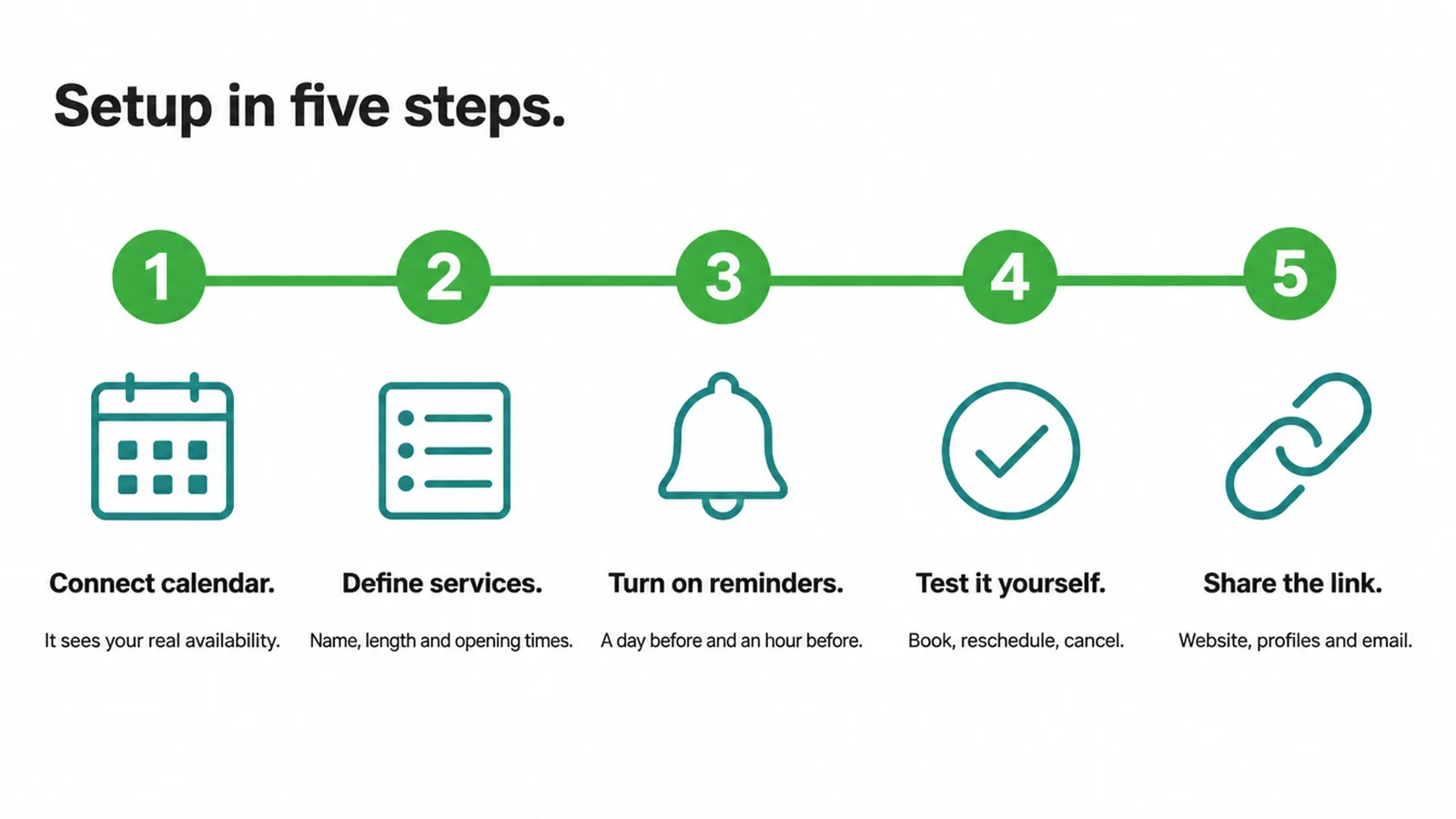
- Connect your calendar. Link Google Calendar or Outlook so the system can see your real availability and write bookings in.
- Define your services. List each service, how long it takes, and when you are open for it. This is what fills the slots customers see.
- Turn on reminders. Set a reminder a day before and an hour before, with a one-tap confirm or reschedule link.
- Test it on yourself. Book a fake appointment, reschedule it, cancel it. Make sure your calendar updates each time.
- Put the link everywhere. Your website, your Google Business Profile, your social profiles, your email signature. A booking link only works if people can find it.
Start with one service, get it clean, then add the rest. If you want a setup wired into your site and tools properly, that is the kind of build our AI and automation service handles. Prefer to talk it through first? Get in touch and we will map out what fits your booking flow.
8. The short version
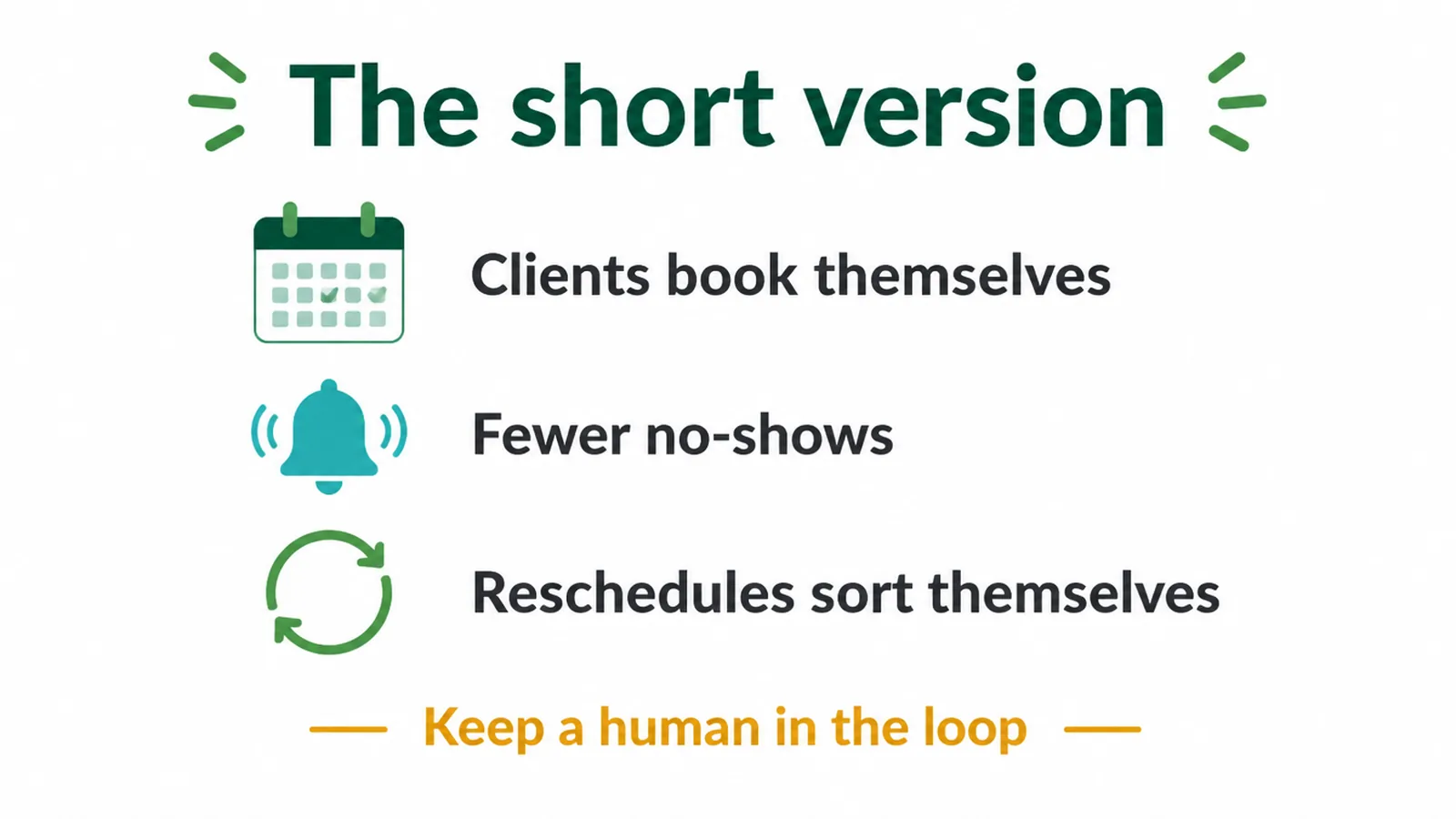
AI appointment scheduling takes the booking back-and-forth off your plate. Clients book themselves, reminders trim no-shows by around a third on average, and reschedules sort themselves out.
It will not handle your trickiest bookings or force anyone to show up, and it works best when you keep a human channel open too. Set it up small, test it, and grow it. When you are ready to build it in, say hello.
Frequently asked questions
1. What is AI appointment scheduling?
AI appointment scheduling is a self-serve booking system. Customers pick a slot from your live calendar, it confirms the time instantly, sends reminders, and syncs the booking to your calendar. The AI handles the messy parts like answering common booking questions, offering alternative times, and processing reschedules without a phone call.
2. How does AI appointment scheduling reduce no-shows?
Mainly through automatic reminders and easy rescheduling, plus the fact that a customer who self-books a confirmed slot tends to be more committed than one slotted in over the phone. Reminders cut no-shows on average, around a third in the research, but they will not get rid of them completely.
3. Do clients actually like booking themselves?
Most do, because it is open all day and night and skips the phone tag. But some people still prefer to talk to a person, so keep a phone or WhatsApp option open too instead of forcing everyone through a form.
4. Does AI appointment scheduling sync with my calendar?
Yes, with tools like Google Calendar and Outlook. Two-way sync blocks out times you are already busy and writes new bookings in automatically. That two-way link is the part that stops you double-booking.
5. Can AI appointment scheduling handle reschedules and cancellations?
Yes. The customer clicks a link in their confirmation or reminder, picks a new time, and your calendar updates itself. There is no phone call and no manual edit on your side, which is the whole point.
6. Is AI appointment scheduling worth it for a small business?
If you spend real time coordinating times, or you lose money to no-shows, it usually pays off. If you only take a handful of bookings a week, a simple free calendar link may be all you need for now.
7. Can AI appointment scheduling take phone bookings?
A scheduler handles the self-serve side, where the customer books themselves. For callers who would rather talk, pair it with an AI receptionist that answers the phone and books into the same calendar, so both routes feed one place.
8. How do I set up AI appointment scheduling?
Connect your calendar, define your services, durations and availability, turn on reminders, and put the booking link on your website, Google profile and socials. Start with one service, test it on yourself, then add the rest.