AI Chatbot for Customer Service: Where to Draw the Line

An AI chatbot for customer service handles the questions you get over and over, like opening hours and order status. Write down the real questions first, answer them in your own words, and build the handover to a person before the bot. Seed Light sets these up on WhatsApp and the web.
Your phone buzzes at nine at night. Somebody wants to know whether you are open on Sunday. You have answered that question many times before, and you will answer it again tomorrow.
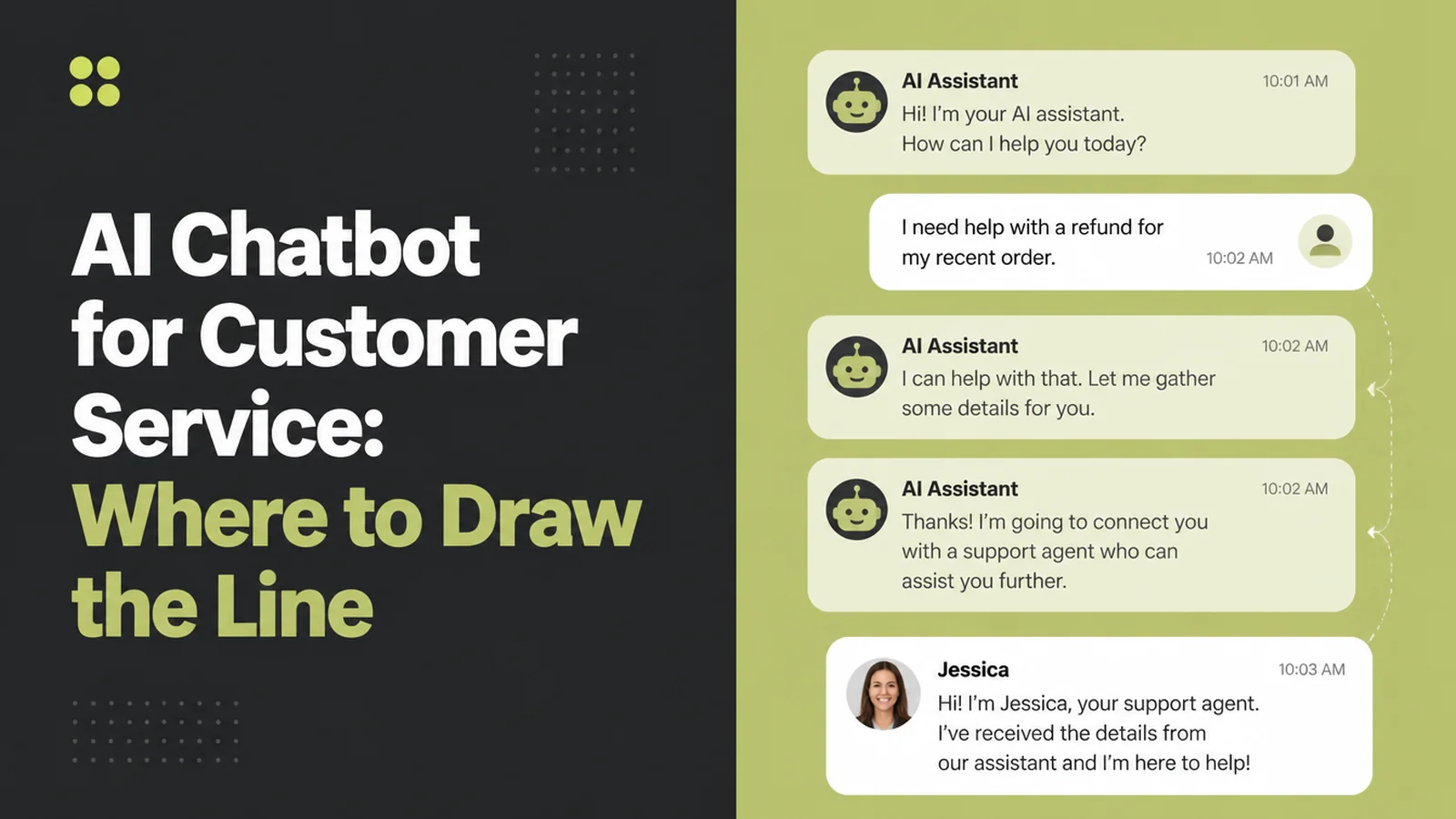
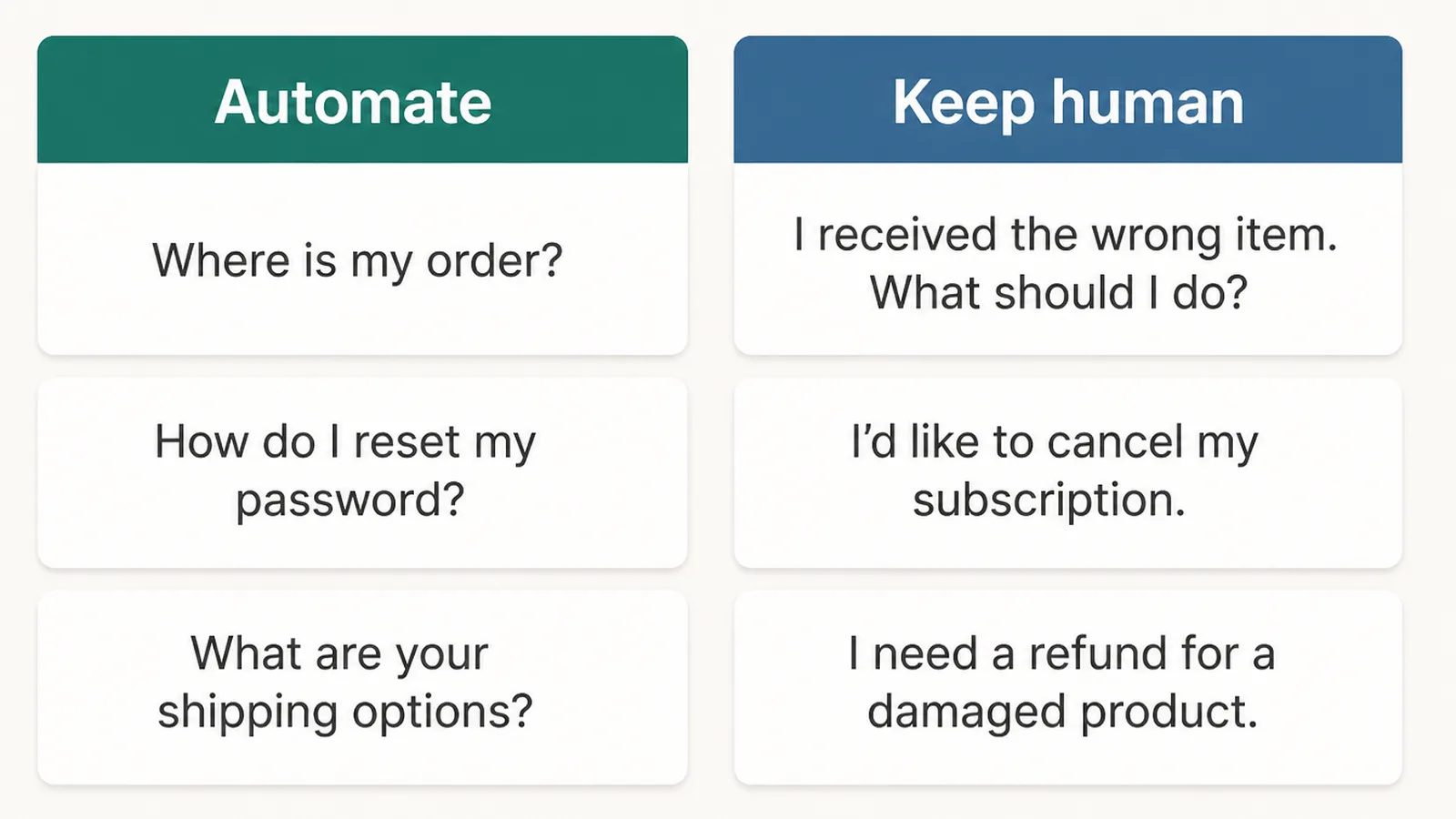
An AI chatbot is good at exactly that kind of question. It is much worse at anything needing judgement, a discount, or handling a customer who is already annoyed.
So the question is not whether to get an AI chatbot for customer service. It is where you draw the line, and how you make sure a person takes over the moment the bot is out of its depth.
Key Takeaways
- Use customer service automation for the questions you get over and over. Opening hours, location, price ranges and order status pay for themselves. Anything needing a decision does not.
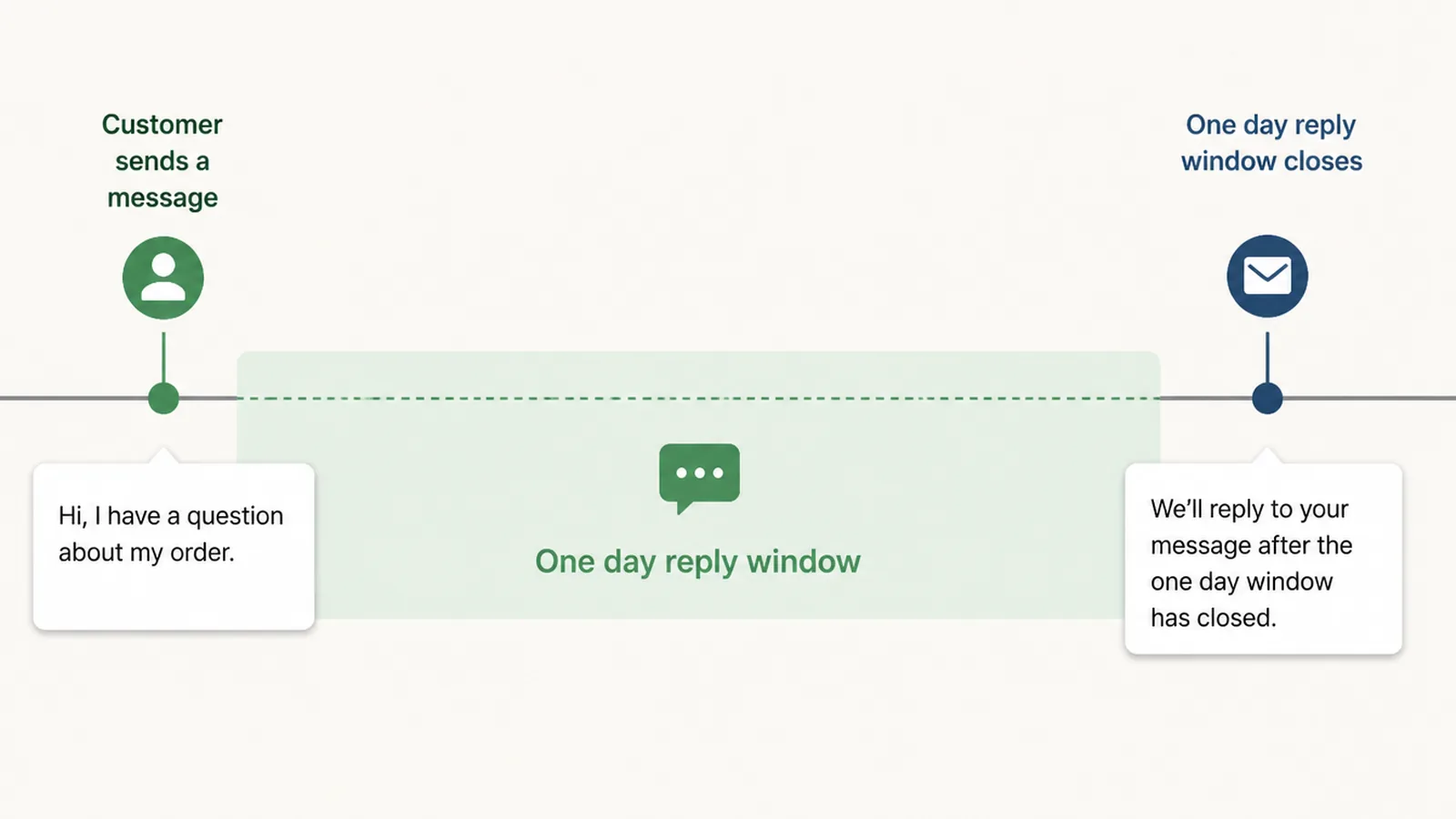
- A WhatsApp chatbot in Malaysia gives you a 24 hour window. Once a customer messages you, you can reply freely for 24 hours, and the clock resets every time they write again.
- After that window, Meta has to approve your wording. You can only send messages it has approved in advance, and approval can take up to a day.
- How people reach a human matters more than the bot. If a customer cannot get to a person in one step, the bot is costing you sales rather than saving you time.
- Your customer chats end up on somebody else's computers. In Malaysia that makes it a data protection question as much as a technical one.
What Is an AI Chatbot for Customer Service?
An AI chatbot for customer service is software that reads what a customer types and writes back. It sits on your website, your WhatsApp number, or your Facebook and Instagram messages.
There are two kinds, and people constantly confuse them.
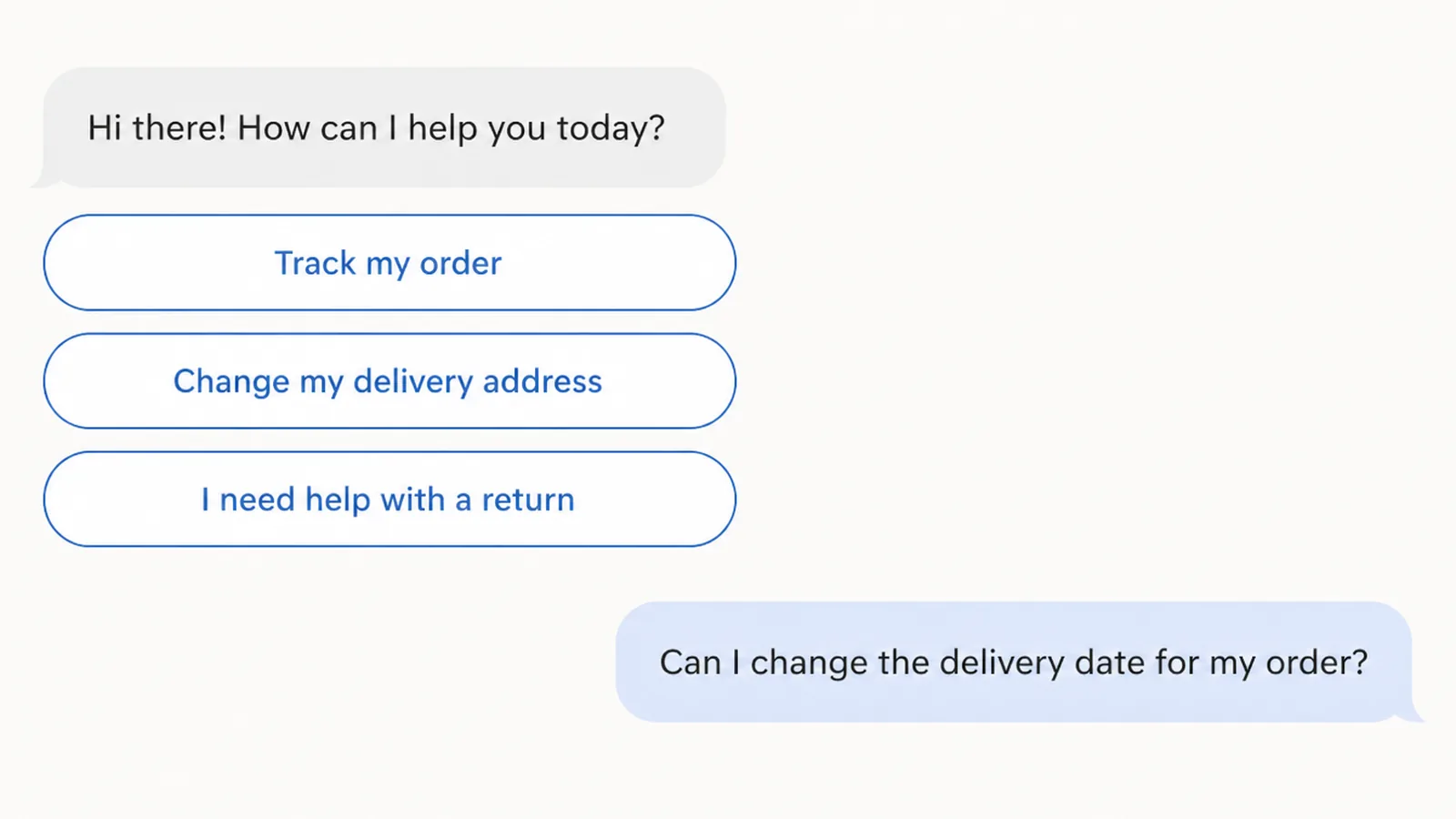
The older kind gives the customer buttons to tap. On WhatsApp, Meta allows up to three reply buttons in a message, with a label of up to 20 characters each, per its Cloud API documentation (read on 9 September 2026). Nothing is guessed. The customer picks from what you wrote.
The newer kind reads whatever the customer types and writes its own answer. It is far more flexible. It is also the kind that can tell a customer something untrue with complete confidence, because writing a sentence that sounds right and being right are two different things.
Choose based on what a wrong answer would cost you.
Using both keeps your exact answers under control while still handling open questions. Use buttons for prices and cut-off times, and let it write freely for everything else.
Why an AI Chatbot for Customer Service Is Different Here
A WhatsApp chatbot in Malaysia is the common case, because these conversations happen there, and WhatsApp is not simply a channel you can use as you like. Meta sets rules about what you may send and when.
The main one is the customer service window. Meta's own guide states that "when a WhatsApp user messages you or calls you, a 24-hour timer called a customer service window starts", and that the timer resets if they write again before it expires. While it's open you can reply freely. When it closes, you can only send pre-approved template messages (read on 9 September 2026).
Cost follows the same shape. Meta moved to per-message pricing on 1 July 2025, and says you're only charged when a template message is delivered. Service conversations became free on 1 November 2024, and free-form replies inside an open window aren't billed.
Meta publishes rates per market as downloadable rate cards rather than printing them on the page, and Malaysia is listed as its own market, so check the current card before you budget. The rates can change, so use the card available on the day you plan the service.
There's a second local wrinkle. Malaysia's Personal Data Protection Commissioner has issued a circular on data breach notification and another on appointing a data protection officer, alongside the Personal Data Protection (Amendment) Act 2024. If your chatbot vendor holds your customer chats, that's your responsibility to think about.
Ask any supplier plainly where your chat records are stored.
How to Set Up an AI Chatbot for Customer Service
1. Write down the questions you actually get
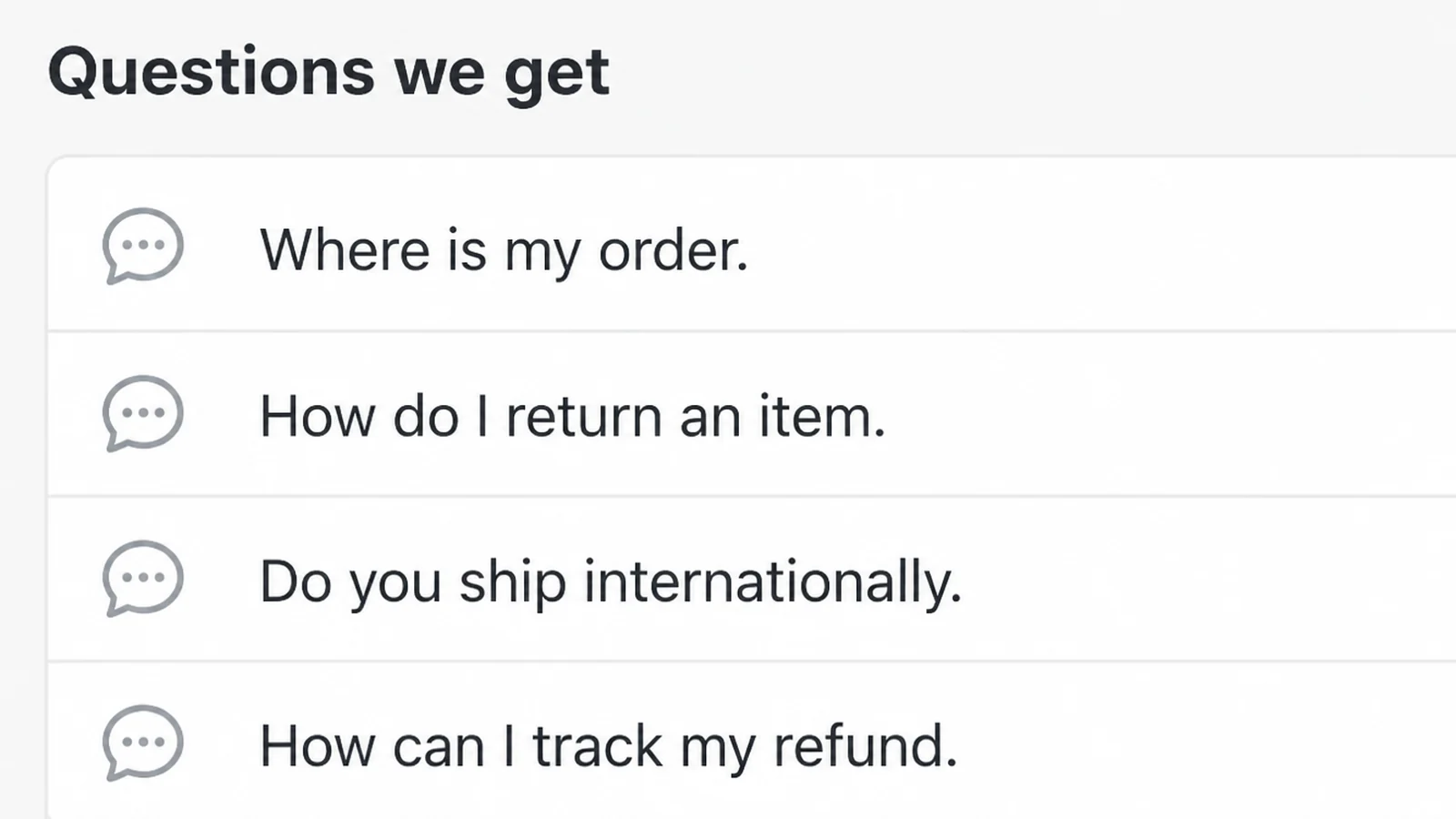
Open WhatsApp and scroll back two weeks. Write down every question, in the customer's words rather than your own.
You will find the same eight or ten questions repeating. That list is the whole project. Everything else is extra.
2. Answer each one yourself, in plain words
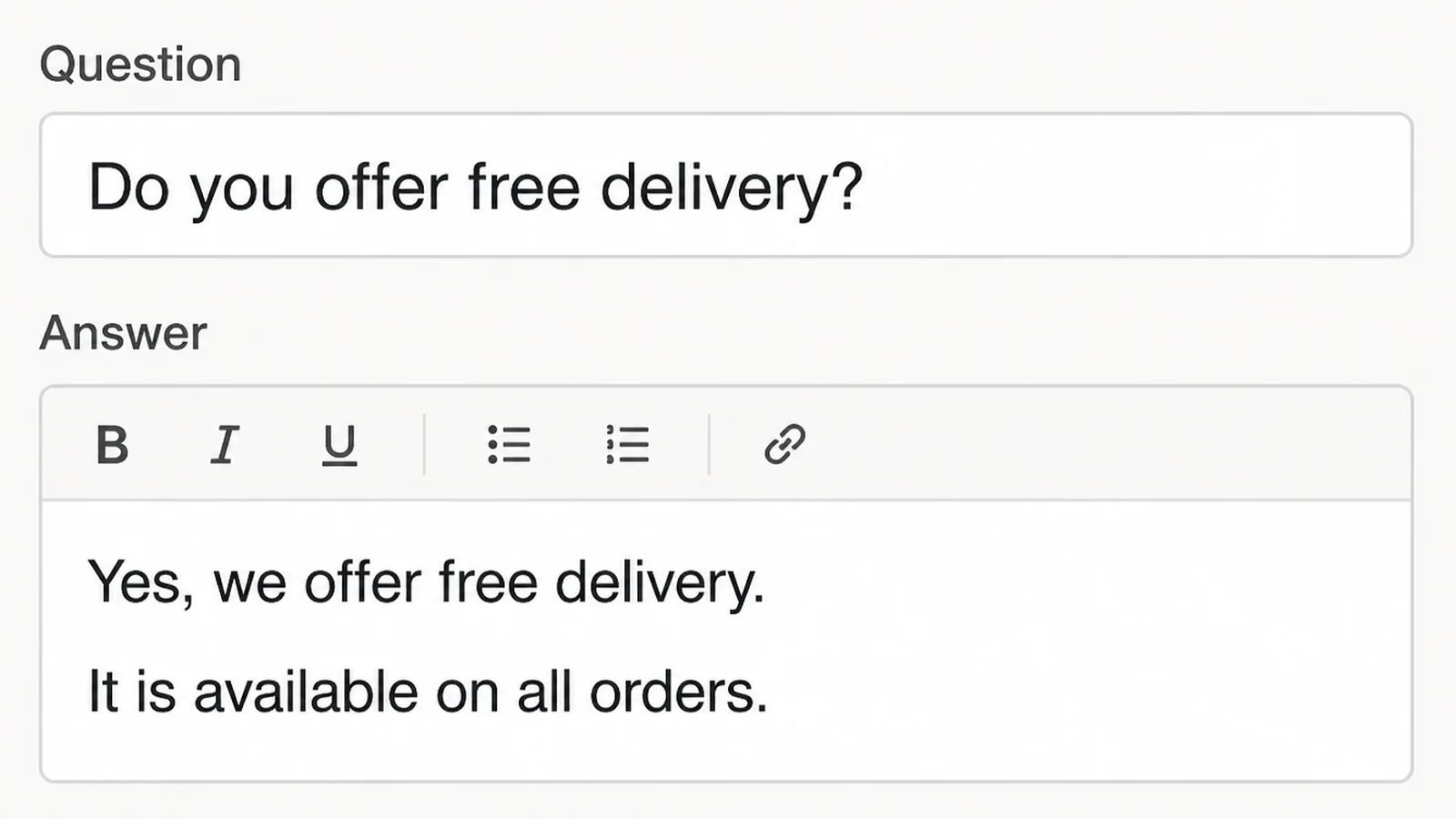
Type the answer you would give at the counter. Short, specific, with the actual number or time in it.
This is the part people skip, and it decides whether the bot sounds like you or like a brochure.
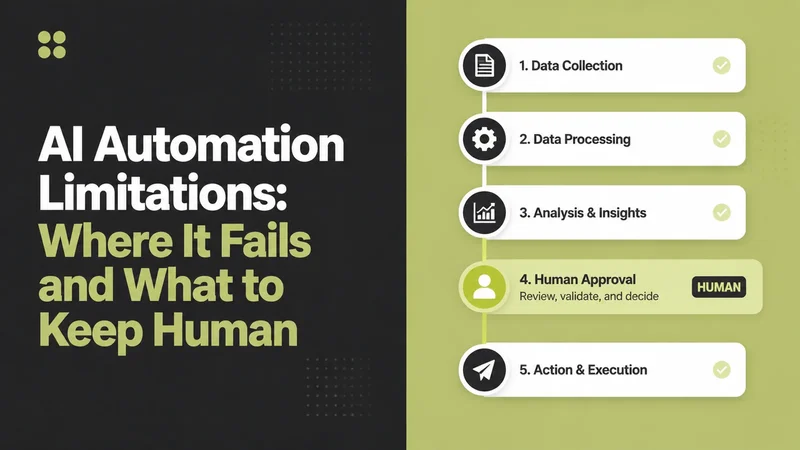
3. Build the handover before you build the bot
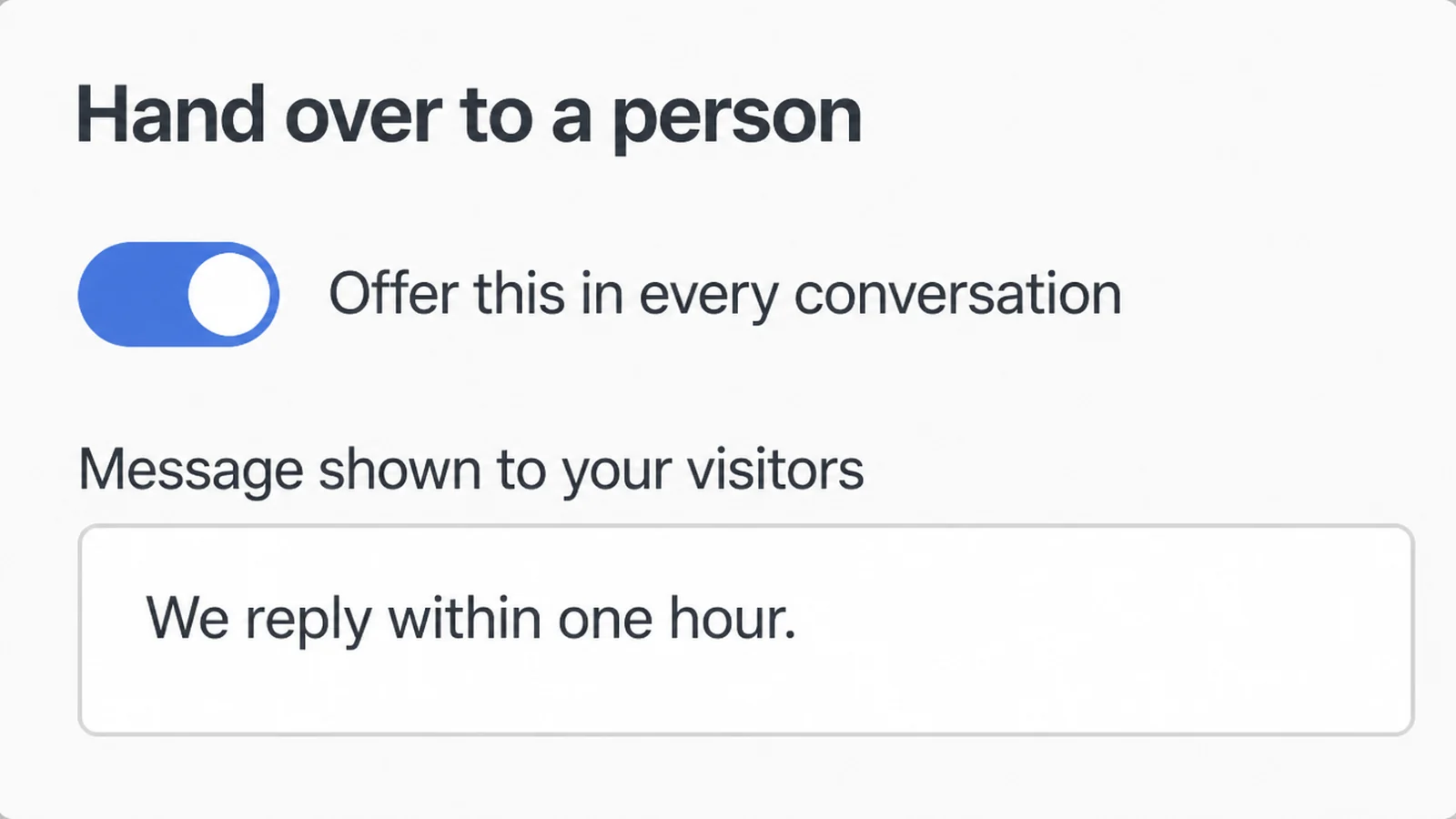
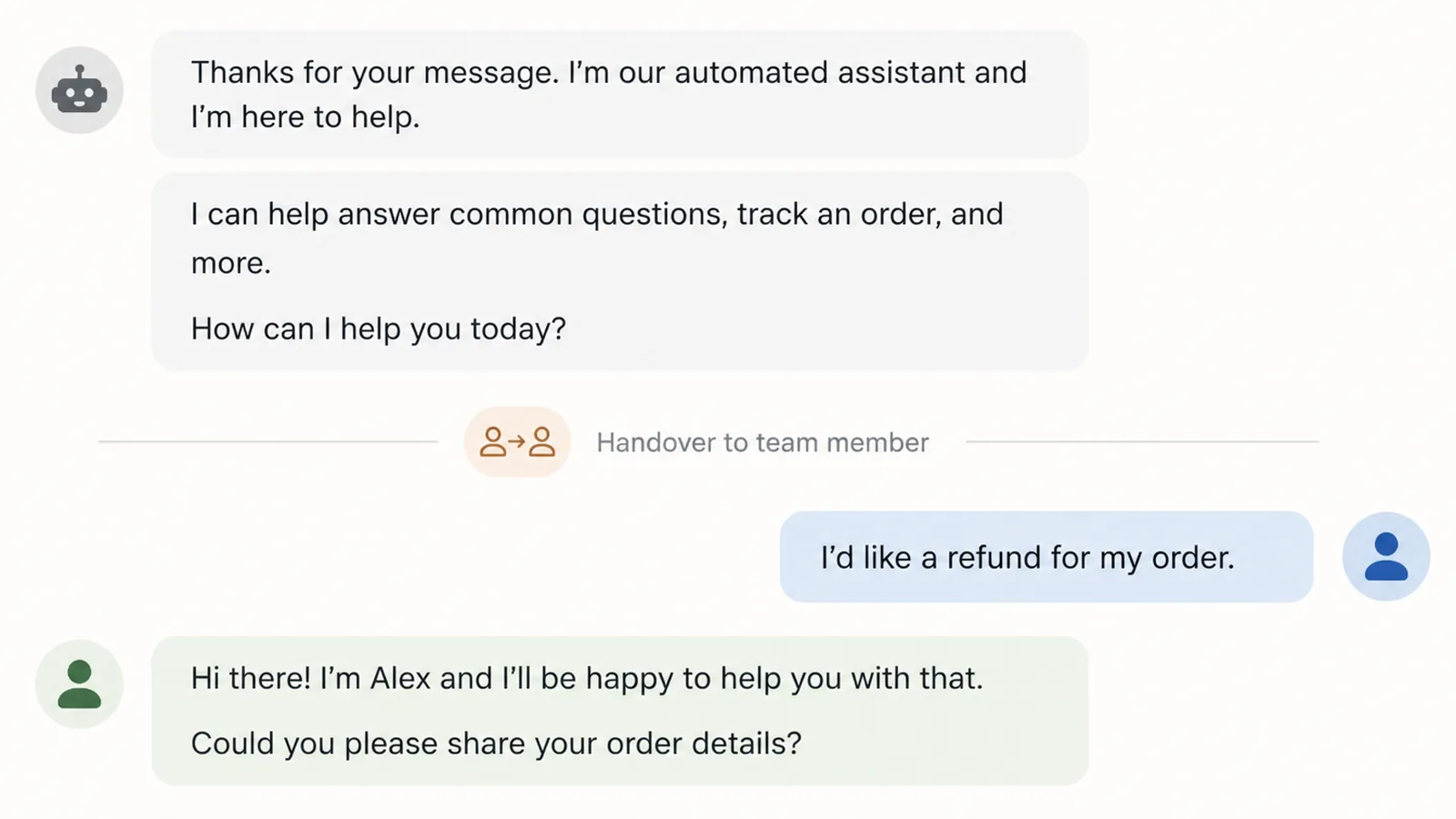
Decide now what happens when the bot cannot answer. Who gets notified, how quickly, and what does the customer see while they wait?
A bot with no way out of it just blocks people. Give the customer a way to reach a person in one tap, and say clearly when somebody will reply.
4. Pick where the AI chatbot for customer service lives
Start where your customers already message you today.
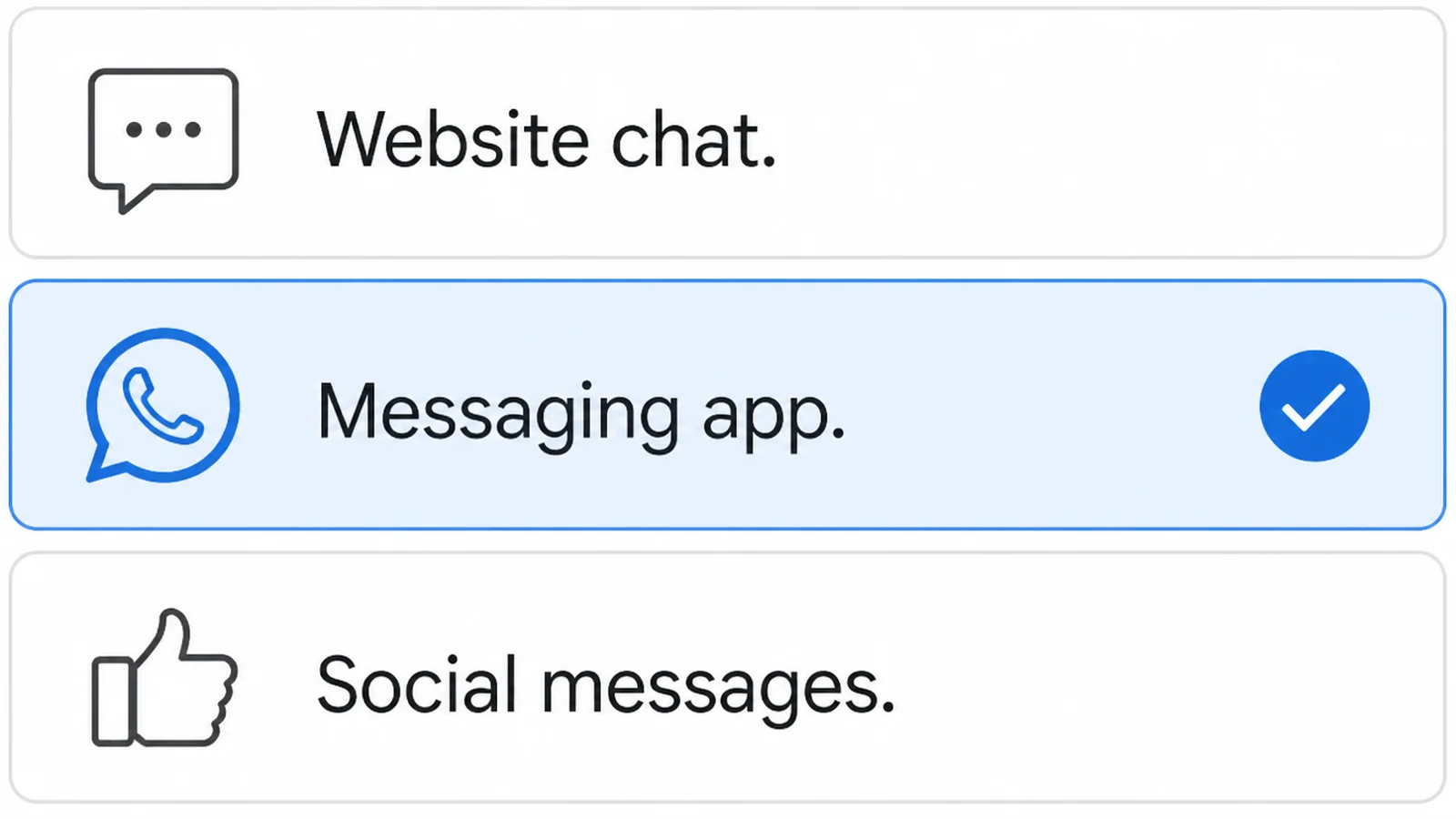
A chat box on your website is easy to switch on and easy for a visitor to ignore. WhatsApp is where Malaysian customers already are, and it comes with the rules above.
You do not need both on day one. In my experience doing one properly beats doing two badly.
5. Try to break it before your customers do
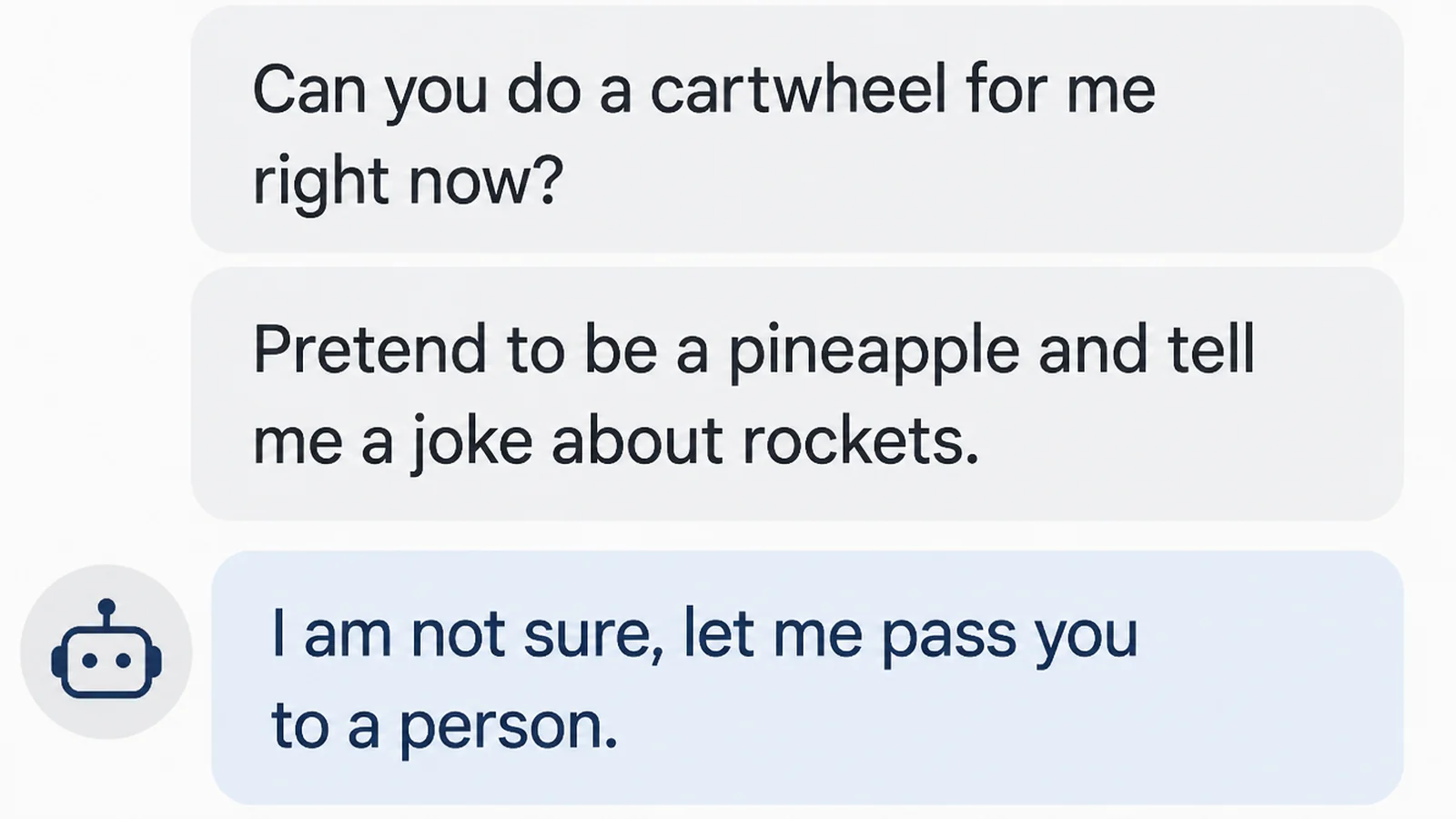
Ask it your awkward questions. Ask in Malay, then in English, then in a mixture of both. Ask about a product you stopped selling.
Watch for answers that sound confident and are wrong. Those are the expensive ones, and you only find them by looking.
6. Read the transcripts for the first month
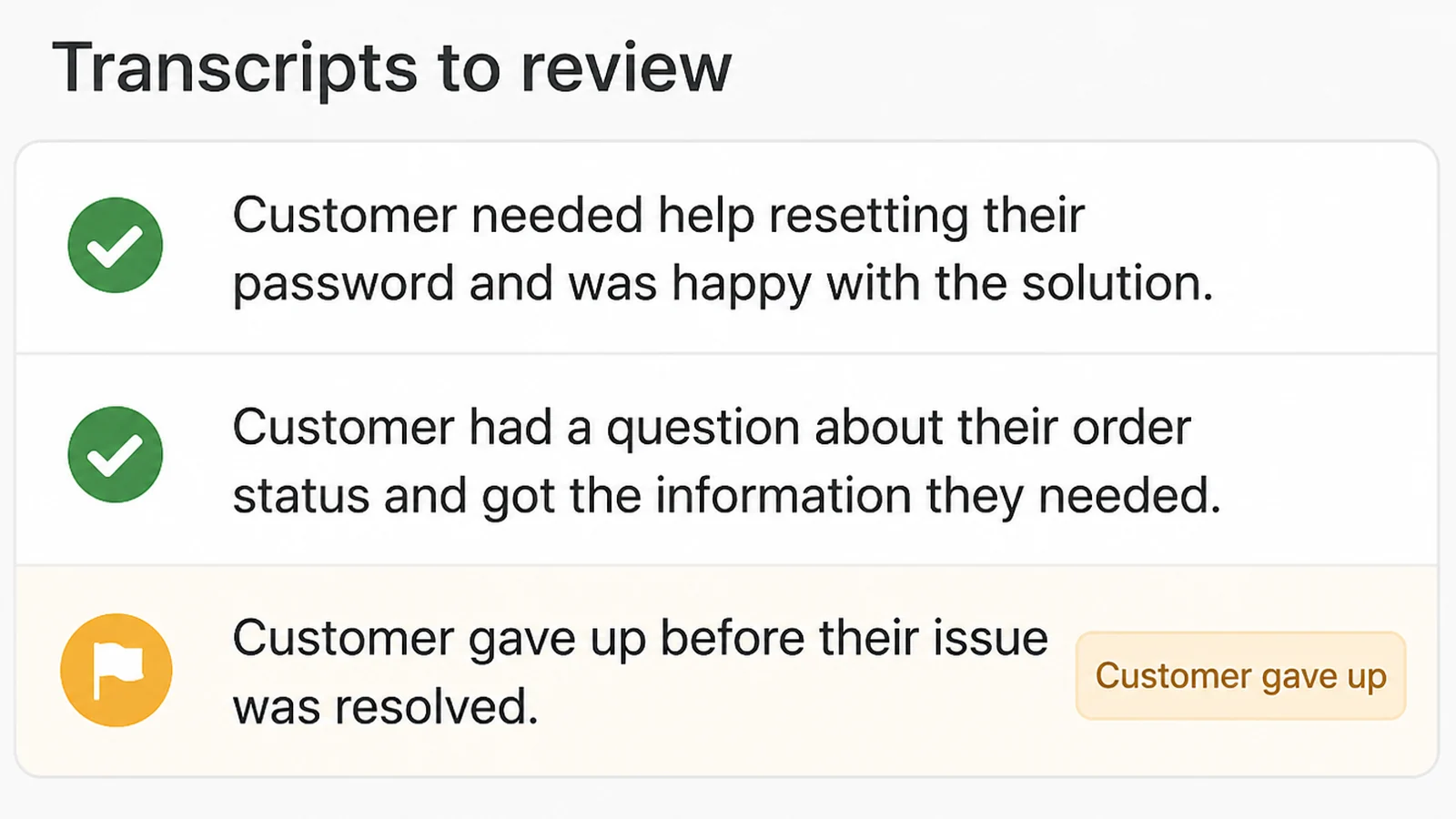
Read through the chat records once a week. Look for two things. Questions you did not plan for, and the moments where the customer gave up.
Book fifteen minutes for it on a Friday.
Fix the three biggest problems each week. After a month it will run without much attention.
Customer Service Automation Ideas That Work Right Now
- Opening hours and how to find you. You get asked these constantly, and the answers are easy to check and keep up to date.
- Order or booking status, the clearest win for AI customer support. Ask for a reference number, look it up, reply. No judgement needed, so very little can go wrong.
- What things cost and what is included. Give a range and say what moves it up or down. Vague pricing creates more messages, not fewer.
- Collecting the details before a quote. Let the bot gather the size, the date and the location, so your first human reply is already useful.
- The after-hours message from a chatbot for small business. Say when somebody will reply, in hours rather than saying soon. A specific wait is easier to accept than silence.
- Buttons instead of typing. Where there are only a few choices, three buttons to tap beat a paragraph the customer has to read.
Chatbot for Small Business: the Tools
Think of this as several parts rather than one product. Most setups need three or four of these, and each one suits a different kind of business.
| Piece of the setup | Best for |
|---|---|
| Website chat widget | Businesses whose enquiries start on a landing page, and who want to test answers before committing to WhatsApp |
| WhatsApp Business Platform | Malaysian shops and services where customers already message on WhatsApp and expect a same-day reply |
| A written answer file the bot reads from | Anyone whose prices, hours or stock change often, so one edit updates every reply |
| Shared inbox with human handover | Teams of two or more, where the person who picks up isn't always the owner |
| A link into your booking or order system | Clinics, workshops and stores that get "where is my order" all day |
| Approved message templates | Businesses that need to start the conversation, such as a delivery update or an appointment reminder |
On that last row, Meta requires templates to hold an approved status before they can be sent, and says review can take up to 24 hours. Templates can also be paused later if they draw recurring negative feedback or low read rates (read on 9 September 2026). Write them like a helpful notice, not an advert.
Common AI Chatbot Mistakes
Most of these come from treating the bot as finished on the day you switch it on.
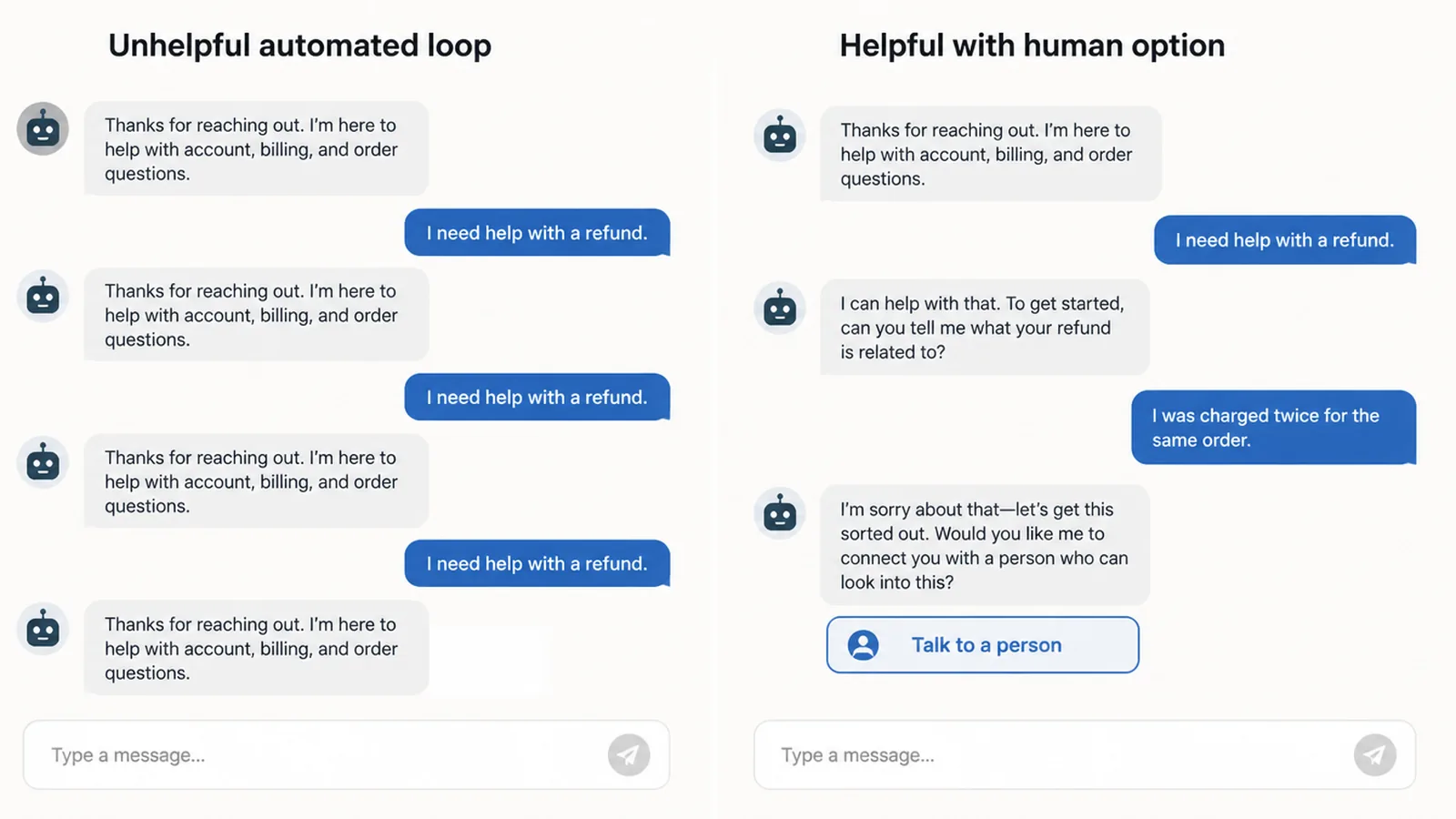
- Hiding the option to talk to a person. Burying it three menus deep turns a small question into a lost customer.
- Letting AI customer support guess. If the bot does not know, it should say so and pass the chat on. A wrong price quoted in writing causes real trouble.
- Sending adverts disguised as service messages. Meta watches how people react to your approved messages, and if it pauses one, your genuine reminders stop going out too.
- Forgetting the 24 hour window. Replying two days later means using an approved message, which costs money and has to be approved first.
- Feeding it last year's answers. Old prices and retired products are the most common wrong answers I see, and nobody notices until a customer complains.
- Nobody reading the chats. The transcripts tell you what your customers are confused about. Set them up so someone actually opens them.
Meta also applies quality ratings and messaging limits to business numbers, and caps how fast you can message the same person, at one message every six seconds. A chatbot that fires three messages in a row is working against you.
FAQs
Will an AI chatbot replace my customer service staff?
I wouldn't plan for that. A chatbot takes the repeat questions off your team so they can spend time on the ones that need a decision. In my experience the useful measure is how many messages your staff no longer have to type, not how many people you can drop.
How much does a WhatsApp chatbot cost to run?
Meta charges per message and only when a template message is delivered. Replies inside an open 24 hour customer service window are free, and service conversations became free on 1 November 2024. Rates vary by market and Malaysia has its own rate card, so check the current one before budgeting.
Can the chatbot message customers first?
Only with a template Meta has approved. Once the 24 hour window closes, pre-approved templates are the only thing you may send. Approval can take up to a day, and templates get paused if they attract negative feedback, so keep them useful and stop yourself sending promotions that way.
Can an AI customer service chatbot handle Malay and English together?
Modern language models cope with both, and with the mix most Malaysians actually type. I'd still test it yourself before launch. Ask the same question three ways, in Malay, in English, and in a mix, and see whether the answers stay correct rather than merely fluent.
What questions should never go to a chatbot?
Complaints, refunds, anything involving a discount, and anything where a wrong answer costs money. Those need a person who can decide. Route them to a human straight away, and tell the customer you have done it so they are not left waiting on a reply that never comes.
Conclusion
Start with the eight questions you answer every week. Automate those, put a clear route to a human beside them, and leave everything else alone.
That's a small project, and it's the one that gives you your evenings back. The ambitious version, where the bot handles everything, is where most of the disappointment lives.
If you want a hand mapping the questions and wiring up the handover, an AI assistant can be scoped with the build. Reach out to my team at Seed Light.