Bing SEO: What's Worth Doing and What Isn't

Bing SEO is the work of getting Microsoft's search engine to find, read and trust your pages. For most small businesses it is a one afternoon setup: verify the site, submit a sitemap, switch on IndexNow, claim the local listing. Seed Light treats it as maintenance, not a second strategy.
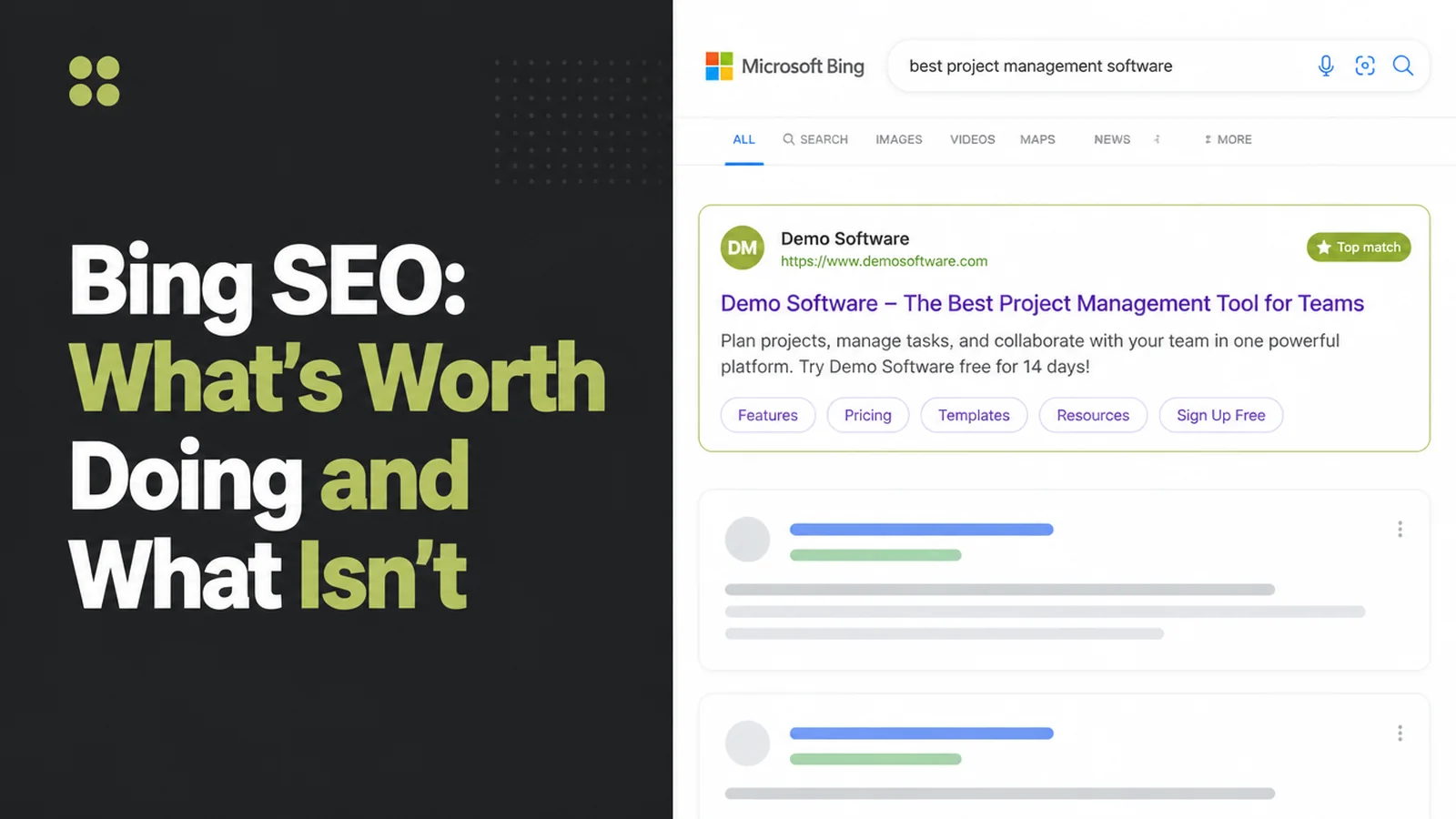
Your Google traffic goes flat for a month, someone mentions Bing, and you wonder what you are missing. It is a fair thing to wonder. Ignoring a whole search engine feels careless.
The honest answer is that Bing is small next to Google. Showing up on it is a one time setup rather than ongoing work, and that same setup now feeds Microsoft Copilot too.
So the aim is not to rank on Bing instead of Google. It is to spend one afternoon making sure Bing can see your site properly, then get back to running your business.
Key Takeaways
- Bing is bigger on desktop computers. Worth your attention if your buyers do their research at work.
- The setup is almost the whole job. Verifying your site and giving Bing a sitemap gets you nearly everything available. There is very little to adjust afterwards.
- One submission reaches several search engines. IndexNow passes your new and changed pages to every engine taking part, so the work is not for Bing alone.
- On Bing vs Google SEO, Bing wants the same things Google does. Pages that are trustworthy, useful and easy to read. You never need a separate version for Bing.
- You can see how often AI quotes you. Bing reports how many times your pages appear in Copilot answers. Google's tools do not show you that.
What Is Bing SEO?
Bing SEO means making your site easy for Microsoft's search engine to find, read and trust. It is the same idea as Google SEO, with a different company doing the reading.
Bing SEO is three things. Telling Bing your pages exist, keeping that list accurate, and writing pages worth showing.
Bing has said that content quality is one of the main things its ranking models are built around, and it splits quality into authority, utility and presentation: sources people can trust, enough substance to actually help, and a layout that doesn't bury the answer.
None of that is unusual. If a page reads well and loads fast for Google, Bing is judging it on the same things.
The problem is usually not quality. It is that Bing does not know your pages exist, because nobody ever told it.
That really is the whole of Bing SEO. Introduce your site once, keep that introduction up to date, and let the pages do the rest.
Bing vs Google SEO: Why Bing Is Different Right Now
Start with how big Bing actually is, because that sets your expectations. Statcounter put Bing at 4.5% of worldwide searches against Google's 91.1% in August 2026. In the United States, Bing sat at 8.92%.
Split that by device and it looks different. On desktop computers alone, Bing held 8.84% worldwide, roughly double its overall figure. That gap tells you where Bing users are sitting.
The simple reading of that is this. People use Bing at work, on the computer their employer set up, and rarely on their own phone.
If you sell to businesses, that is your buyer. If you sell dinner on a Friday night, it probably is not.
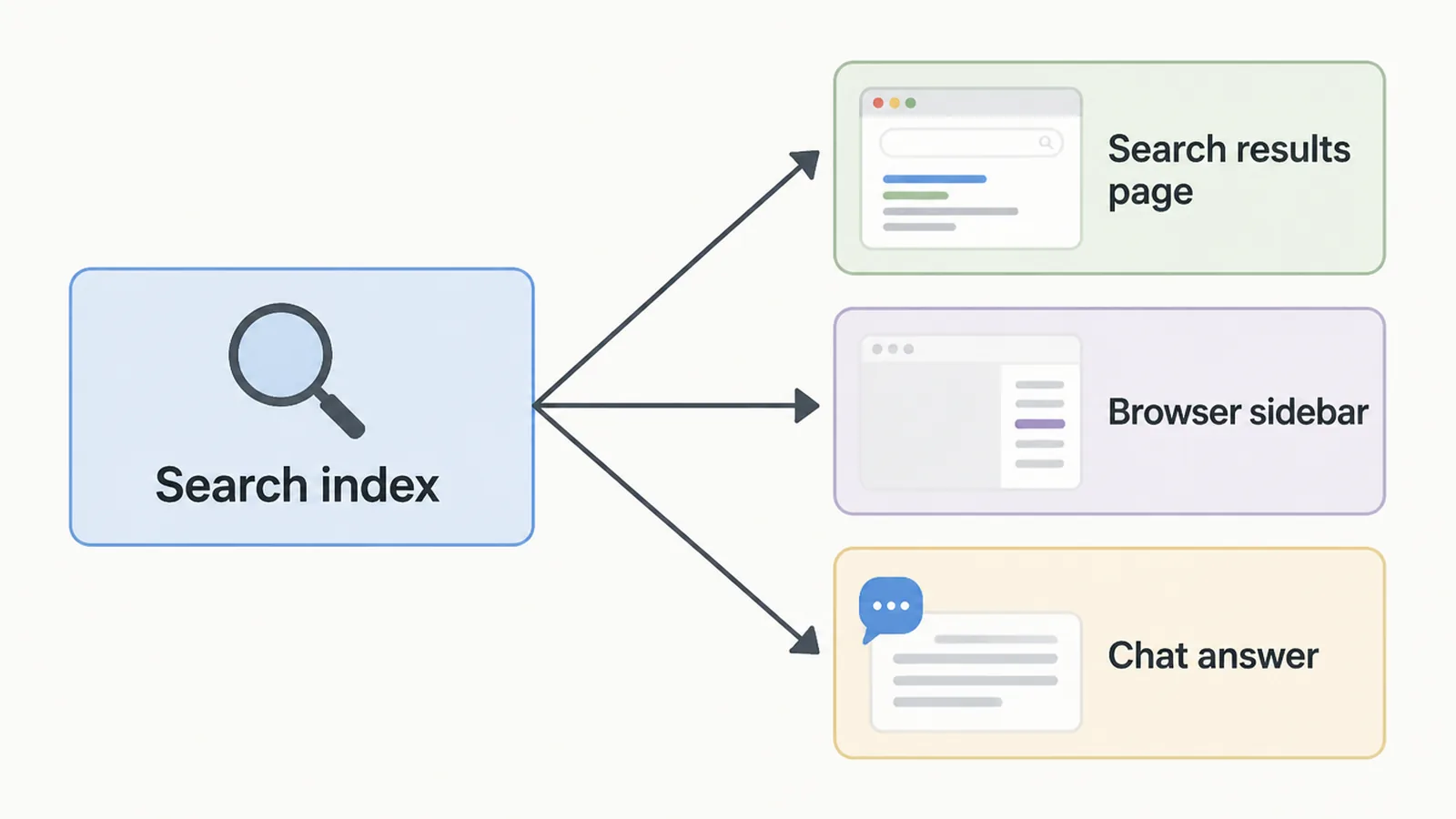
The newer reason to bother is that Bing's results do not only appear on Bing.
| Where you put effort | What it reaches | Best for |
|---|---|---|
| Google SEO | About 91% of searches worldwide | Every business, and it comes first |
| Bing setup | 4.5% overall, 8.84% on desktop | Sites whose buyers browse from a work computer |
| The same Bing setup | DuckDuckGo, which sources its links largely from Bing | Getting a second engine for no extra work |
| Clear, well structured pages | Microsoft Copilot answers, now reported to you | Anyone who wants to see if AI tools quote them |
DuckDuckGo says its traditional links are largely sourced from Bing, so one setup covers two engines. Worth saying plainly, though: ChatGPT is not one of them. OpenAI runs its own crawler, OAI-SearchBot, for ChatGPT search.
So the benefit is real but modest. One setup covers two search engines, and you get a report on how often Copilot quotes you.
How to Set Up Bing SEO in One Afternoon
Set aside an afternoon and work through this once. None of it needs repeating next month.
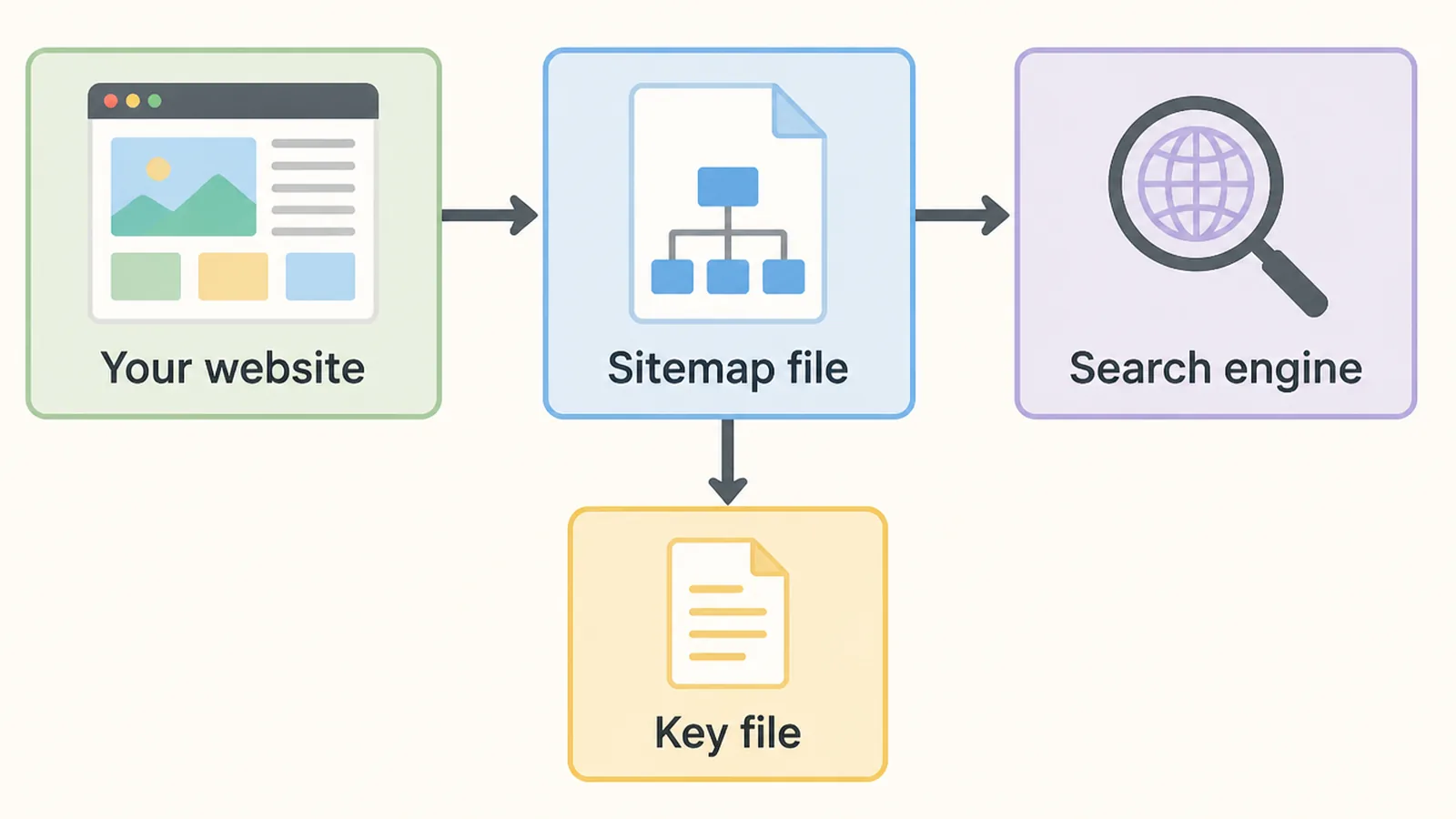
Five steps, in this order. None need a developer, and four are one time jobs you can forget afterwards.
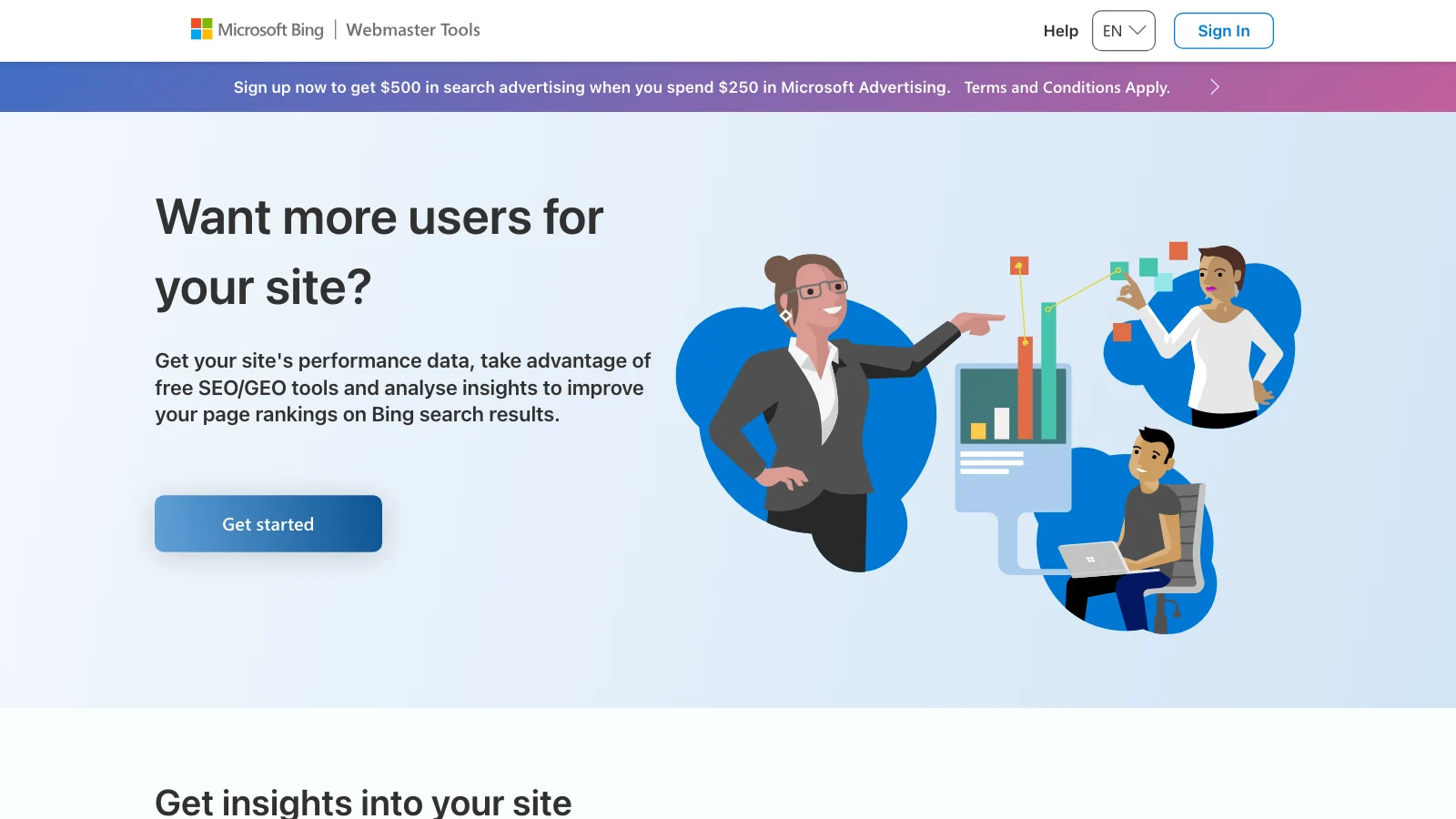
1. Verify your site in Bing Webmaster Tools
This is the one Bing SEO step you cannot skip. Everything after it depends on Bing knowing the site is yours.
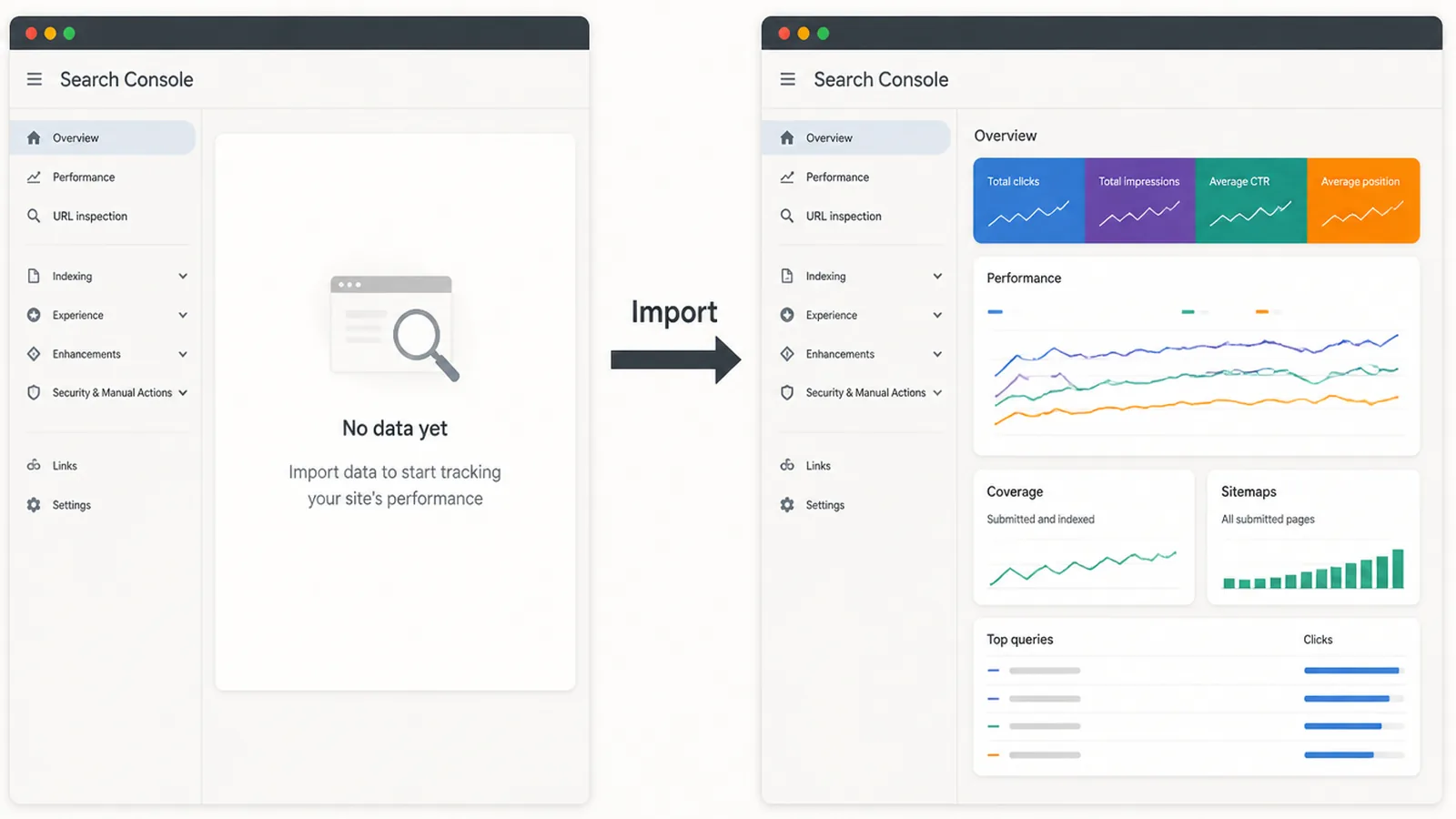
You can import straight from Google Search Console instead of uploading files or editing DNS. Microsoft says imported sites are verified automatically, up to 100 at a time, and traffic data can take 48 hours to appear.
2. Hand Bing your sitemap
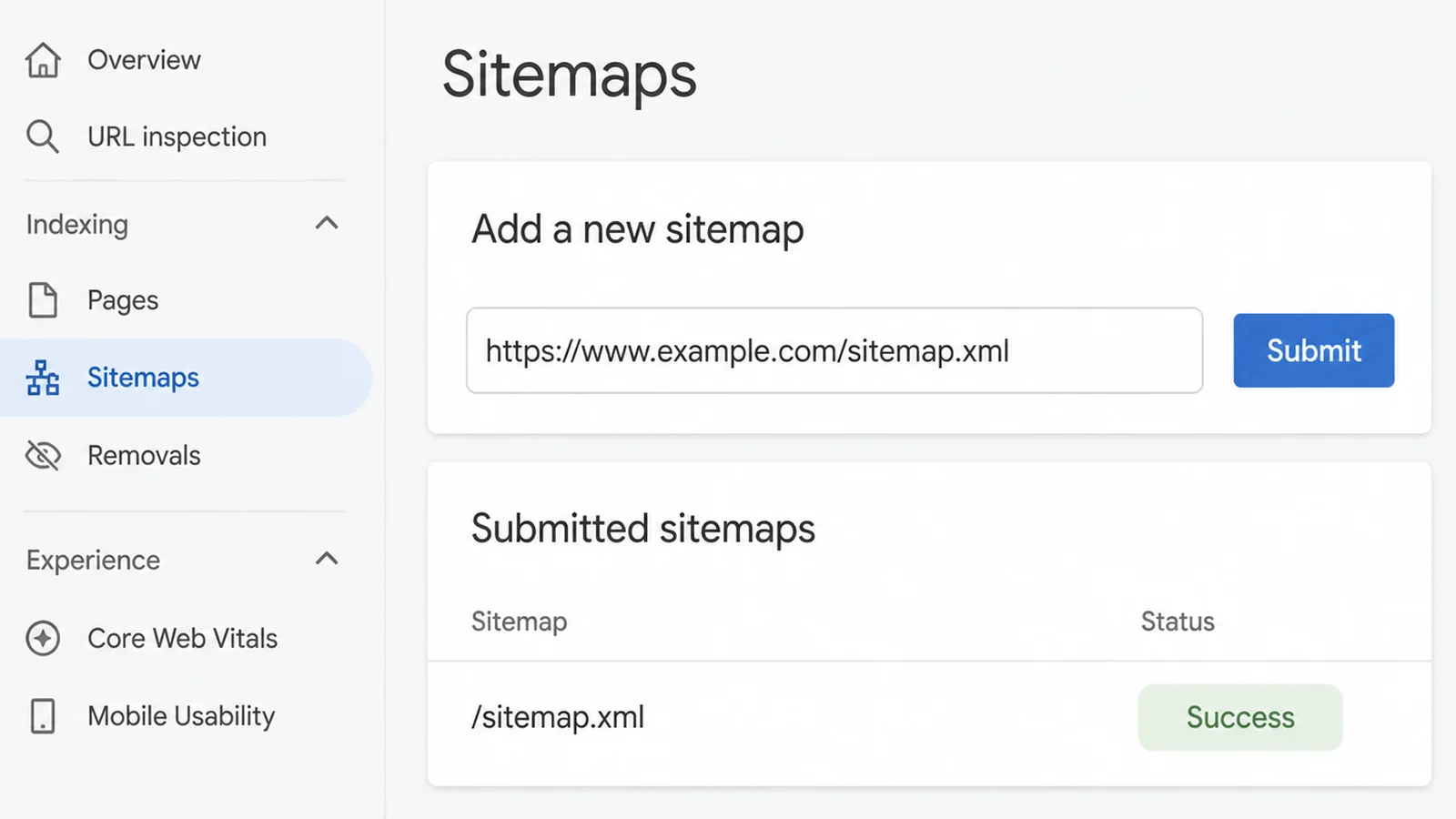
Submit it inside Webmaster Tools, or list it in your robots.txt file and let Bing find it. One sitemap file holds up to 50,000 URLs, far more than a small site will ever need.
If you already have a sitemap for Google, use that one. There is no special format for Bing.
3. Make your update dates honest
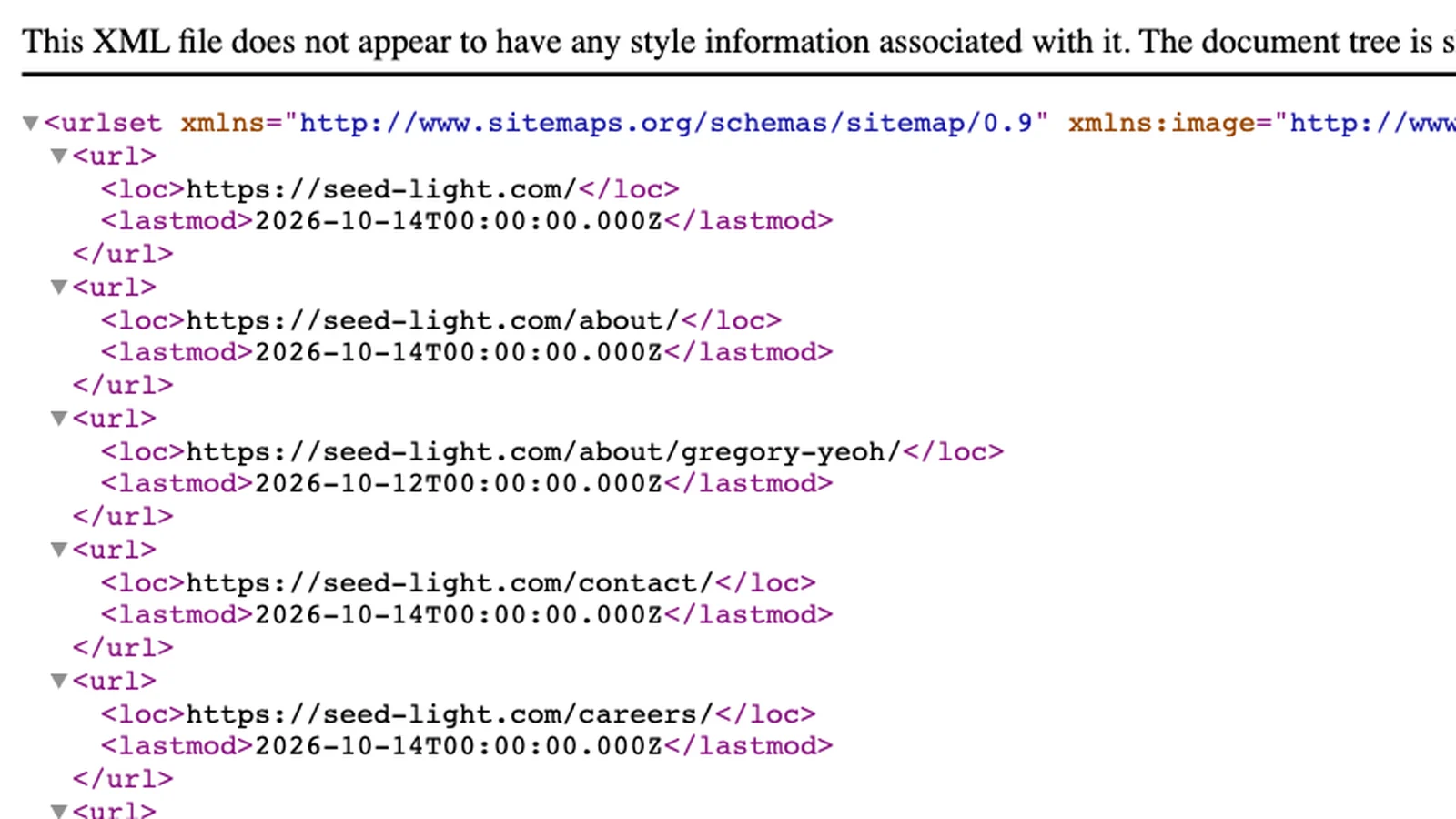
Your sitemap records when each page last changed. Microsoft says it still relies on that date, and asks for the time the content really changed rather than the time the file was created. Most SEO plugins get this right, but check that yours does.
A sitemap claiming every page changed this morning tells a search engine nothing. The dates are only useful when they are accurate.
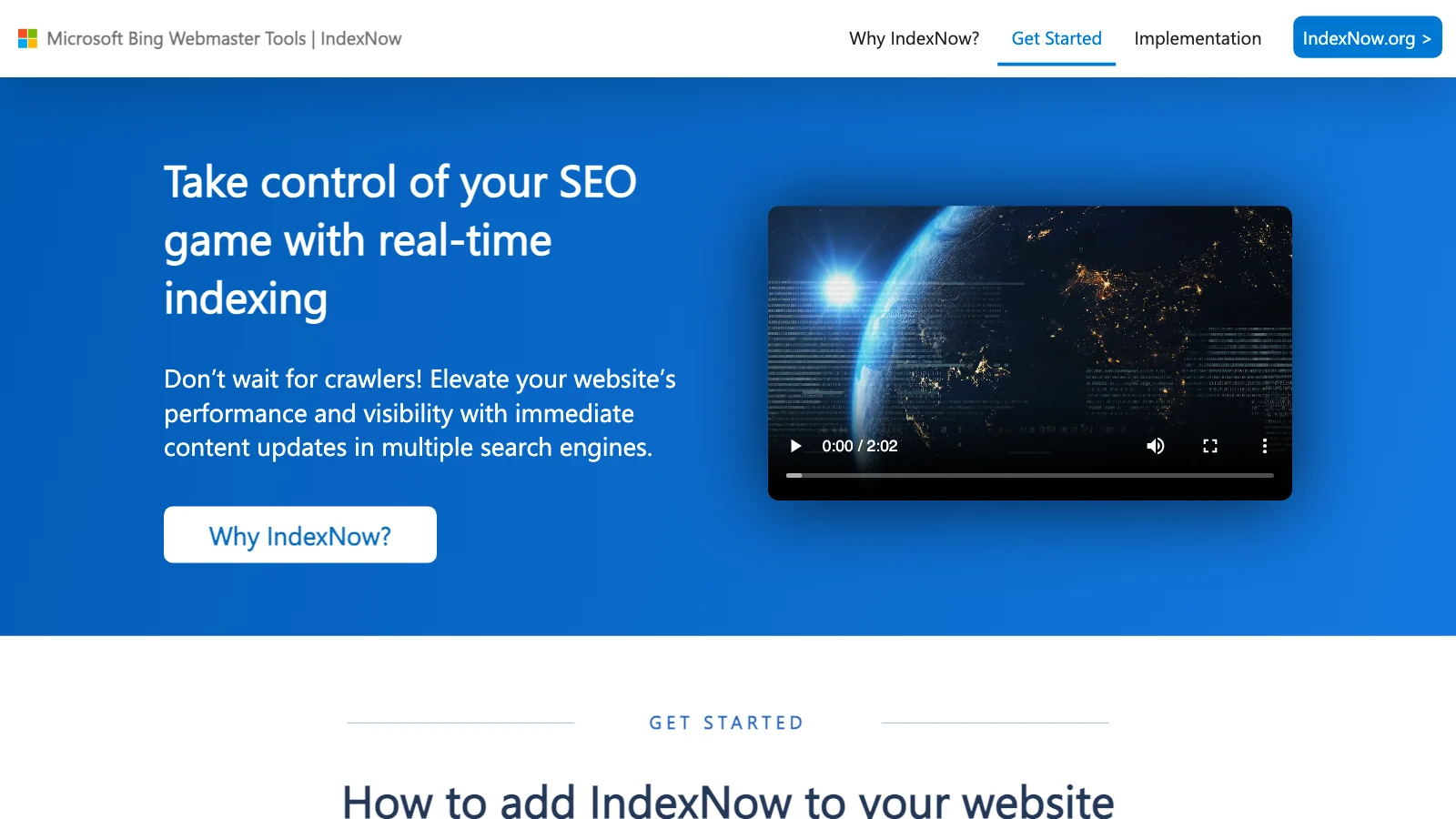
4. Switch on IndexNow
IndexNow tells participating engines that a page is new or changed, and they share submissions with each other. Bing lists built in support in Wix, Shopify, GoDaddy and Duda, plugins for Yoast, RankMath, AIOSEO and SEOPress, and Crawler Hints in Cloudflare.
For most people this is a single switch inside a plugin. If yours has it, turn it on and move on.
5. Claim the local listing, then watch the AI report
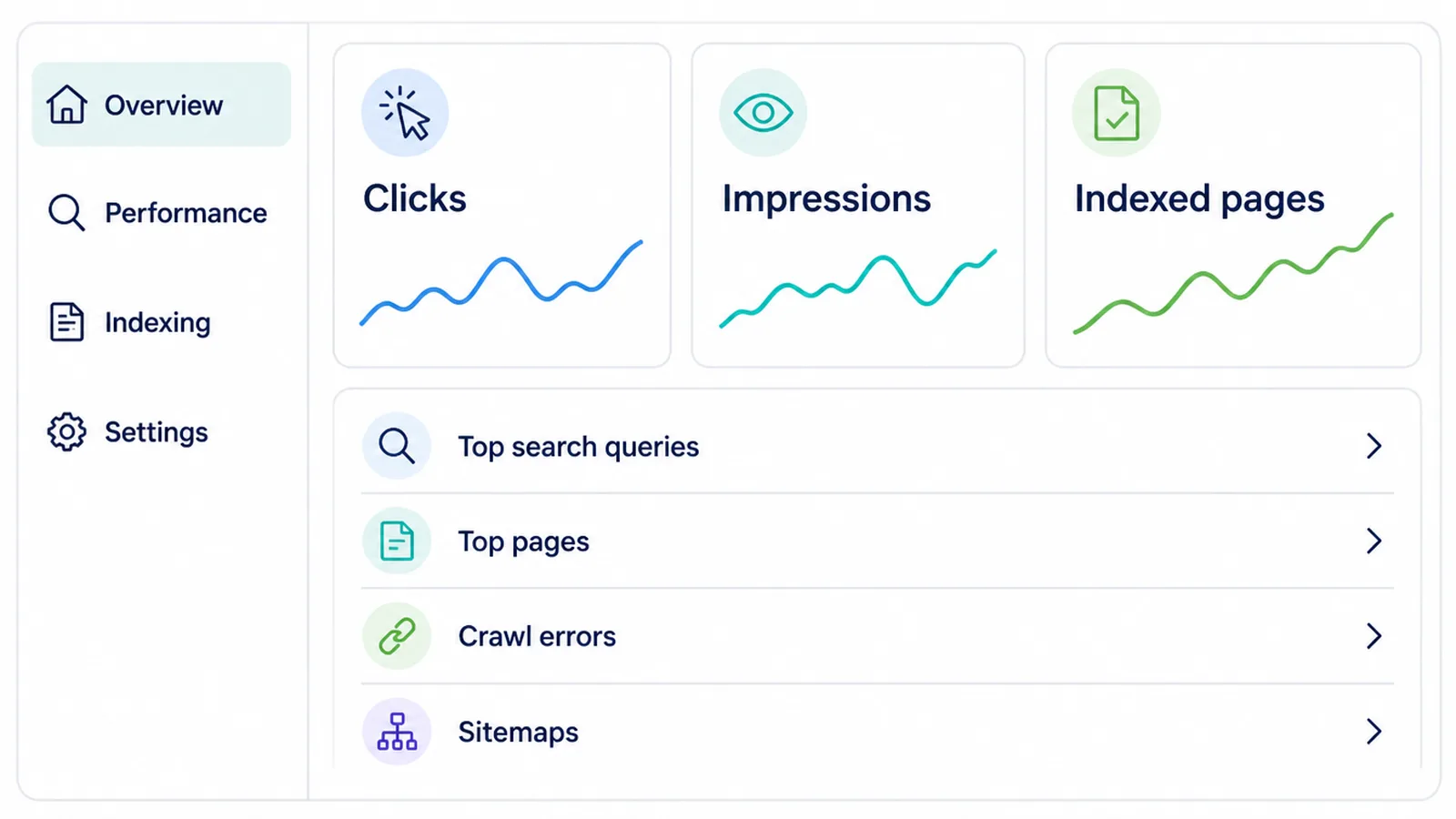
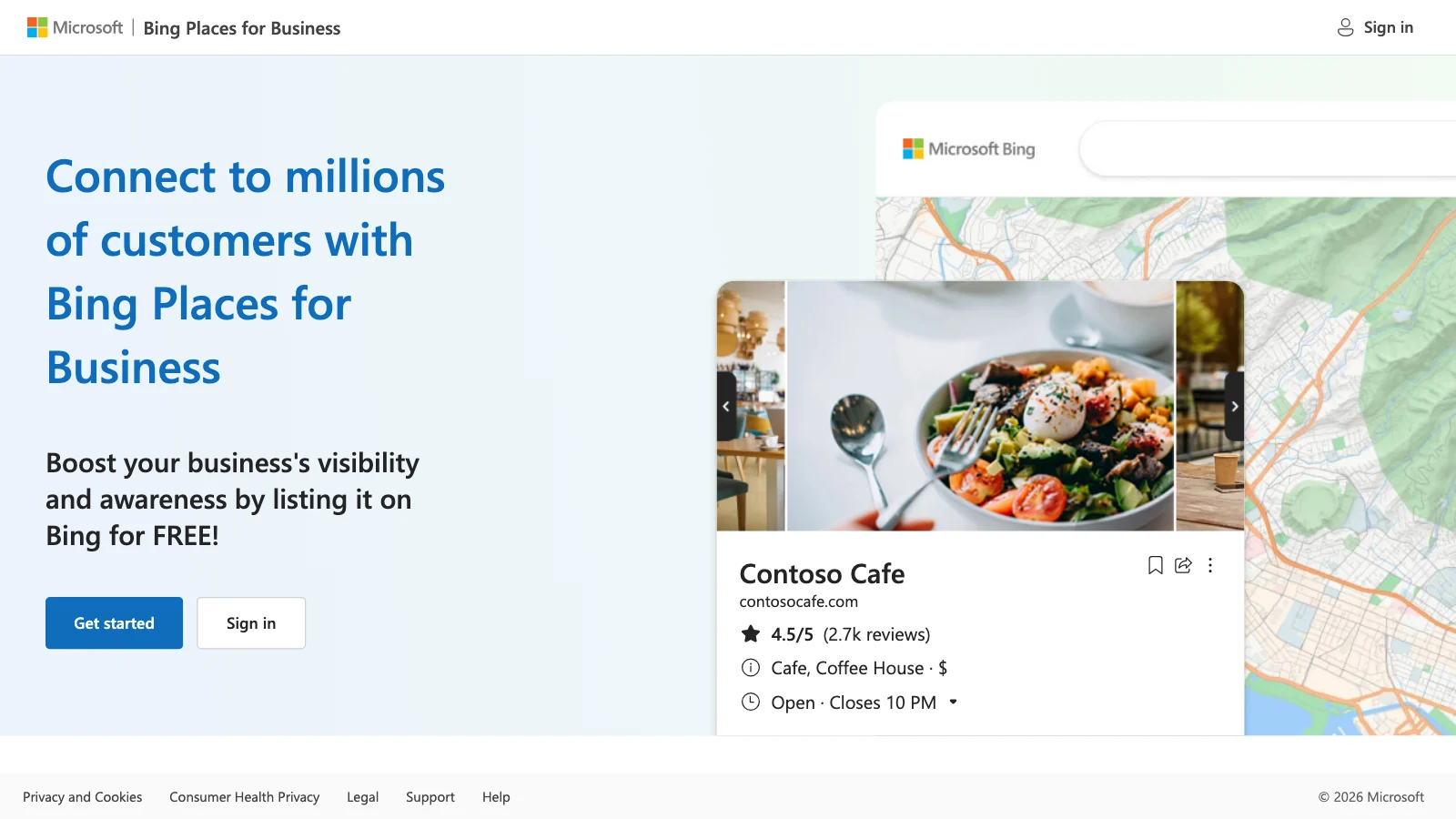
Microsoft's own advice to publishers includes registering your business with Bing Places and using IndexNow to flag changes. Its AI Performance report then shows which pages get cited in Copilot answers.
That report is the only part of Bing SEO worth checking again. Everything else you can leave alone for months.
Bing SEO Ideas That Work Right Now
Once the setup is done, these habits keep it working without becoming another weekly job.
- Import rather than verifying again. If Google Search Console is already set up, importing skips the whole verification process and brings your sitemaps across with it.
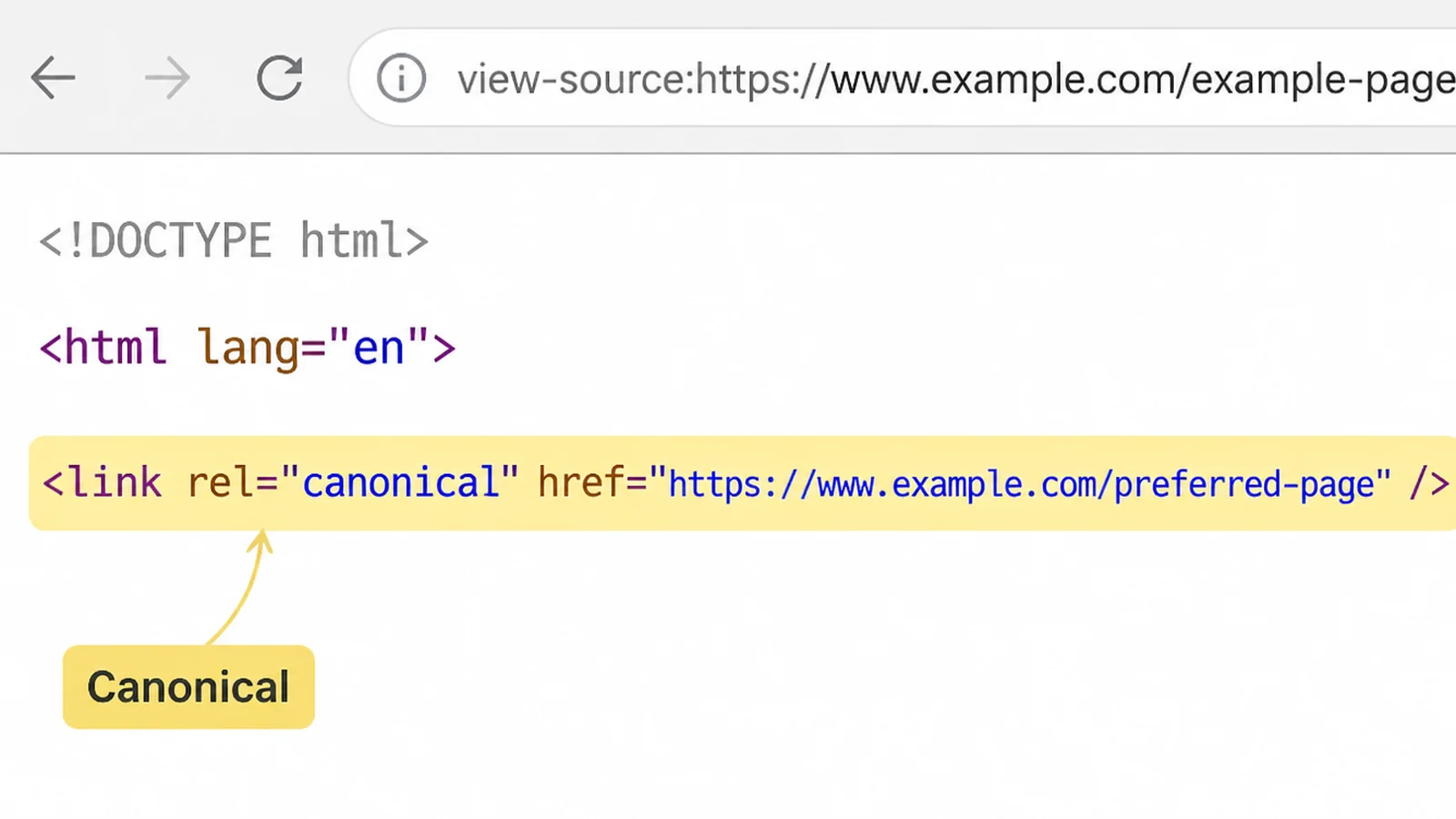
- Give every page one address. Microsoft warns that when several URLs hold the same content, clicks, links and engagement get diluted across them. A canonical tag fixes it.
- Lay the answer out clearly. To be quoted by AI, Microsoft suggests headings, tables and FAQ sections, claims backed by examples and data, and content kept up to date.
- Only submit what actually changed. IndexNow rejects submissions it decides look like spam, so sending your whole site every day works against you.
- Decide which bots may read your site. OpenAI runs two separately. Block GPTBot and your content is not used for training. Block OAI-SearchBot and you disappear from ChatGPT search answers.
Bing SEO Tools
You need fewer tools than this subject suggests. Two accounts and whatever your site already runs will cover it.
| Tool | What you use it for |
|---|---|
| Bing Webmaster Tools | Verifying the site, submitting sitemaps, and reading the AI Performance report |
| Google Search Console | The shortcut into Bing, since verified sites and sitemaps import from it |
| IndexNow | Telling participating engines a page is new or changed, up to 10,000 URLs per call |
| Bing Places for Business | The local listing Microsoft tells publishers to register |
| Your CMS SEO plugin | Sitemaps, lastmod dates, canonical tags and IndexNow, all in one place |
The IndexNow documentation covers the key file you host to prove the site is yours, and takes up to 10,000 URLs in a single request.
Common Bing SEO Mistakes
None of these are unusual. They are the ordinary ones, and they cost you time rather than rankings.
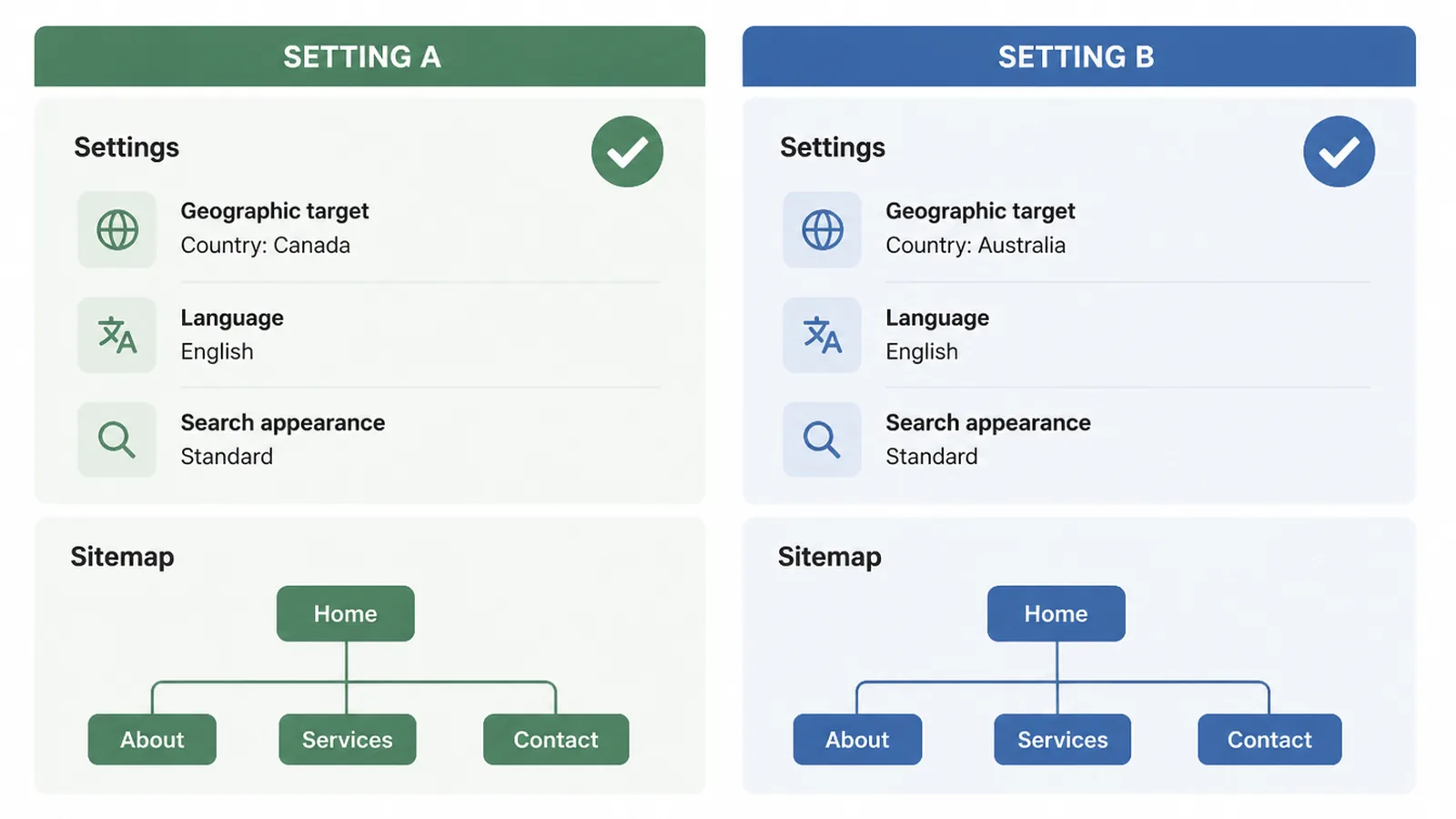
Most Bing SEO mistakes come from treating Bing as a separate project rather than a second reader of the same pages.
- Building a second site for Bing. There is no separate Bing version of good content, and copying pages to chase one engine causes exactly the problem Microsoft warns about.
- Treating a submission as a guarantee. Bing says using IndexNow does not promise your pages will be crawled or indexed. You are telling it something, not booking a slot.
- Submitting the same pages every day. Resubmitting pages that have not changed gets your submissions rejected and teaches the system to take you less seriously.
- Leaving old versions of a page online. Duplicates confuse the signals engines use to judge relevance, and an out of date page can end up being the one that shows.
- Expecting Bing to rescue a weak page. If a page does not earn its place on Google, a smaller engine judging the same things will not treat it any better.
FAQs
Is Bing SEO worth it for a small business?
It is worth the basic setup when your audience may use Bing. Verifying the site, submitting a sitemap and enabling IndexNow are small jobs that help Microsoft find your pages. Treat Bing as an additional search channel, then judge it from the visits and enquiries it records.
Do I need different content for Bing and Google?
No. Bing says it optimises its ranking models for content quality, which it splits into authority, utility and presentation. Those are the same qualities a good Google page has. Writing a second version of a page for Bing wastes your time and can leave you with duplicates.
What is IndexNow and do I have to use it?
IndexNow is a way to tell search engines a page is new or changed, and participating engines share what you submit with each other. You don't have to use it. Most site builders and SEO plugins include it, so switching it on is usually a checkbox rather than a job.
Does ChatGPT get its answers from Bing?
Not from Bing's crawler. OpenAI runs its own bot called OAI-SearchBot for ChatGPT search, and says sites opted out of it will not appear in ChatGPT search answers. Bing Webmaster Tools does report citations in Microsoft Copilot. That is a different product.
How long until my pages show up in Bing?
Microsoft doesn't publish a timeline, and it says plainly that using IndexNow does not guarantee pages will be crawled or indexed. After importing a site it does say traffic data can take up to 48 hours to appear. Beyond that, treat it as unpredictable.
Conclusion
Bing pays back setup, not attention. An afternoon of verifying, submitting and switching things on covers almost all of it.
After that, review the recorded visits and enquiries beside your main search channel before deciding how much attention Bing deserves.
The pages you already write for Google are the ones Bing wants. That is the good news in all of this.
Spend the rest of your time on the pages themselves, because that's the part Google, Bing and Copilot all read the same way. If you'd rather have someone handle the plumbing, see how we approach SEO, or reach out to my team at Seed Light.