SEO Basics for Small Business 2026: Start With What Matters

SEO basics for small business come down to four things. Be crawlable, answer the questions customers ask, claim your local profile, and wait. Google says some changes take hours and others several months. Seed Light does this work in that order.
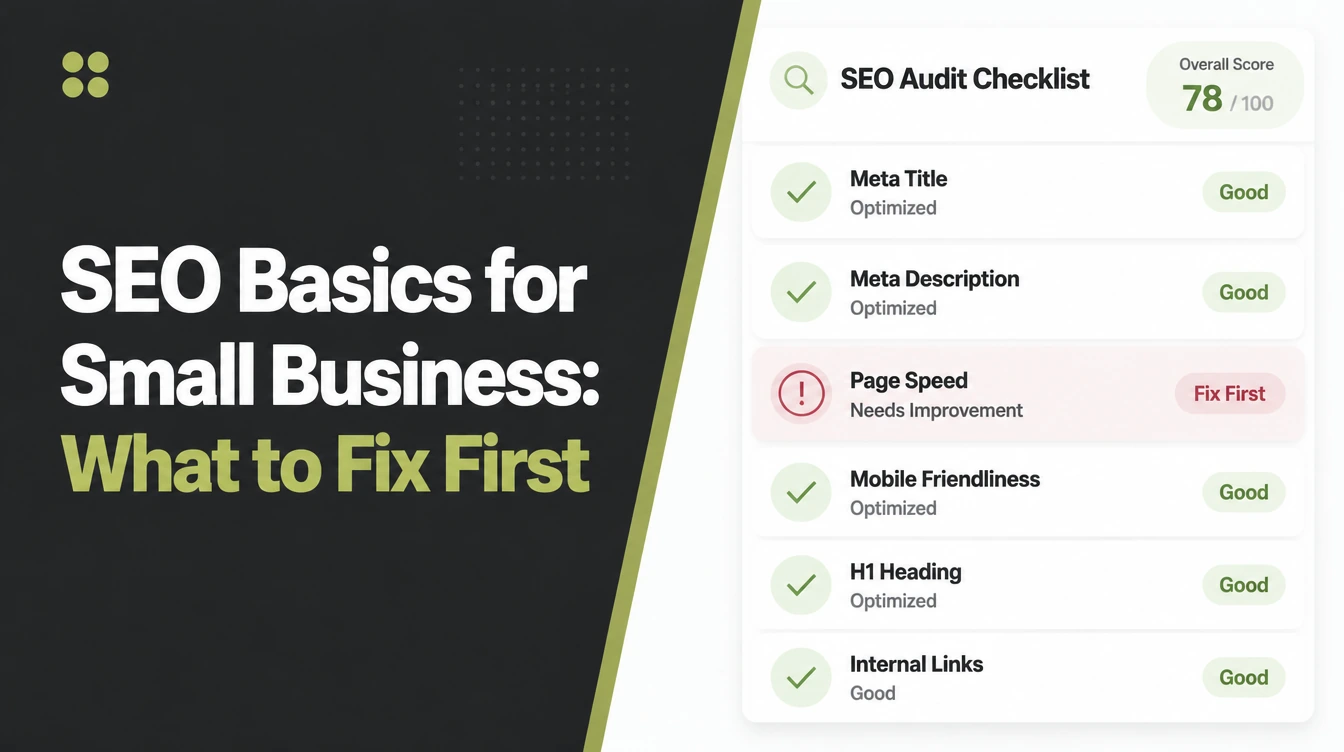
Every list of SEO basics for small business starts with sixty things to check. You have a business to run and about two hours.
So here is the short version. Four things matter for a small site, they are in order, and almost everything else can wait.
SEO for small business is a different job from SEO for a large one, and most published advice is written for the large version.
This guide covers what to do first, what Google says about timing and guarantees, when paying somebody is reasonable, and the mistakes that cost the most.
Key Takeaways
- Answer the questions you get on the phone. Those are the searches most likely to produce an enquiry.
- Claim the local profile. For anybody serving an area it usually outperforms the website at first.
- Nothing is guaranteed. Google states it does not guarantee that it will crawl, index or serve your page.
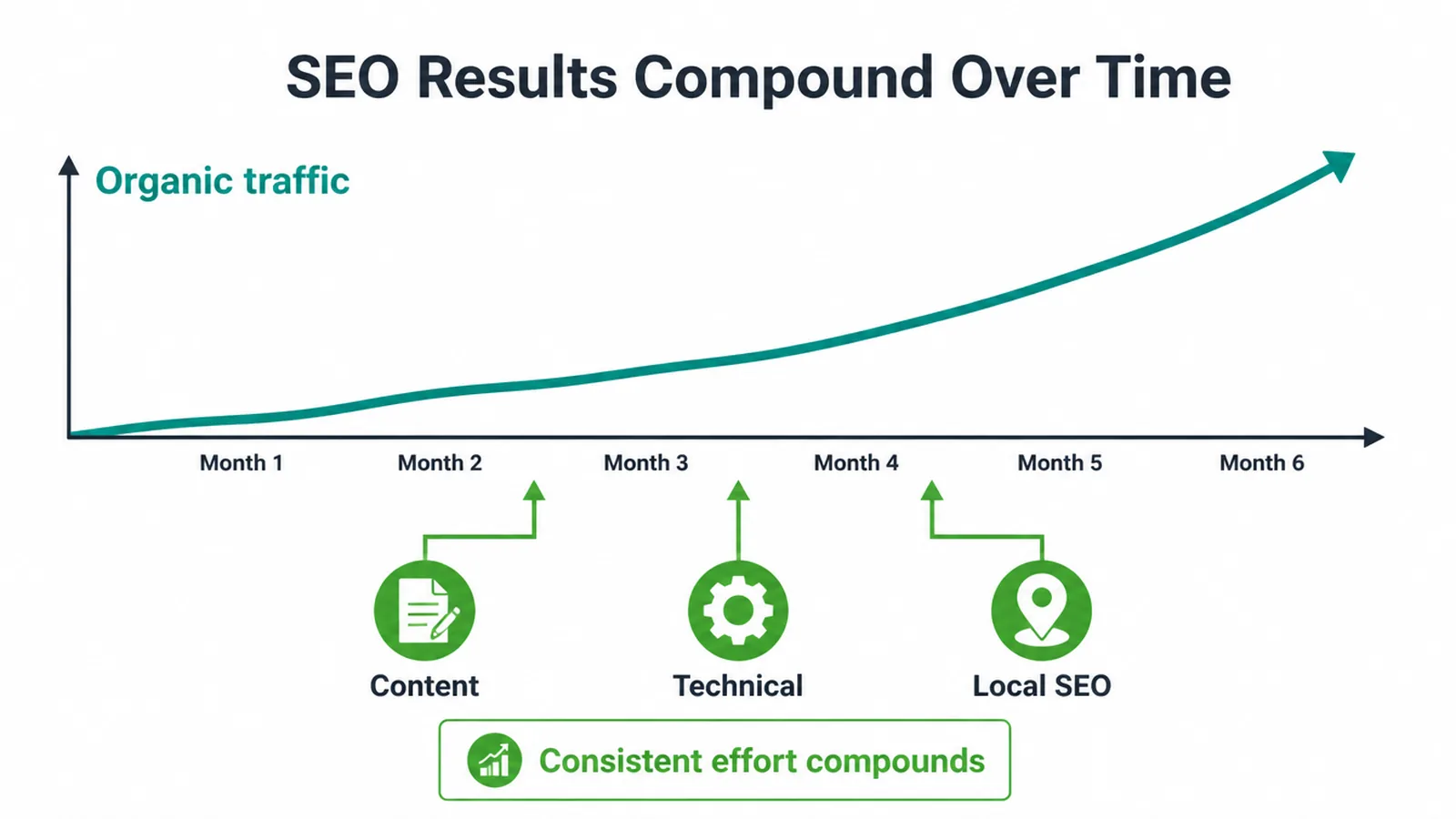
- Plan on months. Google says some changes take a few hours and others several months.
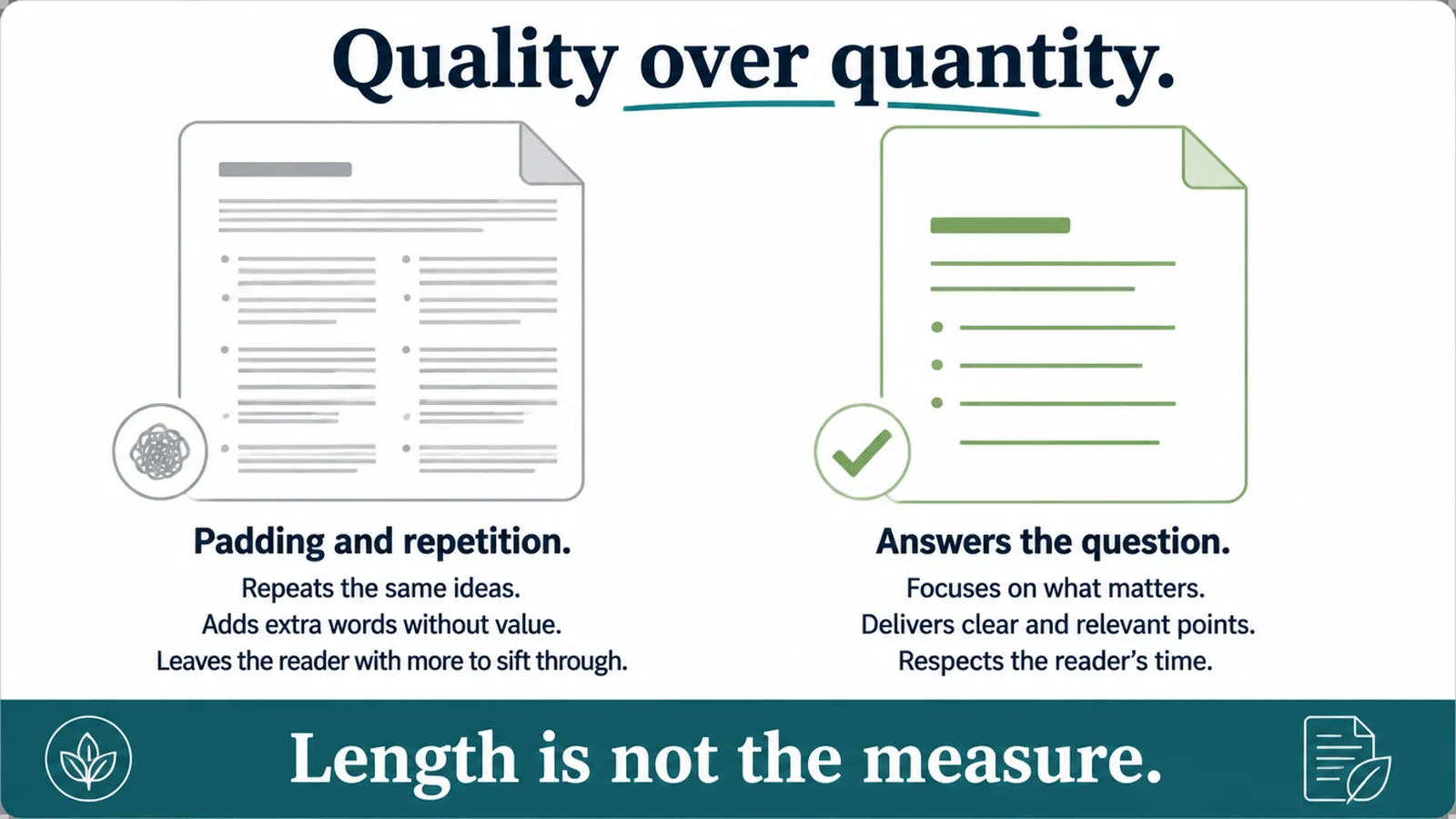
- Quality beats volume. Publishing in bulk is the behaviour Google's spam policies name directly.
What the SEO Basics for Small Business Actually Are
Three things, and only one of them is technical.
People expect the opposite, because the technical half is the part that sounds like expertise and is easiest to sell as a package.
Being readable by a crawler. Having pages about what people search for. Being known well enough locally to be chosen.
For a small site built on a normal platform, the first is usually already fine. That surprises people who have been sold an audit.
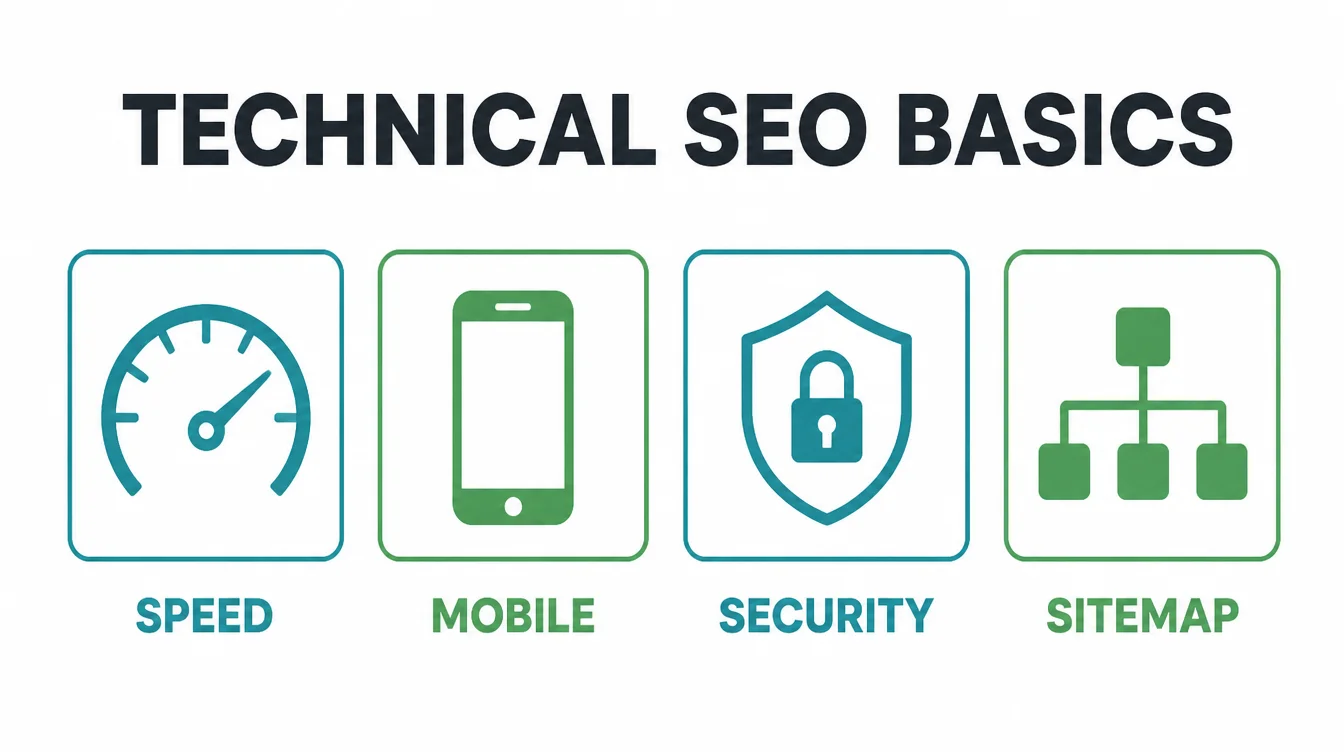
Modern platforms handle crawlability, mobile layout and sitemaps without being asked. The audit finds thirty warnings and none of them is why you are invisible.
That is not an argument against technical work. It is an argument against starting there when the site has no pages worth finding.
So the beginner seo work that pays is mostly writing and claiming rather than fixing.
Which is good news for cost. Writing is something you can do yourself with better results than anybody you could hire, because you know the answers.
Why Small Businesses Are Not Competing With Large Ones
You are not trying to outrank a national chain for a generic term. You are trying to appear for the specific thing you do, where you do it.
That reframing matters because it changes what counts as success. Appearing for aircon service in your own town is a win, even while you are invisible nationally.
That is a much smaller fight, and a local business can win it because the big competitor is not really trying to.
A national chain wants the generic term. You want the term with your town attached, and those are two different auctions.
SEO for small business works because of that gap. The competitor with the larger budget is usually not competing for the search that brings you a customer.
Local seo basics matter more than anything clever for the same reason. Distance is one of the three factors Google names for local results, and it works in your favour.
The Four SEO Basics for Small Business, in Order
Do these in sequence. The order is the advice, and skipping to the fourth is why most attempts stall.
1. Write down the questions you are asked
Take the last ten enquiry calls. Write down what each person actually wanted to know before they committed.
Patterns appear fast. Three or four questions will account for most of the list, and those are the first pages to write.
Keep the list where you can add to it. New questions appear as the business changes, and each one is a page you now know is wanted.
That list is your content plan. It is more accurate than any keyword tool because it came from people who paid you.
Keyword tools are useful later, for phrasing. They are a poor place to begin, because they tell you what is searched rather than what you can answer well.
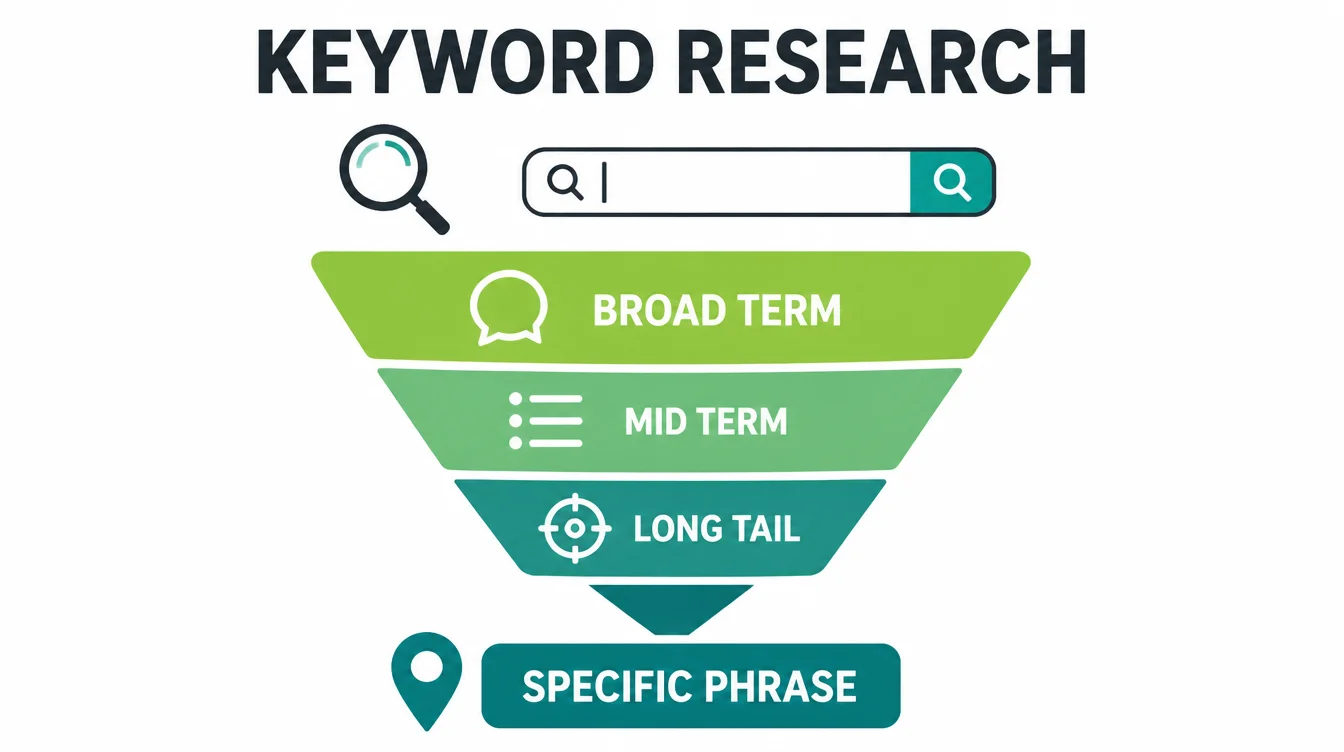
2. Give each question its own page
One question, one page, answered properly in the words a customer would use.
Resist combining them. A page covering four questions ranks for none of them as clearly as four pages would.
It also reads worse. Somebody arriving with one question has to work out which section is theirs before they get an answer.
Put the answer in the first sentence rather than after four paragraphs of introduction. Both readers and search engines reward it, for different reasons.
Five such pages is a serious start. These small business seo tips are less about optimisation than about finally writing down what you already tell people.
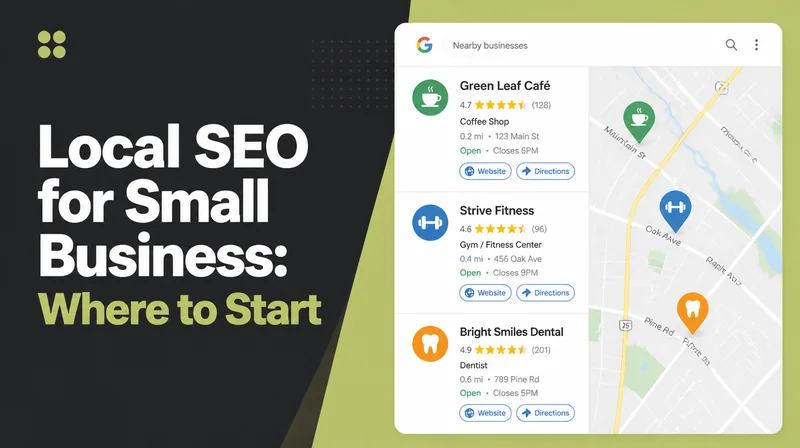
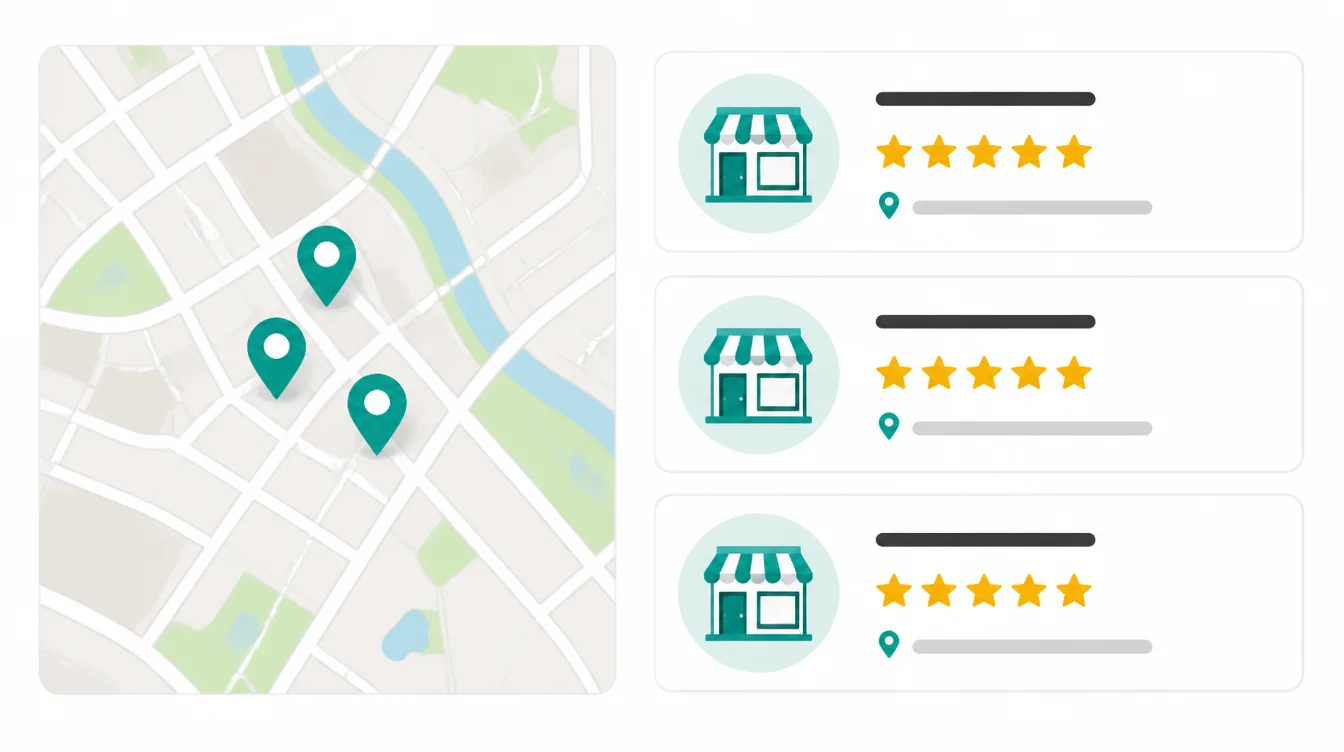
3. Claim and complete the local profile
If you serve an area, this is often worth more than the website in the first few months.
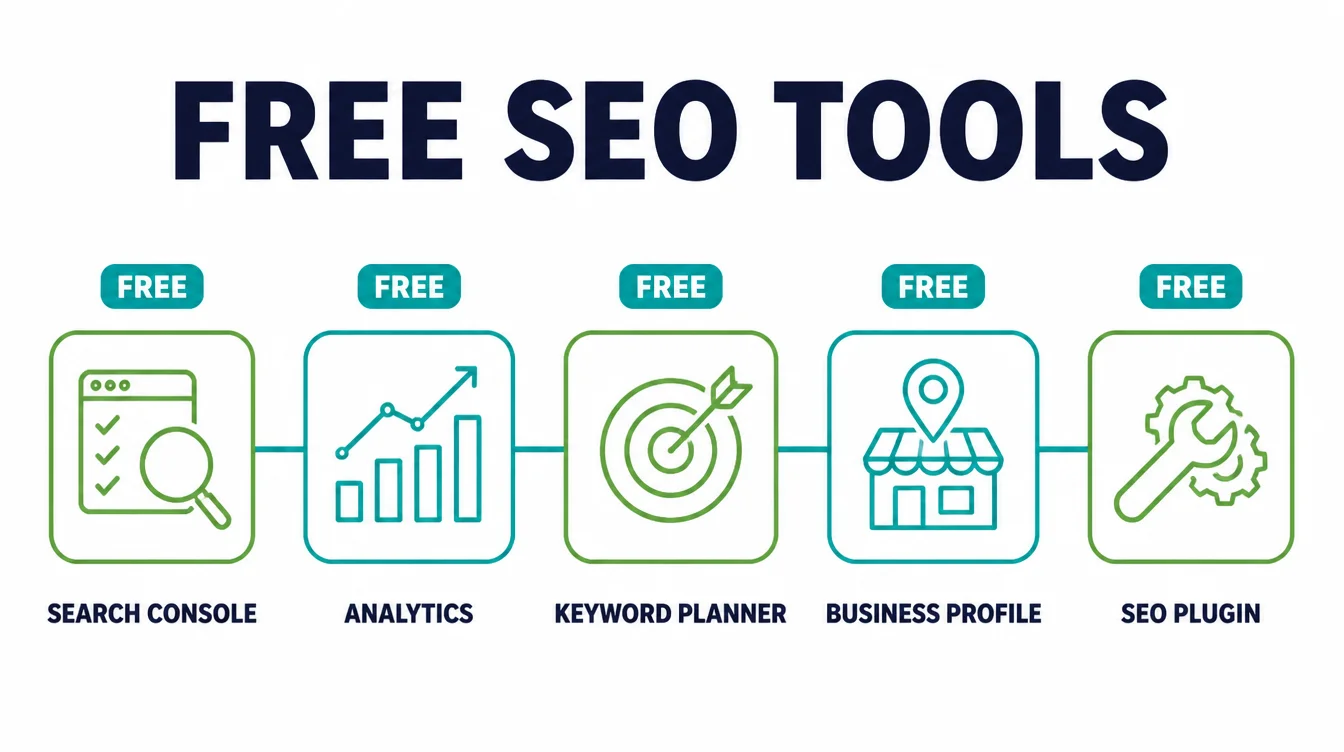
It is also free and takes an afternoon. That makes it the best return available anywhere in the SEO basics for small business list.
Photos, hours, categories and services all matter here, and all of them are fields rather than skills.
Ask every customer for a review once the job is done, without choosing who to ask. Selective asking is against Google's policy and the honest version works better anyway.
Complete every field, use the real business name, and ask customers for reviews without filtering who you ask.
Local seo basics end up mattering more than the website for trades and shops, because the map result appears above the ordinary results.
4. Wait, then look
Google says some changes might take effect in a few hours and others could take several months, and its starter guide advises waiting a few weeks before judging whether a change helped.
Nothing is promised either. Google states that it does not guarantee it will crawl, index or serve your page. Every ranking guarantee contradicts that sentence.
Set a date three months out. Looking weekly produces anxiety and no information.
Write down what you changed and when. In three months that note is the only way to connect a result to a cause.
A line in a notebook is enough. The discipline is remembering to write it on the day rather than reconstructing it later.
Small Business SEO Tips That Cost Nothing
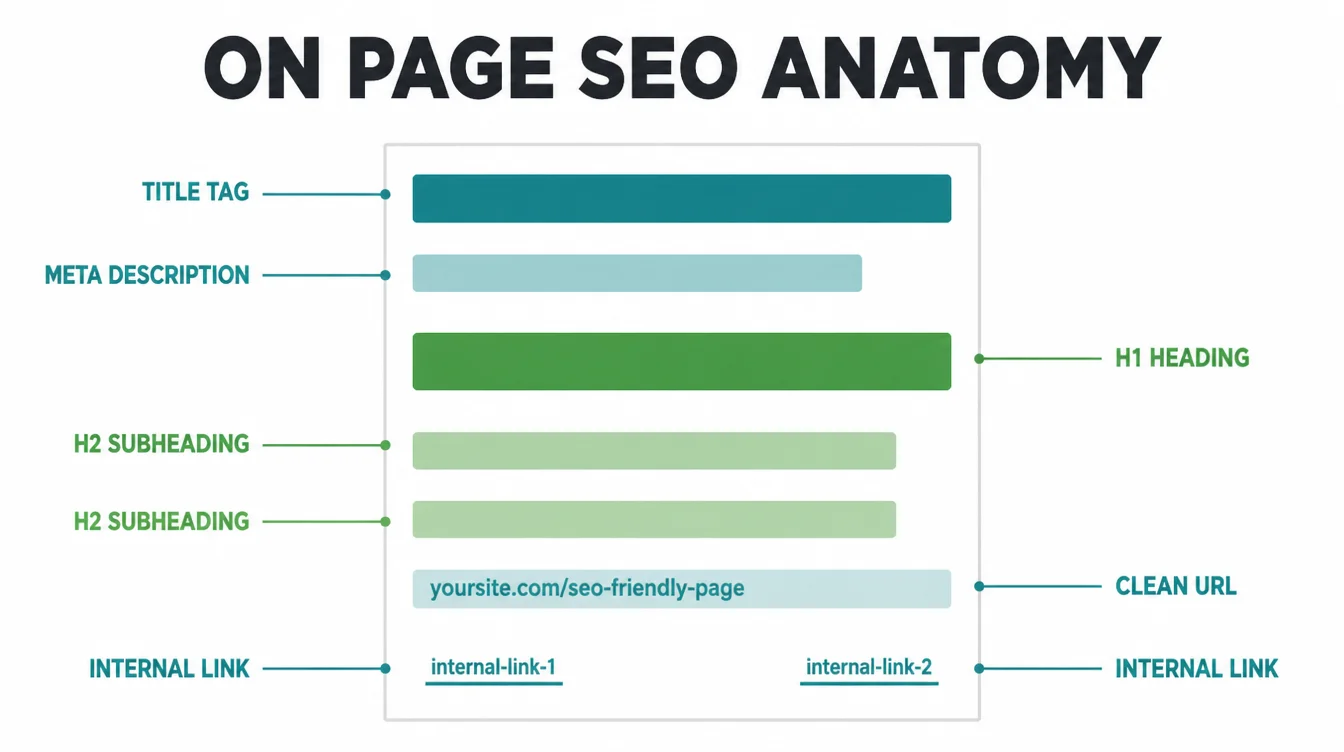
- Put the town in the page title where it is true. Not in every title, and not in your business name.
- Answer the price question. A range beats silence, and silence sends people to whoever answered.
- Use the words customers use. They search for aircon repair, not climate control solutions.
- Link your own pages to each other. A service page with no links pointing at it is hard to find in every sense.
- Add your real address and phone. Consistently, in the same format, everywhere you appear.
- Write one page a month. Twelve good pages a year is a serious asset and a realistic pace.
- Read your own site on a phone. Most of your visitors do, and faults you stopped noticing are obvious there.
When to Hire Somebody
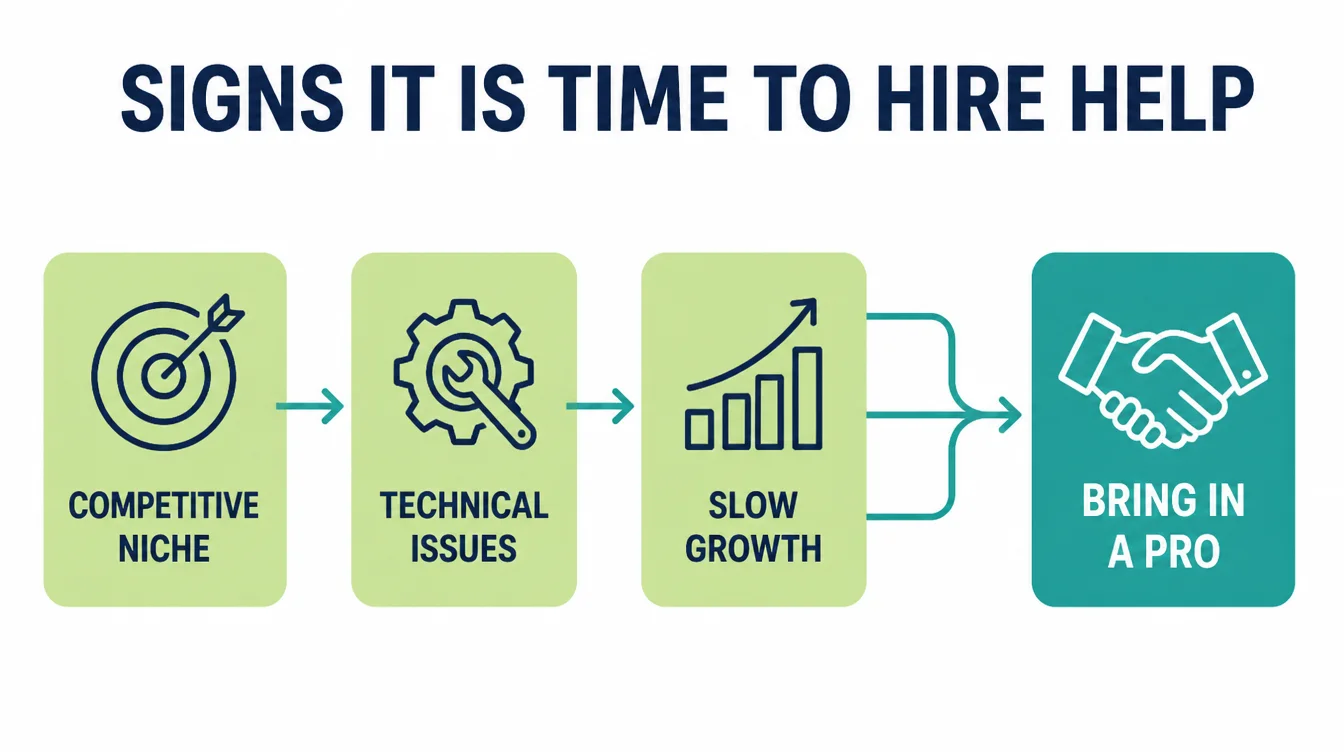
| Situation | Do it yourself | Get help |
|---|---|---|
| Writing service pages | Yes, you know the answers | Only if you have no time |
| Local profile setup | Yes, it is an afternoon | If it is suspended |
| Site will not appear at all | Check the basics first | Yes, if the basics look fine |
| Competitive market | Start anyway | Yes, once the basics are done |
Google itself frames professional help as optional, suggesting you might consider hiring a professional if you are short on time. That is the honest test.
Beginner seo is genuinely learnable. What it is not is quick, and that is usually the real reason to pay somebody.
Common Small Business SEO Mistakes
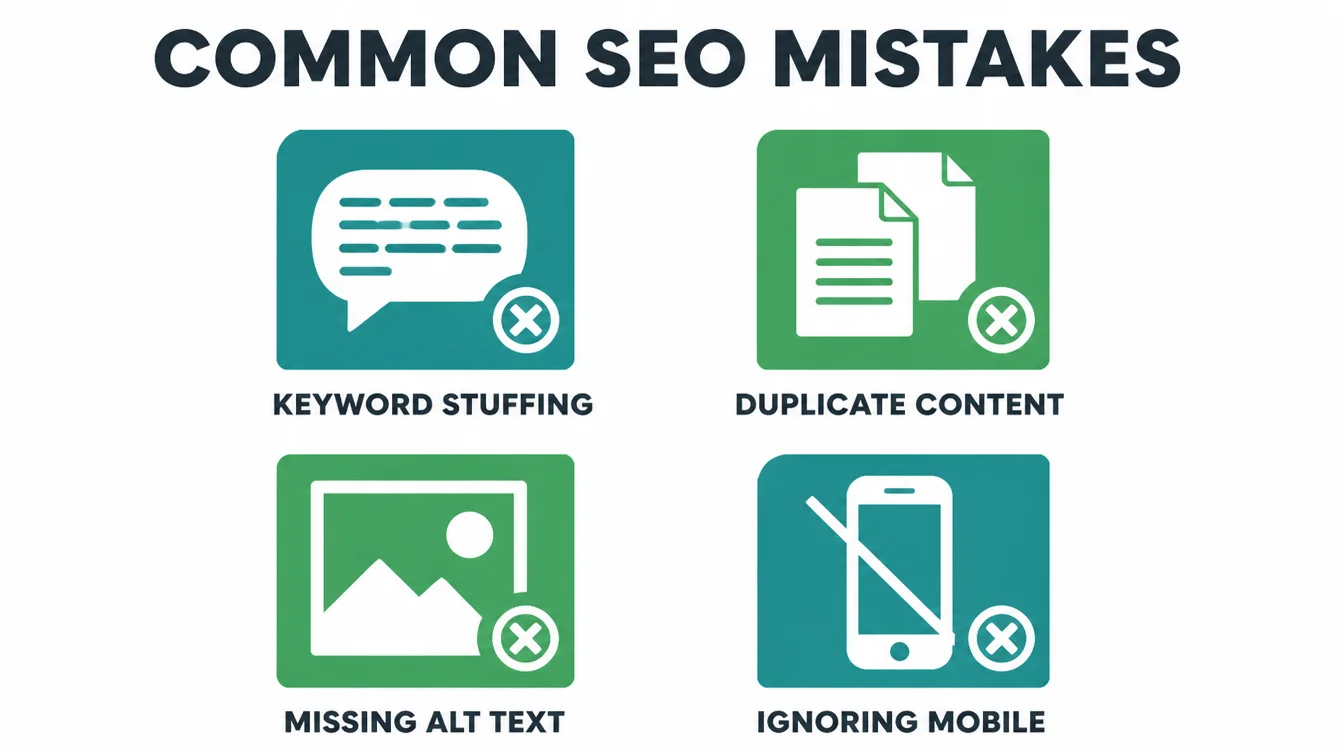
- Writing about the company. Nobody searches for your commitment to excellence.
- Publishing thin pages weekly. Volume without usefulness is the behaviour Google's spam policies name.
- Believing a guarantee. Google states plainly that it does not guarantee crawling, indexing or serving.
- Stuffing the business name with keywords. It risks the profile that is doing most of your work.
- Judging after two weeks. Google's own guidance suggests waiting longer than that.
- Buying links. The one shortcut with a documented downside rather than a theoretical one, and the easiest to be sold.
FAQs
Where should a small business start with SEO?
With the pages that answer what customers ask on the phone, and with your Google Business Profile if you serve an area. Those two cover the searches most likely to produce an enquiry. Technical work matters, but it rarely blocks a small, simply built site.
Do I need to pay somebody to do this?
Not necessarily. Google frames professional help as optional, suggesting you might consider hiring somebody if you are short on time. The basics are documented publicly. Pay when the work exceeds the hours you have rather than when it exceeds your understanding.
How long before I see results?
Google's own answer is that some changes might take effect in a few hours and others could take several months, and its starter guide suggests waiting a few weeks before judging a change. Plan on months and treat anything faster as luck.
How many blog posts do I need?
Fewer than you have been told. One page that genuinely answers a question beats ten thin ones, and publishing in volume is the behaviour Google's spam policies name. Five good pages covering your real services will outperform a year of weekly filler.
What is the most common small business SEO mistake?
Writing pages about the company rather than about what customers actually search for. A page headed About Our Commitment To Excellence answers no question anybody ever typed into Google. The fix is free and takes an afternoon, and it is worth doing before any technical work at all.
Conclusion
The SEO basics for small business are four steps. Write down the questions, give each one a page, claim the local profile, then wait three months.
Three of the four are free and the fourth is patience. That is the entire programme for a business your size.
That is genuinely most of it at your scale. The sixty item checklists are written for businesses with sixty item problems.
Revisit it once a year rather than once a week. Add a page when a new question starts coming up on calls, and otherwise leave it alone.
If you would rather have it done while you run the business, see how we approach SEO.