Google Ads Bidding Strategies Explained Simply

A Google Ads bidding strategy is the standing rule that tells Google how to bid for you in each auction. Manual CPC means you set the maximum click price, while Smart Bidding lets Google's AI chase a goal. Seed Light starts clients on manual bids, then moves to a target once conversion tracking is working.
Key takeaways
- A bid strategy is a rule, not magic. It tells Google how to bid in each auction. Manual means you set the bids. Smart Bidding means Google's AI sets them.
- Smart Bidding needs conversion tracking. Google requires conversion tracking to be enabled for its four Smart strategies, because the AI has nothing to aim at without it.
- Judge it on enough data. Google recommends measuring the last 30 days with at least 30 conversions in that window, and at least 15 conversions in the past 30 days before switching Search or Shopping campaigns to Target ROAS.
- A target is your number, not a guarantee. Your Target CPA or Target ROAS is set from your margins. Google aims for it on average, it does not promise it.
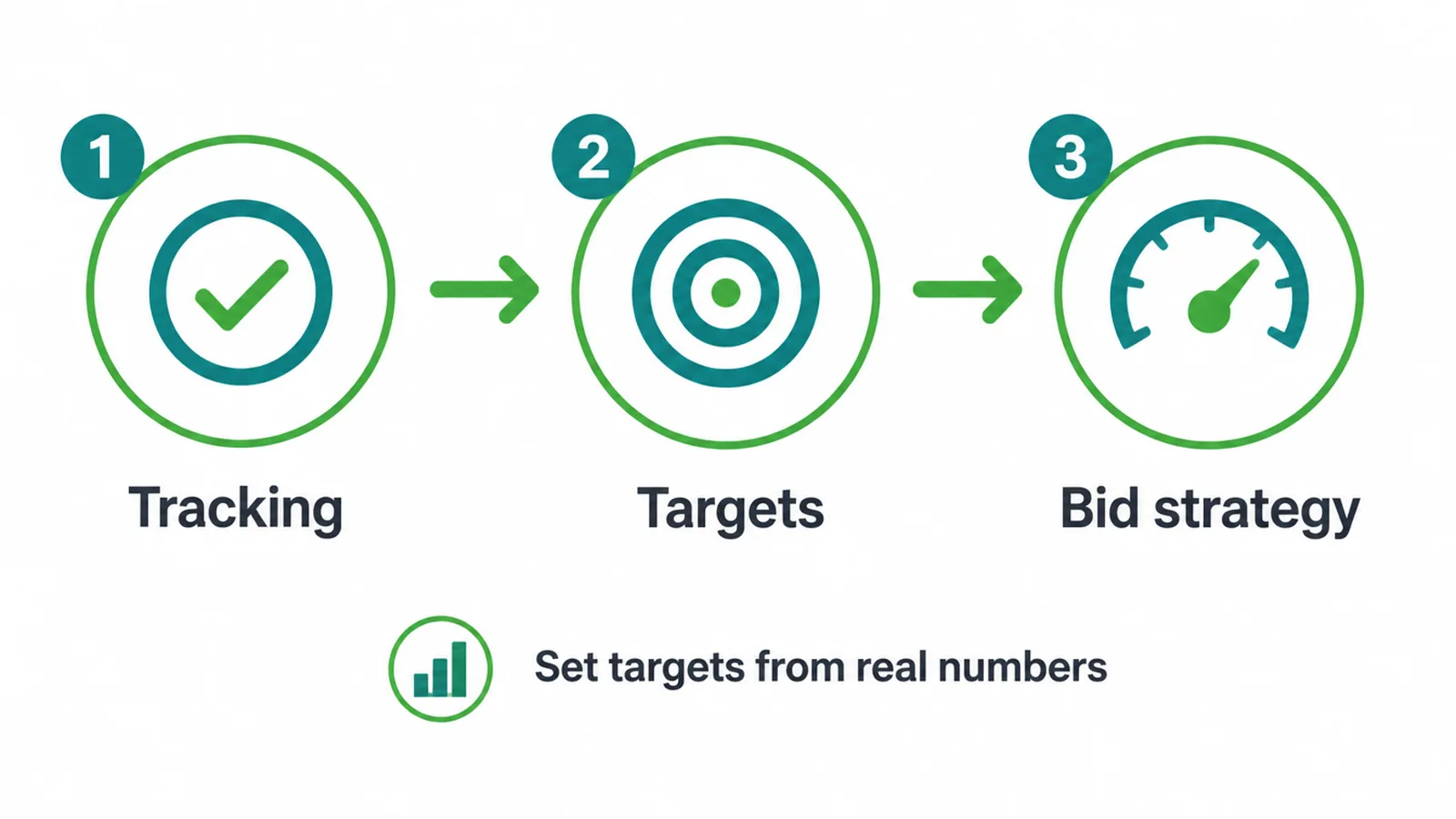
- Start simple, then graduate. Begin with clicks or manual bids while you set up tracking, move to conversions, then to a target once you have history.
1. What are Google Ads bidding strategies?
Every time someone searches and your ad could show, Google runs a fast auction. Your bidding strategy is the standing instruction you gave Google for that auction. It answers one question: how much are you willing to pay, and for what? Google follows that rule automatically, thousands of times a day.
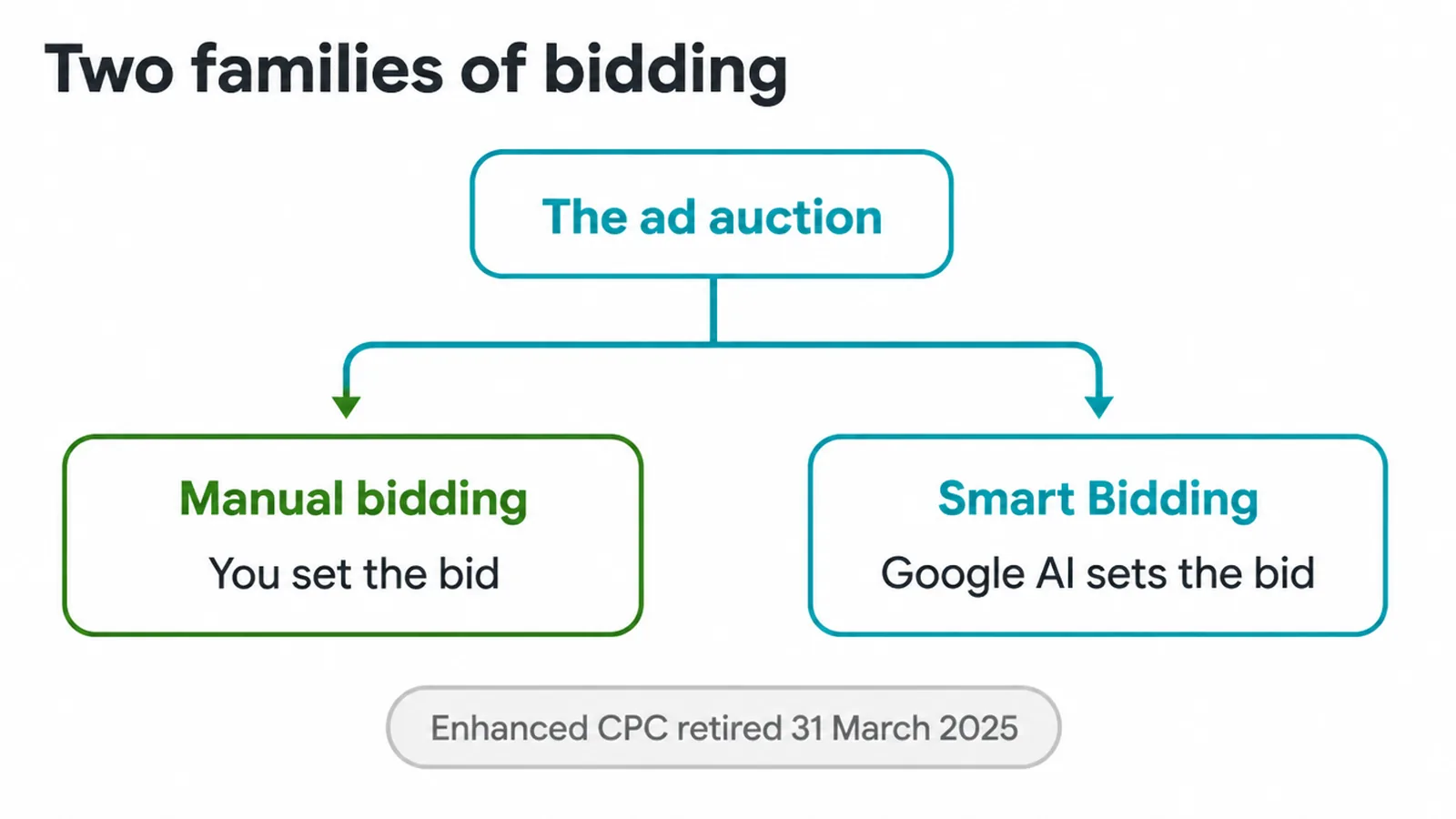
There are two families. Manual strategies put you in the driver's seat, so you set the maximum you will pay per click.
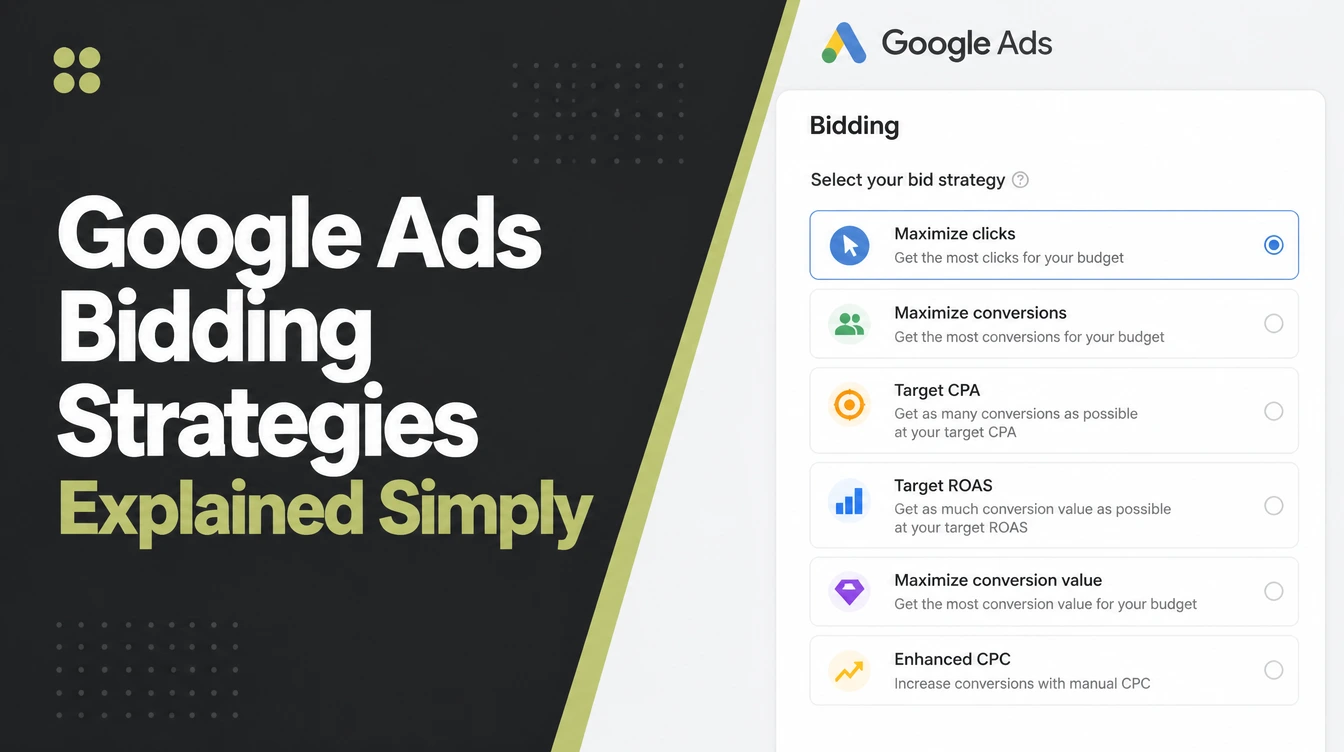
Automated strategies, which Google calls Smart Bidding, hand the bidding to Google's AI, which adjusts each bid to chase a goal you pick. One older option, Enhanced CPC, was retired on 31 March 2025, so those campaigns now run on Manual CPC instead.
Picking a strategy is not about finding the single "best" one. It is about matching the rule to what you can currently measure, the first thing we check in any paid search account we take over.
If you are new to paid ads, our guide to Google Ads for small business covers the basics before you get here.
2. The bid strategies at a glance
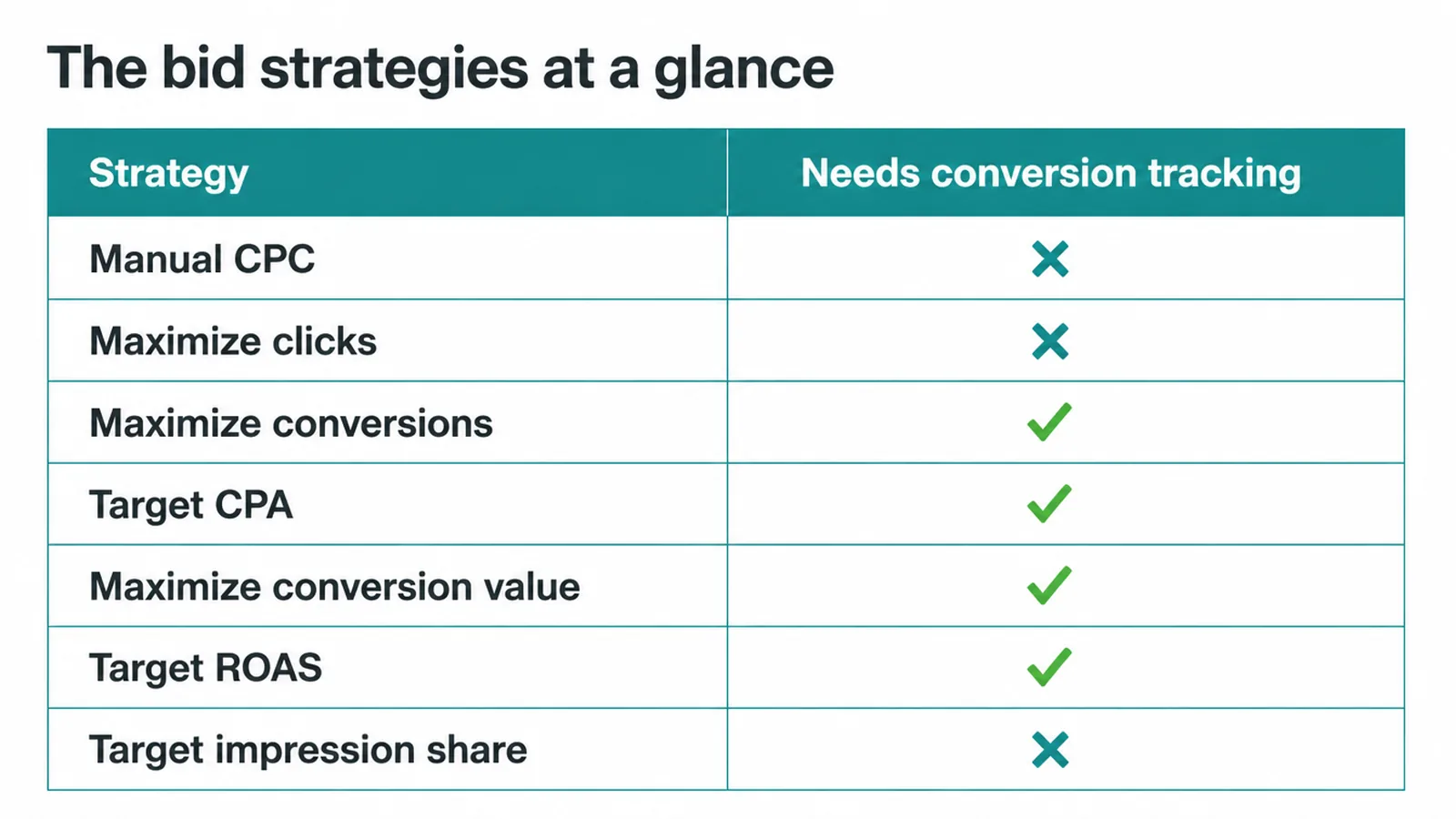
Here is every main strategy in one place. Read it as: what each one is trying to do, when it fits a small business, and what it needs from you before it works.
Notice how the automated strategies all share one requirement, conversion tracking, while the manual and traffic ones do not. That single line is the biggest fork in the road when you choose.
| Strategy | Optimises for | Best when | Needs |
|---|---|---|---|
| Manual CPC | Clicks at bids you control | You want full control while tracking is set up | Your time to manage bids |
| Maximize clicks | As many clicks as budget allows | You want traffic and early data, fast | Just a budget, no tracking required |
| Maximize conversions | The most conversions in budget | You want leads or sales but have no cost target yet | Conversion tracking on |
| Target CPA | Conversions at your target cost | You know what a lead or sale can cost you | Conversion tracking plus enough data |
| Maximize conversion value | The most total value in budget | Your conversions are worth different amounts | Conversion tracking with values |
| Target ROAS | Value at your target return | You want a set return on ad spend | Conversion tracking, values, more data |
| Target impression share | Showing at a chosen position | You want visibility, often on your brand name | A position and budget, not conversions |
3. Manual CPC and Maximize clicks
These two are where most small businesses can safely start, because neither one requires conversion tracking to be working yet.
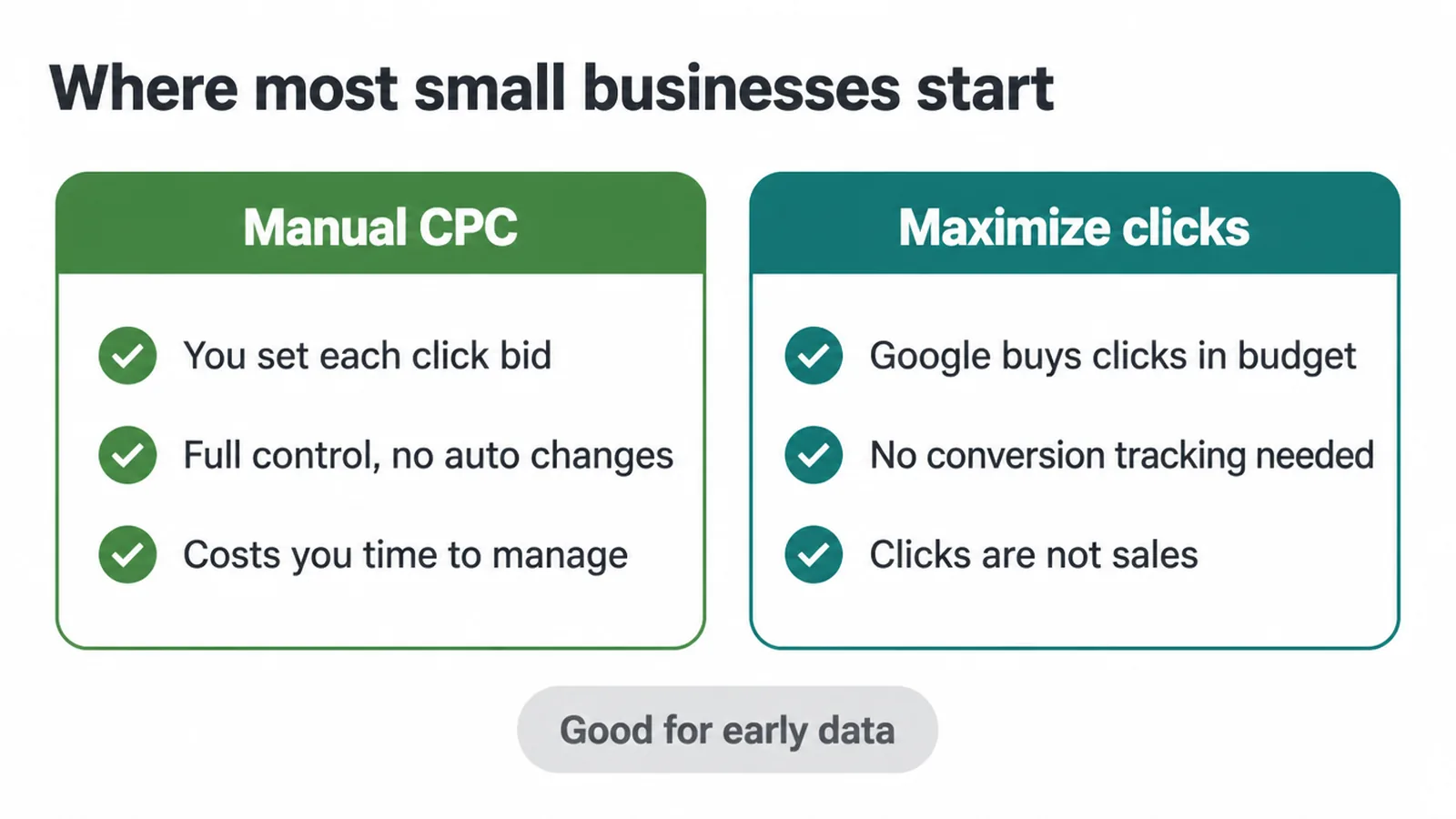
Manual CPC lets you set the maximum you will pay for a click on each keyword. Google does not adjust those bids for conversions, so nothing happens without you. That is the trade.
You get full control and total predictability, but you have to watch it. It suits a careful owner who wants to learn how their keywords behave while the measurement side gets built out.
Maximize clicks is Google's simplest automated option. Per Google, it sets your bids to help get as many clicks as possible within your budget. It does not need conversion tracking, which makes it a handy early setting. Point it at your budget and it buys traffic.
The catch: clicks are not sales. Use it to gather early data and see which searches bring people in, not as your long-term goal. Once you can measure what those clicks actually do, you will want to move on.
4. What is Smart Bidding, and what it needs
Smart Bidding is Google's AI setting your bids in every single auction to chase conversions or conversion value, which Google calls auction-time bidding.
There are four Smart Bidding strategies: Maximize conversions, Target CPA, Maximize conversion value and Target ROAS. They are powerful, but they come with two hard requirements, and skipping either one is how ad budgets get wasted.
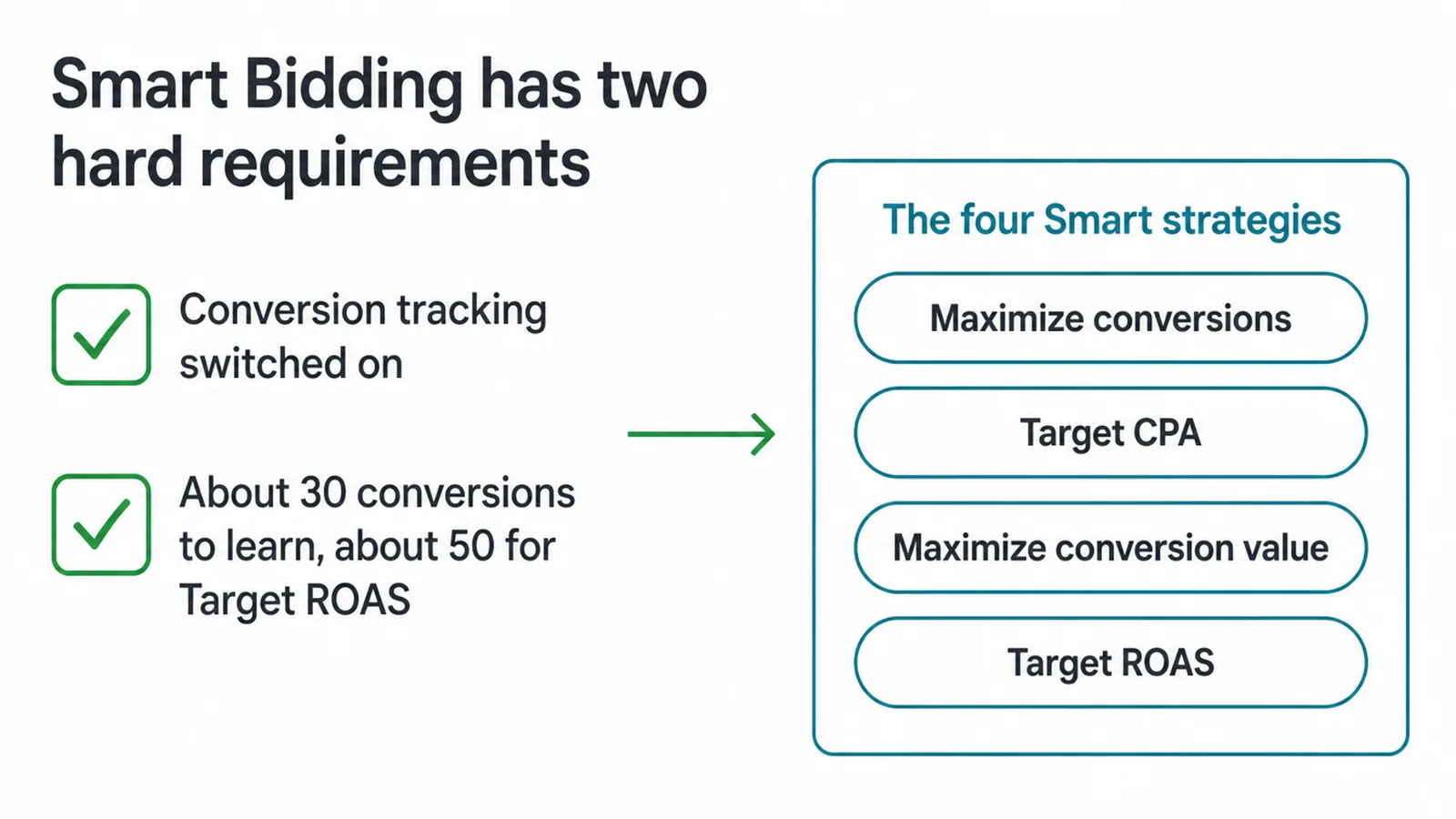
One, conversion tracking must be on. Smart Bidding optimises toward conversions, so if Google cannot see your conversions, it has nothing to aim at. This is not optional.
If your tracking is broken or missing, do not switch to Smart Bidding. Our walkthrough on how to set up Google Analytics 4 is a good starting point for getting measurement in place.
Two, you need enough data to judge it. The AI improves as it sees results. Google says advertisers can start Target CPA with no conversion history, and recommends measuring performance over the last 30 days with at least 30 conversions in that window.
Target ROAS asks for more up front: at least 15 conversions in the past 30 days on Search and Shopping campaigns (Google Ads Help). Read a short, thin window and you will judge the strategy on noise.
5. Maximize conversions and Target CPA
These two are the volume-and-cost pair for lead and sale campaigns.
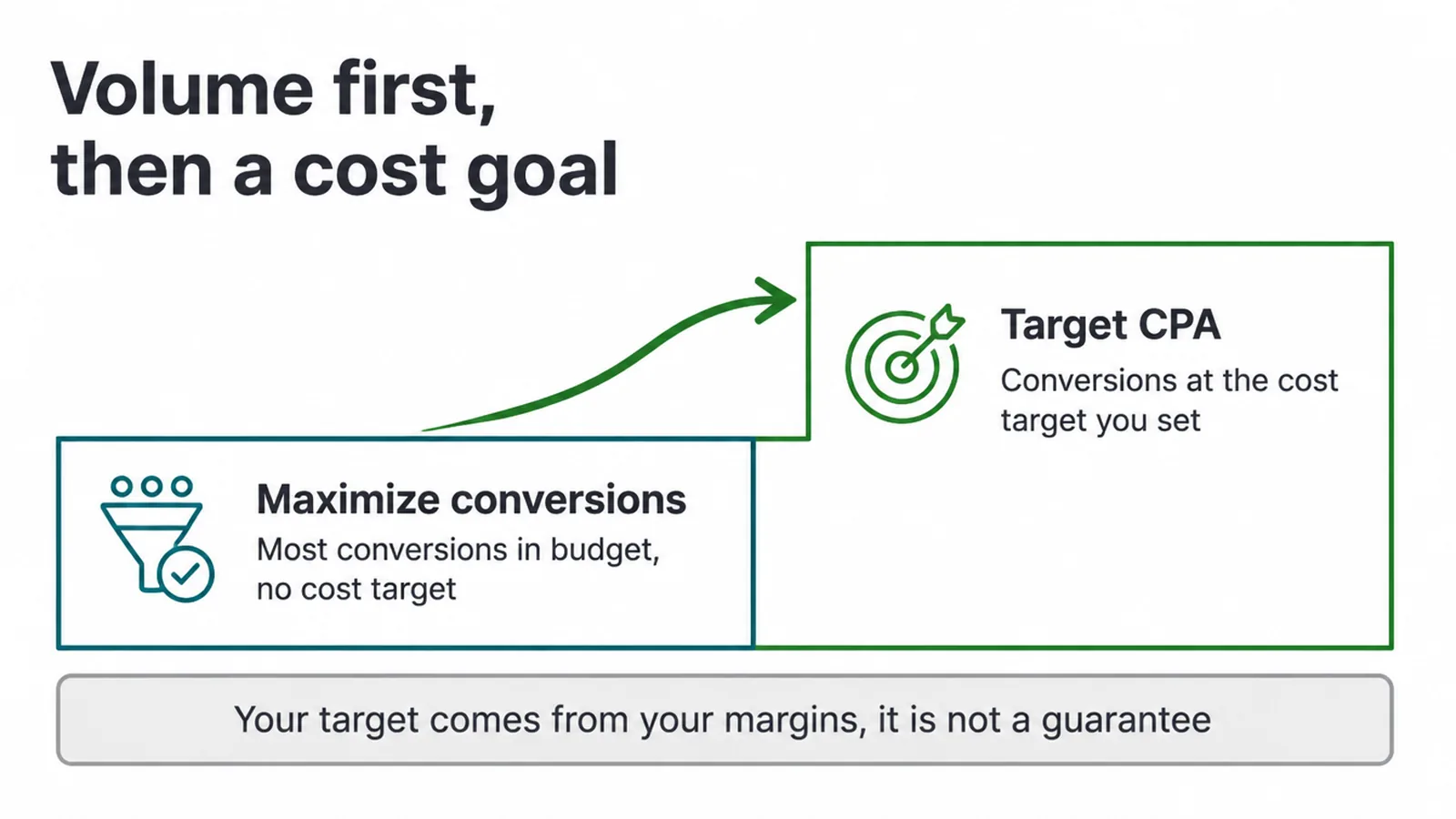
Maximize conversions gets you the most conversions in your budget. You do not set a cost target, you just tell Google to get as many actions as it can for the money.
It is a natural first Smart strategy once your tracking is firing but before you know what a lead is worth to you.
Target CPA adds a cost goal. Per Google, it sets bids to help get as many conversions as possible at the target cost-per-action you set. So you tell Google, on average, what a conversion can cost you, and it bids toward that.
Here is the honest part: that target is your number, worked out from your own margins. It is a goal Google aims for on average, not a guarantee it will hit.
Set it too low and your ads may barely show. Set it from real maths on what a customer is worth, not a figure you saw online.
6. Maximize conversion value and Target ROAS
The last two Smart strategies matter when your conversions are worth different amounts. A shop selling both cheap and expensive items wants the valuable sales, so the target has to be tied to revenue.
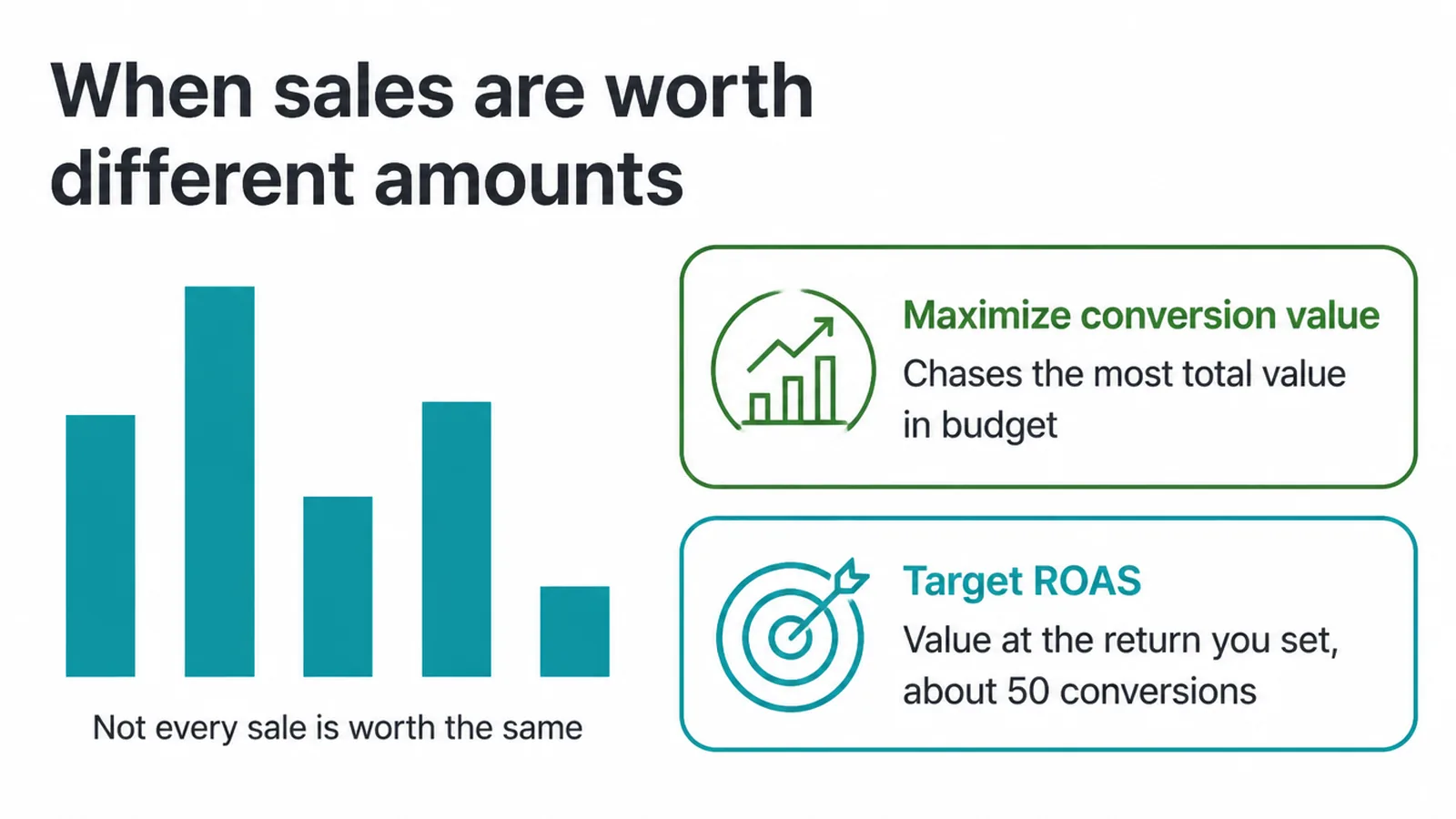
Maximize conversion value chases the most conversion value for your campaign while spending your budget. Instead of counting conversions equally, it leans toward the ones worth more. To use it well, you need to pass real values into your tracking, so Google knows which sales are big.
Target ROAS adds a return goal on top. Per Google, it aims for as much conversion value as possible at the target return on ad spend you set.
It also carries a data bar up front: Google recommends at least 15 conversions in the past 30 days on Search and Shopping campaigns before you switch.
And the same honesty applies, harder: never treat a ROAS target as a promised result. It is a goal set from your margins, and Google works toward it, but no bid strategy can promise a return.
If you are unsure what a sensible figure looks like, read what is a good ROAS before you set one.
7. Target impression share
This one is the odd one out, and that is fine. It does not chase conversions at all. Target impression share bids to show your ad at a position you choose, either at the absolute top of the page, the top, or anywhere on the results. It is about visibility, not sales.
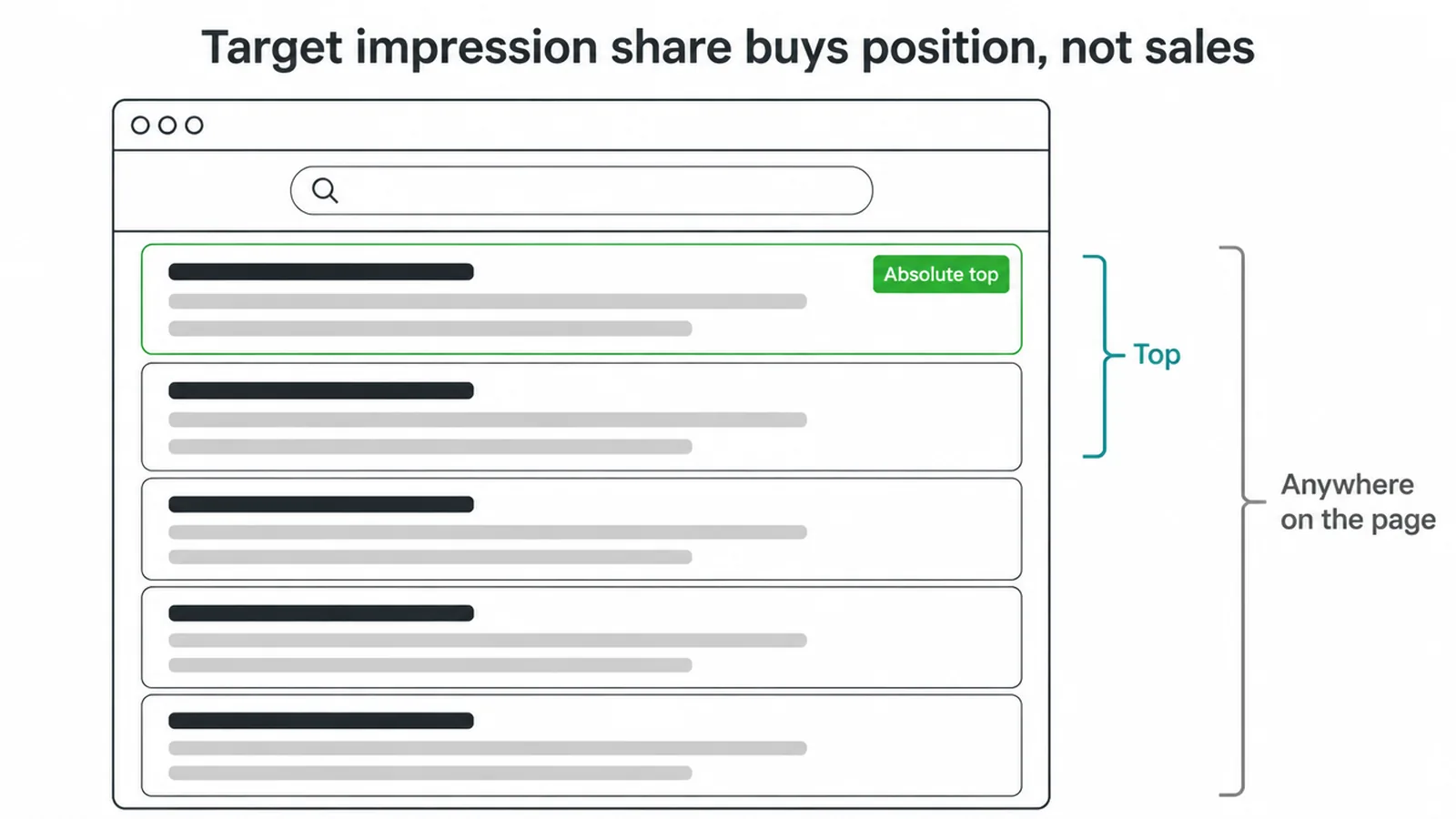
For most small businesses, its best use is defending your own brand name, so that when someone searches for you directly, your ad is right at the top and a competitor is not sitting above it. Use it as a visibility tool, and judge it by whether you are being seen, not by leads.
8. Which strategy should a small business use?
There is no single "best" strategy, only the right one for where you are right now. The honest path is a progression, not a leap.
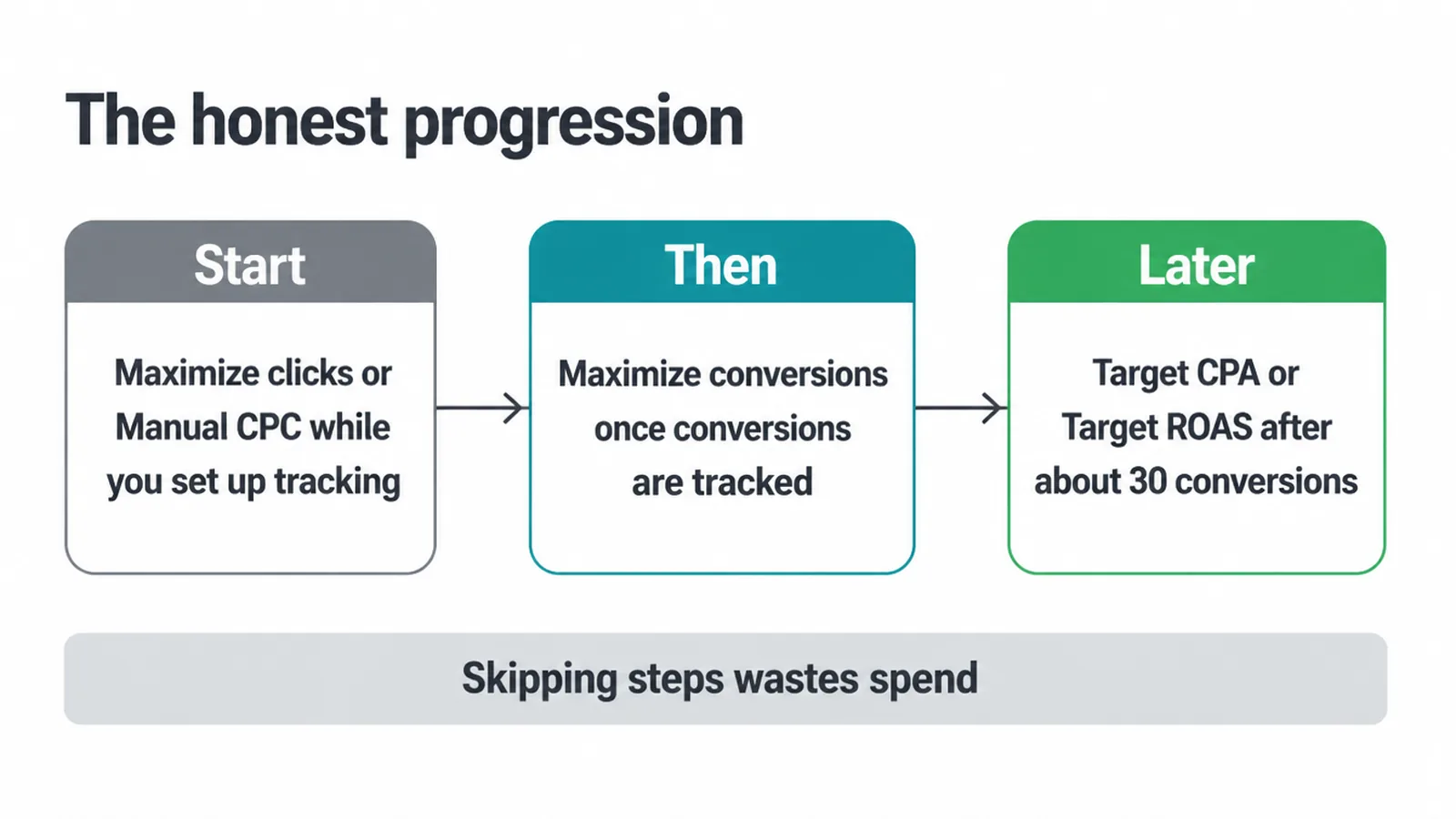
- Start with Maximize clicks or Manual CPC while you set up conversion tracking. You get traffic and early data without needing the AI to have a target yet.
- Then, once conversions are firing and tracked, move to Maximize conversions so Google starts optimising for real actions instead of raw clicks.
- Later, once you have enough history to read a 30-day window properly, graduate to Target CPA if you care about cost per lead, or to Target ROAS if you care about return and your sales carry values.
That is the sequence, and most accounts that skip steps end up wasting spend.
Google periodically updates how these strategies behave and how they are labelled, so expect a short adjustment period after any change and keep an eye on results. If you are weighing paid ads against organic search, our comparison of SEO vs Google Ads is worth a read.
And if managing all of this yourself sounds like a lot, our digital marketing team does exactly this work, and Google Ads management is a big part of it.
Frequently asked questions
1. What are Google Ads bidding strategies?
Google Ads bidding strategies are the rules Google follows to set how much you pay in each auction. Some are manual, where you set the bids yourself, and some are automated or Smart, where Google's AI sets them toward a goal like clicks, conversions or conversion value.
2. What is Smart Bidding?
Smart Bidding is Google AI that optimises for conversions or conversion value in every auction, which Google calls auction-time bidding. The four Smart Bidding strategies are Target CPA, Target ROAS, Maximize conversions and Maximize conversion value.
3. What is the difference between Manual CPC and Smart Bidding?
With Manual CPC you set the click bids yourself and Google does not adjust them for conversions. Smart Bidding lets Google's AI set bids automatically toward a conversion goal, but it needs conversion tracking and enough data first.
4. What is Target CPA?
Target CPA is a Smart Bidding strategy that sets bids to get as many conversions as possible at the average cost per action you set.
5. What is Target ROAS?
Target ROAS is a Smart Bidding strategy that sets bids to get as much conversion value as possible at the average return on ad spend you set.
6. Which bidding strategy is best for a small business?
The best bidding strategy depends on what you can measure. A common honest path is to start with Maximize clicks or Manual CPC while you set up tracking, move to Maximize conversions once conversions are firing, then Target CPA or Target ROAS once you have enough data.
7. Do I need conversion tracking for Google Ads bidding?
For Smart Bidding, yes. Google requires conversion tracking to be enabled, because without it the AI has nothing to optimise toward.
8. When should I switch to Smart Bidding?
Once conversion tracking is working. Google says you can start Target CPA with no conversion history, and recommends judging performance over the last 30 days with at least 30 conversions in that window. For Target ROAS it recommends at least 15 conversions in the past 30 days on Search and Shopping campaigns.
9. Ready to get more from your ad budget?
Picking the right bid strategy is a big part of a paid campaign that pays for itself, but it only works when your tracking and targets are set from real numbers. If you would rather have a team handle the setup, the measurement and the graduation from clicks to conversions to a target, we can help. Get in touch and tell us where your ads are stuck.