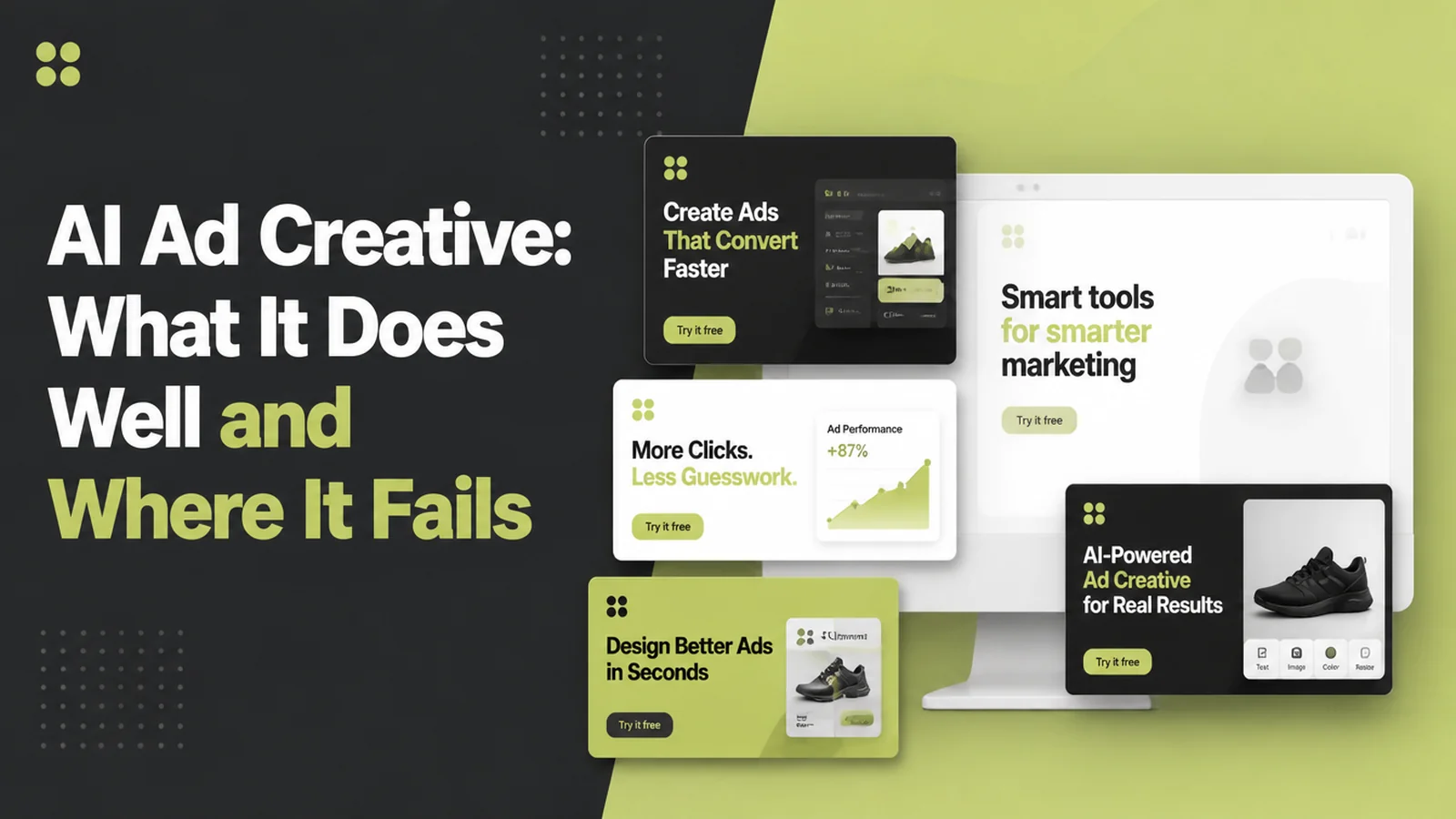
AI Ad Creative: What It Does Well and Where It Fails

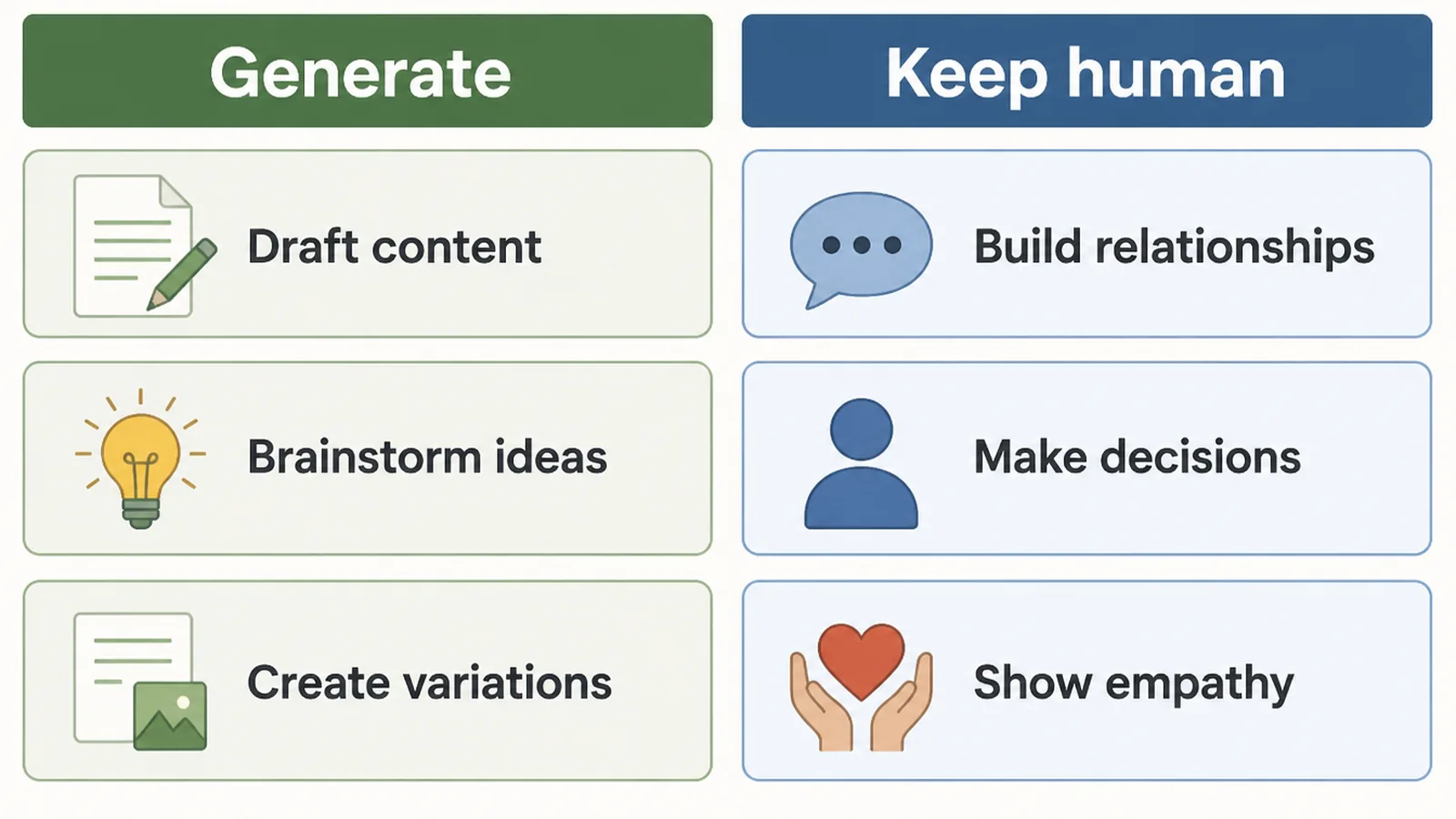
AI ad creative is ad imagery, video or copy made or edited with generative AI tools. It works best on variations of a real photo you already own, such as new backgrounds, new sizes and new headlines. Seed Light treats it as a way to fill out a set of ads, not a replacement for photographing the actual product.
You need three new ads by Friday, you have no photographer booked, and the last set took a whole evening to put together. So you try an AI tool, and what comes back is nearly right.
That is the honest state of AI ad creative. They are quick at making new versions of something you already have, and unreliable at inventing something from nothing.
So here is where AI genuinely saves you an afternoon, where it costs you one, and what Google and Meta now require for ads made this way.
Key Takeaways
- Use ad creative AI to change photos, not to invent them. AI is at its best altering a picture you already own, and at its worst inventing the thing you are advertising.
- Always photograph the product itself. A generated version of your own item will be slightly wrong, and the customer who ordered it is the one who will notice.
- Some countries now require you to say AI was used. Both Google and Meta have added settings for this, so check the rules where you advertise.
- The free AI ad creative tools cover most of it. Google and Meta both include these inside their own ad products at no extra cost, so paid software is a later decision.
- A generated image is not guaranteed to be approved. Neither platform promises it will pass review, so somebody has to check every one before it runs.
What Is AI Ad Creative?
AI ad creative is any ad image, video or line of copy that a generative tool made or significantly changed for you.
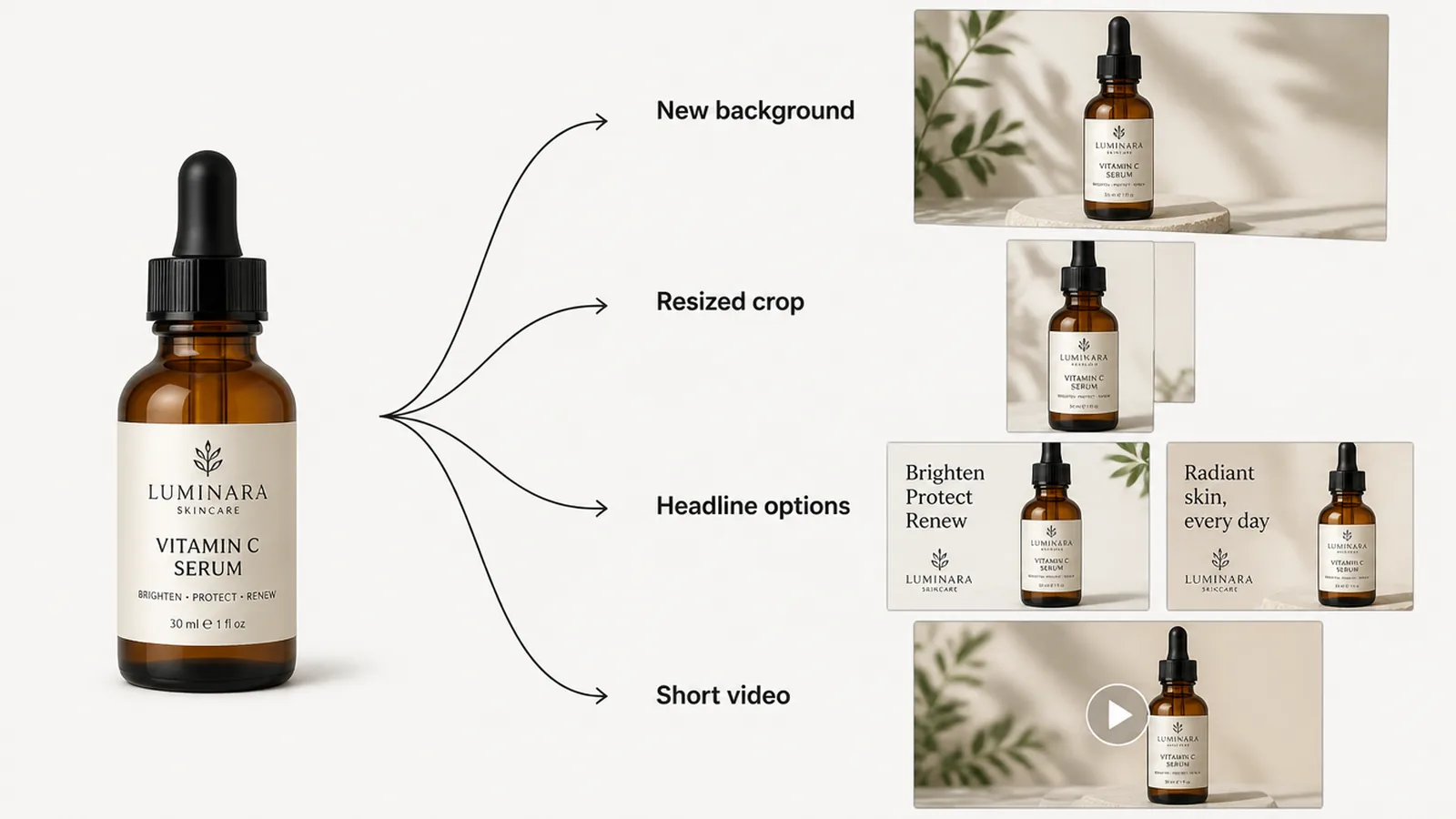
In practice it does four jobs. Putting a product on a new background. Stretching a photo to fit a shape it was never taken for. Writing headline options. Turning a photo into a few seconds of video.
Notice what they have in common. Each one starts from something real that you supplied.
The other kind, where you type a description and hope a whole scene appears, is what eats your evening. It is fine for working out an idea. It is risky for an ad that quotes a price.
Meta's own creative tools sit in this first camp. Its Advantage+ creative features are available in Ads Manager when you add an image or video ad, and cover image expansion, background generation, text and audio.
Google's version is Product Studio, which it describes as a suite of free AI-powered tools for making product images and videos, including background removal and upscaling.
Why AI Ad Creative Is Different This Year
The tools have changed slowly. The rules around them have changed quickly, so check the current terms before each campaign.
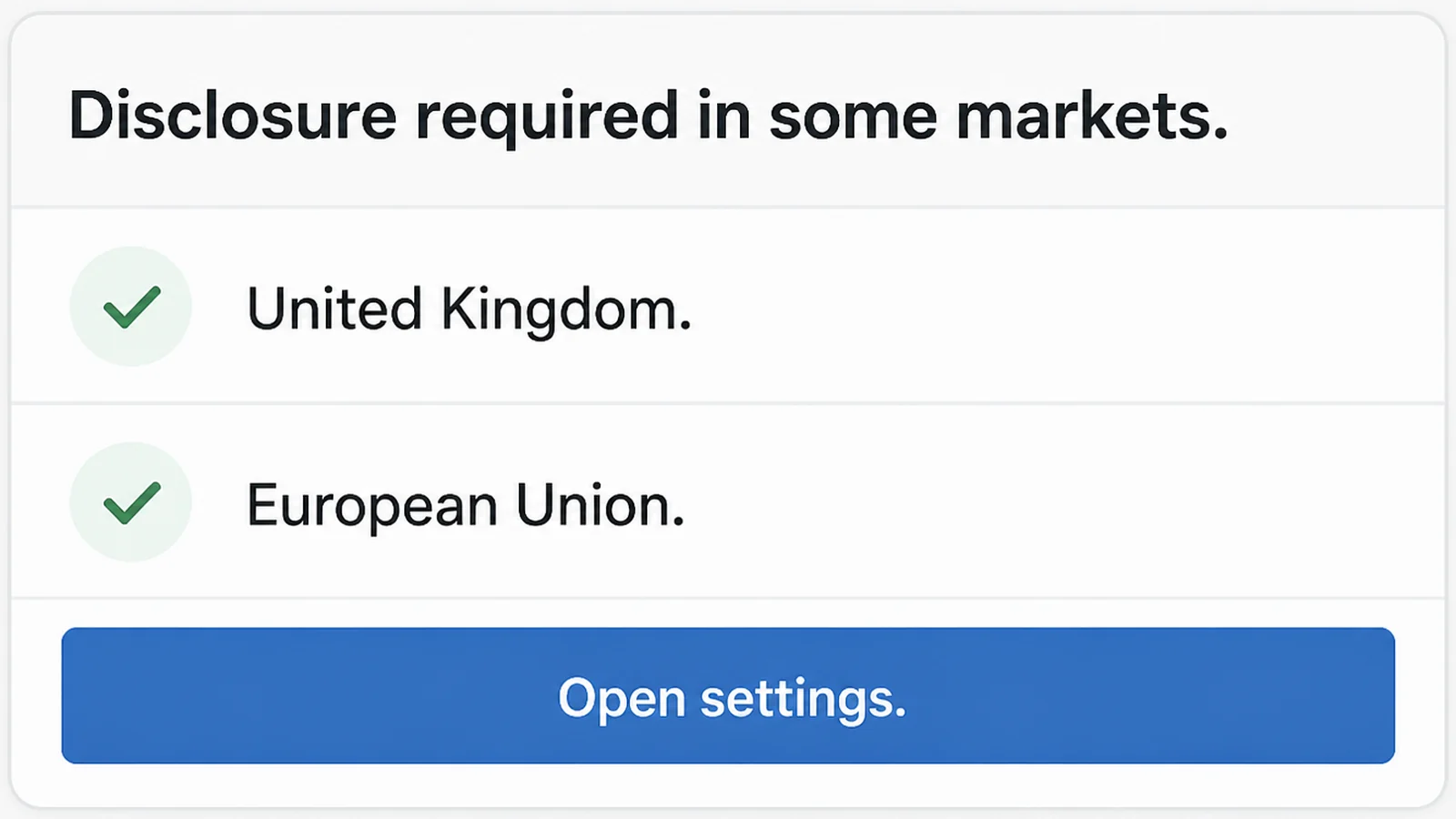
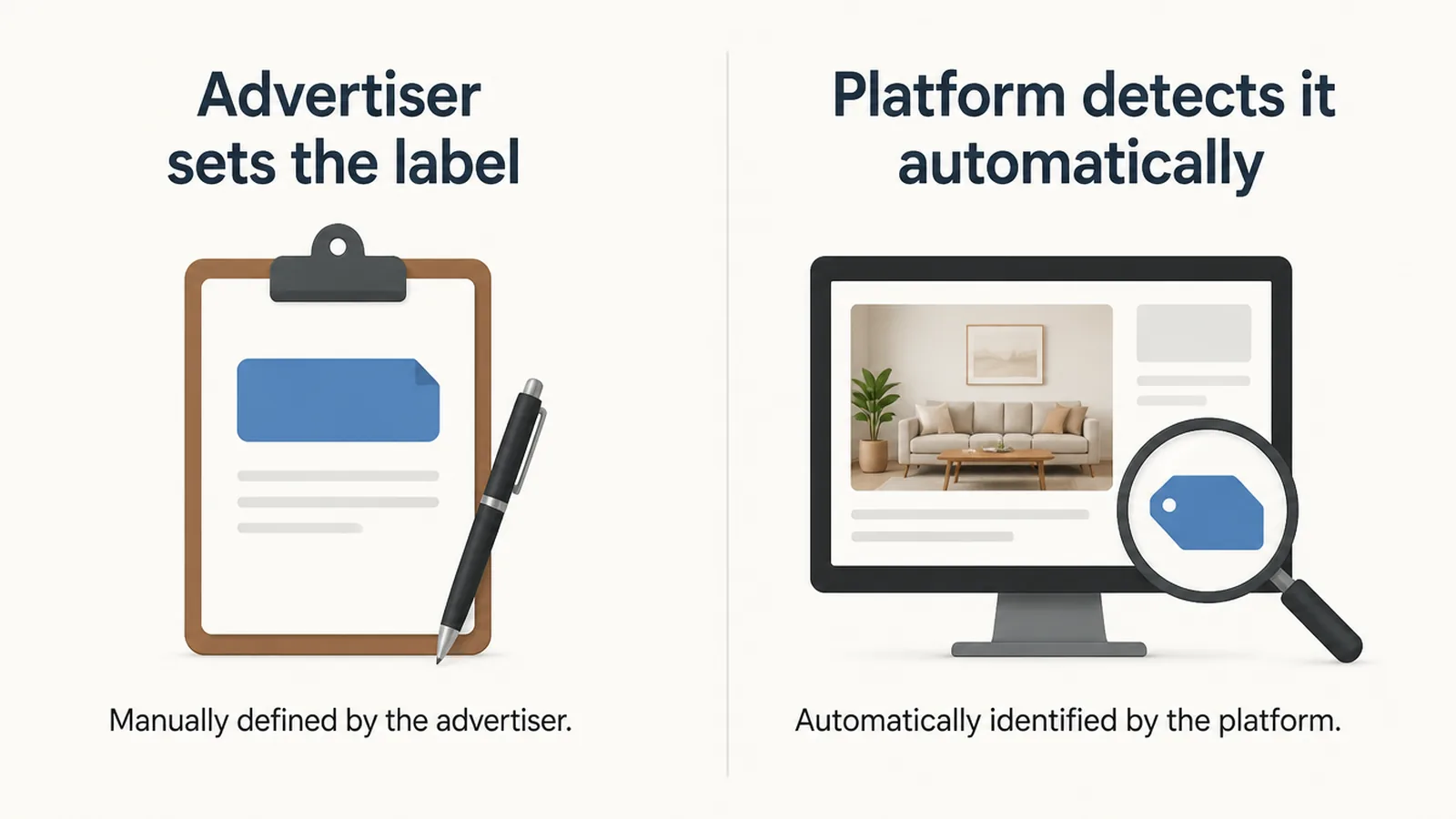
Google now says that regulations in the European Union, India and New York require ads with certain AI-generated or edited assets to carry disclosures. Its AI label setting rolled out through July 2026 across Google Ads, Merchant Center and Ads Editor.
You can also label each image yourself. In Merchant Center you pick an image, choose Manage AI label, and say whether it was created or edited with AI. Google may apply a label itself where it's legally required to, and those ones can't be overwritten.
Meta takes the opposite approach for ordinary ads. It detects and labels images created or significantly edited with generative AI, adding an "AI info" label on the About this ad screen. Resizing and colour correction don't count as significant.
Ads about social issues, elections or politics are stricter. Meta already requires advertisers to disclose AI-created or edited image, video and audio in those.
Underneath all of it sits the European Union's AI Act, whose Article 50 transparency rules apply from 2 August 2026 and require artificially generated content to be marked in a machine-readable format.
One warning, in Google's own words. Using the label setting does not guarantee you are complying with any particular law. If you sell into those markets, ask a lawyer rather than relying on a checkbox.
How to Generate Ad Creative With AI
1. Photograph the real thing first
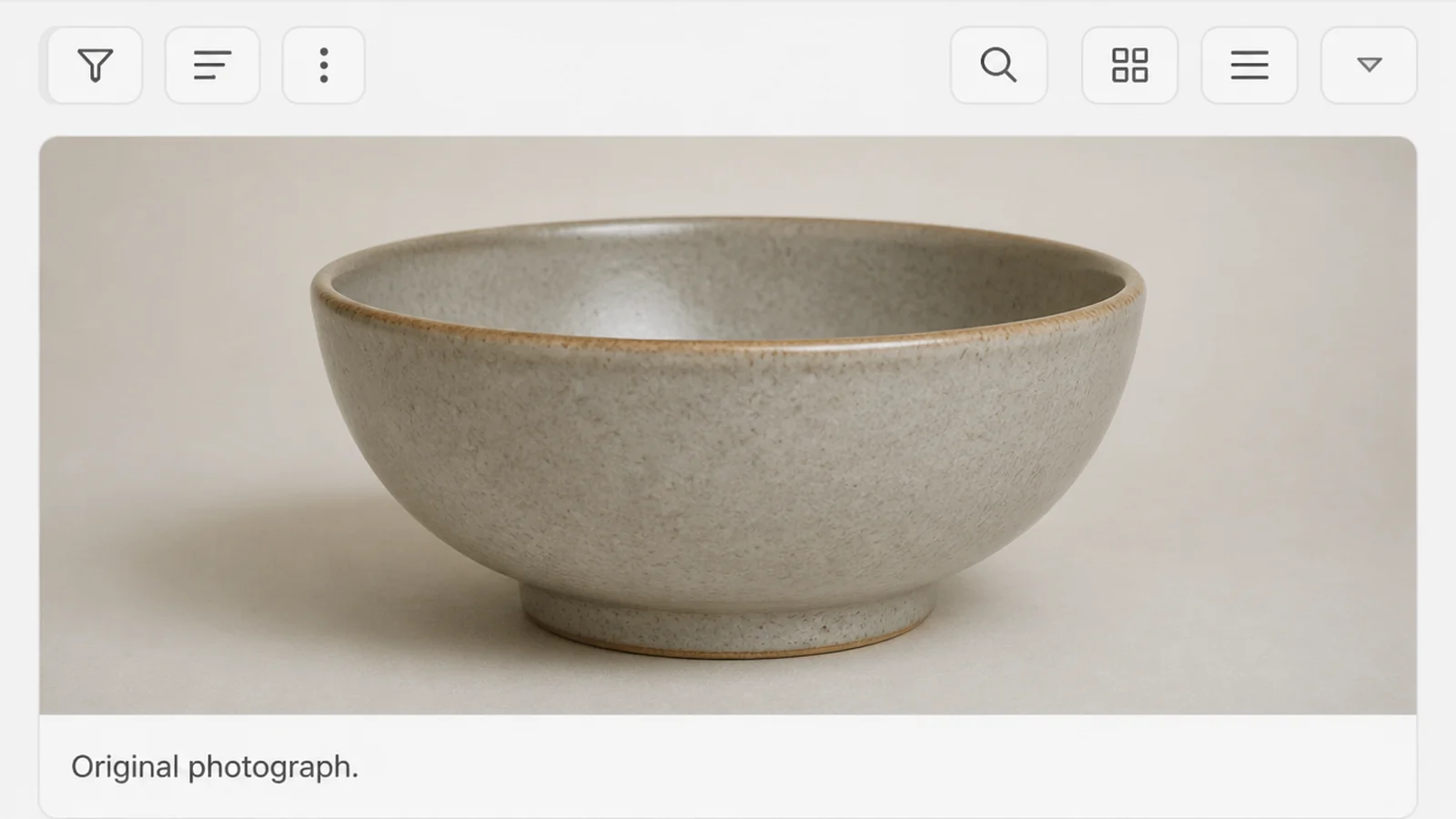
Take one clean photo of the actual product or the actual person, on a plain surface, in daylight. Everything else gets built from that photo.
Skip this and every later step is guesswork. The software has to invent the thing you sell, and it will get a detail wrong.
2. Write the prompt like a brief
Say what the scene is, where it is, and what mood you want. Then stop. In my experience long descriptions full of adjectives make the result worse, not better.
Say what shape you need too. A square ad and a tall phone-screen ad need different amounts of space around the subject.
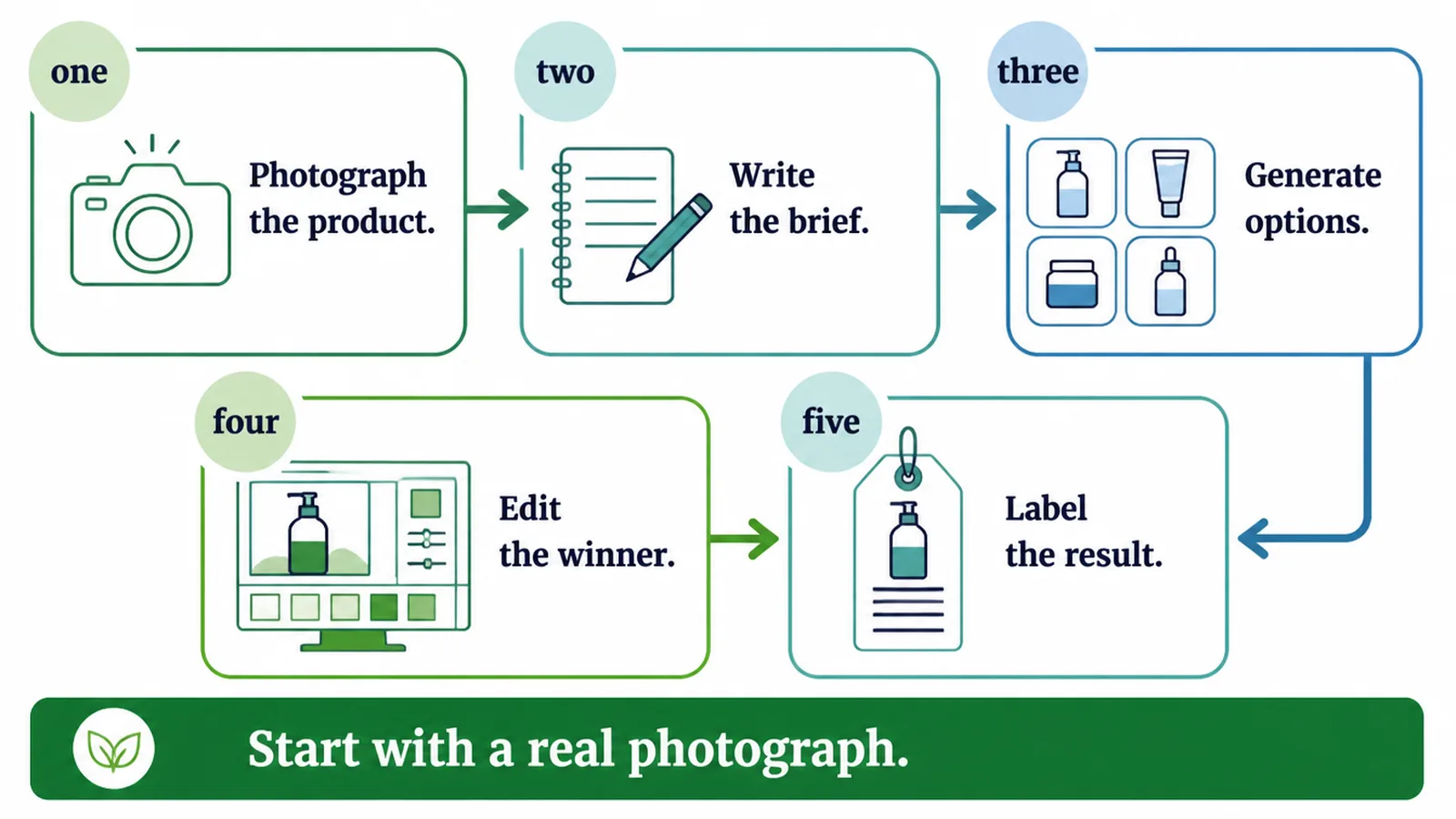
3. Generate a batch and cut hard
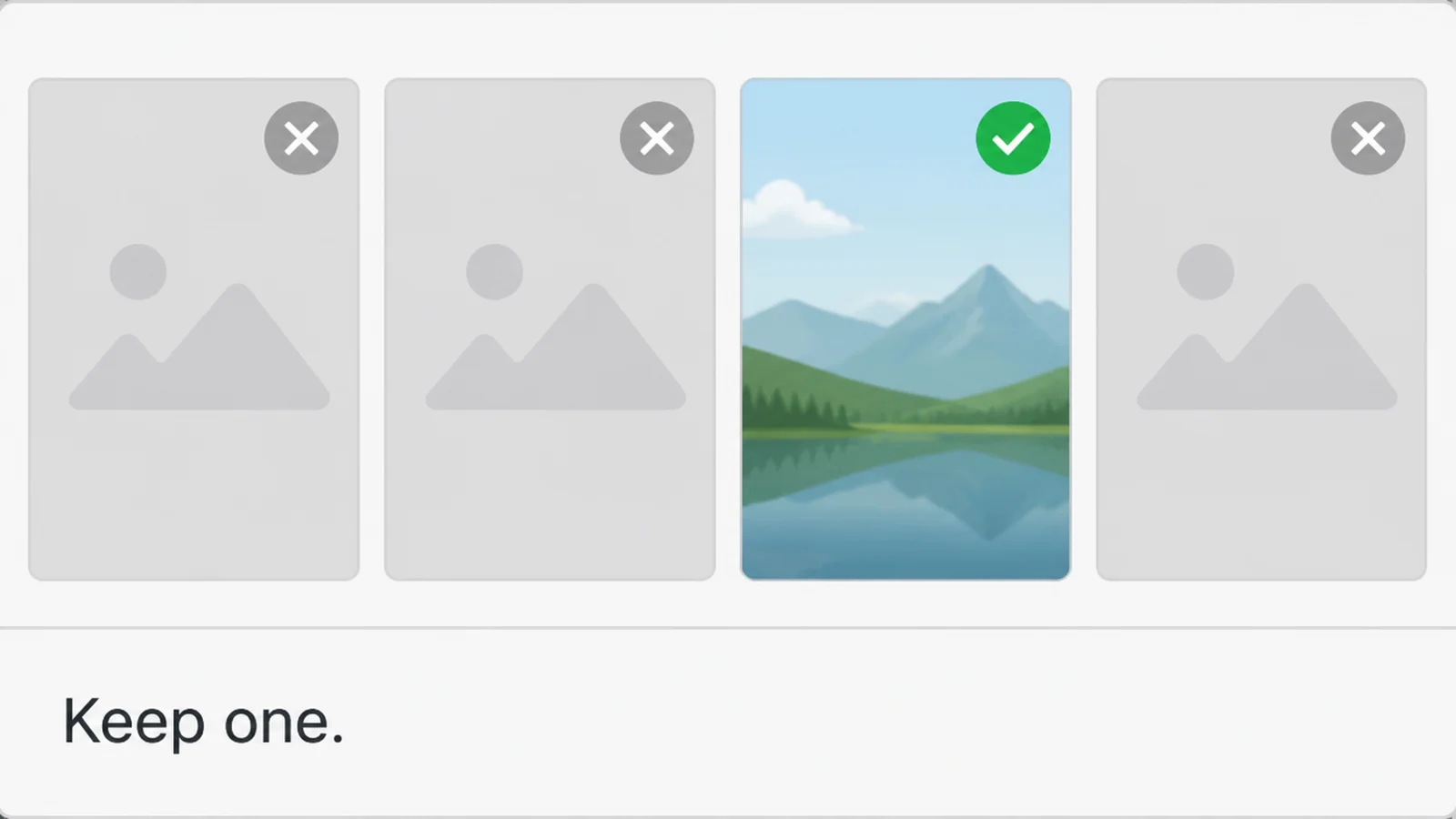
Make eight and expect to keep one. That sounds wasteful until you compare it with the cost of another photo shoot.
Throw away anything where the product looks slightly wrong. Slightly wrong is worse than obviously fake, because it gets past you and reaches a customer.
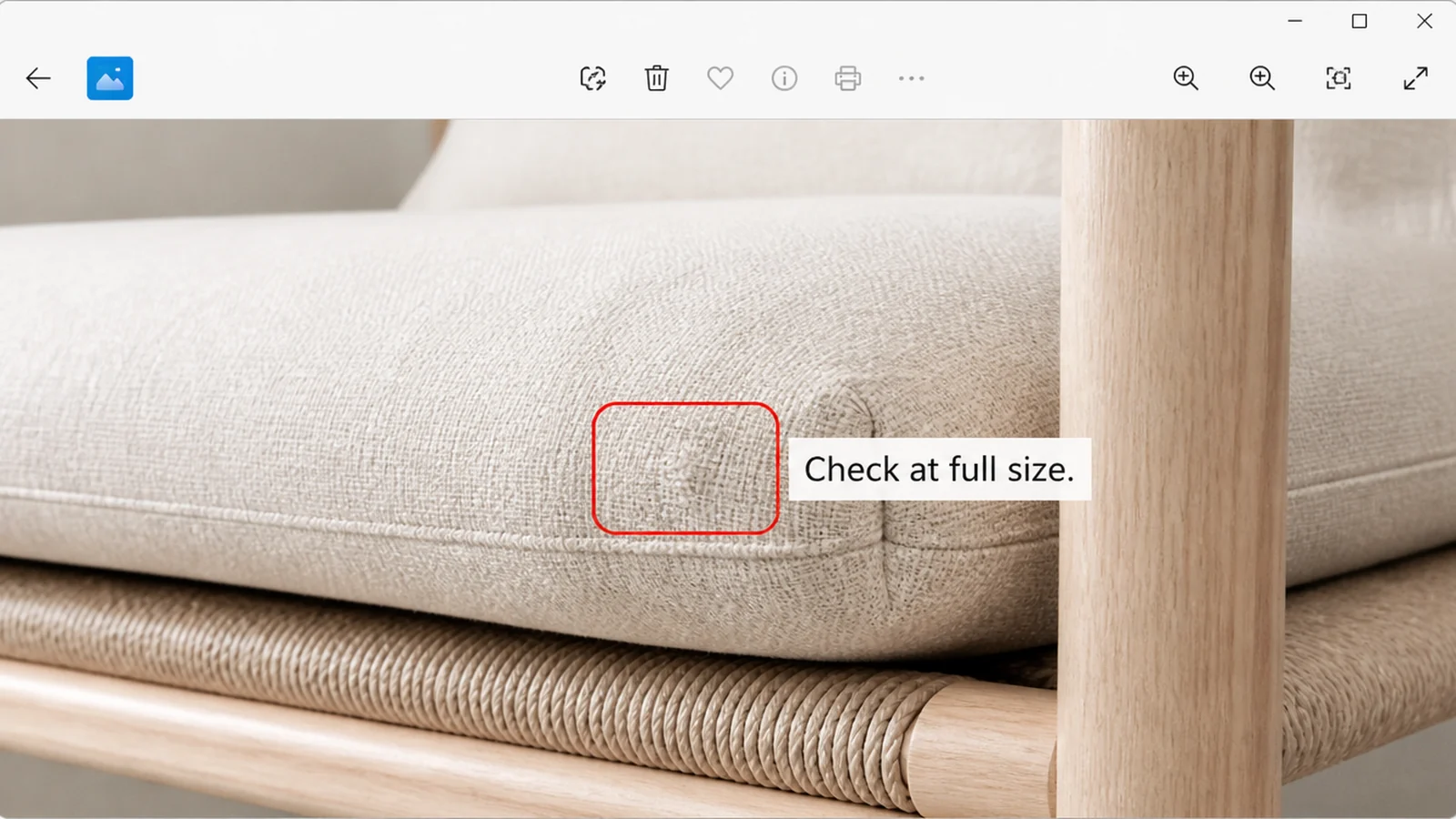
4. Check it at full size
Open the image at its full size before you approve it. A small preview hides distorted text, extra fingers and a logo the software redrew from memory.
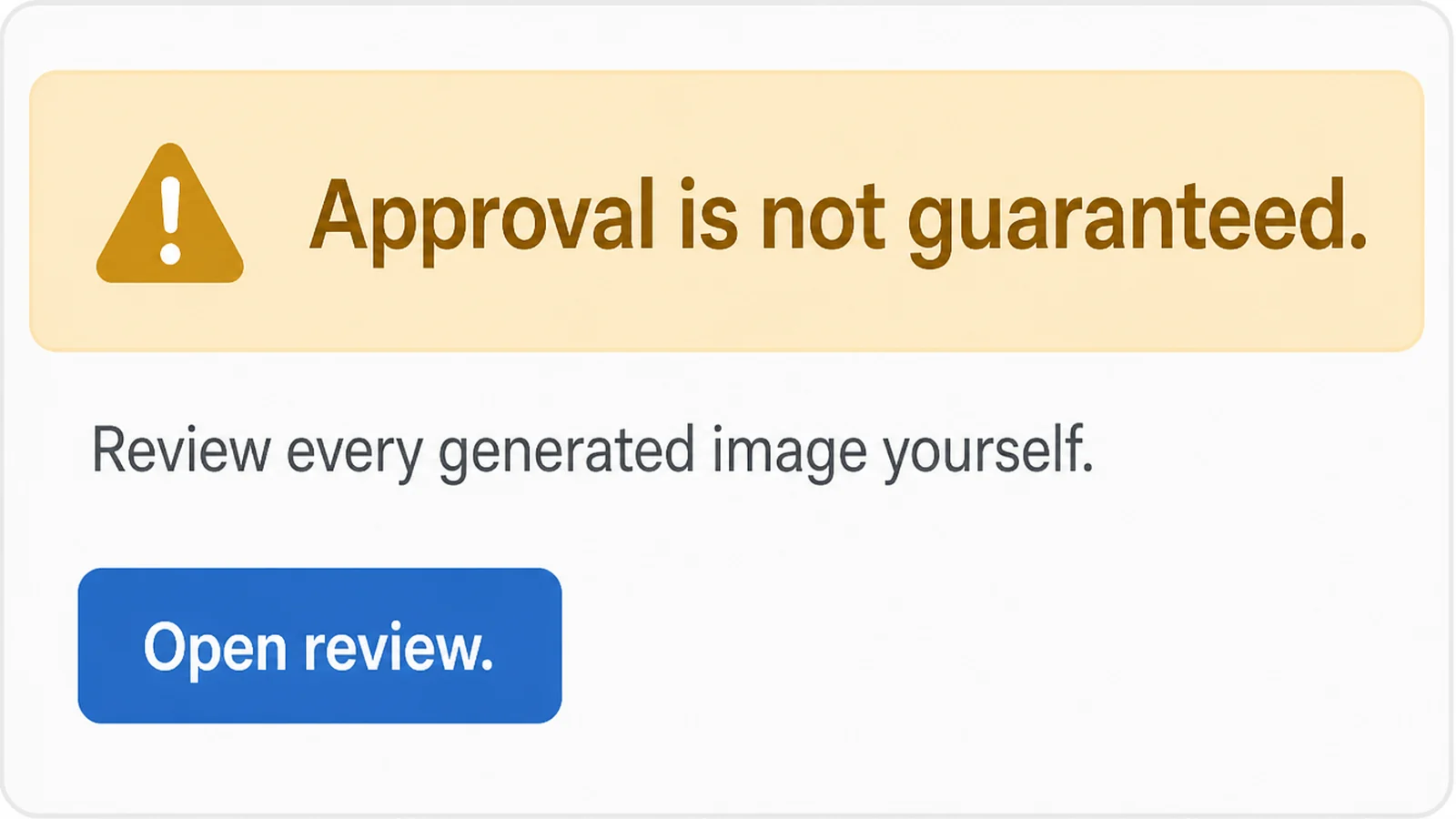
Google says outright that generated assets aren't guaranteed to be approved and that advertisers should review them for accuracy. That review is yours to do.
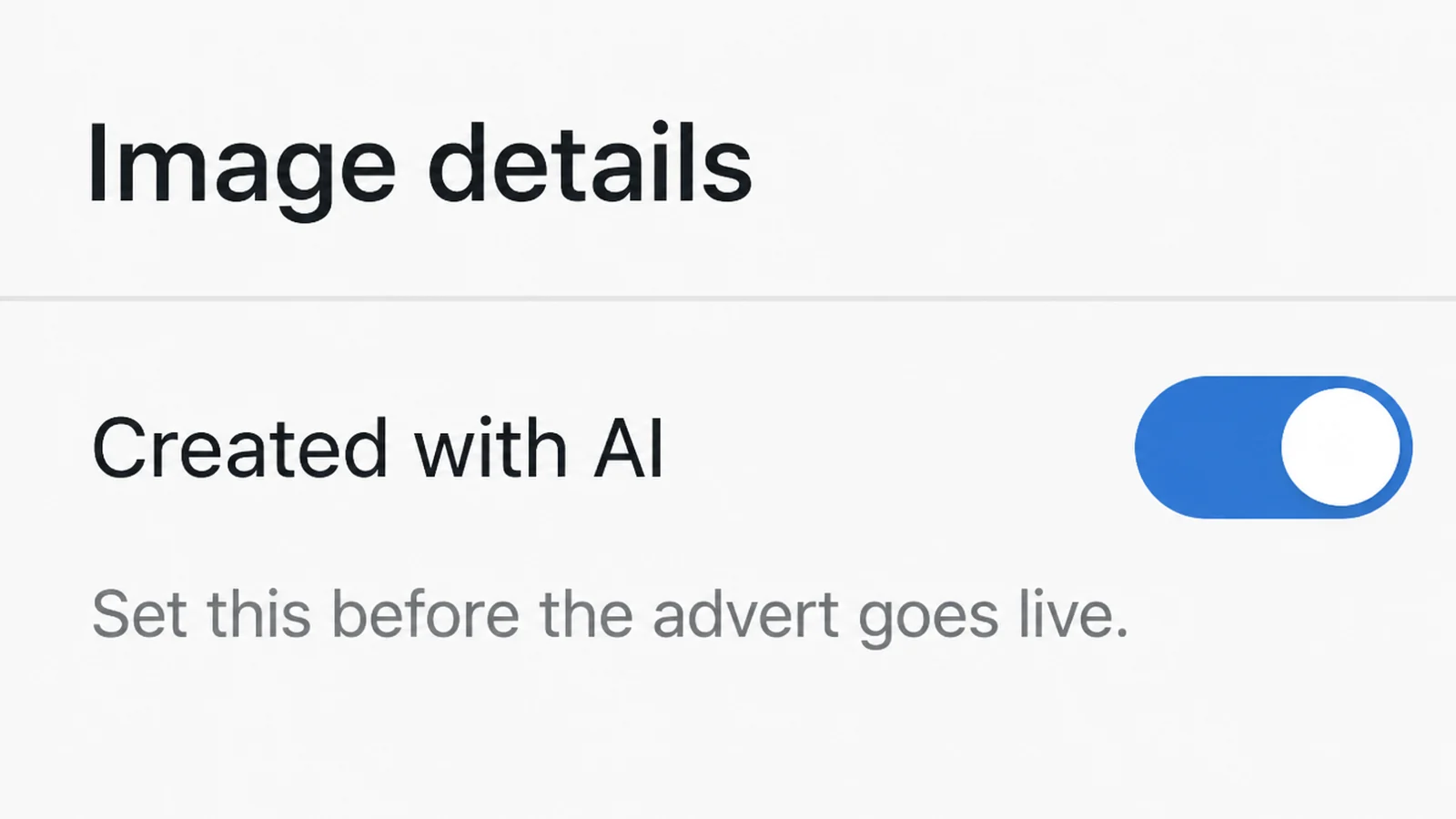
5. Set the label before it goes live
If the image was generated or significantly edited, mark it in the platform's setting while you are still building the ad.
It takes seconds at that point. Going back through a live campaign to work out which of forty images used AI takes an afternoon.
6. Keep the winner and re-cut it
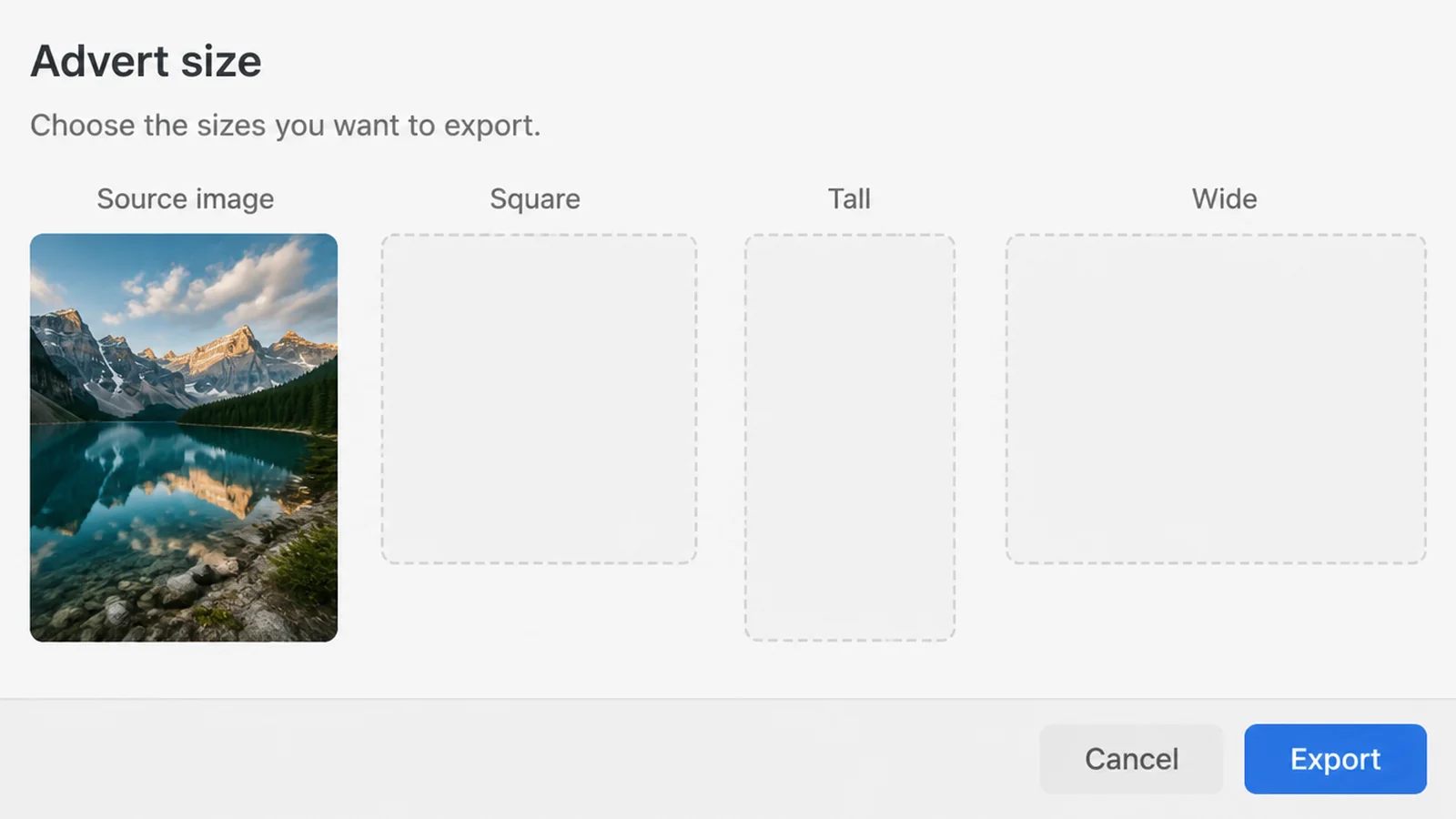
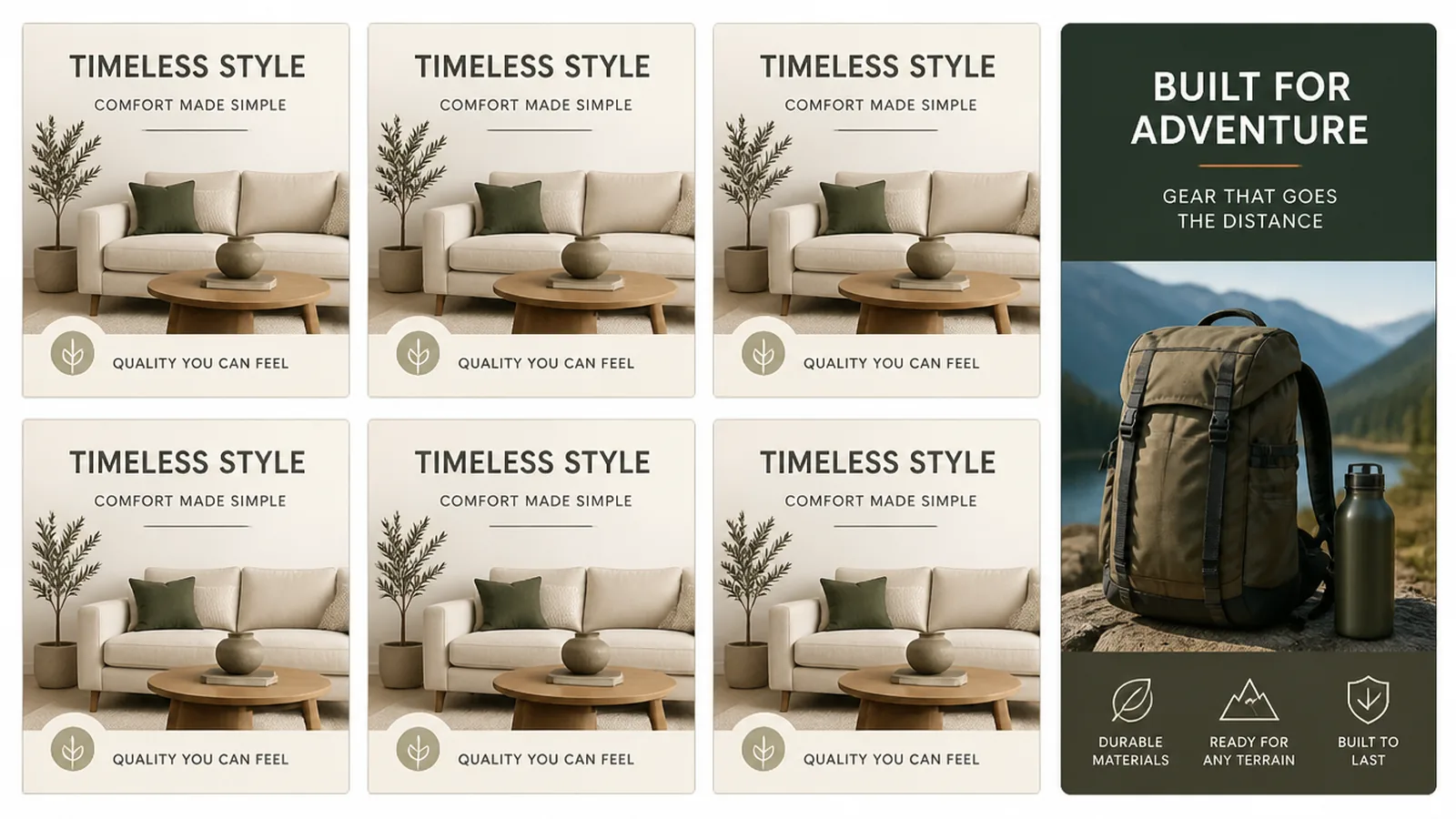
Once an ad works, use that exact image for the other shapes rather than generating a new scene. You want the same picture in more sizes, not five different pictures.
AI Ad Creative Ideas That Work Right Now
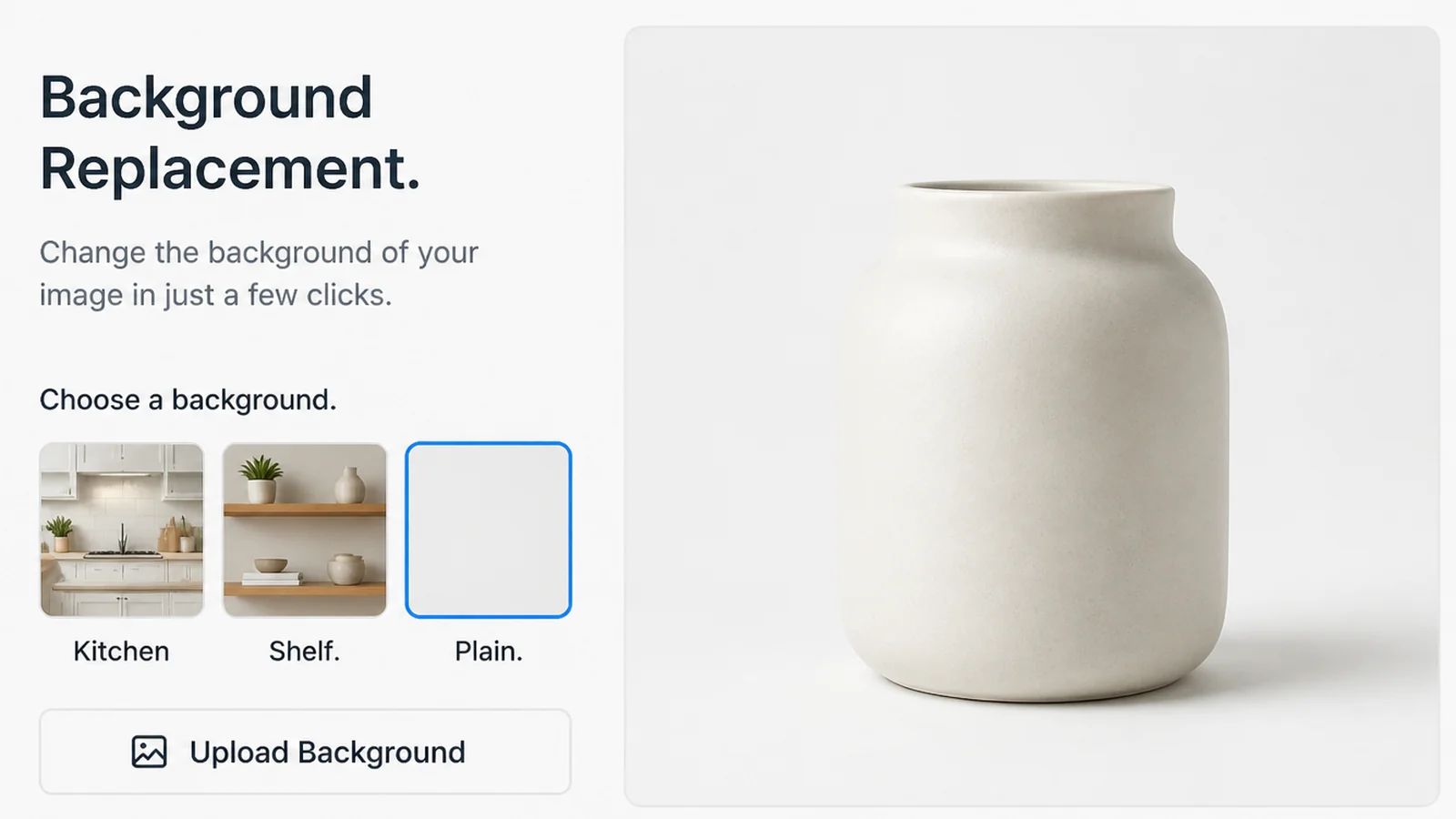
- New backgrounds for one product photo. One photo becomes a kitchen counter, a shop shelf and a plain colour, without booking anything.
- Every size from one photo. Image expansion fills in the empty space when a wide photo has to become a tall one.
- Generate ad creative with AI as rough versions before a real photo shoot. Generate the layout you want, then give it to the photographer as a reference.
- Seasonal versions. The same main photo in festive colours costs you a few minutes rather than another shoot.
- Headline options to test against your best one. Generate ten lines, test three, and keep any that beat what you already run.
- A few seconds of video from a photo. Product Studio can build video from product images, though Google lists that as available only in Australia, Canada, India, Japan, the UK and the US.
AI Ad Creative Tools and AI Ad Generators
Choose by the job you are doing, not by the list of features. Most small businesses need two of these at most.
| Tool | Best for |
|---|---|
| Meta Advantage+ creative | Reshaping ads you already run on Facebook and Instagram, inside Ads Manager |
| Google Product Studio | Shop owners with a product feed who need clean backgrounds and bigger images |
| Canva | Doing the layout yourself when the ad is text plus one photo |
| Adobe Express | Keeping edits inside a brand kit with a monthly credit allowance |
| Predis.ai | Producing a month of social posts in batches rather than one at a time |
On price, read on 9 September 2026: Product Studio is free for eligible Merchant Center users, and Meta's tools are part of Ads Manager. Canva lists a free plan with up to 200 standard AI uses, Pro at $180 a year for one person and Business at $250 a year per person.
Predis.ai lists its Core plan at $24 a month billed annually, with 1,300 credits. Adobe Express shows prices in your local currency and includes 250 generative credits a month per user on its Premium plan.
Start with whatever is already built into the platform you advertise on. Paid software makes sense when you are producing dozens of images a month, not four.
Common AI Ad Creative Mistakes
- Generating the product itself. The shape, the label and the colour will all be nearly right, and nearly right is what gets you a refund request.
- Expecting an AI ad generator to draw your logo. Google blocks the generation of branded items and logos you did not supply, so provide your own.
- Building an ad around a generated face. Google blocks the generation of children and recognisable people, and an invented face earns no trust anyway.
- Approving it from a small preview. The faults that embarrass you are in the details, and the details are invisible at that size.
- Leaving every automatic enhancement switched on. Meta says some are on by default and can be turned off, so check what is changing your ad.
- Treating a label setting as legal cover. Google says the setting alone doesn't guarantee compliance, so get advice if you sell into regulated markets.
FAQs
Do I have to tell people my ad was made with AI?
It depends where the ad runs. Google says rules in the European Union, India and New York require disclosures on ads with certain AI-generated assets, and it now offers a label setting for that. Meta detects and labels significant AI edits itself. Political and social issue ads have stricter rules.
Will an AI-made ad get rejected?
It can be. Google states plainly that assets created by generative AI aren't guaranteed to be approved under its ads policy, and that advertisers should review anything generated to check it's accurate and not misleading. Treat every generated image as a draft that still needs your eyes on it.
Can AI generate my product for me?
It shouldn't. Generated products drift from the real thing in shape, colour and labelling, and a customer who ordered from that picture will notice. Photograph the real item once, then use AI for the background, the crop and the sizes. The product itself stays a photograph.
What does AI ad creative cost to try?
Google's Product Studio is free for eligible Merchant Center users, and Meta's creative features sit inside Ads Manager. Canva's free plan lists up to 200 standard AI uses. Prices and allowances change often, so check the tool's own page on the day.
Why do my AI ads all look the same?
Because the prompt is doing the work and the prompt hasn't changed. Generic instructions produce the house style of whichever model you're using. Feeding it your own photo, your colours and a specific setting moves it further than adding more adjectives to the description does.
Conclusion
AI has made the second, third and fourth version of an ad almost free. It hasn't made the first one, and that's still the one that decides whether any of this works.
So spend your money where it always went. One good photograph, one clear offer, one honest promise about what arrives.
Then let the tools do the tedious half: the crops, the placements, the seasonal repaint, the ten headlines you'll test against the one that's winning.
Label what you generated, look at every image at full size, and you'll avoid most of the trouble. If you'd rather hand the whole thing over, see how we run Facebook ads, or reach out to my team at Seed Light.