AI Chatbots for Websites 2026: Where They Add Value

Add a website chatbot if you get a steady stream of the same simple questions and cannot answer fast, especially after hours. Scope it to your FAQs, label it honestly as a bot, and route hard chats to a person. A bad bot pushes customers away. Seed Light scopes and builds them this way.
Key takeaways
Short on time? Here is the whole decision on an AI chatbot for your website in five lines before we break it down.
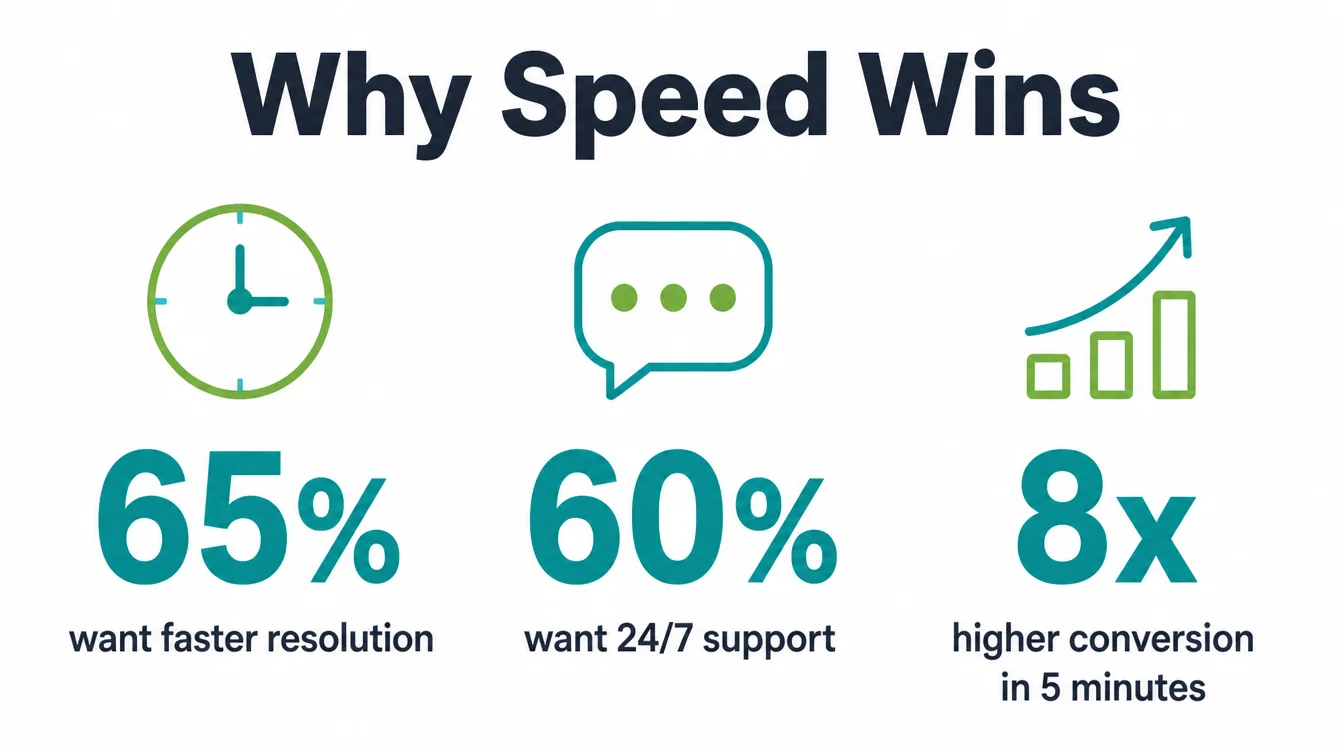
- The upside is real. A bot can reply instantly and capture leads when you are closed, and conversion rates are 8 times greater in the first five minutes (InsideSales).
- The downside is also real. 70% of consumers would consider a different brand after just one frustrating AI experience (Acquire BPO).
- People still want a human. 75% prefer talking to a real person for customer service (Five9).
- Scope it small. Train it on your FAQs, label it as a bot, capture contact details, and always offer a human.
- Add one if you get the same simple questions often. Hold off if your queries are complex or you cannot staff the handoff.
1. What a website chatbot actually does
An AI chatbot for your website is the little chat bubble in the corner. Someone types a question, and the bot answers from what you have taught it. That is the whole idea. It is a tireless front desk that never sleeps and never takes a lunch break.
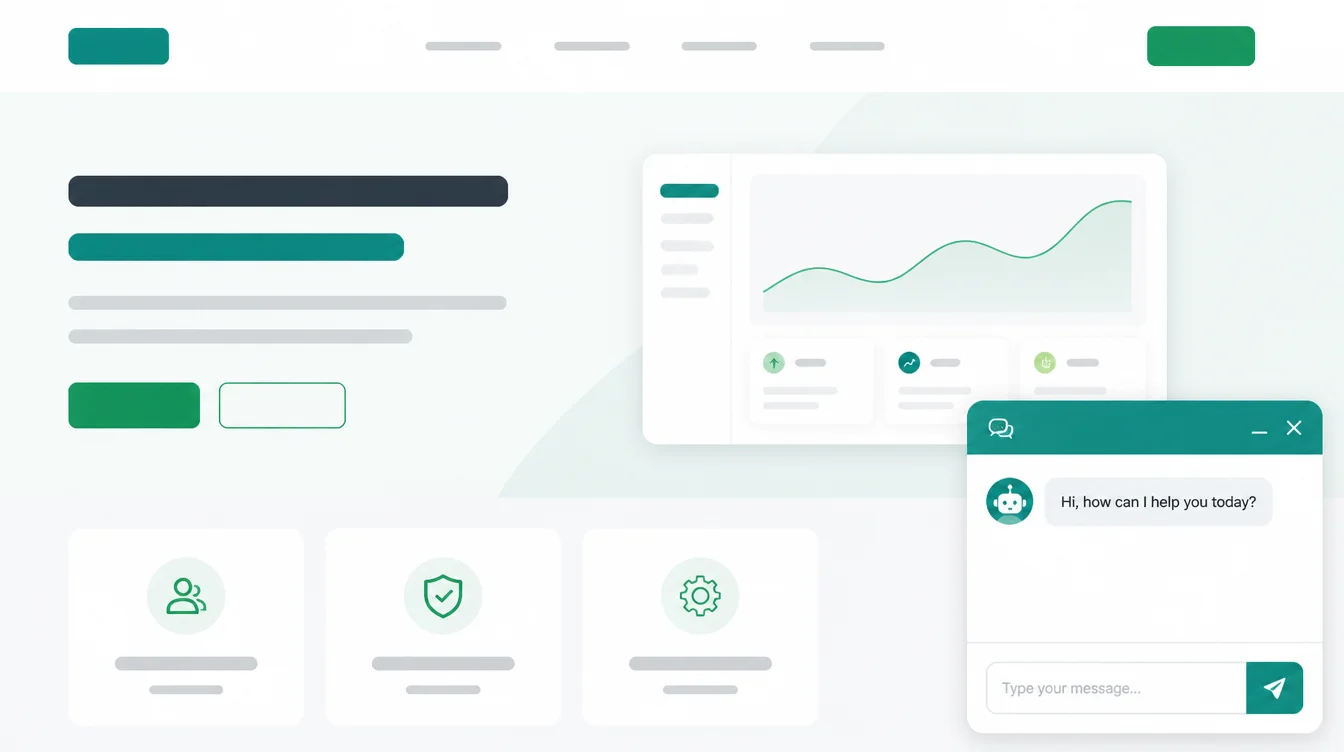
This guide is about the website widget itself: should you add one, and how do you set it up so it helps.
The bigger question of whether to lean on AI across your whole support setup is a separate one, and we cover it in our sister guide on whether AI customer service is worth it. For the wider picture of where AI fits in a small business, see AI for small business.
The honest truth is that a chatbot can be a quiet win or a quiet loss. It depends almost entirely on how narrowly you scope it. So let us look at both sides before you decide.
2. The upside: 24/7, instant replies, lead capture
The strongest case for a chatbot is speed and timing. It answers the moment someone asks, and it works when you cannot. A Talkdesk survey found small businesses most value faster resolution times (65%) and round-the-clock support (60%), and 51% of small businesses have already integrated AI into customer service.
Here is why that timing matters so much. When someone has a question, they are interested right now. If you make them wait until morning, that interest cools.
Conversion rates are 8 times greater when you reply in the first five minutes (InsideSales). A bot that answers the common question and grabs a name and contact detail at night beats a voicemail you find a day later.
On top of that, a well-scoped bot quietly clears the repeat questions so you do not have to. Tidio says its customers average a 75% resolution rate with Lyro AI. That frees your time for the conversations that actually need you.
3. The real downside: frustrated customers and wrong answers
Now the other side, because it is just as real. A bad bot actively pushes people away. A Five9 survey found 56% of consumers are often frustrated by AI customer-service chatbots, and 48% do not trust the information AI bots provide.
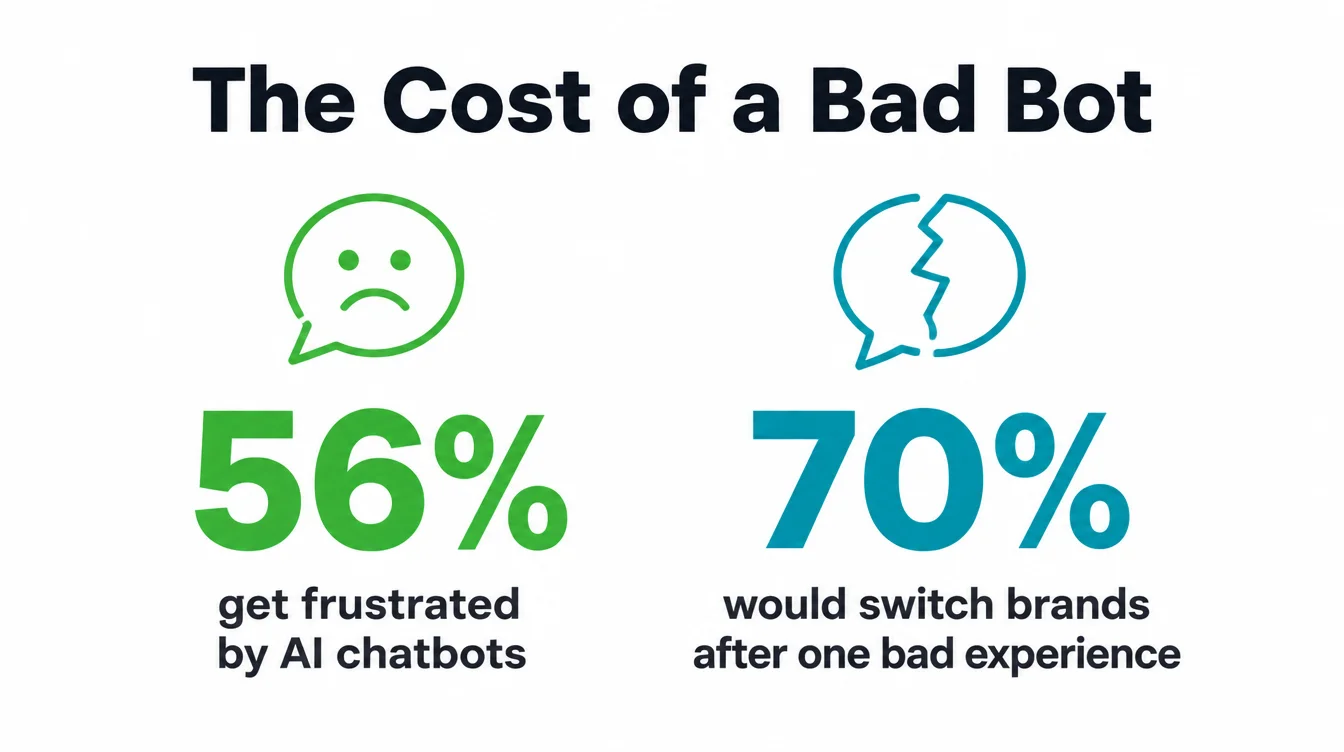
The cost of getting it wrong is steep. A study from Acquire BPO warns that 70% of consumers would consider a different brand for their next purchase after just one frustrating experience with AI-supported customer service. In other words, one bad chat can hand a customer to your competitor.
There is also a plain preference at work. Most people simply want a person. A Five9 survey found 75% of consumers prefer talking to a real human, and a SurveyMonkey report found 79% strongly prefer interacting with a human over an AI agent.
So a chatbot is never a substitute for a person. It is a filter, and only for the easy stuff.
4. When you should add one
A chatbot makes sense when the pattern fits. Look for these signs in your day-to-day, and if a few of them ring true, a narrow bot will likely pay off.
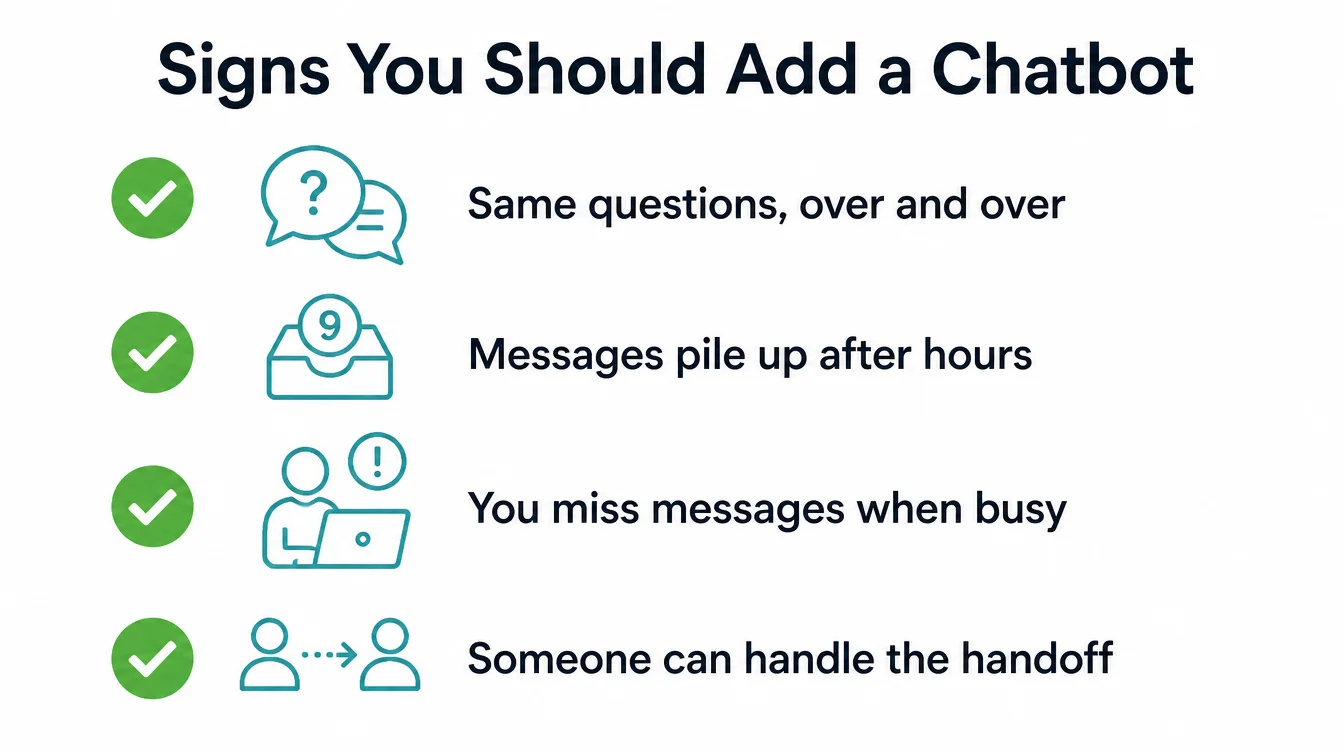
- You get the same simple questions over and over. Opening hours, location, price ranges, do-you-offer-this. Repeat questions are exactly what a bot does well.
- People message you after hours. If queries pile up overnight, a bot can answer and capture the lead instead of letting it cool.
- You miss messages because you are busy serving customers. A bot covers the gap when your hands are full.
- You have someone to take the handoff. When the bot gets stuck, a real person is reachable by email, WhatsApp, or callback.
If that sounds like you, a chatbot is worth a careful try. To see where it fits alongside other tools, our guide on AI automation for small business covers the wider setup.
5. When you should not, yet
Sometimes the answer is wait. A chatbot can do more harm than good in the wrong situation, and forcing one in costs you trust you cannot easily win back.
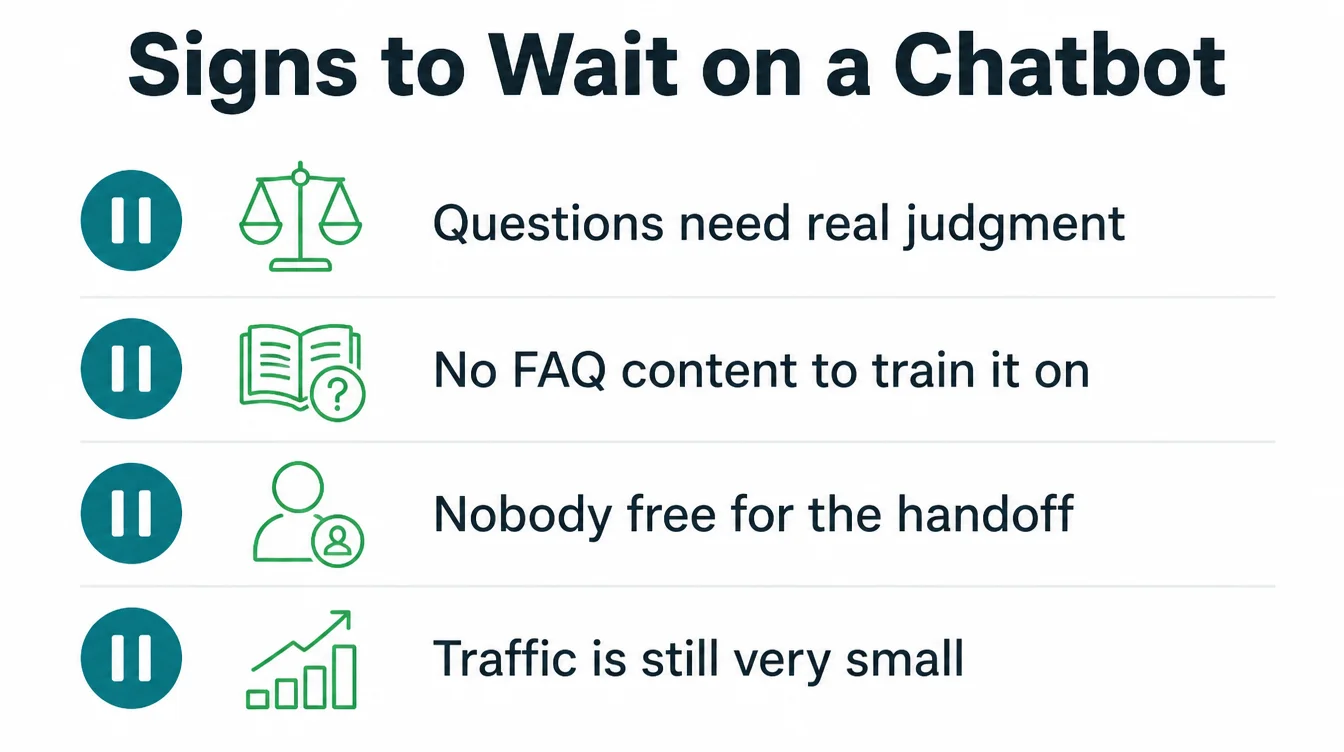
- Your questions are complex or emotional. If most chats need judgment, reassurance, or real expertise, a wrong bot answer does real damage. Those belong with a person.
- You have no FAQ to train it on. A bot is only as good as what you feed it. With thin content, it guesses, and guesses go wrong.
- Nobody can handle the handoff. A bot that traps people with no way out is worse than no bot at all.
- Your traffic is tiny. If only a handful of people visit each week, a contact form may serve you just as well with none of the risk.
None of this is forever. As your content and team grow, the maths changes. A simple small business website with a clear contact form is a perfectly good starting point.
6. How to set one up well
If you do add one, the setup decides everything. A good bot is narrow, honest, and always points to a human. Follow these four rules and you avoid most of the pain.
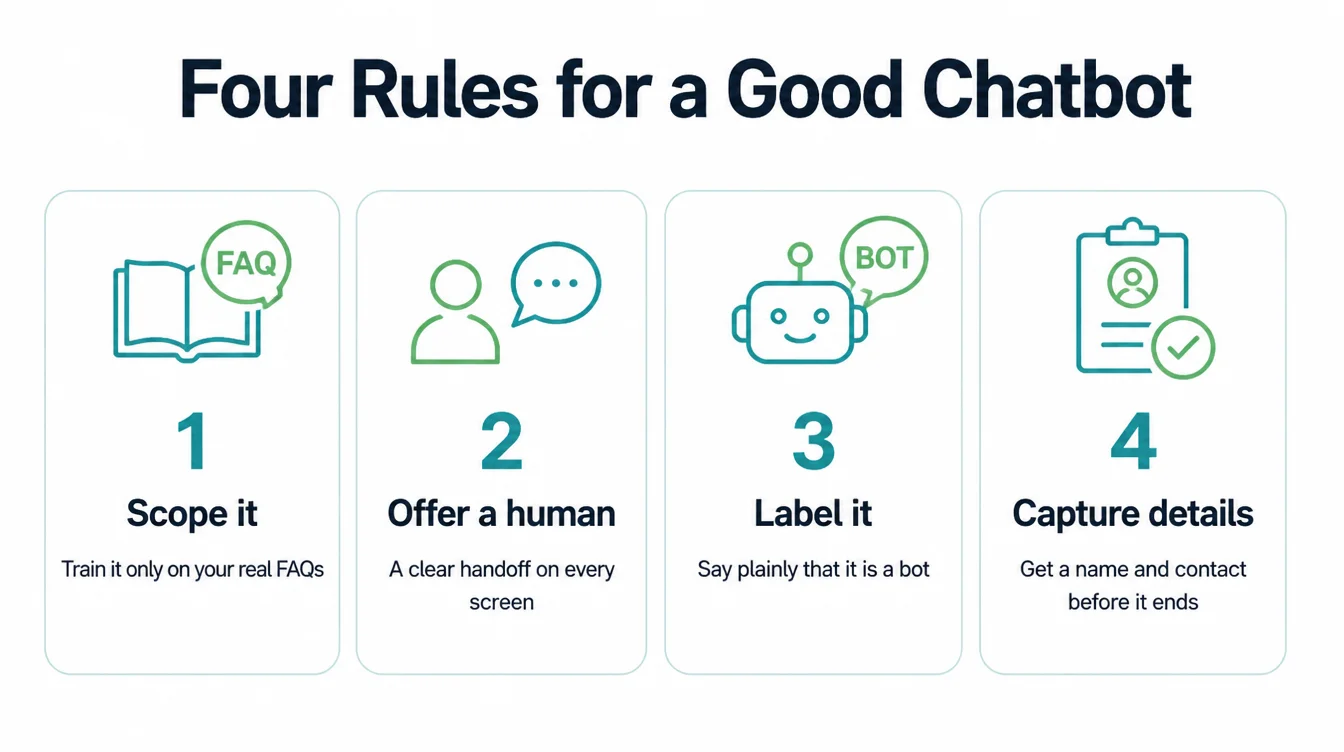
Scope it to your FAQs
Train the bot only on the questions you already answer ten times a week. Hours, location, services, basic prices, booking. Do not let it improvise on anything outside that. A narrow bot that says "let me get a person for that" beats a confident bot that makes things up.
Always offer a human
This is the single most important rule. Put a clear talk-to-a-human option on every screen, and have the bot offer one the moment it is stuck or the person sounds upset. A SurveyMonkey report found 89% believe companies should always offer the option to speak with a human.
Label it as a bot
Do not pretend the bot is a person. People can tell, and the pretence breaks trust fast. A simple "Hi, I am an assistant bot" sets honest expectations and makes folks more forgiving when it cannot help.
Capture contact details
Before the chat ends, the bot should ask for a name and one way to reach back. That way, even when it cannot solve the problem, you still have a lead to follow up in the morning. For a deeper build, see our AI automation service.
7. What a bot can realistically handle
It helps to be clear about the line. A chatbot is good at a specific band of work, and shaky everywhere else. Keep it inside the green column below and it stays an asset.
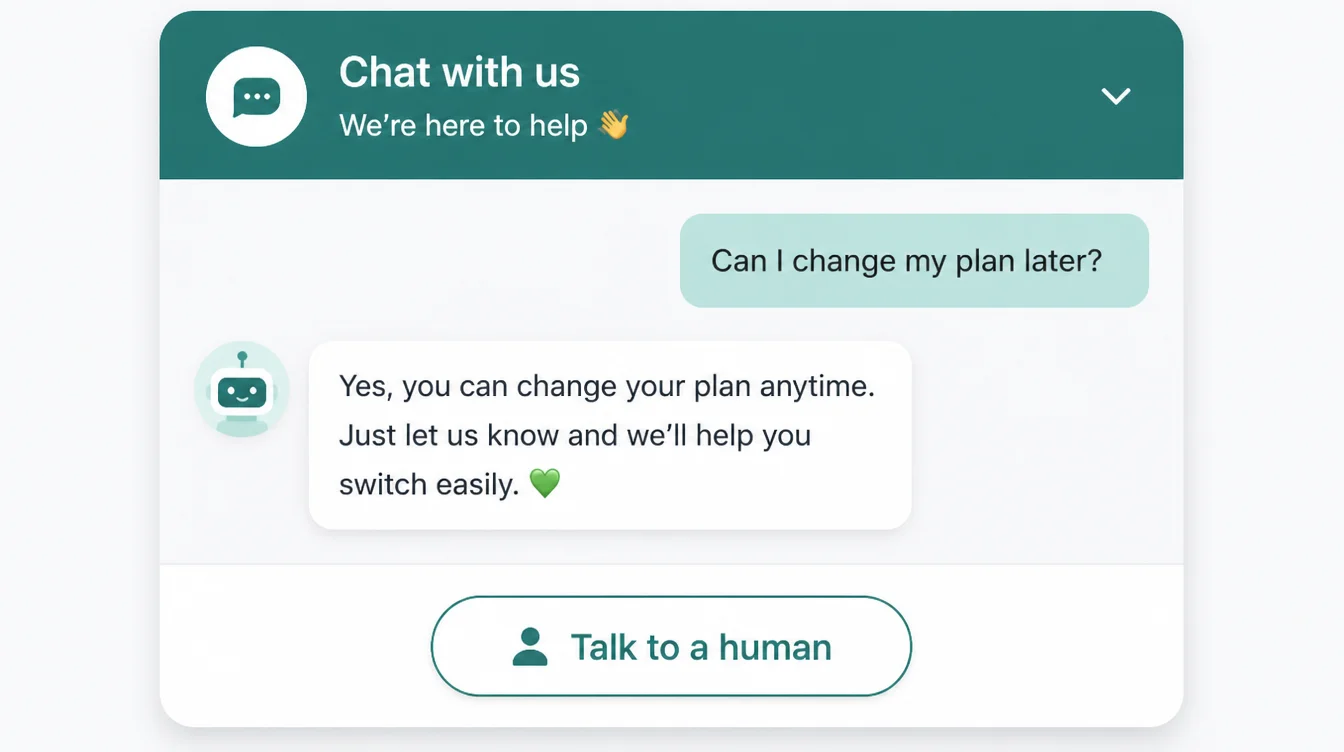
A bot can reliably answer set questions, share your hours and location, point to the right page, qualify a lead, and book a slot.
It struggles with anything that needs judgment: a complaint, a refund dispute, a sensitive question, or a one-off problem it has never seen. Those are exactly the moments to hand off fast.
Because 48% of consumers do not trust the information AI bots provide (Five9), a quick "let me get a person" actually builds more trust than a forced answer.
To weigh the set-up against what it takes off your plate, our free automation savings calculator turns the questions a bot handles each month into hours and cost.
8. Should you add one? A quick decision
Here is the short version. Run your situation through this table, and let the side with more ticks make the call for you.
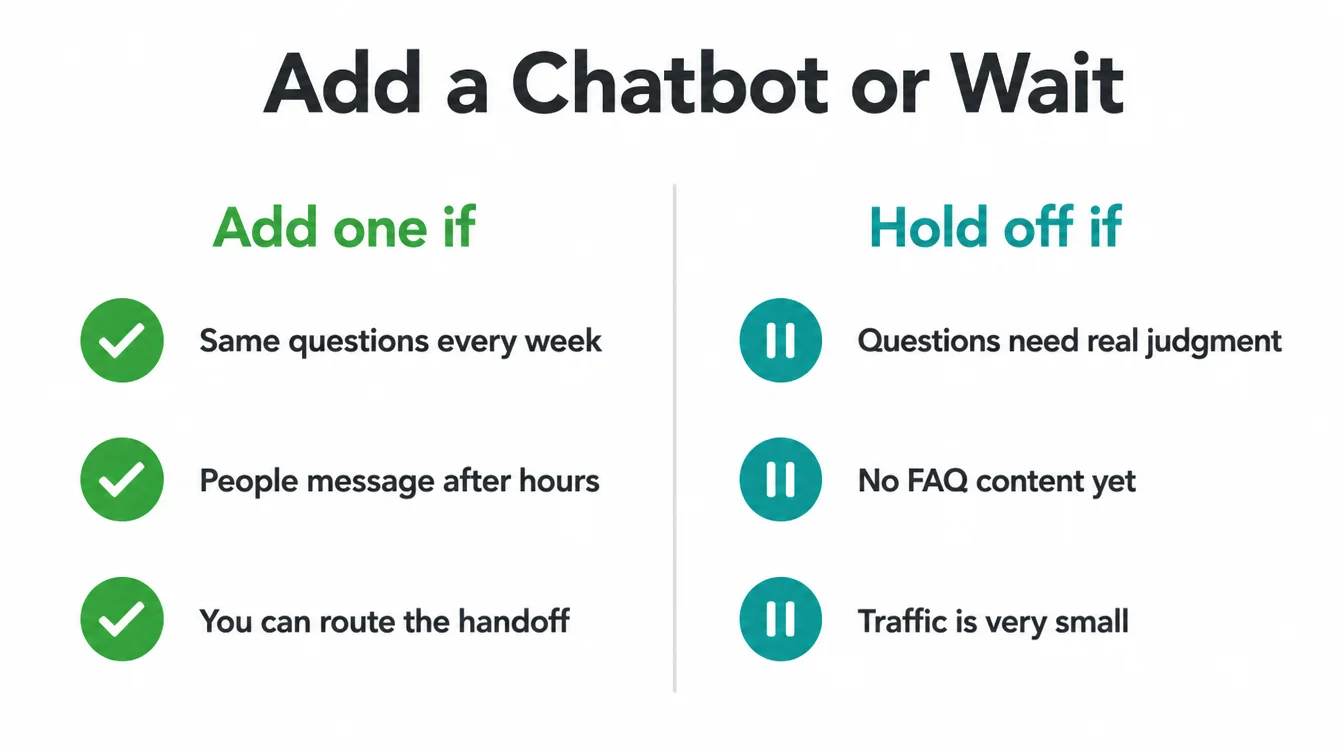
| Add one if... | Hold off if... |
|---|---|
| You get the same simple questions every week | Most questions need judgment or expertise |
| People message you after hours and go cold | You have no FAQ content to train it on |
| You miss messages because you are busy | Nobody is free to take the handoff |
| You can route a handoff to email or WhatsApp | Your weekly traffic is very small |
| You want to capture leads outside office hours | Your queries are sensitive or emotional |
If the left column wins, start small and narrow, then watch how people use it, or let us set the bot up for you.
If the right column wins, a clear contact form on a fast website built for small businesses will serve you better for now. Either way, the bot is a tool, not a replacement for you. For more practical guides, browse the Seed Light blog.
Frequently asked questions
1. Should I add a chatbot to my website?
Add one if you get a steady stream of the same simple questions and you cannot answer fast, especially after hours. A chatbot scoped to your FAQs can reply instantly and capture a lead overnight. Hold off if your queries are complex or emotional, or if you have nobody to handle the handoff when the bot gets stuck. Start small and offer a human at every step.
2. Are website chatbots worth it for a small business?
Website chatbots can be worthwhile when kept narrow. A Talkdesk survey found small businesses value faster resolution times and round-the-clock support. A bot earns its keep when it answers repeat questions and captures leads outside your hours. It stops being worthwhile when it frustrates people.
3. When should you NOT use a chatbot?
Skip it, for now, if most of your questions are complex, sensitive, or need judgment, since a wrong answer there does real damage. Skip it if you have no thin FAQ to train it on, or nobody to take over when it fails. A Five9 survey found 56% of consumers are often frustrated by AI customer-service chatbots, so a half-built bot can cost you more trust than it saves you time.
4. Do customers like chatbots?
Most still prefer a human. A Five9 survey found 75% of consumers prefer talking to a real human for customer service, and a SurveyMonkey report found 79% strongly prefer a human over an AI agent. People tolerate a bot for quick, simple answers, but they want a clear way to reach a person. That is why a visible human handoff matters more than the bot itself.
5. Can a chatbot capture leads after hours?
Yes, and this is often the strongest reason to add one. When you are closed, a bot can answer the common question, ask for a name and contact detail, and pass it to you for the morning. Speed matters because conversion rates are 8 times greater when you respond in the first five minutes, per InsideSales research, so capturing the detail at night beats finding the message a day later.
6. How do I add a human handoff?
Make it obvious and easy. Put a clear talk-to-a-human option on every screen, and have the bot offer one whenever it cannot help or the person sounds upset. Behind it, route the chat to your email, WhatsApp, or a callback form, and capture the contact detail first so nothing is lost. A SurveyMonkey report found 89% believe companies should always offer the option to speak with a human, so treat the handoff as the main feature, not a fallback.
7. Will a chatbot replace my customer service?
No, and it should not try to. A chatbot is a filter for the simple, repeat questions, not a replacement for your people. Tidio says its customers average a 75% resolution rate with Lyro AI, while the remaining questions still need a human. The goal is to free your time for the conversations that actually need you, not to remove the human entirely.