How to Use ChatGPT for Business 2026: 8 Practical Workflows

ChatGPT earns its place on the dull admin between customers: drafting emails and replies to reviews, writing SOPs, summarising documents, first-pass research and repurposing content. Give it context, a role and an example, then check everything it produces. Seed Light puts AI on the boring jobs for small businesses.
Key takeaways
Short on time? Here is the whole idea in five lines before we get into the use cases.
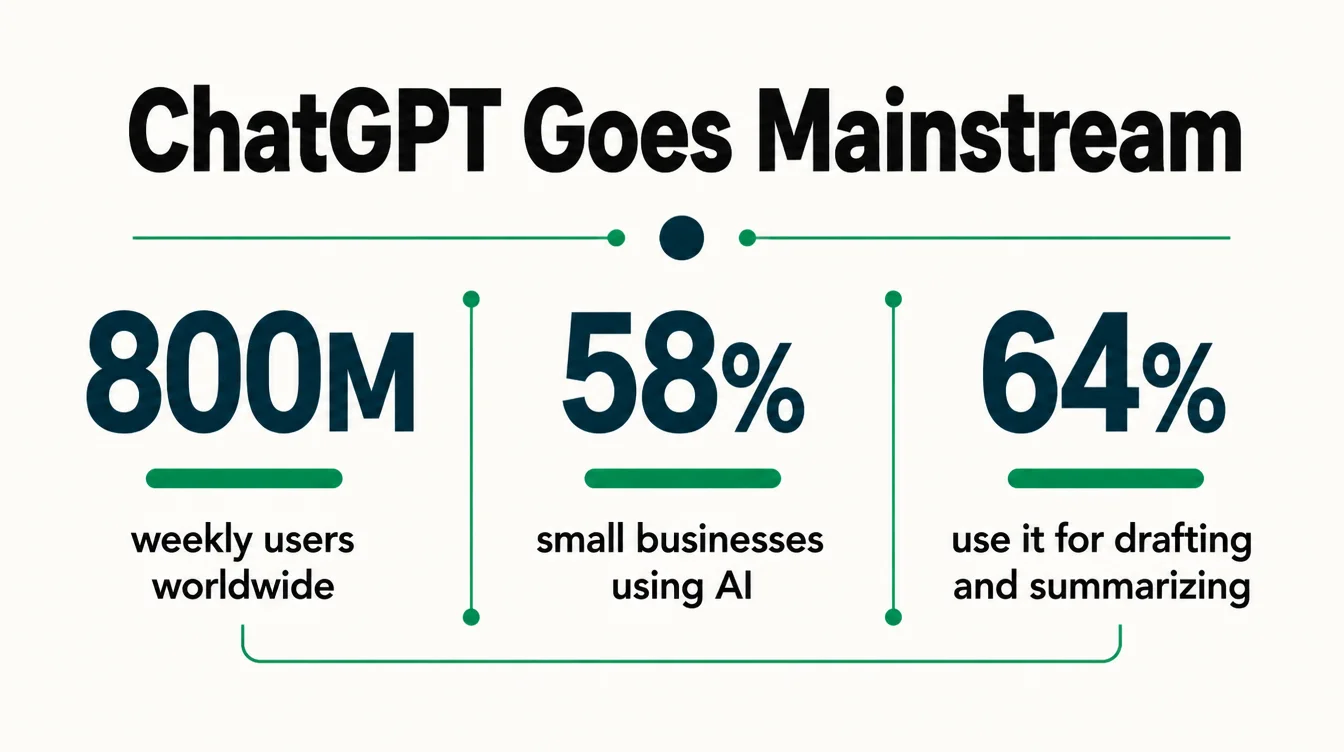
- It is already mainstream. More than 800 million people use ChatGPT every week (TechCrunch, 2025), and half of all workers at small businesses already use AI (US Chamber Foundation, 2025).
- Use it for productivity, not magic. 64% use it for personal productivity like drafting, summarizing, and brainstorming (US Chamber Foundation, 2025).
- You always edit the output. Treat every draft as a starting point, not a finished job.
- Never trust it on facts blind. It can invent names, numbers, and links, so you check before you send.
- Keep confidential data out of it. No customer details, no card numbers, no contracts in a normal chat.
1. Why ChatGPT is worth an hour of your time
Most owners try ChatGPT once, ask it to write a social caption, get something bland, and quit. That is a shame, because captions are the least useful thing it does. The real win is the dull admin work that piles up between customers.
The numbers back this up. More than 800 million people now use ChatGPT every week (TechCrunch, 2025), and half of all workers at small businesses already use AI, mostly to boost productivity rather than to automate jobs (US Chamber Foundation, 2025).
Furthermore, in a self-reported survey, 58% of small businesses said they use generative AI, up from 40% in 2024 (US Chamber C_TEC, 2025).
Official figures sit lower, since overall business AI usage hovered between 17% and 20%, with another 20% to 23% planning to adopt it in the next six months (US Census BTOS, 2026).
Either way, the direction is clear, and the upside is the same for you: hours back in your week. Below are eight ways to get them. For the wider picture, see our overview of AI for small business.
2. Use 1: customer emails and replies
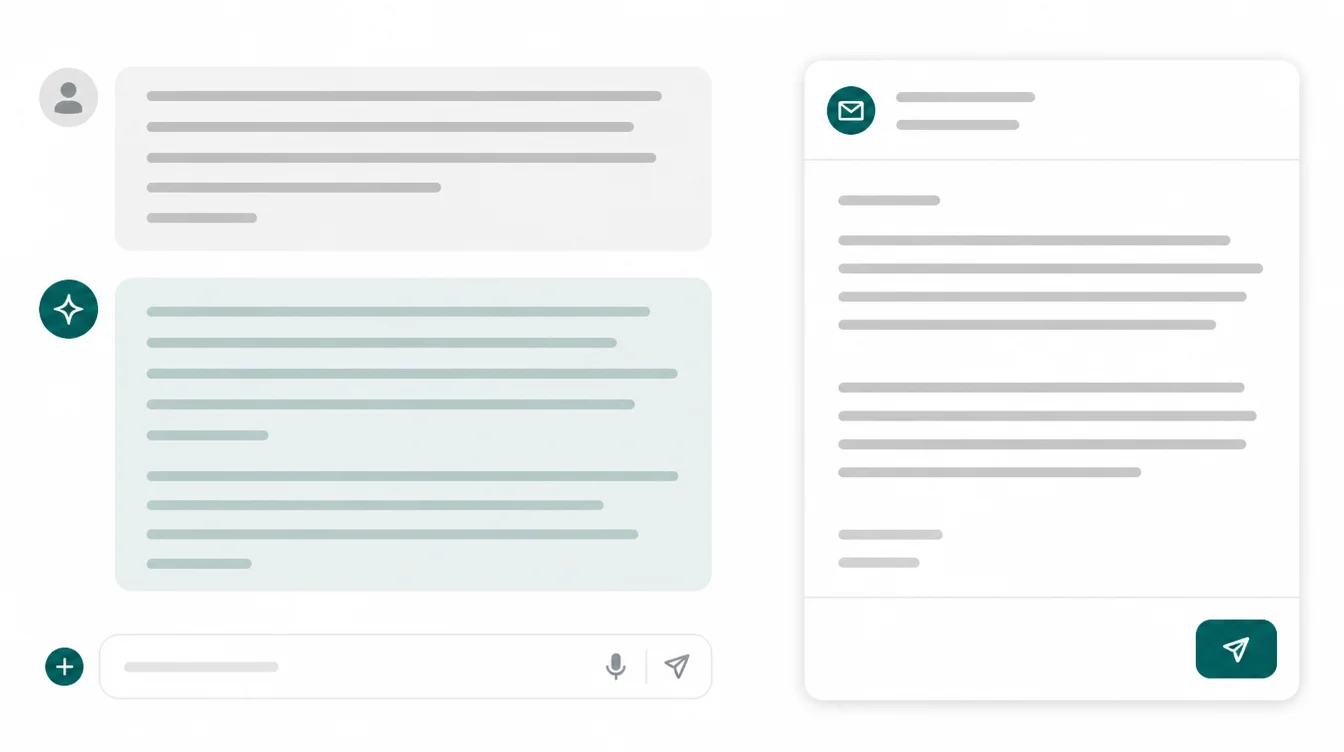
Email is where the time goes. A polite reply to a refund request, a quote follow-up, a "sorry we missed you" note, they each take longer than they should because you are tired of writing the same thing again. ChatGPT clears that fast.
Paste the message you got and tell it the outcome you want. For example: "A customer is upset their order is late. Write a calm, short reply that apologises, gives a clear next step, and sounds warm, not corporate." Then read it, fix the bits that are not you, and send.
This is exactly the kind of drafting that 64% of small business workers reach for AI to do (US Chamber Foundation, 2025). One tip: paste two of your own past emails so it copies your tone.
3. Use 2: summarize reviews and feedback
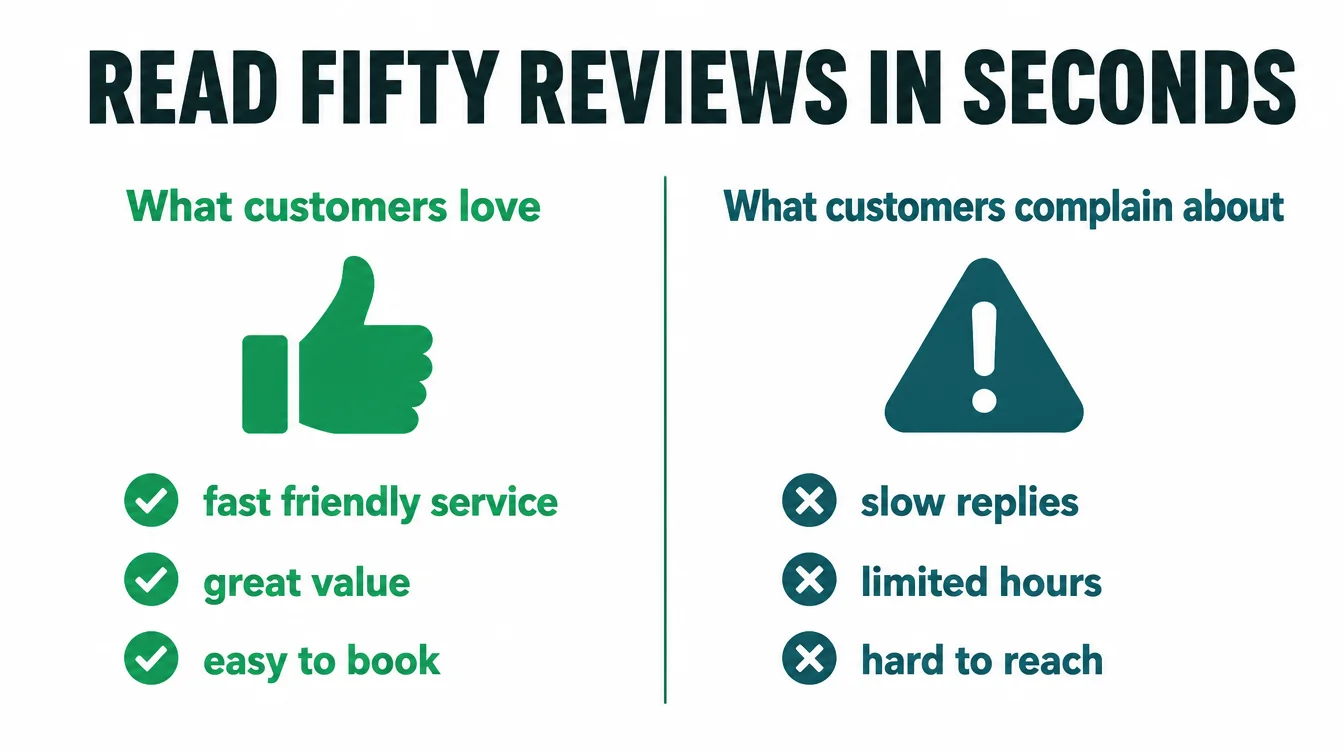
You have fifty reviews and a folder of feedback forms, and no time to read them all. ChatGPT turns that pile into a clear summary in seconds, which is far more useful than reading them one by one and forgetting the first.
Paste the reviews and ask: "Summarize these into the three things customers love and the three things they complain about most. Give me one quote for each." Suddenly you can see the pattern.
Maybe people love the service but keep mentioning slow replies. That is a fix you can act on this week. Remember to strip out customer names before you paste, since this is feedback, not a contact list.
4. Use 3: draft SOPs and checklists
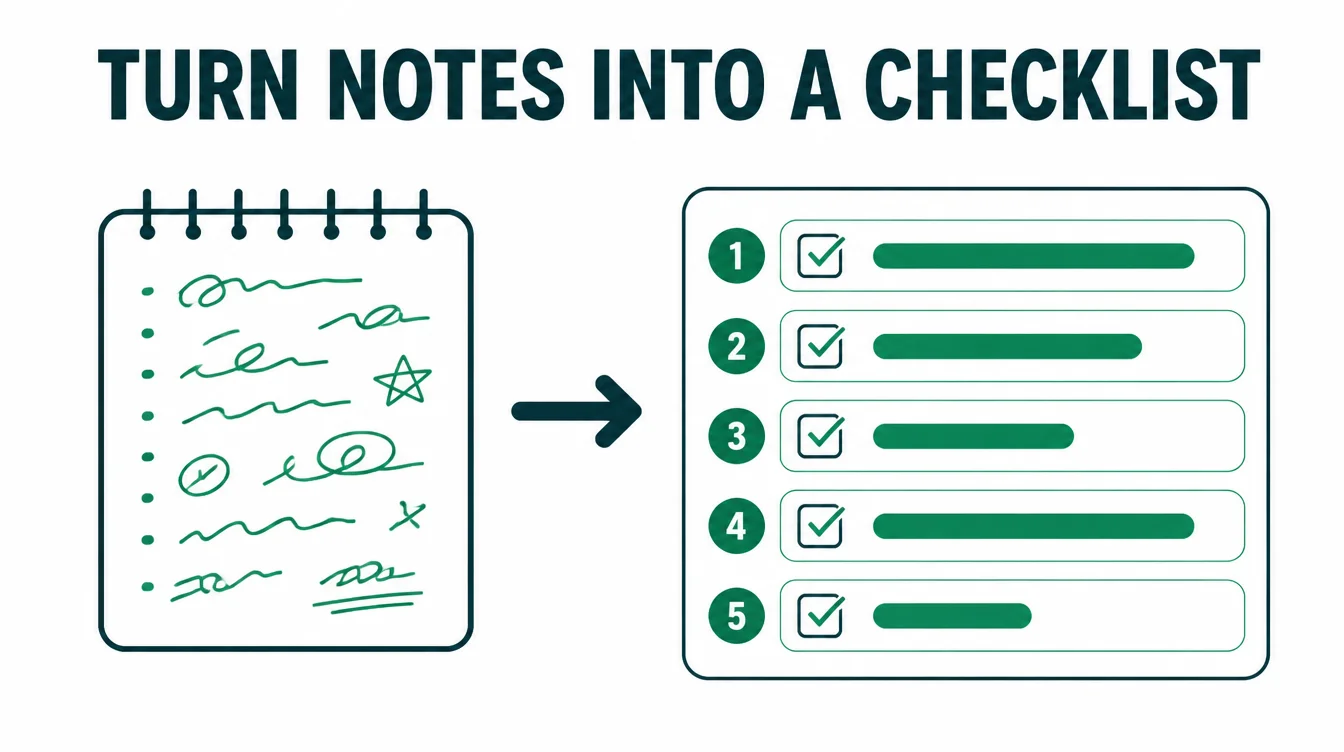
Every small business runs on stuff that lives only in your head. How you open up. How you onboard a client. How you close a sale. The day you are off sick, that knowledge is gone. A standard operating procedure, or SOP, fixes that, and ChatGPT writes the first draft for you.
Talk it through out loud and paste your notes. Ask: "Turn these rough steps into a clear checklist a new hire could follow without asking me." It gives you a tidy, numbered process. Then you correct the order and add the details only you know.
Doing this for your five most repeated tasks is one of the highest-value hours you will spend, and it pairs well with the steady systems we cover in AI automation for small business.
5. Use 4: market and competitor research (verify it)
ChatGPT is a fast way to get oriented in a new market, as long as you treat it as a starting point and not gospel. Ask it to list the main types of competitors, common customer objections, or questions buyers usually ask before they purchase. It gives you a useful map in seconds.
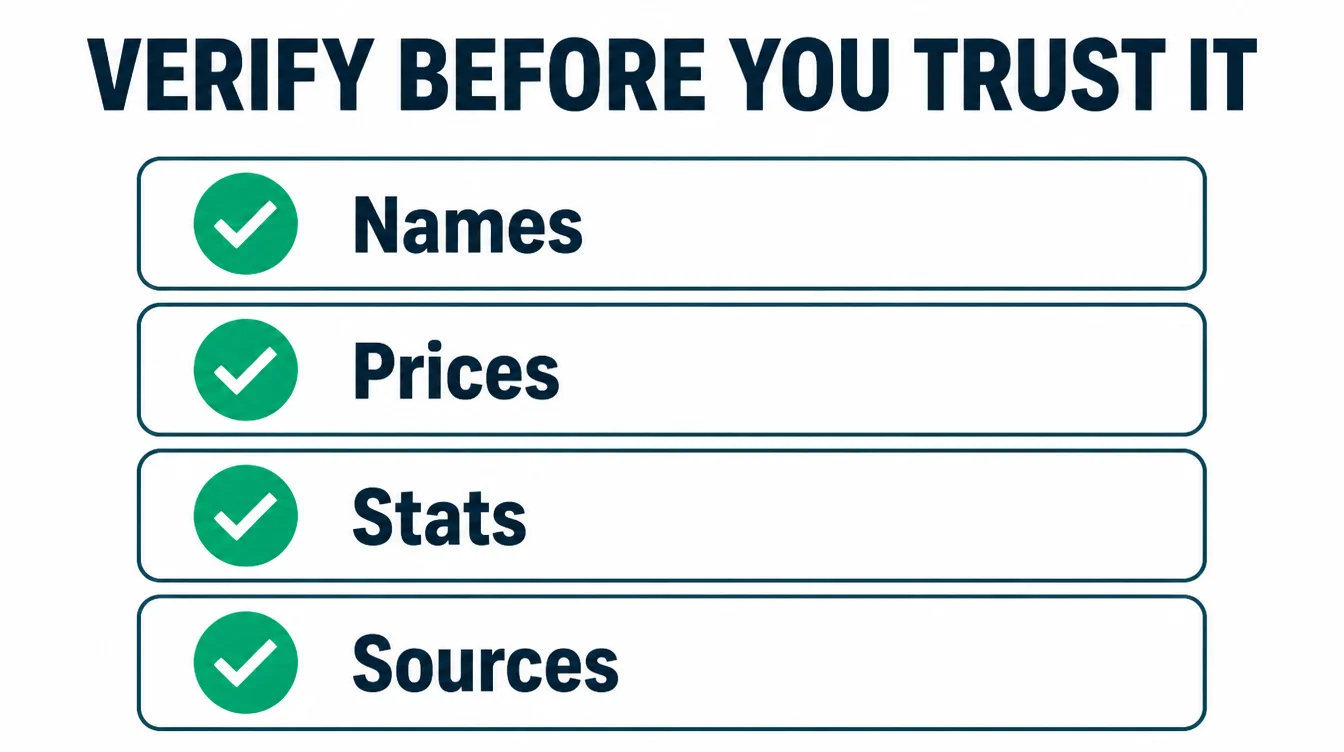
Here is the catch, and it matters. It can confidently invent a competitor, a price, or a statistic that does not exist. So use its output as a list of leads to check, never as fact.
Verify every name, number, and claim against a real source before you act on it. Used that way, it saves you the blank-page problem while you stay in control. If your aim is visibility, also read how to rank in AI overviews.
6. Use 5: plan a month of content
Captions are weak on their own, but content planning is where ChatGPT actually shines. The hard part is never the writing, it is deciding what to say and staying consistent.
ChatGPT removes that hurdle in one prompt. For a KL business that wants the plan run for it, see our content marketing agency in Kuala Lumpur.
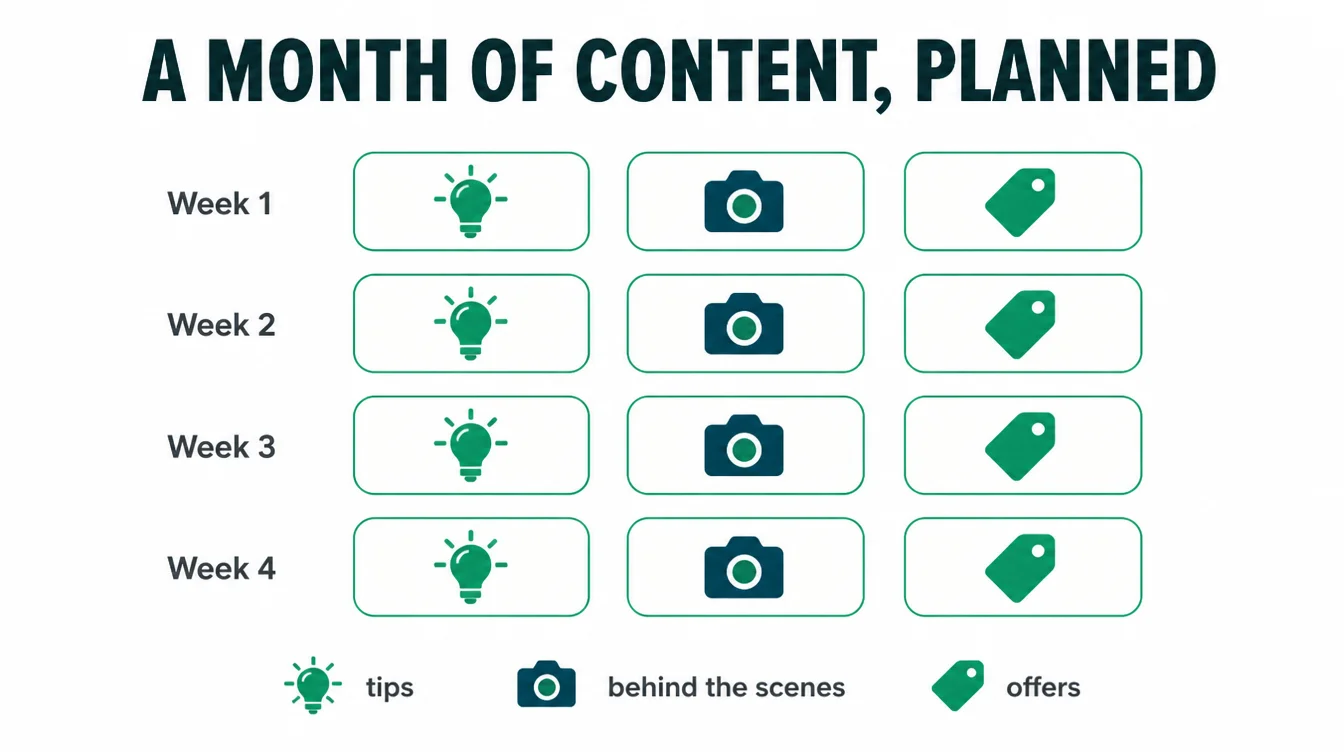
Try: "I run a bakery. Give me a four-week content plan, three posts a week, mixing tips, behind the scenes, and offers. One line per post." Now you have a calendar and no more guessing.
From there you can ask it to expand any single post into a draft you then edit in your own voice. If writing is the part you dread most, grab our 21 ready-made prompts built for exactly this.
7. Use 6: make sense of a spreadsheet
A spreadsheet can stare back at you for an hour before it gives up a single insight. ChatGPT reads it for you. Paste the rows, or upload the file, and ask plain questions about what is going on.
For example: "Here are my last three months of sales by product. Which products are growing, which are slipping, and what should I look at next?" It spots the trend and explains it in normal words.
That said, check its maths on anything important, because it can miscount or misread a column. Above all, never paste a sheet that holds personal customer data, which we cover in the warnings below.

8. Use 7: practise a sales call (role play)
This one surprises people. ChatGPT will play the customer so you can rehearse a tricky conversation before it happens for real. No pressure, no awkwardness, just practice.
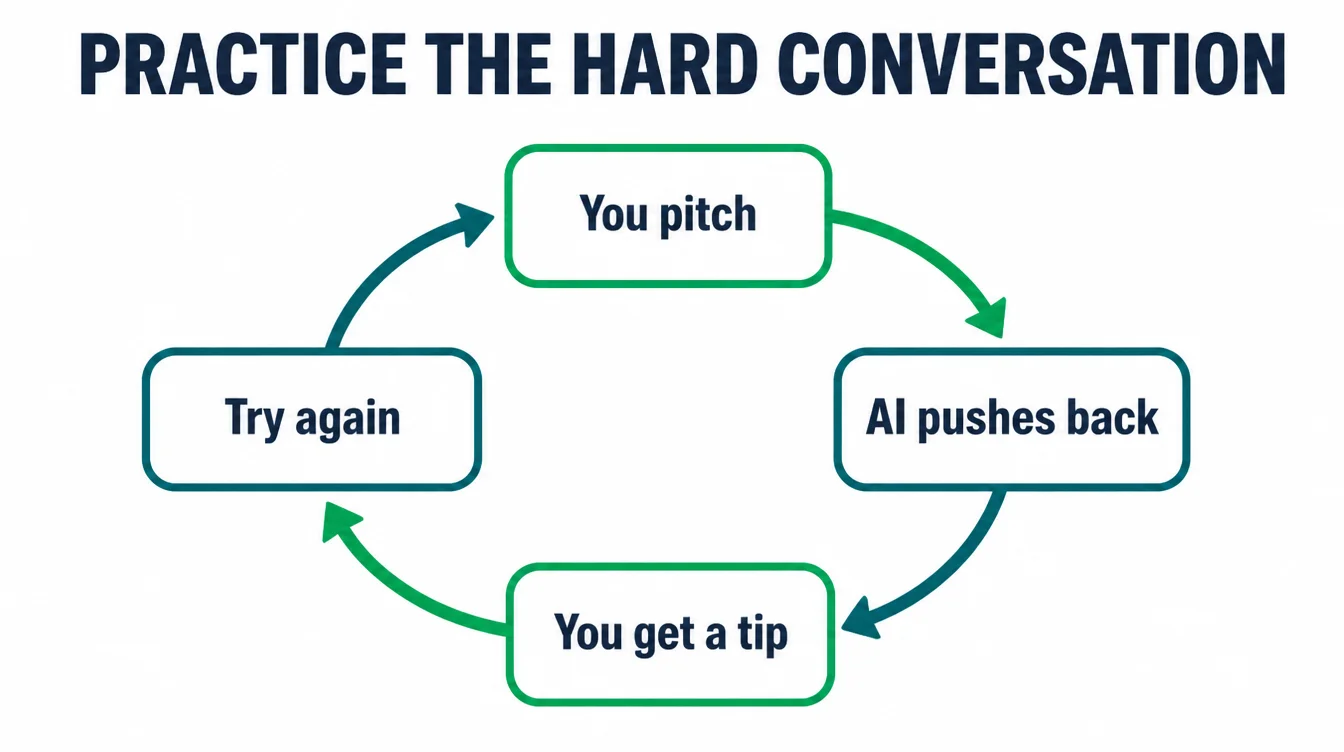
Set it up: "Act as a sceptical customer who thinks my service is too expensive. I will pitch, you push back with real objections, and after each round give me one tip to improve." You get to hear your weak spots and fix them in private.
Likewise, you can use it to prep for a hard supplier negotiation or a refund conversation. It is a patient practice partner that never gets bored or judges you.
9. Use 8: write job descriptions
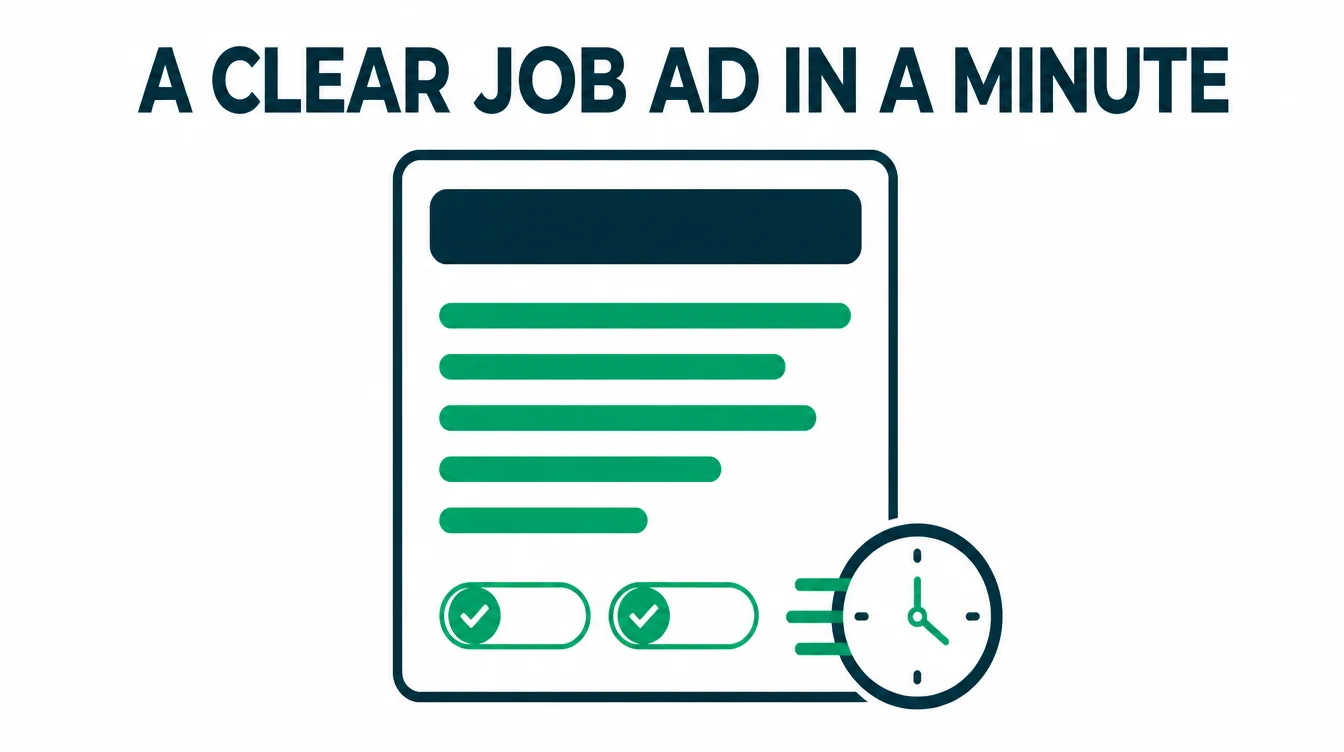
Hiring stalls because writing the job ad feels like a chore, so the role sits empty for weeks. ChatGPT writes a clear, honest first draft in a minute, which is enough to get you moving.
Tell it the role, the must-haves, and the vibe of your team. Ask: "Write a friendly, no-jargon job ad for a part-time barista, list five duties and three things we need, and keep it warm." Then you trim it to fit reality and post it.
The same trick works for interview questions, a simple offer letter outline, or a first-week onboarding plan for the person you hire.
| Task | What to ask for |
|---|---|
| Customer email | "Reply to this message, calm and warm, with a clear next step" |
| Review summary | "Pull the top three loves and three complaints, one quote each" |
| SOP or checklist | "Turn these rough steps into a checklist a new hire could follow" |
| Research | "List likely competitors and buyer objections for me to verify" |
| Content plan | "Give me a four-week, three-posts-a-week plan, one line each" |
| Spreadsheet read | "Which products are growing or slipping, and what should I check?" |
| Sales practice | "Role play a sceptical customer and coach me after each round" |
| Job ad | "Write a friendly, no-jargon ad with five duties and three must-haves" |
10. How to prompt well (role, context, format, example)
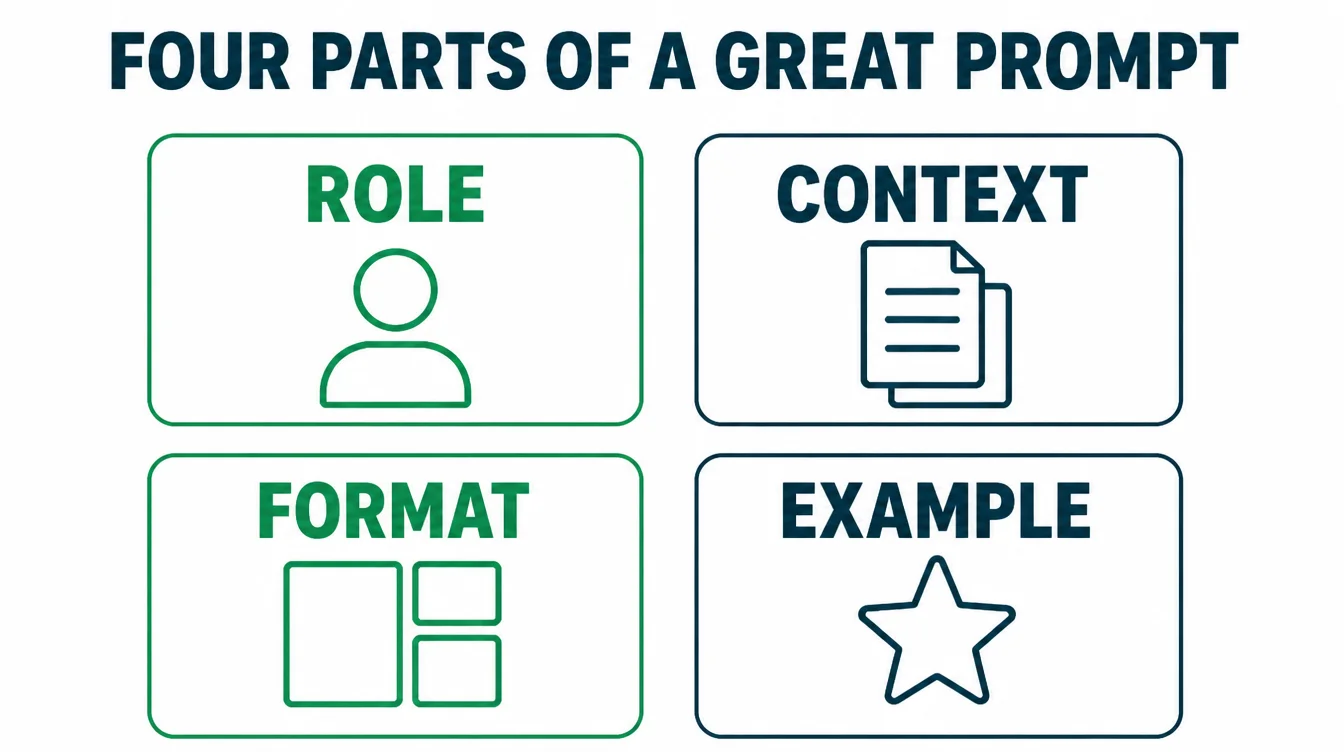
The gap between a bland answer and a brilliant one is almost always the prompt. A lazy prompt gets a lazy reply. A good one gives you something you can nearly use as is. The trick is to give it four things every time.
First, a role: tell it who to be, like "act as a friendly customer service rep." Second, context: the background it needs, such as what your business does and who the message is for.
Third, a format: say exactly what shape you want, like "give me three short options under 50 words each." Fourth, an example: paste a sample of your own writing so it copies your tone.
Stack those four and the quality jumps. For ready-to-use versions of all of this, our 21 ready-made prompts do the structure for you.
11. What NOT to trust it with (hallucinations, confidential data)
This is the most important section, so do not skip it. ChatGPT is a brilliant writer and a terrible source of truth, and the two get confused constantly.
The first risk is hallucination. These tools sometimes invent facts, quotes, statistics, and links, and they tend to sound confident even when they are wrong.
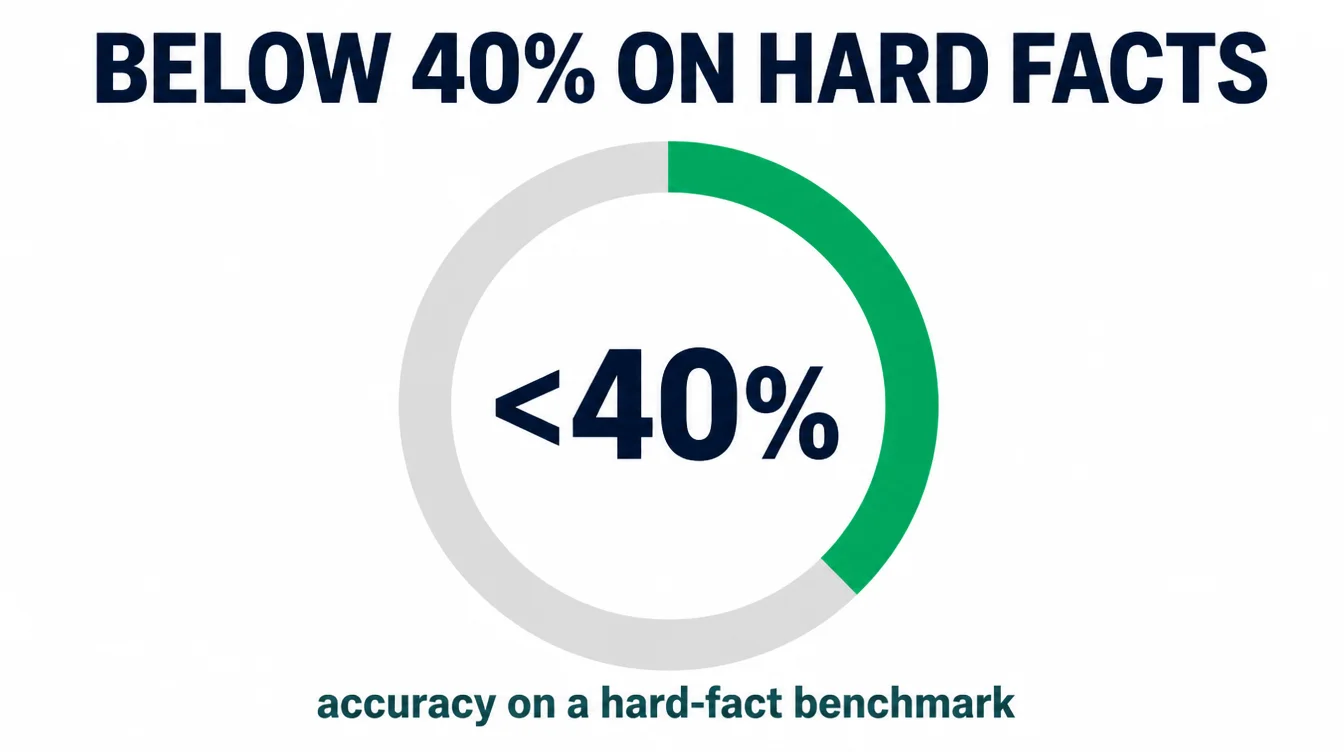
In fact, even leading models score below 40% on OpenAI's own hard-fact benchmark (OpenAI, 2024). So check every name, number, date, and source against a real one before you publish or send anything.
The second risk is data. Do not paste customer names, card numbers, passwords, contracts, or anything confidential into a normal chat, because that data can leave your control. Strip out real details first, or use placeholders like "Customer A." Finally, never use it for final legal, tax, or medical decisions.
It is a head start, not the last word. To pick the right tools for the job, see our roundup of the best AI tools for small business, get the repeat jobs set up properly with our AI and automation service, or browse more guides on the Seed Light blog.
Frequently asked questions
1. How can a small business use ChatGPT?
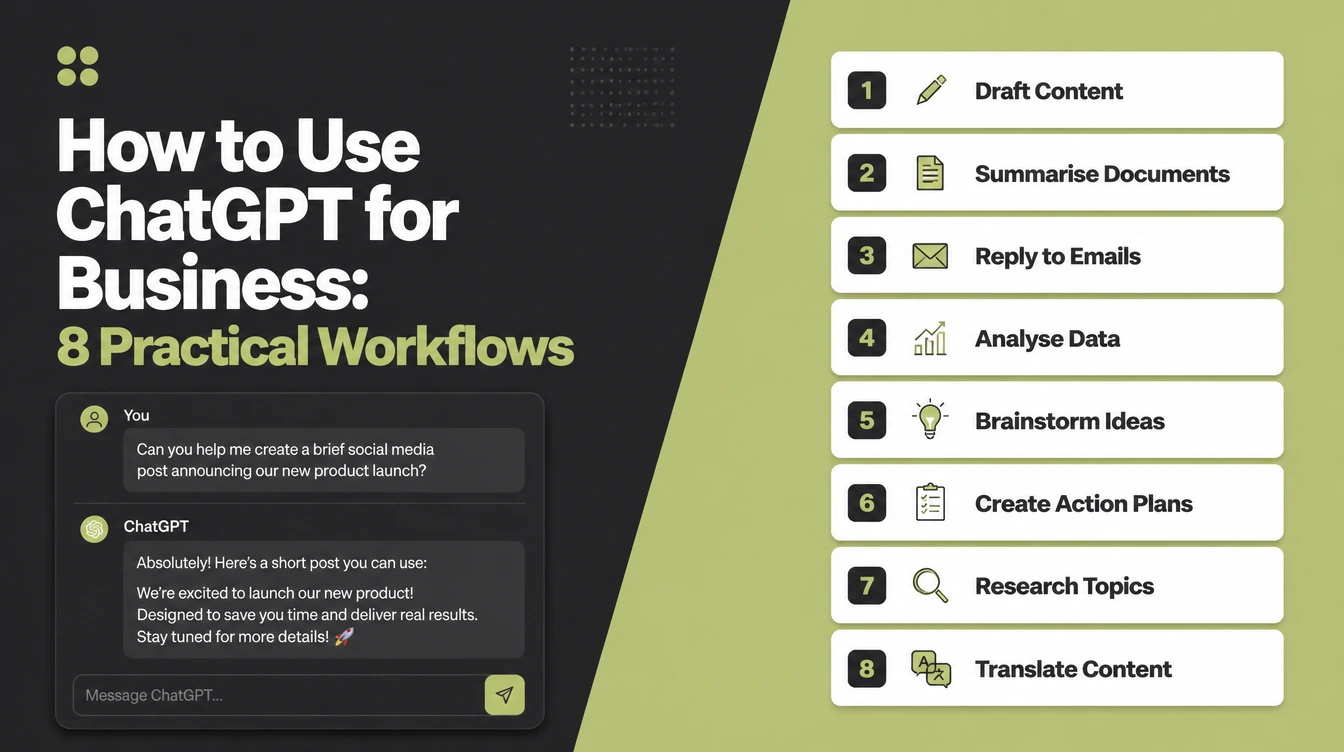
A small business can use ChatGPT to draft customer emails, summarize reviews, write SOPs and checklists, do first-pass market research, plan a month of content, make sense of a spreadsheet, practise a sales call, and write job descriptions. The pattern is the same every time: it gives you a fast first draft, and you edit it before anyone sees it. Most owners use it for everyday productivity rather than to automate whole jobs.
2. Is ChatGPT safe to use with business data?
Be careful. Do not paste customer names, card numbers, passwords, contracts, or anything confidential into a normal chat, because that data can leave your control. A safe habit is to strip out real names and numbers before you paste, or use placeholders like Customer A. If you handle sensitive data regularly, look at a business plan with data controls and talk to whoever manages your privacy obligations first.
3. How do I write a good ChatGPT prompt?
Give it four things: a role, context, a format, and an example. Tell it who to act as, give it the background it needs, say exactly what shape you want the answer in, and paste a sample of your own writing so it copies your tone. A short, vague prompt gives a generic answer. A specific prompt with those four parts gives you something you can almost use as is.
4. What should you NOT use ChatGPT for?
Do not use it for final legal, tax, or medical decisions, for anything where a wrong fact costs you money or trust, or for confidential and personal data. It is a fast writer and a patient brainstorm partner, not a lawyer, an accountant, or a source of truth. Treat every fact, figure, name, and link it gives you as a draft to verify, never as a final answer.
5. Does ChatGPT make things up?
Yes. These tools sometimes invent facts, quotes, statistics, and links, a behaviour known as hallucination, and they tend to sound confident even when they are wrong. Even leading models score below 40% on OpenAI's own hard-fact benchmark. So use ChatGPT to draft and summarize, but check every name, number, date, and source against a real one before you publish or send anything.
6. Can ChatGPT analyze a spreadsheet?
Yes, within limits. You can paste rows or upload a file and ask it to spot trends, summarize totals, or suggest what to look at next. It is great for a fast read of messy data and for explaining what a column means in plain words. Still, check its maths on anything that matters, because it can miscount or misread, and never paste a sheet that holds personal customer data.