Ad Fatigue: How to Tell If Your Ads Are Worn Out

Ad fatigue is when the people you're paying to reach have seen your ad enough times that it stops working on them. Seed Light treats it as a diagnosis rather than a hunch: results have to fall while the same people keep seeing you, and the asset numbers have to agree.

You launch an ad, it does well for two weeks, then the leads stop. Nothing changed at your end. The first thought is always that people are bored of it.
Sometimes that is right. Often it is not. Costs move for many reasons, and replacing the ad when the real problem is somewhere else wipes out your results so far and teaches you nothing.
So here is how to tell the difference using numbers the platforms already show you, and what to change first once you are reasonably sure the ad itself is the problem.
Key Takeaways
- People seeing your ad more often is not proof of anything. It only matters if your cost per result is getting worse at the same time.
- What you change matters more than when. A new picture, a new offer and a wider audience each fix a different problem.
- Trust the report over your instinct on creative fatigue. A headline or image the platform has stopped showing altogether is telling you something an opinion cannot.
- Change one thing at a time. Replace the image and the offer together and you will never know which one moved the number.
- Capping how often people see it is cheaper than rewriting it. On some campaign types you can limit how many times one person sees your ad, which makes it last longer.
What Is Ad Fatigue?
Ad fatigue is what happens when the people you are paying to reach have seen your ad so many times that it stops working on them. The ad did not get worse. They just got used to it.
Ad fatigue is a real problem. It also gets blamed for plenty of drops it had nothing to do with.
The number everyone looks at is ad frequency. It means how many times the average person saw your ad. It is a useful warning sign and a poor judge on its own.
The trouble with an average is what it hides.
Google Ads also breaks this down for you, splitting your audience into the people who saw an ad once, twice, three times and so on. It calls that a frequency distribution, and only reports it for a date range of 31 days or less.
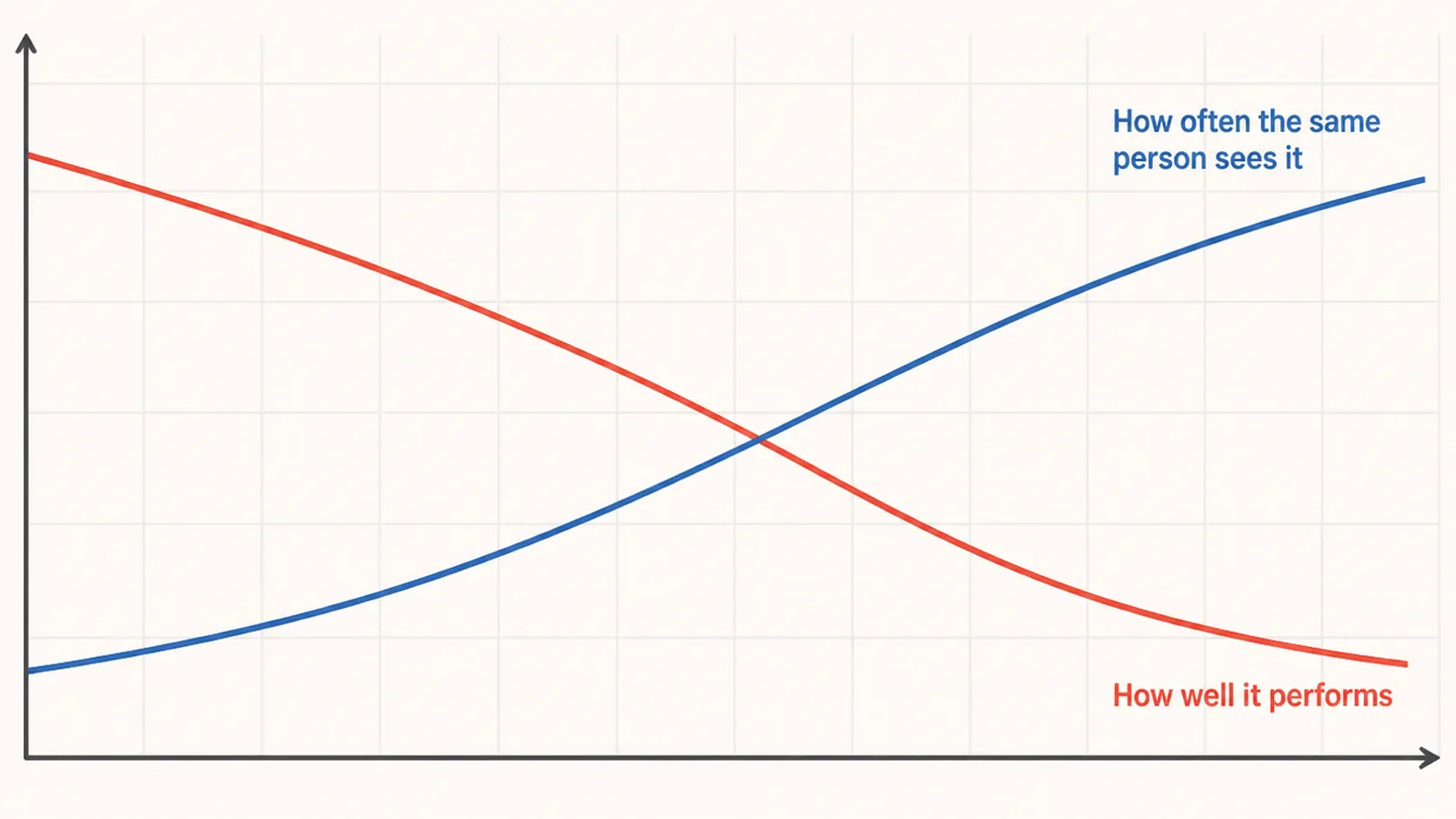
That difference matters. An average of three can mean everyone saw you three times, or that most people saw you once while a small group saw you eleven times.
The second one is not ad fatigue at all. It means you are showing the same ad to too few people, and the fix is a wider audience rather than a new picture.
Creative Fatigue: Why It Is Harder to Spot Now
Ten years ago you chose which ad ran. Now the platform chooses, and it quietly stops showing the weaker one before anything looks wrong to you.
Google's default setting is Optimize. It shows more of the ads it expects to do better.
You can still choose to rotate them evenly, though Google says that option is not recommended for most advertisers. If you use Smart Bidding, Google applies Optimize for you anyway.
So by the time your results look flat, the system has usually already stopped showing your weakest ad. What you are seeing is the system running out of good options.
That changes what ad fatigue looks like. Not one tired ad, but a whole set that has nothing new left in it.
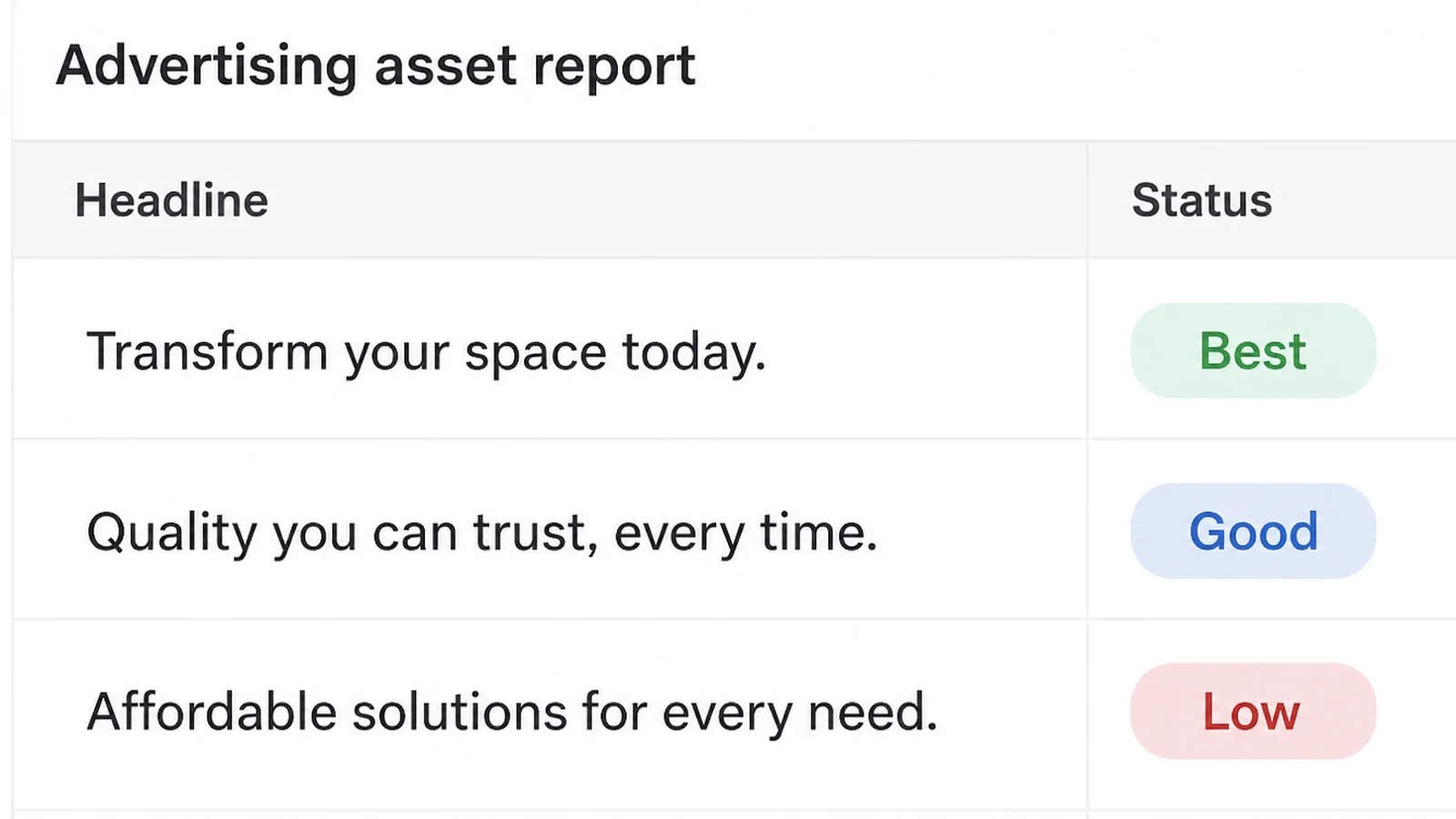
Reporting has moved too. Google retired the old performance label on search ad assets and now shows real numbers for each one, with full statistics available for dates on or after 5 June 2025. Display assets still carry labels: Learning, Low, Good, Best and Unrated.
All of this points the same way. You no longer have to guess which line people ignored. You can go and look.
How to Tell If Ads Are Fatigued
1. Line up results and frequency in one view
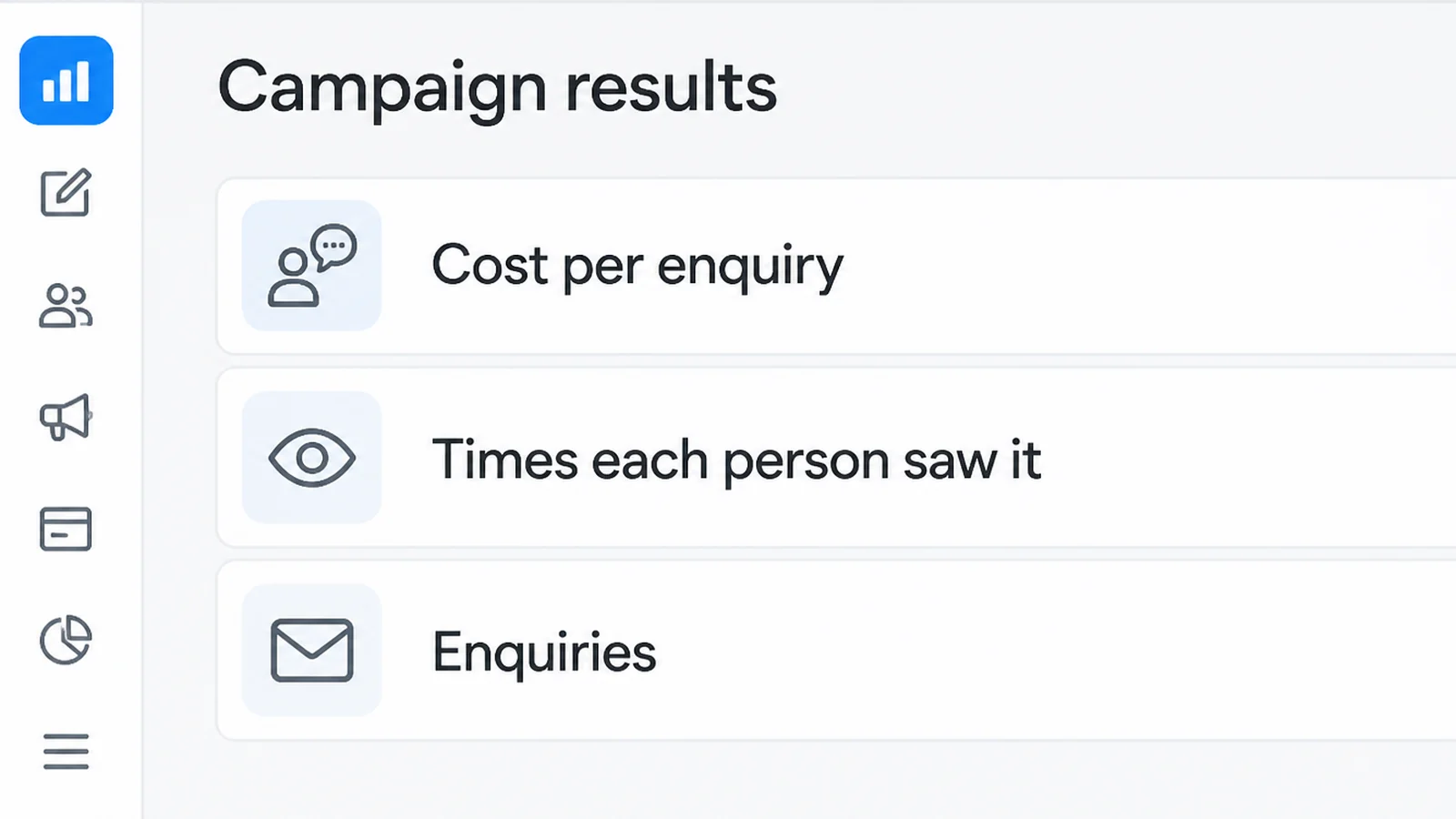
Put your cost per lead or per sale next to how often people are seeing the ad, over the same weeks. Real ad fatigue looks like the cost rising as the frequency rises.
If your cost went up while the frequency stayed flat, something else is going on. Check your budget, what your competitors are doing, and whether your busy season has just ended.
2. Open the asset report before blaming the whole ad
Most ads are made of several headlines and images, and usually one of them is the problem. Google's advice for search ads is to consider replacing assets that receive zero impressions after several weeks.
That is the closest thing to a rule any platform publishes, and notice what it is not. It is not a schedule. It is a sign you go looking for.
Google also warns that ratio numbers at asset level, such as click rate and cost per action, should be read as directional only. Judge the group, not the single line.
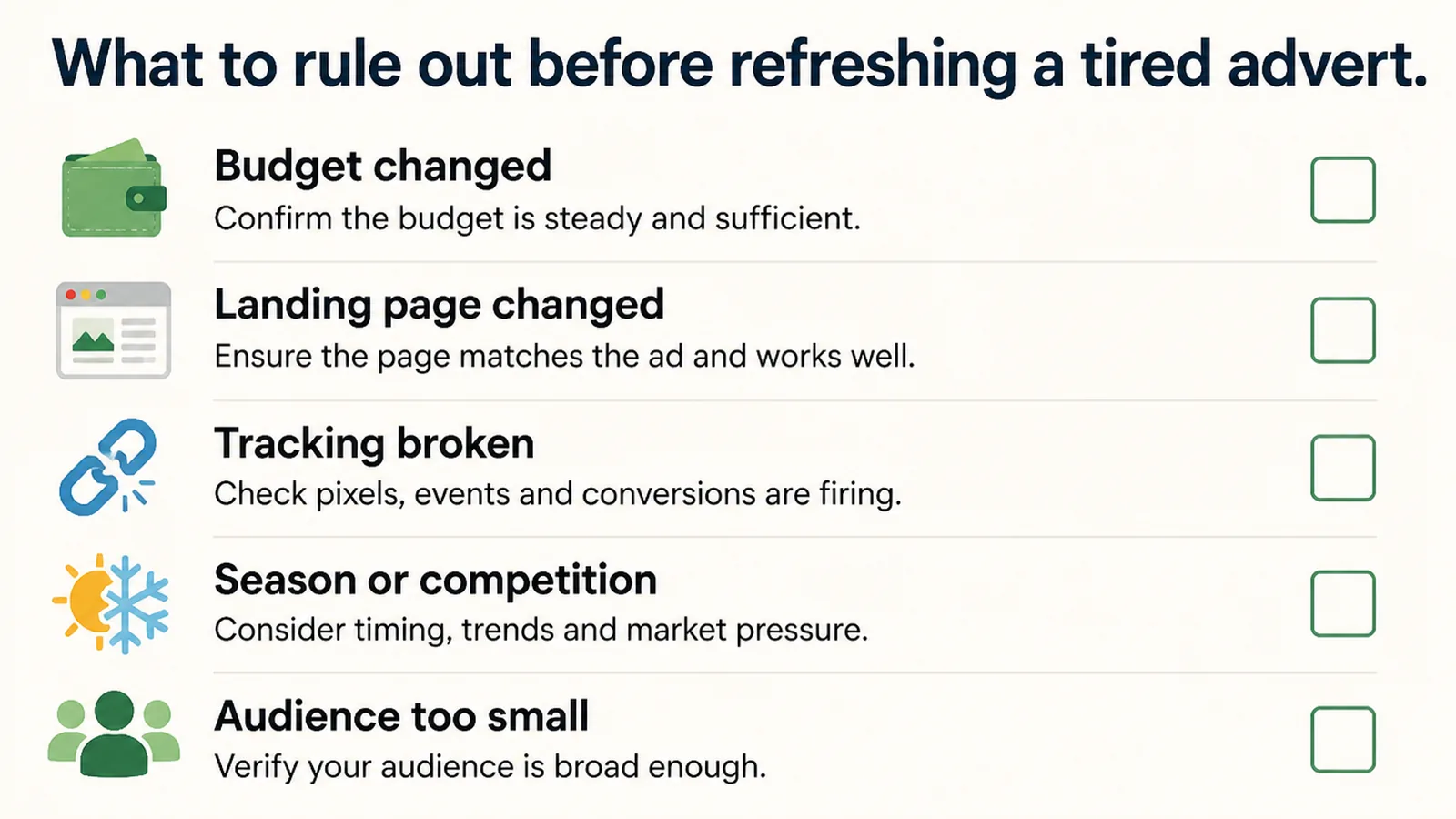
3. Rule out the dull explanations before blaming ad fatigue
Before you write anything new, check that everything still works. A broken form, a slow page or a payment step that has started failing all look exactly like a tired ad in your reports.
Start here, because the checks are quick and a broken form produces exactly the same drop in results.
Click your own ad and try to buy from yourself. It takes five minutes and answers the question.
4. Change one thing and let it run
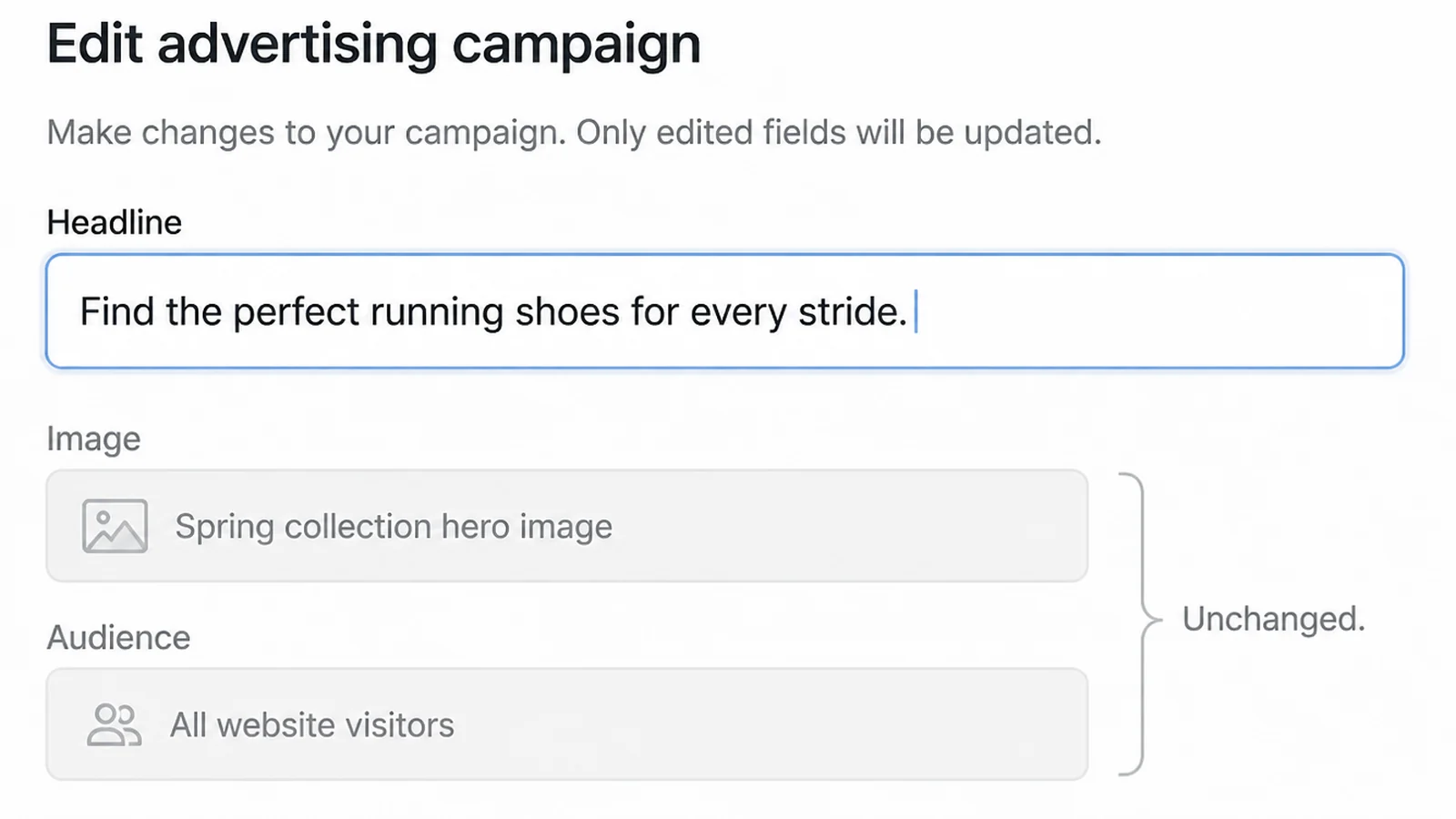
Build a new ad rather than editing the live one. Editing mixes the old results in with the new, and that comparison is the only way to tell whether your change worked.
Leave both running. Turn off the weaker one once you have enough results to say honestly which it is.
5. Put a limit on how often one person sees you
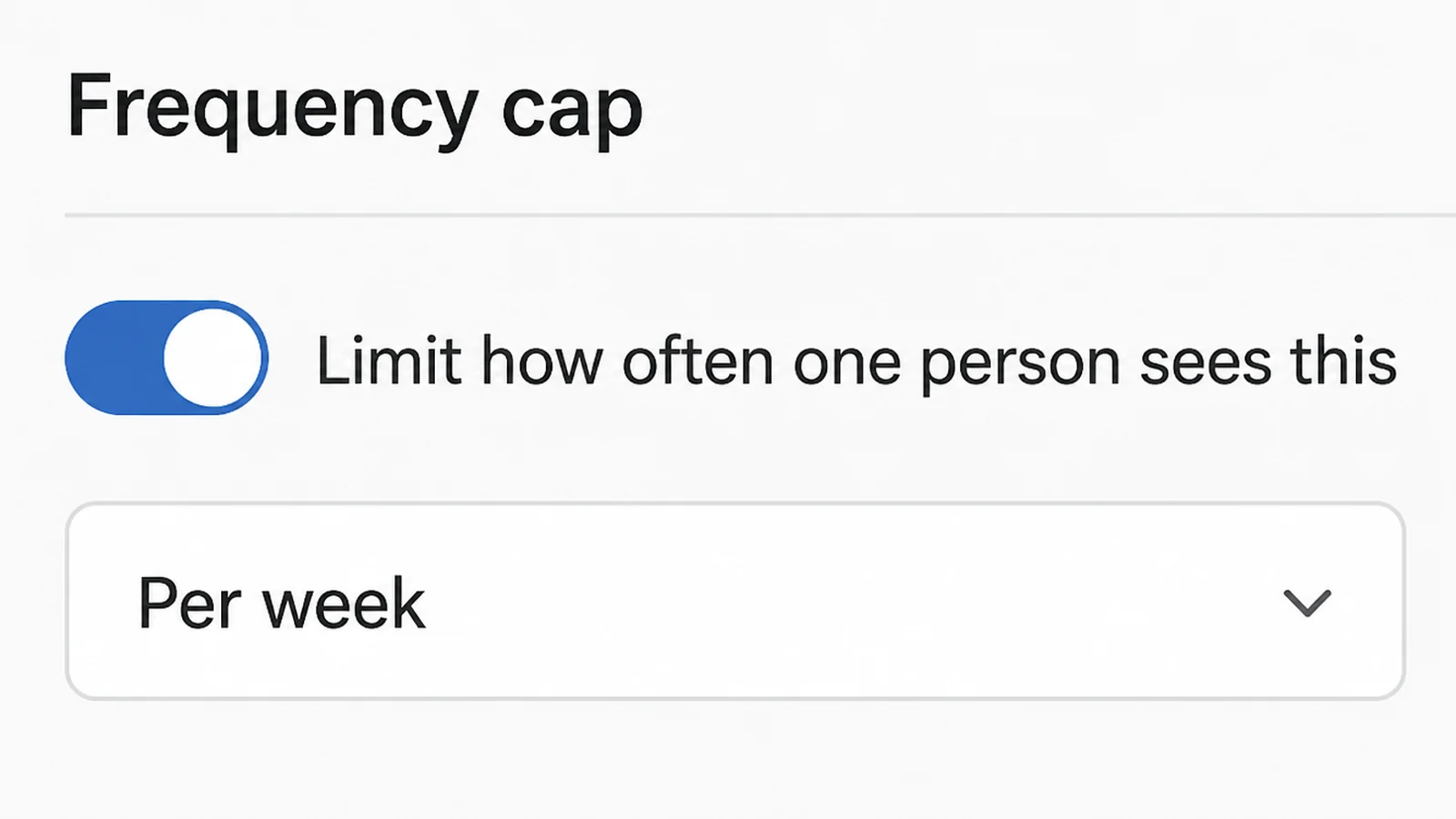
Google Ads lets you set a frequency cap on Display and Video campaigns, per day, week or month, and stops showing that campaign to someone once they hit the number. Display can be capped at campaign, ad group or ad level.
Search campaigns do not offer this. There you control how often people see you through your budget and the size of your audience.
When to Refresh Ad Creative, and What to Change First
| Change | What it fixes | Best for |
|---|---|---|
| New image or video | People scroll past without registering you | Social feeds and Display, where the picture stops the scroll |
| New headline or description | They see you, but the promise lands flat | Search ads, where the words are the whole ad |
| New offer | They understood you and still said no | Anyone whose click rate held up while sales fell |
| Wider audience | A small group is absorbing most of your budget | Tight local targeting with a high spend behind it |
| Frequency cap | The same people keep getting served | Display and Video campaigns only |
Ad Refresh Ideas That Work Right Now
- Change the opening shot and keep the rest of the video. The first second does most of the work, and re-editing it is far quicker than filming again.
- Photograph the same thing on a different day. Different light and a different angle look like a new ad to somebody scrolling past.
- Turn a real customer question into the headline. The wording is already sitting in your inbox and your messages.
- Give the system more to choose from. For Performance Max campaigns, Google asks for at least seven image assets, including one at 1200 x 1200.
- Replace the weak asset rather than removing it. Google advises replacing low-rated assets instead of deleting them without a replacement.
- Show the product being used. A product on its own looks like a catalogue page. A product in somebody's hands looks like an ad.
Ad Fatigue Tools
| Tool | What it tells you |
|---|---|
| Google Ads frequency distribution report | How many people saw you once, five times, or ten and more |
| Google Ads asset detail view | Impressions, clicks, cost and conversions for each headline and image |
| Performance Max Ad Strength | Whether an asset group is thin, rated from Incomplete up to Excellent |
| Your own analytics | Whether the drop starts at the click or later, on the page |
| A dated note of every change | What you altered and when, so a dip has a suspect |
On that third row, Google reports that advertisers who improve Performance Max Ad Strength from Good to Excellent see 6% more conversions on average. Treat it as a fullness check, not a scoreboard.
Common Ad Fatigue Mistakes
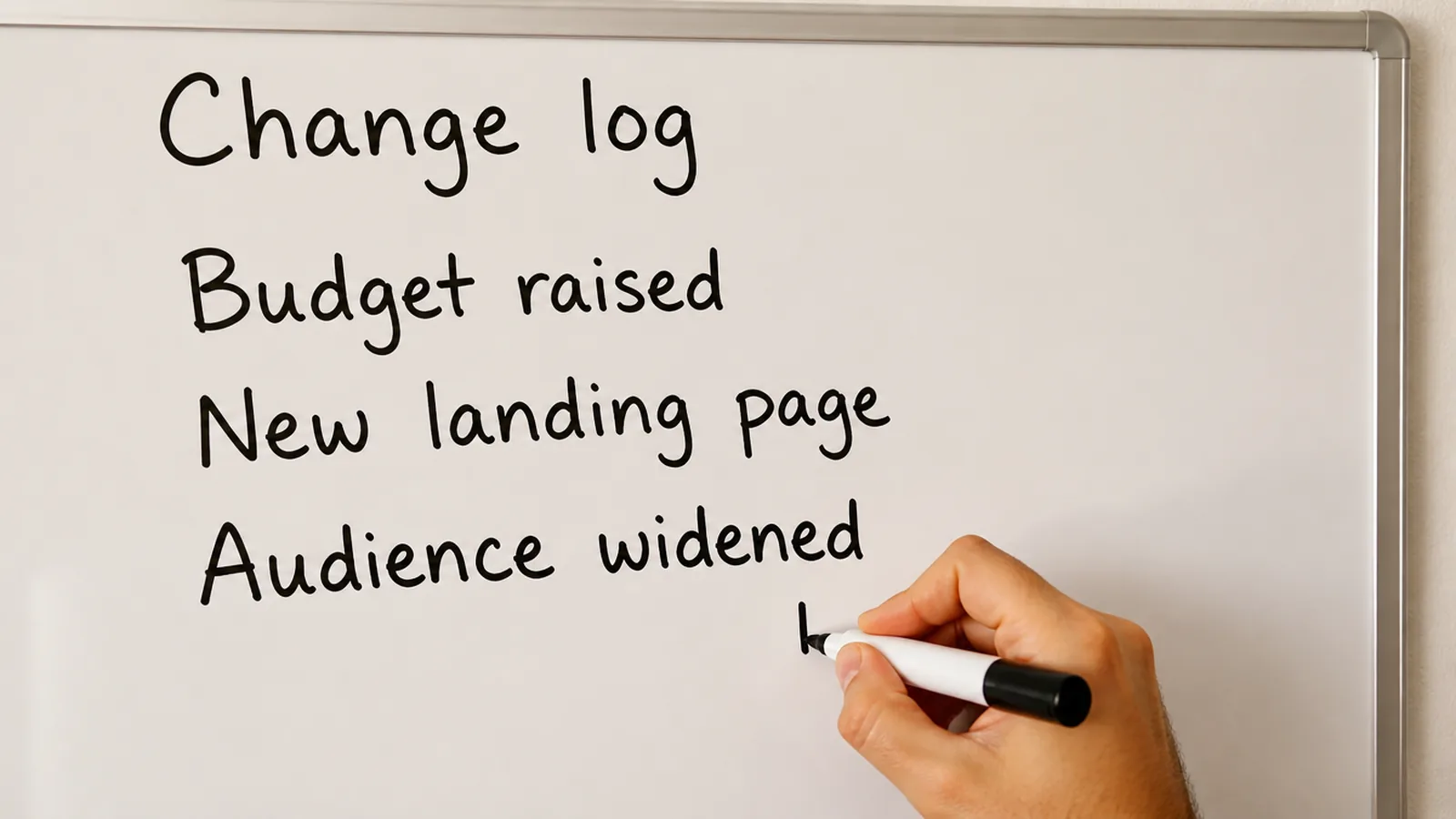
- Changing ads on a schedule. No platform publishes a rule about doing this every two weeks or every month, so a schedule is just a habit.
- Changing everything at once. A new picture, new words and a new audience together, and nothing you learn can be used again.
- Deleting a weak headline without replacing it. That leaves the system fewer combinations to try, not better ones.
- Judging a new ad after two days. Early numbers from a handful of clicks swing wildly, and acting on them is expensive.
- Treating frequency as the whole story. It is a warning light. The result is what you are actually paying for.

FAQs
How do I know if it's ad fatigue and not something else?
Two things have to be true at once. Your results have to be getting worse, and the same people have to be seeing you more often while that happens. If only one of those is true, look at your budget, your season or your landing page first, because a fresh ad won't fix any of those.

How often should I change my ad creative?
There isn't a published rule for a fixed number of weeks. Google's own advice for search assets is narrower: consider replacing assets that get zero impressions after several weeks. Change things when the numbers say so, not on a calendar.
What counts as a bad frequency number?
No platform publishes one, because it depends on what you sell and how long people take to decide. Frequency is only a warning light. Read it next to your cost per result, and remember that an average hides the people who have already seen your ad ten times.
Should I pause the ad or edit it?
Build a new one instead. Editing a live ad muddles the before and after, so you lose the only comparison that would tell you whether the change helped. Leave the old ad running while the new one gathers results, then turn off whichever one is losing.
Can I stop people seeing my ad too many times?
On some campaigns, yes. Google Ads lets you set a frequency cap on Display and Video campaigns, per day, week or month, and stops showing that campaign to a person once they hit it. Search campaigns don't offer it, so there you manage exposure with budget and audience.
Conclusion
Ad fatigue is real, and it is also easy to blame. The numbers may point to a simpler and cheaper fault instead.
Give yourself a rule you can follow. Results falling, the same people seeing you more often, the asset numbers agreeing. Two out of three is a maybe.
Then change one thing, run both, and write down the date. That habit will teach you more about your ads than any refresh schedule.
If you'd rather have someone watching this every week, see how we run Google Ads, or reach out to my team at Seed Light.