Conversion Tracking: Make Your Ad Reports Show Real Money

Conversion tracking records what happens after an ad click, from a form or call on your site to a sale that closes weeks later in your own records. Sent back to Google Ads or Meta with a value attached, it turns a report full of form fills into a report of money. Seed Light sets this up before spending.
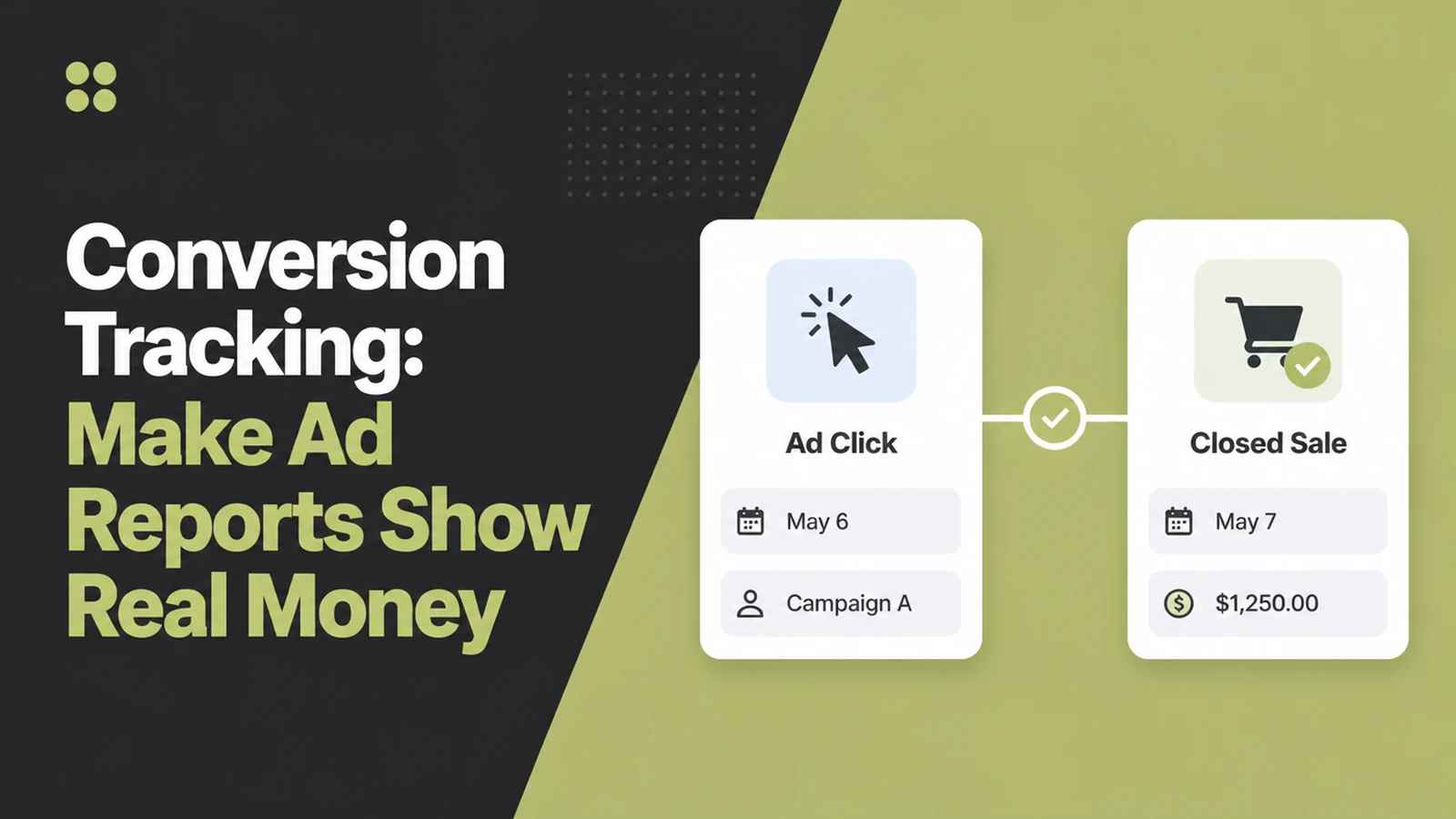
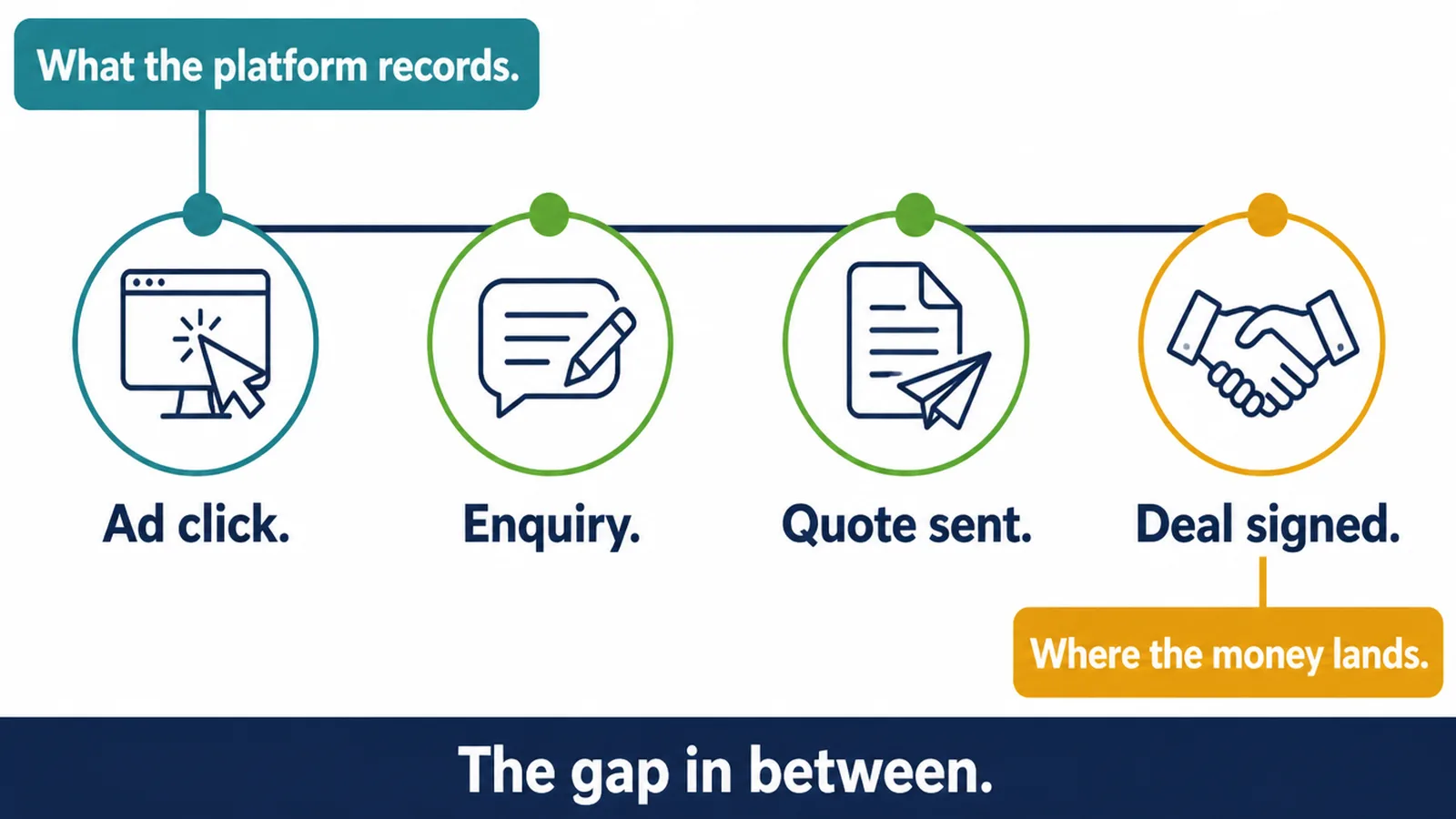
Your ads report says forty conversions this month. Your bank statement says three paying jobs. Both numbers are honest. The gap between them is where the ad budget goes to waste without anyone noticing.
The report only knows what you tell it. If the only thing you ever report is a form submission, every form is worth the same, including the ones that never pick up the phone.
Track ad conversions properly and the picture changes. You can see which keyword brought the customer who actually paid, and hand the ad platform the same information so it goes looking for more people like them.
Key Takeaways
- A form fill is not a sale. Until the closed amount goes back through an offline conversion import, your report is counting interest, not income.
- Save the click ID with every enquiry. Google puts a click ID on every visitor who arrives from an ad. Keep it with the lead and you can connect a sale months later to the exact ad that started it.
- Put an amount on each conversion. Without one, a small repair and a full project count the same, and the platform cannot tell which ads bring the bigger jobs.
- Mark the money action as primary. Only primary actions show in the Conversions column and guide automated bidding. Everything else is just there to look at.
- Two settings change the number. How conversions are counted, and how long after a click they still count, both change how good your ads appear to be.
What Is Conversion Tracking?
Conversion tracking is a way to record the actions you care about and report them beside the ad that earned them. You pick what counts as valuable, and the platform does the matching.
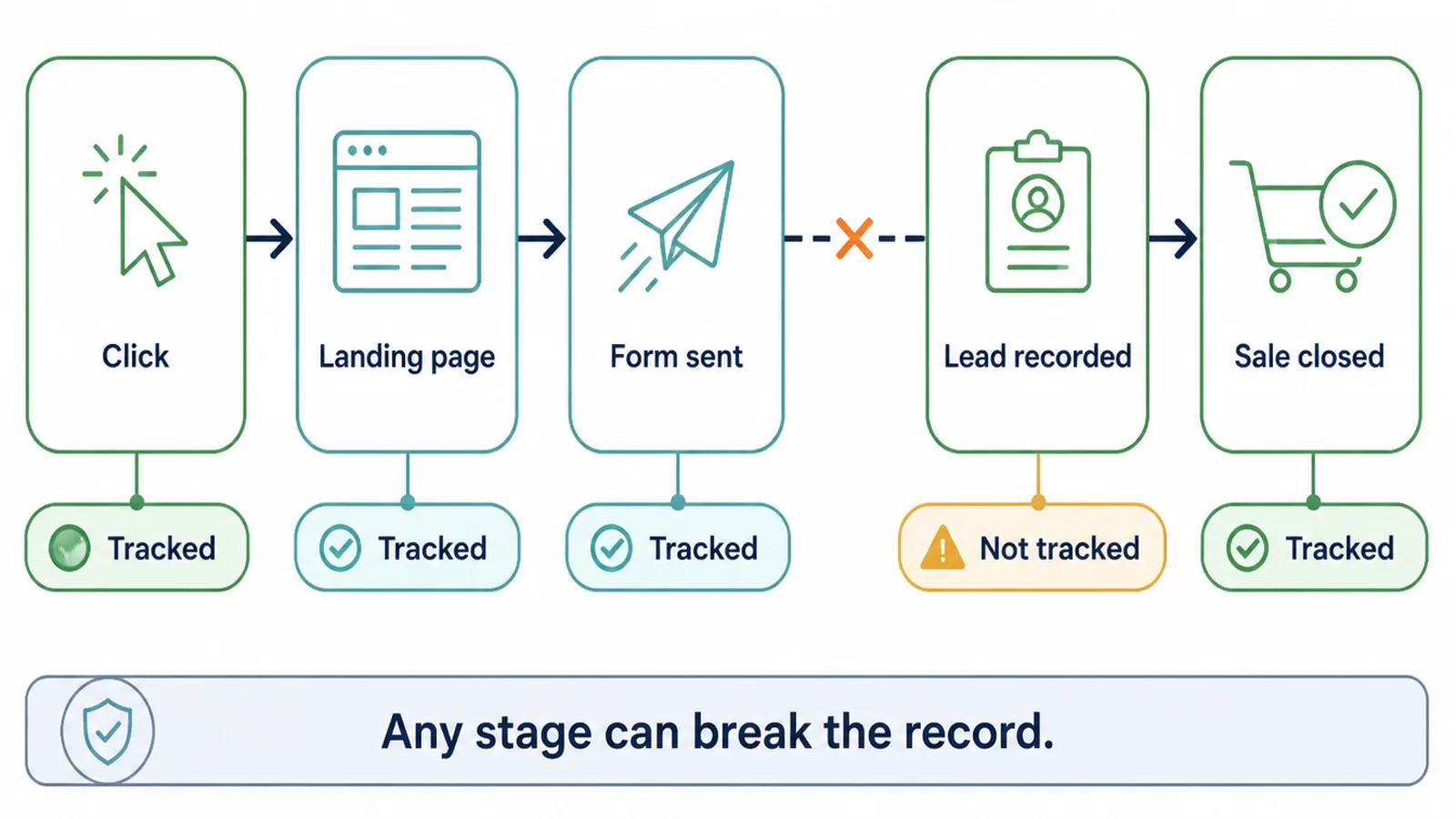
Google Ads splits those actions into four groups. Things people finish on your website, things they do in your app, phone calls, and sales you upload from your own records (Google Ads Help, read on 9 September 2026).
Most small businesses skip that fourth group. It is the only one that tells you about actual money.
A quote request might become money one day. An invoice already is money.
You do not do this to get a nicer report. Google says the same data shows which keywords, ads and campaigns bring in valuable activity.
It also feeds the automated bidding that decides how your budget is spent. Feed it poor data and it spends your money poorly.
Why Conversion Tracking Is Different Now
Conversion tracking is moving out of the browser and onto records you already keep yourself.
Google now tells advertisers who have not set up offline imports to start with enhanced conversions for leads instead. That method matches on hashed contact details rather than a stored click ID (Google Ads Help).
Dates are attached to that shift. From 15 June 2026, offline conversion imports and enhanced conversions for leads uploads move to the Data Manager API and are blocked in the Google Ads API (Google Ads Help, read on 9 September 2026).
Meta made the same move with its Conversions API, a server to server link that carries website, app, messaging and offline events into the same place the pixel reports to.
So the question is no longer which tracking code to paste onto your site. It is which of your own records you are willing to send back, and in what form.
For a service business, that usually means one field in the enquiry form and one habit in the office.
The habit is the harder part. Someone has to mark deals as won, with the amount, somewhere a computer can read it.
| Way to connect the sale | Best for |
|---|---|
| Website tag only | Shops and bookings where the money changes hands on the site |
| Click ID saved with the lead, uploaded later | Quote based work where you already run a CRM and can store an extra field |
| Enhanced conversions for leads | Lead forms where you hold an email or phone number but no click ID |
| Meta Conversions API | Anyone advertising on Facebook or Instagram who wants events sent from a server |
| Offline events with a store source | Walk in sales you want matched back to social ads |
How to Set Up Google Ads Conversion Tracking That Reports Money
1. Decide which actions count
Write down every action worth money to you, then rank them. A signed job, a booked appointment, a phone call that lasts long enough to be real, a form fill, a brochure download.
Most owners set up conversion tracking for the last two because they are easy to record.
Keep tracking them. Just do not judge the ads on them.
2. Turn on auto-tagging and keep the click ID
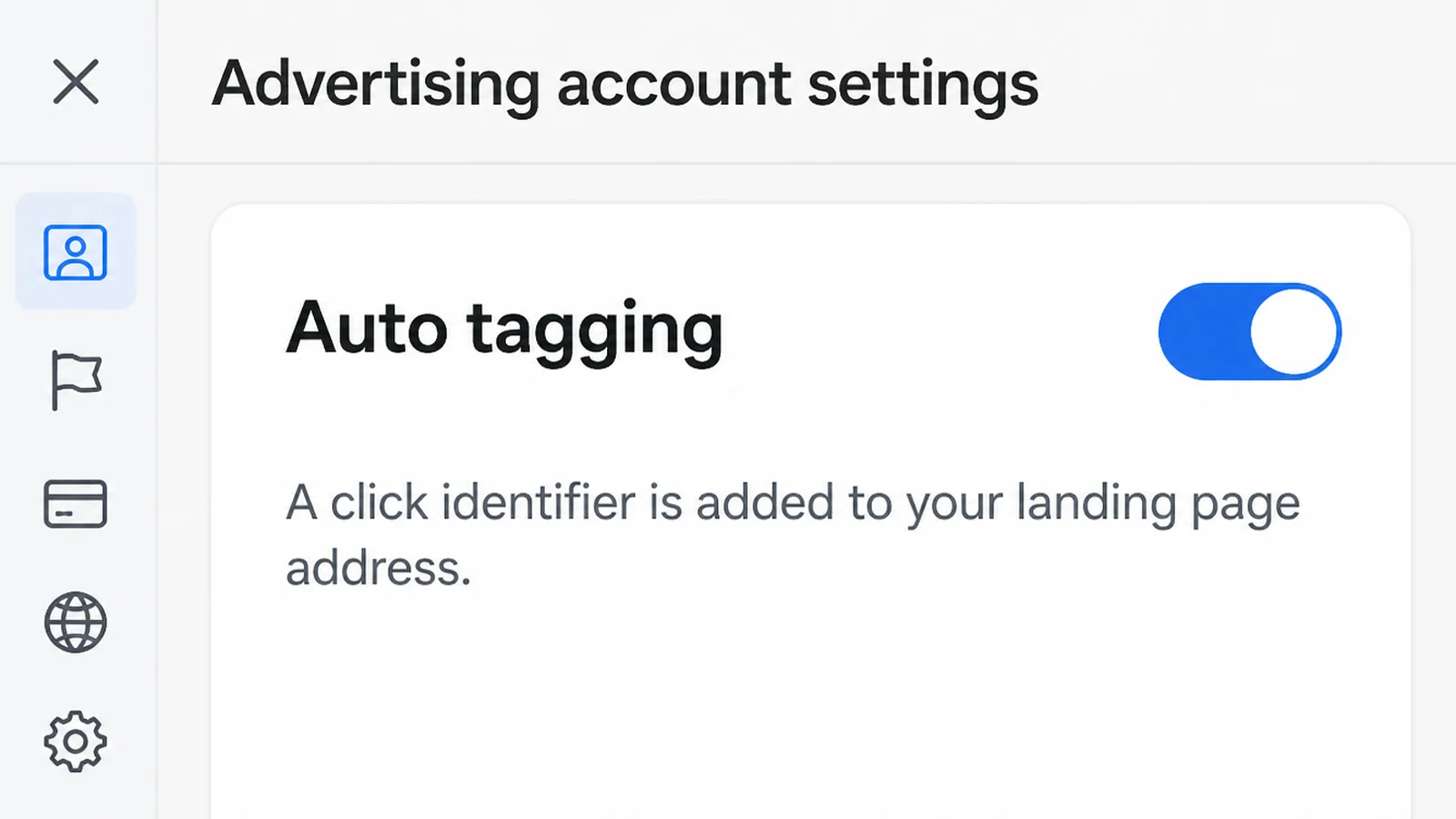
Auto-tagging adds a GCLID to the address people land on after clicking your ad, and that parameter carries the campaign and other details of the click. Google says it is required for website conversion tracking (Google Ads Help).
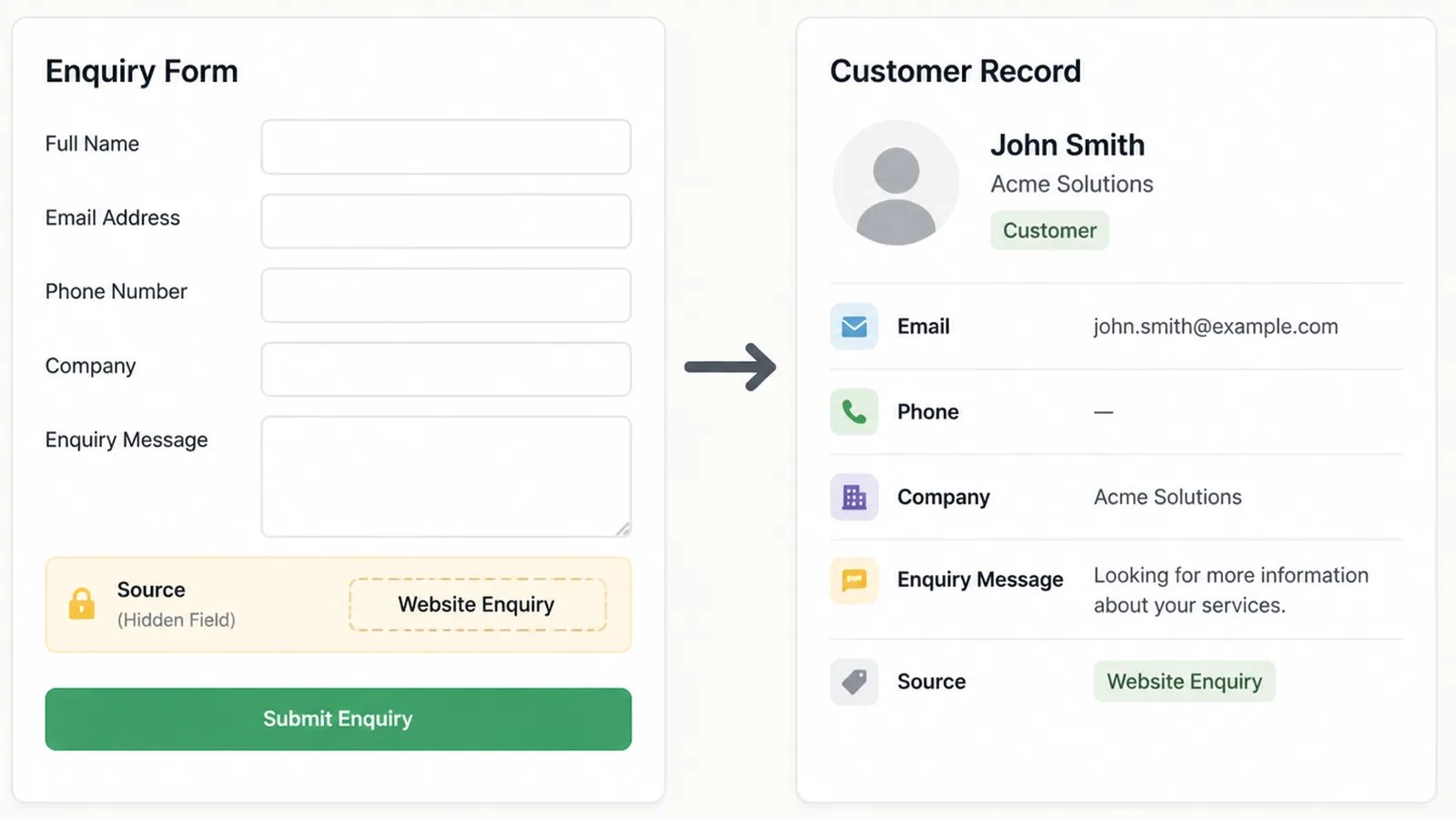
Add a hidden field to your enquiry form that captures that value and saves it with the lead.
In my experience that one hidden field is the difference between guessing and knowing. It is a small job for whoever built your forms.
3. Put a value on each action
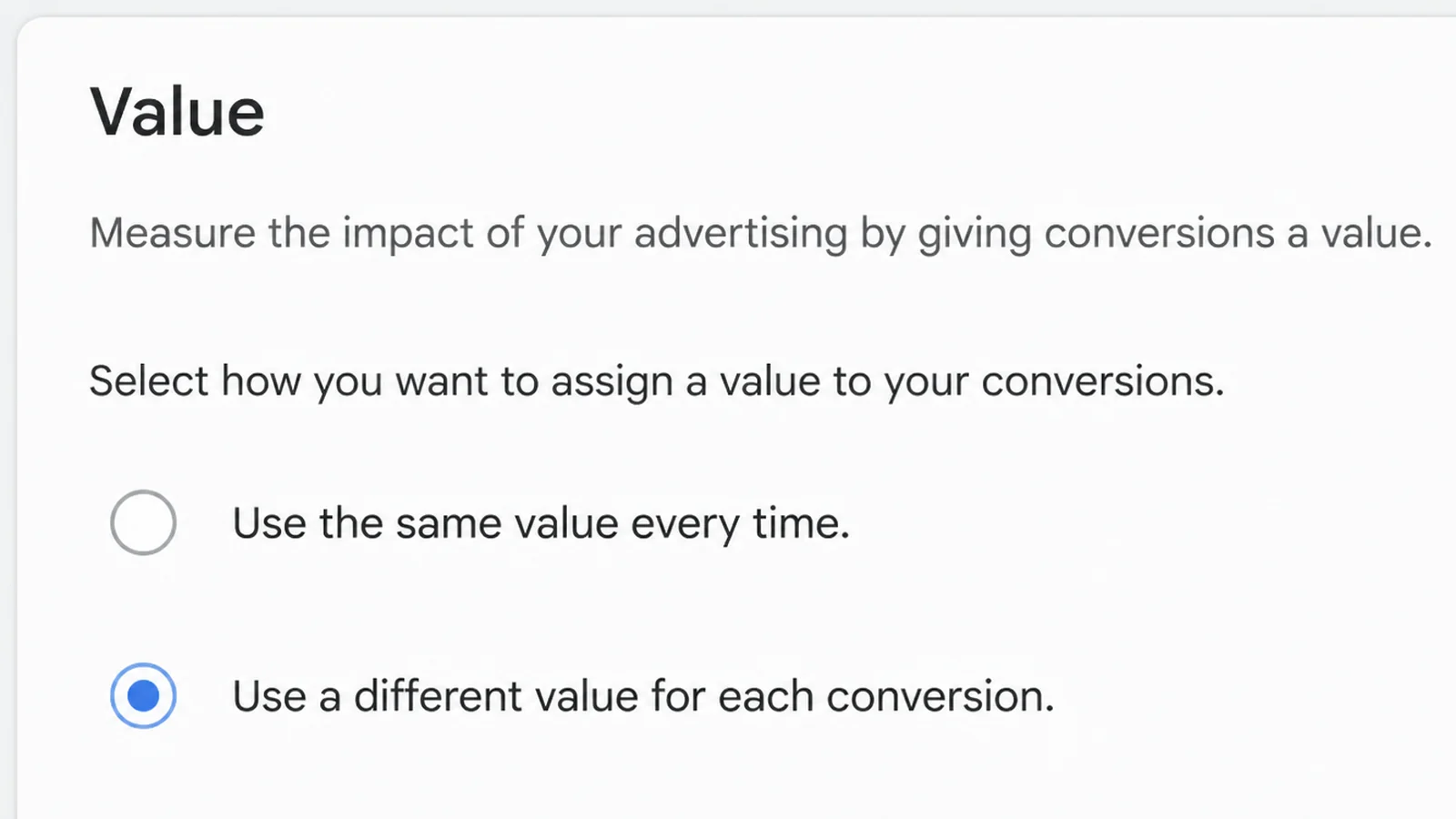
Google Ads lets you give every conversion the same fixed amount, or pass a different amount each time using the value and currency parameters (Google Ads Help).
A single fixed amount is fine to start with. It is far better than no amount at all.
If your jobs range from small repairs to full projects, sending the real amount each time is what makes the report worth reading.
4. Send the closed sale back
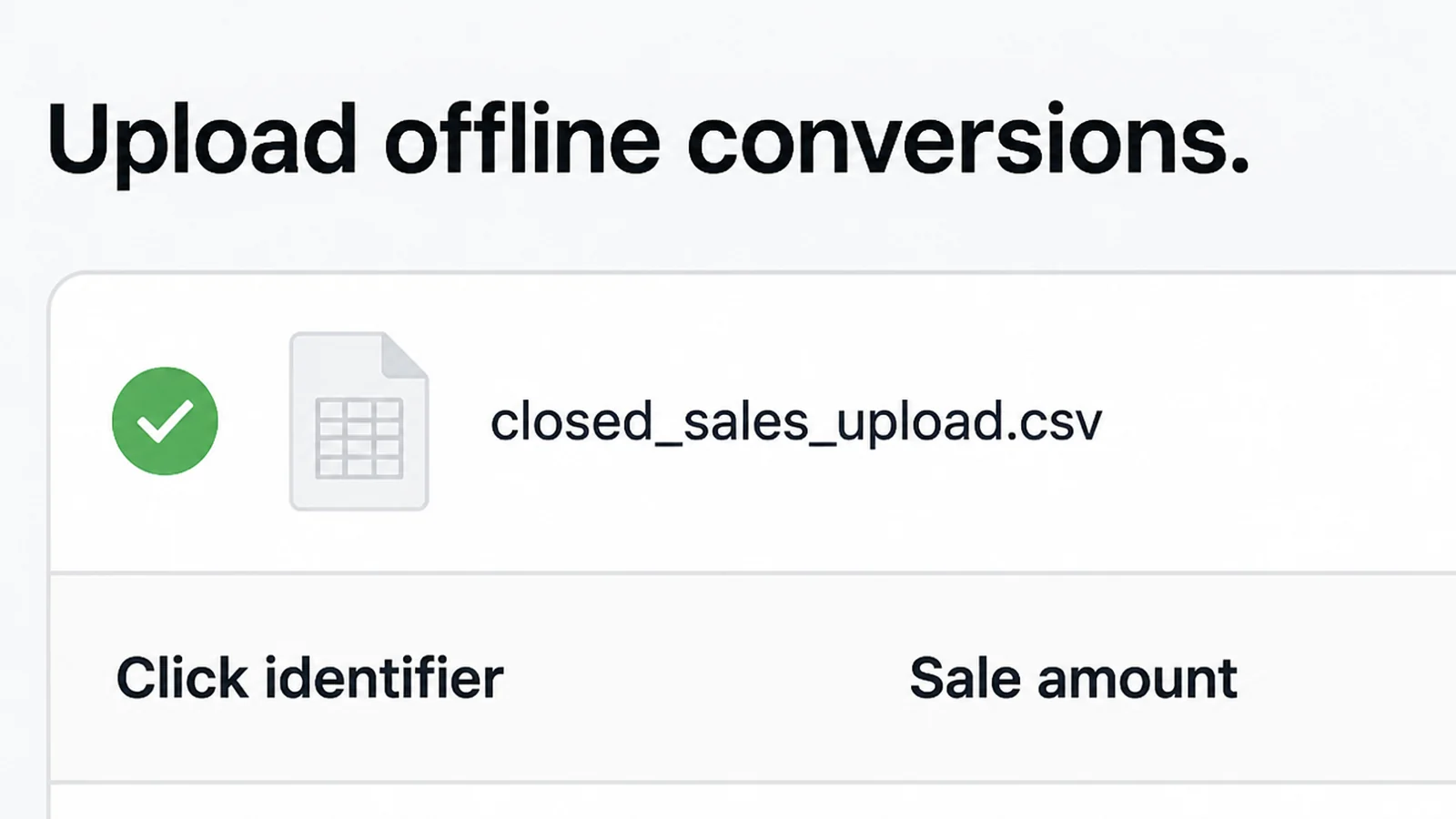
When a deal closes, upload it with the click ID and the amount. I would upload monthly for a small account, weekly once the volume grows.
Google's developer docs say to send everything you have even when no click ID exists, because records with only customer data are still useful (Google Ads API docs).
The lead based alternative sends hashed first party details from your site so Google can match them against signed in accounts and attribute the sale (Google Ads Help).
5. Set the window, the counting and the priority
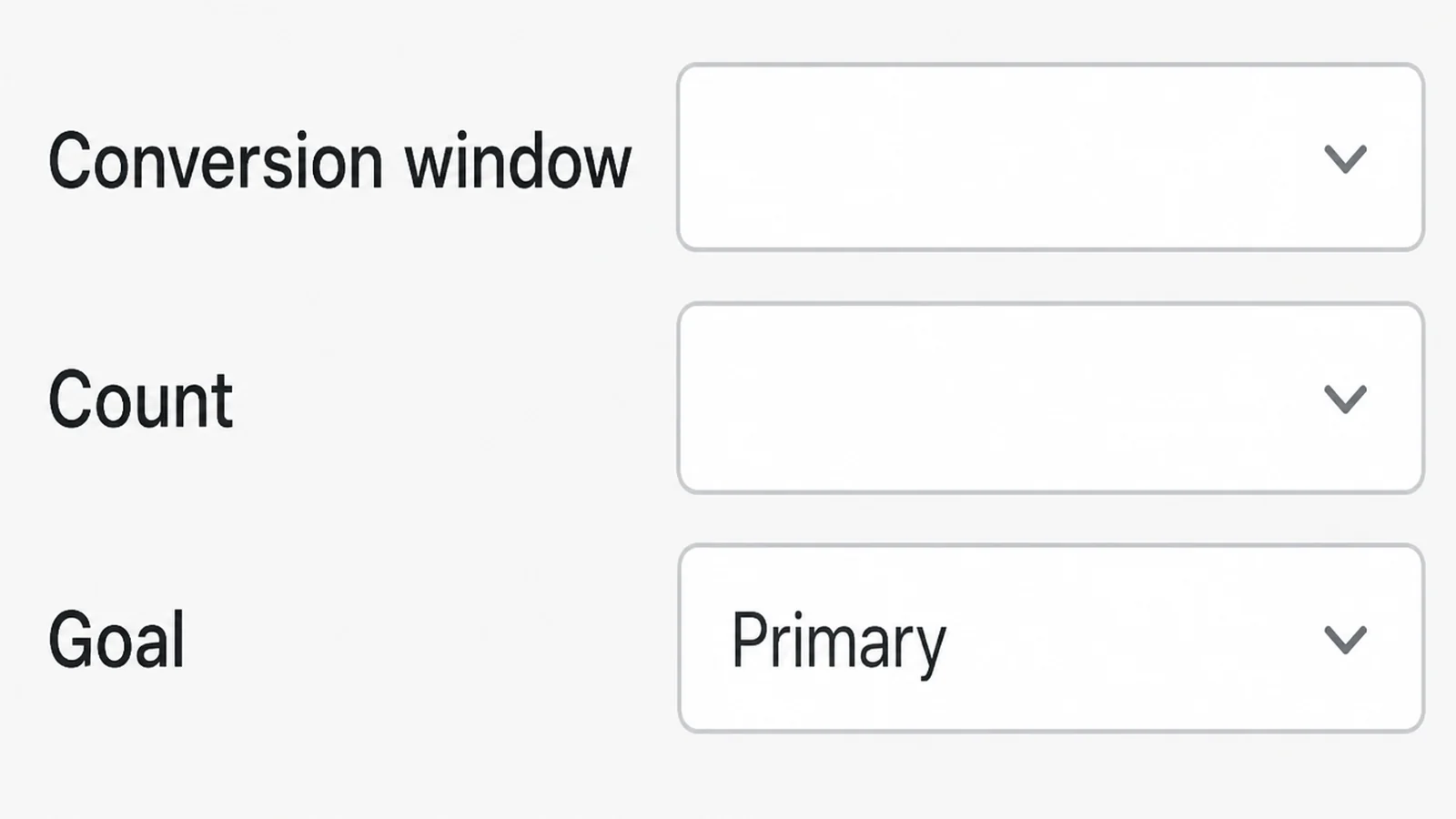
A new conversion action uses a 30 day click window unless you change it, and the range runs from 1 to 90 days depending on the source (Google Ads Help).
Changing it only affects what happens next, never what already happened. So pick a window that matches how long your customers take to decide, and pick it early.
Counting matters too. Google recommends "every" conversion for sales, since each sale adds value, and "one" for leads, where a single enquiry per click is what you want (Google Ads Help).
Then mark the money action as primary. Primary actions sit in the Conversions column and are used for bidding, while secondary ones are for observation in All conversions (Google Ads Help).
Conversion Tracking Ideas That Work Right Now
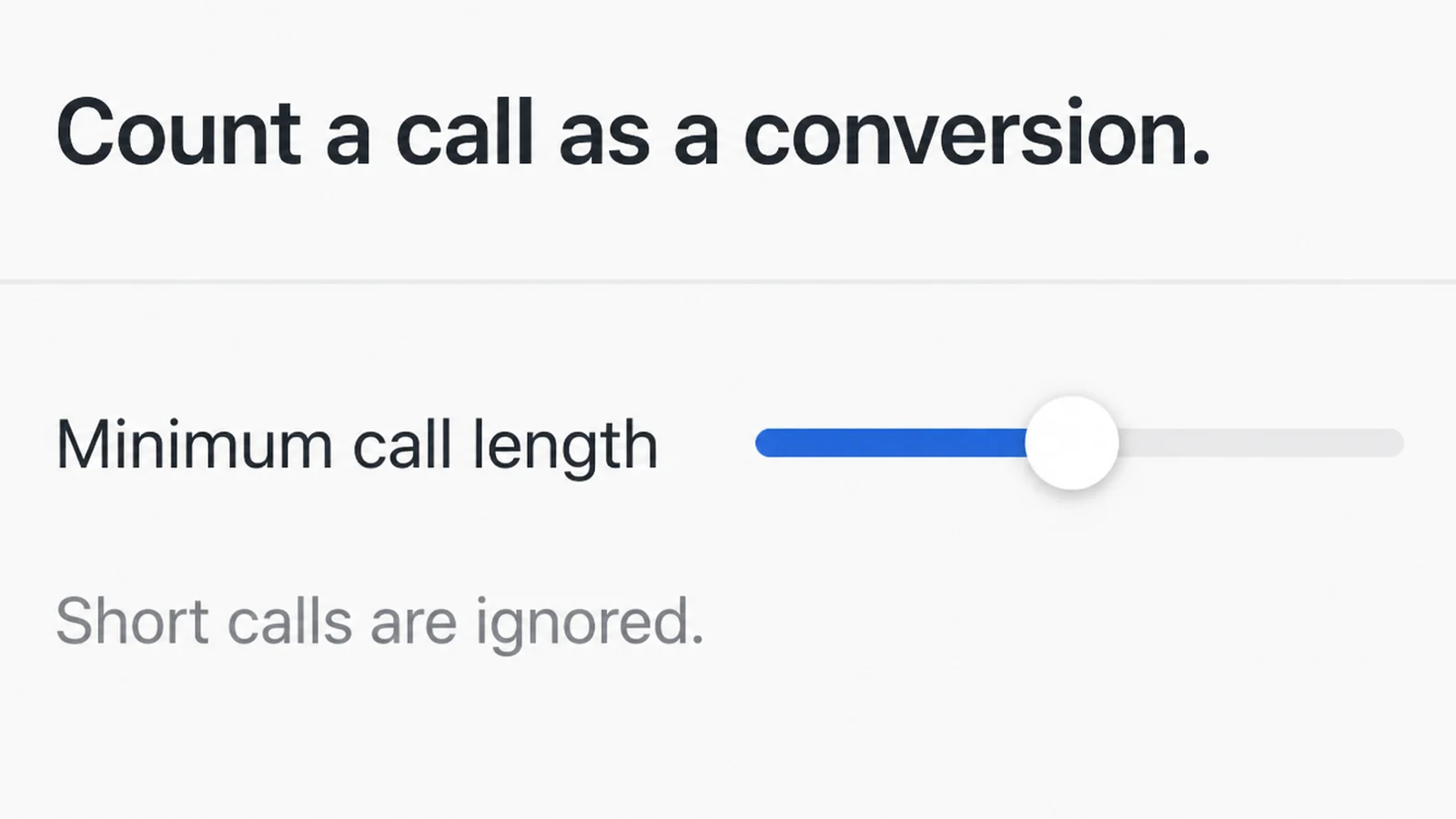
- Only count calls that last. Google counts a call once it reaches the minimum length you set, which keeps wrong numbers and hang ups out of your results.
- Bring your analytics goals in. Any event in Google Analytics 4 can be marked a key event and turned into a Google Ads conversion (Analytics Help). Seed Light configures those conversion events alongside the GA4 setup.
- Check what got imported as secondary. Conversions brought in from Analytics arrive as secondary by default, so they will not steer bidding until you change them.
- Send walk in sales to Meta. Offline events go through the Conversions API with the source set to physical store, plus the time, the event name and a value (Meta developer docs).
- Report a middle step as well as the sale. If your deals take months to close, send an earlier step such as a booked site visit so the platform has something to learn from sooner. That is my own approach, not a platform rule.
Google Ads Conversion Tracking Tools
| Tool | What it does |
|---|---|
| Google Ads conversion actions | Records website, app, call and imported sales in one place |
| Auto-tagging and the GCLID | Stamps each ad click so a later sale can be traced to it |
| Enhanced conversions for leads | Matches hashed contact details from your forms to ad clicks |
| Google Analytics 4 key events | Marks important events and passes them to Google Ads |
| Meta Conversions API | Sends website, app, messaging and offline events from your server |
Common Conversion Tracking Mistakes
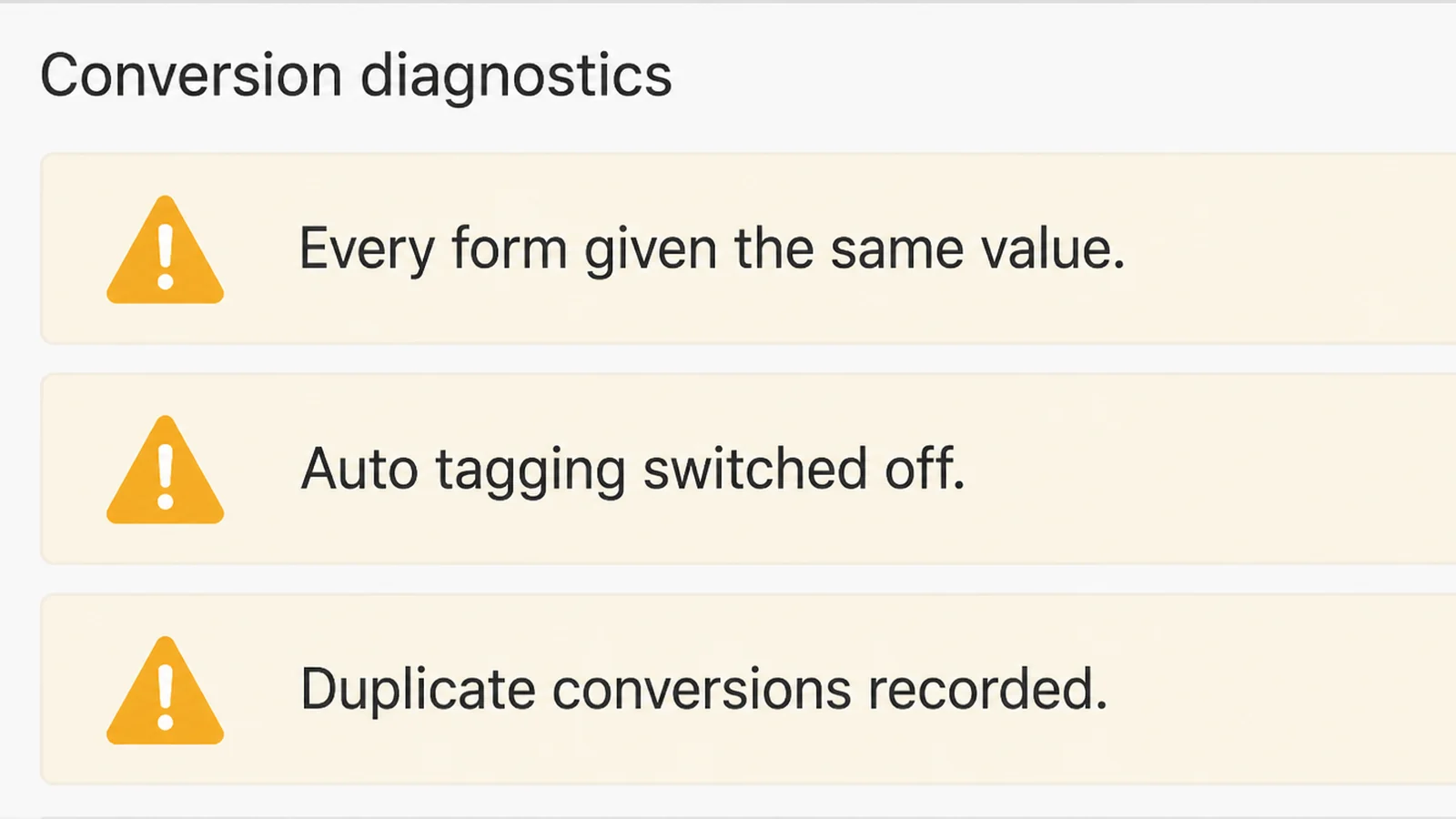
- Giving every form the same value. One amount for every enquiry hides the difference between your best campaign and your worst.
- Leaving auto-tagging off, so you cannot track ad conversions at all. Without the click ID there is nothing to attach a later sale to, and you cannot go back and recover it.
- Expecting a window change to backfill. Shortening or lengthening the conversion window only affects what comes next.
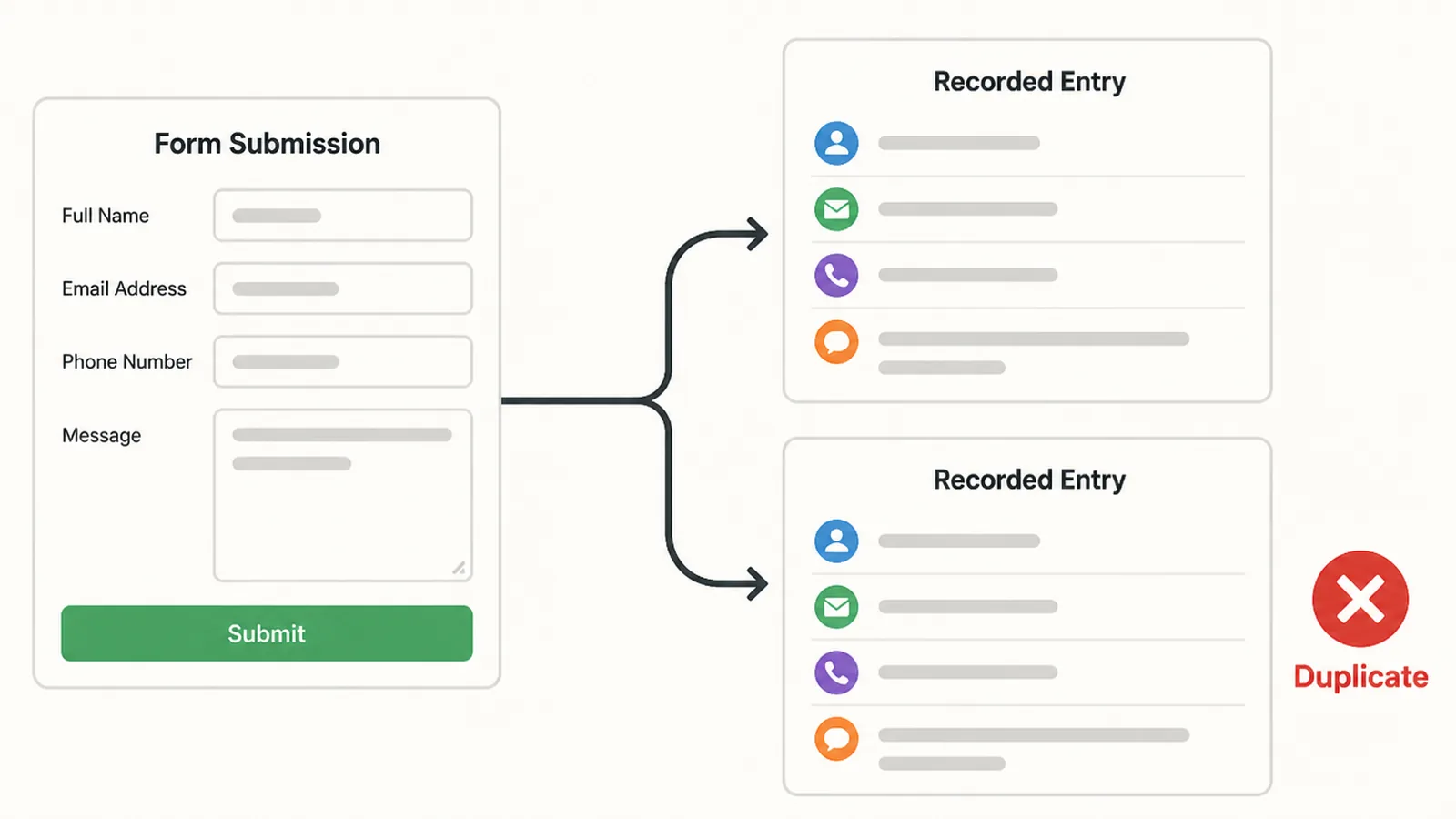
- Double counting the pixel and the server. Give both copies the same event ID, and send them within 48 hours, or Meta will not remove the duplicate (Meta developer docs).
- Sending raw customer details. Meta requires contact information to be normalised and hashed with SHA256 before it is sent (Meta developer docs).
FAQs
What is conversion tracking?
Conversion tracking records the actions you care about after someone clicks your ad, then reports them next to the ad that earned them. Google Ads groups these into website actions, app actions, phone calls and offline sales imported from your own records. You decide which actions count.
How do I track sales that happen offline?
You save the click ID that Google adds to your landing page URL, keep it beside the lead in your records, then send it back with the sale amount when the deal closes. Google now points new advertisers to enhanced conversions for leads, which matches on hashed contact details instead.
What is a GCLID?
The GCLID is a Google click ID. With auto-tagging switched on, Google adds it to the address people land on after clicking your ad, and it carries details of that click. Store it with the enquiry and you can tie a sale months later back to the exact ad.
How long do I have to record a conversion?
Google Ads calls this the conversion window. If you do not change it, a new conversion action uses 30 days, and you can set anywhere from 1 to 90 days depending on the source. Changes only apply going forward, so pick a window that fits your sales cycle early.
Do I need the Meta Conversions API as well as the pixel?
Meta processes server events much like pixel events, so many businesses send both. If you do, give each event the same event ID in both places. Meta only removes duplicates when the second copy arrives within 48 hours of the first, so send them close together.
Conclusion
Getting conversion tracking right is mostly discipline, not code. Decide what a customer is worth, keep the click ID with the lead, and send the closed amount back.
Do that and your report starts answering the only question that matters, which is whether the money going out is smaller than the money coming in. If you want the setup handled with your digital marketing and your Google Ads in one place, or you are still working out what a good return looks like, reach out to my team at Seed Light.