A/B Testing a Website Without Fooling Yourself

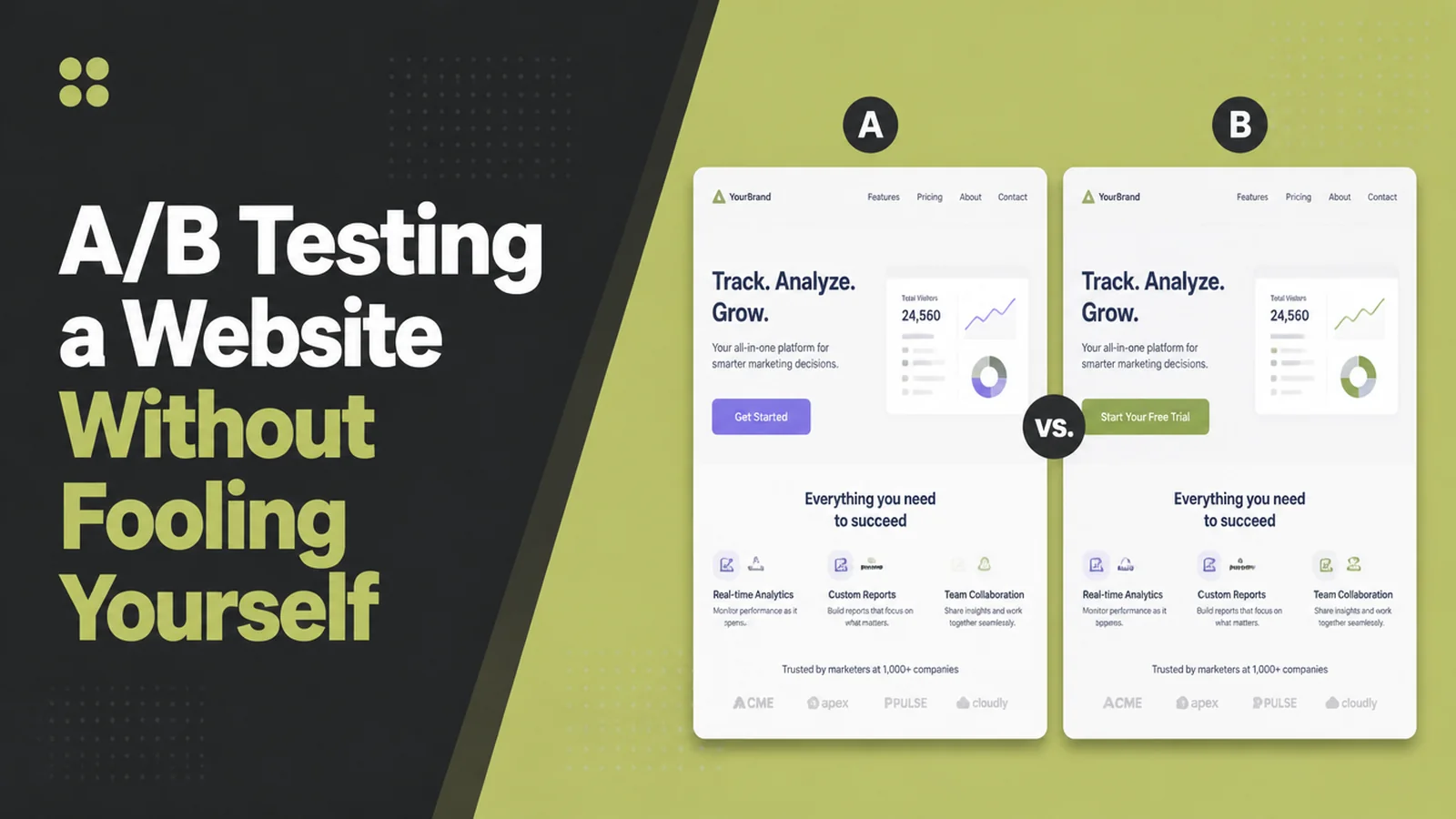
AB testing a website means running two versions of the same page at once and splitting visitors between them, so the result picks the winner rather than your opinion. Run both together for at least seven days, change one thing, and agree the finish line first. Seed Light sets these up.
You are thinking about AB testing your website. You rewrite the homepage headline. The month feels a bit better, and you never really know why. Maybe it was the headline. Maybe it was the school holidays.
An A/B test settles the argument. Half your visitors see the old page and half see the new one, at the same time, and their behaviour picks the winner.
The risk is that a badly run test still gives you a confident looking number, and that number then shapes your site for years. So here is how to run one small test properly, and how to know when to believe the result.
Key Takeaways
- Run both versions at the same time. Comparing this week against last week compares the weather and your ad spend, not the two pages, so they have to run together.
- A quiet site can only measure big changes with website split testing. With few visitors you will never see a small difference, so test a whole new idea rather than a shade of green.
- Run it for at least seven days. A test that misses a weekend has only seen part of your audience.
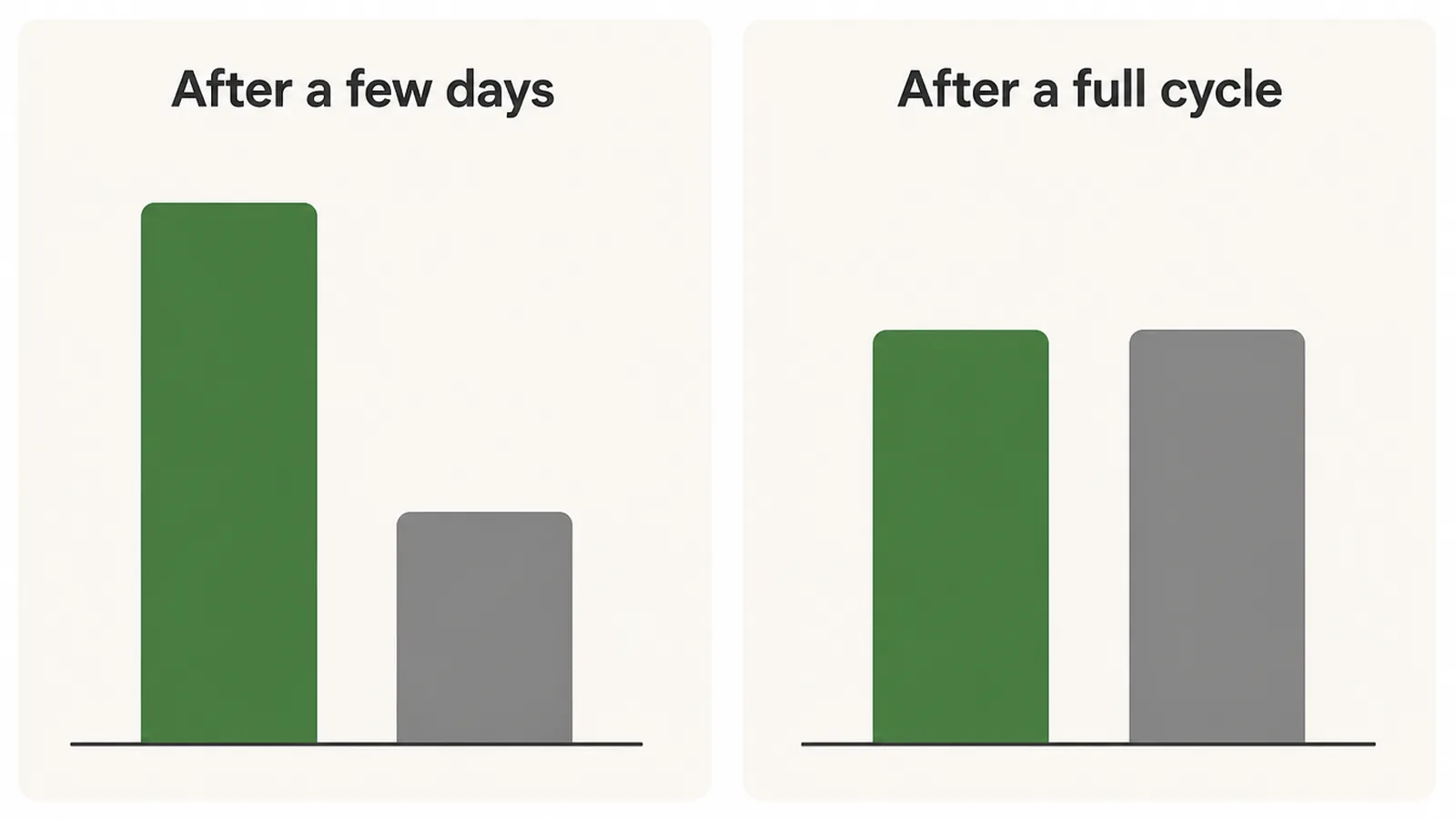
- Stopping early is how people fool themselves. An early lead is usually chance, and it often disappears by the end of the week.
- Google allows testing, but has rules. Show people and Google the same page, and take the test down once you have decided.
What Is AB Testing a Website?
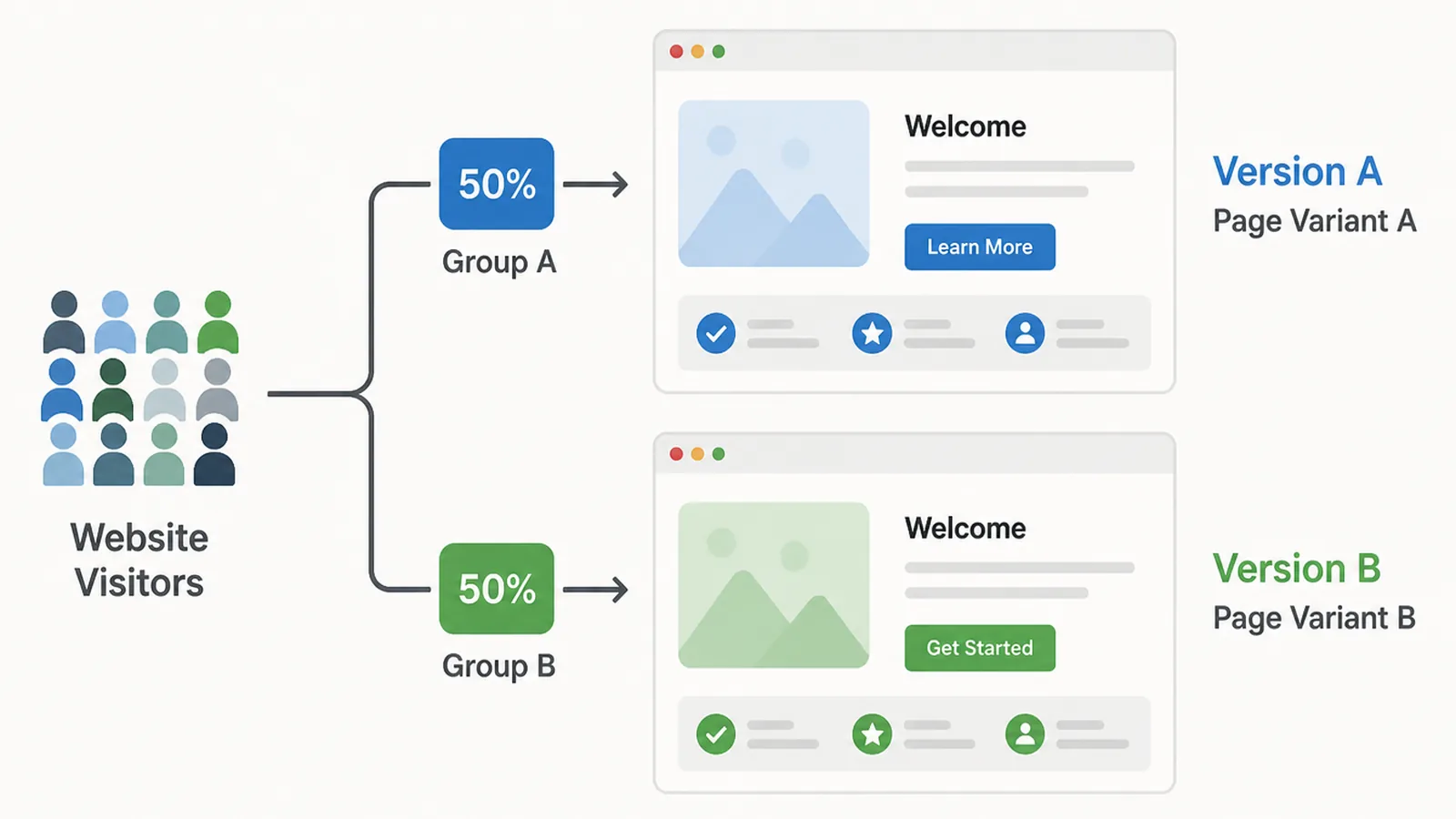
A/B testing means running two versions of the same page side by side. Version A is what you have now. Version B carries one change you think will do better.
Visitors are split between them at random as they arrive. Nobody sees both, and nobody knows they are in a test.
You then compare one number that matters to your business. Enquiries, calls, bookings, sales. Not time on page, and not how much you personally like the design.
The random split is what makes it work. The two groups are alike in every way except your one change, so any difference between them came from that change.
That is also why last month is not a fair comparison. Last month had different weather, different ads and different customers.
Why AB Testing a Website Is Harder on a Small Site
Testing advice written for sites with millions of visitors does not work on a site with hundreds. Fewer visitors changes what you can measure.
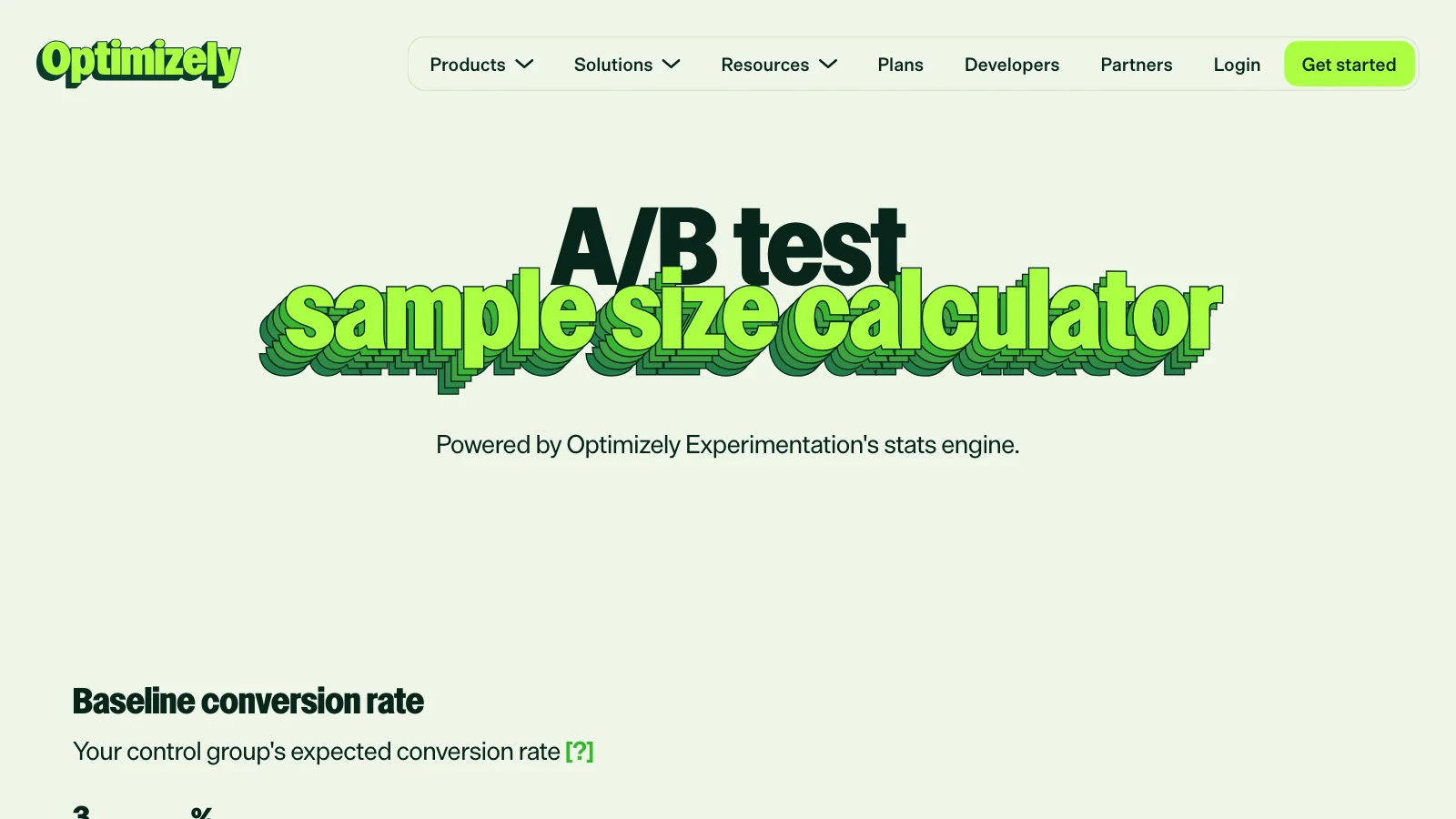
Optimizely's sample size calculator asks for three things. Your current conversion rate, the smallest improvement you want to be able to spot, and how confident you want to be. It hands back the number of visitors each version needs (read on 9 September 2026).
Put your own numbers in and the problem appears. Detecting a small improvement needs more visitors than a quiet site gets in a year.
That is not a reason to give up on AB testing a website. It is a reason to test bigger things. A different offer, a shorter form or a new first screen can move the number far enough to see.
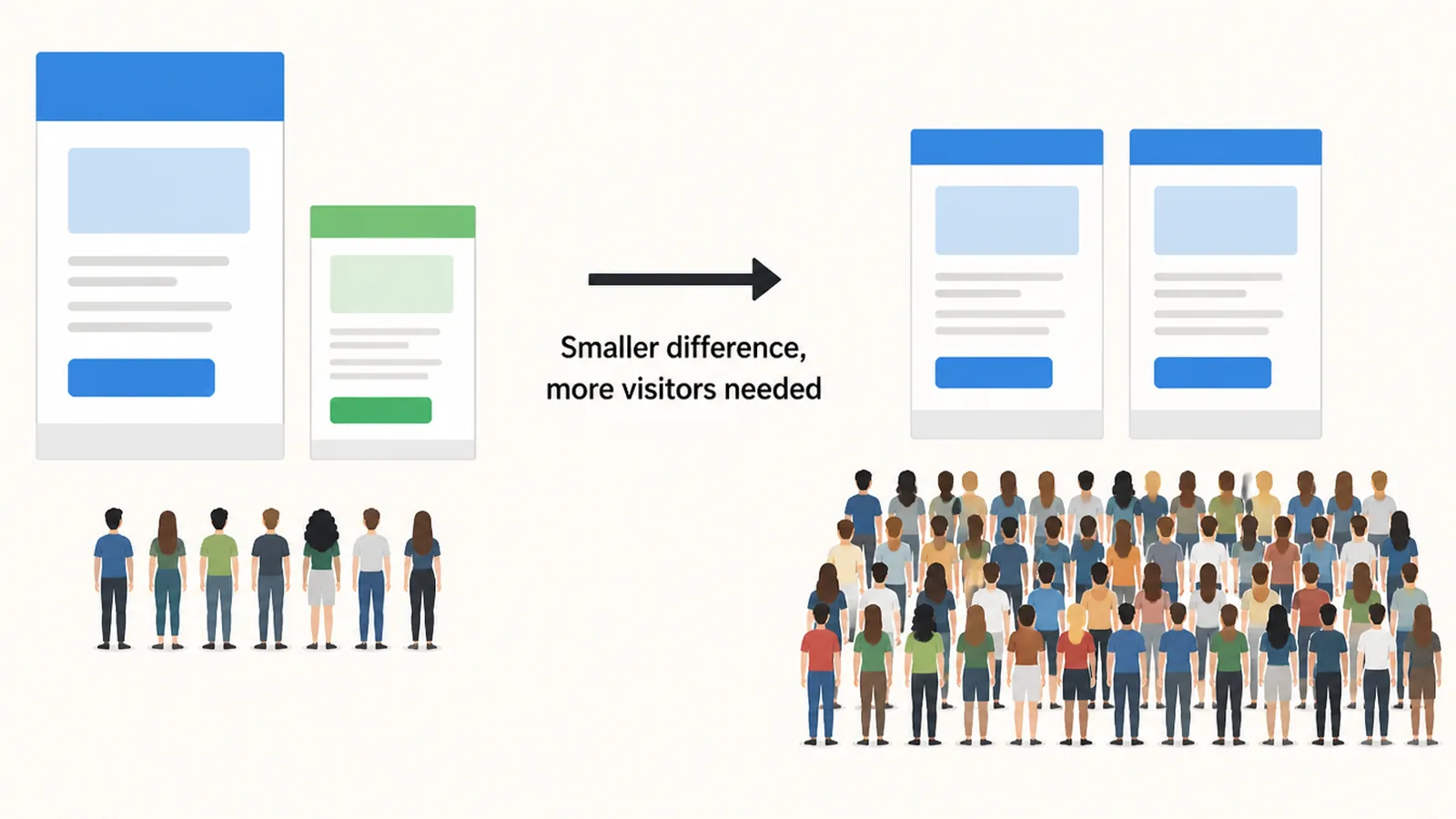
So on a quiet site, be honest about what you can learn. One clear answer every three months is worth more than five tests that all end without one.
One more thing has changed. Google Optimize was free and widely used, and it shut down on 30 September 2023. Google now points people to outside tools, naming AB Tasty, Optimizely and VWO as partners for Google Analytics 4 (Google Optimize Help, read on 9 September 2026).
How to Run Website Split Testing
1. Pick the page that already carries money
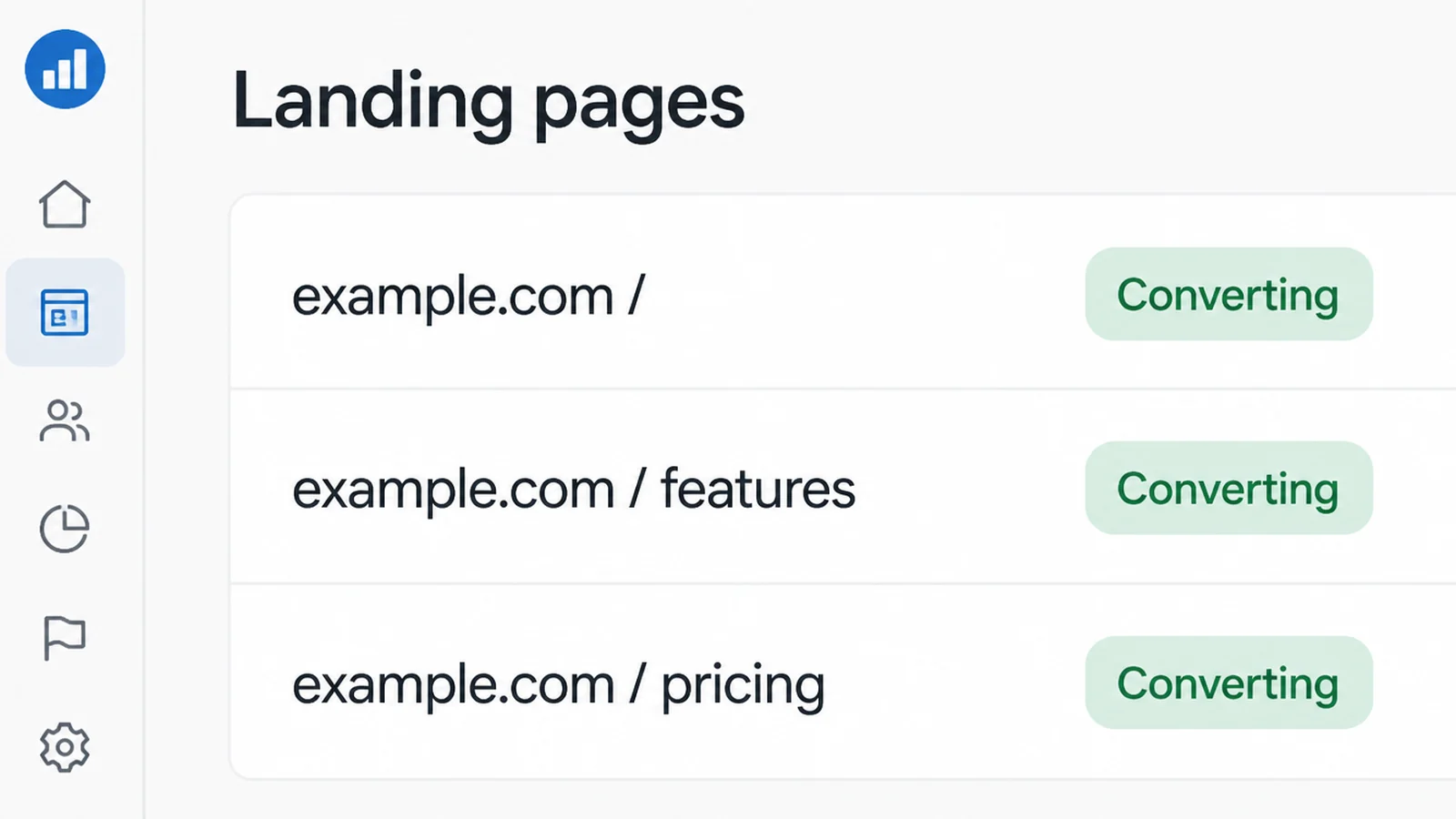
AB testing a website only works where the decision gets made. That is usually the page people land on from ads or search, or the one they read just before contacting you.
A page nobody visits will never get enough traffic to produce an answer, however clever your change is.
2. Watch what people do before you guess
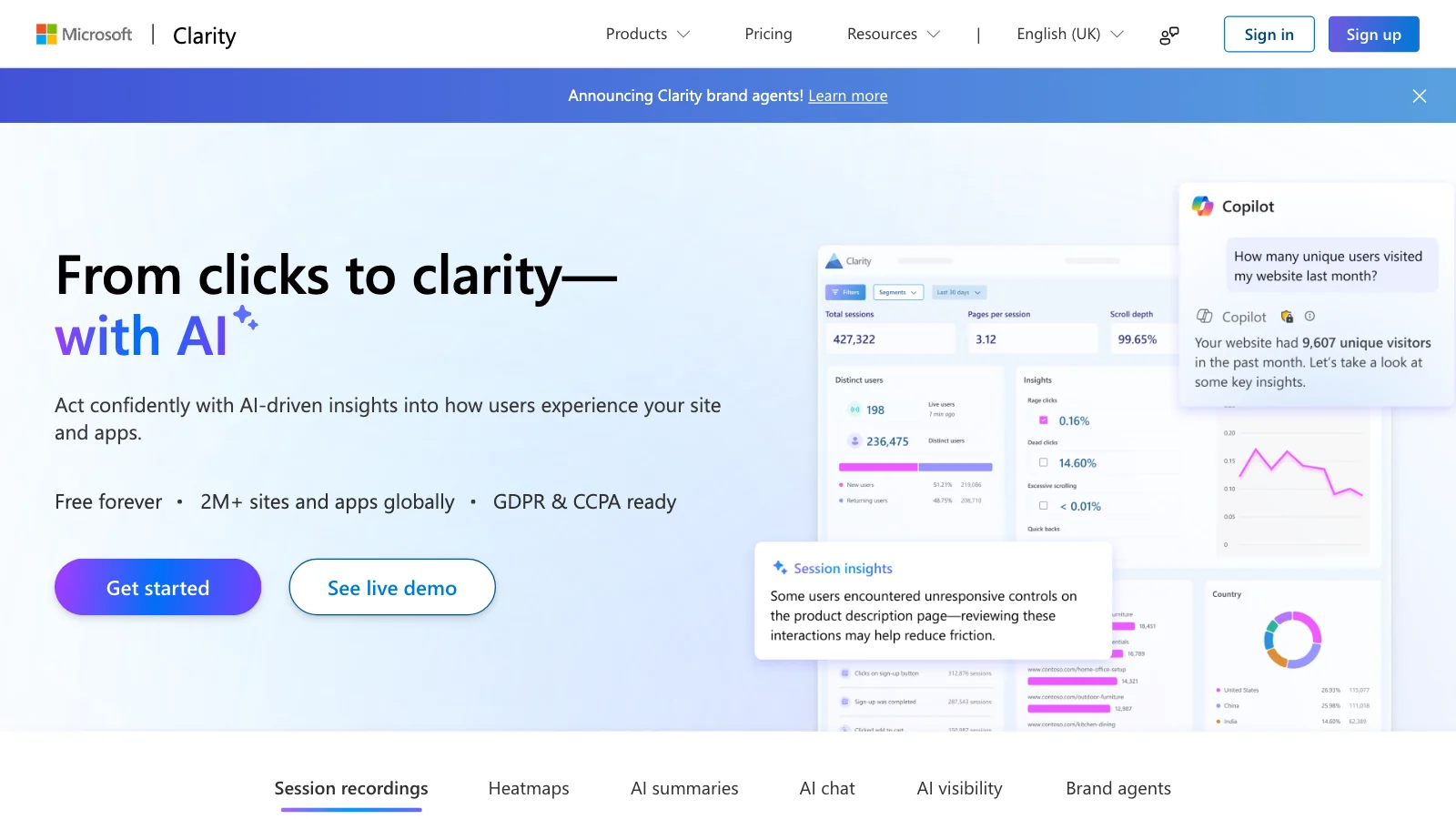
Guessing wastes weeks. Watch first. Microsoft Clarity is free with no traffic limit and shows heatmaps and recordings of real sessions (read on 9 September 2026).
You are looking for the moment people get stuck. A form they start and abandon, or a page they scroll straight past.
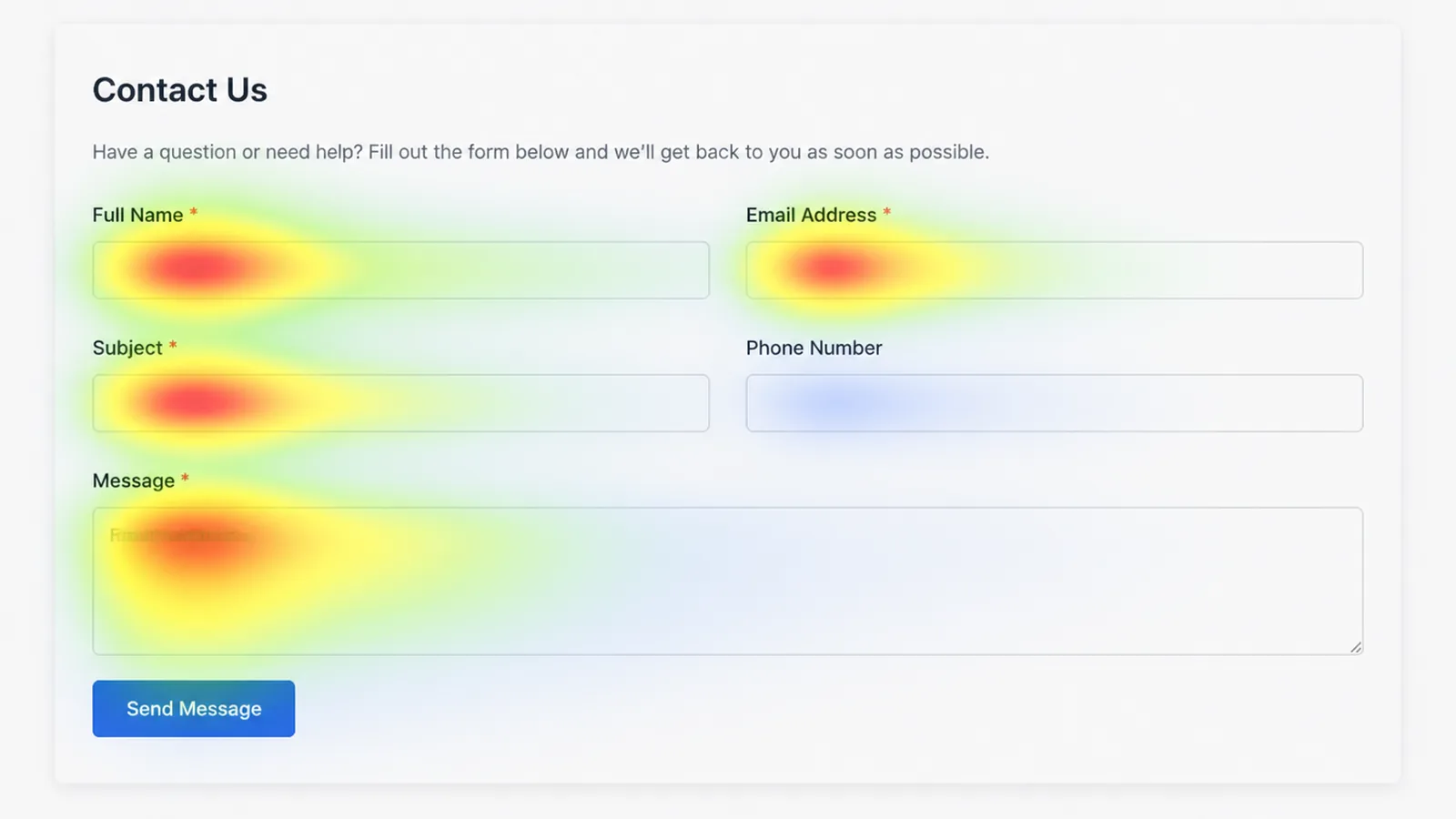
Write down two or three of those moments. That is your list of tests, in order of how much money sits behind each one.
3. Predict the result before you run it
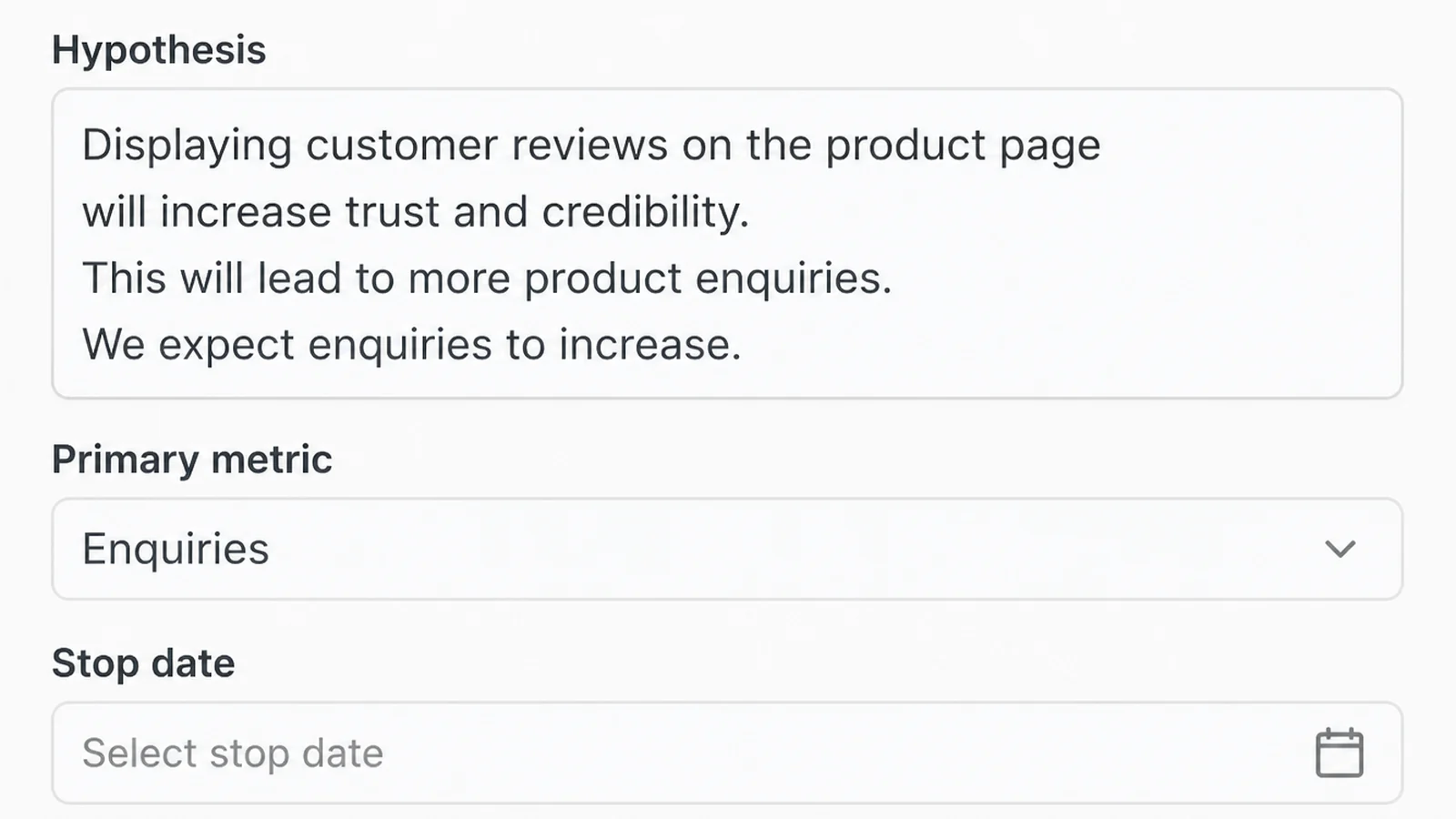
Before you build anything, write down what you expect to happen. For example, that cutting the form to three fields will bring more enquiries, because people are stopping at the phone number.
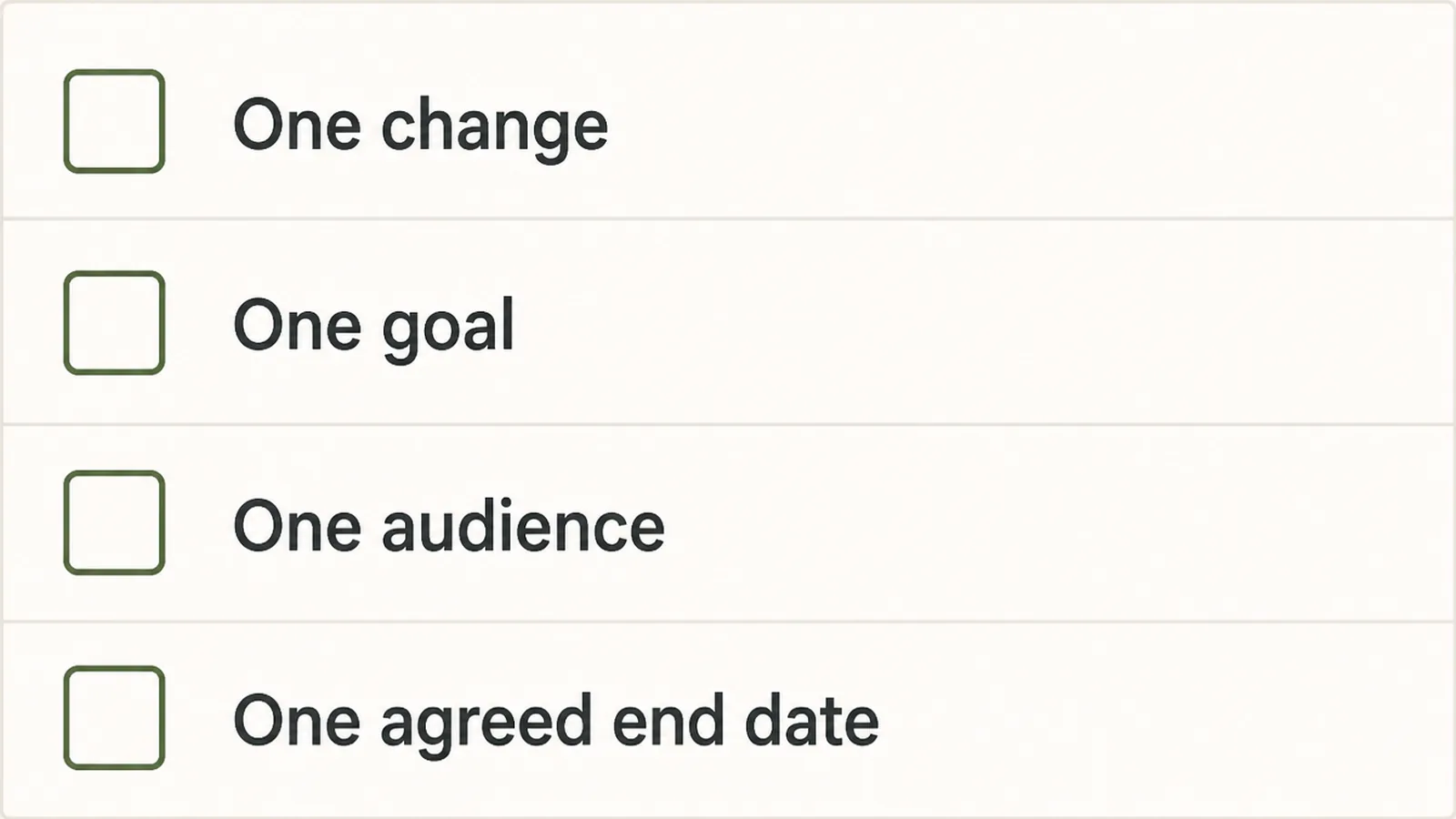
Change one thing per test. If you rewrite the headline, the button and the photo together, a win tells you nothing about which of them did it.
Writing it down also protects you later. When the result disappoints, you can see what you actually expected, rather than quietly changing the goal to match what happened.
4. Agree on the finish line first
Decide how long the test runs and what result would count as a win, then write both down. This is the step that stops you talking yourself into a winner later.
Optimizely tells its own customers to run a test for at least one business cycle, which it puts at seven days. That way weekdays and weekends are both in the result.
It also warns that without enough visitors, AB testing a website cannot tell a real difference from chance (read on 9 September 2026).
5. Split the traffic without upsetting Google
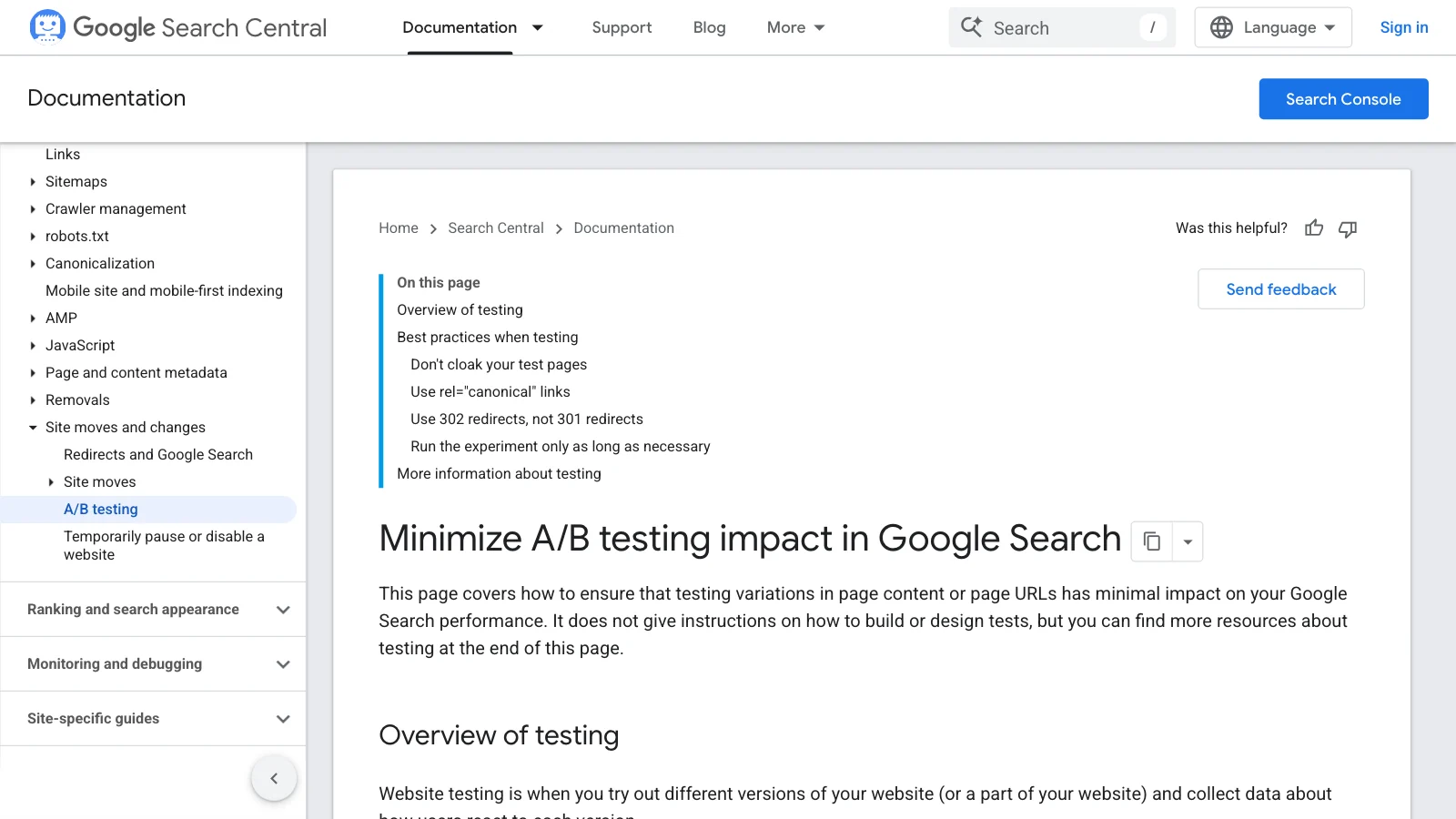
Google publishes rules for this. Never show one page to Google and a different one to people. That is called cloaking, and it can get a site pushed down the results.
If your test uses separate addresses, put a canonical link on each test page pointing back at the original, and use a temporary 302 redirect rather than a permanent 301.
Google says a canonical link is safer here than hiding the page from search, which can have unexpected bad effects (read on 9 September 2026).
6. Decide, then take the test down
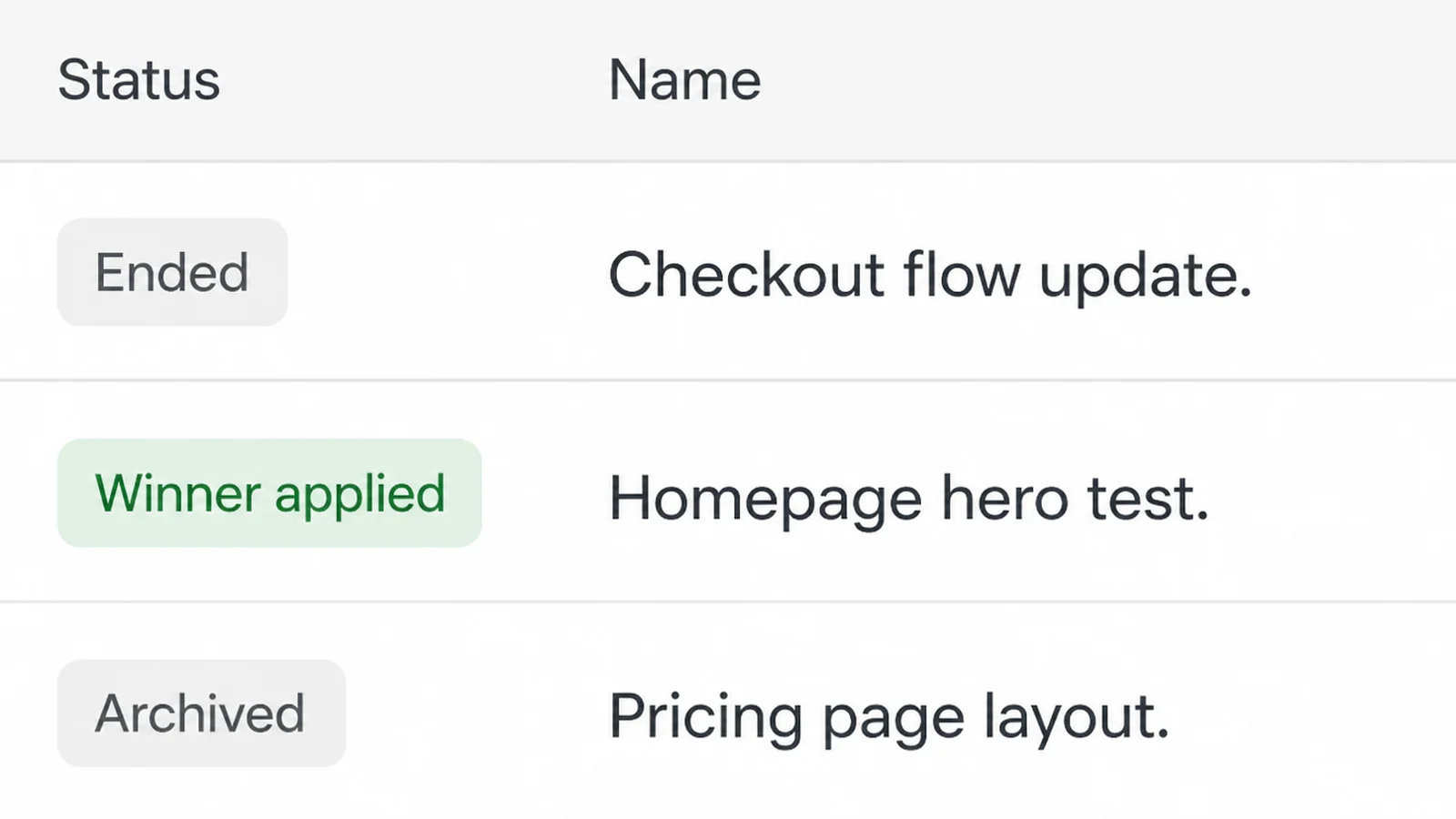
When the date arrives, read the result once and act on it. Put the winner live, or keep what you had and move to the next idea.
In AB testing a website, no difference is a real answer too. It tells you the thing you argued about for a week does not matter much to your visitors, so stop spending time on it.
Then remove the test. Google says to take the test code out as soon as it ends, and warns that tests left running far longer than needed can look like an attempt to deceive search engines.
Conversion Rate Testing Ideas That Work Right Now
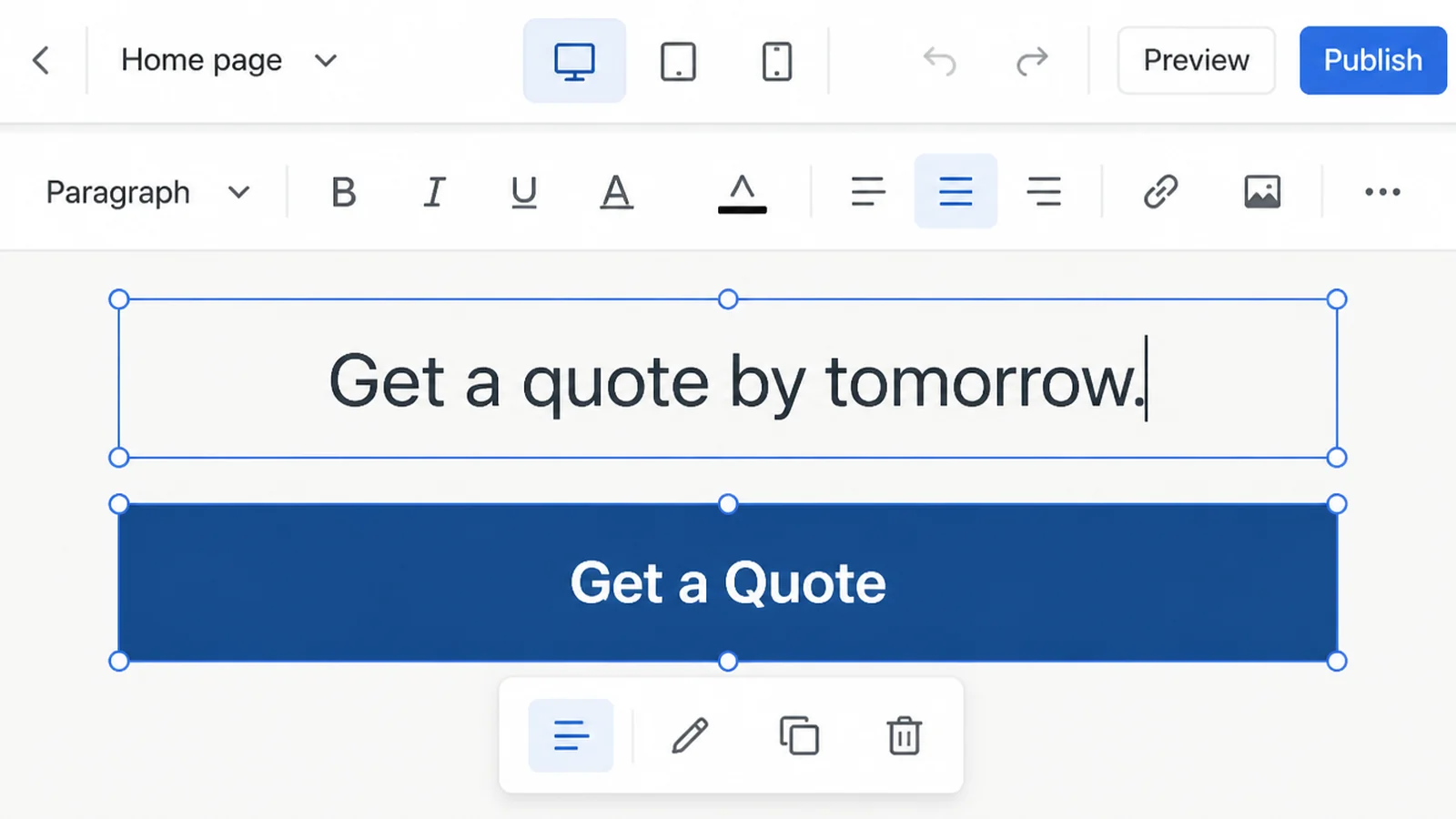
- A button that says what happens next. Replace a vague label with the actual result, such as getting a quote by tomorrow. Our call to action examples are a good place to start.
- A shorter form. Remove every field you do not use in your first reply, and see whether more people finish it.
- Price on the page, or price on request. Both can work. Showing a price puts off some people before they enquire, hiding it means more enquiries you have to qualify. Only your own visitors can tell you which suits your business.
- AB test a landing page against a different first screen. Try showing proof of your work instead of a promise, in the part of the page people see before scrolling. We cover that in above the fold.
- WhatsApp against a contact form. In Malaysia this is worth testing rather than assuming, because the habit differs by trade and by age.
AB Testing Website Tools
Prices below were read on the tools' own pages on 9 September 2026 and change often.
| Tool | Best for | What it costs |
|---|---|---|
| PostHog | A business with a developer on hand that wants to start at zero | A million experiment and flag requests free each month, no card |
| Statsig | Teams already tracking product events | Free plan with two million events a month, paid from $150 a month |
| Convert | A marketing team without engineers | $299 a month billed yearly for 100,000 tested users, 15 day trial |
| VWO | Firms that want a Google Analytics partner tool | Growth, Pro and Enterprise tiers with usage based billing, no price shown |
| Optimizely | Larger sites with a testing programme already running | Quoted per customer, described as individually packaged |
Clarity sits alongside these rather than among them. It shows you what to test, and one of the tools above runs the test itself.
Common AB Testing Website Mistakes
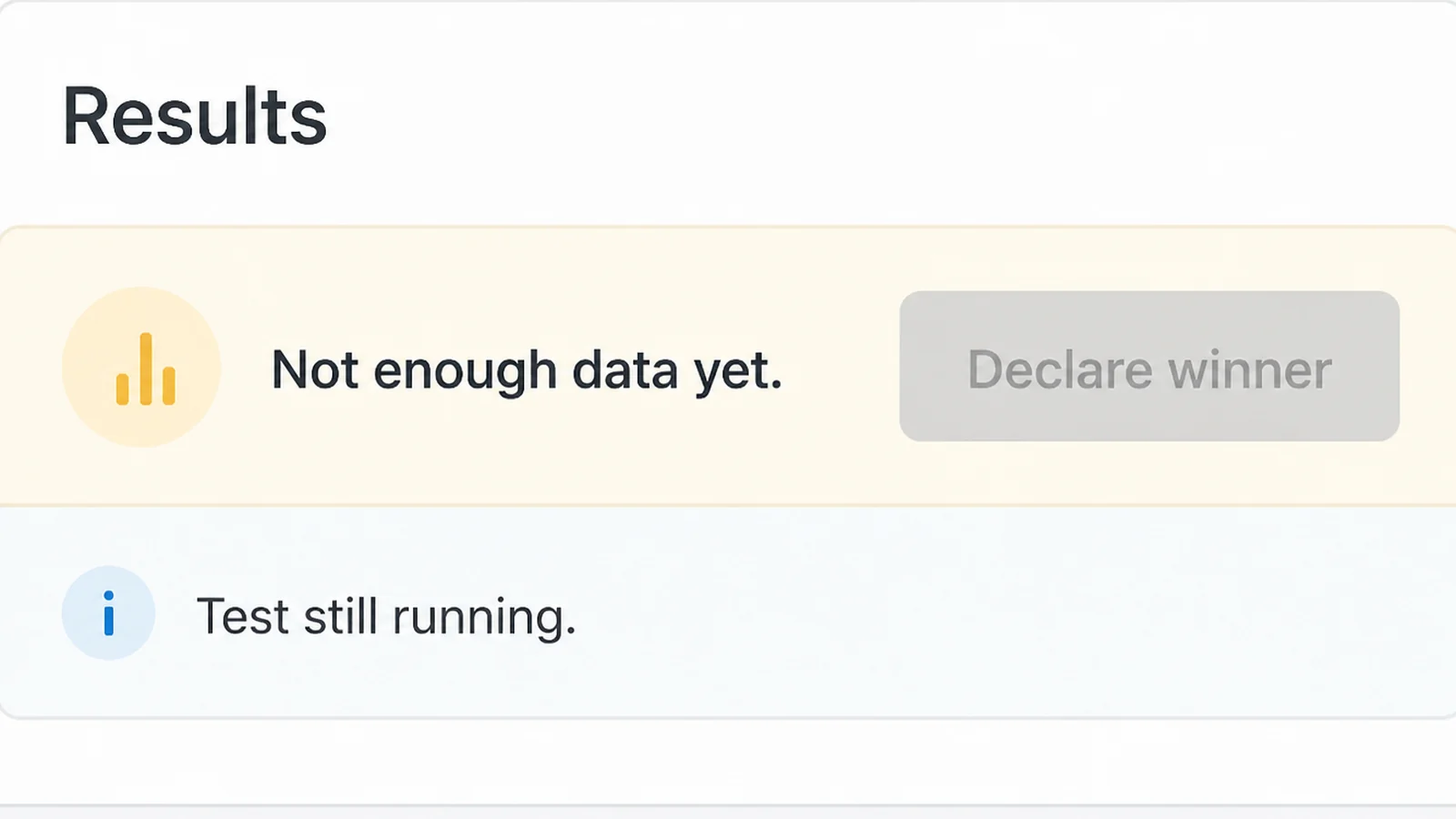
- Deciding on day two. Early results swing wildly. Checking every day and stopping as soon as you like the number is the most common way to pick a false winner.
- Lowering the conversion rate testing standard to get an answer sooner. Optimizely notes that a lower confidence setting reaches a result faster and raises your chance of a false positive.
- Digging through the data for a group that won. Split the same result by device, city and source for long enough and something will look like a win. Optimizely warns against exactly this.
- Testing two changes at once. You get a result you cannot explain, so you cannot repeat it. AB test a landing page one change at a time instead. The old page.
- Measuring form fills instead of money. More enquiries that never become paying jobs is not a win. Set up Google Analytics 4 before you test.
FAQs
How much traffic do I need to A/B test my website?
There is no single number. Optimizely's calculator works it out from your current conversion rate, the size of improvement you want to catch, and your confidence level. Small sites usually find they can only detect large changes. That is a good reason to test bold ideas rather than button colours.
How long should an A/B test run?
Optimizely tells its own customers to run a test for at least one business cycle, which it puts at seven days, so weekdays and weekends are both included. Sites with few visitors often need several weeks. Pick the finish line before you start, then leave the test alone until it arrives.
Does A/B testing hurt my SEO?
Google publishes guidance for it. Show people and Googlebot the same content, put a canonical link on alternate test URLs pointing at the original, and use a temporary 302 redirect rather than a permanent 301. Google also warns that tests left running far too long can look like an attempt to deceive.
Is there a free A/B testing tool?
Yes. PostHog gives you a million experiment and feature flag requests every month at no cost and asks for no card, and Statsig's free plan includes two million events a month. Microsoft Clarity is free with no traffic limit, though it shows behaviour rather than running the test itself.
What should I test first on my website?
Start with the page that already carries your money, usually the one people land on from ads or search before they contact you. Test the part they meet first, such as the headline, the main button or the length of the form. Leave everything below that for later.
Conclusion
Most small sites do not need an ongoing testing programme. They need two or three honest tests a year on the pages that already bring in work.
Pick one page, change one thing, agree the finish line, and leave it alone until that date arrives. That habit is worth more than any tool on the list.
If you want A/B testing scoped with paid advertising, see our Google Ads management, then reach out to my team at Seed Light.