Abandoned Cart Email Examples and When to Send Them

These abandoned cart email examples cover the reminder, the objection and the last message, with the wording and the timing for each. Send two or three, start a few hours after the checkout, and answer the delivery cost rather than discounting. Seed Light builds these sequences.
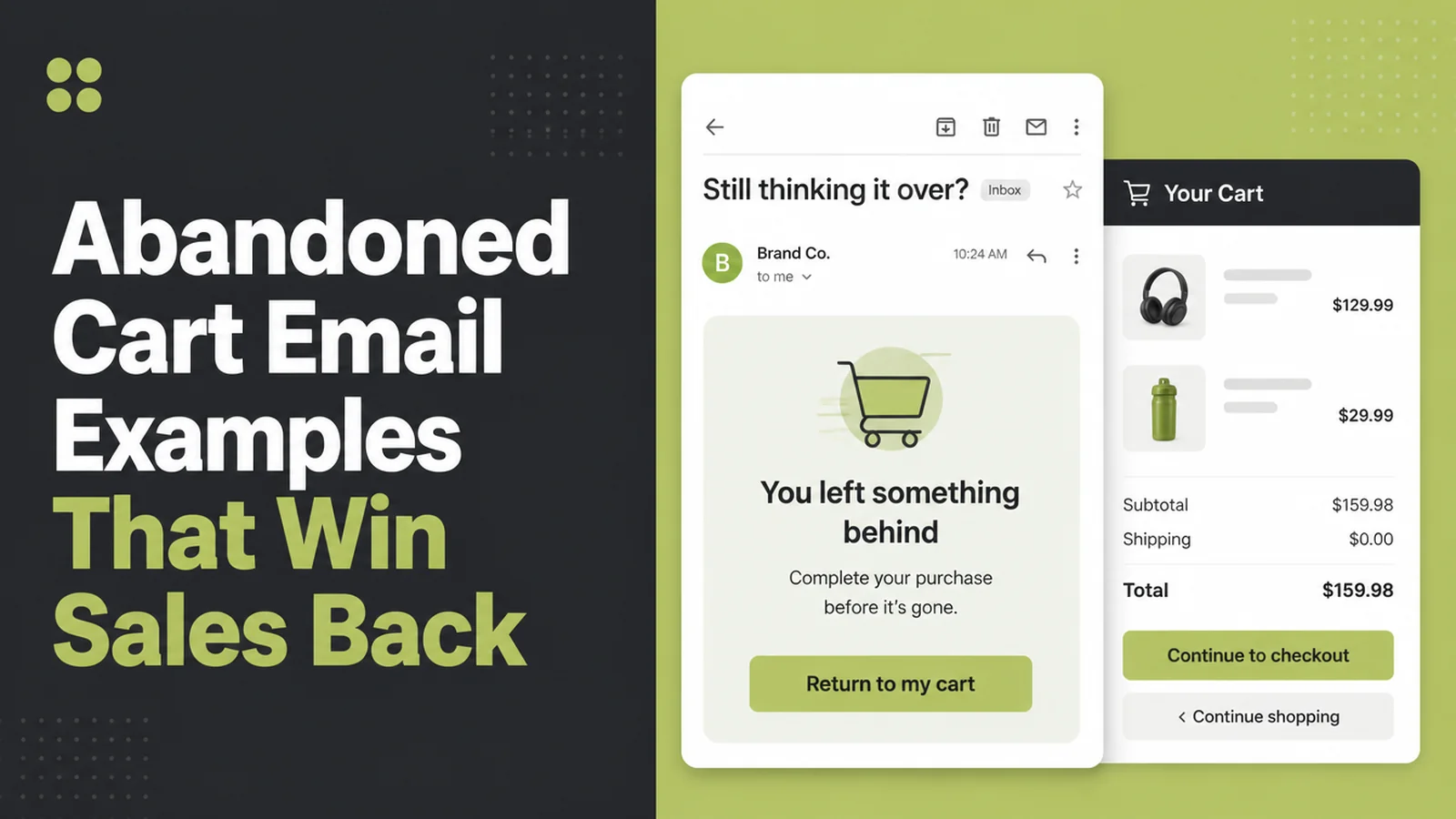
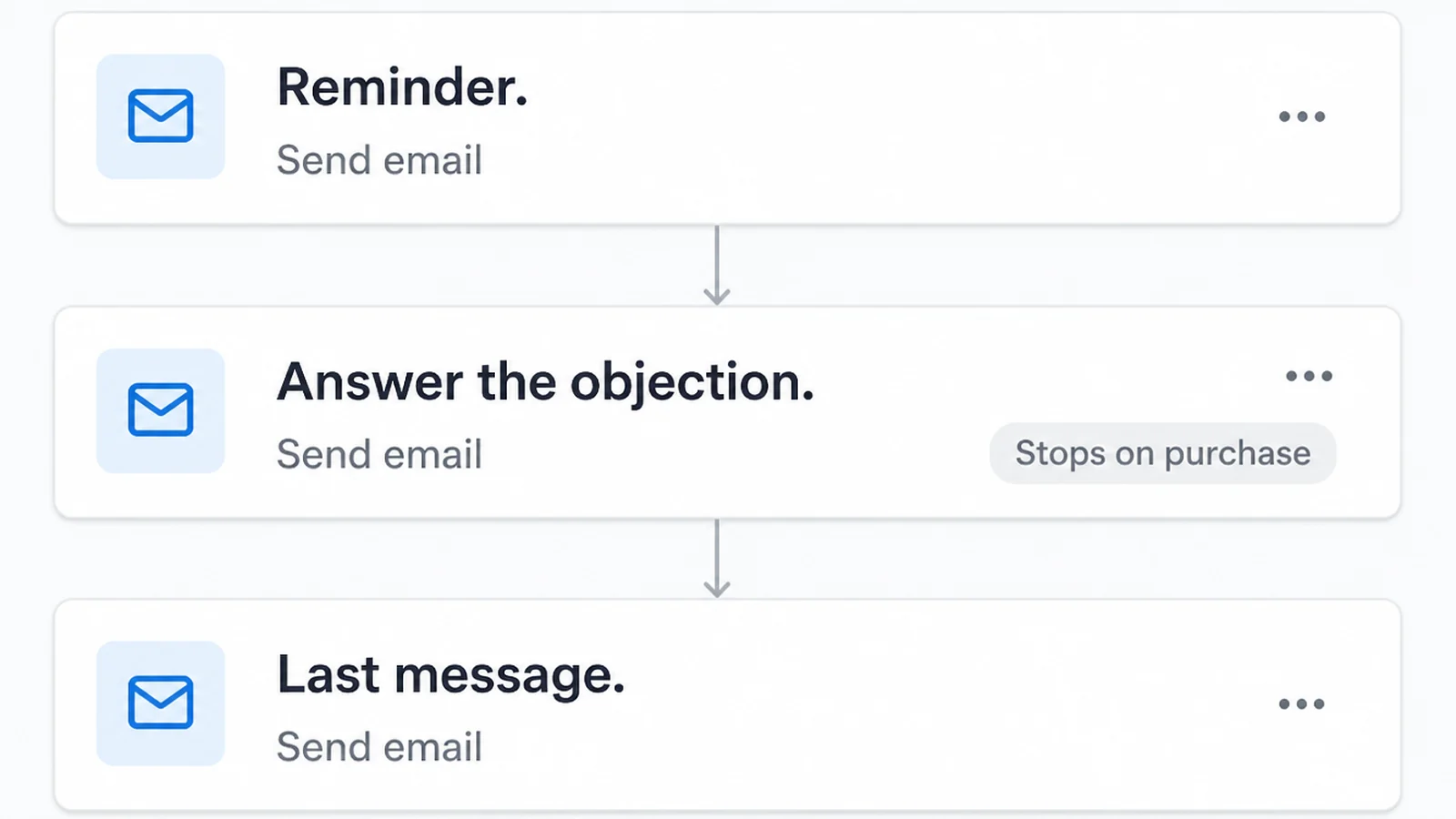
Here are the abandoned cart email examples I would send. Somebody picks three things off your shop, reaches the payment page, then disappears. It happens every day, in every shop.
Abandoned cart email examples exist because this is rarely a sign that your products are wrong. Across 50 separate studies, Baymard Institute puts the average documented cart abandonment rate at 70.22%.
Some shoppers were only browsing. Others stopped because of delivery costs, account requirements, payment concerns or a checkout problem. A short email can bring some of that second group back.
Here is the abandoned cart sequence I would send, when I would send it, and the technical rules that decide whether any of it reaches the inbox at all.
Key Takeaways
- Send a reminder, not a sales pitch. They already chose the product. Your job is to remove whatever stopped them, not to sell it to them again.
- Unexpected costs are the usual reason. Extra charges at checkout are the biggest fixable reason people leave, so tell them what delivery costs before they reach that page.
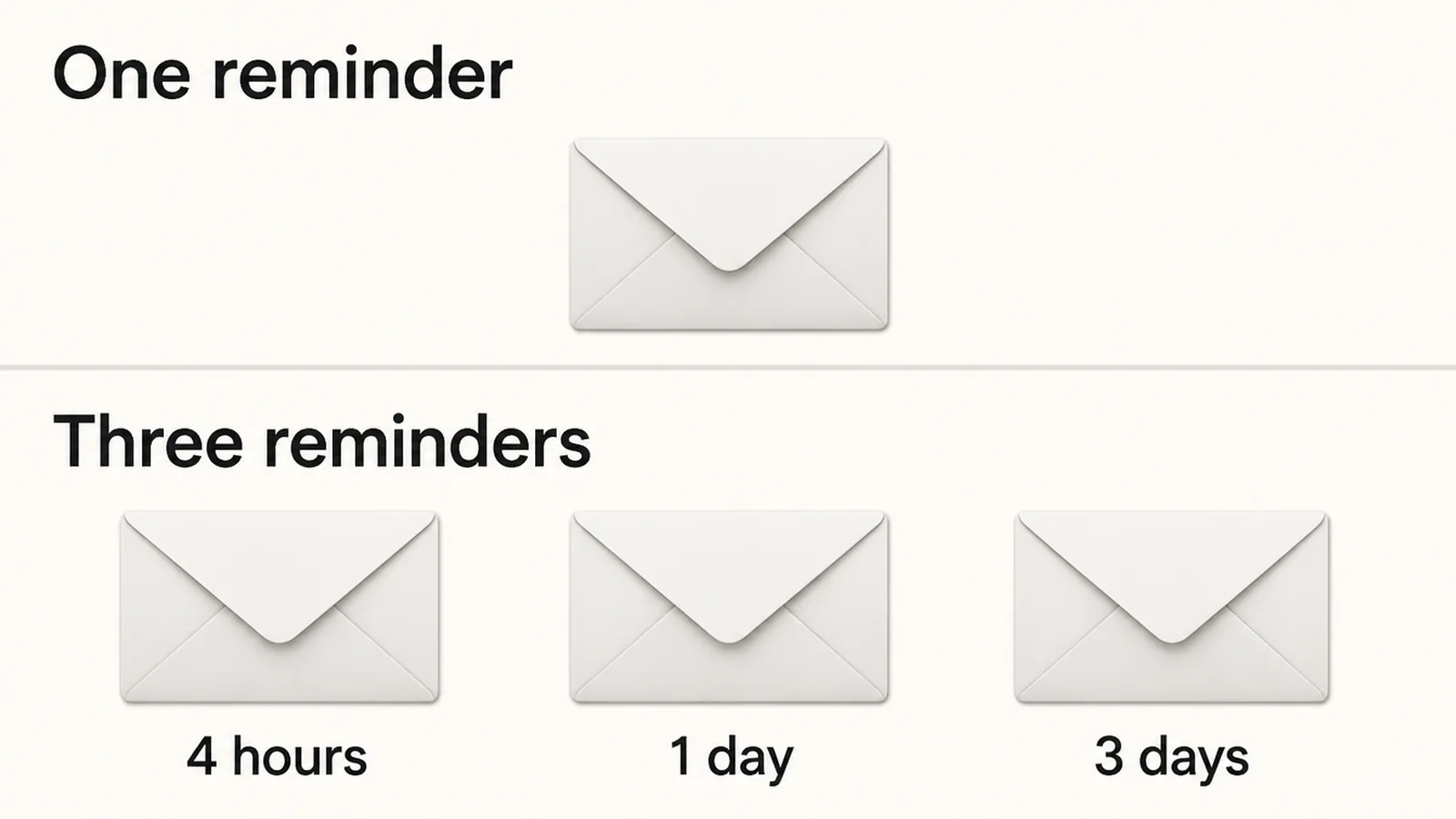
- Two or three emails is enough for an abandoned cart sequence. More than that stops feeling like a reminder and starts feeling like pressure.
- Timing matters more than the wording. The first message should arrive the same afternoon, while they still have your shop open in a tab.
- Save any discount for last. Offer one straight away and your regular customers learn to abandon the cart on purpose and wait for the code.
Abandoned Cart Email Examples: What They Are
All the abandoned cart email examples here are one thing: an automatic email sent to someone who added items to a cart, gave you an email address, then left without paying.
Your shop software notices and sends it for you. You write the words once and it runs by itself after that.
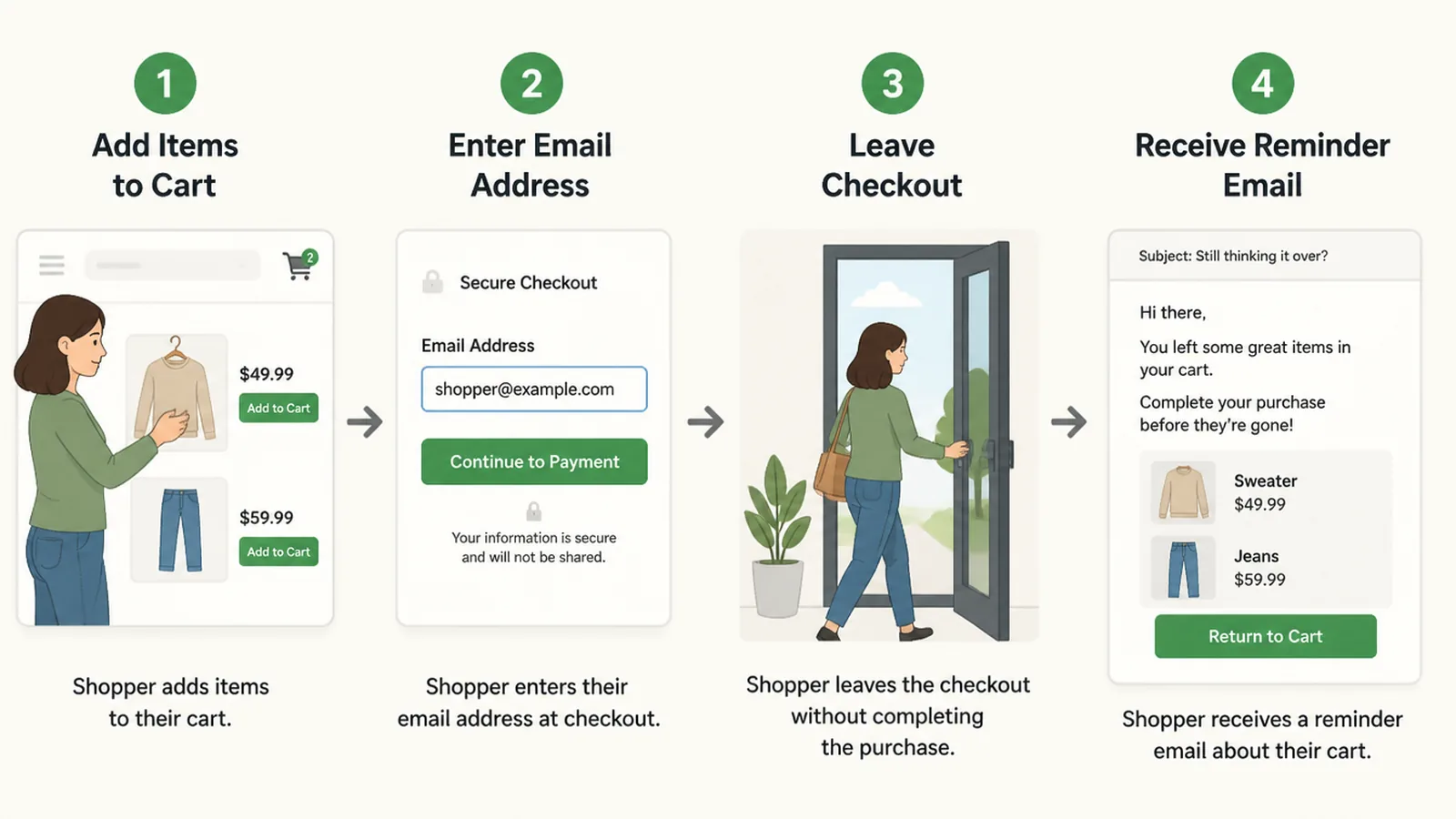
Every platform draws the line at a slightly different point. Shopify treats a checkout as abandoned after more than ten minutes of inactivity once an email address has been submitted.
On WooCommerce, AutomateWoo marks a cart abandoned after 15 minutes by default, and cancels the follow up if the shopper comes back.
That second detail matters more than it sounds in every abandoned cart email example. You are not writing to everybody who looked around your shop.
You are writing to the small group who typed in their details and then stopped. Those people were close to buying.
The catch is that you can only email people whose address you already have. If your checkout asks for card details first, most of the people who leave stay anonymous.
Why Cart Recovery Emails Are Harder Than They Were
Writing the email is the easy part. Getting it delivered is where small shops come unstuck.
Gmail and Yahoo have both tightened their rules for anyone sending in bulk, and the standard is the same whether you are a corner shop or a bank.
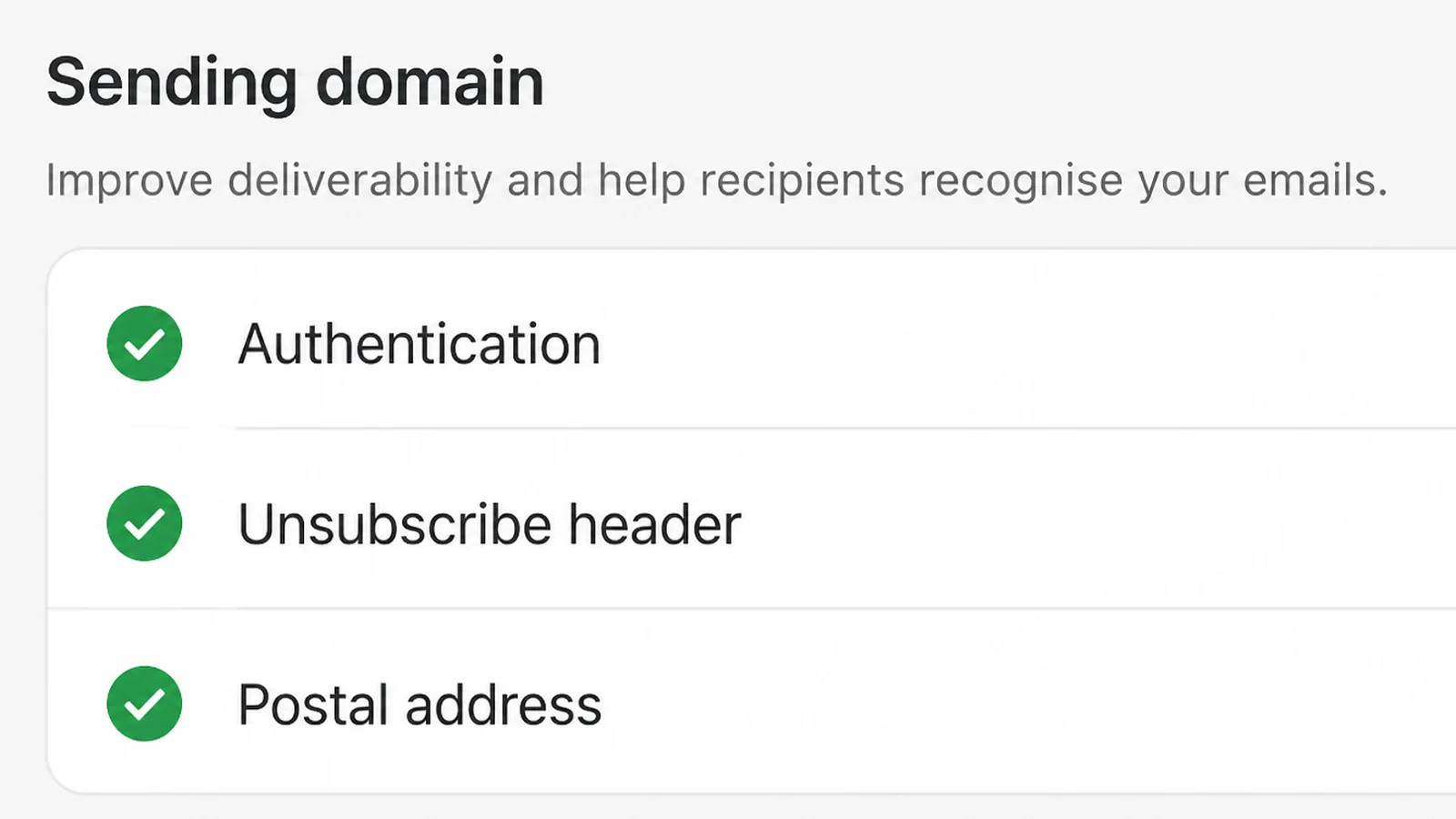
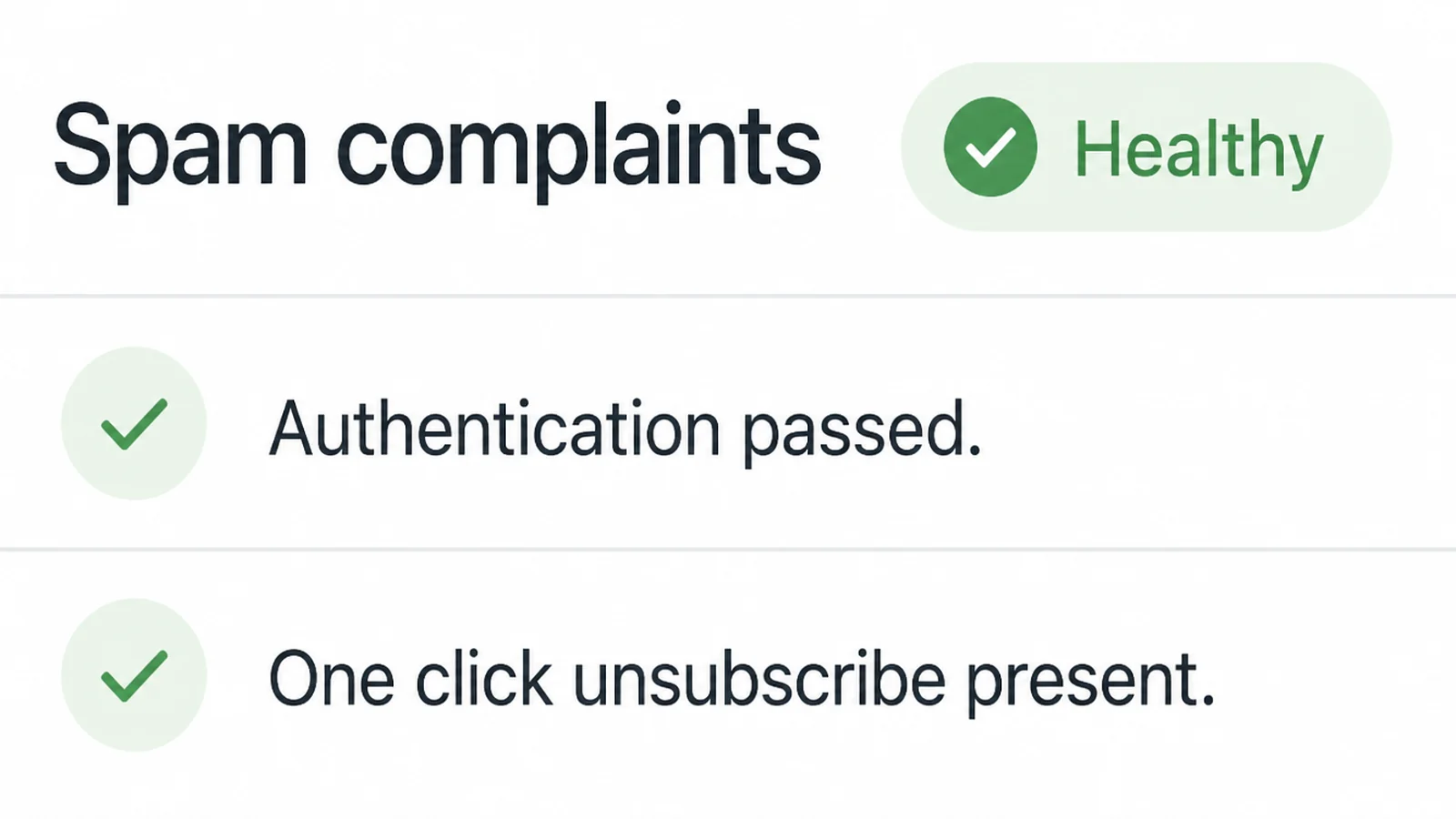
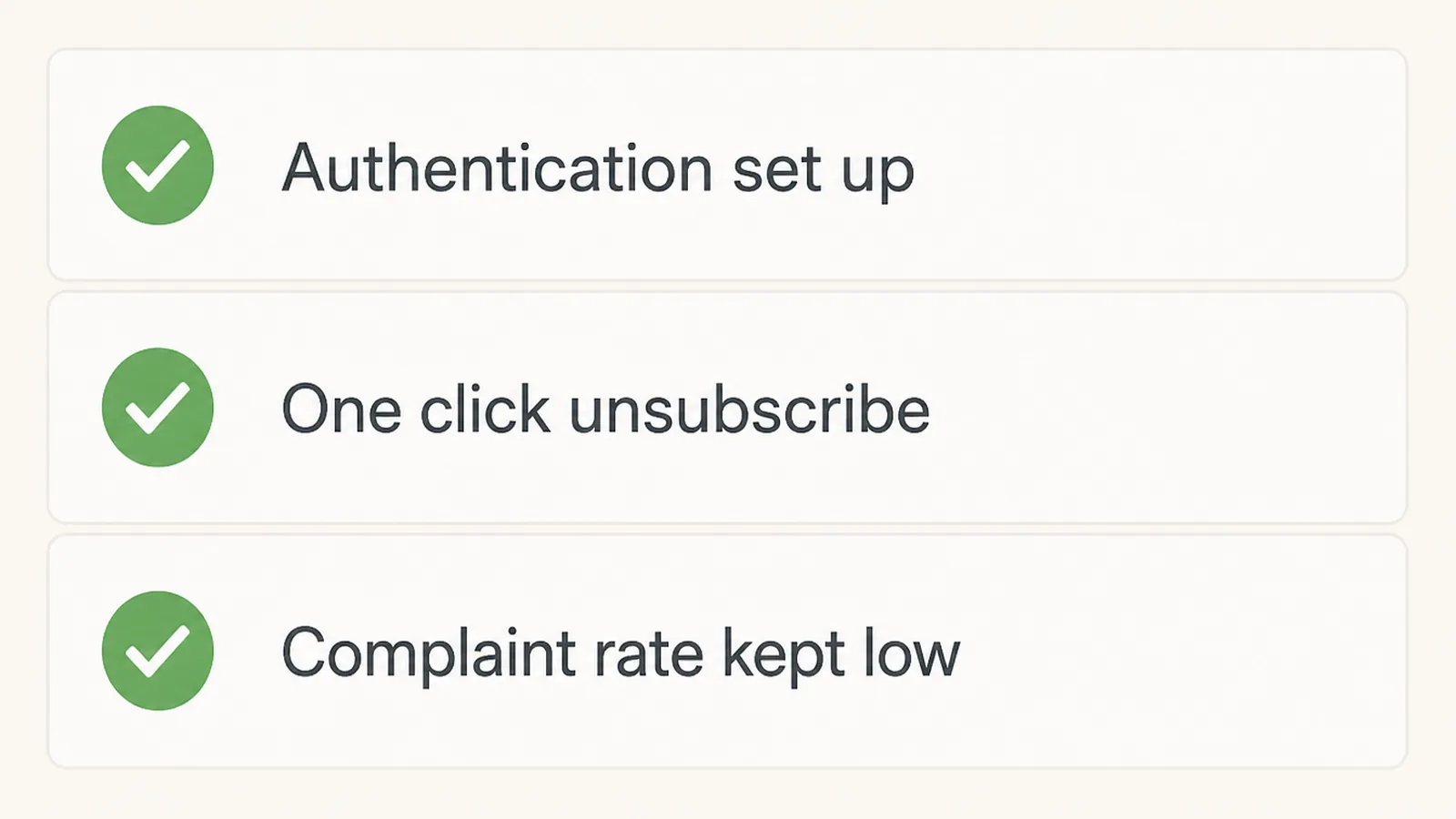
Google's guidance for senders of 5,000 or more messages a day, in force since 1 February 2024, asks for SPF, DKIM and DMARC on your sending domain and one click unsubscribe headers on marketing mail.
It also asks you to keep the number of people marking your mail as spam below 0.30 percent, and suggests aiming for under 0.10 percent.
Yahoo asks for the same authentication and adds that senders should honor unsubscribes within two days. Both pages were read on 9 September 2026.
There is a legal layer underneath that. If your message is subject to US CAN-SPAM law, the FTC's guide requires commercial email to carry a valid postal address and an obvious way to opt out. A Malaysian shop should also check its consent and personal-data duties under the PDPA.
You have ten business days to act on an unsubscribe, and the guide puts the penalty at up to $53,088 for each message that breaks the rules.
None of this is difficult. It is work you do once, before the first email goes out.
Skip it and the emails still send. They just land in the spam folder, which looks exactly the same to you as writing that did not work.
How to Write a Cart Recovery Email People Act On
1. Capture the email before the card
Put the email field first in your checkout, and let people carry on without creating an account.
If you run WooCommerce, AutomateWoo can save the details a guest types at checkout before the order is placed. Without that, you cannot email them at all.
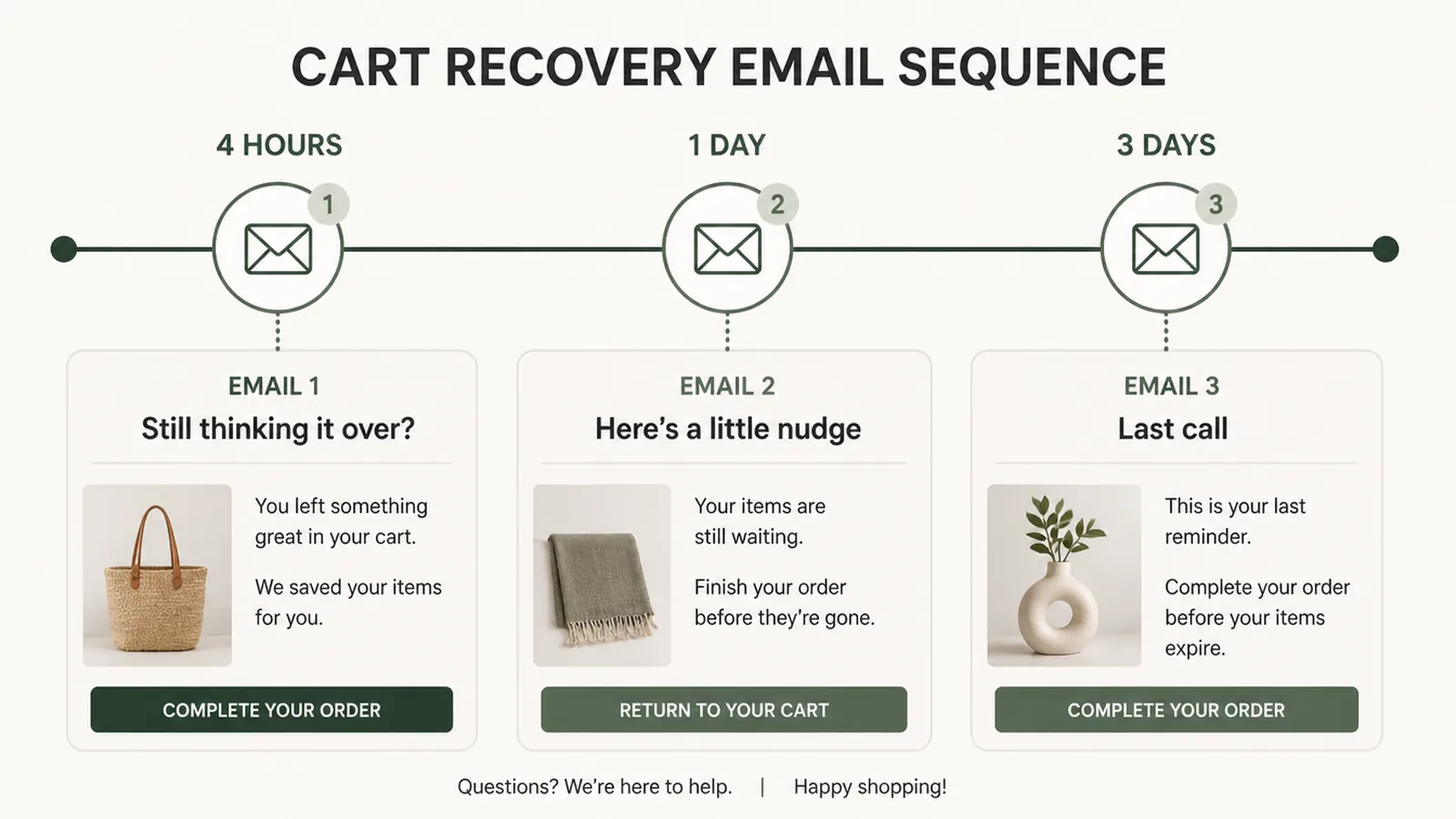
2. Send a plain reminder a few hours later
Klaviyo recommends the first message two to four hours after a checkout starts, and its ready made flow waits four hours.
Keep this one plain on purpose. No offer, no countdown, no story about your brand.
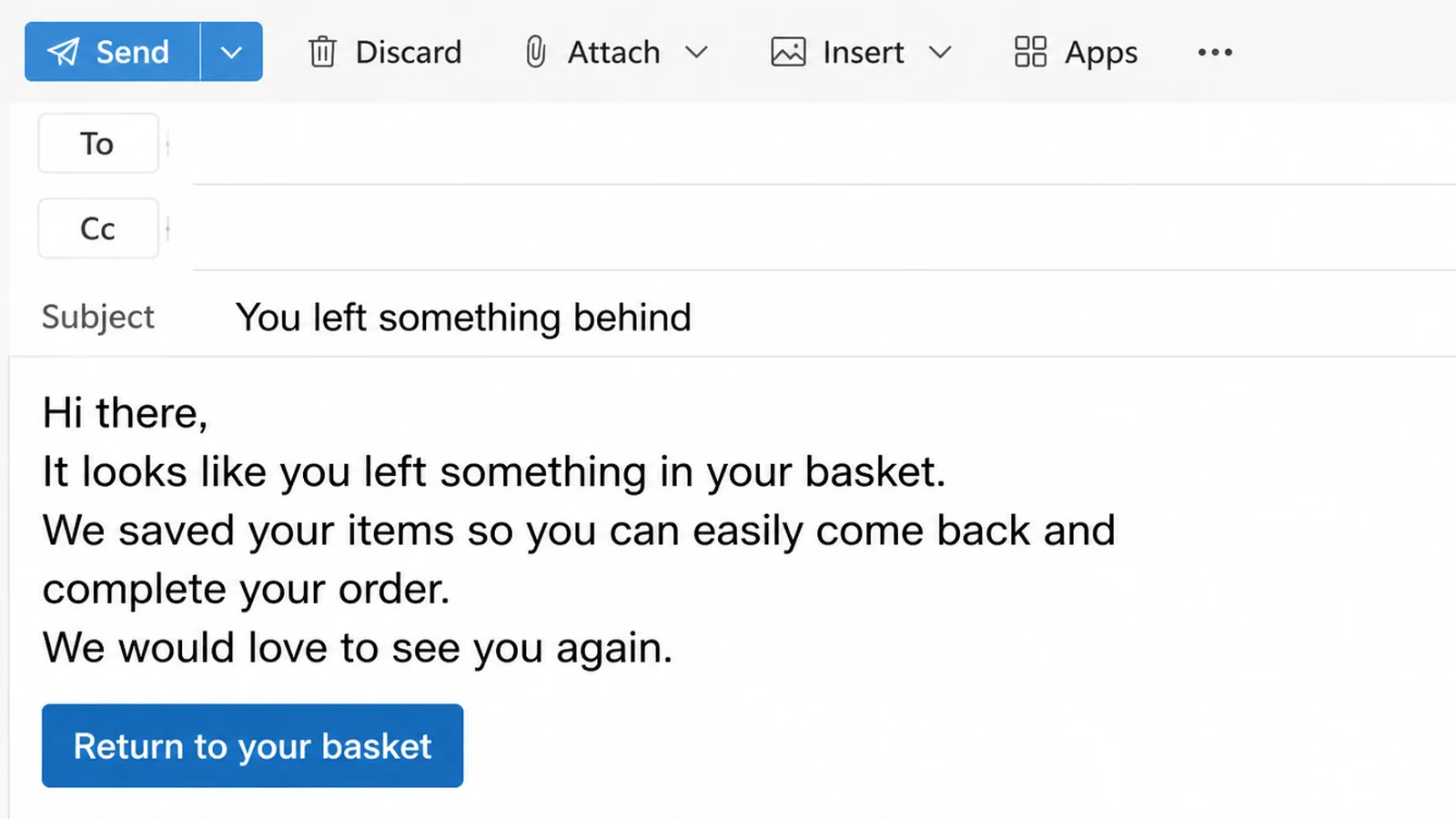
Subject: You left something behind
Hi [First name], your cart is still saved.
[Product name] is waiting whenever you are ready. It takes about a minute to finish.
[Return to my cart]
Any questions about sizing or delivery, just reply to this email and I will answer myself.
[Shop name], [postal address], [unsubscribe]
3. Answer the objection in email two
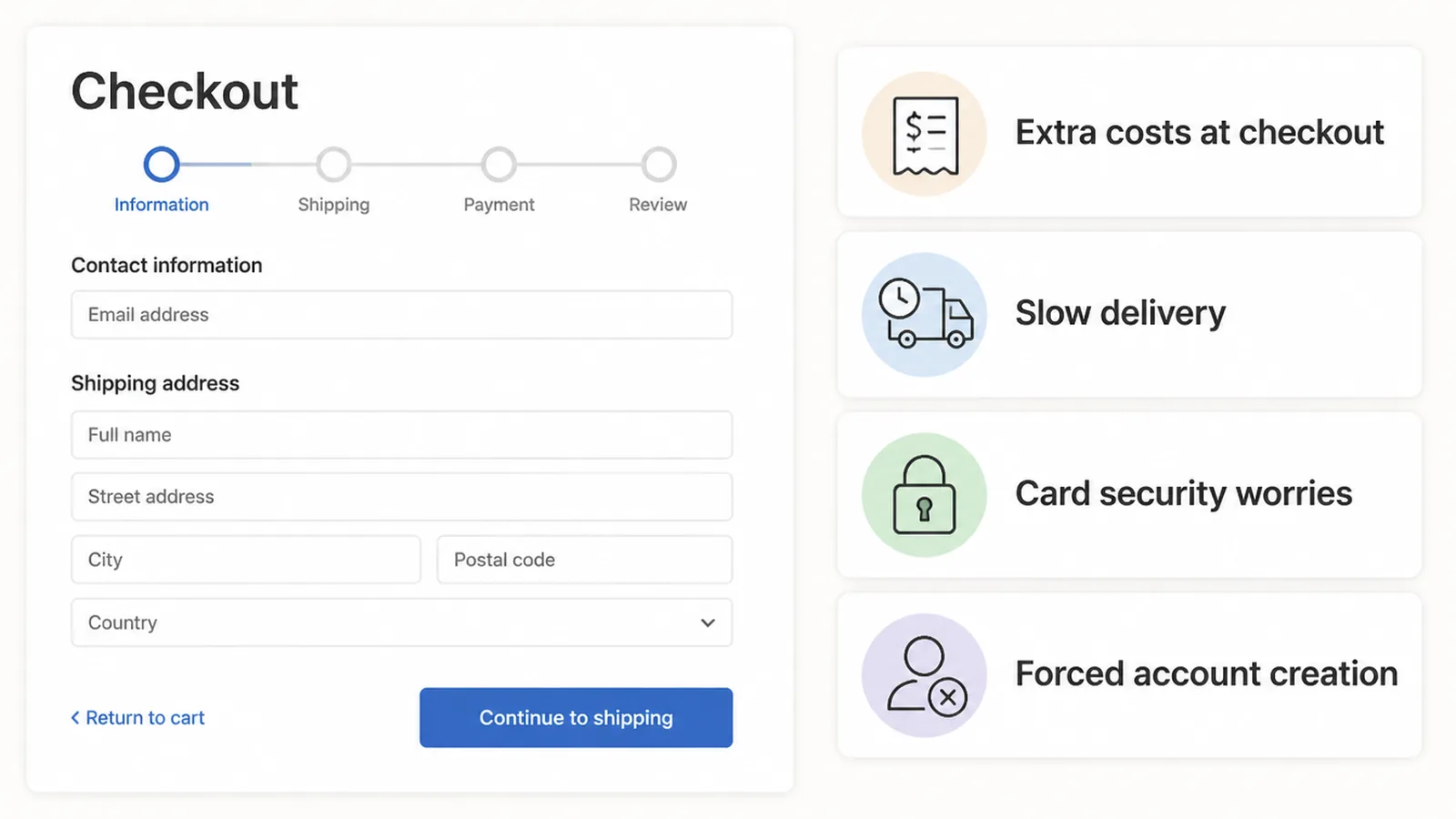
Baymard asked shoppers who left for a reason other than just browsing. Extra costs came top at 40 percent.
Slow delivery was next at 20 percent, and not trusting the site with card details at 19 percent.
So the second email, about a day later, should answer those three directly rather than repeat the reminder.
Subject: The shipping question, answered
Hi [First name], a few things people usually want to know before they order.
Delivery is [cost] and takes [number] working days to [region].
Returns are free for [number] days, no reason needed.
Payment runs through [provider], so we never see your card details.
[Finish my order]
[Shop name], [postal address], [unsubscribe]
4. Make the last email easy to ignore
The last of these abandoned cart email examples is the shortest. Two or three days later, send one short message and stop. This is the only place I would put an offer, and only to somebody who has never bought from you.
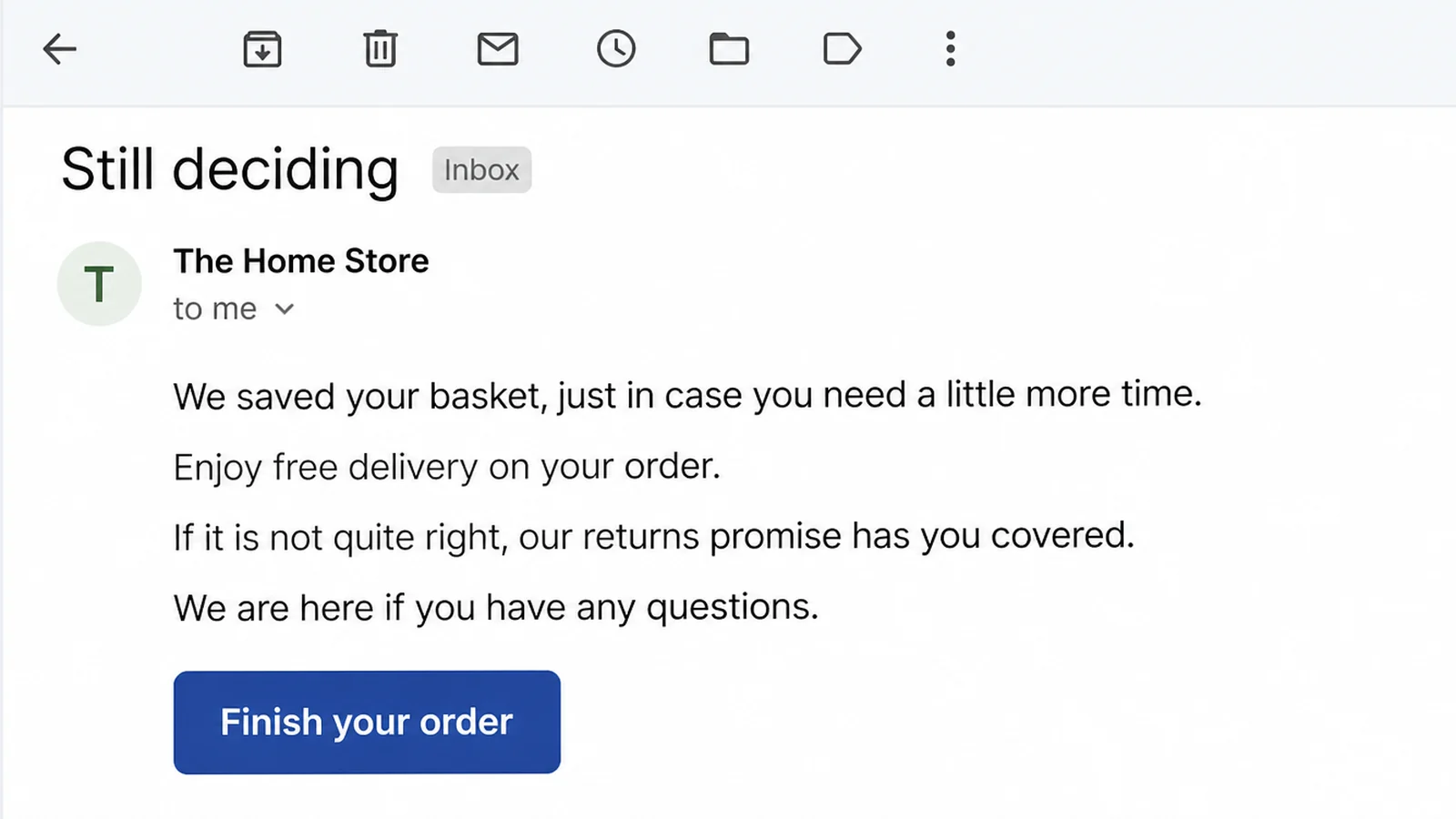
Subject: Last note about your cart
Hi [First name], I will leave this one alone after today.
Your cart is saved until [date]. If it helps, [code] takes [amount] off your first order.
[Use my code]
Not the right time? No problem at all, and thanks for looking.
[Shop name], [postal address], [unsubscribe]
5. Check the sending setup before you switch it on
Authenticate the domain, add the one click unsubscribe header, and put your postal address in the footer.
Then send a test to a Gmail address and a Yahoo address, read both on a phone, click every link, and switch the sequence on.
| When it goes | Best for | |
|---|---|---|
| The reminder | 2 to 4 hours later | Shoppers who were interrupted and simply forgot |
| The answer | About 24 hours later | Shoppers stalled by shipping cost, delivery time or trust |
| The last note | 2 to 3 days later | First time buyers who need one small reason to decide |
Ecommerce Email Ideas That Work Right Now
- Show the actual product photo. People leave several shops in one evening, and the picture is what reminds them which one you are.
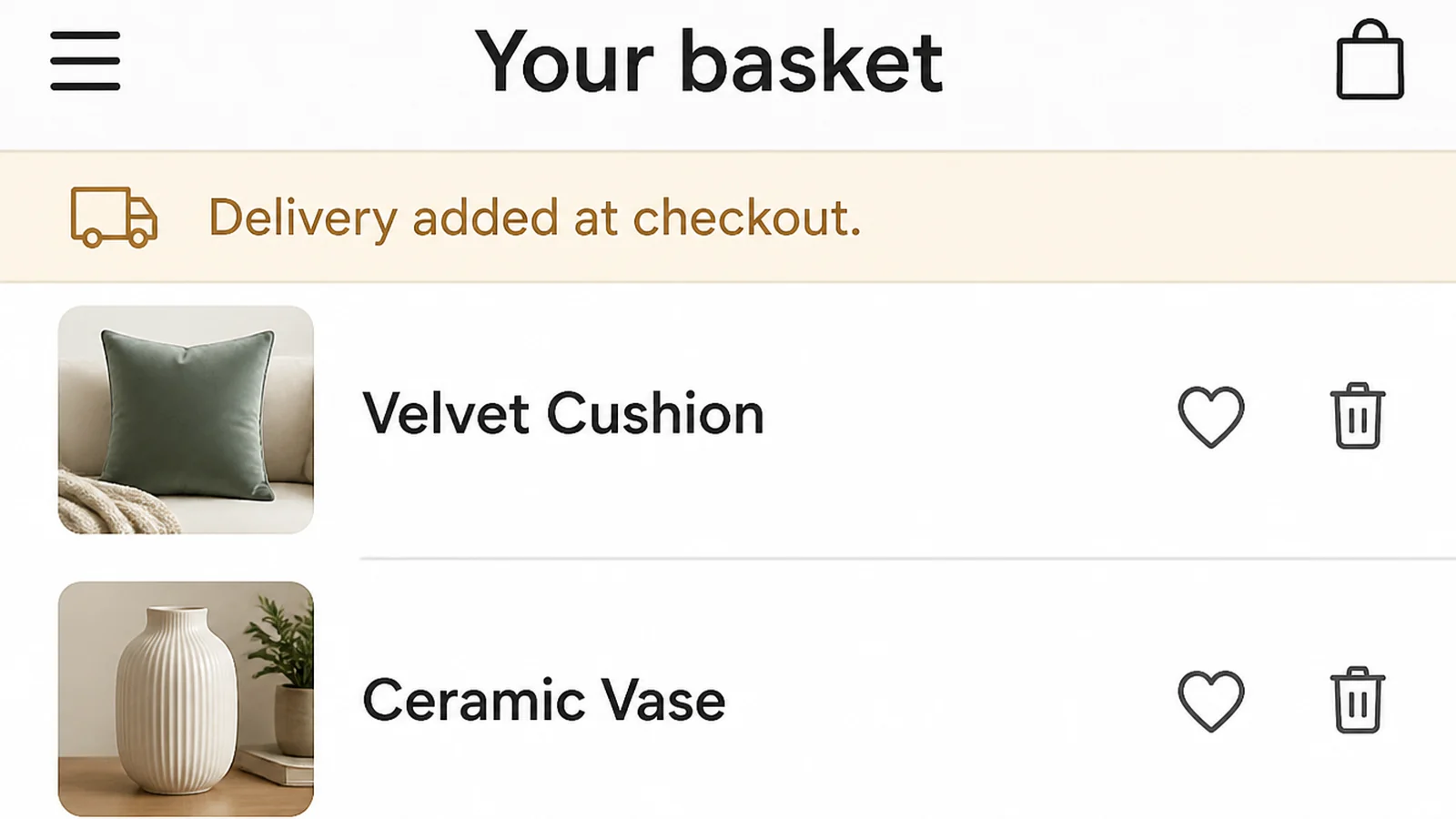
- Put the delivery cost in the email. If the number surprised them at checkout, hiding it a second time will not help.
- Invite a reply instead of pointing at a form. One line asking them to write back turns a failed order into a conversation.
- Name who handles the payment. Card security worries about a fifth of the people who leave, and one sentence settles it.
- Keep the button near the top on a phone. People should not have to scroll through the whole message to find it.
- Stop the emails the moment they buy. Mailchimp does this automatically, and any tool you use should do the same.
Cart Recovery Email Tools
| Tool | What it handles |
|---|---|
| Shopify | A built in recovery email with a link back to the cart, plus a delay you choose and rules for who receives it |
| Klaviyo | A flow triggered by the started checkout event, with a four hour delay already set up for you |
| Mailchimp | A single follow up or a series on paid plans, once a supported store is connected |
| AutomateWoo | WooCommerce carts including guests, with a timeout you set and workflows that cancel when the shopper returns |
Common Cart Email Mistakes
- Opening with a discount. Do it every time and your best customers learn that leaving the cart is how to get the code.
- Sending from a free email address. A Gmail or Yahoo address cannot pass the checks those same providers now require from bulk senders.
- Writing an ecommerce email newsletter instead. A brand story, a grid of products and three offers all bury the one link that matters.
- Forgetting the footer. If US CAN-SPAM law applies, the message needs a valid postal address and an easy opt out.
- Never looking at the numbers. Check your cart abandonment rate and how many people mark your mail as spam, the same way you check returns. It decides whether anything else works.
FAQs
How many abandoned cart emails should I send?
Klaviyo says two to three messages performs best, based on data from thousands of its ecommerce customers. One email leaves money on the table and five feels like nagging. Start with three, spread over about three days, and stop the sequence the moment the order comes through.
When should the first cart email go out?
Klaviyo recommends two to four hours after someone starts a checkout, and its ready made flows wait four hours by default. Shopify treats a checkout as abandoned after more than ten minutes of inactivity, so the shopper is usually still nearby when your first reminder arrives.
Should I put a discount in an abandoned cart email?
Not in the first one. If you always discount, regular buyers learn to abandon on purpose and wait for the code. Save any offer for the final message, keep it small, give it an end date, and only send it to people who have not bought before.
Do abandoned cart emails need an unsubscribe link?
Yes. Gmail and Yahoo require bulk senders to support one-click unsubscribe, and Yahoo asks senders to honour those requests within two days. If US CAN-SPAM law applies, the FTC gives you ten business days to act. A Malaysian shop should also check its duties under the PDPA.
Why do my cart emails go to spam?
Usually the sending domain, not the wording. Gmail wants bulk senders to set up SPF, DKIM and DMARC, and to keep the reported spam rate below 0.30 percent, ideally under 0.10 percent. Sort those out first, then look at your subject lines and images.
Conclusion
Three short emails, sent hours apart, from a domain that has been set up properly. That is the whole system.
Write them once, check them against a real inbox, and leave them running.
If you would rather have the sequence and the ecommerce website it feeds from handled together, or you are working on keeping the customers you already won, reach out to my team at Seed Light.