How to Add Keywords to Your Google Business Profile the Right Way

How to add keywords to Google Business Profile has a short answer: wording belongs in three places: the description, the services list, and posts. Seed Light keeps it out of the business name, because Google requires the name to reflect the real world name and says unnecessary information in it is not permitted.
The oldest trick on a business listing is padding the name. "Smith Plumbing" quietly becomes "Smith Plumbing Emergency Plumber Penang 24 Hours".
It is against Google's guidelines, it is reportable, and it makes a business look like a search result rather than a company.
This guide covers the three places wording genuinely belongs on a profile, what to write in each, and why the name is not one of them.
Key Takeaways
- Three places for wording. The description, the services list, and posts.
- The name is the real name. Google requires the one on your storefront and stationery.
- Taglines and locations are out. Both are named in the guidelines as not permitted.
- Write for a reader. The description is read by customers, not scanned by a machine.
- The services list is underused. It is the natural home for specific terms.
Learning how to add keywords to Google Business Profile is mostly learning where not to. The name field is the one place that can cost you the listing.
The rest is ordinary writing, in fields most businesses leave half empty.
Where Keywords Belong On A Profile
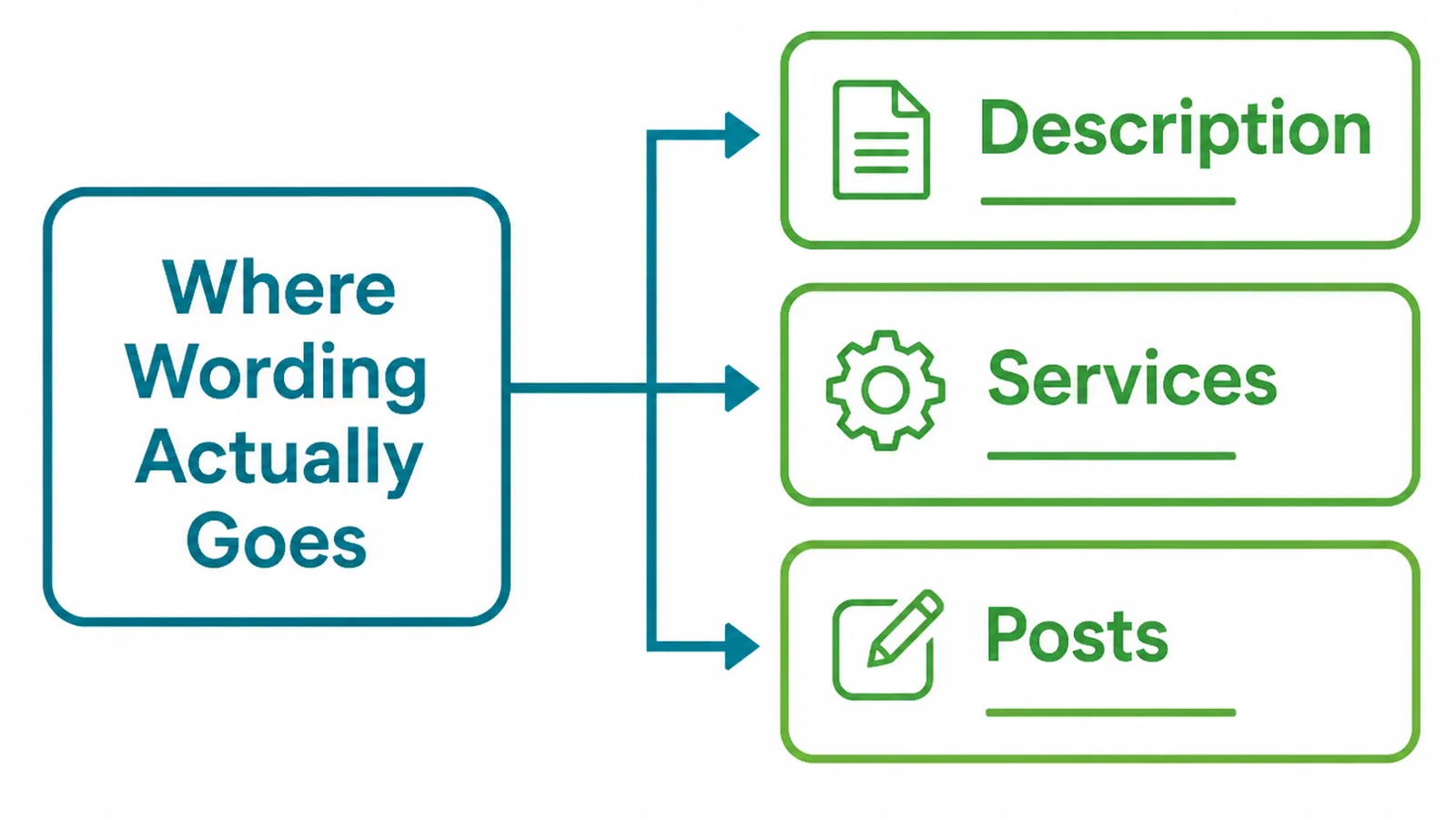
A profile has three fields where your own wording is expected and welcome.
- The description. A paragraph about what the business does, for whom, and where.
- The services. A list of individual services, each with room for a short description.
- Posts. Short updates that let you write about one thing at a time.
The services list is the most neglected of the three. It is a field designed for exactly the terms businesses try to force into the name.
Each of these is read by people. That is the test for whether the wording is doing its job honestly.
If a sentence would embarrass you in front of a customer, it is the wrong sentence, whatever anybody says about how listings get matched.
That test disposes of most of the advice about GBP keywords. Nobody reading a stuffed description thinks better of the business, and the listing is read far more often than it is matched.
It also makes the writing quicker. Describing what you do honestly takes one draft; writing to a formula takes several and reads worse.
Why The Business Name Is Not One Of Them
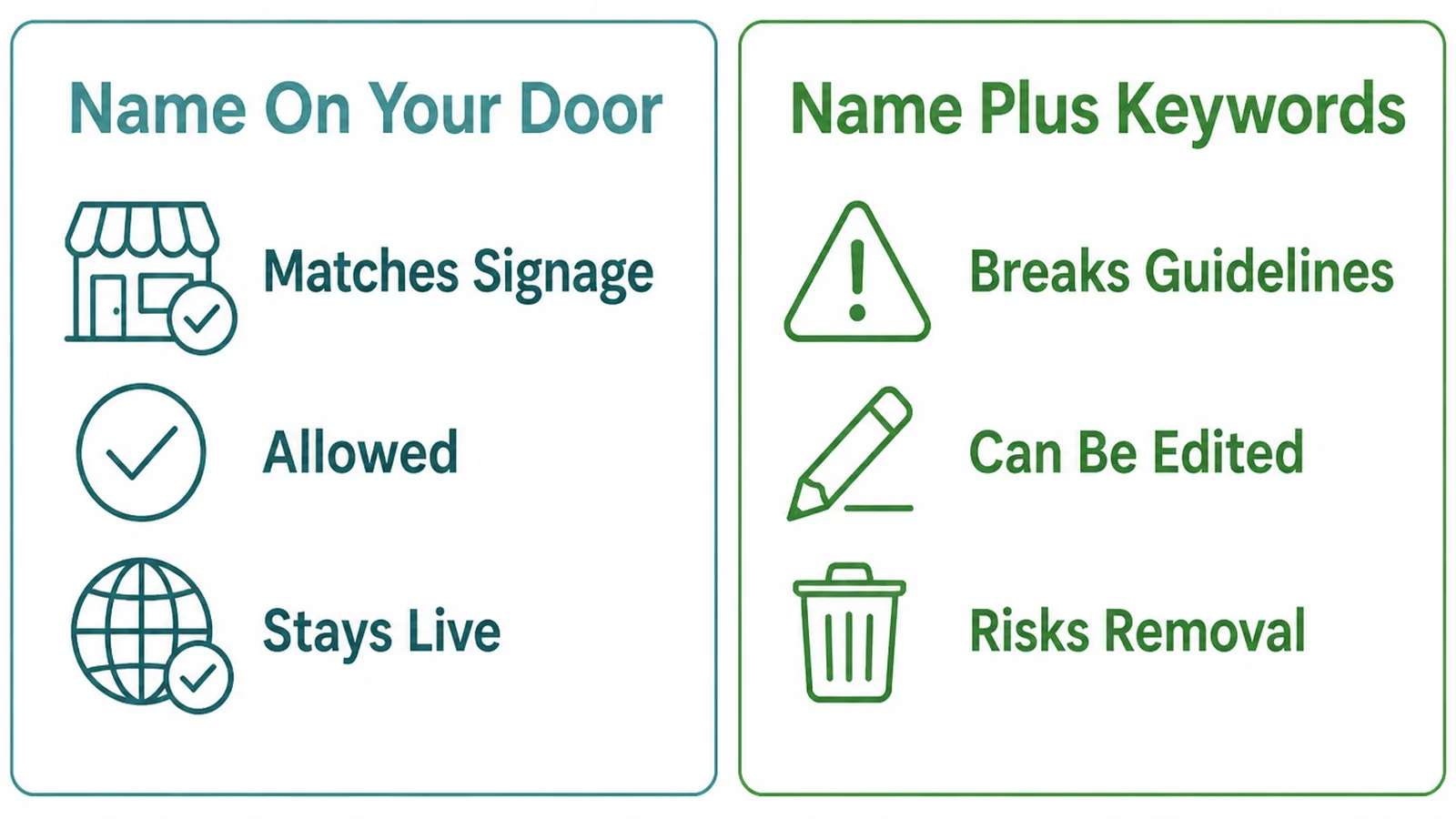
Google is specific about this field. Your name should reflect your business's real-world name, as used consistently on your storefront, website, stationery, and as known to customers.
The guidelines then rule out the additions people reach for. Marketing taglines are listed as not permitted, with "TD Bank, America's Most Convenient Bank" given as unacceptable against "TD Bank".
Location words are treated the same way. "Equinox near SOHO" is unacceptable where "Equinox SOHO" is fine, because the place name is part of the official name in the second case.
Service descriptors go the same way: "Midas Auto Service Experts" is rejected where "Midas" is accepted. The page sums it up plainly, saying including unnecessary information in your business name is not permitted.
Store codes, opening hours, phone numbers, web addresses, trademark symbols and words in full capitals are all named as well.
The practical consequence is simple. If the words are not on your signboard and your invoices, they do not belong in the name field either.
Fixing a padded name is a single edit, and it goes through the usual review. Businesses often find their enquiries change very little, because the name was never what was winning them.
How To Add Keywords To Google Business Profile, Step By Step
Three fields, in the order worth filling them. Each one takes a few minutes and most businesses have never finished any of them.
1. Write The Description First
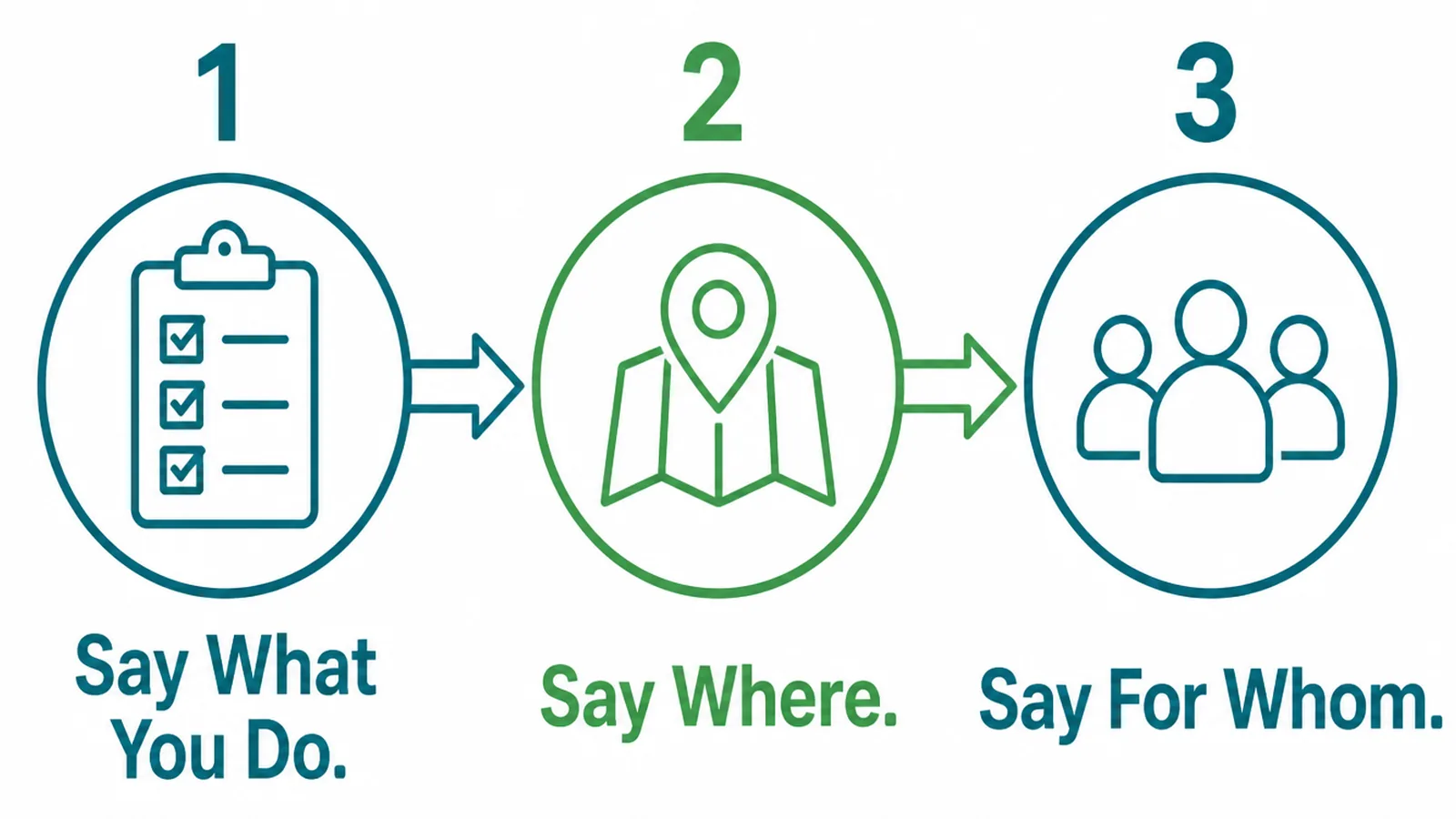
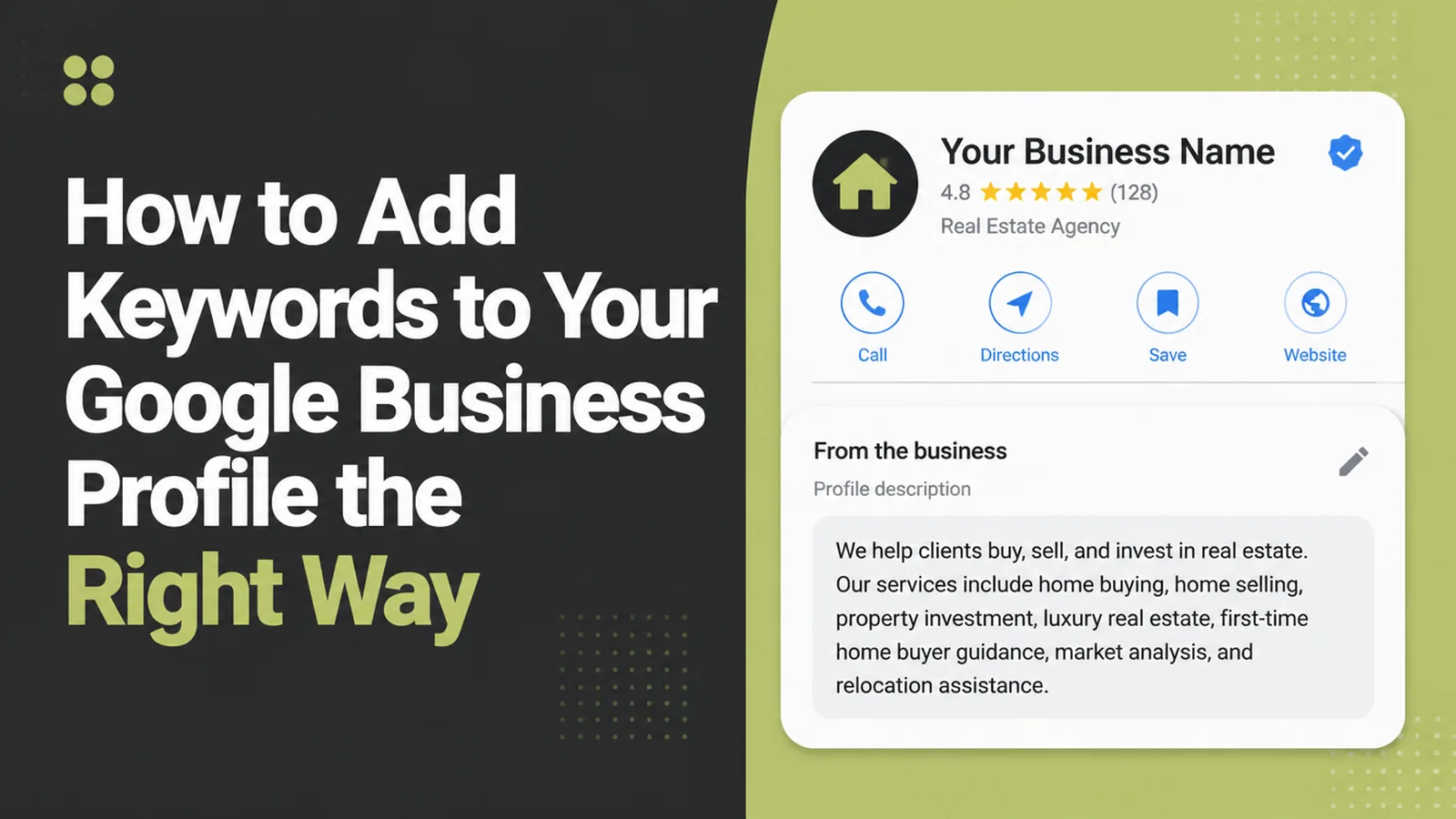
The business profile description is one short paragraph, and three sentences cover it.
- Say what you do. The services, in the words a customer would use.
- Say where. The town or the area you serve, naturally rather than stacked.
- Say for whom. Homeowners, small businesses, landlords, whoever it actually is.
Read it aloud when it is written. A paragraph that sounds like a sentence somebody would say is a paragraph that will not be mistaken for stuffing.
Open with what you do rather than when you were founded. The history is interesting later, and the first line is the one that gets read.
One mention of each term is enough. Repeating a phrase four times makes the description worse to read and achieves nothing a reader would thank you for.
Keep it current. A description listing a service you dropped is the kind of small inaccuracy that produces wasted enquiries.
Put the date you last edited it in a note somewhere. A business profile description tends to be written once and then quietly outlive two changes of direction.
2. Fill In The Services List
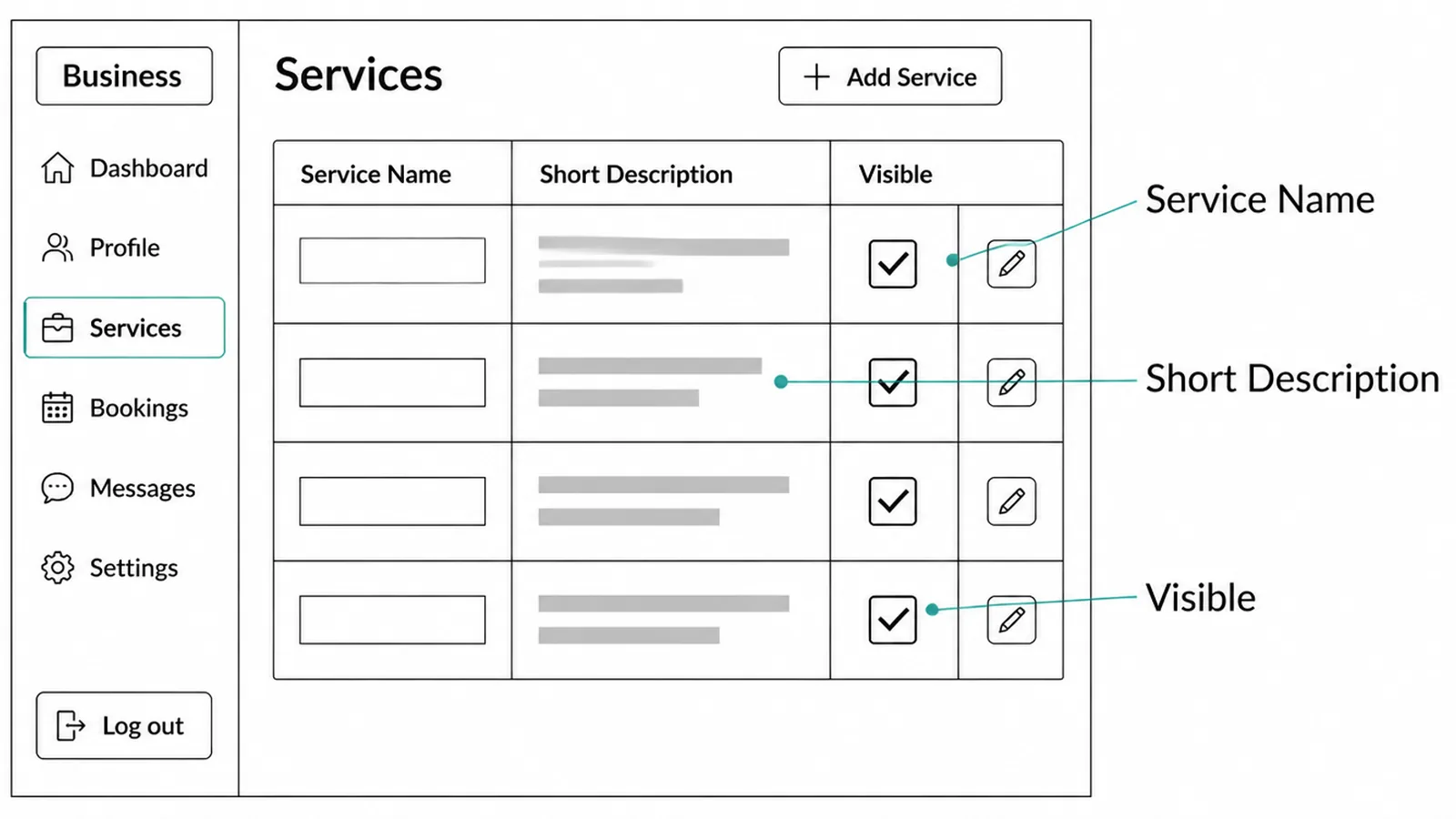
This is where specific terms belong, and where almost nobody looks.
- Service name. One per thing you actually sell, named plainly.
- Short description. A sentence saying what it covers and who it suits.
- Visible toggle. So anything seasonal or paused can be hidden rather than deleted.
Add every service you genuinely offer, even the small ones. A customer searching for the small one is a customer who has told you exactly what they want.
Group them the way a customer would, not the way your accounts do. Two services that feel identical to you may be the whole decision for somebody choosing.
Write the descriptions rather than leaving the names bare. A name alone tells a reader very little about whether you do their version of the job.
Some categories offer this field and others do not, so what you see depends on the category you picked.
Where the field is missing entirely, the description and posts carry the load. That is a reason to check the category rather than to give up on the wording.
3. Keep Posts Doing The Rest
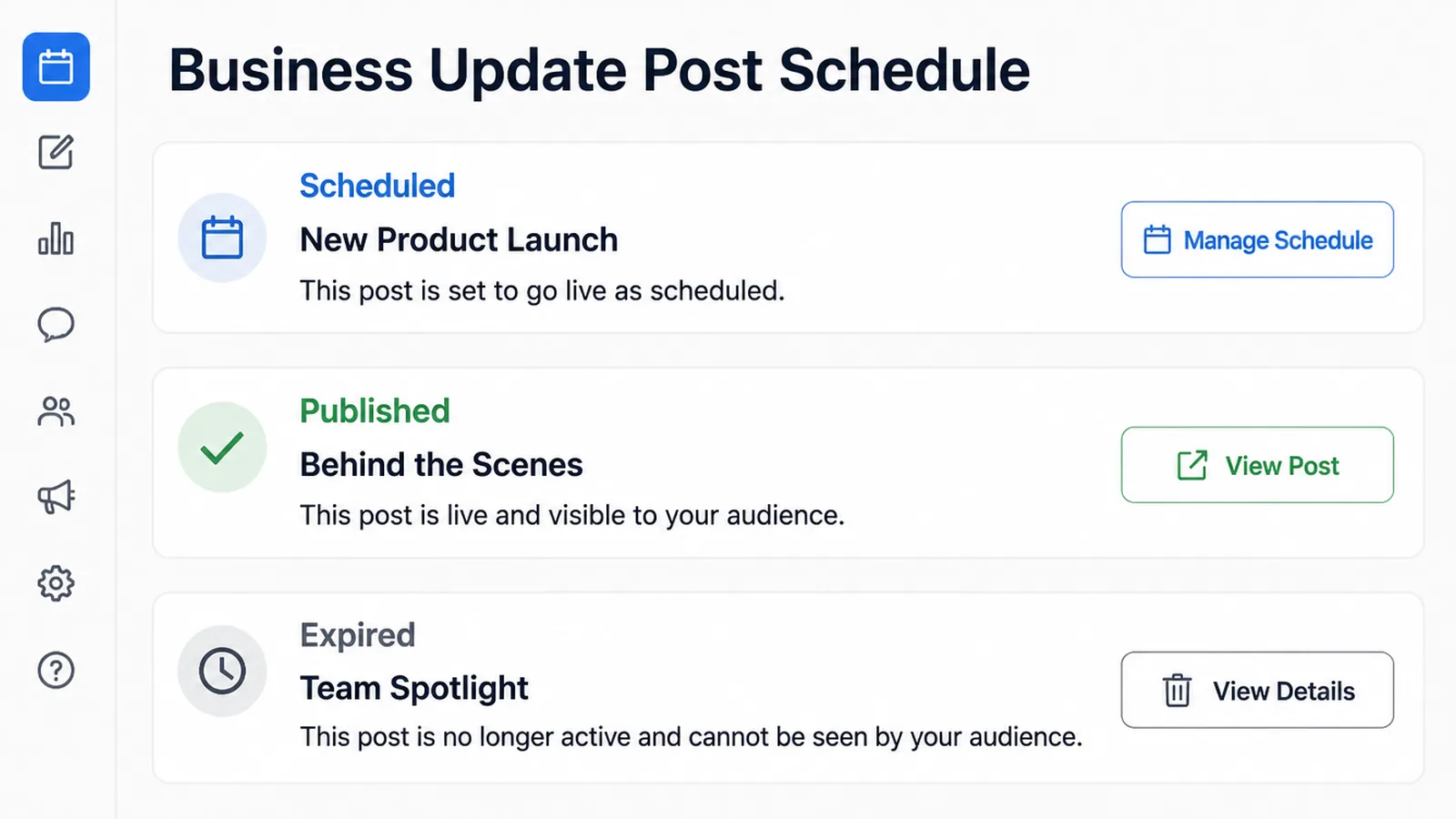
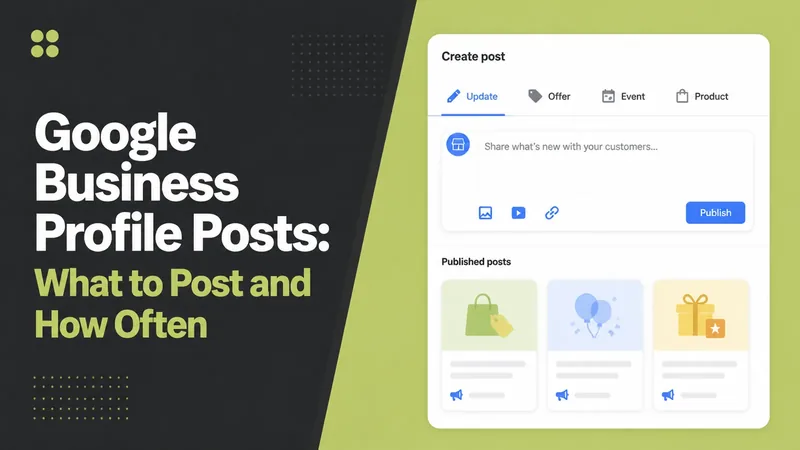
Posts are the only part of a profile you can add to regularly, and they take one idea at a time.
- Post type. An update, an offer or an event, depending on what you have to say.
- Description. A few plain sentences about one thing, with a photograph.
- Button. The action, where there genuinely is one.
Write them as you would a short message to a customer. A post that reads like a press release does the listing no good.
One a fortnight is plenty for most businesses. The point is that the profile looks tended rather than abandoned.
This is also the natural place for the terms that did not fit anywhere else, used once, in a sentence that means something.
Posts expire from view after a while, so they are not a filing cabinet. Anything that needs to stay true belongs in the description or the services list instead.
Profile Wording Ideas That Work Right Now
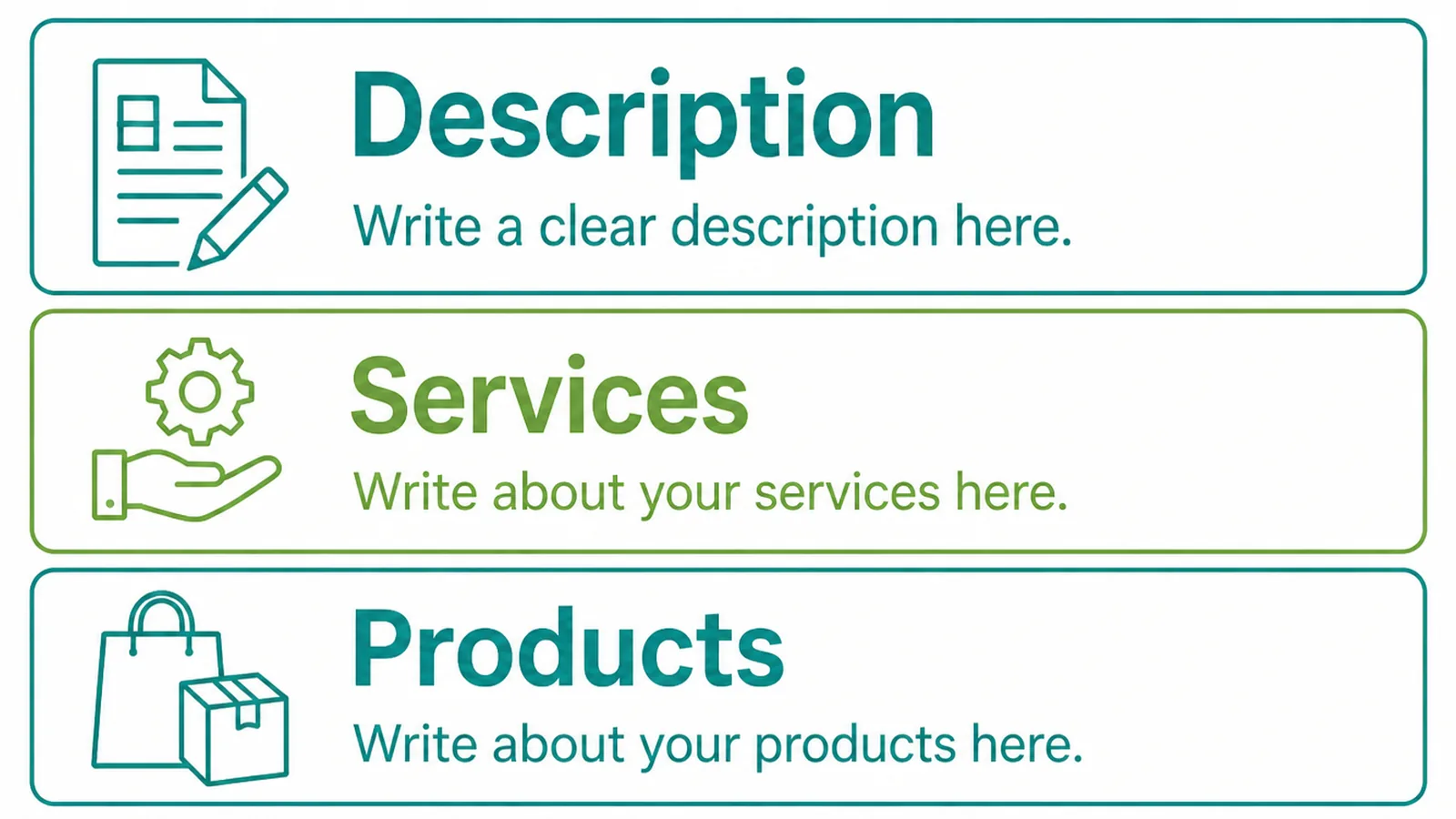
| The field | What to write in it |
|---|---|
| Description | What you do, where, and who for, in three readable sentences |
| Services | Every service by name, each with a sentence of its own |
| Posts | One thing at a time, with a photograph and a button where it fits |
Treat the three as one piece of writing rather than three forms. The description introduces, the services itemise, the posts keep it alive.
Write all three in one sitting, from the same notes. Done separately they drift, and the listing starts describing three slightly different businesses.
Done properly, keywords in profile fields stop being a tactic and become a plain description of the business. That is what the fields were built for.
Profile Wording Tools
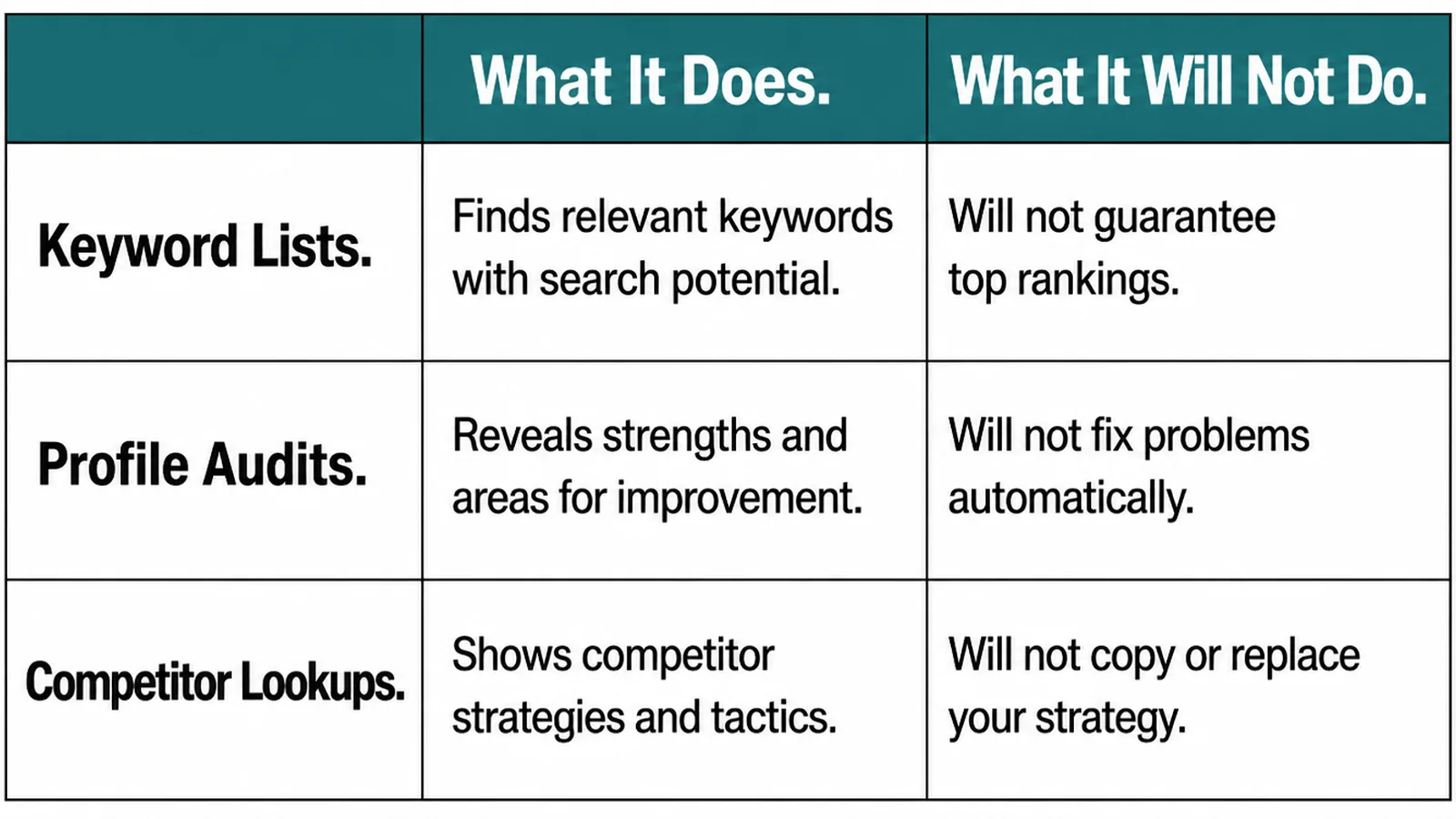
| What it does | What it will not do |
|---|---|
| Keyword tools show the phrases people search in your area | Tell you which ones you can honestly claim |
| The profile editor holds the description, services and posts | Warn you that a name edit breaks the guidelines |
| Writing assistants tidy a description quickly | Resist stuffing, which they will happily do on request |
Keyword tools are genuinely useful here, for vocabulary rather than for volume. Knowing whether customers say repair or servicing changes how you write the services list.
What they cannot tell you is whether a phrase describes your business. That remains a judgement, and the honest answer is usually obvious.
Pick three or four phrases at most and use each once, in the field where it fits. A short list used properly beats a long one scattered everywhere.
Common Profile Keyword Mistakes
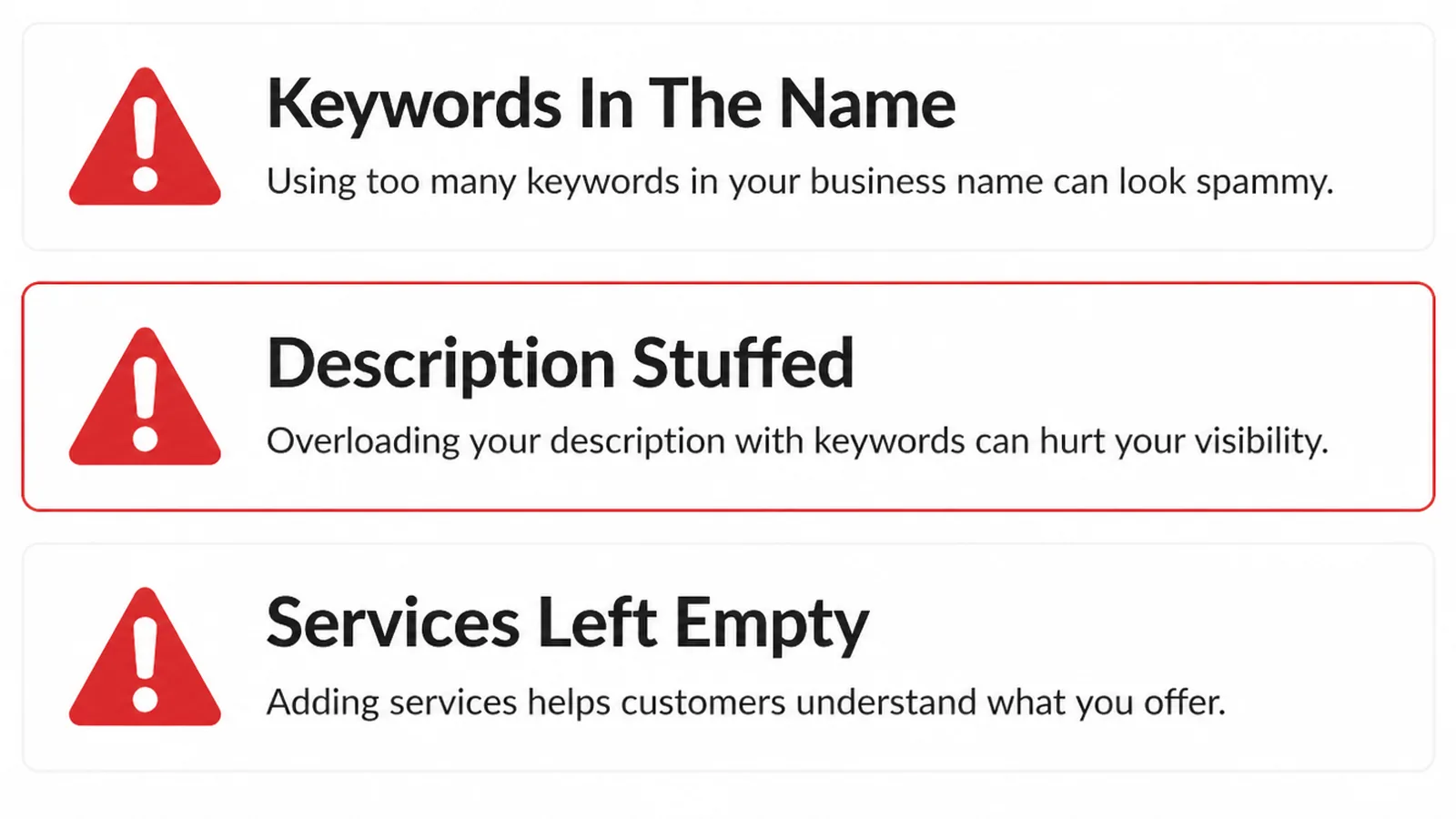
- Padding the name. Services and towns added to a name nobody uses on the door.
- An empty services list. The field built for specific terms, left blank.
- A description written for a machine. The same phrase four times, readable by nobody.
A fourth is copying a competitor who is breaking the rules. Their listing may be doing well today and it is not a strategy you can rely on.
Report it if it bothers you, then go and finish your own services list. That part is under your control.
If the listing is new, picking the right category comes before any of this, since it decides which of these fields you get.
FAQs
Can I put my service in the business name?
No. Google requires the name to reflect your real world name as used on your storefront, website and stationery, and says unnecessary information in the name is not permitted. Service descriptors, taglines and added location words all fall outside that.
Where should keywords go instead?
In the description, the services list and your posts, written as sentences a customer would read. Those fields exist to describe the business, and wording there does the job people hope padding the name will do, without risking the listing.
What happens if a competitor pads their name?
They may rank for a while, and the edit can be reported through the profile. Suggesting an edit is slow and sometimes ignored, so treat it as housekeeping rather than a strategy, and spend the effort on your own description and services.
How long should the description be?
Long enough to say what you do, where you do it and who for, usually a short paragraph. Write it for somebody reading your listing rather than for a search engine, and put the specific services in the services list instead of crowding them in here.
Conclusion
How to add keywords to Google Business Profile comes down to using the three fields built for words and leaving the name alone.
Write a readable description, finish the services list properly, and keep posting one thing at a time. That covers everything padding a name was ever meant to achieve.
If your listing needs a proper going over, see how we approach local SEO, or get in touch and we will check the name against the guidelines first.